Customer Ratings & Reviews
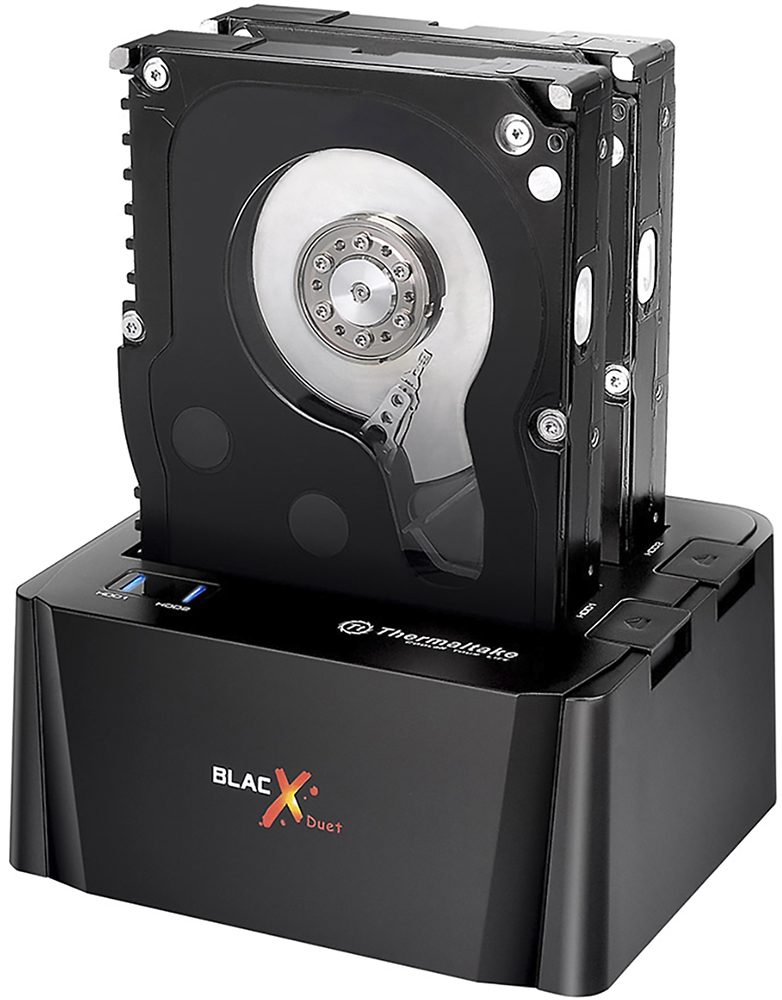
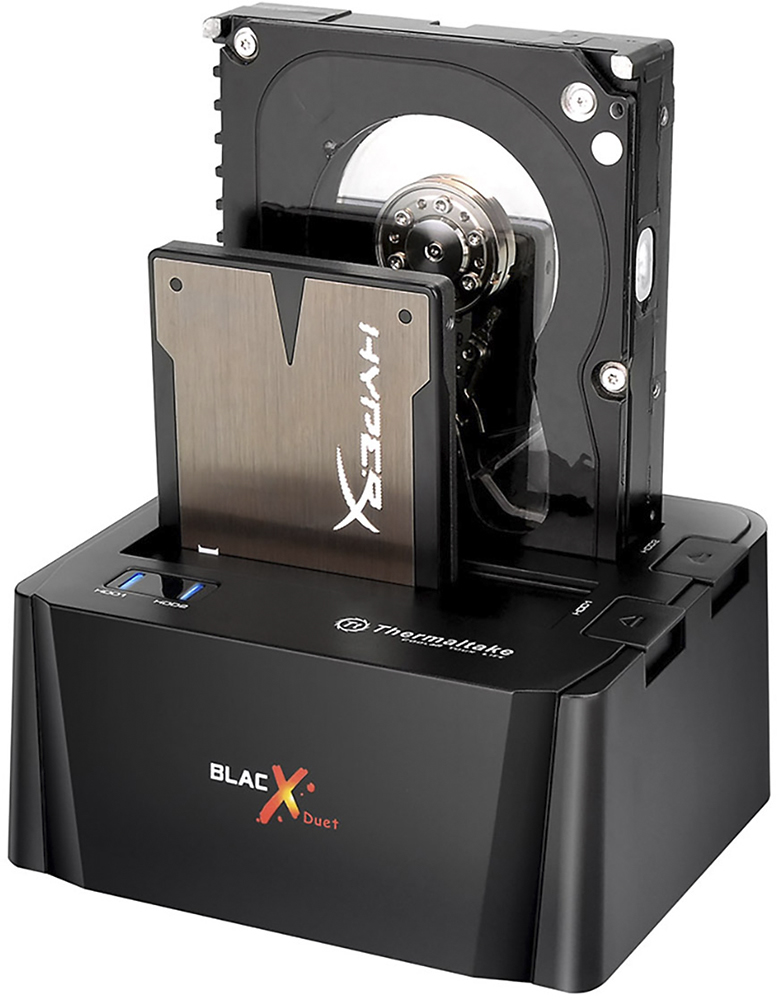
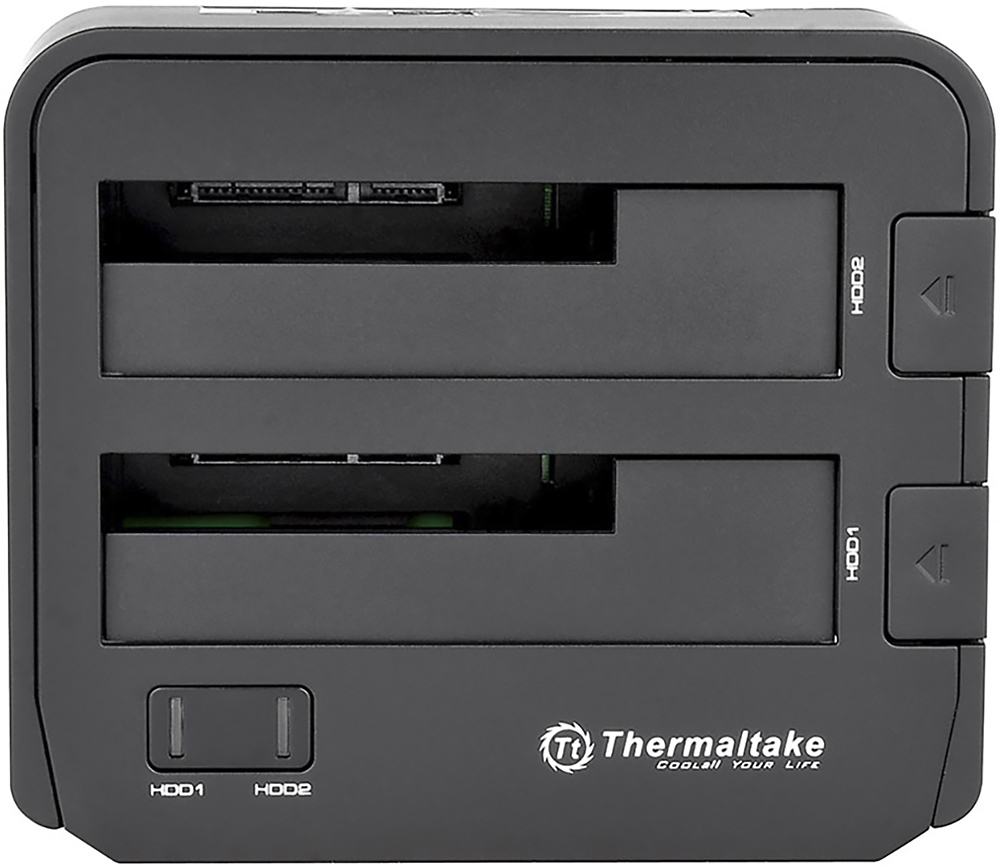
- Model:
- ST0014U-C
- |
- SKU:
- 9062073
Customer reviews
Rating 4.4 out of 5 stars with 1140 reviews
(1,140 customer reviews)Rating by feature
- Value4.0
Rating 4.0 out of 5 stars
- Quality4.0
Rating 4.0 out of 5 stars
- Ease of Use4.4
Rating 4.4 out of 5 stars
Customers are saying
Customers have good things to say about the BlacX Duet Hard Drive Enclosure Docking Station, particularly its data recovery capabilities and user-friendly design. Many users find it an effective tool for recovering data, while others appreciate its simplicity and ease of use. The compatibility of the docking station with various devices and its USB 3.0 connectivity, which ensures fast data transfer speeds, are also well-received features.However, there are some concerns regarding its durability, with a few customers reporting that their devices stopped working after limited use. Additionally, some users have expressed disappointment with the capacity of the hard drive and have encountered defective units.
This summary was generated by AI based on customer reviews.
- Pros mentioned:Data transfer
Rated 5 out of 5 stars
Excellent Choice works great.
||Posted .This reviewer received promo considerations or sweepstakes entry for writing a review.I am very happy with it. Its fast and with 2 x 1TB HDDS its great for storage and hard drive data recovery when you are switching drives or moving files around.
I would recommend this to a friend - Pros mentioned:Usb
Rated 5 out of 5 stars
Excellent Way To Add Older Hard Drives
||Posted .This reviewer received promo considerations or sweepstakes entry for writing a review.I have too many older hard drives! I wanted to use them without having to rebuild my computer. I decided to give this Hard Drive Extender a try. I'm using it with my MacBook Pro and Seagate Backup Plus Hub. It is working as expected and I've experienced no troublesome issues. Plug in and play. Easy. The MacBook recognized everything immediately and the USB3 technology seems to load quickly.
I would recommend this to a friend Rated 5 out of 5 stars
GOOD ENOUGH FOR VIDEO/PHOTOS
||Posted .This reviewer received promo considerations or sweepstakes entry for writing a review.Work a bit slow to read/wright video and photos. It will be great if this where eSata, that will work faster. After all, if you are looking for something way faster -- than you might need to look for one that is eSata connectivity.
I would recommend this to a friendRated 5 out of 5 stars
Good. Works best for what I use it for.
||Posted .This reviewer received promo considerations or sweepstakes entry for writing a review.Does what it does. You have 2 slots to work with. Plug and play so no need to worry about drivers.
I would recommend this to a friend- Pros mentioned:Data transfer, Ease of use, Usb
Rated 5 out of 5 stars
A must have
||Posted .This reviewer received promo considerations or sweepstakes entry for writing a review.Who remembers when they upgraded a hard drive and then had to put the old drive into an enclosure? Not any more. Just slide the drive into one of two slots and lines up with the usb and power. Recognizes automatically and you can transfer documents or reuse the drive for projects or music. A must have for audio recording.
I would recommend this to a friend - Pros mentioned:Ease of useCons mentioned:Reliability
Rated 4 out of 5 stars
Two slots, awesome!!
||Posted .This reviewer received promo considerations or sweepstakes entry for writing a review.The idea of this piece of hardware is awesome. I must have gotten a defective unit though. It would keep connecting and reconnecting on its own, whenever it felt like, and frequently mind you, I would be in the middle of a game that was saved on the hdd in this dock, and it would just disconnect, making me lose any progress, frustrating. So I dealt with it until a month after purchase date it decided that it was time to go electronics heaven or something and it just shutdown for good, power lights went out and never came back on. I really liked the functionality this thing has, to bad it didn't last. So I returned it and got an Insignia enclosure instead, has been working great so far!!!
No, I would not recommend this to a friend - Pros mentioned:Data transfer, Price
Rated 5 out of 5 stars
Simple to use - handy to have around
||Posted .This reviewer received promo considerations or sweepstakes entry for writing a review.If you're like me you have hard drives from previous machines in storage-- just in case you need a drive for a machine in the future. It seems like I'm always moving drives between boxes for different projects. The Thermaltake drive dock is super handy to have around and it's reasonably priced. Since the dock has two slots, I was recently able to pull data off of a mirrored set of drives, which saved my bacon with a machine that had a corrupted boot loader. Now I'm going through some older drives of sub-1TB size that I want to recycle and I'm double checking the drives before I wipe them and this dock is making that process painless.
I would recommend this to a friend - Pros mentioned:Ease of useCons mentioned:Reliability
Rated 4 out of 5 stars
Easiest file transfer tool, ever!
||Posted .This reviewer received promo considerations or sweepstakes entry for writing a review.We go through computers in our house and there is nothing like having a trusted machine die suddenly. Our old desktop machine HDs were not compatible (SATA) but the laptop drives worked just fine. The unit allowed for easy plug and play, after which I was able to view and transfer the files I needed onto my new machine. I won't have to worry about discarding old hardware again because now I can take out all the HDs and reformat them if needed before tossing them.
I would recommend this to a friend - Pros mentioned:Ease of use, Usb
Rated 5 out of 5 stars
Saved my data
||Posted .This reviewer received promo considerations or sweepstakes entry for writing a review.This product was recommended by Geek Squad to access the data on a hard drive I could no longer access. It worked like a charm. Super easy to use. Removed the hard drive from my PC (with help from a YouTube video), placed it in the unit like a piece of toast, plugged it into my new computer with the USB, plugged in the power outlet to the wall and moved the data over. Couldn’t be easier and it saved me $60 over what Geeks would’ve charged for the same thing. Now, I can use it as an external hard drive!
I would recommend this to a friend Rated 4 out of 5 stars
Easy to use
||Posted .This reviewer received promo considerations or sweepstakes entry for writing a review.I just purchased this about a month ago, and so far I have been very pleased with it, the drives I have plugged into it have been easily recognized, I know it can only accept SATA hard drives, but I figured I should mention that in case someone is looking for an easy way to read IDE or PATA hard drives. All in all, I really like it, I guess the only "complaint" I have against this docking station is that the eject buttons can be a little hard to push down to get the drive pop up, but that's more of a gravity thing than a bad workmanship thing, once you get used to it, it's easy to use. One thing I really like about this station is the hard drive activity lights and how they're a part of the power button, it's really neat! I also like how the power button is right on the top, I don't have to search and get frustrated trying to find a lousy on/off switch that's in an odd place on the device like several other docking stations I've had before or finding out that there's no power switch on the station at all, just plug it in and away it goes, which is NOT what you want when you're connecting hard drives to a pc or mac. Again, I really like this station, there's a lot of other stations out there but not at this low of a price, and those that are definitely don't have this level of quality built in. If you're looking for a docking station, I highly recommend this one.
I would recommend this to a friend- Pros mentioned:UsbCons mentioned:Reliability
Rated 4 out of 5 stars
Works as advertised
||Posted .This reviewer received promo considerations or sweepstakes entry for writing a review.USB 3.0 transfers are as fast as expected. No problems running two HDs at once. My only issue is that the unit does not seem built for dally use. Constructed more for occasional use, or leave drive in all the time. Not a complaint, just an observation.
I would recommend this to a friend - Pros mentioned:Ease of use, Price
Rated 5 out of 5 stars
Easier than opening your computer
||Posted .This reviewer received promo considerations or sweepstakes entry for writing a review.Purchased this several weeks ago because I was tired of having to open up my computer every time I wanted to store information on different hard drives or check drives to see if they are working. This is a must for computer geeks. Works great for me and priced right.
I would recommend this to a friend - Pros mentioned:Ease of useCons mentioned:Reliability
Rated 5 out of 5 stars
Great dock for HDD &SDD
||Posted .This reviewer received promo considerations or sweepstakes entry for writing a review.I love how the company decided to make it easy for us to hold the hdd & sdd drives.I bought a Insignia brand & its life span end.I would rather have this Black Thermaltake dock.Best item i seen at Bestbuy.I love the brand cause my Power supply is still working.They make great products.
I would recommend this to a friend - Pros mentioned:Usb
Rated 4 out of 5 stars
Great accessory for techies.
||Posted .This reviewer received promo considerations or sweepstakes entry for writing a review.This is the second BlacX Duet dock that I've owned. It works perfectly for drive to drive cloning, offline virus and malware scanning, or simply as external drive expansion for a system. My only complaint on the newer model is that it does NOT include an eSata connector, only a single USB 3.0 port. Not a huge issue given the original unit was USB 2.0, but the lack of an eSata port on the newer model is a slight disappointment. Otherwise, it is every bit as useful as the original.
I would recommend this to a friend - Pros mentioned:Ease of use
Rated 4 out of 5 stars
Pretty good
||Posted .This reviewer received promo considerations or sweepstakes entry for writing a review.The manual states that software will automatically upload to your computer for ease of use with this device, but from my experience (have used it with 3 different computers so far), it's just plug-and-play. However, it does not come with drive cloning software, so unless your drive comes with a disk, you'll need to make an additional software purchase (not from Thermaltake). As for the drive bay itself, it's solid, sturdy, and pretty comprehensive.
I would recommend this to a friend - Pros mentioned:Data transfer
Rated 5 out of 5 stars
VERY HAPPY WITH THIS!!
||Posted .This reviewer received promo considerations or sweepstakes entry for writing a review.I was having issues with my secondary hard drive in my computer, and a family friend suggested buying this hard drive docking station. Afraid that all of our data was corrupted, I purchased it and, low and behold, everything was still there on the hard drive! I've decided to keep the hard drive plugged in, and use the docking station as an external hard drive, only plugging it in when I need to do a backup. I was also able to dig out a few hard drives that I had in storage, and get all of the information of them that I had forgotten about.
I would recommend this to a friend - Pros mentioned:Data transfer, Ease of use
Rated 5 out of 5 stars
Great For Hard Drive Recovery
||Posted .This reviewer received promo considerations or sweepstakes entry for writing a review.The unit allowed me to recover data from a Hard Drive that was bad. The first time I put the bad hard drive in I was able to immediately retrieve all of my data that I thought I had lost forever. However, the second day it took me several tries to power the docking station on and when I was finally able to my hard drive was totally unreadable. It seemed as though the Thermaltake docking station had formatted my bad hard drive and completely erased everything. My advice is that if you buy this unit and insert your hard drive to recover any and all data that you do it immediately because it may wipe out all data. Because it was success for myself, I give it 5 stars. However, as far as second day use I give it 0 stars due to trouble getting the docking station to even power on and the fact that it formatted my hard drive. Hopefully this review is helpful.
I would recommend this to a friend - Pros mentioned:Ease of use
Rated 4 out of 5 stars
External Hard Drive unit - easy to use
||Posted .This reviewer received promo considerations or sweepstakes entry for writing a review.This is an external hard drive unit. Take any internal compatible drive and make it an external drive. This is good if you've got 1 or 2 old internal hard drives that you want the data from or that you want to turn into a spare external hard drive. It takes 2 drives. It is plug and play. Just plug your internal drives into the slots and turn it on, and you're good to go. It works great.
I would recommend this to a friend - Pros mentioned:Ease of use, Price
Rated 5 out of 5 stars
Excellent product
||Posted .This reviewer received promo considerations or sweepstakes entry for writing a review.Great price, very easy to set up, and it started working right away. That Best Buy employee recommended this product!
I would recommend this to a friend - Pros mentioned:Usb
Rated 5 out of 5 stars
excellent docking station for the money
||Posted .This reviewer received promo considerations or sweepstakes entry for writing a review.This USB3.0 speed docking station makes mounting hard drives as fast and easy as inserting a floppy disk. The unit is very sturdy and stable, with a low center of gravity, securely attached 1/2"" diameter rubber feet, and a case made of heavy plastic. The eSATA, USB 3.0, and power ports are also securely mounted in the rear and the SATA connector has the just the right amount of flexibility to prevent damage to the jumper pins.
I would recommend this to a friend