Customer Ratings & Reviews

- Model:
- TW-Q200DCHG
- SKU:
- 6576703
Rating by feature
- Value
Rating 4.5 out of 5 stars
- Quality
Rating 4.5 out of 5 stars
- Ease of Use
Rating 4.4 out of 5 stars
Customers are saying
Customers enjoy the Q200 2K Front & 1080p Rear Dash Cam with GPS and Wi-Fi for its excellent video quality, overall performance, and ease of use. Many appreciate the GPS feature, parking mode, and discreet size, as well as the straightforward installation. However, some customers have noted concerns regarding app connectivity and the absence of a screen. Additionally, a few users mentioned the rear camera might require some extra attention.
This summary was generated by AI based on customer reviews.
Great price
||Posted . Owned for 1 week when reviewed.This reviewer received promo considerations or sweepstakes entry for writing a review.Great product for the price! You get two cameras and plenty of storage space.
I would recommend this to a friendBrand response from Thinkware Product Expert
Posted .Hello, thank you for taking the time to write positive feedback for us.

Good for the price
||Posted . Owned for 2 months when reviewed.This reviewer received promo considerations or sweepstakes entry for writing a review.Not the best but still an excellent value over other units.
I would recommend this to a friendBrand response from Thinkware Product Expert
Posted .Hello, thank you for taking the time to write positive feedback for us.
Great item
||Posted . Owned for 1 month when reviewed.This reviewer received promo considerations or sweepstakes entry for writing a review.Works as it should. No complaints. I would definitely recommend it
I would recommend this to a friendBrand response from Thinkware Product Expert
Posted .Hello, thank you for taking the time to write positive feedback for us.
CRV
||Posted . Owned for 1 week when reviewed.This reviewer received promo considerations or sweepstakes entry for writing a review.Works great. Looking forward to seeing this operate. Easy to install.
I would recommend this to a friendBrand response from Thinkware Product Expert
Posted .Hello, thank you for taking the time to write positive feedback for us.
Very useful!
||Posted . Owned for 1 month when reviewed.This reviewer received promo considerations or sweepstakes entry for writing a review.Awesome! Great purchase! It is helping me a lot! I wish I would have bought it a long time ago!
I would recommend this to a friendBrand response from Thinkware Product Expert
Posted .Hello, thank you for taking the time to write to us a positive feedback.
Camera
||Posted . Owned for less than 1 week when reviewed.This reviewer received promo considerations or sweepstakes entry for writing a review.It's good product and services. Necessary to everyone's.
I would recommend this to a friendBrand response from Thinkware Product Expert
Posted .Hello, thank you for taking the time to write positive feedback for us.
- Cons mentioned:App connectivity
Thinkware dash cam
||Posted . Owned for 1 month when reviewed.This reviewer received promo considerations or sweepstakes entry for writing a review.The only thing I like about this dash cam is the size, nothing else. The app you have to use literally sucks and if I could return this I would.
No, I would not recommend this to a friendBrand response from Thinkware Product Expert
Posted .We apologize for the inconvenience but thank you for taking the time to write us a feedback. Regarding this, reach out to us via email or phone at support@thinkware.com or 1 (844) 865-9273 so we can assist you with our application. Thank you!
dash cam
||Posted . Owned for 1 week when reviewed.This reviewer received promo considerations or sweepstakes entry for writing a review.so far no one has hit me to see how works. so can't say how it works
I would recommend this to a friendBrand response from Thinkware Product Expert
Posted .Hello, thank you for taking the time to write positive feedback for us.
Serves its purpose
||Posted . Owned for 1 month when reviewed.This reviewer received promo considerations or sweepstakes entry for writing a review.Serves its purpose. Not to big and clear image image
I would recommend this to a friendBrand response from Thinkware Product Expert
Posted .Hello, thank you for taking the time to write positive feedback for us.
Best for the price
||Posted . Owned for 1 week when reviewed.This reviewer received promo considerations or sweepstakes entry for writing a review.Convenient that there is a backup camera included and overall the best dashcam for this price range.
I would recommend this to a friendBrand response from Thinkware Product Expert
Posted .Hello, thank you for taking the time to write to us a feedback.
Returned! Cannot Read License Plates.
||Posted . Owned for less than 1 week when reviewed.This reviewer received promo considerations or sweepstakes entry for writing a review.I bought a Thinkware FA200 for $99 in May 2020. It was solid, reliable, and could read license plates well. I recently sold it with my previous car. Recently, I brought this Thinkware camera for $200 with high expectations, but it’s much more expensive and has poorer image quality. It can’t read license plates well in either daylight or nighttime. After research, I found that Thinkware offers the lowest-end specs/features at this price point. I recommend checking out Vanture dash cams. Also, Thinkware, get rid of the “Please drive safely today.” greeting message when it begins recording. You cannot disable it and it’s annoying. Thanks.
No, I would not recommend this to a friendBrand response from Thinkware Product Expert
Posted .Hello! Thank you for writing us a feedback but we apologize for the inconvenience our dash camera has caused you. We will escalate this so we can investigate further. You can reach out to us via email or phone at support@thinkware.com or 1 (844) 865-9273 so we can assist you further. Thank you!

great cam
|Posted . Owned for 3 weeks when reviewed.This reviewer received promo considerations or sweepstakes entry for writing a review.amazing quality and very good price too for the functions
I would recommend this to a friendBrand response from Thinkware Product Expert
Posted .Hello, thank you for taking the time to write positive feedback for us.
4Runner Approved
||Posted . Owned for 1 week when reviewed.This reviewer received promo considerations or sweepstakes entry for writing a review.Good product. Given what it’s used for, I’d definitely recommend to others.
I would recommend this to a friendBrand response from Thinkware Product Expert
Posted .Hello, thank you for taking the time to write to us a positive feedback.
Great Purchase
||Posted . Owned for 1 week when reviewed.This reviewer received promo considerations or sweepstakes entry for writing a review.It's exactly what my son was looking for.. Perfect Bday present
I would recommend this to a friendBrand response from Thinkware Product Expert
Posted .Hello, thank you for taking the time to write to us a positive feedback.
Professional
||Posted . Owned for 1 week when reviewed.This reviewer received promo considerations or sweepstakes entry for writing a review.Great services, they were professional. The cam record was a excellent choice.
I would recommend this to a friendBrand response from Thinkware Product Expert
Posted .Hello, thank you for taking the time to write to us a positive feedback.
Great purchase
||Posted . Owned for 1 week when reviewed.This reviewer received promo considerations or sweepstakes entry for writing a review.I purchased this because I live in a city with alot of car accidents. This camera is very useful.
I would recommend this to a friendBrand response from Thinkware Product Expert
Posted .Hello, thank you for taking the time to write to us a feedback.
Dash cam
||Posted . Owned for 1 week when reviewed.This reviewer received promo considerations or sweepstakes entry for writing a review.Excellent product. Very pleased with how it works.
I would recommend this to a friendBrand response from Thinkware Product Expert
Posted .Hello, thank you for taking the time to write to us a feedback.
Questionable service
||Posted . Owned for 3 weeks when reviewed.This reviewer received promo considerations or sweepstakes entry for writing a review.It keeps disconnecting for app on it’s own. Can’t see camera on app at all. Need to go back to store for help.
No, I would not recommend this to a friendBrand response from Thinkware Product Expert
Posted .Hi there, Thinkware Q200 uses Thinkware Dash Cam Link. Please check if you have carplay or android auto that needs to be disabled.
Dashcam Q200
||Posted . Owned for 1 week when reviewed.This reviewer received promo considerations or sweepstakes entry for writing a review.Works good, but the interface is different than the 200Pro model.
I would recommend this to a friendBrand response from Thinkware Product Expert
Posted .Hello, thank you for taking the time to write to us a feedback.
- Pros mentioned:Gps, Video quality

A very nice dash cam with other safety features!
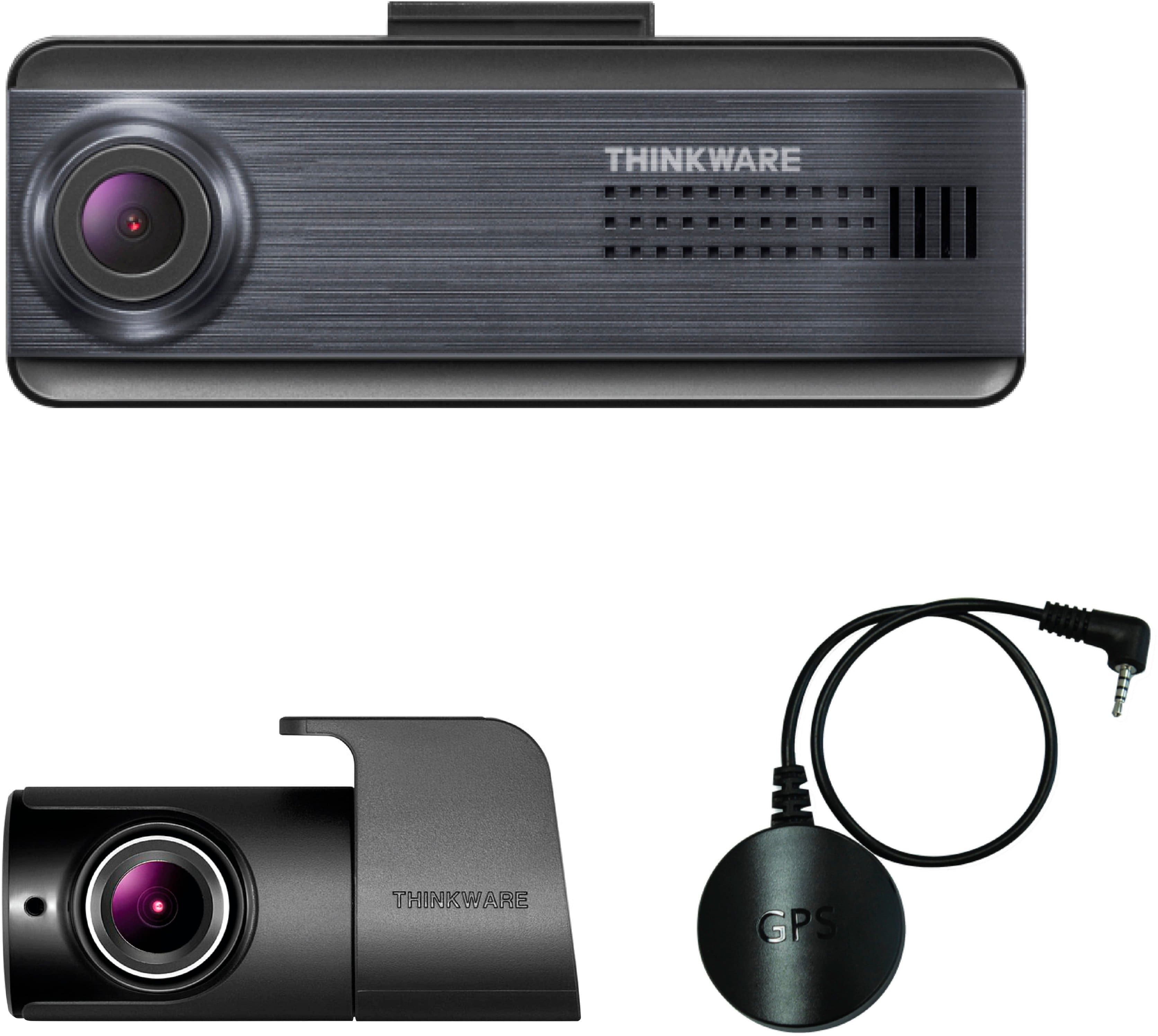
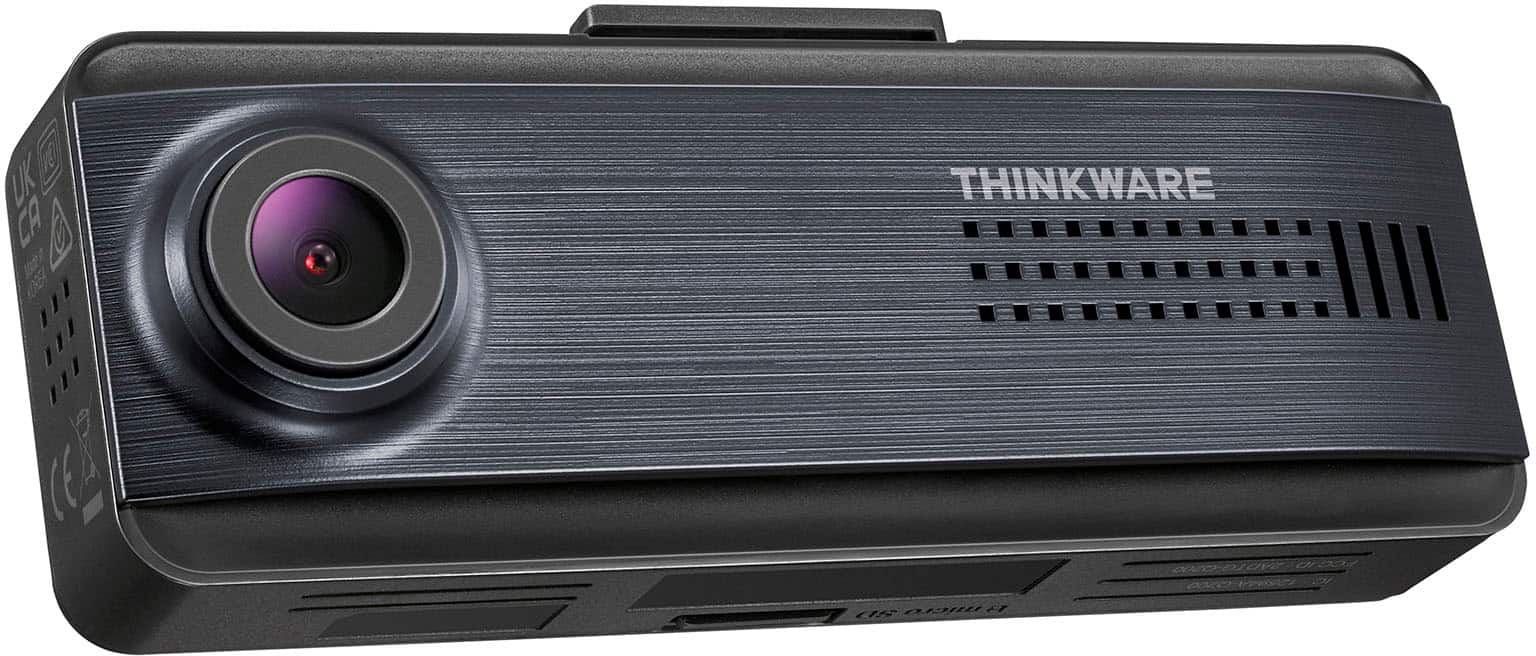
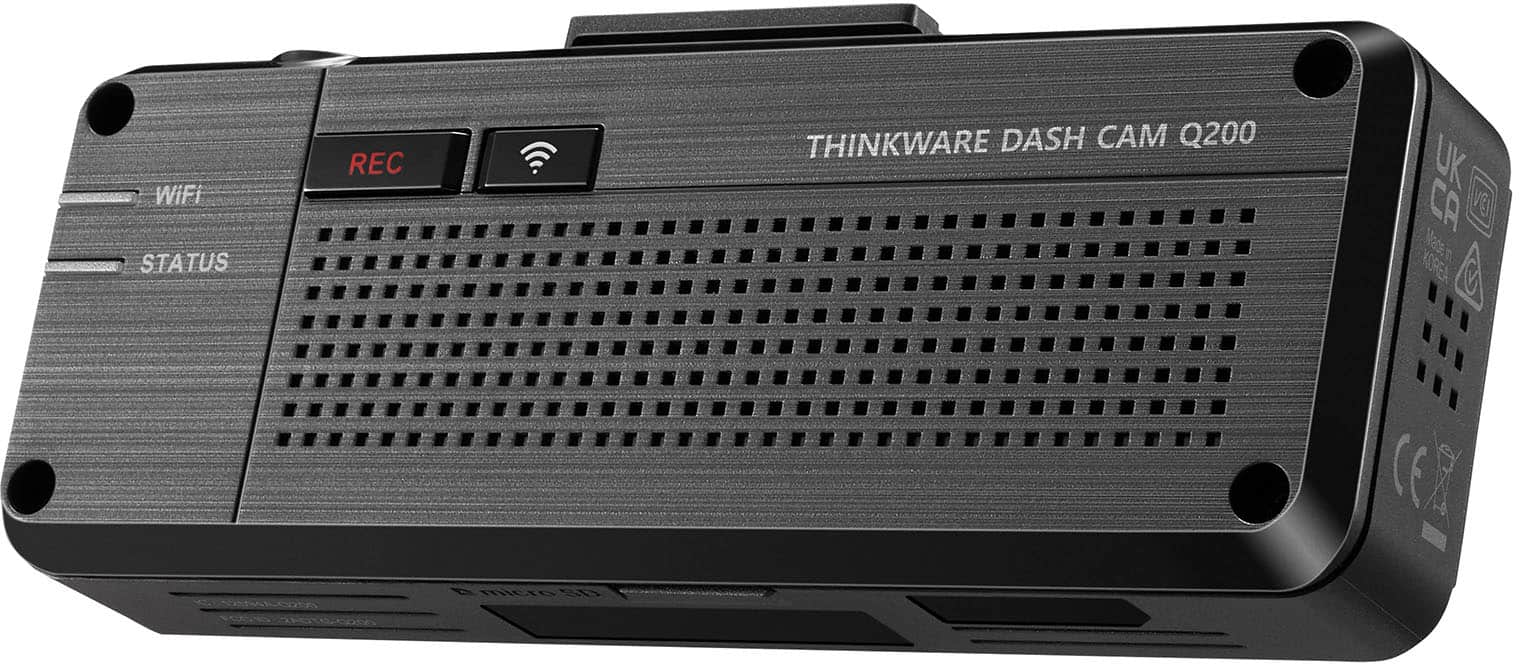
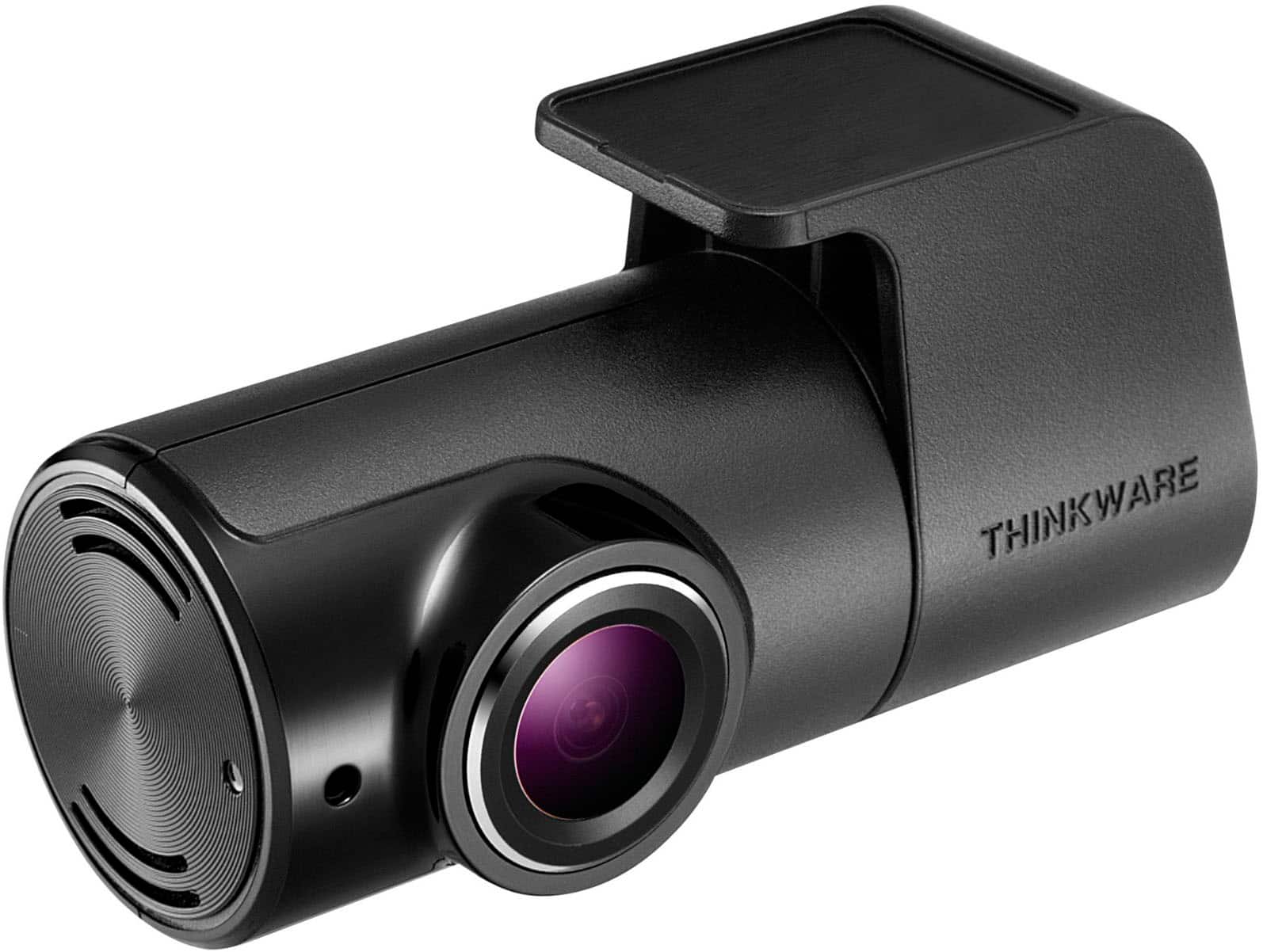
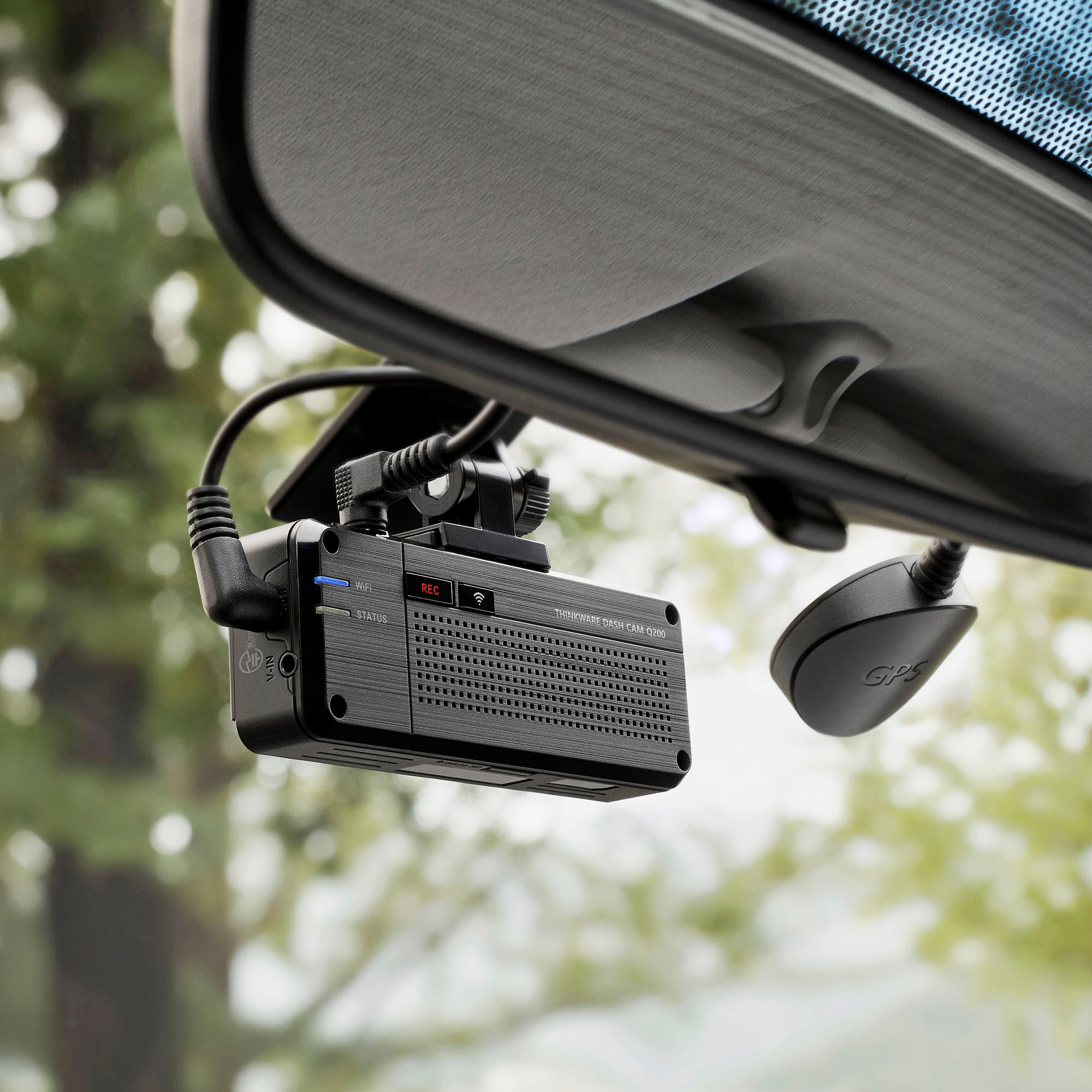
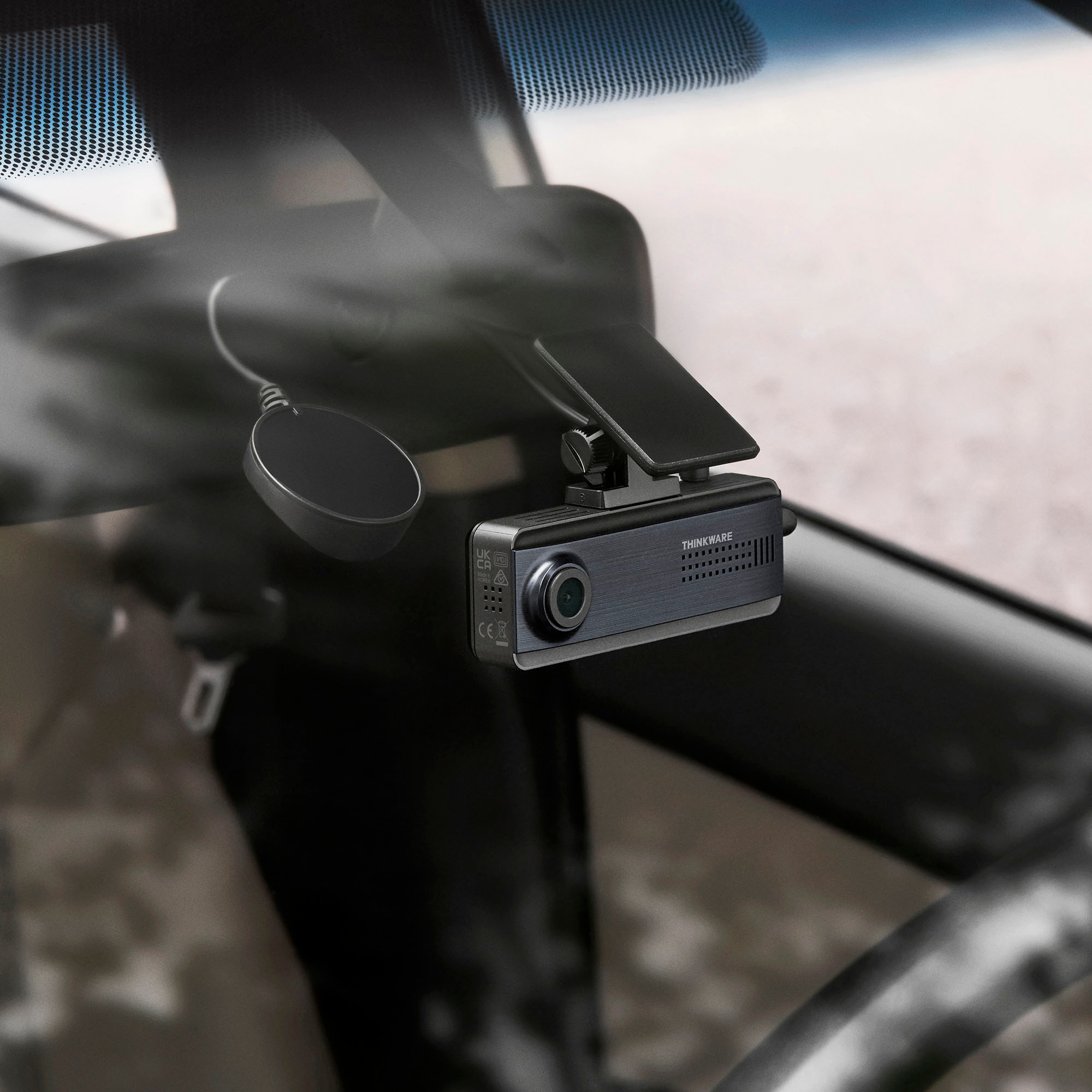
|Posted .This reviewer received promo considerations or sweepstakes entry for writing a review.By now, you may know that I have a very strong opinion that everyone should have a dash cam, especially to help reduce/remove your liability if a situation occurs. I have had dash cams for 6 years now, and while I have been lucky enough to not have been in an accident, there have unfortunately been an extreme amount of close calls. I've liked being able to capture those to review the incidents later. This became a greater need once my kids started driving, not only for close calls but also for looking back through the videos to review their driving habits and offering correction "advice' to work with. As the first dash cam we've had seemed to have spent too many summers in the extreme heat we deal with (or for whatever reason) and started having several functional problems, it was time to get a replacement (as to not miss out on any type of incident). The THINKWARE Q200 seemed like it could be a good one to look at. The THINKWARE Q200 has a 2K/Quad HD (2560x1440) front camera and a Full HD rear. The video quality for both is pretty good, well, as good as can be in a moving vehicle. What was surprising was that the viewing angle is only 125º where my others have been 140º, but it still is enough for most situations. As I've always come across and as somewhat expected, nighttime videos can come out a little grainier when less light is available (but that is pretty much the same with any digital camera/video camera/dash cam). One thing to notice right away is that the Q200 series does not have an LCD screen (as seems to be the case with all their Q series dash cams). While some may not like it for that reason, I was actually fine with it, for the most part. The other brands of dash cams I have do have LCD screens. How often have I used them? Really only to configure them the first time or update the configuration. I usually set the screen timeout low just to have it turn off as soon as possible to reduce and possible distractions (in one of our cars, it has been installed right behind the mirror so cannot even see the display anyway). For reviewing the videos, I will always just grab the microSD card and load it on a computer or tablet. So, that is actually one less thing to worry about going bad (as has happened with the one it is replacing). So, how is it configured then? By using their DASH CAM LINK app. First, it pairs up using Bluetooth, then to actual connect to be able to adjust the setting or view the video library, it will connect using Wi-Fi Direct. There is also a Live View mode that will display lines to give a general idea on where to mount it (with a centerline and a line to align to the front edge of the hood). There are a few things about the overall design that I'm not sure about, but not completely worried about. One thing is the sizing. It is a bit wider than most dash cams I have used and seen before, but it isn't very tall (due to no screen) or thick. Also, it does come with a plug-in external GPS sensor, which itself adheres to the windshield. I prefer the simplistic design of one of the other dash cams we have that the GPS sensor is built into the mounting base, so less windshield real estate is needed. Another thing is that once mounted to the windshield, it cannot be temporarily removed. Another design choice that felt was really missing is not having the ability to connect/power up using USB. That would have allowed me to make all the setting configurations inside before going out to install in the vehicle. Plus, that also means the microSD card must always be removed to view or save the videos to a computer, unless looking on the phone app. While the overall design choices may not be my favorite, it makes up for it with the included functionality. While it does have some of the similar items as most dash cams, such a Smart Parking Mode (when enable to automatically record any incidents that may involve the vehicle while parked), it has some built in safety features that I have not come across before. It has included ADAS - Advanced Driver-Assistance System - that provides Forward Collision Warnings System, Lane Departure System (which is configurable to only be active above a certain speed), as well as Front Vehicle Departure Warning. I will not be using it as the vehicles we have already have these capabilities, it could be helpful for older vehicles without any of those (each one can be turned on or off separately). There is also a PC app that can be downloaded and installed, DASHCAM PC VIEWER. This is designed to allow coupled viewing of the front and rear camera videos and provide GPS mapping. I've had some issues with getting the video viewing to work, but the GPS mapping feature is great. I'll keep trying to get it all to work. There are several bundles that can be purchased through their site, but currently only one from Best Buy. This one also includes a hardwiring cable kit (which is needed if your vehicle's 12V power port cannot stay on while turned off and the Smart Parking Mode wanting to be used) and spare mounting adhesive. If not wanting or not physically being able to use the hardwiring kit, they also have a power cable that can plug in the ODB-II port under the steering wheel. This does seem to be a very good dash cam overall, with a few features that make it an even better deal for some. It is definitely one to consider if not needing an LCD display.
I would recommend this to a friendBrand response from Thinkware Product Expert
Posted .Hello, thank you and we appreciate your time to write to us a long feedback.