Customer Ratings & Reviews
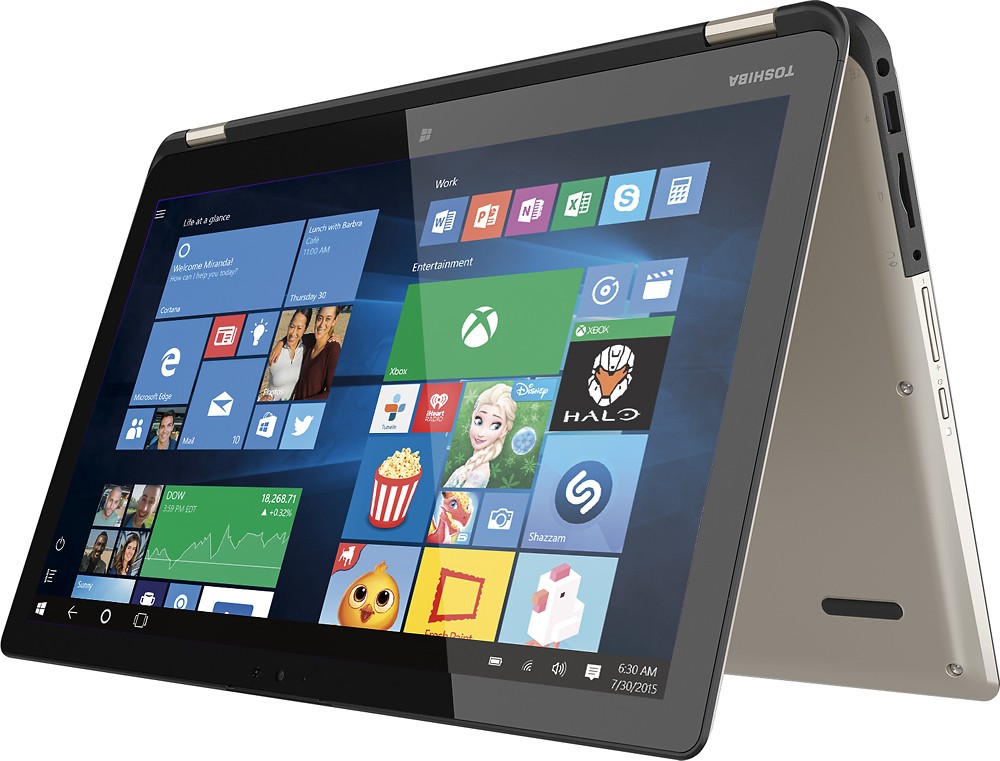
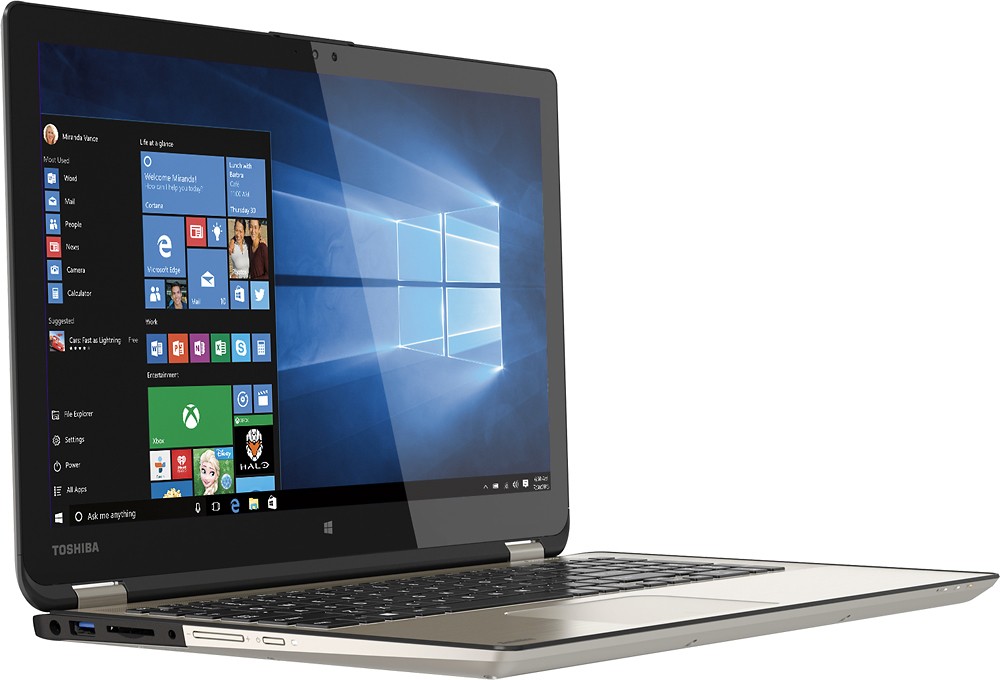
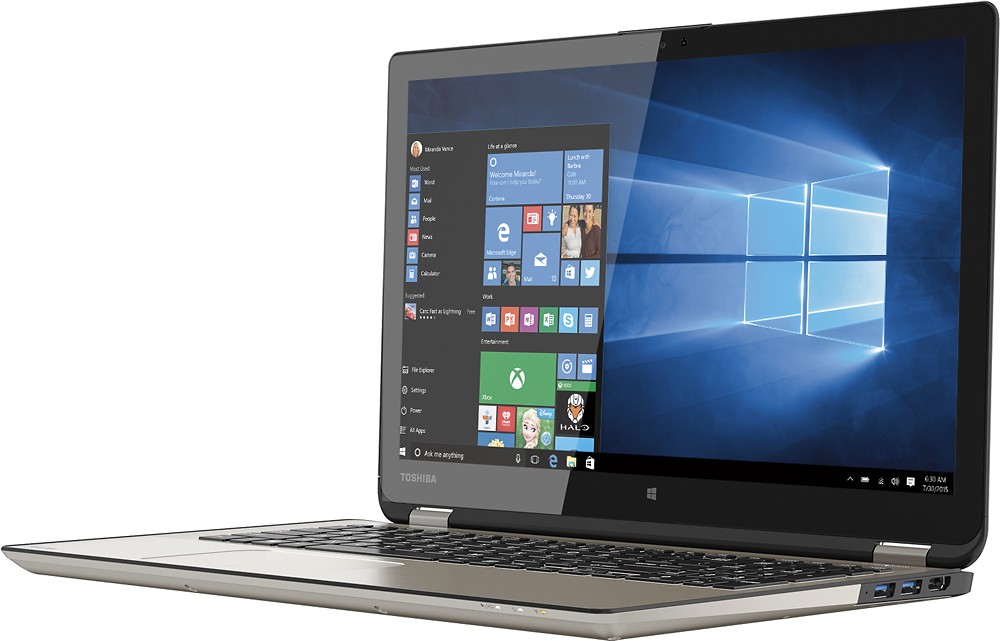
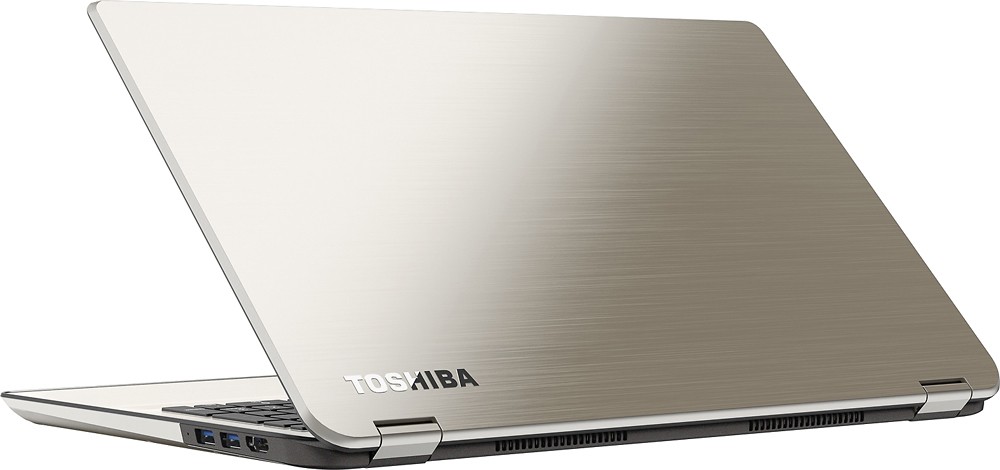


- Model:
- P55W-B5112
- SKU:
- 3477007
to a friend
Customers are saying
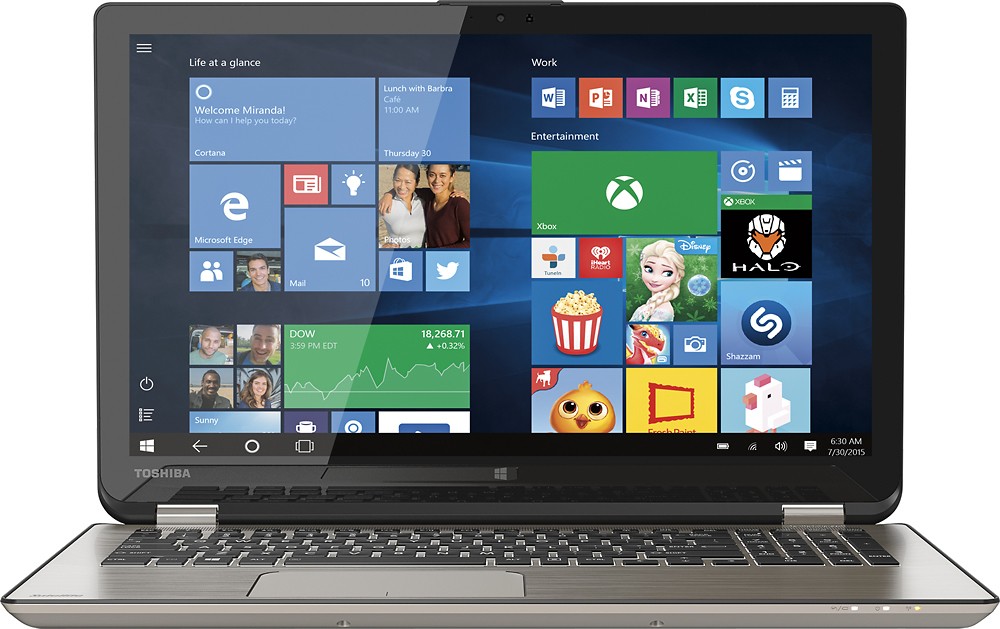
Customers have good things to say about the Satellite Radius 15.6" Touch-Screen Laptop. They particularly enjoy the touch screen, long battery life, affordable price, lightweight design, fast processor, and its versatility. Some customers have expressed concerns about the fan noise, the Windows 8 operating system, and the lack of a DVD drive.
This summary was generated by AI based on customer reviews.
- Pros mentioned:Price, Touch screenCons mentioned:Fan noise
Great features for the price point
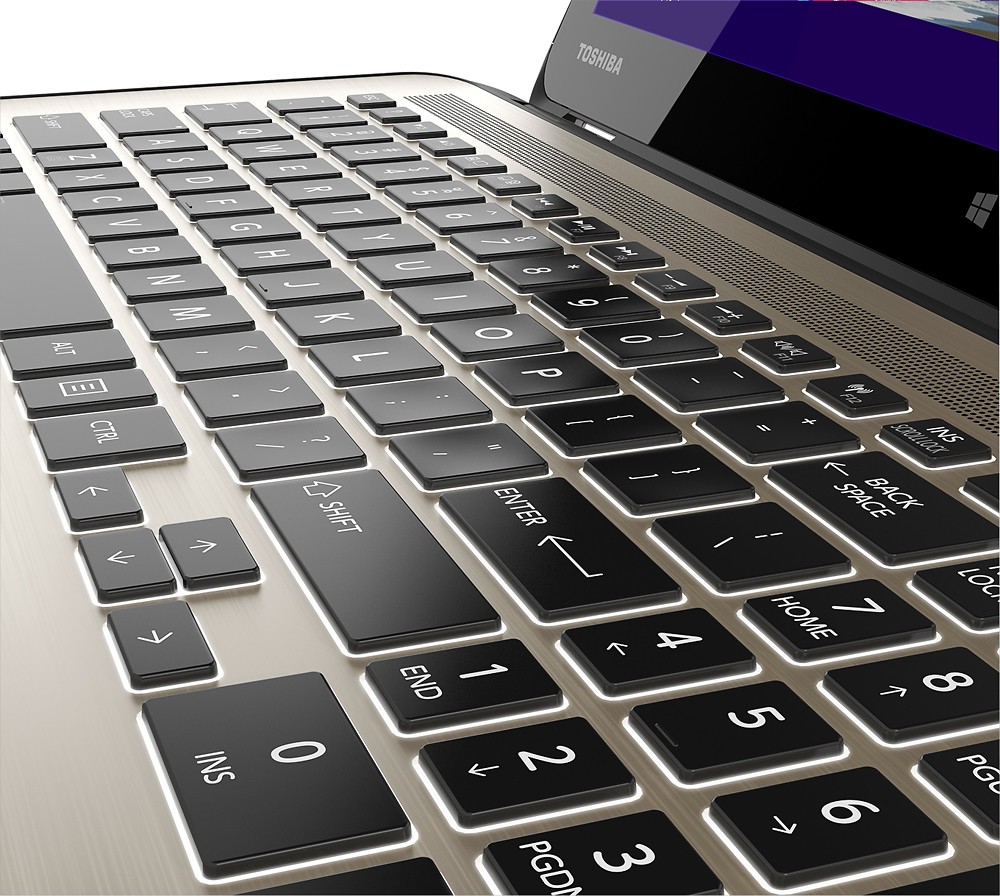
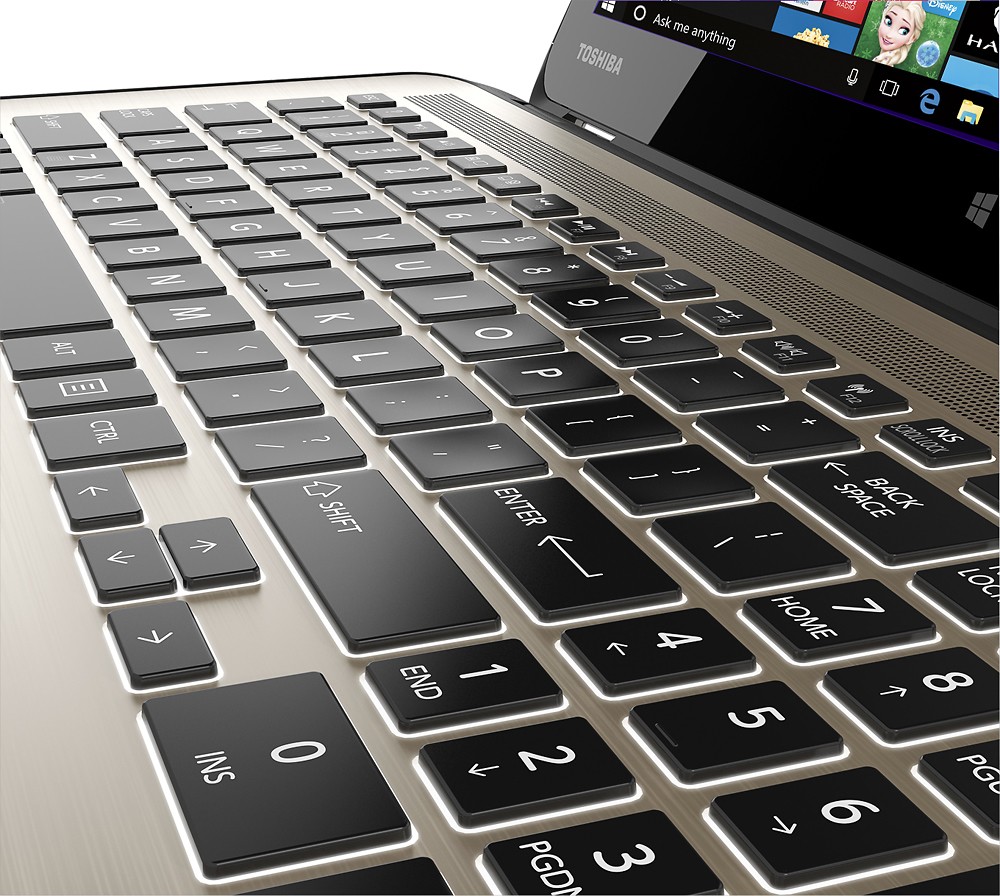
Posted .This reviewer received promo considerations or sweepstakes entry for writing a review.I think this is an excellent computer for the money. I was able to get it on a one day sale for $749. New 5th GEN I7 Broadwell processor, backlit keyboard, 1920 x 1080 resolution, 8 GB RAM, 3 USB 3.0 ports, a bargain for the money. Runs quiet and cool. I do find the fan can get loud if I push the processor. I do have one problem. I have a wireless N router. The farther I get away from it, the slower the internet speed. Side by side with my older Toshiba laptop, (with an N-card), this one’s internet speed is much slower at a distance. Speed is the same when close to the router. Geek Squad suggested a swap, which I did and found no difference. I plan on buying a new AC router and hope that resolves this issue. One other advantage is a discrete INSERT key as well as a BREAK and SCROLL LOCK that stays at setting. An HP I tried had none of these.
I would recommend this to a friend Great but developed problem
||Posted .This reviewer received promo considerations or sweepstakes entry for writing a review.This was a very good value and ran great. I took it on a plane and bubbles formed inside the screen from the pressure change. They want $350 to replace the screen. Frustrating.
No, I would not recommend this to a friendToshiba
||Posted .This reviewer received promo considerations or sweepstakes entry for writing a review.I had gotten this Toshiba for my Vacation to enjoy. and the Graphic card keeps stopping. and restarting. and have a lot of trouble with other parts of online and so much more. its not even a month old.
No, I would not recommend this to a friendBrand response from ToshibaStaff
Posted .Thank you for the review, Coffee82, and sorry to hear that you're having some sort of video issue with your Satellite P55W.
I recommend first visiting support.toshiba.com to download and install any available video driver updates or, if you already have the latest version, reinstalling the video driver.
If that doesn't resolve the problem, my next recommendation would be to perform a Windows Reset on the unit, to return it to the factory software image. Be sure to back up all personal files before doing so, since at the end of the process your computer's hard disk will be exactly as when it was new from the factory.
See the Toshiba Forums community knowledge base article at forums.toshiba.com/t5/System-Recovery-and-Recovery/How-To-Understanding-System-Restore-Refresh-Reset-and-Recovery/ta-p/342690 for more information and detailed instructions.
Finally, if a Windows Reset doesn't resolve the issue, please contact Toshiba support at 800-457-7777 for additional troubleshooting help and, if needed, to make warranty repair arrangements.
Thanks again for the feedback and sorry for the trouble.
Problems with it
||Posted .This reviewer received promo considerations or sweepstakes entry for writing a review.I had problems within the first month. I had to send it back to get fixed. I'm disappointed because this is the second thing I bought from best buy that stopped working within 6 months.
No, I would not recommend this to a friendBrand response from ToshibaStaff
Posted .Thank you for the review, PutHim1st, and sorry to hear that some kind of problem developed with your Satellite Radius P55W-B5112.
For future reference, always visit support.toshiba.com or call Toshiba support at 800-457-7777 for help with any issues that may arise. Most problems can be solved over the phone with configuration setting adjustments or software updates that a support agent can walk you through.
Thanks again for the feedback and sorry for the trouble.
Not worth the money
||Posted .This reviewer received promo considerations or sweepstakes entry for writing a review.I read lots of reviews on this laptop and decided to purchase it for school. I really wish I hadn't!!! It was very slow and after owning it for three months the screen started glitching so bad it was unusable. I drove two and a half hours to my nearest store and while the sales people were very nice almost a month later I'm still waiting to get it back. Thankfully my son had a cheap laptop from Walmart I could use for my online college classes!!! Save yourself a lot of money and dont purchase, I wish I hadn't!!
No, I would not recommend this to a friend- Pros mentioned:Battery life, Touch screen
Amazing computer
Posted .This reviewer received promo considerations or sweepstakes entry for writing a review.Battery life is fantastic is you properly adjust the settings. I was only getting 3 hours until I played with the eco settings and now I can get 7 hours. The real kicker is the Ram and processor, this computer powers though anything and does tasks great that used to cause my 2nd gen i7 to freeze. Graphics card plays any game but will cause a little lag when playing super high power games. Really great for playing tablet games with friends and kids, put the comp on a table like a tablet and play risk with 4 people. Not as portable as some smaller ones but you get a great, full feature keyboard. This is not a tablet replacement, but meant to be your do everything computer/laptop. Sacrifice portability with its larger size, but is light and still travels great and you get a great gaming/multiplayer experience with the bigger screen. Thouch screen is fantastic as well, good for taking notes or drawing if you get a stylus, but need to get a battery powered stylus for accurate use. Hands down the best value for the specs you get, and any wifi issue you read about has been fixed for a while now.
I would recommend this to a friend Hoping for more
||Posted .This reviewer received promo considerations or sweepstakes entry for writing a review.This laptop was initially a great item. I splurged on what I expected to be a product which would stand the test of time. After about a year and a half, the laptop would not power up. I had to take it in twice. This has never happened with my other 200.00dlr laptop. I expected pay more, get more, but that was not the overall experience with this lap top. Still works well after the service, however not happy with the delay in having to fix a fairly new laptop TWICE.
No, I would not recommend this to a friendDisappointing Laptop
||Posted .This reviewer received promo considerations or sweepstakes entry for writing a review.The cooling fan is constantly racing regardless of cpu usage. The touch pad is flighty and causes the cursor to randomly jump around when typing as well as randomly jump between open applications. Very frustrating. Already exchanged one machine. Won't buy another Toshiba.
No, I would not recommend this to a friendBrand response from ToshibaStaff
Posted .Thank you for the review, TinyG, and sorry to hear about the difficulty using the touchpad of your Satellite P55W.
I recommend checking Windows' advanced properties for the mouse/touchpad to make sure it is configured to your preferences. You may want to change the touchpad's sensitivity and disable some features to see if that improves the cursor behavior for your use. Here are the steps:
1. Go to Control Panel
2. Change View to Icons
3. Select Mouse
4. Go to Device Settings Tab
5. Click Settings
6. Go to Pointing Options
7. Look for Sensitivity Setting
8. Adjust the setting from Light Touch to Heavy Touch
I recommend reviewing other Mouse setting options to make sure all of the enabled features fit your preferences.
An overactive cooling fan may be indicating that there is poor airflow. In such cases, make sure the laptop is resting on a flat, solid surface.
Thanks again for the feedback and sorry for the trouble.
It goes off when it wants too
||Posted .This reviewer received promo considerations or sweepstakes entry for writing a review.The laptop goes off and does not turn on all the time. If you get it on you will have a good experience. It seems like an okay laptop.
I would recommend this to a friendBrand response from ToshibaStaff
Posted .Thank you for the review, laptopgirl, and sorry to hear that there seems to be an issue with your laptop's power switch or internal power system.
I'm glad to hear that you seem to like your Radius overall. Please contact Toshiba support at 800-457-7777 for help resolving the power-on issue.
Thanks again for the feedback and for choosing Toshiba.
Worst laptop ever
||Posted .This reviewer received promo considerations or sweepstakes entry for writing a review.I've had this for 5 LONG months and it's been nothing but a hassle. Disappearing or freezing mouse, sometimes it won't shut down, sometimes it shuts down suddenly while I'm typing away, and worst of all, the dreaded black screen of death. I've wasted days if not weeks of productivity horsing around with this thing and it's having a negative impact on my business. I will never buy Toshiba again.
No, I would not recommend this to a friendThe mouse disappears
||Posted .This reviewer received promo considerations or sweepstakes entry for writing a review.I have to restart my computer because the mouse disappears and the computer is very slow too often.
No, I would not recommend this to a friend- Pros mentioned:Speed
satisfied
||Posted .This reviewer received promo considerations or sweepstakes entry for writing a review.light weight, is fast and key board lights up which is nice
I would recommend this to a friendBrand response from ToshibaStaff
Posted .Thank you for the review, Newbe, and we're happy to hear that you're enjoying your Satellite P55W.
Unfortunately, your 1-star rating will be understood by others to mean that the product is not satisfactory for your application or that you experienced some kind of serious problem with it.
Please let us know if you're experiencing a problem or if you need any help. If that's not the case, please consider changing your star rating to match your level of satisfaction with the laptop. More stars is better! :)
Thanks again for the feedback and for choosing Toshiba.
- Pros mentioned:Touch screen, Weight
A love affair
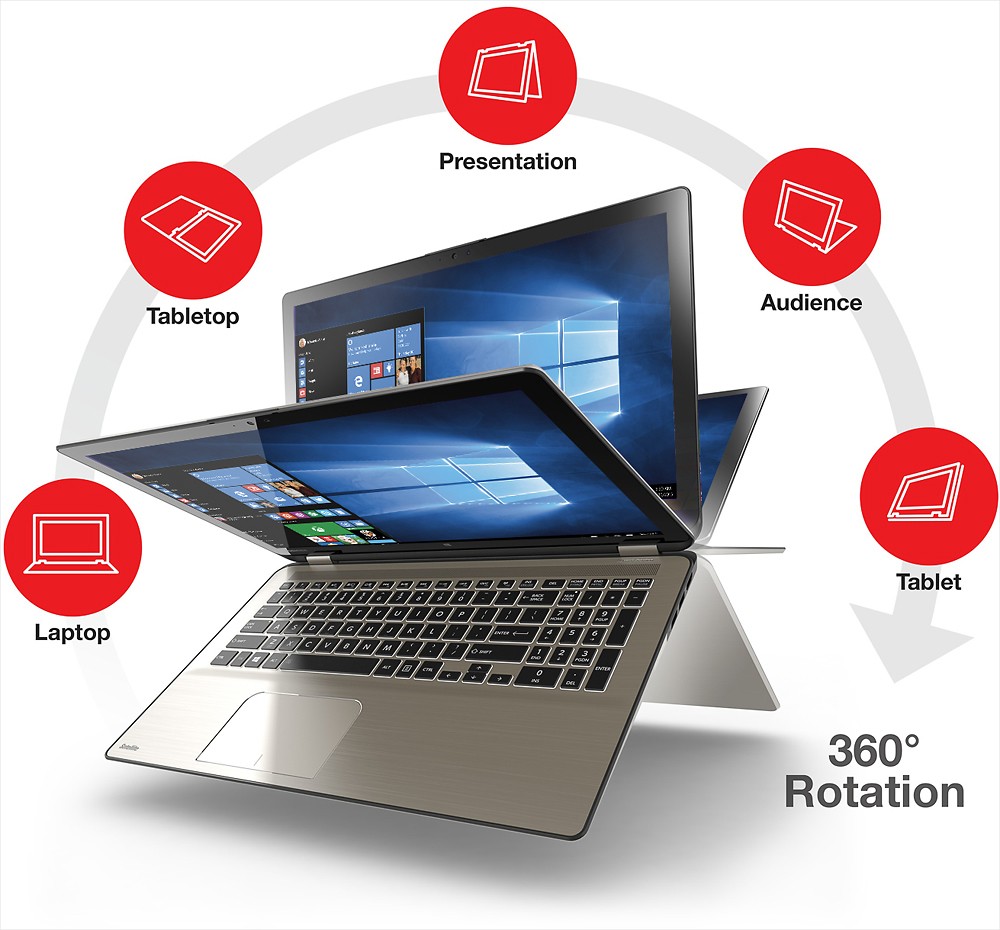
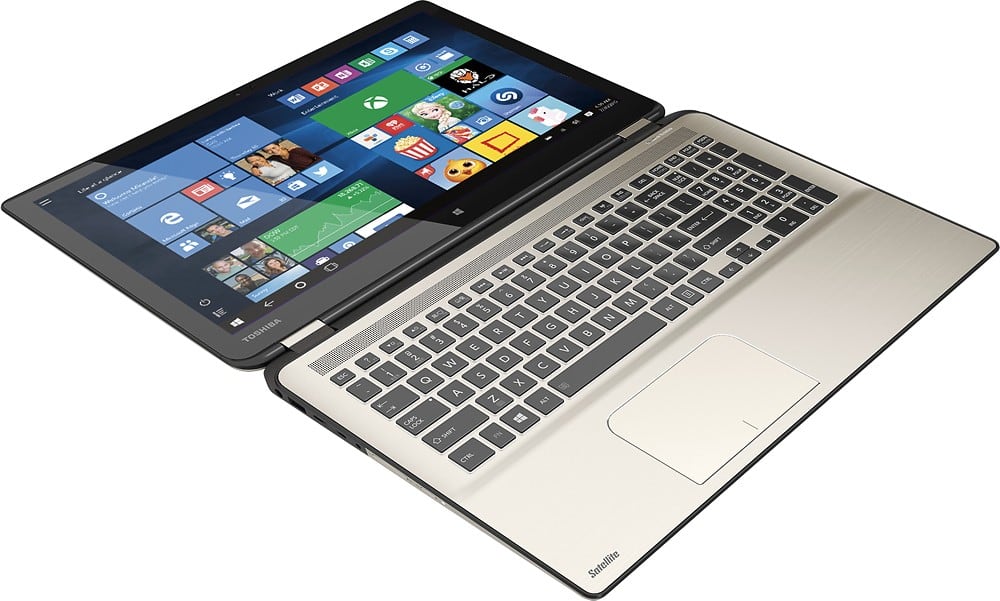
Posted .This reviewer received promo considerations or sweepstakes entry for writing a review.I'm an experienced computer engineer and instructor. This is why I love this computer, 1. The keyboard has larger, clear, and back-lighted keys great for weak eyes. 2. The screen folds back into several configurations that are perfect for working in bed! 3. The screen is quite touch sensitive unlike some tablets and computers when you have to peck, peck, peck on a spot to get the computer to respond. 4. The "touch pad" is also very sensitive - the cursor and click functions are enabled easily. No scraping your fingers raw. 5. The screen resolution is 1920 X 1080 which is still the defacto standard although some tablets and computers are higher but you pay for the higher resolution and apps are very limited or non-existent. 6. The screen resolution divided by the screen dimensions for the length and width of the screen result in a high pixel density which improves the appearance of graphics and text. Ex: 1080 / 7.5" = 144. 7. The Intel i7 CPU processor is state-of-the-art for advanced spreadsheet and gaming although some gaming may be slower. 8. This model has a virtually noise free fan and 1TB disk drive. Frankly, the hard drive is sufficiently fast that you probably shouldn't decide on a solid state disk drive at an enormous price increase (for less capacity). 9. This computer is obviously heavier than an Apple Mac Air or Mac Air Pro but should you pay another thousand dollars for 4 pounds? 10. If you watched a video on how this machine is manufactured you'd be amazed at the internal quality and value. In my opinion, this computer is easily the best-in-class and you won't cry after spending its modest cost. 11. I typed this review on the computer in question and the chassis heat has not changed at all. Heavy gaming apps might make it hotter. 12. I use this computer to edit and play back video projects taken with my GoPro action cameras (another reason for 1920 X 1080). I'm satisfied that I'm not losing the quality of the image captured by the GoPro camera when playing it back. Go for it !
I would recommend this to a friend Ok item
||Posted .This reviewer received promo considerations or sweepstakes entry for writing a review.PC is ok , but could have been better priced, no MS office product installed!!!
I would recommend this to a friend- Pros mentioned:Speed, Touch screen, Weight
Was great, now awesome w/ SSD instead of slow HDD
Posted .This reviewer received promo considerations or sweepstakes entry for writing a review.The laptop is awesome. My only concern is how easy the screen moves, wondering if hinges will give out over time. It runs very fast now that I have an SSD in it. The 1TB HDD that came with it caused windows to not be very responsive the first couple of minutes after booting up, and when any frequent IO was being done. I put a Samsung 850 EVO SSD in and now it is lightning fast. The keyboard keys are smooth, and the little tabs on the F and J keys aren't really that noticeable so it takes some getting used to if you are a touch typist to just drop your hands down and let your fingers find the home keys unconsciously. Backlit is great and a must have anymore if you ask me. The sound is better than average for a laptop, and being on top makes it sound good when watching videos / listening to music. The trackpad has been fine, although it has a rough feel to it. It isn't sandpaper, but it isn't smooth either. The width of it concerned me before I ordered it as I thought it would get in my way when typing but it hasn't been an issue. I have large hands so I would think normal or smaller hands would be even better. The screen isn't as bright as some others I've seen, but it is bright enough for me for home or office lighting (haven't tried it outdoors though). The power button is on the left hand side which I understand if you are using it in tablet mode. However, it is easy to accidentally press so make sure your settings have the power button set to put the computer into sleep mode so all you have to do is just press it again to be back up right away. By default I think it was going to hibernate or power off. There is some flex if you pick it up from the front corner, but almost all 15.6" laptops have that unless you pay more for a metal. I rarely hear the fan unless I'm doing something resource intensive, and even then it isn't that loud. I don't notice any heat build up either. Note that I do not game, mostly programming, minor graphics work, web, email and occasional videos.
I would recommend this to a friend I don'the like products at all!
||Posted .This reviewer received promo considerations or sweepstakes entry for writing a review.My Toshiba Laptop is very slow. I was trying to get help from Geek Squad, they said I have to download some program, do this, do that.. I did it, not helpful. I think my Laptop has a problem.. My Toshiba TV has a problem too.. The sound comes from the TV comes accompanied by a squeak..
No, I would not recommend this to a friendnot right for the situation
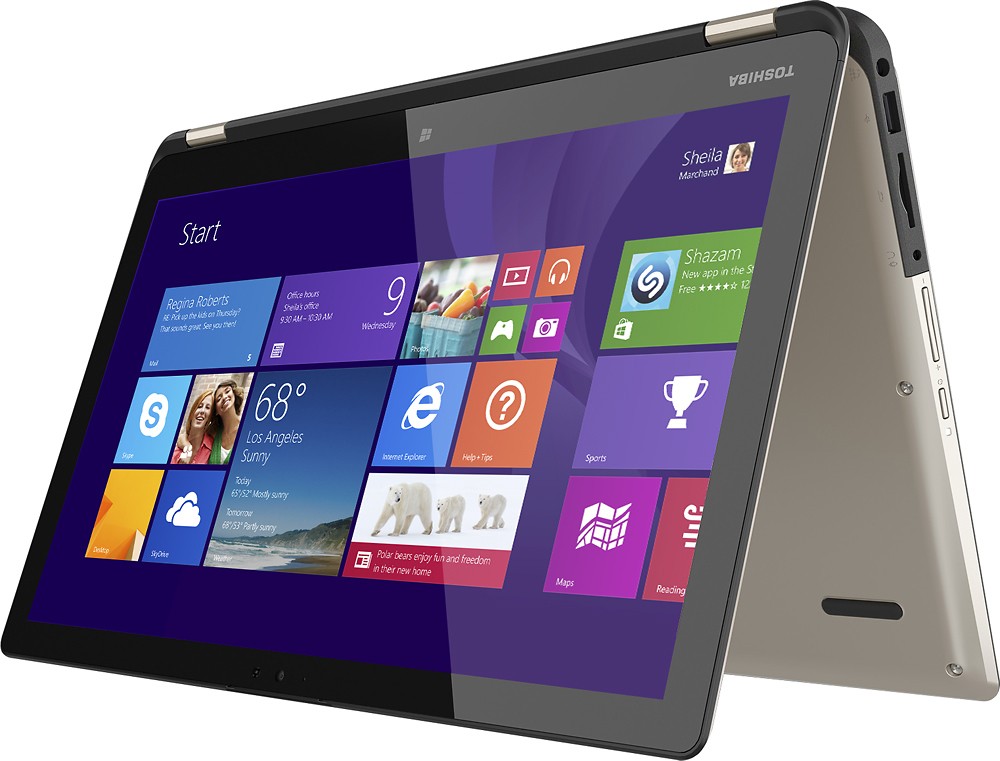
||Posted .This reviewer received promo considerations or sweepstakes entry for writing a review.computer would be great if it had anything but windows 8.1
No, I would not recommend this to a friendBrand response from ToshibaStaff
Posted .Thank you for the review, Jenn696.
While the Windows 8 Start screen may at first feel a bit unfamiliar, once you get familiar with Windows 8 I think you'll find that it has all the power and utility of earlier releases along with some great new features.
Toshiba has numerous articles and videos to help with the transition to Windows 8. Here are a few links that you may want to review:
- forums.toshiba.com/t5/Windows-8-Knowledge-Base/Video-How-To-Getting-started-with-Windows-8/ta-p/341006
- forums.toshiba.com/t5/Windows-8-Knowledge-Base/Where-is-the-Start-button-menu-and-Control-Panel-in-Windows-8/ta-p/341830
- forums.toshiba.com/t5/Windows-8-Knowledge-Base/How-do-I-perform-common-Windows-7-tasks-using-Windows-8/ta-p/286253
- forums.toshiba.com/t5/Windows-8-Knowledge-Base/How-can-I-make-Windows-8-seem-more-like-Windows-7/ta-p/286271
- forums.toshiba.com/t5/Windows-8-Knowledge-Base/Windows-8-Quick-Start-Guide-Desktop-Mode/ta-p/373989
Thanks again for the feedback and for choosing Toshiba.
Lap top
||Posted .This reviewer received promo considerations or sweepstakes entry for writing a review.Have had this laptop for a little over a year. Sleek , slim, one of the first laptop/ tablets, the camera could be better. I mean if cellphones have cameras like they do...
I would recommend this to a friendUse Caution When Buying
||Posted .This reviewer received promo considerations or sweepstakes entry for writing a review.They suck...we got 2 laptops in July 2015. Have had to have 1 repaired 3x's, going to return it today for an H/P! The second one has had to be repaired 1x. Biggest problem keyboard quits working, mouse pad stopped working, screen froz,e computer would not shut down.
No, I would not recommend this to a friendNot worth the time
||Posted .This reviewer received promo considerations or sweepstakes entry for writing a review.I bought one and it worked amazing the first week. After it did an update of about 72 things it was so slow! I also couldn't get on the Internet! Brought it back and got a new one and the same thing happened! I finally just bought an Asus and was done.
No, I would not recommend this to a friend