Customer Ratings & Reviews
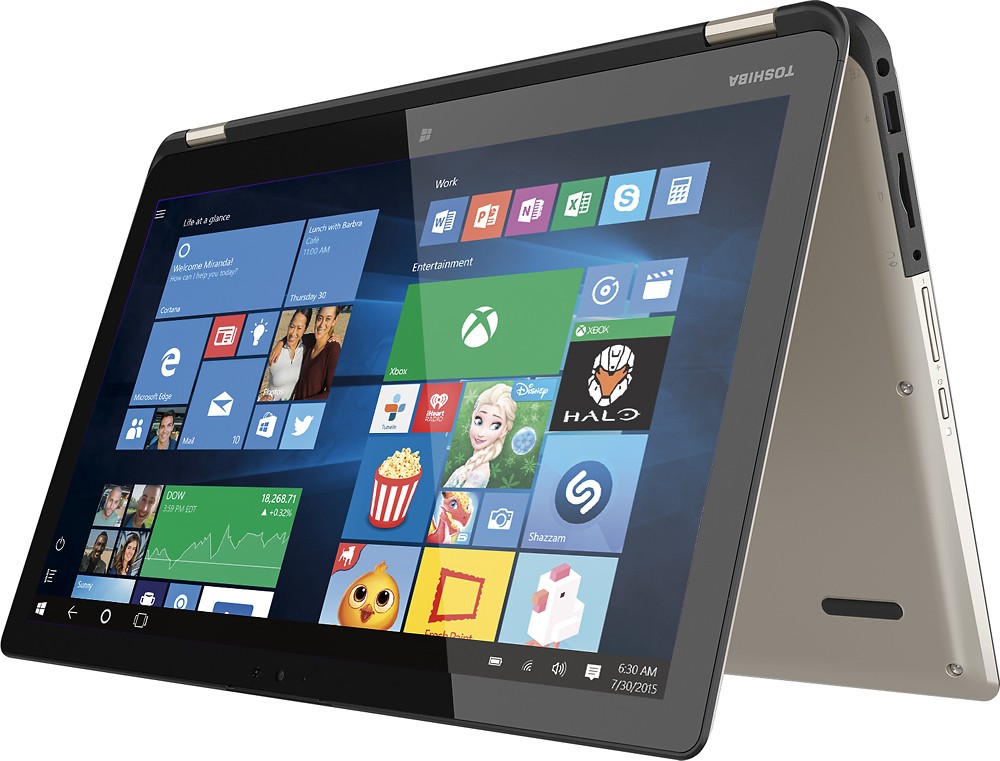
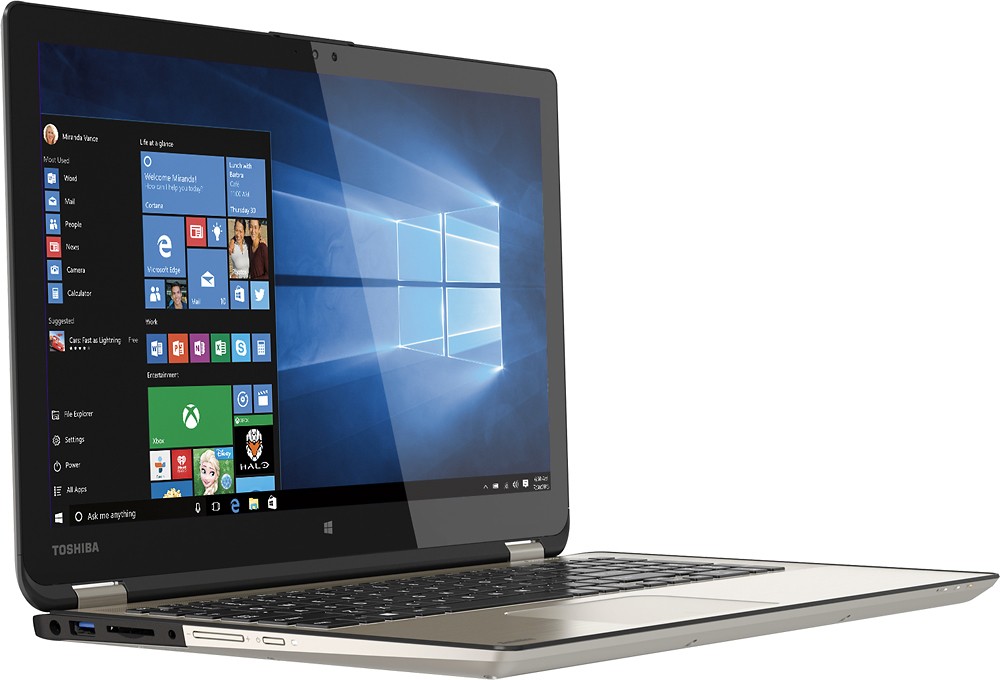
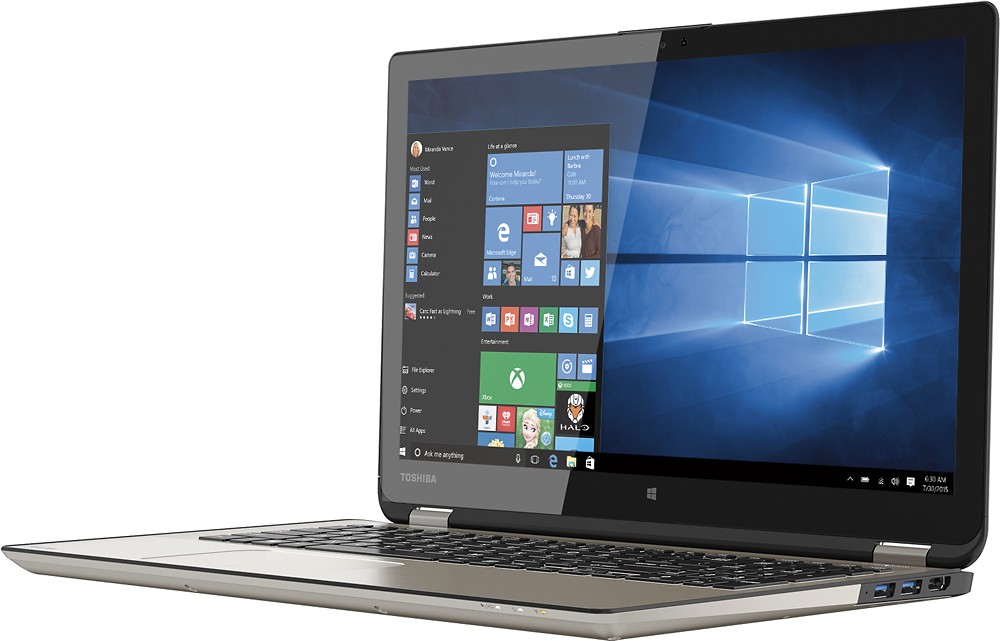
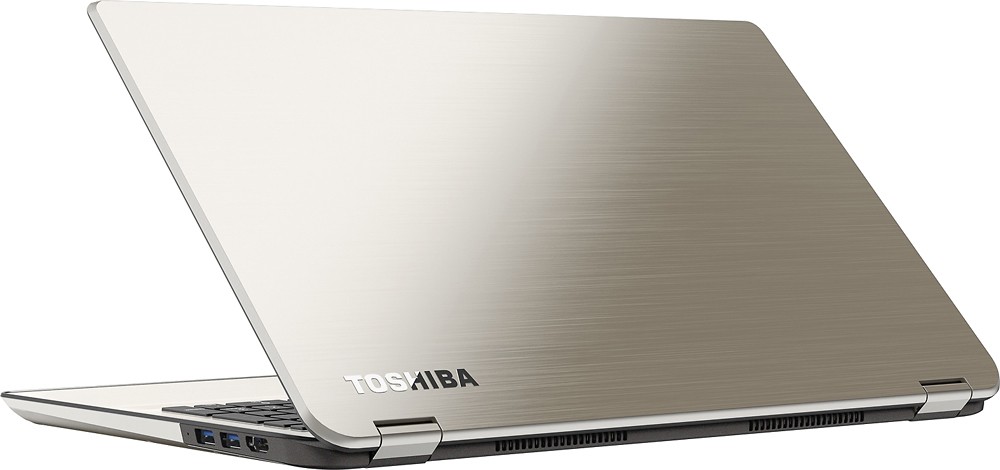


- Model:
- P55W-B5112
- SKU:
- 3477007
to a friend
Customers are saying
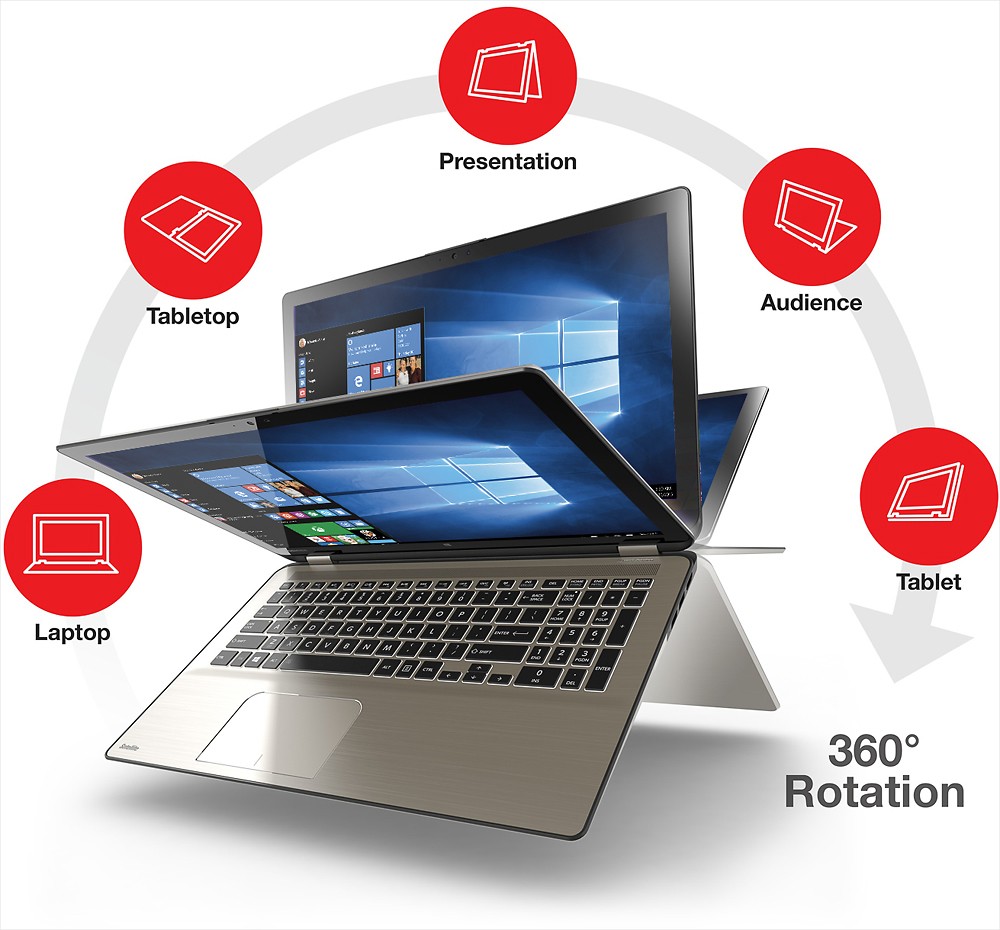
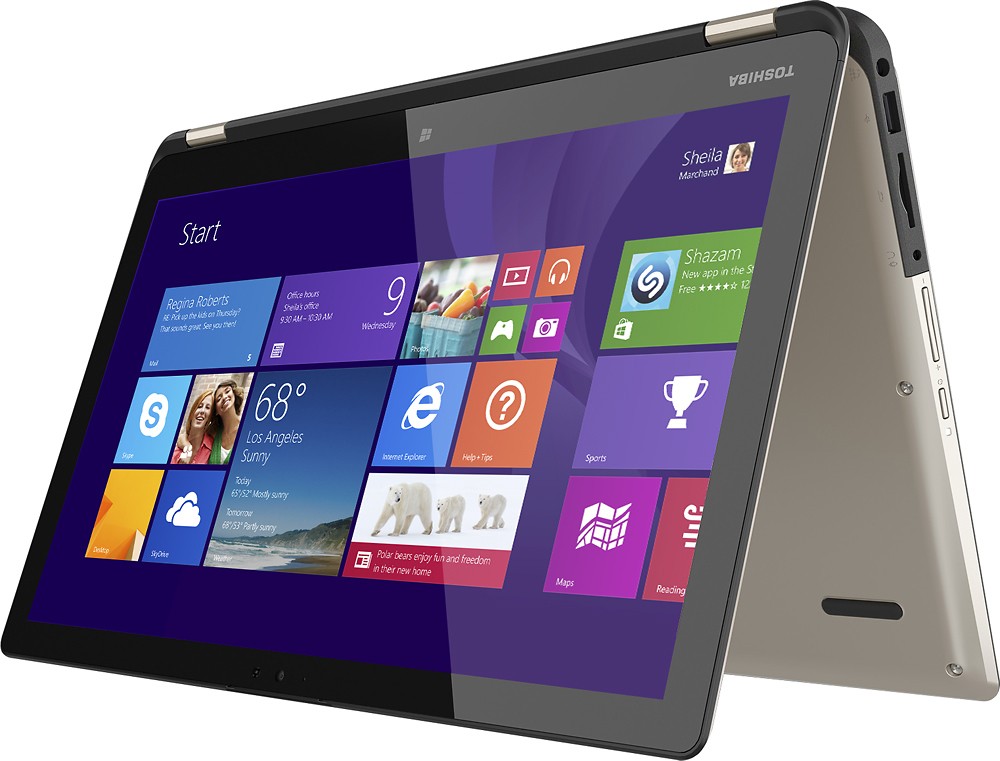
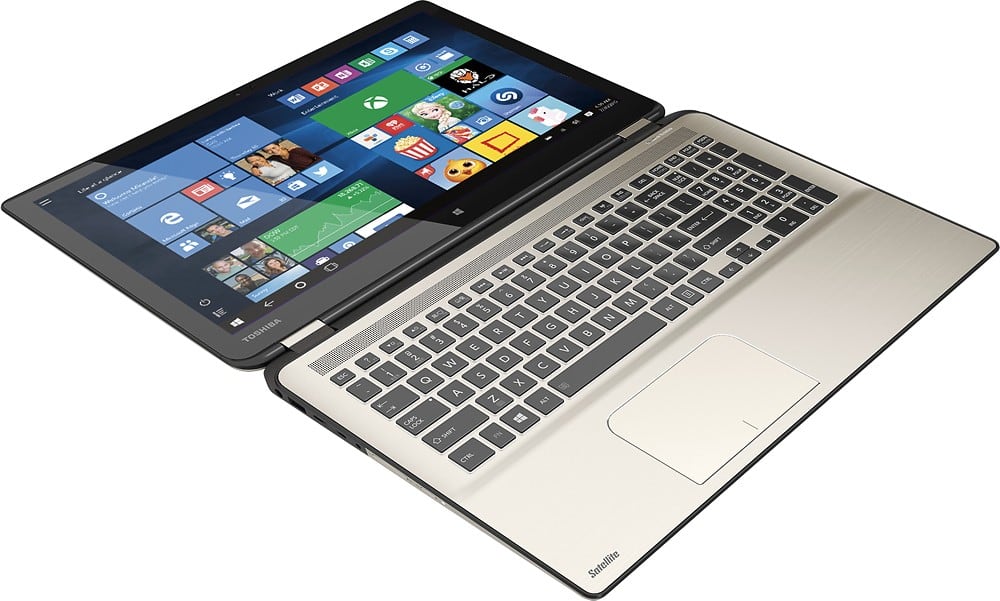
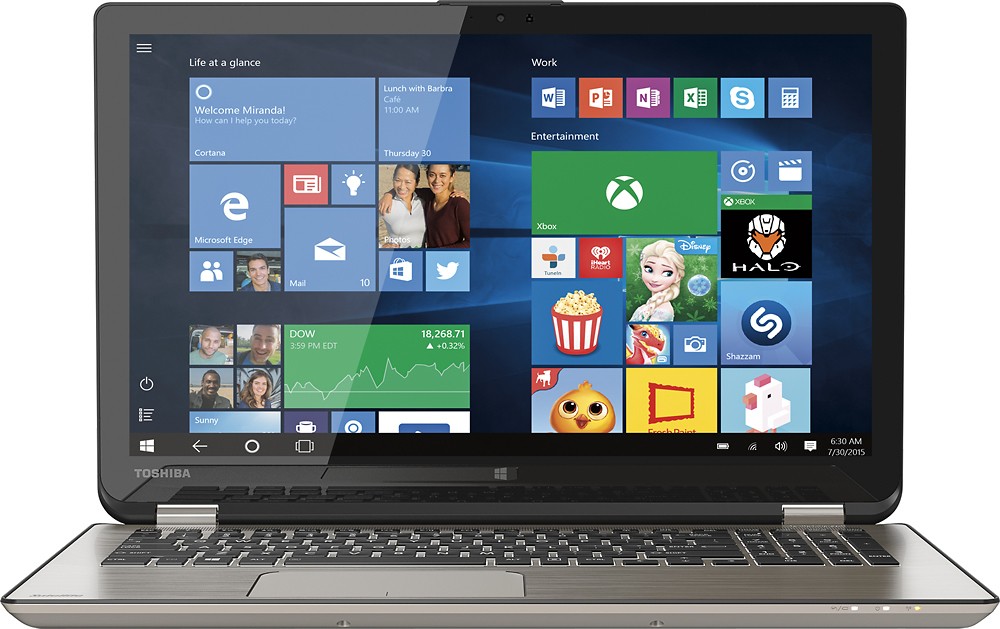
Customers have good things to say about the Satellite Radius 15.6" Touch-Screen Laptop. They particularly enjoy the touch screen, long battery life, affordable price, lightweight design, fast processor, and its versatility. Some customers have expressed concerns about the fan noise, the Windows 8 operating system, and the lack of a DVD drive.
This summary was generated by AI based on customer reviews.
Fast now
Posted .This reviewer received promo considerations or sweepstakes entry for writing a review.When I bought this the other day I expected more speed with the i7 chip. So went on a search why it wasnt. Alittle research and decided a ssd hard drive was the speed I was looking for. So 700 for the laptop then another 250 for the ssd and a new windows this thing is rocking fast. Boots in like 8 seconds or less. As soon as it boots you can open any program right away with mass speed. So far this thing is proving to be the best laptop I have ever bought. I highly recommend adding the ssd drive.. you won't regret it.
I would recommend this to a friendGreat computer! But cooling fan too loud :(
Posted .This reviewer received promo considerations or sweepstakes entry for writing a review.This is really a great computer for the price, after I looked for a long time around the store I ended up with this Toshiba, again for the price, best video card/resolution/processor/sound/battery life/memory/HD space/etc and slick design, I was very happy until I played around with it for a few hours. At first I was doing all the firmware updates and the cooling fan was running none stop which I thought it was normal, a little loud but normal. After it was done updating it kept running pretty often on and off so I let it rest for a few hours. At the next day I was just checking emails and some web browsing and after 10m it started again on and off every 2 minutes and it wasn't really quiet enough for me, it sounded normal just too loud for my taste. I get distracted really easily so this kinda broke my heart.... I tried it for a few days to see if I could get used to it but sadly it didn't really work out for me. Great computer though! I hope you have a better experience, it is a good laptop!
I would recommend this to a friendPrice reflects product
Posted .This reviewer received promo considerations or sweepstakes entry for writing a review.Initially there were a few hiccups...The camera wouldn't start properly, logging in was fairly slow, the touch screen wasn't registering. After a few adjustments with the computer and updating the software the computer works flawlessly. I knew what I wanted when I walked into the store and am not dissapointed by any means.
I would recommend this to a friendFan fan fan
Posted .This reviewer received promo considerations or sweepstakes entry for writing a review.As many reviewers have already stated, this product has a common defect with the fan. I didn't ecen realize it at first, because I often had earbuds in. When I did notice the fan, I had quite a few programs and tabs opened, so I figured it was normal. Browsing the internet today with a single tab open though, the fan was running wildly, to the point that it was distracting. Upon opening the task manager, I saw that nothing else was running, and I've already uninstalled all of the junk that comes on it that tends to run in the background. I will be going back to Best Buy tomorrow and getting a replacement, as I truly think this is a great laptop, but that hopefully I just got a defective one.
No, I would not recommend this to a friend- Pros mentioned:Touch screen
Bad display
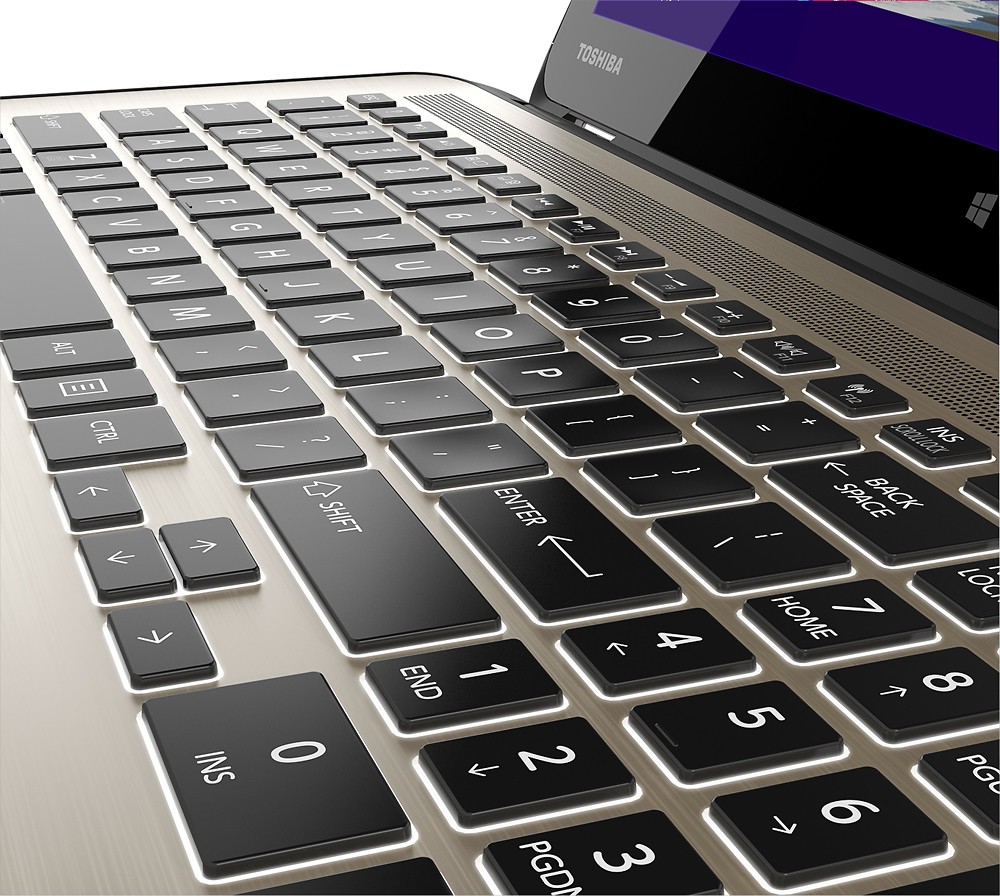
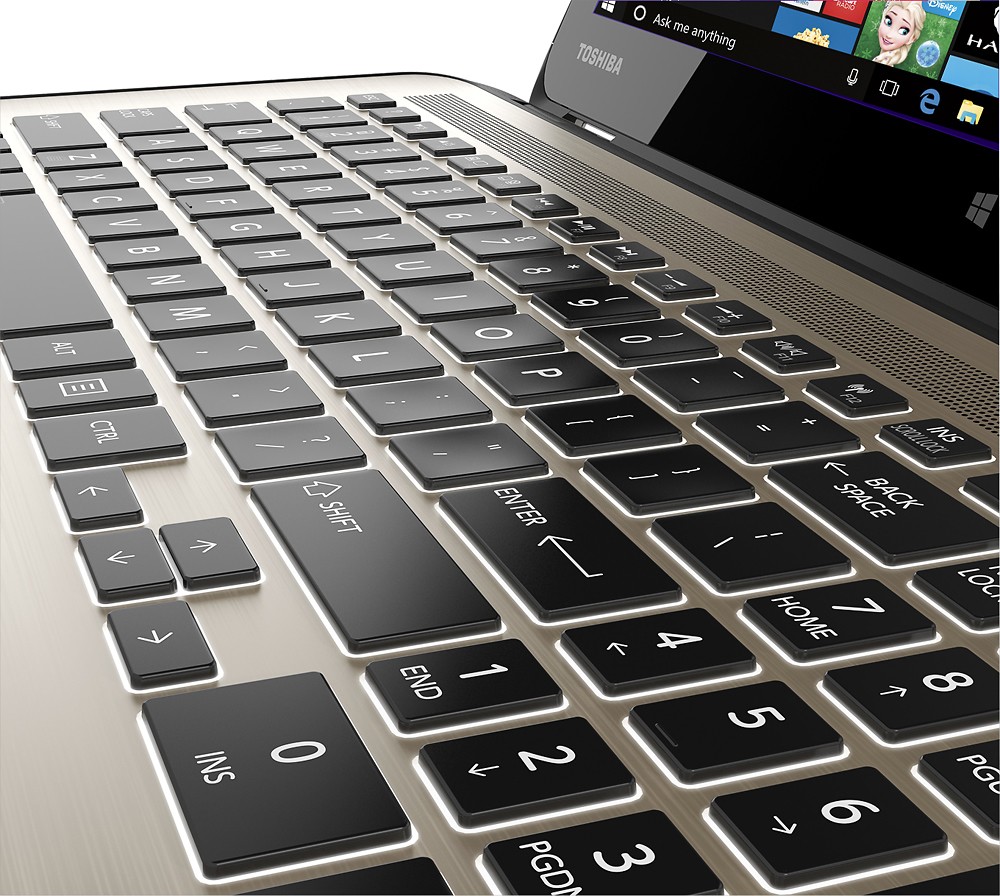
Posted .This reviewer received promo considerations or sweepstakes entry for writing a review.I really wanted to love this pc but the screen was terribly dim on its brightest setting, the processor was slow, and within a few days of owning it, the screen began to flash from black and white to color while swiping between pages in tablet mode. I really liked the layout of the keyboard, the generous screen size, and the beautiful backlit keyboard, but had to return it before the display went out completely.
No, I would not recommend this to a friendBrand response from ToshibaStaff
Posted .Thank you for the review, Toshiez, and sorry to hear about the problems you experienced with your Satellite P55W.
I wonder if this is the exact model of Toshiba Satellite Radius that you purchased. There are several different configurations at various price/performance levels, and this model is equipped with an Intel Core i7 Processor and 8GB of RAM, which would normally be considered to be fully capable of handling much more demanding tasks than most typical day-to-day computing needs.
I understand that you already returned the product but for the benefit of anyone reading this who may be interested in performance tips, the perceived speed & responsiveness of any PC will depend somewhat on the number of programs and processes currently running on the unit at any point in time, and their respective demands on various components, subsystems, and networking resources. Rebooting Windows and then checking performance after loading each individual app is one way to determine when the resource load begins to impact performance, and which apps most impact performance.
Performing a Windows Reset can help clarify whether a given issue is a hardware problem or a software/configuration issue, as reverting to the factory software installation should resolve any software issue. If you do perform a Windows Reset, be sure to first back up any personal data. The Toshiba Forums community knowledge base article at forums.toshiba.com/t5/System-Recovery-and-Recovery/How-To-Understanding-System-Restore-Refresh-Reset-and-Recovery/ta-p/342690 has detailed instructions.
For further assistance, contact Toshiba support at 800-457-7777.
Thanks for the feedback.
Great 2 in 1
Posted .This reviewer received promo considerations or sweepstakes entry for writing a review.As much as I loved this 2 in 1, Unfortunately I had to return it since it didn't meet my needs interms of RAM. This 2 in 1 is a beauty - very versatile and I think it's a great computer for your everyday use. It comes with 8 GB RAM which is the maximum RAM capacity. I did try to run various Adobe Programs like Photoshop, Dreamweaver, Illustrator and Lightroom. I also ran photoshop and a video (movie) to another screen at the same time and it handled everything pretty well. However, every now and then it freezed when trying to open one of the adobe products and the only solution was to restart. So, if you won't be using these sort of graphic products then I would highly recommend this 2 in 1.
I would recommend this to a friendVery good for watching TV shows
Posted .This reviewer received promo considerations or sweepstakes entry for writing a review.This laptop carried me far during my college years in terms of productivity and entertainment. But became obsolete as the years passed by. I still own it to this day bu the screen became damaged unfortunately.
No, I would not recommend this to a friendPretty good
Posted .This reviewer received promo considerations or sweepstakes entry for writing a review.Solid overall computer so far, but it does not have an Ethernet port which sucks because the wifi at my school is horrible. Nothing a little adapter can't fix, but it is something I would have liked to have seen built in.
I would recommend this to a friendScreen isn't that great.
Posted .This reviewer received promo considerations or sweepstakes entry for writing a review.I've had this laptop for a few days now and I have to say that I really don't like the screen all that much. Don't get me wrong, it's still far superior to a TN panel but like a TN panel it dims quite a bit when viewing of center. I have another laptop (Asus q501la) that also has an IPS display and the screen on the ASUS is definitely superior. I like the light weight and the brushed aluminum exterior. Three usb 3 ports is definitely a plus too!
No, I would not recommend this to a friendGreat at first, but unreliable
Posted .This reviewer received promo considerations or sweepstakes entry for writing a review.It's gorgeous. The touch screen is responsive. Runs very fast. For several months I worked to determine why the wifi was so unreliable. An update was finally released and it was reliable. But about a month ago the fan started running very loudly. A week ago the noise stopped and I got an error indicating an issue with the cooling system, and the laptop shut itself off. Since I'm still within the 1-year warranty, I called Toshiba support. They walked me through resetting the bios, which- big surprise- didn't fix it. I called back today and I get to pay to have it shipped to them, where I may be responsible for a diagnostic fee and the cost of repair if it's determined that physical damage caused it. So it's a great laptop as long as it works. But their support is terrible, and I don't trust that they wouldn't claim it was due to physical damage. At all.
No, I would not recommend this to a friendBrand response from ToshibaStaff
Posted .Thank you for the review, Its4jen, and sorry to hear that your Satellite Radius P55W apparently developed a cooling system issue.
The standard warranty covers all defects in parts & workmanship, but if a technician determines that the laptop is physically damaged then the repair can't be covered by the warranty. This policy isn't unique to Toshiba, but there's no need for concern if the laptop wasn't damaged.
Thanks for the feedback and sorry for the trouble.
Junk, Junk and Junk
Posted .This reviewer received promo considerations or sweepstakes entry for writing a review.This laptop is horrible. We purchased this laptop on June 13th and started it up the next day. It seemed to start up OK. We hooked up a second monitor and wireless mouse and keyboard, but once we started to use it nothing seemed to work correctly. We thought it may have needed to update drivers and software patches, so left it alone for a while. We returned to the laptop an hour later and no luck. It had a difficult time trying to open websites of any size, including google.com. we were about 20 ft from the wireless router. We gave up after a couple of hours and returned it to Best Buy on Monday. the Geek Squad had stated it was likely a bad network card and was easily exchanged. The second laptop gave us the same result, except when we were 10 ft from the router and had no peripheral devices installed. once we would plug in a second screen or the wireless keyboard, everything stopped working. When I returned it to Best Buy, they said it was a known issue. So we now have an HP Envy 2 and have absolutely no issues. the HP Envy 2 is working beautifully. Bottom line, unless you are going to use this as a tablet or web browsing machine within 10 ft of your router, run away from Toshiba.
No, I would not recommend this to a friendPOOR QUALITY THE KEYBOARD
Posted .This reviewer received promo considerations or sweepstakes entry for writing a review.POOR QUALITY THE KEYBOARD, TO THE MONTH OF PURCHASE IT FAILS THE SPACE KEY, DOES NOT WORK IF IT IS NOT PRESSED STRONG AND IN THE CENTER OF THE KEY, AND SOMETIMES NOT SO .... IT MAY FIX THIS WITHOUT HAVING TO LEAVE IT IN STORE ?? IT IS FOR DAILY WORK AND THERE IS NO WAY THAT I CAN LEAVE IT..
No, I would not recommend this to a friendAvoid!
Posted .This reviewer received promo considerations or sweepstakes entry for writing a review.I am only rating this computer POOR because that was the lowest they have. I had read reviews regarding the connectivity issues, but hoped they had those resolved. No, internet is usually half the speed of a four year old Lenovo sitting next to it. However, I wish that were the biggest issue. On at least four occasions when the computer is completely shut down, it would not come back on. Now, I just can't shut it down. You can get it back up, but it takes a screwdriver and probably voiding the warranty (have to unplug the internal battery). I have too much on the computer to just send it back so they can send me a new/refurbished clean computer in a few weeks so I can start over. I'll end up having to buy another computer, transfer everything and then send this one back to see if Toshiba will cover it under warranty. Of course, when I do get it back I'll have a Toshiba I will no longer need.
No, I would not recommend this to a friendBrand response from ToshibaStaff
Posted .Thank you for the review, DisgruntledCustomer, and sorry to hear about the trouble with your Satellite Radius.
If this is a brand new system then you will be able to return it for an immediate refund or replacement, which (because of the power on/off issues) is what I would recommend rather than a warranty repair in the rare cases when a system is defective right out of the box.
If the return period has been exceeded then, unfortunately, the system seems to need a warranty repair. Repairs at Toshiba's warranty depot are typically completed in less than 10 days. You can call 800-457-7777 for help with arrangements.
Thanks for the feedback and sorry for the trouble.
Spoiled
Posted .This reviewer received promo considerations or sweepstakes entry for writing a review.I wish they still made this laptop! I’m spoiled and can’t find anything like it.
I would recommend this to a friendWifi issue
Posted .This reviewer received promo considerations or sweepstakes entry for writing a review.i bought the i5 version of this computer and it had a wifi issue. I could not get wifi about 20 feet from my wifi connection. I then returned the computer and was told that the i7 version had an updated wifi board. This is true but the wifi strength was poor or non existent on this computer in most of my house. I compared the strength against three other computers so it's not my wifi connection or wireless provider, I returned a second computer. I could not find any help on the toshiba site but did see that others are having the same problem. The computer does have a sharp picture and the hybrid is an attractive design.
No, I would not recommend this to a friendBrand response from ToshibaStaff
Posted .Thank you for the review, William.
If I understand correctly you've already returned this laptop, but if not please contact Toshiba support at 800-457-7777 for further troubleshooting and, if needed, to make repair arrangements. Any problem with Wi-Fi reliability can be resolved either by configuration/driver changes or by troubleshooting the hardware and repairing/replacing any defective component.
Thanks again for the feedback and for choosing Toshiba.
Great 2 in 1 laptop
Posted .This reviewer received promo considerations or sweepstakes entry for writing a review.This is a great 2 in 1 laptop. It's large enough and powerful enough to do actual work but lightweight so you can carry it around. Very happy with this purchase!
I would recommend this to a friendMight be a bad batch
Posted .This reviewer received promo considerations or sweepstakes entry for writing a review.I bought one Saturday, returned it for another one on Sunday, returned that one for another one on Sunday, and returned that one to get my money back. The first one worked great except for the fact that the plastic keys would rub against the metal covering so typing correctly was impossible. Some of the keys would hang. The second one was really slow and the trackpad would get stuck. On the third one, the trackpad didn't stick at first, but then it started sticking. This one also kept turning off for no reason. These were probably all from the same batch, so there was probably an assembly issue. Had the first one not had the keyboard issue, I'm guessing it would have been great. I was replacing an ole Satellite that had worked quite well for quite a long time. After this, I'm probably done with Toshiba. Sadly, it seems all mainstream manufacturers are trying to go with the Apple like keys and trackpad. None of them appear to be doing a very good job at it.
No, I would not recommend this to a friendbest laptop
Posted .This reviewer received promo considerations or sweepstakes entry for writing a review.I love my new toshiba radius it is so beautiful and fast! Thanks BestBuy!
I would recommend this to a friendErrors
Posted .This reviewer received promo considerations or sweepstakes entry for writing a review.This laptop looks great and I can see a lot of work went into this laptop. However, I kept getting hardware malfunctions every time I got on. First the hard drive made a clicking noise and a too loud fan, indicating either a faulty hard drive or fan. When I exchanged it, the second one booted to blue screen on set up requesting a reinstallation of windows. It is out of stock now in my area but ill exchange it once more. If it works, ill update my review, if not then don't buy this product.
No, I would not recommend this to a friendBrand response from ToshibaStaff
Posted .Thank you for the review, rvhiii, and sorry to hear about the trouble.
I wonder if the 2nd unit which wanted to reinstall Windows had never been used or set up before. A blue screen on a new unit should never happen, of course.
Looking forward to hearing how you replacement works out.
Thanks again for the feedback.
Good Computer, Horrible WiFi
Posted .This reviewer received promo considerations or sweepstakes entry for writing a review.We purchased this computer for my teenage daughter who is home schooled. We wanted a computer that would allow for on-line classes and last her through college. We did our due diligence in reading reviews on Best Buy and Amazon. After purchasing the laptop, we were unable to get it to connect to our wireless network. We returned the computer to Best Buy and exchanged it for another one. The second one had the same issues. We returned that one and after further analysis by the Geek Squad, it was determined that this specific model was known to have significant issues with its WiFi connections. We returned the second computer and purchased an ASUS which cost several hundred dollars more. If you rely on the WiFi connection I would choose another computer, if not it is a nice computer for the price!
No, I would not recommend this to a friendBrand response from ToshibaStaff
Posted .Thank you for the review, Plantatree, and sorry to hear about the Wi-Fi problems with your Satellite P55W.
I understand that you already returned the unit, but for the benefit of anyone else who may need help troubleshooting Wi-Fi issues, the first thing to do is to ensure that Windows is not in "Airplane mode." On this model Airplane mode can be toggled on & off using the 'F12' Function key. The next step would be to check the Wi-Fi settings by going into the Settings "Charm" and selecting the wireless network icon.
If all of the settings seem to be fine, the next step is to update or reinstall the Wi-Fi driver. For this model software updates are available at support.toshiba.com/support/modelHome?freeText=1200009406 -- Click "Drivers and Updates" and select the "Windows 8.1" and "Wi-Fi" filters to see the relevant drivers and utilities.
Thanks again for the feedback and sorry for the trouble.