Customer Ratings & Reviews




- Model:
- P55W-B5112
- SKU:
- 3477007
to a friend
Customers are saying
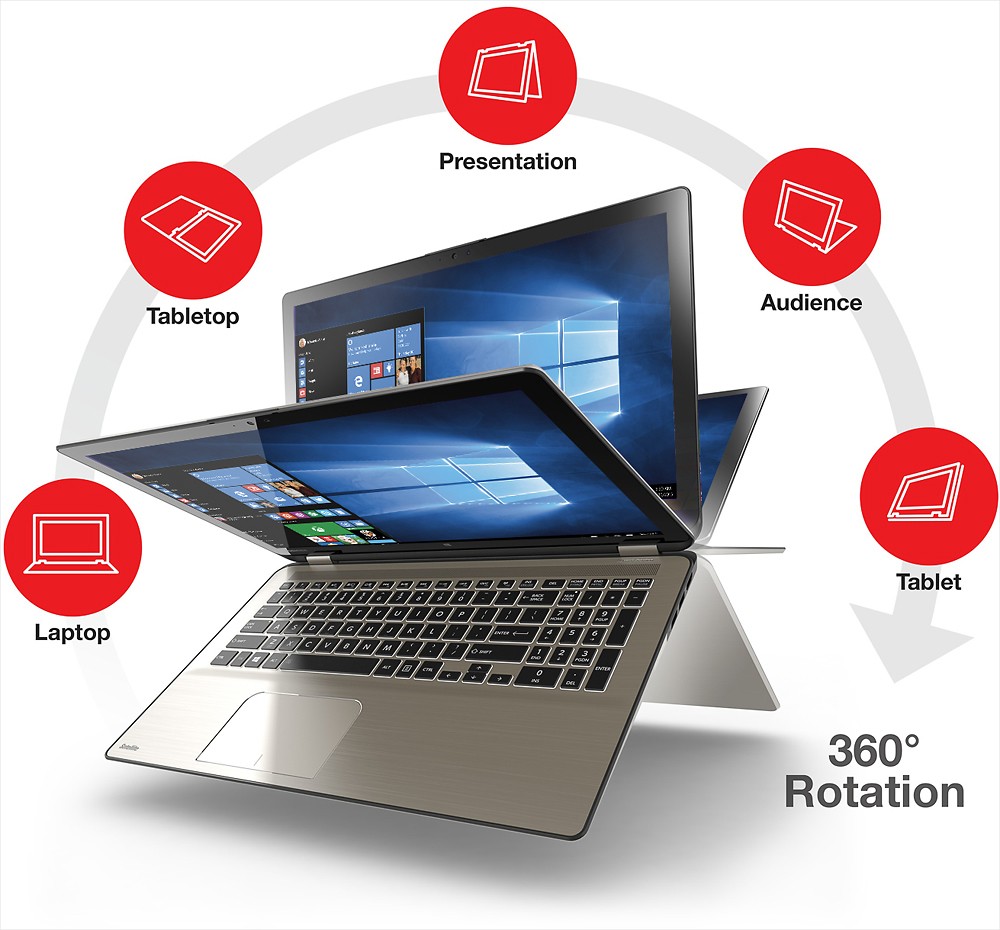
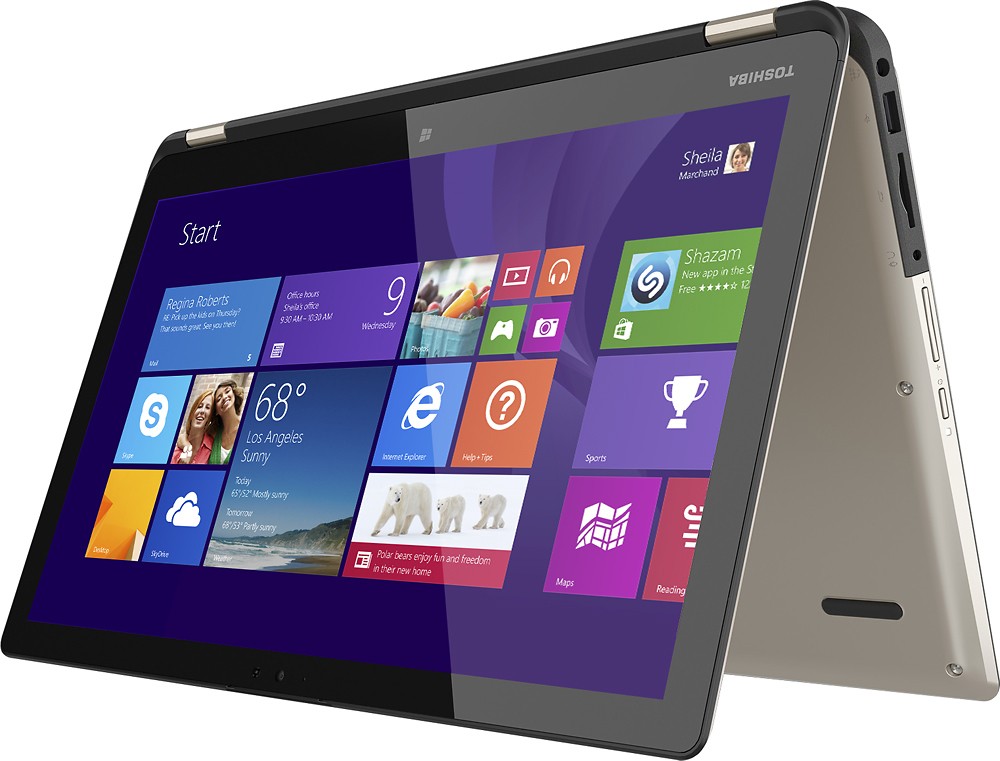
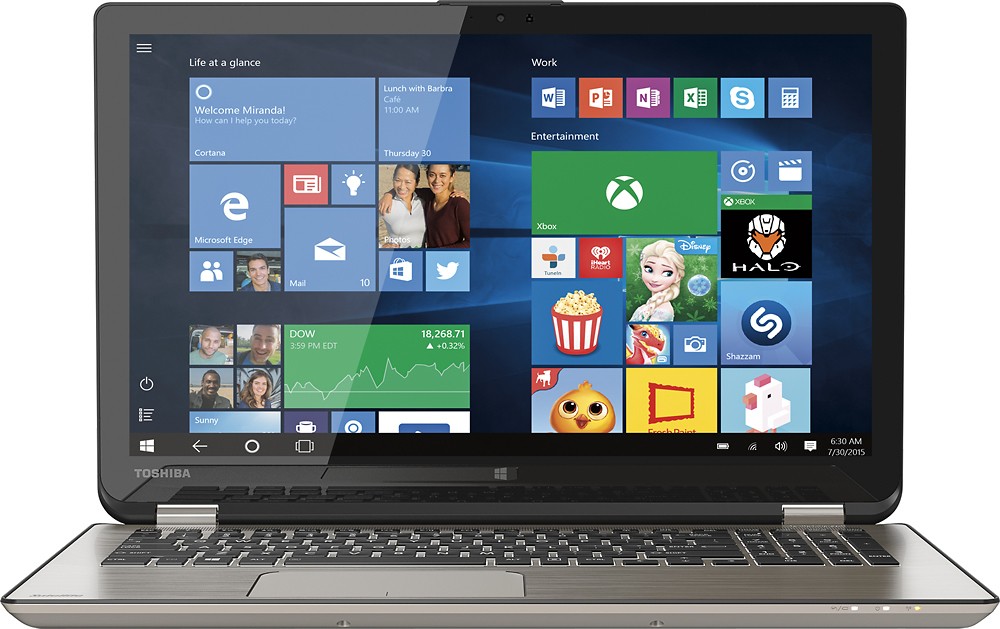
Customers have good things to say about the Satellite Radius 15.6" Touch-Screen Laptop. They particularly enjoy the touch screen, long battery life, affordable price, lightweight design, fast processor, and its versatility. Some customers have expressed concerns about the fan noise, the Windows 8 operating system, and the lack of a DVD drive.
This summary was generated by AI based on customer reviews.
Will be returning after 24 hours
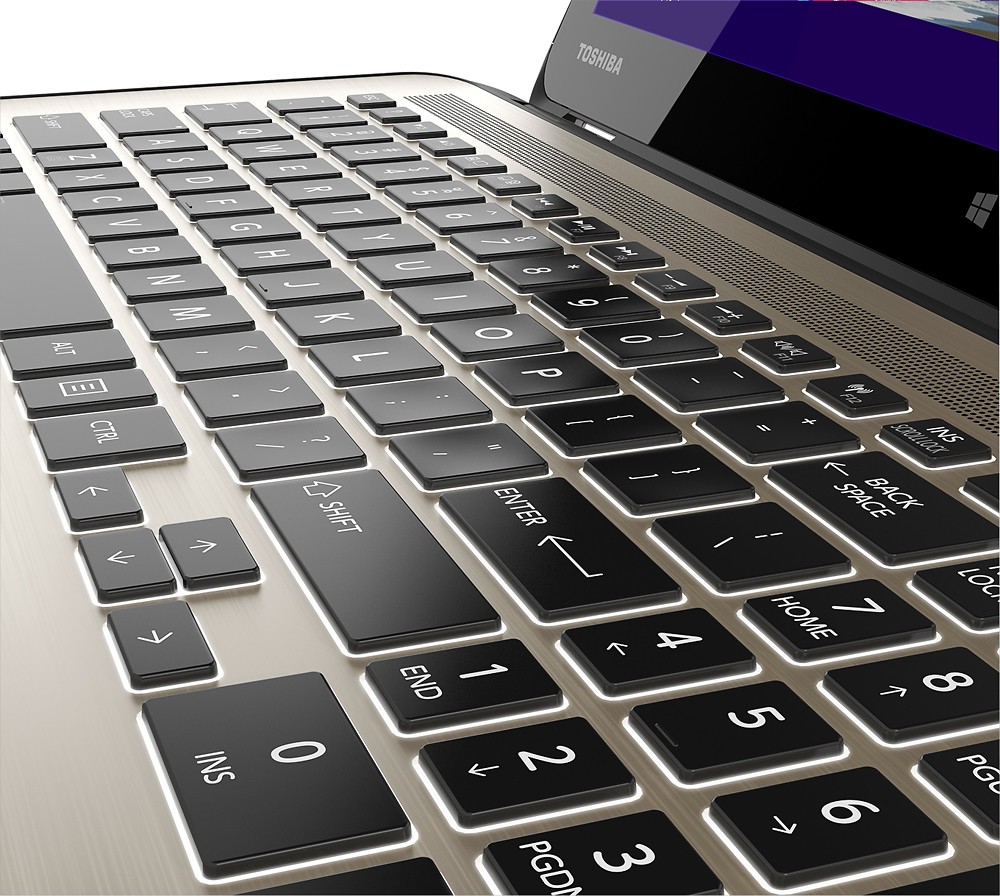
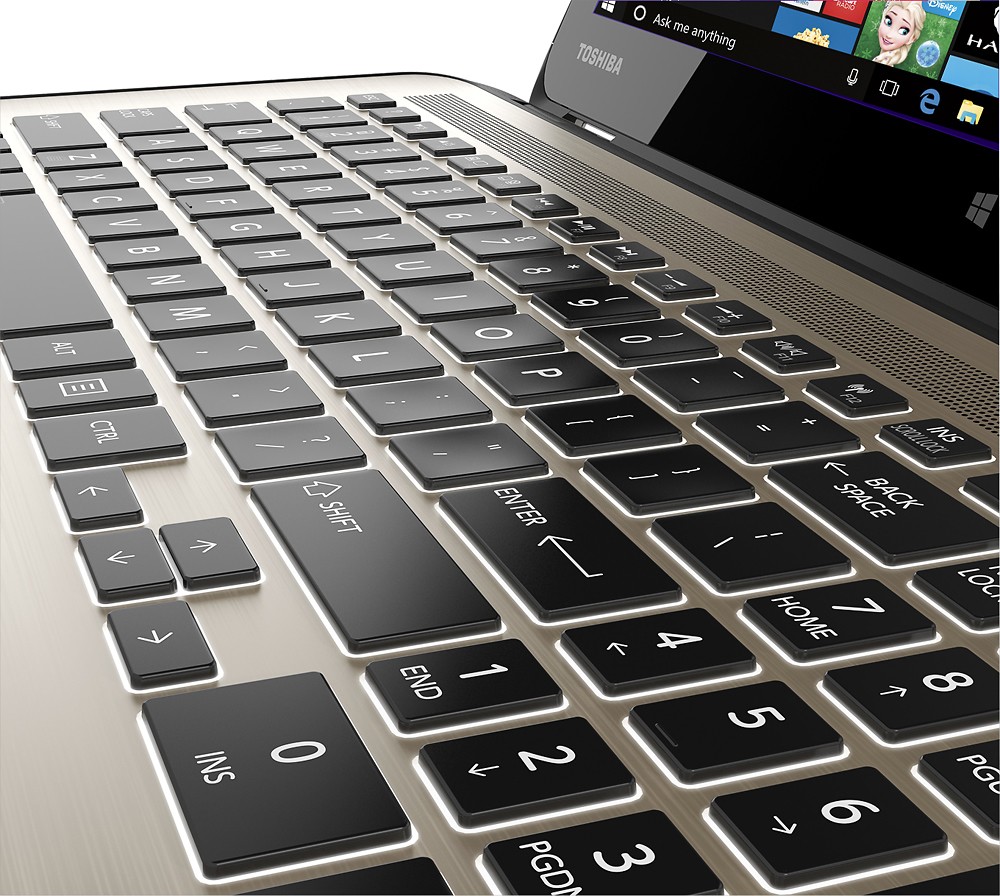
Posted .This reviewer received promo considerations or sweepstakes entry for writing a review.I am just not sure where all these 5 star/4 star reviews are coming from. I bought this laptop today and will be returning it because wow, this thing just sucked. I was hoping to play an online game on it and that is out of the question. The thing doesn't even allow me to watch streaming videos online while my 5 year old macbook pro would leave this thing at the starting line. I also hate the glossy keyboard, feels like my fingers can't stay on them to type.
No, I would not recommend this to a friendBrand response from ToshibaStaff
Posted .Thank you for the review, James and sorry to hear about the connectivity issues on your Satellite P55W.
This model is equipped with an Intel Core i7-5500U Processor and 8GB of RAM, which should be more than enough to handle any typical day-to-day computing needs, and the 802.11AC wireless networking support should provide excellent Wi-Fi throughput for online gaming and video streaming.
I wonder if Windows Update has been busy downloading & installing updates. That's typically the case on brand new systems, and if so it will tax initial performance until Windows finishes updating itself. You may want to run the Windows Update app to see what it's up to, if anything. If it has critical ("important") updates to install, I recommend having it complete that process ASAP and reboot when it's finished (even if not required) to see if performance improves significantly once that process is complete. We don't recommend letting Windows Update install any "optional" updates since those can overwrite drivers & utilities that are optimized for or by Toshiba. Optional updates should be installed only via the Toshiba Service Station app or by visiting support.toshiba.com.
Thanks for the feedback and sorry for the trouble.
3 months and it doesn't turn on anymore
Posted .This reviewer received promo considerations or sweepstakes entry for writing a review.I bought this notebook in July 13 and in the same week its touchscreen started to give problems and I disabled it. Yesterday I was working on it and the battery run out and I just plugged the battery charger right away but it doesn't turned on! I called to toshiba and they said that I should send to repair from 7-10 business days and also that I'm responsible to pay the shipping!!! That's an absurd because I'm a college student and I only bought it for studying and now I can't work and I have to wait for them to repair something I'm not responsible to be occurring! I'm the victim and they should offer something else instead of making me wait and PAY for the shipping!!! I'm really disappointed and I deeply regret of making this purchase. I do not recommend this at all and actually I do not recommend any purchases from this company.
No, I would not recommend this to a friendbad performance for such a good description of pc
Posted .This reviewer received promo considerations or sweepstakes entry for writing a review.Bought it like a month ago , first time loading was really slow thought it was because it was new and it was setting everything up , but still after that was still slow , in few words i had to configure everything for low performance and deactivate some useless startup services so it was fine , i didn't even have to do that with the old one i got 4 years ago , besides all of this after i got it i had to deactive the touch-up screen system because after being turned on for a while somehow you get "ghost" touches on your screen so it makes it uncontrollable even if you restart your computer keeps having the same issue ....after all this configuration is been working fine but toshiba forgot to kiss (Keep it simple stupid ) so many features to make a laptop slow and uncontrollable.
No, I would not recommend this to a friendBrand response from ToshibaStaff
Posted .Thank you for the review, Sargupe, and sorry to hear that you had performance issues with your Satellite P55W.
I wonder if any of the startup services that you disabled may have led to the touchscreen issue. I would often recommend performing a Windows Reset to determine if any issues have been caused by configuration or software changes, but since (if I understand correctly) you seem to be happy with the performance you're seeing today, it may now be a case of 'if it works, don't fix it.'
If you'd like help from Toshiba support, please call 800-457-7777.
Thanks again for the feedback and sorry for the trouble.
Poor quality
Posted .This reviewer received promo considerations or sweepstakes entry for writing a review.After 2.5 months of owning the laptop it no longer powers on and shows no power indication when plugged in. Called Best Buy and was told to call Toshiba. Two thumbs down for Toshiba poor quality and two thumbs down for Best Buy.
No, I would not recommend this to a friendBrand response from ToshibaStaff
Posted .Thank you for the review, Rich and sorry to hear about the power issue with your Satellite P55.
I recommend contacting Toshiba support at 800-457-7777 for further diagnosis and, if needed, to make repair arrangements.
Thanks again for the feedback and sorry for the trouble.
Thank you for the review, Rich, and sorry to hear about the problem.
If you haven't already done so please call Toshiba support at 800-457-7777 for troubleshooting help and, if needed, to make warranty repair arrangements.
Thanks again for the feedback.
Bad Laptop
Posted .This reviewer received promo considerations or sweepstakes entry for writing a review.I have owned this laptop for about four months and I absolutely hate this laptop! Every time I try to move it, I hit the power button on the side of the laptop, so it turns off. Also, lately, the touch screen doesn't work really well on the left side of the screen, and today, the caps lock button was off, but would only type in all caps until I turned the caps lock button on, then it would only let me type in lower case letters, and now none of the keys across the top (the ones that control display brightness and volume) won't even work. Lastly, when I switch screens, from desktop to windows 8, the internet disconnects EVERY SINGLE TIME and I have to connect it, which usually doesn't work. This is the second Toshiba laptop I've owned and the first one was a lemon, so I decided to take a chance on Toshiba, and I wish I never did!
No, I would not recommend this to a friendBrand response from ToshibaStaff
Posted .Thank you for the review, Kristen, and sorry to hear about the issues you've encountered with your Satellite P55W.
The power button can actually be configured in a way to prevent your laptop from being accidentally turned off. Please see this link, http://windows.microsoft.com/en-us/windows-vista/change-the-function-of-the-power-button-on-a-mobile-pc for detailed instructions on how to do it.
Considering the odd keyboard and networking symptoms you described, I recommend doing a Windows Reset to restore the laptop to its factory settings to see if that eliminates the problems you're experiencing. Make sure all of your files are backed up since this would erase everything loaded onto the laptop since it left the factory. The Toshiba Forums community knowledge base article at toshiba.com/t5/System-Recovery-and-Recovery/How-To-Understanding-System-Restore-Refresh-Reset-and-Recovery/ta-p/342690 has more details and step-by-step instructions for that process.
Should you need further assistance, please contact Toshiba Support at 800-457-7777.
Thanks for the feedback and sorry for the trouble.
Unlucky, I guess
Posted .This reviewer received promo considerations or sweepstakes entry for writing a review.I must have just gotten a poorly constructed version of this laptop. I haven't even had this thing for a year and my screen has blacked out, my hard drive has been corrupted, and I have a harder time connecting to the internet than when I use the Toshiba I bought in 2008 for $350 at Wal-Mart.
No, I would not recommend this to a friendBrand response from ToshibaStaff
Posted .Thank you for the review, Looby, and sorry to hear about the problems.
Hard disk corruption can result from various types of "soft" problems, like forced shutdowns or possibly even software issues that cause the system to lock up at inopportune disk-writing moments. But those kind of issues can generally be resolved with disk diagnostic & repair tools and by restoring any unrecoverable files from backup.
On the other hand, if your display no longer works and you're having wireless networking reliability issues, I recommend contacting Toshiba support at 800-457-7777 to determine if your laptop needs to be repaired. If you purchased it new less than a year ago then your Toshiba warranty will still be in force.
Thanks again for the feedback and sorry for the trouble.
Problems since the days I bought it
Posted .This reviewer received promo considerations or sweepstakes entry for writing a review.I typically buy $300 - $400 Lenovo Laptops, but decided to step it up with this purchase and was disapointed since the day I bought it. The laptop booted so slowly since the first boot and no matter what I did to clean it up I could never speed it up. After accepting with the slowness for 10 months of very light use the keyboard stopped functioning properly. After typical troubleshooting I contacted Toshiba Tech support and was told I would receive a call back from an escalation point on Monday. That was 3 days ago and I never received a call. Now I am left with a $900 slow laptop that I have to plug in a USB keyboard to use. Such a disappointment. Should have stuck with a Lenovo.
No, I would not recommend this to a friendTerrible product
Posted .This reviewer received promo considerations or sweepstakes entry for writing a review.The worst computer i ever purchased in my life. It got broken in the very first month i started using it. I asked for a replacement and i was told it has to be fixed 3 times before i can get a replacement. By the third fix, the warranty expired and I was left with a broken computer and over $ 800.00 in vain.
No, I would not recommend this to a friendSteer clear
Posted .This reviewer received promo considerations or sweepstakes entry for writing a review.Slow, shuts down for no reason in the middle of using it, freezes, mouse disappears, and on/off button in bad place. Beautiful picture and sound but that's about it.
No, I would not recommend this to a friend