Customer Ratings & Reviews
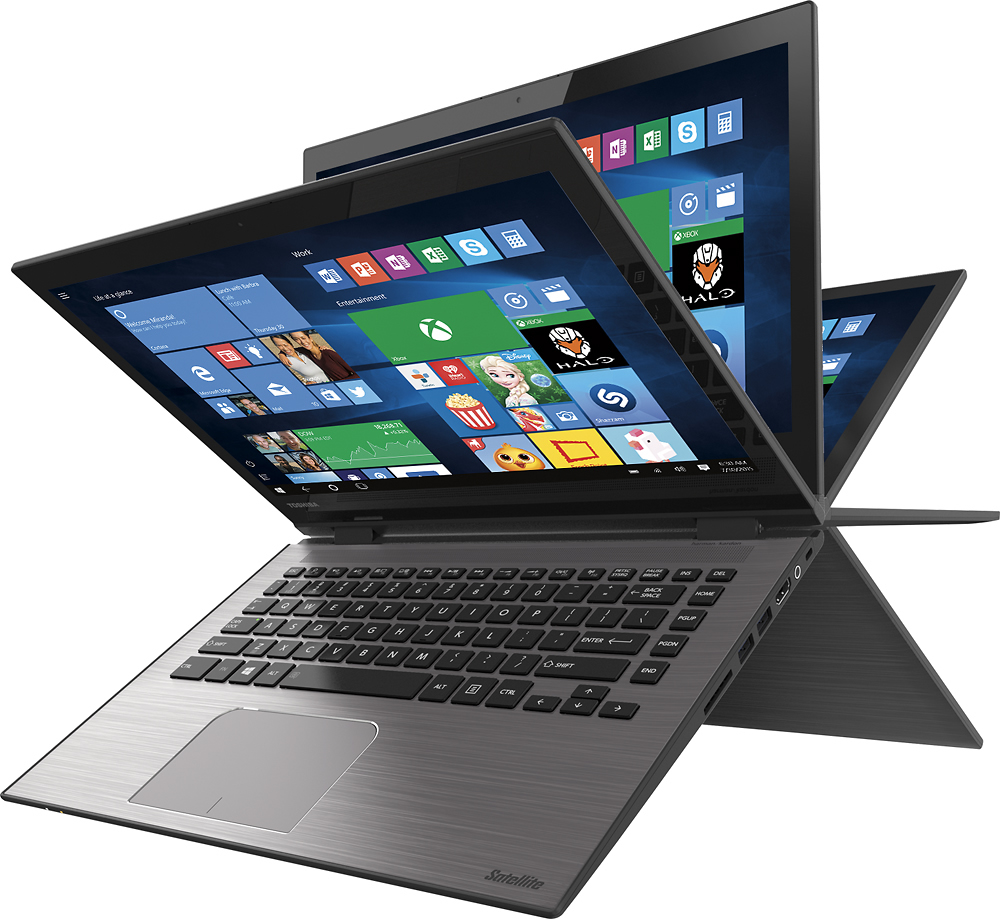
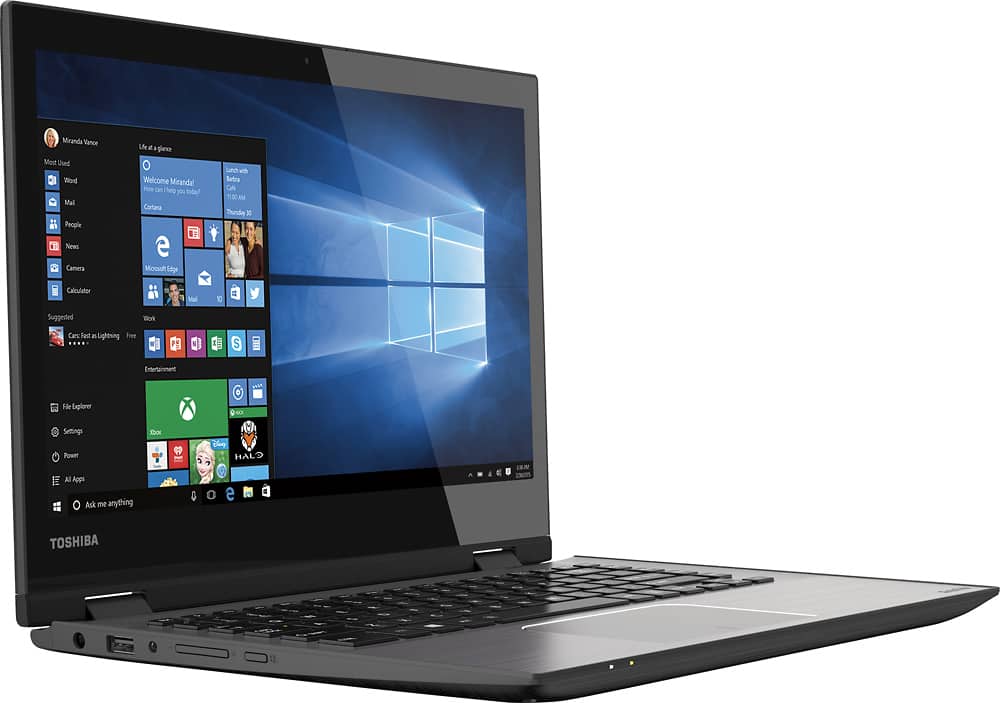
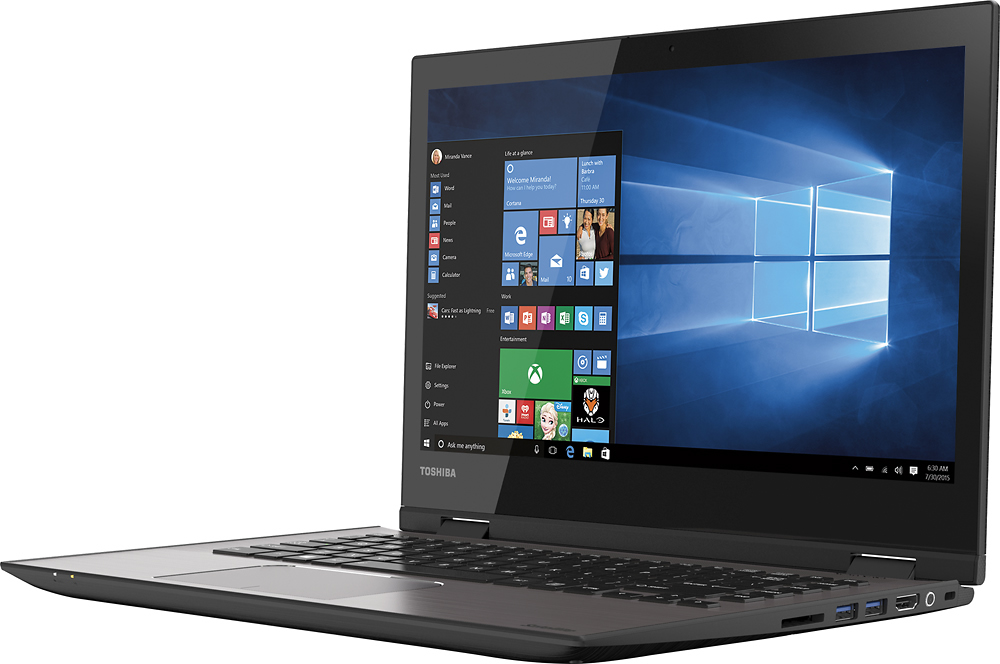
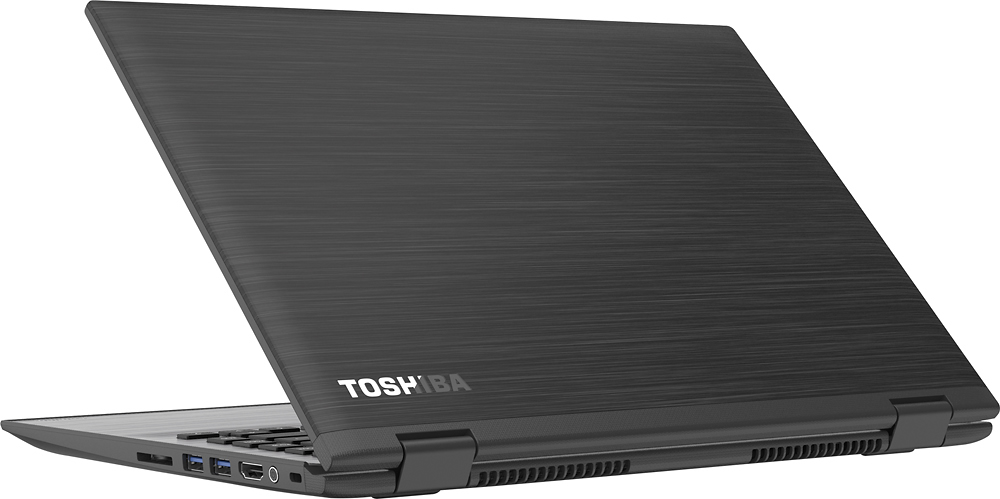
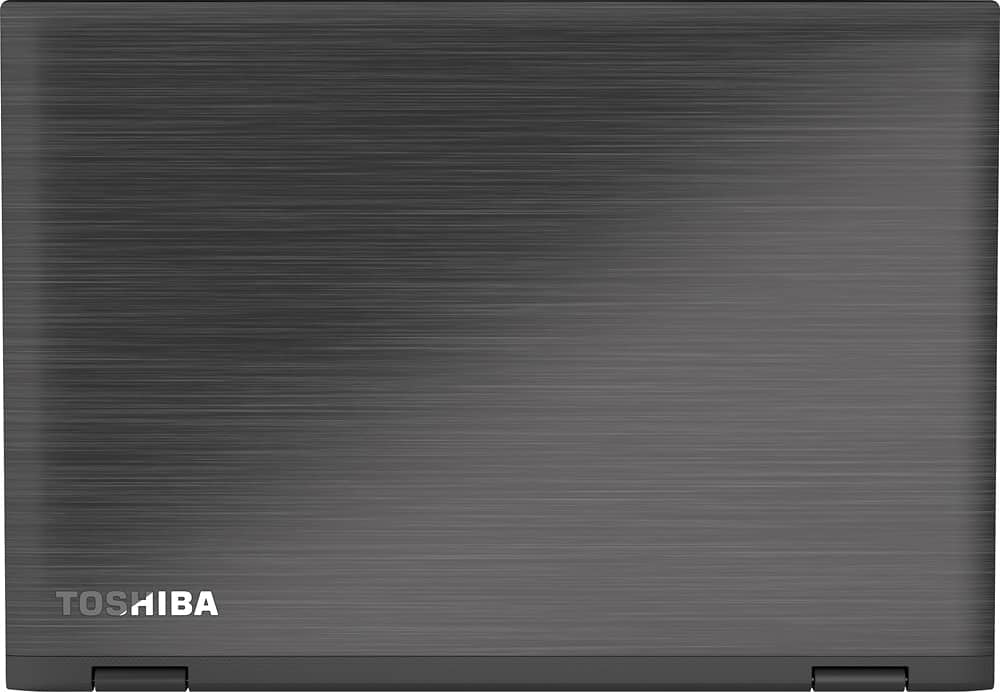

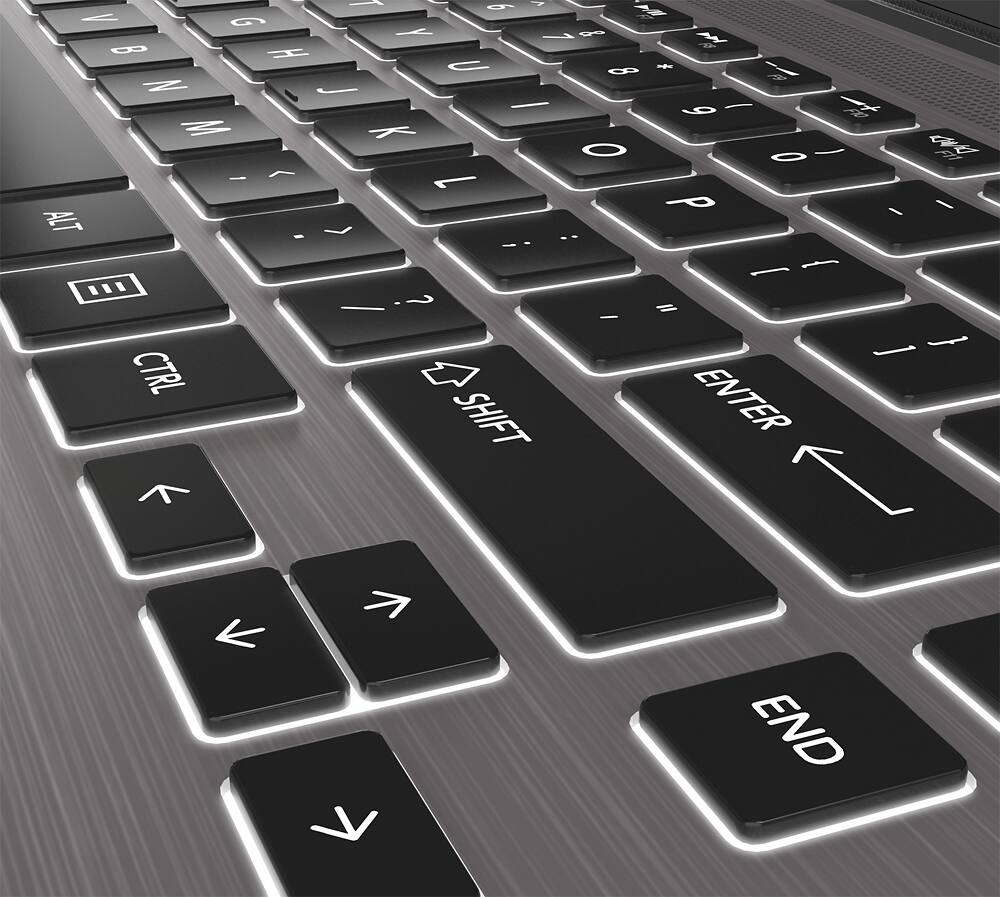
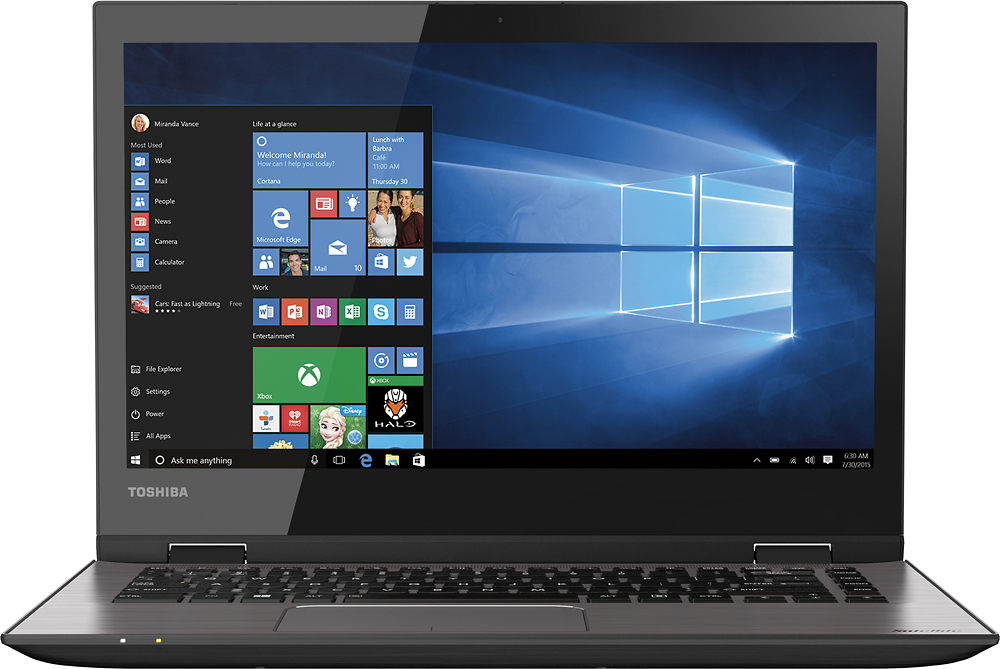
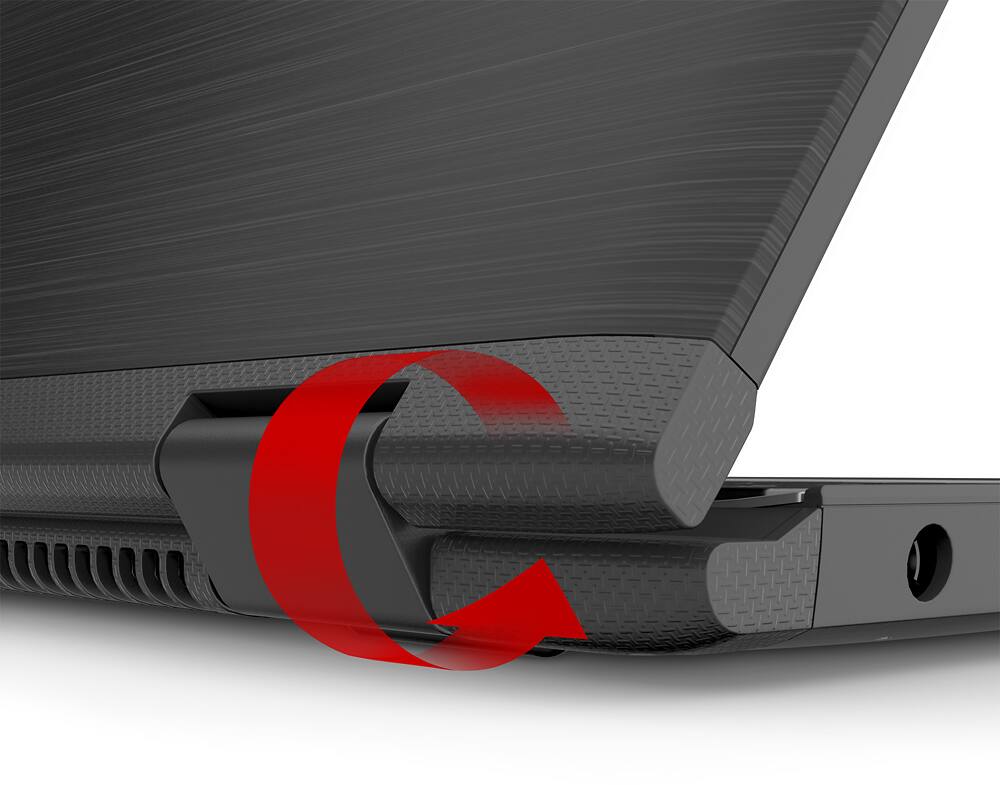
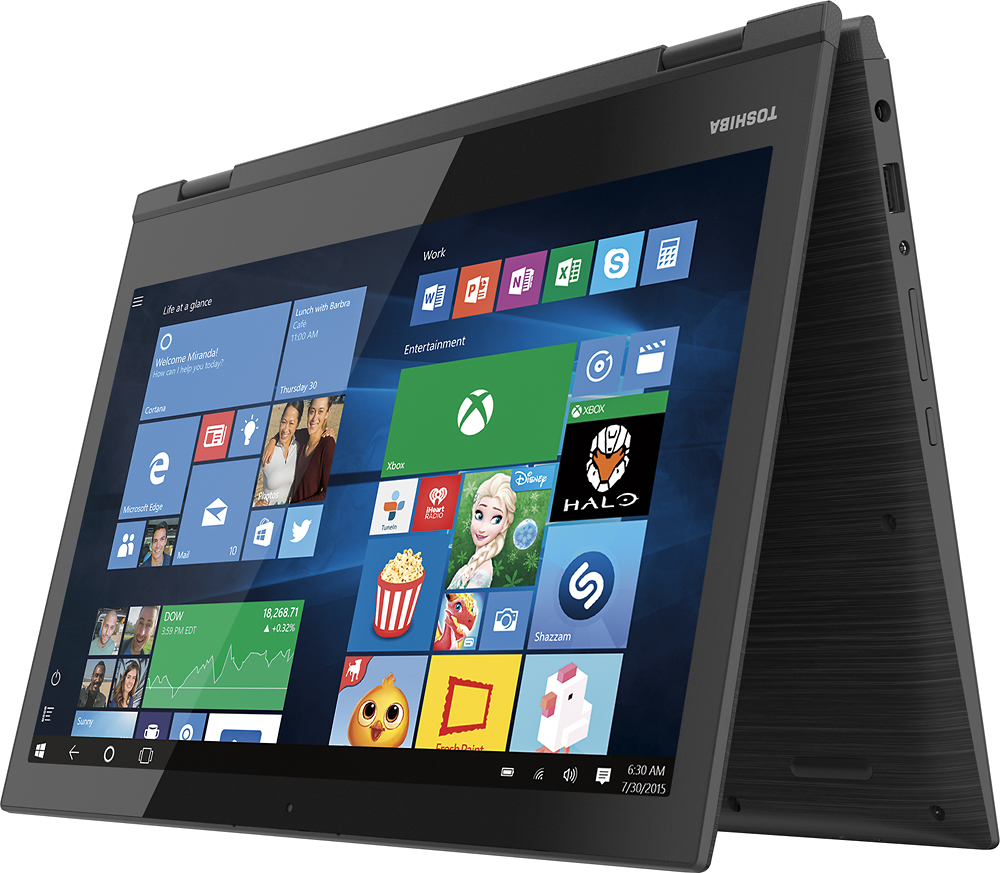
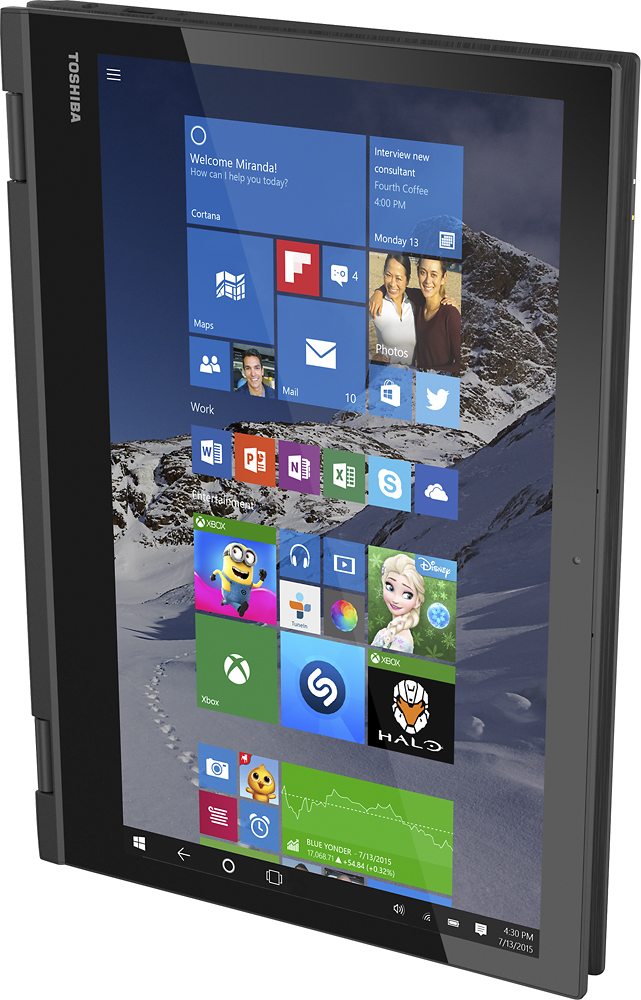
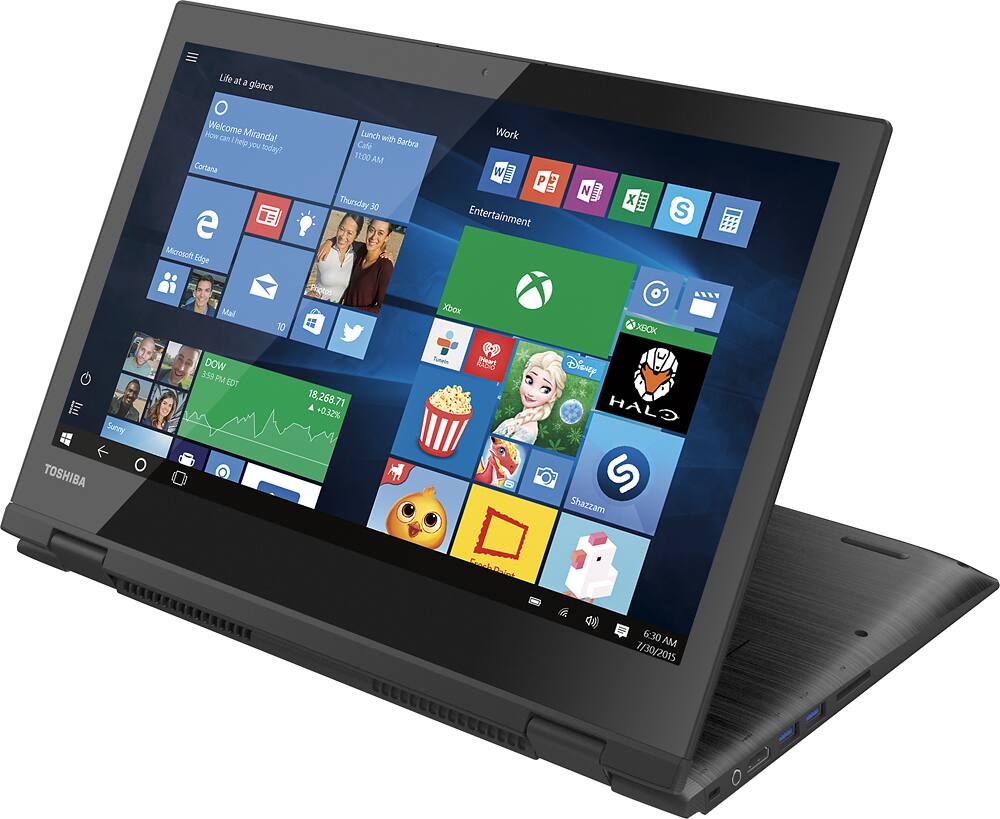

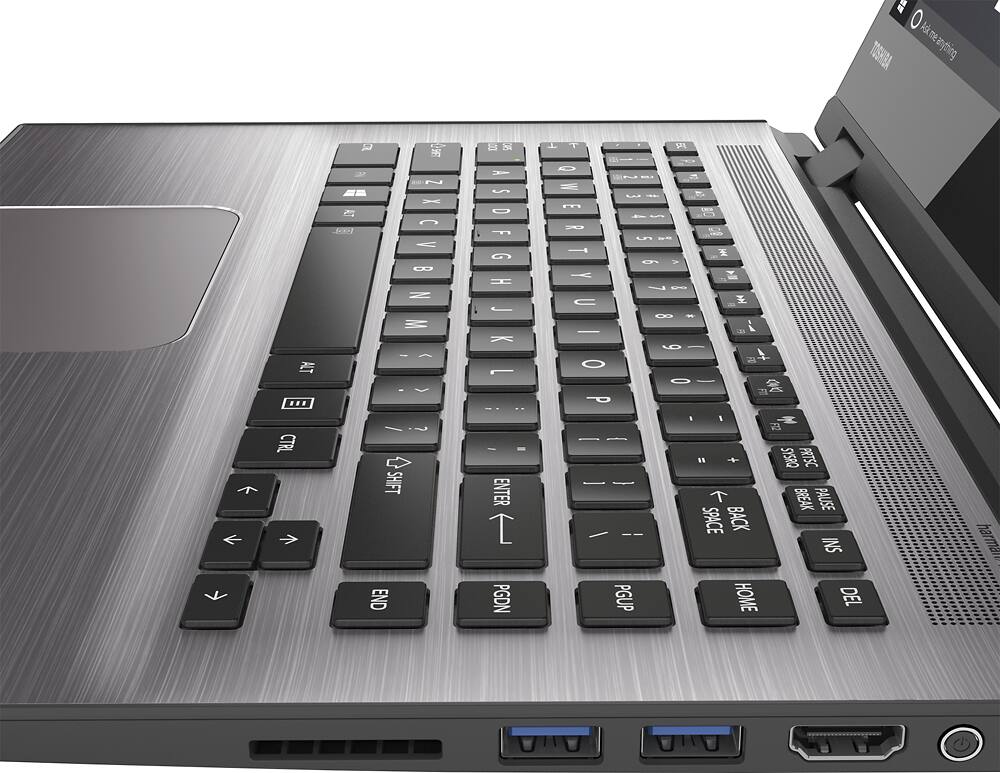
- Model:
- E45DW-C4210
- SKU:
- 4203204
to a friend
Customers are saying
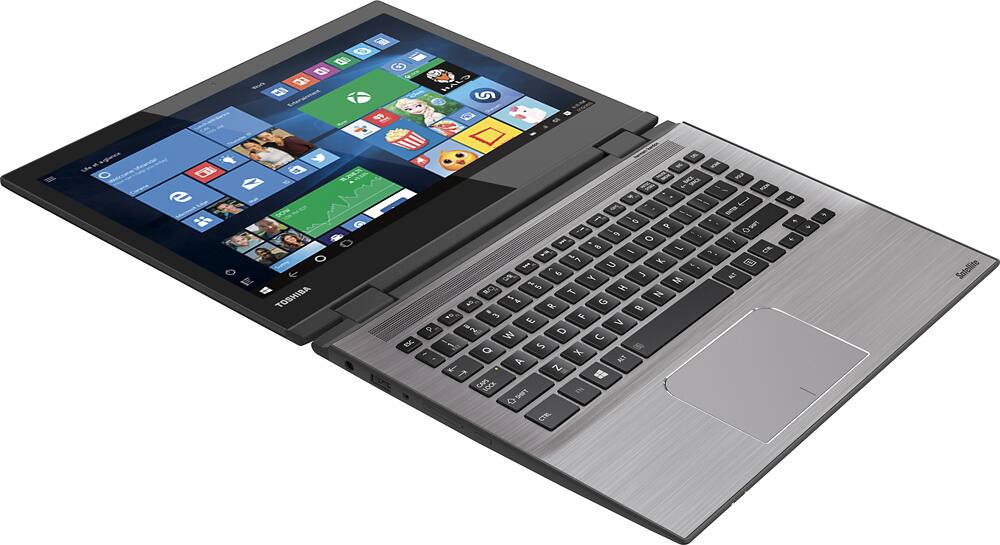
Customers are positive about the Satellite Radius 2-in-1 laptop's touch screen, performance, price, gaming capabilities, ease of use, RAM, and light weight. They are negative about its slow speed, Windows 10 operating system, and internet connectivity issues.
This summary was generated by AI based on customer reviews.
Great laptop
||Posted .This reviewer received promo considerations or sweepstakes entry for writing a review.Awesome laptop have not had a single issue! Long battery life! Not the brightest screen I've had but nonetheless it gets the job done
I would recommend this to a friendEverything we were looking for
||Posted .This reviewer received promo considerations or sweepstakes entry for writing a review.Perfect size,great quality,newest processor.... convenient flip over tablet style.S et up a breeze right out of box.
I would recommend this to a friendBest laptop ever
||Posted .This reviewer received promo considerations or sweepstakes entry for writing a review.I absolutely love it this is by far the best laptop I've ever owned I would highly recommend this
I would recommend this to a friend- Pros mentioned:Touch screenCons mentioned:Internet connectivity
Nice...but plagued with problems
Posted .This reviewer received promo considerations or sweepstakes entry for writing a review.Overall, I was very impressed with the Windows 10 operating system and the way the product functioned. The touch screen was very responsive and user-friendly where controls were concerned when in tablet mode. Easily programmed, the Radius included a start-up program that explained most, if not all, of the workings that would be useful to a first-time user. Cortana, Window's version of Siri, was very helpful and is constantly around, allowing for quick searches and easy calendar scheduling. This being said, the computer is plagued with problems that caused me, despite being fully in love with the computer, to take the device back and get a full refund. From the first day, I noticed a problem with the device waking up after the lid is closed without putting it in sleep mode manually. It required that I force shut down the laptop and start it back up which then in turn caused me to lose everything I had been working on. In addition, the computer would go to a black screen, also requiring a force shut down, at seemingly random points during use. Being a student, I could not have the laptop I depend on crash at random moments during class; of which I had multiple instances. Furthermore, I noticed on Day 6 of use that the laptop had trouble connecting to stable WiFi networks. The laptop would report that it was connected to WiFi while not being able to access the internet. Other devices were connected to the same WiFi network, and yet they did not experience the same problem. Within a day of this occurrence my laptop would not connect at all, and the WiFi settings were utterly nulled; the setting did not exist and I was unable to do anything besides reside in my laptop's mercy. After checking online, using my phone, I confirmed that other users were having a similar issue, the issue was most likely caused by a driver error, Toshiba had not acknowledged the problem, and there was no fix in existence. When I bought the laptop, it was not inexpensive. To be subjected to such misgivings after paying a considerable amount of money was inexcusable. It was returned on Day 7. I would not recommend this to anyone I know, nor to any who read this.
No, I would not recommend this to a friend - Cons mentioned:Windows 10
Good, not great...
Posted .This reviewer received promo considerations or sweepstakes entry for writing a review.I'm fairly tech savvy and dismissed most of the one star reviews based on their lack of substantive or knowledgeable content. I find this to be a good but not great computer that has excellent specs and a good price. It comes with some trade-offs however that are mostly related to the AMD processor. It's not the fastest in the world and it tends to run hot (just the nature of the beast). But unless you're looking for cutting edge performance, this should be a good choice. As for the loaded Windows 10, I like it except for one important feature. One can no longer disable automatic software updates. This may not seem important unless you get a surprise update while tethering on your cell phone account. That single event cause me an extra $50 dollar charge for data that I did not choose or want to download while tethering. My cell phone carrier and MS both told me I could pound sand...
I would recommend this to a friend Great laptop, limiting factors easy to overcome
Posted .This reviewer received promo considerations or sweepstakes entry for writing a review.This is a great deal for the tech in it. The FX-8800P can handle recent games at lower settings and older games maxed. The screen being 768p works since it's smaller than the standard 15.6" so the pixel density is higher. There are some limitations to the laptop with #1 being the bloat apps that will slow the system down or are junk like Mcafee and wild tanget. The second limitation is the hard drive. It's a MQ01ABD075 that runs at 5400rpm. It works and is ok but if you feel things are still slow this is the other cause. I replaced mine with a SSD. The system is whisper quiet and the fan barely comes on doing non intensive activities. If you plan on using this for games upgrade the ram as it currently runs 1600mhz sticks but the processor can handle 2133mhz Pc3 17000 ram. The processor is limited to 15w but hopefully a update or app will allow it to run at a full 35w for even better performance. This is a great buy and comparable to Intel's i5 15w processors except you get better gaming performance and a real quad core instead of their dual core with hyperthreading. Don't sleep on this,
I would recommend this to a friend- Cons mentioned:Battery life
Great laptop for...nobody?
Posted .This reviewer received promo considerations or sweepstakes entry for writing a review.I've been looking for a good laptop with AMD's new Carrizo platform and this laptop seemed to fit the bill. I bought it at my local BB on sale after fiddling with it for a bit. External reviews were scarce and reviews here were underwhelming, but the price was good and I am a power user with very specific requirements, so I thought I'd give it a chance. My point of comparison for the platform is my aging Lenovo Z585, with an A10-4600m (versus the FX-8800p here) From a fit and finish perspective, it feels very nice, it looks very nice (especially for the price), and it has a bright display and honestly pretty decent speakers. However, the display is a cheap 1366x768 TN panel with horrible viewing angles, so the ability to put it into an alternate display mode is sorta moot. The keyboard is better than most in this price range and the backlight is an awesome touch -- which is a real shame because the trackpad is literally the worst trackpad I have ever used. A major tech site posted a roundup of Carrizo-based laptops yesterday and the reviewer referred to this laptop's trackpad as simply the "Devil's Trackpad". I had been using an external mouse almost exclusively until yesterday on the train when my cheap $5 USB mouse died, and that's when using it for more than 10 minutes made me want to crack open the train's window and fling it into a ditch. I understand that all laptops can't have the sleek trackpads of a Mac or even the new Dell XPS laptops, but this is ludicrous. The trackpad on my Acer Aspire One -- a NETBOOK, of all things -- was infinitely better. With that aside, let's look to the internals. I was planning on using this as a light gaming laptop. Don't make that mistake. My subjective take on performance coming from a high-end Trinity APU is that this particular flavor of Carrizo is ~10-15% better. This is after replacing the HDD with a Sandisk Ultra II SSD (480 GB). Fallout 4, dropped to the absolute minimum settings, runs at a choppy 20-ish FPS at best. This is after downloading the newest AMD drivers, disabling a bunch of the background software, etc. My old laptop gets about 15-18 FPS in the same conditions. As it turns out, the culprit is the manufacturer. Toshiba decided to cripple the APU by only allowing a single-channel memory configuration on the motherboard. Even if I decided to upgrade the RAM to enthusiast-grade DIMMs with tighter memory timings, it wouldn't make much of a difference. Single-channel memory is bad for general use but is unfathomable for gaming, even light gaming, on integrated graphics. Even with the FX-8800P configured to top out at 15W -- which I knew going into this, even though it can be configured to go all the way up to 35W -- the performance should've been demonstrably better than an APU from 2012. And while I'm talking about power, the battery life on this laptop is just embarassing. I knew the battery wasn't rated that well, but it barely lasted 2 hours of medium use (Minecraft, with all of the settings dropped down and all of the power-saving features of the laptop on). And under that workload, it became incredibly hot at the back near the hinge, where the vents are, way hotter than you'd expect for a processor rated at only 15W TDP. In summary, if this was a sub-$400 laptop I could excuse most of these shortcomings. If this was a sub-$500 laptop and I didn't have a specific baseline that I was working against , I might have thought the compromises were worth it. But this is a $560 laptop that works only marginally better than a 4-year-old laptop and gets worse battery to boot. If you want an everyday machine -- internet, email, etc. -- there are plenty of cheaper and better options out there. If you want a light gaming machine, AMD's current-gen laptops aren't going to fit the bill -- wait for the next generation of APUs or spring for something with discrete graphics. As for me, I'll be returning this.
No, I would not recommend this to a friend Portable, but decently powerful
Posted .This reviewer received promo considerations or sweepstakes entry for writing a review.This computer is great... once you get all the bloatware removed, and plug as many of the egregious privacy holes in Windows 10 that you can. I created the system image disk on a 16GB USB drive, which I then used to reinstall the operating system on a 480GB SSD once I removed the back of the case and then the HDD. What drew me to this model was primarily the combination of portability, dedicated graphics, and not having to use a computer running Windows Vista or a *nix distro. The chassis is relatively high quality, except for the touchpad. I feel that rather than spending the resources giving this computer a tablet mode, Toshiba could have invested in higher-quality touchpad hardware. I will definitely be investing in a separate mouse. No optical drive means less flexibility, but less weight. I bought a slim USB optical drive concurrently, so that's not really an issue. Dedicated graphics is a nice touch, although this is not a gaming laptop. I primarily play older strategy and RPG games on Steam, but this can run more modern games with decent quality as well. I don't know if the RAM is upgradeable beyond the standard 8GB, but I will find out soon and max it out. No issues with Wifi connectivity, despite other reviewers' experiences to the contrary. Plus: Slim, portable, relatively lightweight, AC charger plugs in on the left side, at a RIGHT ANGLE, dedicated graphics, USB 3, backlit keyboard, Bluetooth for peripherals, no Wifi issues Minus: Windows 10, bloatware, tablet mode seems unnecessary, touchpad is low-quality and not very responsive/sensitive, battery is not easily removable/replaceable (looks to be a lithium-polymer like in MacBooks, if I need it replaced I probably have to send it in to Toshiba) Overall, this is proving to be a good system. Get a USB optical drive, a decent case, Geek Squad Protection, and maybe install an SSD, and this computer will treat you right.
I would recommend this to a friend- Pros mentioned:Touch screenCons mentioned:Slow
Freezes running programs won't reset to factory
Posted .This reviewer received promo considerations or sweepstakes entry for writing a review.I purchased this laptop and was so happy. It had everything I wanted (Even though the site had inaccurate information) I wanted: Wireless AC (It says it has B/G/N on the site, but it does have AC) Touch Screen 2 in 1 Backlit Keyboard 8 Gigs of Ram Great speakers (they sound awesome, better than a MacBook Pro, and almost as good as an HP with beats). 750 GB or more of hard drive space Something with a nice graphics card. *It does not have a wired Ethernet port, only wireless AC When I arrived store the display was stuck in an install loop. That should have been a warning. I assumed someone messed with it and it was a fluke, but the sales person was excellent and got it working so I could demo it. It sounded great and had all the features I wanted. After installing my programs (Creative Suite and Office 2013) it was running all the programs slower than my 6 year old windows machine and boot up times were taking several minutes of a blank screen. I ran disk defrag and it did not help. I thought maybe some of the bloatware (which there is a lot of) I removed was actually needed by another program which could be causing the slowness. I was going to do a factory reset and install everything before taking the bloatware off to ensure I hadn't accidentally removed a driver or something (I'm a former PC Tech and current System Analyst so I was pretty sure I hadn't removed anything required, but wanted to play it safe). The reset process was simple. It got to 99% in about 45 minutes. It stayed at 99% for the next 5 hours. Finally, I decided to shut it off. When I booted it up it had the same error the one in the store had, something about hitting escape to continue or F12 to wipe or clear. I should have gotten a picture of it, but I did not. Escape did not work so I hit F12. It went through the entire wipe process again and it took several hours, but this time I did end up at a windows welcome screen. I've powered it of and will be returning it after work. I've read reviews on other Toshiba laptops that the setup is an issue. I'm returning and going to nurse my old computer along for now. I really loved the specs and the look, the sound is great, and the tent/presentation modes were awesome. I was very happy until it ran my programs slower than my old computer and had the issues restoring to factory settings.
No, I would not recommend this to a friendBrand response from ToshibaStaff
Posted .Thank you for the review, Nate, and sorry to hear about the reliability and performance issues you experienced with a Satellite E45DW-C4210.
I wonder if the performance problem may have been due to Windows Update being busy downloading & installing updates. That's typically the case with brand new systems, and if so it will tax initial performance until the updating process is completed.
I'm glad to hear that the second Windows Reset completed successfully and booted up to the Welcome screen, but understand that your faith in this particular unit has been shaken. I hope you'll consider replacing it with the same model, perhaps after you've had a chance to demo one in a store for a more extended period of time.
Thanks again for the feedback and sorry for the trouble.
- Pros mentioned:Gaming
Great All in One for the price!
Posted .This reviewer received promo considerations or sweepstakes entry for writing a review.I'm a Mech Eng student so I needed a hefty graphics core, this laptop runs everything from SolidWorks to Counter Strike perfectly. I read all the negative reviews and they seem like windows 10 launch problems which makes me think they didn't let the OS update. As usual, after the updates were done, everything ran great. I recommend this laptop to gamers, designers, and for netflix and chilling. 10/10 would buy again! My only complaint is the screen isn't full HD.
I would recommend this to a friend Minor Issues
Posted .This reviewer received promo considerations or sweepstakes entry for writing a review.I bought this computer because my faithful Vaio was wrecked by user error... I spilled on it... I went to best buy in Maple Grove, MN and was assisted by 2 agents, and finally settled on this computer. It has a good sized hard drive and is fast enough for me to multi task. The ONLY issue I have had is the mouse track pad isn't super responsive. I bought a mouse from an online retailer so I will see if that helps, otherwise I will probably bring this back for my own sanity sake.
I would recommend this to a friend- Cons mentioned:Internet connectivity
horrible with internet
Posted .This reviewer received promo considerations or sweepstakes entry for writing a review.My old Toshiba died on me out of the blue, so when I went int to buy a new computer I thought this one would fit my needs. I ALWAYS do research before I buy and didn't this time. HUGE mistake. Like others have said, the internet is a SERIOUS problem for me! I have never had any issues with my home internet and now with this computer, it takes for ever to connect and that's IF it does connect. Most times it does not load the full page or times out. It is so annoying considering I do most of my job on the internet as well as my school work. I need something with a reliable internet connection that will not just kick me out randomly and that will actually GET ON THE INTERNET!!! I DO NOT recommend this laptop to anyone, and will be returning it tomorrow! I have had it for 6 days hoping it would "fix its self and get better" no such luck. I am very disappointed in the laptop Toshiba has put out considering they are the only brand I have used in the past.
No, I would not recommend this to a friendBrand response from ToshibaStaff
Posted .Thank you for the review, bam253, and sorry to hear about the connectivity issue with your Satellite E45DW.
If you haven't already done so you may want to update or reinstall your Wi-Fi driver with the software available at support.toshiba.com/support/modelHome?freeText=1200010795 -- Click the "Drivers and Updates" tab, then select the "Windows 10" and "Wi-Fi" filters to see the relevant drivers and utilities.
You didn't mention any error or status messages but if you're getting a message from Windows indicating limited or no connectivity or no Internet access, Toshiba and Microsoft are aware that some Windows 10 users are encountering this issue and are working together to identify a resolution. The resolution will automatically be downloaded through by Windows when it is available. For now, the Toshiba Technical Support Bulletin at www.support.toshiba.com/sscontent?contentId=4008443 provides detailed instructions for working around the issue until the final resolution is in place.
For further assistance, Toshiba support is available at 800-457-7777.
Thank you for the feedback and sorry for the trouble.
- Pros mentioned:Touch screenCons mentioned:No ethernet port
WiFi Issues
Posted .This reviewer received promo considerations or sweepstakes entry for writing a review.I purchased this machine for company use, over the road sales. I wanted a machine with touch screen that functioned like a tablet and smaller than a normal sized laptop and have use of keyboard for detailed messages and data entry. I chose this machine because of the memory and hard disk size as well. At first while using in the office it seemed fine although it is a little slow on startup but after hitting the road with it the problems started. The wifi developed problems and does not connect to my hotspot while in the car. The wifi driver actually locks up and I can't access it unless the computer is rebooted. So this computer is completely useless to me without internet access. The real kicker is there is no physical network Ethernet connection so even in a pinch you can't plug in to a cat5 cable. This problem does not occur when connecting to a stationary wifi network such as my home or office, only when connecting to a hotspot device.
No, I would not recommend this to a friendBrand response from ToshibaStaff
Posted .Thank you for the review, Nick, and sorry to hear that you had issues connecting your Satellite E45DW-C4210 to a Wi-Fi hotspot.
I recommend testing with a different hotspot other than the one you use in your car, such as in a coffee shop, to determine whether the problem you're experiencing might just be isolated to a specific hotspot device. If that proves to be the case (which seems likely since you say it works fine at home and in your office), then you'd be troubleshooting a single device connectivity issue rather that a general Wi-Fi issue.
Once you've got the issue isolated take a look at the Toshiba Forums community knowledge base article at forums.toshiba.com/t5/Networking-Wi-Fi-Knowledge-Base/What-can-I-do-if-my-Wi-Fi-wireless-isn-t-working-in-Windows-10/ta-p/663603 for Windows 10 Wi-Fi tips and troubleshooting help.
Thanks for the feedback and sorry for the trouble.
AMAZING LAPTOP
Posted .This reviewer received promo considerations or sweepstakes entry for writing a review.I have been using this laptop for 2 weeks now and so far its meet all my basic requirements. I choose this laptop because of its covenience it provides folding capability, light weight, looks nice, and decent graphic performance for software and gaming. The laptop has many built in battery saving tools some are very effective. I notice that the laptops performance issues was due to windows 10. I at fist had to wait long for the computer to start up and some minor interface issues. Once you get all the windows 10 updates and drives it should work perfect.
I would recommend this to a friendPremium software but terrible software
Posted .This reviewer received promo considerations or sweepstakes entry for writing a review.Good hardware and premium feeling in a good price but a terrible software. I am highly disappointed, too many errors and problems related to the taskbar and Start menu (the start menu does not open and I have to restart the computer, I could not use all day my computer by a critical error with Cortana and start menu, too much bloatware or shortcuts of ads in the list of programs that can not be uninstalled). I would put in it windows 7 if I could. The external feeling is premium, good and solid, but the space bar in the keyboard it feels weird.
No, I would not recommend this to a friend*Almost* perfect
Posted .This reviewer received promo considerations or sweepstakes entry for writing a review.Everything about the product is excellent, besides the HDD. The laptop ran rather slowly with the included 750GB hard drive. Switched it to my 120GB SSD and now the laptop has been running very smoothly ever since. Would highly recommend this laptop, but would also highly recommend switching the HDD inside with an SSD.
I would recommend this to a friend- Cons mentioned:Slow
want a computer that works dont buy toshiba or hp
Posted .This reviewer received promo considerations or sweepstakes entry for writing a review.1st month worked good. Then download after download after download. each download taking between 1-3 hours. After, computer is OUT OF CONTROL!! can't use mouse takes 10 to 12 minutes to start, crashed twice. This is NOT a reputable company. Save your money buy a mac.. Another dissatisfied X customer
No, I would not recommend this to a friendBrand response from ToshibaStaff
Posted .Thank you for the review, dissatisfiedXcustomer11, and sorry to hear that some sort of performance issue seems to have developed with your Satellite E45DW-C4210.
Since crashes and inexplicable performance issues can indicate corruption of critical drivers or Windows itself, I recommend doing a Windows Reset to restore the Windows to its factory configuration. The Toshiba Forums community knowledge base article at forums.toshiba.com/t5/System-Recovery-and-Recovery/How-do-I-reset-my-Windows-10-computer-to-factory-defaults/ta-p/657990 has more details and step-by-step instructions for that process.
If that doesn't resolve the problem please contact Toshiba support at 800-457-7777 for further troubleshooting help and, if needed, to make warranty repair arrangements.
Thanks for the feedback and sorry for the trouble.
- Cons mentioned:Slow
Really slow
Posted .This reviewer received promo considerations or sweepstakes entry for writing a review.I bought this laptop having high expectations. It's really slow and within a week I was having more issues with the interface. The WiFi card sucks! The design is nice but painfully slow. Do not bother, I decided to exchange for another brand.
No, I would not recommend this to a friend - Cons mentioned:Slow
Very slow computer
Posted .This reviewer received promo considerations or sweepstakes entry for writing a review.Sadly disappointed with this computer. Bought as a gift. Fiancée was very excited for the 2 in 1 feature. The computer was slower than her 5 year old laptop (also a Toshiba - which she has been very happy with). Luckily Best Buy allows returns so I am going to return this next time I am at the store. As long as you are OK with a small monitor the picture is great (pixels are close together). Webcam is horrible. My computer which is 2 years older has a better camera. Webcam is tinted blue. Very slow response time to open programs. I am installing updates to see if I can fix this computer. Sad that it doesn't work right out of the box. Very bad as a gift.
No, I would not recommend this to a friendBrand response from ToshibaStaff
Posted .Thank you for the review, SPolgar, and sorry to hear about the performance issue with your Satellite E45DW-C4210.
I wonder if Windows Update has been busy downloading & installing updates. That's typically the case with brand new systems, and if so it will tax initial performance until the updating process is completed.
If you don't see expected performance after all software updates are completed please contact Toshiba support at 800-457-7777 for troubleshooting help.
Thanks for the feedback and sorry for the trouble.
audience and tablet display....
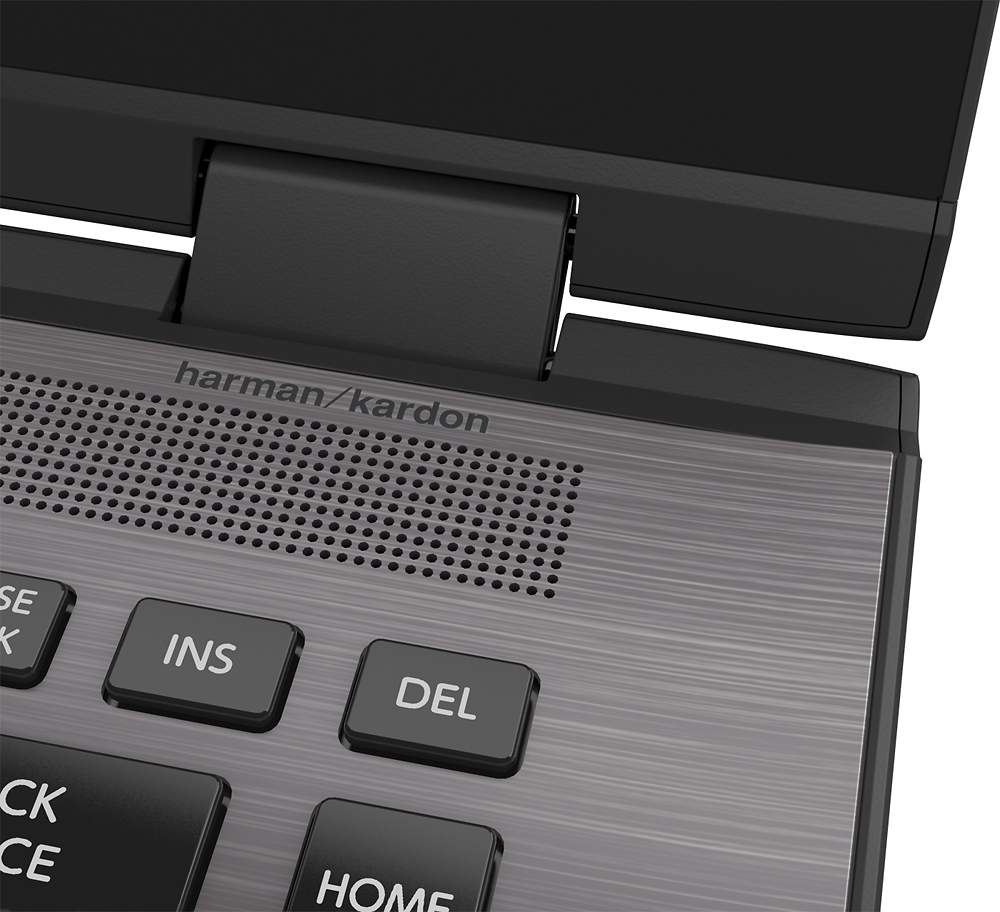
Posted .This reviewer received promo considerations or sweepstakes entry for writing a review.with the speaker coming from the keyboard if you are using it as both audience or tablet rotation you are bound to have the speaker covered reducing sound. also i find that using it as a tablet or audience the keyboard soon to have broken buttons or random buttons being pressed due to the keyboard facing down or having it being held as a tablet. not sure if theres a covering of the keyboard where it can be protected while using it in these setting and having the speaker covered reducing sound. not sure if all 2 in 1s are like this...
I would recommend this to a friendBrand response from ToshibaStaff
Posted .Thank you for the feedback, Jordan.
Keyboard functionality is automatically disabled when Toshiba Radius models are used in Audience and Tablet modes, and the design prevents normal usage from damaging the keyboard.
Please contact Toshiba support at 800-457-7777 if your unit's keyboard is still active when you are using it in Audience or Tablet mode for troubleshooting help.
Thanks again for the feedback and sorry for the trouble.