Customer Ratings & Reviews
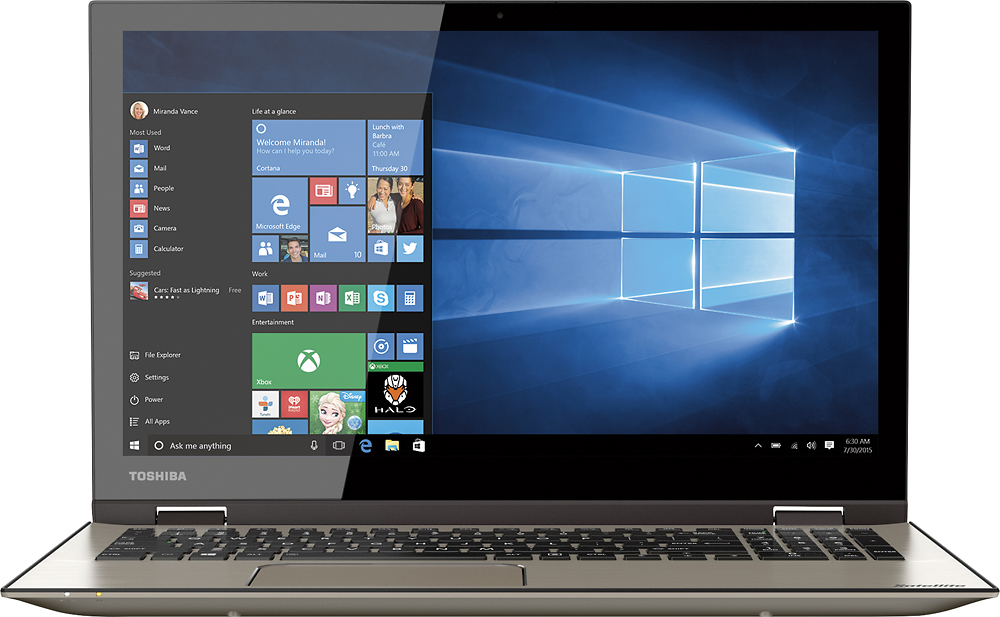

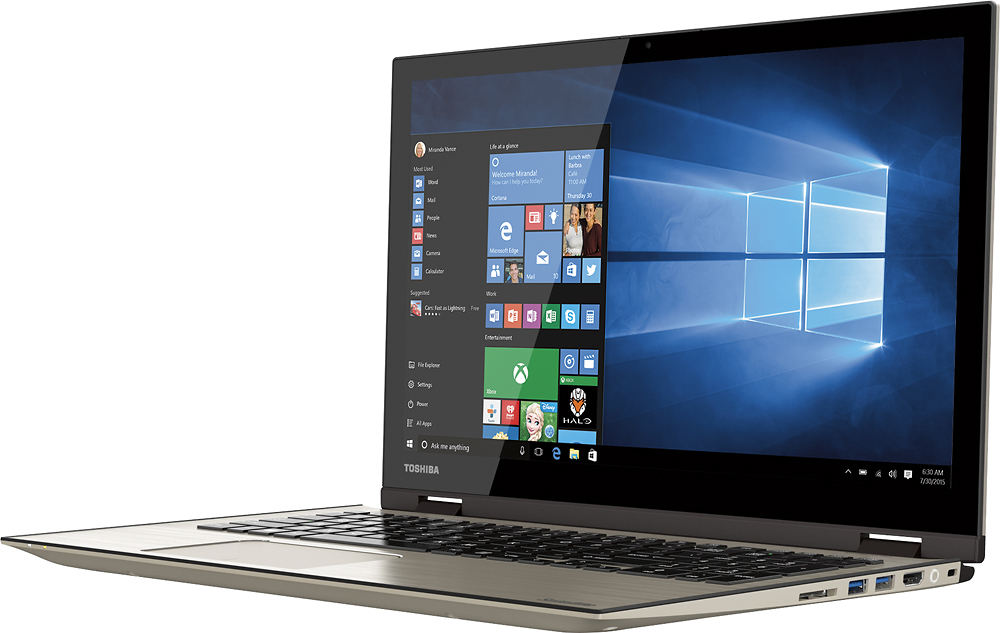
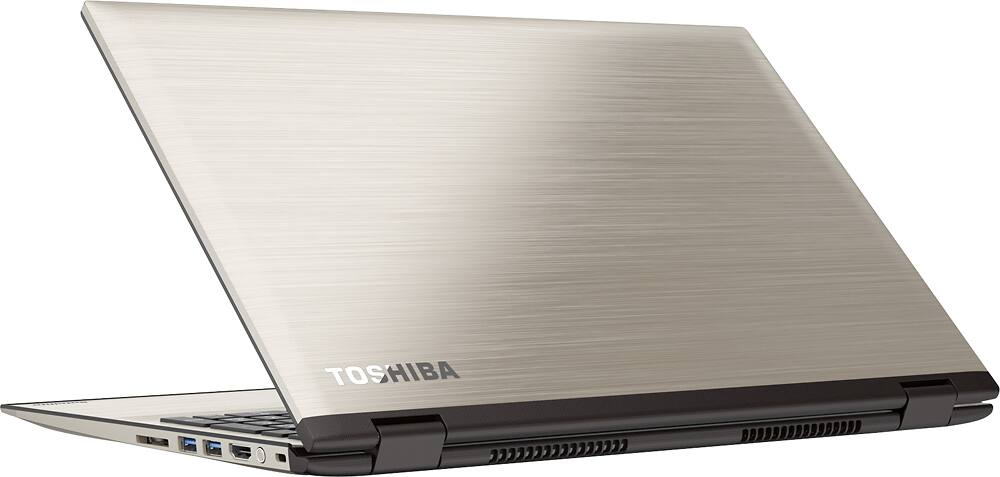

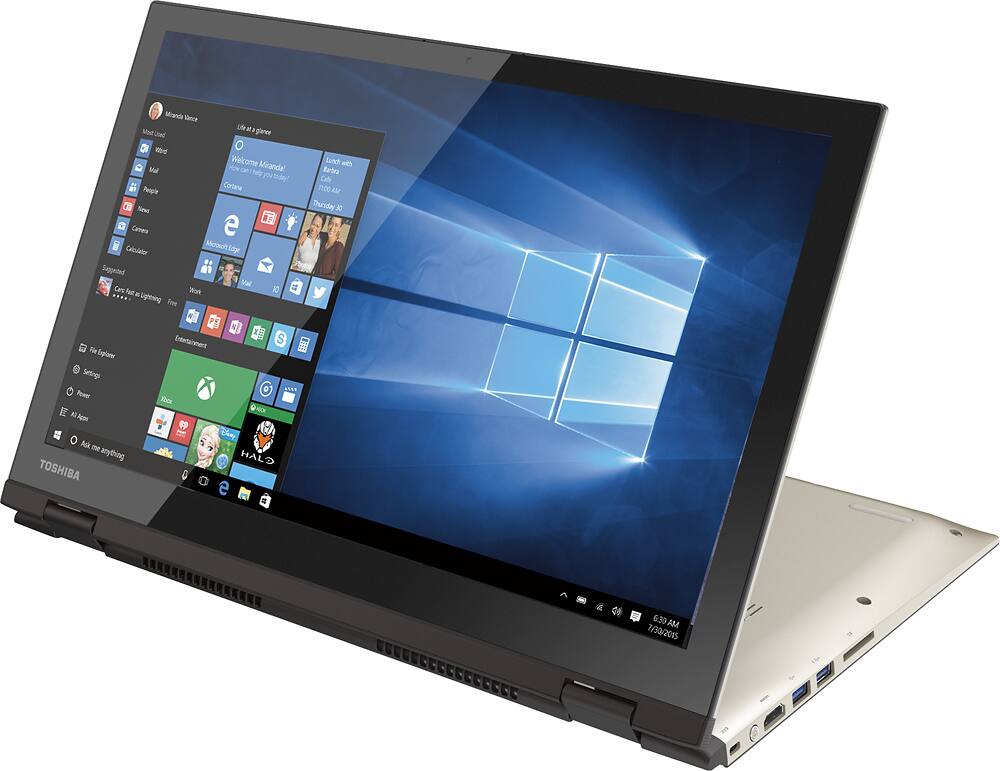
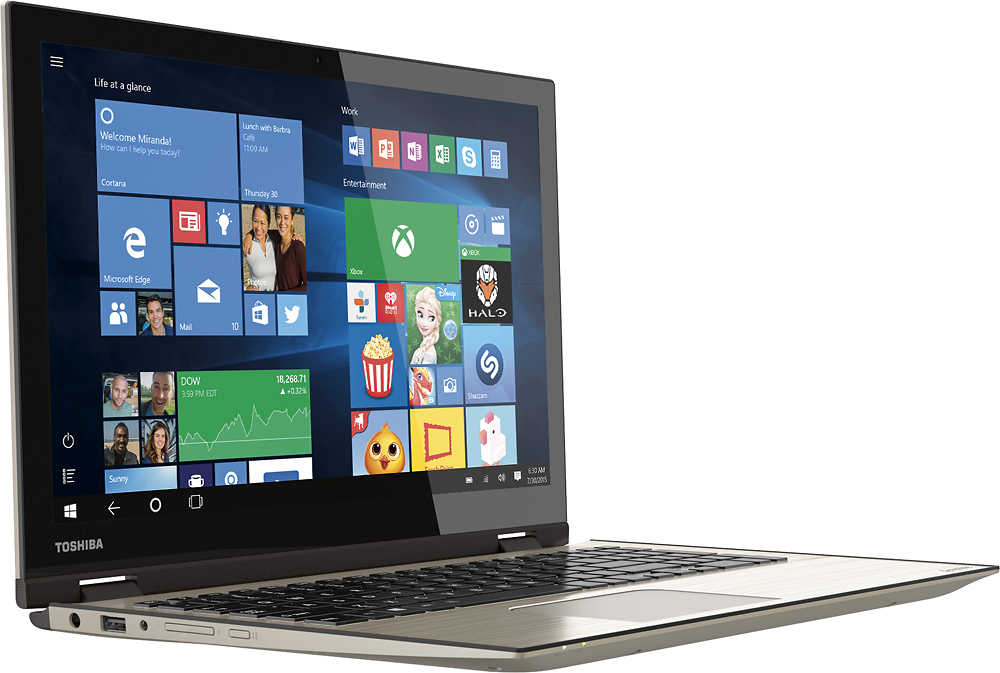
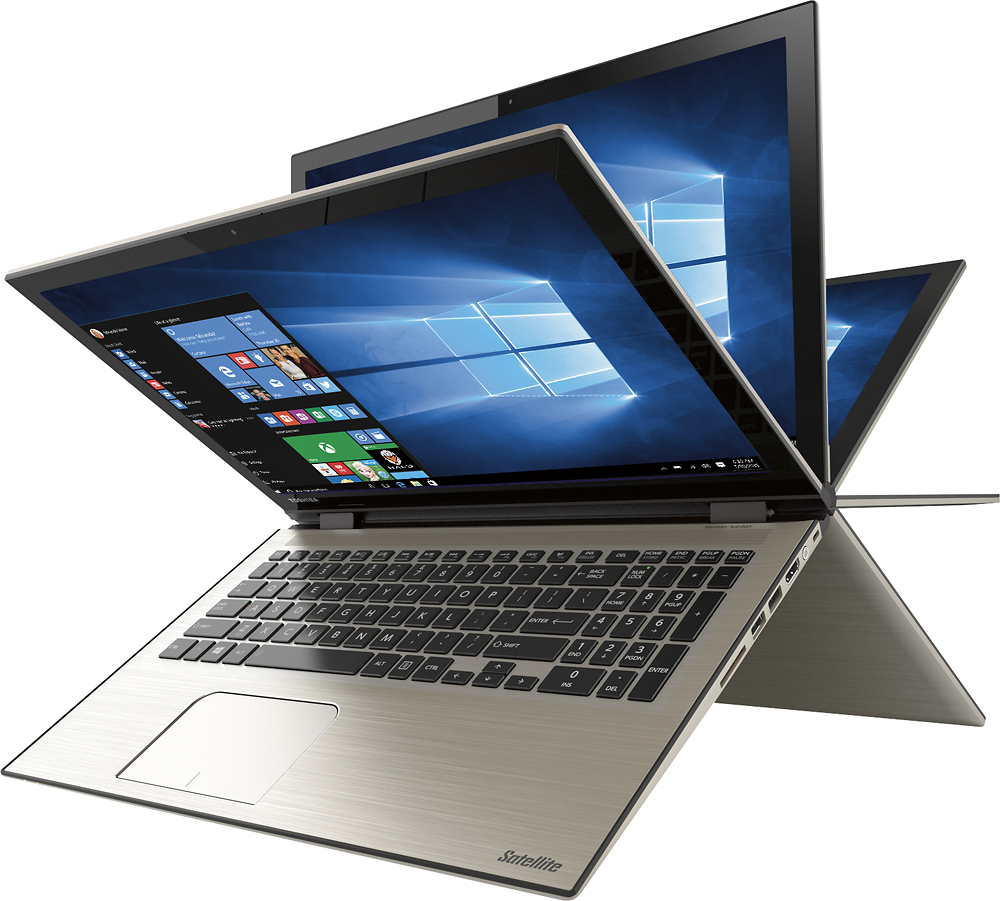

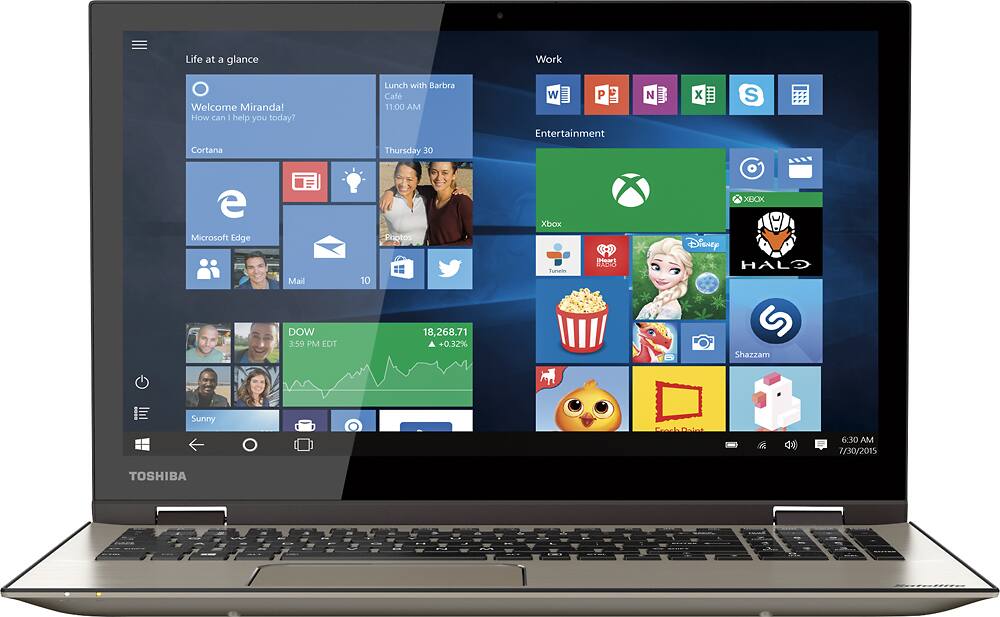
- Model:
- P55W-C5200X
- SKU:
- 4203500
to a friend
Customers are saying
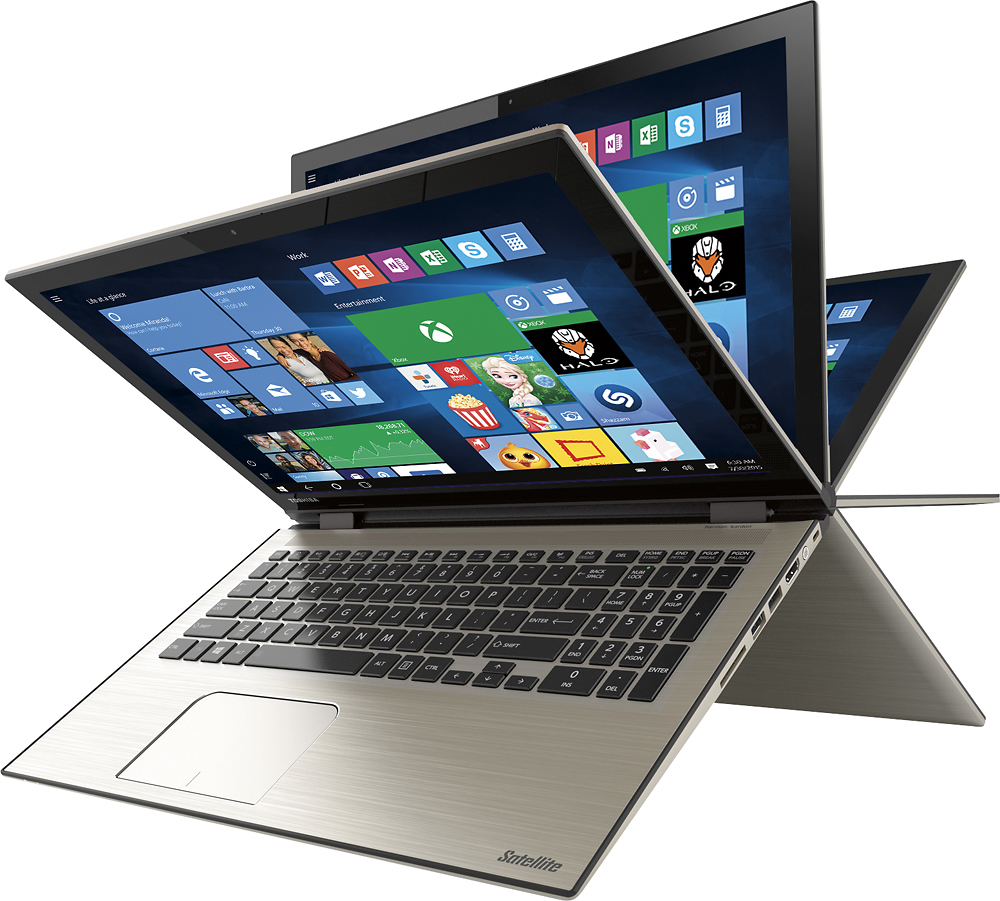
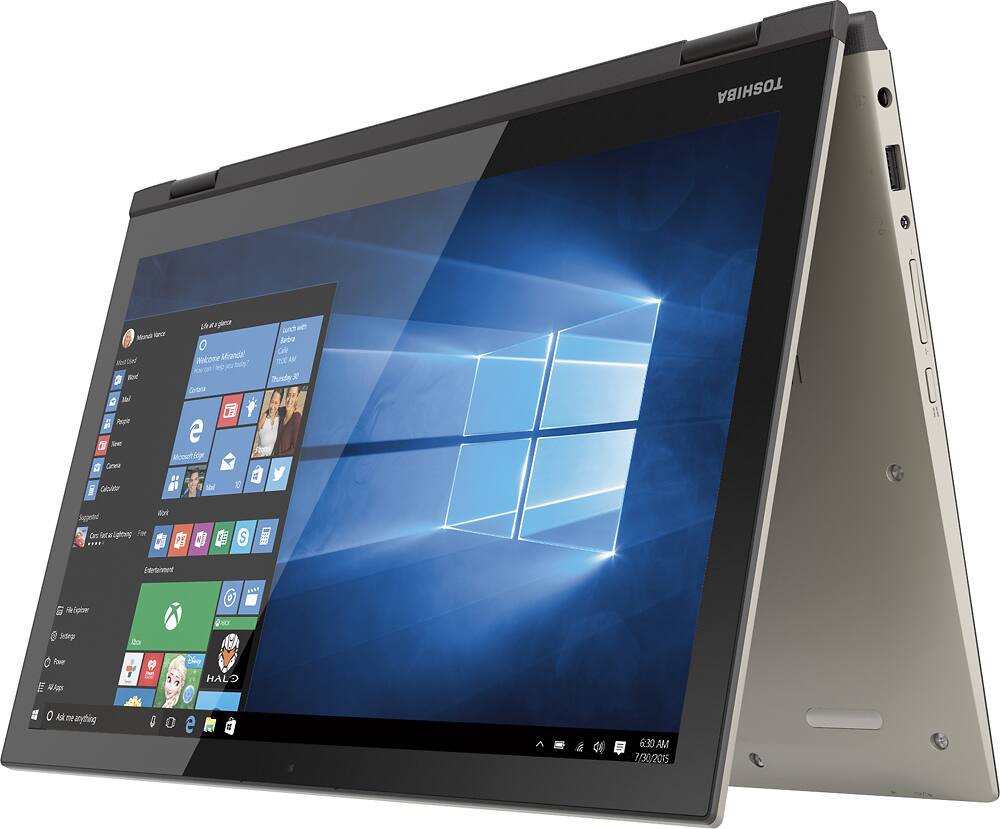
Customers frequently mention the Satellite Radius 2-in-1 laptop's touch screen as a standout feature, praising its functionality and ease of use. Windows 10 is also well-received for its user-friendly interface. While many appreciate the laptop's lightweight design and affordable price, some express concerns about its weight and occasional internet connectivity issues.
This summary was generated by AI based on customer reviews.
sweet, lite, fast
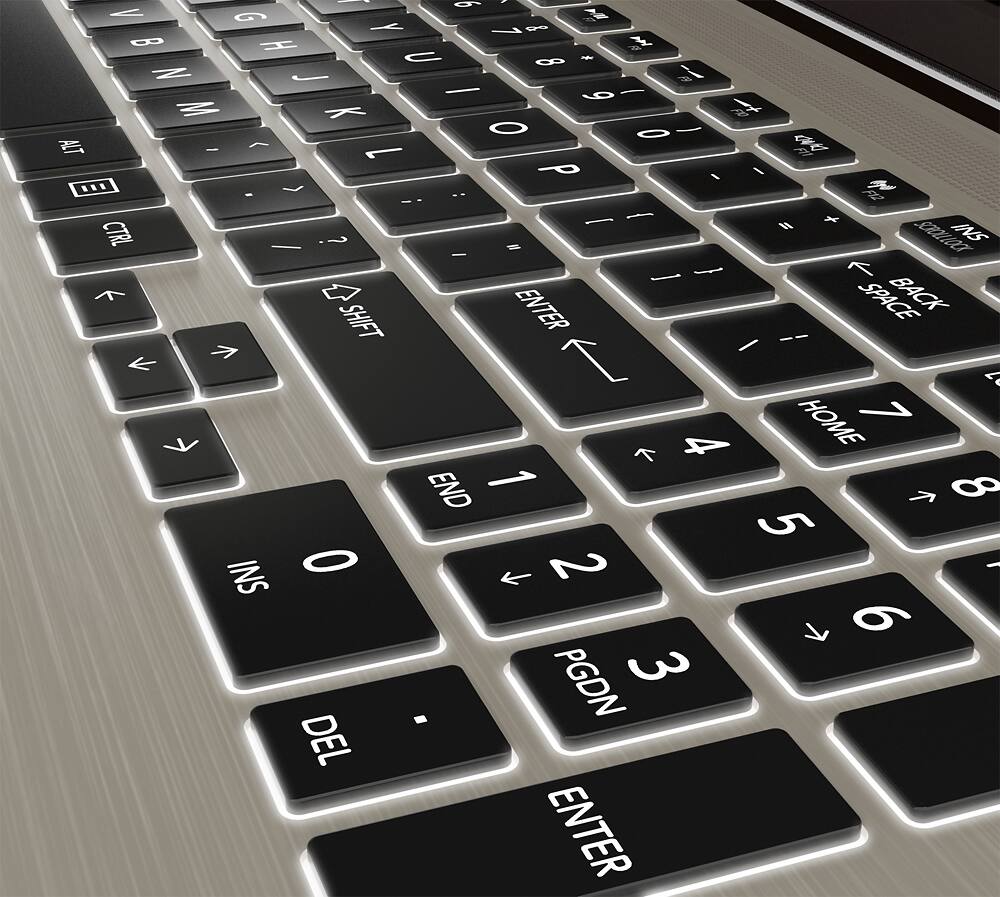
Posted .This reviewer received promo considerations or sweepstakes entry for writing a review.Great 2x1 laptop. use it for work and can enjoy as a tablet only negatives are the F1 F2 labeled function keys. you FN key and hit Toshiba special label key. so heavy function users may find it more awkward. Otherwise seems built for windows 10
I would recommend this to a friendpiece of junk, do not buy
Posted .This reviewer received promo considerations or sweepstakes entry for writing a review.Purchased this laptop in October 2015. Out of the box it was slower than our 6 year-old MacBook and only sporadically could connect to the internet. When it did connect to the internet it either crashed or was SO SLOW that it was not worth using. Note that it is not our WIFI connection, as all other technology in the house has no problems. Incidentally, the Windows 10 seems to be updating almost constantly, so this may be slowing the machine. And every time it updates it wants to shut down.....this can be fixed via settings, but come on, is this really necessary? Fortunately I purchased a 3 year geek squad protection package with this and in December 2015 (TWO MONTHS AFTER BUYING IT!!!!), the hard-drive was replaced. Two months!! The tech also indicated that the machine did not come with the most up to date drivers, even after it was sent to the factory to replace the hard drive!! The review does not allow me to give a zero, or negative stars, but it should. Don't buy this laptop, and if you do, buy the Geek Squad protection and support. Only positive experience with this process has been the geek squad folks, who have been great to work with. They now recognize me, since I have been there so much trying to fix this piece of junk.
No, I would not recommend this to a friendBrand response from ToshibaStaff
Posted .Thank you for the review, GRMI49503, and sorry to hear that you seem to have experienced a network performance issue with your Satellite P55W-C5200X.
We're glad to hear that you're happy with Geek Squad support but just want to point out that, For the most part, Windows Update will always install the latest drivers for this and other computers compatible with Windows 10. Toshiba also provides critical updates via the Toshiba Service Station app which is installed at the factory. In addition to those excellent sources for important updates, software is also available from Toshiba at http://support.toshiba.com/support/modelHome?freeText=1200010651 for on-demand driver & utility reinstalls and updates.
Thanks again for the feedback and sorry for the trouble.
good pc for home
Posted .This reviewer received promo considerations or sweepstakes entry for writing a review.had for several weeks, all is well runs great. little heavy for a lab top.
I would recommend this to a friendBad Start up
Posted .This reviewer received promo considerations or sweepstakes entry for writing a review.I had the same issue that a lot of the others have talked about as far as the looping start up. I was able to find a solution by going thru the F-12 key and recovering the system. Then the start up worked just fine.
I would recommend this to a friendHUGE Wifi Issues
Posted .This reviewer received promo considerations or sweepstakes entry for writing a review.Went to the store and narrowed our search for a 2-in-1 down to 2 contenders. Came home to look at on-line reviews. Both options got great reviews on Best Buy's website as well as from PC Mag & C-Net. Chose this product because it had a more comfortable keyboard and a sexier exterior. Got it home last night - set up was easy, loved the display. Immediately noticed wifi connectivity issues, however (nothing else in the house had a problem connecting). Hubby took it back in to the store earlier today and talked to a Geek Squad rep who said it was a router issue. He recommended a specific brand of router and said it had to be an "N" type or newer. Problem here would be that we HAVE a dual band N series router of the exact brand he recommended. Have discovered that if you look at Toshiba's own on-line forum, the wifi issue is well documented and there is no fix. Two thirds of Amazon reviews (66%) give the machine a 1 star rating for this very reason. As I type, hubby is back at the store returning it and will be bringing home the other machine we considered. I'm sad to say, but, this product is a very beautiful paperweight.
No, I would not recommend this to a friend- Cons mentioned:Defective
Did not complete Startup
Posted .This reviewer received promo considerations or sweepstakes entry for writing a review.Bought two computers on Sunday, one for me and one for my wife. Both computers froze up during the initial setup. Hers froze when she created a password, mine froze when I created a PIN number. Geek Squad said they were defective. Exchanged for two new laptops, which are being shipped to us. Hopefully replacements work!
No, I would not recommend this to a friendBrand response from ToshibaStaff
Posted .Thank you for the review, CavChap, and sorry to hear about the trouble setting up your Satellite P55Ws.
Please take a look at the Microsoft Community post at http://answers.microsoft.com/en-us/insider/forum/insider_wintp-insider_install/black-screen-with-mouse-pointer-after-cold-boot/6dcac7f7-4e39-4bf3-99b9-e20b9718bd8d?auth=1 to see if you might agree that it looks like the same symptom. If so, the direction in that discussion to disable fast startup would likely be a solution.
In any case, I hope you'll update your review to let us know what you think of the Satellite P55W once you get the replacements.
Thanks for the feedback and sorry for the trouble.
Really?
Posted .This reviewer received promo considerations or sweepstakes entry for writing a review.OK so I got this last night. Brought it home, sat in my kitchen and set everything up. Ran a little slower than I had anticipated but honestly not slow enough for concern. Moved it to another room when suddenly the wireless connection stopped. It would only allow limited access. (aka...no internet access at all) Thought ok, a hiccup and I rebooted the laptop and wireless router. Nope, still no wifi. Checked my phone, yep I got wifi from my router. Checked my wife's laptop, yep good to go. Only the Toshiba was down. So using my wife's machine I decided to do some more checking. The Intel AC Wireless is absolutely junk unless you have a AC router. Your speed apparently will blow or you end up in the same boat as I am with no speed at all. This apparently has been known for a very long time by Intel and Toshiba yet they still keep cranking these out. Please don't waste your time or money on this. Read these reviews.
No, I would not recommend this to a friendBrand response from ToshibaStaff
Posted .Thank you for the review, Truthspeak, and sorry that you're experiencing a Wi-Fi issue with your Satellite P55W.
Please take a look at the Toshiba Forums community knowledge base article at http://forums.toshiba.com/t5/Networking-Wi-Fi-Knowledge-Base/What-can-I-do-if-my-Wi-Fi-wireless-isn-t-working-in-Windows-10/ta-p/663603 for Windows 10 Wi-Fi tips and troubleshooting help.
If the information there doesn't lead to a resolution, please call Toshiba support at 800-457-7777 for further troubleshooting help and, if needed, to make warranty repair arrangements.
Thanks again for the feedback and sorry for the trouble.
Perfect PC!
Posted .This reviewer received promo considerations or sweepstakes entry for writing a review.I love toshiba,it's a great PC. Only one it's no DVDs rom,but I don't mind!
I would recommend this to a friendGreat machine but not quite at expectation
Posted .This reviewer received promo considerations or sweepstakes entry for writing a review.This is my third satellite and I have had only great experiences overall. I still love this laptop but its not as quick as my previous ones. Perhaps due to bloatware and/or the new win 10 are what is making it slower and more difficult to use. I would still recommend this product. It is well made and I have a feeling when I get the opportunity to clean out the unneeded software and get used to the new win 10 it will work better. If you purchase use caution transferring your I-tunes library as I have lost lots of music and there cust service does not reply.
I would recommend this to a friendWireless Nightmare to say the least
Posted .This reviewer received promo considerations or sweepstakes entry for writing a review.We purchased this laptop Black Friday (Best Buy failure, it was our third or forth choice of laptop as three stores were out of stock on EVERYTHING, and not just products that were on sale - it was ridiculous) Over the past 10 weeks or so I can't tell you how frustrating this machine has been! If I had have realized the extent of it when we first purchased it would have been returned to the store. Unfortunately we didn't use the machine a whole lot in the first couple of weeks. As for the issues: The MAIN issue is the wireless, it drops out ALL the time, takes forever to come back, if it does or I have to restart. As if rebooting isn't annoying enough the machine is not exactly a high-performer and everything takes a while. The first thing we did was remove the garbage anti-virus software that slows everything down to the point it's so ridiculous it's not funny so we know it's not that. After troubleshooting for hours we have learned that wireless issues with this model are common and Toshiba offer NO real solution. Other people have had more drastic issues such as wireless speeds of .5 mps only etc etc. We have altered advanced settings, tinkered and toyed for weeks to no avail. I do not recommend this machine. We will NEVER purchase Toshiba again. EVER.
No, I would not recommend this to a friendBrand response from ToshibaStaff
Posted .Thank you for the review, Tom, and sorry to hear about the Wi-Fi issue on your Satellite P55W-C5204.
If Windows is displaying a "limited" or "no connectivity" message or indicating "no Internet access" even though you know that your Wi-Fi router is connected to the Internet, there's a fix for that which is normally installed automatically by Windows Update. Microsoft's support article at support.microsoft.com/en-us/kb/3114149 explains details about the symptom, cause, and how to implement the solution.
Toshiba also has a Support Bulletin at www.support.toshiba.com/sscontent?contentId=4008443 with detailed instructions on how to manually implement the solution.
If the above info doesn't lead to resolution of the Wi-Fi problem please contact Toshiba support at 800-457-7777 for troubleshooting help.
Thanks for the feedback and sorry for the trouble.
no dvd/cd drive
Posted .This reviewer received promo considerations or sweepstakes entry for writing a review.Nice laptop but I didn't know it did not have a dvd/cd drive. It would have been nice if that had been brought to my attention. I've never bought a laptop that didn't have one.
No, I would not recommend this to a friend"Tablet mode" is a corporate fantasy
Posted .This reviewer received promo considerations or sweepstakes entry for writing a review.I made the mistake of purchasing this based on the claim that it could be used as a laptop or a tablet. As a laptop, it seemed fine. However, it could NOT go into tablet mode - the keyboard is supposed to lock when you fold it back to use as a tablet but mine wouldn't lock (so pressure on the keyboard caused it to spew characters across the screen...) Toshiba's tech support was a joke - the ultimate answer after an hour was "delete everything and return it." Which I did, and when I described the problem to Best Buy's staff, they checked their floor model and - guess what - same exact problem. Their model couldn't convert to tablet, either. No more Toshiba for me!
No, I would not recommend this to a friendOK Laptop when WiFi works
Posted .This reviewer received promo considerations or sweepstakes entry for writing a review.Laptop design is nice, keyboard very good, the back light is really helpful, two issues with this laptop is 1. the touchpad is too soft. 2. The big problem with this laptop is that the Wifi doesn't work all the time, sometimes I have to force shut down so it can recognize the Intel wireless card again when is booting up. I downloaded new drivers from Toshiba website still not working properly.
No, I would not recommend this to a friendBrand response from ToshibaStaff
Posted .Thank you for the review, Rdef1, and sorry to hear about the Wi-Fi problem with your Satellite P55W-C5200X.
If Windows is displaying a "limited" or "no connectivity" message or indicating "no Internet access" even though you know that your Wi-Fi router is connected to the Internet, there's a fix for that which is normally installed automatically by Windows Update. Microsoft's support article at support.microsoft.com/en-us/kb/3114149 explains details about the symptom, cause, and how to implement the solution.
Toshiba also has a Support Bulletin at www.support.toshiba.com/sscontent?contentId=4008443 with detailed instructions on how to manually implement the solution if Windows Update doesn't automatically fix it for you.
Thanks for the feedback and sorry for the trouble.
- Pros mentioned:Touch screen
Computer works great as advertised
Posted .This reviewer received promo considerations or sweepstakes entry for writing a review.Love the backlit keyboard! Touch screen is nice but I don't use it much.
I would recommend this to a friend I never got pass the startup procedure.
Posted .This reviewer received promo considerations or sweepstakes entry for writing a review.It took Bestbuy employee over an hour in one store looking for the computer, I was told two was in the store.They just didn't know where they were. I when to another Bestbuy across town and finally was able to make my purchase. Took the computer home did not have time the first day to setup the computer. I just lost my HP. Had a Toshiba about 10 years ago. Like the way this one looked and it was on sale. Today I tried to do the startup procedure, the screen went black and never worked again. This happened after the startup procedure asked for a pin number. I made one up and the computer went to a black screen. I could not use any of the key. Nothing worked. I am taking it back to Bestbuy tomorrow. I have a rule which I broke on Sunday 30 August 2015. Never buy the first one of anything, and definitely not the last one, which I did on Sunday. I bought the last one out of the two stores. Question, is that because this is a hot computer, or is there something wrong with it and Toshiba has stop production of the Bestbuy version.
No, I would not recommend this to a friendBrand response from ToshibaStaff
Posted .Thank you for the review, juice and sorry to hear that you encountered problems setting up your Satellite P55W-C5200X.
The symptom you experienced is related to Windows Update installing a new video driver during the initial Windows 10 configuration process. This issue is not unique to Toshiba and can be completely avoided by not connecting to the Internet until after Windows 10 has completed its first-time setup process. Once that process is complete and you're looking at the Windows 10 desktop you can go ahead and connect to the Internet, at which point (or shortly thereafter) Windows Update will run automatically.
For additional help, please call Toshiba support at 800-457-7777.
Thanks for the feedback and sorry for the trouble.
WiFi Problems with Toshiba laptops
Posted .This reviewer received promo considerations or sweepstakes entry for writing a review.Save yourself some frustration. Do some research about the problems the Toshiba laptops have connecting to WiFi. I was told the problem is most likely software conflicts with the hardware by a Toshiba tech over the phone while they were trying to trouble-shoot my computer (They said it is not their fault what the software problems may be). I have tried every solution on the Toshiba website (even factory resets) and still have mega-major WiFi problems (even finding networks) sometimes it sees networks but it says access is limited. The reason I bought a laptop was for WiFi lol go figure. I will never NEVER buy Toshiba again. Why should the consumer be stuck with trying to figure out what the wide spread WiFi problem is across the Toshiba Satellite laptops. If you don't believe me search, the web, even better their website forum with all the complaints about this issue. P.S. The one Star rating is because it at least turns on, and there is no negative star ratting.
No, I would not recommend this to a friendBrand response from ToshibaStaff
Posted .Thank you for the review, Stephen, and sorry to hear that you've had trouble finding a solution to the Wi-Fi issue you're having with your Satellite P55W-C5200X.
If Windows is displaying a "limited" or "no connectivity" message or indicating "no Internet access" even though you know that your Wi-Fi router is connected to the Internet, there's a fix for that from Intel which is normally installed automatically by Windows Update. Microsoft's support article at support.microsoft.com/en-us/kb/3114149 explains details about the symptom, cause, and how to implement the solution. Toshiba also has a Support Bulletin at www.support.toshiba.com/sscontent?contentId=4008443 with detailed instructions on how to manually implement the solution.
Thanks for the feedback and sorry for the trouble.
- Pros mentioned:Touch screen
Wonderful and versatile laptop
Posted .This reviewer received promo considerations or sweepstakes entry for writing a review.Its great piece of machine, lite and beautiful screen. Have had not issues and its been more than 6 months using it. Touch has been great and so has been keyboard.
I would recommend this to a friend designed to break
Posted .This reviewer received promo considerations or sweepstakes entry for writing a review.There is this little piece of metal that is glued onto the bottom of the laptop that has the serial number on it, it doesn't really do anything except act as a cover for a hole in the laptop that doesn't really need to be there. A piece of PAPER slid in between the glue and the cover and it came off. Sense the the metal didn't do anything I didn't think much of it, however most of the keys on the key board stopped working and when I tried to get the manufacture to take it back and send me a new one, the little cover counted as "physical damage" and they wouldn't take it. I'm out 700 bucks and trying to take a 3D design and computer programming class this semester. Thanks Toshiba. Please Don't by this computer.
No, I would not recommend this to a friendBrand response from ToshibaStaff
Posted .Thank you for the review, ACollegeKid, and sorry to hear about the keyboard trouble.
I wonder if you've tried returning the laptop to the place where you purchased it (if purchased recently.) Toshiba doesn't normally take returns or offer refunds (except for products sold at toshiba.com), but does provide warranty repairs in the event of defects in parts or workmanship.
If the "cover" you're referring to is the serial number label, and if you still have it and it simply fell off as you described (without being pried or forcibly removed) then you would seem to be entitled to have the keyboard problem repaired under warranty. I recommend contacting Toshiba support at 800-457-7777 for help with making arrangements.
Thanks again for the feedback and for choosing Toshiba.
Totally frustrating
Posted .This reviewer received promo considerations or sweepstakes entry for writing a review.Bought this today to replace my daughter's laptop. The first unit had a portion of the keyboard that didn't work so I made the drive back to the store for an exchange. The second unit had a working keyboard but we only got part way through the setup (creating a login PIN) before we were greeted with a blank screen with only a mouse cursor. Let it sit for 2+ hours with no change. Powered off and on, still no change. Tried all of the standard key combinations for reset, etc., no change. As a former USAF IT professional, I think I gave this laptop more chances than the average consumer. This goes back to the store tomorrow and we'll get a Dell or anything besides a Toshiba.
No, I would not recommend this to a friendHorrible product poor cover casing
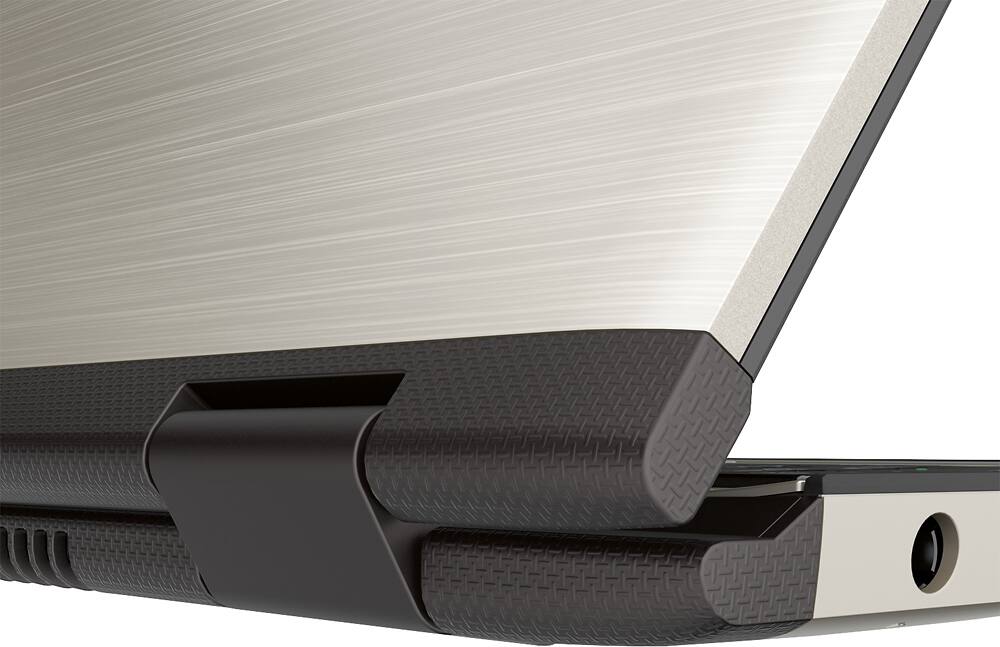
Posted .This reviewer received promo considerations or sweepstakes entry for writing a review.Purchased this computer in Dec 2014. The glass seperated from the cover and I had to take it back. Best buy put it back together then the glass breaks. The key board stopped working one key at a time. After 750$ I am without a computer and Toshiba says too bad per Ella and Beverly from Toshiba!! No more Toshiba for me. Will post a pic of computer falling apart later.
No, I would not recommend this to a friend