Customer Ratings & Reviews


- Model:
- P55W-C5204
- SKU:
- 4203302
to a friend
Customers are saying
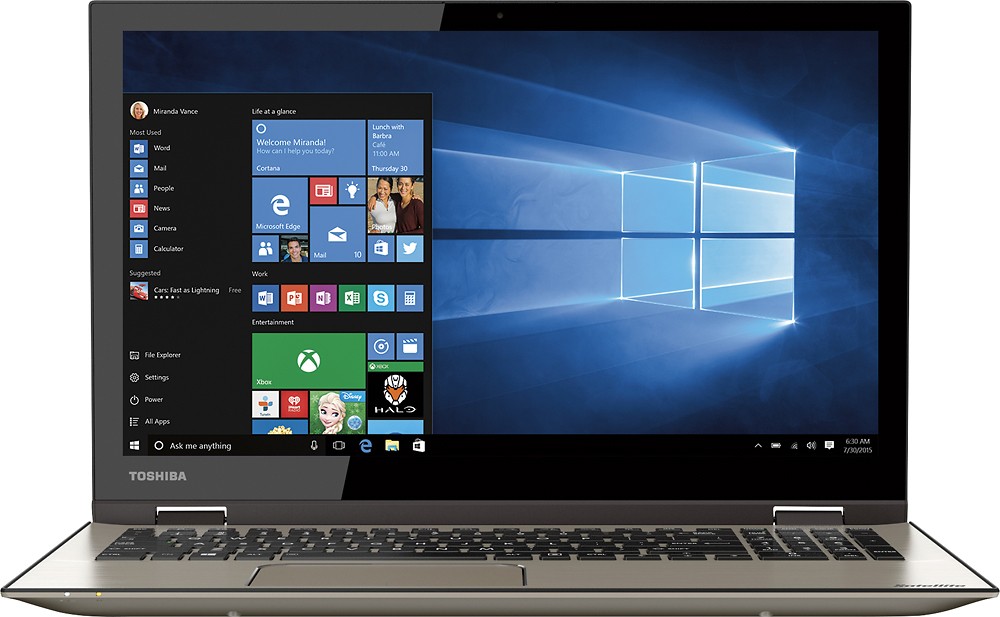
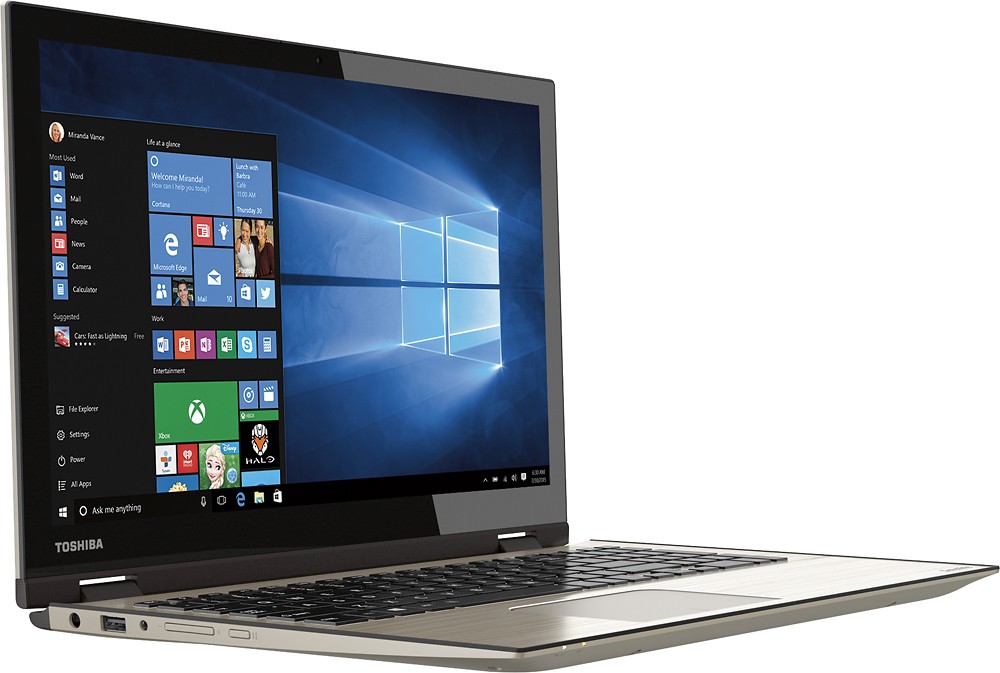
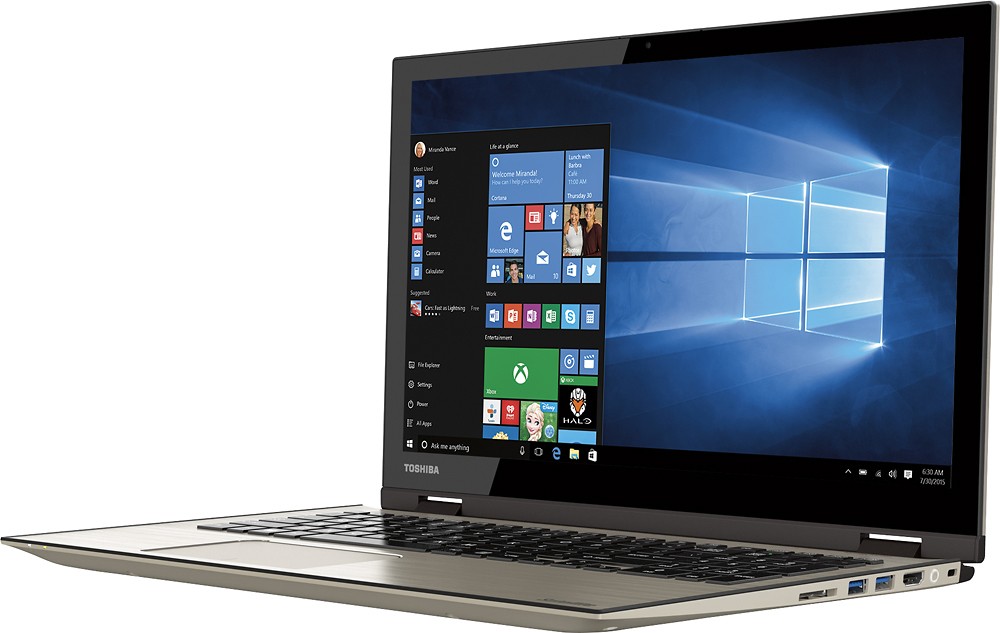
Customers find value in the Satellite Radius 2-in-1 laptop's touch screen, speed, Windows 10 operating system, and affordable price. They appreciate the laptop's memory and storage capacity, as well as its lightweight design and Toshiba's reputation for reliability. However, some customers have experienced issues with reliability, Wi-Fi connectivity, battery life, and defective units.
This summary was generated by AI based on customer reviews.
- Pros mentioned:Touch screenCons mentioned:Wifi connectivity
Well done Toshiba
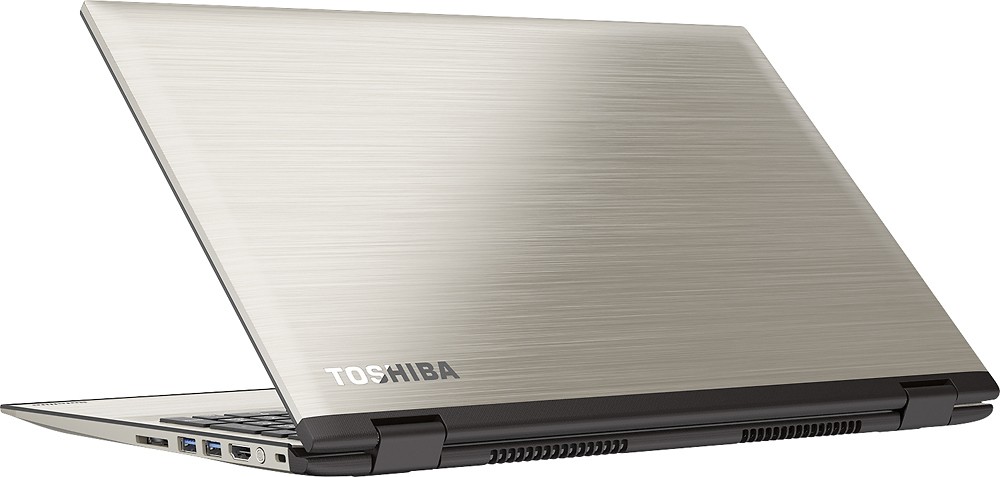
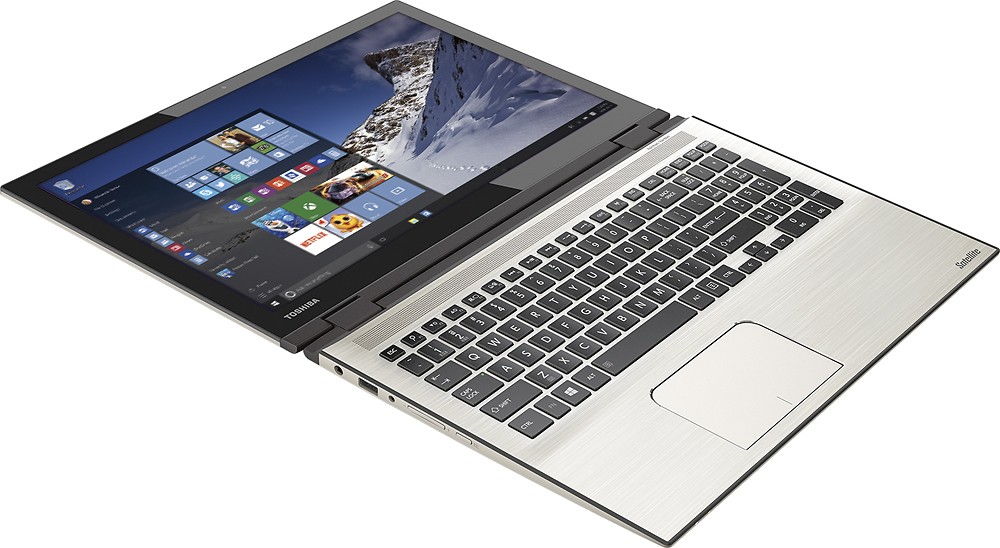
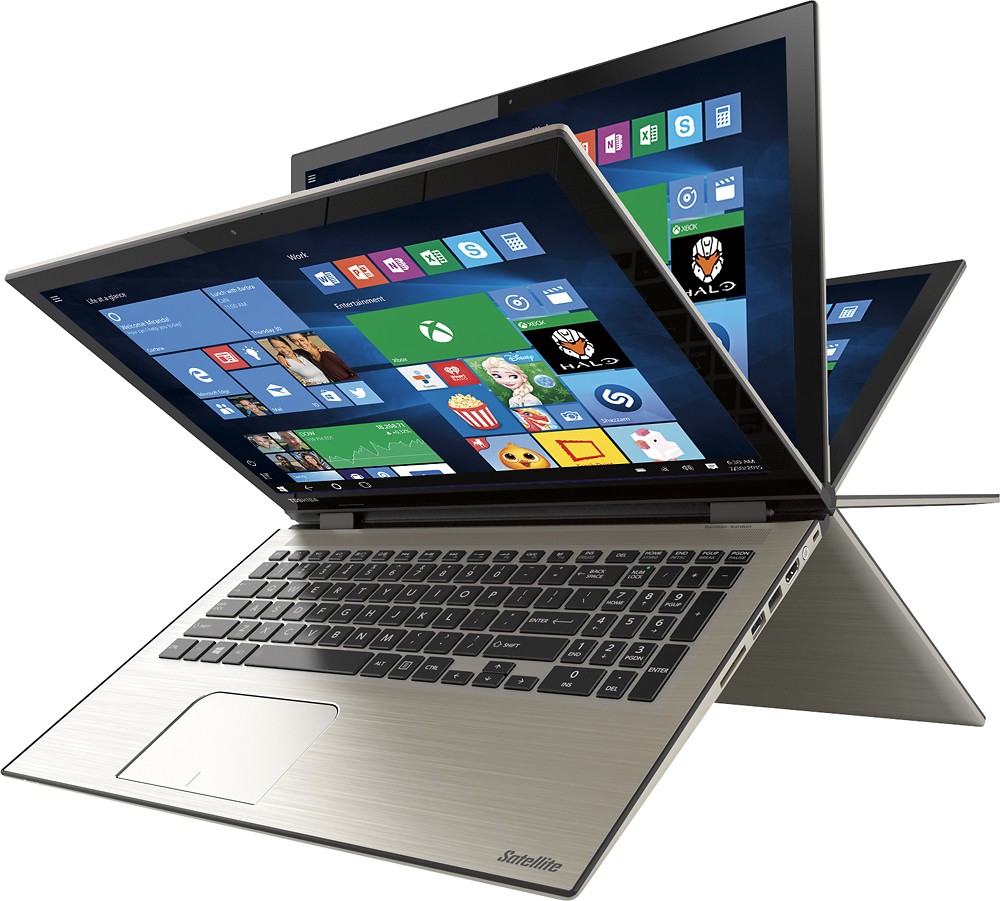
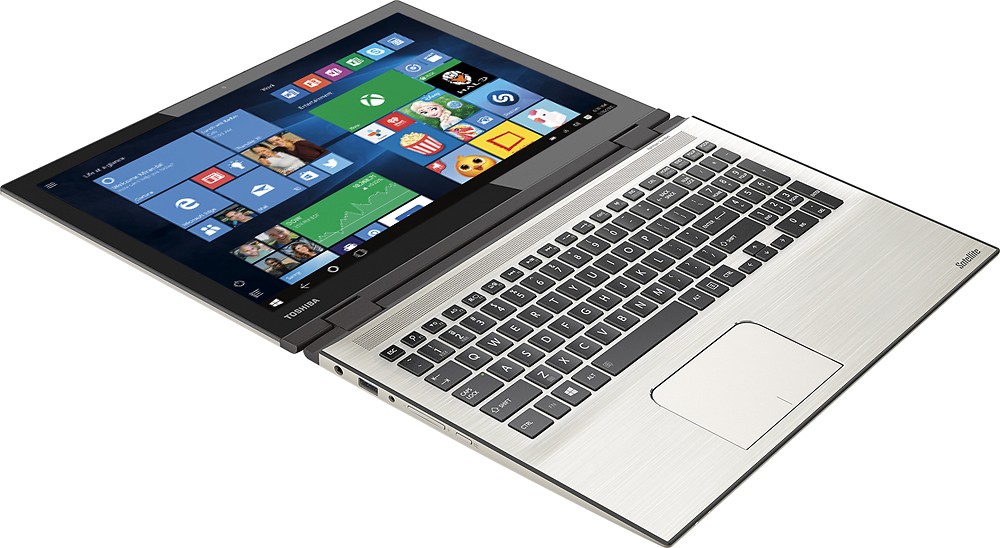
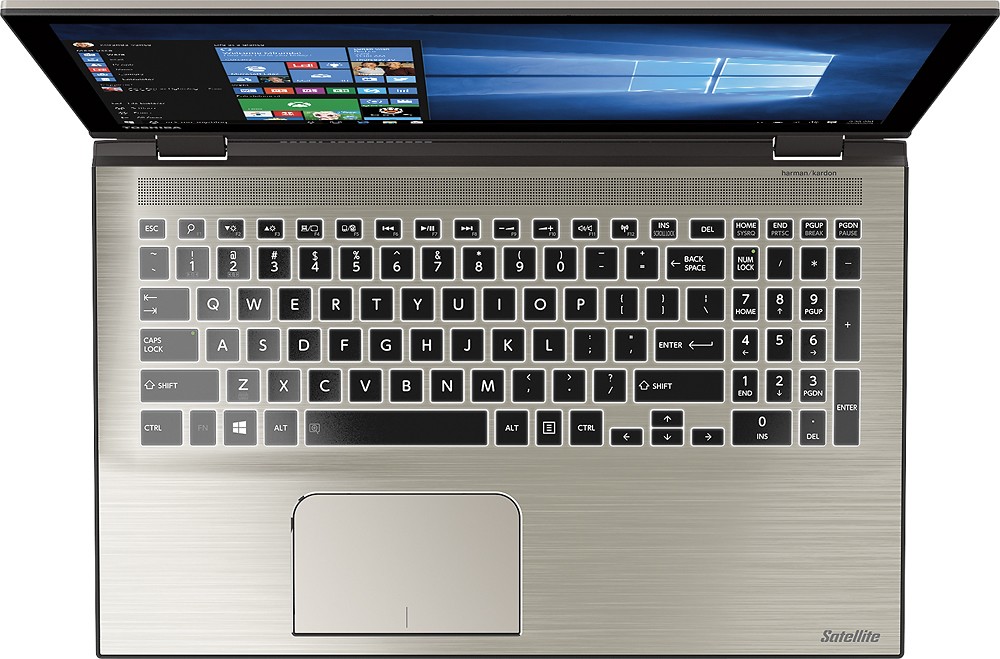
||Posted .This reviewer received promo considerations or sweepstakes entry for writing a review.I replaced my old Compaq with this Toshiba after looking for a powerful laptop (i7) . It is everything I was looking for. The outside is a sleek aluminum finish, it is ultra slim and very stylish. The keyboard lights up, which is a nice feature. The screen has a very nice resolution and is just the right size. My only complaint is that the WIFI sometimes gets a little squirrly and doesn't want to connect right away. Great laptop that is worth the money!.
I would recommend this to a friend - Cons mentioned:Wifi connectivity
Beautiful machine!
||Posted .This reviewer received promo considerations or sweepstakes entry for writing a review.Out of the box...on my lap...good to go! I have only had one problem. After initial setup was unable to access wifi. Ran it past the BestBuy and a tech updated a drive (at counter-top, for free!) and I have had no problems thereafter!
I would recommend this to a friend - Cons mentioned:Reliability, Wifi connectivity
Problem after problem!
Posted .This reviewer received promo considerations or sweepstakes entry for writing a review.We tried this computer two times and had problems with both. The first one we had problems with from the beginning, during set-up it froze and we had to force shut down (and no we didn't connect to the internet during set-up so the windows updates are not to blame like the Toshiba responses to people's reviews say); we had problems with the keyboard; the computer screen kept freezing, it would drop the wifi connection all the time (we have two other computers and a tablet connected to the wifi with no issues, so it's not the internet connection); when you place youtube videos on full screen it would freeze and you can't exit the full screen, you have to force shut down; it would just turn off by itself (we would be using it and bang the computer screen turns black and restarts); it's a piece of rubbish that doesn't even last past it's first day. We thought that maybe we had a defected computer and exchanged it for another after having problems with it for a week; the second one is just as bad with the same problems, unless by some weird odds two factory defected computers landed on us, this computer has some serious issues and should be recalled by Toshiba; we plan on returning the second one for a refund this time and looking for something else, we are disappointed in Toshiba for selling such a defected product.
No, I would not recommend this to a friend - Cons mentioned:Battery life, Wifi connectivity
Don't buy this computer
Posted .This reviewer received promo considerations or sweepstakes entry for writing a review.I bought this computer to take it to college but after using it for a month I think I need to buy a different laptop. I can't connect to the Internet first off. Apparently it's a pretty common problem with this specific model and it has to do with the wifi chip inside the computer. Not every laptop has this problem but it's the luck of the draw. Secondly the battery life is awful and dies with no notice after about an hour of use. It also gets painfully hot after about half an hour. Also the touchpad stopped working all of a sudden and I can only use the laptop as a touchscreen. I really want to love this computer but it keeps letting me down.
No, I would not recommend this to a friendBrand response from ToshibaStaff
Posted .Thank you for the review, throwaway, and sorry to hear that you're experiencing issues with your Satellite P55W-C5204.
The touchpad can be toggled ON and OFF by using the 'F5' function key. If inadvertently pressed, it will disable the touchpad. The good news is that now that you know this you will be able to toggle the touchpad back on by pressing the F5 again to re-enable it.
Please see the Toshiba Forums knowledge base article at http://forums.toshiba.com/t5/Networking-Wi-Fi-Knowledge-Base/What-can-I-do-if-my-Wi-Fi-wireless-isn-t-working-in-Windows-10/ta-p/663603 for help troubleshooting Wi-Fi issues in Windows 10.
The unexpected and without warning shutdown of the system is concerning, since Windows should always warn you if it needs to shut down due to a low battery charge condition. I wonder if you've confirmed that the battery has actually died by trying to turn it back on after one of these shutdowns occurs. Since you're also reporting excessive heat, I recommend leaving it off for 5-10 minutes before turning it back to, to give it an opportunity to cool down a bit. If it turns back on and continues to operate for any significant period of time that would indicate that it may be strictly an overheating problem, rather than a battery problem.
In either case, I recommend reporting the details to Toshiba support at 800-457-7777 for further troubleshooting help and, if needed, to make warranty repair arrangements.
Thanks again for the feedback and sorry for the trouble.
- Cons mentioned:Wifi connectivity
Wifi : (
Posted .This reviewer received promo considerations or sweepstakes entry for writing a review.Bought the unit Saturday, set the computer up Sunday. It did connect to wifi but only to load Microsoft...... Took it to school would not connect to any wifi. Tried to connect to wifi at my house and nothing! So very disappointed in this product. I was really excited and just a big let down....
No, I would not recommend this to a friendBrand response from ToshibaStaff
Posted .Thank you for the review, computerlady, and sorry to hear that you've had trouble making some Wi-Fi connections with your Satellite P55W-C5204.
Please make sure first that the laptop was not accidentally put into "Airplane mode" by pressing the 'F12' Function key, which toggles that disconnected mode ON and OFF. (Note that if Airplane mode is ON then you will not be able to use Wi-Fi.) If you use software that utilizes the legacy function of the F12 key you can access that by holding down the 'Fn' key while pressing F12.
You can also check the Airplane Mode and available Wi-Fi connections by going into "Settings" and selecting 'Network & Internet'.
If checking Airplane mode and Network & Internet settings doesn't lead to a resolution to the problem, you may want to reinstall your Wi-Fi driver with the software available at support.toshiba.com/support/modelHome?freeText=1200010670 -- Click the "Drivers and Updates" tab, then select the "Windows 10" and "Wi-Fi" filters to see the relevant drivers and utilities.
If all else fails, try performing a Windows Reset to restore Windows to its default settings. See the Toshiba Forums community knowledge base article at forums.toshiba.com/t5/System-Recovery-and-Recovery/How-do-I-reset-my-Windows-10-computer-to-factory-defaults/ta-p/657990 for more details and step-by-step instructions for the Windows Reset process.
Thanks for the feedback and sorry for the trouble.