Customer Ratings & Reviews


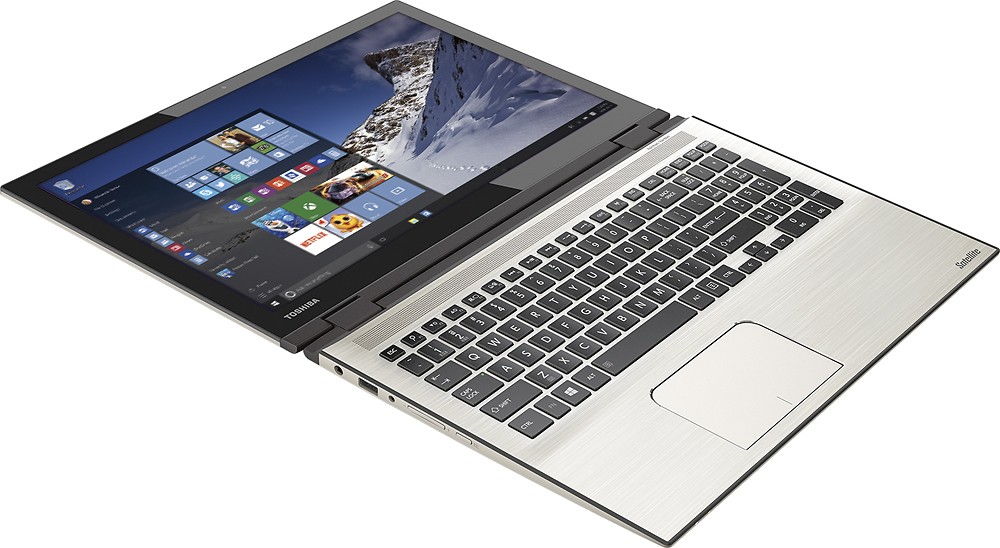
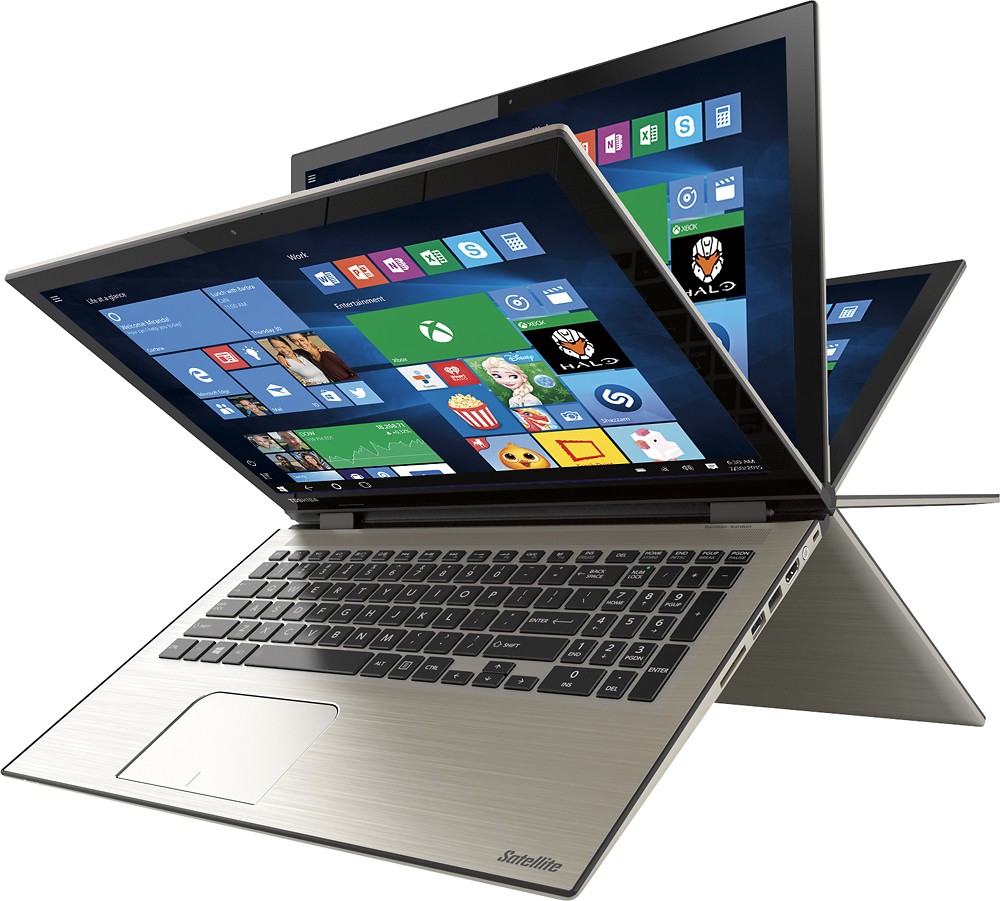
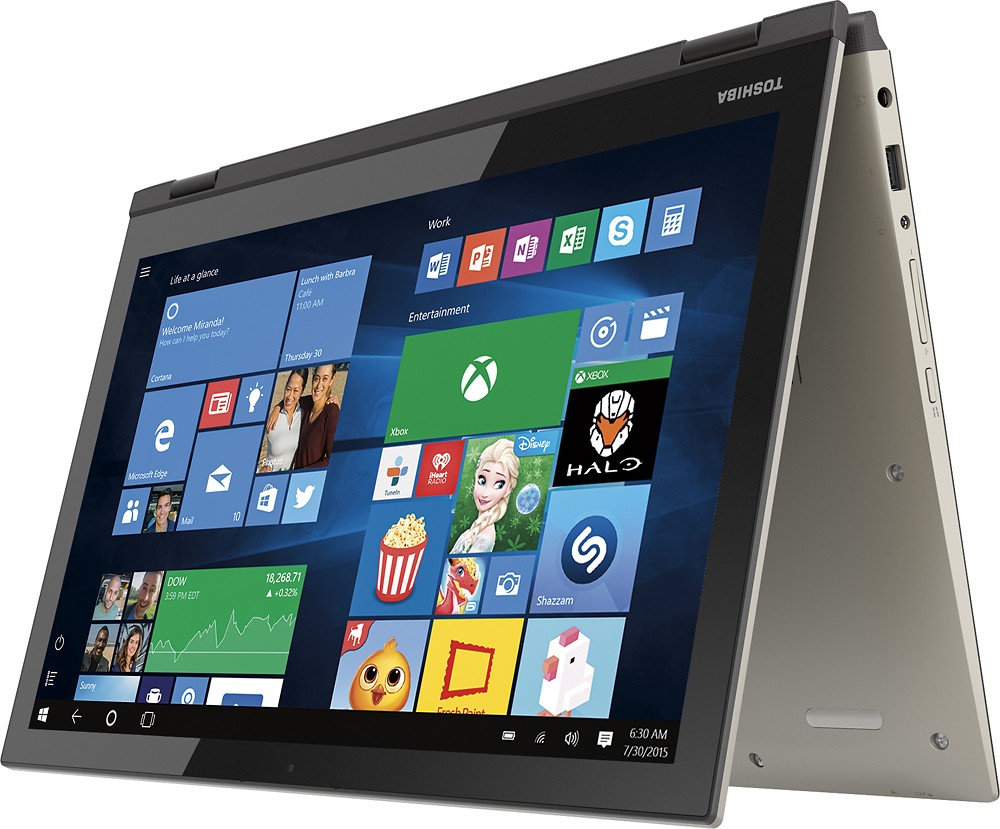
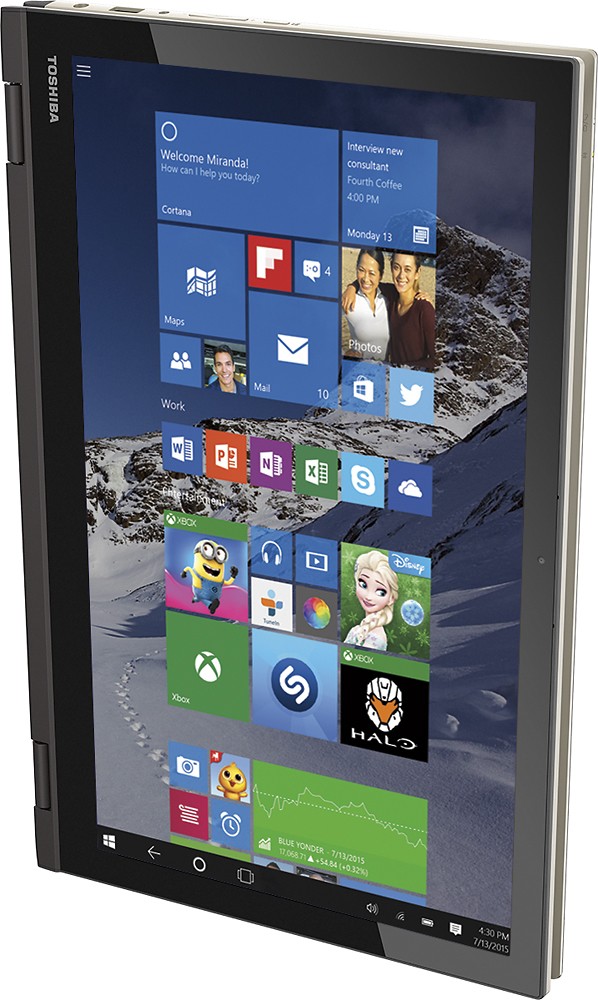
- Model:
- P55W-C5204
- SKU:
- 4203302
to a friend
Customers are saying
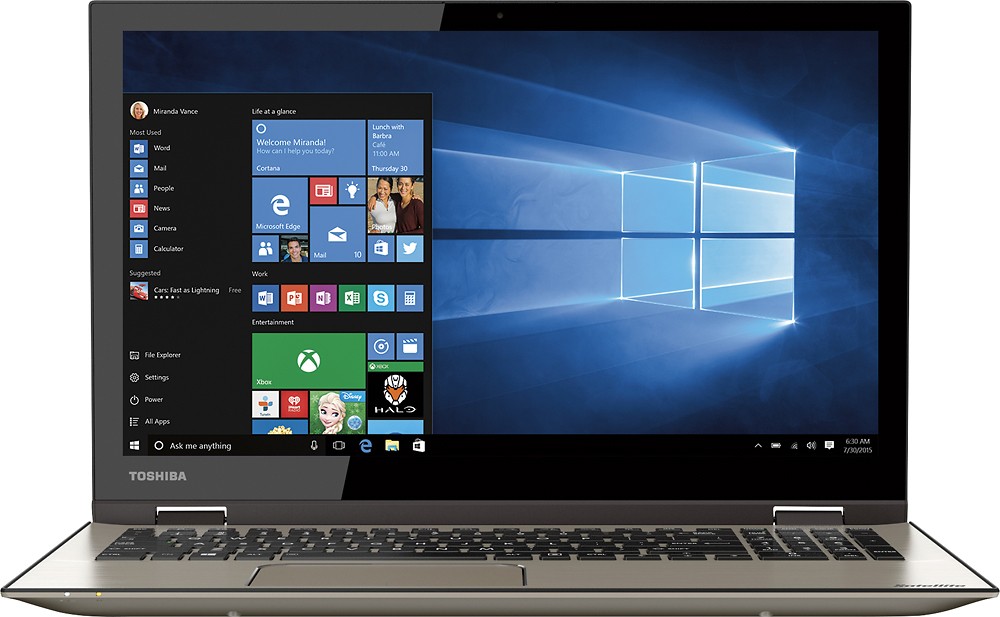
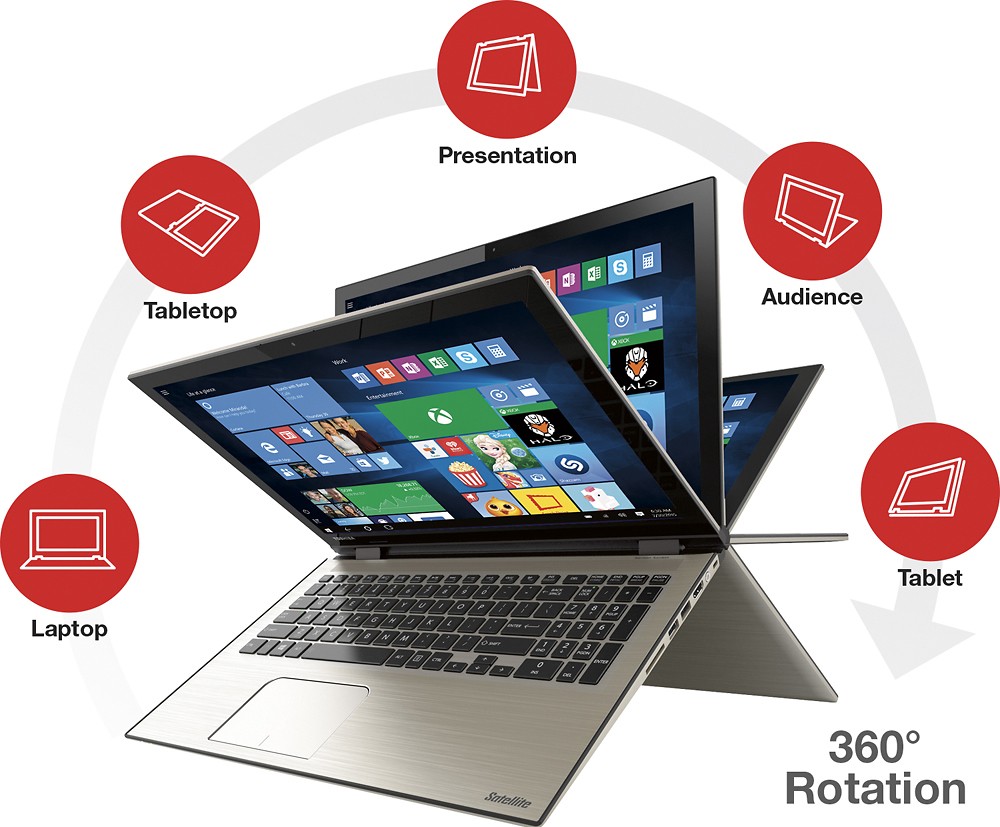
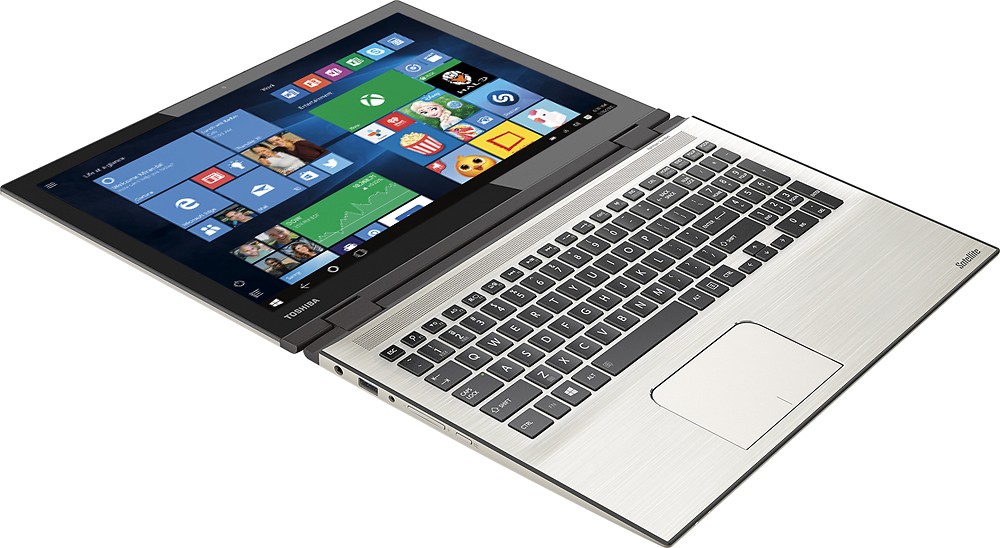
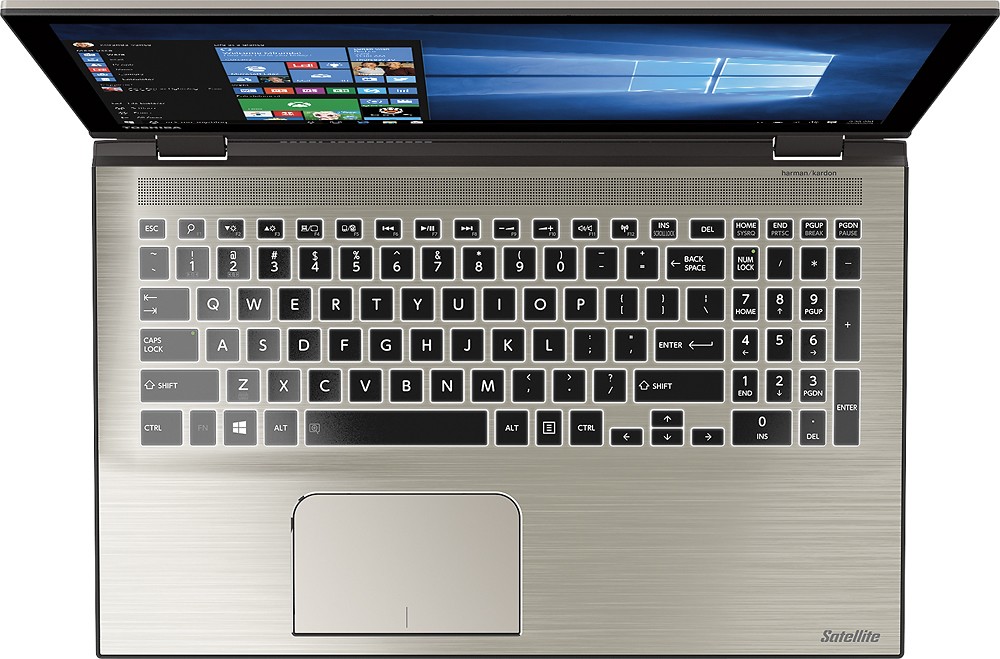
Customers find value in the Satellite Radius 2-in-1 laptop's touch screen, speed, Windows 10 operating system, and affordable price. They appreciate the laptop's memory and storage capacity, as well as its lightweight design and Toshiba's reputation for reliability. However, some customers have experienced issues with reliability, Wi-Fi connectivity, battery life, and defective units.
This summary was generated by AI based on customer reviews.
Had the laptop for less than 30 days wouldn't work
||Posted .This reviewer received promo considerations or sweepstakes entry for writing a review.Had laptop for less than 30 days. Kept coming up command not recognized. Tried rebooting, ctrl alt del, cutting off and let it set for hours. Wouldn't work
No, I would not recommend this to a friendBrand response from ToshibaStaff
Posted .Thank you for the review, chill, and sorry to hear about the "command not recognized" message you encountered while using your Satellite P55W-C5204.
I wonder if you can share more details about the circumstances under which you experienced that error message. Were you at a command prompt at the time, or were you trying to execute an app by clicking its icon? If the latter, which app(s) and have you uninstalled any software since initially setting up the system?
If the problem persists, I recommend performing a Windows Reset, putting the software back to factory condition to clarify whether or not the problem you are experiencing was introduced by software installation or a configuration change. See the Toshiba Forums community knowledge base article and its embedded video at forums.toshiba.com/t5/System-Recovery-and-Recovery/How-To-Understanding-System-Restore-Refresh-Reset-and-Recovery/ta-p/342690 for detailed instructions on how to perform a Windows Reset.
If you prefer, and if a Windows Reset doesn't resolve the problem, please call Toshiba support at 800-457-7777 for further troubleshooting.
Thanks again for the feedback and sorry for the trouble.
Lemon
||Posted .This reviewer received promo considerations or sweepstakes entry for writing a review.Returned because always would go back and reboot. Could not get anything to work. I know it was a lemon.
No, I would not recommend this to a friendWindows 10
||Posted .This reviewer received promo considerations or sweepstakes entry for writing a review.I returned this item very quickly as the software windows 10 is not compatible with many current software's already in use. The hardware of the computer may have been Perfect but unfortunately windows 10 is not
No, I would not recommend this to a friendBrand response from ToshibaStaff
Posted .Thank you for the review, Mmaa, and sorry that some of your software are not compatible with Windows 10.
I hope you'll consider updating the star rating of your review or, perhaps, deleting it since there's no info here about the performance, features, or quality of the laptop itself. Presumably all shoppers will recognize that it comes bundled with Windows 10, as do virtually all Windows PCs in the consumer retail market today.
Very dissapointed
||Posted .This reviewer received promo considerations or sweepstakes entry for writing a review.Wireless didn't work at all. Touchscreen worked when it wanted to and wouldn't boot properly. Looks great, doesn't work.
No, I would not recommend this to a friendBrand response from ToshibaStaff
Posted .Thank you for the review, Dougthepug, and sorry to hear about the issues with your Satellite P55W.
Since you listed three different and apparently unrelated symptoms, I recommend doing a Windows Reset to restore the laptop to its factory settings. That will eliminate any symptom caused by software installations or updates. The Toshiba Forums community knowledge base article at forums.toshiba.com/t5/System-Recovery-and-Recovery/How-To-Understanding-System-Restore-Refresh-Reset-and-Recovery/ta-p/342690 has more details and step-by-step instructions for that process.
If the trouble persists after the Reset please contact Toshiba support at 800-457-7777.
Thanks for the feedback and sorry for the trouble.
Horrible Laptop
||Posted .This reviewer received promo considerations or sweepstakes entry for writing a review.I would not recommend this to anyone, extremely slow and had to system restore it twice in a week of purchasing.
No, I would not recommend this to a friendBrand response from ToshibaStaff
Posted .Thank you for the review, kykart, and sorry to hear that you're not happy with the initial performance of your Satellite P55W-C5204.
It's possible that Windows Update has been busy downloading & installing updates. That's typically the case with brand new systems, and if so it will tax initial performance until the updating process is completed. The impact of that initial updating process would normally pass within a few days, but the updating process would start over from scratch every time a full system recovery is executed.
I wonder what symptom you were trying to address by performing the system restore, whether or not it was resolved, and if there are any ongoing issues at this time.
If any problem persists please visit support.toshiba.com or contact Toshiba support at 800-457-7777 for troubleshooting help.
Thanks again for the feedback and sorry for the trouble.
Thank you for the review, kykart, and sorry to hear that you're not happy with the initial performance of your Satellite P55W-C5204.
It's possible that Windows Update has been busy downloading & installing updates. That's typically the case with brand new systems, and if so it will tax initial performance until the updating process is completed. The impact of that initial updating process would normally pass within a few days, but the updating process would start over from scratch every time a full system recovery is executed.
I wonder what symptom you were trying to address by performing the system restore, whether or not it was resolved, and if there are any ongoing issues at this time.
If any problem persists please visit support.toshiba.com or contact Toshiba support at 800-457-7777 for troubleshooting help.
Thanks again for the feedback and sorry for the trouble.
Very disappointed
||Posted .This reviewer received promo considerations or sweepstakes entry for writing a review.I bought this product and the keyboard kept locking. No matter how many times I tried it wouldn't unlock.
No, I would not recommend this to a friendBrand response from ToshibaStaff
Posted .Thank you for the review, Guyprof, and sorry to hear that you've had some sort of keyboard problem with your Satellite P55W-C5204.
I wonder what you mean when you said it keeps locking. If it's not working properly, you might find the Toshiba Forums community knowledge base article at forums.toshiba.com/t5/Keyboards-Touchpads-Knowledge/What-can-I-do-if-my-keyboard-is-not-functioning-properly-in/ta-p/281633 helpful.
If the info in that article doesn't help, or if the keys are getting physically stuck, please contact Toshiba support at 800-457-7777 for further help.
Thanks again for the feedback and sorry for the trouble.
- Cons mentioned:Reliability
Piece of...!
||Posted .This reviewer received promo considerations or sweepstakes entry for writing a review.Problems with it immediately. I thought that I just misunderstood what it was capable of doing (laptop before: Quad 4...not i7, windows 8.1...just obsolete). Found my old computer faster, more capable. Tried to use for school...pffbt! After 10 months of frustration, computer just crashed. Been told that Toshiba got out of the laptop business. Thank you.
No, I would not recommend this to a friend issues with Laptop
||Posted .This reviewer received promo considerations or sweepstakes entry for writing a review.I ma returning the product later today for exchange. The computer black out.
No, I would not recommend this to a friendBrand response from ToshibaStaff
Posted .Thank you for the review, Fred, and sorry to hear that you ran into some sort of a "black out" problem with your Satellite P55W-C5204.
I'm not clear on exactly what you're experiencing but I believe you're saying that that it's some kind of situation involving a black screen.
If you still have the unit I recommend performing a Windows Reset to restore Windows to its default configuration, since black screens can indicate corruption of critical drivers or Windows itself.
See the Toshiba Forums community knowledge base article at forums.toshiba.com/t5/System-Recovery-and-Recovery/How-do-I-reset-my-Windows-10-computer-to-factory-defaults/ta-p/657990 for detailed instructions on how to perform a Windows Reset.
If the problem persists after that process is completed, please contact Toshiba support at 800-457-7777 for further help.
Thanks again for the feedback and sorry for the trouble.
Cannot beat the quality
||Posted .This reviewer received promo considerations or sweepstakes entry for writing a review.My 4th Toshiba laptop and am glad I've stuck with Toshiba.
I would recommend this to a friendBetter than mac
||Posted .This reviewer received promo considerations or sweepstakes entry for writing a review.Overall, a very good laptop. Total money worth!!!!
I would recommend this to a friendNot that great
||Posted .This reviewer received promo considerations or sweepstakes entry for writing a review.It doesn't work as it is i7. So slow and it is heavy.
No, I would not recommend this to a friend- Cons mentioned:Customer service
Had to exchange for a second one
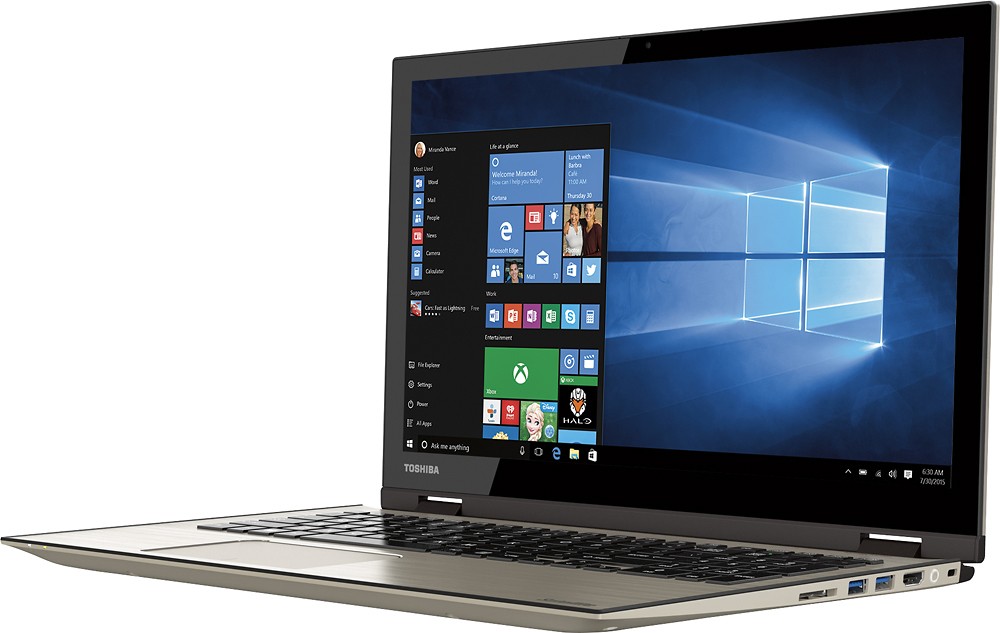
Posted .This reviewer received promo considerations or sweepstakes entry for writing a review.Bought this on 8/7/15 and was initially very excited. Took it home, starting personalizing it and downloading the programs and apps I use all the time. When I got to the webcam I became very disappointed. It didn't work. Just a black screen. Sometimes the blue camera light came on, or blinked, but sometimes it didn't. Geeksquad remoted into my computer to check it out, they determined it was a Windows 10 problem. So I called Toshiba to see if they had a known fix. They wanted to charge me for their tech support, even though this was a straight out of the box problem. After some fussing they finally did some support for free and had the webcam working after installing some odd drivers (Downloaded a driver file with Win 7, Vista and XP ddrivers and installed them over the existing ones#. Great, I thought, problem solved. Later that day Microsoft pushed out another update #which I have not found a way to refuse in Win 10 quite yet). After it installed and rebooted, the camera no longer worked. So I tried a computer reset. Still no luck. Took it back to the store where Geeksquad took another look at it but could not fix. I decided to go check out the display model to see if it worked, and low and behold, the camera worked on that one. However it hadn't been updated since 8/5/15, so who knew if it would continue to work. They did have another of the same model in stock which I had them turn on and test to make sure the camera was working out of the box, and it was. Decided to take a chance on it and exchange it and see what happened after updates, especially since the sales on the laptops ended and the prices of the alternative products I was looking at had all gone up. I've installed all the updates, apps and personalizations and the camera is still working perfectly. I really enjoy working on this device, and windows 10 is the perfect mix of Win 7 and Win 8.1. It's also very fast. I am disappointed in Toshiba's customer and tech support, and the fact that my first one was defective, but it really is a great machine to use. I did have some sensitivity issues with the zoom on the touchpad but once I turned the zoom function off it works great. In order to make any laptop work for you, you have to spend some time tweaking it. No matter what brand or model. Would have been 5 stars if not for Toshiba customer service, and the first one being defective. If I discover any additional problems will update this review. I have not experienced any of the Wifi connectivity problems others have. In addition, I believe there were some complaints that this laptop doesn't have an Ethernet port. While that is true, I did find out there is a USB adapter you can attach to your Ethernet cable that will allow you to run your internet directly through a USB port on this computer. I doubt they could have made this thing as thin and light as it is if they had to cram an Ethernet port in it. Overall, very pleased.
I would recommend this to a friend Its my mistake that I bought Toshiba laptop
||Posted .This reviewer received promo considerations or sweepstakes entry for writing a review.From the day one I bought this Toshiba laptop I am having issues Although it has I-7 processor but its very slow and it takes too much time to start restart and even it takes too much time to shutdown In short I am very unhappy with this laptop and Wasted my money in buying this laptop and never advise to buy Toshiba laptops.
No, I would not recommend this to a friend- Pros mentioned:Fast, Price, Touch screen
Fast and Sleek!
Posted .This reviewer received promo considerations or sweepstakes entry for writing a review.Bought in July and have to say that this is a very good buy. Have owned several Toshiba laptops over the last 20 years and this one is my favorite. Wireless, bluetooth work flawlessly, Keyboard lights up nice and bright, the picture is very vivid and crisp, and best of all it is FAST!... Toshiba always has all the same features and quality of more expensive brands and I have never been disappointed... When it comes to laptops, I never look anywhere else.
I would recommend this to a friend - Pros mentioned:Touch screen
Amazing product! Do not be deterred by the reviews
Posted .This reviewer received promo considerations or sweepstakes entry for writing a review.I can't understand why the reviews for this product is so significantly low compared to the i5/750GB version. This product is has fast processing speed, works fluidly and is simply exceptional. People are complaining and giving lower rating because they don't understand Windows 10 or are uncomfortable with a simple inch-to-zoom feature that can be disabled in the user settings. This i7 Intel processor, 1TB laptop is great. Toshiba is a great brand, if you get a working laptop, that isn't cracked or obviously defective the laptop is top-notch quality. If it hangs on restart and crashes, it's clearly the one you received. The graphics are integrated Intel HD 6000, so you can play RuneScape, World of Warcraft, and other casual online games. (Don't expect the Ultra graphics on Skyrim.) It's good graphics for a non-gaming laptop. Laptop fully functions as a PC and a tablet and the touch screen is responsive. Backlit keyboard obviously is a plus. If you don't plan on heavy usage you can buy the cheaper i5 model, however this is by far a definitely good buy with a sale. TL;DR Amazing and modern product, judge reviews from both the i5 and i7 models. If you need a laptop that will last you more than few years, buy this.
I would recommend this to a friend - Pros mentioned:Touch screen
Great laptop now that zoom issue has been resolved
Posted .This reviewer received promo considerations or sweepstakes entry for writing a review.We bought two of these and one worked fine while the other one couldn't get itself to initialize. We brought the bad one back to the store and brought home another one. The next issue was the touchpad "zoom issue" that others have complained about. I finally figured out how to disable it and now my daughters are happy with their new laptops. We are still playing with the laptops and may find something else as we get further along, but so far we are happy with them. Follow these steps to disable your touchpad "pinch zoom". Note that the touchpad will still work, but just the two-finger "pinch zoom" (to zoom in on a window) is disabled. You will also still be able to zoom using the two-finger pinch zoom on the monitor - this procedure is just to disable the touchpad zoom - which is the one causing a problem for many users. Click START button Select Settings <Settings window appears> Click on "Devices (Bluetooth, printers, mouse)" <Devices window is displayed> On the left hand side, select "Mouse & Touchpad" <Mouse and Touchpad window is displayed> At the bottom select "Additional mouse options" <Mouse Properties window appears> Select "Device Settings" on upper right hand corner <Device settings are displayed> Click the "Settings..." button <Properties for Synaptics ClickPad V1.1 on SMB Port window appears> Uncheck the "Pinch Zoom" setting Click OK Click OK Close Device settings window Voila, the touchpad zoom issue is resolved!
I would recommend this to a friend - Pros mentioned:Windows 10
Good Computer Still Getting Used to it
Posted .This reviewer received promo considerations or sweepstakes entry for writing a review.Overall I have really enjoyed this computer for the little time that I have had it. Windows 10 - I like the look and feel of the system. Not sure if I am using it to its full capabilities. I major issue I have is the track pad. I am pretty used to using a track pad but I am having difficulty controlling it. My webpages will randomly zoom and I just dont know what is going on. Much better to use a mouse.
I would recommend this to a friendBrand response from ToshibaStaff
Posted .Thank you for the review, Fritzpair, and glad to hear that you're enjoying your new Satellite Radius.
Just a quick hint about the zooming... If you hold down the Control key ('Ctrl') while using a vertical scroll gesture (two fingers dragging up or down across the touchpad) this will cause the browser to zoom the page contents. It has the same effect as entering a 'Ctrl +' or 'Ctrl -' key combination. So if you don't intend to zoom the display, make sure you release the Ctrl key before scrolling.
Thanks again for the feedback and for choosing Toshiba.
Love the look and specs but major problem
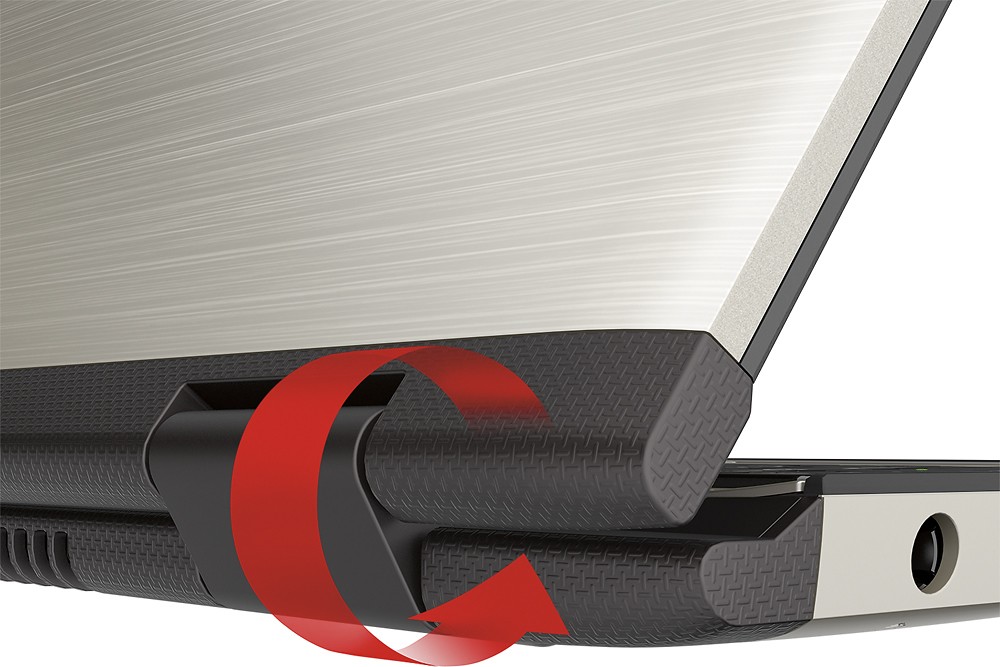
Posted .This reviewer received promo considerations or sweepstakes entry for writing a review.I've had a Toshiba laptop for about 5 and half years. I loved that laptop, it lasted well for the most part so when it came time to purchase a new laptop I was heavily skewed towards buying another Toshiba. I fell in love with this laptop the second a saw it. I loved the way it looked and the image color was great. I loved it even more the first day I took it home. Nothing beats harmon/kardon speakers; the sound was great. But by the second day, doubt set in as I started to discover problems. The machine heats up too quickly. This is particularly a problem when using the laptop in tablet mood. The vents for the laptop are located at the hinge of the laptop so when using it on tablet mood I just had hot air blowing in my face and I couldn't keep the laptop on my lap for long because it was too hot (which defeats the purpose because I won't always be using it on a desk). On top of that, the internet speed/wifi is sometimes slow. Unfortunately I have no choice but to return it. I can't overlook the big issues for great aesthetics and sound.
No, I would not recommend this to a friendBrand response from ToshibaStaff
Posted .Thank you for the review, Chichi, and for being a longtime Toshiba customer!
I was lucky enough to get my hands on this exact model for some testing with Windows 10 today, so I can say with a great degree of confidence that it doesn't normally run hot -- in fact, in the few hours I've used it so far the fan hasn't needed to come on at all. I also checked Wi-Fi speed using speedtest.net and got very respectable results on a corporate Wi-Fi connection (21.80Mbps download speed and 20.84Mbps upload speed.)
You may want to manually run 'Windows Update' (just tap the Windows key and enter those words in the search box to find it) to see if it is still installing updates, since that process can be taxing on networking and overall performance -- possibly enough to heat up the unit a bit if simultaneously doing other work with it. That didn't happen for me, but I wasn't using it while it was installing updates. I suspect you'll find that once Windows has finished installing all pending updates the system will provide the performance you expected.
Finally, if the fan does come on when using the Radius in tablet mode you have the option of flipping the orientation 180-degrees to direct the warm air in the other direction.
Thanks again for the feedback and for choosing Toshiba.
- Pros mentioned:Touch screen
The Glare=Terrible
Posted .This reviewer received promo considerations or sweepstakes entry for writing a review.There are a lot of good qualities, then there are bad qualities. The good: complete rotation of the screen (although I have found out I don't actually need that...#, Backlit keyboard #I love it), Great resolution and big screen plus INCREDIBLE sound! The bad: terrible glare on the laptop screen, the brushed metal gets dirty easily, my Cortana doesn't work even after getting help from geek squad, and no removable battery,Ethernet port, or dvd drive. #which you can tell when you buy or review it but it is still a negative).
I would recommend this to a friend - Pros mentioned:Touch screen
Good
Posted .This reviewer received promo considerations or sweepstakes entry for writing a review.Good laptop so far, but had to reboot it as soon as I turned it on because it had "PC issues". This happened at the store and the associate said that it was just because people mess with them, but this happened right after I just turned it on for the first time. The keypad is very touchy. Other than that so far it is a good laptop with lots of features and long battery life.
I would recommend this to a friend