Customer Ratings & Reviews


- Model:
- Archer BE900
- SKU:
- 6533023
Rating by feature
- Setup
Rating 3.8 out of 5 stars
- Range
Rating 4.6 out of 5 stars
- Signal Strength
Rating 4.4 out of 5 stars
Customers are saying
Customers admire the Archer BE24000 Quad-Band Wi-Fi 7 Router for its easy setup process, with the Tether app being intuitive and user-friendly. The router also provides excellent coverage, ensuring a strong and reliable internet connection throughout the home.
This summary was generated by AI based on customer reviews.

Fast with decent range
|Posted . Owned for 1 month when reviewed.This reviewer received promo considerations or sweepstakes entry for writing a review.[Employee of bestbuy] Had a Netgear Wi-Fi 6E router that had less antennas and better range. Speeds are about the same on both routers but this one has shorter range. It does have cooler features with a cool display but if you want better range go for a high end nighthawk thats 3,500sq feet.
I would recommend this to a friend- Pros mentioned:Coverage, Speed
This thing is a BEAST...and amazing!
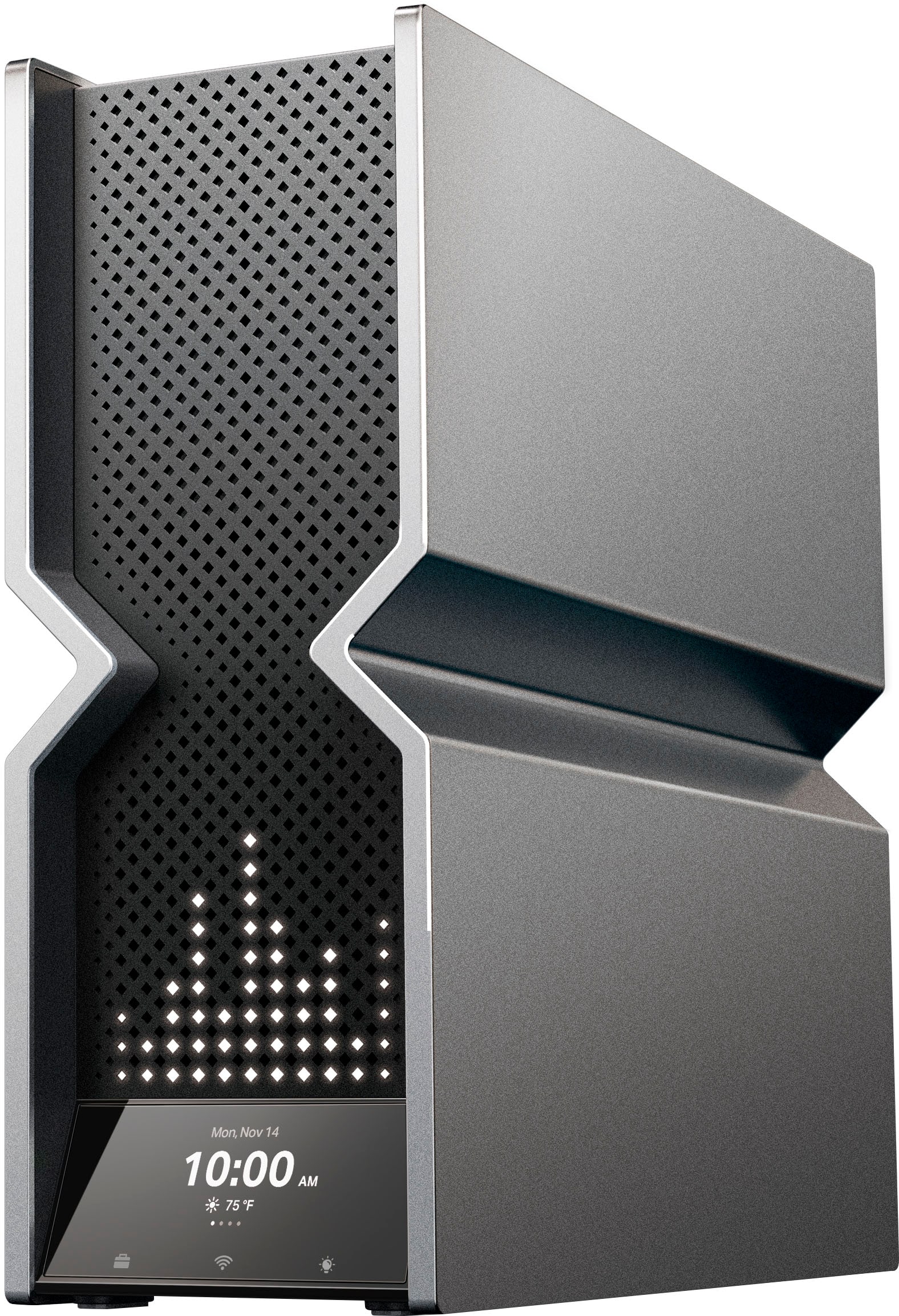
||Posted . Owned for 3 weeks when reviewed.This reviewer received promo considerations or sweepstakes entry for writing a review.I first went with the Deco BE95 mesh pair, and it was pretty decent, but for some reason, both of the Deco BE95 units ran unusually hot. The mesh setup was fairly decent, and definitely better (by a decent margin) than my previous Netgear RAXE500, which is a pretty high end router. Even so, it's pretty clear that the hardware internals are higher quality in the Archer line. The Archer BE900 is much faster than the Deco BE95. I currently have 5gbps fiber, and it beat the Deco mesh in all wireless band testing, as well as in wired speed tests on my desktop. I am easily getting 2gbps/2gbps on my s23 Ultra phone, and this phone is not even Wi-Fi 7. Also, I have an 8,000 sq property, and even without an extender or mesh, I get coverage everywhere. I have used ASUS and Netgear routers for as long as I can remember, and the user interface from TP-Link has been a pleasant surprise, and very intuitive. I actually prefer it. Not to mention that the touchscreen on the unit is beautiful and easy to use. I am enjoying the Archer BE900 so much that I plan on adding a second BE900 in my home via the EasyMesh setup as soon as they go back in stock. I could write more, but I'm even boring myself at this point. Plainly put, get this router if you have the means to do so. You will not regret it, and it will enhance even your current devices in the meantime until new WiFi 7 devices begin slowly roll out. P.S. This thing is huge, so you need to make sure you have to requisite space house this thing. It looks like a mini-PC, and in the best way possible. For a tech geek like me, this has very a very gratifying experience.
I would recommend this to a friend - Pros mentioned:Speed
Decent wifi-7 Router
||Posted . Owned for 2 months when reviewed.This reviewer received promo considerations or sweepstakes entry for writing a review.Overall, this router is one of the best routers out there. Very strong signal strength and with a wifi 7 adapter, the speeds almost doubled for me. With an old Netgear router which served me almost 6 years, I was getting around 300 / 350 MBPS (Verizon Fios 1GBPS connection). Now, with this router, I am almost getting 600 / 700 MBPS. Streaming Netflix 4K movies look fabulous with the newer speeds.
I would recommend this to a friend - Pros mentioned:Speed
BE900
||Posted . Owned for less than 1 week when reviewed.This reviewer received promo considerations or sweepstakes entry for writing a review.I purchased this router to upgrade from the TPLink Archer AX11000. The AX max out at 40 Ip.s and needed more, so got the BE900. SO far so good, one thing I found out is that TwT does not seem to work properly, unless I am missing something, but changes my internal DNS to 10.10.10.1 to 10.10.10.4 this causing all the WiFI to disconnect. Other then that, extremely fast, well design, great support.
I would recommend this to a friend - Pros mentioned:Coverage, SpeedCons mentioned:Stability
Drops internet randomly
||Posted . Owned for 1 week when reviewed.This reviewer received promo considerations or sweepstakes entry for writing a review.I haven’t purchased a router since 2020 and thought I would try to get a more powerful one with the newest features. I upgraded my old archer tp link to this one and noticed a slight increase in speed and increase in coverage. However, within 24 hours the internet started to drop periodically. I work from home so this is unacceptable. I assumed it was the modem since I had also upgraded that to handle more internet speed. Tried plugging ps5 directly into modem while the internet dropped and it worked fine so I knew it was the router. Returned it just within the 15 day window period and plugged back in my old router and everything works fine again. Until these new routers have the reliability of the older less complex routers I’ll hold off.
No, I would not recommend this to a friendBrand response from TPLinkSupport
Posted .Hello Daniel,
We regret your negative experience. We would like to get more details on your experience, including if you reached out to support and how that experience was. Please reach out to us at ussupportteam@tp-link.com with a link to this review so we know what it is related to and open further discussion.
Best Regards
TP-Link Systems Support
Dont buy, wait for an ASUS, or ANY other company
||Posted . Owned for 5 months when reviewed.This reviewer received promo considerations or sweepstakes entry for writing a review.I will finally be attempting to begin a RMA of this router tomorrow. It has been this bad since i first installed it. A little background. I am a natural tech, in that I am of a natural engineering type. I focused that towards computers around 23+ years ago when I began building my own PC's. Now I am an AI developer with a history in IT. Thats out of the way. Typing this on my phone since, once again, BE900, has rebooted itself. Mine is a V1. I have had nothing but problems during configuation, which was all done manually (reduce processor stress). This was also a nightmare. Not due to difficulty, but hardware issues. Still ANY configuration, or check box related to wifi, will definitly crash the system, at which point I do the full reset procedure and start from scratch again. Also, there is no such thing as backup configuration, as it cannot be restore without losing full accessibility, including direct lan cable. This leads to a, once again, system configuration from scratch. I have tried to set up a daily reboot to hopefully avoid all of the random self-reboots (about 15 minutes offline or longer) unless you go to the router and turn the power off and on to get it back faster, but that has had no effect. It is having symptoms that would best be descibed as complete mainboard failure. I would love the $400 giftcard as the IT time Ive wasted should easily be billed. Sorry about any spelling or grammar mistakes, I only jave internet on my phone. 5G
No, I would not recommend this to a friend- Pros mentioned:Speed
Powerful Router that isn't showing the results
||Posted . Owned for 1 month when reviewed.This reviewer received promo considerations or sweepstakes entry for writing a review.So I've been having this up and running for about I want to say for about 2 weeks now despite buying it a month and a half ago or so and I would say that it has been okay. It hasn't been super fast like how I am expecting it to be or how it should be. I recently upgraded my Cable Modem to a Netgear Nighthawk 3.1 DOC CM2050V and also upgraded my Internet Plan from 400 to 1GB and I was only getting a little over 900mb with both the Cable modem and this router. Not sure if this is normal but this is what I was getting. Lately I've been getting between 930Mb and 940Mb and That's only because I decided to change my Cable Splitter to a much more powerful one. Not sure if I am missing something but, this shouldn't be the normal speed for such have powerful Combo that I have. Not sure right now if I could recommend the BE900 until I start seeing some better results. My service provider by the way is Spectrum. I plan on changing my current Cat8 Cables to newer ones and possibly my Coaxial Cable as well to see if that gets me to over 1GB as I should be.
No, I would not recommend this to a friendBrand response from TPLinkSupport
Posted .For ISP services its always, as far as i have seen, sold as an up to 1 Gbps, which converts to 1024 Mbps. Getting between 900 to 940 Mbps is quite normal. There is no need to change to Cat 8, at least not yet. That is really just a waste of money. Cat 6 is capable of providing up to 10 Gbps up to 180 feet. So it should fit almost any situation currently. If there are specific issues with the performance you would like to address please consider contacting support at support.usa@tp-link.com. Our team is here to help.
- Cons mentioned:Stability
Great when it works, but it needs a lot of work
||Posted . Owned for 3 weeks when reviewed.This reviewer received promo considerations or sweepstakes entry for writing a review.Great when it works, but very unstable. The IoT network doesn't work (the SSID appears, but nothing connects). There are times when the whole WiFi network disappears, but it isn't from it rebooting since wired devices still have Internet. The tether app and the web interface have some differences. Ipv6 setup had issues. It'll probably get better over time, but this shouldn't be considered for mission critical environments.
No, I would not recommend this to a friendBrand response from TPLinkSupport
Posted .Hi,
Thank you for your review. In your case, we would first recommend ensuring the firmware of your Archer BE900 using the steps outlined in our FAQ here: https://www.tp-link.com/us/support/faq/2139/
Our support team is always happy to help answer any questions you may have about our products. Please feel free to reach out using any of the resources included with the product, or from our official website, and we'll gladly have a Support Agent follow up with you directly.
Thank you,
TP-Link Support
For the first time when I bought it for 700 I don’
||Posted .This reviewer received promo considerations or sweepstakes entry for writing a review.I experienced this router. The Wi-Fi is not good for long range like if you cross then meter of your house. You’re not gonna be get the Wi-Fi again and that’s so bad other than that he’s fine.
No, I would not recommend this to a friend- Cons mentioned:Stability
Avoid for now.
||Posted . Owned for less than 1 week when reviewed.This reviewer received promo considerations or sweepstakes entry for writing a review.Just purchased and have spent the better part of a day fighting with this. Setup is easy, Tether app is intuitive and works well. It's an absolute beast of a router, but... Constantly reboots. Anywhere from 15 minutes to the longest of 2.5 hours. Updated firmware, setup and then factory reset and started over all to no avail. Only have around 25-30 connections so it shouldn't even be close to breaking a sweat. The log is useless, doesn't record all events and gets wiped at each reboot so you can only see the startup events, nothing gets retained from the prior "session." At this price point, and being the flagship of the line, should be dead reliable, especially right out of the box. TP-Link, ya need to do better on this one.
No, I would not recommend this to a friendBrand response from TPLinkSupport
Posted .Hi,
Thank you for your review. We're happy to hear your Tether app experience has been intuitive and easy. The Archer BE900 shouldn't encounter these symptoms - especially with its firmware fully up to date, and we would like to help address your concerns.
If your router is still encountering this unusual behavior, please send an email referencing your review, and including any relevant details or information about your concerns to USSupportTeam@TP-Link.com, and we'll gladly have a Support Agent follow up with you directly.
Thank you,
TP-Link Support
- Pros mentioned:Coverage, Speed
Great router
||Posted .This reviewer received promo considerations or sweepstakes entry for writing a review.So far so good, setup was easy, speeds are stable and fast and coverage is very good. The UI is also very well designed.
I would recommend this to a friend - Pros mentioned:Speed
Wifi7 worth it.
||Posted . Owned for 3 weeks when reviewed.This reviewer received promo considerations or sweepstakes entry for writing a review.Installation was quick and allows several types of networks and access to be made available. Replaced multiple devices with a single BE900 increasing the range and speed. Excellent product.
I would recommend this to a friend - Pros mentioned:Speed
Nice upgrade over my Linksys router
||Posted . Owned for 2 weeks when reviewed.This reviewer received promo considerations or sweepstakes entry for writing a review.My son said the internet wi-fi is 10 times faster according to upload/download speed test comparison. It is still really expensive. It's worth it if you like to play video games
I would recommend this to a friend Best modem
||Posted .This reviewer received promo considerations or sweepstakes entry for writing a review.Amazing WiFi reaches far out aswell, I have many different options to do on the app aswell
I would recommend this to a friend- Pros mentioned:Speed
Best Router in the World
||Posted . Owned for 6 months when reviewed.This reviewer received promo considerations or sweepstakes entry for writing a review.I enjoy this router it offer excellent internet speed and easy to set up!
I would recommend this to a friend Excellent with some tinkering
||Posted . Owned for 1 week when reviewed.This reviewer received promo considerations or sweepstakes entry for writing a review.I was experiencing the random internet drops that poeple talk about with this router and went down the Reddit/support forum rabbit hole. It seems like this and the BE800 are both pretty sensitive pieces of equipment. In the end, MU-MIMO seemed to be the issue. After disabling that, it’s been smooth sailing. I’m running 30-50 devices on the network at any given time, including a few WiFi 7 and a half dozen 6E clients, without any issues. This router is one of the few to support MLO. This has been a great replacement for my old mesh system and streaming between devices on the network as well as speed at long range have both improved. If you’re willing to get into some advanced settings, this thing is hard to beat.
I would recommend this to a friendGreat
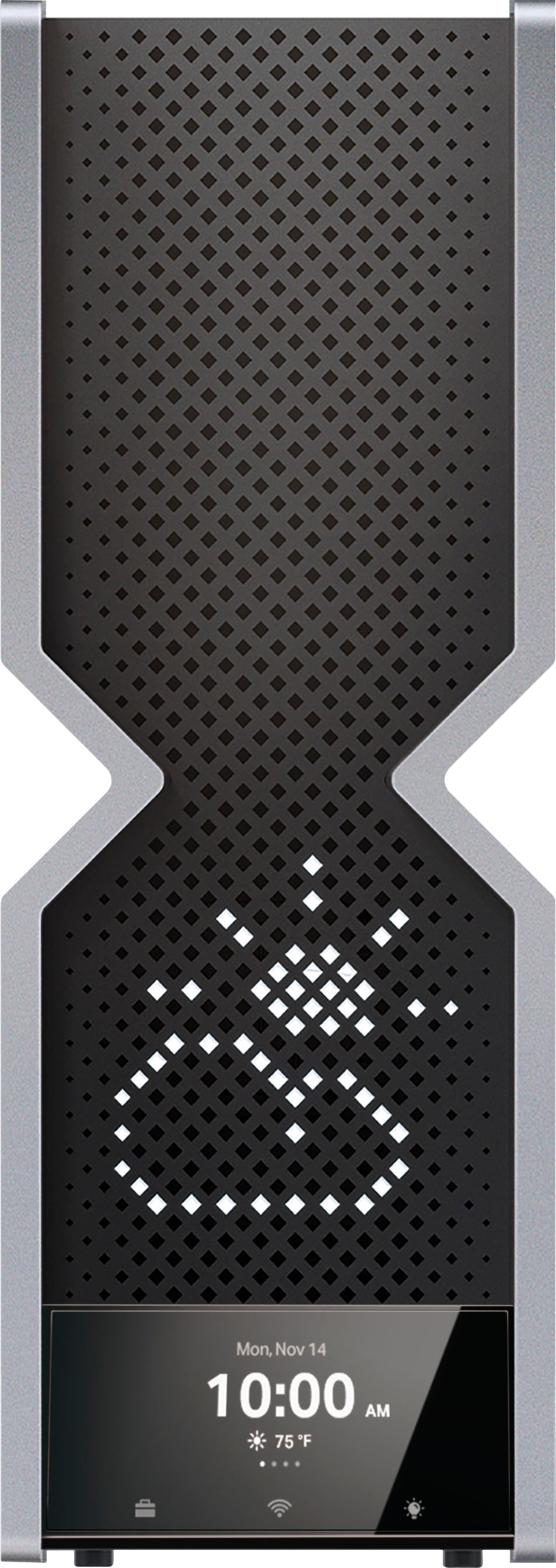
||Posted . Owned for 1 month when reviewed.This reviewer received promo considerations or sweepstakes entry for writing a review.Love the fact that the wifi 6E hardly drops, nice how we can customize the LED faces.
I would recommend this to a friendTP-Link Archer BE900 24000 Router
||Posted . Owned for 1 week when reviewed.This reviewer received promo considerations or sweepstakes entry for writing a review.I love this router not just for the performance or looks but the touchscreen is what sold me on this item, nothing like it on the market!
I would recommend this to a friendIt's ok
||Posted . Owned for 1 month when reviewed.This reviewer received promo considerations or sweepstakes entry for writing a review.High hopes for this but let down. This is supposed to hook up to another router to work as a mesh system. I bought 2 of these to use and it was not good. Individually great but linking them together not so good. Tech support said that they can't link up together. Ended up going with the TP-Link deco BE95 and that's great
I would recommend this to a friendBrand response from TPLinkSupport
Posted .I would like to know who in support said it wasn't possible. Archer BE900 can in fact connect to a 2nd BE900 using EasyMesh. However, Ethernet backhaul is currently still in development so at this time Wirelessly linking the two units is the form of communication, but Ethernet backhaul will soon be available. If you can please email us at ussupportteam@tp-link.com with a link to this review and a ticket or case number so we can review and help better educate our support staff.
TP-Link
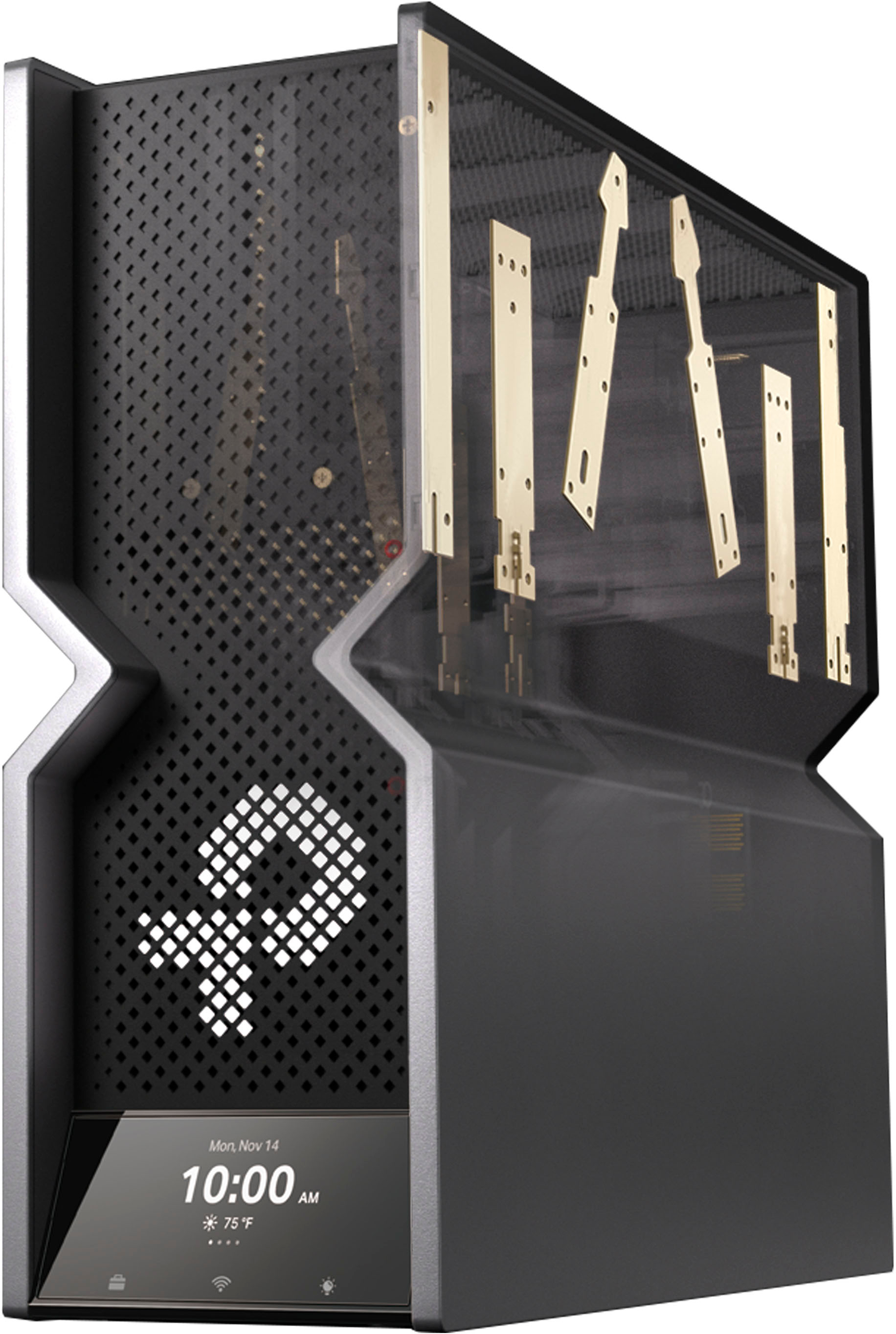
||Posted . Owned for 1 week when reviewed.This reviewer received promo considerations or sweepstakes entry for writing a review.Excellent product with amazing strength that covers my entire house plus
I would recommend this to a friend