Customer Ratings & Reviews
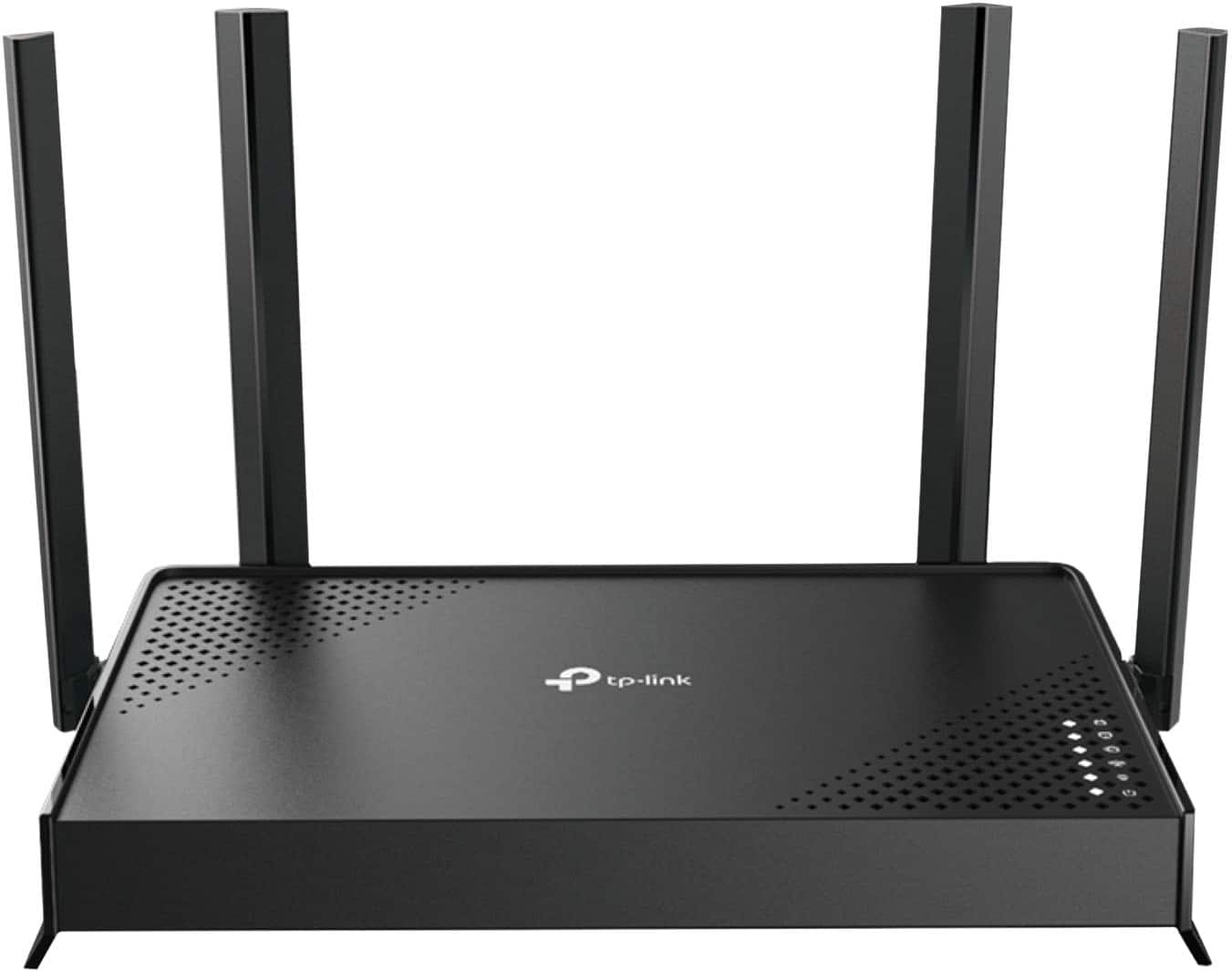
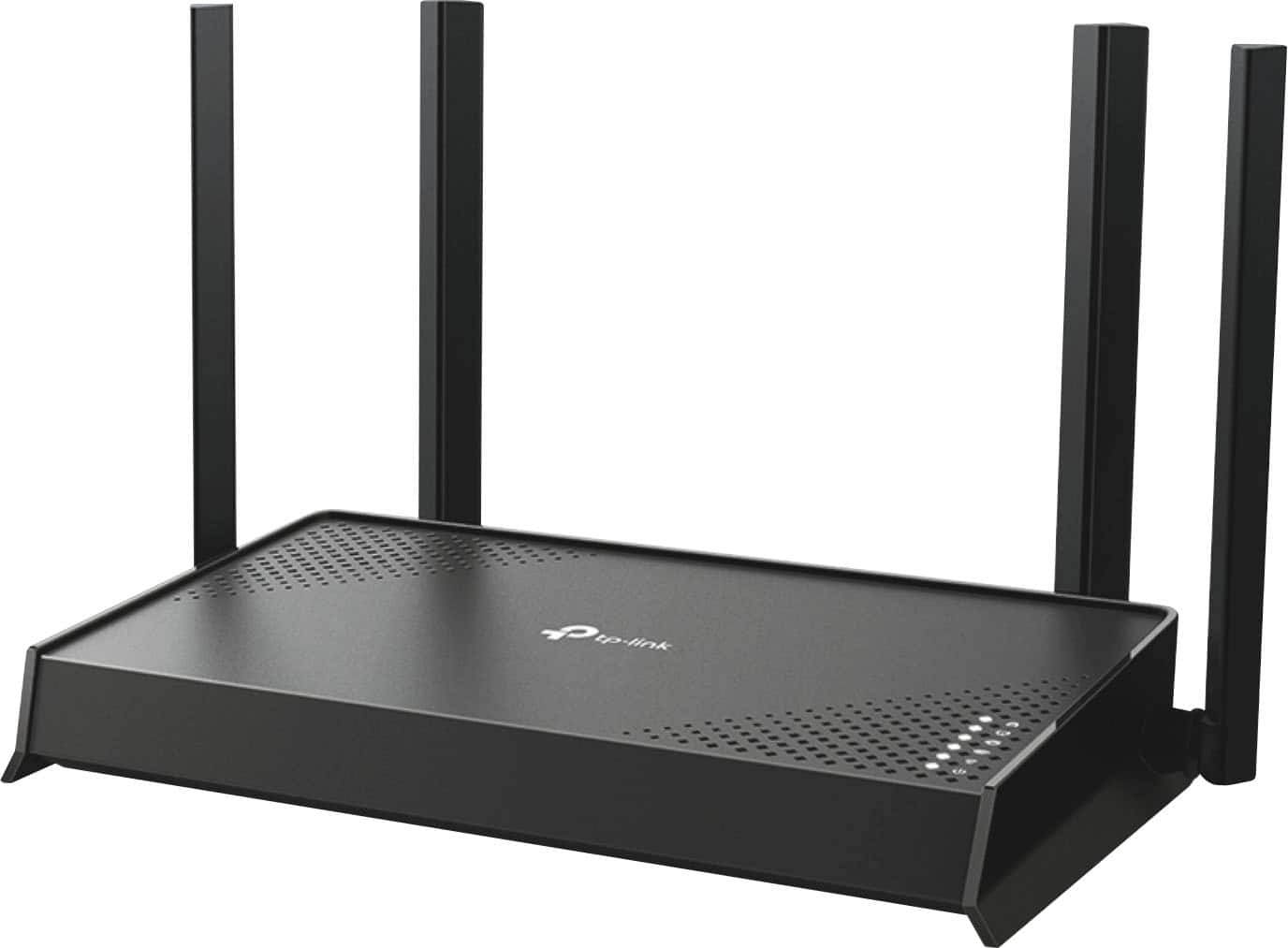
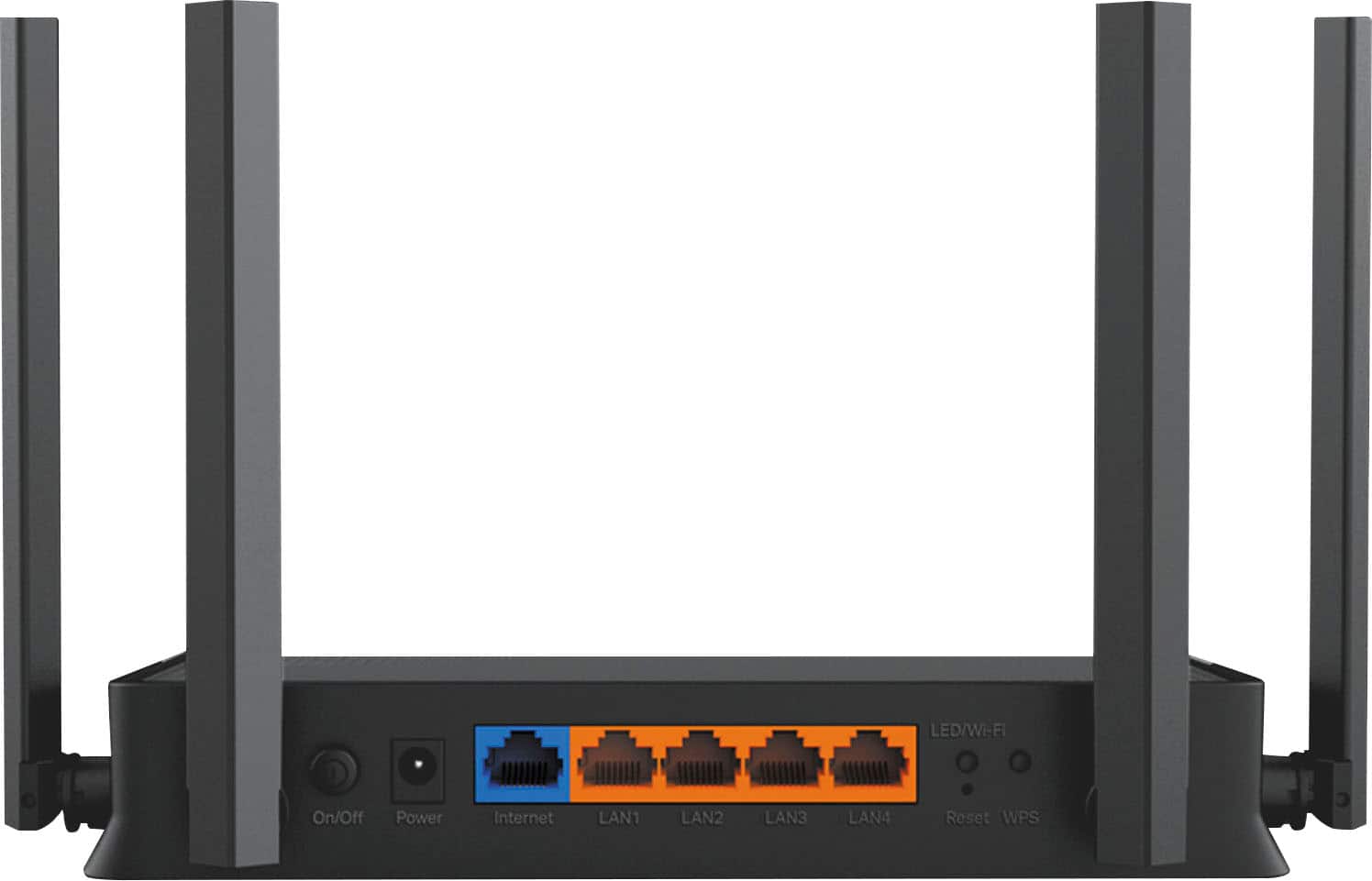
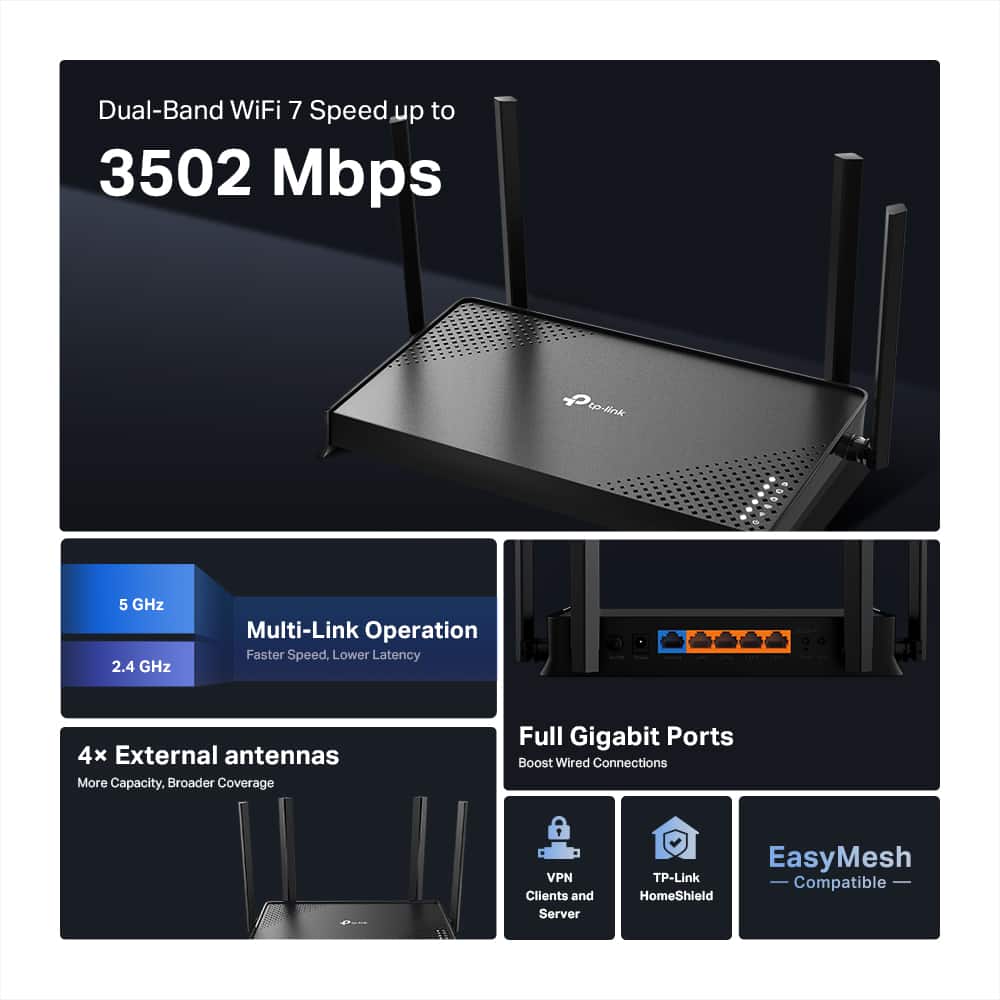
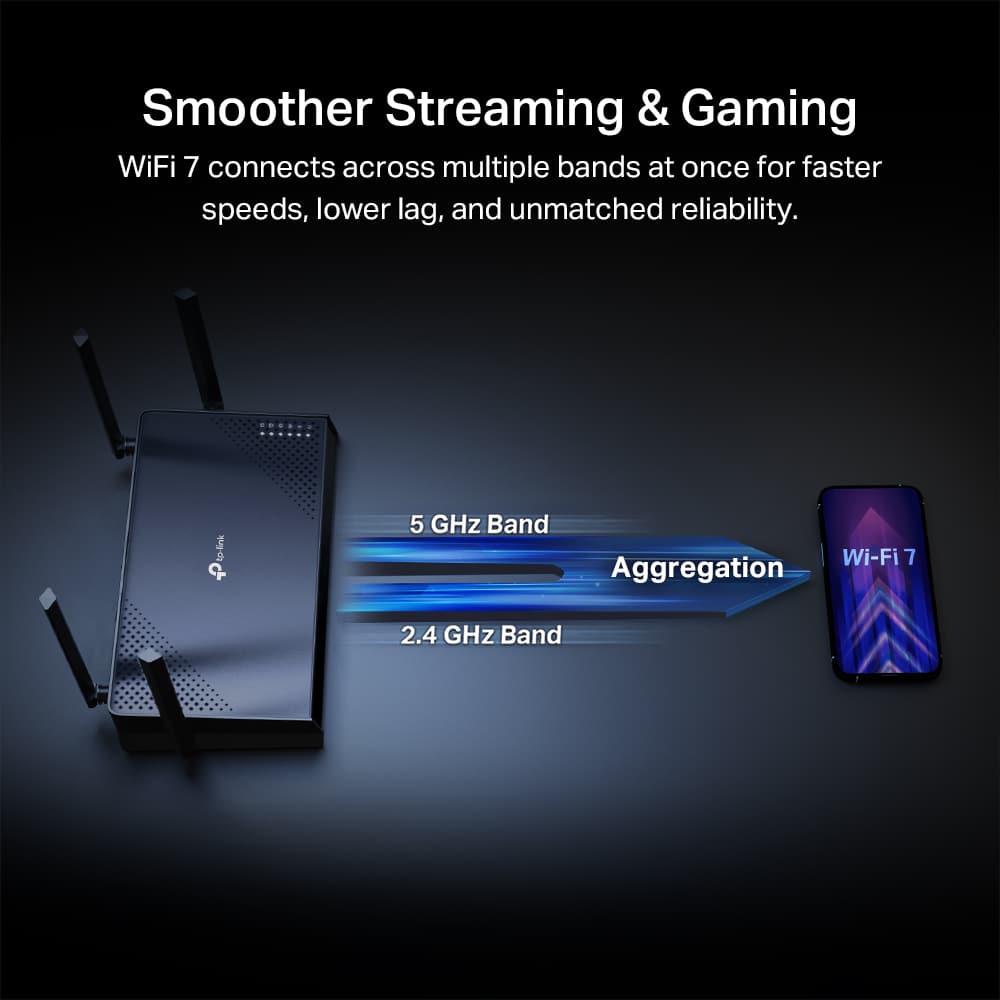
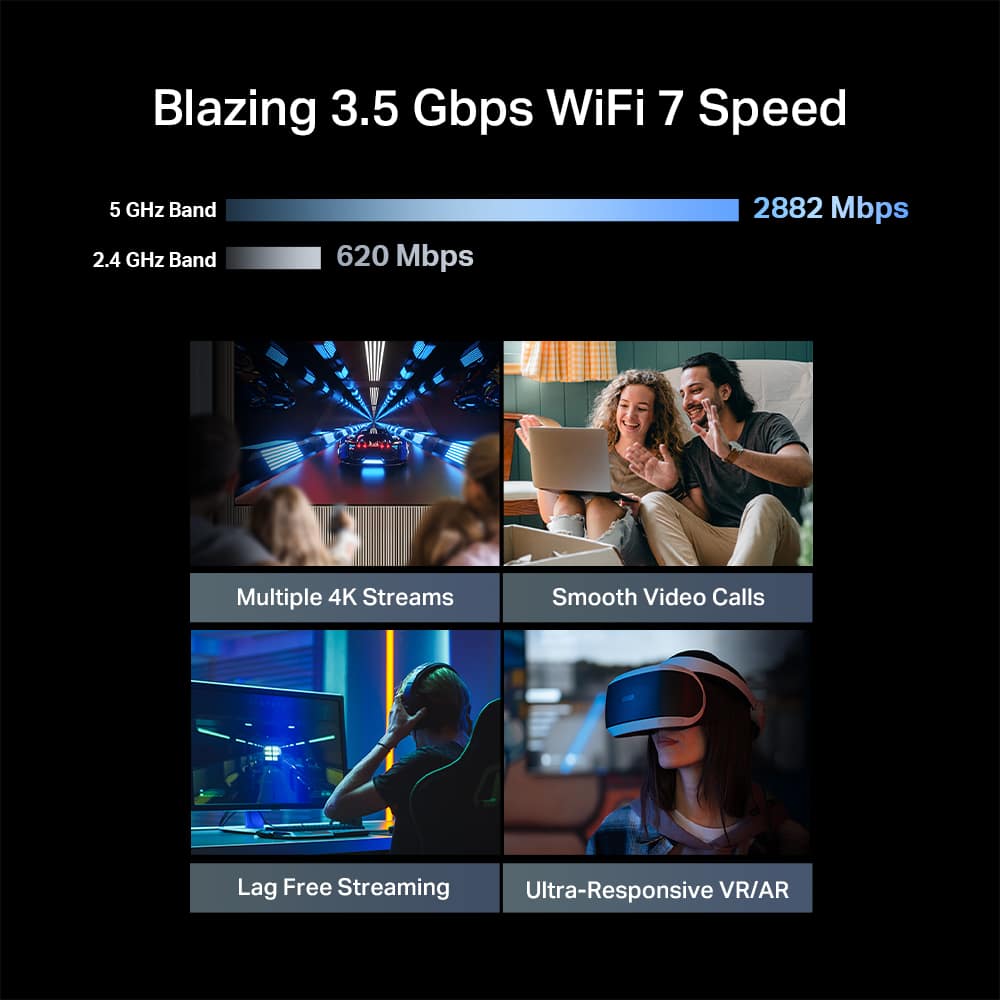
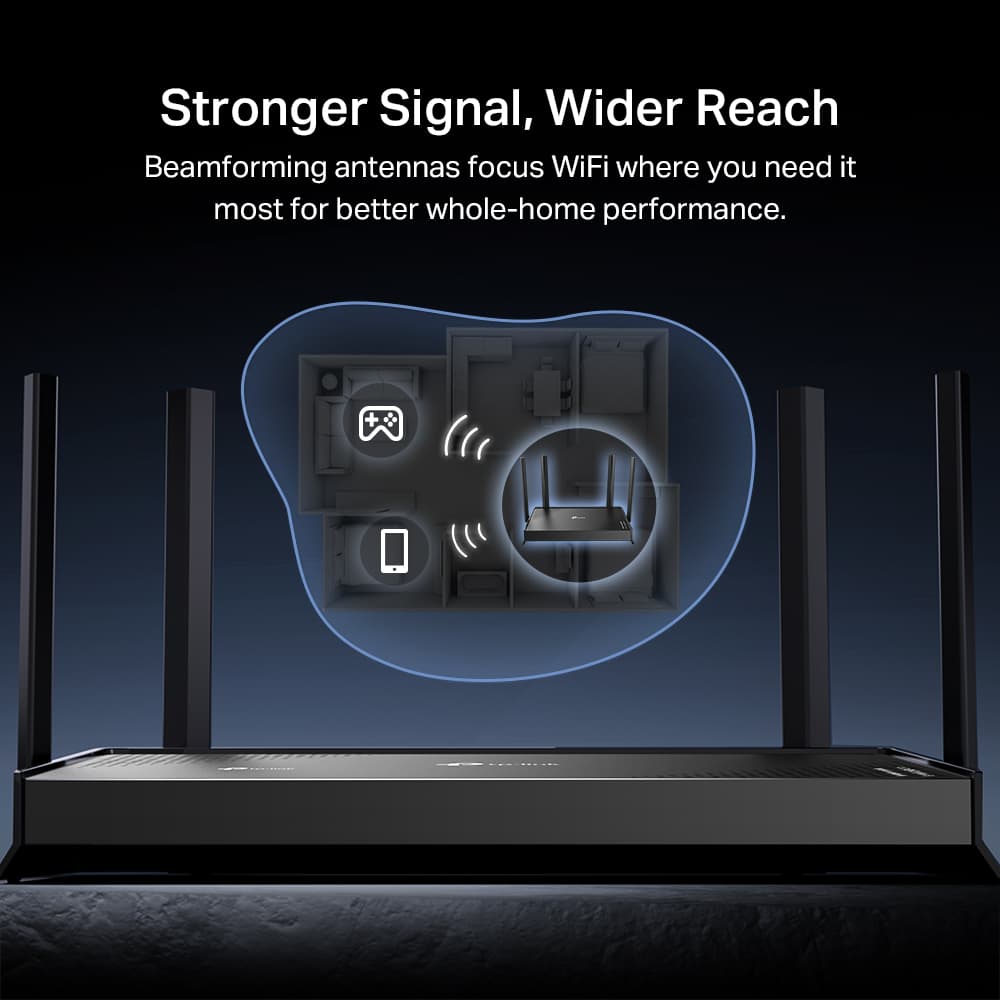
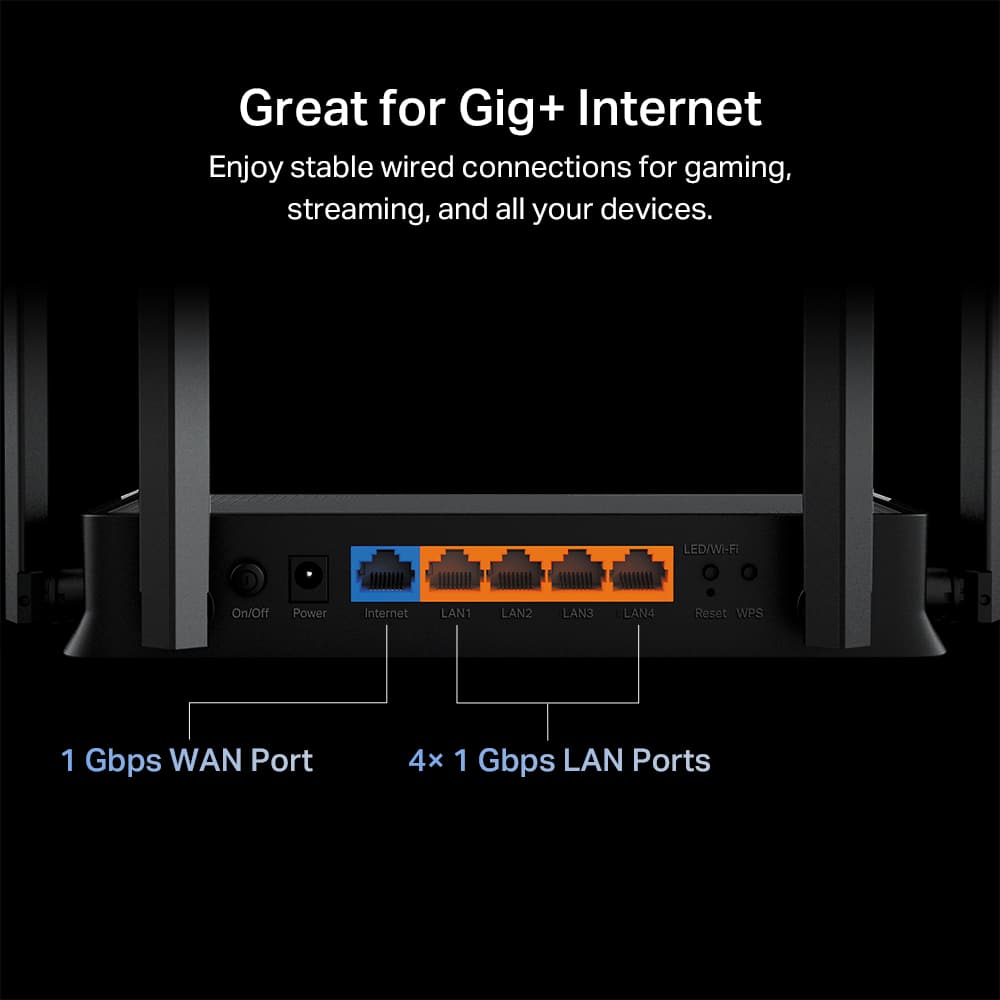


- Model:
- Archer BE3500
- SKU:
- 6642157
Rating by feature
- Setup
Rating 4.7 out of 5 stars
- Range
Rating 4.8 out of 5 stars
- Signal Strength
Rating 4.8 out of 5 stars
Customers are saying
Customers value the overall performance of this product. Users are also satisfied with its speed, connectivity, and range. The signal strength is another appreciated feature.
This summary was generated by AI based on customer reviews.
SETup
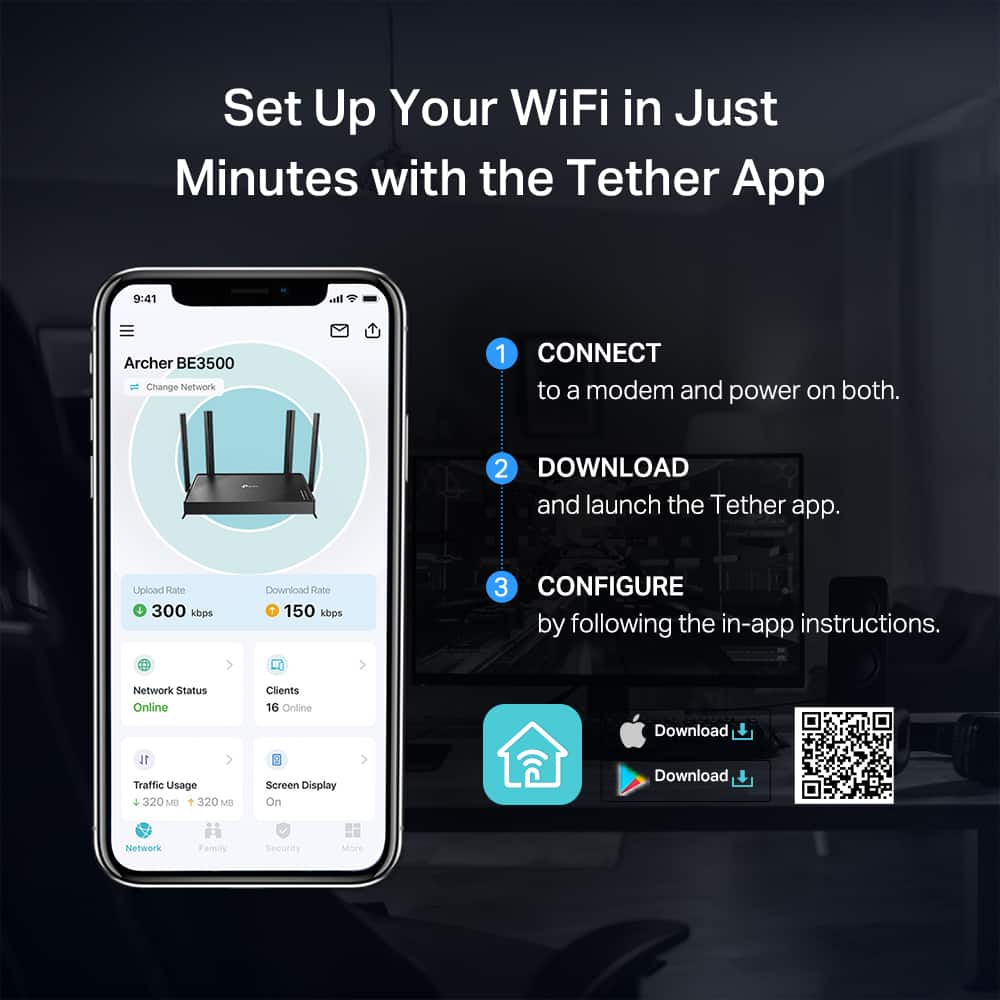
||Posted . Owned for 1 month when reviewed.This reviewer received promo considerations or sweepstakes entry for writing a review.Quick easy setup. Good range throughout the entire house
I would recommend this to a friendReview
||Posted . Owned for 1 month when reviewed.This reviewer received promo considerations or sweepstakes entry for writing a review.My purchase went smoothly, and it was very easy set up.
I would recommend this to a friendLost nerwork
||Posted .This reviewer received promo considerations or sweepstakes entry for writing a review.Easy setup, quich connection, great price..what more do u need
I would recommend this to a friendNo opinion
||Posted . Owned for 1 month when reviewed.This reviewer received promo considerations or sweepstakes entry for writing a review.This did not work from a intended use but I returned it to the store with no problem
I would recommend this to a friendBrand response from TPLinkSupport
Posted .Hi ThomasB,
Thank you for your review. We regret to hear that you decided to return the router. We would like to learn more about your intended use/network needs and may be able to recommend a device that meets your requirements. If you have a moment, feel free to drop by our TP-Link Community Forum to share more about your intended use, and members of our community and staff will be happy to help discuss, share, and recommend solutions: https://community.tp-link.com/us
Additionally, our TP-Link support team is always available and happy to help via live chat, phone, or email using the Support Portal on our website: https://www.tp-link.com/us/support/contact-technical-support/
Best Regards,
TP-Link Systems Support
CHAOS
||Posted . Owned for 1 month when reviewed.This reviewer received promo considerations or sweepstakes entry for writing a review.I;M HAVING TROUBLE WITH IT I HAVE EITHER RIGHT NOW SNOW VEHICLE IN THE SHOP WAITING ON NEW PHONE RIRHT NOW CHAOS
I would recommend this to a friendProduct fine, store customer service not.
||Posted . Owned for 3 weeks when reviewed.This reviewer received promo considerations or sweepstakes entry for writing a review.This router seems to work fine but no one in the Best Buy store would talk to me regarding set up.
I would recommend this to a friendBrand response from TPLinkSupport
Posted .Hi WendyV,
Thank you for your review. If you have any questions about your TP-Link Wi-Fi Router, our official TP-Link Support Team is always available to help via phone, live chat, or email. At your convenience, please contact us using the Support Portal on our website, and one of our Support Team members will be happy to help you set up your router: https://www.tp-link.com/us/support/contact-technical-support/
Thank you,
TP-Link Systems Support
TP link-Archer BE3500 Dual Band wi-fi 7 Router
||Posted . Owned for 1 month when reviewed.This reviewer received promo considerations or sweepstakes entry for writing a review.Broken. Could not connect to modem Returned to Best Buy. Bought a different router
No, I would not recommend this to a friendBrand response from TPLinkSupport
Posted .Hi MARYHELENM,
If you are having difficulty connecting to the Internet after installing the router, it may be that your modem's MAC (Media Access Control) binding needs to be released and renewed so it can provide an IP address (and Internet) to the Router. This can typically be done using the following steps:
1. Unplug the power from both your router and cable modem
2. Unplug the coax cable from the modem
3. Re-connect power ONLY to your cable modem
4. Wait until the cable modem is fully booted, then re-connect coax
5. Re-connect power to the router and connect it to the modem via Ethernet
This process should release and renew the MAC binding, so your modem can provide connectivity to the router. If you'd like assistance with any of these steps, please reach out to our support team using any of the resources included with the product, or from our official website, and we'll gladly have a Support Agent follow up with you directly.
Thank you,
TP-Link Systems Support
Pure trash
||Posted . Owned for 1 month when reviewed.This reviewer received promo considerations or sweepstakes entry for writing a review.Could not connect need to return this item to the app or my pc can not just setup and direct connect
No, I would not recommend this to a friendBrand response from TPLinkSupport
Posted .Hi Robbieallday,
Thank you for your review. If you're having difficulty connecting to the internet after setting up the router, it may be that your modem's MAC (Media Access Control) binding needs to be released and renewed so it can provide an IP address (and Internet) to the Router. This can typically be done using the following steps:
1. Unplug the power from both your router and cable modem
2. Unplug the coax cable from the modem
3. Re-connect power ONLY to your cable modem
4. Wait until the cable modem is fully booted, then re-connect coax
5. Re-connect power to the router and connect it to the modem via Ethernet
This process should release and renew the MAC binding, so your modem can provide connectivity to the router. If you'd like assistance with any of these steps, please reach out to our support team using any of the resources included with the product, or from our official website, and we'll gladly have a Support Agent follow up with you directly.
Thank you,
TP-Link Systems Support
- Pros mentioned:Overall performance
Maxwell
Posted .This reviewer received promo considerations or sweepstakes entry for writing a review.Works great easy hook up directions easy to follow
I would recommend this to a friend