Customer Ratings & Reviews
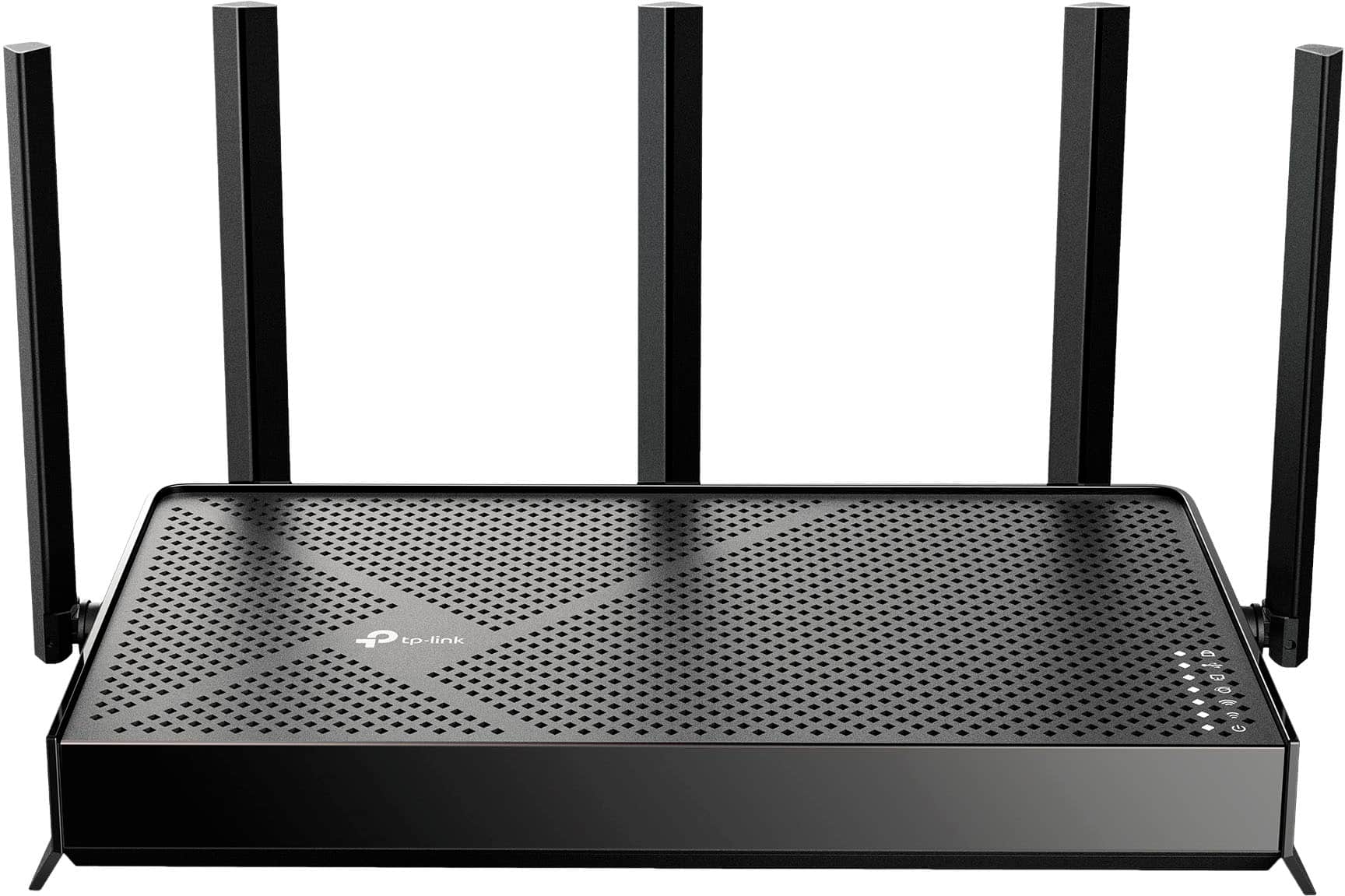
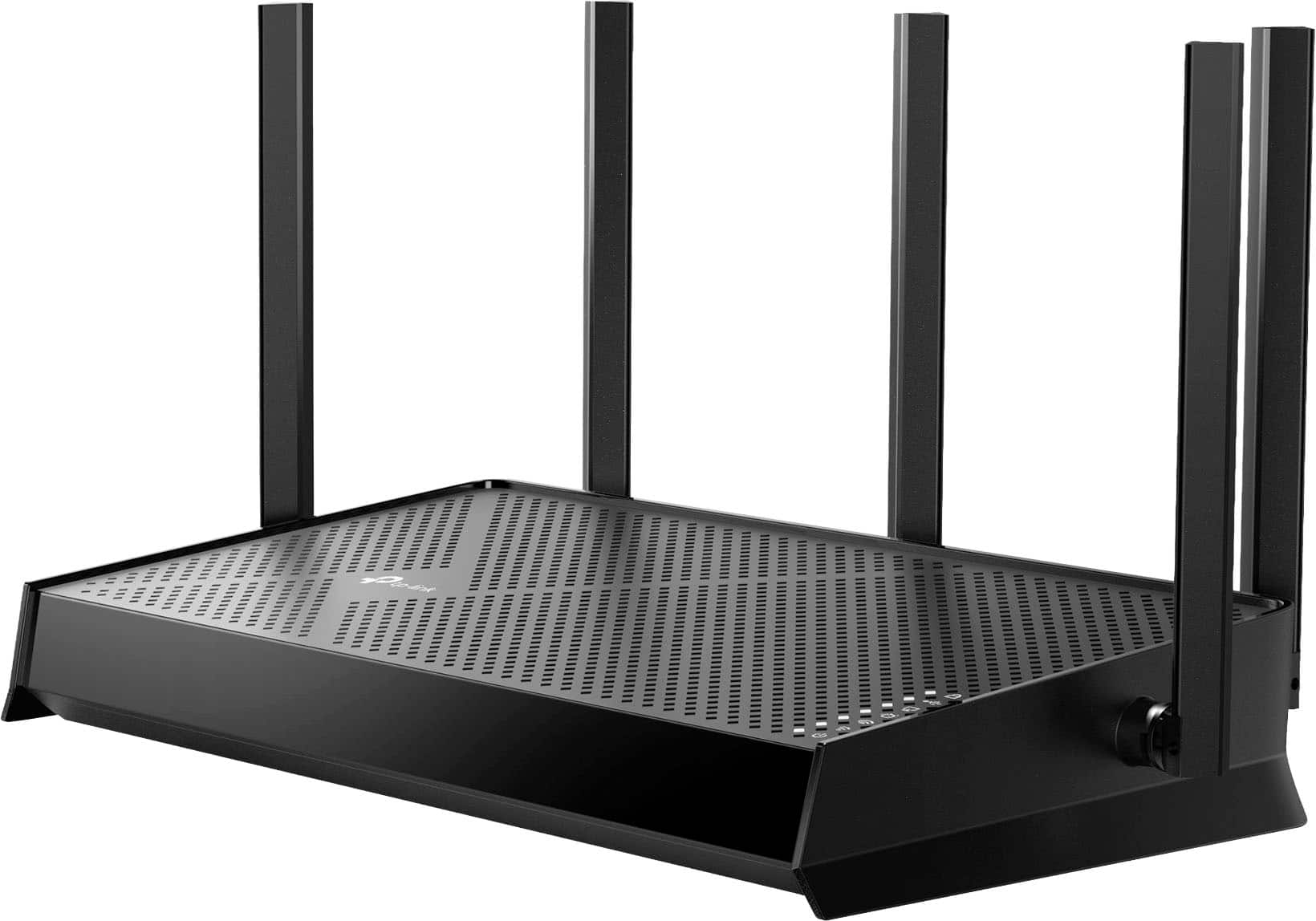
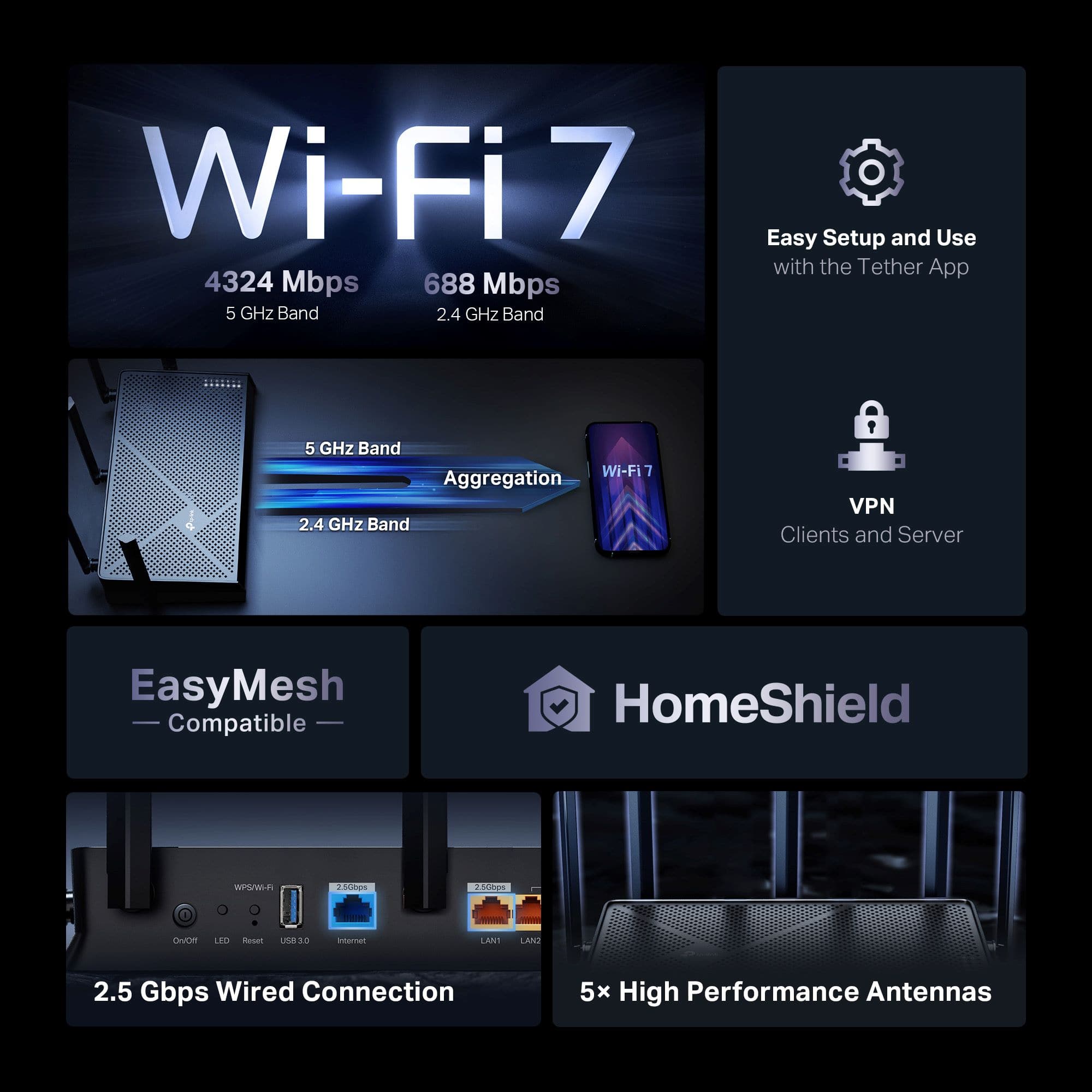
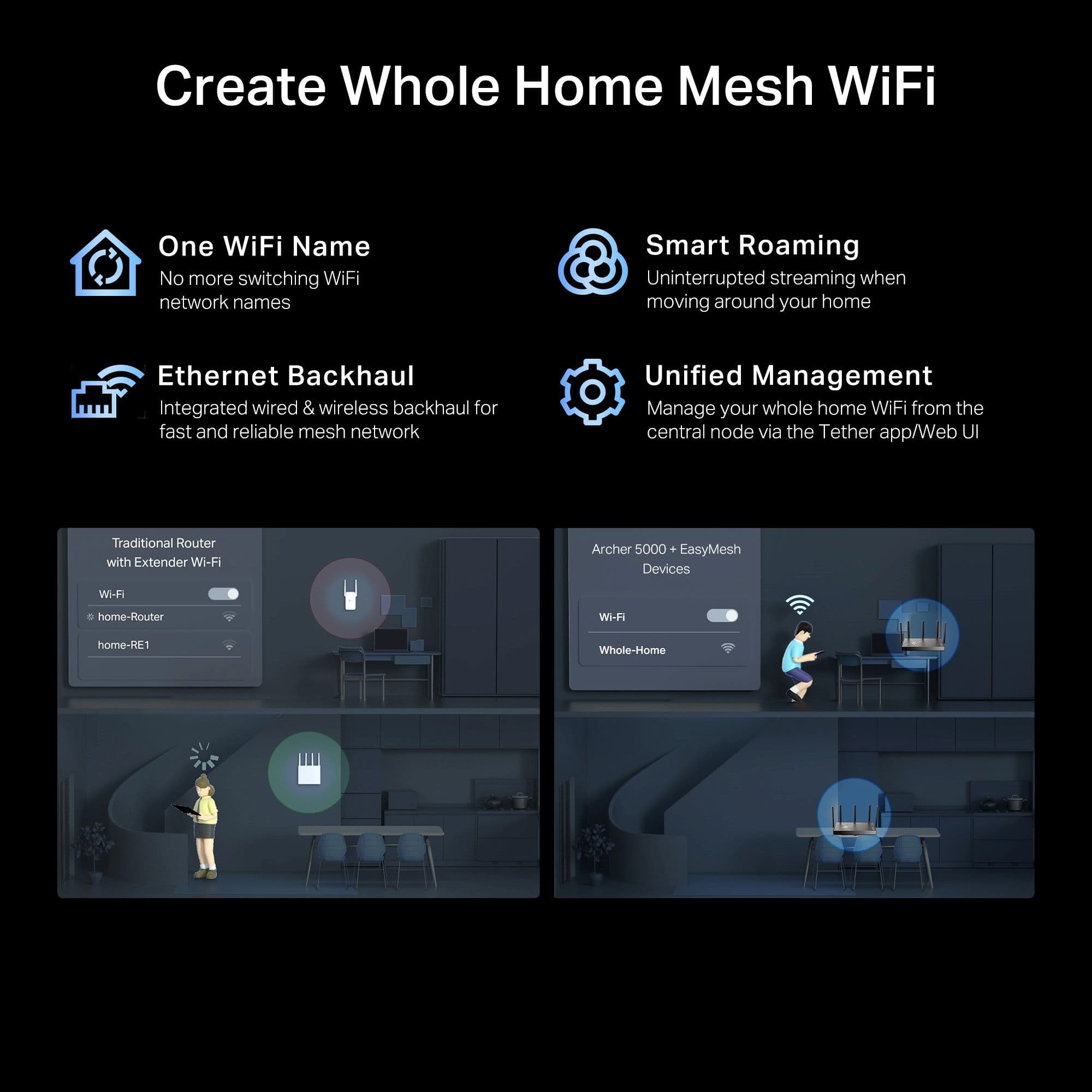
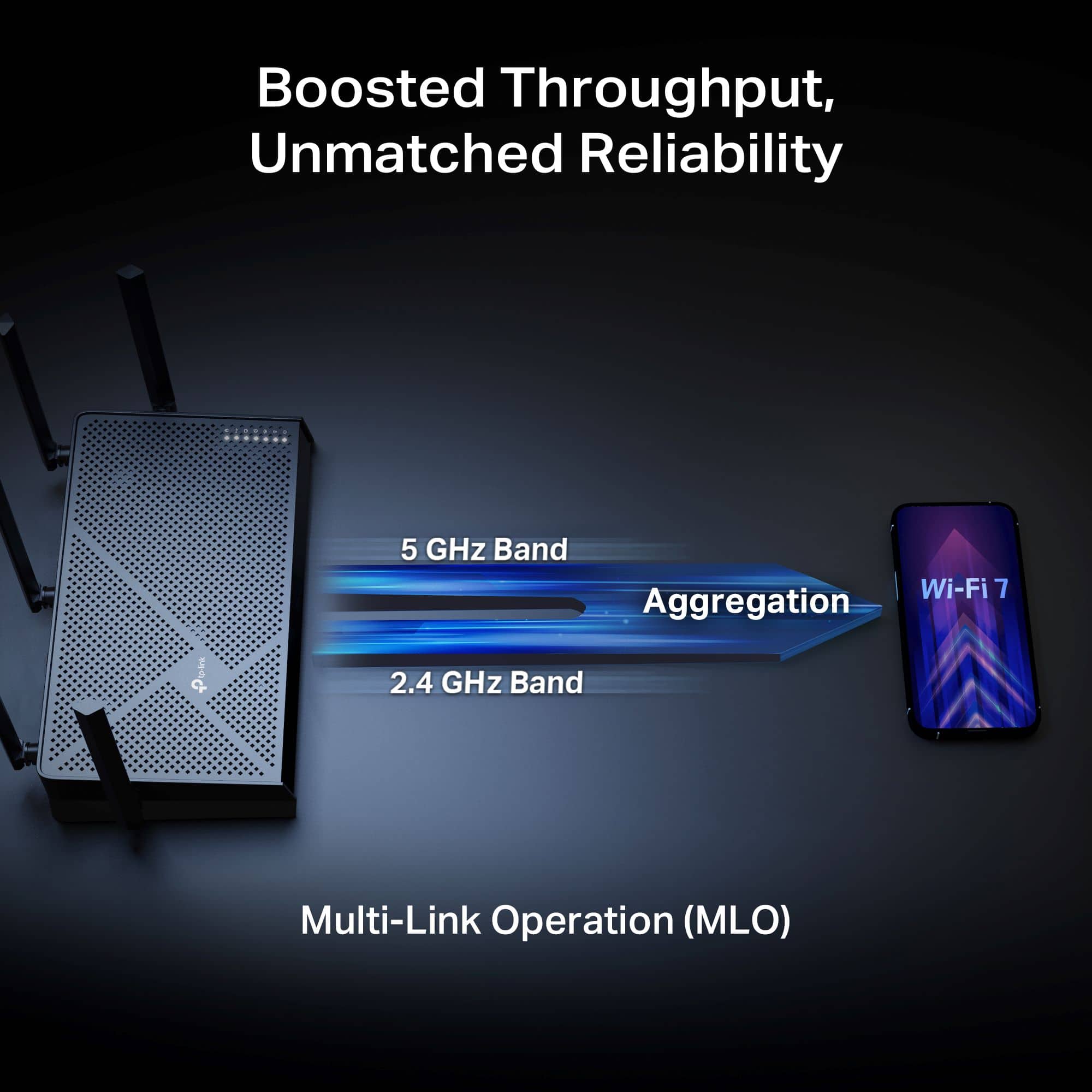
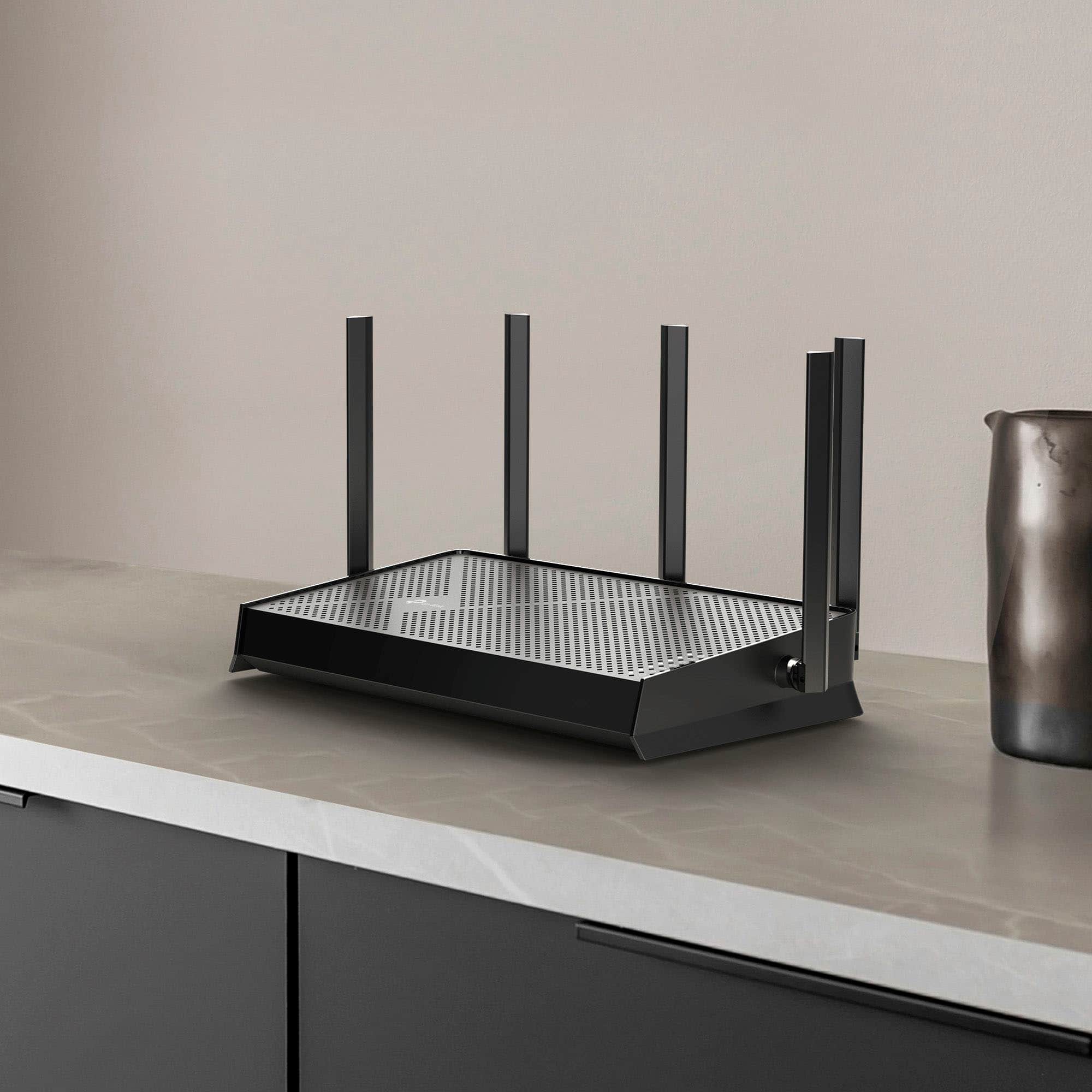
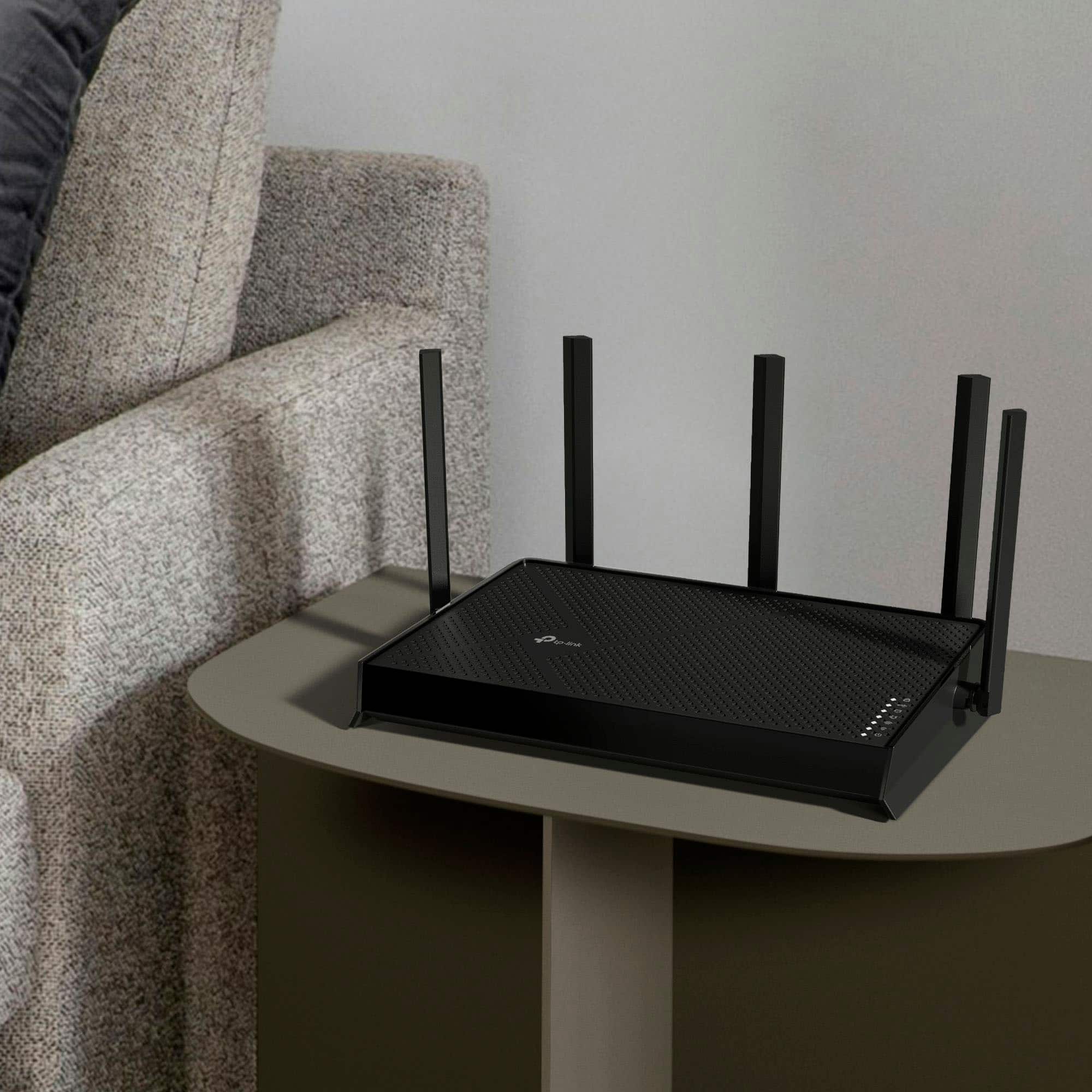

- Model:
- Archer BE5000
- SKU:
- 6623610
Rating by feature
- Setup
Rating 4.4 out of 5 stars
- Range
Rating 4.5 out of 5 stars
- Signal Strength
Rating 4.5 out of 5 stars
Customers are saying
Customers value the Archer BE5000 Dual-Band Wi-Fi 7 Router for its overall performance, improved speed, and great coverage. Many customers also appreciate the fantastic range it provides for their wireless devices. However, some customers have reported issues with connectivity, experiencing signal drops. Others have noted that the signal strength of both the 5G and 2.4 bands can be weak.
This summary was generated by AI based on customer reviews.
Returned
||Posted . Owned for 1 month when reviewed.This reviewer received promo considerations or sweepstakes entry for writing a review.Didn't meet our needs for some reason. Range seemed to not work...
No, I would not recommend this to a friendRouter
||Posted . Owned for 1 week when reviewed.This reviewer received promo considerations or sweepstakes entry for writing a review.This router for gaming wifi its very responsive no lag
I would recommend this to a friendBeefcake blues
||Posted . Owned for 3 weeks when reviewed.This reviewer received promo considerations or sweepstakes entry for writing a review.Works like it shouldunder all conditions I've ran it
I would recommend this to a friendNot reliable
||Posted . Owned for 2 weeks when reviewed.This reviewer received promo considerations or sweepstakes entry for writing a review.Since I have had this router, I have had to do a reset - shutting down all power and restarting - every other day. One time it is my laptop, today was my TV. This is my second try at this brand, as the first one didn't work either. I am about to return this one to Best Buy!
No, I would not recommend this to a friendGreat Router
||Posted .This reviewer received promo considerations or sweepstakes entry for writing a review.Great Router, Never lost signal or anything at all.
I would recommend this to a friend- Cons mentioned:Signal strength
Not a very strong wifi signal
||Posted . Owned for 1 month when reviewed.This reviewer received promo considerations or sweepstakes entry for writing a review.Expected more from product was happier with other router versions wifi signal goes weak in very short distance
No, I would not recommend this to a friendBrand response from TPLinkSupport
Posted .Hi Aces,
Thank you for your review. To ensure the best possible signal, optimal placement is essential. Reducing obstructions and placing the router in a central location will help ensure your signal reaches the needed areas.
To ensure optimal performance of your wireless router, please check, and if needed, update its firmware using the steps outlined in FAQ 2139 on our official website: https://www.tp-link.com/us/support/faq/2139/
If you need assistance with any of these steps, please contact our support team using the resources included with the product or our official website. We will be happy to have a Support Agent follow up with you directly.
Thank you,
TP-Link Systems Support
- Cons mentioned:Connectivity
Waste of money
||Posted . Owned for 1 month when reviewed.This reviewer received promo considerations or sweepstakes entry for writing a review.Did not like was not able to connect a Ethernet cable to it.
No, I would not recommend this to a friendBrand response from TPLinkSupport
Posted .Hi EstrellitaH,
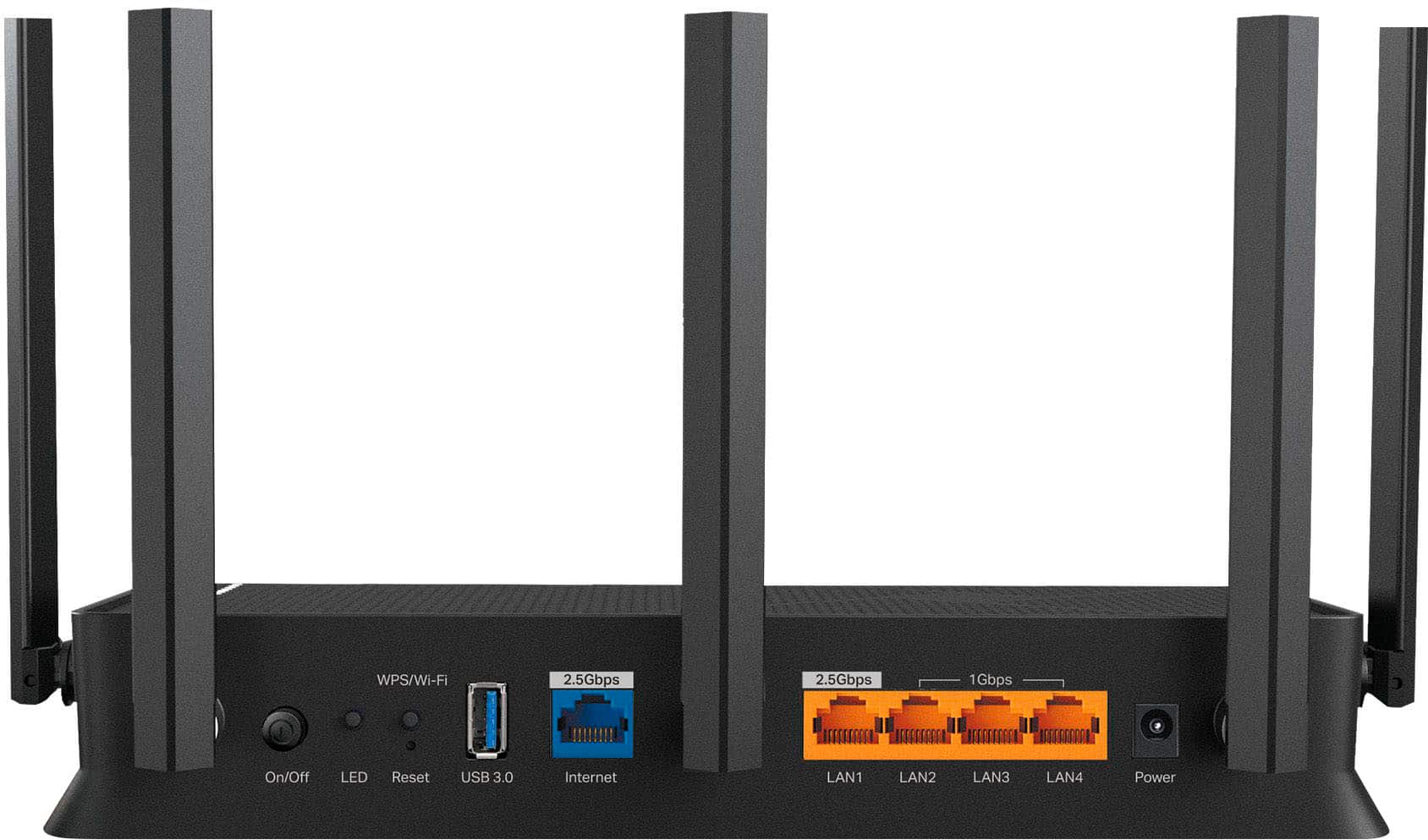
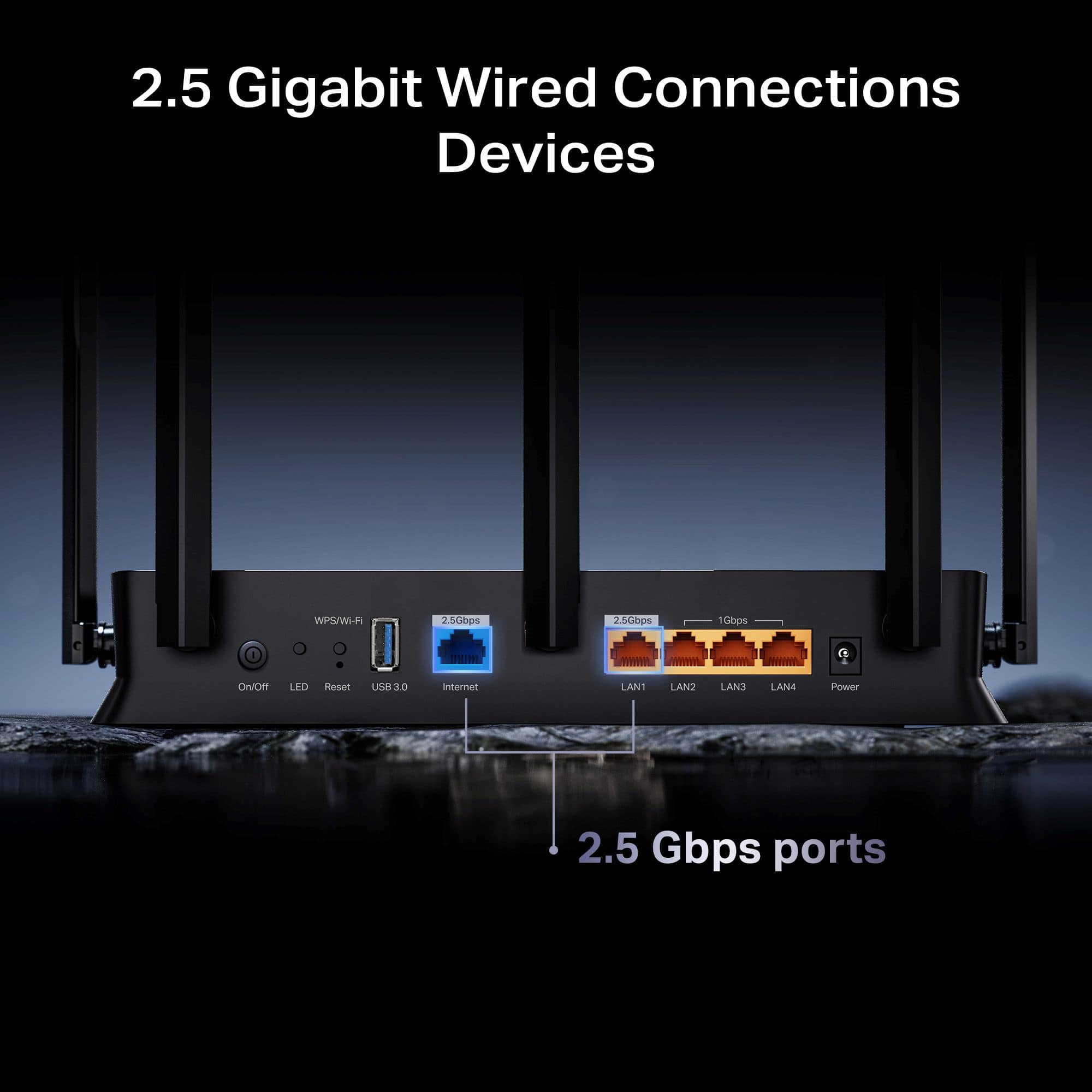
The Archer BE5000 is equipped with 5 separate Ethernet ports for your convenience. One of these ports is the 2.5 Gbps WAN/Internet port, while the remaining LAN ports include one rated for 2.5 Gbps, and three Gigabit Ethernet ports. If you encountered difficulty connecting an Ethernet cable to any of these ports, please check the cable for damage, or try a different cable to see if connectivity can be achieved.
Our TP-Link Support Team is always available and happy to help via phone, live chat, and email using the Support Portal on our website: https://www.tp-link.com/us/support/contact-technical-support/
- Cons mentioned:Connectivity
Tp-link BE5000 wifi router
||Posted . Owned for 2 weeks when reviewed.This reviewer received promo considerations or sweepstakes entry for writing a review.Couldn't connect, According AI this company under investigatipn with connectio to Chinese government. Returned
No, I would not recommend this to a friendBrand response from TPLinkSupport
Posted .Hi AshotO,
If you are having trouble connecting to the Internet after setting up the router, it may be that your modem's MAC (Media Access Control) binding needs to be released and renewed so it can provide an IP address (and Internet) to the Router. This can typically be done using the following steps:
1. Unplug the power from both your router and cable modem
2. Unplug the coax cable from the modem
3. Re-connect power ONLY to your cable modem
4. Wait until the cable modem is fully booted, then re-connect coax
5. Re-connect power to the router and connect it to the modem via Ethernet
This process should release and renew the MAC binding, so your modem can provide connectivity to the router. If you'd like assistance with any of these steps, please reach out to our support team using any of the resources included with the product, or from our official website, and we'll gladly have a Support Agent follow up with you directly.
Thank you,
TP-Link Systems Support
Constantly loses connection
||Posted . Owned for 3 weeks when reviewed.This reviewer received promo considerations or sweepstakes entry for writing a review.My router will not stay connected no matter what I try. And of course I missed the return window.
No, I would not recommend this to a friendBrand response from TPLinkSupport
Posted .Hi RobertM,
Thank you for your review. To ensure the best possible signal, optimal placement is essential. Reducing obstructions and placing the router in a central location will help ensure your signal reaches the needed areas. For optimal performance of your wireless router, please check, and if needed, update its firmware using the steps outlined in FAQ 2796 on our official website: https://www.tp-link.com/us/support/faq/2796/
Your TP-Link Router comes with a manufacturer's warranty, and we would greatly appreciate the opportunity to help address your concerns. At your convenience, please reach out to our support team using any of the resources included with the product, or from our official website, and we'll gladly have a Support Agent follow up with you directly.
Thank you,
TP-Link Systems Support
wifi signal
||Posted . Owned for 3 weeks when reviewed.This reviewer received promo considerations or sweepstakes entry for writing a review.wasn’t working for me i was hoping for great results
No, I would not recommend this to a friendBrand response from TPLinkSupport
Posted .Hello Chris
That isn't good to hear. If you haven't already, please reach out to TP-Link Support at 866-225-8139 when you are able to. It's free and available 24 hours a day. I am sure its something simple that can be resolved quickly.
Best Regards
TP-Link System Support
No. I don't know.
||Posted . Owned for less than 1 week when reviewed.This reviewer received promo considerations or sweepstakes entry for writing a review.What's not going well? The sales equipment and good quality are not working.
No, I would not recommend this to a friendBrand response from TPLinkSupport
Posted .I am afraid I don't understand your review. I want to invite you to contact support to address any concerns you have with the TP-Link product. Support can be reached at support.usa@tp-link.com or 866-225-8139 and is available 24 hours a day for free.
Best Regards
TP-Link Systems Support
Fast & Reliable
Posted .This reviewer received promo considerations or sweepstakes entry for writing a review.The TP-Link-Archer BE5000 Dual-Band Wi-Fi 7 Router was recommended by one of the Best Buy employees, as our rural area finally gained access to high-speed internet. For me, the initial set-up was a bit challenging, but part of that challenge came into play because of the new internet and not knowing which passwords I needed at specific points of initial set-up. Once I got through that, all's been well, and I've had no connection issues, whatsoever. It connected to our streaming device without issue, too. Even after power outages, the unit reboots itself, and I don't have to do anything, thankfully. It does come with an ether cable input in case someone wants to directly connect to it, which could be handy to bypass some set-up steps. Overall, I'm pleased with this unit. I did change the admin. password right away for security purposes. So far, no issues have been experienced.
I would recommend this to a friend