Customer Ratings & Reviews
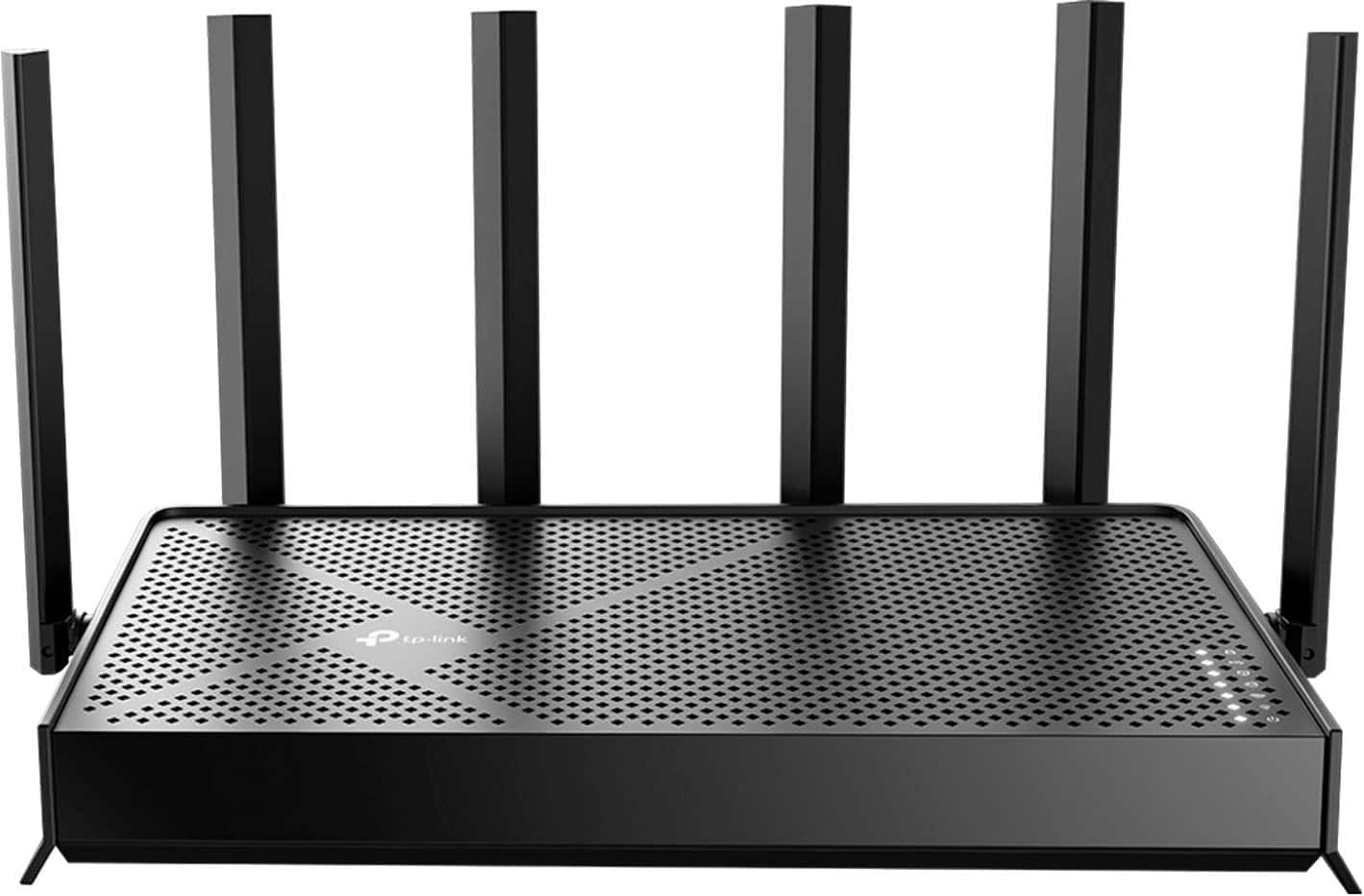
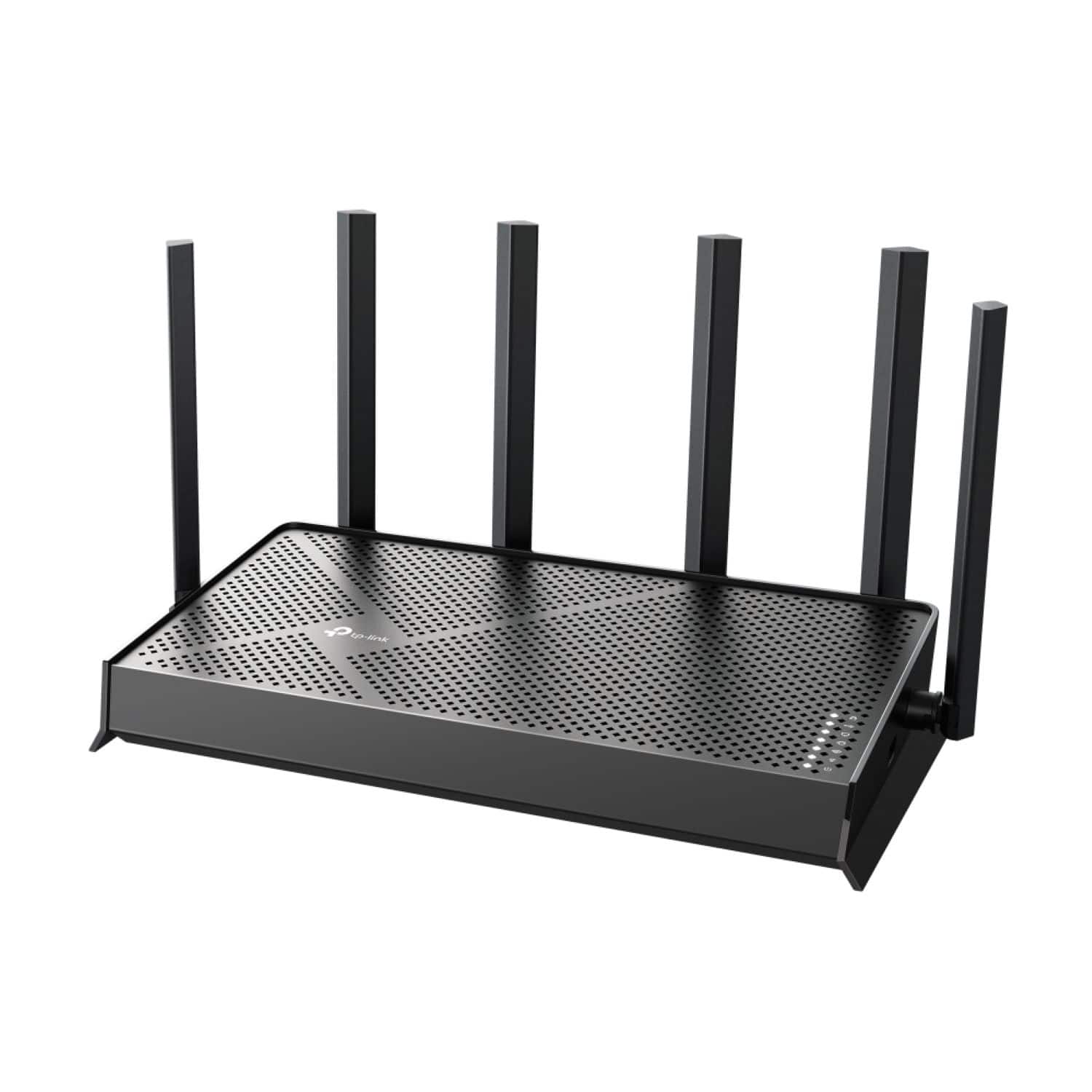
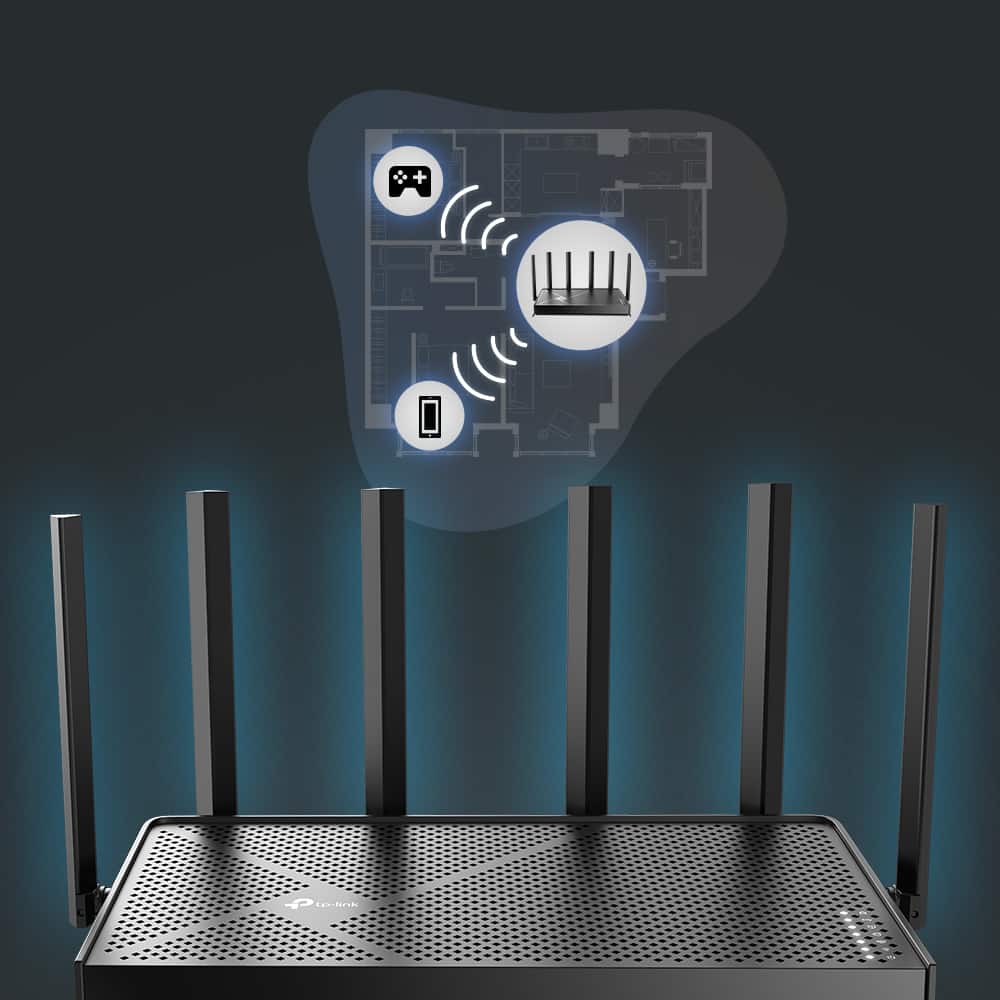
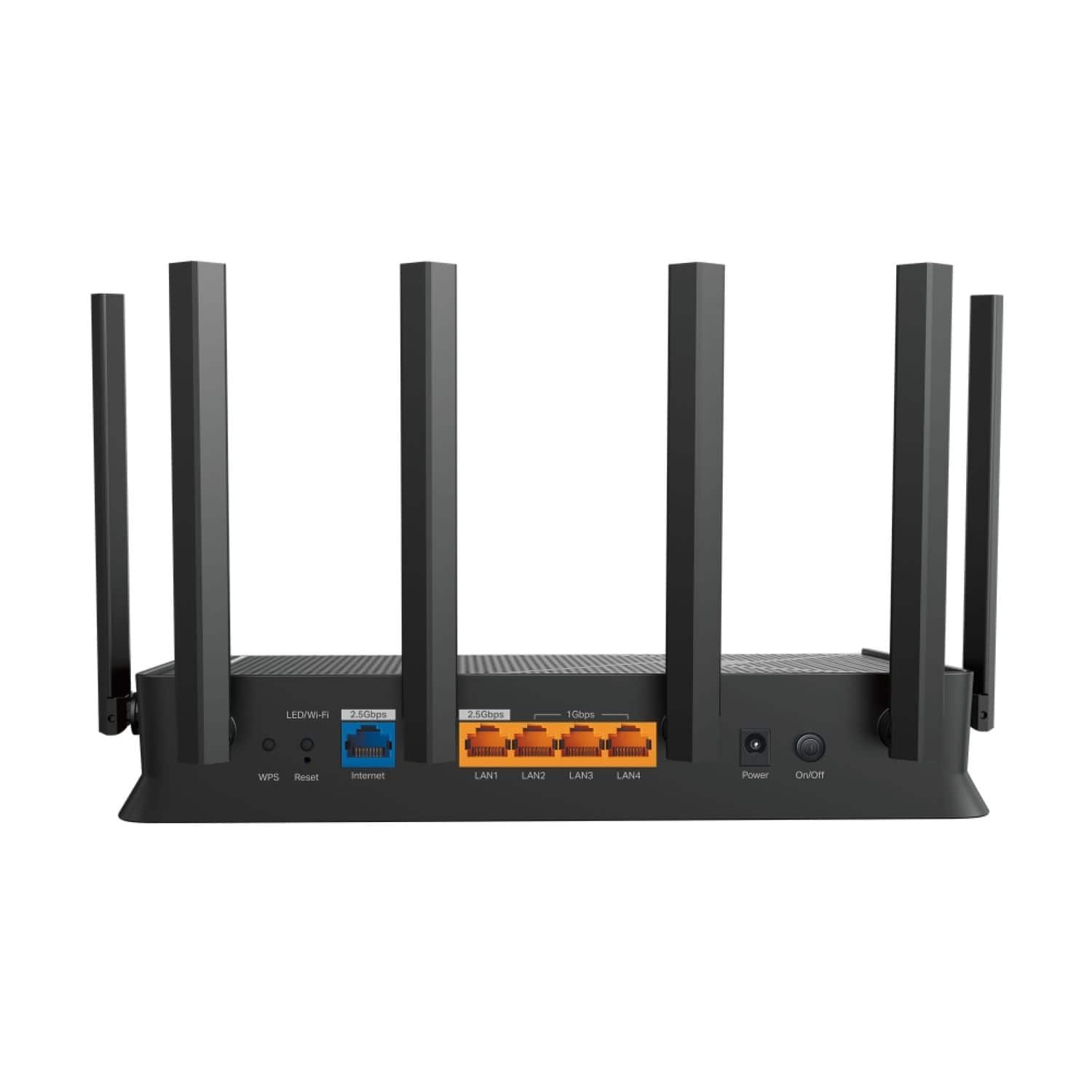



- Model:
- Archer BE6500
- SKU:
- 6583791
Rating by feature
- Setup
Rating 4.7 out of 5 stars
- Range
Rating 4.7 out of 5 stars
- Signal Strength
Rating 4.7 out of 5 stars
Customers are saying
Customers are impressed with the Archer BE6500 Dual-Band Wi-Fi 7 Router, particularly its easy setup and blazing fast speed. The router's overall performance, range, and signal strength receive positive feedback, along with its seamless connectivity. Additional features like the USB port and standard security are also appreciated.
This summary was generated by AI based on customer reviews.
- Pros mentioned:Overall performance, Range

Lower price great performance.
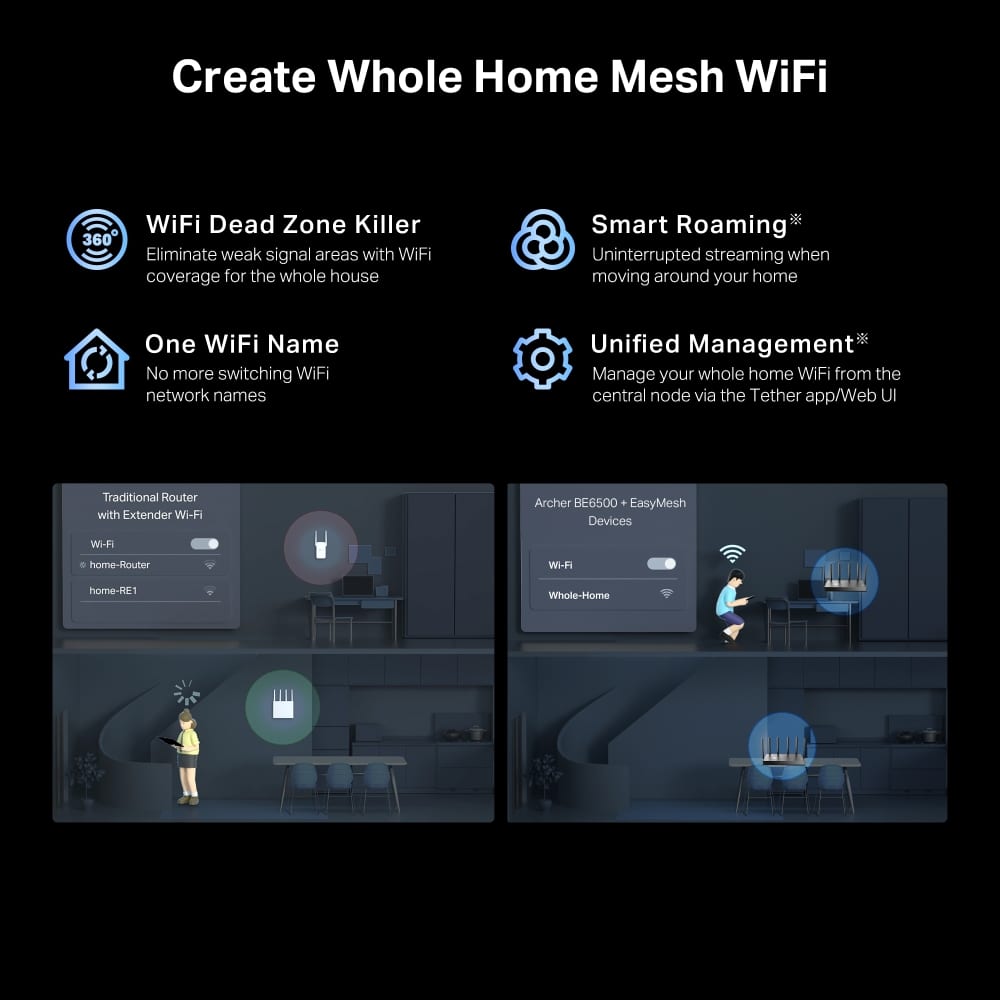
|Posted .This reviewer received promo considerations or sweepstakes entry for writing a review.So i did a couple different setups with this router for testing reasons to see how it performs compared to my TP-Link - Archer BE800 BE19000 Tri-Band Wi-Fi 7 Router. I was very surprised that a midrange router preformed as well as this one did. So like the BE800 the BE6500 is a multi band router but it's a Dual band not a Tri band but in performance i did not see a big hit. It was still very fast and also is set up for Wi-Fi 7 so a very nice touch for future proofing the router to be around for a long time. Also it has 2.5 gigabit with the one 2.5 gigabit inlet and it has one 2.5 gigabit outlet to run to your system. It also has 3 1 gigabit outlets to run to 3 hardwired systems. I tested the wired 1 gigabit speeds because unfortunately were i live the fastest speed we have is 1gigabit. But i tested wired and wireless. Wired i was keeping a solid 1 gigabit speed and wireless i was getting a solid 900 megabit and would bounce around 995 meg and hit 1 gig so you will not be upset with the speeds. Also since this is an TP-Link Archer like my other router i tested it in mesh mode to see how easy it was to set up with my current Archer router. I was very easy to setup. I had it set up and added to the mech in about 5 minutes. Make sure you download the app for your phone because it makes it so easy like literally a few clicks on my phone and it was added to the mesh and i placed it out in my kitchen to broaden my Wi-Fi area and strengthen my existing Wi-Fi and now i my phone i can defiantly get a way stronger signal out in my back yard that is about 20 to 30 yards from my kitchen. Before i added it into the mesh i was getting a very bad signal in my back yard because i was just to far away from my primary router. at best i was getting 1 bar rite next to my kitchen window so all in all it made my Wi-Fi signal a bigger area and a lot stronger. So in the end the price for performance for this router is well worth the money.
I would recommend this to a friend - Pros mentioned:Overall performance, Setup, Speed
exterder rocks
||Posted .This reviewer received promo considerations or sweepstakes entry for writing a review.The TP-Link Archer BE6500 really impressed me. Setup through the app took only a few minutes, and the speed boost was noticeable right away. Even though it’s positioned as a mid-range model, it held its own surprisingly well against my higher-end TP-Link BE800. The BE6500 is dual-band instead of tri-band, but in real-world use I didn’t feel much of a difference. It’s fast, stable, and fully ready for Wi-Fi 7, which makes it a solid long-term pick.Wired performance stayed right at 1 gigabit on my connection, and wireless speeds were consistently strong—often landing around 900 Mbps and frequently jumping close to the full gig. It also comes with a good mix of ports, including dual 2.5-gigabit connections and three additional 1-gigabit ports for hardwired devices.I also tested it in mesh mode with my existing Archer setup, and it couldn’t have been easier. A few taps in the app and it paired instantly. After placing it in my kitchen, the coverage boost was obvious. My backyard signal went from barely usable to completely reliable, even 20–30 yards out.For what it costs, the performance and features make this router a great value. If you want fast, future-ready Wi-Fi and an easy setup, this one is worth considering.
I would recommend this to a friend - Pros mentioned:Range, Speed
A fast router
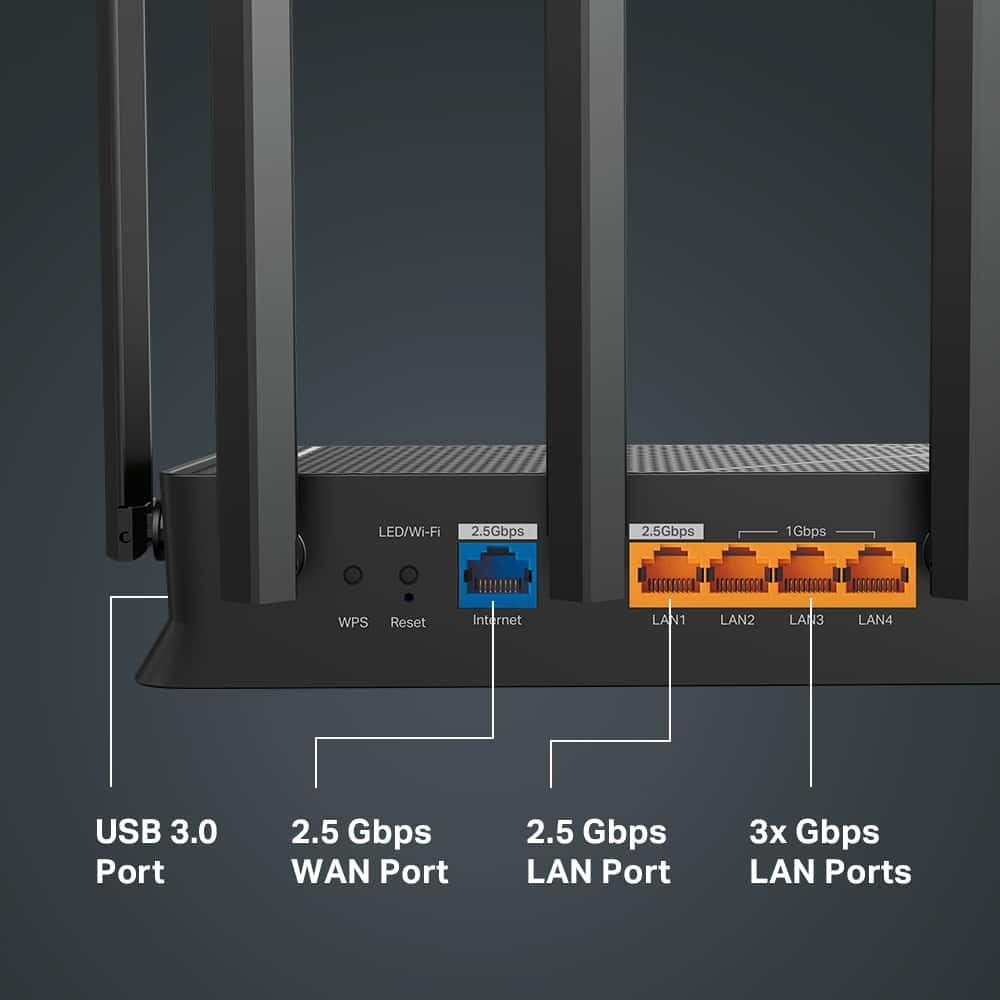
|Posted .This reviewer received promo considerations or sweepstakes entry for writing a review.The TP-Link Archer BE6500 is a wifi 7 enabled router which boasts up to four times the speed. While as of this moment most have only begun to adopt to wifi 6 including myself. As of the moment I am using a wifi 6 enabled TP-Link mesh router and l am quite happy about it. But let us see if it is worthwhile to upgrade to the TP-Link Archer BE6500. Offhand, the TP-Link BE-6500 with its mesh design looks like and ordinary. It has a mesh design which is quite ordinary. And the connectivity options are the usual one ethernet port connecting to your modem and four ethernet ports for devices that require a hard wired connection. The main difference between this router and others is that the main ethernet port can support 2.5GBS and one of the four ethernet ports also has 2.5GBS speeds and the remaining three ports have 1GPS. That is a lot! Unfortunately I could not test it since I only have a 1GBS internet connection at home. One thing you’ll notice also is that it has six antennas. Do note that these antennas are strong. My home has 5,000 square feet and I need a mesh router (also by TP-Link) but my front and back yards have weak connections. And if I am connected to other nodes, my speeds go down by half. With the BE6500, I have strong connections allover and my speeds have a of 600GBS hence negating the need for a mesh router. So far these are the good points. But I have a couple of things to nitpick on. First I ny experience, it wasn’t a plug and play setup. A direct connection at the beginning did not result to a connection. I had to connect to the portal first so I can configure the router. I find this a bit odd, since I’m able to connect to the internet immediately. And when I connected to the internet, I as prompted to a firmware update. Easy peasy. However, when connected, there are no indicator lights which made me to get in touch with TP-Link support. I found out that the indicator lights are turned off by default. You have to disable the lightd through the router’s settings. Overall, this router seems to be another of those routers, but in truth, this router is fully packed. I’d recommend this.
I would recommend this to a friend - Pros mentioned:Range
Easy Setup and Strong Signal
|Posted .This reviewer received promo considerations or sweepstakes entry for writing a review.TP-Link Archer BE6500 Dual-Band Wi-Fi 7 Wireless Router The box contains the router, an ethernet cable, power cable and a quick start guide. The quick start guide gave wonderful directions, so I unplugged my modem and old router first, then attached an ethernet cable from modem to the new TP-Link router and powered everything up. I waited for a couple of minutes for modem to settle and then a few minutes for router to have all the lights that the quick start guide said it should. All good. I turned on the wireless on my PC and got connected. I went to the routers address and made all my TP-Link usernames and passwords and got into the tether application. There I could see that it was broadcasting the default SSID in both 2.4 GHz and 5 GHz, so I changed the SSID to the same name as I had before and then changed the password for the wireless signal to the same as I had before also. On the application, I could see each device around my house such as cell phones, iPad, Roomba’s, firesticks, etc., start to connect to the wireless signal, whether it was a 2.4 connection or a 5 GHz connection or wired. I like to have a wired connection to my big PC, so I connected an ethernet cable from my PC to the router and restarted my computer. I was then able to turn off the wireless on my PC and get on the internet using a wired connection. I then connected the ethernet cables from telephone, temp/humidity/water sensors, security cameras, etc. which connected with no problem. The signal from the router on the 2nd floor is strong enough to connect in the basement and outside. I regularly facetime family walking around the yard showing them my garden and flowers and the signal did not drop once. Very pleased. Overall, installing the new TP-Link Wireless Router was really pain-free and easy. The unit is minimalistic and somewhat attractive, so not bad looking on my desk. I would have liked the power cord to be longer since it had to go behind the desk and to the floor before going to the power strip. I also would have enjoyed 2 more ethernet ports for other devices I may get in the future.
I would recommend this to a friend - Pros mentioned:Overall performance, Setup, Speed
Works like a charm
||Posted . Owned for 2 weeks when reviewed.This reviewer received promo considerations or sweepstakes entry for writing a review.Works flawlessly with my pc and ps5 Using it for pc vr connecting my oc thru Ethernet and my meta quest 3 thru WiFi works like a charm with no stuttering or lag and setting up the app is easy way easier than the netgear nighthawk and the download speeds are lightning
I would recommend this to a friend - Pros mentioned:Range, Setup, Speed
Absolutely Fantastic Router – Next-Level Wi-Fi!
||Posted .This reviewer received promo considerations or sweepstakes entry for writing a review.I recently upgraded to the TP-Link Archer BE6500, and it has exceeded all my expectations! Setup was incredibly easy with the step-by-step guide, and I was up and running in minutes. The Wi-Fi 7 speeds are truly impressive—streaming, gaming, and working from home are all noticeably faster and more reliable than with my old router. The range is outstanding; I get strong, stable coverage in every corner of my house, including the backyard. I love the sleek, modern design, and the TP-Link app makes it super easy to manage devices and security settings. If you’re looking for a future-proof, high-performance router, I highly recommend the Archer BE6500. It's well worth the investment for anyone serious about fast, reliable Wi-Fi!
I would recommend this to a friend - Pros mentioned:Speed
Love the Affordability and the Expandability
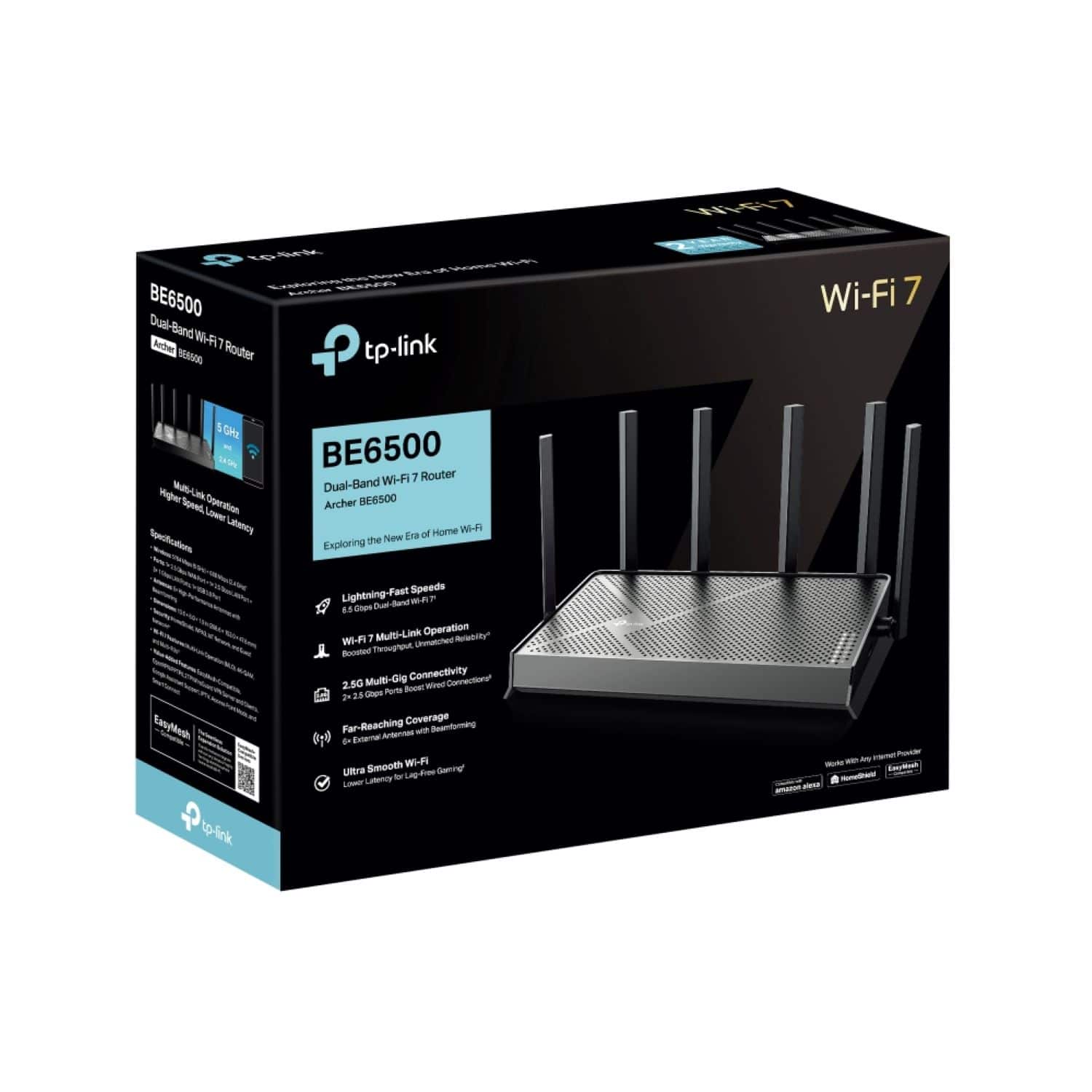
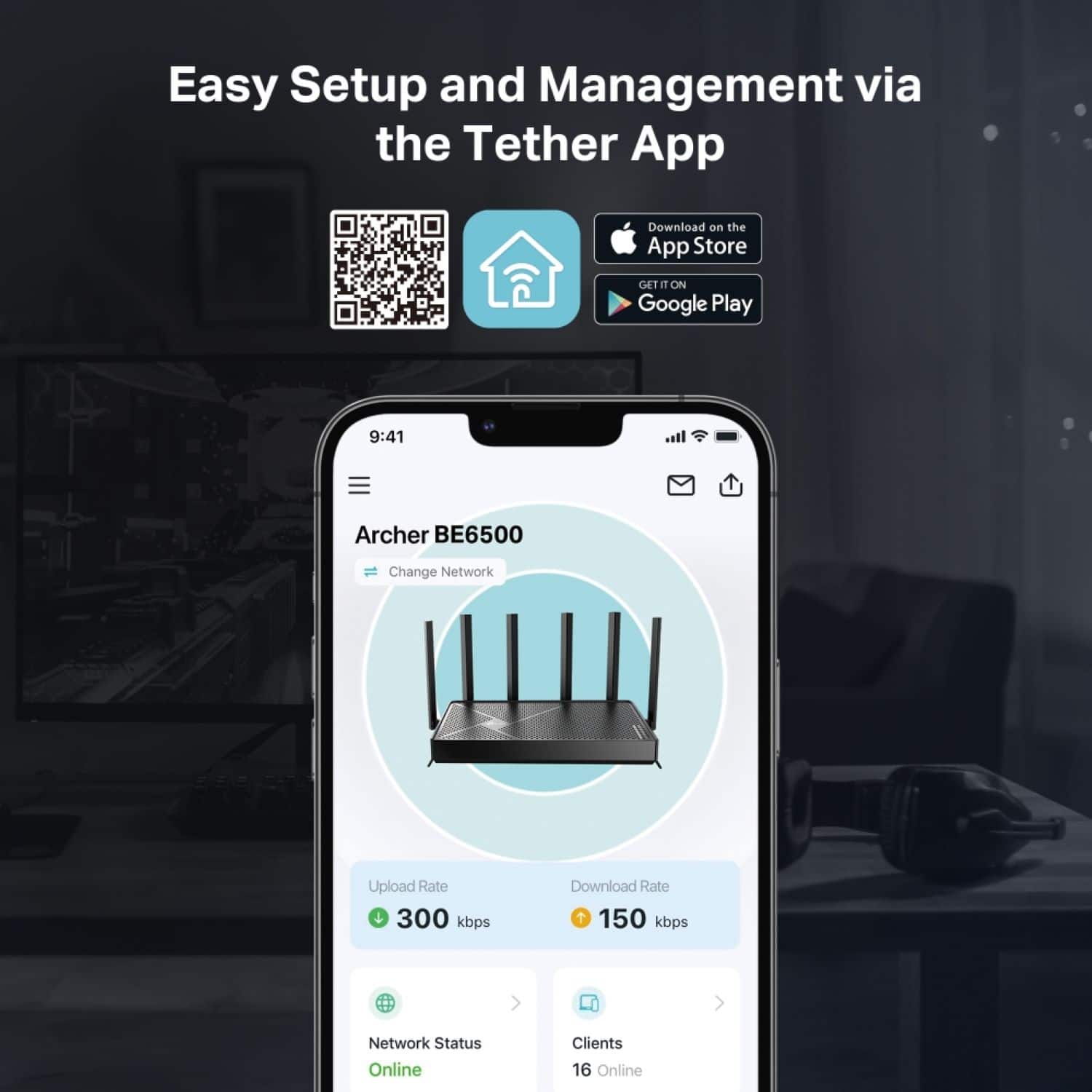
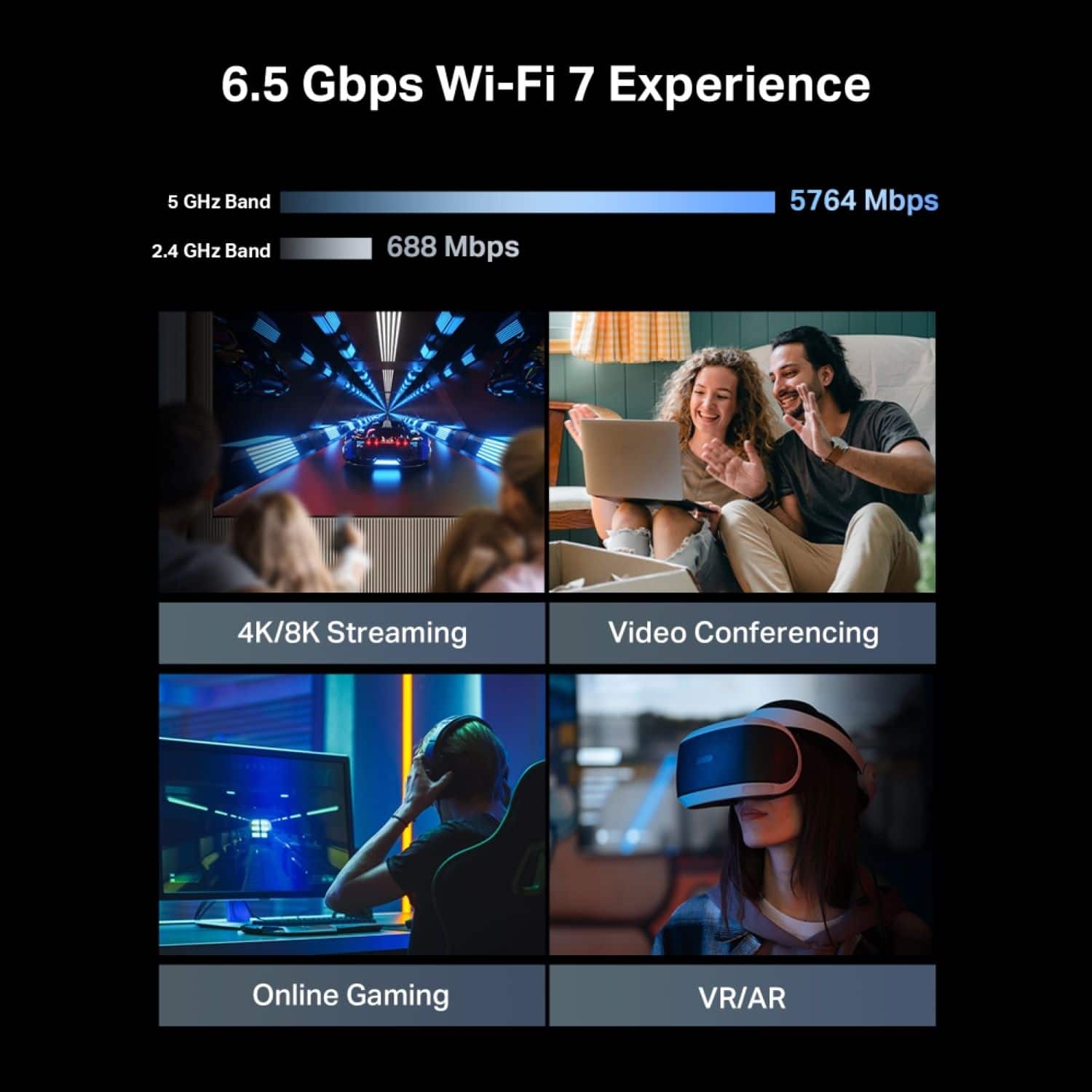
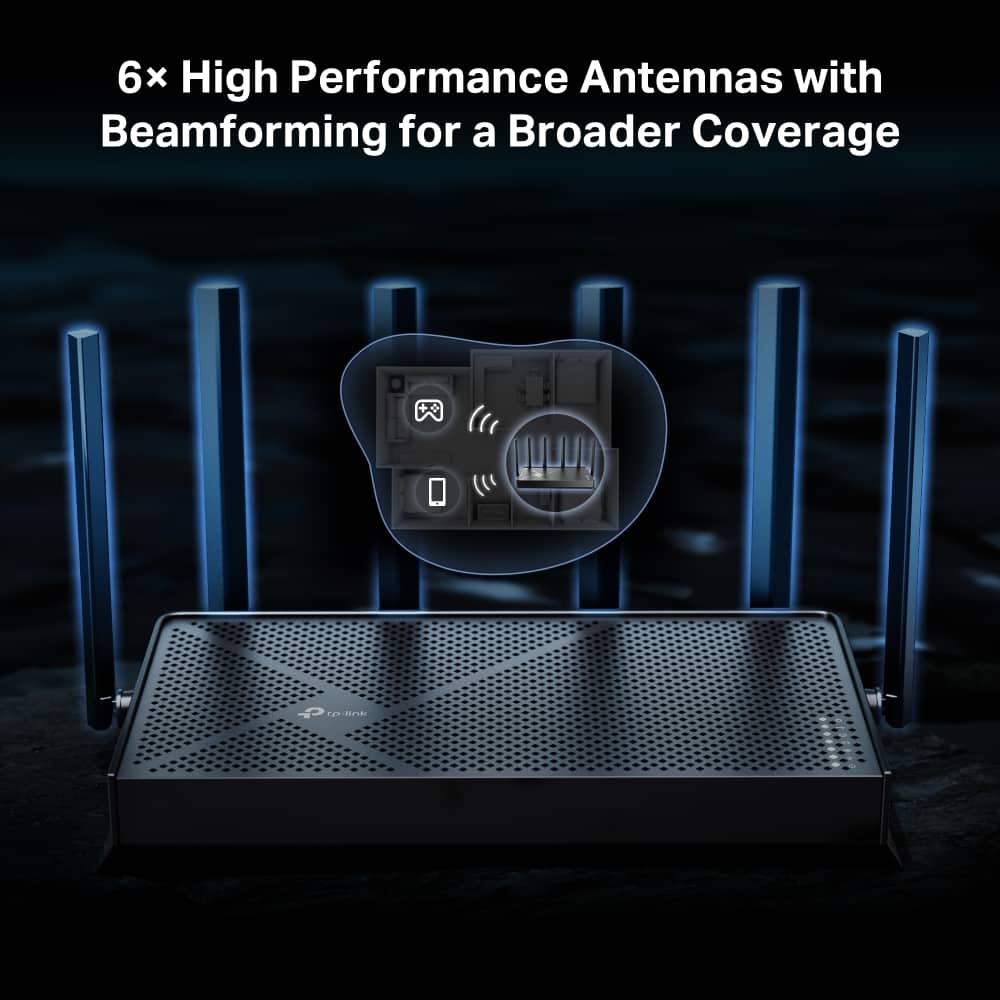
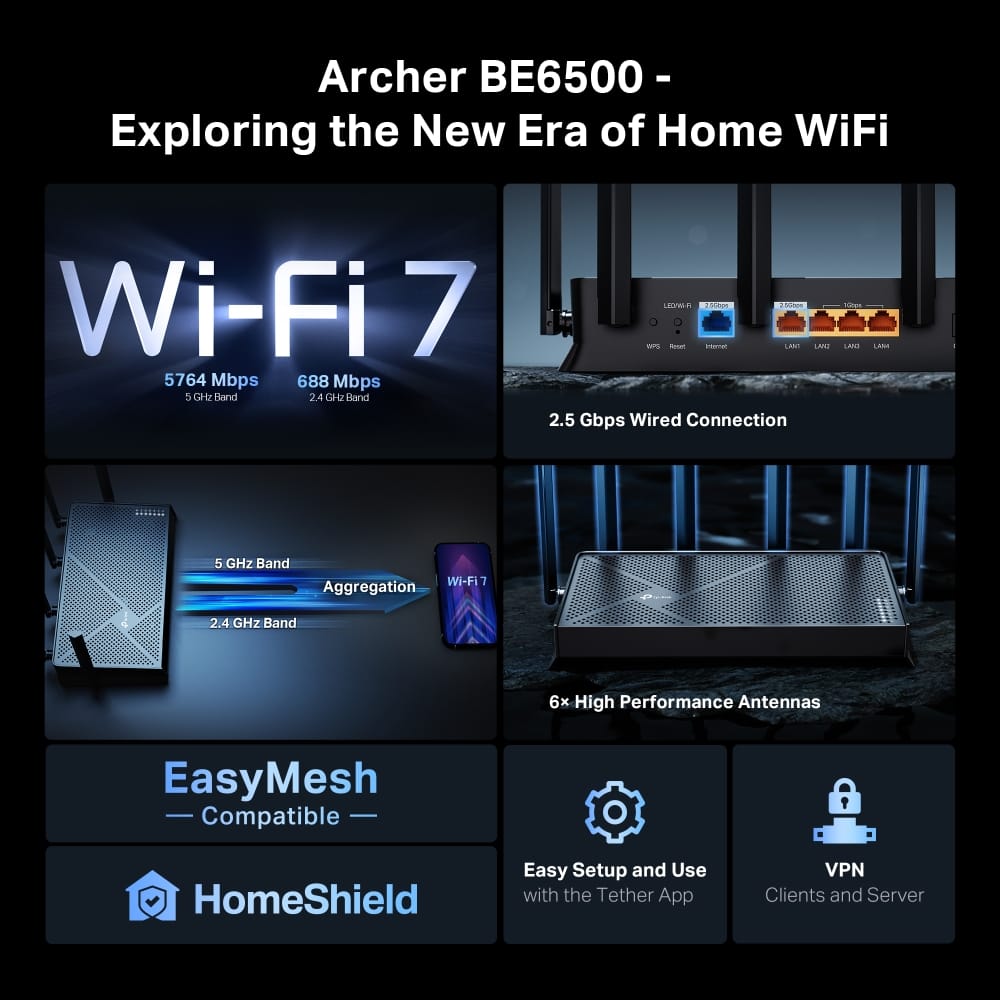
|Posted .This reviewer received promo considerations or sweepstakes entry for writing a review.– OVERVIEW– The TP-Link BE6500 is a dual band Wi-Fi 7 router that provides up to 6.5Gbps of wireless speed, and also provides 4 LAN ports for a wired setup. The unit has six pointable antennas that are beamforming. For those interested in moving to a mesh network in the future, the BE6500 is an EasyMesh compatible device, and you’ll be able to purchase a second unit to build your mesh. Lastly, there is a USB3.0 port to allow for storage sharing as well as Time Machine backup (Mac only). – SETUP– Setup was very straightforward; I downloaded the TP-Link Tether App. The app guides you step-by-step through the initialization process and ultimately asks you for a SSID name and password of your choice. The app was able to identify the BE6500 within my vicinity and the rest was easy peasy. I think you can configure the router logging into its default IP address on a browser, but I didn’t try that method of setup. But I was able to login to the router after the fact and see the various knobs that I can tweak and tune. And boy, there are a lot of knobs. But nothing unusual if you’re a power user of routers, wireless or not. The BE6500 is very capable. – PERFORMANCE – So this is the sticking point: the BE6500 is a Wi-Fi 7 router, which means you’ll only really benefit from this protocol if you have Wi-Fi 7 compatible devices. For many of us, that’s not possible, and even our latest and greatest smartphones can process this speed. But for the vast majority of us, Wi-Fi 6E is still here. I was not able to test the throughput of the router’s MLO function with Wi-Fi 7. This allows clients to simultaneously send/receive data on different high frequency bands (5GHz and 6GHz), effectively improving transmission speeds as well as reliability. 4K-QAM is another Wi-Fi 7 feature to boost peak rates and increase throughput. Going back to Wi-Fi speeds in general, the BE6500 far exceeds my typical ISP speeds so I didn’t have to worry about throughput in that department, but as I moved farther from the router, I did see drops in performance. Again, this is not a mesh router out of the box. Living in a 2400sq ft two-story home, I was finding a reduction of speed from my ISP as much as 75%. Another BE6500 set up in a mesh would probably solve this problem. Along with your main SSID, you are able to create a Guest Network SSID as well as an IoT Network SSID. The IoT SSID is a very cool feature considering that I use my current Guest Network SSID for my IoT devices. For us wired users, the router comes with 4 LAN ports (3x 1Gpbs, 1x 2.5Gbps) with its 2.5Gbps WAN port. Gigabit speeds are fast and plenty and moving data from one machine to another is no problem here. The USB3.0 port is a great addition to the router and to remind ourselves, USB3.0 is capable of 5Gbps. So if you don’t have a dedicated NAS, you can simply plug in a portable USB drive or the like. Setup is done through the web interface. I was able to field a 1TB drive that was just lying around my house. The drive is password protected and that is also set up in the web interface. You can only have two users: one with read/write privileges and one with only read privileges. – GOTCHAS – As I mentioned above, this is a Wi-Fi 7 router, reasonably priced I have to say, and a majority of us may not have devices that support this. That doesn’t mean that you can’t use this with your current devices. They will work completely fine. And seeing that Wi-Fi 7 will be saturating the market in the mere future just like Wi-Fi6(e), it definitely doesn’t hurt to purchase something like this now. If anything, you may see improvements overall in speed as these units are using the latest in chip technology. – CONCLUSION – I think this is a fantastic router for the price and features. And if you decide to buy two or more, it may end up being cheaper than your latest and greatest Wi-Fi 7 mesh routers. Just an observation, of course. If only using one, then be mindful of WiFi speeds relative to your distance away from the router. Line of sight was not really an issue for me, but distances rather. Your mileage may vary.
I would recommend this to a friend - Pros mentioned:Setup, Speed
Huge upgrade, excellent connection
Posted .This reviewer received promo considerations or sweepstakes entry for writing a review.Solved my wifi issues. Was getting lots of dropped wifi and weak signal from my old router in our one-story 1500 sqft home. Was nervous about picking a different brand but the setup couldn’t be easier. Getting blazing fast speeds now with great coverage.
I would recommend this to a friend - Pros mentioned:Overall performance, Setup
Router
||Posted . Owned for 2 weeks when reviewed.This reviewer received promo considerations or sweepstakes entry for writing a review.It was easy to set up and I haven't had any problems with it.
I would recommend this to a friend - Pros mentioned:Overall performance, Setup
TP Link WiFi Router
||Posted . Owned for 3 weeks when reviewed.This reviewer received promo considerations or sweepstakes entry for writing a review.Great unit for the price! Took a few minutes to setup. Working fine after a couple of weeks.
I would recommend this to a friend - Pros mentioned:Overall performance, Setup
Router
||Posted . Owned for 2 weeks when reviewed.This reviewer received promo considerations or sweepstakes entry for writing a review.Works as advertised, very fast and it's easy to set up
I would recommend this to a friend - Pros mentioned:Setup, Speed
great router
||Posted . Owned for 1 month when reviewed.This reviewer received promo considerations or sweepstakes entry for writing a review.great, tp. link router , fast, easy set up.. big upgrade from the previous router I had.
I would recommend this to a friend Excellent powerful versatile router.
||Posted . Owned for 4 months when reviewed.This reviewer received promo considerations or sweepstakes entry for writing a review.I centrally located the router in my 2 story house. It provides good coverage to my entire property. The dual band is handy for connecting new and older devices. Multiple network capabilities is great for providing different levels of security.
I would recommend this to a friend- Pros mentioned:Overall performance, Range
I saved $10/month
||Posted .This reviewer received promo considerations or sweepstakes entry for writing a review.After going through the easy default set up, I was able to log in via my computer and set up my existing wifi network name and password so I did not have to reset the 20+ devices around my house. Range and throughput seem adequate. My Sony streaming tv still works fine. I bought this to replace a Spectrum wifi router costing me $10/mo.
I would recommend this to a friend - Pros mentioned:Range
Cutting-Edge Wi-Fi 7 Router for Blazing Speeds and
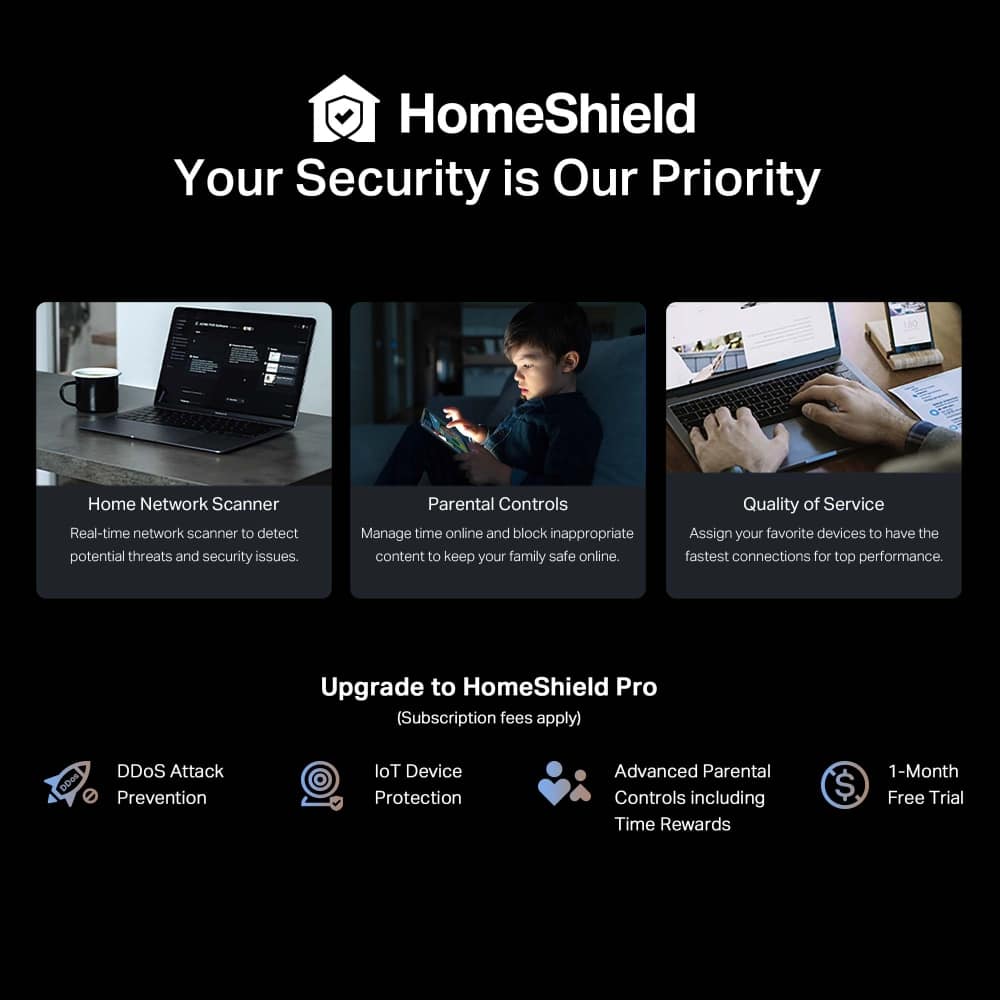
||Posted . Owned for 2 months when reviewed.This reviewer received promo considerations or sweepstakes entry for writing a review.The TP-Link Archer BE6500 Dual-Band Wi-Fi 7 Router is an outstanding choice for anyone looking to upgrade their home or office network with the latest technology. Here’s why this router stands out: 1. Wi-Fi 7 Technology: As one of the first routers with Wi-Fi 7, it delivers exceptional speeds and low latency. It’s perfect for gaming, streaming 4K/8K content, and handling multiple devices simultaneously without performance drops. 2. Dual-Band Performance: The dual-band setup provides a great balance between coverage and speed. The 6 GHz band offers blazing-fast speeds, while the 5 GHz band ensures excellent range and compatibility with older devices. 3. High Device Capacity: With support for multiple connected devices, it’s ideal for smart homes with lots of gadgets, from laptops and smartphones to IoT devices. 4. Easy Setup and Management: TP-Link’s Tether app makes setup a breeze and offers intuitive controls for managing your network, checking connected devices, and setting up parental controls. 5. Exceptional Range: The router’s powerful antennas and beamforming technology ensure strong, reliable signals even in larger homes or through thick walls. 6. Robust Security Features: It includes WPA3 encryption and TP-Link HomeShield, providing advanced protection against cyber threats and malware, as well as enhanced parental controls. 7. Future-Proofing: With Wi-Fi 7 and cutting-edge features, this router is designed to keep up with the demands of modern and future technology for years to come. 8. Sleek Design: The compact, black design looks modern and unobtrusive, making it easy to place in any room. If you’re ready to experience the next generation of wireless networking, the TP-Link Archer BE6500 is a fantastic investment. It combines speed, reliability, and advanced features to future-proof your home or office network. Highly recommended for tech enthusiasts and heavy internet users!
I would recommend this to a friend - Pros mentioned:Range, Setup
Great router. Does what it says it will.
||Posted . Owned for less than 1 week when reviewed.This reviewer received promo considerations or sweepstakes entry for writing a review.Incredibly easy to setup. The range hits every corner of our 3000 sqft house at the lowest speed of 480mbps. We pull 975mbps throughout the same level. We did have to connect an extender for our exterior, but the TP-Link Re600+ connected flawlessly and extends it at over 300mbps. Our Ring cameras all connected relatively easily, but took a few tries. Highly recommend.
I would recommend this to a friend - Pros mentioned:Overall performance, Range, Setup
Bang for the Buck
||Posted . Owned for 2 weeks when reviewed.This reviewer received promo considerations or sweepstakes entry for writing a review.Easy setup. Router works really great. No dropped signal through 2000 sq ft home. 10/10
I would recommend this to a friend - Pros mentioned:Overall performance, Speed
Superb
||Posted . Owned for 2 months when reviewed.This reviewer received promo considerations or sweepstakes entry for writing a review.Had this router for a little over 2 months now and so far its been amazing and have had 0 issues. When it comes to gaming or even workstation/ business uses I have yet to be failed. Internet speeds from connected or ethernet have been at its maximum threshold. However for wifi range its not the greatest in terms of coverage and extender may be necessary. Set up was a bit confusing but maybe it was just user error majority of the time.
I would recommend this to a friend - Pros mentioned:Setup
Great product
||Posted . Owned for 1 month when reviewed.This reviewer received promo considerations or sweepstakes entry for writing a review.Great product, easy set up. I’m not the most tech savvy and found the process pretty seamless!
I would recommend this to a friend - Pros mentioned:Overall performance, Range
Does this work ?
||Posted . Owned for 1 month when reviewed.This reviewer received promo considerations or sweepstakes entry for writing a review.Yes it works great has good specs I have a 2 story house and it works well even far away.
I would recommend this to a friend