Customer Ratings & Reviews




---
**HomeShield**
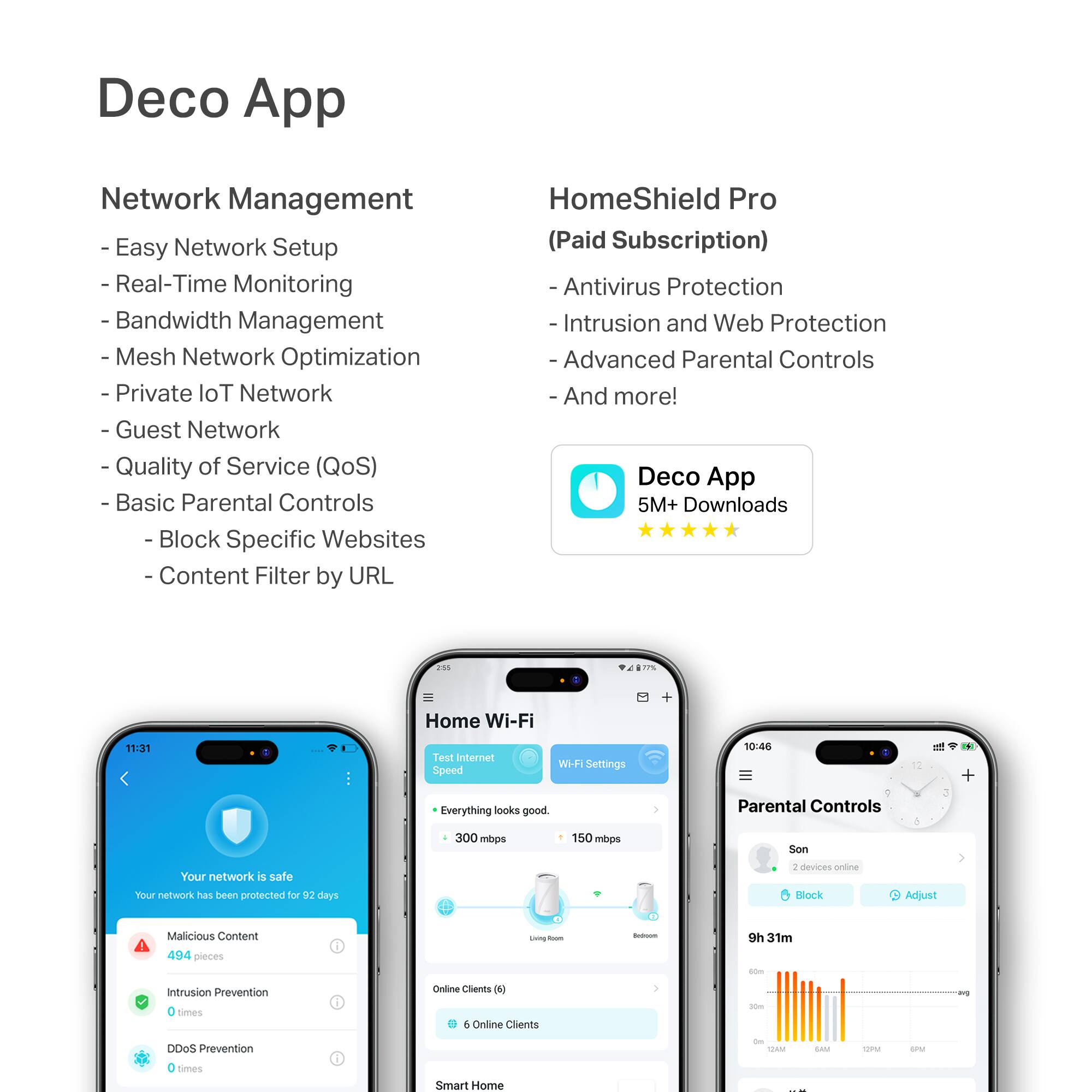
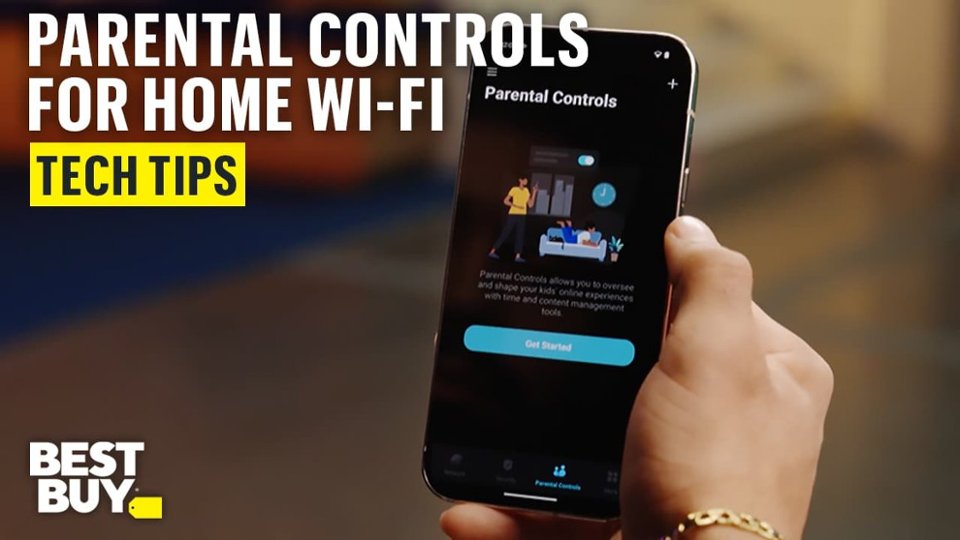
HomeShield is a built-in service, available in all HomeShield routers and Deco mesh products.
- Router Security Scan
- Wireless Security Scan
- IoT Device Identification
- Basic Parental Controls
- IoT Protection*
- Web Protection*
- Intrusion Prevention*
- Antivirus Protection*
*Included with HomeShield premium subscription service](https://pisces.bbystatic.com/image2/BestBuy_US/images/products/e694b39c-722e-42d5-85ac-b2246585c272.jpg)


- Model:
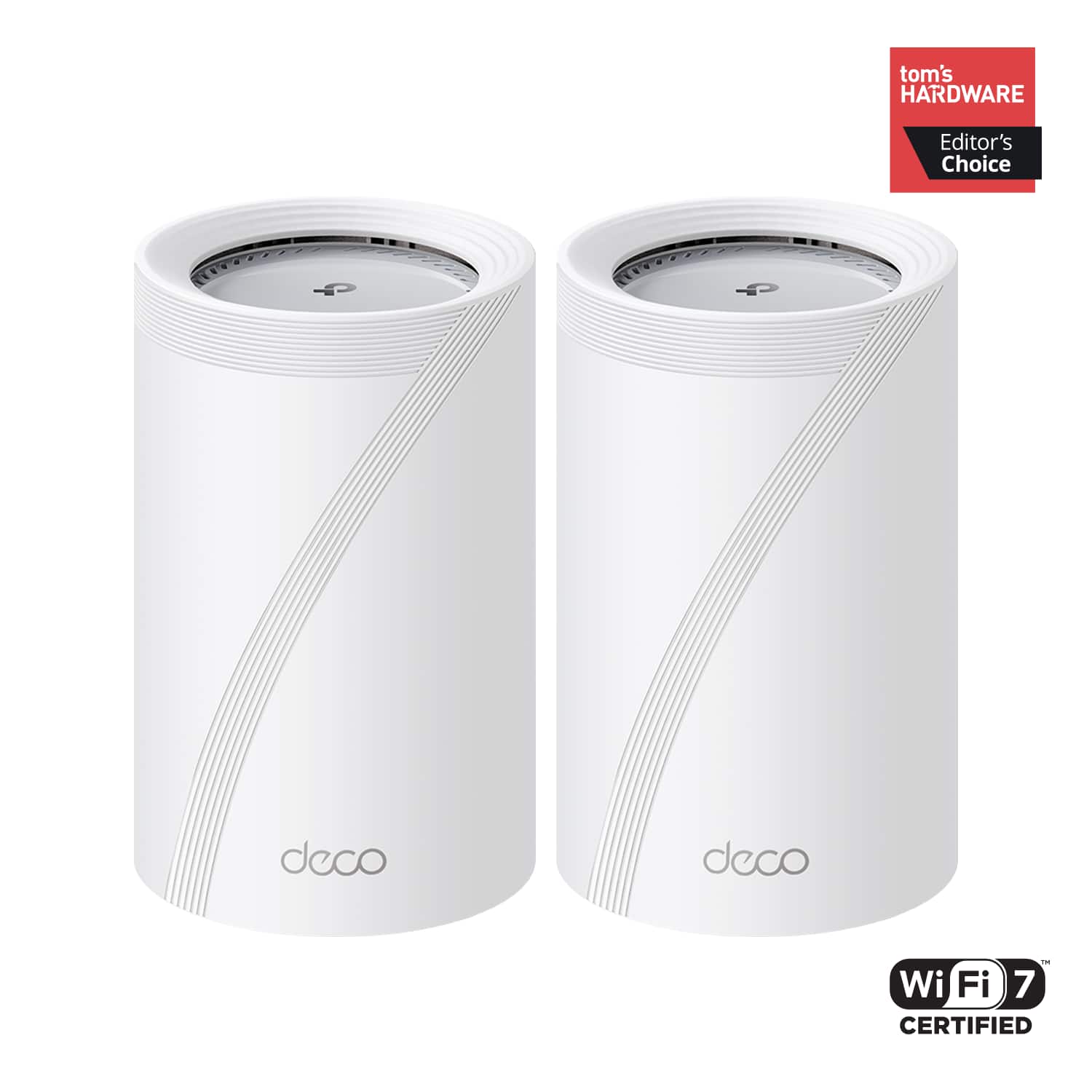
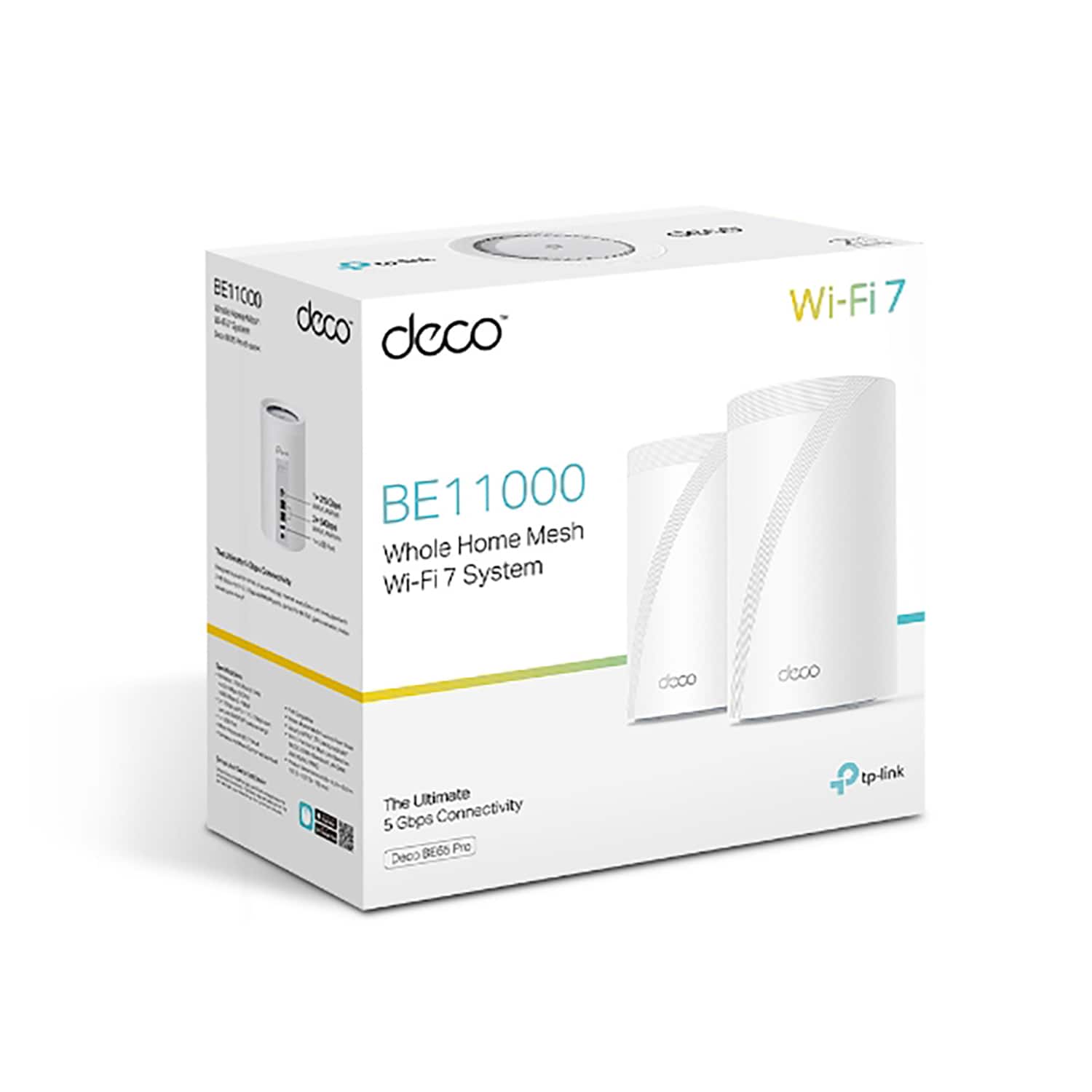
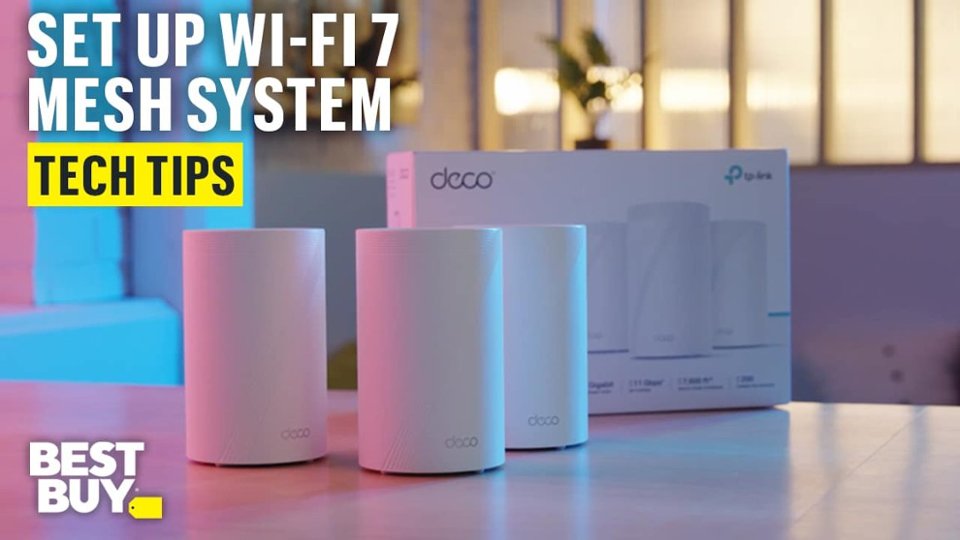
- Deco BE65 Pro(2-pack)
- SKU:
- 6582067
Rating by feature
- Setup
Rating 4.8 out of 5 stars
- Range
Rating 4.8 out of 5 stars
- Signal Strength
Rating 4.8 out of 5 stars
Customers are saying
Customers often highlight the Deco BE65 Pro's excellent speed and performance, alongside its easy setup and great coverage. Many appreciate its ease of use and reliable connectivity. While the design is considered sleek, a few customers noted that the units themselves are quite large.
This summary was generated by AI based on customer reviews.
This item is great for the price!
||Posted . Owned for 1 month when reviewed.This reviewer received promo considerations or sweepstakes entry for writing a review.I move from a netgear product to TP link, and im amazed with the performance. Love the ability to manage other TP links wifi products from within the app.
I would recommend this to a friendGreat product for the money.
||Posted . Owned for 3 weeks when reviewed.This reviewer received promo considerations or sweepstakes entry for writing a review.Great product for the money. Solved my wifi dead spot and performance issues.
I would recommend this to a friendGreat if you need that much coverage. 7800 sqft
||Posted . Owned for 1 month when reviewed.This reviewer received promo considerations or sweepstakes entry for writing a review.I didn’t need it after all. My WiFi extended far enough. It was complicated to setup though.
I would recommend this to a friendBrand response from TPLinkSupport
Posted .Hi Jason,
Thank you for your review. Our Deco Mesh Wi-Fi systems are designed to deliver robust, seamless Mesh Wi-Fi throughout your home with quick and intuitive setup using the Deco app. In your case, we first recommend ensuring that your Deco app and firmware are fully up to date, and that your Deco units are optimally positioned within your home and in optimal proximity to each other.
Our support team is always available and happy to assist with any questions you may have about our products. Feel free to contact us through any of the resources provided with the product or on our official website, and a Support Agent will follow up with you directly.
Thank you,
TP-Link Systems Support
Great Router
||Posted . Owned for 2 weeks when reviewed.This reviewer received promo considerations or sweepstakes entry for writing a review.Great Routers if you can get them on sale! Super fast WiFi delivering 1Gbps up and down speeds without issue!
I would recommend this to a friendGreat decision
||Posted . Owned for 1 month when reviewed.This reviewer received promo considerations or sweepstakes entry for writing a review.This was the solution to our WiFi issues ! This was a very good investment.
I would recommend this to a friendEasy Installation
||Posted . Owned for 1 week when reviewed.This reviewer received promo considerations or sweepstakes entry for writing a review.Installation was simple l, quick and straightforward. Deco App was helpful. Switching from Google mesh helped increase the speed.
I would recommend this to a friendMinhhungT
||Posted . Owned for 3 weeks when reviewed.This reviewer received promo considerations or sweepstakes entry for writing a review.It’s does what it’s supposed to be done However signal could be transmitted stronger
I would recommend this to a friendFuture proof
||Posted . Owned for 1 week when reviewed.This reviewer received promo considerations or sweepstakes entry for writing a review.Upgrade from old eero system for gig speeds. Simple setup and great performance.
I would recommend this to a friendDeco Mesh. system
||Posted . Owned for 3 weeks when reviewed.This reviewer received promo considerations or sweepstakes entry for writing a review.Adding this system to our home has made our WiFi connection better & faster.
I would recommend this to a friendWifi extender
||Posted . Owned for less than 1 week when reviewed.This reviewer received promo considerations or sweepstakes entry for writing a review.Looking forward to using this, have not opened, but reviews were great.
I would recommend this to a friendSuper fast
||Posted . Owned for 2 months when reviewed.This reviewer received promo considerations or sweepstakes entry for writing a review.Upgrade from WiFi 6, has worked great for all our WiFi needs!
I would recommend this to a friendSolid mesh
||Posted . Owned for 1 month when reviewed.This reviewer received promo considerations or sweepstakes entry for writing a review.Great mesh setup with support for the whole house.
I would recommend this to a friendWorst router I've ever owned.
||Posted . Owned for 2 months when reviewed.This reviewer received promo considerations or sweepstakes entry for writing a review.Constantly dropping connections and not working. Have to restart the whole network at least 3 times a day, often more. Connected devices are constantly saying there is no internet, even though it's a very reliable fiber 1 gigabit connection input through the modem, the router keeps messing everything up. Most of the internal features are subscription based which is insane. Just awful in every way and the return policy is a joke at like 2 weeks when it used to be the best. Completely regret getting this instead of the Eero. If you want to RMA it through TP-Link for warranty you have to ship it to them and wait like 5 days and then they'll ship you another one for a shipping fee so you're basically without internet for at least a week, which is obviously not plausible. So, I'm just out almost $500 with a useless router that constantly isn't working and have to just buy a different brand and eat this cost. Since the return policy is so bad I'll be getting it elsewhere also. Beware.
No, I would not recommend this to a friendBrand response from TPLinkSupport
Posted .Hi Brandon,
Thank you for your review. Our Deco Mesh Wi-Fi systems are designed to deliver robust, seamless Mesh Wi-Fi throughout your home. In your case, we first recommend ensuring that your Deco app and firmware are fully up to date, and that your Deco units are optimally positioned within your home and in optimal proximity to each other.
Our Deco Mesh Systems are designed to provide users with a multitude of convenient, robust network management features at no additional cost. For an optional subscription fee, users can access additional security features offered through our HomeShield subscription service. However, the vast majority of Deco features do not require this subscription.
We offer multiple shipping methods for RMA services, including our Advanced RMA service, which involves shipping the replacement unit to you first and providing a prepaid shipping label to send back your current device. Feel free to visit our website for helpful Warranty Policy information, or get in touch with our Support Team, who are always available and happy to help.
We would appreciate the opportunity to help address any concerns you have with your Deco System. At your convenience, please get in touch with our official TP-Link Support Team via phone, live chat, or email using the Support Portal on our website: https://www.tp-link.com/us/support/contact-technical-support/
Best Regards,
TP-Link Systems Support
So much faster and more reliable!
||Posted . Owned for 1 month when reviewed.This reviewer received promo considerations or sweepstakes entry for writing a review.It's great! It makes our wifi so much faster and more reliable.
I would recommend this to a friendMesh whole house system
||Posted . Owned for 3 weeks when reviewed.This reviewer received promo considerations or sweepstakes entry for writing a review.Seems to be working well as we just started using it.
I would recommend this to a friendDoing great!
||Posted . Owned for 1 month when reviewed.This reviewer received promo considerations or sweepstakes entry for writing a review.System is worth every penny! Would definitely recommend!
I would recommend this to a friendBuy this!!
||Posted . Owned for 4 months when reviewed.This reviewer received promo considerations or sweepstakes entry for writing a review.These work absolutely wonderfully and would 100% recommend!
I would recommend this to a friendFuture proof
||Posted . Owned for 2 months when reviewed.This reviewer received promo considerations or sweepstakes entry for writing a review.Had some issues with a software update waiting on a new software update. Overall great product and was able to price match. Very future proof
I would recommend this to a friendbest wifi router ever
||Posted . Owned for 2 weeks when reviewed.This reviewer received promo considerations or sweepstakes entry for writing a review.even though this is new expensive technology this is the new standard for wifi
I would recommend this to a friendAverage
||Posted .This reviewer received promo considerations or sweepstakes entry for writing a review.Used for 1gb connection, it yielded 400-600 after using the 3 pods. Went with other brand that’s much pricier but better yiele
No, I would not recommend this to a friendBrand response from TPLinkSupport
Posted .Hi WaelM,
Thank you for your review. Our Deco Mesh Wi-Fi systems are designed to provide robust, seamless Mesh Wi-Fi for your whole home. In your case, we first recommend ensuring your Deco app and firmware are both fully up to date and your Deco units are optimally positioned within your home and in proximity to each other.
Our support team is always available and happy to assist with any questions you may have about our products. Feel free to contact us through any of the resources provided with the product or on our official website, and a Support Agent will follow up with you directly.
Thank you,
TP-Link Systems Support