Customer Ratings & Reviews



- Model:
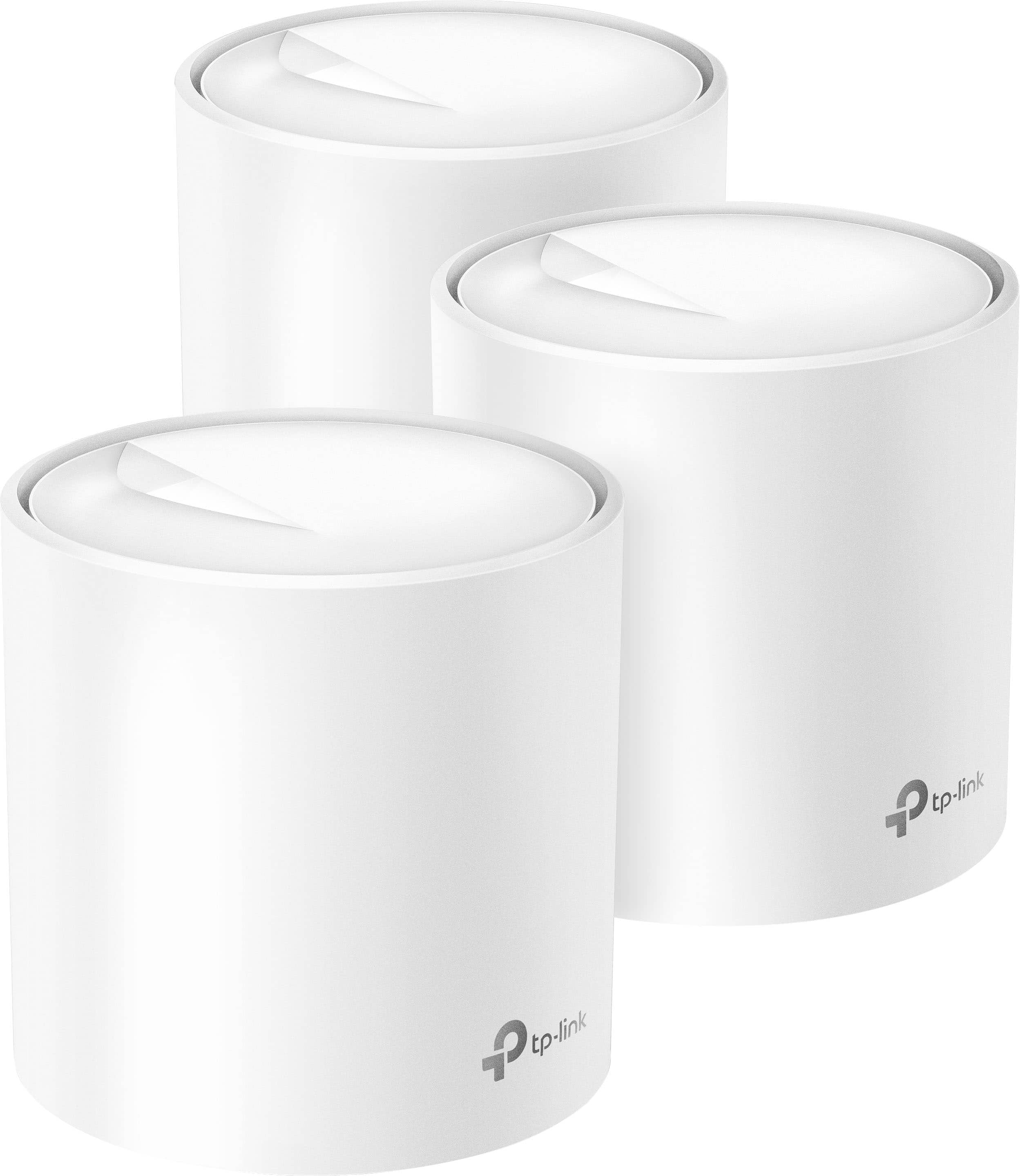
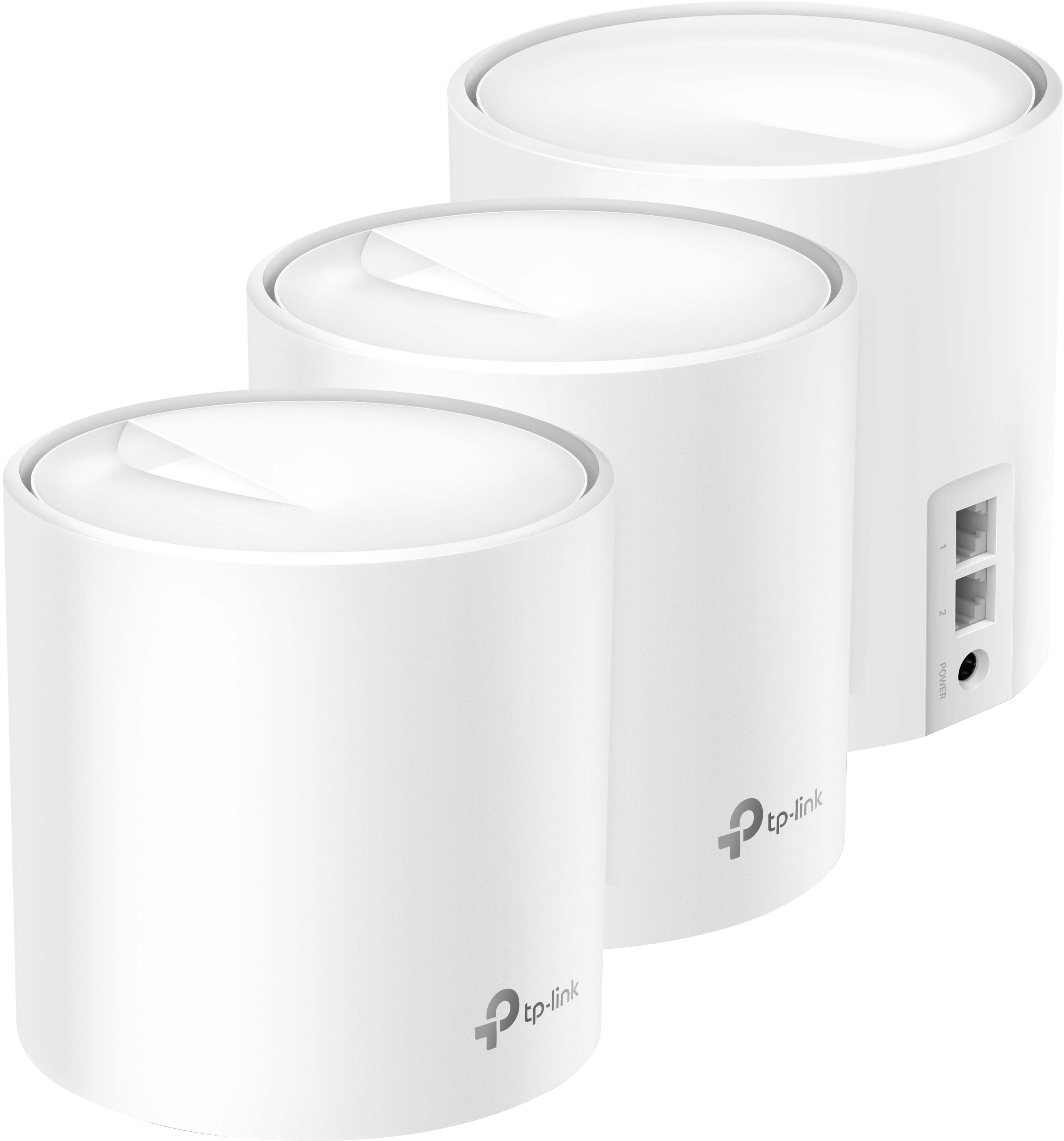
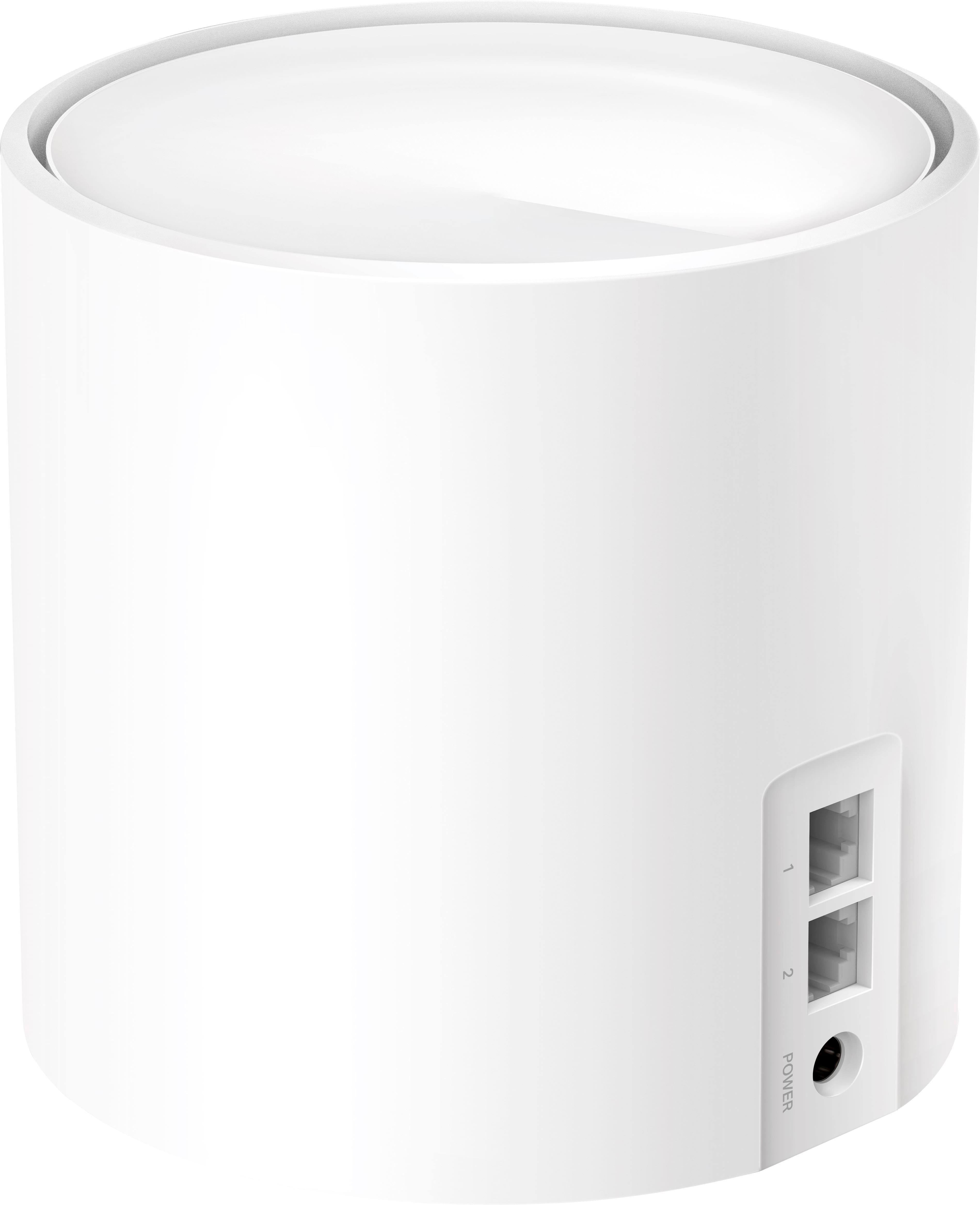
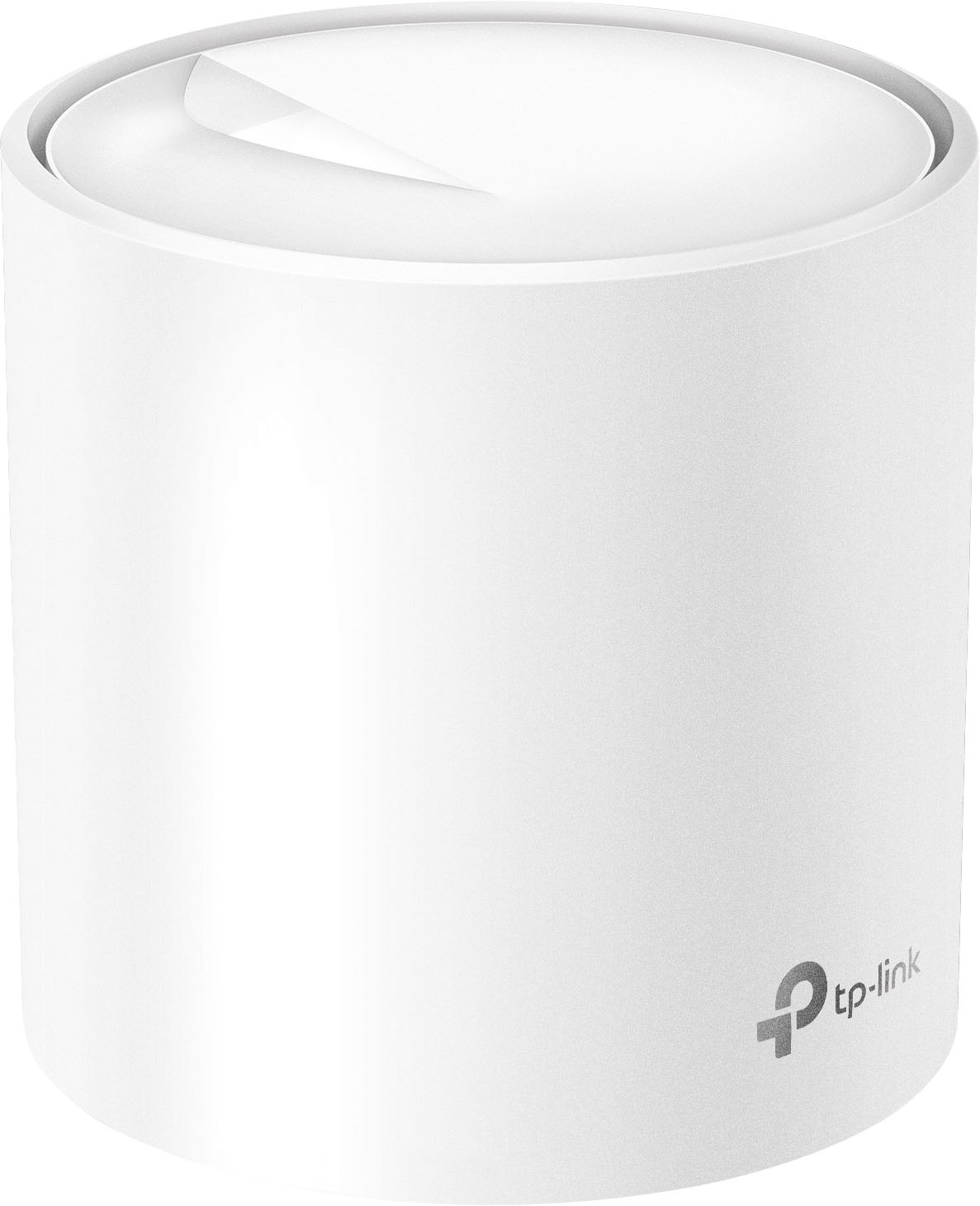
- Deco AX3000 (3-pack)
- SKU:
- 10909307
Rating by feature
- Setup
Rating 4.7 out of 5 stars
- Range
Rating 4.7 out of 5 stars
- Signal Strength
Rating 4.7 out of 5 stars
to a friend
Smooth operator
||Posted . Owned for less than 1 week when reviewed.This reviewer received promo considerations or sweepstakes entry for writing a review.Deco wraps your phone in a warm, fuzzy blanket of WiFi coverage
I would recommend this to a friendJunk
||Posted .This reviewer received promo considerations or sweepstakes entry for writing a review.All 3 stations have issues and don't work as advertised. Hardwired via brand new ethernet cables, all on the same wired network. It worked great for 3 days. Rarely if ever does the red light go off. And while the red light is on, its 'offline' cant connect to it. Reset it 100x does nothing. Each one is a 5lb worthless paperweight. If I could return it, I would. I feel ripped off. Big promises, but like almost everything you buy today, its all over priced junk. I thought this would be good cause I live in an area with spotty cell service. Little did I know that it would be a non stop head ache after the first week!
No, I would not recommend this to a friendBrand response from TPLinkSupport
Posted .Hello Ducky,
Please contact support as soon as you are able to. Our teams are available 24 hours a day and for free. They can help with your concern. You can reach them at 866-225-8139.
Best Regards
TP-Link Systems Support
Buy this one!
||Posted . Owned for 1 month when reviewed.This reviewer received promo considerations or sweepstakes entry for writing a review.Reasonable price and easy to set up and so very effective at bringing Wi-Fi to our hard to reach rooms. We have a 3650 sf home and ring security which all work perfectly now.
I would recommend this to a friendOk but frustrating and ultimately not using it
||Posted . Owned for 3 weeks when reviewed.This reviewer received promo considerations or sweepstakes entry for writing a review.This is a really frustrating product. I really want to love it, but nope. I bought this in anticipation of moving to fiber optic at home and when they installed it I plugged it in and all worked…but…. The fiber optic company also provided an Eero two piece wifi emitter set that I frankly elected not to use because I had this set. The issue is the Eero system sends through a much faster connection speed then this Deco set! I have tried several things and still it’s slower than the Eero set and naturally, I’m past the return date with Best Buy. Now I’m stuck with it and am not even using it because of it’s slower speed.
No, I would not recommend this to a friendBrand response from TPLinkSupport
Posted .Hi,
Thank you for your review. Our Deco Mesh Wi-Fi systems are designed to provide robust, seamless Mesh Wi-Fi for your whole home. In your case, we first recommend ensuring your Deco app and firmware are both fully up to date and your Deco units are optimally positioned within your home and in proximity to each other.
Our support team is always happy to help answer any questions you may have about our products. Please feel free to reach out using any of the resources included with the product, or from our official website, and we'll gladly have a Support Agent follow up with you directly.
Thank you,
TP-Link Support
Good for the price
||Posted . Owned for 2 months when reviewed.This reviewer received promo considerations or sweepstakes entry for writing a review.Much better than my old netgear modem but sometimes signal drops
I would recommend this to a friendMesh System Works Well
||Posted . Owned for 3 weeks when reviewed.This reviewer received promo considerations or sweepstakes entry for writing a review.Purchased these to create a mesh network and extend coverage through the house. Setup was easy and we have coverage everywhere. Happy to recommend this product.
I would recommend this to a friendValue.
||Posted . Owned for 3 weeks when reviewed.This reviewer received promo considerations or sweepstakes entry for writing a review.Works great, wish there was a way to turn off indication lights on the units.
I would recommend this to a friendPleased with this product
||Posted . Owned for 1 month when reviewed.This reviewer received promo considerations or sweepstakes entry for writing a review.Works like a charm. Pleased with the coverage in my house. Easy to set up, completed in less than fifteen minutes.
I would recommend this to a friendGood Mesh Setup
||Posted . Owned for 2 weeks when reviewed.This reviewer received promo considerations or sweepstakes entry for writing a review.Good the for the price, definitrly an upgrade from my Eero.
I would recommend this to a friendWorks well
||Posted . Owned for 1 month when reviewed.This reviewer received promo considerations or sweepstakes entry for writing a review.A little expensive and sometimes unclear directions but works well
I would recommend this to a friendGreat Purchase
||Posted .This reviewer received promo considerations or sweepstakes entry for writing a review.I bought these not oo long ago and they seem to be a great purchase.
I would recommend this to a friendNot as advertised
||Posted . Owned for 3 weeks when reviewed.This reviewer received promo considerations or sweepstakes entry for writing a review.It is an ok router but they do not link together a whole home like they say. It says up to 6000 sqft and I can get 4500 sqft covered completely… and the room I was focused on the most is still weak. Trying to place the pod in there won’t connect to the main pod so it is in the hall way now
I would recommend this to a friendBrand response from TPLinkSupport
Posted .Hi,
Thank you for your review. Our Deco Mesh Wi-Fi systems are designed to provide robust, seamless Mesh Wi-Fi for your whole home. In your case we first recommend ensuring your Deco app and firmware are both fully up to date and your Deco units are optimally positioned within your home and in proximity to each other.
Our support team is always happy to answer any questions you might have about our products. Please reach out to our support team using any of the resources included with the product, or from our official website, and we'll gladly have a Support Agent follow up with you directly.
Thank you,
TP-Link Support
Excellent WiFi mesh system
||Posted . Owned for 1 month when reviewed.This reviewer received promo considerations or sweepstakes entry for writing a review.This “mesh” system delivers strong WiFi signal throughout my house. I’m also able to extend strong signal into a remote workshop. Easy to set up.
I would recommend this to a friendGreat wifi extender
||Posted . Owned for 1 week when reviewed.This reviewer received promo considerations or sweepstakes entry for writing a review.Easy to install with the app and used the same network for all the extenders. Definitely recommend it
I would recommend this to a friendWorks Well Most of the Time
||Posted . Owned for 2 weeks when reviewed.This reviewer received promo considerations or sweepstakes entry for writing a review.It works well, really easy to set up, and looks good in the house. However, mu phone and computer would occasionally drop WIFI connection qhich I'm still trying to troubleshoot.
I would recommend this to a friendMeh
||Posted . Owned for 3 weeks when reviewed.This reviewer received promo considerations or sweepstakes entry for writing a review.Did not make a difference in all honesty but it didn’t make things worse lol
No, I would not recommend this to a friendDrops devices like a bad habbit.
||Posted . Owned for less than 1 week when reviewed.This reviewer received promo considerations or sweepstakes entry for writing a review.Not sure if i got a bad system but i would not recommend this to anyone. I purchased this ok n 4/1/25. I did some research and everything looked good. I purchased these. Setup was easy, everything looked good until i tried to use it. Everything was being dropped nothing stayed connected. I tried several different options. Resetting updating Firmware. Googled the problem and long behold i found that this system lokes to drop devices. It would reconnect but this was a stability issue. I cant rely on it. So i returned and purchased another system so much happier.
No, I would not recommend this to a friendBrand response from TPLinkSupport
Posted .Hello Travis,
Thank you for the Review. We hope that before you returned the system you reached out to our support division to help address your concern. Searches results can often be misleading with reported issues either already being addressed or the source being a setting or something else in the network. Our support is free and available 24 hours a day so if you every have a TP-Link product in the future and are having a concern please consider reaching out to support for assistance.
Best Regards
TP-Link Systems Support.
Erractic Network Behavior
||Posted . Owned for 4 months when reviewed.This reviewer received promo considerations or sweepstakes entry for writing a review.I guess I got the faulty units. Random issues occur such as no internet, to kicking devices out of the network, to removing decos, to stating decos are connected via wifi, which is ironic because decos are connected via ethernet. When it works, its excellent but these issues occur every few weeks which is unacceptable. I cannot recommend anyone to buy these.
No, I would not recommend this to a friendBrand response from TPLinkSupport
Posted .Hi,
Thank you for your review. Our Deco Mesh Wi-Fi systems are designed to provide robust, seamless Mesh Wi-Fi for your whole home. In your case, we first recommend ensuring your Deco app and firmware are both fully up to date and your Deco units are optimally positioned within your home and in proximity to each other.
Our support team is always happy to help answer any questions you may have about our products. Please feel free to reach out using any of the resources included with the product, or from our official website, and we'll gladly have a Support Agent follow up with you directly.
Thank you,
TP-Link Support
Deco Mesh System
||Posted . Owned for 1 month when reviewed.This reviewer received promo considerations or sweepstakes entry for writing a review.My new Deco router works great and was easy to install; the speed is remarkably faster than my prior router.
I would recommend this to a friendHuge mistake
||Posted .This reviewer received promo considerations or sweepstakes entry for writing a review.Greatly regret this purchase; spent more time setting up this network repeatedly than actually being able to us it within the first 8 hours. Returning this as soon as possible. Was able to successfully report issues 3 different occasions to their customer service, which says they'll get back with me within 1 to 2 business days. Don't know how you will be able to get back with me if I cannot stay connected to the internet to actually check my email. Oh that's right you already know people are going to go back to their older routers till they get around to purchasing something different from this after returning it. Worked with someone through their live chat, device worked for less than 1 hour. Side note, signal is to weak to run a PS5 that's literally less than 8 feet away from it and the only device on the entirenetwork. First thing I tried to establisha network connection with. All-round one of the worst purchases I have made for 2023. Don't purchase this unless you enjoy having to redo the network on a repeated basis and create a new network everytime.
No, I would not recommend this to a friendBrand response from TPLinkSupport
Posted .We do indicate that email is considered for non-urgent matters. For a case like yours, I would suggest phone or chat support. You did mention Chat support but it only worked for an hour. Our team would need to look at this again and see what specifically is going on in your situation. There could be a number of factors. Placement of the nodes, distance from nodes, client hardware, the Deco themselves, and Software. All could be factors. I would recommend calling our support 866-225-8139 before you decide to return the units.