Customer Ratings & Reviews



- Model:
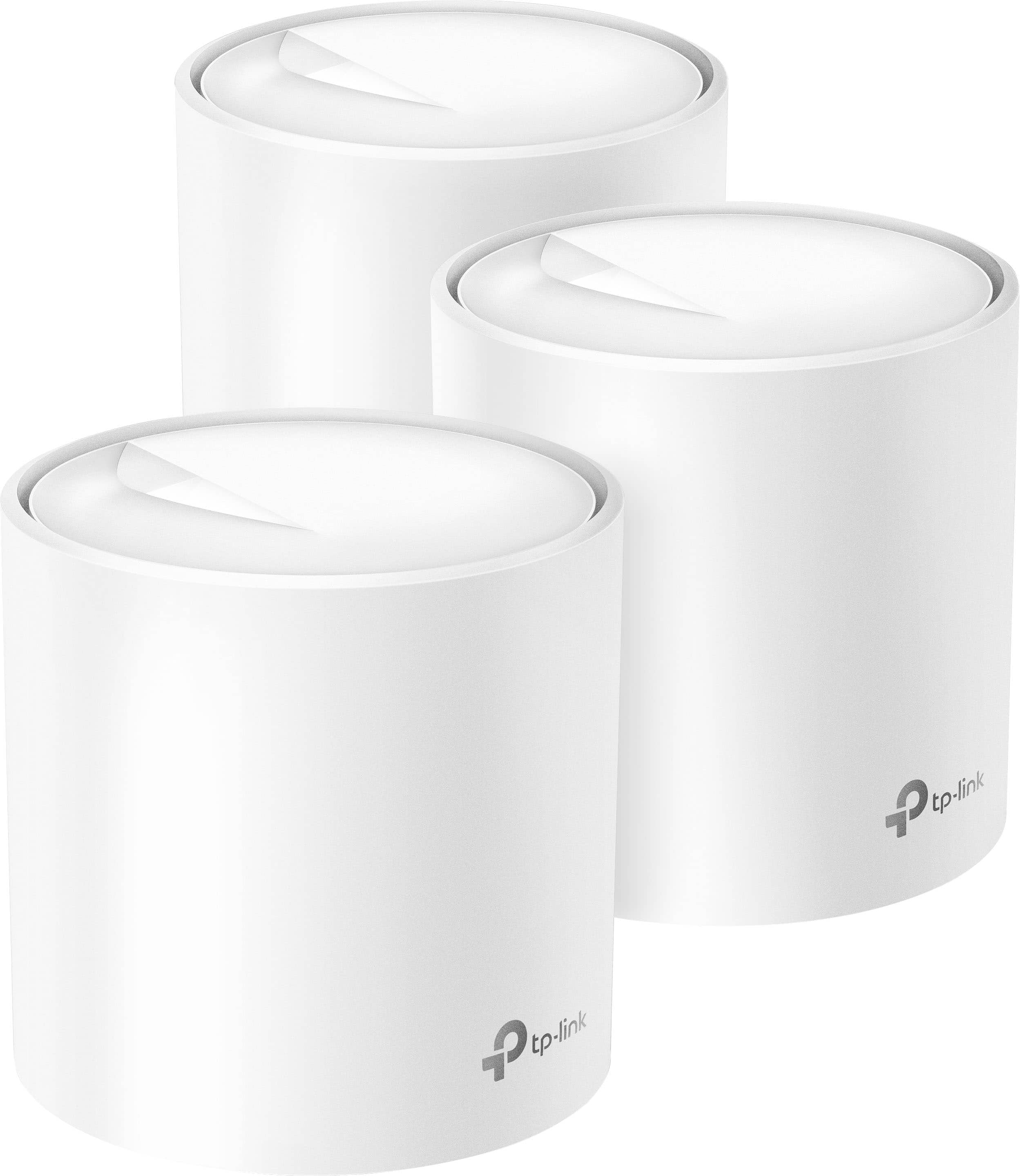
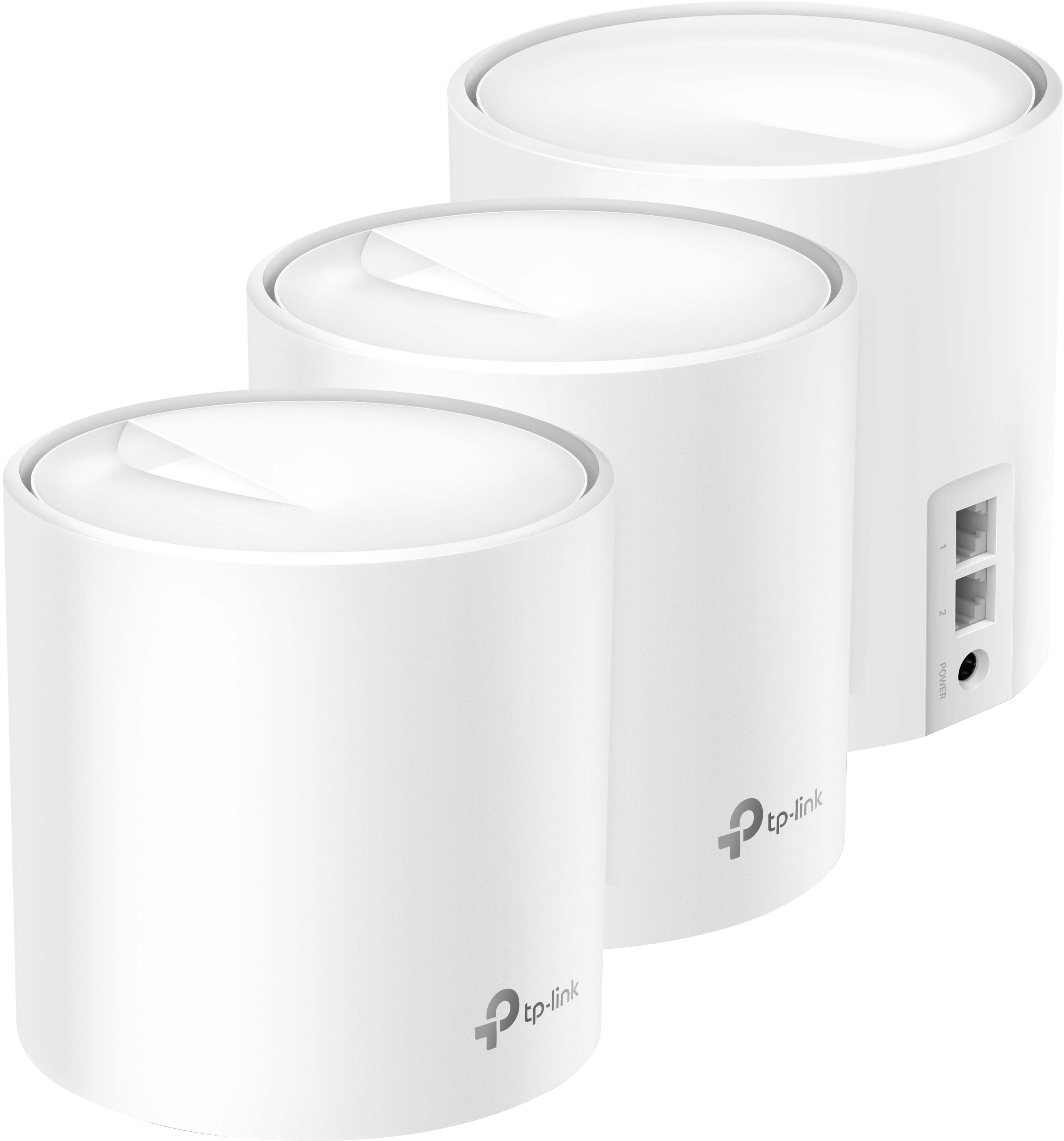
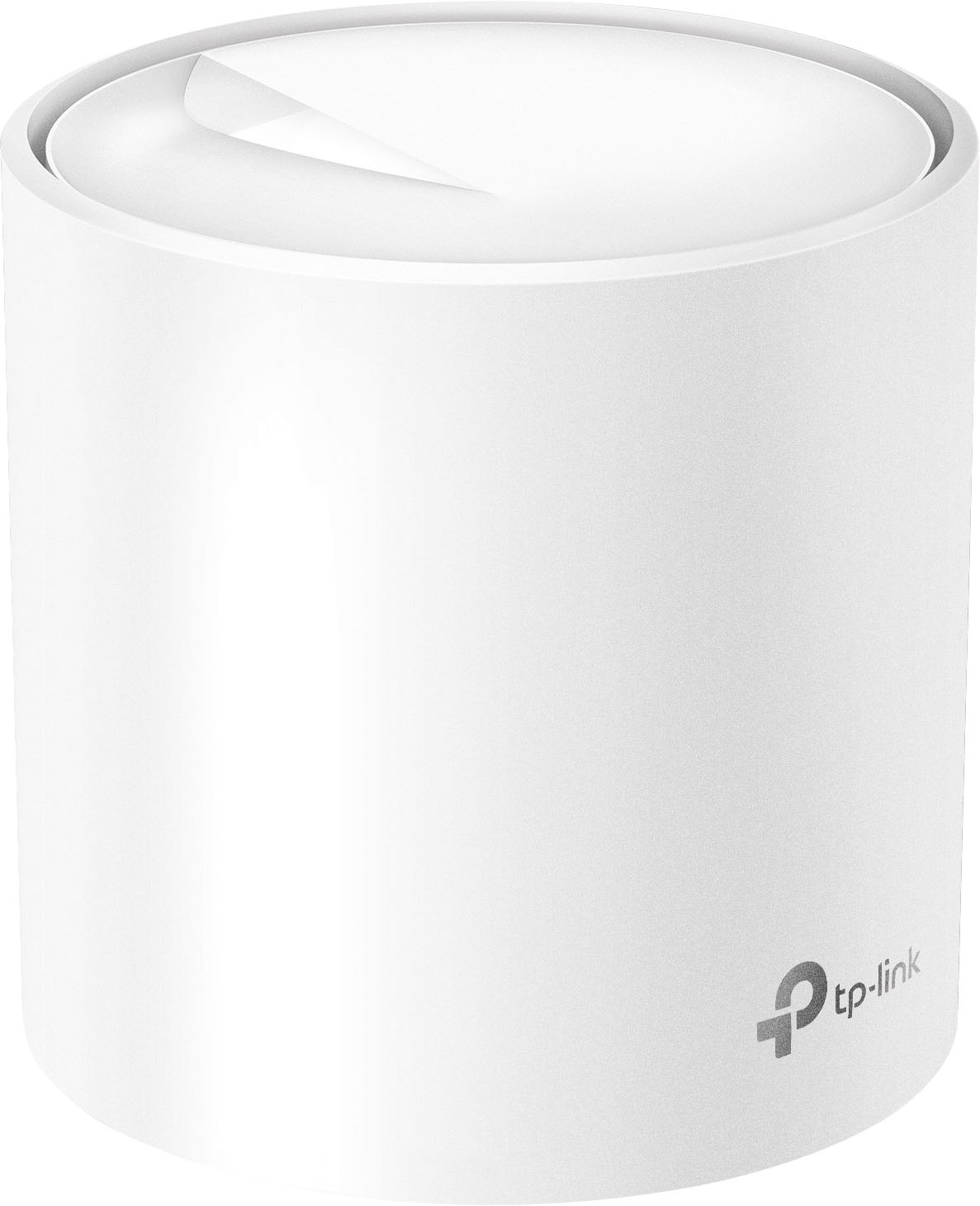
- Deco AX3000 (3-pack)
- SKU:
- 10909307
Rating by feature
- Setup
Rating 4.7 out of 5 stars
- Range
Rating 4.7 out of 5 stars
- Signal Strength
Rating 4.7 out of 5 stars
to a friend
Power outage return
||Posted . Owned for 1 month when reviewed.This reviewer received promo considerations or sweepstakes entry for writing a review.Do not buy this unit. I had two power outages in one week and had to uninstall all units then reinstall all to fix. Returned to store.
No, I would not recommend this to a friendBrand response from TPLinkSupport
Posted .Hi,
Thank you for your review. In the case of Wi-Fi routers and Mesh Wi-Fi Systems, we always recommend ensuring they are plugged into high quality surge protectors, as they are crucial appliances in the modern home.
Our Deco Mesh Wi-Fi systems are designed to provide robust, seamless Mesh Wi-Fi for your whole home. In your case, we first recommend ensuring your Deco app and firmware are both fully up to date and your Deco units are optimally positioned within your home and in proximity to each other.
If you would like assistance with any TP-Link products, please reach out to our support team using any of the resources included with the product, or from our official website, and we'll gladly have a Support Agent follow up with you directly.
Thank you,
TP-Link Support
Is this supposed to break this often?
||Posted . Owned for 1 month when reviewed.This reviewer received promo considerations or sweepstakes entry for writing a review.I've only had this for around a month and this is the 4th time I've had to do a factory reset on the main hub.
No, I would not recommend this to a friendBrand response from TPLinkSupport
Posted .Hi,
Thank you for your review. Our Deco Mesh Wi-Fi systems are designed to provide robust, seamless Mesh Wi-Fi for your whole home. In your case, we first recommend ensuring your Deco app and firmware are both fully up to date and your Deco units are optimally positioned within your home and in proximity to each other.
Our support team is always happy to help answer any questions you may have about our products. Please feel free to reach out using any of the resources included with the product, or from our official website, and we'll gladly have a Support Agent follow up with you directly.
Thank you,
TP-Link Support
Drops ethernet backhaul connections
||Posted . Owned for 1 month when reviewed.This reviewer received promo considerations or sweepstakes entry for writing a review.Returned after 8 hours of fighting the get all three to use the connected ethernet cable for backhaul. The app kept showing they switched to WiFi for backhaul.
No, I would not recommend this to a friendBrand response from TPLinkSupport
Posted .Hi,
Thank you for your review. In your case, we first recommend visiting our FAQ on the Deco's Ethernet Backhaul feature here: https://www.tp-link.com/us/support/faq/1794/
Our support team is always happy to answer any questions you might have about our products. Please feel free to reach out to our free support team using any of the resources included with the product, or from our official website, and we'll gladly have a Support Agent follow up with you directly.
Thank you,
TP-Link Support

Great mesh wi-fi system!
|Posted .This reviewer received promo considerations or sweepstakes entry for writing a review.The TP-Link - Deco AX3000 Whole Home Mesh Wi-Fi 6 System is a great new mesh Wi-Fi product that has really impressed me. I upgraded from an older mesh Wi-Fi system and although the previous system was not giving me any problems, I wanted to upgrade to a Wi-Fi 6 system to be better prepared for the future. My previous system was a tri-band system that had a dedicated band for wireless backhaul but my home has hard-wired ethernet which allows me to use a wired backhaul setup. This is much more reliable and makes a system like the TP-Link Deco so much more valuable to people like me who have homes with wired ethernet since there is no need to pay extra for a system with a dedicated band for wireless backhaul. This is especially useful to me since my home is 3 stories and my router must be placed in the master bedroom closet on the third floor since that is where my modem and hard-wired ethernet cables for the whole home are located. This is obviously not an ideal location for a router since a lot of the wireless signal is lost with it being in a closet on the third floor but being able to hardwire all three units together allows me to place one on each floor of my home giving me great speeds and coverage throughout my entire home. The setup process was very easy and straightforward via the downloadable app which also allows you to control the system once it is setup. One of the features that I really like about this system is the inclusion of a lifetime subscription to TP-Link Homecare which includes antivirus protection for your whole network. Since so much of our personal information is now in digital form, it is important to keep your network and attached systems protected which makes built-in antivirus protection for the whole network at no additional cost a great added feature. Overall, I am very impressed with the TP-Link - Deco AX3000 Whole Home Mesh Wi-Fi 6 System and I highly recommend it!
I would recommend this to a friendPoor performance
||Posted .This reviewer received promo considerations or sweepstakes entry for writing a review.Will be returning. I have a 1gb plan and I'm getting around 110mbps download. Also it keeps kicking me off the internet.
No, I would not recommend this to a friendBrand response from TPLinkSupport
Posted .Hi,
Thank you for your review. Our Deco Mesh Wi-Fi systems are designed to provide robust, seamless Mesh Wi-Fi for your whole home. In your case we first recommend ensuring your Deco app and firmware are both fully up to date and your Deco units are optimally positioned within your home and in proximity to each other.
Our support team is always happy to answer any questions you might have about our products. Please reach out to our free support team using any of the resources included with the product, or from our official website, and we'll gladly have a Support Agent follow up with you directly.
Thank you,
TP-Link Support
Doesn’t get reliable speeds
||Posted . Owned for 1 month when reviewed.This reviewer received promo considerations or sweepstakes entry for writing a review.Still buffers. Not getting speeds it claims. Unfortunately only 14 day return period not 30.
No, I would not recommend this to a friendBrand response from TPLinkSupport
Posted .Hello Wheeler,
The speeds advertised do not relate to internet speeds but to the internal network speeds. These are the receive and transmit rates for clients to communicate with each other and the router. If you feel the internet speeds are problematic we would suggest reaching out to our 24/7 and free support team at 866-225-8139 to troubleshoot and see if the product has a concern we need to address.
Best Regards
Improved WiFi performance
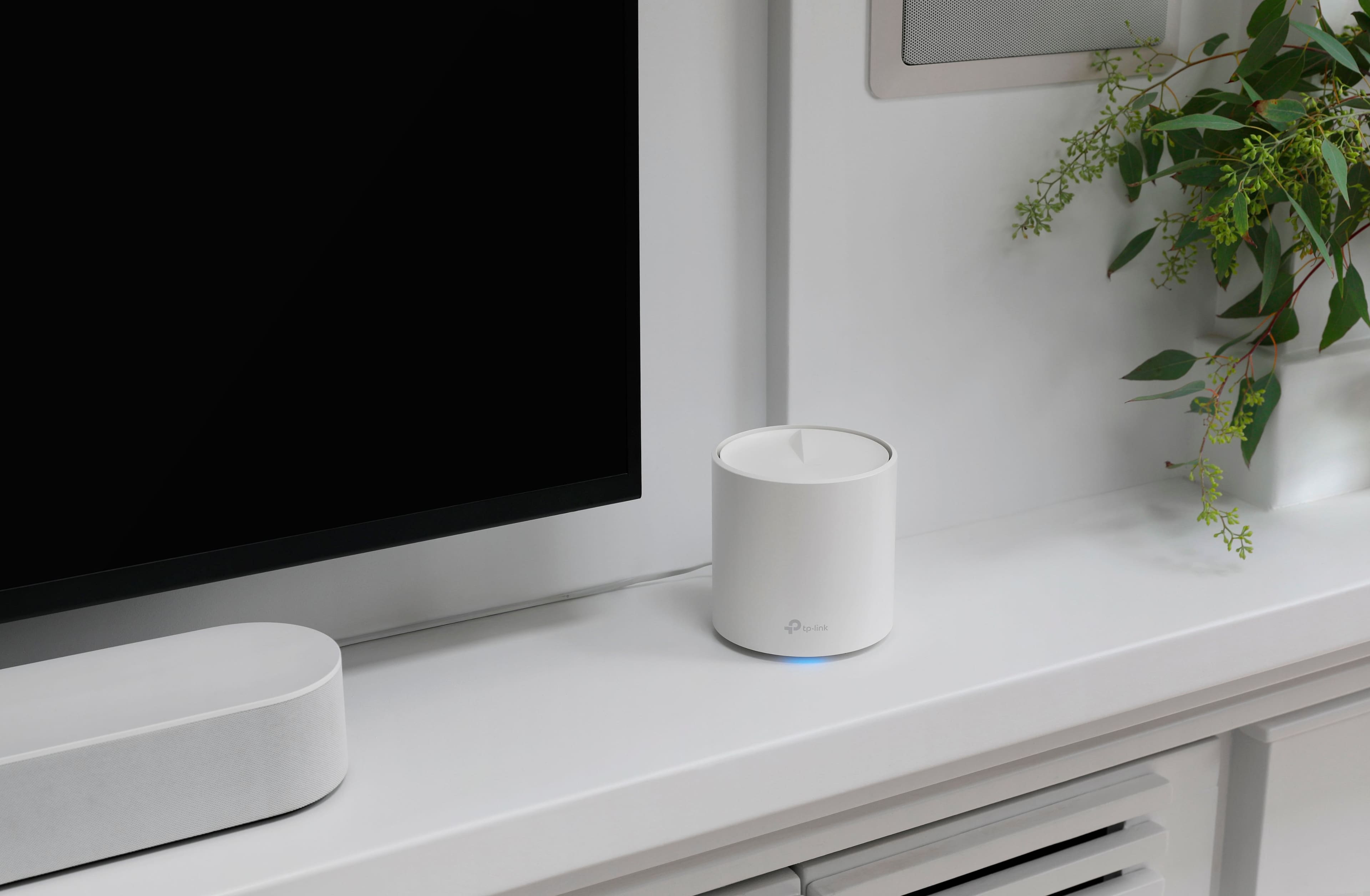
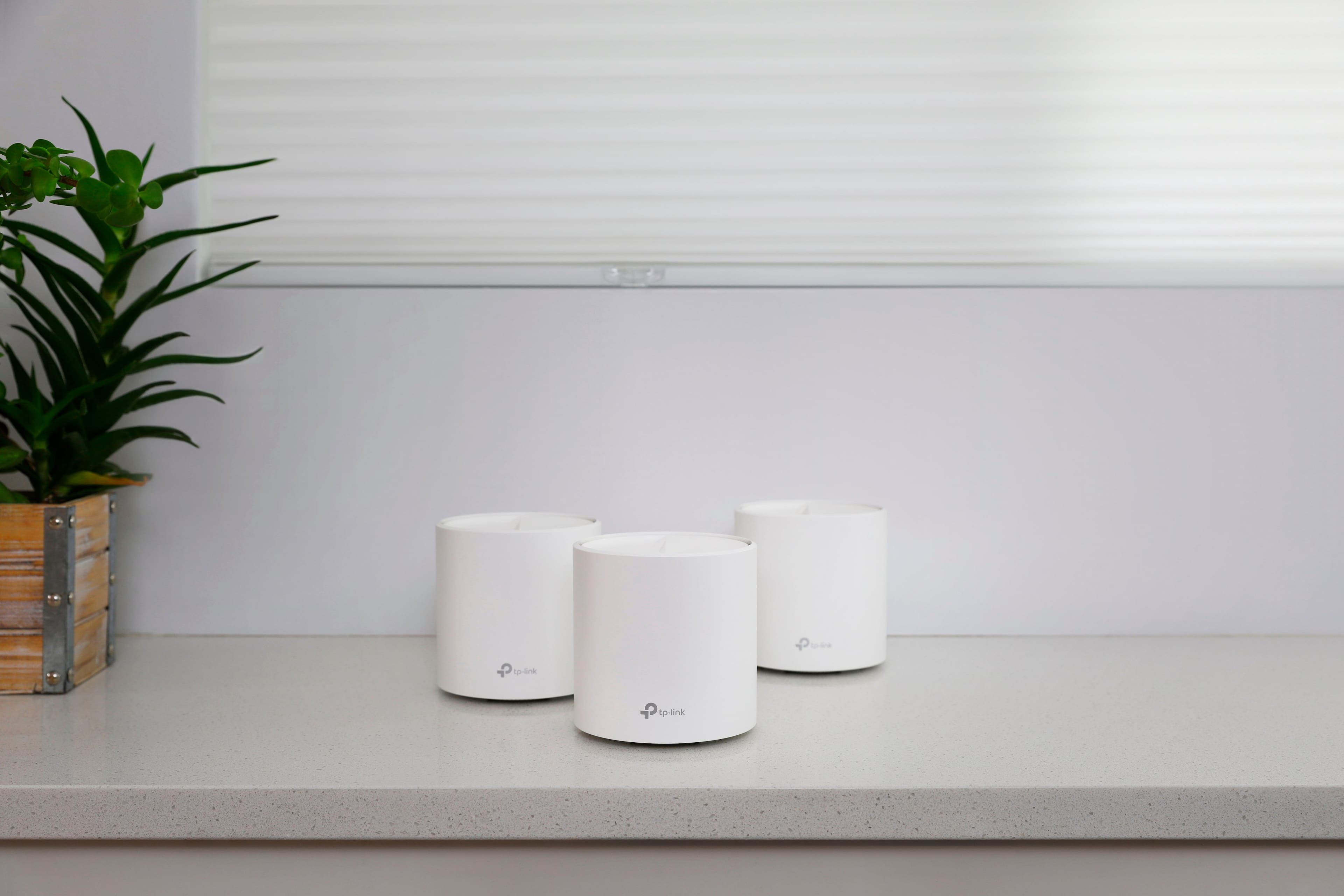
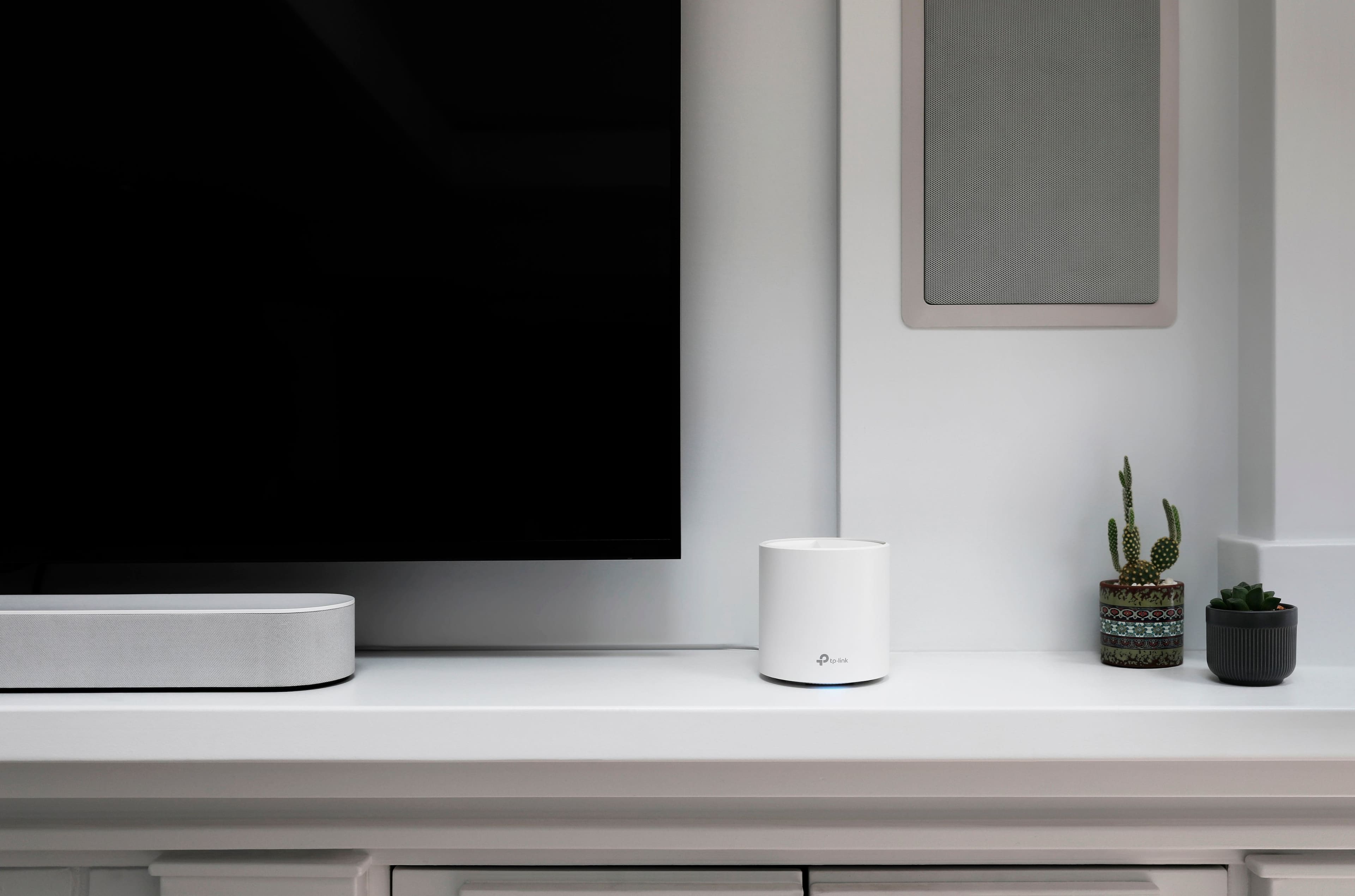
|Posted .This reviewer received promo considerations or sweepstakes entry for writing a review.The Deco AX3000 Whole Home Mesh system comes with 3 units one of which plugs into your modem the other 2 are placed around your home to maximize your WiFi coverage. The units themselves are stylish and unobtrusive and you can tuck them away around your home (although you should be careful not to place them in such a way as to block their radio signals). From a distance they look like big white candles. The LED indicators on the base can be fairly bright in the dark, especially if placed in your bedroom, fortunately in the advanced settings menu there is an option to switch off the LED at night and allows you to set the times when it is off. Set up is easy, you download the app to your phone or tablet and it walks you through the process. You will need to create an account with a password and you do need the app to control the devices and your network. The app is really useful and gives you lots of information about your WiFi network and the devices that are attached to it. The app also lets you fine tune your network for optimization such as streaming or to give certain devices priority to bandwidth. The system includes a guest network that you can turn on to provide temporary access to visitors. The security features include reports of attacks on your network, built in antivirus and firewall, device quarantine, and the ability to blacklist devices from your network. The system includes extensive parental controls so you can set bed times and daily time limits for your kid’s devices, and also the ability to track and block the websites they visit and apps that they use. The app comes with a built in speed test function that provides similar and comparable results to other 3rd party apps and websites. In terms of my own personal speed results, I see only marginal overall increases to internet upload and download speeds. What I do notice is that streaming seems to work better with significantly less buffering and zoom meetings work better with smoother and more stable video. This is likely due to the system better managing the devices and traffic on my network and improving signal strength throughout my home. Overall, the Deco AX 3000 system is beneficial if you have a lot of internet connected devices and especially if you live in a large multi-floor home.
I would recommend this to a friendBellow expectations
||Posted . Owned for 1 month when reviewed.This reviewer received promo considerations or sweepstakes entry for writing a review.Does not meet the expectations or solve the internet reception problems that is the main reason why you’re buying it for
No, I would not recommend this to a friendBrand response from TPLinkSupport
Posted .Hi,
Thank you for your review. Our Deco Mesh Wi-Fi systems are designed to provide robust, seamless Mesh Wi-Fi for your whole home. In your case, we first recommend ensuring your Deco app and firmware are both fully up to date and your Deco units are optimally positioned within your home and in proximity to each other.
Our support team is always happy to help answer any questions you may have about our products. Please feel free to reach out using any of the resources included with the product, or from our official website, and we'll gladly have a Support Agent follow up with you directly.
Thank you,
TP-Link Support
Router
||Posted . Owned for 3 weeks when reviewed.This reviewer received promo considerations or sweepstakes entry for writing a review.Not any faster then my spectrum router it very slow
No, I would not recommend this to a friendBrand response from TPLinkSupport
Posted .Hi,
Thank you for your review. Our Deco Mesh Wi-Fi systems are designed to provide robust, seamless Mesh Wi-Fi for your whole home. In your case, we first recommend ensuring your Deco app and firmware are both fully up to date and your Deco units are optimally positioned within your home and in proximity to each other.
Our support team is always happy to help answer any questions you may have about our products. Please feel free to reach out using any of the resources included with the product, or from our official website, and we'll gladly have a Support Agent follow up with you directly.
Thank you,
TP-Link Support
Long overdue wireless network overhaul
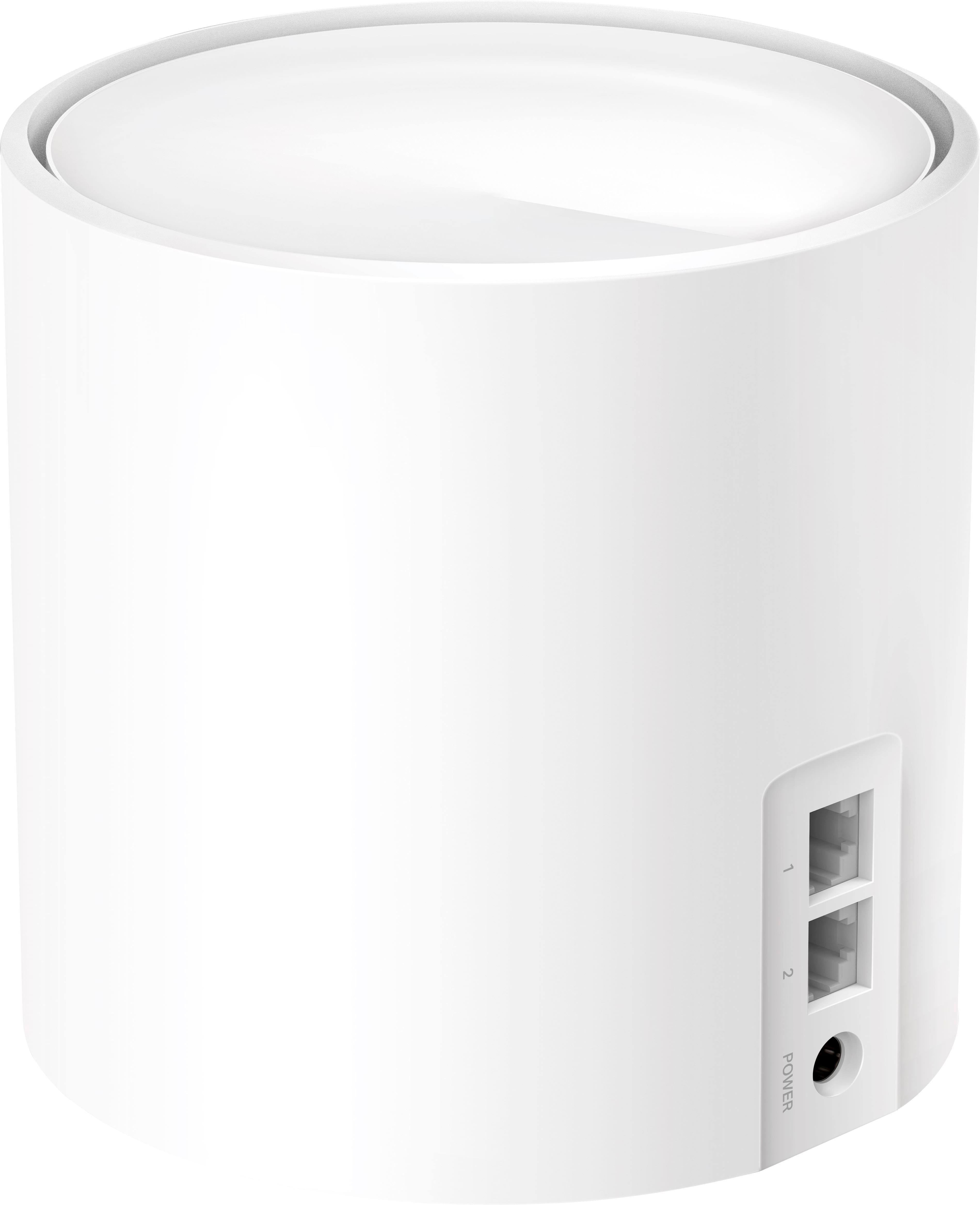
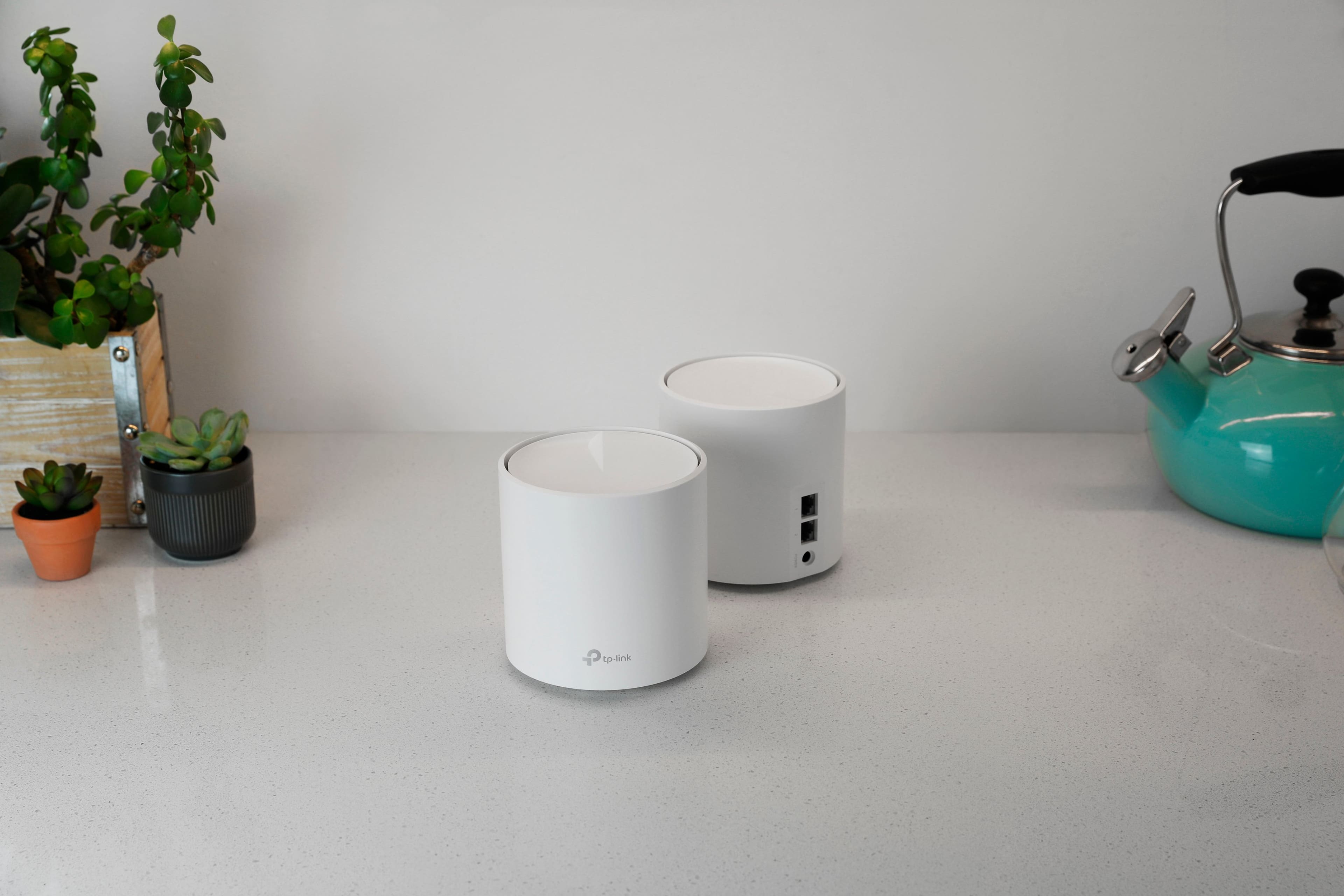
|Posted .This reviewer received promo considerations or sweepstakes entry for writing a review.The previous router this system is replacing was a Netgear AC1750 Router which due to its placement in relation to where the cable modem enters the house caused a considerable number of dead spots in the house. This directly dictated where people would sit to keep and maintain a consistent signal. So, it goes without saying an upgrade for the sake of signal alone was warranted. The TP Link Deco comes with the 3 nodes + their power bricks and 1 FLAT ethernet cable. The nodes don't scream out to be some sort of techy device and just sit innocuously in the background. Each node is identical with 2 ethernet ports, a usb port and power port. The bottom of the node casts a subtle light (that on a light surface will glow below the node) to let you know what its current status is. Setup appeared to be so simple, I had my technophobe savvy friend set everything up for me while I watched. Aside from physically placing all the nodes where they belong, powering them and connecting the parent to the cable modem. No real sort of tech knowledge needed. The app was downloaded and a TP Link account was created. Once that was done everything else was self-explanatory. No instructions were provided save for the initial setup of the parent node. My friend was stumped when it came to setting up the child node. Once we messed around with the app we found that you just need to run the setup again and add each subsequent node and name where the go. Once that was done, a re-newed net was cast over the ENTIRE house. 1 node on each floor covered every corner of the house and we were getting full WiFi6 signal strength across ALL floors (although only 3 devices I own take advantage of WiFi6) and I was getting pretty close to the upper limit of 200mbps from my ISP. The app has very basic controls but for quick and dirty access it works for the tech lay person. So much so that my technophobe buddy is getting a Deco system of his own. A WiFi overhaul was long overdue for my home and I could recommend this to all but the nerdiest of my friends.
I would recommend this to a friendReturned
||Posted . Owned for less than 1 week when reviewed.This reviewer received promo considerations or sweepstakes entry for writing a review.Didn’t get it setup all the way. App said to contact ISP, Xfinity couldn’t help. Returned and bought Linksys Velop WiFi 6.
No, I would not recommend this to a friendBrand response from TPLinkSupport
Posted .Hi,
Thank you for sharing your experience with our product. If you encountered difficulty with internet connectivity after setting up the router, it sounds like your cable modem's MAC (Media Access Control) binding needs to be released and renewed, so it can provide an IP address (and Internet) to the Router. This can typically be done using the following steps:
1. Unplug the power from both your router and cable modem
2. Unplug the coax cable from the modem
3. Re-connect power ONLY to your cable modem
4. Wait until the cable modem is fully booted, then re-connect coax
5. Re-connect power to the router and connect it to the modem via Ethernet
This process should release and renew the MAC binding, so your modem can provide connectivity to the router. If you'd like assistance with any of these steps, please reach out to our toll-free support team using any of the resources included with the product, or from our official website, and we'll gladly have a Support Agent follow up with you directly.
Thank you,
TP-Link Support
Great range
|Posted .This reviewer received promo considerations or sweepstakes entry for writing a review.The TP-Link - Deco AX3000 is a Wifi 6 capable Mesh system that is capable of covering 7000 Sq ft by using the included 3 nodes. In the box you will find the 3 wireless nodes 1 ethernet cable and the power supplies for each node. Each node is unobtrusive and look nice if placed on a counter or shelf in your home. Each node has 2 Ethernet ports on the back. Set-up was very easy for the system. After downloading the deco app you unplug your modem and disconnect any battery backup, Once you connect the node to the modem you will power on the modem and node. The app provides clear and concise directions on how to complete the setup process as well as download the latest firmware. Once you are done setting up the first node each additional node is automatically added by simply plugging it in wherever you decide to place it. The node will automatically be added within 2 minutes. The system has been pretty stable so far but I have only been using it for 1 week. The 3 nodes are doing a great job covering my 6000 sq ft home and I have been getting download and upload speeds of 500 Mbps over Wifi and well over 900 Mbps hardwired, The speeds are much better than my previous 2 Mesh Wifi systems in both range and speed and they have a better price. Most users will be satisfied with the control available via the app or web interface however if you are used too tweaking settings then this may not be the best option for you. If you are looking for a new Wifi system to replace you current system and need a fast reliable option then the TP link Deco AX3000 is a great option for you
I would recommend this to a friendTp link
||Posted . Owned for 3 weeks when reviewed.This reviewer received promo considerations or sweepstakes entry for writing a review.over heated they did not work at all they where no good at all
No, I would not recommend this to a friendBrand response from TPLinkSupport
Posted .Hi,
Thank you for your review. The performance, wireless signal and connection can be optimized in multiple ways to ensure you get the most out of your router. To ensure optimal performance of your wireless router please check, and if needed, update its firmware using the steps outlined in FAQ 2139 on our official website. To locate this FAQ, visit our website and enter 2139 in the top-right search field, then click the corresponding FAQ in the search results.
If you would like assistance with any of these steps, please reach out to our free support team using any of the resources included with the product, or from our official website, and we'll gladly have a Support Agent follow up with you directly.
Thank you,
TP-Link Support
Easy setup, great speed and coverage
|Posted .This reviewer received promo considerations or sweepstakes entry for writing a review.This is my first mesh router and first that uses an app rather than logging into its webpage for setup. I could not be happier with the ease of setup and the performance of this router! First, have the app downloaded to your phone and run that. It will then walk you through plugging the router in to the wall and connecting the cable from your cable modem. Once that is complete, you'll give it the SSID and password, and you're good! Once that is complete, it asks if you have other routers (this package had 3 total) and it walks you through placing and plugging those in as well to give your home full coverage. I would give a couple of tips here for the most painless installation possible: 1) note the SSID and password for your original router, and have that completely unplugged before you start installation. Then, when you choose the SSID and password for the DECO, re-use that. I have several Amazon Echoes, smart TVs, smart switches, a Ring doorbell, etc. and I did NOT want to have to go through the process or reconnecting each device to my network, and I didn't have to! With my previous router, I had 2 SSID's, one that was 5 ghz and one 2.4; I have a couple devices, my 1st generation Echo and my Rec Tec 700 pellet grill, that only work with 2.4ghz. So for this router, while that wasn't an option to set up a bunch of additional SSIDs, it does have a GUEST SSID that you can choose, and you can specify that to be 2.4 ghz only. I did exactly that and now everything works.
I would recommend this to a friendAvoid
||Posted . Owned for 1 month when reviewed.This reviewer received promo considerations or sweepstakes entry for writing a review.30days, didn’t make it to 30 days. .……………………………………..
No, I would not recommend this to a friendBrand response from TPLinkSupport
Posted .Hi,
Thank you for your review. Your Deco Mesh Wi-Fi system comes with a 2-year warranty, and we would greatly appreciate the opportunity to help address your concerns. At your convenience, please reach out to our support team using any of the resources included with the product, or from our official website, and we'll gladly have a Support Agent follow up with you directly.
Thank you,
TP-Link Support
Just connect and go. WiFi is Everywhere!
|Posted .This reviewer received promo considerations or sweepstakes entry for writing a review.TP-Link has been making home routers and network gear for a long time. Their gear is generally affordable and works effectively. This is certainly true with the Deco X60 kit. You will need a smart phone or tablet for the setup. You cannot fully configure the routers using the web interface alone. Please note that each of the 3 nodes in the kit only has two ethernet connectors. This may require purchasing a switch if you have many wired devices connected to your network. As an alternative, this kit can be set up as an access point. This means using an existing router for basic network configuration. The kit is used only to augment your Wi-Fi connectivity. The biggest downside in using only the access point features is you lose out on advanced functionality such as quality of service, threat detection, and parental controls. The only way to take advantage of those functions is to leave the X60 configured as a router. The app makes it easy to configure either way, just by going under the ‘Advanced’ icon. A single setting makes all the changes needed without having to understand tunneling, switches, or IP addresses. A third approach, which requires some technical skill, is to configure the router on a subnet from the network created by your main router. Here again, the app simplifies the process. Simply select an IP address for the router which is on a subnet. The app will help you to determine what subnet mask is needed and makes the other configurations needed. For example, if your existing / main router has an IP of 10.17.1.1, your X60 should have an IP of 10.17.2.1. The 2 in the 3rd segment indicates it's a subnet of the 10.17.1 network. The X60 makes all configurations needed so yoiu can connect to any device either on the 10.17.2 subnet or the 10.17.1 network. Devices on the 10.17.1 network cannot, however, see any of the devices on 10.17.2.x. This can be useful if you want to have a wired guest network separate from your local machines. It can also be useful to have a separate network or slower, older Wi-Fi devices. Wi-Fi 6 is the biggest benefit when all devices are using the latest generation. If you have a mix of newer and older devices on the same network, the network will slow down in order to accommodate legacy devices. The X60 can also be configured with a separate guest Wi-Fi network. This network will also be on a separate subnet that can only access the Internet and cannot access any local machines. Each node of the X60 operates on WiFi 6. With the nodes spread out around my house, I was able to get wireless speeds at the same rate as my wired ethernet connections. Prior to installing this, I had a mesh system from Linksys which uses Wi-Fi 5 protocols. That network got me to 150 MB/s, whcih is still very respectable for streaming video. WIth the TP-Link nodes installed, I regularly tested at 500 MB/s, which is as fast as my internet is configured for with Verizon. TP-Link has always been a value leader, and this model is no exception. You will be hard-pressed to find another mesh system which matches the Wi-Fi capabilities the Deco has in the same price range. The comparison is even harder once you factor in the network security functions and ease of use. Performance is also top-notch. As of the end of 2021, this is the router kit to beat.
I would recommend this to a friendReview
||Posted .This reviewer received promo considerations or sweepstakes entry for writing a review.nothing at time nothing at this time nothing at this time
No, I would not recommend this to a friendBrand response from TPLinkSupport
Posted .Hi,
Thank you for your review. The Deco AX3000 is designed to provide reliable, seamless Mesh Wi-Fi 6 connectivity for your whole home.
Our support team is always happy to help answer any questions you may have about our products. Please feel free to reach out using any of the resources included with the product, or from our official website, and we'll gladly have a Support Agent follow up with you directly.
Thank you,
TP-Link Support
Simple, Fast, Reliable
|Posted .This reviewer received promo considerations or sweepstakes entry for writing a review.I have a very high traffic home as far as internet usage, from laptops and phones, security cameras, game systems, smart lighting, and more. I need a router that can keep up with all of that without leaving me stranded without proper coverage. I have a significant number of devices that I want to just all work without fuss, and I am happy that this TP-Link Deco X60 mesh system is exactly what I need. Setting up a new router has historically been a long and irritating process that usually leaves me wishing I had left things alone. TP-Link absolutely solved that problem with this router. Setup could not possibly have been easier or more seamless. Even over a week afterward I am still pleasantly surprised at how quick and simple it was to get it up and running exactly the way I wanted. The packaging includes a single network cable intended to hook up to your modem or access point, the 3 mesh units, and 3 power cables. It has a QR code for getting you to the correct app for using and setting it up. Once you are started the app walks you through everything step by step, from establishing an account or signing in, then selecting any one of the units to act as the primary router, getting hooked up, setting up your SSID and password, a few security questions and that’s it. The other two sync up automatically by simply plugging them into power after the initial one is setup. It was so fantastically easy. After all 3 were powered on and synced up which was a few minutes later, I performed a firmware update on the trio for another few minutes and then spent some time identifying all the devices in my home on the network. Not necessary, but not difficult either and makes it easier to setup QoS rules. It did a speed test coming back with just over 950Mbps which is to be expected on Google Fiber, and then I could proceed to setup priority rules for certain devices like my gaming rigs which is as simple as clicking a toggle in the app. The app is easy to understand and use for being able to check individual connection strength and speed per device, optimizing the network, running updates, and more. It loads very quickly and is a treat to use compared to others I have tried. Each unit has two Ethernet ports that are designed to smartly detect whether they are connected to LAN or WAN. I don’t have it setup yet, but I know this product supports Ethernet backhaul as well which I look forward to using when I can. In the case of the primary router, I have one port hooked up to my access point, and the other goes straight to one of a few unmanaged switches in my house. Every device on the hardwired network responds as they should although they all had to be restarted to request new IPs from the new router. Wi-Fi devices are all connecting properly as well and running very fast especially the few that have WiFi-6 support. My iPhone 13 Pro Max pulls over 500Mbps download and 300Mbps upload on the speed test app regularly now compared with less than 100 on my old router. It is quite a substantial improvement! All my devices have been running very smoothly since I got this equipment. Streaming is fast and smooth; gaming presents no notable lag and download speeds are phenomenal. Everything in my home is running better than ever and that is all I could have asked for with a new router at the heart of it all. I’ve only had one hiccup a few days after getting it when the router seemingly crashed and needed to be rebooted. However ever since then it has worked perfectly. I am very happy with it overall, it is doing what I wanted which is keep things fast and simple, and I recommend it to anyone looking for that same combination as you are sure to find a lot to love here.
I would recommend this to a friendGreat So Far!
|Posted .This reviewer received promo considerations or sweepstakes entry for writing a review.Not only does the TP-Link - Deco AX3000 (3-pack) Whole Home Mesh Wi-Fi 6 System look much nicer than your average router- e.g. alien shapes with multiple antennae- but for my set up, it has also yielded a nearly 20% boost in wifi speeds! (Note: I can't really explain why that happened & therefore can't guarantee that anyone else would see similar results!!) The set-up was very simple and took 15-20 minutes from unboxing all the way through upgrading the firmware on the 3 units. One word of advice, make sure to unplug/turn off your old router before set up if you wish to re-use your SSID & password. I foolishly left my old unit on & changed the SSID... which then meant that I had to spend some extra time re-connecting devices- totally avoidable user error! The primary reason I was interested in a mesh system was occasional "glitches" in my wireless signal. Because I work from home, I'm online all day long and the wifi would sometimes disconnect & then come right back on. I've not been able to track down whether that's a hiccup in the cable (source), the cable modem or the router itself, but there's been no occurrences since hooking up the TP-Link - Deco AX3000 (3-pack) Whole Home Mesh Wi-Fi 6 System... time will tell...
I would recommend this to a friendDisappointed
||Posted . Owned for 3 months when reviewed.This reviewer received promo considerations or sweepstakes entry for writing a review.Very disappointing, within 3 months 1 of the 3 units failed.
No, I would not recommend this to a friendBrand response from TPLinkSupport
Posted .Hi,
Thank you for your review. Your Deco Mesh Wi-Fi system comes with a 2-year warranty, and we would greatly appreciate the opportunity to follow up with you and address your concerns. At your earliest convenience, please reach out to our free support team using any of the resources included with the product, or from our official website, and we'll gladly have a Support Agent follow up with you directly.
Thank you,
TP-Link Support