Customer Ratings & Reviews



- Model:
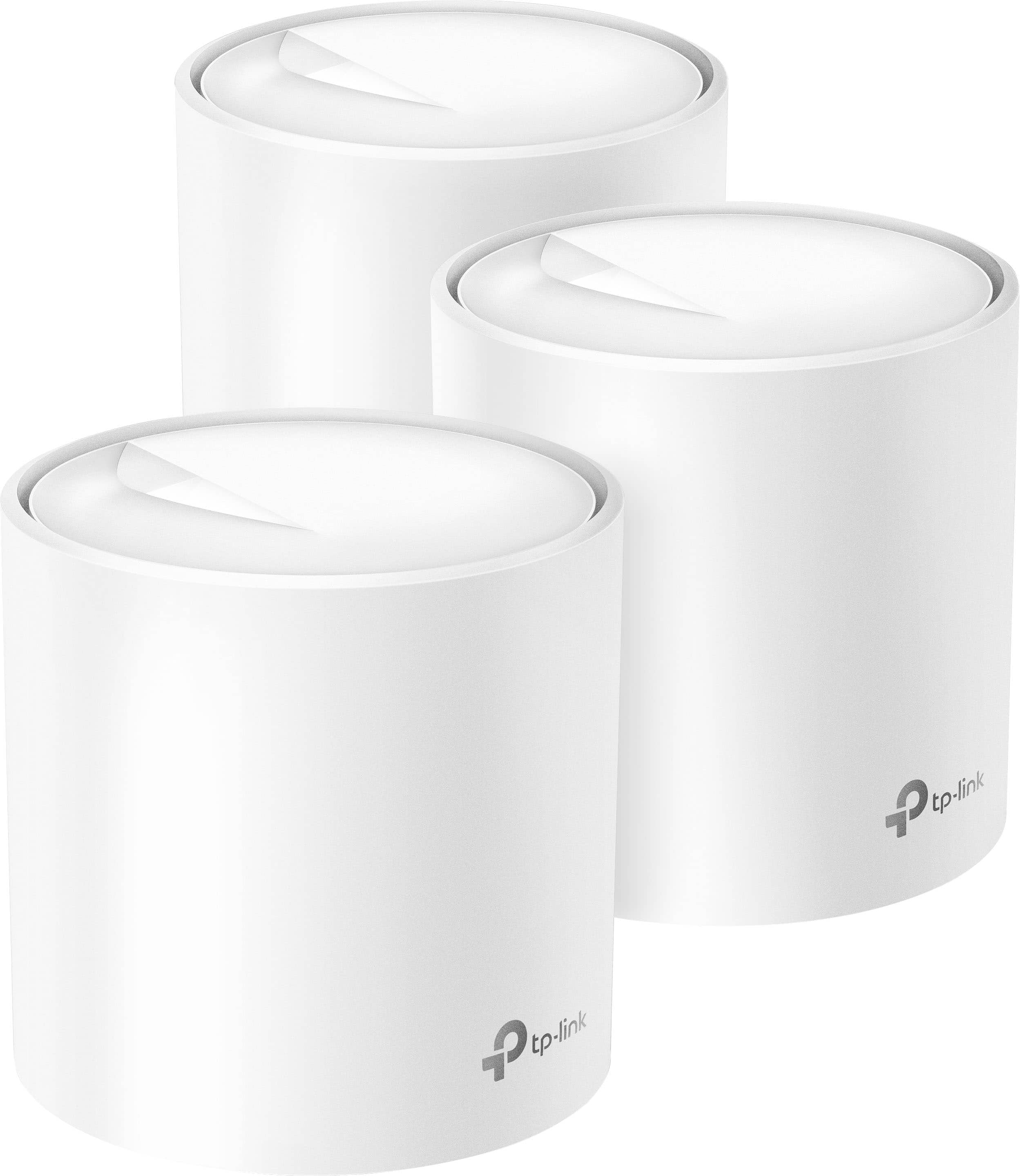
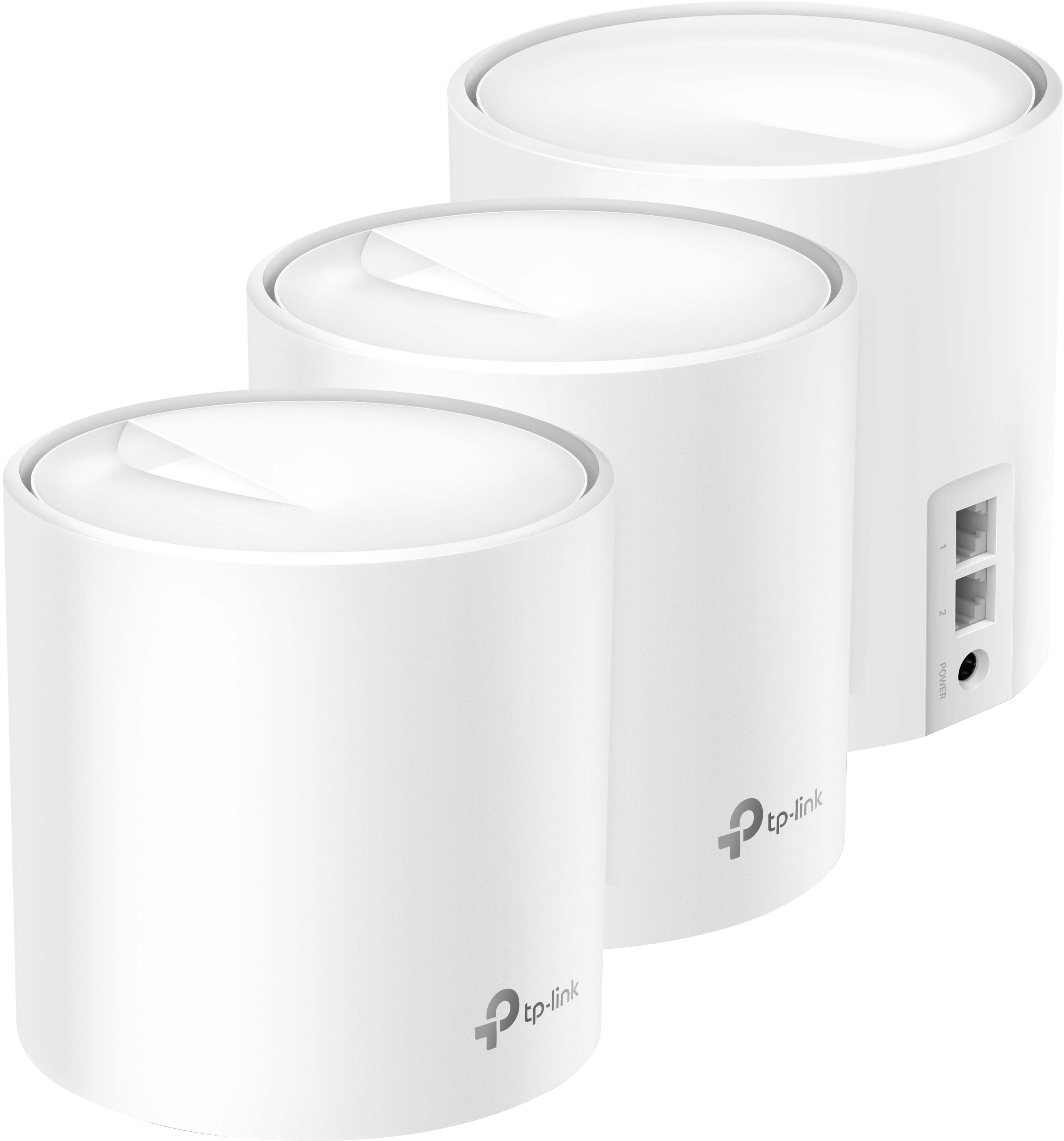
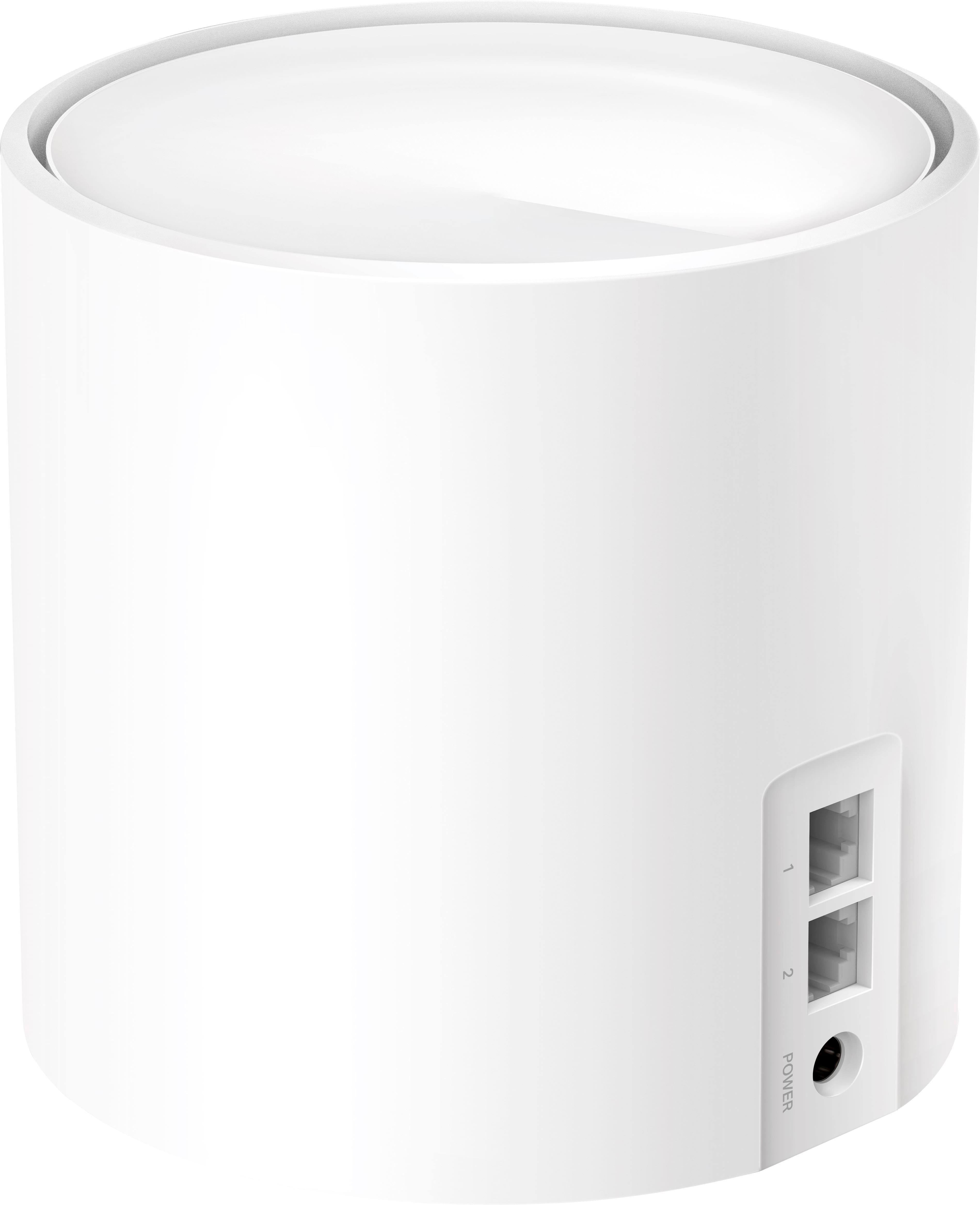
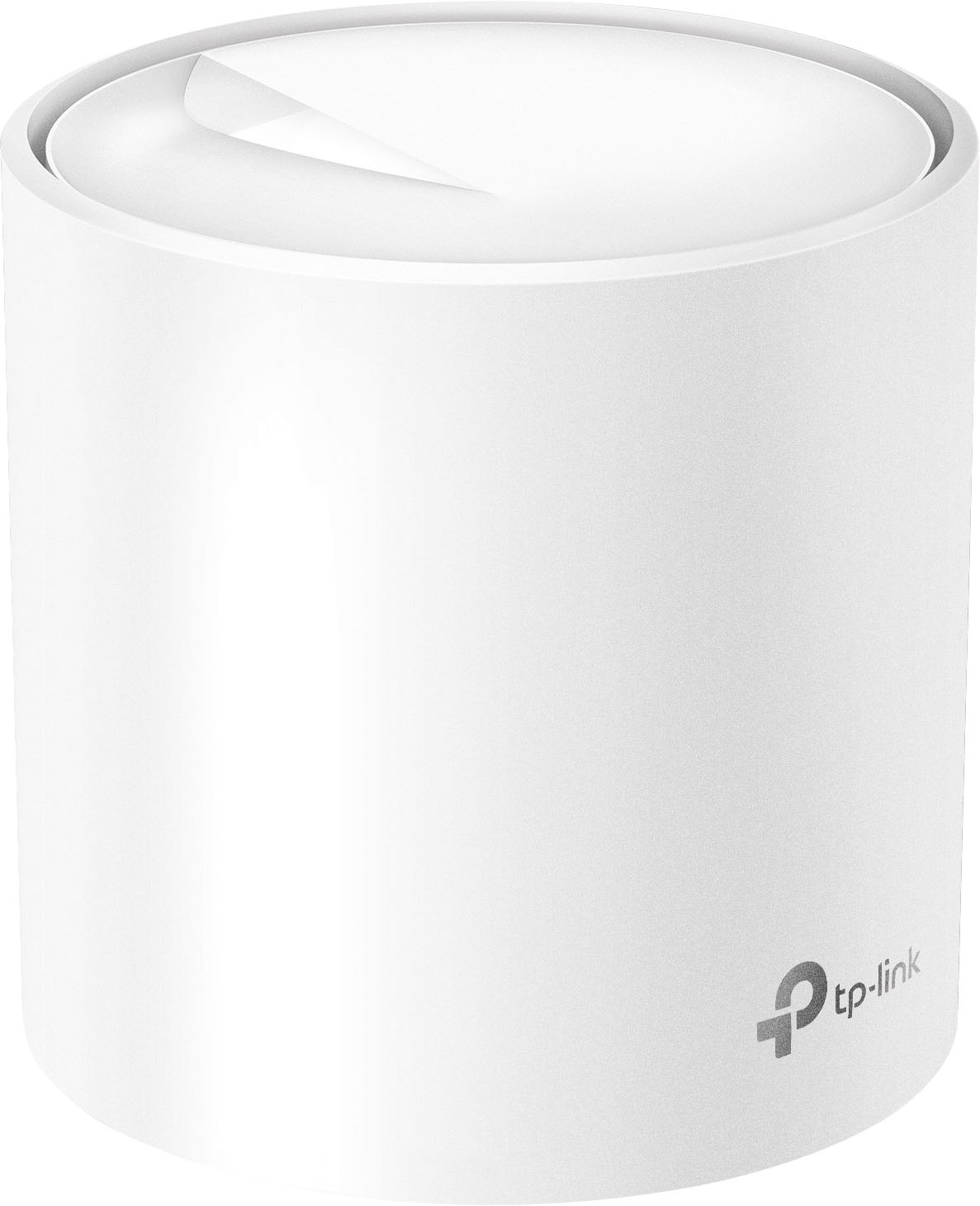
- Deco AX3000 (3-pack)
- |
- SKU:
- 6479600
Customer reviews
Rating 4.6 out of 5 stars with 1070 reviews
(1,070 customer reviews)Rating by feature
- Setup4.7
Rating 4.7 out of 5 stars
- Range4.7
Rating 4.7 out of 5 stars
- Signal Strength4.7
Rating 4.7 out of 5 stars
Customers are saying
Customers have good things to say about the Deco AX3000, particularly its ease of use and setup. Many users report excellent coverage and signal strength throughout their homes. The speed, reliability, and overall performance of the system are also frequently praised. Finally, customers appreciate the increased connectivity the system provides.
This summary was generated by AI based on customer reviews.
- Pros mentioned:Setup
Rated 5 out of 5 stars
Great Mesh System
||Posted . Owned for 1 month when reviewed.This reviewer received promo considerations or sweepstakes entry for writing a review.Very pleased with the system. The setup was simple and the features the app has are great. I’d recommend this system based on the first month of ownership.
I would recommend this to a friend - Pros mentioned:Ease of use
Rated 5 out of 5 stars
TP Link DECO
||Posted . Owned for 1 month when reviewed.This reviewer received promo considerations or sweepstakes entry for writing a review.The mesh system was easy to set up and it took lees than 3 minutes for it to up and running. I am able to see what devices that are connected to our network and it lets me know when a new device is connected. Great product for the price.
I would recommend this to a friend - Pros mentioned:Setup
Rated 5 out of 5 stars
Great router
||Posted . Owned for 3 weeks when reviewed.This reviewer received promo considerations or sweepstakes entry for writing a review.They were very easy to setup, I got these to replace older set of 3 mesh routers and actually am only using two to cover the house with much better wifi coverage and speed. I definitely recommend these.
I would recommend this to a friend - Pros mentioned:Setup
Rated 5 out of 5 stars
Excellent wifi extender
||Posted . Owned for 1 month when reviewed.This reviewer received promo considerations or sweepstakes entry for writing a review.Easy to set up and connected to my existing system easily. App is user friendly. No more weak wifi
I would recommend this to a friend - Pros mentioned:Ease of use
Rated 5 out of 5 stars
Easy and works well!
||Posted . Owned for 1 week when reviewed.This reviewer received promo considerations or sweepstakes entry for writing a review.easy setup, works great, eliminated the dead zones
I would recommend this to a friend - Pros mentioned:Setup
Rated 5 out of 5 stars
Easy Upgrade
||Posted . Owned for 1 month when reviewed.This reviewer received promo considerations or sweepstakes entry for writing a review.I had trouble setting up our first Deco system and was worried about upgrading to this system. Turns out the upgrade was super easy, everything transferred over. Setup took no more than 15 minutes.
I would recommend this to a friend Rated 4 out of 5 stars
Mediocre
||Posted . Owned for 3 weeks when reviewed.This reviewer received promo considerations or sweepstakes entry for writing a review.Occasionally has ping spikes and my last router didn't do that. App works good. I like that I can reset system on the app. I wouldn't recommend this item for fps games, ping and lag spikes everyday since I bought it. Good for twitch, youtube and DirectTV streaming.
No, I would not recommend this to a friend- Pros mentioned:Coverage
Rated 5 out of 5 stars
Great Product
||Posted . Owned for 1 month when reviewed.This reviewer received promo considerations or sweepstakes entry for writing a review.I'm very pleased with this mesh system. Super easy to connect. Recommend using the same name/password as your same network setup prior so it doesn't create a duel network. Coverage is stellar.
I would recommend this to a friend - Pros mentioned:Coverage
Rated 5 out of 5 stars
TP Link, whether home or prom is the best!
||Posted . Owned for 2 weeks when reviewed.This reviewer received promo considerations or sweepstakes entry for writing a review.TP Link makes exceptional products, both residential and commercial/pro level. I deal with them on a daily basis. I have these in my house, and couldn't be happier!!! Coverage WAAYYYYYY beyond my walls and 1 ACRE yard, so make sure you know how to setup good security, hide your SSID, strong passwords, etc...
I would recommend this to a friend - Pros mentioned:Range
Rated 5 out of 5 stars
Great little discrete system!
||Posted . Owned for 3 weeks when reviewed.This reviewer received promo considerations or sweepstakes entry for writing a review.All I can say is what an upgrade from my Century Link networK!! Love these little guys!
I would recommend this to a friend - Pros mentioned:Speed
Rated 5 out of 5 stars
Router AI Mesh
||Posted . Owned for 1 month when reviewed.This reviewer received promo considerations or sweepstakes entry for writing a review.It works really great! I have them all over my house and I get reliable internet in the basement finally. Great purchase and I plan to take suggestions at best buy in the future.
I would recommend this to a friend Rated 5 out of 5 stars
WiFi
||Posted . Owned for 1 week when reviewed.This reviewer received promo considerations or sweepstakes entry for writing a review.Provides a better WiFi connection through out all my home
I would recommend this to a friend- Pros mentioned:Ease of use
Rated 5 out of 5 stars
Amazing product
||Posted . Owned for 3 weeks when reviewed.This reviewer received promo considerations or sweepstakes entry for writing a review.Easy set up and good signal even if the routers are far. The security also is amazing.
I would recommend this to a friend - Pros mentioned:Coverage
Rated 5 out of 5 stars
Total house coverage
||Posted . Owned for 1 month when reviewed.This reviewer received promo considerations or sweepstakes entry for writing a review.We have a big house with three floors and Wi-Fi dead spots were an ongoing problem. Well, no more. Simple install. Plug and play. Placed one on each floor. Problem solved.
I would recommend this to a friend - Pros mentioned:Coverage
Rated 5 out of 5 stars
Great system
||Posted . Owned for 1 month when reviewed.This reviewer received promo considerations or sweepstakes entry for writing a review.We purchased this on the recommendation from the young salesperson at BB. It's terrific--- it keeps us connected over both stories and out in a storage area. Much better coverage than our old single-unit system.
I would recommend this to a friend - Pros mentioned:Ease of use
Rated 5 out of 5 stars
Deco review
||Posted . Owned for 1 week when reviewed.This reviewer received promo considerations or sweepstakes entry for writing a review.Great product easy to set up. I love being able to cp trol my netwrik with this.
I would recommend this to a friend Rated 5 out of 5 stars
Works well with xfinity
||Posted . Owned for 1 month when reviewed.This reviewer received promo considerations or sweepstakes entry for writing a review.I read a review that this works well with xfinity and they were right! Simple setup and it’s been performing well with my Wi-Fi being consistent. Previously I was using the xfinity pods which were creating unreliable connection.
I would recommend this to a friendRated 5 out of 5 stars
Great extender
||Posted . Owned for 1 year when reviewed.This reviewer received promo considerations or sweepstakes entry for writing a review.Great addition to wifi coverage. Helped the wifi extend tremendously
I would recommend this to a friend- Pros mentioned:Setup
Rated 5 out of 5 stars
Fast and easy set up
||Posted . Owned for 2 weeks when reviewed.This reviewer received promo considerations or sweepstakes entry for writing a review.Easy to set up, works great around the house. Each satellite unit was a breeze to add to the network as well.
I would recommend this to a friend Rated 5 out of 5 stars
It works
||Posted . Owned for 1 month when reviewed.This reviewer received promo considerations or sweepstakes entry for writing a review.I took the easy option and connected to my old router -directions in the box- instant success!!! Then zip a de do da shut down. So I disconnected each pod separately and moved one out to the barn and it's been good since.
I would recommend this to a friend