Customer Ratings & Reviews
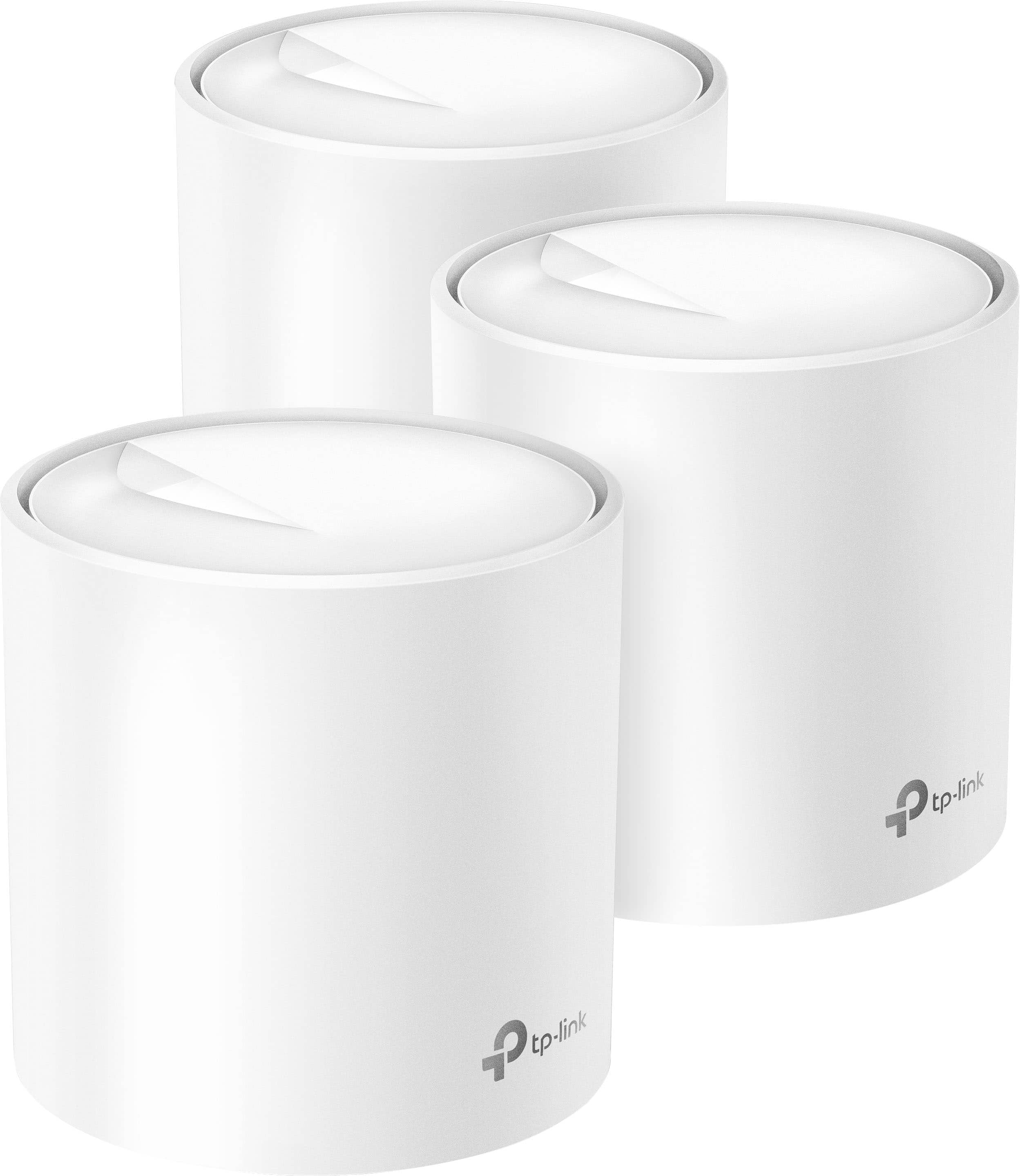
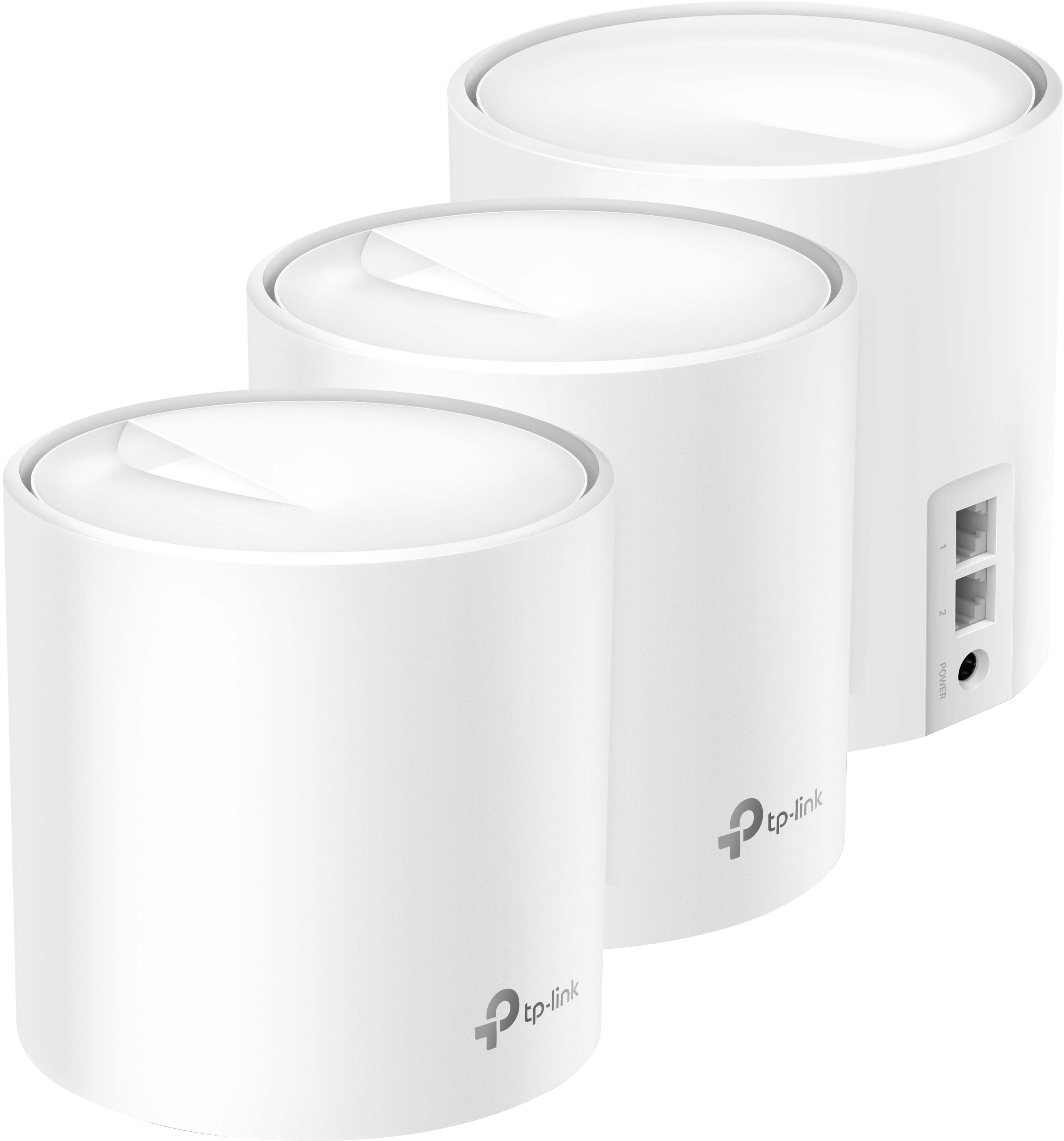

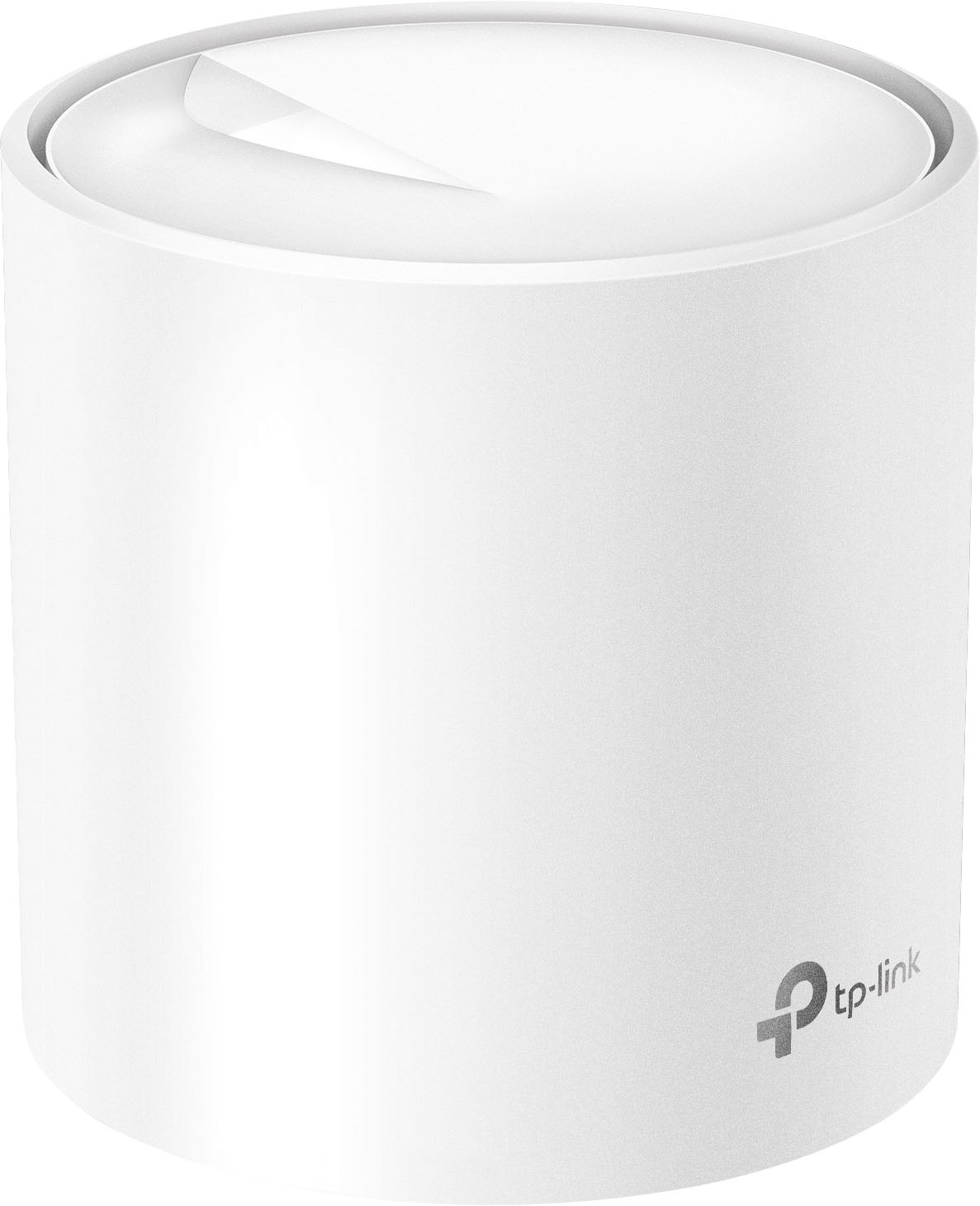


- Model:
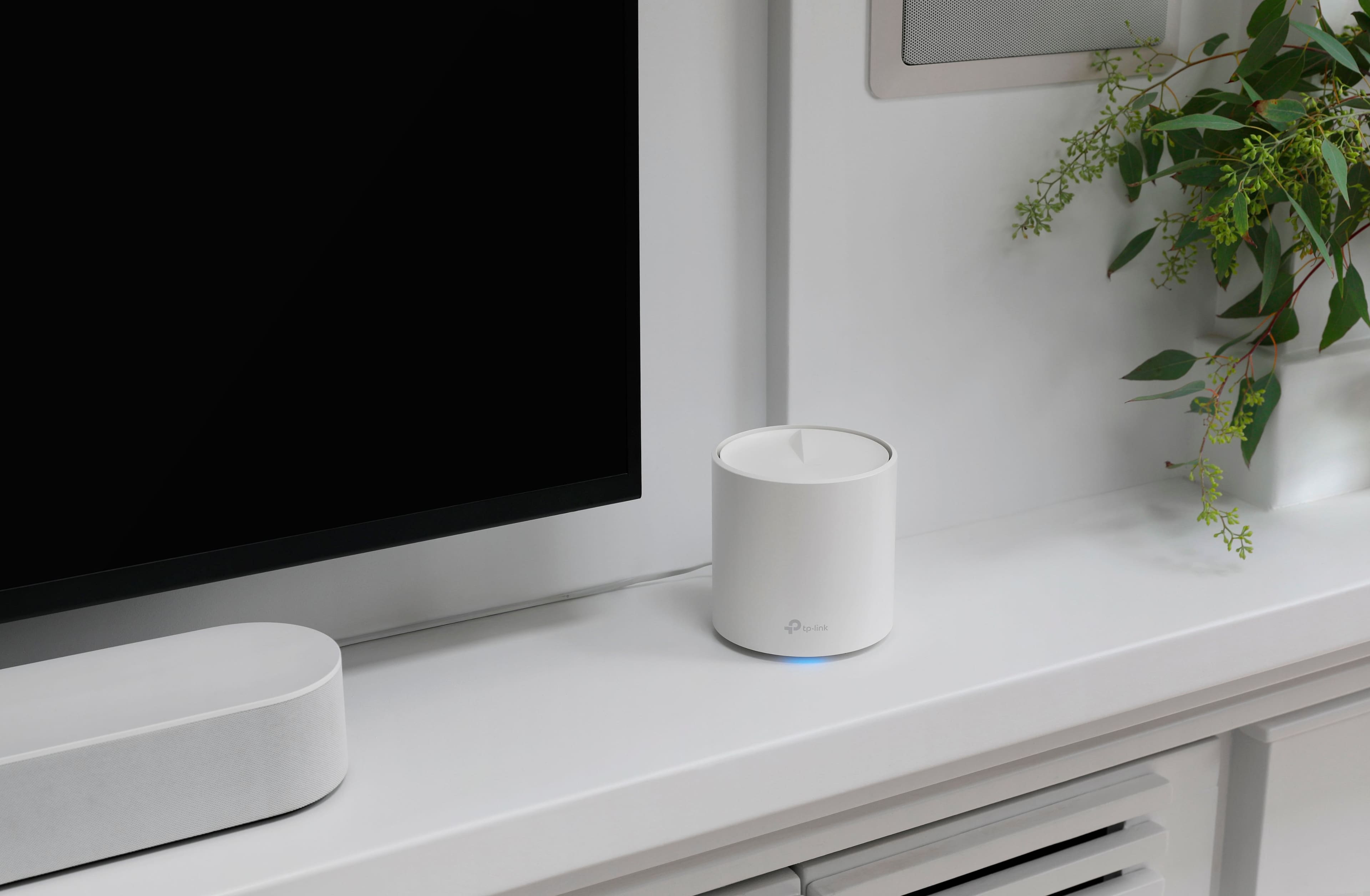
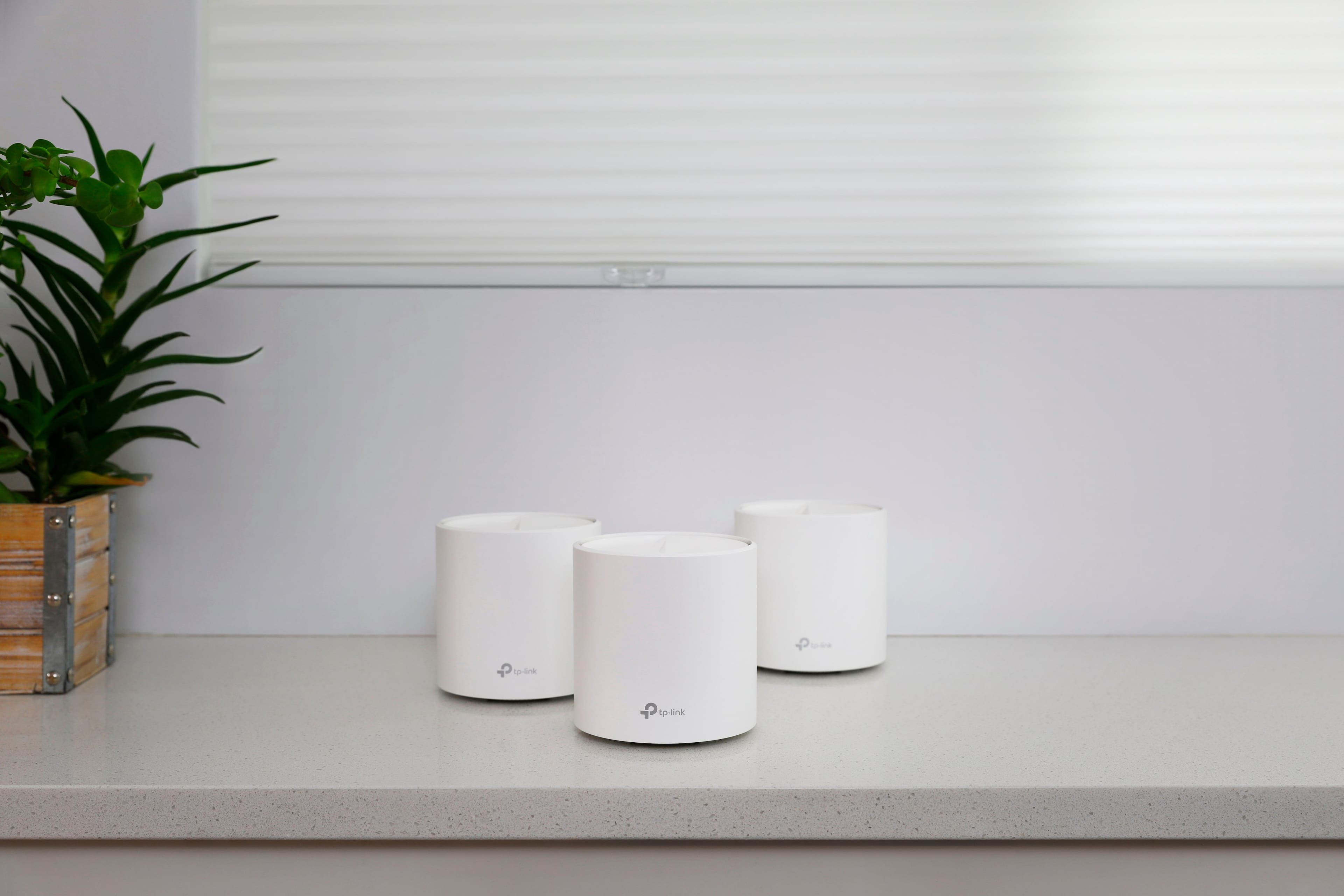
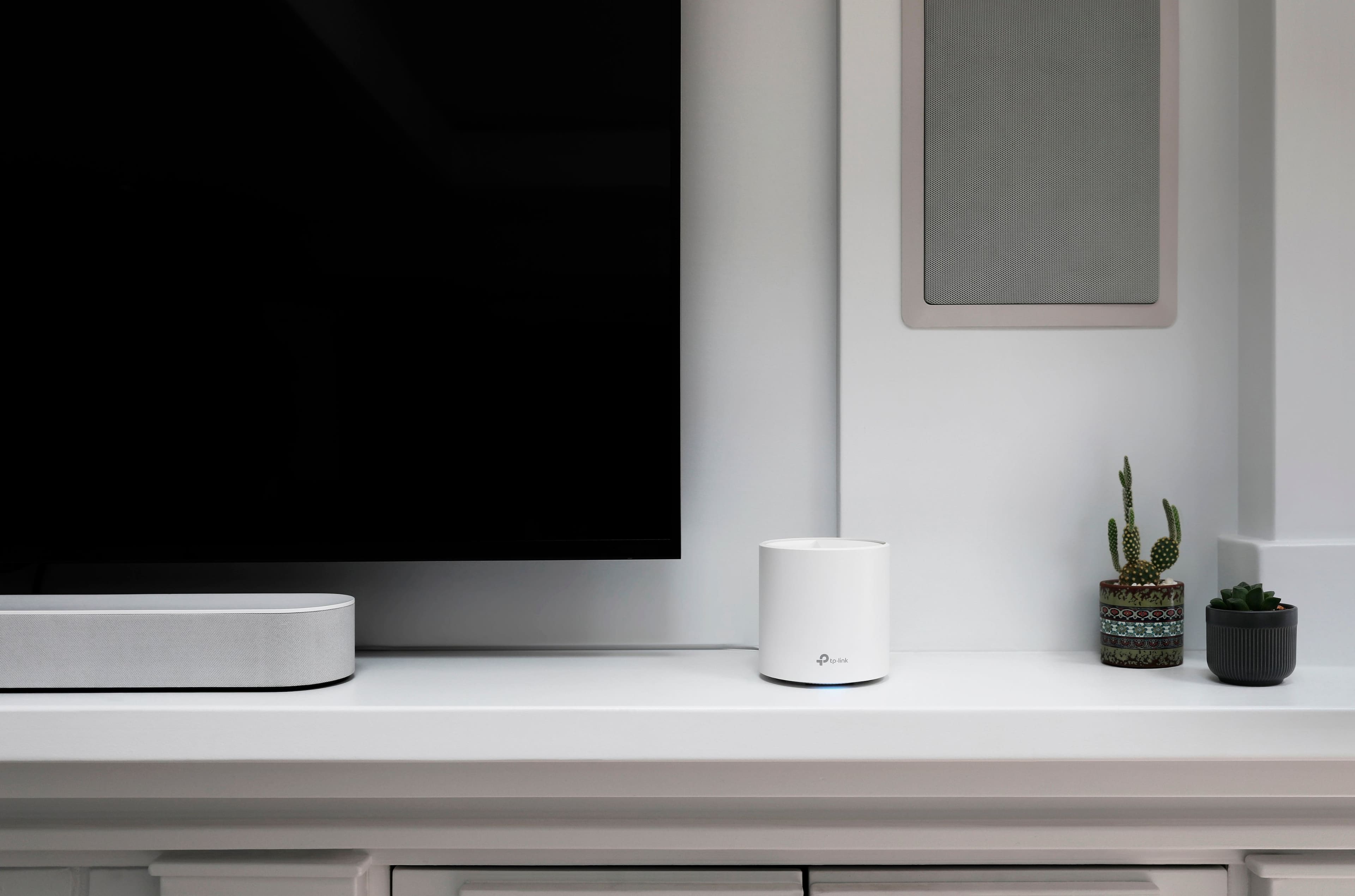
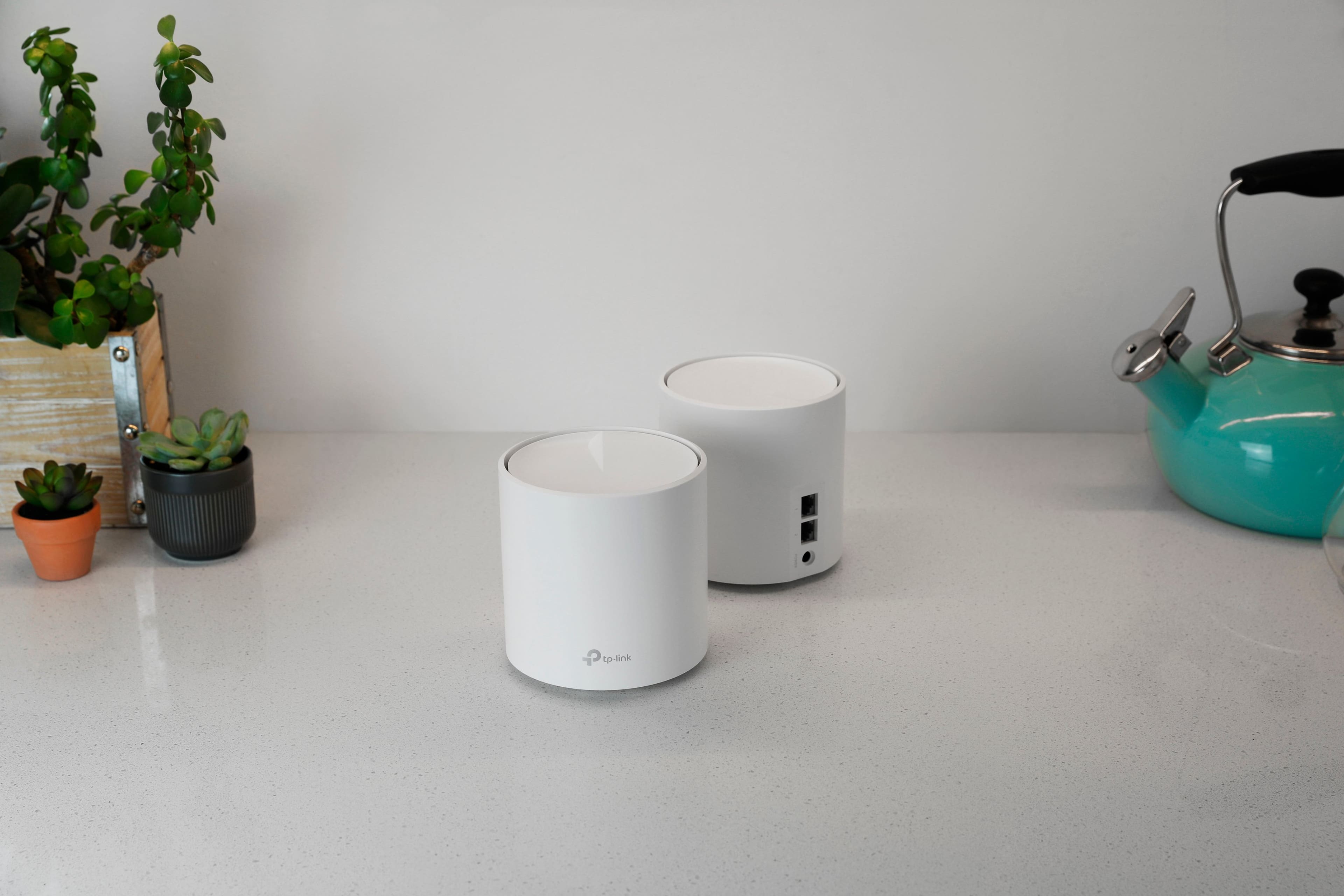
- Deco AX3000 (3-pack)
- SKU:
- 6479600
Rating by feature
- Setup
Rating 4.7 out of 5 stars
- Range
Rating 4.7 out of 5 stars
- Signal Strength
Rating 4.7 out of 5 stars
Customers are saying
Customers have good things to say about the Deco AX3000, particularly its ease of use and setup. Many users report excellent coverage and signal strength throughout their homes. The speed, reliability, and overall performance of the system are also frequently praised. Finally, customers appreciate the increased connectivity the system provides.
This summary was generated by AI based on customer reviews.
No connection.
||Posted . Owned for 3 weeks when reviewed.This reviewer received promo considerations or sweepstakes entry for writing a review.Great product, however, does not work with my Sonos wireless speakers.
I would recommend this to a friendNot reliable network connectivity
||Posted . Owned for 2 months when reviewed.This reviewer received promo considerations or sweepstakes entry for writing a review.Not a reliable device. I got a lot of problems with this device. The interconnectivity between them is not reliable and the internet speed is low. Even if you upgrade the firmware to latest version. I got two of these items because I wanted to give a 2nd shot but it was the same. I had to return them. No recommended at all.
No, I would not recommend this to a friendBrand response from TPLinkSupport
Posted .Hello Esenio,
This could be due to a myriad of reasons. All of which can be addressed by our support team. Support is free and available 24 hours a day. Please consider giving us a call at 866-225-8139 or send an email to support.usa@tp-link.com
Best Regards
TP-Link Systems Support.
Wouldn’t work with Arris XFinity Modem
||Posted . Owned for 2 weeks when reviewed.This reviewer received promo considerations or sweepstakes entry for writing a review.Couldn’t get them to connect to my Arris xFinity modem after trying for hours. Returned for eero’s and they connected within minutes.
No, I would not recommend this to a friendBrand response from TPLinkSupport
Posted .Hello Anthony,
We apologize for the inconvenience. We hope that before you returned the product you reached out to our support team. We are confident our teams would be able to help resolve such a concern.
Great product
||Posted . Owned for 1 year when reviewed.This reviewer received promo considerations or sweepstakes entry for writing a review.Fixed my issue in an old house not having great coverage throughout
I would recommend this to a friendBrand response from TPLinkSupport
Posted .Hi,
Thank you for your review. We're delighted to hear our Deco Mesh Wi-Fi System has provided you with whole home coverage and connectivity.
Our support team is always happy to help answer any questions you may have about our products. Please feel free to reach out using any of the resources included with the product, or from our official website, and we'll gladly have a Support Agent follow up with you directly.
Thank you,
TP-Link Support
- Pros mentioned:Range
Crashes; don’t recommend
||Posted . Owned for 3 weeks when reviewed.This reviewer received promo considerations or sweepstakes entry for writing a review.Bought this because noticed the high range. It always crashes, DO NOT PURCHASE, do not recommend. Highly disappointment. Crashes all the time. No stream-less streaming. Recommend EERO instead. I like their app (let’s you know if they’re too close or too far).
No, I would not recommend this to a friendBrand response from TPLinkSupport
Posted .Hi,
Thank you for your review. To ensure the best possible signal, it is important to make sure placement is as optimal as possible. Reducing obstructions and placing the router in a central location will help ensure your signal reaches the areas you need.
To ensure optimal performance of your wireless router, please check, and if needed, update its firmware using the steps outlined in FAQ 2139 on our official website. To locate this FAQ, visit our website and enter 2139 in the top-right search field, then click the corresponding FAQ in the search results.
If you would like assistance with any of these steps, please reach out to our free support team using any of the resources included with the product, or from our official website, and we'll gladly have a Support Agent follow up with you directly.
Thank you,
TP-Link Support
DO NOT BUY
||Posted . Owned for 3 months when reviewed.This reviewer received promo considerations or sweepstakes entry for writing a review.Do not recommend. I'm sorry to be so down on this product. I historically have liked TP Link routers. But I have to be honest. I bought this thinking it would upgrade my home internet experience. Every aspect of this has been a nightmare. The set up was not easy. The internet speed is slow. These routers fail unexpectedly all the time, forcing me to reset and reconfigure. Did I mention my internet is actually slower with this set up? I've tried repositioning and resetting. Sometimes my devices just drop internet for no reason. Sometimes I lose internet for the entire household. This is problematic for working from home. I wish I could return this. So disappointed in this product.
No, I would not recommend this to a friendBrand response from TPLinkSupport
Posted .Hi,
Thank you for your review. Our Deco Mesh Wi-Fi systems are designed to provide robust, seamless Mesh Wi-Fi for your whole home. In your case, we first recommend ensuring your Deco app and firmware are both fully up to date and your Deco units are optimally positioned within your home and in proximity to each other.
Our support team is always happy to help answer any questions you may have about our products. Please feel free to reach out using any of the resources included with the product, or from our official website, and we'll gladly have a Support Agent follow up with you directly.
Thank you,
TP-Link Support
- Pros mentioned:Speed
wi-fi mesh system
||Posted . Owned for 3 weeks when reviewed.This reviewer received promo considerations or sweepstakes entry for writing a review.it was okay definitely would recommend orbi very much faster
No, I would not recommend this to a friendBrand response from TPLinkSupport
Posted .Hi,
Thank you for your review. Our Deco Mesh Wi-Fi systems are designed to provide robust, seamless Mesh Wi-Fi for your whole home. In your case we first recommend ensuring your Deco app and firmware are both fully up to date and your Deco units are optimally positioned within your home and in proximity to each other.
Our support team is always happy to answer any questions you might have about our products. Please reach out to our support team using any of the resources included with the product, or from our official website, and we'll gladly have a Support Agent follow up with you directly.
Thank you,
TP-Link Support
Not a good choice
||Posted . Owned for 9 months when reviewed.This reviewer received promo considerations or sweepstakes entry for writing a review.I bought in store. I wasn’t happy with it. The net web on my iPhone would shut down constantly I would have to search for one of the tower connections constantly. It always bogged down and I would have to wait
No, I would not recommend this to a friendBrand response from TPLinkSupport
Posted .Hi,
Thank you for your review. Our Deco Mesh Wi-Fi systems are designed to provide robust, seamless Mesh Wi-Fi for your whole home. In your case, we first recommend ensuring your Deco app and firmware are both fully up to date and your Deco units are optimally positioned within your home and in proximity to each other.
Our support team is always happy to help answer any questions you may have about our products. Please feel free to reach out using any of the resources included with the product, or from our official website, and we'll gladly have a Support Agent follow up with you directly.
Thank you,
TP-Link Support
Broken from day one.
||Posted . Owned for 2 weeks when reviewed.This reviewer received promo considerations or sweepstakes entry for writing a review.The devices look nice and set up was extremely simple. The options in the menu are few but the ones they give you are easy to operate. However from day one I had continual issues with at any given time one device unable to connect to the internet. Which device was unable to connect mixed and matched every time. While speed tests would show a fast internet connection the ability for the device to resolve DNS queries was zero. For more updates did not solve the problem. Returning it
No, I would not recommend this to a friendBrand response from TPLinkSupport
Posted .Hi,
Thank you for your review. Our Deco Mesh Wi-Fi systems are designed to provide robust, seamless Mesh Wi-Fi for your whole home. In your case, we first recommend ensuring your Deco app and firmware are both fully up to date and your Deco units are optimally positioned within your home and in proximity to each other.
Our support team is always happy to answer any questions you might have about our products. Please reach out to our support team using any of the resources included with the product, or from our official website, and we'll gladly have a Support Agent follow up with you directly.
Thank you,
TP-Link Support
Mr.
||Posted . Owned for 1 month when reviewed.This reviewer received promo considerations or sweepstakes entry for writing a review.Not as good as described!!!!!!!!!!!!!!!!!!!!!!!!!!
No, I would not recommend this to a friendBrand response from TPLinkSupport
Posted .Hi,
Thank you for your review. Our Deco Mesh Wi-Fi systems are designed to provide robust, seamless Mesh Wi-Fi for your whole home. In your case, we first recommend ensuring your Deco app and firmware are both fully up to date and your Deco units are optimally positioned within your home and in proximity to each other.
Our support team is always happy to help answer any questions you may have about our products. Please feel free to reach out using any of the resources included with the product, or from our official website, and we'll gladly have a Support Agent follow up with you directly.
Thank you,
TP-Link Support
Great product. Missing some parental controls
||Posted . Owned for 1 month when reviewed.This reviewer received promo considerations or sweepstakes entry for writing a review.It is a very good product. It was easy to install, setup and get it working. My Wi-Fi coverage is much better now. I took one star out because some of the security features and parental controls are only available on the paid subscription based version of their app.
I would recommend this to a friend
Worst WiFi in 10 years
|Posted . Owned for less than 1 week when reviewed.This reviewer received promo considerations or sweepstakes entry for writing a review.[Employee of bestbuy] Do not waste your money on this model. You will most likely get home and spend hours troubleshooting only to end up returning. The AT&T provider router performs 10x better than this system and so does my old ASUS that is 8 years old. Truly incredible how bad this product is. I thought in 2023 and for $200+ it couldnt be worse than the previous mentions but it is exponentially worse. Iphone disconnects if it even connects at all, wireless speakers barely work, tv buffering. No way to set dedicated 2.4 and 5Ghz so not really dual band. Dont buy this.
No, I would not recommend this to a friendBrand response from TPLinkSupport
Posted .Hi,
Thank you for your review. Our Deco Mesh Wi-Fi systems are designed to provide robust, seamless Mesh Wi-Fi for your whole home. In your case, we first recommend ensuring your Deco app and firmware are both fully up to date and your Deco units are optimally positioned within your home and in proximity to each other.
Our support team is always happy to help answer any questions you may have about our products. Please feel free to reach out using any of the resources included with the product, or from our official website, and we'll gladly have a Support Agent follow up with you directly.
Thank you,
TP-Link Support
No bueno for staying online
||Posted .This reviewer received promo considerations or sweepstakes entry for writing a review.Wished this worked well but it keeps shutting down on me and causing my connection to die Now I have to say to link is not what it used to be
No, I would not recommend this to a friendBrand response from TPLinkSupport
Posted .Hi JoshuaF,
Thank you for your review. Our Deco Mesh Wi-Fi systems are designed to provide robust, seamless Mesh Wi-Fi for your whole home. In your case, we first recommend ensuring your Deco app and firmware are both fully up to date and your Deco units are optimally positioned within your home and in proximity to each other.
Our support team is always available and happy to assist with any questions you may have about our products. Feel free to contact us through any of the resources provided with the product or on our official website, and a Support Agent will follow up with you directly.
Thank you,
TP-Link Systems Support
Poor value. Better options elsewhere
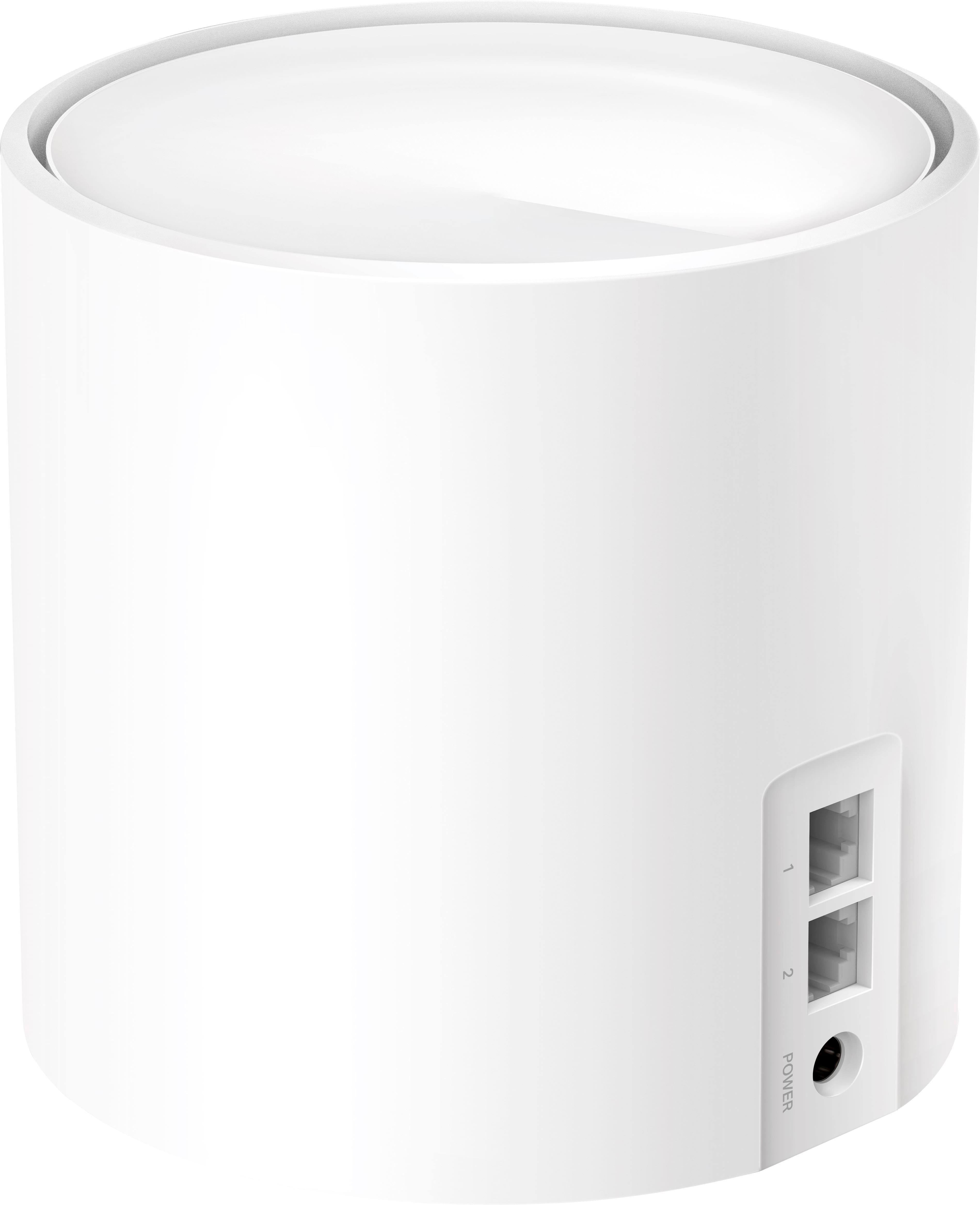
||Posted . Owned for 3 weeks when reviewed.This reviewer received promo considerations or sweepstakes entry for writing a review.Comes with 3 APs, but they only have two ports so there’s no possible way to use them wired without additional hardware. If you’re going to put 3 in a kit then at least have one with 3 ports. Also came with one Ethernet cable. Other brands have better value. I would not recommend this. Wish I hadn’t bought it.
No, I would not recommend this to a friendBrand response from TPLinkSupport
Posted .Hi sadlinksysowner,
Thank you for your review. Our Deco Mesh Wi-Fi systems are designed to provide robust, seamless Mesh Wi-Fi for your whole home. If you would like to wire all of your Deco nodes via Ethernet cable, and connect additional wired devices to your network, you can simply connect a Gigabit Ethernet Switch to your main Deco, then connect additional devices (including Deco nodes) via Ethernet to the switch.
Our support team is always happy to help answer any questions you may have about our products. Please feel free to reach out using any of the resources included with the product, or from our official website, and we'll gladly have a Support Agent follow up with you directly.
Thank you,
TP-Link Support
No no not X60
||Posted . Owned for 2 months when reviewed.This reviewer received promo considerations or sweepstakes entry for writing a review.My speed is 500 MBPS. Bought this on May 2022. Set up was super easy. Firmware updated on all 3. Few days later, speed dropped. Happened speed ZERO!!!! Had rebooted and unplugs many times. Too many pain. Almost everyday dropped speed or zero since May. Whyyyyyyy!!!! I'm very very very tired of them!!!! Uuuuuuuhhhhh Don't buy them!!!! Gave zero star!!!! Wasted my time. Wasted my money. Thank alot to TP link!!!! Would Sell them for 25 bucks to someone! I will buy different brand or maybe TP link different model!!!! >:( >:(
No, I would not recommend this to a friendBrand response from TPLinkSupport
Posted .Hello Shine,
Before you do that please consider reaching out to Technical Support for assistance. Our teams are available 24/7 to help address concerns like this. https://www.tp-link.com/us/support/contact-technical-support/
TP link Deco
||Posted . Owned for 1 month when reviewed.This reviewer received promo considerations or sweepstakes entry for writing a review.Easy to install and works as described. I was unable to use my old router with my new cable modem and had poor coverage until I installed the mesh network
I would recommend this to a friendHardware is worthless if software is garbage...
||Posted . Owned for 3 months when reviewed.This reviewer received promo considerations or sweepstakes entry for writing a review.Worked fine at first but consistently became slower and slower. Does not manage large amount of devices well. Both the app and web based management software leaves a lot to be desired. Shows you total consumed network bandwidth which does not add up when compared to individual device traffic usage. Blocking adult content on child accounts does not actually prevent them from getting to any adult sites. Also has no way
No, I would not recommend this to a friendBrand response from TPLinkSupport
Posted .Hi,
Thank you for your review. Our Deco Mesh Wi-Fi systems are designed to provide robust, seamless Mesh Wi-Fi for your whole home. In your case we first recommend ensuring your Deco app and firmware are both fully up to date and your Deco units are optimally positioned within your home and in proximity to each other.
We appreciate your feedback regarding the Deco app and ecosystem, and we will share it with our Deco development team for consideration.
Our support team is always happy to answer any questions you might have about our products. Please reach out to our support team using any of the resources included with the product, or from our official website, and we'll gladly have a Support Agent follow up with you directly.
Thank you,
TP-Link Support
Good but weak backbone performance
||Posted . Owned for 1 month when reviewed.This reviewer received promo considerations or sweepstakes entry for writing a review.Pretty good performance but when I had all my wired devices hanging off the hub Deco I lost internet connectivity twice. After I spread the load between all three Decos the problem hasn’t repeated.
I would recommend this to a friendNot up to expectations
||Posted .This reviewer received promo considerations or sweepstakes entry for writing a review.They do not work if your bandwidth is more than 500mbps and that too with spectrum routers , I took spectrum extenders after returning this item and they are working fine.
No, I would not recommend this to a friendBrand response from TPLinkSupport
Posted .This is not accurate. The Deco AX3000 can work with services up to 1 Gbps and there are no known limitations with specific ISPs. Please reach out to support for assistance if you need it. 866-225-8139 or support.USA@TP-Link.com
Best Regards
TP-Link Systems Support
- Pros mentioned:Coverage, Speed

Worthy Mesh system
|Posted .This reviewer received promo considerations or sweepstakes entry for writing a review.I'm getting tired of this app based set up. They're buggy, slow, extremely cumbersome compared to a web based set up. Luckily the TP-link app gave me the least problems. It does offer a web based interface, but they intentionally leave out some option. Because of this, most current commercial routers will never take over the routing duties and only need to act as dumb old AP's. That said, the Deco AX3000's actually allow for real AP mode instead of some pseudo bridge mode some others are moving to so they can still collect data. As far as I can tell, the Deco's aren't collecting your web habits and sending data about who's home, and what appliances and smart devices you own - read up about it, quite a few are doing shady things with your network without your knowledge or explicit consent. Now, the reason why I gave it 5 starts is performance. I don't use wireless backhaul and have cable run to the locations the hubs will sit. This way I don't lose speed from the wireless backhaul. After getting it all set up, I did a file transfer test and it was going at a speed 100MB/s, basically what I get in a wired to wired transfer. Pretty darn good! Hand off from one router to the next was good enough that I wasn't in a weak spot for more than a few minutes. Coverage is 100% as I get a near full signal anywhere in the house and quite a big distance outside. The house is 3200sqft on 1ac of land and I was able to hold a signal in almost every area in the yard except at the farthest end of the driveway. So now I'm even more impressed. So far it's been a week without any drop outs or slow downs. Since rural fiber is finally coming to my area I'll be able to use the AX3000's to their fullest capacity. Currently I'm on LTE and it tops at 250Mb/s, while not bad 1Gb/s is gonna blow it away. Definitely happy with the AX3000 compared to the other brands I've used. I've used plenty TP-Link routers in the past, but they've always been flashed with custom firmware, so I already love the company.
I would recommend this to a friend