Customer Ratings & Reviews


- Model:
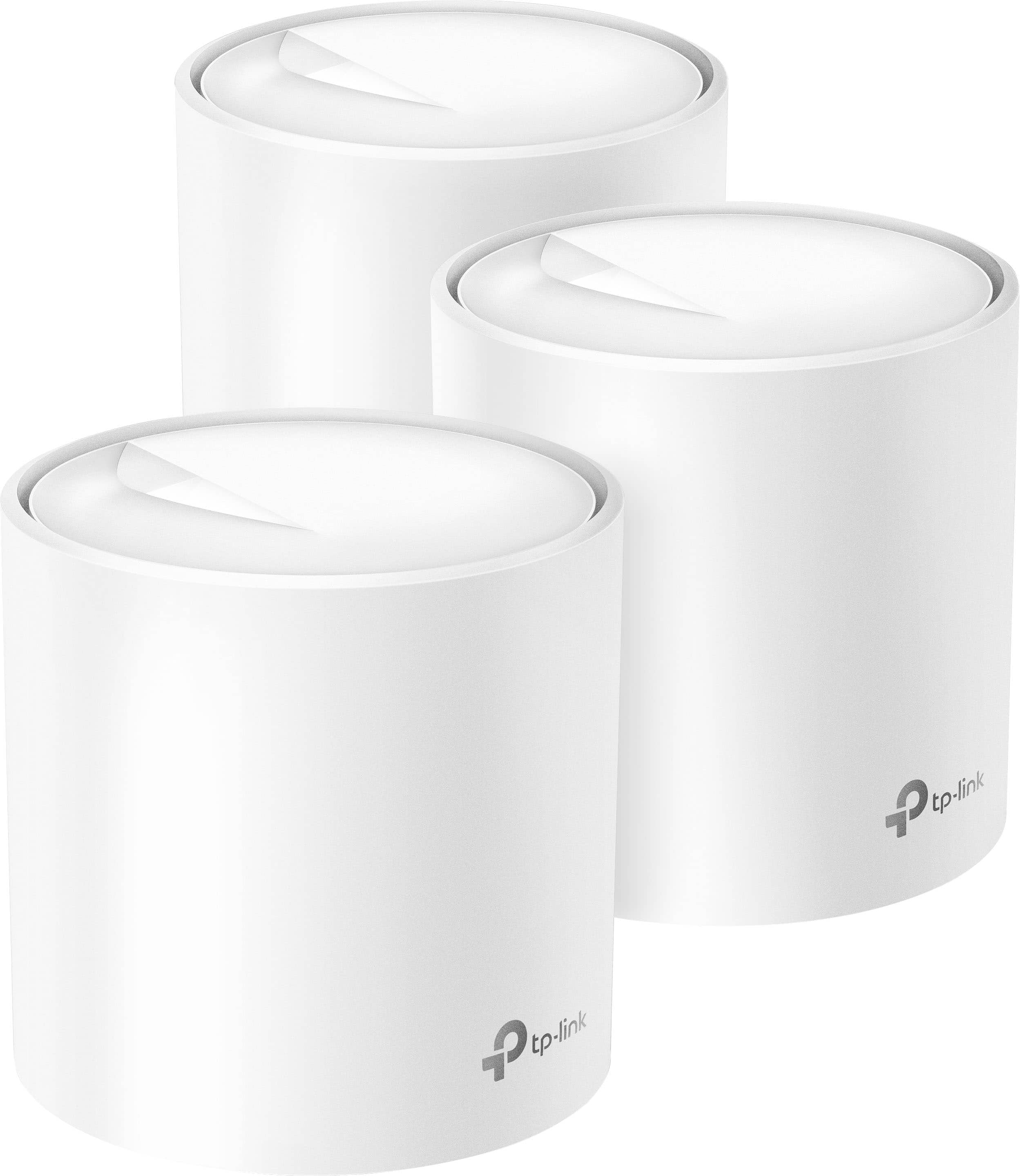
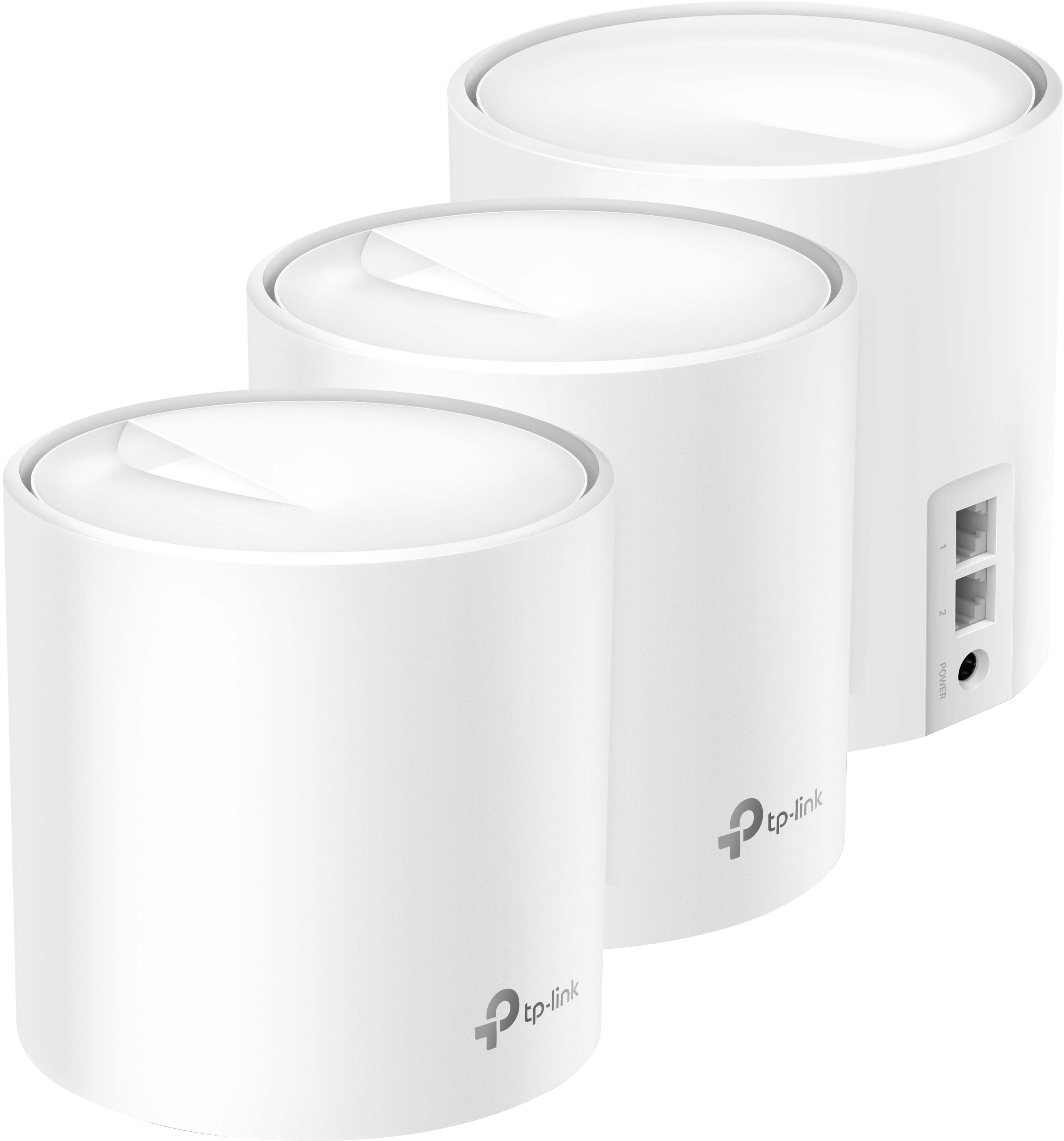
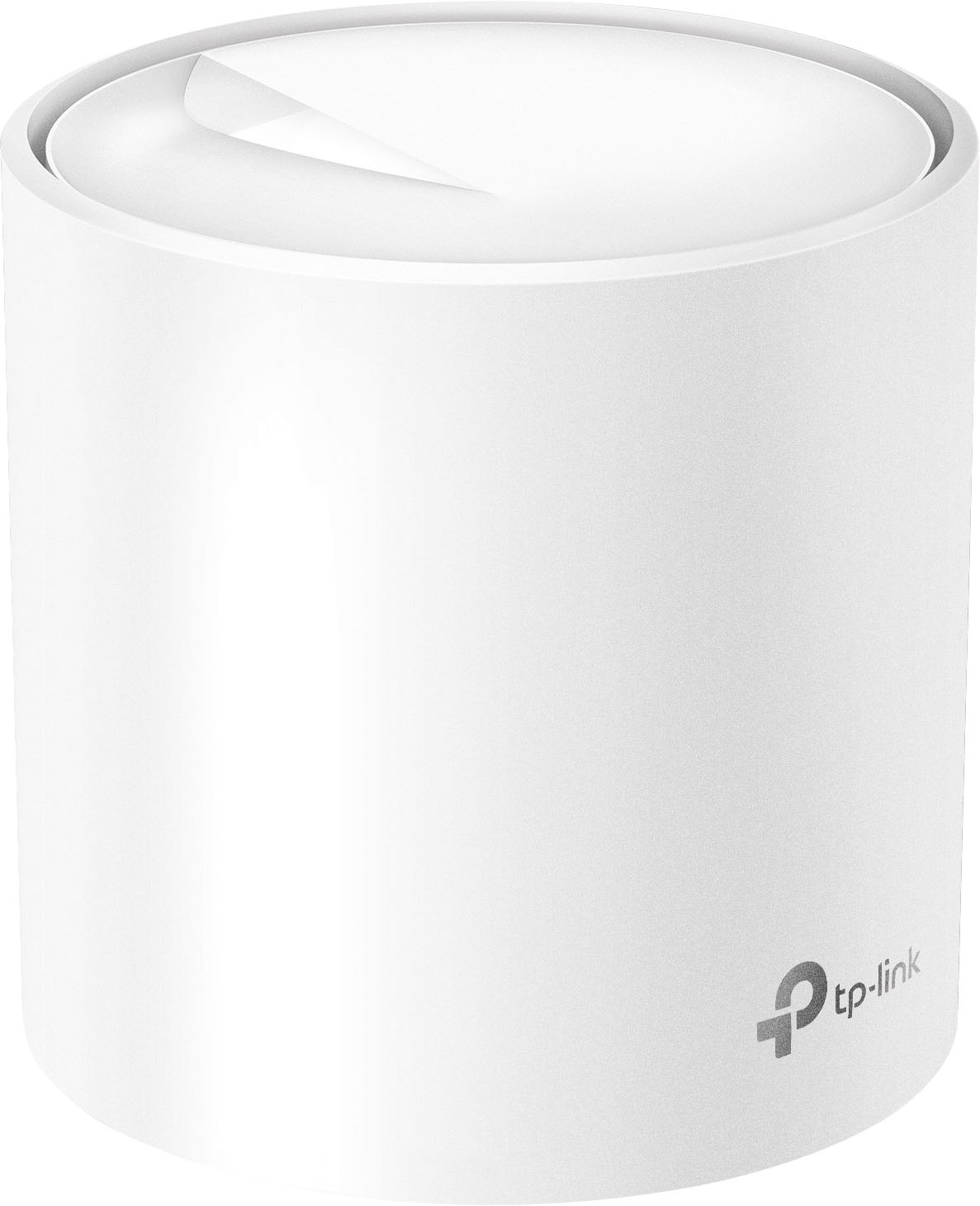
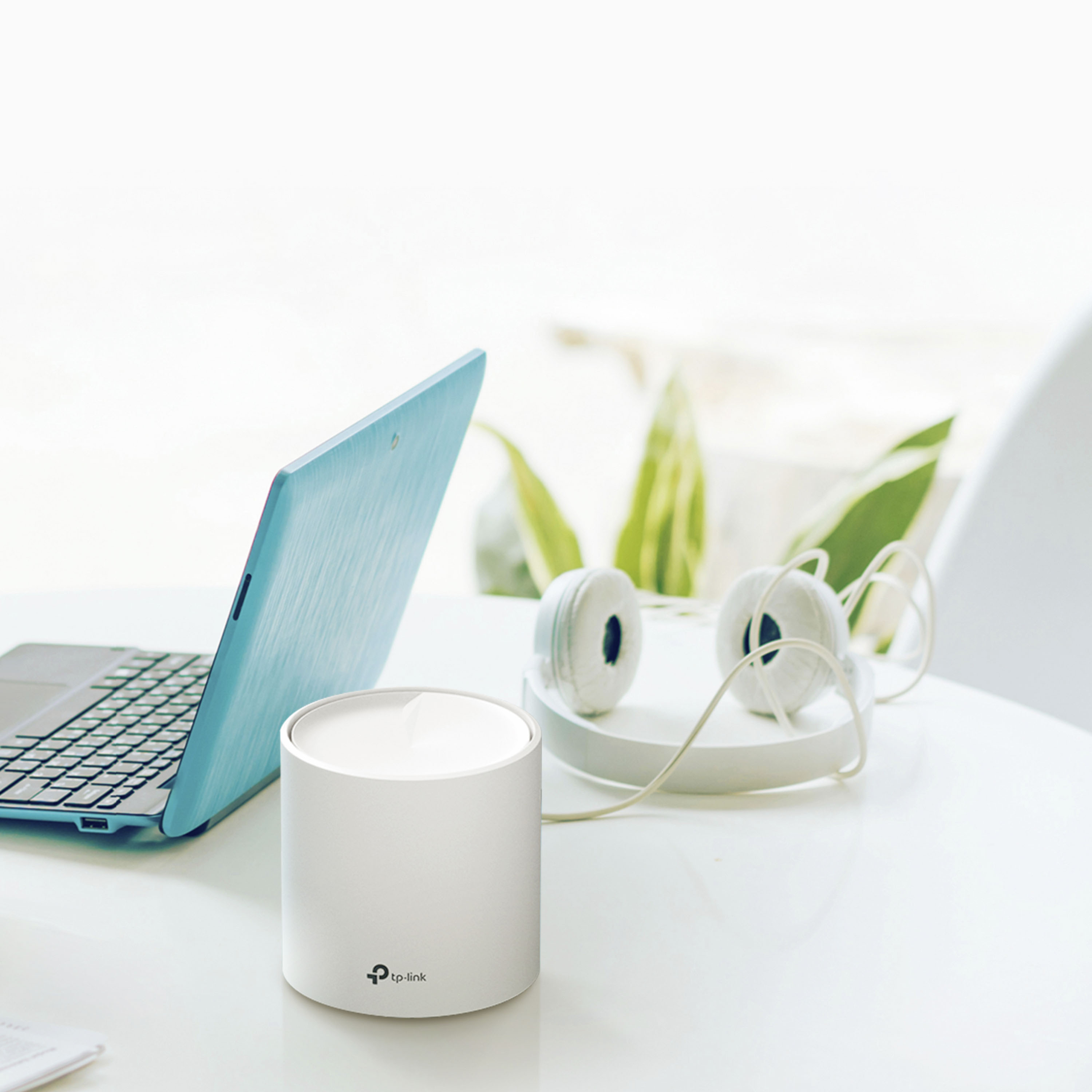
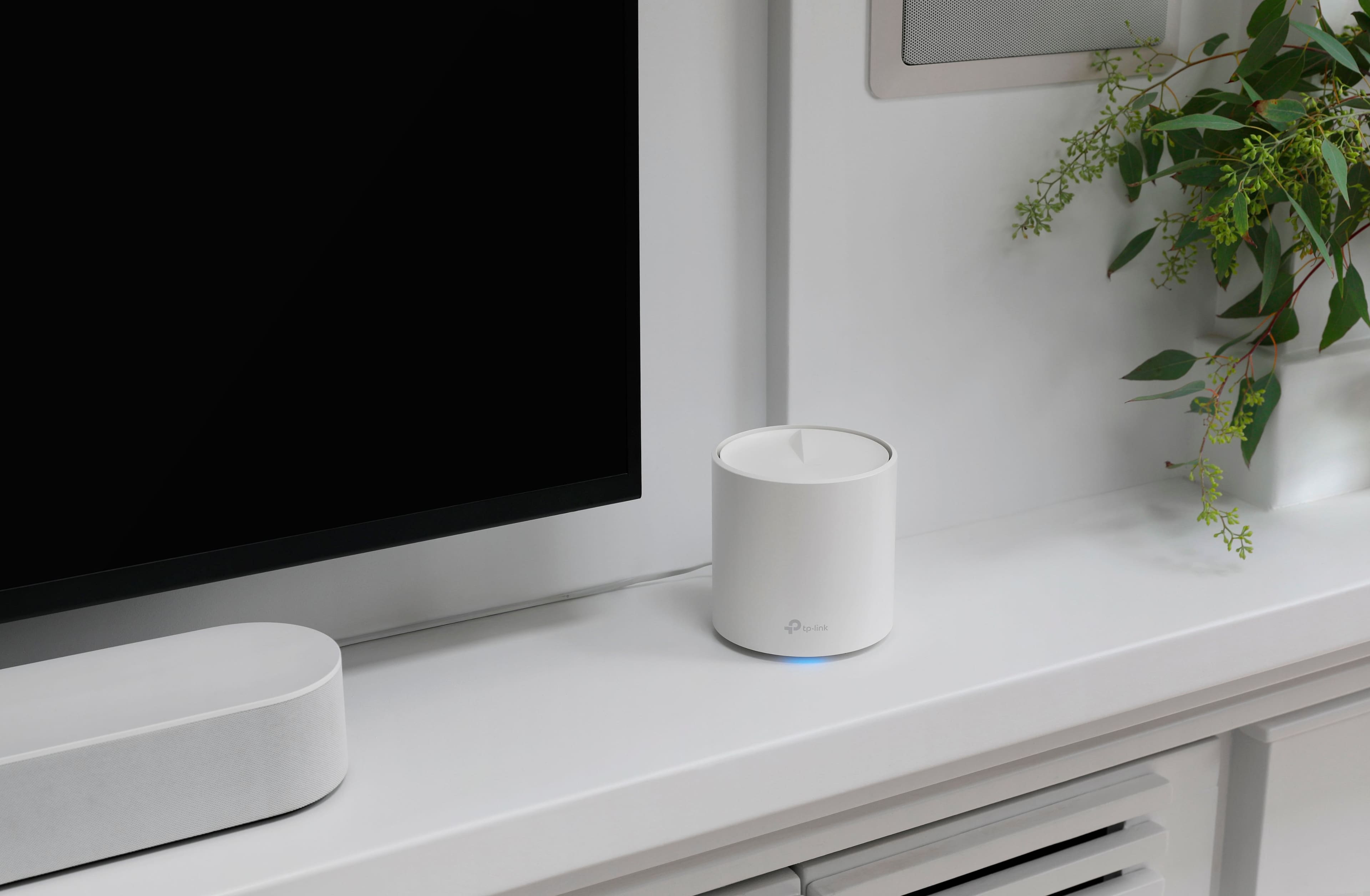
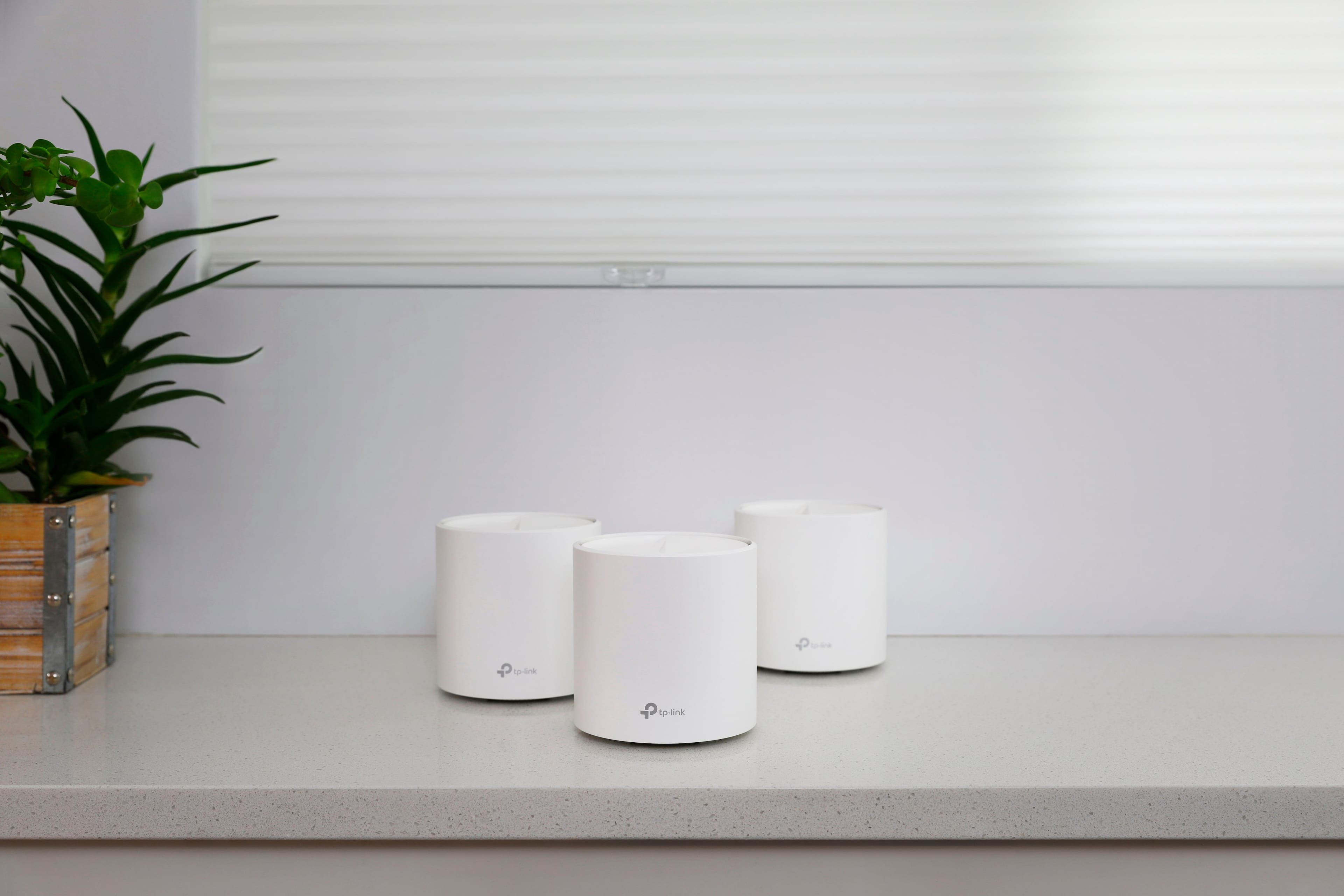
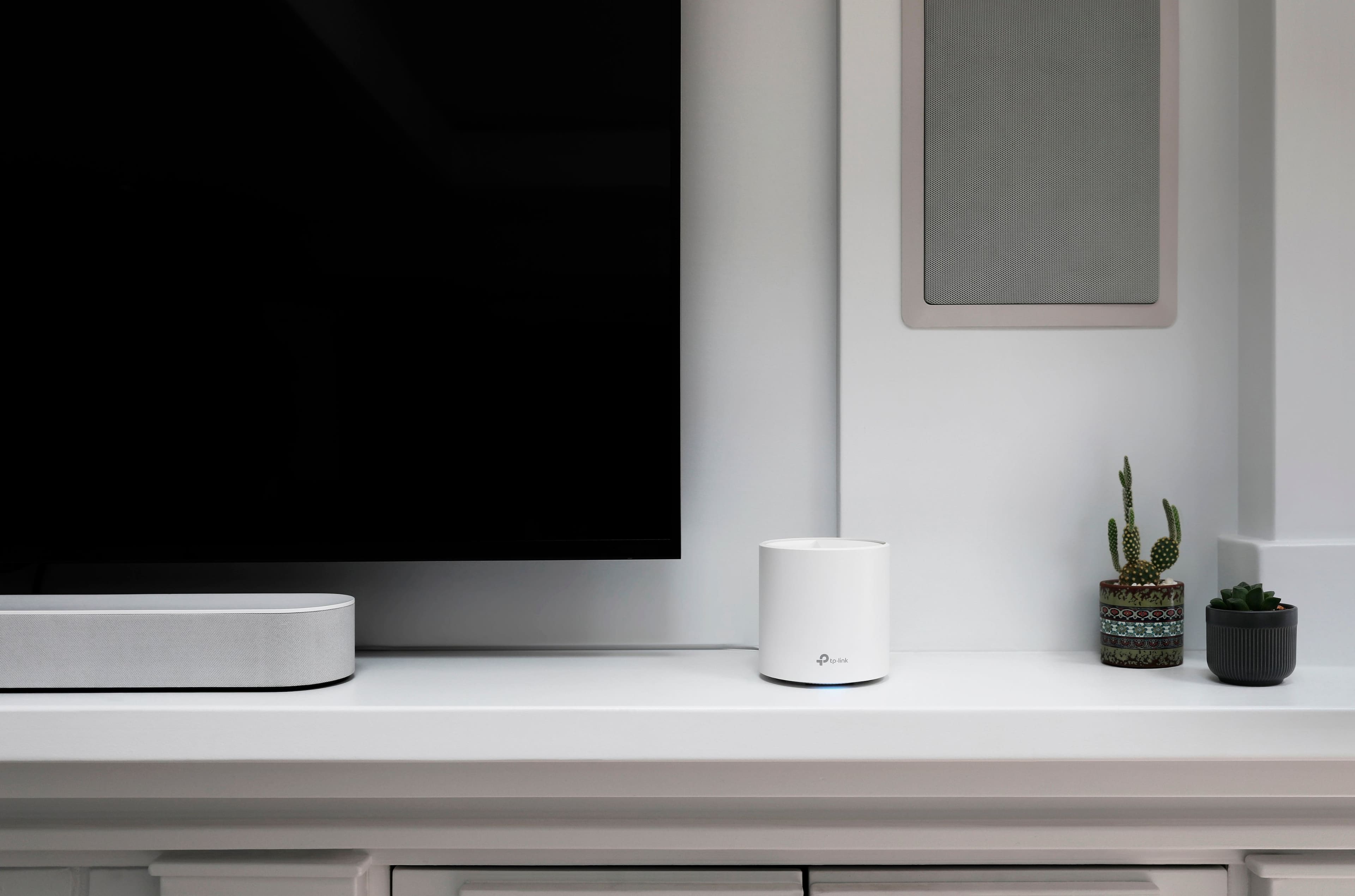
- Deco AX3000 (3-pack)
- SKU:
- 6479600
Rating by feature
- Setup
Rating 4.7 out of 5 stars
- Range
Rating 4.7 out of 5 stars
- Signal Strength
Rating 4.7 out of 5 stars
Customers are saying
Customers have good things to say about the Deco AX3000, particularly its ease of use and setup. Many users report excellent coverage and signal strength throughout their homes. The speed, reliability, and overall performance of the system are also frequently praised. Finally, customers appreciate the increased connectivity the system provides.
This summary was generated by AI based on customer reviews.
Hood system for the price
||Posted . Owned for 6 months when reviewed.This reviewer received promo considerations or sweepstakes entry for writing a review.It actually worked pretty well, held signal in all the areas without any real issues just wasn’t getting as much speed as some other options. Would probably serve most people just fine
I would recommend this to a friend- Pros mentioned:Coverage, Setup, Speed

Great for most households
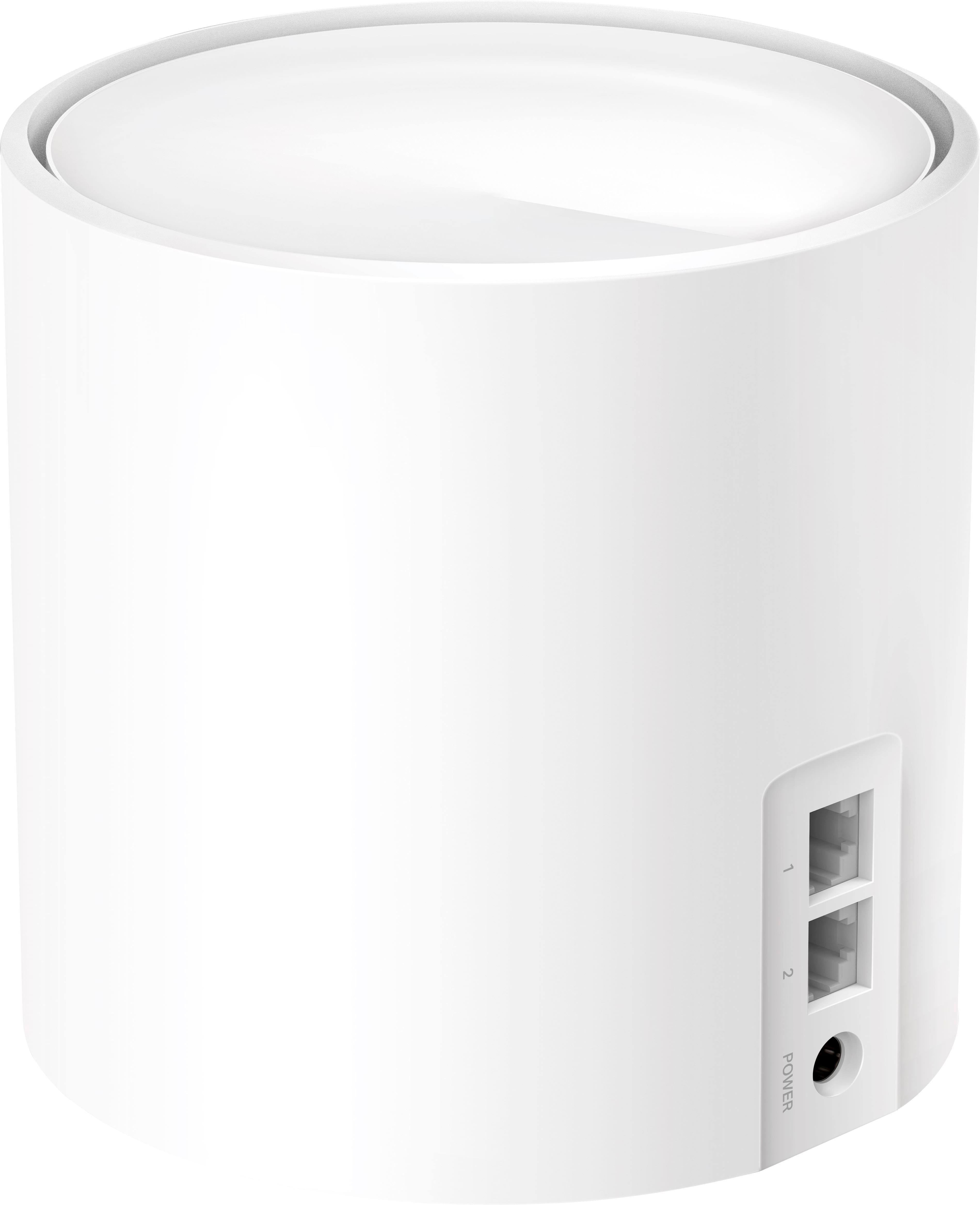
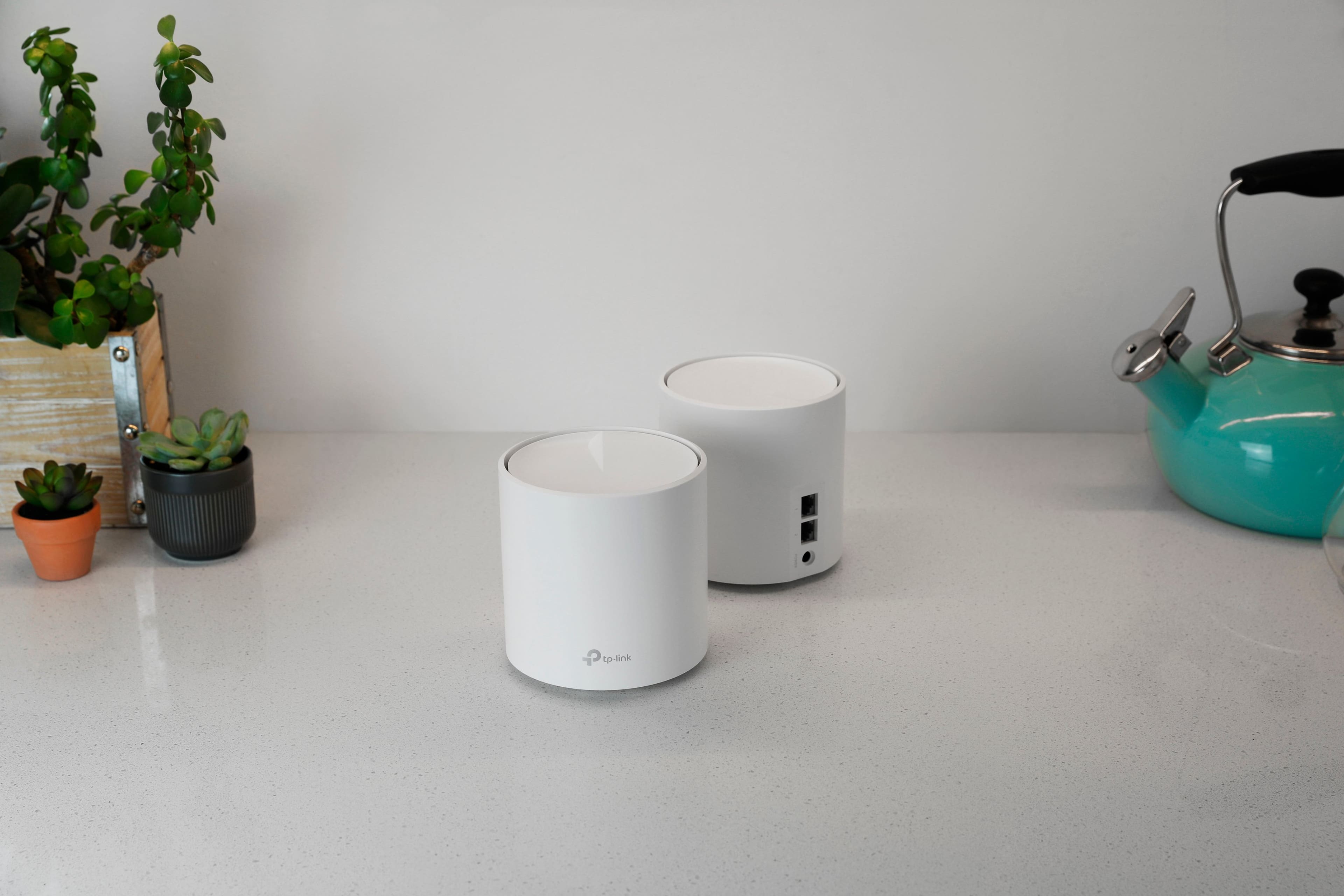
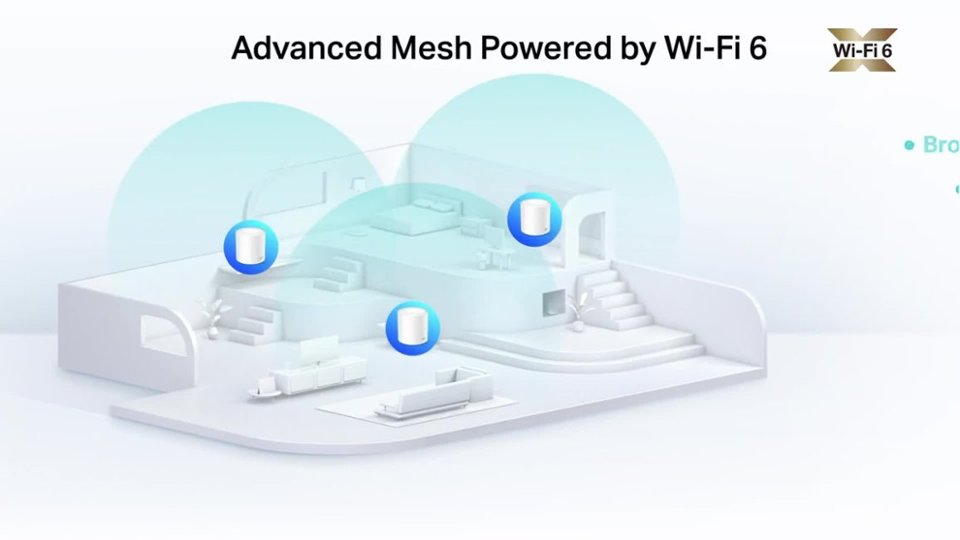
|Posted .This reviewer received promo considerations or sweepstakes entry for writing a review.This is a great Mesh Router set if you're OK with normal settings. It's fast, the nodes are inobtrusive and they are easy to set up. I really like the TP-Link family of products. I have over 20 Kasa Switches and Plugs installed in my house and have recommended and helped install these Kasa devices in various family and friends' homes. I also bought a travel router a couple years ago and it's been working well for me. Previously, I have relied on Linksys for my home networking but their pricing sometimes went beyond my budget. With the TP-Link Deco AX3000 pack, I think you're getting a decent deal for a 3-node Mesh system with Wi-Fi 6 support. I love mesh networking systems like this Deco system. At one point in my home network history, I had a pretty beefy wireless AC router and a network extender and I did not like that. I had hoped my network extender would extend all the different SSIDs. (2.4 Ghz, 5.0 Ghz, 2.4Ghz-guest, 5.0 Ghz-guest). Instead, that network extender created its own SSID and it would only extend one band. Mesh networks negotiate all of that into two networks. One for your regular network and one for your guests if you choose to enable it. All the negotiation between 2.4 Ghz and 5 Ghz bands are done between the router and the end device. Handoff between the mesh nodes requires no user effort. This is what's done on most large building WiFi networks and I'm glad that functionality is expanded to home use. In the box, you get three nodes, three plugs, one ethernet cable to connect one of the nodes to your cable modem, a very simple set of instructions printed on the plug box and a tiny booklet which gives you a similar set of instructions, warranty, safety, and etc. TP-Link really wants you to use the Deco App to set up the nodes. The nodes are fairly small. They have the rough dimensions of a roll of toilet paper so they can be placed just about anywhere. By contrast, Linksys nodes are about the size of a 1/2 gallon milk carton, so height clearance is a concern with those. One of the shortcomings of the Deco nodes is that they only contains 2 ethernet ports on each node. I like to hardwire when I can, so this means I need to rely on a good gigabit ethernet switch to connect as many devices I can to a hard wire. Setup of the first node went pretty quick. The Deco App on your mobile device is the only way to set it up. Just to be difficult, I tried to set it up by looking up the IP address of the main node and was surprised the webpage has zero abilities until you make the initial settings in the Deco App. Once it is set up, the webpage has very few things you can change. You are forced to do everything in the App. For myself, I run a few web servers, to do this I need to statically set some IP addresses and then set up Port Forwarding to those addresses. I find it lots easier to set that up with a physical keyboard and a full screen rather than a virtual keyboard and a portion of my phone screen. For this Deco Mesh system, to statically set IP addresses, the device has to be already connected to the network because the Deco App only allows you to select from a list of connected devices. I could not find a way to input the MAC address of the device I wanted to reserve. I also found out that there is DDNS support, but only for the tplinkdns.com domain. So it won't support dyndns.org or no-ip.com addresses. For me, that means I have to change my domain and then change all my security certificates. Another note, the subdomain that you choose for tplinkdns.com is limited to 20 characters. After the primary node is set up, the secondary nodes are so easy to set up. Just plug them in wherever you need them and they set themselves up without any prompting. Other brands of Mesh Nodes require you to keep your mobile device nearby, read the status light, confirm actions on your mobile device and other steps. Not with the Deco nodes, just plug them in and walk away. A few minutes later, they show up in the app all set up. This Deco Mesh system is plenty fast for what I need. Gigabit ports for wired connections and Wireless at AX-3000 speed guarantees I can stream or download as quick as my ISP can send. The three nodes guarantees I get strong signal for all my wireless devices in my house and a decent signal on my porch. Overall, I think this is a great mesh system at a decent price and would serve well for the majority of households. However, if you have to do a lot of port forwarding, you'll have to put in some time to set up reserved IPs and then later the ports required but on your mobile device which I don't find very convenient. And if you use Dynamic DNS from any provider other than tplinkdns.com, you'll have to use a separate utility to synchronize your IP address.
I would recommend this to a friend Difficult product
||Posted . Owned for 3 weeks when reviewed.This reviewer received promo considerations or sweepstakes entry for writing a review.I worked really hard to setup this product in the end for me ir was I got my older one repaired it's easier to setup and use.
No, I would not recommend this to a friendBrand response from TPLinkSupport
Posted .Hi,
Thank you for your review. Our Deco Mesh Wi-Fi systems are designed to provide robust, seamless Mesh Wi-Fi for your whole home with quick and intuitive setup using the Deco app.
Our support team is always happy to help answer any questions you may have about our products. Please feel free to reach out using any of the resources included with the product, or from our official website, and we'll gladly have a Support Agent follow up with you directly.
Thank you,
TP-Link Support
- Pros mentioned:Coverage, Setup, Speed
Easy to Set Up, Reliable Whole-House Coverage
|Posted .This reviewer received promo considerations or sweepstakes entry for writing a review.This Deco AX3000 mesh Wi Fi system was easy to setup, and I’m happy to report that I have fast, reliable coverage throughout our two-story house, including some spots that were definitely not being well served by a single Wi Fi router. We have lots of devices in our home – work computers, personal computers, streaming TV devices, tablets, a Wi-Fi connected security system, a whole host of smart devices, etc. They’re all connected, and all getting fast, reliable connection. The Deco app is fairly easy to use to configure your network settings, choose device options, etc. We have a very-popular residential fiber-optic ISP, and I was able to completely replace the router I was renting from them with this system. My Deco base station is connected directly to their terminal via Ethernet. If you have a cable internet ISP, you’ll need to keep your cable modem and connect that to the Deco via Ethernet (but won’t need a cable modem with built-in Wi-Fi router anymore). From a slightly more technical perspective, I’ll note that the three stations are all the same, and that the two ethernet ports on each support “auto-sensing.” That means a few things: First, no one device is pre-determined to be the base -- whichever one you set up first in the app takes on that role, and the others become satellites. Second, whichever ethernet port you connect to your ISP connection becomes the WAN port. Third, if you wanted to connect the Deco devices to one another by wire (and preserve all of the available wireless bandwidth for communication with your computers, phones, and other devices), you can do that using whichever ethernet port is available on each one. A few other technical notes just in case: Setup and configuration is primarily through the app. There is a web interface, but it seems like it doesn’t support all of the features. So, if you are someone who *needs* to configure your devices via desktop/laptop computer, this may not be right for you. Also, there’s no dedicated third band of wireless signal for station-to-station communication, so while I had no noticeable speed issues, systems with a dedicated band will be faster. This can be mitigated using the “ethernet backhaul” feature I described above, connecting the Deco devices by wire, but I found there’s plenty of speed and bandwidth to go around, even without using that option. Overall, I’m happy with this TP-Link Deco system. Easy to setup and use, reliable and fast coverage throughout our home.
I would recommend this to a friend Did not work for me
||Posted . Owned for 1 month when reviewed.This reviewer received promo considerations or sweepstakes entry for writing a review.I wanted to try to upgrade my existing Deco mesh system, but could not get the phone app to work with this product. A Geek Squad technician came to try and had the same lack of results. As a result, I had to return these items and buy a different brand, which works very well.
No, I would not recommend this to a friendBrand response from TPLinkSupport
Posted .Hi,
Thank you for your review. Our Deco Mesh Wi-Fi systems are designed to provide robust, seamless Mesh Wi-Fi for your whole home, with quick and intuitive setup and management using the Deco app on your smartphone (Android or iOS). Please ensure your smartphone is not connected to a VPN during setup.
Our support team is always happy to help answer any questions you may have about our products. Please feel free to reach out using any of the resources included with the product, or from our official website, and we'll gladly have a Support Agent follow up with you directly.
Thank you,
TP-Link Support
Not reliable equipment
||Posted . Owned for 3 months when reviewed.This reviewer received promo considerations or sweepstakes entry for writing a review.Bought it 3 months ago and twice had to call to customer service because lost signal, first time my signal was re established over the phone, second time couldn’t and they need to call me back the following day, couldn’t be without service with full house using internet, I disconnected Deco and went back to my old router, lost $255 with 3 unit system.
No, I would not recommend this to a friendBrand response from TPLinkSupport
Posted .Hi,
Thank you for your review. Our Deco Mesh Wi-Fi systems are designed to provide robust, seamless Mesh Wi-Fi for your whole home. In your case, we first recommend ensuring your Deco app and firmware are both fully up to date and your Deco units are optimally positioned within your home and in proximity to each other.
Our support team is always happy to answer any questions you might have about our products. Please reach out to our support team using any of the resources included with the product, or from our official website, and we'll gladly have a Support Agent follow up with you directly.
Thank you,
TP-Link Support
Router/network/security professional
||Posted . Owned for 1 week when reviewed.This reviewer received promo considerations or sweepstakes entry for writing a review.Terrible installation process. You can't connect a pc via a cable and complete the installation. I'll be returning it. I use a pc for the full sized easy to use keyboard and won't configure a device without it, especially complicated passwords.
No, I would not recommend this to a friendBrand response from TPLinkSupport
Posted .Hi,
Thank you for your review. Our Deco Mesh Wi-Fi systems are designed to provide robust, seamless Mesh Wi-Fi for your whole home, with quick and intuitive setup using the Deco app on your smartphone.
Our support team is always happy to help answer any questions you may have about our products. Please feel free to reach out using any of the resources included with the product, or from our official website, and we'll gladly have a Support Agent follow up with you directly.
Thank you,
TP-Link Support
Avoid
||Posted . Owned for 1 month when reviewed.This reviewer received promo considerations or sweepstakes entry for writing a review.The wifi speeds experienced are variable and inconsistent. Would not buy TP-Link again.
No, I would not recommend this to a friendBrand response from TPLinkSupport
Posted .Hi,
Thank you for your review. Our Deco Mesh Wi-Fi systems are designed to provide robust, seamless Mesh Wi-Fi for your whole home. In your case, we first recommend ensuring your Deco app and firmware are both fully up to date and your Deco units are optimally positioned within your home and in proximity to each other.
Our support team is always happy to help answer any questions you may have about our products. Please feel free to reach out using any of the resources included with the product, or from our official website, and we'll gladly have a Support Agent follow up with you directly.
Thank you,
TP-Link Support
Disappointed in slow speeds.
||Posted . Owned for 10 months when reviewed.This reviewer received promo considerations or sweepstakes entry for writing a review.With a Gig internet speed I was picking up a max of under 20 GB upload/download when connected the TP-Link - Deco AX3000.
No, I would not recommend this to a friendBrand response from TPLinkSupport
Posted .Hello QC35,
If you are looking at the Speed listed in the app please know that it is not showing you the internet speed but the current throughput of the network. Many customers have thought this was internet speed and we have posted articles on our community to clarify this. If you are seeing slow speeds through network speediests like OOKLA's then we suggest contacting TP-Link support. Its free and available 24 hours a day at 866-225-8139
Best Regards
TP-Link Systems Support.
Detachedgarage
||Posted . Owned for 1 month when reviewed.This reviewer received promo considerations or sweepstakes entry for writing a review.May be a good product but it just didn’t work in our situation.
No, I would not recommend this to a friendBrand response from TPLinkSupport
Posted .Hi ClareB,
Thank you for your review. Our Deco Mesh Wi-Fi systems are designed to provide robust, seamless Mesh Wi-Fi for your whole home. In your case, we first recommend ensuring your Deco app and firmware are both fully up to date and your Deco units are optimally positioned within your home and in proximity to each other.
Our support team is always happy to help answer any questions you may have about our products. Please feel free to reach out using any of the resources included with the product, or from our official website, and we'll gladly have a Support Agent follow up with you directly.
Thank you,
TP-Link Systems Support
Slow wifi
||Posted . Owned for 3 months when reviewed.This reviewer received promo considerations or sweepstakes entry for writing a review.When I first installed this system, wifi speeds were much improved in my home. Four months later, they crawl at less than 100 mbps and slower.
No, I would not recommend this to a friendBrand response from TPLinkSupport
Posted .Hi,
Thank you for your review. Our Deco Mesh Wi-Fi systems are designed to provide robust, seamless Mesh Wi-Fi for your whole home. In your case, we first recommend ensuring your Deco app and firmware are both fully up to date and your Deco units are optimally positioned within your home and in proximity to each other.
Our support team is always happy to help answer any questions you may have about our products. Please feel free to reach out using any of the resources included with the product, or from our official website, and we'll gladly have a Support Agent follow up with you directly.
Thank you,
TP-Link Support
Do not shop here. They are rude and incompetent
||Posted . Owned for 1 month when reviewed.This reviewer received promo considerations or sweepstakes entry for writing a review.Returned a appliance and they are rude and unhelpful. Always want you to call corporate for belp
No, I would not recommend this to a friendBrand response from TPLinkSupport
Posted .Hello K
We understand you have issues with the retailer but these reviews affect the product not the seller. If you have any concerns about the Deco please let us know as we would love to here about your experience with the product.
Best Regards
TP-Link Systems Support
Another lousy 'App' only router
||Posted . Owned for less than 1 week when reviewed.This reviewer received promo considerations or sweepstakes entry for writing a review.If you are power user, don't buy this garbage. It claims to have a 'web interface', but to get there you have to do initial setup in their stupid app. When you get into the 'web interface', it is just a super basic status page. You can't even do something as simple as change the WiFi password. I will be returning this trash tomorrow and continue my quest for a product that actually lets you configure your network from a proper web interface.
No, I would not recommend this to a friendBrand response from TPLinkSupport
Posted .Hi,
Thank you for your review. The Deco AX3000 is designed to provide robust, seamless Wi-Fi 6 connectivity for your whole home, with convenient and intuitive setup and management options via the Deco app on your smartphone.
We hear your concerns regarding a full-featured web management interface; however this is not an advertised feature for the product. The Deco app's management interface provides a plethora of network management and configuration features - most of which mirror those typically found in web management interfaces, and meet, or exceed the networking needs of the majority of our customers.
Nevertheless, we would be happy to discuss which aspect(s) of the app you feel could use modification or changes to suit your particular needs. At your convenience, please feel free to email USSupportTeam@TP-Link.com with a link to your review, and further details regarding which features you feel are missing from the app so we can pass it along to our Deco team.
Thank you,
TP-Link Support
Kept disconnecting
||Posted .This reviewer received promo considerations or sweepstakes entry for writing a review.After I set it up, it was working fine however after I did a firmware update it started to turn off and on every 20 minutes. I contacted support and tried to resolve the issue however I gave up as what they recommended didn’t do anything. I wouldn’t bother with this system as at any time you can be left stranded with no other options.
No, I would not recommend this to a friendBrand response from TPLinkSupport
Posted .Hi,
Thank you for your review. We regret to hear your initial interaction with our Support Team was anything less than satisfactory, and we would appreciate another opportunity to follow up with you to address your concerns.
Your Deco Mesh Wi-Fi 6 System comes with a 2-year warranty, and we would greatly appreciate the opportunity to follow up with you and address your concerns. At your earliest convenience, please reach out to our free support team using any of the resources included with the product, or from our official website, and we'll gladly have a Support Agent follow up with you directly.
Thank you,
TP-Link Support
Ramsey
||Posted . Owned for 3 weeks when reviewed.This reviewer received promo considerations or sweepstakes entry for writing a review.The salesman sold us the wrong product. Return was easy.
No, I would not recommend this to a friendBrand response from TPLinkSupport
Posted .Hi JaneH,
We regret to hear your experience was anything less than satisfactory. Our Deco Mesh Wi-Fi systems are built to deliver strong, seamless Mesh Wi-Fi coverage throughout your entire home.
If you have any questions about Deco Mesh Whole Home Wi-Fi Systems, our TP-Link Support Team is always available and happy to assist. Feel free to contact us using any of the resources included with the product or through our official website, and we will gladly have a Support Agent follow up with you directly.
Thank you,
TP-Link Systems Support
Poor Product for Large Homes
||Posted . Owned for 4 months when reviewed.This reviewer received promo considerations or sweepstakes entry for writing a review.Product description said it could cover up to 7200 sq ft. with three nodes. I added an additional one and it still provided very poor coverage of the house in addition to a number of the nodes dropping periodically.
No, I would not recommend this to a friendBrand response from TPLinkSupport
Posted .Hi,
Thank you for your review. Our Deco Mesh Wi-Fi systems are designed to provide robust, seamless Mesh Wi-Fi for your whole home. In your case, we first recommend ensuring your Deco app and firmware are both fully up to date and your Deco units are optimally positioned within your home and in proximity to each other.
Depending on the layout of your home, if additional coverage is needed, you can easily introduce additional Deco nodes to your existing network using the Deco app. All of our Deco models are compatible with each other.
Our support team is always happy to help answer any questions you may have about our products. Please feel free to reach out using any of the resources included with the product, or from our official website, and we'll gladly have a Support Agent follow up with you directly.
Thank you,
TP-Link Support
Wish I ordered different... not working after 6 mo
||Posted . Owned for 9 months when reviewed.This reviewer received promo considerations or sweepstakes entry for writing a review.Had issues and would not recommend their customer support is a challenge
No, I would not recommend this to a friendBrand response from TPLinkSupport
Posted .Hi,
Thank you for your review. Your Deco Mesh Wi-Fi system comes with a 2-year warranty, and we would greatly appreciate the opportunity to help address your concerns. At your convenience, please reach out to our support team using any of the resources included with the product, or from our official website, and we'll gladly have a Support Agent follow up with you directly.
Thank you,
TP-Link Support
Wifi
||Posted . Owned for 1 month when reviewed.This reviewer received promo considerations or sweepstakes entry for writing a review.hard to connect inside your home if you have a large home
No, I would not recommend this to a friendBrand response from TPLinkSupport
Posted .There are several factors that can affect the coverage, even with a mesh system. Walls, wall materials, EMI, etc.. The best practice with deco is to place the units about 6 feet from an exterior wall and 25-30 feet apart. This will allow you maximum coverage However, if there is still dead-zones then you can just add more Decos to patch those holes.
Poor QC, unstable Wifi. There are better options
||Posted .This reviewer received promo considerations or sweepstakes entry for writing a review.One of three nodes was a brick. Remaining two nodes could not keep a stable wifi connection to any device. Android phones in particular would not stay connected. This was purchased to replace an older Asus AiMesh setup and was a major fail in that regard.
No, I would not recommend this to a friendBrand response from TPLinkSupport
Posted .Hi,
Thank you for your review. Our Deco Mesh Wi-Fi systems are designed to provide robust, seamless Mesh Wi-Fi for your whole home. In your case we first recommend ensuring your Deco app and firmware are both fully up to date and your Deco units are optimally positioned within your home and in proximity to each other.
Our support team is always happy to answer any questions you might have about our products. Please reach out to our free support team using any of the resources included with the product, or from our official website, and we'll gladly have a Support Agent follow up with you directly.
Thank you,
TP-Link Support
Buyer beware
||Posted . Owned for 1 month when reviewed.This reviewer received promo considerations or sweepstakes entry for writing a review.Broke in 28 days….cant return or replace. Old series besides.
No, I would not recommend this to a friendBrand response from TPLinkSupport
Posted .Hello Hercules,
Your product is protected by a 2-year limited manufacturer's warranty. If you have a failure we strongly suggest contacting our Support team at 866-225-8139 and they will assist you in troubleshooting and seeing if your product qualifies for a replacement
Best Regards
TP-Link Systems Support