Customer Ratings & Reviews



- Model:
- Deco AX3000 (3-pack)
- SKU:
- 6479600
Rating by feature
- Setup
Rating 4.7 out of 5 stars
- Range
Rating 4.7 out of 5 stars
- Signal Strength
Rating 4.7 out of 5 stars
Customers are saying
Customers have good things to say about the Deco AX3000, particularly its ease of use and setup. Many users report excellent coverage and signal strength throughout their homes. The speed, reliability, and overall performance of the system are also frequently praised. Finally, customers appreciate the increased connectivity the system provides.
This summary was generated by AI based on customer reviews.
- Pros mentioned:Ease of use

Simple, Fast, Reliable
|Posted .This reviewer received promo considerations or sweepstakes entry for writing a review.I have a very high traffic home as far as internet usage, from laptops and phones, security cameras, game systems, smart lighting, and more. I need a router that can keep up with all of that without leaving me stranded without proper coverage. I have a significant number of devices that I want to just all work without fuss, and I am happy that this TP-Link Deco X60 mesh system is exactly what I need. Setting up a new router has historically been a long and irritating process that usually leaves me wishing I had left things alone. TP-Link absolutely solved that problem with this router. Setup could not possibly have been easier or more seamless. Even over a week afterward I am still pleasantly surprised at how quick and simple it was to get it up and running exactly the way I wanted. The packaging includes a single network cable intended to hook up to your modem or access point, the 3 mesh units, and 3 power cables. It has a QR code for getting you to the correct app for using and setting it up. Once you are started the app walks you through everything step by step, from establishing an account or signing in, then selecting any one of the units to act as the primary router, getting hooked up, setting up your SSID and password, a few security questions and that’s it. The other two sync up automatically by simply plugging them into power after the initial one is setup. It was so fantastically easy. After all 3 were powered on and synced up which was a few minutes later, I performed a firmware update on the trio for another few minutes and then spent some time identifying all the devices in my home on the network. Not necessary, but not difficult either and makes it easier to setup QoS rules. It did a speed test coming back with just over 950Mbps which is to be expected on Google Fiber, and then I could proceed to setup priority rules for certain devices like my gaming rigs which is as simple as clicking a toggle in the app. The app is easy to understand and use for being able to check individual connection strength and speed per device, optimizing the network, running updates, and more. It loads very quickly and is a treat to use compared to others I have tried. Each unit has two Ethernet ports that are designed to smartly detect whether they are connected to LAN or WAN. I don’t have it setup yet, but I know this product supports Ethernet backhaul as well which I look forward to using when I can. In the case of the primary router, I have one port hooked up to my access point, and the other goes straight to one of a few unmanaged switches in my house. Every device on the hardwired network responds as they should although they all had to be restarted to request new IPs from the new router. Wi-Fi devices are all connecting properly as well and running very fast especially the few that have WiFi-6 support. My iPhone 13 Pro Max pulls over 500Mbps download and 300Mbps upload on the speed test app regularly now compared with less than 100 on my old router. It is quite a substantial improvement! All my devices have been running very smoothly since I got this equipment. Streaming is fast and smooth; gaming presents no notable lag and download speeds are phenomenal. Everything in my home is running better than ever and that is all I could have asked for with a new router at the heart of it all. I’ve only had one hiccup a few days after getting it when the router seemingly crashed and needed to be rebooted. However ever since then it has worked perfectly. I am very happy with it overall, it is doing what I wanted which is keep things fast and simple, and I recommend it to anyone looking for that same combination as you are sure to find a lot to love here.
I would recommend this to a friend - Pros mentioned:Setup
Great So Far!
|Posted .This reviewer received promo considerations or sweepstakes entry for writing a review.Not only does the TP-Link - Deco AX3000 (3-pack) Whole Home Mesh Wi-Fi 6 System look much nicer than your average router- e.g. alien shapes with multiple antennae- but for my set up, it has also yielded a nearly 20% boost in wifi speeds! (Note: I can't really explain why that happened & therefore can't guarantee that anyone else would see similar results!!) The set-up was very simple and took 15-20 minutes from unboxing all the way through upgrading the firmware on the 3 units. One word of advice, make sure to unplug/turn off your old router before set up if you wish to re-use your SSID & password. I foolishly left my old unit on & changed the SSID... which then meant that I had to spend some extra time re-connecting devices- totally avoidable user error! The primary reason I was interested in a mesh system was occasional "glitches" in my wireless signal. Because I work from home, I'm online all day long and the wifi would sometimes disconnect & then come right back on. I've not been able to track down whether that's a hiccup in the cable (source), the cable modem or the router itself, but there's been no occurrences since hooking up the TP-Link - Deco AX3000 (3-pack) Whole Home Mesh Wi-Fi 6 System... time will tell...
I would recommend this to a friend Disappointed
||Posted . Owned for 3 months when reviewed.This reviewer received promo considerations or sweepstakes entry for writing a review.Very disappointing, within 3 months 1 of the 3 units failed.
No, I would not recommend this to a friendBrand response from TPLinkSupport
Posted .Hi,
Thank you for your review. Your Deco Mesh Wi-Fi system comes with a 2-year warranty, and we would greatly appreciate the opportunity to follow up with you and address your concerns. At your earliest convenience, please reach out to our free support team using any of the resources included with the product, or from our official website, and we'll gladly have a Support Agent follow up with you directly.
Thank you,
TP-Link Support
- Pros mentioned:Speed
Great wi-fi coverage
Posted .This reviewer received promo considerations or sweepstakes entry for writing a review.WOW! For the longest time I've been running a Nighthawk wi-fi router that was in the middle of my house with an extender on one end of the house. Our wi-fi was always, meh. So we upgraded the cable modem to the Arris S33 and paired it to this Deco Mesh. Holy smokes! No dead spots. No slow speeds. Seamlessly walk around the house and property and still have great signal strength and speed. I am very happy with this purchase! The only downside is that it wasn't very clear to scan the main satellite, but it was easily solved by resetting and starting over.
I would recommend this to a friend - Pros mentioned:Setup
Simple and Fast Wi-Fi
|Posted .This reviewer received promo considerations or sweepstakes entry for writing a review.As a systems engineer who works from home now and has dozens of iot devices around the house, good Wi-Fi is important to me. Also having good coverage in all areas around the house so the connection is the same throughout is important. Before, I had just a single wi-fi router that was pretty powerful, but never was able to get Wi-Fi in the garage. With this mesh system, now I am able to get Wi-Fi in the whole house AND the garage! And the speeds in the garage, while not amazing, are still very tolerable at 200mb/s down. Here are the PROS and CONS of this mesh system. PROS - Fast speeds throughout the house. I am able to get on newer devices that support 5ghz and WiFi6, pretty much the same speed I get over ethernet. You can't beat that. - Easy setup, like foolproof. My parents could set this up, that is how easy it is. You just unbox it, plug it in, use the app and bam, you have internet! Definitely the easiest set up I have encountered. - Good app. This is very important because the app is pretty much the main way to administer the router. There is a web GUI but it is meh. The app is better and does everything you need it to do. It is fairly intuitive, has all the settings you would need for a mesh system. - Easy scalability. You just plug in one of the mesh routers anywhere, and it automagically connects. NEAT! No fuss. - Nice design, it is aesthetically pleasing, much better than my old router that looked like a cyber-spider with 8 antennas. CONS - Only 2 ethernet ports per router... I really wish it had at least 3, if not 4. Or at least 4 on the "mothership" as I have it in my office and require extra ethernet connections. Yeah I can use a switch, but that just adds more clutter. - No USB ports on them either. - The app is a LITTLE confusing when you are trying to manage your deco's themselves. - Could use a better web interface for old school engineers that like using a web gui. - Don't care for the homecare and antivirus, I guess it is cool for the novice, but not for someone like me. The deco system here from TP-Link is a solid WiFi 6 mesh system that is fool proof to use and set up and has enough features to keep the techie like me happy. -
I would recommend this to a friend - Pros mentioned:Coverage
Great for most people, a couple of annoyances for
|Posted .This reviewer received promo considerations or sweepstakes entry for writing a review.The installation was rather straight-forward, but did not go without problems. First, you are REQUIRED to use the app (Android, in my case) in order to set everything up. This seemed to go well, but my modem was a bit confused with the MAC address change of the router, and did not connect at first. Because of this, the router did not connect to the Internet. I had an appointment and ran out of time, so I reconnected my old router in order to finish the process later. When I returned, I connected the router again and it gave me a green light (connected), but the app insisted on going through the setup process again, which would not complete because the router itself was not in setup mode, but was operating normally. There is a reset switch on the bottom, and I tried pressing it quickly, and holding it for 15 seconds, but could not get it back into setup mode. OK. Different approach: use another unit. That worked (but I had to power-cycle the router and the modem again to get it to connect), and setup completed easily. I plugged in the remote units, assigned names based on location, and upgraded all firmware. After that, finishing the setup was quite easy and painless, and the coverage so far has been fantastic! The router seems to work great with my Circle parental control box (latest version), but the parental controls built-in seems quite good. You can assign devices to individual people, and then assign time limits and filter levels (child, pre-teen, teen, an adult), and then designate time limits and bed times. For many people this should be more than adequate, and is the best parental controls that I have seen for free built into a router. But for advanced users there are a few annoyances. The first is the way that DHCP reservations are handled. I usually assign DHCP reservations to addresses between 2 and 99, and have the general IP address pool be from 100 to 250. You can’t do such a simple thing here. If your pool begins at 100 and up, you can only have reservations beginning from 100. This is VERY ANNOYING, but most people don’t use DHCP reservation, so they won’t be affected by this. I could also not find an option for DMZ at all. Not a big deal to me, but some may want to use this. I am also used to administering routers through their web pages. This one has a status-only web page. You cannot change a single setting. So if you don’t have an Android or Apple phone, you cannot administer this router at all. Also IPv6 is not enabled by default, and most people won’t bother to poke around until they find that setting. There are some settings that are simply not described. The app has a “Network Optimization” button that says “Network Status: Perfect.” If it is not perfect, there is a button to make it perfect. What does that do? I have no idea, and it does not seem to be documented. Which brings me to my last point. The router comes with almost no documentation, and you cannot even download a manual from the TP-Link web site. A little web search turned on a manual on a ‘“manual archive” web site. That is ridiculous. Still, for most people, this will be a great router. It does still have many of the more advanced features (MAC clone, port forwarding, DDNS, UPNP), but the lack of DMZ stands out.
I would recommend this to a friend Deco X60
Posted .This reviewer received promo considerations or sweepstakes entry for writing a review.Deco X60 is simply the best personal WiFi router in the market. Fast, stable and easy to connect.
I would recommend this to a friend- Pros mentioned:Ease of use
This Is The Real Deal!
|Posted .This reviewer received promo considerations or sweepstakes entry for writing a review.I moved my office/studio into the game room several months ago, and have had a lot of difficulties with the WiFi signal strength because of the distance from the router and the design of the house (there are several walls and other obstructions). I had heard of Deco mesh systems, so I was excited to see if it would work as well as they said it would. As I unpacked the box, the instructions stated it was an easy four-step process to get everything set up and working. I've gone through A LOT of product set ups in the past, with many companies promising an easy experience, but the Deco set up is hands-down the easiest I have ever experienced. 1. Download the Deco app, 2. Turn off my modem. 3. Connect a Deco unit to my modem and power them both back on. 4. Follow the instructions on the app to finish set up. It was that easy, and that simple. I had it up and running in less than ten minutes. The most difficult part of the entire process was figuring out where to put the mesh units. So okay, the set up was great. The real question was whether the TP-Link-Deco AX3000 Wi-Fi 6 system was really going to live up to the hype. But first...the app. The Deco app is a no-nonsense USEFUL and intuitive app. It delivers a ton of information...everything from what all is connected to the network to speed tests on download and uploads. You can control the device LED to turn on or off for night mode, enable antivirus and parental controls, the whole nine yards. The app literally controls every aspect of the Deco devices and usage, and again, so intuitive! So back to the question of whether it actually works. ABSOLUTELY YES!!! A great majority of my work is done via the internet. As I explained before, I have experienced a lot of issues with the lack of a consistent and strong signal reaching my office. I am awestruck at the strength of the signal I am now receiving. There are no lags in video play, or on any of the gaming platforms. It isn't that the Deco system boosts the signal, but that it takes the signal and delivers it evenly throughout the entire house. I am no longer considering moving my office/studio back to where it was originally, closer to the modem. When it is all said and done, the TP-Link-Deco AX3000 Whole Home Mesh Wi-Fi 6 System does EXACTLY what Deco says it will do, and it does it extremely well. It is easy to install and set up, and it is easy to manage via the Deco app. This is the real deal, and I will heartily recommend this system to ALL of my friends and family. If you are experiencing any kind of signal-strength issues, or dead zones, or the like, this is the system you need.
I would recommend this to a friend - Pros mentioned:Speed
Works - easy-peasy
Posted .This reviewer received promo considerations or sweepstakes entry for writing a review.My modem/router must be on the far side of our big house, due to the cabling, so I relied on an extender for coverage on the other side. It did not work well, as the extenders just add another network, so phones often required reconnects when moving within the house. And our modem/router had to be rebooted frequently as the WiFi 5 network frequently disappeared. I picked this up on Black Friday, with the help of an associate on a very busy day. Took it home, connected it to our modem/router with the short ethernet cable in the box, gave the Mesh network a different name than my existing network with their App, powered up the two nodes, one in a central hall and one in the back office. I then reconnected all the devices (smart thermostats, printer, etc) to the one new network. Worked - easy peasy. I got full speed throughout the house, including the upstairs. The devices all connected to the single network with their appropriate protocol, WiFi 5 or 2.4. You can see which devices are connected to each node via the app. My outdated printer did not reconnect automatically, but did connect manually with the MAC # of the closest node available via the app. Cons - only two ethernet ports on each node, and only one available on the main node, so is not appropriate for houses with hardwired ethernet without a switch.
I would recommend this to a friend - Pros mentioned:Coverage
No More Dead Spots In My Home
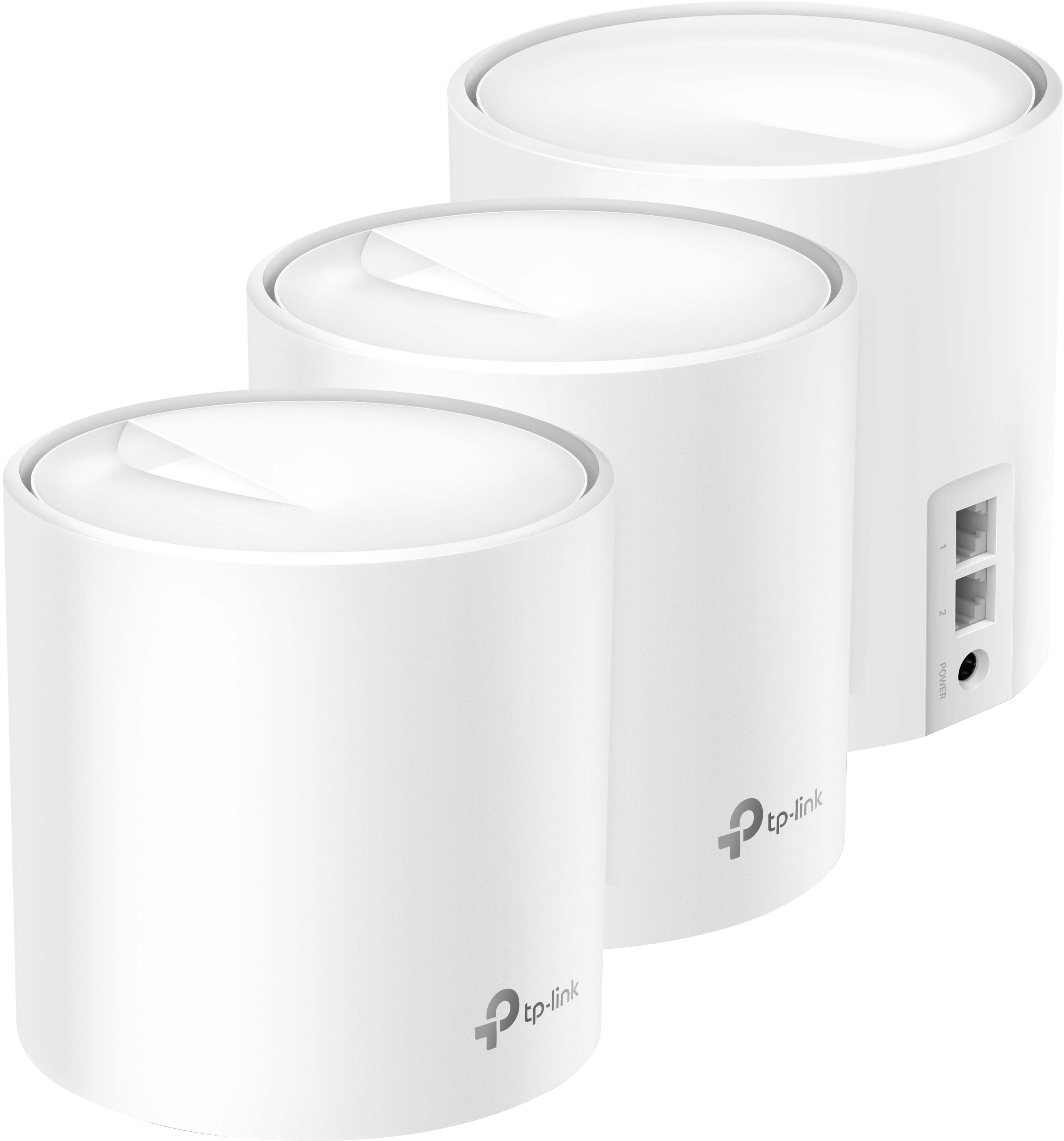
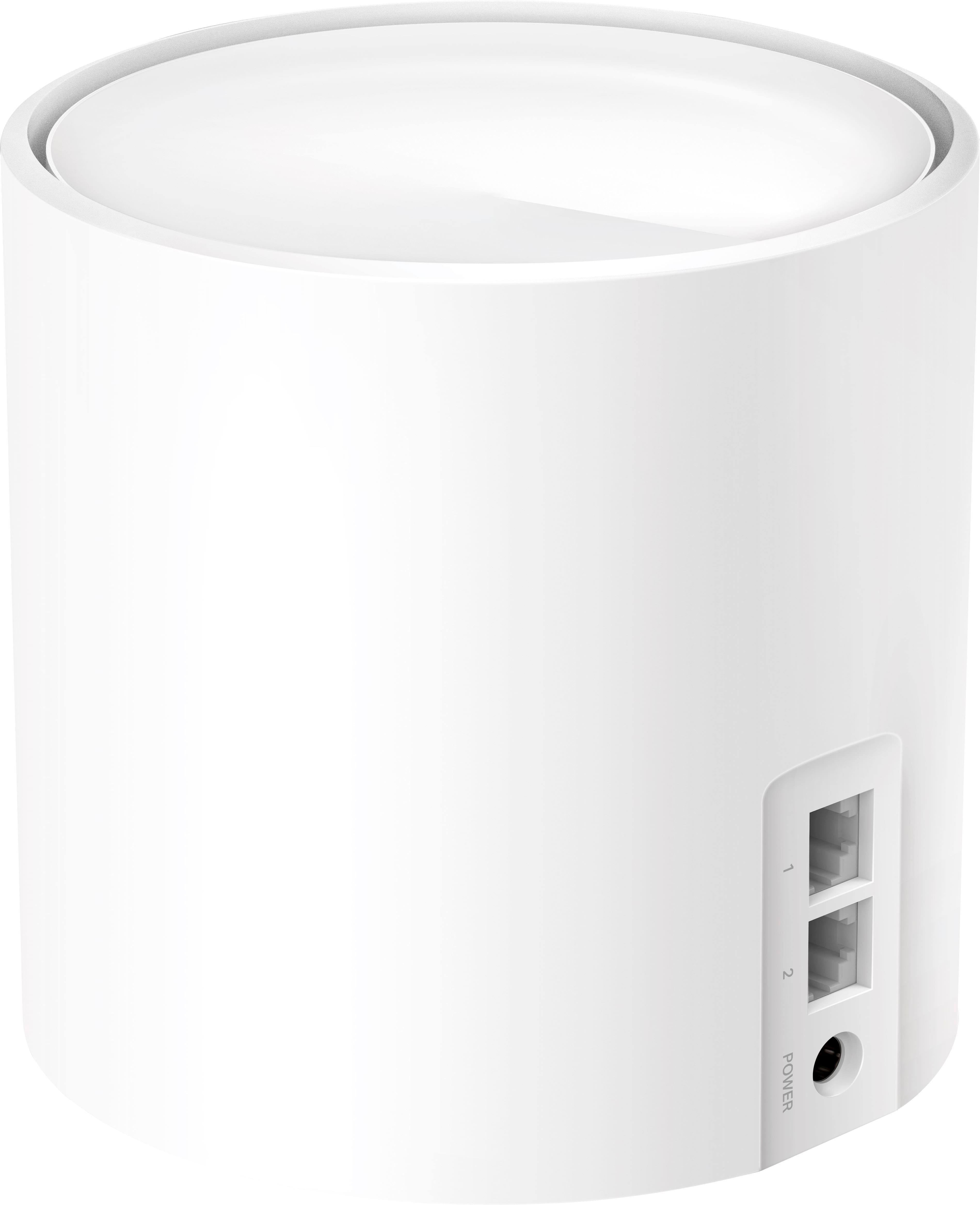
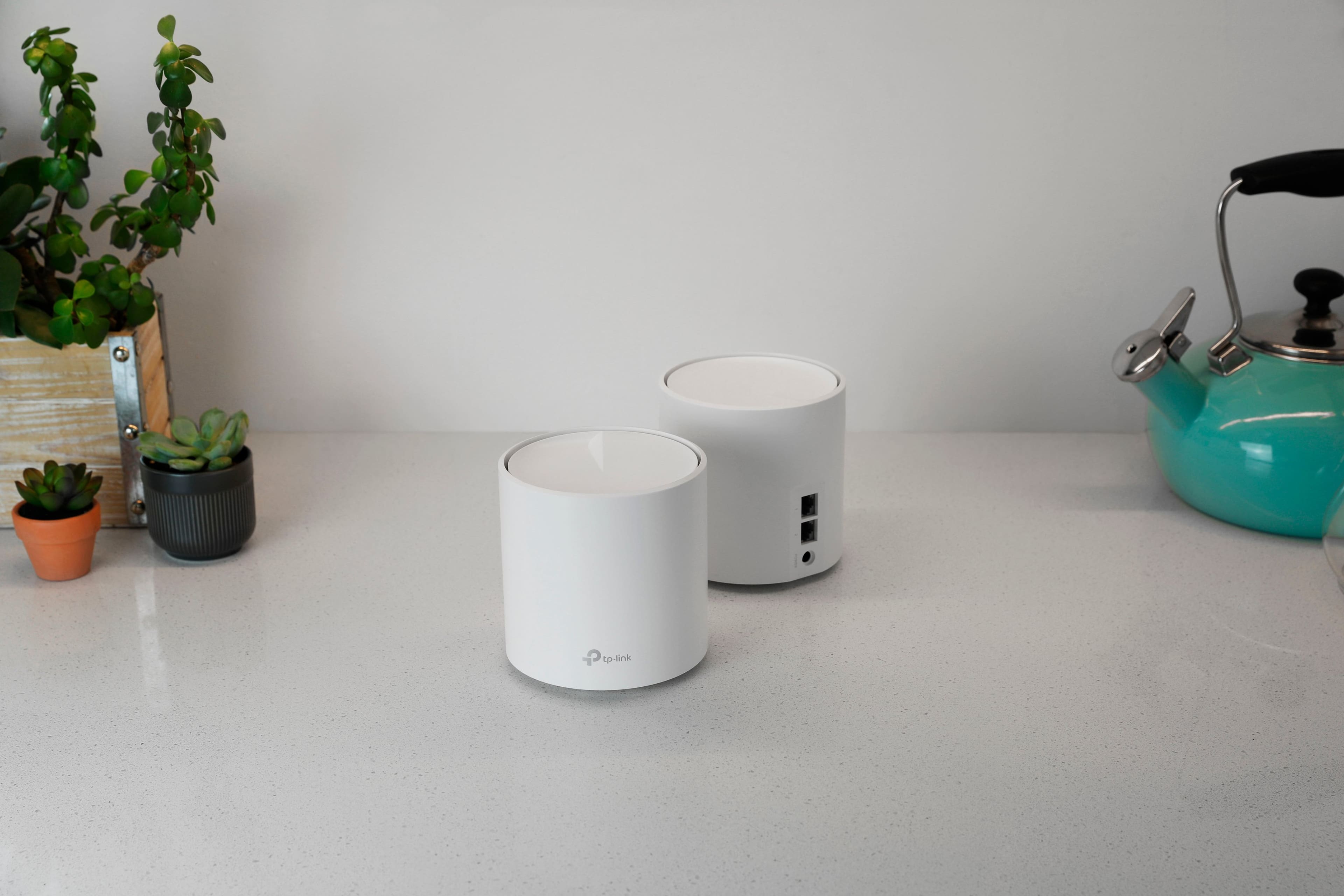
|Posted .This reviewer received promo considerations or sweepstakes entry for writing a review.Making the switch to upgrade my current mesh wi-fi system I decided to give this item a go. I have been thoroughly impressed since making the switch. One thing I really was looking for in a new system was an ethernet jack in each device, my old system only had a connection in the main unit. This one has the ethernet jack in each of the 3 devices (two jacks in each device to be precise). Awesome! Which comes in handy as i need to hard connect a few other devices to the network and now I am not limited to the location of these connections. First let's talk about set up. When you open the box you are directed to download the DECO app to your mobile device which will walk you through the set up process. This was by far the easiest set up I have ever had with any home wifi network. Also being Wi-Fi 6 makes it future proof to allow future devices with this compatibility to connect with ease. Next let's look at some of the safety features. This system allows you to set monitoring restrictions (like blocking certain content and social media), and has virus protection settings. Coverage? The system claims it can cover up tp 7,000 sq ft. My home is slightly under 3,000 indoor sq ft and I have a few low or dead spots with my current network, due to walls, glass, doors, etc. I am happy to announce that I no longer have these dead or slow spots. I can stream movies, watch TV or play Xbox in any corner of the house now without any lagging or dropped signals. We are a family of 7 and multiple users of devices all day and we have not experienced any issues. And my other items, like our security camera and doorbells all work wonderfully without any issues as well.
I would recommend this to a friend - Pros mentioned:Ease of use
Wifi 6 Mesh for everyone!
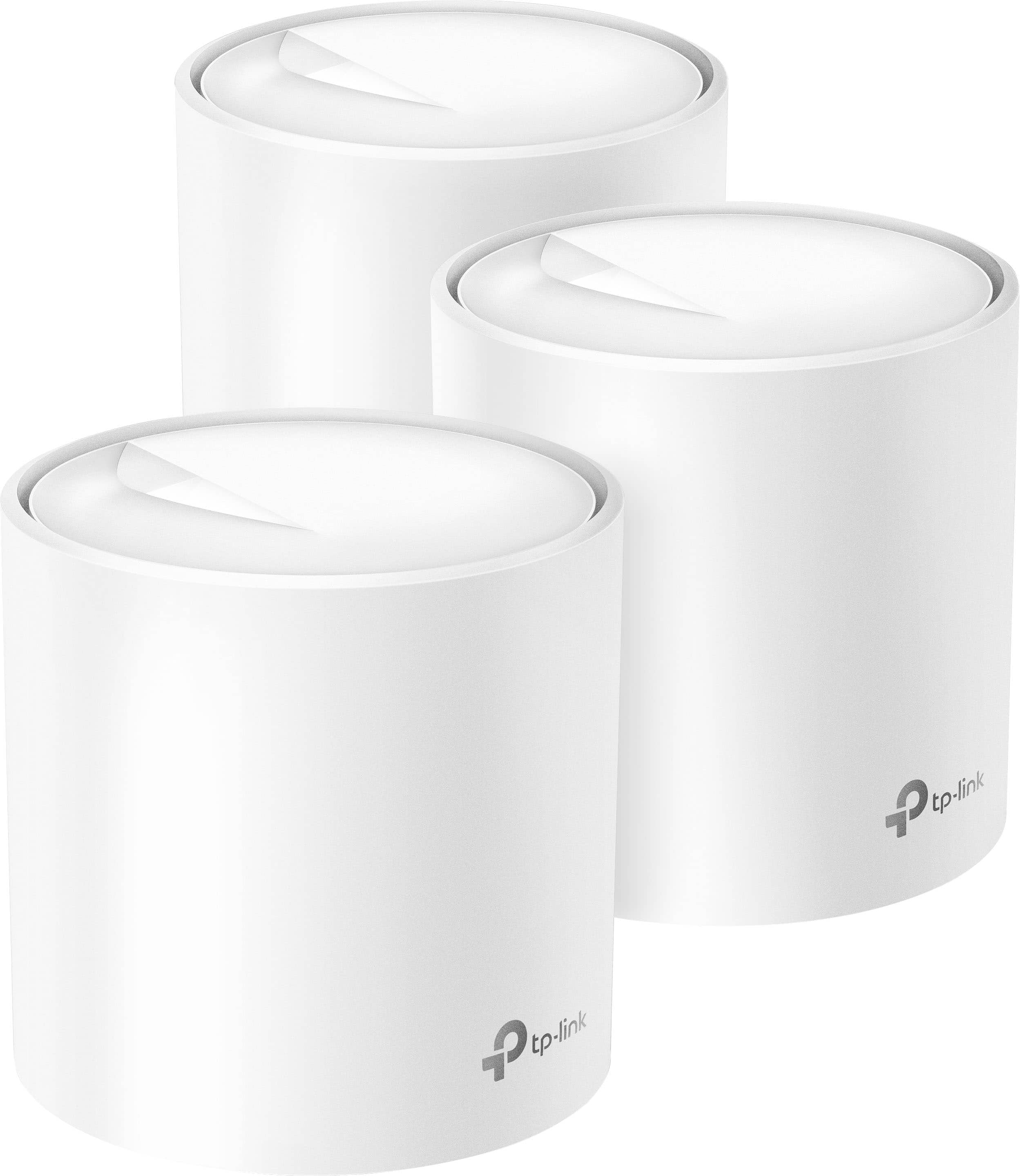
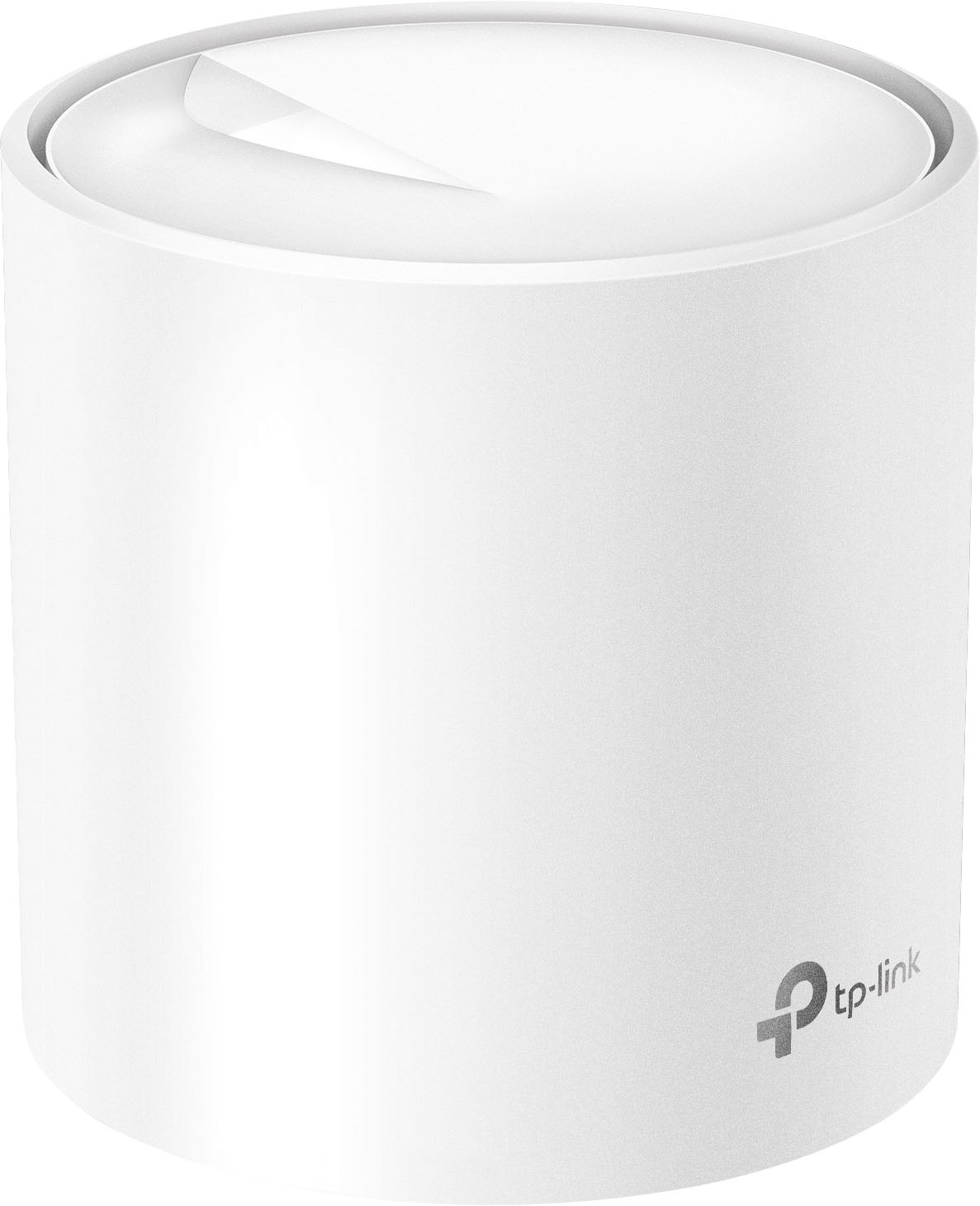
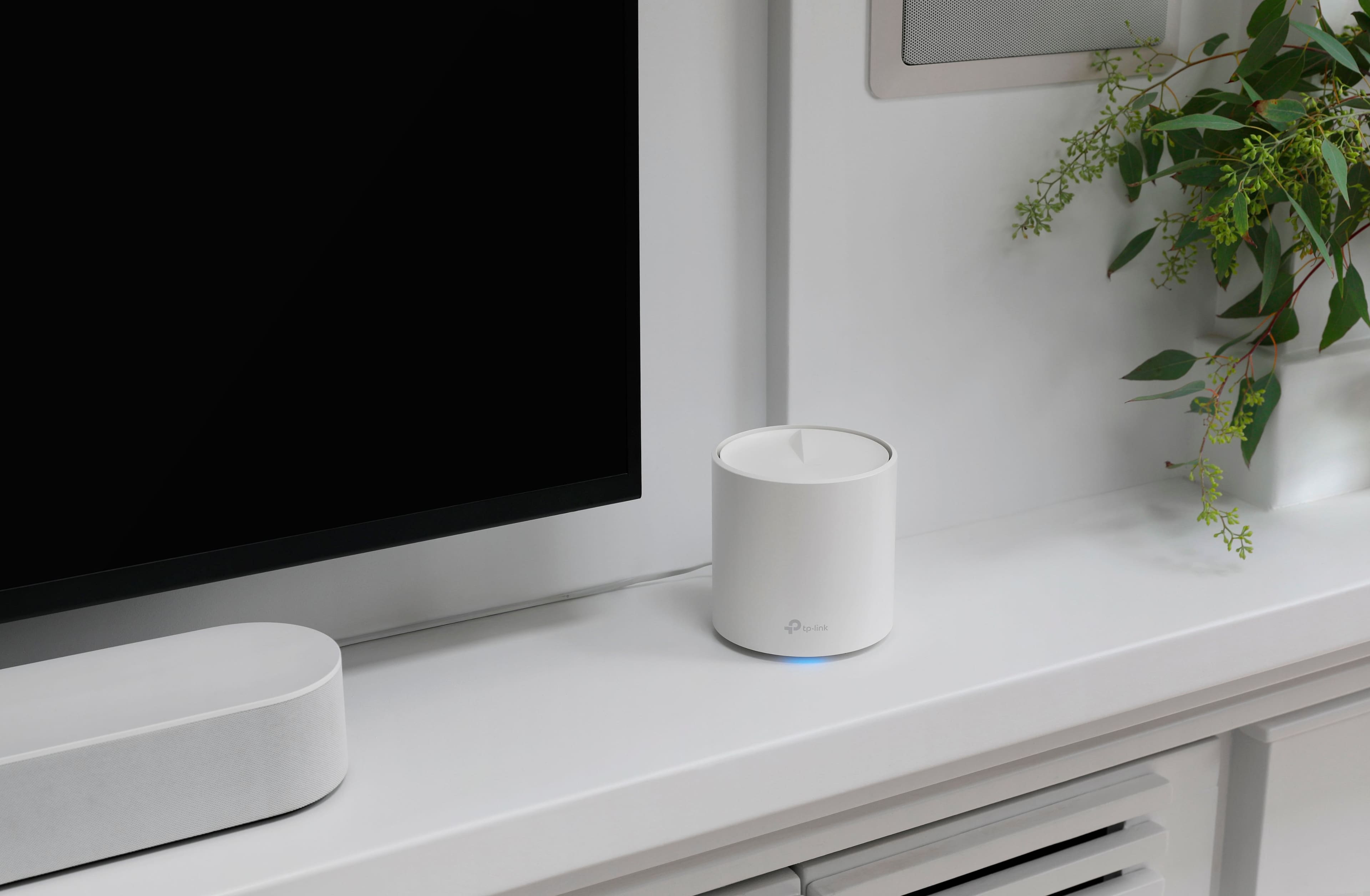
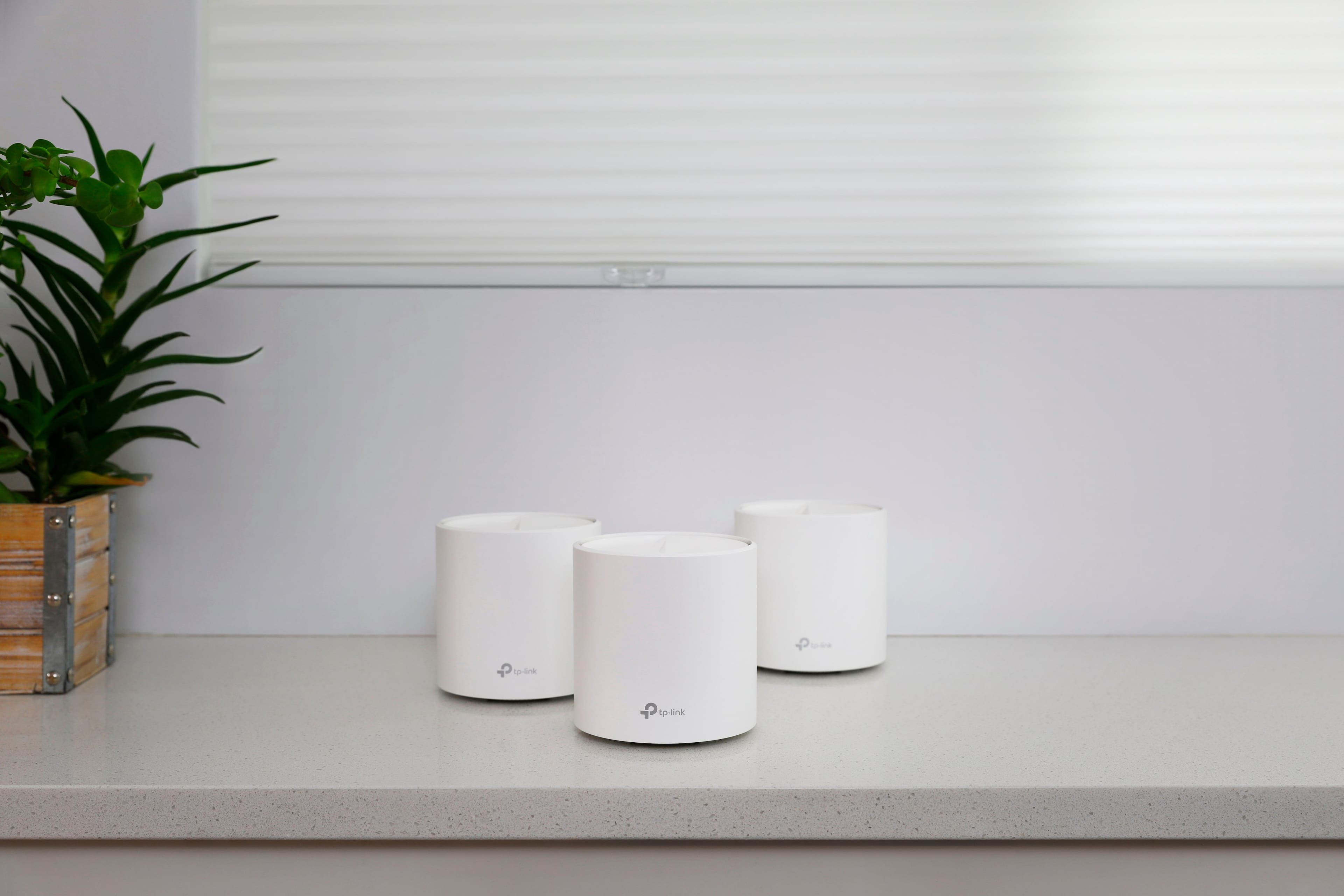
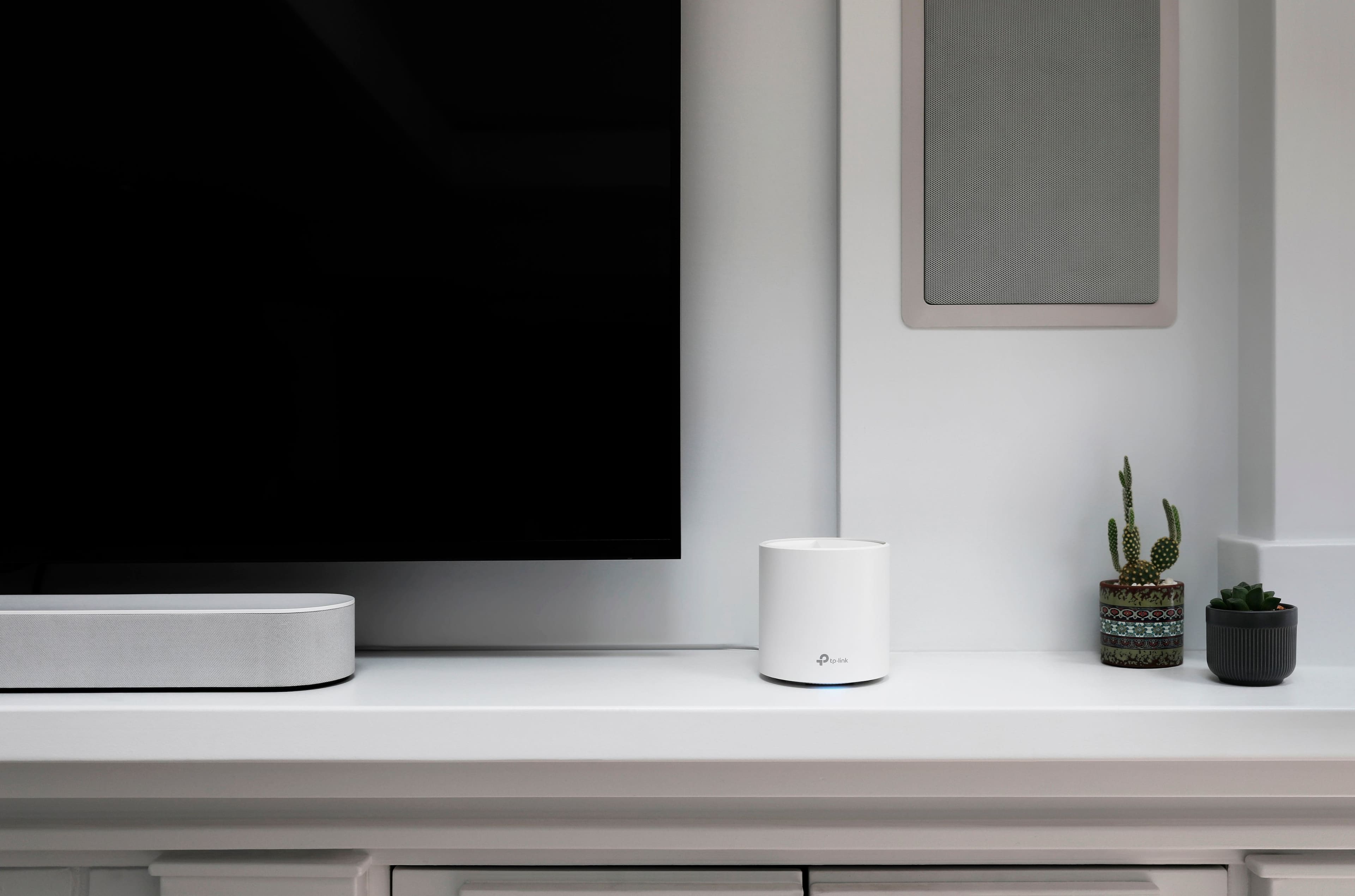
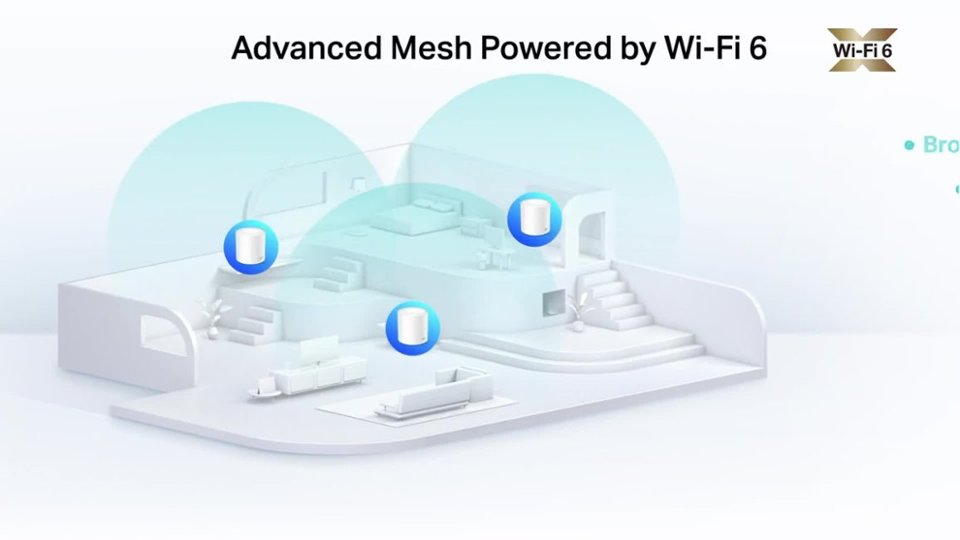
|Posted .This reviewer received promo considerations or sweepstakes entry for writing a review.The TP link Deco X60 is a whole home mesh WiFi 6 system. The 3 pack I received for review can cover up to 7000 sq ft according to TP Link. The units are a small cylindrical shape and white in color with a multi color status indicator light. There are 2 gigabit Ethernet ports and a power port on each unit. The wifi speed is capable of 3 Gbps with 802.11 AX. According to TP Link you can connect up to 150 devices. The units fit in with most décor and are aesthetically pleasing. The X60 units are dual channel this means if you choose to use WiFi only as your back haul channel the speed will be reduced. If you can use Ethernet as the back haul then you will get a much higher speed. This is not to say the speed using WiFi mesh alone is very good especially with WiFi 6 devices. Tp Link has done a great job with the setup app it is clear and very easy to follow. Set up is a breeze. You first set up the master unit connecting it to your modem, name your network then just add the other units by plugging them in and adding them in the app the app will then automatically detect them and connect to them. After you have set them up you can choose the way you will use your network and it will be optimized for that. Tp Link also includes Homecare a suite of tools by Trend Micro that include parental controls base on predefined age categories and time limitations for each user. There is also anti-malware. The tools are included at no additional cost unlike some of TP Links competitors. Although there are faster mesh WiFi systems the X60 gives the best coverage and speed for the lowest cost and will fit most use cases. The ease of setup and the included Homecare suite makes this a great mesh network for everyone.
I would recommend this to a friend - Pros mentioned:Ease of use
finally a mesh that delivers...
|Posted .This reviewer received promo considerations or sweepstakes entry for writing a review.I have tried and quit on numerous mesh systems in the past. This system finally delivers the speed and reliability that a user expects from an expensive mesh system. The wifi pieces also look really nice and don't take away from your home or decor. I like that I can have one in a dedicated home office away from the cable modem but still have a hard wired connection. This works also if you want to use the hard wired connection for your game system. I would have liked to see a nicer network cable to come with the system, the ends should have been booted. The app is super easy to install. The setup on your phone or tablet walks you through it and it immediately gave me the option to update my firmware on the devices. This gives you peace of mind and keeps you up to date. As you add new Deco devices it makes it easy manage and update them. I was very happy with just how user friendly this process was. It allows for a speed test and I was very happy with the connection speed of the system, almost 900Mbps which is about my max for my home system. I was happy with the security options available for the guest network. It was interesting it let me run a security test against my other wireless networks.
I would recommend this to a friend Fabulous Wi-Fi 6 System.
Posted .This reviewer received promo considerations or sweepstakes entry for writing a review.The TP link-Deco AX3000 (3 pack) dual =-band Whole Home Mesh Wi-Fi 6 system works great!
I would recommend this to a friend- Pros mentioned:Setup
Average Overall Performance
|Posted .This reviewer received promo considerations or sweepstakes entry for writing a review.This system has a simple and sleek appearance. Cylindrical white nodes that blend in well with most decor. A single status light that is not obtrusive. Aesthetically these are one of the best looking systems on the market. The Deco system is incredibly fast and easy to setup. I should point out that you MUST use the app and have a free TP-Link account. Both of which are simple to obtain. You can use any of the three nodes as the "primary" unit. This will plug into your modem and serve as the hub for additional Deco nodes. Once you plug the power cord in and connect the unit to the modem, follow the app instructions to complete setup. You will name your SSID and create a password, along with any other settings you may want. There are separate 2.4 and 5 bands, along with a guest network if you wish to have one. Adding additional nodes is amazingly easy. Simply plug the unit into power and the nodes connect almost instantly to your mesh system. TP-Link did a fantastic job here. There were no issues with the range extension. This system easily covered two floors, each approximately 1100SF. Of note, I also had NO issues with my prior / original wireless network or coverage prior to setting up the Deco mesh system. However, I had issues once my Deco system was setup. The first, and most glaringly noticeable issues was the loss of internet speed. With my original router I received well over 100Mbps download speeds. Once I installed the Deco system my download speeds dropped to a consistent average of 55Mbps. Regardless of where I was in the house, even at the primary node, the speeds were much slower. I disconnected the system, went back to my previous router and immediately speeds were back to my 100+Mbps. So, I reset the Deco system, reinstalled, and once again slower speeds. Even after a few days of trying out the system. The second thing I noticed was connectivity issues with my devices. Phones, iPads, smart TVs, all would drop connection with the Deco system. About the only thing that didn't lose connection were the smart plugs and lights which are connected to the 2.4GHz band. After many, many days of troubleshooting, resetting the system, changing settings, etc. the speed and connectivity issues never improved. Ultimately, I disconnected the mesh system altogether and returned to my original internet setup - which is not a mesh system. Internet speeds are consistently 100+Mbps and no connectivity issues. I know many have had excellent experiences with this system, and it does have some positive qualities. My experience has just not been all that great. I am not a novice user, and have quite a bit of tech background. This system just doesn't work well for me. Based on my time with the Deco system I really could not recommend this unfortunately.
No, I would not recommend this to a friendBrand response from TPLinkSupport
Posted .Hi,
Thank you for your review. Our Deco Mesh Wi-Fi systems are designed to provide robust, seamless Mesh Wi-Fi for your whole home. In your case we first recommend ensuring your Deco app and firmware are both fully up to date and your Deco units are optimally positioned within your home and in proximity to each other.
Our support team is always happy to answer any questions you might have about our products. Please reach out to our free support team using any of the resources included with the product, or from our official website, and we'll gladly have a Support Agent follow up with you directly.
Thank you,
TP-Link Support
TP Link did it again!
Posted .This reviewer received promo considerations or sweepstakes entry for writing a review.I used to use the Deco AC1200 and that one was reliable for years and recently upgraded to the AX3000 and the difference was NIGHT AND DAY. If you are paying for gigabit speeds and need coverage throughout the house, this is a MUST.
I would recommend this to a friend- Pros mentioned:Range, Setup
Good product
Posted .This reviewer received promo considerations or sweepstakes entry for writing a review.Range and boost are good and setup and adjustments are easy
I would recommend this to a friend - Pros mentioned:Setup
Excellent router
|Posted .This reviewer received promo considerations or sweepstakes entry for writing a review.This is an excellent router. Setup was relatively easy. You'll need to download an app onto your phone in order to get through the install process. It guides you through the process step by step. The router itself installed almost instantly. The only hitch that I encountered was when I tried adding the satellite units. For some reason, the app claimed that the installation failed when it apparently succeeded. This was a little troubling as there doesn't appear to be any easy way to initiate a manufacturer reset these routers to try the install again. The connection is good and strong. The range of the individual units is a little subpar. But used together, they can completely cover a 1000 square foot house with ease. I'm quite happy with this router.
I would recommend this to a friend TP link
Posted .This reviewer received promo considerations or sweepstakes entry for writing a review.Love this TP link it was installed in our home. It made our Wi-Fi work way better throughout the house. Super easy to connect all of our smart switches and devices.
I would recommend this to a friend- Pros mentioned:Ease of use, Range
Great range, updates a little quirky.
Posted .This reviewer received promo considerations or sweepstakes entry for writing a review.The range of this product is excellent and relatively easy to set up with basic networking knowledge. The only downfall is when updates are needed, getting everything back online can be quirky.
I would recommend this to a friend - Pros mentioned:Ease of use, Speed
Good Upgrade
Posted .This reviewer received promo considerations or sweepstakes entry for writing a review.I just bought this last weekend to replace my Linksys WiFi 5 Mesh router and it was very easy to set up and it is very fast.
I would recommend this to a friend