Customer Ratings & Reviews

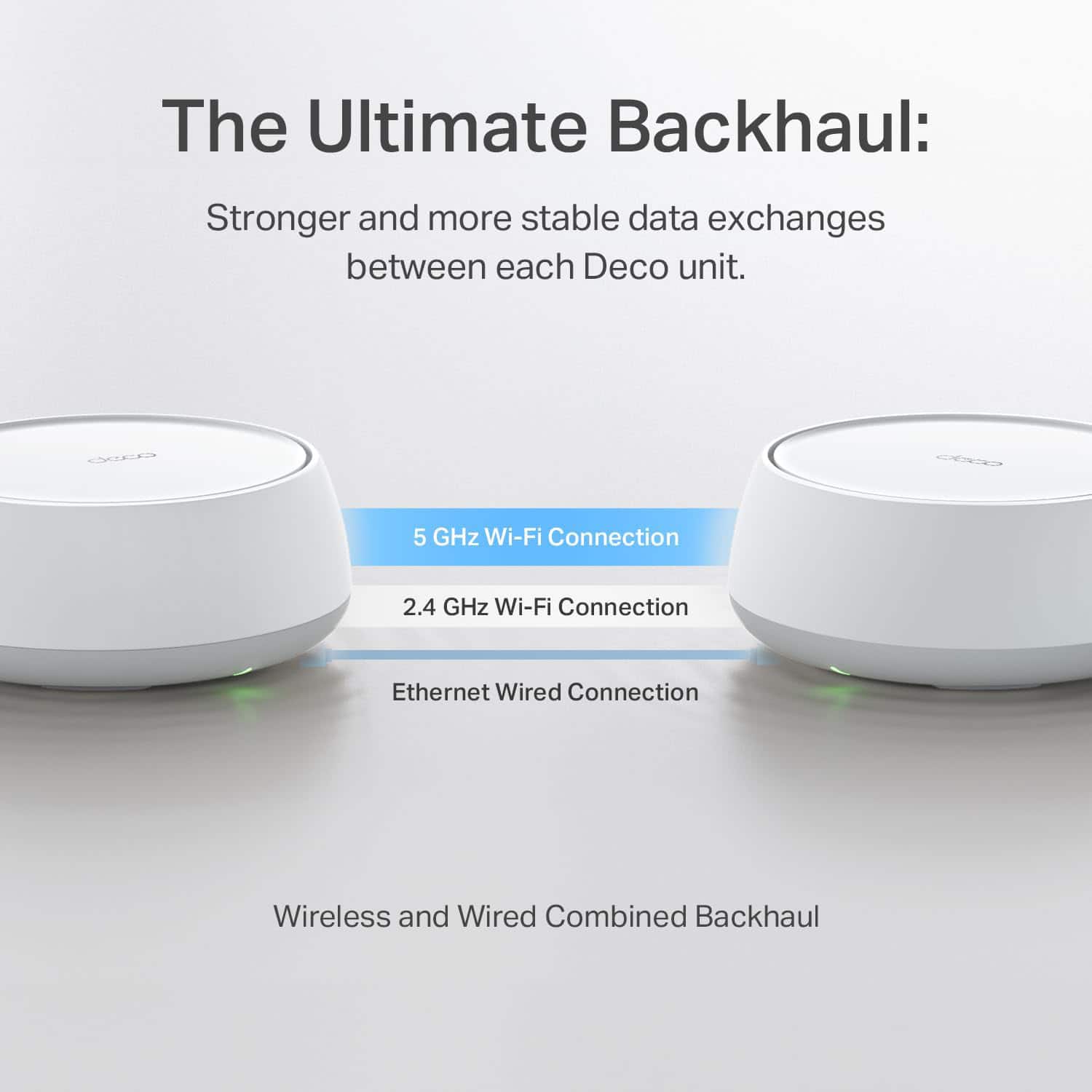
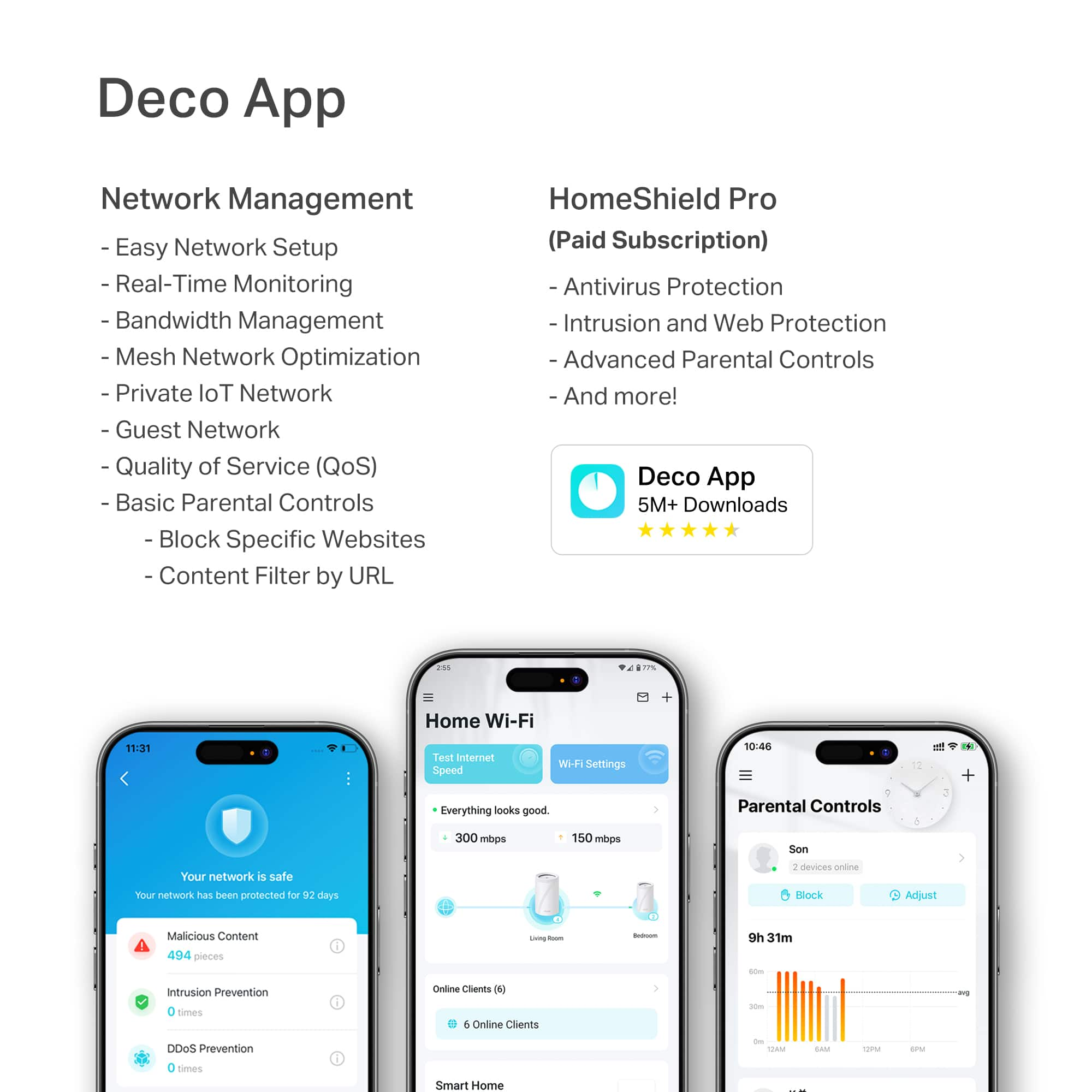
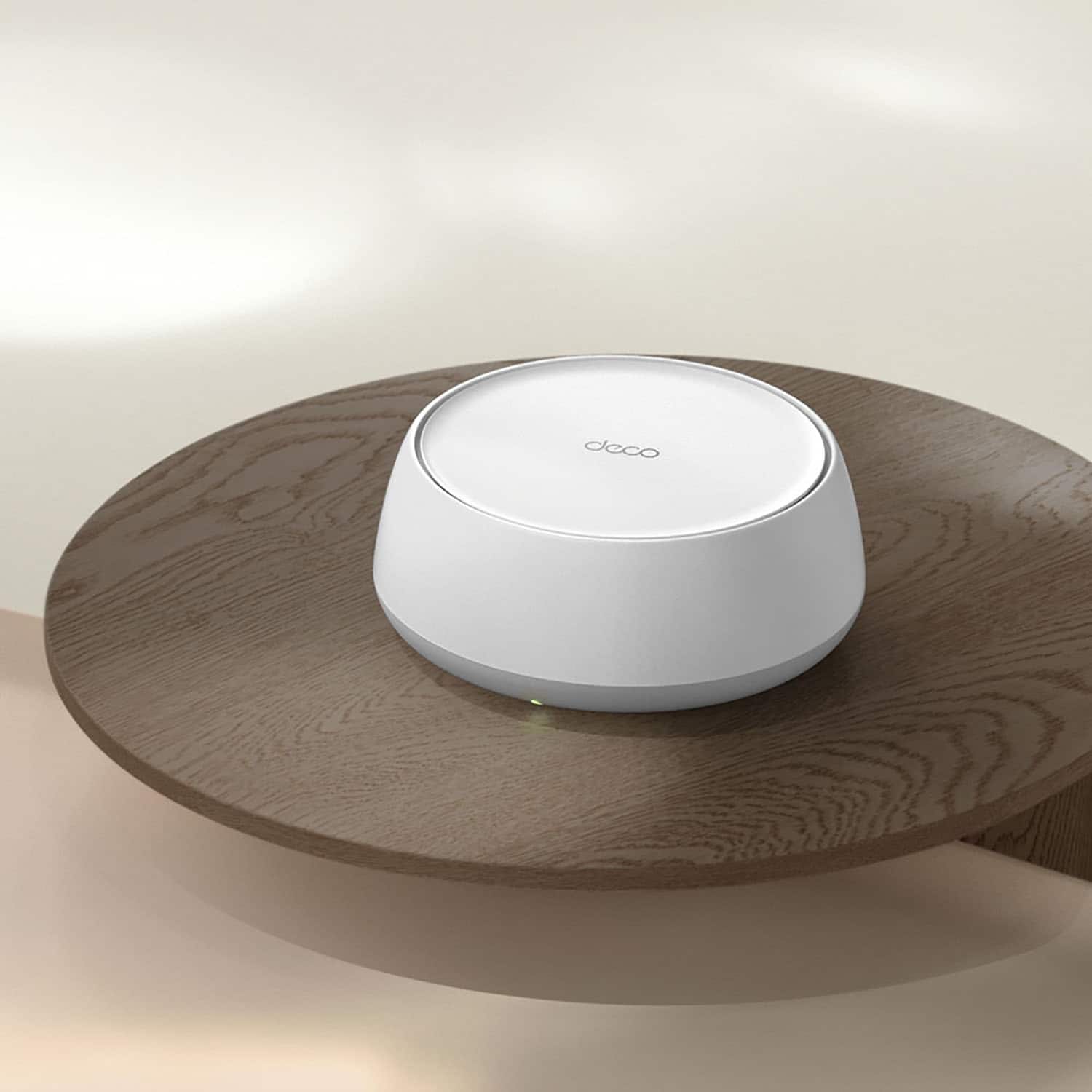

---
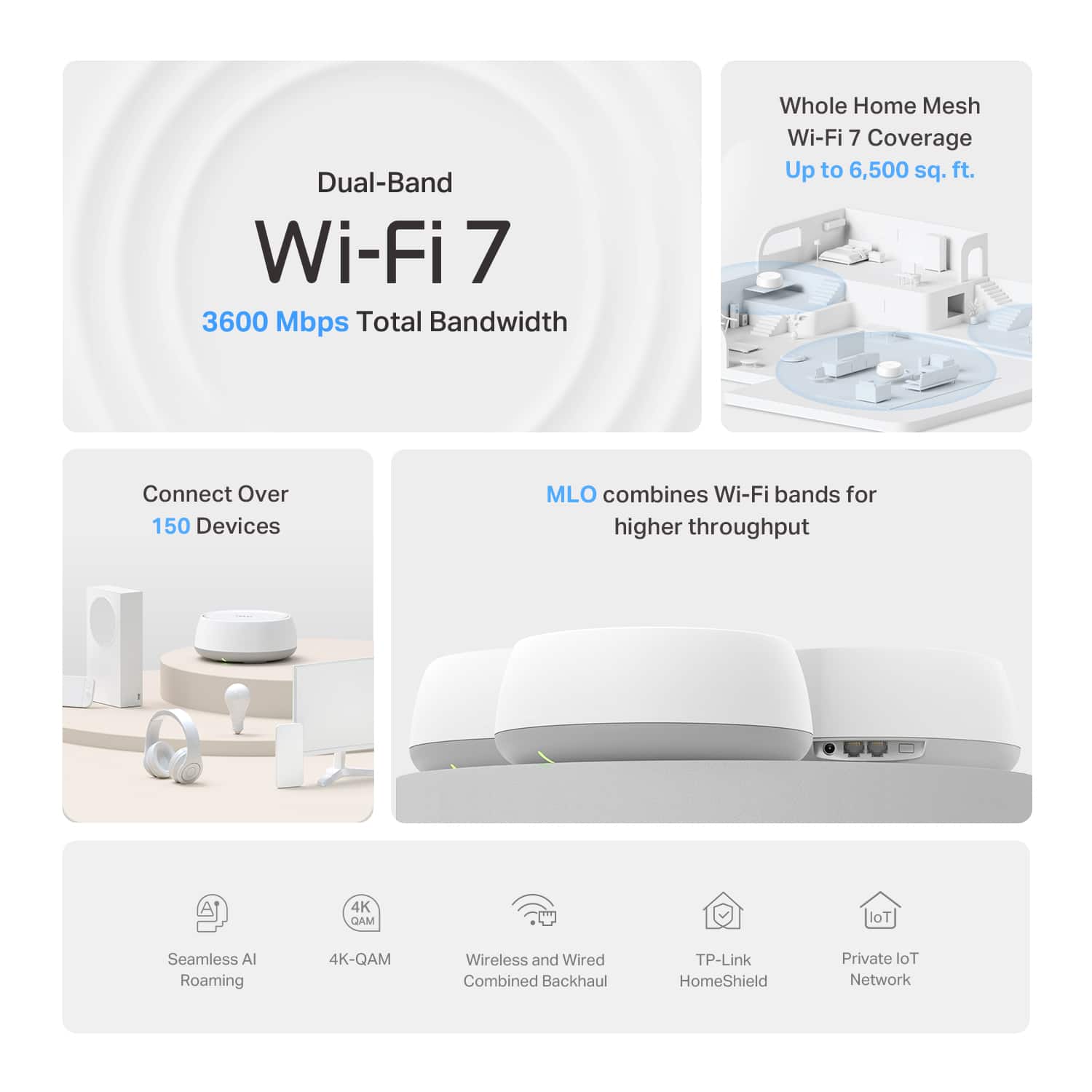
**HomeShield**
HomeShield is a built-in service, available in all HomeShield routers and Deco mesh products.
- Router Security Scan
- Wireless Security Scan
- IoT Device Identification
- Basic Parental Controls
- IoT Protection*
- Web Protection*
- Intrusion Prevention*
- Antivirus Protection*
*Included with HomeShield premium subscription service](https://pisces.bbystatic.com/image2/BestBuy_US/images/products/73c91144-7506-4315-aced-8c1035bdc301.jpg)

- Model:
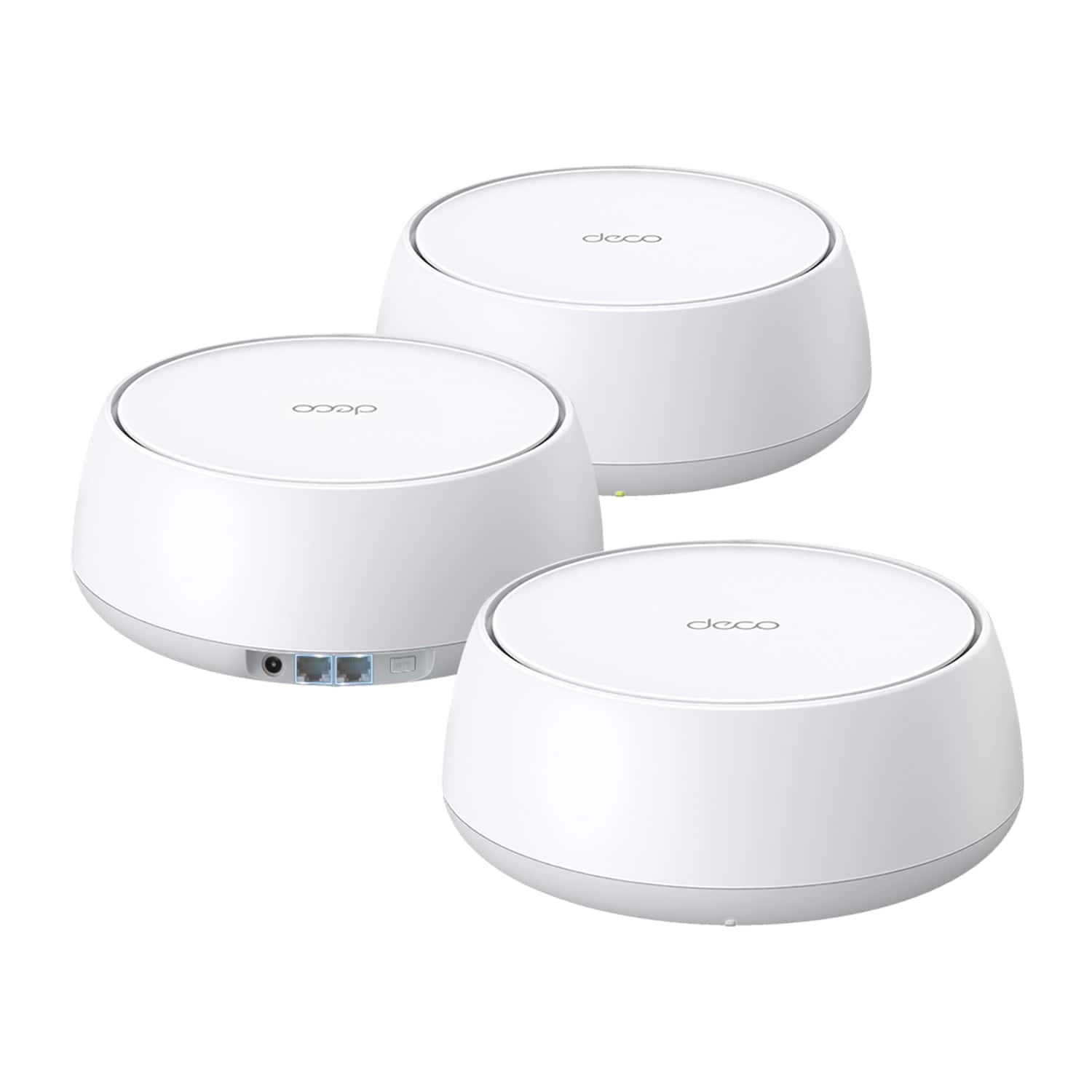
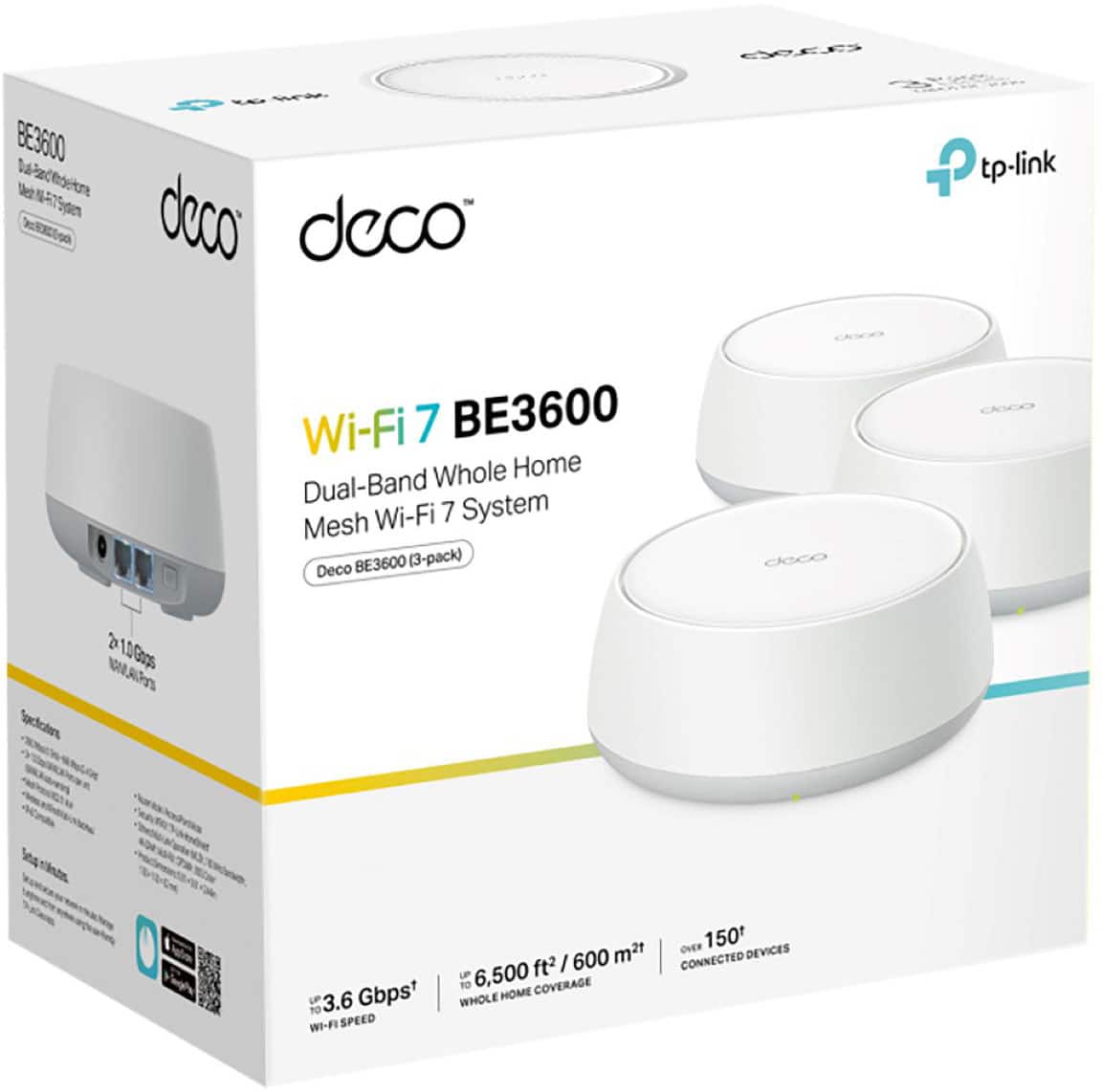
- Deco BE3600(3-Pack)
- SKU:
- 6605262
Rating by feature
- Setup
Rating 4.7 out of 5 stars
- Range
Rating 4.6 out of 5 stars
- Signal Strength
Rating 4.7 out of 5 stars
Customers are saying
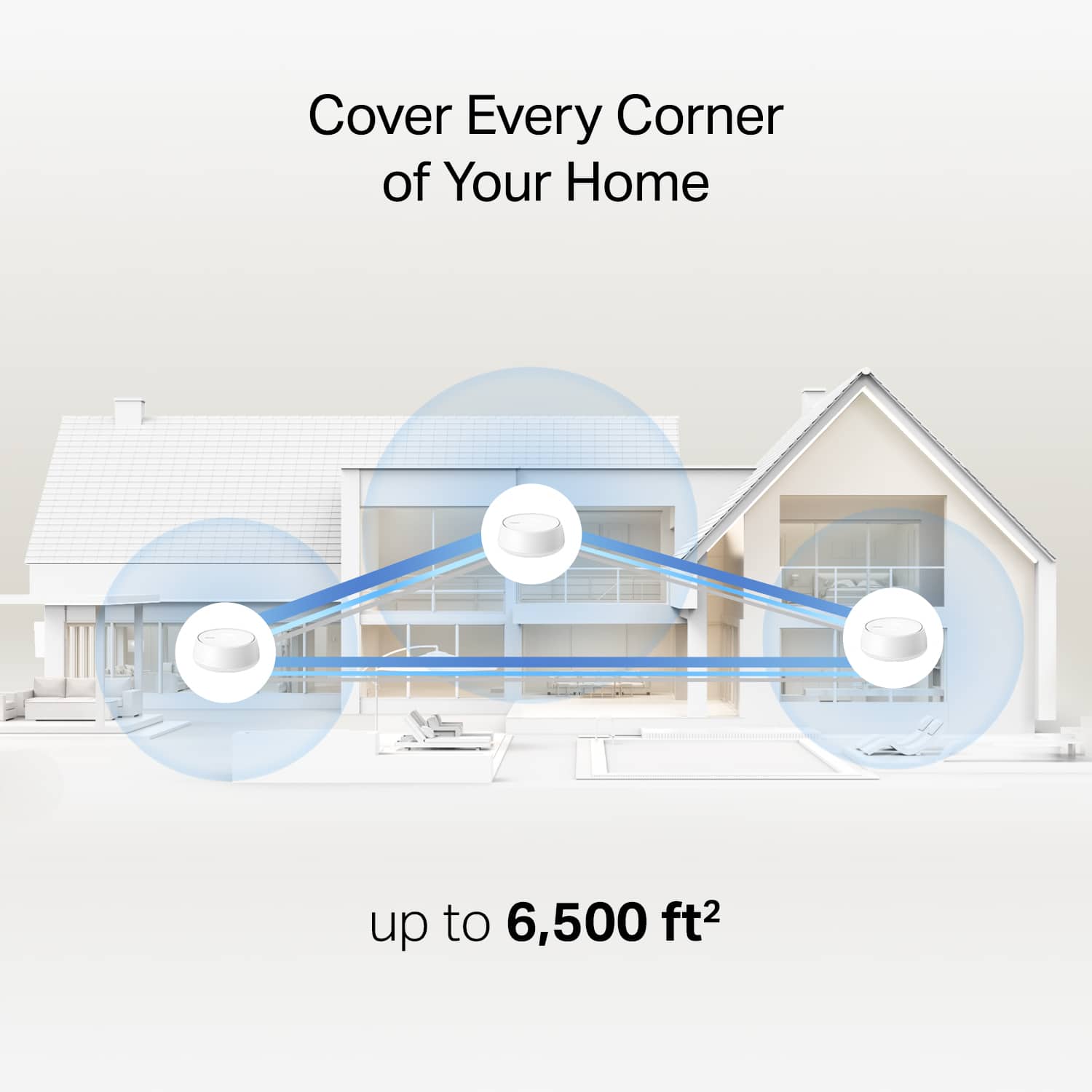
Customers frequently mention the Deco BE3600 Dual-Band WiFi 7 Mesh System 3-Pack is easy to set up and manage. Users also highlight the good performance and whole-house coverage provided by the system. Additionally, customers appreciate the fast Wi-Fi speed, noting the absence of dead zones.
This summary was generated by AI based on customer reviews.
- Pros mentioned:Performance

Small but Mighty with Tons of Features
|Posted .This reviewer received promo considerations or sweepstakes entry for writing a review.Having owned and used a Deco WiFi system before installing this one, I sort of already knew what to expect with this product. My old system was WiFi 6, had no issues ever, and out performed my Linksys system. When I saw that TP-Link released the WiFi 7, I was excited to get my hands on it and see what changed from the old to the new! Setup went OK... I did hit some snags while trying to set it up. First, after setting up the Deco and getting it configured, I then proceeded to re-wire it to be plugged into a dummy switch on my desk as I have other Ethernet connected devices on my desk that go beyond the 1 available ethernet port on the main Deco. However, when I plugged the Deco into the switch, it did not know what to do and confused the MAC address for the switch as the MAC for the Deco and caused chaos on the network. It was just counting all devices in the switch as 1 and mislabeling them. Eventually I was able to get it sorted after much trial and error, but perhaps that is a bug that they should look into. After that, the rest of the Decos were easy to setup, just plug it in and thats it! I really like how this new product has new features such as the IOT network. I have always wanted a separate network for my IOT devices as I do not want them consuming bandwidth on my regular network, well this Deco does that! It can create a separate IOT network that you can then rejoin your devices to and also perform automations with it. The speed and performance is outstanding, on my iPhone 15 Pro, I am getting 600mbps down and 35 up with Spectrum internet (600/30). With over 35 devices connected across the 3 decos, there is never a slowdown, can run multiple 4k streams, work, play games, browse the internet, etc without issue. The network congestion tool on the app is useful when you have slowdowns due to channel congestion. Really, the app in general is just great, the amount of functionality from a mobile app for a wireless mesh system is quite impressive. I appreciate the robustness and customizability for someone who is more tech savvy. The only complaint I have is that the 3rd Deco that resides in my garage, even though it shows a medium-strong strength, it definitely struggles to perform when doing mundane tasks like browsing the web, but there is a significant amount of concrete in the way so I get it, but I feel like the signal on my older Deco was stronger than this new one, perhaps that is the case, cheaper signal parts? Not sure, but not the end of the world. This is a great, cheap, entry level WiFi 7 mesh system that will satisfy the non-technical and the tech savvy.
I would recommend this to a friend - Pros mentioned:Coverage
Great Mesh Network Option
|Posted .This reviewer received promo considerations or sweepstakes entry for writing a review.I’ve been using mesh systems for years and have appreciated the coverage, but the problem I’ve always run into is interference between the nodes where the signal from a node slows down or blocks the signal from the router or another node. The TP Link Deco uses AI to determine the best module to connect to and seamlessly move throughout you home. This is what I’ve been looking for in a mesh wi-fi system and with wi-fi 7 capabilities, and at this price, the TP Link Deco is a winner. Setup was a little more difficult than I anticipated. It took several attempts before the app connected to the router. Sometimes it connected if there were touching, other times me phone needed to be a few feet away. Eventually, we got there, and by using the old WiFi network SSID and password, all of my devices immediately connected. There’s really no instructions on the nodes, but once the base station is set, you can plug them in and they should automatically connect to your system. Overall, the setup and system management are fairly simple, but you’ll want to have someone that’s a little bit tech savvy available just in case. The speed is great, and on par with my outgoing router. We have a gigabit connection and expect solid wi-fi performance, while using wired ethernet connections for gaming, etc. In my week of using the TP Deco, I can say that it performs as well, if not better, than competing products that are 3-4x as expensive. The range is fantastic, and the signal is strong, even when passing through walls. Overall, I still have some adjustments to make and will be moving the base station and nodes to different positions to maximize their effectiveness. I definitely recommend this as a solid mesh networking solution at a reasonable price point with a user friendly app and ease of setup.
I would recommend this to a friend - Pros mentioned:Setup ease
Not Great - Looks Elsewhere for Wifi Needs
|Posted .This reviewer received promo considerations or sweepstakes entry for writing a review.I was excited for a good priced, WiFi 7 solution that would bring faster speeds to my Wifi 7 enabled devices. Sadly, the TP-Link Deco BE3600 didn't deliver. First, let's start with the good. The setup for the mesh system was pretty straight forward and easy. After downloading the Deco app, just plug in and setup each of the nodes. The app guides you through each step to get your WiFi system up and running without much hassle. The size of the nodes was also a plus. Not super tall like some systems, you can easily place each node in an area and it doesn't take up a lot of room. After using the system for a week, I must admit I am not impressed. The speeds are not any better than my old WiFi 6 system was delivering. That I could probably be OK with as it is more bandwidth than what I need for 4k streaming, etc., if it wasn't for the other two issues I continue to experience. The handoff from node to node as you move around your house is abysmal. Devices continue to drop WiFi completely as you move around and the device tries to connect to the best node. So you will have WiFi, you move around, WiFi drops for a bit (seconds to minutes), then reconnects as it finds another Node. Not close to the seamless handoff experience TP-Link promises. Secondly, I find a number of my IoT devices continually disconnect from WiFi. As an example, I have a smart lock that I had zero issues with before on my old mesh solution. Not once did it disconnect from WiFi. Since setting up the BE3600 system, it drops WiFi connects multiple times a day. In the end, I will be returning to my WiFi 6 mesh solution as the TP-Link BE3600 falls very short in delivering. If you need stable and worry free WiFi, avoid the system at all costs.
No, I would not recommend this to a friendBrand response from TPLinkSupport
Posted .Hi bobcats9498,
Thank you for your review. Our Deco Mesh Wi-Fi systems are designed to provide robust, seamless Mesh Wi-Fi for your whole home. In your case, we first recommend ensuring your Deco app and firmware are both fully up to date and your Deco units are optimally positioned within your home and in proximity to each other.
We also suggest using the IoT Network feature to help ensure compatibility and ease of connectivity for your IoT devices.
Our support team is always happy to help answer any questions you may have about our products. Please feel free to reach out using any of the resources included with the product, or from our official website, and we'll gladly have a Support Agent follow up with you directly.
Thank you,
TP-Link Support
Great Upgrade from my older system
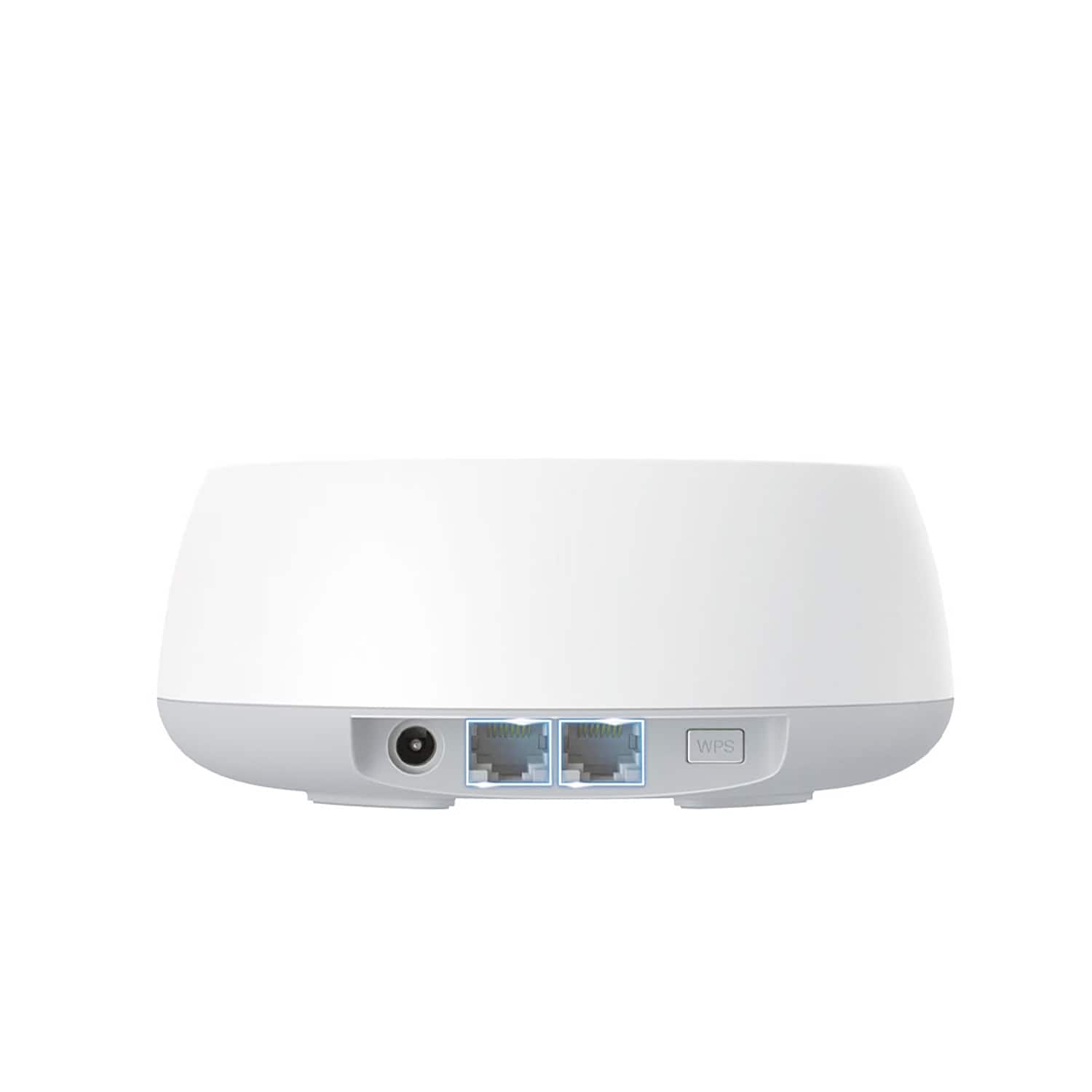
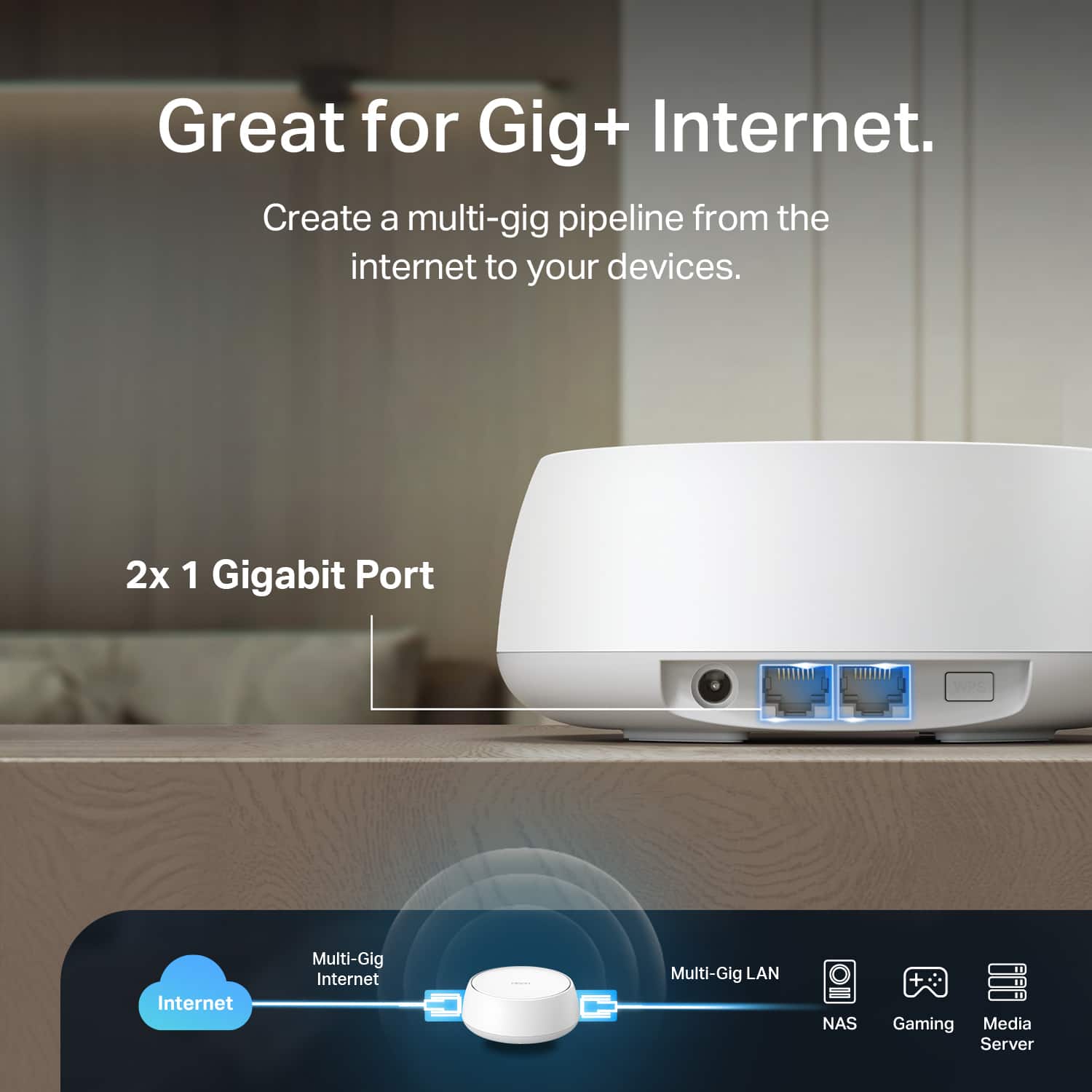
|Posted .This reviewer received promo considerations or sweepstakes entry for writing a review.In the box are 3 DECO BE25 units with power cord/plug, one Ethernet cable and a quick installation guide. First Impression - I like the round shaped units and it looks so much better than my previous rectangle and tower shaped router units. They are a little taller than I expected (I was hoping that they would be a little more flat) but they are smaller than my previous systems, so that is a HUGE perk. One of the good things I like about the smaller sized unit is the two Ethernet plugs on the back. Our previous unit only had one so now, we downsize all of the cords going to main system and my daughter who has multiple devices in her room can now have two devices plugged into the Ethernet ports. Disclaimer, We have a 6 rooms with at least 3 electronic wireless devices and at least 1 Ethernet ported device (7 rooms if you count our front loading washer and dryer that also connects to the WiFi.) I was definitely excited to get this product to test out the connectivity when one or more rooms are using electronic devices since the previous system would buffer constantly when playing online games or watching a streaming service on multiple devices. Installation - The installation was pretty easy - all I had to do was completely remove my old nodes and plugged in the new nodes and download the app and I was still able to use my previous names and passwords as the old system. This only took about 10-15 minutes. The app is very useful. One of the best things is getting a notification when a new device is using the wifi. I am able to remove, segregate or even not allow the device to get on streaming services using the app (parental controls). I basically learn something new every time I access the app. Connectivity - (Disclaimer - I live in an older house and I am not sure how old the outside wiring is. I pay for 600M cable internet with my local cable provider. I checked my download a couple of times an I got 452 down and 20-22 up. For our household, this is way better than our previous router system.) So far, I have been able to get way better connectivity with using multiple devices in the same room. Before, I was not able to stream on my TV and use other devices in the same room without my TV constantly going in to buffer mode. One of the days, I had 3 phones, 5 tablets (2 of the tablets were streaming) and something streaming on my TV and there was no buffering. Overall, this was the perfect upgrade for our family and I would definitely recommend to friends and family.
I would recommend this to a friendexcellent. worth it
Posted .This reviewer received promo considerations or sweepstakes entry for writing a review.It works way more better than my stock router/modem. A smarter choice instead of getting a wifi repeater. WORTH EVERY PENNY. I finally have the full wifi speed that my provider gives in every room
I would recommend this to a friend