Customer Ratings & Reviews
- Model:
- TGR1900BLK
- |
- SKU:
- 4409400
Customer reviews
Rating 4.6 out of 5 stars with 779 reviews
(779 customer reviews)to a friend
Customers are saying
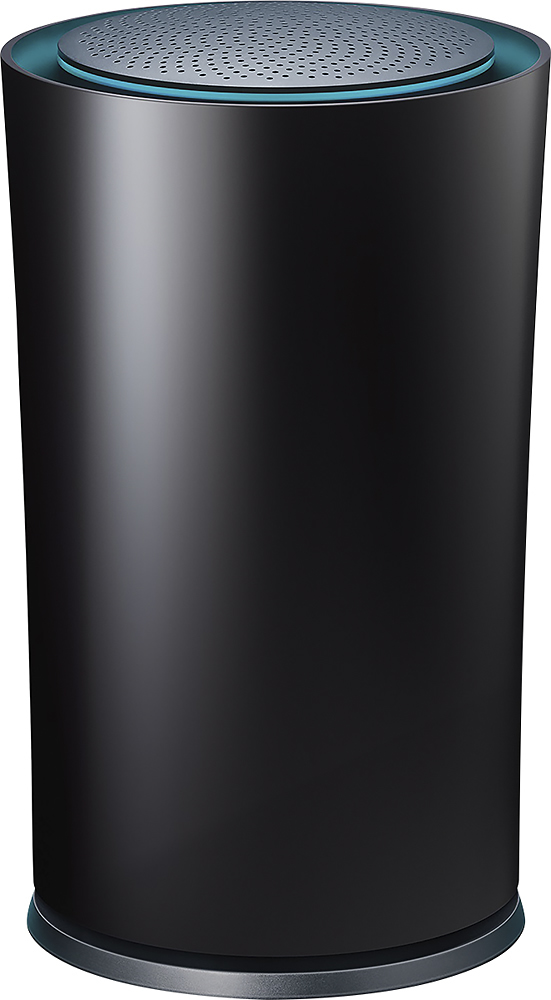
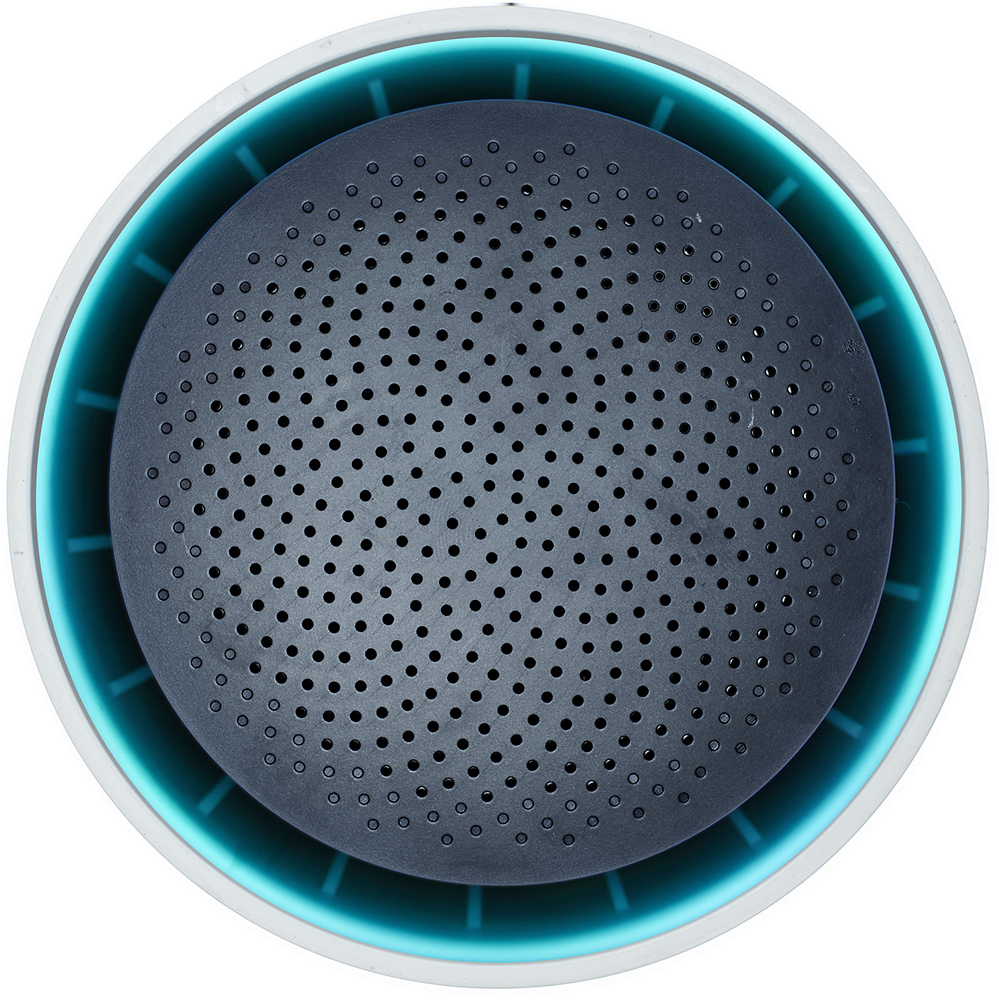
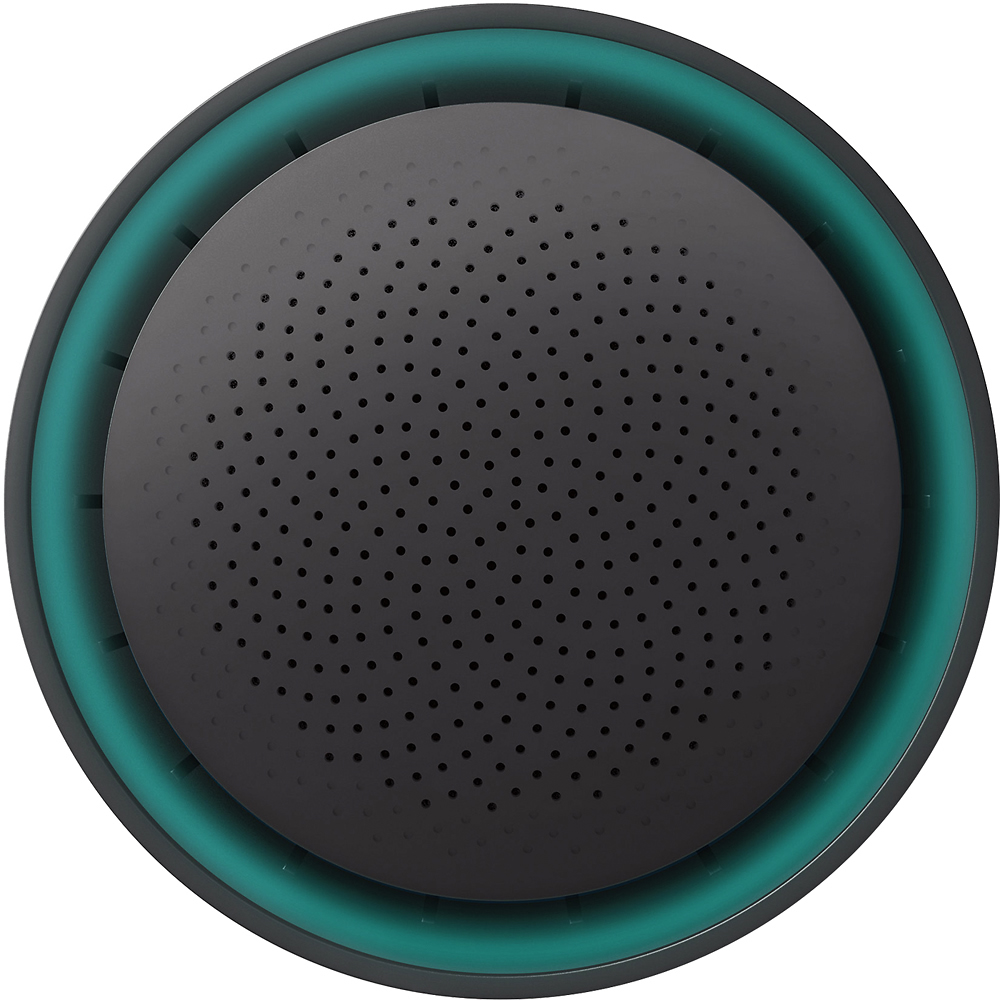
Customers enjoy the Google OnHub AC1900 Dual-Band Wi-Fi Router's ease of use, range, and performance, with many praising its simple setup and strong signal. Positive feedback also highlights the router's design and helpful app. However, some customers express disappointment with the limited number of Ethernet ports and the relatively high price point. A few users also mention a lack of advanced features compared to other routers on the market.
This summary was generated by AI based on customer reviews.
- Cons mentioned:Connection
Rated 2 out of 5 stars
Trouble with keeping a connection.
||Posted .This reviewer received promo considerations or sweepstakes entry for writing a review.Was excited getting this product but can't keep a connection with it have to return it and try again
No, I would not recommend this to a friend Rated 3 out of 5 stars
Only a couple years
||Posted .This reviewer received promo considerations or sweepstakes entry for writing a review.Great product but after a few years it Google has its own router system
No, I would not recommend this to a friendRated 1 out of 5 stars
Google WIFI a.k.a. IHub
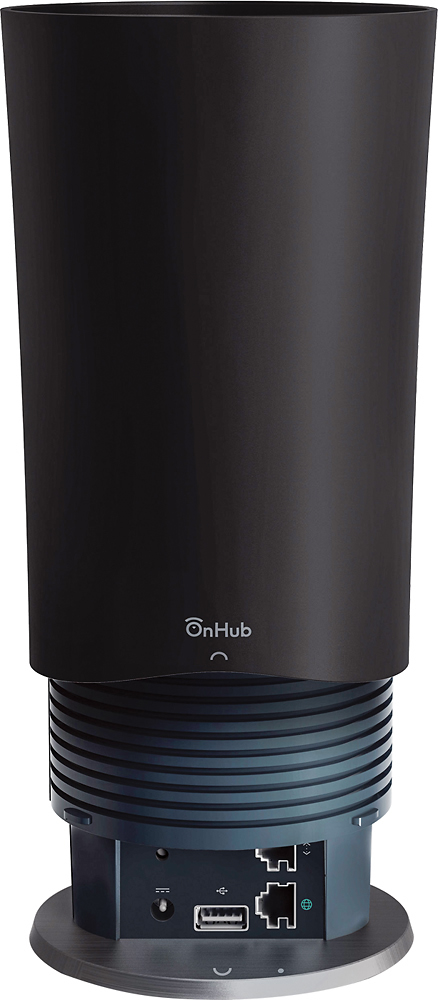
||Posted .This reviewer received promo considerations or sweepstakes entry for writing a review.Google uses two vendors for their WIFI router, TP-LINK and ASUS. I have fwo houses and after a flawless,experience with thE ASUS version I saw the TP-Link version for' $50 less than the ASUS version of the iHub and bought it for my second house, first thing I noticed was that there was no opening on the bottom for the ethernet, power or USB cables. Rather tha out over sat on top of the capable leaving the bottom of the router exposed along with all of the cords and wires. So much for building a device that would fit into homes in-noticed. In addition, gone was the flawless operation of the ASUS model and what replaced the flawless unattended operation of the ASUS router was one that did not have the sa,e range or coverage and needed to be rebooted twice during the 3 weeks that I had it. The ASUS version does not work with the WD Mycloud drives, but if you don't have those then definately get the ASUS router and if you do have the WD Mycloud drives then get a Netfear Nighthawlk Router. Just avoid this router at all costs.
No, I would not recommend this to a friendRated 3 out of 5 stars
Okay
||Posted .This reviewer received promo considerations or sweepstakes entry for writing a review.This router was fine except it would never connect through my ISP. Everything worked however.
No, I would not recommend this to a friend- Pros mentioned:Setup
Rated 2 out of 5 stars
Didn't cover my 1,500sq ft home
||Posted .This reviewer received promo considerations or sweepstakes entry for writing a review.Easy setup but not strong enough to reach my upstairs bedroom.
No, I would not recommend this to a friend Rated 3 out of 5 stars
Okay router
||Posted .This reviewer received promo considerations or sweepstakes entry for writing a review.I have had a small amount of trouble linking this router to older printers.
No, I would not recommend this to a friendRated 3 out of 5 stars
Not sure if it is strong enough.
||Posted .This reviewer received promo considerations or sweepstakes entry for writing a review.It's better than what we had, but don't think it's strong enough.
No, I would not recommend this to a friendRated 3 out of 5 stars
Okay, not the best
||Posted .This reviewer received promo considerations or sweepstakes entry for writing a review.Set up was easy, but reception nor as good as the Neegear.
No, I would not recommend this to a friend- Pros mentioned:Speed
Rated 1 out of 5 stars
Great if you don't have gaming consoles.
||Posted .This reviewer received promo considerations or sweepstakes entry for writing a review.The kid's Xbox's lagged and youtube wouldn't load on our phones. The app said that I was getting 11 mbps download speeds. I get between 60 and 90 with my netgear 1750. I returned it and went back to my old router.
No, I would not recommend this to a friend Rated 2 out of 5 stars
Router not the best!
||Posted .This reviewer received promo considerations or sweepstakes entry for writing a review.I bought this router thinking that I will have more way to optimize various connections but looks like only you can set priority and not able to modify individual parental control. WIFI signals are better than my previous router
No, I would not recommend this to a friendRated 2 out of 5 stars
TP-Link - Google OnHub Dual-Band Wireless-AC1900 G
||Posted .This reviewer received promo considerations or sweepstakes entry for writing a review.My purchase of the TP-Link - Google OnHub Dual-Band Wireless-AC1900 Gigabit Router - Black was NOT very good. This unit provided limited access to custom network changes to more of the features are not available as advertised.
No, I would not recommend this to a friend- Pros mentioned:Setup, Speed
Rated 5 out of 5 stars
Simple State of the Art
Posted .This reviewer received promo considerations or sweepstakes entry for writing a review.Being a lover of Google products, this was the WiFi router for my household. I was initially interested in another brand but decided on this product instead after reading about Onhubs forward compatibility. The 13 antennas and the ability to prioritize streaming to the TV, phone or computer of my choice convinced me to try it over others. I have not been disappointed!!! The installation couldn't have been easier. Plug in the power and Internet cable, it does everything else including initial upgrade. Install the App on your phone and watch as your devices connect (assuming you use the same name and password for your network) All users only noticed speed improvements and not an interruption of service. They didn't have to change a thing. So far I have had 14 devices connected and not even a flutter on my streaming movies. The distance and speed improvement are obvious to me compared to my previous N router. I highly recommend that you consider Onhub as your next router..
I would recommend this to a friend - Pros mentioned:Ease of use, Speed
Rated 5 out of 5 stars
Great Product
Posted .This reviewer received promo considerations or sweepstakes entry for writing a review.The onhub was very easy to set up, just download the app and let the router to the talking. The app is very easy to navigate and easy to get the network set up. This router is powerful as well. I upgraded from Netgear's n900 dual band to this router and was seeing speeds 40 mbps faster than the n900. I pay for 105 from comcast and I am easily getting 160 to 170 download from the router. If there is one complaint it is that it outputs one network, which in my mind is odd. I'm used to the 2.4 and the 5 ghz bands and not just one band. I know it is to make this a seamless experience, but it will take just a little time to get used to one network. That being said, great product so far and I would highly recommend anyone looking for a new router to highly consider this along side the netgears. the asus and the linksys routers for the same price. (having 12 antennas is not too shaby either)
I would recommend this to a friend Rated 2 out of 5 stars
Has potential but limited.
||Posted .This reviewer received promo considerations or sweepstakes entry for writing a review.I wanted to like this device, but it has limited functionality. Maybe with Google updates it will be better. I don't time to wait.
No, I would not recommend this to a friendBrand response from TPLinkSupport
Posted .Dear Kr2020,
Thank you for sharing your recent experience with OnHub.
We have released several updates for the OnHub that optimize its performance, improve existing features, and added new exciting features to the router. Please make sure your OnHub is up to date, and your Google On App is updated as well.
Should you have any additional questions or concerns regarding this product, please contact our OnHub Support Team at your earliest convenience via the number and/or email address provided for you below.
Google OnHub Support Team
https://on.google.com/hub/support/
Email: [email protected]
Phone: 844-442-3693 (toll-free from US and Canada)
Rated 2 out of 5 stars
It was average
||Posted .This reviewer received promo considerations or sweepstakes entry for writing a review.I expected this product to deliver my faster internet fast. It delivered it just as good at a standard, cheap router.
No, I would not recommend this to a friendBrand response from TPLinkSupport
Posted .Hi there, thanks for the review and feedback!
We'll be more than happy to help address the concerns you have about the router.
To ensure the best possible connection it’s important to make sure placement of the router is as optimal as possible. Reducing obstructions and putting the router in a central location can make sure your signal reaches the areas you need. We also recommend using devices that are compatible with 5GHz for best performance.
We’d love to follow up with you and answer any questions you might have. Please send an e-mail with your contact information and a copy of this review to [email protected] and we'll gladly have a Support Agent follow up with you directly.
Thanks again for your feedback! We hope you'll keep TP-Link in mind for your future networking needs.
Best Regards,
TP-Link Customer Support
(866) 225-8139
[email protected]
- Pros mentioned:Performance, Setup
Rated 5 out of 5 stars
Great performance, install was a snap
Posted .This reviewer received promo considerations or sweepstakes entry for writing a review.I originally purchased a Netgear Nighhawk with DST adapter to both improve performance and extend wifi to my garage. It was hard to get working with my DSL modem, the DST adapter didn't work on the electrical circuit in my garage, and the Nighthawk caused my wife's MacBook to have to turn the wifi off and on again every time it came out of sleep mode. I returned it and bought the OnHub. Install was a snap using the Google On app I downloaded to my iPhone, performance is great, and I now have wifi in my garage without any kind of adapters or wifi extenders. And it looks cool. Great product!
I would recommend this to a friend Rated 4 out of 5 stars
GREAT WiFi coverage, but a little too dumbed down.
Posted .This reviewer received promo considerations or sweepstakes entry for writing a review.My home is a 1-1/2 story, 4100 sf house, including the basement. So, three floors of coverage required. The cable modem is located in the basement, between the foundation and a wooden access door at one end of the house on the short side of the roughly rectangular footprint. Previously, I ran an Asus RT-AC66U in that "closet". Coverage was insufficient, so I set up access points on the 1st and 2nd floors as well as a wireless repeater bridge on the other side of the basement. For whatever reason, my WiFi was just spotty. Although I have ethernet hardwired to a variety of rooms in the house, none of the rooms had two side-by-side connections (I needed one from the modem and one to the switch), so there was no easy way to place the router in a more ideal location in the middle of the home without pulling cable. I didn't expect much, but I decided to keep it simple and just try putting the OnHub in the same location as my old primary Asus router -- the far end of the basement. Unbelievably, the TP-Link OnHub has replaced the entire collection of routers. Sure, the signal is better in some places than others, but my throughput is very good throughout the entire house. I couldn't be happier with the coverage and the elimination of all the access points. Downside? Others have mentioned them. The speaker-based pairing with my Android phone didn't succeed. Worse, there was no error message indicating that it failed and that I should enter the code from the bottom of the OnHub manually. I would have appreciated a better getting started guide. At least tell me how to remove the cover. Mine was a little stubborn coming off. Lacking instructions, I wasn't sure that it was safe to crank harder on it. Also, the interface is just too dumbed down. For example, there's no way to assign a name to a device with a a static IP. Maybe with a later update?
I would recommend this to a friendRated 2 out of 5 stars
not what I anticipated
||Posted .This reviewer received promo considerations or sweepstakes entry for writing a review.whether it was how I set it up (though I followed directions)..it seemed that the signal was constantly getting lost.
No, I would not recommend this to a friendBrand response from TPLinkSupport
Posted .Hello,
Thank you for your review and feedback.
If you have concerns regarding your OnHub's Wi-Fi signal, we recommend contacting Google's Support Team for assistance. You can reach them by phone at 844-442-8693, or by e-mail at [email protected].
If you have any other questions or concerns regarding TP-Link products, please feel free to contact us using the information provided below and we'll gladly assist you.
Best Regards,
TP-Link Customer Support
(866) 225-8139
[email protected]
- Pros mentioned:Ease of use, Performance
Rated 5 out of 5 stars
Great router, easy setup, solid performance
Posted .This reviewer received promo considerations or sweepstakes entry for writing a review.I was able to set up OnHub in about 5 minutes, with no issues. The easiest networking equipment I've ever used. It doesn't have 100s of settings, but I don't really need those. I have 2 kids, who stream videos all of the time, and I'm able to surf and do work, with no issues. Great router! By the way, BestBuy was the only place I could find it in stock!
I would recommend this to a friend - Pros mentioned:Ease of use, Range
Rated 5 out of 5 stars
Love this Router
Posted .This reviewer received promo considerations or sweepstakes entry for writing a review.Had researched this, so I understood that there would be limited advanced settings, but, I rarely used those anyway, and was never sure i did it right. I upgraded from an older AC unit. My home is 4700 sq Ft including my finished basement. I have never come close to having a good signal in all spots without using 2 extenders. This did the trick. Awesome setup using the Android App. Worked great. I love Google even if they do know more about me than my family and the NSA combined.
I would recommend this to a friend