Customer Ratings & Reviews
- Model:
- TGR1900BLK
- |
- SKU:
- 4409400
Customer reviews
Rating 4.6 out of 5 stars with 779 reviews
(779 customer reviews)to a friend
Customers are saying
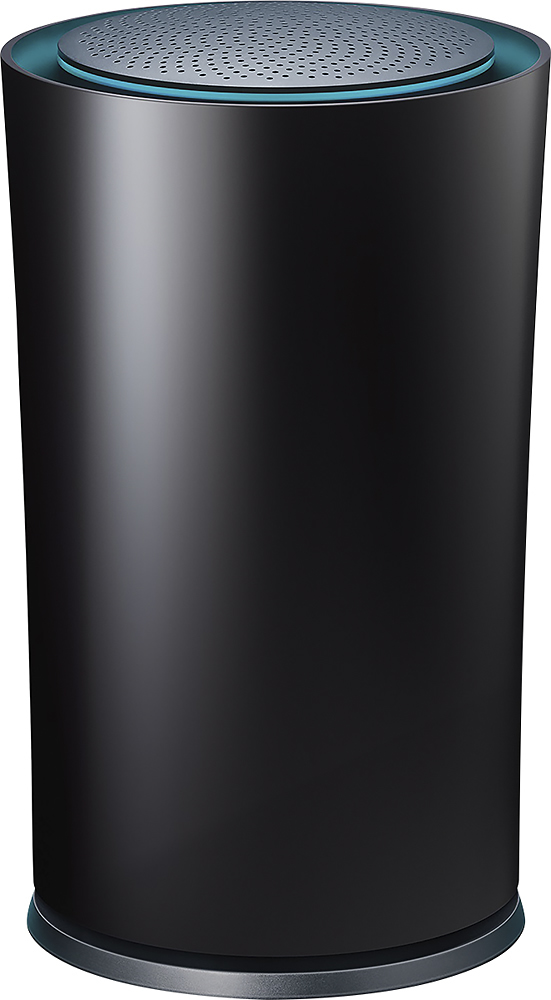
Customers enjoy the Google OnHub AC1900 Dual-Band Wi-Fi Router's ease of use, range, and performance, with many praising its simple setup and strong signal. Positive feedback also highlights the router's design and helpful app. However, some customers express disappointment with the limited number of Ethernet ports and the relatively high price point. A few users also mention a lack of advanced features compared to other routers on the market.
This summary was generated by AI based on customer reviews.
- Cons mentioned:Ethernet ports
Rated 5 out of 5 stars
Great Router
Posted .This reviewer received promo considerations or sweepstakes entry for writing a review.I have great signal throughout my house, the only bad thing is that it only has one ethernet port.
I would recommend this to a friend Rated 5 out of 5 stars
Great Router but...
Posted .This reviewer received promo considerations or sweepstakes entry for writing a review.If you're in Virginia and use Cox Cable communications, this modem isn't on their 'approved modem' list. I was super stoked to use this thing after the run down I received from the best buy associate. Come home, get happier, call the cable company because they have to 'approve' everything you use... NOPE! no go. So beware... check with your cable company first before buying. Its so new it may not be on their 'list'. #somad
I would recommend this to a friendRated 2 out of 5 stars
Overpriced junk for the enthusiast
Posted .This reviewer received promo considerations or sweepstakes entry for writing a review.I purchased this hoping it would simply work (as advertised). The interface is very basic. This isn't really a great thing as many things you would want to find are either missing or hidden. The worst thing for me was that it would not work with my wired network at all. It saw each device, but none of them would have internet access. Only my wireless devices had internet. It went back the next day. For this price, I expected better. Wireless speed was a significant drop from my previous ASUS router.
No, I would not recommend this to a friendBrand response from TPLinkSupport
Posted .Dear Rtoudouze,
Thank you for sharing your recent OnHub experience with us.
We wish our support team had an opportunity to speak with you regarding to the issues you were experiencing with your OnHub.
In the future, should you have any additional questions or concerns regarding our products, please contact the OnHub Support Team at the number and/or email address provided for you below.
We're always happy to help.
Google OnHub Support Team https://on.google.com/hub/support/ email: [email protected] phone: 844-442-3693 (toll-free from US and Canada)
- Pros mentioned:Range
Rated 5 out of 5 stars
Excellent
Posted .This reviewer received promo considerations or sweepstakes entry for writing a review.We have had several routers, but this one by far is the best we have ever had.
I would recommend this to a friend Rated 5 out of 5 stars
Extends the wireless access
Posted .This reviewer received promo considerations or sweepstakes entry for writing a review.It solved my wireless blind spot issues.Works great.
I would recommend this to a friendRated 1 out of 5 stars
This is absolute garbage by Google and TP-Link
Posted .This reviewer received promo considerations or sweepstakes entry for writing a review.This router is absolutely terrible. The setup seemed easy enough; download the app hook everything up and open the app to set up. This did not work at all. I used two different phones and it would not connect to the router. Finally, a third phones was able to connect to set it up. The router does not allow you to have a separate 2.4 & 5ghz SSID. The router decides what is best for you which is not something it is very good at. Everything seems fine when you are less than 10 ft away from the router but as soon as you go beyond that, good luck getting any signal. The wifi drops about every 2-3 minutes and I can only guess it is trying to figure out which band to choose while knocking you off every time it chooses a new band. It doesn't allow you to choose channels either. If google believes their router can choose eveything for you, it better work well and keep a stable connection. This router does neither and leaves you frustrated.
No, I would not recommend this to a friendRated 2 out of 5 stars
Good idea, poor execution.
Posted .This reviewer received promo considerations or sweepstakes entry for writing a review.This product feels rushed to market. It's a good idea, but it really needs work. Constantly have to reboot. Says connected, but can't browse or use anything without turning off Wi-Fi and using my mobile data plan, even when sitting within five feet of router. Works ok for a while after a reboot. Having to reboot a lot more now.
No, I would not recommend this to a friendBrand response from TPLinkSupport
Posted .Dear Frustrated,
Thank you for sharing your recent experience with OnHub.
Due to the symptoms that you are currently experiencing, we recommend contacting our customer support team at the number or email provided for you below so we may properly address this concern.
We hope to get this situation squared away for you and finally have your OnHub performing as you had originally anticipated.
Google OnHub Support Team
https://on.google.com/hub/support/
email: [email protected]
phone: 844-442-3693 (toll-free from US and Canada)
We
Rated 5 out of 5 stars
Works great as GoogleWiFi Mesh point!
Posted .This reviewer received promo considerations or sweepstakes entry for writing a review.I already had an OnHub Router, and I bought a second one to use to create a Google WiFi Mesh Network. It works just like one of the round white units for Google WiFi. So my Google Wifi Mesh network consists of two OnHubs, and they work flawlessly.
I would recommend this to a friendRated 5 out of 5 stars
Easy to set up
Posted .This reviewer received promo considerations or sweepstakes entry for writing a review.Pretty simple with the cell phone link that the Best Buy Associate downloaded for me. The phone and the router talked to each other. I don't know what happened, but the router worked right away!
I would recommend this to a friendRated 1 out of 5 stars
signal drop a lot after 40 days use
Posted .This reviewer received promo considerations or sweepstakes entry for writing a review.It is very easy to install and for the first 20 days, the signal is very good and I don't have any trouble to use my iphone in my house. But after 30 days, the signal start to drop and right now, its coverage is even narrow than my old linksys router. The quality is a really issue for google product. It is over 30 days and could not return.
No, I would not recommend this to a friendBrand response from TPLinkSupport
Posted .Dear Yanzhang,
Thank you for sharing your recent OnHub experience.
We are sorry to hear that your OnHub did not perform as expected and we would like to address this concern.
Please contact us at your earliest convenience by phone or the email address provided for you below and our support team will happily assist you.
Google OnHub Support Team
https://on.google.com/hub/support/
email: [email protected]
phone: 844-442-3693 (toll-free from US and Canada)
Rated 5 out of 5 stars
Works Perfectly
Posted .This reviewer received promo considerations or sweepstakes entry for writing a review.I have a 2000 square foot ranch style home so having wifi throughout was a bit of a task until we found this...Strong signal everywhere!
I would recommend this to a friendRated 5 out of 5 stars
Awesome Router!
Posted .This reviewer received promo considerations or sweepstakes entry for writing a review.Wow, this router was super easy to set up (if you could even call it that) and use. Speed is blazing. This is an awesome product!
I would recommend this to a friend- Pros mentioned:Setup
Rated 1 out of 5 stars
Does not work as advertised
Posted .This reviewer received promo considerations or sweepstakes entry for writing a review.I am pretty tech savvy and this product did NOT work/perform as touted. Set up was relatively easy but when I got it all set up, and all was said and done, I had NO improvement in performance than what I was getting straight from the router/modem. If I was next to it, it worked OK (just like my router/modem) but I wanted to be able to have better performance when NOT in the same room as the router/modem. Not the case with this OnHub. It touts being able to connect to around 100 devices; however, ONE device (my lap top) BARELY worked - sooooooooooooooo slow just as if I was going straight off my router/modem. Very very very disappointed to say the least in that I saw very good reviews on it and was highly recommended by a co-worker who works in the Connected Home area. I just do not know what to say as to WHY it did not perform as touted.
No, I would not recommend this to a friend Rated 1 out of 5 stars
Limited Features
Posted .This reviewer received promo considerations or sweepstakes entry for writing a review.There's not parental controls and you cannot configure the LAN subnet. So if you have cameras or other devices with a static IP you will have to change all those. Returning this router back to the store tomorrow.
No, I would not recommend this to a friendBrand response from TPLinkSupport
Posted .Hello Joel,
We are sorry to hear that OnHub did not live up to your expectations, but certainly appreciate your feedback as it helps us improve our products.
Moving forward, we will surely take these details into account as we continue to release new features for the OnHub.
Please note for future reference, should you have any additional questions or concerns with Google's OnHub products, you may contact the OnHub support team anytime at the number and/or email provided below.
Google OnHub Support Team
https://on.google.com/hub/support/
email: [email protected]
phone: 844-442-3693 (toll-free from US and Canada)
Rated 1 out of 5 stars
lousy product
Posted .This reviewer received promo considerations or sweepstakes entry for writing a review.cant do the setup from your desktop--you must use a cellphone---anyone that prefers to work off of a cell phone without the option to use a full desktop is IMO not a rational thinking person
No, I would not recommend this to a friendBrand response from TPLinkSupport
Posted .Dear Tedx,
Thank you for sharing your thoughts with OnHub.
OnHub was simply designed for the consumer by providing quick and easy installation along with the convenience of managing your network from your mobile device .
From within the Google On App, consumers are able to install their OnHub, run speed tests and network diagnostics, prioritize devices connected to your network and easily share your wireless network credentials with a friend or family member, just to name a few.
We understand some popular management features may not be supported at this time, however, our team is constantly working to improve OnHub with the intention of adding additional features for later firmware releases.
Should you have any additional questions or concerns regarding OnHub, please contact the OnHub Support Team at the number and/or email address provided for you below.
Google OnHub Support Team
https://on.google.com/hub/support/
email: [email protected]
phone: 844-442-3693 (toll-free from US and Canada)
Rated 1 out of 5 stars
Just Sad...
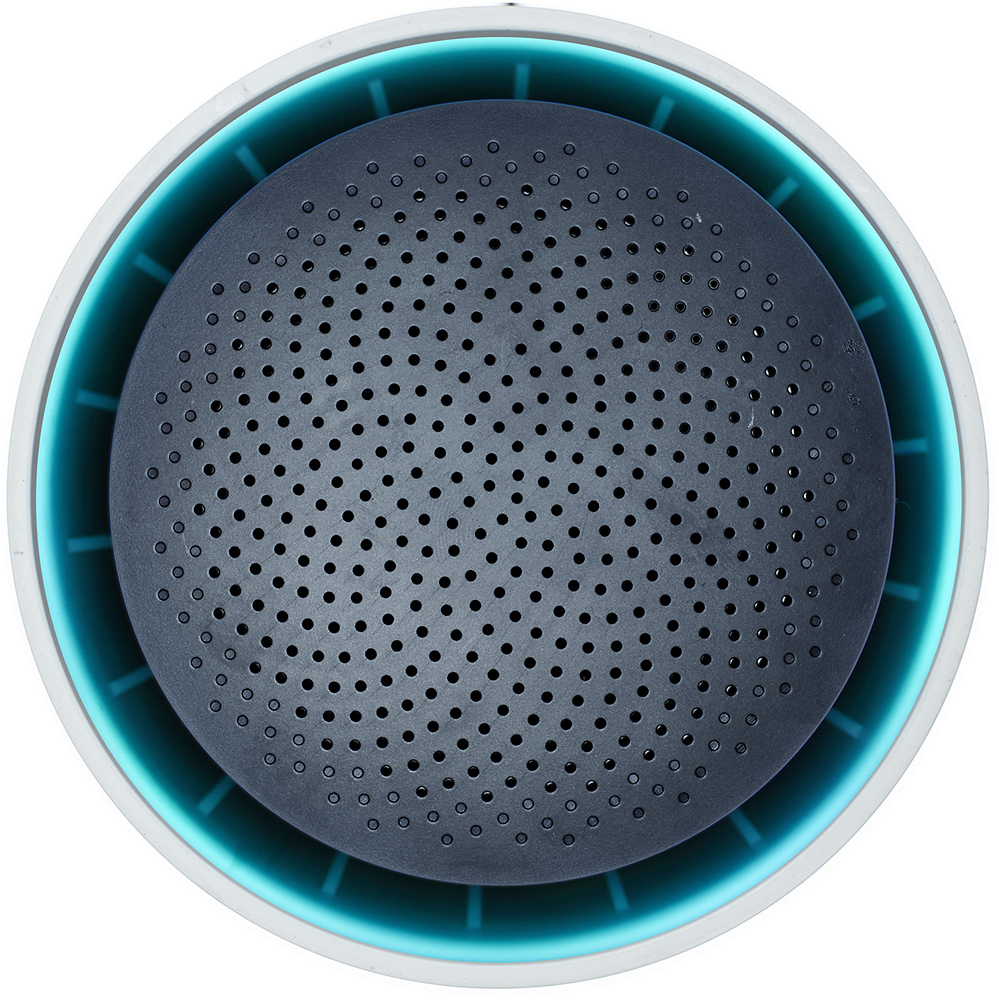
Posted .This reviewer received promo considerations or sweepstakes entry for writing a review.Purchased Google on Hub about 60 Days ago. Went down after 30 Days. It just died. :-( I liked the Product itself but unfortunately neither Google nor TP-Link are standing behind their Products. I has been 3 Weeks now, countless E-Mails and several Phone Calls with no real live person contact at TP-Link. Never experienced such a bad treatment. Finally after i got somebody on the phone and it only got worst. You talk to people in China and since their English and my Chinese are very limited they don't even know what you are talking about. Just reading off script and talking over your mouth. For OnHub service i have to say they are at least responsive. Also the first representative was trying to tell me that i bought a speaker not a modem since there are holes on top....... :-()...........Unfortunately OnHub is also no use to you since they only play the Ball back to TP-Link. I Think i have book this under lesson learned and go ahead and buy something else. 3 Weeks now without wireless and two teenagers is just not what you want to live with. Needless to say it will not be a Google or TP-Link Product. This already became the running joke on some of the Tech Sites i am involved in. They can not wait for the daily updates. :-( My advise Pay for the additional Protection Best Buy Offers. Or choose something else. Don't get me wrong Best Buy is not to blame here since they always have been great when it came to back their Products. In this case i was just over the 15 Days return policy. .
No, I would not recommend this to a friendRated 1 out of 5 stars
extremely hard to connect
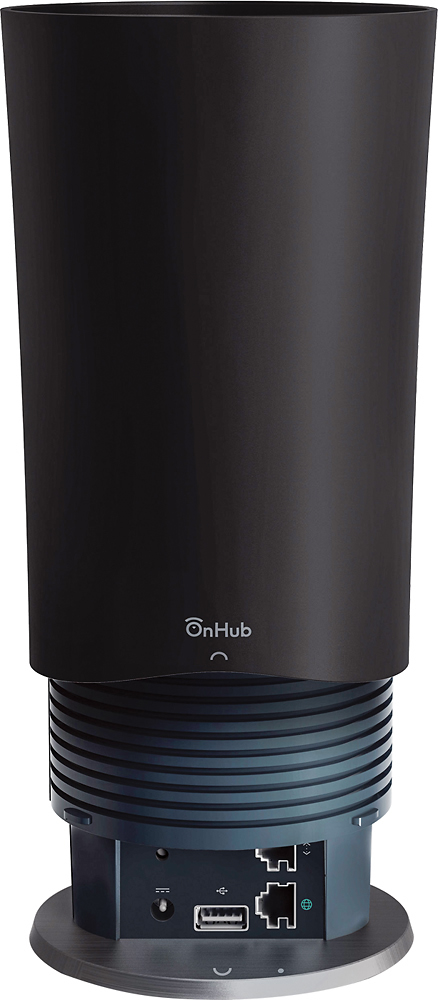
Posted .This reviewer received promo considerations or sweepstakes entry for writing a review.the sleek design left the connection cords little room for large fingers to enter the space and connect them securely. The user guide that is stated in the contents is only in the downloaded app, but if the app never opens in the phone then one is left wondering what to do??? This product has no online support via webpage or a phone number, thus I didn't feel like contacting the store every time I had a problem. I feel this product needs a great deal more time in the design studio, or at least to offer one a download link so they can install the software directly on their pc instead of using an app that can be problematic.
No, I would not recommend this to a friendRated 1 out of 5 stars
drops connections
Posted .This reviewer received promo considerations or sweepstakes entry for writing a review.Connected Wifi devices have their connection drop randomly. Happens with phones, laptop and Tivo Roamio. Google Support ran me in circles for months, then stopped replying to my emails.
No, I would not recommend this to a friend