Customer Ratings & Reviews
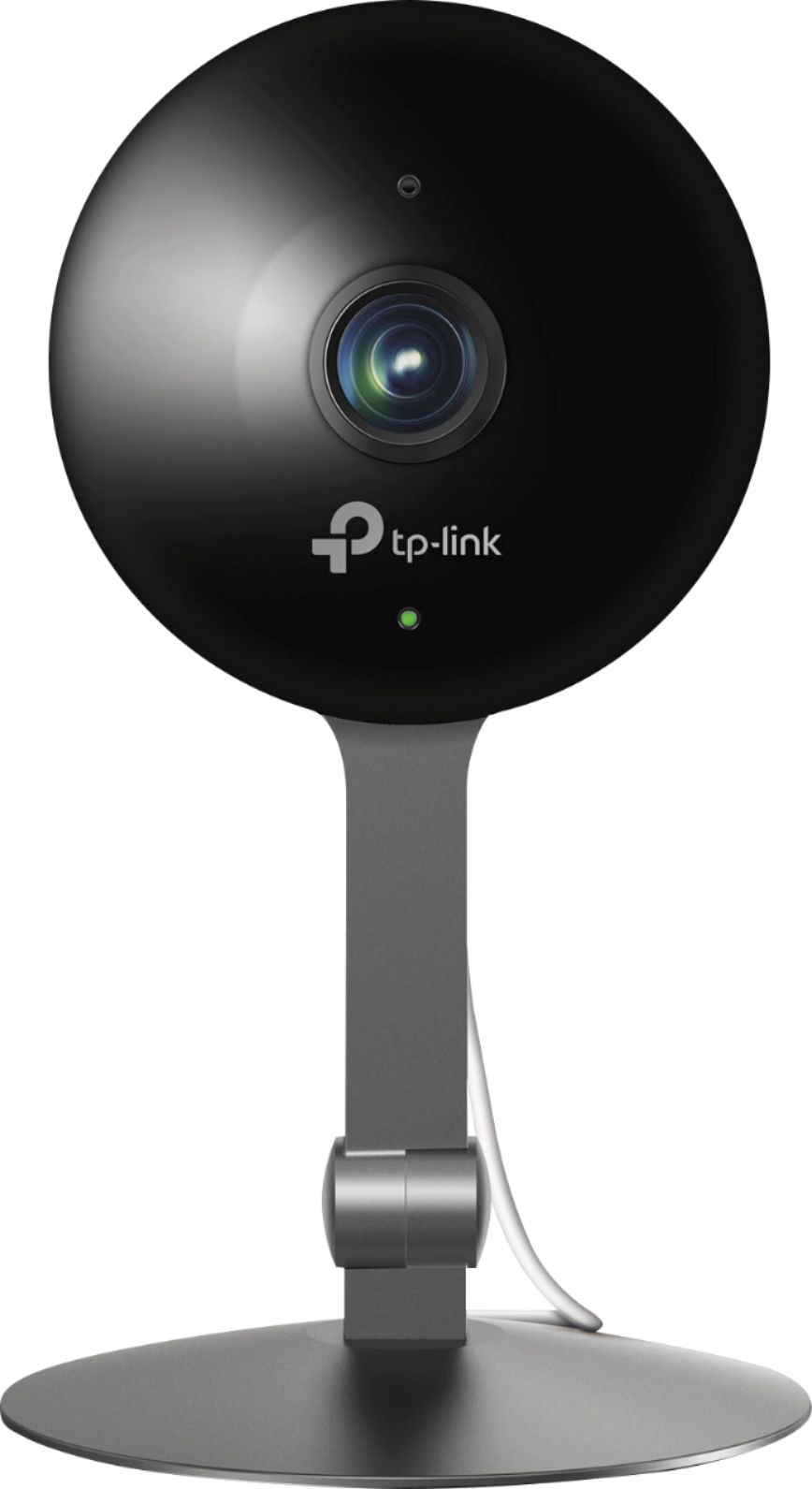
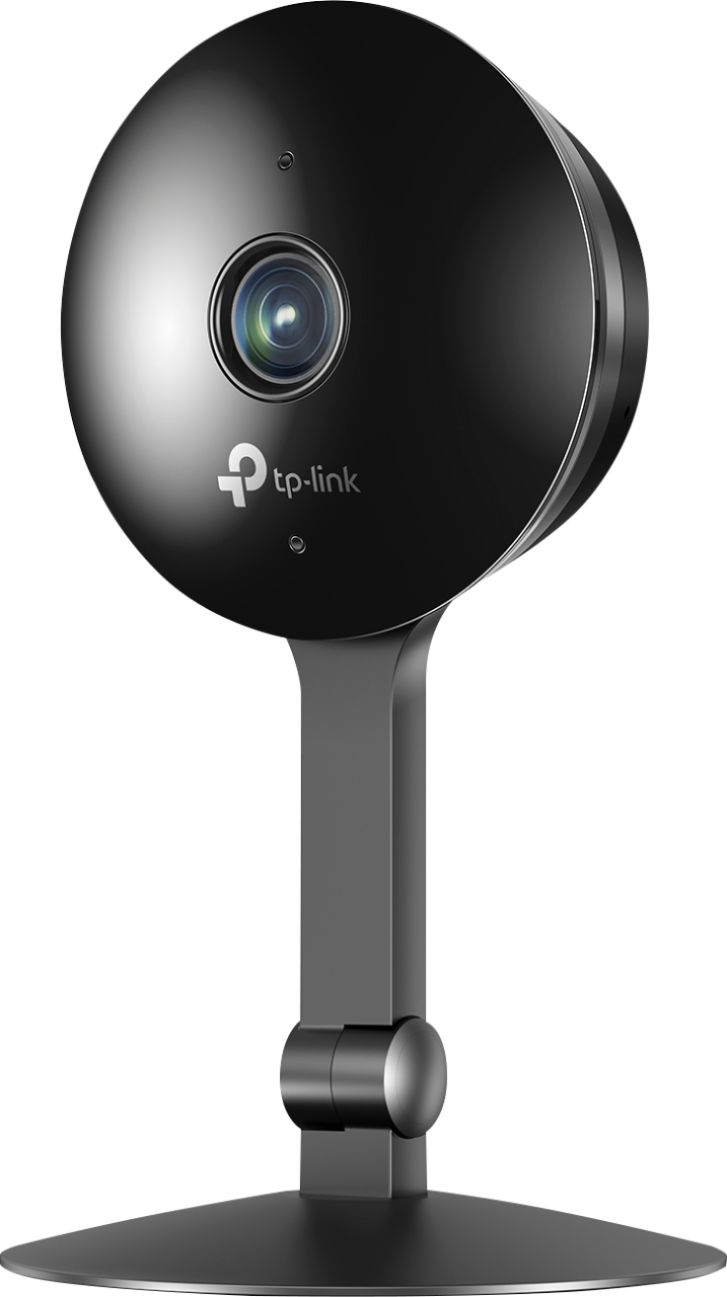
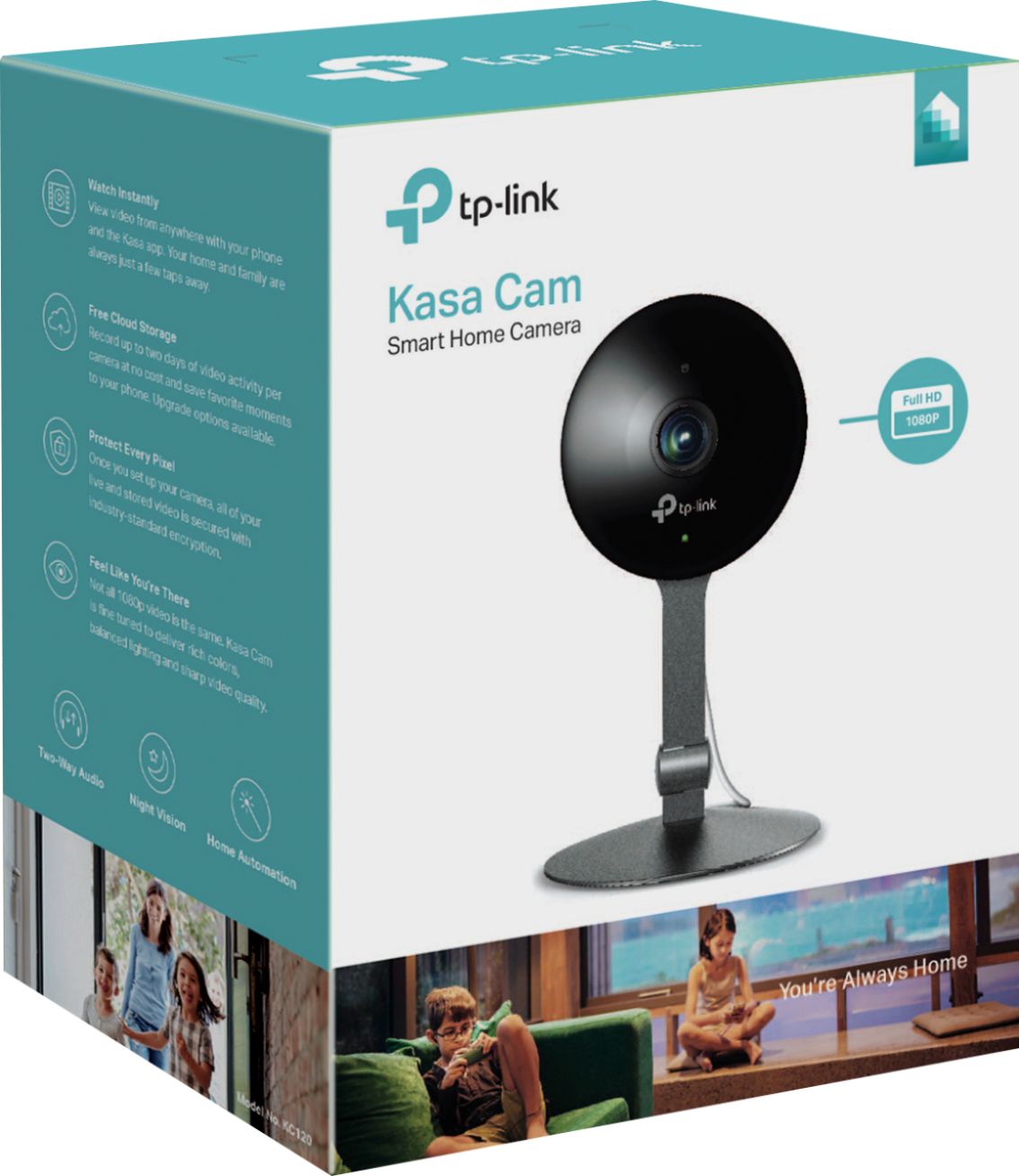



- Model:
- KC120
- SKU:
- 6167303
Rating by feature
- Value
Rating 4.4 out of 5 stars
- Quality
Rating 4.5 out of 5 stars
- Ease of Use
Rating 4.5 out of 5 stars
Customers are saying
Customers commend the Kasa Cam Indoor Full HD Wi-Fi Security Camera for its excellent image quality, ease of use, and generally straightforward setup. Positive feedback also highlights the camera's night vision capabilities and motion detection features, while some users found the price to be reasonable. However, concerns were raised regarding the cloud storage subscription costs and occasional connectivity issues. A few users also mentioned needing improvements to the app's functionality and sensitivity settings.
This summary was generated by AI based on customer reviews.
Don't setup (don't work)
||Posted .This reviewer received promo considerations or sweepstakes entry for writing a review.Don't work. I will like my refund. Don't connect to wifi unable to setup.
No, I would not recommend this to a friendBrand response from TPLinkSupport
Posted .Hi,
Thank you for you review. Our Kasa Cams are designed for quick and intuitive setup via the Kasa app. If you have any concerns regarding setup, please refer to our helpful FAQ here: https://www.tp-link.com/us/support/faq/1957/
If you’d like assistance with any of these steps, please send an e-mail with your contact information and a link to this review to [email protected] and we'll gladly have a Support Agent follow up with you directly.
Best Regards,
TP-Link Support
Very bad
||Posted . Owned for 1 month when reviewed.This reviewer received promo considerations or sweepstakes entry for writing a review.It doesnt do what they sale. Dont work fine is got freeze all the time
No, I would not recommend this to a friendBrand response from TPLinkSupport
Posted .Hi George0261,
Thank you for your review. We always recommend ensuring your router's WiFi signal is adequately strong in the smart device's location. Within the Kasa Smart app there's a feature that allows you to measure WiFi signal strength of your smart devices. When the app is connected, please check the signal strength in the Device Settings menu.
If you'd like assistance with any of these steps, please send an e-mail with your contact information and a link to this review to [email protected] and we'll gladly have a Support Agent follow up with you directly.
Best Regards,
TP-Link Support
[email protected]
- Pros mentioned:Camera quality

What a great security camera
|Posted .This reviewer received promo considerations or sweepstakes entry for writing a review.I have never owned a security camera before so I dont really have anything to compare this to, but I will say this is an excellent security camera. It captures a wide area of space. The sound quality is very good and the fact that you can press the microphone and talk to whoever is in the room is such a great idea. My mom was in the living room when I was talking to her through the speaker (I was miles away from home) and she said I was clearly heard over the speaker and there was no bad reception. I also have no problem connecting to it when I’m not home checking the live feed. This really is a great camera. You can even use it in the nursery to monitor your baby when sleeping. I would def. recommend this security camera.
I would recommend this to a friend - Pros mentioned:Ease of use
Works Well!
|Posted .This reviewer received promo considerations or sweepstakes entry for writing a review.The TP-Link Kasa Cam is an easy to set up home camera solution. It can be used to monitor much of your household, from babies and puppies to the front door or gardens. It allows you to view a live feed from your home, business, or anywhere else. It will give you alerts when motion is detected. I work in a workshop in my backyard, so I primarily use this to monitor my front door. Since it has two-way audio, I just keep the storm door locked, but UPS delivery people and the like can hear me and I can hear them. I'm able to have them wait while I run to the front door, preventing me from missing any more packages.
I would recommend this to a friend - Pros mentioned:Camera quality
Great indoor camera.
|Posted .This reviewer received promo considerations or sweepstakes entry for writing a review.The TP-Link Kasa cam is an excellent camera and so easy to set up. The video quality and audio are good. The app is really nice too. My only complaint is the lag when trying to communicate with someone via the camera. When you release the button after speaking there is always a lag and can’t always hear what the other person is saying. Other than that it’s been a great experience so far.
I would recommend this to a friend - Pros mentioned:Motion detection, Setup
This is the one, above all others!
Posted .This reviewer received promo considerations or sweepstakes entry for writing a review.KC120 Kasa Cam 1080p Indoor Smart Wi-Fi Camera- Submitted as part of a free sample program. Let's get down to it, this camera was very easy to setup and it took about 5min max. I placed it on the top of the kitchen cabinets with it's wide angle lens I am able to see most of the house. It captures any movement in the house and starts recording. It can also send instant notifications of any activity. It shows me a screen of every time its been activated so I get a quick screen of what happened and I am able from the app to watch it back. This has really been one of the nicest security cameras I have used and seen for the price point. The audio feature is really cool, with kids home and us out to eat I am able to talk through the app to them while they are sitting in the kitchen. Although the first time they had no clue where my voice was coming from as they did not even notice the tiny camera. Have the free online 2 day video storage is great, I have not yet upgraded to the longer 30 days, but plan to soon.
I would recommend this to a friend - Cons mentioned:Cloud storage
Good camera some setup problems & limitations
|Posted .This reviewer received promo considerations or sweepstakes entry for writing a review.Right out of the box the camera would not setup. After many emails to support which went on for about 3 weeks and several different techs my problems was traced to a serial number problem of some sort. Somehow they "Fixed" it and I was able to configure the camera. I waffled back and forth between a 3 or 4 star rating. It got a 3 for 3 reasons. App support only (I have another product I use on my PC to manage other cameras) and cost of cloud storage with no local save option. to be fair you an have up to 3 cameras on the free plan but it only has up to 2 days of video storage and a max of 1gb of clip storage. Each higher options is a cost per camera. up to $70/yr. and 30days or 30gb of storage, whichever comes first. So, if you want app/cloud only which I know a lot of people do these days and this may be the camera for you. But if you want/need anything else, decide carefully. I would recommend with these caveats.
I would recommend this to a friend - Pros mentioned:Night vision
very responsive with Alexa built in
|Posted .This reviewer received promo considerations or sweepstakes entry for writing a review.This is a very good camera with sleek design, very good night vision mode, and it compatible with Alexa, you could control light switches, smart tv, and basically anything that works with alexa. has to be plugged in at all time as it doesnt have a battery, and can be hooked to a wal or just sit on a table.
I would recommend this to a friend - Pros mentioned:Camera quality, Night vision
Money well spent
Posted .This reviewer received promo considerations or sweepstakes entry for writing a review.The camera has the same if not better quality as it's competitor Nest. It costs less than half the price though. It's such a good buy! I had originally rated 4 on account of it not having a swivel head so I could mount it in the corner of the room but now i see that it has a feature to invert the video in the event you mount it upside down to the ceiling which makes it completely adjustable to any direction. In other words I can put it in the corner & have it face where i want! Great night vision crystal clear quality Anytime. The 2way communicator is bonus along with magnetic base you can put it anywhere! such a good buy! Oh and the sound! I can hear my clock ticking when I open the app to view live feed.
I would recommend this to a friend - Pros mentioned:Camera quality, Night vision
Excellent 1080P Camera
Posted .This reviewer received promo considerations or sweepstakes entry for writing a review.This is an excellent 1080P camera. It takes nice clear video when it is triggered and also has a great live view. This is a must have if you have other TP-Link smart home devices or even if you don't. Setup was straight forward and simple and didn't take long at all. The night vision is also great and I can what's going on in the dark without any issues. The 130 degree wide angle lens is also amazing and can capture a good area of the room. The camera connects to your WiFi and you use the Kasa App to perform the setup of the camera. I also like that it is Alexa compatible so you can tell it what you want to view. Submitted as part of a free sample program.
I would recommend this to a friend Very nice camera and system
|Posted .This reviewer received promo considerations or sweepstakes entry for writing a review.This is a very nice, high quality "security" camera that senses motion and captures video as well as allowing you to login to see what is happening at the current time as "live". I especially liked the feature where you can go back for the "Activity" and see what has happened in the past and there are replays of the snippet of "movement". The camera is sensitive. A moth set it off one time. Set up is relatively easy though it was a bit of a chore to correct an errant wifi password, but after that was reset, the system has worked well. Video quality is very good. You will need a phone app to make this work based upon what steps I saw. But it is really nice to be away from home to see what the "kitten" is into while I'm at work.
I would recommend this to a friend- Pros mentioned:Ease of use
Simple and easy
|Posted .This reviewer received promo considerations or sweepstakes entry for writing a review.I have a small one one apartment and I was looking for something to mount over the front door. This was easy to set up easy to mount and when I expense or something bigger I'll be getting more of these.
I would recommend this to a friend - Pros mentioned:Camera quality, Ease of use
Overall Great
Posted .This reviewer received promo considerations or sweepstakes entry for writing a review.Overall I really like this camera, so much so that I bought a second. Great picture and audio quality. Easy setup and easy to use which is ideal for my wife. I use this to monitor my dog, nothing else really but they are good for so many things, especially security. My only complaint would be the white USB cord, instead of black to match the camera. This is easily changed, but would be nice if it came black to begin with.
I would recommend this to a friend - Pros mentioned:Camera quality
Feature rich in a compact package
Posted .This reviewer received promo considerations or sweepstakes entry for writing a review.Prior to using the KC120, I was using Foscam cameras. While the picture on the Foscams was decent, the app is buggy and just plain awful. Additionally, it was a pain to set it up for access when I am away from home. What good is a camera if you can't access the feed easily? Upon receiving the KC120, it was setup and ready to go within 15 minutes and that includes a firmware update it installed. Setting up access was as simple as installing the Kasa app and walking through the step-by-step instructions. The picture is crystal clear and the infrared works better than the Foscams which was unexpected given that it didn't look as robust as the lights on my Foscams. The video quality settings allow for up to 1080p at 30fps which is more than enough for my indoor security purposes. The camera is solidly build with a metal base and glass lens. It is a compact unit and includes a ceiling/wall mount making it easy to install just about anywhere. Features included are the ability to access recordings from the cloud for up to 2 days in the past. It also allows you to set detection zones to prevent false alarms. The camera includes a built-in speaker and microphone for 2-way communication. Again, it beats the my old Foscam units in audio quality. As with all of TP-Link's home automation products, this is Alexa-compatible. It was really neat being able to use voice commands with my echo to watch the video stream on my Fire TV. Kudos to TP-Link for the robust, feature-rich camera. Submitted as part of a free sample program.
I would recommend this to a friend - Pros mentioned:Camera quality
Superb images and options
Posted .This reviewer received promo considerations or sweepstakes entry for writing a review.I have to admit I am really impressed how easy it was to setup and use this surveillance camera. Since I already use the KASA app for another TP-Link products, all I had to do was select add device feature on my app and follow the instructions and the KC120 it was up and running in minutes. It has a magnetic base so you can attach it to any metal surface, or use the included mounting bracket for wall mounting. The entire face of the camera rotates so it makes it simpler to adjust the angle of the field of view of the camera. It also can be tilted forwarded and backward. The picture is so vivid and clear as you can see in the attached photos. There are many options to pick from like notification settings, recording scheduling, two way communication, and recording activity zone to name a few. What is makes this camera stand out above the rest is the 2 DAY access to recordings instead of 24 hours like most others offer. Viewing the recordings the videos is so simple too. You can view them from the app or download them to your device. A cloud service will be available that is a paid service that will store your recordings for up to 30 days, this subscription service will be available in November 2017. In my opinion two days is more than plenty for me. I activate the recordings only when we are not home because I want to ensure our gun safe and my jewelry are secure. Otherwise I view the camera in live mode to call my dogs and see what they are up to. Submitted as part of a free sample program.
I would recommend this to a friend - Pros mentioned:Camera quality
Difficult Time Setting Up
|Posted .This reviewer received promo considerations or sweepstakes entry for writing a review.The camera works well once set up, but getting there was extremely trying. Upon initial setup nothing was working correctly and I had to reset the camera completely (with the reset hole on the back) and start over. Once I was able to do that setup was going well until the camera attempted to update it's firmware. Then it sat there at 100% but never completed. The camera was unresponsive through the app, even though it was still sending motion alerts. After two more attempts to reset and set it up again (both times with the FW stoppping at 100%) I finally got it to work properly after yet one more reset. Picture quality is good. I turned off the motion alerts but still seem to get them. The camera itself has a nice, heavy metal base that can be places on a flat surface or mounted to a wall. It also includes a very long USB power cable for versatile placement. I wish it could be incorporated into my Smartthings hub, but it is not officially supported that I'm aware of.
No, I would not recommend this to a friendBrand response from TPLinkSupport
Posted .Hi Nerdninja,
Thank you for sharing your experience with our Kasa Cam. We're sorry to hear you encountered such unusual difficulty setting up the camera; however we're happy to hear you were able to complete its setup and you're enjoying its features. The Kasa Cam does not support SmartThings integration. If you have any questions in the future, please feel free to e-mail [email protected] and we'll gladly follow up.
Thank you,
TP-Link Support
Nice First Time Camera
|Posted .This reviewer received promo considerations or sweepstakes entry for writing a review.This is the first home monitoring type camera I have ever had and it is nice! The camera does not rotate but it does zoom and the app makes it easy to view from phone. I have noticed at times it will say unavailable due to WiFi which makes no sense and i had to turn off alerts because every 2 minutes I was getting the thing detected motion but otherwise no complaints.
I would recommend this to a friend- Pros mentioned:Ease of use
Almost perfect
Posted .This reviewer received promo considerations or sweepstakes entry for writing a review.We chose this over a baby monitor because a mutual friend of ours recommended it and we were immediately thrilled by the live notification feed. It’s an easy install and provides decent features to meet a beginners level of satisfaction for simple peace of mind when periodically monitoring your home. The quality is great and the option to zoom in and out is an added bonus. Despite the complaints previously read, if you have good internet, the camera will do its job with no problem. My only complaint would be the slow updates and option settings, it took longer than needed to set up two cameras all because the functions took to long to set up. Once that is fixed; I’d give this a perfect score. Low budget, user friendly, and great quality. It doesn’t get much better than that.
I would recommend this to a friend update
Posted .This reviewer received promo considerations or sweepstakes entry for writing a review.I made a review thru the best buy tech insider program. cant figure out how to edit. for now I will do this unless I get a way to edit my original review. I up my stars from 3 to 4. the main thing I am changing is I got my camera to work while I was out and about. before I posted it did not work. not sure why it would not. possibly my modem cutting out or something. but it does work. I love this future. if you are out and want to make sure kids make it in ok etc, you can check. this alerts you if you set it when the camera picks something up. I love that you can also talk thru it. so if I am out and about, and kids are home, you can let them know you see them etc. downside is that it does mute the audio from there end and does not unmute for a couple seconds when you are done talking. so if you say hi, and they say hi right back, you wont hear them respond with hi. if they wait a couple seconds and then say hi back, then you will hear them. the main reason for only 4 stars, and I debated on 3 or 4 but went with 4 now mainly cause of my mistake on not being able to see the camera from away from home. but I give it a 4 because of the lack of pc support. meaning, you cant use this with a pc. you need to download the app for iPhone or android. the camera is a HD camera and a wide camera about 130 degrees. I think it would be nice to use as a webcam if want. or if you have another pc some place, it would be nice to hook that one up and have it record and save when it picks up movement. I think there are a lot of things they can do and take advantage of that they are not. if they get more futures, especially being able to use it with a pc and use it like a webcam, then I would go for 5 stars for sure. till then, 4 stars it is. still a great camera and still something I recommend to have.
I would recommend this to a friend- Pros mentioned:Camera quality
Worked Once
|Posted .This reviewer received promo considerations or sweepstakes entry for writing a review.The KASA Cam worked once a couple of weeks ago. Now it won’t connect to the Kasa App on my Android phone. When it worked, the picture and sound were good. The setup and instructions are on the App for your phone. All you get as printed materials are two small cards. The setup requires installing the App on your phone and then using the instructions to set up the camera on your internet router. It has to be constantly connected to your internet to function. If you don’t want the camera to be constantly sending the video and audio to Kasa, there appears to be an out but I could not find it before I got tired of searching. The second time I tried to set it up, I quit in frustration. This is way too complicated. They want you to subscribe to their monthly service to keep and play the videos back to you. I have a limited monthly data allowance and sending constant data to Kasa would be too expensive.
No, I would not recommend this to a friendBrand response from TPLinkSupport
Posted .Hi,
Thank you for sharing your experience with our Kasa Cam. We're happy to hear you enjoyed the camera's audio and video quality. Since the Kasa Cam is a Cloud Camera, it requires an active Internet connection, and will securely upload and store data to the TP-Link Cloud when video clips are recorded.
Please note the Kasa Care plan offers several tiered options, including the Free option: https://www.tp-link.com/us/faq-2120.html
Generally speaking, if your Internet plan has a data cap or allowance, a Cloud Camera, or any device that actively downloads or uploads data, may potentially consume a significant portion of your allotted data.
Our support team is always happy to help answer any questions you might have about our products. Please feel free to e-mail [email protected] and we'll gladly follow up.
Thank you,
TP-Link Support