Customer Ratings & Reviews
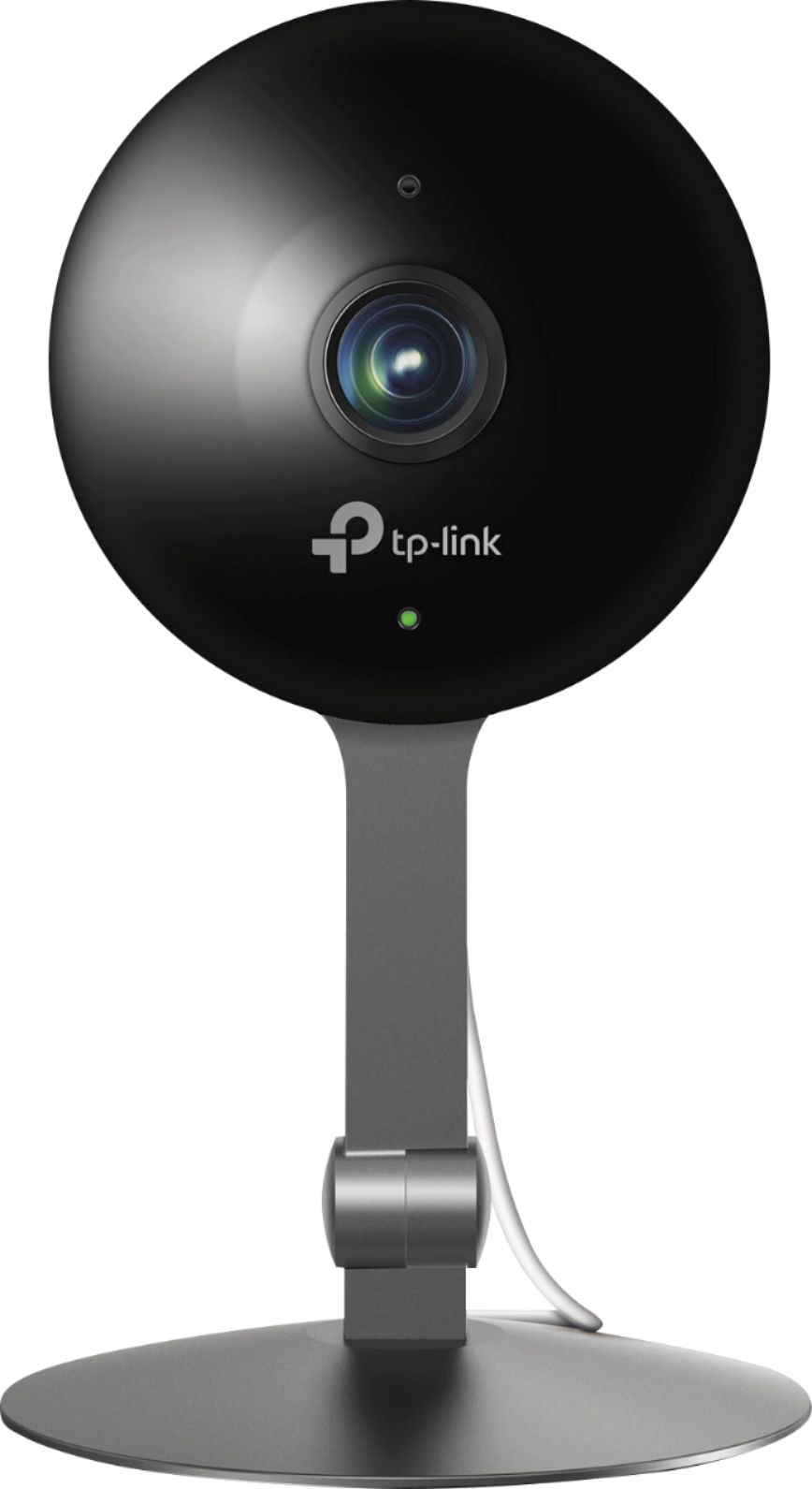
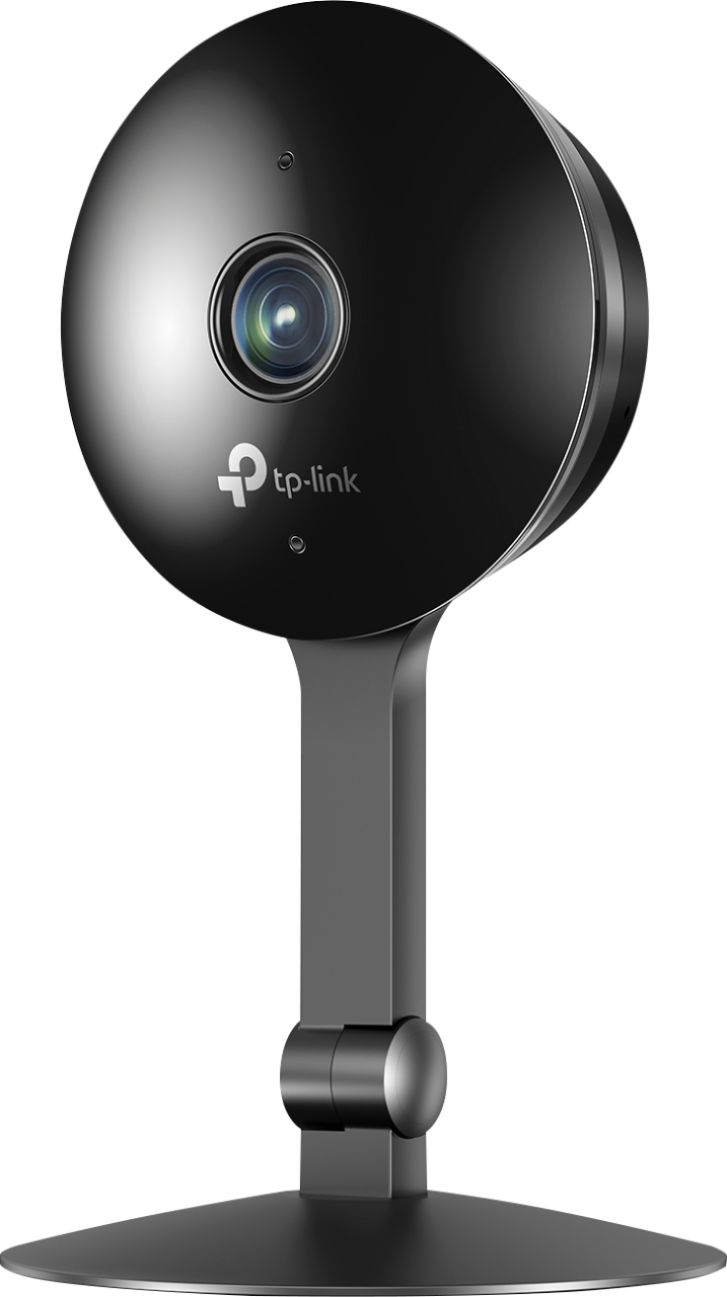
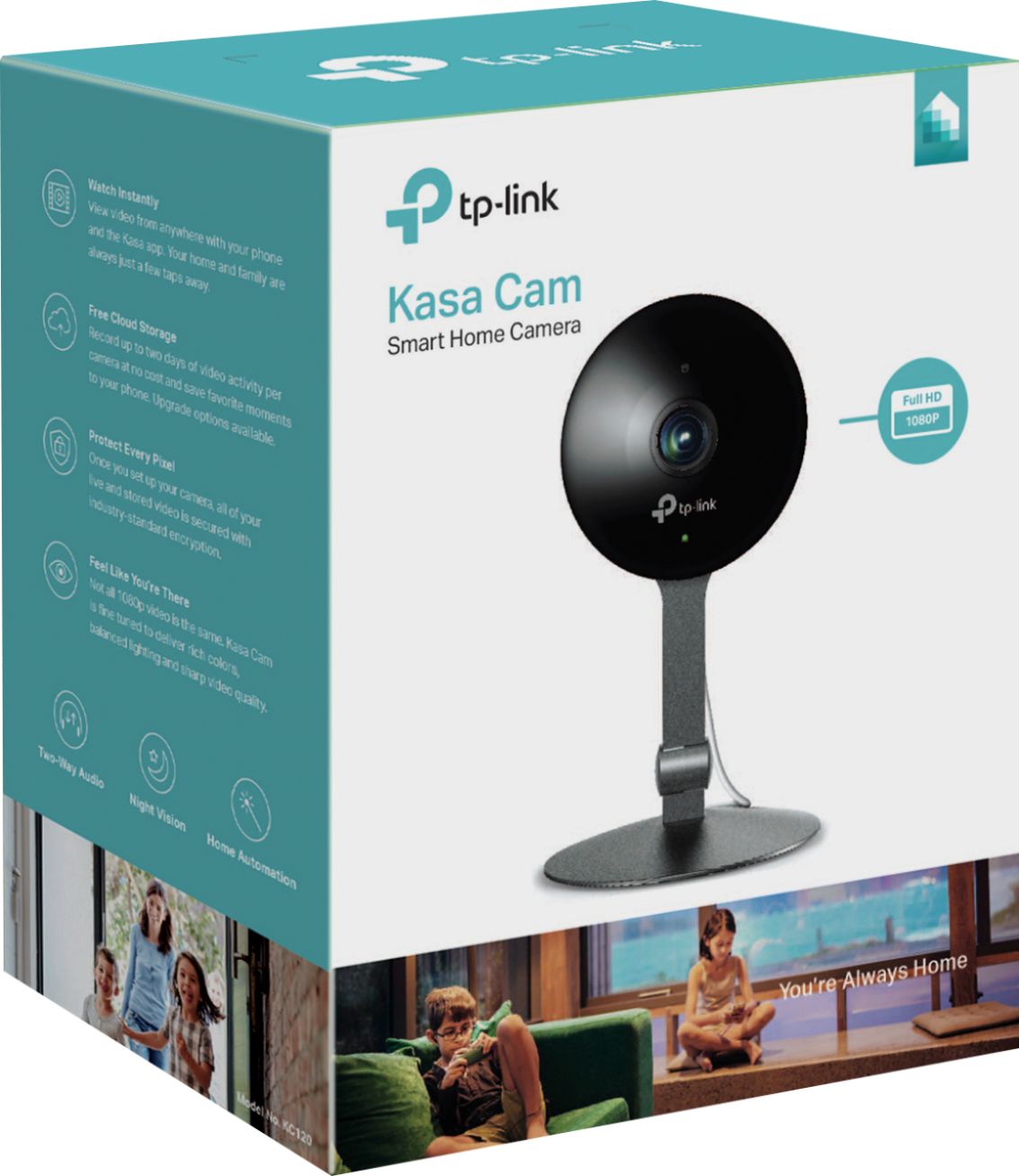



- Model:
- KC120
- SKU:
- 6167303
Rating by feature
- Value
Rating 4.4 out of 5 stars
- Quality
Rating 4.5 out of 5 stars
- Ease of Use
Rating 4.5 out of 5 stars
Customers are saying
Customers commend the Kasa Cam Indoor Full HD Wi-Fi Security Camera for its excellent image quality, ease of use, and generally straightforward setup. Positive feedback also highlights the camera's night vision capabilities and motion detection features, while some users found the price to be reasonable. However, concerns were raised regarding the cloud storage subscription costs and occasional connectivity issues. A few users also mentioned needing improvements to the app's functionality and sensitivity settings.
This summary was generated by AI based on customer reviews.
- Pros mentioned:Camera quality
Sharp camera, buggy app, only 20 sec clip
Posted .This reviewer received promo considerations or sweepstakes entry for writing a review.Purchased this camera and a Swann HD indoor camera. Comparing the 2... Kasa - better image quality, but only records 20 sec clip when it senses motion. Notification lag was very good. Android app is buggy... Have to restart it occasionally to get the cameras working. Swann camera - good image and fov, but not as sharp at the Kasa. Clips were 30 seconds long... Good enough to catch most motion alerts and plenty of footage after the event. Notification was about the same as the Kasa. Android app is very stable and works well. Overall, I want to like the Kasa, but the clip length is 50% shorter than the Swann and the Android app is terrible. Looks like I'll be keeping the Swann and returning the Kasa.
No, I would not recommend this to a friendBrand response from TPLinkSupport
Posted .Hi Demonkc135,
Thank you for sharing your experience with our product. We hear your concerns and appreciate your feedback. If you find your Kasa Cam's recorded clips are shorter than you would prefer, we suggest adjusting the Activity Zones and Sensitivity Settings for the camera within the Kasa Smart app.
You shouldn't need to restart your Kasa Smart app occasionally to manage your Kasa Cam(s), and we would appreciate the opportunity to follow up with you and address your concerns. At your earliest convenience, please send an e-mail with your contact information and a link to this review to [email protected] and we'll gladly have a Support Agent follow up with you directly.
Best Regards,
TP-Link Support
- Pros mentioned:Camera quality
Gets the job done
Posted .This reviewer received promo considerations or sweepstakes entry for writing a review.I got this camera after a series of unsettling events took place at my home. I use it indoors but have it pointing outback to capture anything. Sure enough it worked perfectly and captured what I needed it to. The price is good too. It wont give you all of the bells and whistles as some other models or brands but it will get the job done!
I would recommend this to a friend - Cons mentioned:Connectivity

It Doesn't Work
|Posted .This reviewer received promo considerations or sweepstakes entry for writing a review.I bought this security camera to help me keep an eye on things going on in a room of my house. But it was very hard to get it connected to my phone or my router. It kept saying the device wasn't found. Once I got it connected, it seemed fine until I left the house and went to the store. I tried to connect to the camera and the app said it couldn't connect. Later, I even tried it while sitting in my own living room and still couldn't connect. My other WIFI devices worked just fine so I can only assume it's the camera or the app. Either way, this system doesn't work.
No, I would not recommend this to a friendBrand response from TPLinkSupport
Posted .Hi Powerhouse01,
Thank you for your review. In your case we recommend temporarily relocating the camera closer to your router, then please ensure your Kasa app is fully up to date, and upgrade the Kasa Cam's firmware using the steps outlined here: http://www.tp-link.com/us/faq-1256.html
If you'd like assistance with any of these steps, please send an e-mail with your contact information and a link to this review to [email protected] and we'll gladly have a Support Agent follow up with you directly.
Best Regards,
TP-Link Support
- Pros mentioned:Camera quality
Best Camera!
Posted .This reviewer received promo considerations or sweepstakes entry for writing a review.This is far the best option you can get while looking for interior smart wifi cameras. The image is cristal clear and it has a very wide view angle. The only con, it doesn't tilt or pan. BUT the viewing angle is so wide open that you may not need that feature.
I would recommend this to a friend - Pros mentioned:Camera quality
Great camera
Posted .This reviewer received promo considerations or sweepstakes entry for writing a review.Bought it for monitoring my dog. Video quality is great and setup is easy. Great camera, love it.
I would recommend this to a friend - Pros mentioned:Camera quality
Great camera, but
Posted .This reviewer received promo considerations or sweepstakes entry for writing a review.Love the camera. Great picture but it has this clicking sound when you are looking at on my smart device. They really need to fix that.
I would recommend this to a friendBrand response from TPLinkSupport
Posted .Hi Texas12,
Thank you for sharing your experience with our Kasa Cam. If you're experiencing unusual audio performance, we first recommend removing the magnetic back cover from the camera. This cover is purely cosmetic, and is designed for convenient removal in the event you need to reset the camera or view its serial number. Please note that removing the cover will not affect functionality of the camera at all.
If you have any other questions or concerns, please send an e-mail with your contact information and a copy of this review to Kasa.Support@TP-Link.com and we'll gladly have a Support Agent follow up with you directly.
Thank You,
TP-Link Customer Support
Best cámara ever
Posted .This reviewer received promo considerations or sweepstakes entry for writing a review.I bought so many cameras and I have to admit that this is the best! and treated so many brands. Vest resolución!! Vivid color! Evrething is good!
I would recommend this to a friendgreat product
Posted .This reviewer received promo considerations or sweepstakes entry for writing a review.I am using this product as a baby monitor. This works flawlessly and never failed once. I recommend this product a lot!
I would recommend this to a friendgood camera, poor app, can't live with it
Posted .This reviewer received promo considerations or sweepstakes entry for writing a review.This camera is great and everything can be fixed with new software. One thing it's missing is ability to delete multiple video clips at the same time. The camera recorded my dog over night and I can clearly see that I can delete 30 clips without loosing anything but there's no way to do it. You're forced to go through them one at a time and delete one by one. My Wyse camera has much better and easier software, but the video isn't anywhere near as good. There are a few other quirks and bugs causing me to return it. Too bad, so close.
No, I would not recommend this to a friendBrand response from TPLinkSupport
Posted .Hi BobK,
Thank you for sharing your experience with our product. The Kasa Cam Indoor is designed to provide convenient, crystal clear video monitoring and recording for your home. We appreciate your feedback regarding features you would like to see added in the Kasa Smart app; we're always working diligently to provide our customers with the best possible experience, and we'll gladly share your request with the appropriate team.
You can also leave feedback directly within the Kasa Smart app under Home -> About -> Feedback.
Our Support Team is always happy to answer any questions you might have about our products. Please feel free to e-mail [email protected] and we'll gladly have a Support Agent follow up with you directly.
Best Regards,
TP-Link Support
[email protected]
Doesn’t detect activity
Posted .This reviewer received promo considerations or sweepstakes entry for writing a review.I bought the KC 120 to see what was going on in a certain room. Upon setting it up it worked great for about a half hour. Then it stopped detecting activity and did not let me manually record. After resetting, a couple times, I called tech support. They were completely unhelpful. They kept telling me they never heard of this problem before and needed time to figure it out. They then said they can’t figure it out but wanted more time. I decided to return and get another KC 120 thinking that perhaps I just had a defective one. Unfortunately the exact same thing happened with the second one. I guess I’ll be returning that too and going with a camera that will work longer than a half hour or so!
No, I would not recommend this to a friendBrand response from TPLinkSupport
Posted .Hi Matt,
Thank you for sharing your experience with our Kasa Cam. In your case we first recommend ensuring your router's WiFi signal is sufficiently strong at the camera's location. We also suggest setting up multiple activity zones (if you're not planning on using the entire field of view for activity detection) and adjusting the camera's sensitivity settings.
We're sorry to hear your initial interaction with our Support Team was anything less than satisfactory, and we would appreciate another opportunity to follow up with you to address your concerns. At your earliest convenience, please send an e-mail to [email protected] and include a link to your review and a copy of any correspondence you may have received from the original support agent(s).
Thank You,
TP-Link Support
[email protected]
Horrible Product
Posted .This reviewer received promo considerations or sweepstakes entry for writing a review.Just bought it and spent 3 hours to set it up. Suppose to be easy and simple. Issue is it can't connect my phone through wifi net work. Rebooted many times. Red light kept blinking. When I set up Motorola indoor cam last time, it was very easy. But this one... Why Best Buy sell unreliable products I don't know. I bought it because it was on sale. Now, I know why. STAY AWAY FROM TP LINK. Can't process even simple set up.
No, I would not recommend this to a friendBrand response from TPLinkSupport
Posted .Hi,
Thank you for your review. The KC120 Kasa Cam Indoor is designed to provide crystal clear 1080p video monitoring for your home with helpful and intuitive features in the Kasa Smart app. In your case we first recommend resetting the camera by removing the detachable rear shroud and pressing the reset button for at least 15 to 20 seconds while the camera is powered on.
After doing so, please follow the steps in our helpful setup video here: https://www.tp-link.com/us/support/download/kc120/#video
Our Support Team is always happy to answer any questions you might have. Please feel free to e-mail [email protected] and we'll gladly have a Support Agent follow up with you directly.
Best Regards,
TP-Link Support
[email protected]
Firmware update broke it
Posted .This reviewer received promo considerations or sweepstakes entry for writing a review.Bought a KC120. Set it up and it asked to do a firmware update. After that the camera never connected to my Wifi again. I tried to reset and set it up again, but could never get passed naming the device. I’d get a spinning wheel and never got passed that page. I ended up returning it to the store after support couldn’t help. A very bad experience.
No, I would not recommend this to a friendBrand response from TPLinkSupport
Posted .Hi Morac,
Thank you for sharing your experience with our Kasa Cam. Updating your Cloud Camera's firmware shouldn't hinder its functionality, and in your case we first recommend performing a fully factory reset on the device by removing the back panel, then pressing and holding the reset button for at least 15 seconds while the camera is powered on. After doing so, we recommend ensuring your Kasa app is fully up to date, and then attempt setup once again. We're sorry to hear you decided to return the device; we would've appreciated another opportunity to help address your concerns. If you have any other questions in the future, please feel free to e-mail to Kasa.Support@TP-Link.com and we'll gladly follow up with you.
Thank You,
TP-Link Customer Support
Go with Wyze
Posted .This reviewer received promo considerations or sweepstakes entry for writing a review.Kasa cam is expensive. If you are looking for one, go with wyze. I have both kasa and wyze. It takes me forever to reset the kasa cam, very user unfriendly . If you are going with kasa for any other items they make, wait until wyze comes up with it.
No, I would not recommend this to a friendBrand response from TPLinkSupport
Posted .Hi,
Thank you for your feedback. The KC120 Kasa Cam Indoor is designed to provide crystal clear, 1080p 30fps video monitoring for your home with quick, easy setup and intuitive management via the Kasa Smart app.
Resetting the camera's WiFi settings is as easy as pressing and holding the reset button for 3 to 15 seconds. If you would like to factory reset the camera, please hold the reset button for over 15 seconds.
We're always working diligently to provide our customers with the best possible experience and we appreciate your feedback. You can also share feedback directly within the Kasa Smart app under Home -> About -> Feedback.
Thank you,
TP-Link Support
[email protected]
Wifi connect terrible
Posted .This reviewer received promo considerations or sweepstakes entry for writing a review.I couldn't get it to connect to wifi, if my Playstation 4 connects from the same other room this should have no problem. This is why I gave it one star
No, I would not recommend this to a friendBrand response from TPLinkSupport
Posted .Hi King,
Thank you for sharing your experience with our Kasa Cam. The KC120 Kasa Cam Indoor supports dual band Wi-Fi connectivity, and we suggest ensuring the Wi-Fi network chosen provides adequate signal strength and bandwidth for the camera. We would greatly appreciate the opportunity to follow up with you and help address your concerns. At your earliest convenience, please send an e-mail with your contact information and a link to this review to [email protected] and we'll gladly have a Support Agent follow up with you directly.
Best Regards,
TP-Link Support