Customer Ratings & Reviews


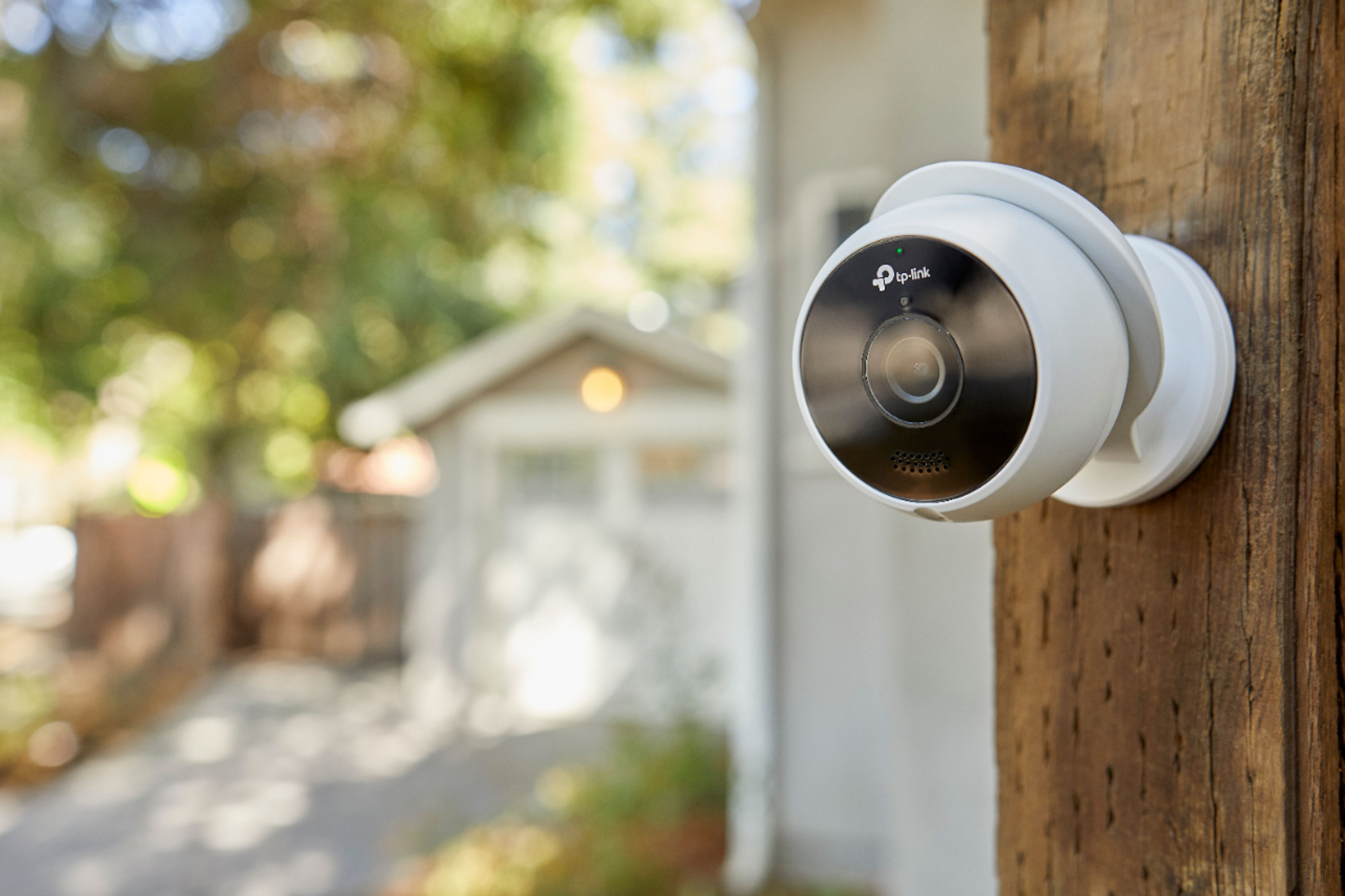
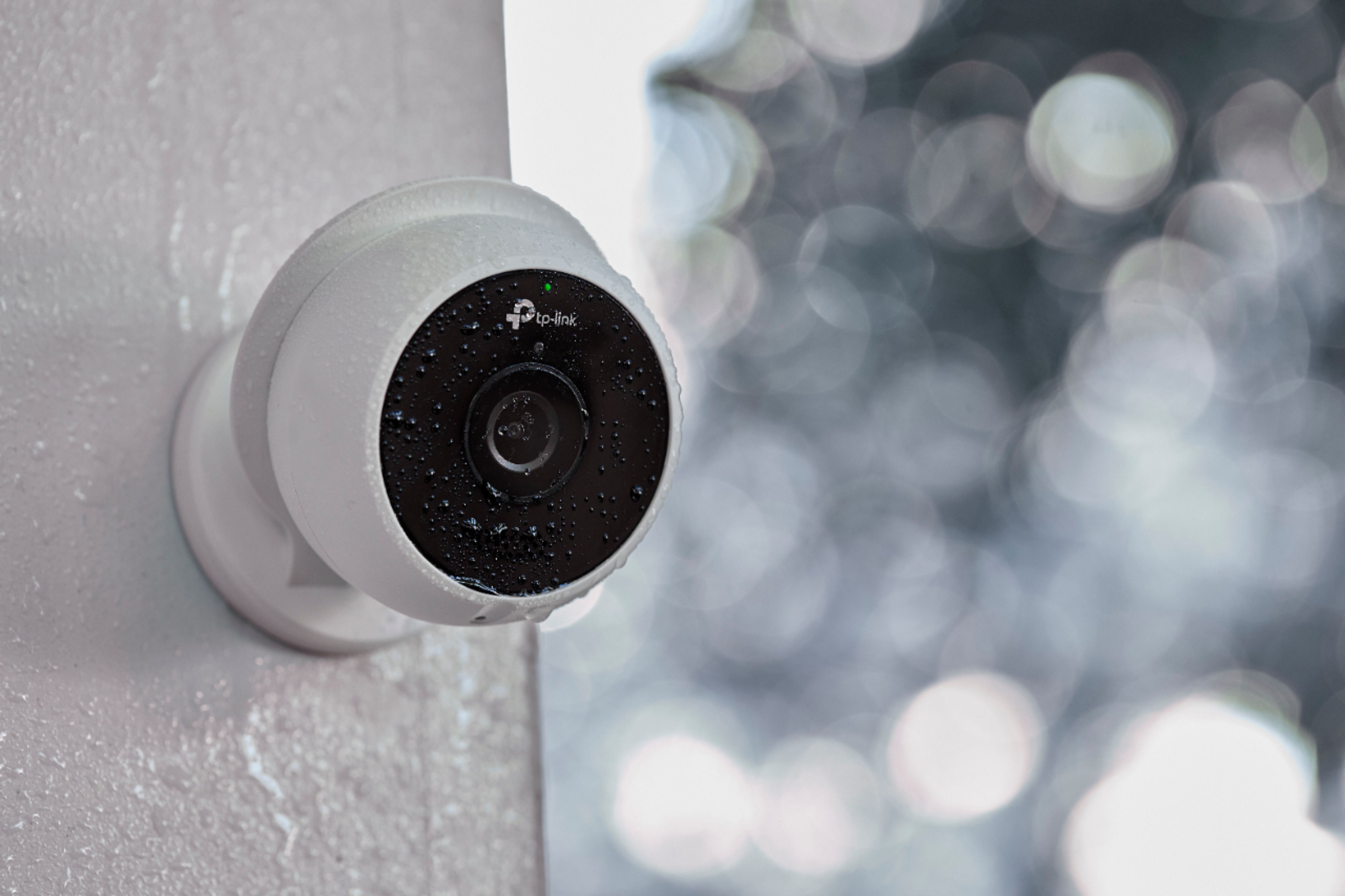
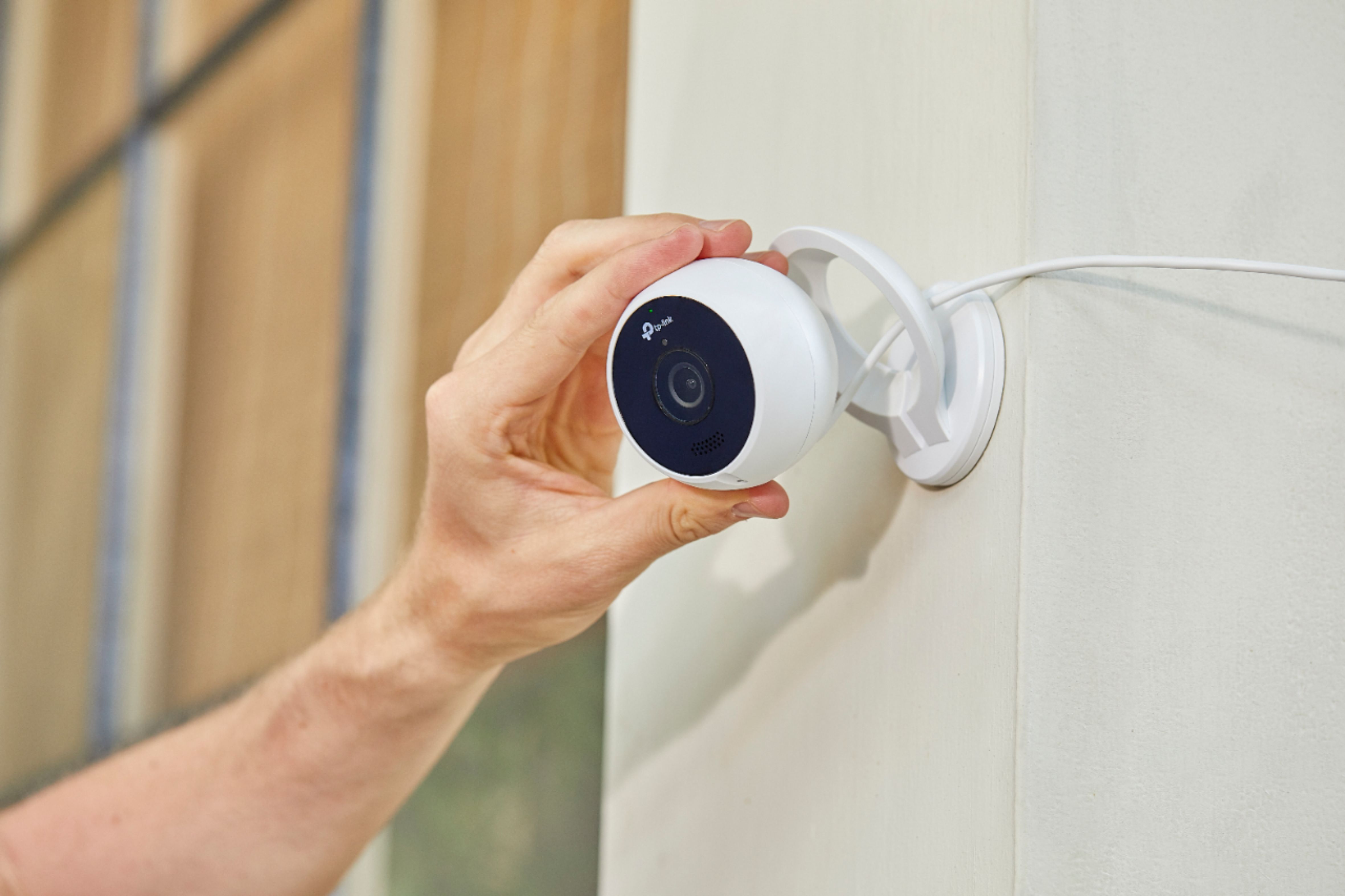
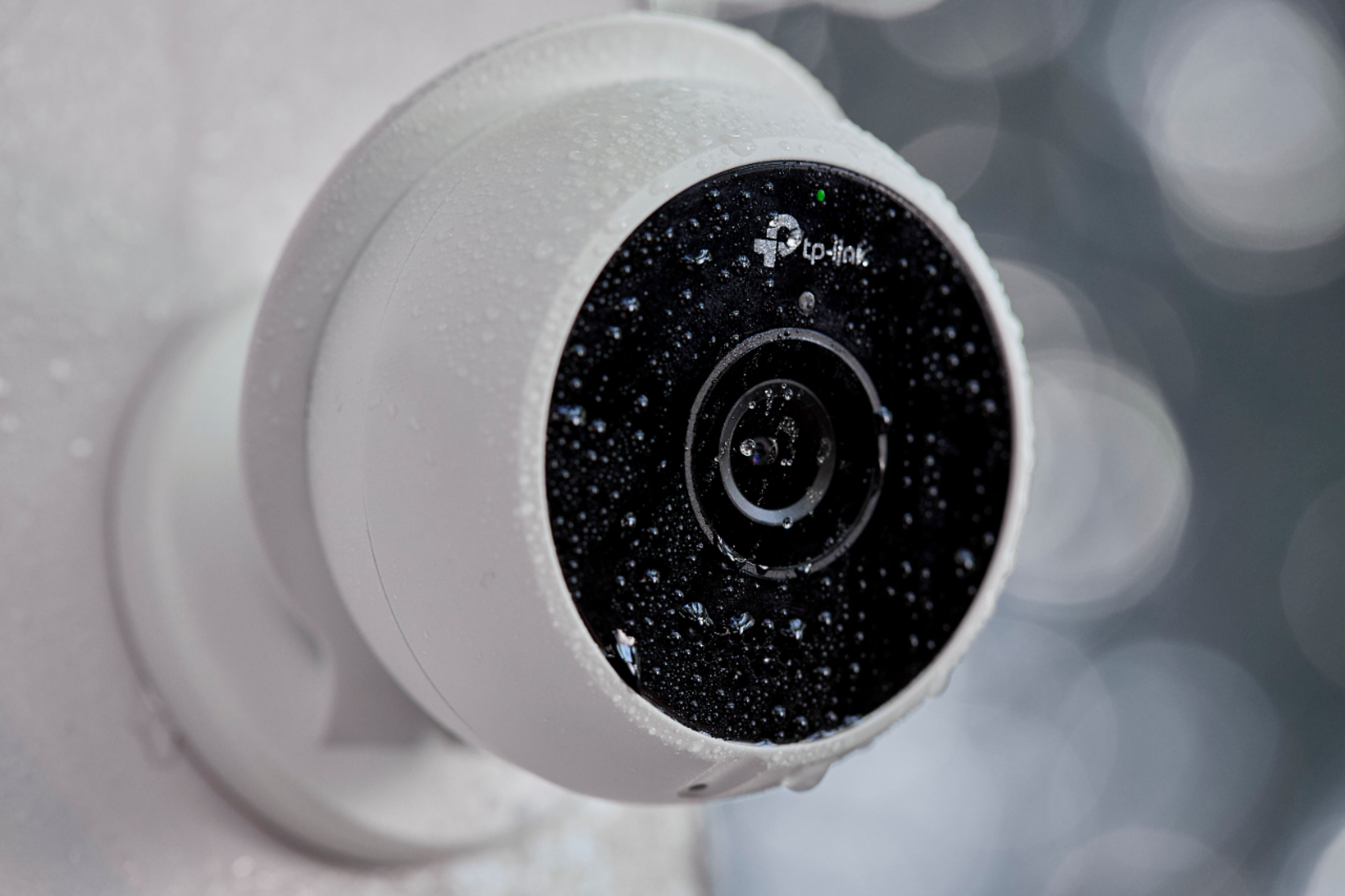

- Model:
- KC200
- SKU:
- 6303652
Rating by feature
- Value
Rating 4.4 out of 5 stars
- Quality
Rating 4.5 out of 5 stars
- Ease of Use
Rating 4.5 out of 5 stars
Customers are saying
Customers consistently note the excellent camera quality and ease of use of the Kasa Outdoor 1080p Wi-Fi Wireless Network Surveillance Camera. Many also appreciate the night vision capabilities and straightforward setup process. However, some users find the sensitivity settings require adjustment, and occasional connectivity issues have been reported. The camera's price and resolution are also frequently praised.
This summary was generated by AI based on customer reviews.
Great camera
||Posted . Owned for less than 1 week when reviewed.This reviewer received promo considerations or sweepstakes entry for writing a review.Great camera for the price ... ... .... . ....
I would recommend this to a friendNo audio control/live view is sketchy
||Posted . Owned for 3 weeks when reviewed.This reviewer received promo considerations or sweepstakes entry for writing a review.This is on a 5g 179mps and yet live view has delays. No audio level changing ability
No, I would not recommend this to a friendBrand response from TPLinkSupport
Posted .Hi Jimnabby,
Thank you for your review. Our Kasa Cam Outdoor is designed to provide crystal clear monitoring for your home. In your case, we recommend adjusting the audio levels on your phone to increase or decrease the volume while viewing the camera or its clips. We also suggest trying to toggle the Hardware Acceleration feature on or off within the Kasa Smart app under the camera's Device Settings -> Advanced Settings menu.
Please also make sure your Kasa Smart app is fully up to date for an optimal experience. If you’d like assistance with any of these steps, please send an e-mail with your contact information and a link to this review to [email protected] and we'll gladly have a Support Agent follow up with you directly.
Best Regards,
TP-Link Support
[email protected]
Ok camera
||Posted . Owned for 1 month when reviewed.This reviewer received promo considerations or sweepstakes entry for writing a review.This outdoor camera work great when it works it loses signal from my Wi-Fi connection it might be the camera or I may just need to buy a signal Extender.
No, I would not recommend this to a friendHorrible products!
||Posted . Owned for 1 month when reviewed.This reviewer received promo considerations or sweepstakes entry for writing a review.Totally not what the sales people described to me at all these units were not wireless at all and I ended up spending more money on tacky extension cords that just look ugly in addition to the long cords these units have
No, I would not recommend this to a friendBrand response from TPLinkSupport
Posted .Hi,
Thank you for your review. The KC200 Kasa Cam Outdoor uses wireless connectivity to your network via 2.4GHz or 5GHz WiFi. For power, the camera does require a wired connection using the included power adapter.
We appreciate your feedback and will gladly share it with the appropriate team for consideration. Our Support Team is always happy to answer any questions you might have. Please feel free to e-mail [email protected] and we'll gladly have a Support Agent follow up with you directly.
Best Regards,
TP-Link Support
[email protected]
difficult to install
||Posted . Owned for 3 months when reviewed.This reviewer received promo considerations or sweepstakes entry for writing a review.it takes some time to install it, but other than that its great.
I would recommend this to a friend- Cons mentioned:Connectivity
Doesn’t work
||Posted . Owned for 2 weeks when reviewed.This reviewer received promo considerations or sweepstakes entry for writing a review.This camera wouldn’t stay connected for more then 24 hours. Returned and looking for another camera.
No, I would not recommend this to a friendBrand response from TPLinkSupport
Posted .Hi,
Thank you for your review. We always recommend ensuring your router's WiFi signal is adequately strong in the smart device's location. Within the Kasa Smart app there's a feature that allows you to measure WiFi signal strength of your smart devices. When the app is connected, please check the signal strength in the Device Settings menu.
If the signal is within the ideal range and you're still experiencing these symptoms, there may be WiFi congestion in your environment, which can typically be mitigated by adjusting the router's WiFi channel settings. We're sorry to hear you decided to return the camera; we would've been more than happy to help. In the future, please feel free to email [email protected] and we'll gladly follow up.
Best Regards,
TP-Link Support
[email protected]
- Cons mentioned:Connectivity
It works sometimes
||Posted .This reviewer received promo considerations or sweepstakes entry for writing a review.It works sometimes in the beginning. So got a Wi-Fi booster worked good for a couple days now doesn’t work at all.
No, I would not recommend this to a friendBrand response from TPLinkSupport
Posted .Hi,
We always recommend ensuring your router's WiFi signal is adequately strong in the smart device's location. Within the Kasa app there's a feature that allows you to measure WiFi signal strength of your smart devices. When the app is connected, please check the signal strength in the Device Settings menu. Ideally, the reading should be no greater than -70 dBm.
If the range extender improves this strength make sure to check the extender so that is not the device that is causing the Kasa Cam to drop.
If you'd like assistance with any of these steps, please send an e-mail with your contact information and a link to this review to [email protected] and we'll gladly have a Support Agent follow up with you directly.
Thank You,
TP-Link Support
[email protected]
https://community.tp-link.com
worked well until the power went out!
||Posted . Owned for 3 weeks when reviewed.This reviewer received promo considerations or sweepstakes entry for writing a review.I wouldn't purchase this camera again and wouldn't recommend it for average people who don't understand networking. It was easy to setup from my mobile phone , finding my wifi was super easy, but when the power went out during a lightning storm and no matter how many time I reset the cam to factory settings it cannot find the network ANYMORE! IT worked for a month.
No, I would not recommend this to a friendBrand response from TPLinkSupport
Posted .Hi,
Thank you for your review. As with any electronic device, we always recommend plugging their power source into a surge protector. We would appreciate the opportunity to help address your concerns. At your earliest convenience, please send an e-mail with your contact information and a link to this review to [email protected] and we'll gladly have a Support Agent follow up with you directly.
Best Regards,
TP-Link Support
[email protected]
Poor
||Posted . Owned for 1 month when reviewed.This reviewer received promo considerations or sweepstakes entry for writing a review.Worked until 8 days after the return date. Doesn't reconnect no matter what is tried, a waste of a large amount of money. Look for a different brand.
No, I would not recommend this to a friendBrand response from TPLinkSupport
Posted .Hi,
Thank you for your review. The KC200 Kasa Cam Outdoor comes with a 2-year warranty, and we would greatly appreciate the opportunity to follow up with you and address your concerns. At your earliest convenience, please send an e-mail with your contact information and a link to this review to [email protected] and we'll gladly have a Support Agent follow up with you directly.
Best Regards,
TP-Link Support
[email protected]
Quit working in about 2 months
||Posted . Owned for 1 year when reviewed.This reviewer received promo considerations or sweepstakes entry for writing a review.Not too outdoor resistance. It for corrosion in about 2 months and quit working Won't but again
No, I would not recommend this to a friendThis camera is NOT wireless
||Posted . Owned for 1 month when reviewed.This reviewer received promo considerations or sweepstakes entry for writing a review.This camera would work great, but it is NOT wireless as described.
No, I would not recommend this to a friendBrand response from TPLinkSupport
Posted .Hi Linsey,
Thank you for your review. The KC200 Kasa Cam Outdoor uses WiFi to wirelessly connect to your home network for convenient access and home monitoring. If you are referring to the required power cable, please bear in mind the term "wireless" is used to refer to the data connection; not the power. Typically, wire-free power will be classified as battery-operated, not wireless.These are industry standard terms and are not exclusive to Kasa Smart products.
Our Support Team is always happy to answer any questions you might have. Please feel free to e-mail [email protected] and we'll gladly have a Support Agent follow up with you directly.
Best Regards,
TP-Link Support
[email protected]
- Pros mentioned:Camera qualityCons mentioned:Sensitivity
Sensitive even at low setting of # 2
Posted .This reviewer received promo considerations or sweepstakes entry for writing a review.Camera is well built but Sensitivity adjustment is very sensitive even at a very low setting. It sends too many notifications on my phone. Zone is set to no avail. Looking at the recorded videos shows nothing or movement. There are others on Amazon site reviews with the same problem I'm having. Other than that, It's a good camer.
I would recommend this to a friend - Pros mentioned:Camera qualityCons mentioned:Sensitivity
Outdoor camera
Posted .This reviewer received promo considerations or sweepstakes entry for writing a review.The video quality is very good. Connects right away. The only problem with this camera is the microphone is too sensitive. Anything loud ,a loud car motorcycle plain, lawnmower will come through as total distortion very annoying. TP Link should either lower the sensitivity or give us the option to lower the sensitivity.
I would recommend this to a friend