Customer Ratings & Reviews
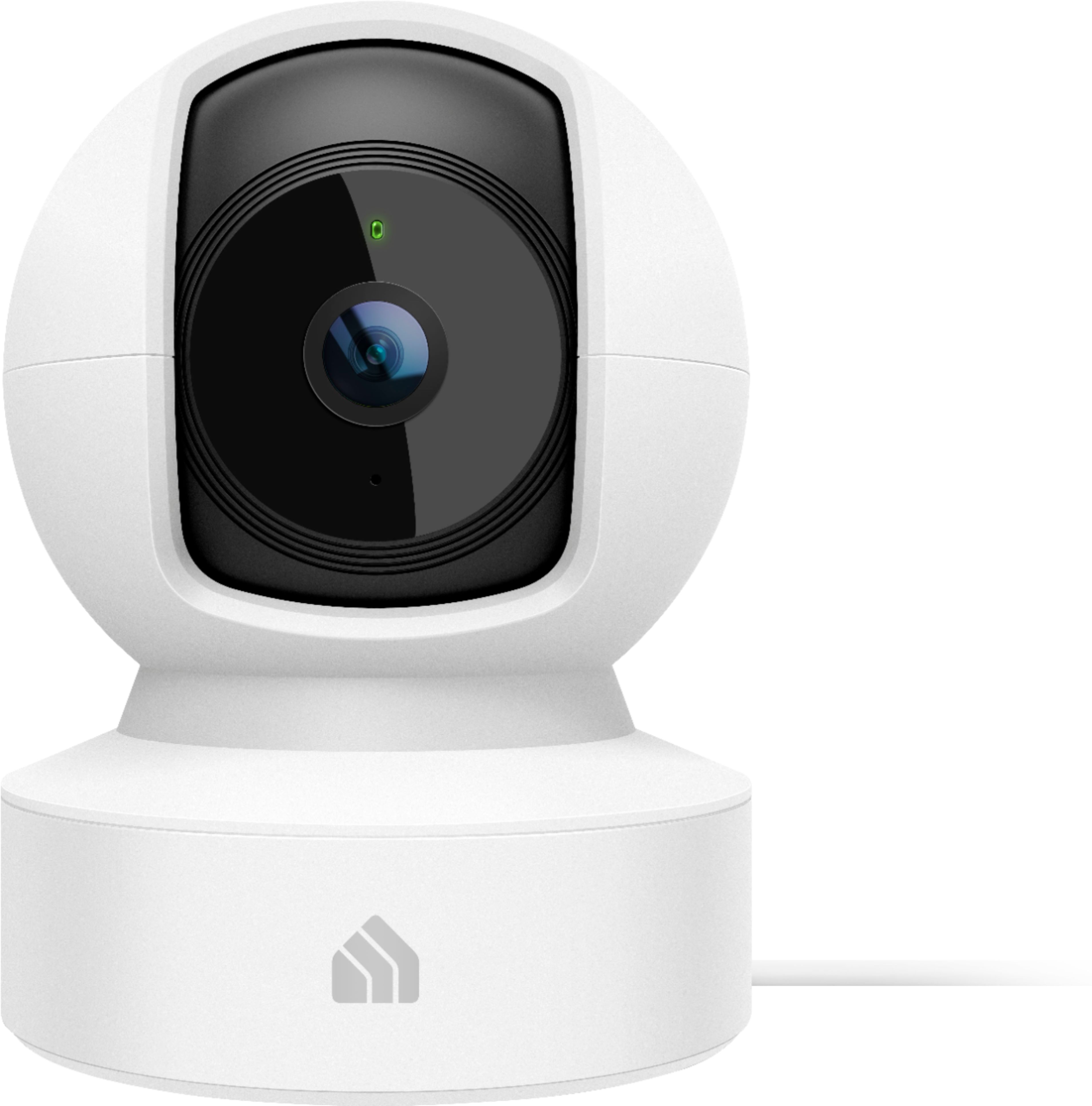
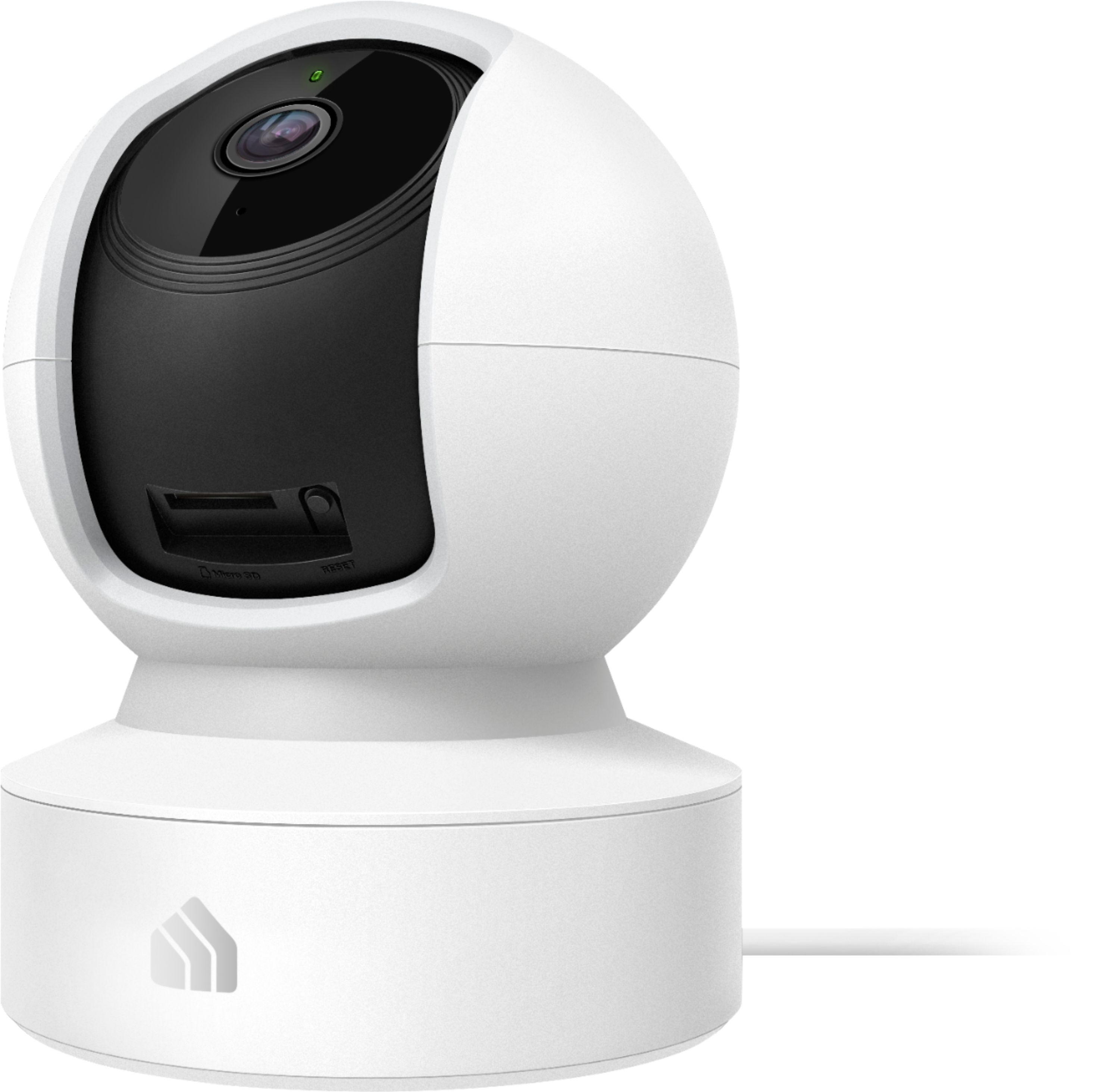
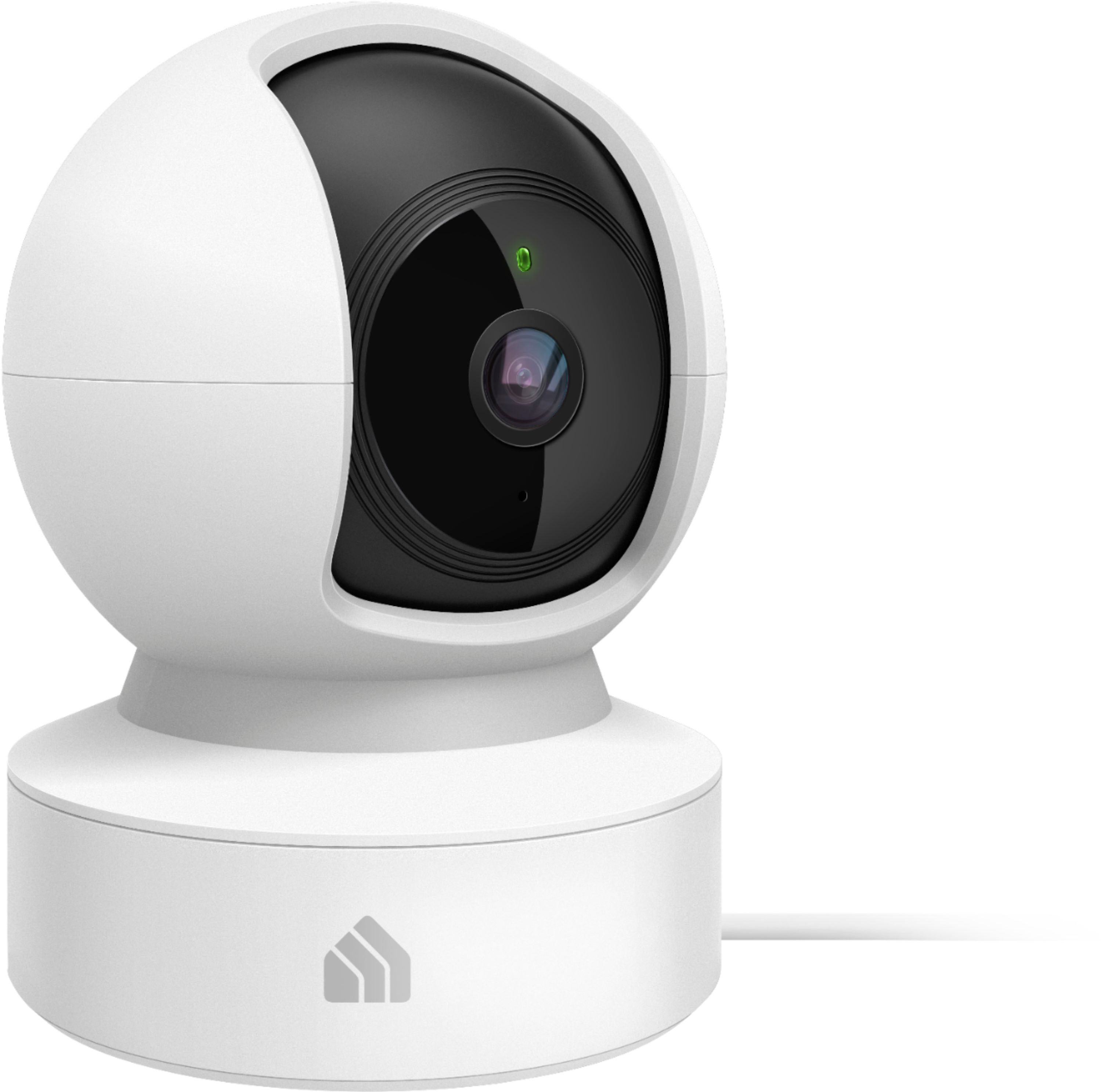

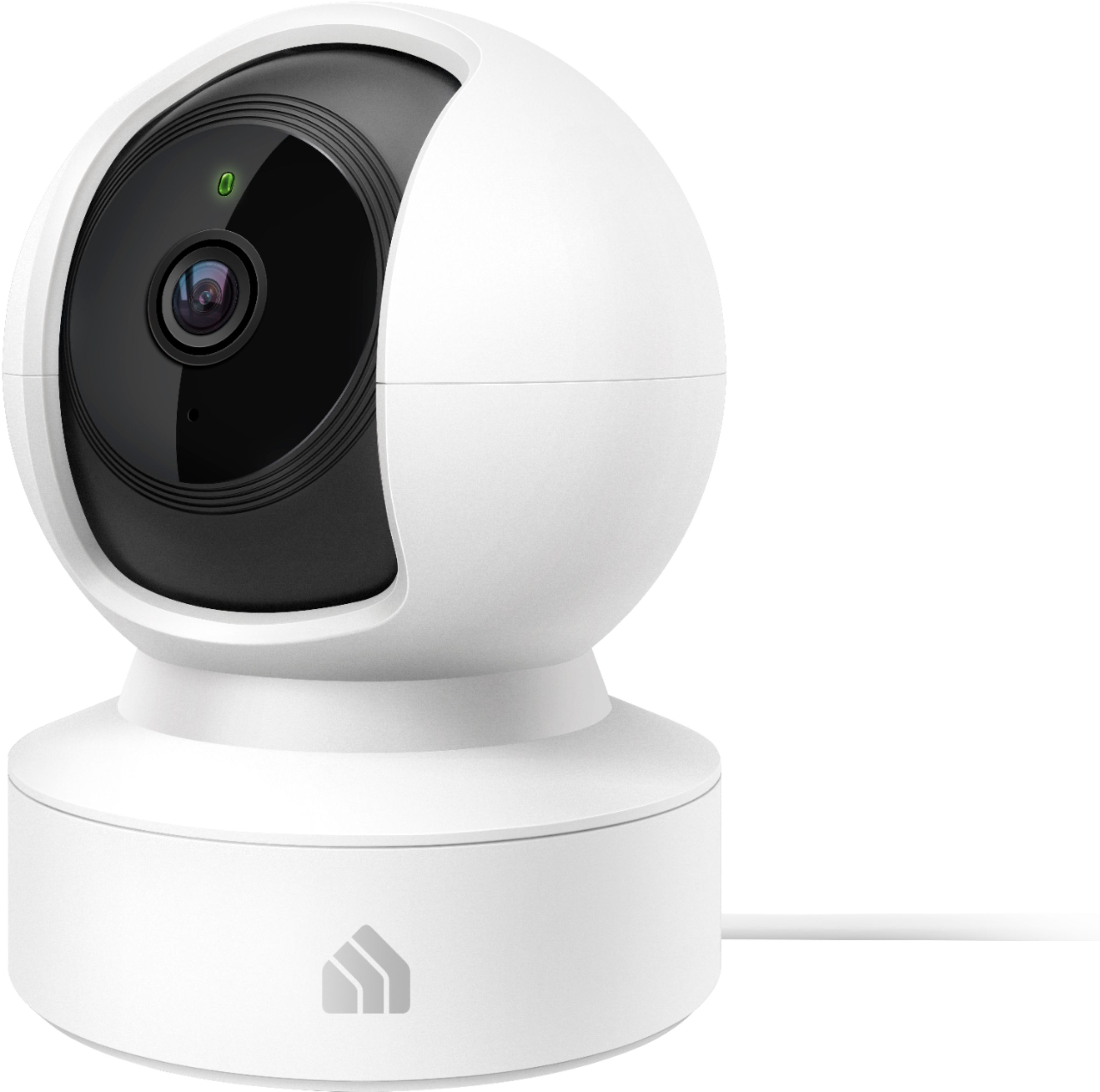
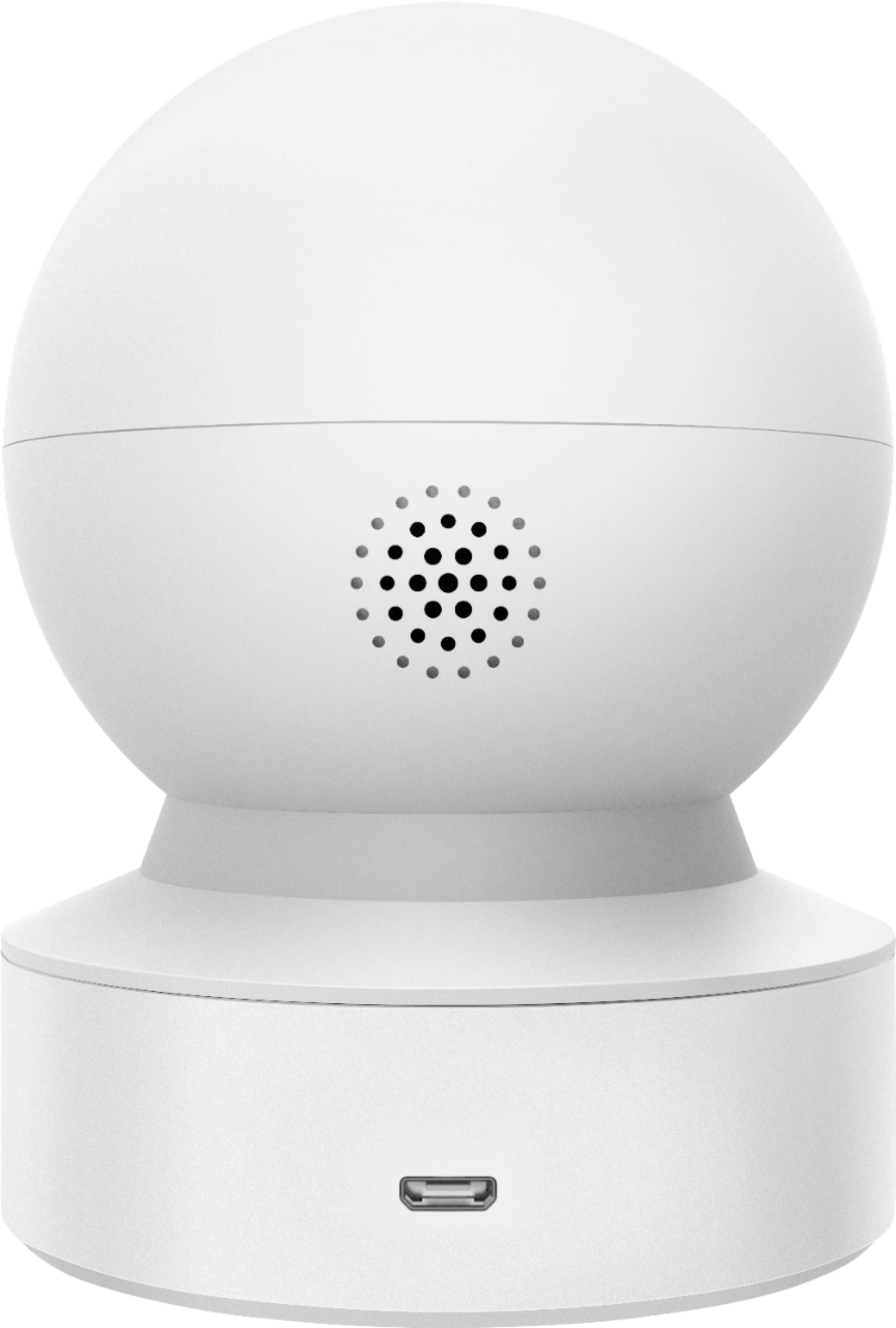
- Model:
- KC115
- SKU:
- 6400549
Rating by feature
- Value
Rating 4.4 out of 5 stars
- Quality
Rating 4.4 out of 5 stars
- Ease of Use
Rating 4.4 out of 5 stars
Customers are saying
Customers frequently mention the excellent picture quality, ease of use, and pan and tilt features as significant strengths of the Kasa Spot Pan and Tilt Indoor camera. Many appreciate its affordability and effective motion detection and night vision capabilities. However, some users experienced challenges with network connectivity and occasional app performance issues. A few also reported concerns about the camera's reliability and SD card functionality.
This summary was generated by AI based on customer reviews.
- Pros mentioned:Camera quality, Pan and tiltCons mentioned:Network connectivity
Worthy product
||Posted . Owned for 2 weeks when reviewed.This reviewer received promo considerations or sweepstakes entry for writing a review.Pros Covers large area because of pan and tilt option. The video quality is ok. Can zoom in video. 24/7 live streaming without any break. Cons Lags when connected through other network A loud beep sound when audio is started
I would recommend this to a friend - Pros mentioned:Camera quality, Motion detectionCons mentioned:Network connectivity
Nice dog camera.
||Posted . Owned for 9 months when reviewed.This reviewer received promo considerations or sweepstakes entry for writing a review.Got this so I could check on my dog while at work. It has a good picture and I like being able to talk to my dog with it. I like that it sends me an alert if there’s movement or sound detected. I have had a couple of times where it lost connection and I had to reset it completely by uninstalling it and adding it back.
I would recommend this to a friend - Pros mentioned:Camera qualityCons mentioned:Network connectivity
Helpful For Monitoring
||Posted . Owned for 1 month when reviewed.This reviewer received promo considerations or sweepstakes entry for writing a review.Use this to keep an eye on a family member that is sick and was able to pick up audio to hear any abnormalities in coughts or hiccups. No complaints aside from it sometimes having connectivity issues at some points but that was only when several people would log in at once.
I would recommend this to a friend - Cons mentioned:Network connectivity
Worthless, Buyer Beware
||Posted . Owned for 3 months when reviewed.This reviewer received promo considerations or sweepstakes entry for writing a review.I'd give a zero if I could. I ordered 2 of the Kasa Cam KC120s from Amazon last year. They worked great, for several months, until they went offline from network, and I could never get them reconnected. So this year, earlier this year, I order 2 of these Pan & Tilt cameras. The same thing. They worked great, until a month past the return window, when I found myself having to reset my network password. They went offline, and no matter how much resetting and configuring I do, they will never go back online, due to they time out before you can put in the password to connect them to the network, once you've reset them. WORTHLESS! I now have $200 of worthless cameras by Tp-Link/Kasa that aren't worth a crap. I only got a couple/few months usage out of each set. Of course, too late to return.
No, I would not recommend this to a friendBrand response from TPLinkSupport
Posted .Hi,
Thank you for your review. We always recommend ensuring your router's WiFi signal is adequately strong in the camera's location. Within the Kasa Smart app there's a feature that allows you to measure WiFi signal strength of your devices. When the app is connected, please check the signal strength in the Device Settings menu.
If the signal is within the ideal range and you're still experiencing these symptoms, please ensure your Kasa Smart app is up to date, then update your smart device's firmware by selecting Home → Settings → Firmware Update within the Kasa app.
Your Kasa camera comes with a 2-year warranty. If you'd like assistance with any of these steps, please reach out to our free support team using any of the resources included with the product, or from our official website, and we'll gladly have a Support Agent follow up with you directly.
Thank you,
TP-Link Support
- Cons mentioned:Network connectivity
DO NOT BUY
||Posted . Owned for less than 1 week when reviewed.This reviewer received promo considerations or sweepstakes entry for writing a review.Worst camera you can buy. No remote access. Can’t access this camera while away from home. And when it disconnects from the Kasa app it does not connect again. I have spent almost 2 days trying to add and reconnect it to my app. I did everything (took of the power cord for a few hours, pressed the reset button, and also uninstalled the camera including the app). Nothing works. I do not recommend this product and I never will.
No, I would not recommend this to a friendBrand response from TPLinkSupport
Posted .Hi,
Thank you for your review. Once you have set up a Kasa account and configured the Kasa camera within a network that has Internet access, you should be able to remotely manage and view the camera from the Kasa app on your smartphone.
We always recommend ensuring your router's WiFi signal is adequately strong in the device's location. Within the Kasa Smart app there's a feature that allows you to measure WiFi signal strength of your devices. When the app is connected, please check the signal strength in the Device Settings menu.
If the signal is within the ideal range and you're still experiencing these symptoms, please ensure your Kasa Smart app is up to date, then update your smart device's firmware by selecting Home → Settings → Firmware Update within the Kasa app.
If you'd like assistance with any of these steps, please reach out to our free support team using any of the resources included with the product, or from our official website, and we'll gladly have a Support Agent follow up with you directly.
Thank you,
TP-Link Support
- Cons mentioned:Network connectivity
Looked good, wouldn’t connect.
||Posted . Owned for less than 1 week when reviewed.This reviewer received promo considerations or sweepstakes entry for writing a review.Had to return, it just wouldn’t stay connected to my network.
No, I would not recommend this to a friendBrand response from TPLinkSupport
Posted .Hi,
We always recommend ensuring your router's WiFi signal is adequately strong in the smart device's location. Within the Kasa Smart app there's a feature that allows you to measure WiFi signal strength of your smart devices. When the app is connected, please check the signal strength in the Device Settings menu.
If the signal is within the ideal range and you're still experiencing these symptoms, please ensure your Kasa Smart app is up to date, then update your smart device's firmware by selecting Home → Settings → Firmware Update within the Kasa app.
If you'd like assistance with any of these steps, please reach out to our free support team using any of the resources included with the product, or from our official website, and we'll gladly have a Support Agent follow up with you directly.
Thank you,
TP-Link Support
- Cons mentioned:Network connectivity
Wouldn’t connect to network
||Posted . Owned for 1 week when reviewed.This reviewer received promo considerations or sweepstakes entry for writing a review.Wouldn’t connect to my high end home network. There are 35+ devices connected on my network but this camera wouldn’t connect.
No, I would not recommend this to a friendBrand response from TPLinkSupport
Posted .Hi,
Thank you for your review. The KC115 Kasa Cam is designed and advertised for use with 2.4GHz WiFi. Please ensure your router's 2.4GHz WiFi band is enabled and broadcasting.
Our support team is always happy to answer any questions you might have about our products. Please feel free to reach out to our free support team using any of the resources included with the product, or from our official website, and we'll gladly have a Support Agent follow up with you directly.
Thank you,
TP-Link Support
- Cons mentioned:Network connectivity
very disappointing
||Posted . Owned for 2 months when reviewed.This reviewer received promo considerations or sweepstakes entry for writing a review.Not good. Had to take it back because it was to hard to get connected and it never did connect.
No, I would not recommend this to a friendBrand response from TPLinkSupport
Posted .Hi,
Thank you for your review. Our smart plugs, bulbs, cameras and switches are designed for quick and easy setup using the Kasa app. If you're having difficulty connecting them to your network during setup, please ensure your router's 2.4GHz WiFi signal is sufficiently strong at the smart device's location. You can also tap the "I can't find my network" option during setup to manually select and connect to your WiFi network.
Please also ensure your smartphone is not connected to a VPN during setup, as this may interfere with the installation process.
If you would like assistance with any of these steps, please reach out to our free support team using any of the resources included with the product, or from our official website, and we'll gladly have a Support Agent follow up with you directly.
Thank you,
TP-Link Support
- Cons mentioned:Network connectivity
Kasa camera
||Posted .This reviewer received promo considerations or sweepstakes entry for writing a review.It keeps going offline, I have reset it several times.
No, I would not recommend this to a friendBrand response from TPLinkSupport
Posted .Hi,
We always recommend ensuring your router's WiFi signal is adequately strong in the smart device's location. Within the Kasa Smart app there's a feature that allows you to measure WiFi signal strength of your smart devices. When the app is connected, please check the signal strength in the Device Settings menu.
If the signal is within the ideal range and you're still experiencing these symptoms, please ensure your Kasa Smart app is up to date, then update your smart device's firmware using the steps in our FAQ: http://www.tp-link.com/us/faq-1256.html
If you'd like assistance with any of these steps, please send an e-mail with your contact information and a link to this review to [email protected] and we'll gladly have a Support Agent follow up with you directly.
Best Regards,
TP-Link Support
- Cons mentioned:Network connectivity
Wouldn't connect to my network.
||Posted . Owned for 8 months when reviewed.This reviewer received promo considerations or sweepstakes entry for writing a review.Wouldn't connect to my network. Went with AMD instead.
No, I would not recommend this to a friendBrand response from TPLinkSupport
Posted .Hi,
Thank you for your review. Our smart plugs, bulbs, cameras and switches are designed for quick and easy setup using the Kasa app. If you're having difficulty connecting them to your network during setup, please ensure your router's 2.4GHz Wi-Fi signal is sufficiently strong at the device's location.
Please also ensure your smartphone is not connected to a VPN during setup, as this may interfere with the installation process.
If you would like assistance with any of these steps, please reach out to our free support team using any of the resources included with the product, or from our official website, and we'll gladly have a Support Agent follow up with you directly.
Thank you,
TP-Link Support