Customer Ratings & Reviews
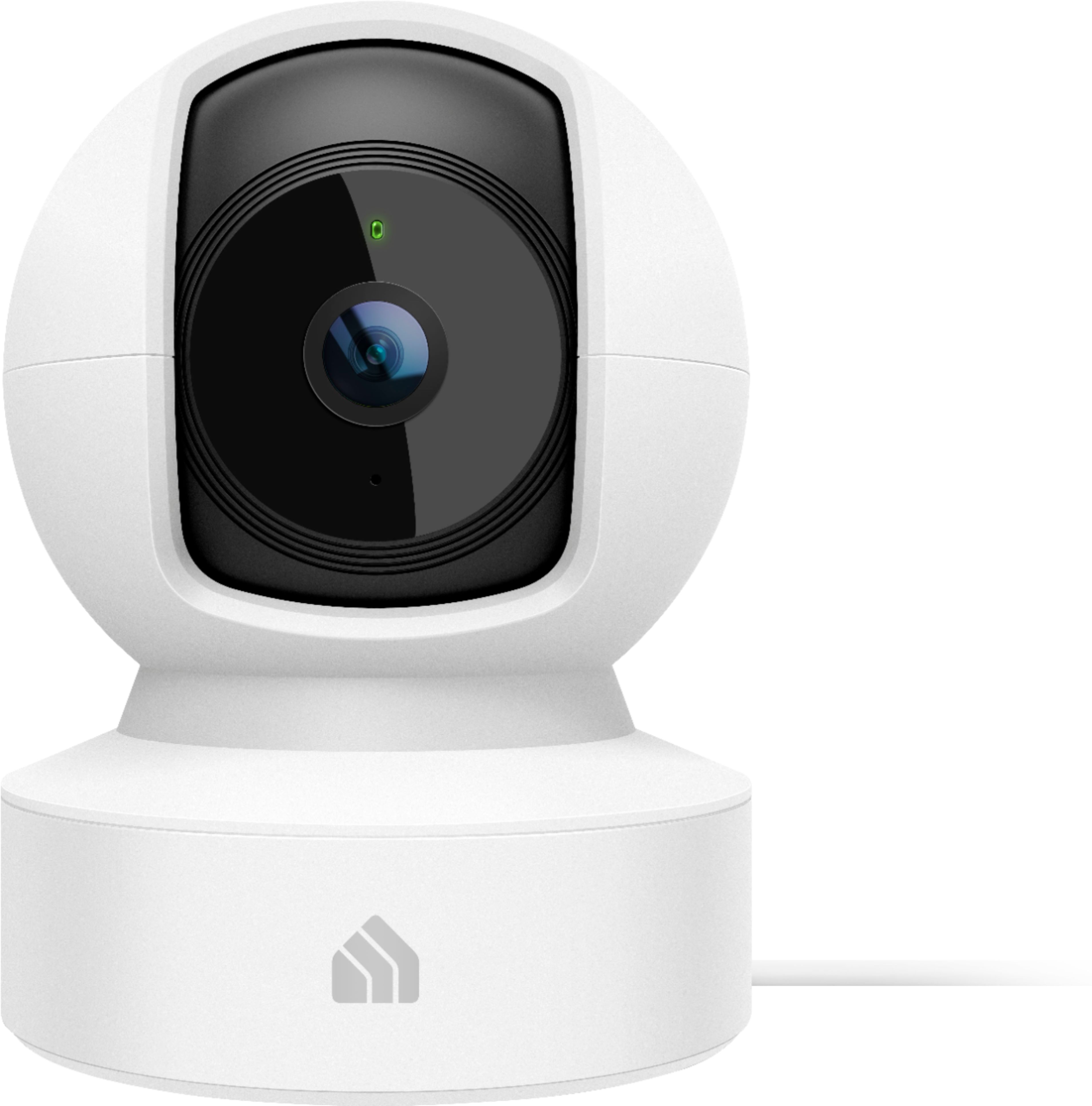
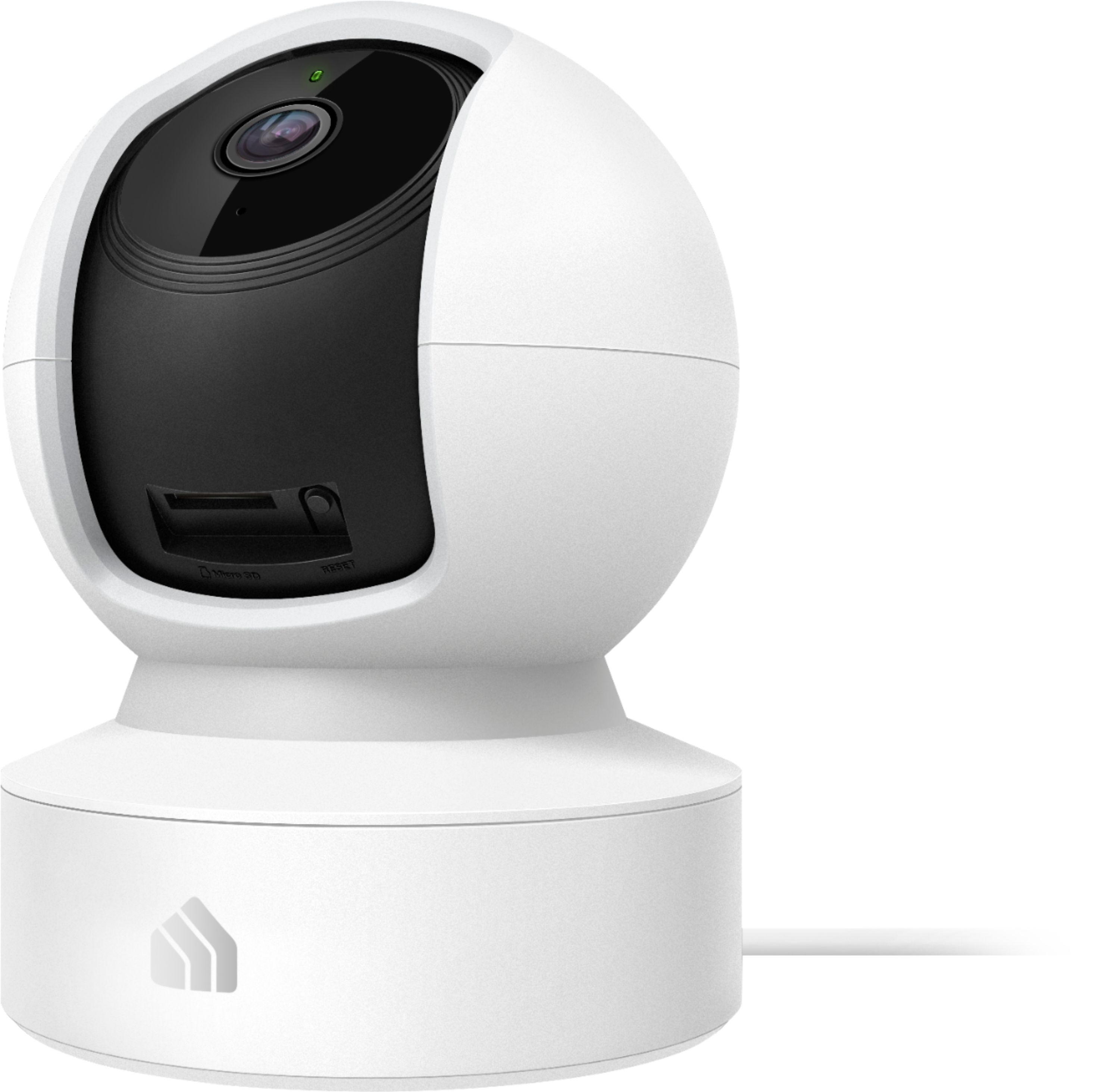
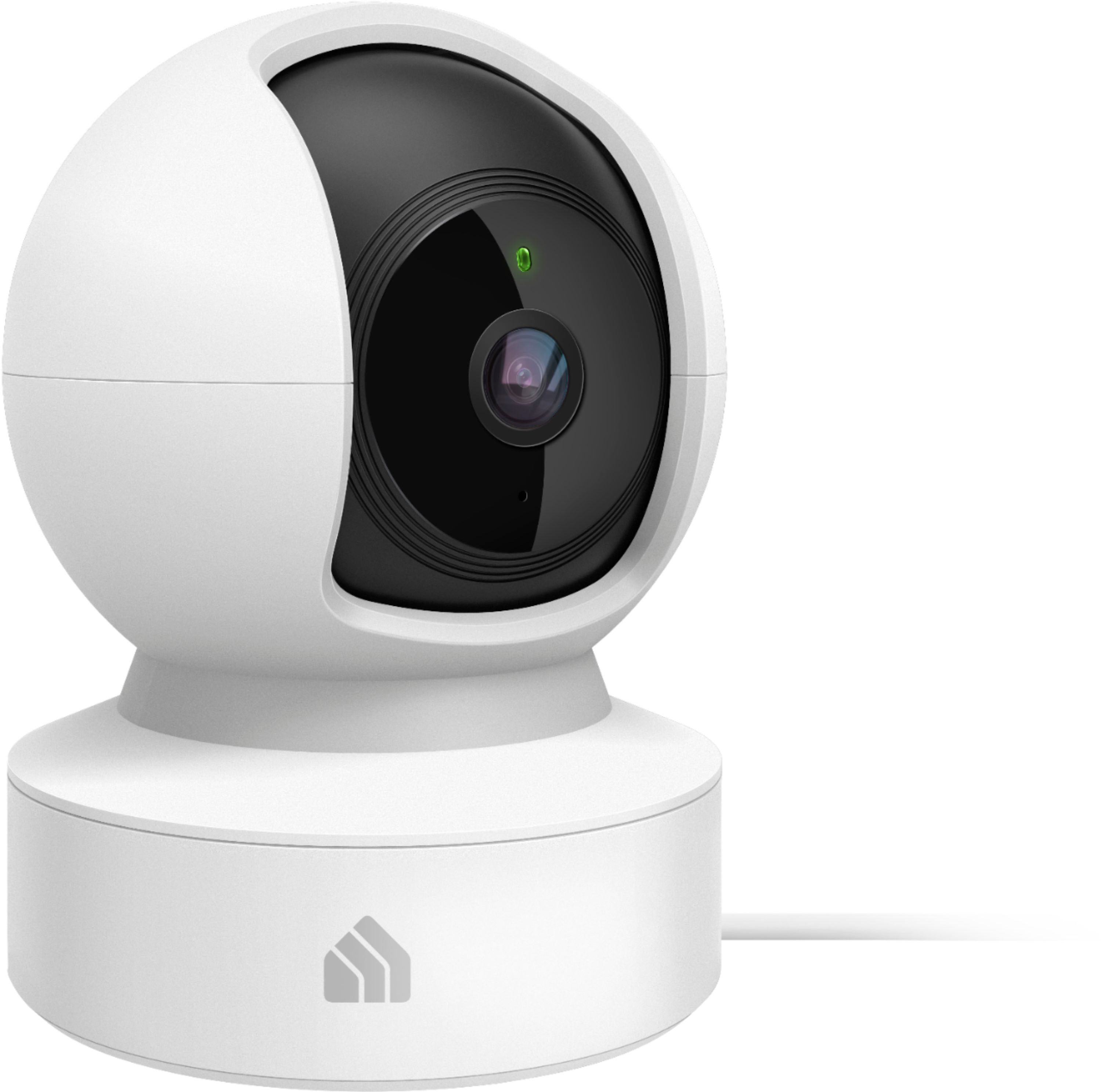

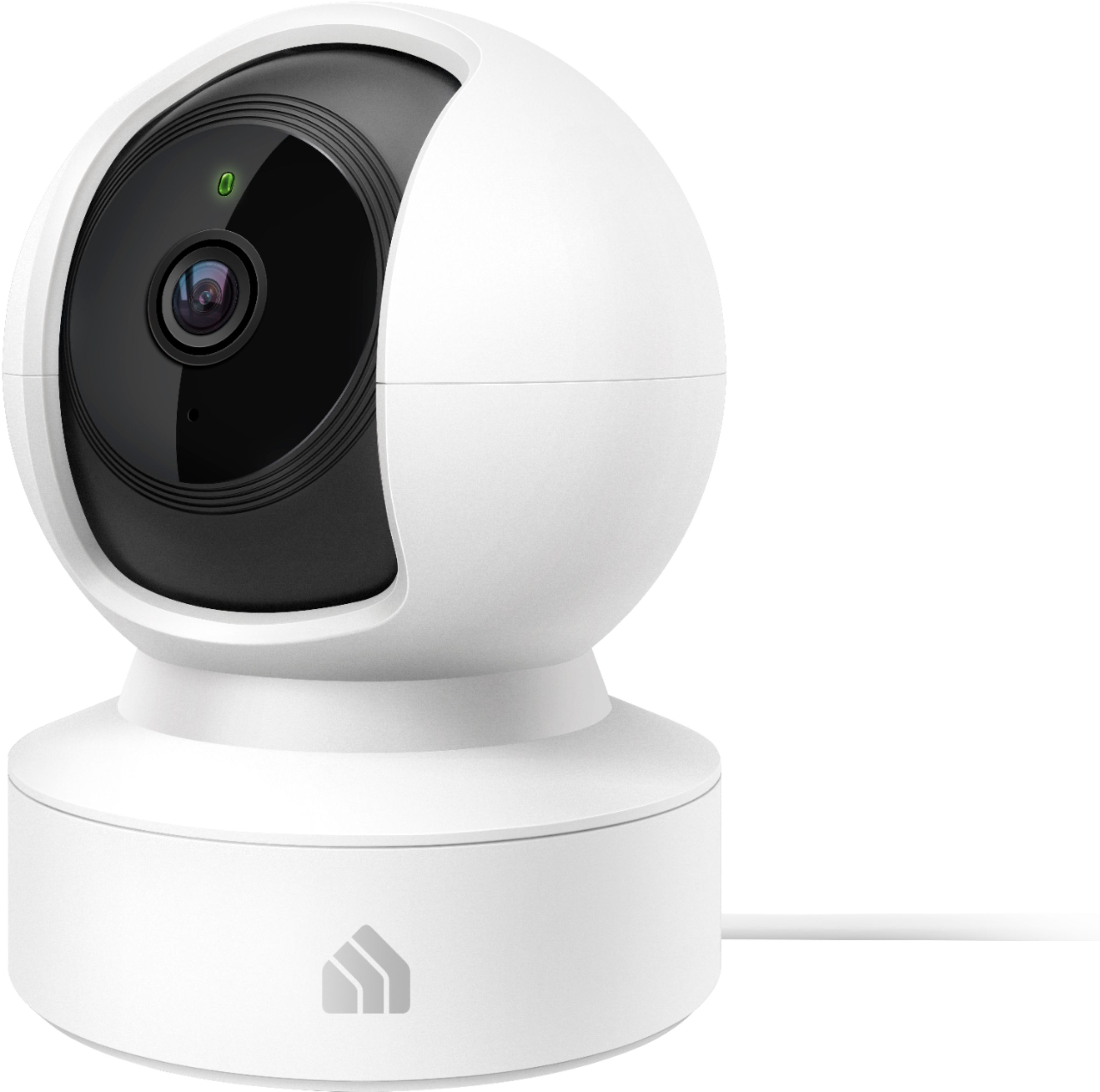
- Model:
- KC115
- SKU:
- 6400549
Rating by feature
- Value
Rating 4.4 out of 5 stars
- Quality
Rating 4.4 out of 5 stars
- Ease of Use
Rating 4.4 out of 5 stars
Customers are saying
Customers frequently mention the excellent picture quality, ease of use, and pan and tilt features as significant strengths of the Kasa Spot Pan and Tilt Indoor camera. Many appreciate its affordability and effective motion detection and night vision capabilities. However, some users experienced challenges with network connectivity and occasional app performance issues. A few also reported concerns about the camera's reliability and SD card functionality.
This summary was generated by AI based on customer reviews.
- Cons mentioned:Sd card
DO NOT BUY
||Posted . Owned for 3 months when reviewed.This reviewer received promo considerations or sweepstakes entry for writing a review.WORST security camera ever! 95% of time it won’t record -says insert 8GB-128GB SD card even when there is an 128GB in it. When it does record it will not overwrite old videos so it only works for 4 days, then you need to manually eject SD card put it in a computer, wipe it, reinsert it. When you try to view the videos it did record from the SD card it worked once - but now won’t play anything (just gray screen) so it’s either not recording or the video is corrupted. Either way useless. I’ve reacted out to customer support twice and have never hear back from them. I missed the return window so it’s going in the trash. Pros -tracks movement Cons -won’t record reliably
No, I would not recommend this to a friendBrand response from TPLinkSupport
Posted .Hello,
Thank you for your review. In your case we would first recommend ensuring you are using a Class 10 Micro SD card for optimal compatibility. The camera should not require manually wiping the oldest footage/files, as it is designed by default to automatically overwrite the oldest once the card is full. In your case we highly recommend ensuring your Kasa app is fully up to date, then please check for, and install any firmware updates for the camera under Main Menu → Settings → Firmware Update.
If you would like assistance with any of these steps, please reach out to our free support team using any of the resources included with the product, or from our official website, and we'll gladly have a Support Agent follow up with you directly.
Thank you,
TP-Link Support
Broke and lost. $70
||Posted . Owned for 1 month when reviewed.This reviewer received promo considerations or sweepstakes entry for writing a review.Item headset in one place for about a month and it got knocked over once and broke
No, I would not recommend this to a friendIf you want to be more safe than sorry stay away
||Posted . Owned for more than 2 years when reviewed.This reviewer received promo considerations or sweepstakes entry for writing a review.Stoped working after a wile , low latency DONT matter how fast your internet is, good thing I got the warranty on it , returned
No, I would not recommend this to a friend- Pros mentioned:Camera quality, Ease of use
New model, worse features
||Posted . Owned for 1 month when reviewed.This reviewer received promo considerations or sweepstakes entry for writing a review.I'm a huge fan of the Kasa KC110 model. It has great video quality, is easy to set up and use, and, most importantly, it records activity WITHOUT the need to purchase a subscription in order to watch it. However, this KC115 "updated" model places the recording videos behind a paywall. It notifies you when the camera is activated, but to watch the recordings requires a subscription. It does offer a 24/7 record feature but even that requires a separate purchase of a micro sd card. I'm not a fan of taking away a feature and making the consumer purchases a subscription to regain that feature. That is dishonest.
No, I would not recommend this to a friendBrand response from TPLinkSupport
Posted .Hi,
Thank you for your review. We appreciate your feedback regarding your experience with our KC110 and KC115 Kasa Cameras. We hear your concerns regarding the differences in their features and we'll be happy to help provide some insights. First, please note that the KC110 is designed specifically around cloud oriented experience when it comes to motion detection and clip recording. The KC115 on the other hand is much more oriented toward 24/7 recording to local storage (Micro SD card - not included), with the option of additional cloud features via Kasa Care subscription. These two separate models provide customers the choice of which storage type and experience they would prefer.
Our Support Team is always happy to answer any questions you might have about our products. Please feel free to e-mail Kasa.Support@TP-Link.com and we'll gladly have a Support Agent follow up with you directly.
Best Regards,
TP-Link Support
- Pros mentioned:Camera quality, Pan and tilt
Don't waste your money on this one
||Posted . Owned for 3 months when reviewed.This reviewer received promo considerations or sweepstakes entry for writing a review.I bought this camera when it was on sale and fairly cheap for the purpose of figuring out which one of my cats was going outside the litter box. I would've taken it back for a better one if I wanted it for any other reason. It rarely detects motion, so to find a specific event, I have to look through the entire day that it was recording. And to watch it live, it doesn't always connect and when it does, it's very slow to respond. There is also a lot of lag in the playback. The only positives are the picture quality and it moves so you can look around the room.
No, I would not recommend this to a friendBrand response from TPLinkSupport
Posted .Hi,
Thank you for your review. We always recommend ensuring your router's WiFi signal is adequately strong in the smart device's location. Within the Kasa Smart app there's a feature that allows you to measure WiFi signal strength of your smart devices. When the app is connected, please check the signal strength in the Device Settings menu.
If the signal is within the ideal range and you're still experiencing these symptoms, please ensure your Kasa Smart app is up to date, then update your smart device's firmware using the steps in our FAQ: http://www.tp-link.com/us/faq-1256.html
You can also customize the detection zones for the camera within the Kasa app, as well as adjusting motion sensitivity.
If you would like assistance with any of these steps, please reach out to our free support team using any of the resources included with the product, or from our official website, and we'll gladly have a Support Agent follow up with you directly.
Thank you,
TP-Link Support
- Cons mentioned:Network connectivity
Worthless, Buyer Beware
||Posted . Owned for 3 months when reviewed.This reviewer received promo considerations or sweepstakes entry for writing a review.I'd give a zero if I could. I ordered 2 of the Kasa Cam KC120s from Amazon last year. They worked great, for several months, until they went offline from network, and I could never get them reconnected. So this year, earlier this year, I order 2 of these Pan & Tilt cameras. The same thing. They worked great, until a month past the return window, when I found myself having to reset my network password. They went offline, and no matter how much resetting and configuring I do, they will never go back online, due to they time out before you can put in the password to connect them to the network, once you've reset them. WORTHLESS! I now have $200 of worthless cameras by Tp-Link/Kasa that aren't worth a crap. I only got a couple/few months usage out of each set. Of course, too late to return.
No, I would not recommend this to a friendBrand response from TPLinkSupport
Posted .Hi,
Thank you for your review. We always recommend ensuring your router's WiFi signal is adequately strong in the camera's location. Within the Kasa Smart app there's a feature that allows you to measure WiFi signal strength of your devices. When the app is connected, please check the signal strength in the Device Settings menu.
If the signal is within the ideal range and you're still experiencing these symptoms, please ensure your Kasa Smart app is up to date, then update your smart device's firmware by selecting Home → Settings → Firmware Update within the Kasa app.
Your Kasa camera comes with a 2-year warranty. If you'd like assistance with any of these steps, please reach out to our free support team using any of the resources included with the product, or from our official website, and we'll gladly have a Support Agent follow up with you directly.
Thank you,
TP-Link Support
- Cons mentioned:Setup
Do your homework before you purchase.
||Posted . Owned for 1 month when reviewed.This reviewer received promo considerations or sweepstakes entry for writing a review.The single most frustrating piece of tech that I have ever purchased. App is spotty at best. Worked when I first set up, but don't try to unplug it or all set up is lost. I was never able to dial it in after I tried to move it to a different outlet. Online support from them kept telling me to check my Wifi. When I went online and looked up my purchase on the "Best Buy" online page. Then I read that 85% of customers recommend store tech set up.. Not going to spend 50 or more dollars for a 40 dollar camera. Plus started reading other makers have easy apps and set up.. Do your research before you purchase and save yourself head ache. I went on my vacation with no security camera, and have lost interest now.
No, I would not recommend this to a friendBrand response from TPLinkSupport
Posted .Hi,
Thank you for your review. Our smart plugs, bulbs, cameras and switches are designed for quick and easy setup using the Kasa app. If you're having difficulty connecting them to your network during setup, please ensure your router's 2.4GHz WiFi signal is sufficiently strong at the smart device's location.
Please also ensure your smartphone is not connected to a VPN during setup, as this may interfere with the installation process.
If you would like assistance with any of these steps, please reach out to our free support team using any of the resources included with the product, or from our official website, and we'll gladly have a Support Agent follow up with you directly.
Thank you,
TP-Link Support
- Pros mentioned:Camera quality
Worst "surveillance" there is
||Posted . Owned for 1 month when reviewed.This reviewer received promo considerations or sweepstakes entry for writing a review.I would have given this a 5 star rating except this was ranked one of the easiest companies to hack into(TP-Link) and it's not even hacking it's not secure at all. Someone could be scanning for wifi and they can easily connect to your device. And what my neighbors did was just that along with downloading the app and deleting footage that was needed when someone broke into my apartment. ONLY good thing bout this was day and night picture were amazing.
No, I would not recommend this to a friendBrand response from TPLinkSupport
Posted .Hi,
Thank you for your review. The Kasa Spot Pan and Tilt camera is designed to provide multiple layers of security when properly installed. For example, the camera cannot be connected to an unsecure WiFi network - it must be encrypted and password protected WiFi. Furthermore, a Kasa Account is required for remote control and management of the camera via the Kasa app, which is a second layer of protection apart from your WiFi, because the account credentials are required within the Kasa app to log in an access the camera. This cloud connection is also secured with 128-bit AES encryption with SSL/TLS.
That being said, we always recommend choosing a strong password for your important accounts, such as WiFi and cloud-based accounts such as Kasa.
We would love the opportunity to follow up with you to find out more about where you obtained the ranking information mentioned in your review, as we always enjoy feedback and addressing the concerns of our customers. At your convenience, please send an e-mail with a copy or link to this review, as well as the sources of the aforementioned ranking to USSupportTeam@TP-Link.com and we'll gladly have a Support Agent follow up with you directly.
Thank you,
TP-Link Support
- Cons mentioned:Network connectivity
DO NOT BUY
||Posted . Owned for less than 1 week when reviewed.This reviewer received promo considerations or sweepstakes entry for writing a review.Worst camera you can buy. No remote access. Can’t access this camera while away from home. And when it disconnects from the Kasa app it does not connect again. I have spent almost 2 days trying to add and reconnect it to my app. I did everything (took of the power cord for a few hours, pressed the reset button, and also uninstalled the camera including the app). Nothing works. I do not recommend this product and I never will.
No, I would not recommend this to a friendBrand response from TPLinkSupport
Posted .Hi,
Thank you for your review. Once you have set up a Kasa account and configured the Kasa camera within a network that has Internet access, you should be able to remotely manage and view the camera from the Kasa app on your smartphone.
We always recommend ensuring your router's WiFi signal is adequately strong in the device's location. Within the Kasa Smart app there's a feature that allows you to measure WiFi signal strength of your devices. When the app is connected, please check the signal strength in the Device Settings menu.
If the signal is within the ideal range and you're still experiencing these symptoms, please ensure your Kasa Smart app is up to date, then update your smart device's firmware by selecting Home → Settings → Firmware Update within the Kasa app.
If you'd like assistance with any of these steps, please reach out to our free support team using any of the resources included with the product, or from our official website, and we'll gladly have a Support Agent follow up with you directly.
Thank you,
TP-Link Support
TERRIBLE PRODUCT! DOESN'T WORK WITH 5ghz WIFI.
||Posted . Owned for 1 week when reviewed.This reviewer received promo considerations or sweepstakes entry for writing a review.Absolutely terrible product. I use a Kasa smartlight, which was very easy to setup. This camera would not connect to my wifi, I removed my mac filter, made my ssid visible, changed numerous settings. I spent 5 hours trying to get it to connect, waste of time and money. I was in Comcast tech support for seveal years, and it should not be this difficult to connect a device. I don't recommend buying this at all. This device does NOT connect to 5ghz wifi, so if you have to broadcast 2.4ghz, which means your neighbors can hack into it because it reaches further out. I have a pet that I was watching with this camera, but thanks KASA for making it extremely difficult to use and connect so that I CAN'T watch them while I'm away for a month.
No, I would not recommend this to a friendBrand response from TPLinkSupport
Posted .Hi,
Thank you for your review. The KC115 Kasa Cam is designed and advertised for use with 2.4GHz WiFi. Please bear in mind your WiFi network's security is primarily based on your router's capabilities as well as the password you have selected for your network, and on most routers, 2.4GHz and 5GHz are both capable of WPA2-AES. If you're ever unsure whether a product is suited for your specific networking needs, feel free to reach out to our support team directly by using the support page on our official website, and we'll gladly follow up with you.
Thank you,
TP-Link Support
Not useful if you’re away from home.
||Posted .This reviewer received promo considerations or sweepstakes entry for writing a review.Well, it worked well for a couple weeks. We put this in our Palm Desert home mid-April for peace of mind during our 7 month absence. Two weeks in, it has lost its connection to the internet and is now useless. The wi-fi router is 2 ft away. Oh well, when we get back down in 6.5 months we’ll get it working again. Hopefully no one breaks in. No such problems with our Ring doorbell and Nest thermostat. Bad choice of camera if you’re not going to be around to babysit it. Really regret buying it.
No, I would not recommend this to a friendBrand response from TPLinkSupport
Posted .Hi,
Thank you for your review. The Kasa Spot Pan and Tilt camera is designed to conveniently connect to your router's 2.4GHz WiFi signal, providing ease of setup and control via the Kasa app, whether at home or away - as long as your router is connected to the Internet. We would recommend verifying whether the camera is the only device that is offline, or if any other devices also lost connectivity, as this could indicate if your network as a whole lost Internet, which can potentially be restored by contacting your ISP.
Our support team is always happy to answer any questions you might have about our products. Please reach out to our free support team using any of the resources included with the product, or from our official website, and we'll gladly have a Support Agent follow up with you directly.
Thank you,
TP-Link Support
Garbage
||Posted . Owned for 2 months when reviewed.This reviewer received promo considerations or sweepstakes entry for writing a review.Garbage. You can set them up to detect any motion and/or specifically person detection. They consistently identified my cats as people and my son as not people. I've also seen in the alerts a few times of someone going through a room, then the next alert was them doing the same thing again, which is only possible in a Scooby-Doo cartoon. I could wade through the recording and see what was missed, but have no idea why it didn't trigger a tag. To top it all off, they both quit recording at all in just under two months.
No, I would not recommend this to a friendBrand response from TPLinkSupport
Posted .Hi,
Thank you for your review. Your Kasa cameras come with a 2-year warranty, and we would greatly appreciate the opportunity to follow up with you and address your concerns. At your earliest convenience, please reach out to our free support team using any of the resources included with the product, or from our official website, and we'll gladly have a Support Agent follow up with you directly.
Thank you,
TP-Link Support
- Cons mentioned:Network connectivity
Wouldn’t connect to network
||Posted . Owned for 1 week when reviewed.This reviewer received promo considerations or sweepstakes entry for writing a review.Wouldn’t connect to my high end home network. There are 35+ devices connected on my network but this camera wouldn’t connect.
No, I would not recommend this to a friendBrand response from TPLinkSupport
Posted .Hi,
Thank you for your review. The KC115 Kasa Cam is designed and advertised for use with 2.4GHz WiFi. Please ensure your router's 2.4GHz WiFi band is enabled and broadcasting.
Our support team is always happy to answer any questions you might have about our products. Please feel free to reach out to our free support team using any of the resources included with the product, or from our official website, and we'll gladly have a Support Agent follow up with you directly.
Thank you,
TP-Link Support
- Cons mentioned:Network connectivity
very disappointing
||Posted . Owned for 2 months when reviewed.This reviewer received promo considerations or sweepstakes entry for writing a review.Not good. Had to take it back because it was to hard to get connected and it never did connect.
No, I would not recommend this to a friendBrand response from TPLinkSupport
Posted .Hi,
Thank you for your review. Our smart plugs, bulbs, cameras and switches are designed for quick and easy setup using the Kasa app. If you're having difficulty connecting them to your network during setup, please ensure your router's 2.4GHz WiFi signal is sufficiently strong at the smart device's location. You can also tap the "I can't find my network" option during setup to manually select and connect to your WiFi network.
Please also ensure your smartphone is not connected to a VPN during setup, as this may interfere with the installation process.
If you would like assistance with any of these steps, please reach out to our free support team using any of the resources included with the product, or from our official website, and we'll gladly have a Support Agent follow up with you directly.
Thank you,
TP-Link Support
- Cons mentioned:Network connectivity
Kasa camera
||Posted .This reviewer received promo considerations or sweepstakes entry for writing a review.It keeps going offline, I have reset it several times.
No, I would not recommend this to a friendBrand response from TPLinkSupport
Posted .Hi,
We always recommend ensuring your router's WiFi signal is adequately strong in the smart device's location. Within the Kasa Smart app there's a feature that allows you to measure WiFi signal strength of your smart devices. When the app is connected, please check the signal strength in the Device Settings menu.
If the signal is within the ideal range and you're still experiencing these symptoms, please ensure your Kasa Smart app is up to date, then update your smart device's firmware using the steps in our FAQ: http://www.tp-link.com/us/faq-1256.html
If you'd like assistance with any of these steps, please send an e-mail with your contact information and a link to this review to [email protected] and we'll gladly have a Support Agent follow up with you directly.
Best Regards,
TP-Link Support
- Cons mentioned:Network connectivity
Wouldn't connect to my network.
||Posted . Owned for 8 months when reviewed.This reviewer received promo considerations or sweepstakes entry for writing a review.Wouldn't connect to my network. Went with AMD instead.
No, I would not recommend this to a friendBrand response from TPLinkSupport
Posted .Hi,
Thank you for your review. Our smart plugs, bulbs, cameras and switches are designed for quick and easy setup using the Kasa app. If you're having difficulty connecting them to your network during setup, please ensure your router's 2.4GHz Wi-Fi signal is sufficiently strong at the device's location.
Please also ensure your smartphone is not connected to a VPN during setup, as this may interfere with the installation process.
If you would like assistance with any of these steps, please reach out to our free support team using any of the resources included with the product, or from our official website, and we'll gladly have a Support Agent follow up with you directly.
Thank you,
TP-Link Support
Has major flaw
||Posted . Owned for 3 weeks when reviewed.This reviewer received promo considerations or sweepstakes entry for writing a review.Functions as described but this camera does not power on/off via Google Home or Google assistant. This means I cannot assure privacy programmatically. Every time I want the camera on or off I have to manually open the kasa app and manually change on/off. Other cameras I have do power on/off via Google Home. If I had known this I would not have purchased this camera,
No, I would not recommend this to a friendBrand response from TPLinkSupport
Posted .Hi,
Thank you for your review. Many of our Kasa smart devices support integration with voice automation systems such as Google Home/Assistant, Alexa, Cortana, etc. However, due to the nature of a surveillance camera (security), Kasa cameras do not support voice control as this could potentially allow someone else to turn off your camera(s) with a voice command. Nevertheless, we appreciate your interest in this type of feature and we'll gladly share it with our Kasa team.
Best Regards,
TP-Link Support
- Cons mentioned:Reliability
Security kam
||Posted . Owned for 3 weeks when reviewed.This reviewer received promo considerations or sweepstakes entry for writing a review.Not reliable at all need a lot of upgrades sticking not rotating
No, I would not recommend this to a friendBrand response from TPLinkSupport
Posted .Hi,
Thank you for your review. Your Kasa Spot Pan and Tilt camera comes with a 2-year warranty, and we would greatly appreciate the opportunity to follow up with you and address your concerns. At your earliest convenience, please send an e-mail with your contact information and a link to this review to Kasa.Support@TP-Link.com and we'll gladly have a Support Agent follow up with you directly.
Best Regards,
TP-Link Support
Over all
||Posted .This reviewer received promo considerations or sweepstakes entry for writing a review.I’m not happy with this camera at all. Lots trouble using it and the tech support was not helpful at all. Asked if I can return the product and was told I can only do an exchange. Got the new product very quick but still have the same problem.
No, I would not recommend this to a friendBrand response from TPLinkSupport
Posted .Hi,
We always recommend ensuring your router's WiFi signal is adequately strong in the smart device's location. Within the Kasa Smart app there's a feature that allows you to measure WiFi signal strength of your smart devices. When the app is connected, please check the signal strength in the Device Settings menu.
If the signal is within the ideal range and you're still experiencing these symptoms, please ensure your Kasa Smart app is up to date, then update your smart device's firmware using the steps in our FAQ: http://www.tp-link.com/us/faq-1256.html
If you'd like assistance with any of these steps, please send an e-mail with your contact information and a link to this review to [email protected] and we'll gladly have a Support Agent follow up with you directly.
Best Regards,
TP-Link Support
not cool people keep buying those cams and retuing
||Posted . Owned for less than 1 week when reviewed.This reviewer received promo considerations or sweepstakes entry for writing a review.it was already used by someone and returned and it shows on that display screen on the app the cam did not go direct to video. Both video cams o bought where used and i dont do hand me downs im sure both would work if u had got them brand new.
I would recommend this to a friend