Customer Ratings & Reviews
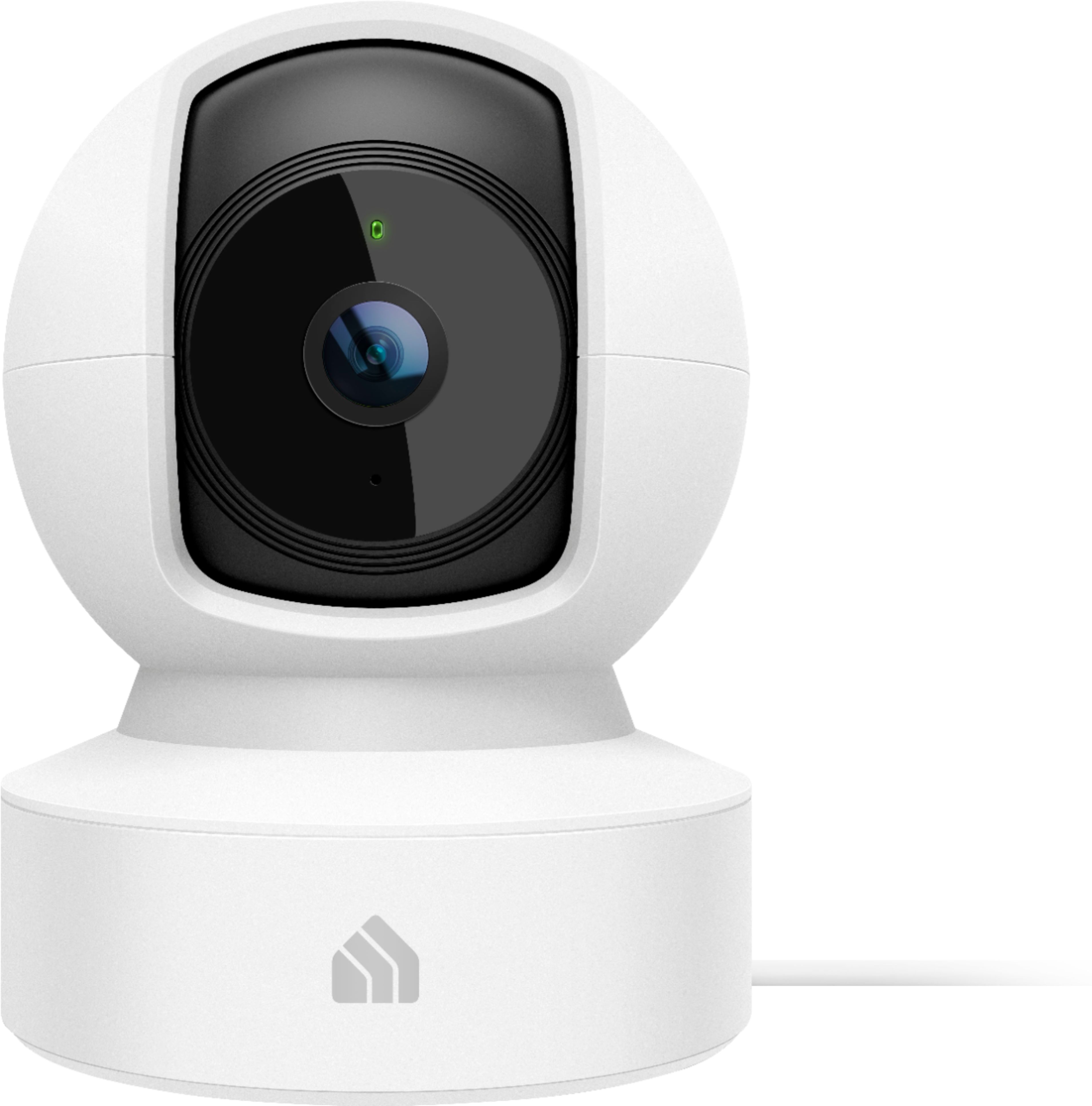
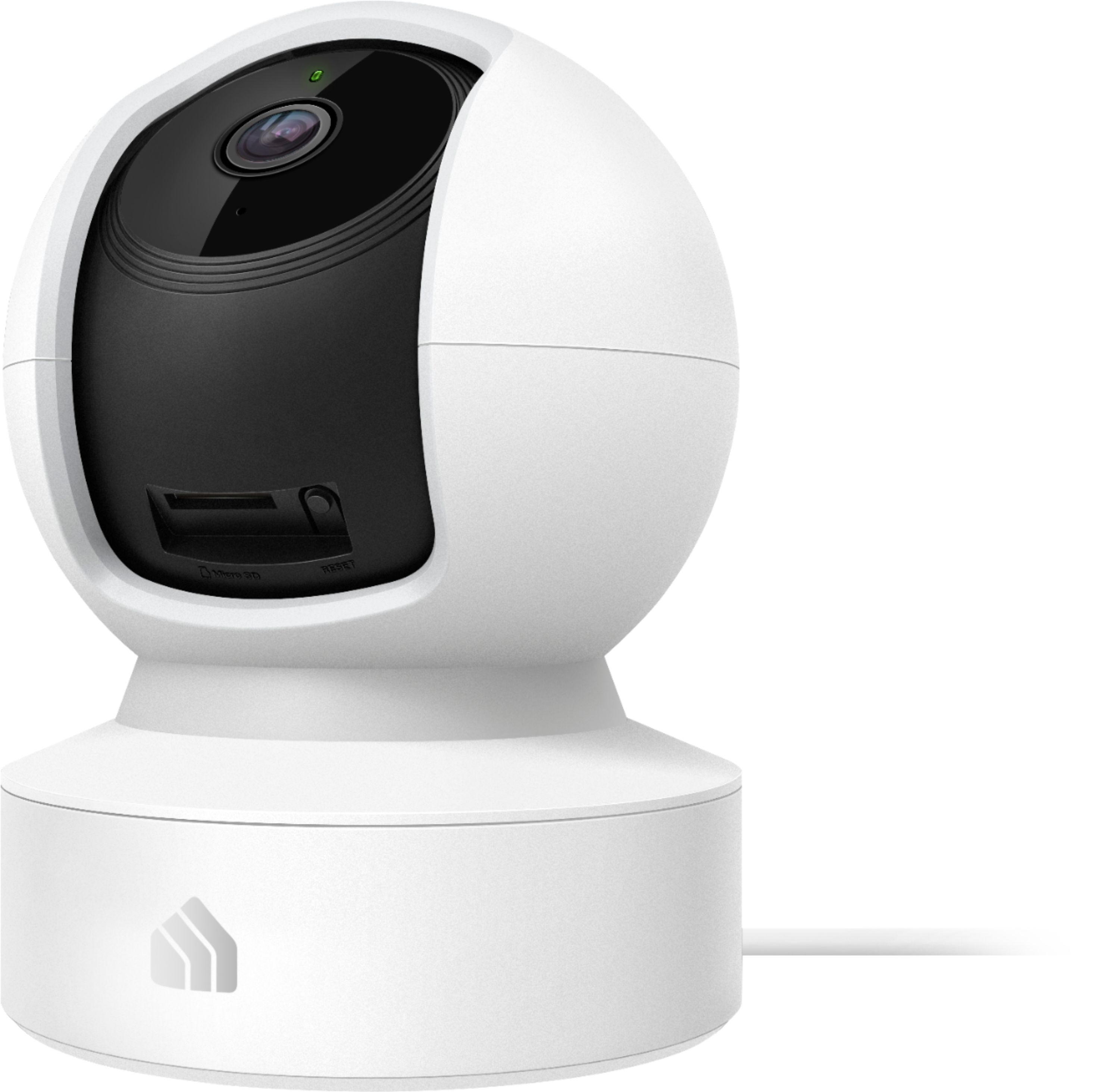
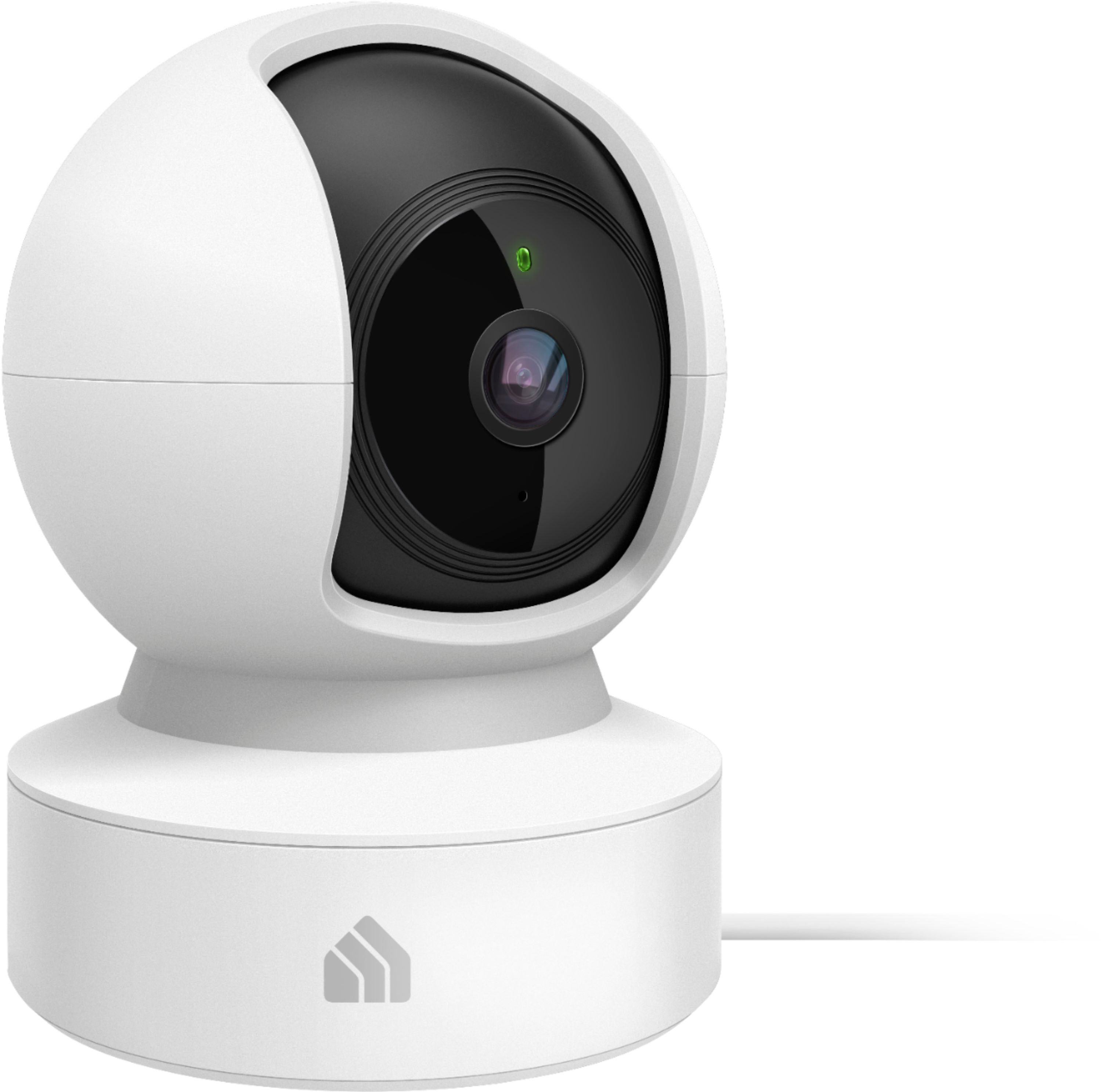

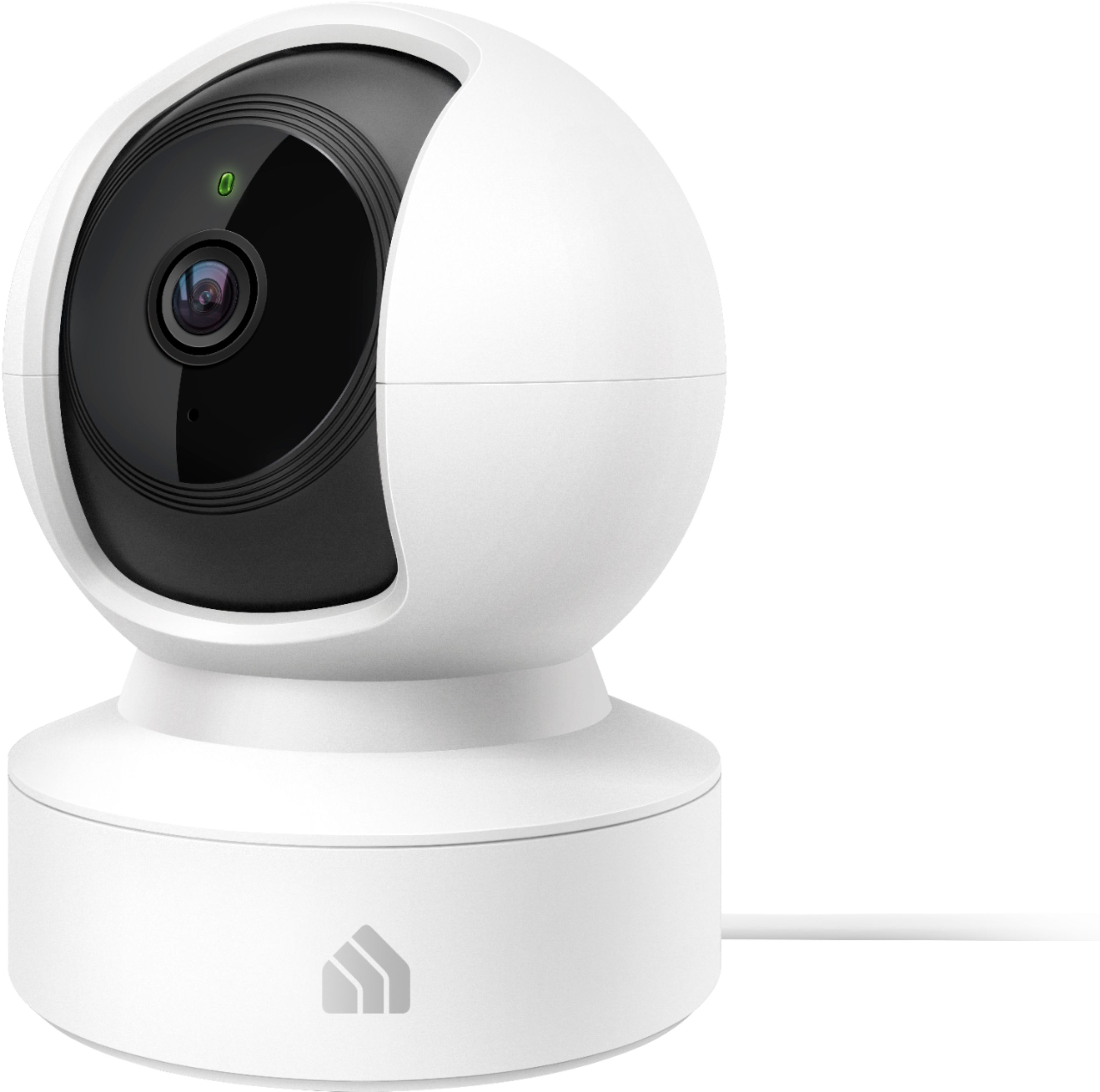
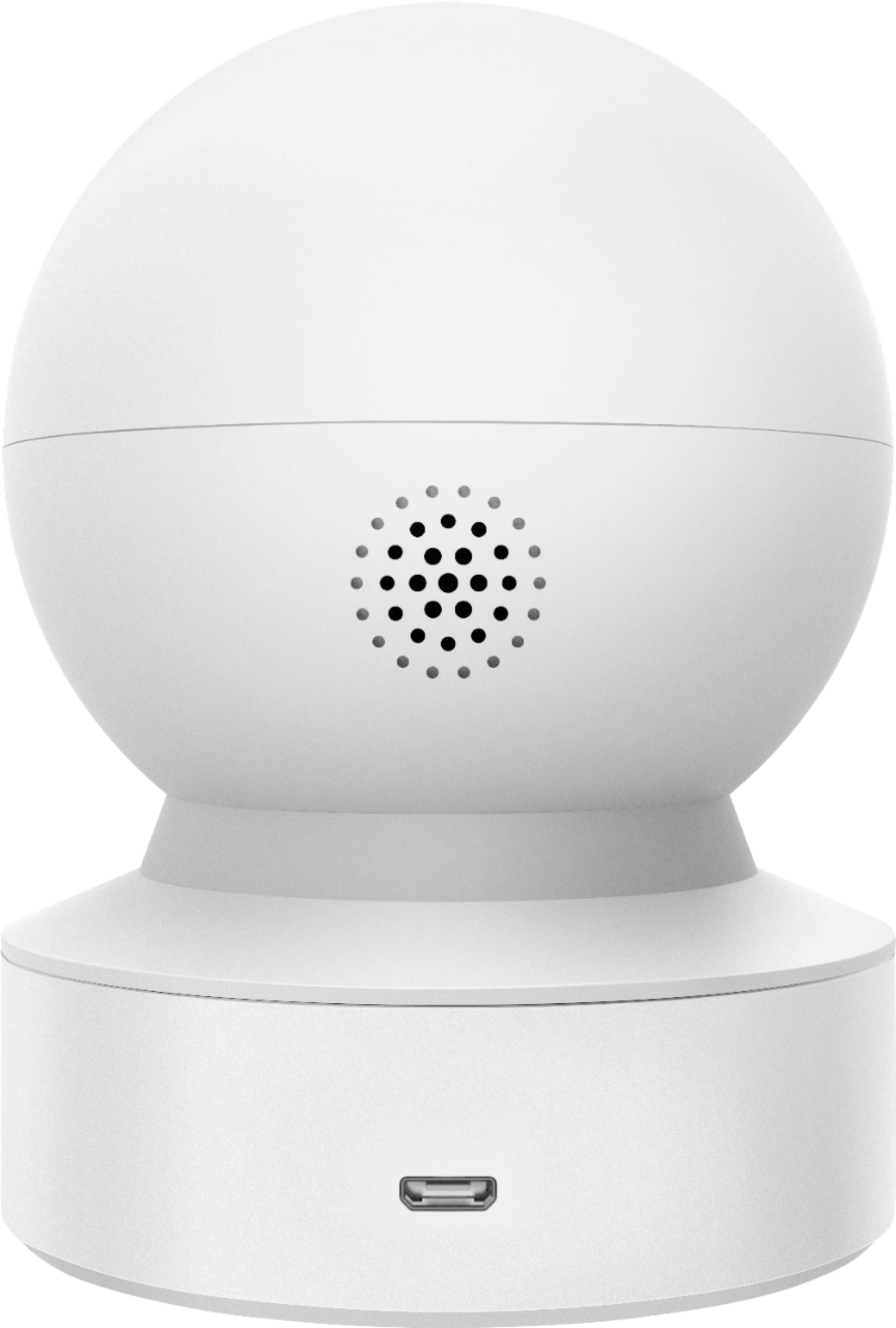
- Model:
- KC115
- SKU:
- 6400549
Rating by feature
- Value
Rating 4.4 out of 5 stars
- Quality
Rating 4.4 out of 5 stars
- Ease of Use
Rating 4.4 out of 5 stars
Customers are saying
Customers frequently mention the excellent picture quality, ease of use, and pan and tilt features as significant strengths of the Kasa Spot Pan and Tilt Indoor camera. Many appreciate its affordability and effective motion detection and night vision capabilities. However, some users experienced challenges with network connectivity and occasional app performance issues. A few also reported concerns about the camera's reliability and SD card functionality.
This summary was generated by AI based on customer reviews.
- Pros mentioned:Ease of useCons mentioned:Reliability
Can't recommend it.
||Posted . Owned for 3 months when reviewed.This reviewer received promo considerations or sweepstakes entry for writing a review.At first I liked these as they worked fine and were easy to connect to with the Kasa app. I bought two in August... But here we are not quite 3 months later and one of them no longer works. Just will not power on. I am trying to look around here on the website for a possible warranty replacement but i can't find anything. Its too bad but i cannot recommend these.
No, I would not recommend this to a friendBrand response from TPLinkSupport
Posted .Hi,
Thank you for your review. Your Kasa Spot Pan and Tilt camera comes with a 2-year warranty, and we would greatly appreciate the opportunity to follow up with you and address your concerns. At your earliest convenience, please reach out to our free support team using any of the resources included with the product, or from our official website, and we'll gladly have a Support Agent follow up with you directly.
Thank you,
TP-Link Support
- Pros mentioned:Camera quality
Doesn't actually provide almost 360 degree view
||Posted .This reviewer received promo considerations or sweepstakes entry for writing a review.Unfortunately, I did not have a good experience with this camera. It won’t pan left or right when I control it using the app. It lags when it pans up and down, whether I’m the one controlling the movement or whether it’s tracking motion. The video is also laggy overall, which is an issue because when I get a notification that something was detected, I want to be able to see the camera’s live feed right away without lag. The camera sometimes gets stuck when it pans to a certain direction. This is more of a feature preference, but I don’t enjoy that the audio is always when I am viewing a live feed. I’d like to view the camera feed and be able to mute the sound. It doesn’t always detect motion even though I made my Activity Zone as large as they could be. The pros: video quality is good, I was able to do 2 way communication, I can use the camera without a subscription (but you need a microSD card for playback)
No, I would not recommend this to a friendBrand response from TPLinkSupport
Posted .Hi,
Thank you for your review. The KC115 Kasa Spot Pan Tilt camera offers 360° horizontal view and 113° vertical view capabilities. If you are experiencing lag or delays when interacting with the camera via the Kasa app. We always recommend ensuring your router's Wi-Fi signal is adequately strong in the smart device's location. Within the Kasa Smart app there's a feature that allows you to measure Wi-Fi signal strength of your smart devices. When the app is connected, please check the signal strength in the Device Settings menu.
If the signal is within the ideal range and you're still experiencing lag or delays, please ensure your Kasa Smart app is up to date, then update your smart device's firmware by selecting Home → Settings → Firmware Update within the Kasa app.
If you'd like assistance with any of these steps, please reach out to our free support team using any of the resources included with the product, or from our official website, and we'll gladly have a Support Agent follow up with you directly.
Thank you,
TP-Link Support
Such a disappointment
||Posted . Owned for less than 1 week when reviewed.This reviewer received promo considerations or sweepstakes entry for writing a review.I purchased this with the intent for it to monitor the parking lot outside my 3rd floor window to protect my car. After 3 days I gave up and returned it. The first issue is that you can’t do anything right out of the box. You have to purchase either a micro memory card or a subscription. The subscription gives you access to recordings the camera captures. This is a problem because the camera was not effective at recording what needed to be recorded even when a zone was set up. If you buy the memory card, then you could go back manually and see the activity; but there is no fast forward speed to watch it with so it’s all real time which is very time consuming. The other problem is that I could not get the notifications to work. I would always get that it was not available and to try later. I tried the DM help center, but they were of no help and email took too long to reply. Also, it says it is compatible with Google Home- what they mean is the Google Home Nest. If you just have Google Home app, then no, this will not show you the video there, you can only use the Kasa app to view the video.
No, I would not recommend this to a friend- Cons mentioned:App performance
disappointed
||Posted . Owned for 8 months when reviewed.This reviewer received promo considerations or sweepstakes entry for writing a review.very disappointed. the app always has issues. the talk back voice brakes up and is hard to understand. it was also very clear at first, but blurry and and cant see any detail 2 months later.
No, I would not recommend this to a friend - Cons mentioned:Reliability
Its okay
||Posted . Owned for 5 months when reviewed.This reviewer received promo considerations or sweepstakes entry for writing a review.Goes offline frequently, resulting in having to unplug and ug back in
I would recommend this to a friendBrand response from TPLinkSupport
Posted .Hello Camera,
That could indicate that the camera is in a poor signal issue. If you cannot not move the camera try changing the 2.4 GHz channel and if that doesn't work contact support at Kasa.Support@tp-link.com
Best Regards
TP-Link Support
- Cons mentioned:Network connectivity
Looked good, wouldn’t connect.
||Posted . Owned for less than 1 week when reviewed.This reviewer received promo considerations or sweepstakes entry for writing a review.Had to return, it just wouldn’t stay connected to my network.
No, I would not recommend this to a friendBrand response from TPLinkSupport
Posted .Hi,
We always recommend ensuring your router's WiFi signal is adequately strong in the smart device's location. Within the Kasa Smart app there's a feature that allows you to measure WiFi signal strength of your smart devices. When the app is connected, please check the signal strength in the Device Settings menu.
If the signal is within the ideal range and you're still experiencing these symptoms, please ensure your Kasa Smart app is up to date, then update your smart device's firmware by selecting Home → Settings → Firmware Update within the Kasa app.
If you'd like assistance with any of these steps, please reach out to our free support team using any of the resources included with the product, or from our official website, and we'll gladly have a Support Agent follow up with you directly.
Thank you,
TP-Link Support
No Apps for Windows
||Posted . Owned for less than 1 week when reviewed.This reviewer received promo considerations or sweepstakes entry for writing a review.It is a toy, not Surveillance Camera. No app for Windows, Cannot download recorded activity clips. There is no manual that how to insert Micro SD card, I have to find YouTube video to figure out.
No, I would not recommend this to a friendBrand response from TPLinkSupport
Posted .Hi,
Thank you for your review. The KC115 and other Kasa cameras are designed and advertised for use with the Kasa app on your smartphone, and support integration with popular automation and voice assistant systems such as Alexa, Cortana, and Google Assistant.
For detailed information regarding the camera, we suggest simply visiting our official website and entering the product model in the intuitive search field in the top-right. For example, you can find the full User Guide here: https://static.tp-link.com/2020/202006/20200618/1910012676_KC115_UG_REV2.0.0.pdf
If you'd like assistance with any of these steps, please send an e-mail to [email protected] and we'll gladly have a Support Agent follow up with you directly.
Best Regards,
TP-Link Support
Terrible. Barely does its minimum job.
||Posted . Owned for 2 months when reviewed.This reviewer received promo considerations or sweepstakes entry for writing a review.It is terrible. It artifacts like a google slides presentation on a pc with 64 mb of ram and lately it never even shows up in my app so i can NEVER check it when i am away from home but it continues recording which is meh i guess.
No, I would not recommend this to a friendBrand response from TPLinkSupport
Posted .Hi,
We always recommend ensuring your router's WiFi signal is adequately strong in the smart device's location. Within the Kasa Smart app there's a feature that allows you to measure WiFi signal strength of your smart devices. When the app is connected, please check the signal strength in the Device Settings menu.
If the signal is within the ideal range and you're still experiencing these symptoms, please ensure your Kasa Smart app is up to date, then update your smart device's firmware by selecting Home → Settings → Firmware Update within the Kasa app.
If you'd like assistance with any of these steps, please reach out to our free support team using any of the resources included with the product, or from our official website, and we'll gladly have a Support Agent follow up with you directly.
Thank you,
TP-Link Support
Kasa IP cam
||Posted . Owned for 4 months when reviewed.This reviewer received promo considerations or sweepstakes entry for writing a review.Mine broke with very little usage. I am attempting to return it . I got it in July and its now November. The port for power supply snapped off on the inside of the device. I can hear it ratteling in there.
No, I would not recommend this to a friendBrand response from TPLinkSupport
Posted .Hi,
Thank you for your review. Your Kasa Camera comes with a 2-year warranty, and we would greatly appreciate the opportunity to follow up with you and address your concerns. At your earliest convenience, please reach out to our free support team using any of the resources included with the product, or from our official website, and we'll gladly have a Support Agent follow up with you directly.
Thank you,
TP-Link Support
ScRvKasa
||Posted . Owned for 1 month when reviewed.This reviewer received promo considerations or sweepstakes entry for writing a review.Unable to connect to xfinity home network. PTZ is impressive though. So is infrared signal. Easy to use but w/o ability for connection to the main home network, it is useless.
No, I would not recommend this to a friendBrand response from TPLinkSupport
Posted .Hi,
Thank you for your review. The Kasa Spot Pan and Tilt connects via 2.4GHz Wi-Fi and requires encryption (Wi-Fi password protection). Please ensure your home network is providing encrypted, 2.4GHz Wi-Fi connectivity.
If it is, and you are still encountering difficulty connecting the camera to your network, please also ensure your smartphone is not connected to a VPN during setup, as this may interfere with the installation process.
If you would like assistance with any of these steps, please reach out to our free support team using any of the resources included with the product, or from our official website, and we'll gladly have a Support Agent follow up with you directly.
Thank you,
TP-Link Support
I'd pass on this
||Posted . Owned for 3 months when reviewed.This reviewer received promo considerations or sweepstakes entry for writing a review.It does the job but not great. No easy way to save video clips. It says it sees motion all the time and it's just a change of lighting. I know why it was so cheap.
No, I would not recommend this to a friendBrand response from TPLinkSupport
Posted .Hi,
Thank you for your review. The Kasa Spot Pan and Tilt camera utilizes 24/7 rolling recording, which is stored locally on a Micro SD card (not included) - up to 128GB. Notifications can be enabled when motion is detected; however motion-based cloud video clip storage is only available via one of our Kasa Care plans.
Our support team is always happy to answer any questions you might have about our products. Please reach out to our free support team using any of the resources included with the product, or from our official website, and we'll gladly have a Support Agent follow up with you directly.
Thank you,
TP-Link Support
Often dropped,
||Posted . Owned for 8 months when reviewed.This reviewer received promo considerations or sweepstakes entry for writing a review.Often without warning, the internet is disconnected.Just yesterday, after the network was disconnected and reconnected. It can't be turned on.
No, I would not recommend this to a friendBrand response from TPLinkSupport
Posted .Hi,
We always recommend ensuring your router's Wi-Fi signal is adequately strong in the device's location. Within the Kasa app there's a feature that allows you to measure Wi-Fi signal strength of your devices. When the app is connected, please check the signal strength in the Device Settings menu.
If the signal is within the ideal range and you're still experiencing these symptoms, please ensure your Kasa Smart app is up to date, then update your device's firmware by selecting Home → Settings → Firmware Update within the Kasa app.
If you'd like assistance with any of these steps, please reach out to our free support team using any of the resources included with the product, or from our official website, and we'll gladly have a Support Agent follow up with you directly.
Thank you,
TP-Link Support
Good picture
||Posted . Owned for 3 weeks when reviewed.This reviewer received promo considerations or sweepstakes entry for writing a review.Does not record any views. Very disappointing, but works well to monitor live
No, I would not recommend this to a friendBrand response from TPLinkSupport
Posted .Hi Barry,
Thank you for your review. Your Kasa cam provides multiple options for your video recording. You can save the footage continuously on a microSD card, or subscribe to a Kasa Care Plan to store 30-day video clips to the cloud for added backup and more beneficial functions. Please note the microSD card is not included, and the camera will overwrite the oldest files when the microSD card memory is full. For more information regarding cloud-based recording and Kasa Care plans, please visit our FAQ here: https://www.tp-link.com/us/support/faq/1962/
Our Support Team is always happy to answer any questions you might have about our products. Please feel free to e-mail [email protected] and we'll gladly have a Support Agent follow up with you directly.
Best Regards,
TP-Link Support
Only for mobile device viewing!!!
||Posted . Owned for less than 1 week when reviewed.This reviewer received promo considerations or sweepstakes entry for writing a review.Can only be viewed on you mobile device. Will not work with security cam software.
No, I would not recommend this to a friendBrand response from TPLinkSupport
Posted .Hi,
Thank you for your review. The Kasa Spot Pan and Tilt camera is designed and advertised for use with the Kasa app. The Kasa app is a free, convenient way to install and manage your Kasa cam from the palm of your hand.
Our support team is always happy to answer any questions you might have about our products. Please reach out to our free support team using any of the resources included with the product, or from our official website, and we'll gladly have a Support Agent follow up with you directly.
Thank you,
TP-Link Support
Great at first...
Posted .This reviewer received promo considerations or sweepstakes entry for writing a review.These cameras work great at first, but then slowly start to decline after use. We got 5 cameras to monitor the house since my youngest likes to get into everything, and these cameras just aren't up to snuff. We haven't even had them a full year, and we are continuously having problems with them. There's times when I can't access a camera because it'll be having connectivity problems, the stream isn't smooth; my son will be in one spot and then the camera will show him appearing in a new spot. Lag, I guess? They'll take forever to load up, and half the time, it won't respond to me moving the camera, it'll just say, "Call timed out." We've tried factory resetting multiple times, and still have issues on and off with these cameras. Will be looking into other options and exchanging these out come tax return time.
No, I would not recommend this to a friendBrand response from TPLinkSupport
Posted .Hi,
We always recommend ensuring your router's WiFi signal is adequately strong in the smart device's location. Within the Kasa Smart app there's a feature that allows you to measure WiFi signal strength of your smart devices. When the app is connected, please check the signal strength in the Device Settings menu.
If the signal is within the ideal range and you're still experiencing these symptoms, please ensure your Kasa Smart app is up to date, then update your smart device's firmware using the steps in our FAQ: http://www.tp-link.com/us/faq-1256.html
If you'd like assistance with any of these steps, please send an e-mail with your contact information and a link to this review to [email protected] and we'll gladly have a Support Agent follow up with you directly.
Best Regards,
TP-Link Support
Didn't work for me.
Posted .This reviewer received promo considerations or sweepstakes entry for writing a review.There was much to like about this camera, but I was unable to get it to send activity notifications. It would not record on the SD card nor send me activity notifications. Everything else worked fine. Spent about an hour chatting with customer service (which was easy to get a hold of). I was told that I had to subscribe to Kasa Care in order to get notifications and record. I subscribed and was able to see video clips of activity, but still didn't get notifications. After hours of attempts, I ended up returning it. On the positive side, the picture clarity was very good and the motion detection and "follow" feature were also very good. Not much good if it won't send notifications, though.
No, I would not recommend this to a friendBrand response from TPLinkSupport
Posted .Hello,
Thank you for sharing your experience with our Kasa Spot Pan and Tilt camera. If you are encountering difficulty receiving notifications from the Kasa app on your smartphone, please refer to the troubleshooting steps in our FAQ on the topic, on our official website here: https://www.tp-link.com/us/support/faq/2741/
We regret to hear you decided to return the camera. If you have any questions or concerns in the future, feel free to contact our support team and they will gladly assist you.
Thank you,
TP-Link Support
Video Record No Longer Working - Common Issue
Posted .This reviewer received promo considerations or sweepstakes entry for writing a review.Video record function has quit working. Found out this is a common issue and tp-link is not offering any support. The camera is pretty much just a deterrent at this point. I like the red infrared lights and the green on light so that if people approach either entrance they will see the camera.
No, I would not recommend this to a friendBrand response from TPLinkSupport
Posted .Hi,
Thank you for your review. The Kasa Spot Pan and Tilt 24/7 recording camera is designed to provide rolling, 24/7 recording to the inserted Micro SD card (not included). Please ensure your MicroSD card is still functioning properly. If the card is the culprit, it may need to be replaced.
Your Kasa camera comes with a 2-year warranty, and we would greatly appreciate the opportunity to follow up with you and address your concerns. At your earliest convenience, please reach out to our free support team using any of the resources included with the product, or from our official website, and we'll gladly have a Support Agent follow up with you directly.
Thank you,
TP-Link Support