Customer Ratings & Reviews


- Model:
- HS200
- SKU:
- 5687933
Rating by feature
- Value
Rating 4.8 out of 5 stars
- Quality
Rating 4.8 out of 5 stars
- Ease of Use
Rating 4.7 out of 5 stars
Customers are saying
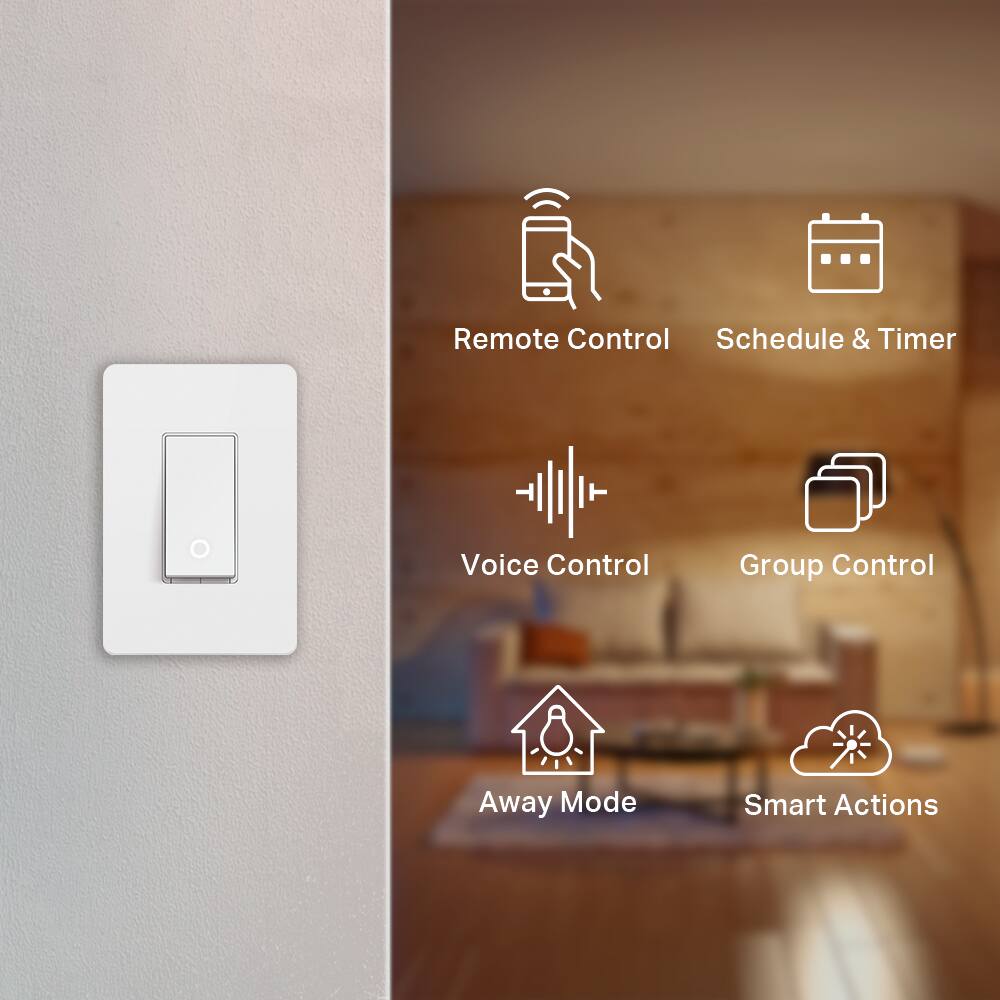
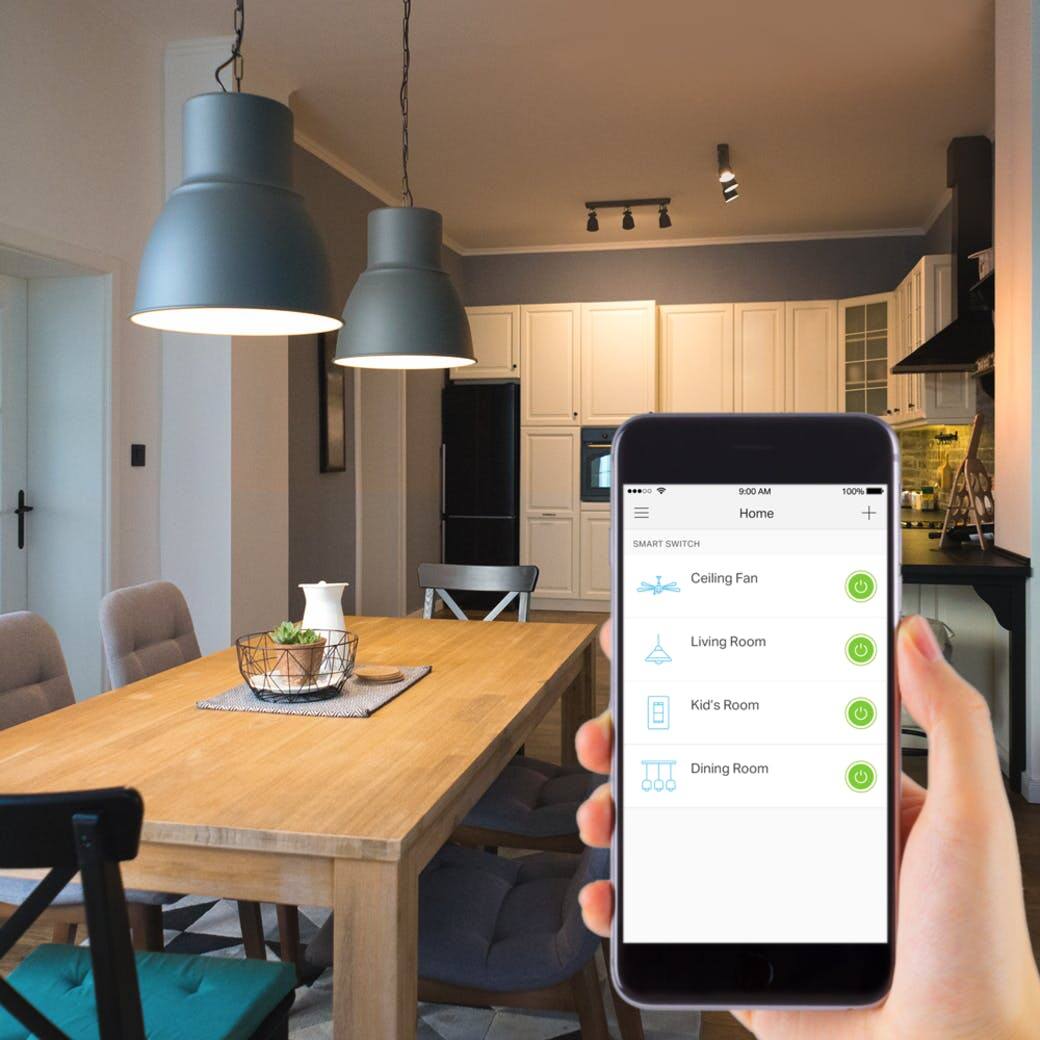
Customers praise the Kasa Wi-Fi Smart Light Switch for its ease of use and compatibility with smart speakers like Alexa and Google Assistant. They also appreciate the easy installation and reasonable price point, making it a well-received smart home device.
This summary was generated by AI based on customer reviews.
- Pros mentioned:Ease of use
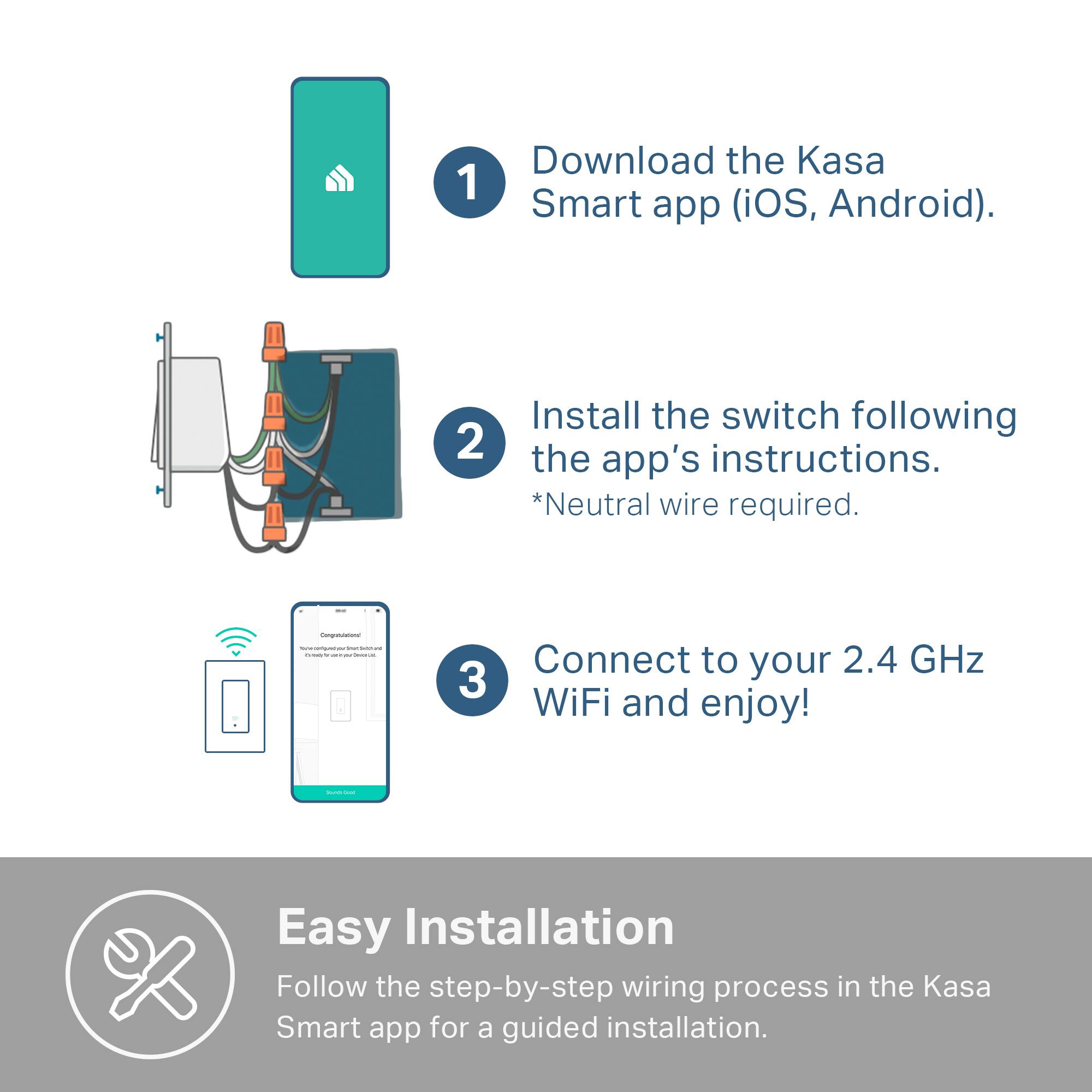
Great switch, easy to install and setup
||Posted .This reviewer received promo considerations or sweepstakes entry for writing a review.Great switch, easy to install and setup. Hard to find the proper wall plates that work with them, for when you have multiple in a gang box.
I would recommend this to a friend Smart switch
||Posted . Owned for 1 month when reviewed.This reviewer received promo considerations or sweepstakes entry for writing a review.Product worked as described. Would recommend this item.
I would recommend this to a friend- Pros mentioned:Ease of use
Great buy
||Posted . Owned for 1 month when reviewed.This reviewer received promo considerations or sweepstakes entry for writing a review.Great buy, and nice looking switch , easy to install
I would recommend this to a friend Nice
||Posted .This reviewer received promo considerations or sweepstakes entry for writing a review.Works just like they were supposed to. I would recommend.
I would recommend this to a friendDecent Starting Option
||Posted . Owned for 5 months when reviewed.This reviewer received promo considerations or sweepstakes entry for writing a review.Installation was easy. Does not fit flush with my switch plate. Smart features don't always connect to Alexa. Works well for the price but may upgrade to smart bulbs in the future.
No, I would not recommend this to a friendBrand response from TPLinkSupport
Posted .Hi,
Thank you for your review. We always recommend ensuring your router's Wi-Fi signal is adequately strong in the smart device's location. Within the Kasa Smart app there's a feature that allows you to measure Wi-Fi signal strength of your smart devices. When the app is connected, please check the signal strength in the Device Settings menu.
If the signal is within the ideal range and you're still experiencing these symptoms, please ensure your Kasa Smart app is up to date, then update your smart device's firmware by selecting Home → Settings → Firmware Update within the Kasa app.
If you'd like assistance with any of these steps, please reach out to our free support team using any of the resources included with the product, or from our official website, and we'll gladly have a Support Agent follow up with you directly.
Thank you,
TP-Link Support
- Pros mentioned:Ease of use
Good for price
||Posted . Owned for 1 month when reviewed.This reviewer received promo considerations or sweepstakes entry for writing a review.Price was good easy to link up and install and operate.
I would recommend this to a friend - Pros mentioned:Ease of use
wifi outlet
||Posted . Owned for 3 weeks when reviewed.This reviewer received promo considerations or sweepstakes entry for writing a review.wifi outlet work great is easy to install and setup
I would recommend this to a friend could not get it to work, had to return
||Posted . Owned for 1 month when reviewed.This reviewer received promo considerations or sweepstakes entry for writing a review.I could not get this to work, had to return it. For a newer house it would be fine but my house was built in 2005. I was trying to install it in a box with many wires and tried it a few different ways. had to return it unfortunately.
No, I would not recommend this to a friendLights on
||Posted .This reviewer received promo considerations or sweepstakes entry for writing a review.Works awesome. Voice command - and lights out or on
I would recommend this to a friendSuper solid smart switch option
||Posted . Owned for 1 month when reviewed.This reviewer received promo considerations or sweepstakes entry for writing a review.The switch is exactly what I needed and does exactly what I need it to do. The only caveat is that the app is fairly big (250 MB) for simply needing to turn a switch on and off at sunset and sunrise. Not a big enough deal to ding them a star but it was the one annoyance I ran into on a fairly full smartphone.
I would recommend this to a friendDidn’t work as anticipated
||Posted .This reviewer received promo considerations or sweepstakes entry for writing a review.I personally installed the switch in my home and it did not work. The bulb kept on flashing. I called customer service and they said it should be less than 100W. The bulb was 13 W and could not get it to work. So returned the product.
No, I would not recommend this to a frienddecent
||Posted . Owned for 1 year when reviewed.This reviewer received promo considerations or sweepstakes entry for writing a review.tp link make some good products, this switch is a decent switch, however i had problems keeping it connected to the wifi, tried 5g and 2.4 on unifi gear and still would randomly disconnect
No, I would not recommend this to a friend- Pros mentioned:Ease of use
Neat
||Posted . Owned for 2 weeks when reviewed.This reviewer received promo considerations or sweepstakes entry for writing a review.Installation was pretty simple, but some guidance is always appreciated. Functionally its great.
I would recommend this to a friend Not Sure
||Posted . Owned for 4 months when reviewed.This reviewer received promo considerations or sweepstakes entry for writing a review.It kind of worked, I was able to turn on the light but only when I was home under the same WiFi, but I needed to control this when I was away from home so I had to return it. I will say this may be a little hard to set up for someone with no tools or knowledge of electricity/plugs. Our house was wired a little different so the light had trouble programming at first and controlling the correct light bulbs. Also, my WiFi company isn't the best which has given me a hard time to connect smart devices so keep that in mind if you're having a hard time connecting devices.
No, I would not recommend this to a friendBrand response from TPLinkSupport
Posted .Hi,
Thank you for your review. One of the many great features offered by our smart home products is their ability to be controlled remotely -- while you are away from home -- via your smartphone. As long as you successfully created a Kasa account and your smart light switch and smartphone are connected to networks that provide Internet (i.e. WiFi, or LTE/cellular in the case of your phone), you should have no trouble managing and controlling your smart light switch via the Kasa app, even if your phone isn't connected to your home WiFi network.
In your case, we first recommend making sure you have created and signed into your Kasa account, and the smart light switch is bound/associated with the account. If you’d like assistance with any of these steps, please send an e-mail with your contact information and a link to this review to Kasa.Support@TP-Link.com and we'll gladly have a Support Agent follow up with you directly.
Best Regards,
TP-Link Support
- Pros mentioned:Ease of use
They work great and look good.
||Posted . Owned for 1 week when reviewed.This reviewer received promo considerations or sweepstakes entry for writing a review.They work great and look good. Easy install and set-up. I've replaced every switch in my house with these or the HS220 (dimmer switch). The Kasa app is one of the best I've seen. Once configured in Kasa app it integrates nicely with Alexa. Low stock at Best Buy forced me to buy more elsewhere. Looks like I got their last 3.
I would recommend this to a friendBrand response from TPLinkSupport
Posted .Hi,
Thank you for your review. We're happy to hear you're enjoying our HS200 Smart Light Switches, and that you've deployed them throughout your home. We appreciate your feedback about your Kasa app experience, as well as Alexa integration
If you have any questions about your Kasa experience in the future, our support team is always happy to help. Feel free to reach out to our support team using any of the resources included with the product, or from our official website, and we'll gladly have a Support Agent follow up with you directly.
Thank you,
TP-Link Support
wifi switch
||Posted . Owned for 1 year when reviewed.This reviewer received promo considerations or sweepstakes entry for writing a review.i use other TP Link products and love them Had to return this as where i needed it it would not work. It isnt designed for a 2 switch box so could not install it.
I would recommend this to a friendBe careful to read instructions before buying
||Posted . Owned for 3 weeks when reviewed.This reviewer received promo considerations or sweepstakes entry for writing a review.I could not use the product as I intended. I wanted to turn on the kitchen light, but because it has two switches to turn the light on, it would not work.
No, I would not recommend this to a friend- Pros mentioned:Ease of use
Kasa HS200 WiFI Setup
||Posted . Owned for 1 week when reviewed.This reviewer received promo considerations or sweepstakes entry for writing a review.Wiring the switch is straight forward. Setup on a Wi-Fi network using the app, is not as straight forward as it appears. I didn’t find much support for this HS200 switch. Eventually, I did get 2 switches to work on my Wi-Fi network. Once connected to a Wi-Fi network I find it works as advertised.
I would recommend this to a friendBrand response from TPLinkSupport
Posted .Hi,
Thank you for your review. Our smart plugs, bulbs, and switches are designed for quick and easy setup using the Kasa app. If you're having difficulty connecting them to your network during setup, please ensure your router's 2.4GHz Wi-Fi signal is sufficiently strong at the smart device's location.
Please also ensure your smartphone is not connected to a VPN during setup, as this may interfere with the installation process.
If you would like assistance with any of these steps, please reach out to our free support team using any of the resources included with the product, or from our official website, and we'll gladly have a Support Agent follow up with you directly.
Thank you,
TP-Link Support
Too aggravating
||Posted . Owned for 2 months when reviewed.This reviewer received promo considerations or sweepstakes entry for writing a review.Perhaps I was too excited when I purchased this switch. I was shocked to see the lack of instruction regarding wiring. The instructions inside say follow the app. Well the app is very basic and does not provide different case scenario’s. I was going to try and troubleshoot with a tech agent on the phone, however that is not an available service. Didn’t even get to connect to wifi due to frustration with setup. Overall, too expensive for the aggravation.
No, I would not recommend this to a friendBrand response from TPLinkSupport
Posted .Hi,
Thank you for your review. Our HS200 smart WiFi light switch is designed for quick and easy setup using the Kasa app. We hear your concerns, and we're happy to let you know that we have a helpful, detailed, step-by-step installation video on our official website that will guide you through the process here: https://www.tp-link.com/us/support/download/hs200/#video
If you would like assistance with any of these steps, please reach out to our free support team using any of the resources included with the product, or from our official website, and we'll gladly have a Support Agent follow up with you directly.
Thank you,
TP-Link Support
Good but not dimmable.
||Posted .This reviewer received promo considerations or sweepstakes entry for writing a review.On Best Buy site it is mentioned dimmable but this is not true. My switch was already installed when I found that out. BEST BUY SHOULD NOT ADVERTISE DIMMABLE WHEN IT IS NOT. DISAPPOINTING!
No, I would not recommend this to a friend