Customer Ratings & Reviews

- Model:
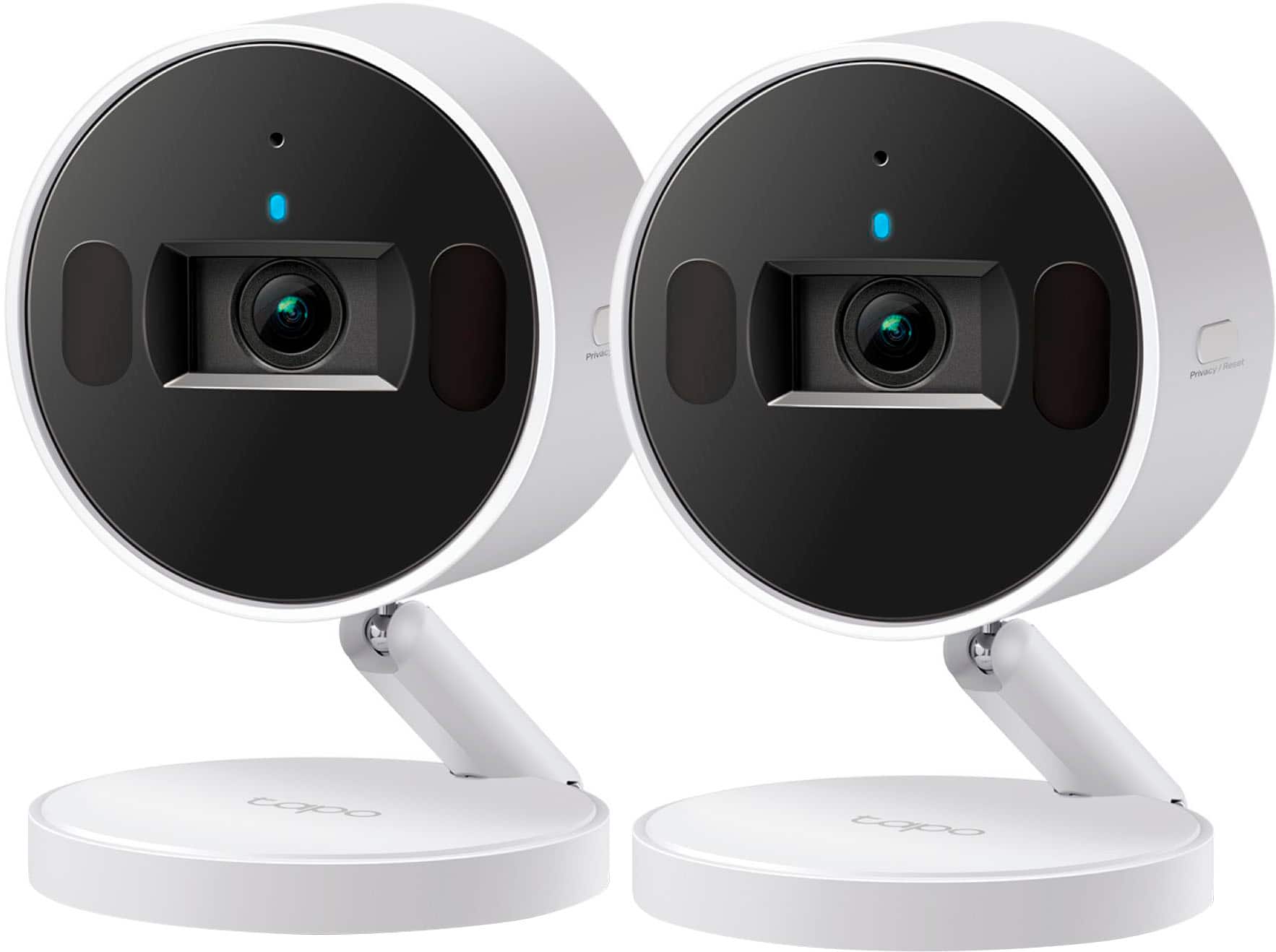
- Tapo C125(2-pack)
- SKU:
- 6581708
Rating by feature
- Value
Rating 4.6 out of 5 stars
- Quality
Rating 4.5 out of 5 stars
- Ease of Use
Rating 4.6 out of 5 stars
Customers are saying
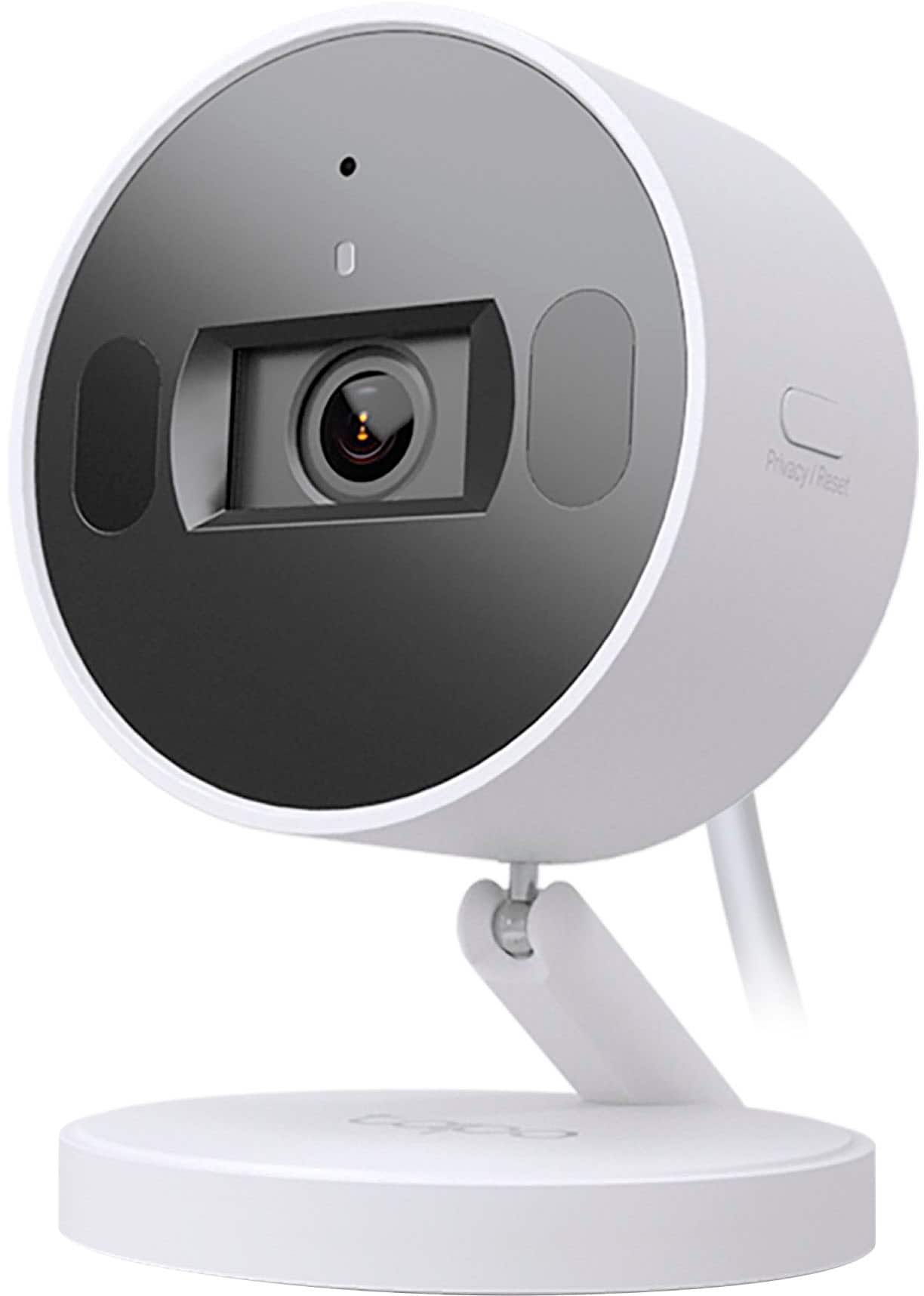
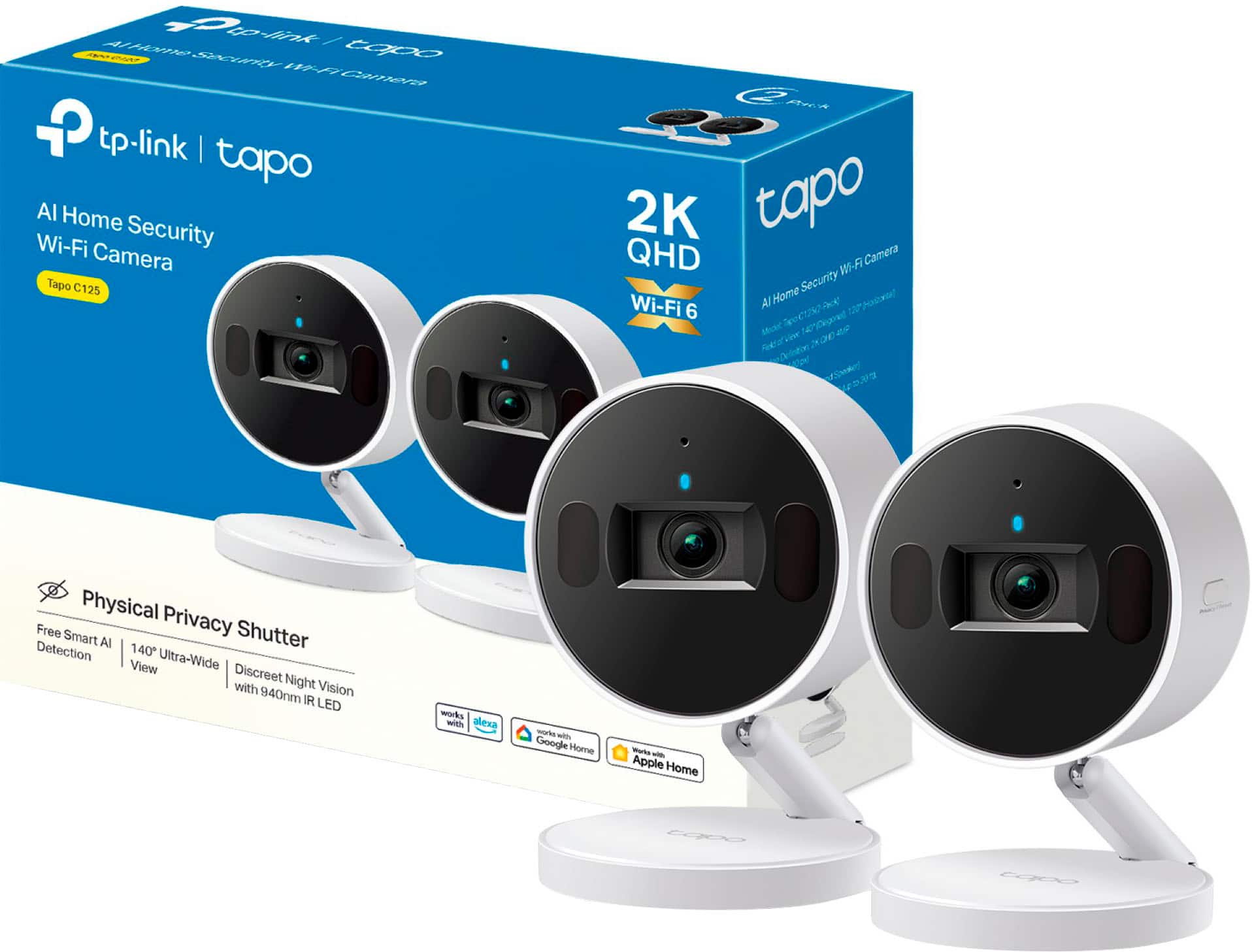
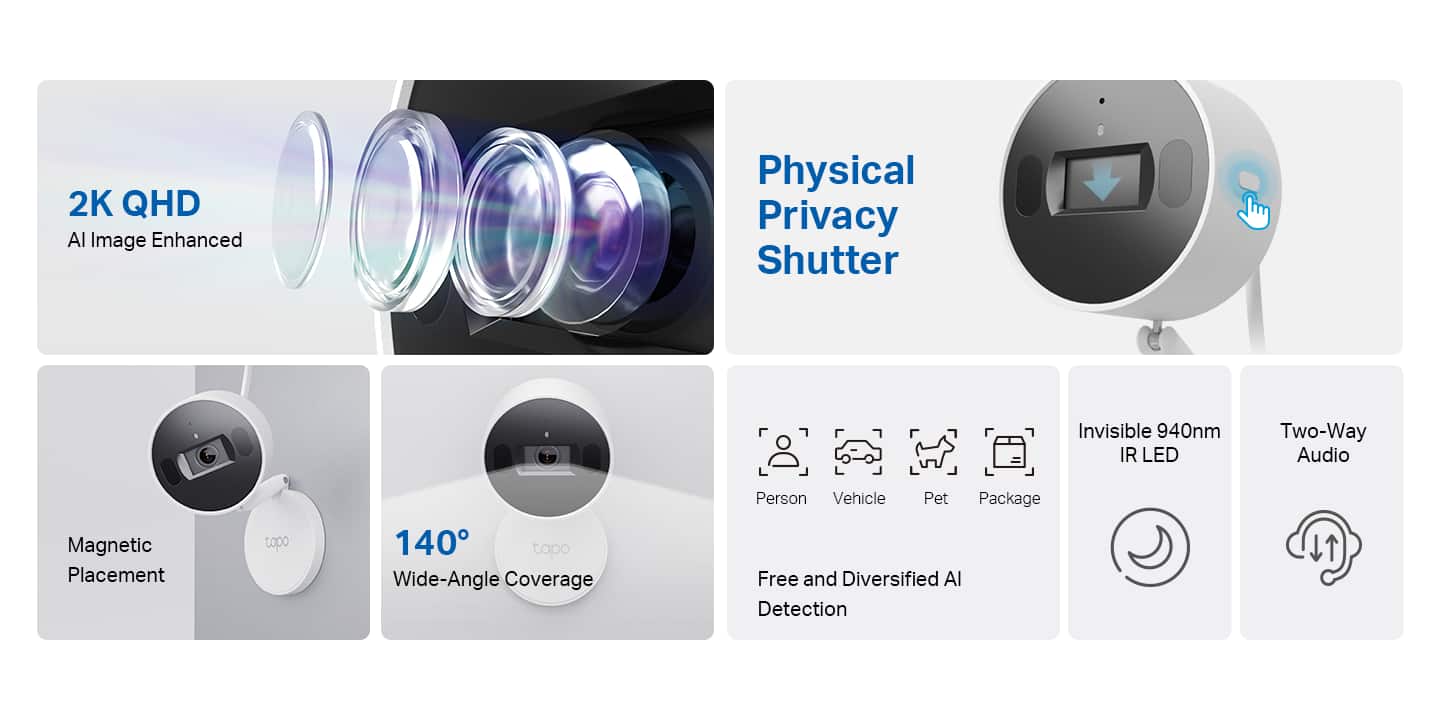
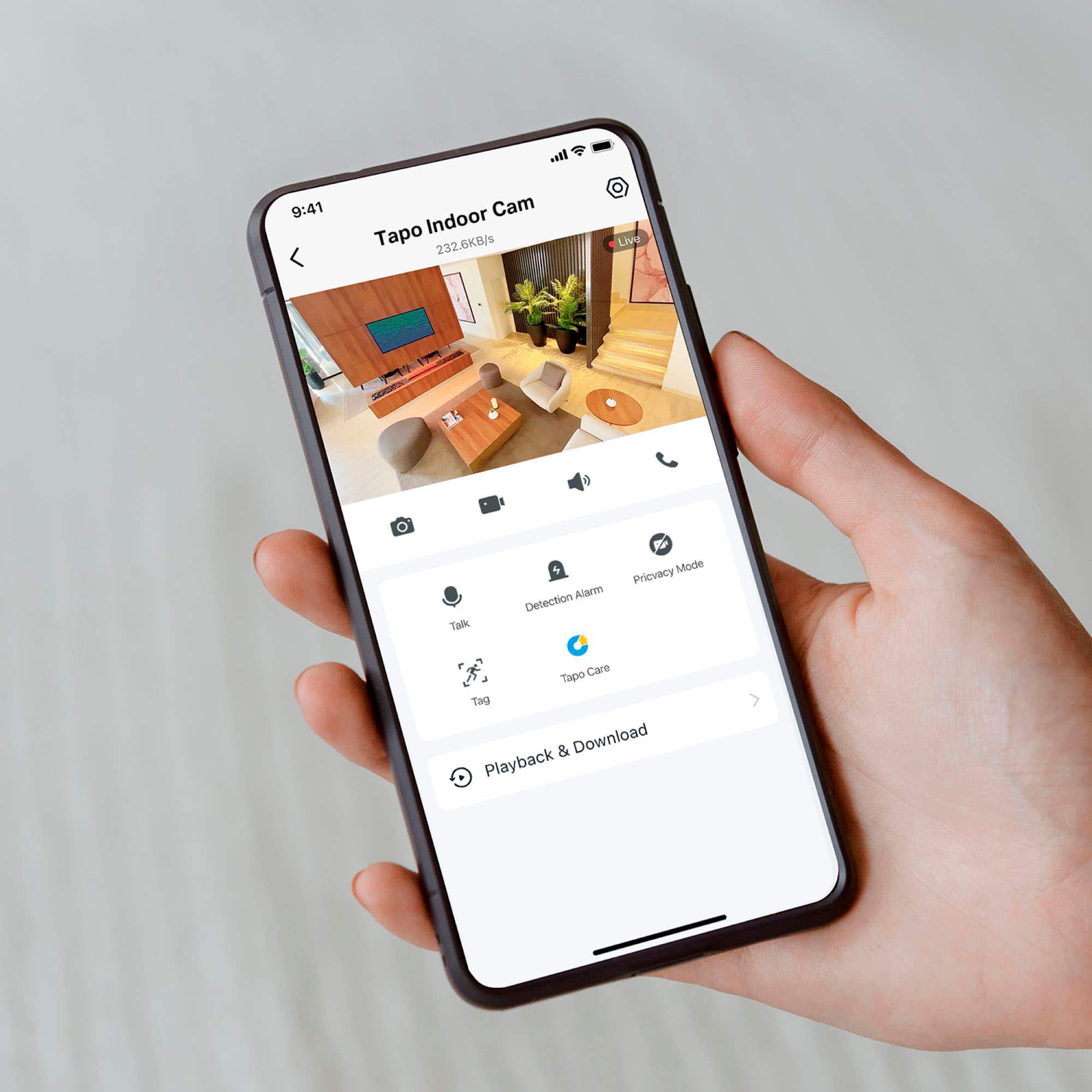
Customers enjoy the Tapo Indoor 2K Wi-Fi Security Camera for its clear image quality, privacy shutter, and ease of use. Users have found the setup straightforward and appreciate the wide field of view. The camera's motion detection and night vision are also well-received, along with the flexible storage options and convenient mounting capabilities.
This summary was generated by AI based on customer reviews.
Good camera and app
||Posted . Owned for 2 weeks when reviewed.This reviewer received promo considerations or sweepstakes entry for writing a review.Works great after first set had one camera that would not open the privacy shutter.
I would recommend this to a friendJill Clemens
||Posted . Owned for 1 month when reviewed.This reviewer received promo considerations or sweepstakes entry for writing a review.The camera is great,in fact I will be getting more cameras to add on......
I would recommend this to a friendTP Link camera
||Posted . Owned for 1 month when reviewed.This reviewer received promo considerations or sweepstakes entry for writing a review.Great little camera. Very sensitive. Picks up noise from far away.
I would recommend this to a friendBest wifi camera ever.
||Posted . Owned for less than 1 week when reviewed.This reviewer received promo considerations or sweepstakes entry for writing a review.Works flawlessly. Extremely easy to set up. Has all the features to will ever need. I highly reamend this camera.
I would recommend this to a friendImproved security
||Posted . Owned for 1 month when reviewed.This reviewer received promo considerations or sweepstakes entry for writing a review.This is an excellent product for security purposes. Fast and reliable.
I would recommend this to a friendFine enough
||Posted . Owned for 3 weeks when reviewed.This reviewer received promo considerations or sweepstakes entry for writing a review.Does its job. Little hard to get balanced and set up the way i want but once you get it going it does exacly as it needs to
I would recommend this to a friendThe best
||Posted . Owned for 1 month when reviewed.This reviewer received promo considerations or sweepstakes entry for writing a review.I have several cameras and this one is the best. The Wi-Fi 6 capability is incredible and allow that the camera never have issues. 100% recommended
I would recommend this to a friendFundamentally flawed app = useless security camera
||Posted . Owned for less than 1 week when reviewed.This reviewer received promo considerations or sweepstakes entry for writing a review.I am baffled that TP-Link calls this a "security" camera. It is useless for that. If I want to receive notifications when the camera "detects" motion or a person, then I will ALWAYS receive notifications for EVERY 'detection' event -- for example, if I am at home and walking around -- unless I turn off the detection. So I do that. What if I turn on the "Alarm" when I leave the house? Okay, the alarm is turned on, and will sound and be scary if the camera detects something, but THERE IS NOT A SEPARATE NOTIFICATION for me! The alarms are not tied to notifications at all. Either all detections ping a notification to your device, or NONE do, even if you want "security" and turn on the 'Alarm' feature.
No, I would not recommend this to a friendBrand response from TPLinkSupport
Posted .Hi,
Thank you for your review. Your Tapo Indoor Security Camera has the option to toggle notifications on or off for each detection type. First, the detection types will need to be enabled (e.g., Motion, Person, Pet, Vehicle, etc.) Once each is enabled, you can select the camera in the Tapo app, enter the Device Settings menu, then tap "Detection".
From this menu, you will have the option to enable/disable various Detection Type categories. Once you have enabled the Detection Types you want to utilize, return to the Device Settings Menu and select "Notifications". Here, you can enable Activity Notifications, then further down in the menu, select "Activity Type" to toggle notifications for the Detection Types you previously enabled. Additionally, you can set a schedule/window when you want to receive notifications for these Detection Types.
Our support team is always happy to help answer any questions you may have about our products. Please feel free to reach out using any of the resources included with the product, or from our official website, and we'll gladly have a Support Agent follow up with you directly.
Thank you,
TP-Link Support
Apple Home Camera - Works Flawlessly
||Posted . Owned for 1 month when reviewed.This reviewer received promo considerations or sweepstakes entry for writing a review.Gotta love Apple Home, works great in the Home app and have had solid connection
I would recommend this to a friendTapo c125
||Posted . Owned for 3 months when reviewed.This reviewer received promo considerations or sweepstakes entry for writing a review.The sales rep went out his way to locate the item for me
I would recommend this to a friend
Great camera
|Posted . Owned for 3 weeks when reviewed.This reviewer received promo considerations or sweepstakes entry for writing a review.[Employee of bestbuy] Works great I using it to record my 3D prints ……..
I would recommend this to a friendGood camera
||Posted . Owned for 2 months when reviewed.This reviewer received promo considerations or sweepstakes entry for writing a review.Good camera that requires subscription to record videos
I would recommend this to a friendExcellent cam
||Posted . Owned for 3 weeks when reviewed.This reviewer received promo considerations or sweepstakes entry for writing a review.Nice product, highly recommended. Its the second cam I buy from this brand
I would recommend this to a friendNot as good as advertised
||Posted . Owned for 3 weeks when reviewed.This reviewer received promo considerations or sweepstakes entry for writing a review.Picture quality is okay, audio quality isn't so good. The worst part of this is the camera requires a cellphone app and doesn't have a PC/Windows app to setup and use the camera. My regular 1080p webcam does a much better job, although it did cost a little more.
No, I would not recommend this to a friendBrand response from TPLinkSupport
Posted .Hi,
Thank you for your review. The Tapo app is designed to provide intuitive and convenient management of all your Tapo smart devices from the palm of your hand. Most Tapo cameras support RTSP/ONVIF protocols, allowing you to stream them from a PC or use them with an NVR. For more information on this, please visit our FAQ here: https://www.tp-link.com/us/support/faq/2680/
If the camera's audio is not meeting your expectations, we recommend ensuring the microphone is not obstructed and placed optimally to monitor the desired area.
We also recommend ensuring the camera's firmware is fully up to date via the Tapo app under Me -> Firmware Update.
Our support team is always happy to help answer any questions you may have about our products. Please feel free to reach out using any of the resources included with the product, or from our official website, and we'll gladly have a Support Agent follow up with you directly.
Thank you,
TP-Link Support
Review
||Posted . Owned for 1 week when reviewed.This reviewer received promo considerations or sweepstakes entry for writing a review.Difficulty with figuring out how to understand how it works
No, I would not recommend this to a friendBrand response from TPLinkSupport
Posted .Hi DavidE,
Thank you for your review. Our Tapo Cameras are designed for quick and easy setup using the Tapo app. If you are having difficulty connecting the camera to your network during setup, please ensure your router's 2.4GHz Wi-Fi signal is sufficiently strong at the device's location.
Please also ensure your smartphone is not connected to a VPN during setup, as this may interfere with the installation process.
If you would like assistance with any of these steps, please contact our support team using any of the resources included with the product, or from our official website, and we'll gladly have a Support Agent follow up with you directly.
Thank you,
TP-Link Systems Support
Excellent inner cam
||Posted . Owned for 1 month when reviewed.This reviewer received promo considerations or sweepstakes entry for writing a review.Awesome quality, my wife loves it. Will be buying a second one soon.
I would recommend this to a friendGreat easy to set up homkit camera
||Posted . Owned for 2 weeks when reviewed.This reviewer received promo considerations or sweepstakes entry for writing a review.Works great and works with homekit. I absolutely love it
I would recommend this to a friendI do not recommend it.
||Posted .This reviewer received promo considerations or sweepstakes entry for writing a review.More than anything, I’m trying to check and detect people’s movement on the screen, but when I look at the camera at home from work, the screen freezes when there is a lot of movement, and it starts working again when there are no people.
No, I would not recommend this to a friendBrand response from TPLinkSupport
Posted .Hi SeungsuR,
Thank you for your review. In your case, we recommend ensuring the camera receives an optimal Wi-Fi signal and bandwidth from your router to enable quick, reliable remote viewing. Additionally, we suggest ensuring the camera's firmware is fully up to date using the Tapo app to receive the latest features and optimizations.
Our support team is always available and happy to assist with any questions you may have about our products. Feel free to contact us through any of the resources provided with the product or on our official website, and a Support Agent will follow up with you directly.
Thank you,
TP-Link Systems Support
- Pros mentioned:Field of view, Image quality

Feature packed with a Great App
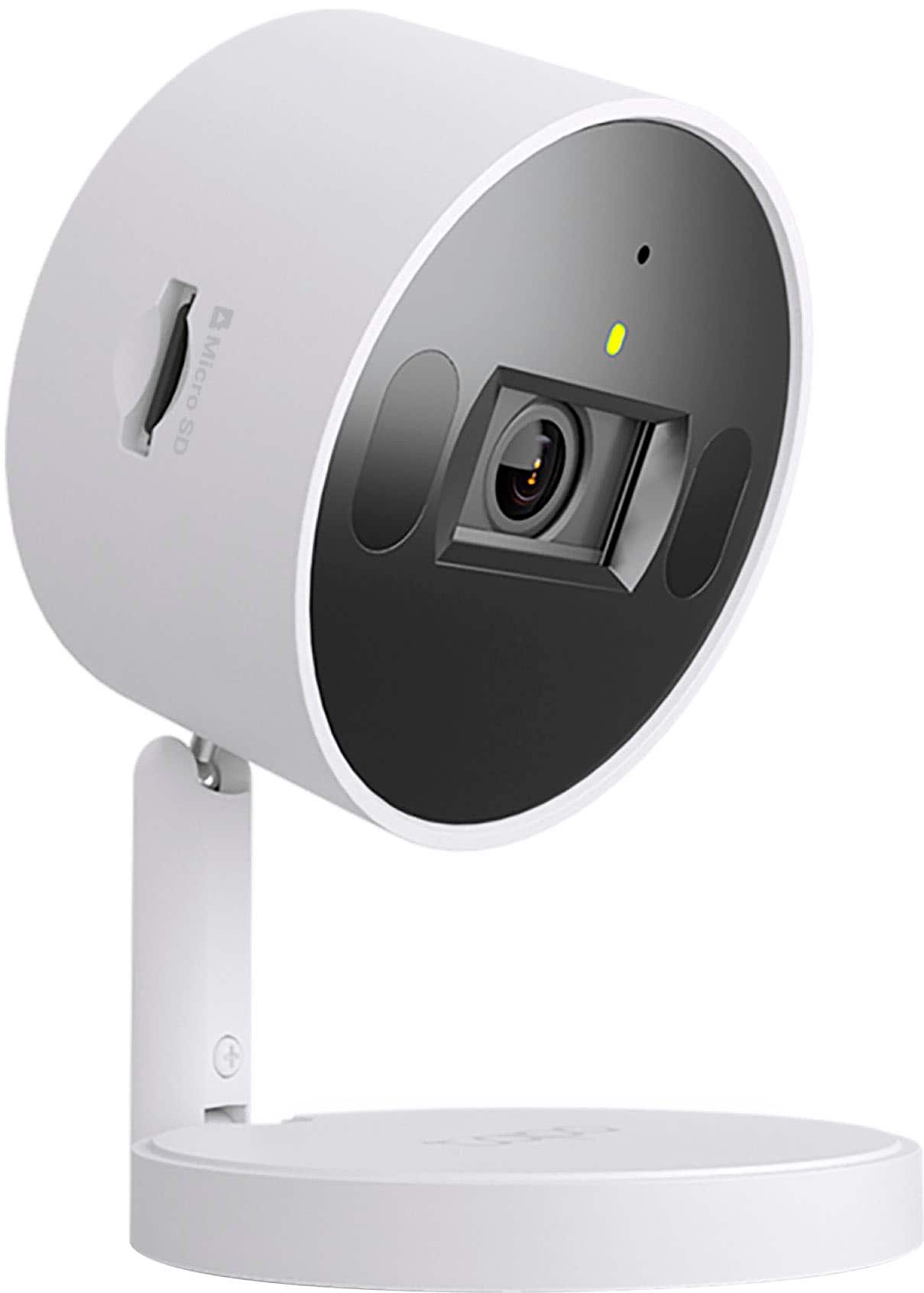
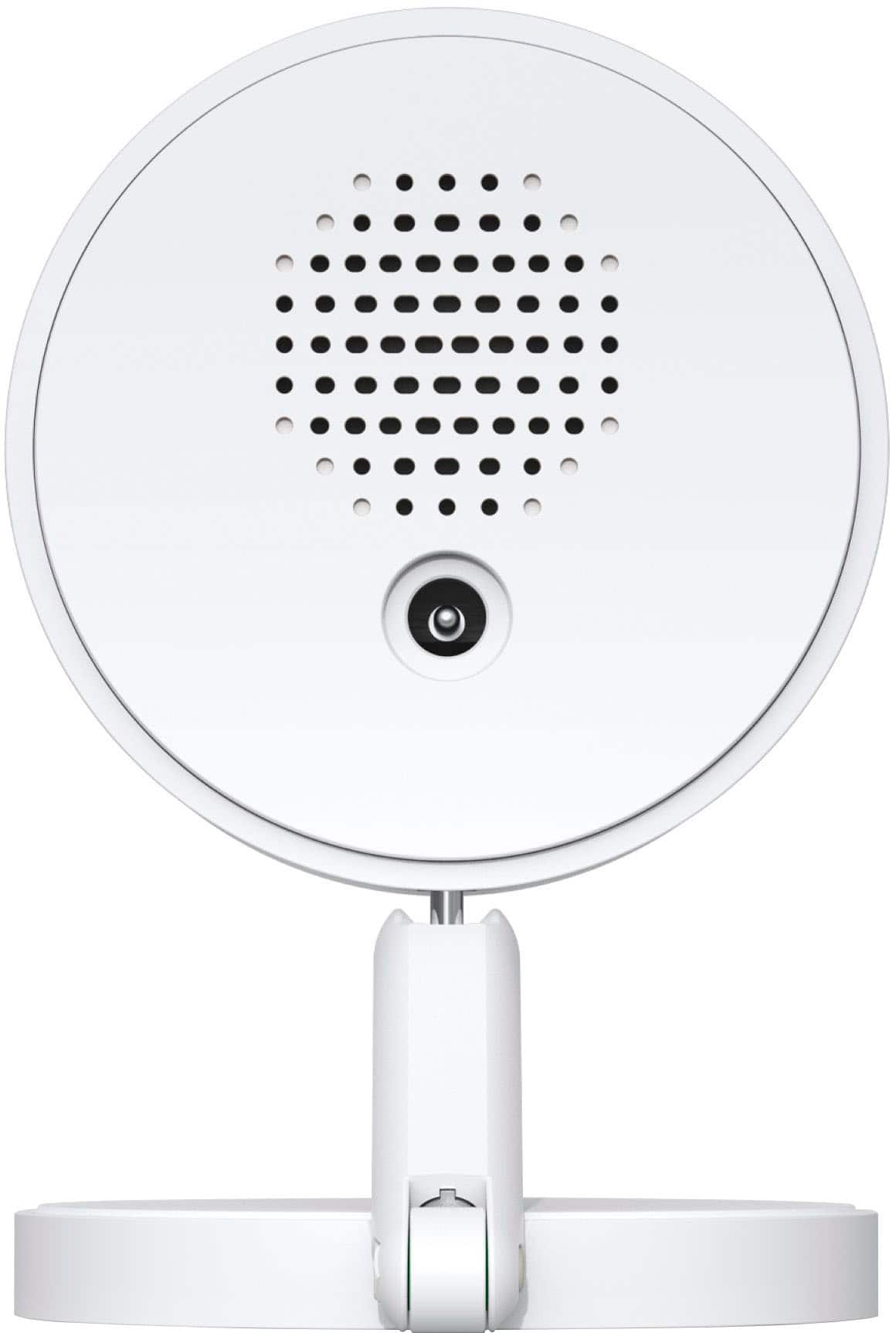
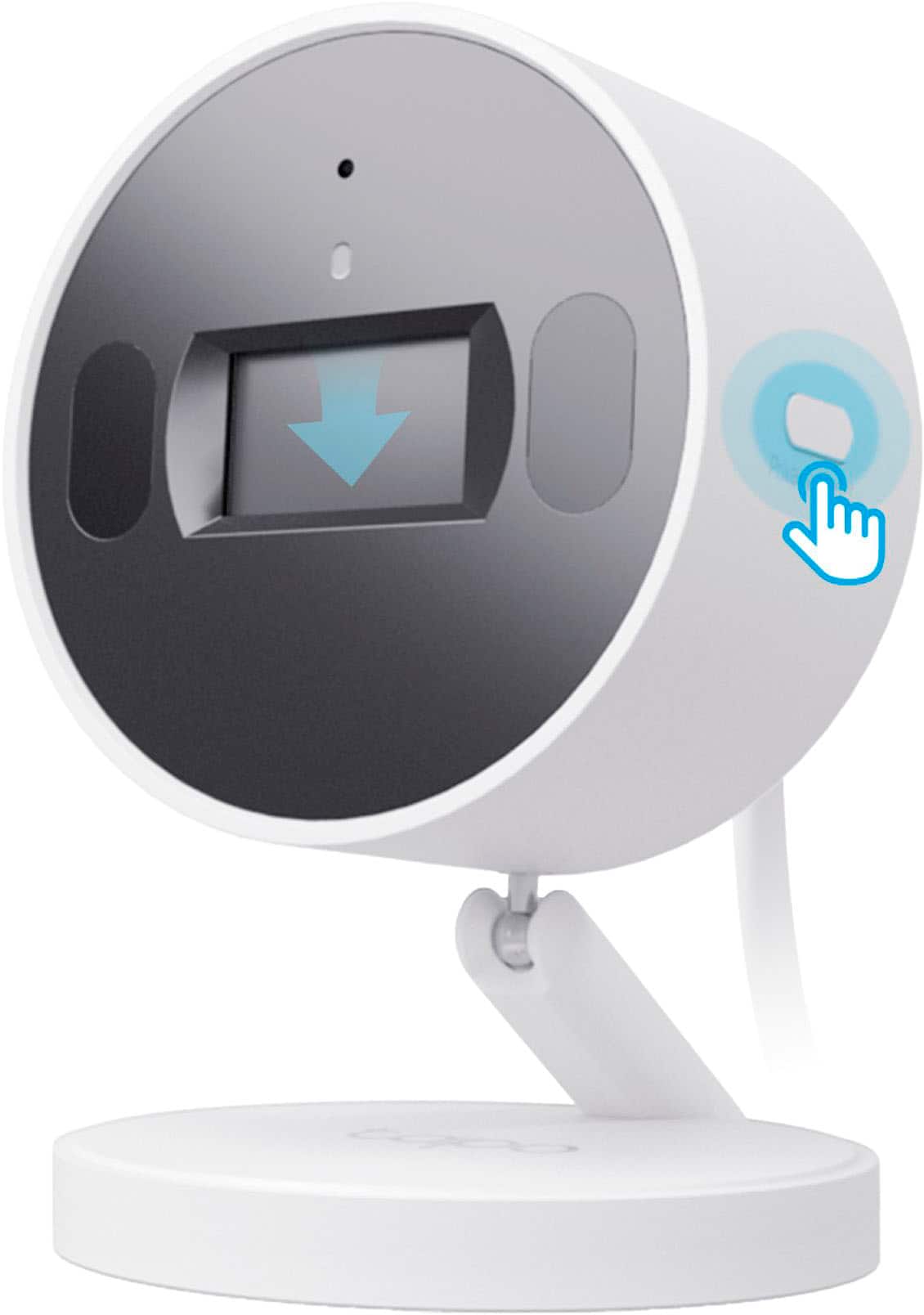
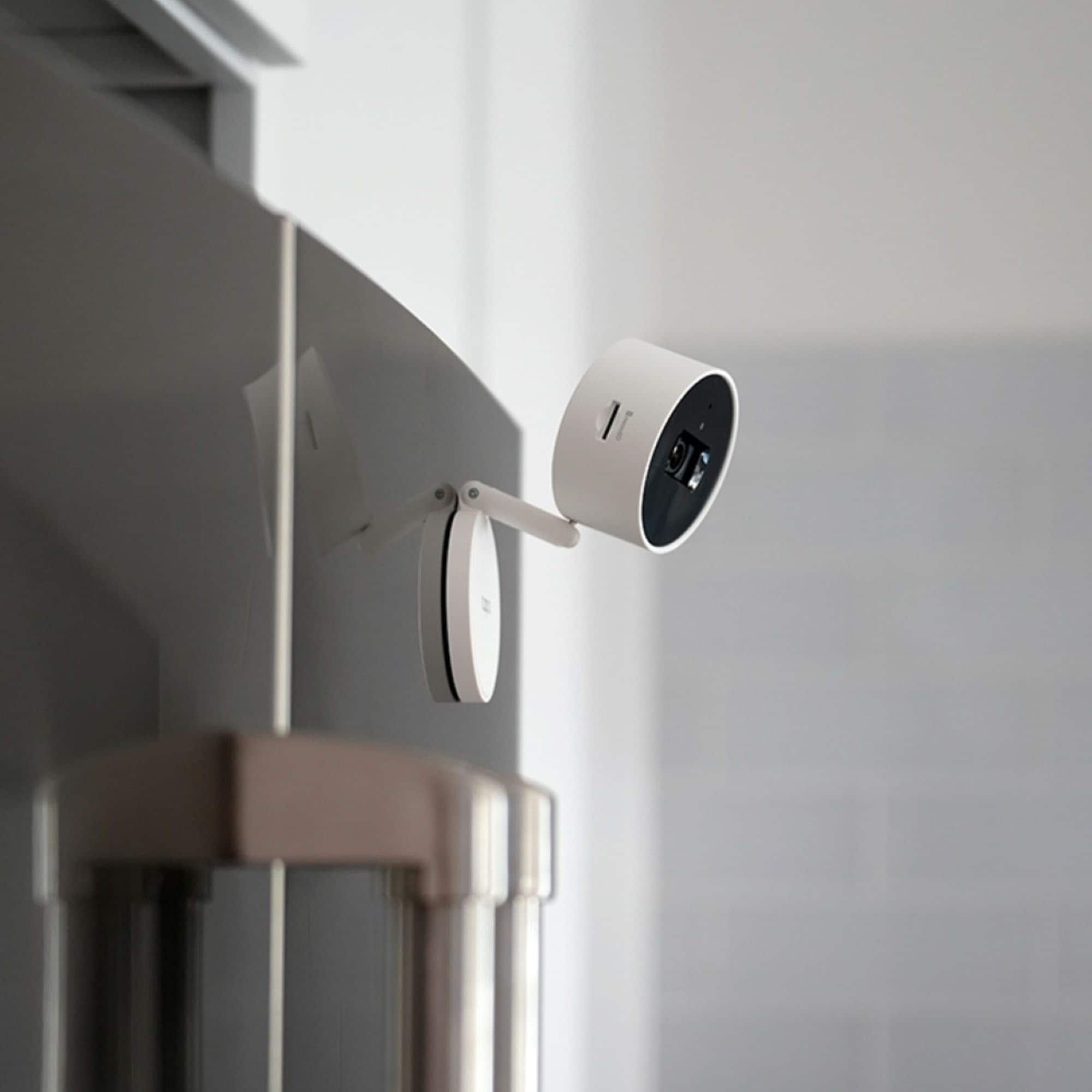
|Posted .This reviewer received promo considerations or sweepstakes entry for writing a review.TP-Link Tapo C125 Security Camera This is a sweet little camera that has really impressed me! It has a clever design that looks like a thick Hockey Puck until you pull it apart and fold it open. It’s very small and will fit in about anywhere. On a shelf it will hardly be noticed. And if you turn off the front LED (in the App) any recording will not bring attention to the camera or be noticed by an intruder. I absolutely enjoy the app. The more I use it the more I find more features. The options and the flexibility of setting this camera up for you specific demands are amazing. From people detection to glass break sounds you have options. The recoding is clear and detailed by day, but also clear at night even in black and white. I really appreciate how the camera is always watching the field and will go back 3-5 seconds and start recording before the actual movement occurred so you have a great segment with nothing missing. PROS: Small Footprint that can be wall mounted, or simply set on a shelf Plug-In power supply has a long 10 ft small white wire to reach almost any mounting situation to the camera Privacy button is very handy both on the phone and on the app to stop recording as well as the notifications Wide field of view at 140 degrees is great to cover a big area. Audio is not great but it works and sounds just fine. Some audio is spoken during set up and on insertion of a Micro SD card, which is helpful A plethora of options on the app for detecting movement of pets, people, vehicles, tampering of camera, baby cries, dog barks, cat meows, and glass break sounds. You have options! Detection and notifications can be set to specific times of the day or parts of a day Retrieval of recorded videos is fast when I view them on my phone! And the recording starts 3-5 seconds BEFORE the person enters the video! This is perfect to make sure you really have all the activity recorded. Best I have seen on a security camera. It has the ability to store clips on an internal micro SD card as well as the TP-Link cloud account When camera is unplugged or the power goes off, the camera will re-connect back to the internet pretty quickly and reliably It produces amazing clear and detailed videos in normal light. After dark the detail and range is better than most cameras I have used. 2 year Warranty 2.4 GHz Wi-Fi works great and has good range. Remember 5 GHz may be faster, but 2.4 gives you much better range to your router. CONS: I had very few issues. Only one came to mind and that was the initial setup. I took too long to pair the camera during the setup and the camera timed out. I figured out that the Privacy Shutter button when held will reset the camera and that allowed me to restart the paring process and get the camera connected. After that everything worked great. CONCLUSION: I would recommend this camera. The price and features make it perfect. The size and simplicity are very good coupled with great performance and clear videos. The app is one of the best I have used on a security camera. At this price point I find this camera hard to be beat.
I would recommend this to a friend Not good
||Posted . Owned for 3 months when reviewed.This reviewer received promo considerations or sweepstakes entry for writing a review.I got these to start adding to my Apple HomeKit. They disconnected way too many times.
No, I would not recommend this to a friendBrand response from TPLinkSupport
Posted .Hi,
Thank you for your review. We always recommend that you ensure your router's 2.4GHz Wi-Fi signal is adequately strong in the smart device's location. The Tapo app has a feature that allows you to measure the Wi-Fi signal strength of your smart devices. When the app is connected, please check the signal strength in the Device Settings menu.
If the signal is within the ideal range, and you're still experiencing these symptoms, please ensure your Tapo app is up to date, then update your smart device's firmware by selecting Me → Firmware Update within the Tapo app.
If you need help with any of these steps, please get in touch with our support team using any of the resources included with the product or from our official website. We'll gladly have a Support Agent follow up with you directly.
Thank you,
TP-Link Support