Customer Ratings & Reviews



- Model:
- TP25
- SKU:
- 6559368
Rating by feature
- Value
Rating 4.7 out of 5 stars
- Quality
Rating 4.7 out of 5 stars
- Ease of Use
Rating 4.7 out of 5 stars
Customers are saying
Customers are satisfied with the Tapo Smart Wi-Fi Outdoor Dual Plug, particularly its ease of use, overall performance, and simple setup. Many appreciate its compatibility with outdoor lights, reliable connectivity, and useful scheduling features. The waterproof design and timer function are also well-received, while the app's user-friendliness adds to the positive experience. However, some customers have noted the cord length could be longer.
This summary was generated by AI based on customer reviews.
Good option
||Posted . Owned for 2 weeks when reviewed.This reviewer received promo considerations or sweepstakes entry for writing a review.Bought to replace a failed unit (different brand, not offered anymore). I like the 2 plug option, Worked great from another state when we travelled. It's being used outdoors. Pleased with purchase,
I would recommend this to a friendGood to have
||Posted . Owned for 3 weeks when reviewed.This reviewer received promo considerations or sweepstakes entry for writing a review.Very handy to have around, especially when Halloween comes.
I would recommend this to a friendbest plug ever have
||Posted . Owned for 2 weeks when reviewed.This reviewer received promo considerations or sweepstakes entry for writing a review.With the matter support, this plug makes my house really smart, fast connection, and no delay at all.
I would recommend this to a friendAmazing Plug
||Posted . Owned for 3 weeks when reviewed.This reviewer received promo considerations or sweepstakes entry for writing a review.excellent plug , i like that i uses matter and i can pair it with multiple eco systems
I would recommend this to a friendWould recommend product
||Posted . Owned for 1 month when reviewed.This reviewer received promo considerations or sweepstakes entry for writing a review.Excellent product. Works perfectly as intended. The WiFi setup was a little confusing.
I would recommend this to a friendNice
||Posted . Owned for 1 month when reviewed.This reviewer received promo considerations or sweepstakes entry for writing a review.This plug is perfect. Never thought about getting these however they work perfect
I would recommend this to a friendGood buy
||Posted . Owned for 1 month when reviewed.This reviewer received promo considerations or sweepstakes entry for writing a review.Has been good so far. Works as advertised and very effective
I would recommend this to a friendCool
||Posted . Owned for 2 weeks when reviewed.This reviewer received promo considerations or sweepstakes entry for writing a review.I can put my tv outside and work ,clearly , i can recommend
I would recommend this to a friendEasy to set up
||Posted . Owned for 1 month when reviewed.This reviewer received promo considerations or sweepstakes entry for writing a review.Works perfectly for the "mood" lighting I added to my backyard deck!
I would recommend this to a friendWiFi adapter/ extender
||Posted . Owned for 1 month when reviewed.This reviewer received promo considerations or sweepstakes entry for writing a review.This product works amazingly and hasn’t disappointed me and my family.
I would recommend this to a friendShort lifespan, uneconomical warranty
||Posted . Owned for 7 months when reviewed.This reviewer received promo considerations or sweepstakes entry for writing a review.Lasted about 6 months before it died. Warranty is a joke when you have to pay for shipping; it’ll cost you about as much to get a replacement as to just buy a new one.
No, I would not recommend this to a friendBrand response from TPLinkSupport
Posted .Hi IanC,
Thank you for your review. We appreciate your feedback. To ensure longevity of your Tapo Outdoor Wi-Fi Smart Plug, we recommend following the placement and positioning examples in the Quick Installation Guide. If you have any questions in the future, our support team is always available and happy to help via phone, live chat or email through the Support Portal on our official TP-Link website.
Best Regards,
TP-Link Systems Support
Smart home must have
||Posted . Owned for 2 weeks when reviewed.This reviewer received promo considerations or sweepstakes entry for writing a review.Awesome outdoor smart home accessory. Each plug can be assigned
I would recommend this to a friendTP-Link is my favorite
||Posted . Owned for 2 months when reviewed.This reviewer received promo considerations or sweepstakes entry for writing a review.Works great, easy connection to Apple Homekit via matter.
I would recommend this to a friendDo NOT Buy the TP-Link - Tapo Smart Wifi Plug
||Posted . Owned for 1 year when reviewed.This reviewer received promo considerations or sweepstakes entry for writing a review.Do NOT buy this product because it's OFFLINE more than online therefore unreliable low quality worthless device. Loses wifi connectivity daily. Terrible design. Simply does not perform as claimed by manufacturer.
No, I would not recommend this to a friendBrand response from TPLinkSupport
Posted .Hi RobertP,
Thank you for your review. We always recommend ensuring your router's Wi-Fi signal is adequately strong in the device's location. Within the Tapo app, there's a feature that allows you to measure the Wi-Fi signal strength of your Tapo devices. With the app open, please check the signal strength in the Device Settings menu.
If the signal is within the ideal range, and you're still experiencing these symptoms, please ensure your Tapo app is up to date, then update your smart device's firmware by selecting Me → Firmware Update within the Tapo app.
If you'd like assistance with any of these steps, please reach out to our free support team using any of the resources included with the product, or from our official website, and we'll gladly have a Support Agent follow up with you directly.
Thank you,
TP-Link Systems Support
Easy to use but not super durable
||Posted . Owned for 3 months when reviewed.This reviewer received promo considerations or sweepstakes entry for writing a review.Easy to use but it shorted out after a light rain.
I would recommend this to a friendBrand response from TPLinkSupport
Posted .Hi Jonald,
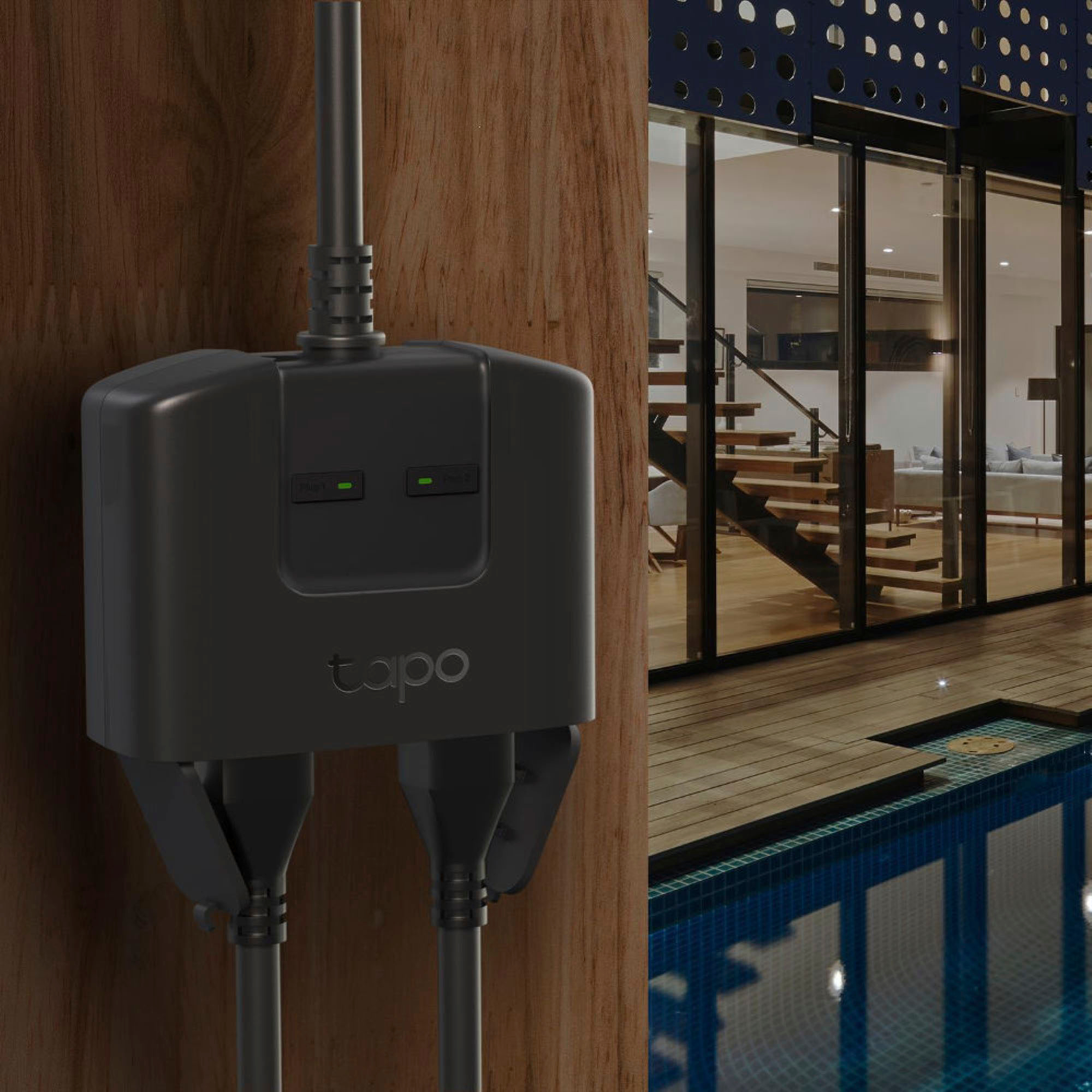
Thank you for your review. The Tapo TP25 is designed for weatherproof outdoor use. To ensure the longevity of the device, please keep the plug at least 12 inches (1ft) from the ground, with the plugs face down. Otherwise, water may get into the plug. Please also keep the plug covered with the weatherproof cover when not in use.
For helpful tips, you can refer to the included Quick Installation Guide.
Your Tapo TP25 comes with a manufacturer's warranty, and we would appreciate the opportunity to help address your concerns. At your convenience, feel free to contact our support team using any of the resources included with the product, or from our official website, and we'll gladly have a Support Agent follow up with you directly.
Thank you,
TP-Link Support
It’s a well built hunk of junk.
||Posted . Owned for 1 week when reviewed.This reviewer received promo considerations or sweepstakes entry for writing a review.I have a linksys velop mesh wifi network that works in mixed (2.4 and 5Ghz mode). Plenty of IoT devices only support 2.4 but that’s never been an issue and I have HomeKit devices from Meross, Logitech, Legrand, Vocolinc, Moen(!), Yale and Withings all happily working on the network. But can I get the Tapo to connect? Not a chance. Did get it to connect to my personal hotspot to do a firmware update, but still no joy. Always get a ‘WiFi Encryption not supported’ error if I use the Tapo app and a fail if I use the Home App. It’s well built, so, if you have a simple network give it a try but I can’t recommend it and it’s going in the IoT junk drawer
No, I would not recommend this to a friendBrand response from TPLinkSupport
Posted .Hi,
Thank you for your review. Our smart plugs, bulbs, and switches are designed for quick and easy setup using the Tapo app. If you're having difficulty connecting them to your network during setup, please ensure your router's 2.4GHz Wi-Fi signal is sufficiently strong at the smart device's location.
Please also ensure your smartphone is not connected to a VPN during setup, as this will interfere with the initial connection process.
If you would like assistance with your Tapo device(s), please reach out to our support team using any of the resources included with the product, or from our official website, and we'll gladly have a Support Agent follow up with you directly.
Thank you,
TP-Link Support
Doesn’t work
||Posted . Owned for less than 1 week when reviewed.This reviewer received promo considerations or sweepstakes entry for writing a review.I was able to connect it to Alexa the day I got it. It worked fine that night, it turned my outdoor holiday lights on and off at the appropriate times. The next day it didn’t work at all, my lights never came on. Alexa said the plug is unresponsive. I deleted it from Alexa hoping it would work if I paired it again, but now I am unable to pair it with Alexa. Totally worthless.
No, I would not recommend this to a friendBrand response from TPLinkSupport
Posted .A matter code can only be used once. If you deleted the device and restored default setting or just need to add it to a controller again you will need to generate a new code. This FAQ can help with this: https://www.tp-link.com/us/support/faq/3573/
- Pros mentioned:Ease of use

Perfect for us
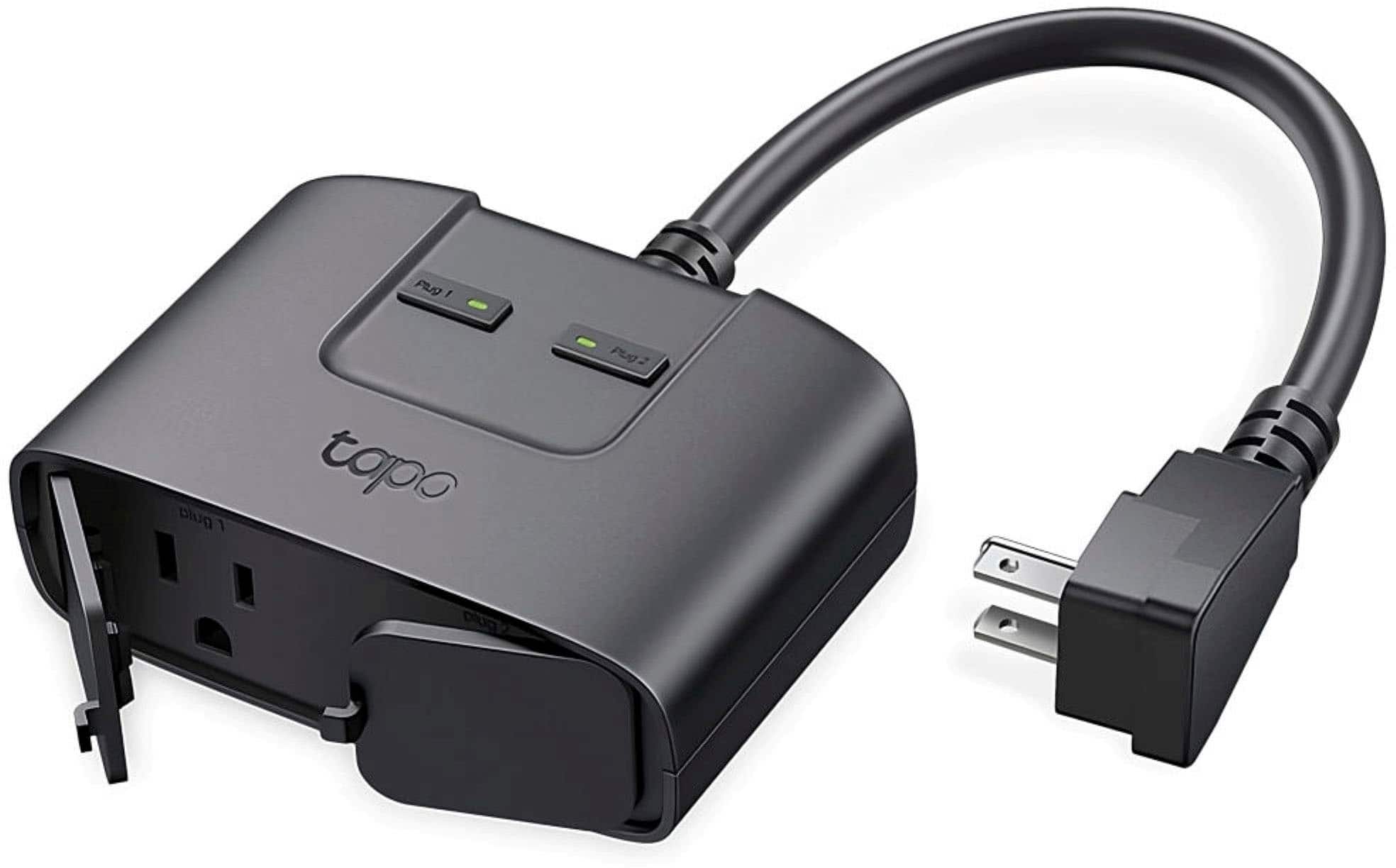
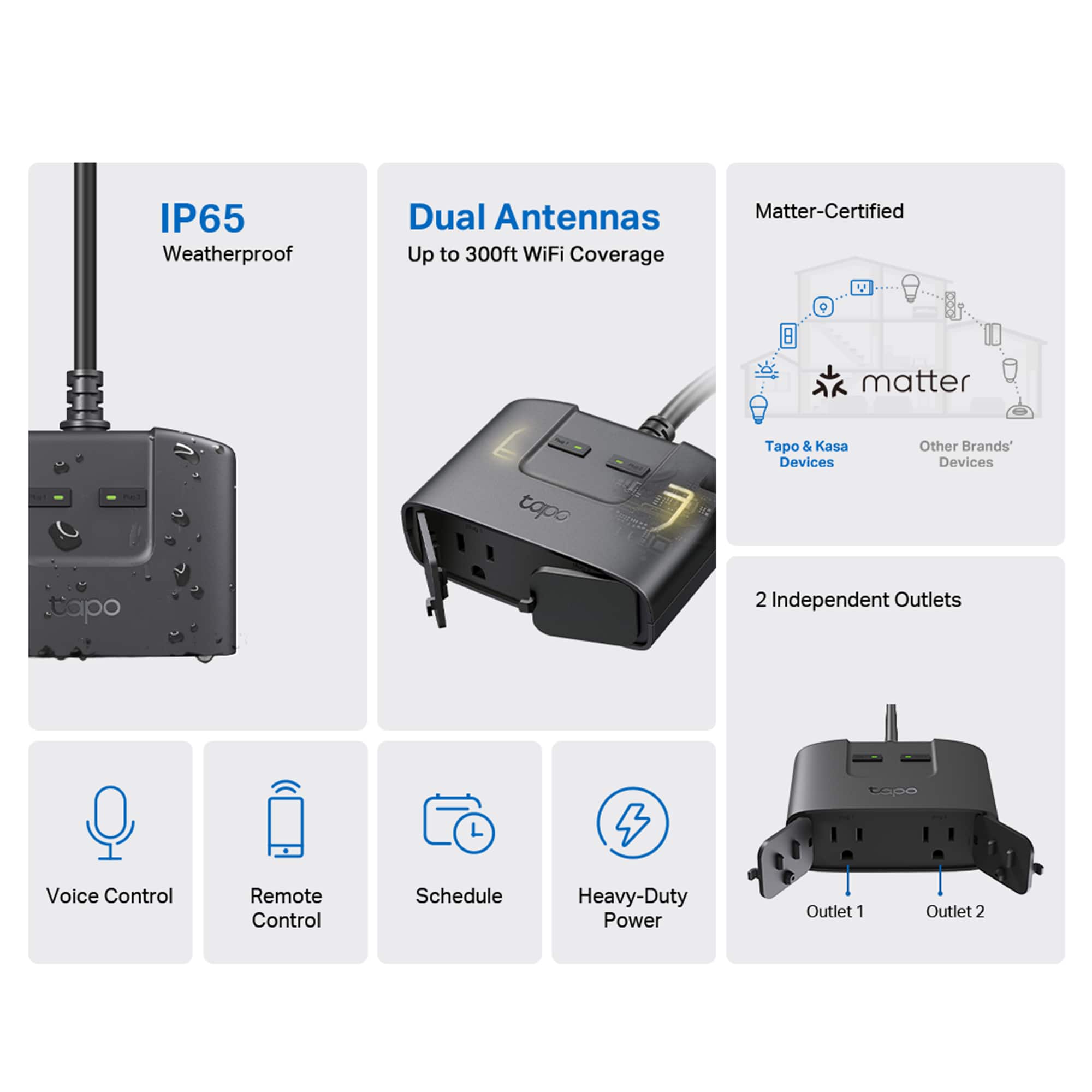
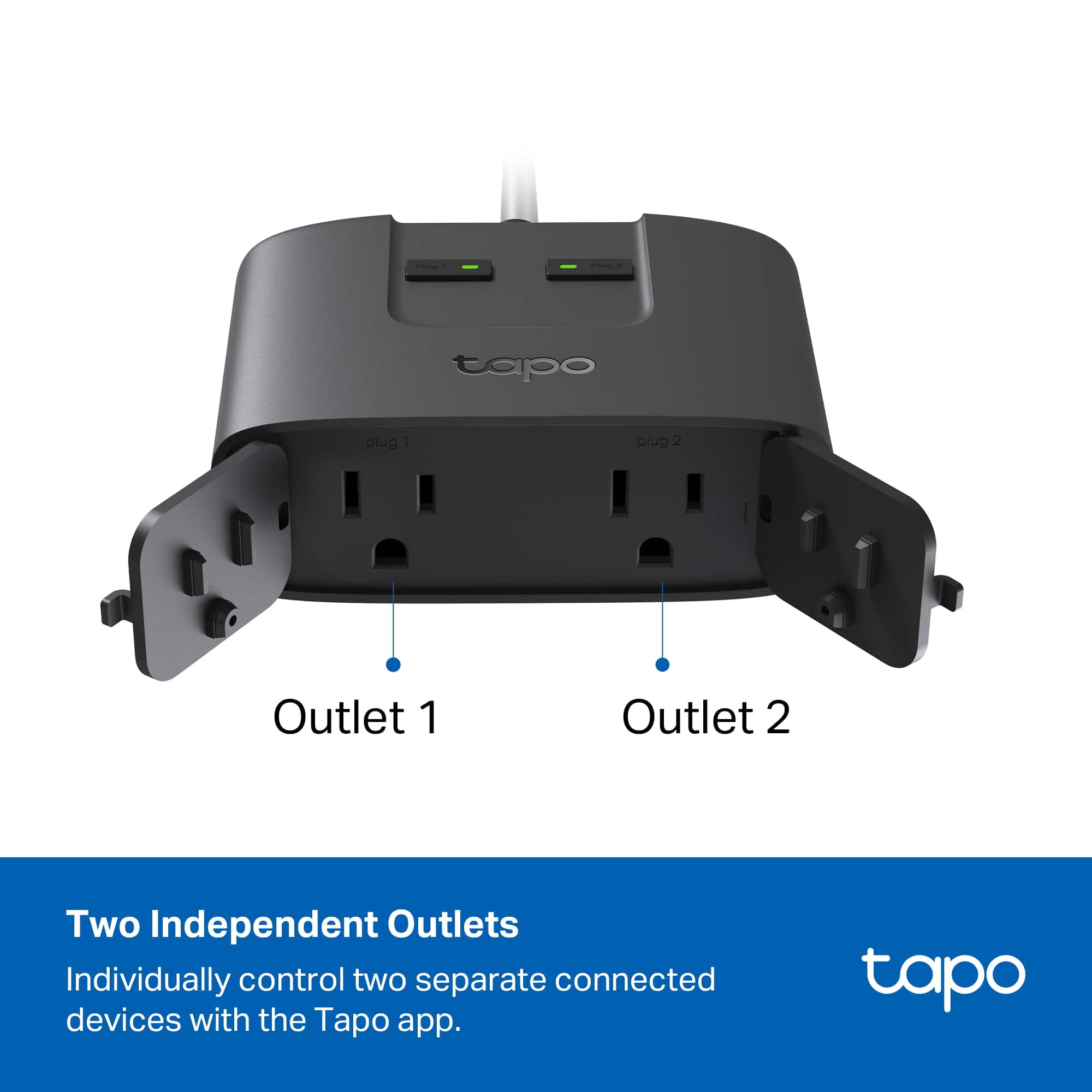
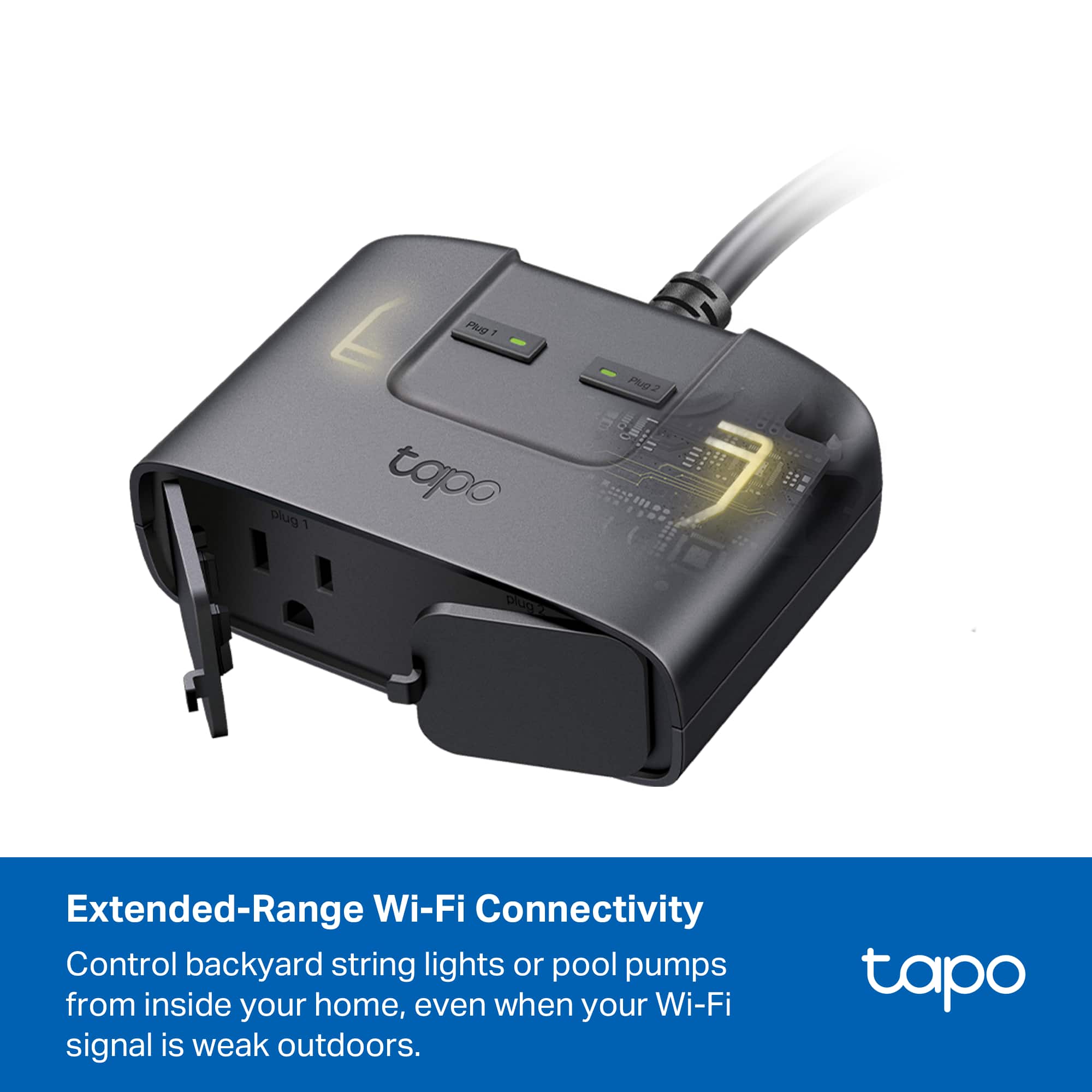
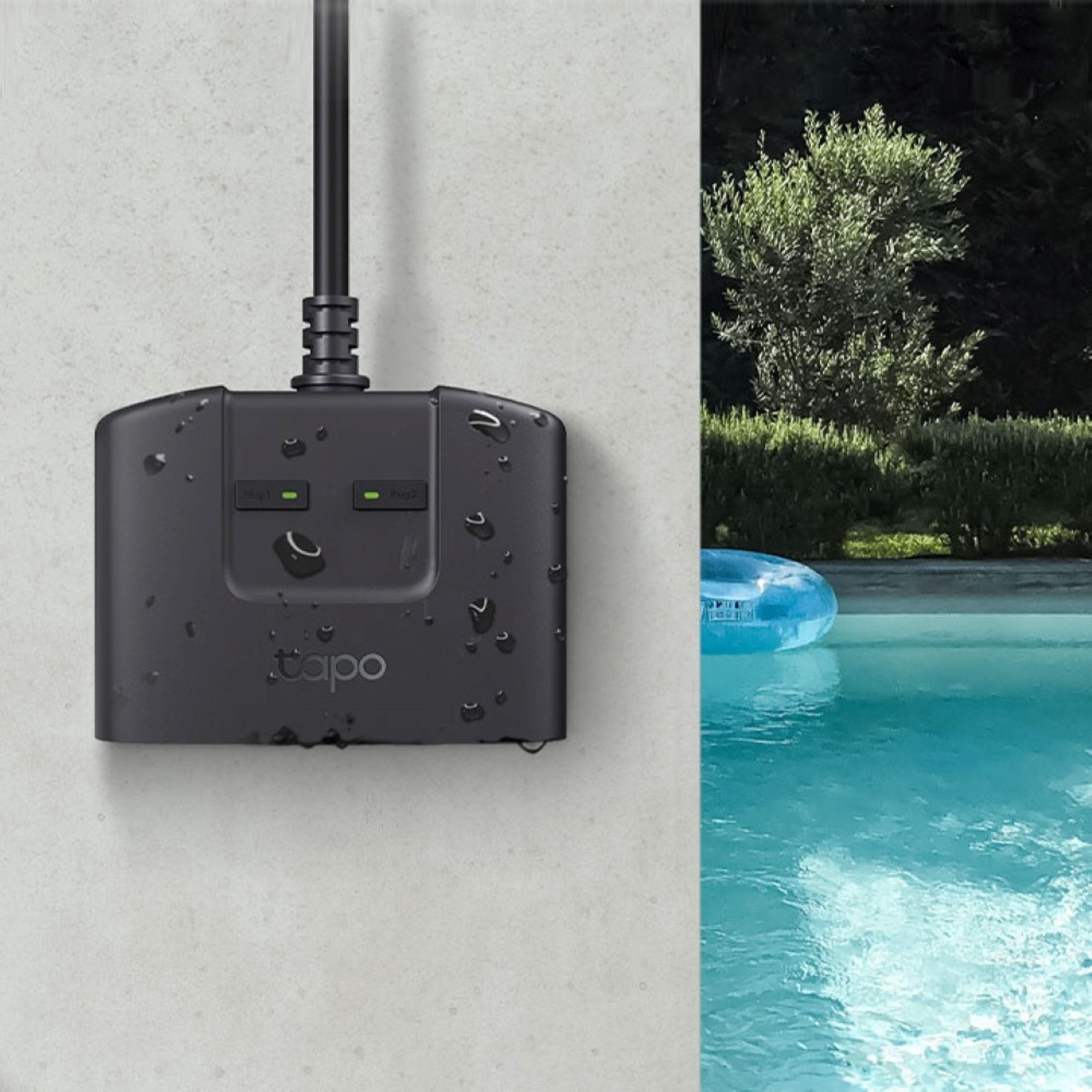
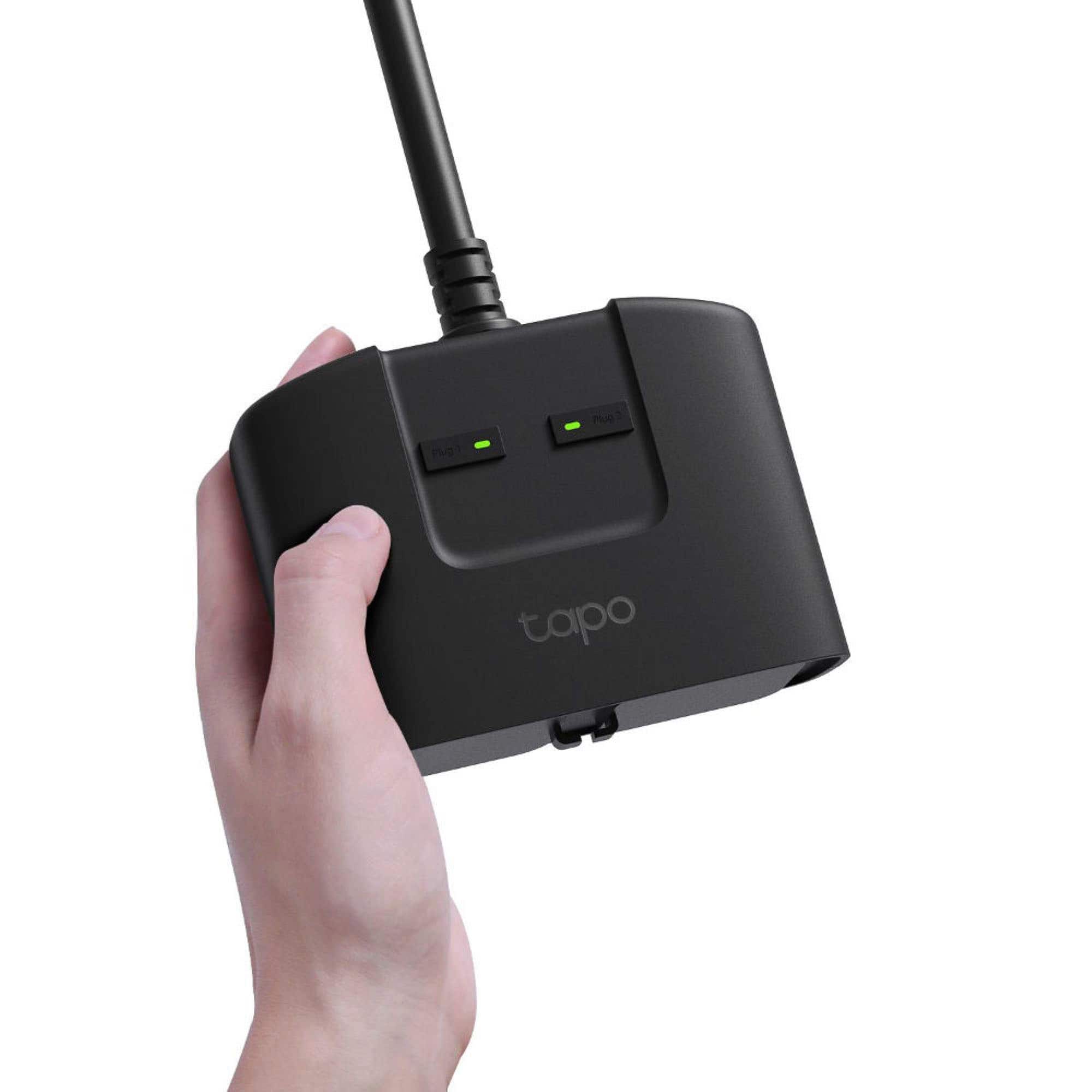
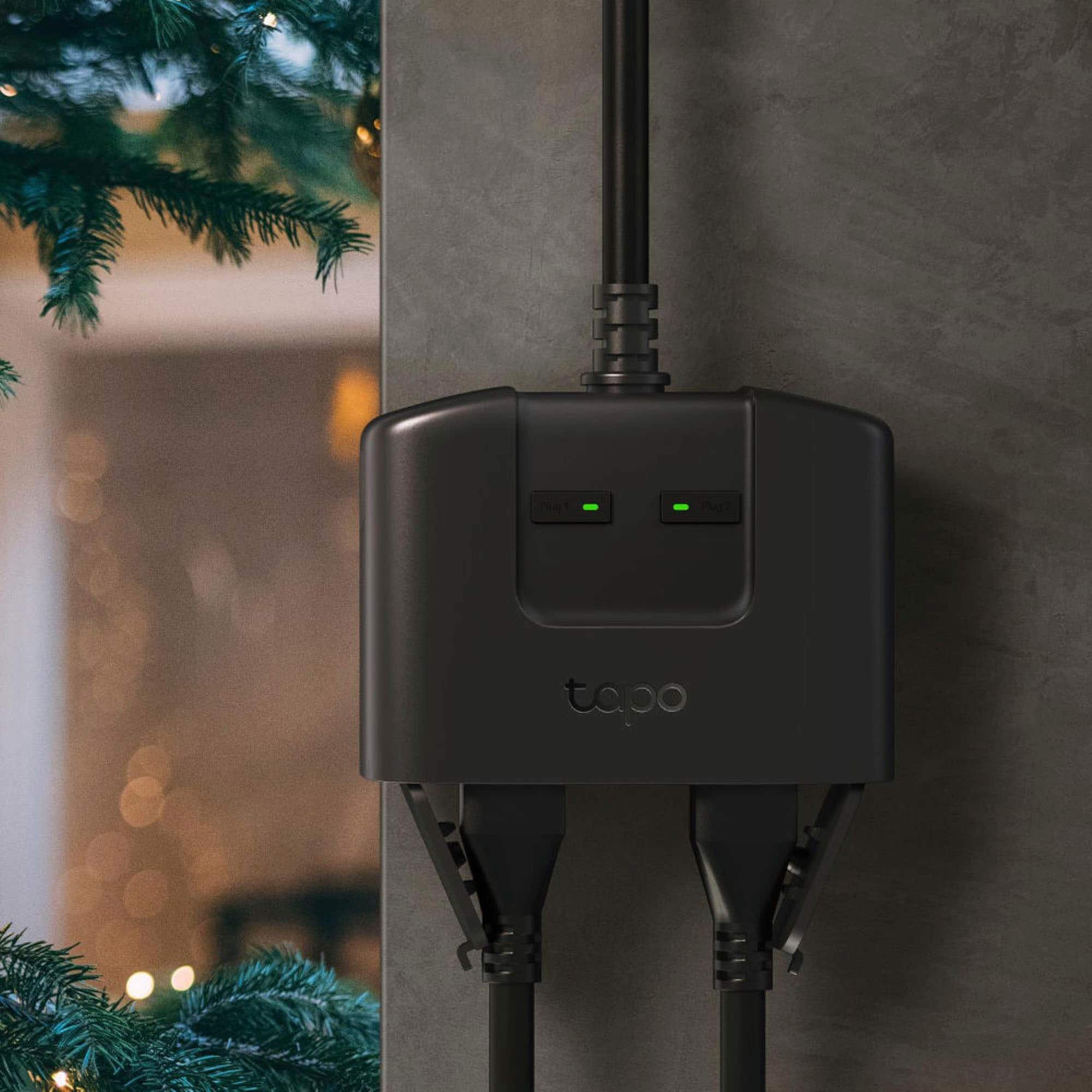
|Posted .This reviewer received promo considerations or sweepstakes entry for writing a review.The TP-Link TAPO Smart Wi-Fi Outdoor Plug is perfect for our needs. As shown in their own ad, we have an Edison-style string of lights for our patio. For the last couple years, we’ve been using a standard power strip; one that wasn’t really meant for outdoor use. Every time we wanted the lights on, I would have to make my way back into the dark corner of the patio to switch the lights on. Sometimes I would need to bang the power strip against my hand to get things to engage (yikes). Being outdoors was taking its toll — even though it was sheltered from the rain. Enter the TP-Link TAPO Smart Wi-Fi Outdoor Plug. Now, it’s “Alexa, turn on the patio lights.” Perfect. And with the IP65 weatherproof rating, we now have a safe electrical connection. I did find the initial setup a bit misleading if I followed the basic printed instructions. However, this plug is pretty intuitive, and using the Alexa app (after first setting this up with the Tapo app) helped with the process. Also, don’t be afraid to let your settings ‘sink in.’ You may need to exit the app you’re using, and the open it back up to continue. I don’t know why this sometimes works, but it does…at least for me. I also complicated the issue by needing to unplug the TAPO temporarily so I could switch primary outlets. Doing this, I was able to figure out how to put the TAPO back into discovery mode. Each outlet on the TAPO has its own power button (see mfg pics). If you hold them both in at the same time, the lights will begin to flash green and, if I remember correctly, orange. If you hold a bit longer, this flashing will speed up — and that’s your discovery mode. You’re welcome. It’s pretty cool that this smart plug will work with just about any platform out there. Maybe all of them. Guess that’s what being “Matter Certified” means. Or you can simply use the TAPO app, which, by the way, also now controls any KASA devices you may already have. Other than also being available in white or tan, the TP-Link TAPO Smart Wi-Fi Outdoor Plug is perfect for my needs — and probably yours, too.
I would recommend this to a friend Wouldn’t connect to network
||Posted . Owned for 1 month when reviewed.This reviewer received promo considerations or sweepstakes entry for writing a review.I followed the instructions but it appears that it does not want to connect to my network for some reason. I will attempt to get it to connect later, but for now it was a disappointment.
No, I would not recommend this to a friendBrand response from TPLinkSupport
Posted .Hi,
Thank you for your review. Our smart plugs, bulbs, and switches are designed for quick and easy setup using the Tapo app. If you're having difficulty connecting them to your network during setup, please ensure your router's 2.4GHz Wi-Fi signal is sufficiently strong at the smart device's location.
Please also ensure your smartphone is not connected to a VPN during setup, as this may interfere with the installation process.
If you would like assistance with any of these steps, please reach out to our free support team using any of the resources included with the product, or from our official website, and we'll gladly have a Support Agent follow up with you directly.
Thank you,
TP-Link Support
- Pros mentioned:Setup
Perfect for Holiday Lighting Automation
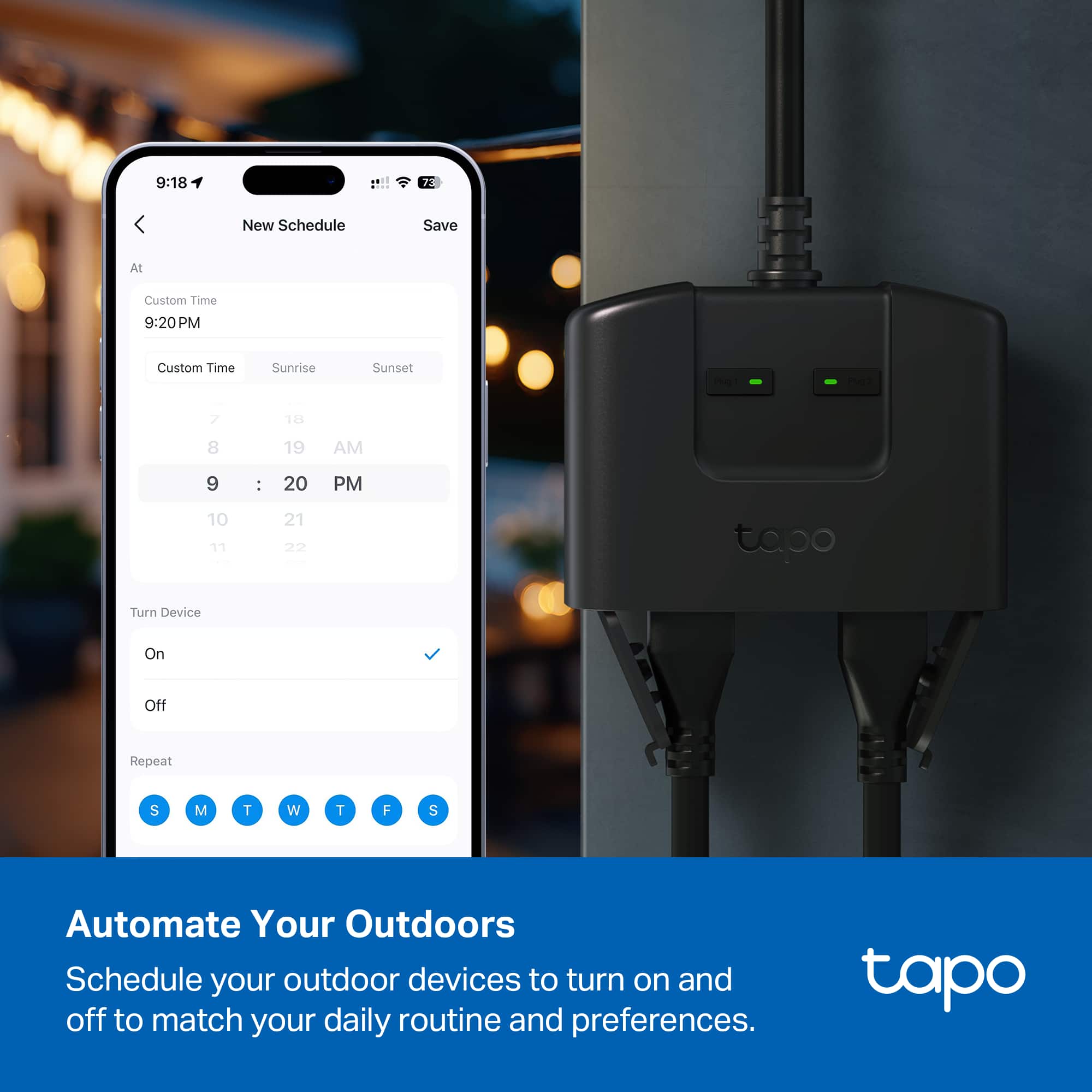
|Posted .This reviewer received promo considerations or sweepstakes entry for writing a review.If you don’t have any smart home devices you really need to get onboard. Smart home devices are an incredibly convenient technology that has automated my homes lighting and security. I have nearly 50 devices including security cameras, smart plugs, locks, fans, vacuum, air purifier, and speakers. All of which can be controlled using a phone, tablet, or by voice. I have a bunch of TP-Link smart plugs but the Tapo TP25 outdoor smart wifi plug is my first outdoor smart plug. What a great addition to my smart home and just in time for Christmas lights. In the box is the 2 outlet TP25 and a quick start guide. You’re directed to get the Tapo app. Upon installing you’re prompted to create an account. I already had a TP Link Kasa account so I logged in using that account and it worked. Tapo also added my Kasa devices to the new app. Setup was a snap. You basically plus it in and follow the apps step by step instructions. You connect the TP25 to your wifi network and then I was prompted to update the firmware. The entire setup too maybe 5 minutes. You can easily control Tapo from the app. You can set timers and automations. I also added Tapo to my Google Home setup so I can then also control it with voice commands. Even better you can then utilize geofencing to automatically turn lights off when you leave your home and on when you arrive. I use Google but you can also use Tapo with Amazon Alexa, Apple HomeKit, and Samsung SmartThings. The TP25 is designed as an outdoor device with an IP65 waterproof and flame retardant rating but you could also use it indoors as a double smart plug to control 2 devices individually. The Tapo TP25 is a perfect addition to my smart home to automate my outdoor Halloween and Christmas lighting. I’ll be buying more.
I would recommend this to a friend