Customer Ratings & Reviews
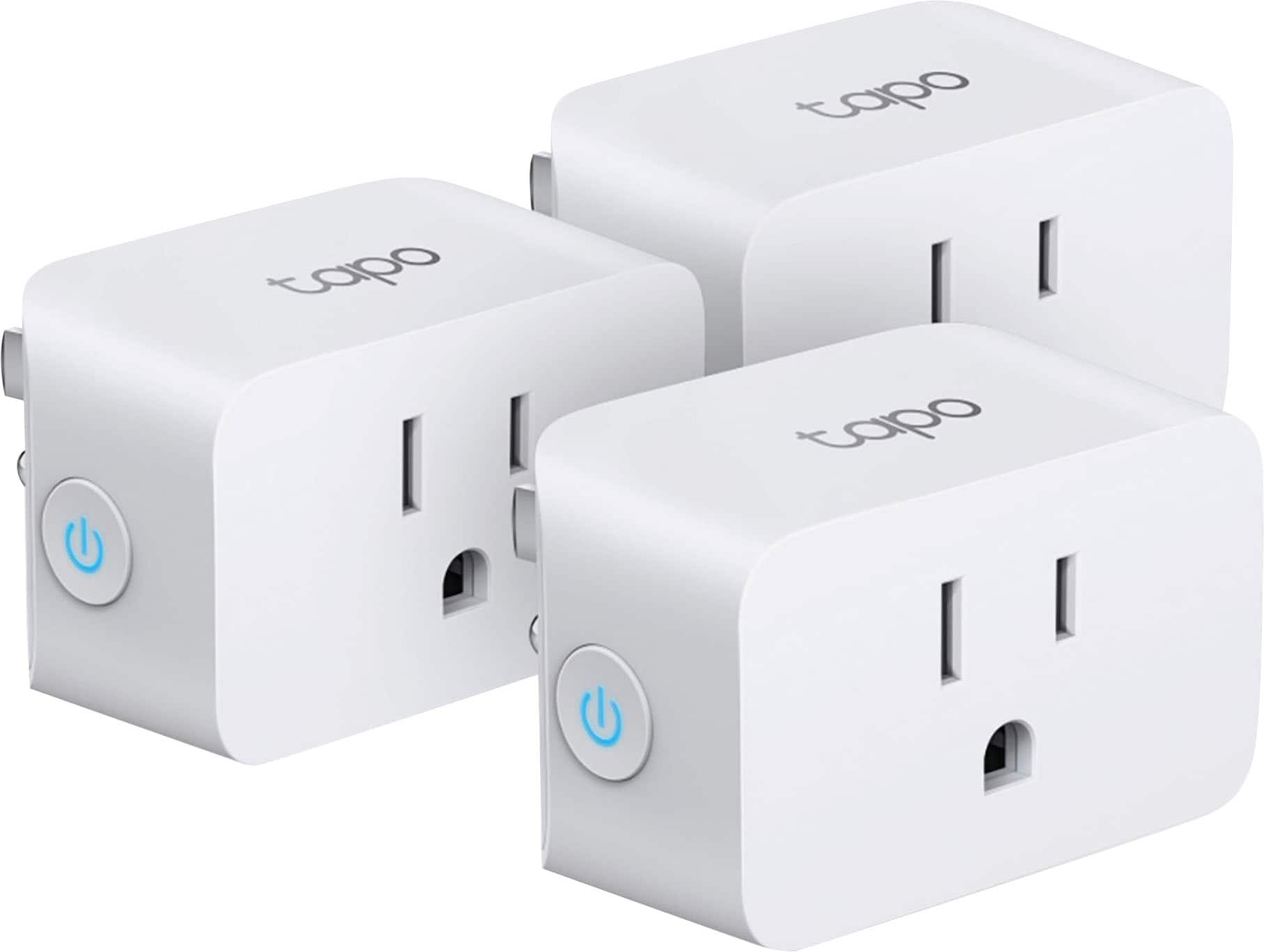
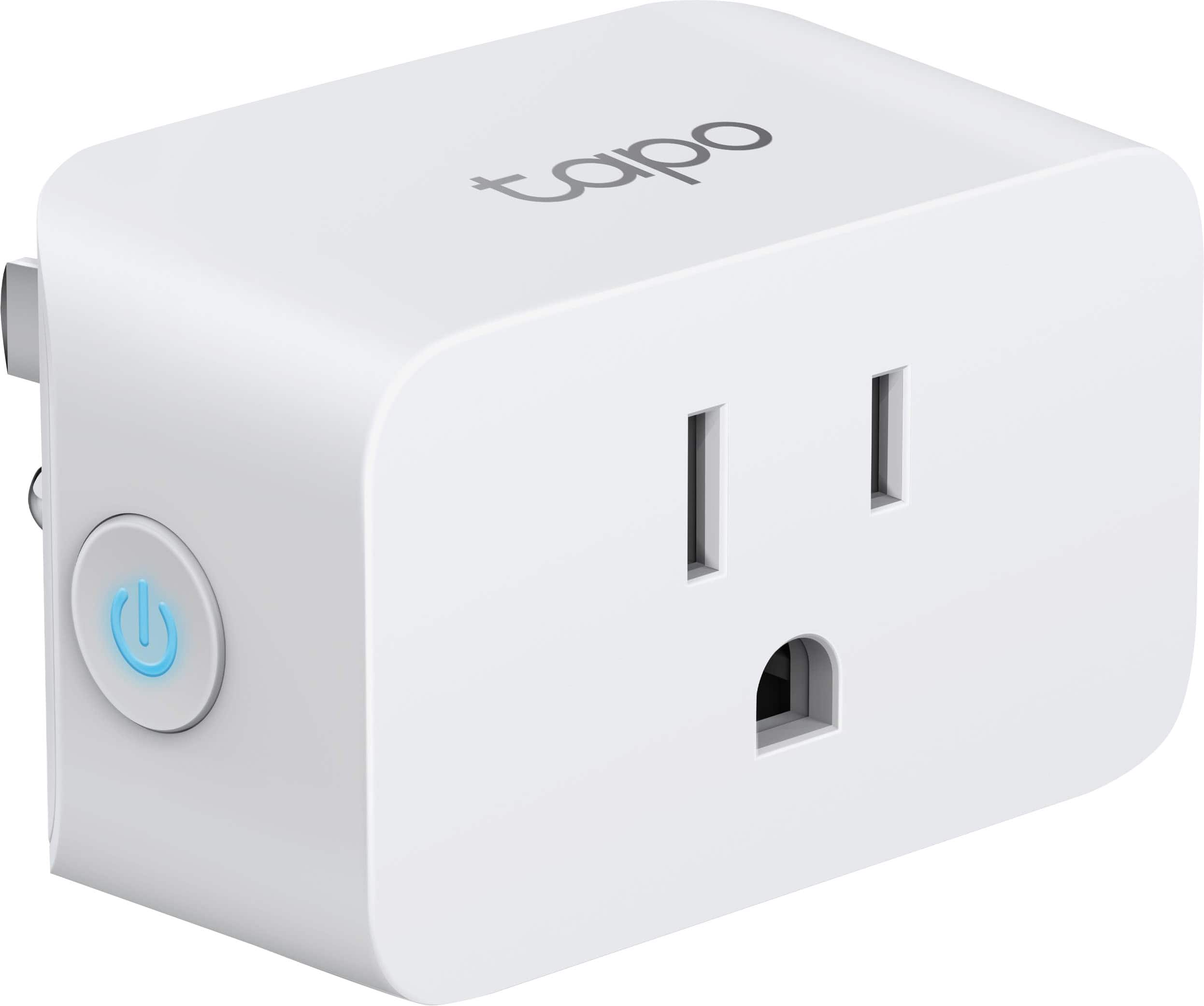
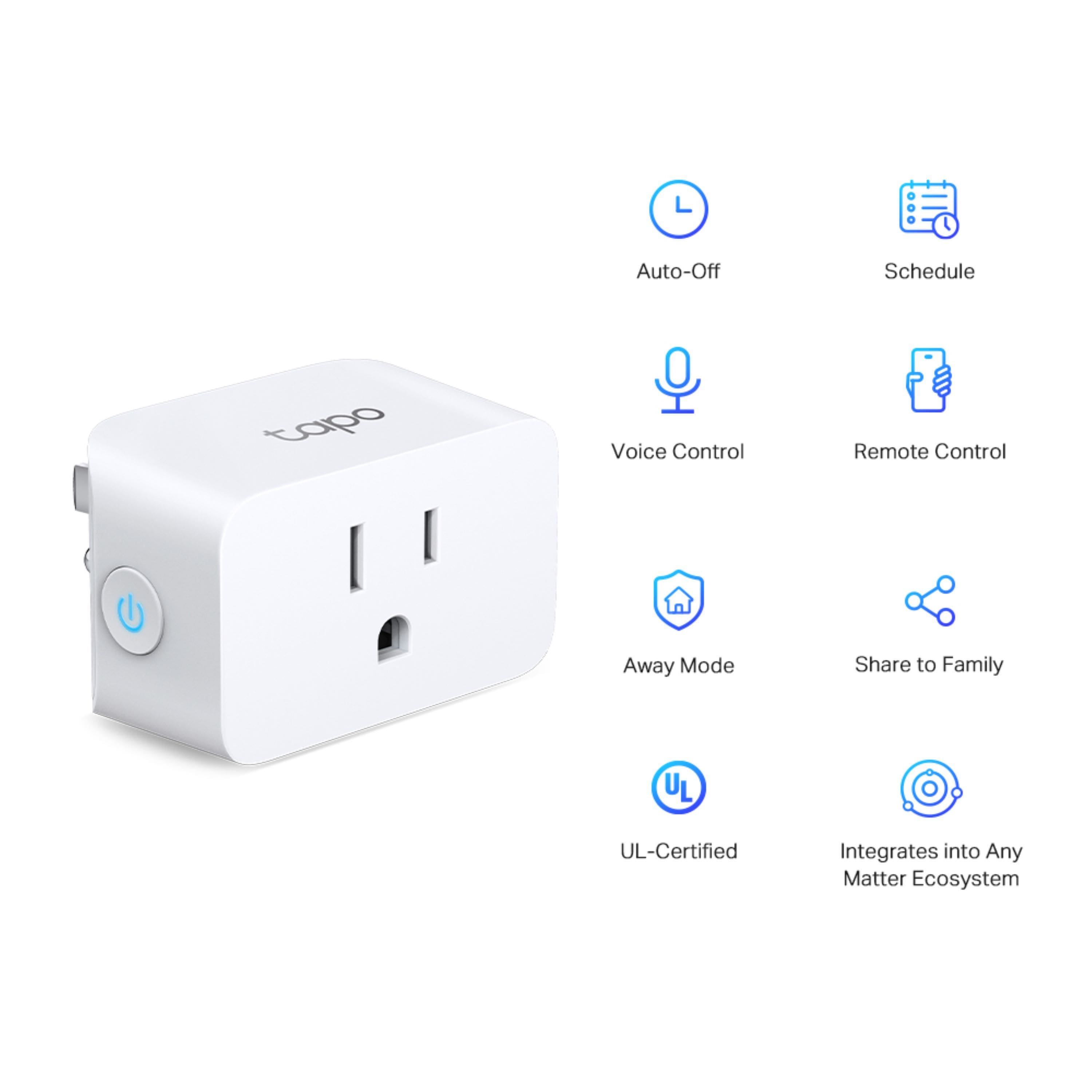
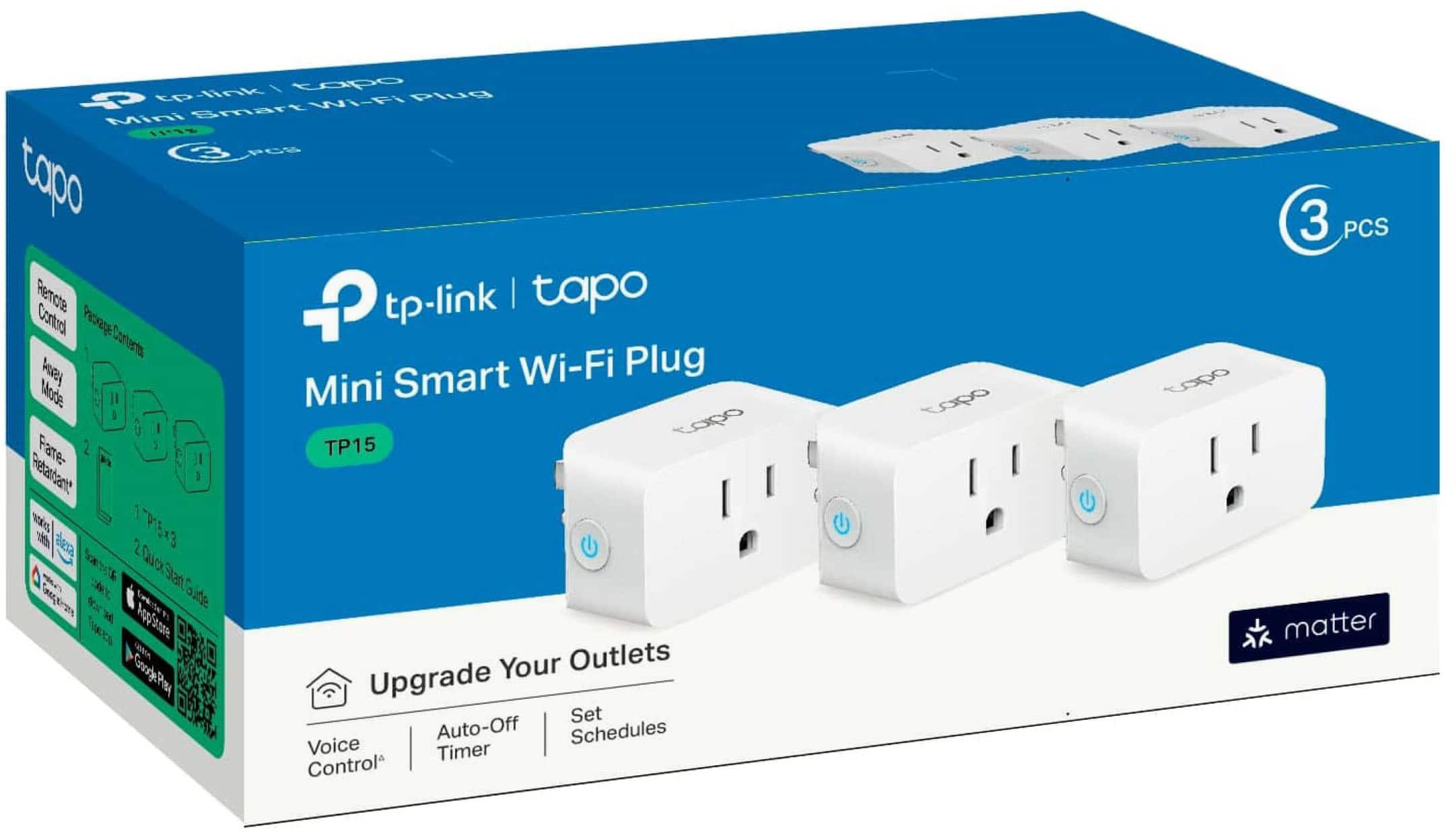
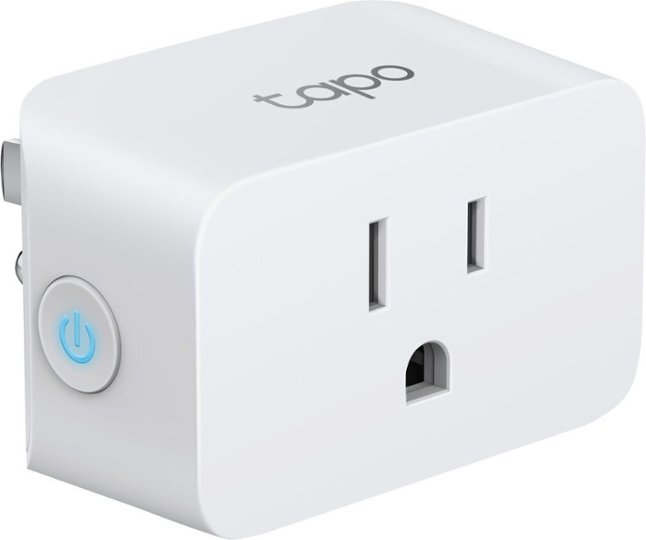

- Model:
- TP15(3-pack)
- SKU:
- 6544396
Rating by feature
- Value
Rating 4.8 out of 5 stars
- Quality
Rating 4.7 out of 5 stars
- Ease of Use
Rating 4.7 out of 5 stars
Customers are saying
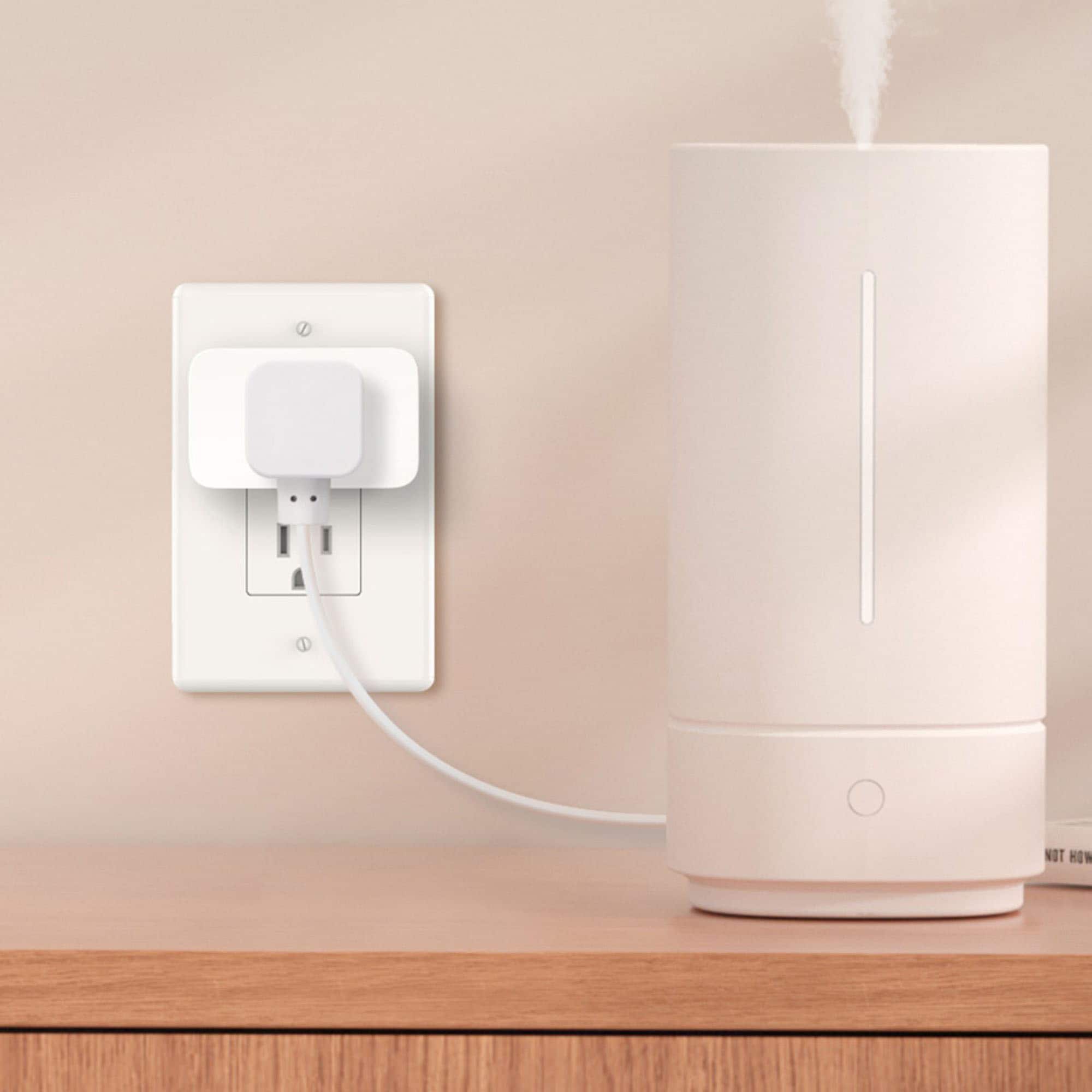
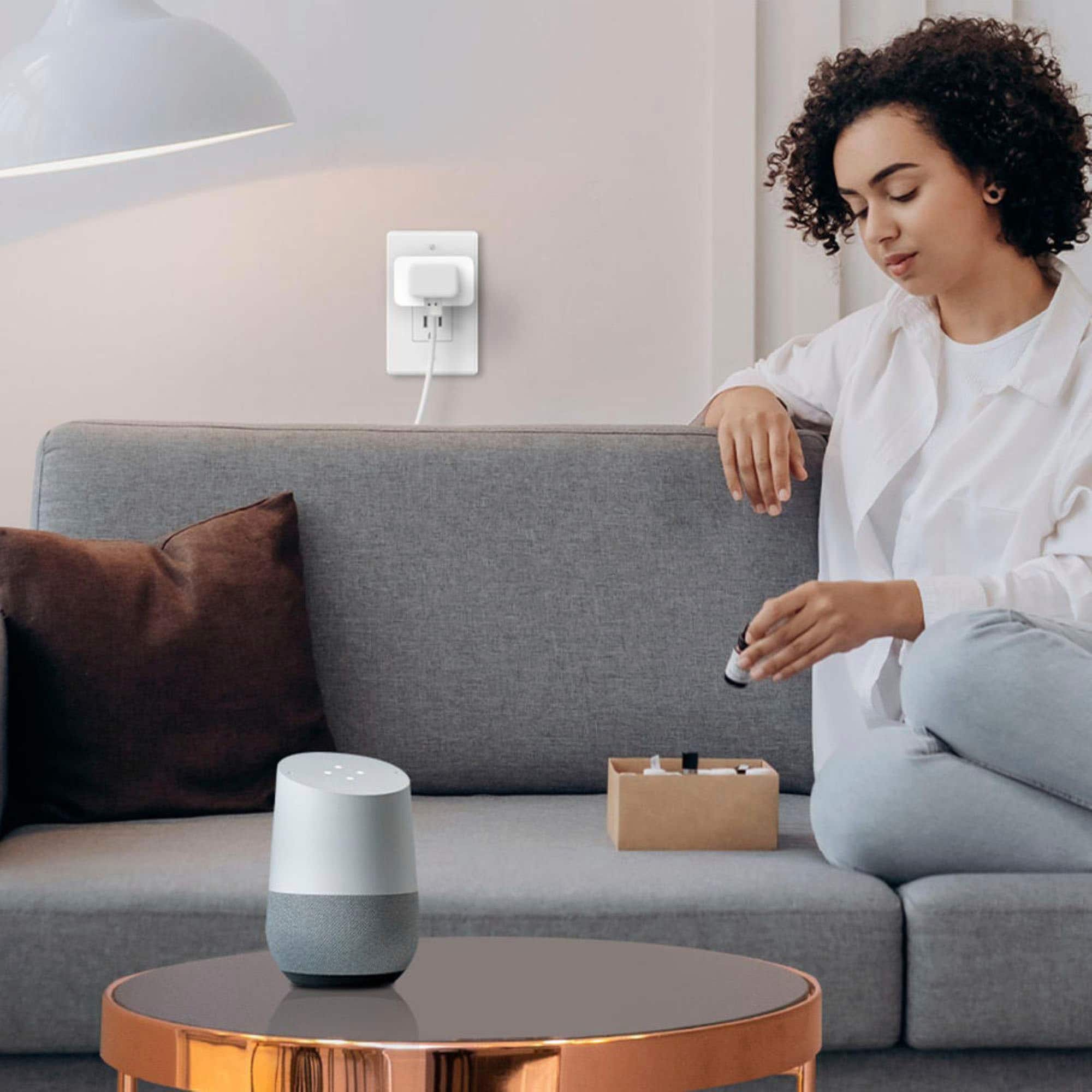
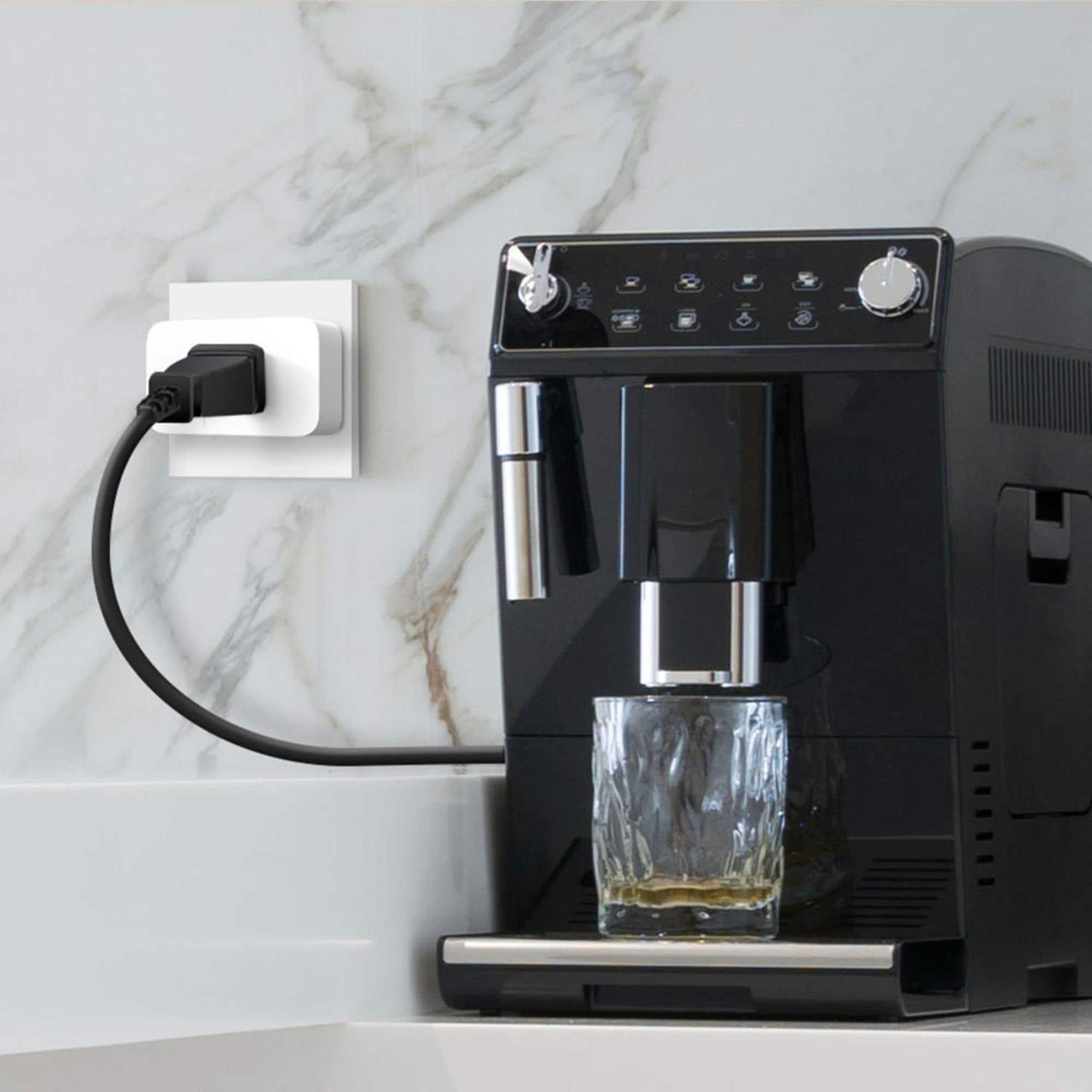
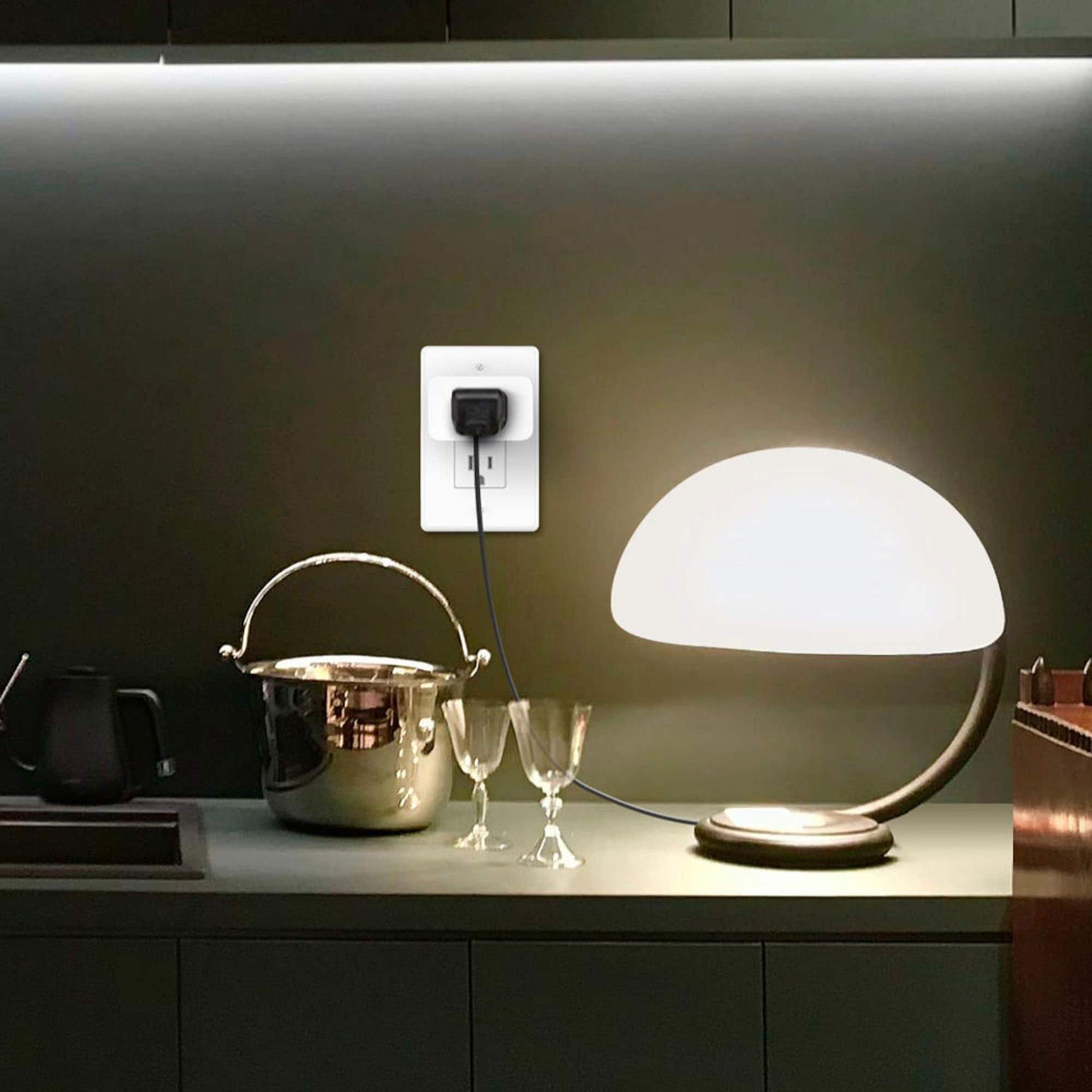
Customers praise the Tapo Smart Wi-Fi Plug Mini for its ease of use, overall performance, and simple setup process. Compatibility with Google Home is also appreciated, along with its value for the price and compact size. While the vast majority of users are satisfied, a few have noted issues with app compatibility.
This summary was generated by AI based on customer reviews.
Stopped Connecting
||Posted . Owned for 1.5 years when reviewed.This reviewer received promo considerations or sweepstakes entry for writing a review.After 2 years, 2 of 3 plugs can no longer maintain a steady connection to WiFi. And these cannot be added to Apple Home anymore. They were connecting without issue for 2 years. It appears that sometimes some of these plus say they have matter but they actuslly do not.
No, I would not recommend this to a friendBrand response from TPLinkSupport
Posted .Hi SteveS,
Thank you for your review. We always recommend making sure your router's Wi-Fi signal is strong enough where your device is. In the Tapo app, there's a feature that lets you check the Wi-Fi signal strength of your Tapo devices. With the app open, look at the signal strength in the Device Settings menu.
If the signal is within the ideal range, and you're still experiencing these symptoms, please ensure your Tapo app is up to date, then update your smart device's firmware by selecting Me → Firmware Update within the Tapo app.
If you'd like assistance with any of these steps, please reach out to our free support team using any of the resources included with the product, or from our official website, and we'll gladly have a Support Agent follow up with you directly.
Thank you,
TP-Link Systems Support
Alexa companion
||Posted . Owned for 2 weeks when reviewed.This reviewer received promo considerations or sweepstakes entry for writing a review.Good interaction with Alexa equipment making nice smart house.
I would recommend this to a friendWorks great
||Posted . Owned for 3 weeks when reviewed.This reviewer received promo considerations or sweepstakes entry for writing a review.The light work great. Use to turn the Christmas tree on and off
I would recommend this to a friendTapo Smart Wi-Fi Plug Mini with Matter - White
||Posted . Owned for 3 weeks when reviewed.This reviewer received promo considerations or sweepstakes entry for writing a review.Great little mini plug, works great, I would recommend!
I would recommend this to a friendGreat Product
||Posted . Owned for 1 month when reviewed.This reviewer received promo considerations or sweepstakes entry for writing a review.Great plugs tied right into my smart system perfectly
I would recommend this to a friendPerfect
||Posted . Owned for 3 weeks when reviewed.This reviewer received promo considerations or sweepstakes entry for writing a review.These worked great for managing electronics around the house.
I would recommend this to a friendSmart plug
||Posted . Owned for less than 1 week when reviewed.This reviewer received promo considerations or sweepstakes entry for writing a review.Love this product and like the upgraded app user interface!
I would recommend this to a friendNeeded more…
||Posted . Owned for less than 1 week when reviewed.This reviewer received promo considerations or sweepstakes entry for writing a review.We already have a lot of these, but we needed more.
I would recommend this to a friendShould be a 2 pack for that price
||Posted . Owned for 1 month when reviewed.This reviewer received promo considerations or sweepstakes entry for writing a review.Works well but a little pricey compared to other smart plugs.
I would recommend this to a friend
Works, hard to re-pair, no Thread support
|Posted . Owned for 2 months when reviewed.This reviewer received promo considerations or sweepstakes entry for writing a review.[Employee of bestbuy] Works, but challenging to re-pair. Connects to WiFi but wish it had Thread support so they wouldn’t have to.
I would recommend this to a friendGood
||Posted . Owned for 1 month when reviewed.This reviewer received promo considerations or sweepstakes entry for writing a review.I love this outlet work good and affordable great tech.
I would recommend this to a friendno title
||Posted . Owned for 3 weeks when reviewed.This reviewer received promo considerations or sweepstakes entry for writing a review.With this my wifi is a little stronger us the best
I would recommend this to a friendWorks good, no energy monitoring sadly
||Posted . Owned for 11 months when reviewed.This reviewer received promo considerations or sweepstakes entry for writing a review.It works great and flawlessly! Just wish it had energy monitoring
I would recommend this to a friendGood product
||Posted . Owned for 3 weeks when reviewed.This reviewer received promo considerations or sweepstakes entry for writing a review.Good product but wish it had a remote instead of downloading another app.
I would recommend this to a friendGood but not perfect
|Posted . Owned for 1 month when reviewed.This reviewer received promo considerations or sweepstakes entry for writing a review.[Employee of bestbuy] Good but not perfect. It loses connection unexpectedly sometimes with the internet. It does not help if such unresponsiveness happens when we use it outdoors in cold weather
I would recommend this to a friendBrand response from TPLinkSupport
Posted .Hi,
Thank you for your review. We always recommend ensuring your router's Wi-Fi signal is adequately strong in the smart device's location. Within the Tapo app, there's a feature that allows you to measure Wi-Fi signal strength of your smart devices. When the app is open, please check the signal strength in the Device Settings menu.
If the signal is within the ideal range, and you're still experiencing these symptoms, please ensure your Tapo app is up to date, then update your smart device's firmware by selecting Me → Firmware Update within the Tapo app.
If you'd like assistance with any of these steps, please reach out to our free support team using any of the resources included with the product, or from our official website, and we'll gladly have a Support Agent follow up with you directly.
Thank you,
TP-Link Support
works but not sure about privacy
||Posted .This reviewer received promo considerations or sweepstakes entry for writing a review.works, have problem connecting , now a bit worry about TP with all their products on security and privacy
No, I would not recommend this to a friendBrand response from TPLinkSupport
Posted .Hi leoyw,
Thank you for your review. If you are having difficulty connecting your smart plug during setup, please ensure your phone is not connected to a VPN, as this can directly interfere with the onboarding process.
If you are referring to Wi-Fi connectivity after setup, please ensure your router's 2.4 GHz Wi-Fi signal is sufficiently strong and stable at the plug's location for best results.
For more information on TP-Link Systems' Security Commitment, we encourage you to visit our website: https://www.tp-link.com/us/landing/security-commitment/
Our support team is always happy to help answer any questions you may have about our products. Please feel free to reach out using any of the resources included with the product, or from our official website, and we'll gladly have a Support Agent follow up with you directly.
Thank you,
TP-Link Systems Support
Didn’t work with older Alexa Smart speakers.
||Posted . Owned for 2 weeks when reviewed.This reviewer received promo considerations or sweepstakes entry for writing a review.Returned them because they didn’t work with our older Alexas. Work fine with the Alexa app.
No, I would not recommend this to a friendBrand response from TPLinkSupport
Posted .Hi TimothyM,
Thank you for your review. Tapo Smart Wi-Fi Plugs are designed for quick and intuitive Alexa integration. For helpful steps on how to set up your Tapo devices with Alexa, please see our FAQ: https://www.tp-link.com/us/support/faq/2780/
Our support team is always available and happy to assist with any questions you may have about our products. Feel free to contact us through any of the resources provided with the product or on our official website, and a Support Agent will follow up with you directly.
Thank you,
TP-Link Systems Support
Works
||Posted . Owned for 3 weeks when reviewed.This reviewer received promo considerations or sweepstakes entry for writing a review.Good product not easy to configured and link with Alexa
I would recommend this to a friendGood
||Posted . Owned for 1 month when reviewed.This reviewer received promo considerations or sweepstakes entry for writing a review.Sometimes don’t connect to Bluetooth but good product
I would recommend this to a friendGoes offline alot
||Posted . Owned for 3 weeks when reviewed.This reviewer received promo considerations or sweepstakes entry for writing a review.Worked at first. But after two weeks of working well, they go offline a lot. Which means I have to manually turn the lights off and on. Kinda defeating the purpose of getting the smart plugs.
No, I would not recommend this to a friendBrand response from TPLinkSupport
Posted .Hi,
Thank you for your review. We always recommend ensuring your router's Wi-Fi signal is adequately strong in the smart device's location. Within the Tapo app, there's a feature that allows you to measure Wi-Fi signal strength of your smart devices. When the app is connected, please check the signal strength in the Device Settings menu.
If the signal is within the ideal range, and you're still experiencing these symptoms, please ensure your Tapo app is up to date, then update your smart device's firmware by selecting Me → Firmware Update within the Tapo app.
If you'd like assistance with any of these steps, please reach out to our free support team using any of the resources included with the product, or from our official website, and we'll gladly have a Support Agent follow up with you directly.
Thank you,
TP-Link Support