Customer Ratings & Reviews
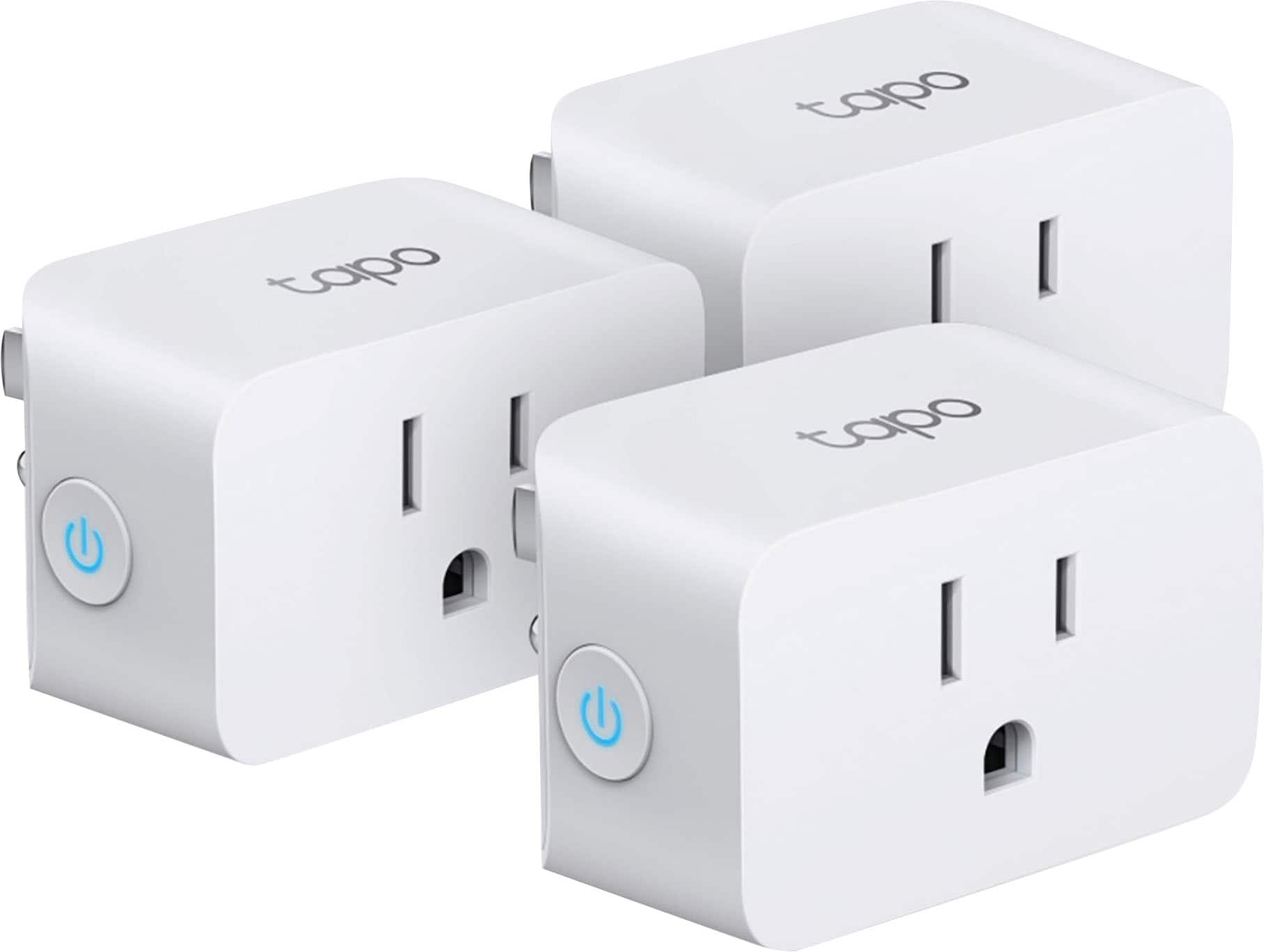
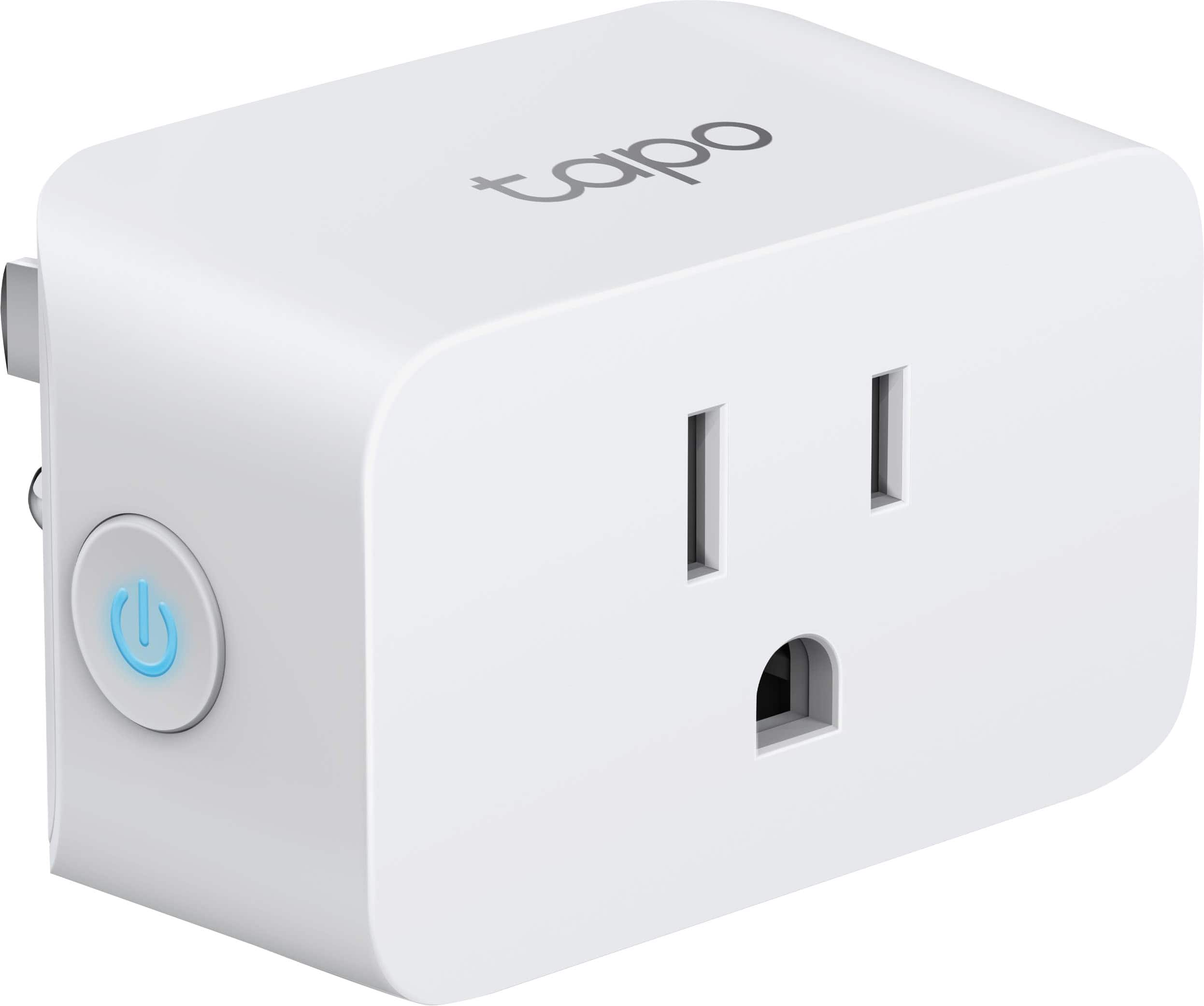
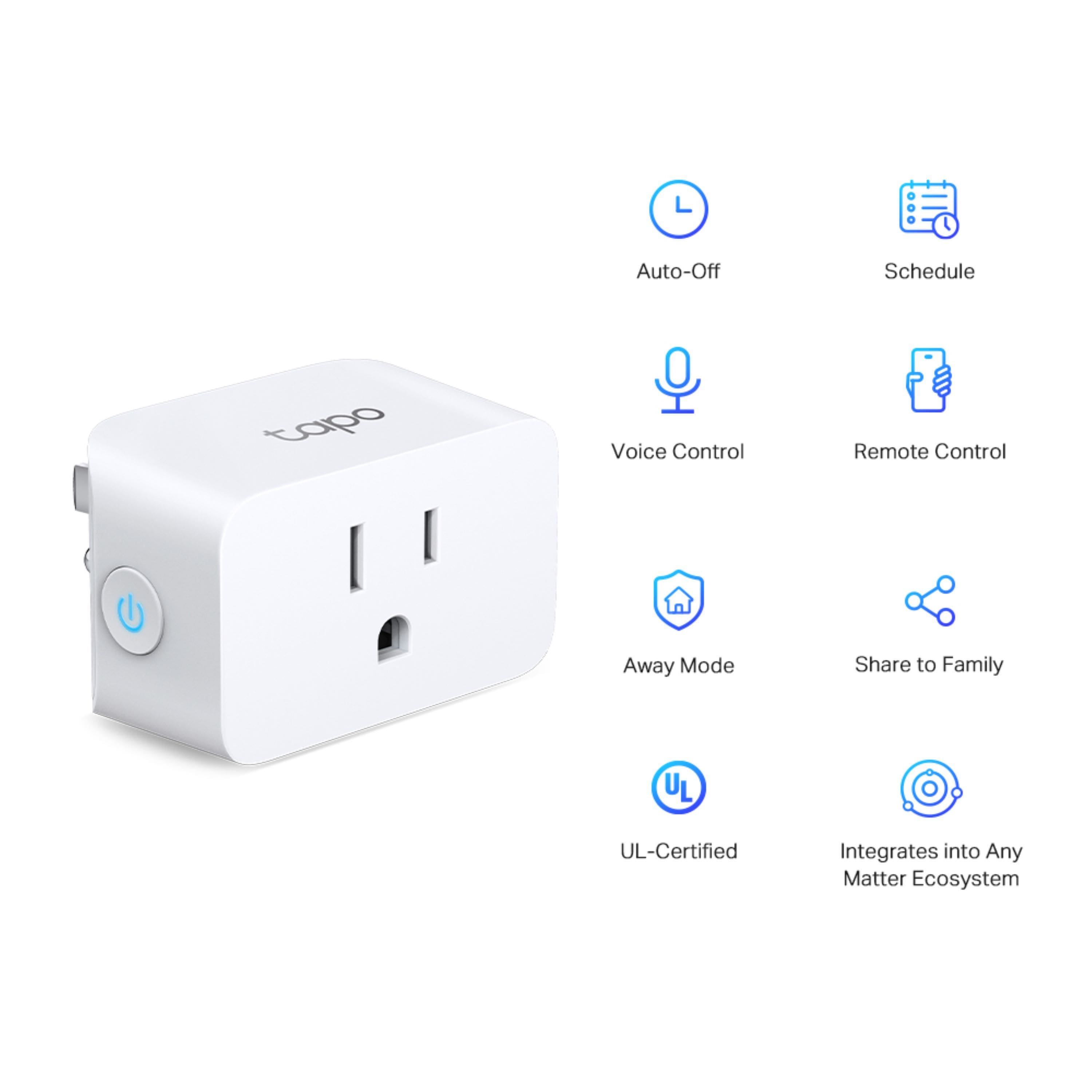
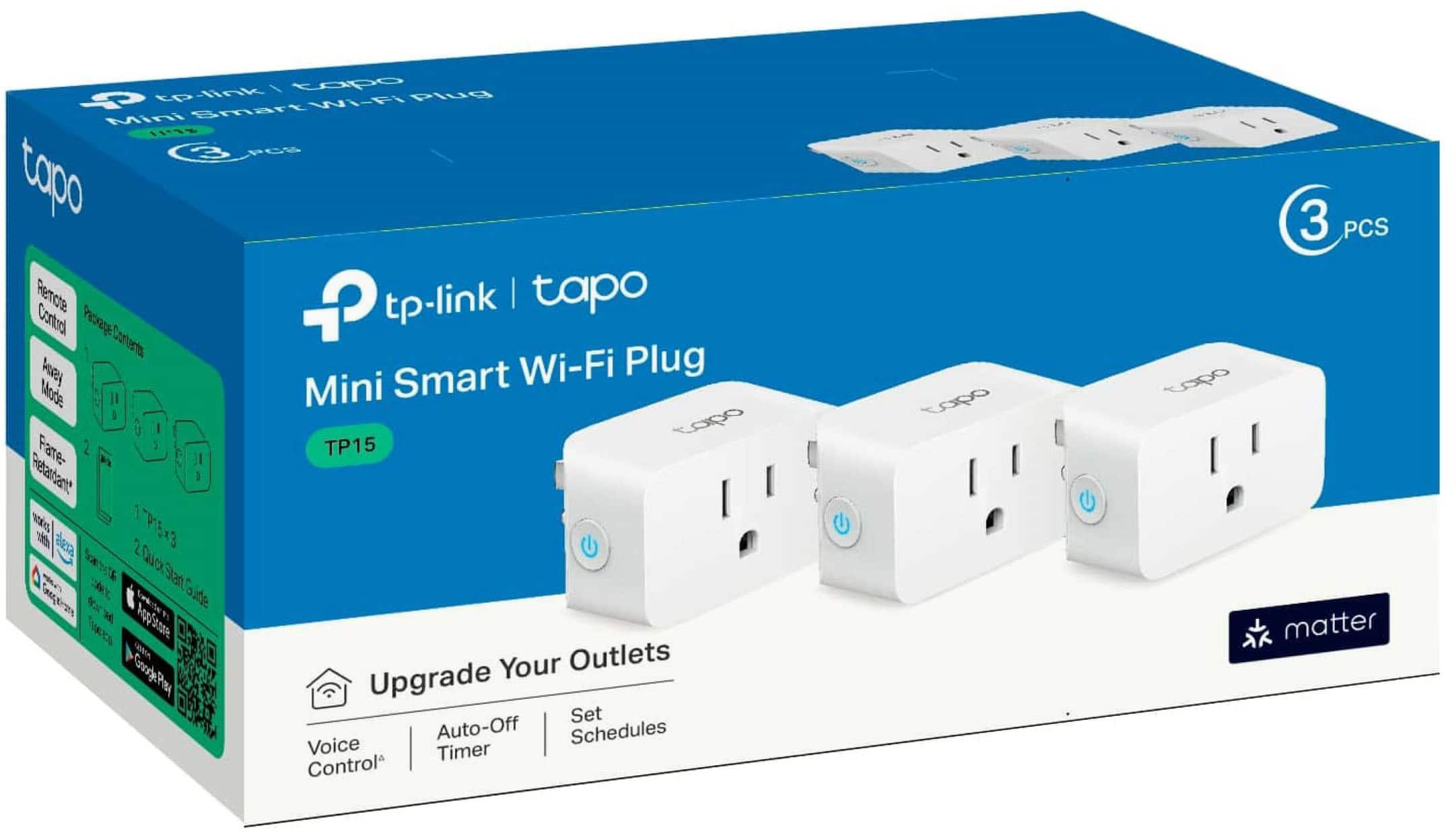
- Model:
- TP15(3-pack)
- SKU:
- 6544396
Rating by feature
- Value
Rating 4.8 out of 5 stars
- Quality
Rating 4.7 out of 5 stars
- Ease of Use
Rating 4.7 out of 5 stars
Customers are saying
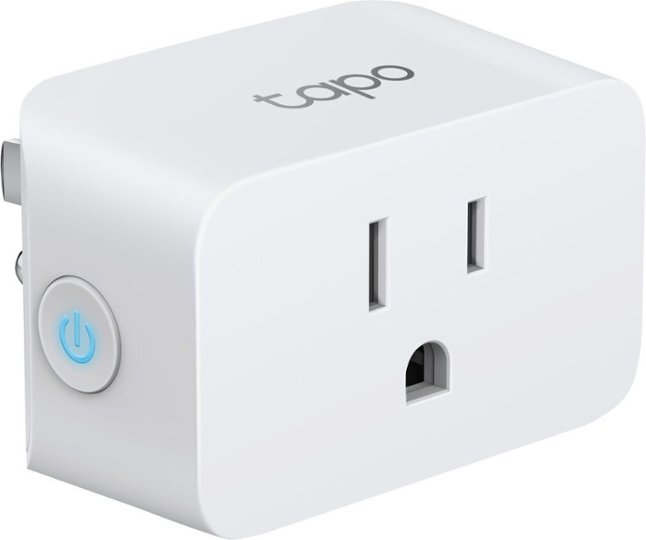
Customers praise the Tapo Smart Wi-Fi Plug Mini for its ease of use, overall performance, and simple setup process. Compatibility with Google Home is also appreciated, along with its value for the price and compact size. While the vast majority of users are satisfied, a few have noted issues with app compatibility.
This summary was generated by AI based on customer reviews.
No connection
||Posted . Owned for 3 weeks when reviewed.This reviewer received promo considerations or sweepstakes entry for writing a review.Connected to WiFi and set up to turn on and off a light. Worked when I set it up, the next day the light did not illuminate when it was scheduled and then the product showed no connection. Tried to reconnect with no luck. Took back a couple days later when I was back in town.
No, I would not recommend this to a friendBrand response from TPLinkSupport
Posted .Hi Speedy,
Thank you for your review. We regret to hear your experience was anything less than satisfactory. We always recommend ensuring your router's Wi-Fi signal is adequately strong in the device's location. Within the Tapo app, there's a feature that allows you to measure the Wi-Fi signal strength of your Tapo devices. With the app open, please check the signal strength in the Device Settings menu.
If the signal is within the ideal range, and you're still experiencing these symptoms, please ensure your Tapo app is up to date, then update your smart device's firmware by selecting Me → Firmware Update within the Tapo app.
If you have any questions in the future, our support team is always available and happy to assist. Feel free to contact us through any of the resources provided with the product or on our official website, and a Support Agent will follow up with you directly.
Thank you,
TP-Link Systems Support
Good but could be better
||Posted . Owned for less than 1 week when reviewed.This reviewer received promo considerations or sweepstakes entry for writing a review.Worked great for a while unfortunately one of them completely stopped working without 3 weeks of using them
I would recommend this to a friendBrand response from TPLinkSupport
Posted .Hi Kcastillo1,
Thank you for your review. Your Tapo Smart Plug with Matter comes with a manufacturer's warranty, and we would greatly appreciate the opportunity to help address your concerns. At your convenience, please reach out to our support team using any of the resources included with the product or from our official TP-Link website, and we'll gladly have a Support Agent follow up with you directly.
Thank you,
TP-Link Support
Bad purchase short return period stuck with item
||Posted .This reviewer received promo considerations or sweepstakes entry for writing a review.Purchase April 2025 so I could use when I went out of town. Set up plugs all was well . Left to go out of town and the plugs would not function so could not use . Returned home from being overseas May 15th unplug items to see if can return . States return period was only a few week? Would not recommend and I typically do not buy products with short return periods . That’s usual indicator it may not be quality product . Not sure how o missed this . Would have purchased a better product on Amazon with longer return period and of better quality. No im stuck with plugs that suppose to turn lights off and on when not at home which are useless and only used twice smh: Do not purchase
No, I would not recommend this to a friendBrand response from TPLinkSupport
Posted .Hello Abrothers,
The return period is set by the retailer, not the manufacturer. We have no control over that. Please reach out to support for assistance with the remote control function. Support.USA@tp-link.com or 866-225-8139.
Best Regards
TP-Link System Support.
If needing “Matter” and “Apple Home, then 1-star.
||Posted .This reviewer received promo considerations or sweepstakes entry for writing a review.It was almost impossible to get these connected via matter in the Apple Home app. This despite setting my phone’s wi-fi to the 2.4 ghz band as TP-Link suggested. Anyway… I finally got one of them setup after perhaps dozens of attempts. But not the second one for some reason. Then hours later I tried and got the second one set up successfully. So I figured I’m good, right? Wrong. A few hours later both smart plugs lost their connection to Apple Home. So I don’t recommend for Apple Homekit via Matter users. But maybe using just the Tapo app would be OK? Or maybe Google Home? I dunno. Many other reviews are positive. Not my experience, unfortunately.
No, I would not recommend this to a friendBrand response from TPLinkSupport
Posted .Hi,
Thank you for your review. Our Tapo smart plugs are designed for quick and easy setup. If you're having difficulty connecting them to your network during setup, please ensure your router's 2.4GHz Wi-Fi signal is sufficiently strong at the smart device's location.
Please also make sure your smartphone is not connected to a VPN during setup, as this may interfere with the installation process.
If you would like assistance with any of these steps, please contact our support team using any of the resources included with the product or from our official website, and we'll gladly have a Support Agent follow up with you directly.
Thank you,
TP-Link Support
Too big but it works.
||Posted . Owned for 2 weeks when reviewed.This reviewer received promo considerations or sweepstakes entry for writing a review.TOOOOOOO big. Takes up 3 spots on most power strips.
I would recommend this to a friendBrand response from TPLinkSupport
Posted .While Smart Plugs can be used on a power strip, they are designed to be used in a wall outlet. The spacing on a regular powerstrip is greatly different than the spacing on a wall outlet. If you plan to use smart plugs on a power strip we would recommend looking for one designed for power adapters which generally provide wider spacing. Also we do offer Smart Power strips too. The Kasa line has the HS300 power strip and Tapo has the Tapo P306 outlet extender. We even have a smart wall outlet the Tapo P210M
Proprietary App/Account Required
||Posted . Owned for less than 1 week when reviewed.This reviewer received promo considerations or sweepstakes entry for writing a review.These require a proprietary app to function so the “compatibility” with Google Home, Amazon Alexa, etc. should have that qualifier included in the description. If I have to download yet another app on top of my smart home app of choice, the setup is not “simple and easy”. Especially considering the time it takes to read through terms and conditions on a new app if you care about privacy and companies mining data to sell after you have already paid them for a product. I will be returning these.
No, I would not recommend this to a friendPoor integration with Google
||Posted . Owned for 2 weeks when reviewed.This reviewer received promo considerations or sweepstakes entry for writing a review.These plugs work great on their own with the Tapo app (not TPLink or Kasa btw). Was looking to have the plugs integrate with my Google Home but they did not. If you are using Matter it may work better but they failed for me when trying to have them work with Google Home. Very expensive. Other solutions out there that are cheaper that will operate in separate environments like this.
No, I would not recommend this to a friendMissing features
||Posted . Owned for less than 1 week when reviewed.This reviewer received promo considerations or sweepstakes entry for writing a review.No power usage/monitoring on these. They have an obscure part number that isn't even recognized within the Tapo app. Thought these were TP115 but for some reason are TP15 and lack monitoring.
No, I would not recommend this to a friendBrand response from TPLinkSupport
Posted .Product features are available on the package and on the product's specifications page on our website, TP-Link.com. If your product packaging has a feature listed that is, in fact, missing, please contact support at support.usa@tp-link.com so we can investigate this and see what we can do to correct it. Please note that energy monitoring/usage is not available on all products.
Don't bother with this
||Posted . Owned for 3 weeks when reviewed.This reviewer received promo considerations or sweepstakes entry for writing a review.Tried several different methods and couldn't get it hooked up and working. Not worth the aggravation.
No, I would not recommend this to a friendBrand response from TPLinkSupport
Posted .Hi Lydick1,
Thank you for your review. Tapo Smart Home Products are designed for quick and easy setup using the Tapo app. If you're having difficulty connecting them to your network during setup, please ensure your router's 2.4GHz Wi-Fi signal is sufficiently strong at the device's location.
Please also ensure your smartphone is not connected to a VPN during setup, as this may interfere with the installation process.
If you would like assistance with any of these steps, please contact our support team via phone, live chat, or email using the resources in our official Support Portal, and a Support Agent follow up with you directly: https://www.tp-link.com/us/support/contact-technical-support/
Thank you,
TP-Link Systems Support

Quality not great.
|Posted . Owned for 2 weeks when reviewed.This reviewer received promo considerations or sweepstakes entry for writing a review.[Employee of bestbuy] Bought 4 of these, 2 failed within in a week, no longer connect to the wireless network, app says error. Since its half of what I purchased, I don't expect the other two to last much longer, would not buy again.
No, I would not recommend this to a friendBrand response from TPLinkSupport
Posted .Hi,
Thank you for your review. We always recommend ensuring your router's 2.4GHz Wi-Fi signal is adequately strong in the smart device's location. Within the Tapo app, there's a feature that allows you to measure Wi-Fi signal strength of your smart devices. When the app is connected, please check the signal strength in the Device Settings menu.
If the signal is within the ideal range, and you're still experiencing these symptoms, please ensure your Tapo app is up to date, then update your smart device's firmware by selecting Me → Firmware Update within the Tapo app.
Please also note that the use of a VPN on your smartphone while using the Tapo app may cause connectivity delays or anomalies that can affect the responsiveness of devices within the app.
If you'd like assistance with any of these steps, please reach out to our free support team using any of the resources included with the product, or from our official website, and we'll gladly have a Support Agent follow up with you directly.
Thank you,
TP-Link Support
No luck
||Posted . Owned for 2 months when reviewed.This reviewer received promo considerations or sweepstakes entry for writing a review.I could never get these to work with my Apple Home Kit.
No, I would not recommend this to a friendBrand response from TPLinkSupport
Posted .Hi Photopooba,
Thank you for your review. Our support team is always available and happy to assist with any questions you may have about our products. Feel free to contact us through any of the resources provided with the product or on our official website, and a Support Agent will follow up with you directly.
Thank you,
TP-Link Systems Support
Misrepresented
||Posted . Owned for 1 week when reviewed.This reviewer received promo considerations or sweepstakes entry for writing a review.The plugs work fine with their associated app but were advertised to work with Apple Home. When I received the plugs, I tried several times to add them to my Home network but couldn’t. I finally checked the flyer and low and behold, they do not work with Apple.
No, I would not recommend this to a friendBrand response from TPLinkSupport
Posted .Hi,
Thank you for your review. One of the many great features offered by the Tapo TP15 Smart Plug is its ability to integrate with Apple Home. If you are encountering difficulty with Apple Home integration, please refer to our FAQ here: https://www.tp-link.com/us/support/faq/3390/
Our support team is always happy to help answer any questions you may have about our products. Please feel free to reach out using any of the resources included with the product, or from our official website, and we'll gladly have a Support Agent follow up with you directly.
Thank you,
TP-Link Support
Not stable
||Posted . Owned for 9 months when reviewed.This reviewer received promo considerations or sweepstakes entry for writing a review.Bought these and iPod mini and have had constant problems with them going offline and needing to be manually restarted. Point is to not have to be near the devices constantly.
No, I would not recommend this to a friendBrand response from TPLinkSupport
Posted .Hi,
Thank you for your review. In your case we first recommend ensuring the firmware for your Tapo Smart Plug is fully up to date. You can use the steps outlined in our FAQ here to check for, and if needed, update its firmware: https://www.tp-link.com/us/support/faq/2621/
Please also ensure your devices are receiving adequate signal/connectivity within your network.
Our support team is always happy to help answer any questions you may have about our products. Please feel free to reach out using any of the resources included with the product, or from our official website, and we'll gladly have a Support Agent follow up with you directly.
Thank you,
TP-Link Support
Not easy
||Posted . Owned for 1 month when reviewed.This reviewer received promo considerations or sweepstakes entry for writing a review.These were difficult to set up. I had a wemo one & it was a 2 minute set up. I even had a friend try & took him 45 mins. I returned them. Also, there’s a number of websites but which one is the correct one? Model numbers don’t match online…all just messy.
No, I would not recommend this to a friendBrand response from TPLinkSupport
Posted .Hi,
Thank you for your review. Our Tapo Smart Wi-Fi Mini Plugs with Matter are designed for quick, easy and intuitive setup using the Tapo app. During setup, please ensure your smartphone is not connected to a VPN, as this can directly interfere with the connection step.
Our support team is always happy to help answer any questions you may have about our products. Please feel free to reach out using any of the resources included with the product, or from our official website, and we'll gladly have a Support Agent follow up with you directly.
Thank you,
TP-Link Support
Trash
||Posted .This reviewer received promo considerations or sweepstakes entry for writing a review.Absolute trash. Only one out of three would connect to homekit, even after software updates, router firmware updates, disabling 5ghz. A waste of 2 hours for something that should just work.
No, I would not recommend this to a friendBrand response from TPLinkSupport
Posted .Hi Kishwa,
Thank you for your review. If you're encountering difficulty with connecting your Tapo TS15 to Apple Home via Matter, please visit our helpful FAQ here: https://www.tp-link.com/us/support/faq/3564/
Our support team is always happy to help answer any questions you may have about our products. Please feel free to reach out using any of the resources included with the product, or from our official website, and we'll gladly have a Support Agent follow up with you directly.
Thank you,
TP-Link Support
Engineering Guy
||Posted . Owned for 2 weeks when reviewed.This reviewer received promo considerations or sweepstakes entry for writing a review.I was disappointed that an on time could be scheduled, but not an off time. What’s up with that? I bought it for my Christmas tree, so glad I don’t need to it for more than a month
No, I would not recommend this to a friendBrand response from TPLinkSupport
Posted .Hi,
Thank you for your review. Tapo smart plugs support scheduling both ON and OFF events using the Schedule feature in the Tapo app. For more information on how to use this feature, please refer to our FAQ here: https://www.tapo.com/us/faq/83/
Our support team is always happy to help answer any questions you may have about our products. Please feel free to reach out using any of the resources included with the product, or from our official website, and we'll gladly have a Support Agent follow up with you directly.
Thank you,
TP-Link Support
Not impressed
||Posted . Owned for 1 month when reviewed.This reviewer received promo considerations or sweepstakes entry for writing a review.Haven't been able to connect this to my wifi system. The instruction are so tiny I need a magnified glass to be able to read them.
No, I would not recommend this to a friendBrand response from TPLinkSupport
Posted .Hi,
Thank you for your review. Our smart plugs are designed for quick and easy setup using the Tapo app. If you're having difficulty connecting the device to your network during setup, please ensure your router's 2.4GHz Wi-Fi signal is sufficiently strong at the device's location.
Please also make sure your smartphone is not connected to a VPN during setup, as this may interfere with the installation process.
If you would like assistance with any of these steps, please contact our support team using any of the resources included with the product or from our official website, and we'll gladly have a Support Agent follow up with you directly.
Thank you,
TP-Link Support
Don’t waste your time or money
||Posted . Owned for 1 month when reviewed.This reviewer received promo considerations or sweepstakes entry for writing a review.Don’t waste your money. I have quite a few smart plugs in my house, this brand connected to my AppleHome once, and since then has not been able to connect again. We keep getting the “no response” error on all of them. They were on discount and I should have paid full price for a different product. It’s frustrating because BestBuy only had a 2week return window, which is awful. Will never buy again and will think twice about BestBuy in future with this absurd return policy.
No, I would not recommend this to a friendBrand response from TPLinkSupport
Posted .Hi,
Thank you for your review. We always recommend ensuring your router's 2.4GHz Wi-Fi signal is adequately strong in the smart plug's location. If the signal is within the ideal range, and you're still experiencing these symptoms, please ensure your Tapo app is up-to-date, then check for, and install any firmware updates available for your smart plugs.
If you'd like assistance with any of these steps, please reach out to our free support team using any of the resources included with the product, or from our official website, and we'll gladly have a Support Agent follow up with you directly.
Thank you,
TP-Link Support
Maybe a good buy
|Posted . Owned for 1 month when reviewed.This reviewer received promo considerations or sweepstakes entry for writing a review.[Employee of bestbuy] Bkught forbxmas light outdoors then read indoor only so i never used them, got busy and now its to late to return
I would recommend this to a friendBrand response from TPLinkSupport
Posted .Hi,
Thank you for your review. This Tapo Smart Plug model is designed for indoor use only. For outdoor use, we suggest considering our Tapo P400M, instead: https://www.bestbuy.com/site/tp-link-tapo-smart-wi-fi-outdoor-plug-with-matter-black/6559368.p?skuId=6559368
Our support team is always happy to help answer any questions you may have about our products. Please feel free to reach out using any of the resources included with the product, or from our official website, and we'll gladly have a Support Agent follow up with you directly.
Thank you,
TP-Link Support
Requires an app to setup
||Posted . Owned for 1 week when reviewed.This reviewer received promo considerations or sweepstakes entry for writing a review.TP-Link, the point if Matter was to get out of the garden wall. My efforts to get the devices into HomeKit only resulted in error messages. Even on sale this piece of trash isnt worth the spyware.
No, I would not recommend this to a friendBrand response from TPLinkSupport
Posted .Hi,
Thank you for your review. Our Tapo Mini Smart Plugs with Matter are designed for quick and intuitive Matter integration. Please refer to our Matter Setup Guide in the following FAQ, and click on the section labeled, "Add to Apple via Matter", for steps on how to set up your Tapo Matter Smart Plugs with Apple: https://www.tp-link.com/us/support/faq/3564/
Our support team is always happy to help answer any questions you may have about our products. Please feel free to reach out using any of the resources included with the product, or from our official website, and we'll gladly have a Support Agent follow up with you directly.
Thank you,
TP-Link Support