Customer Ratings & Reviews




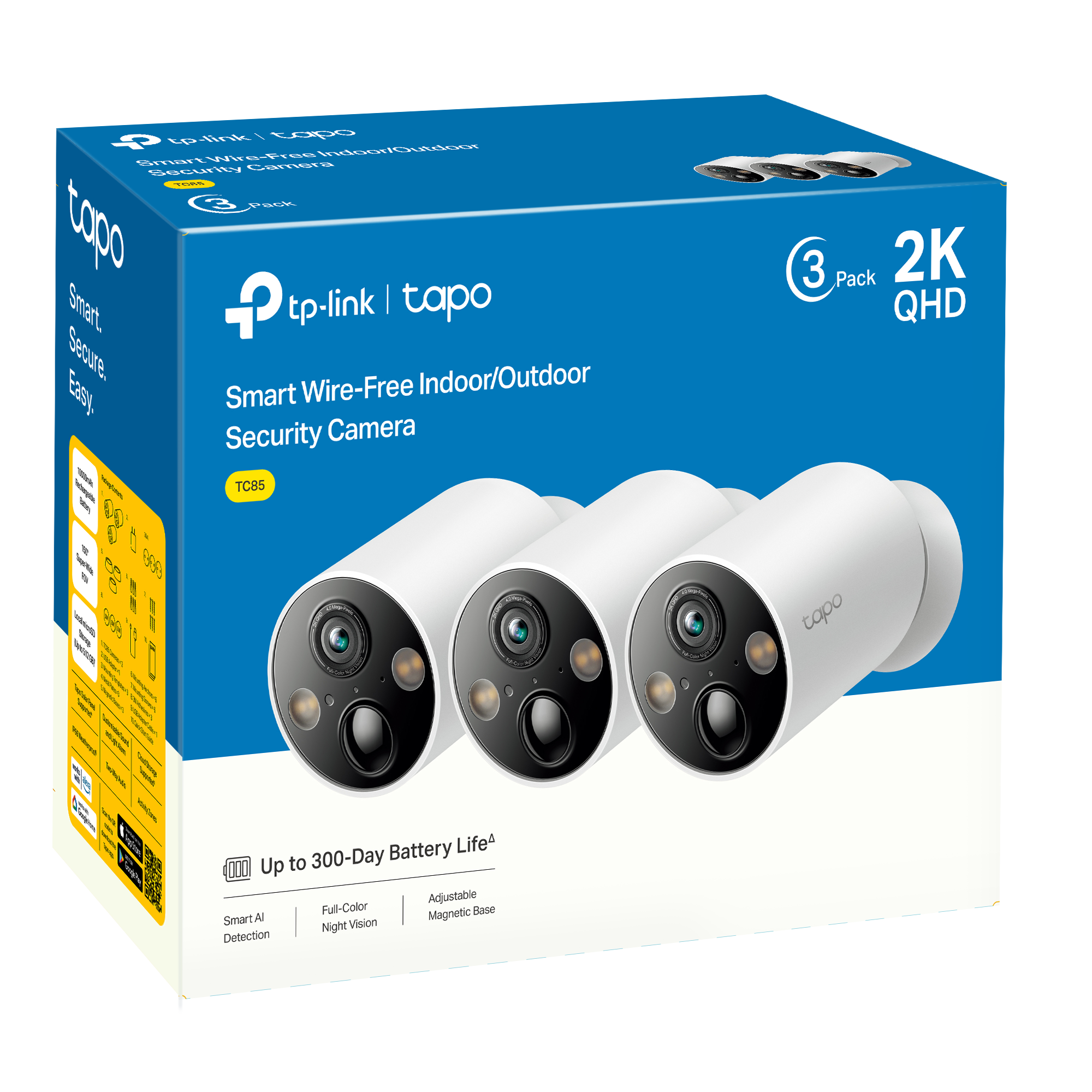

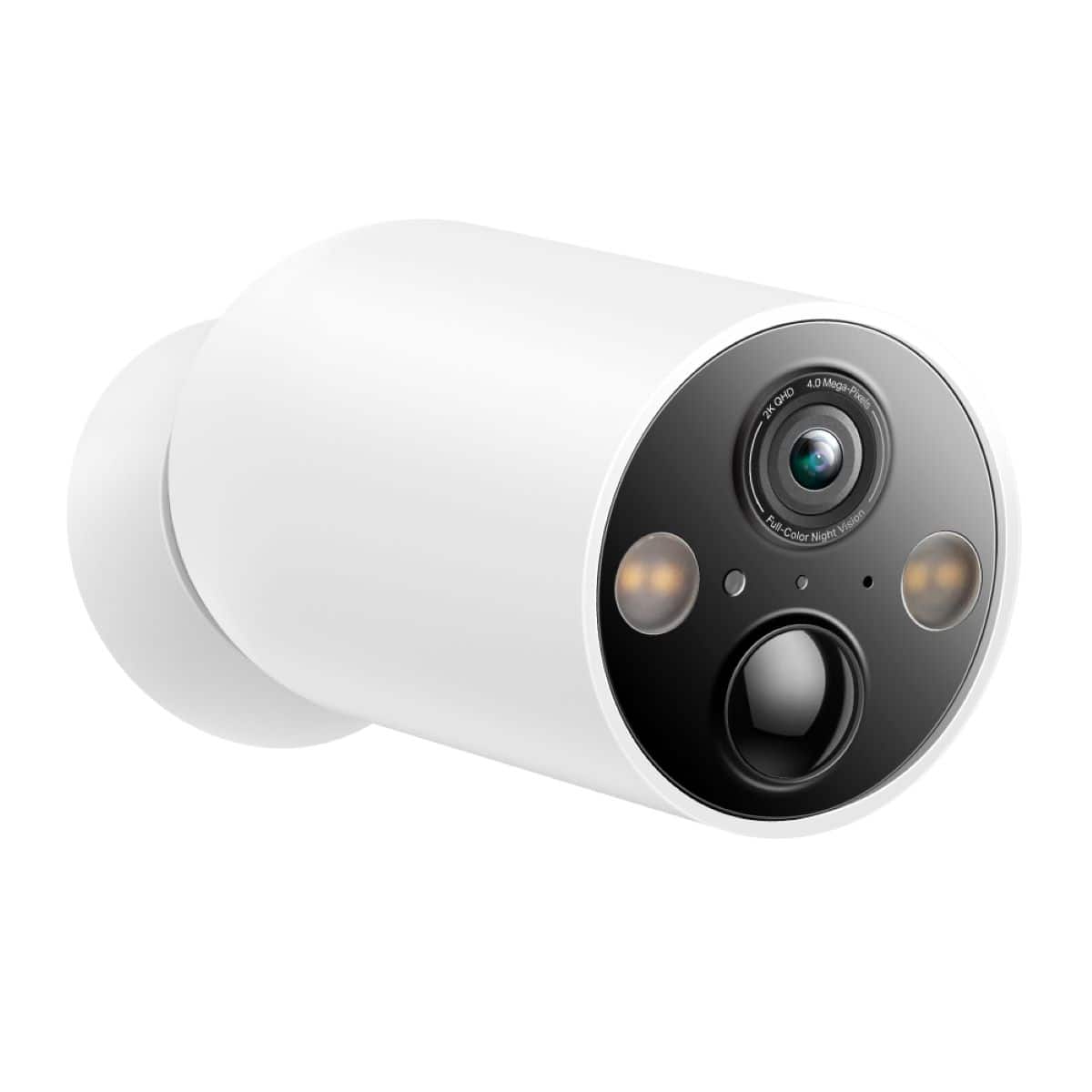




- Model:
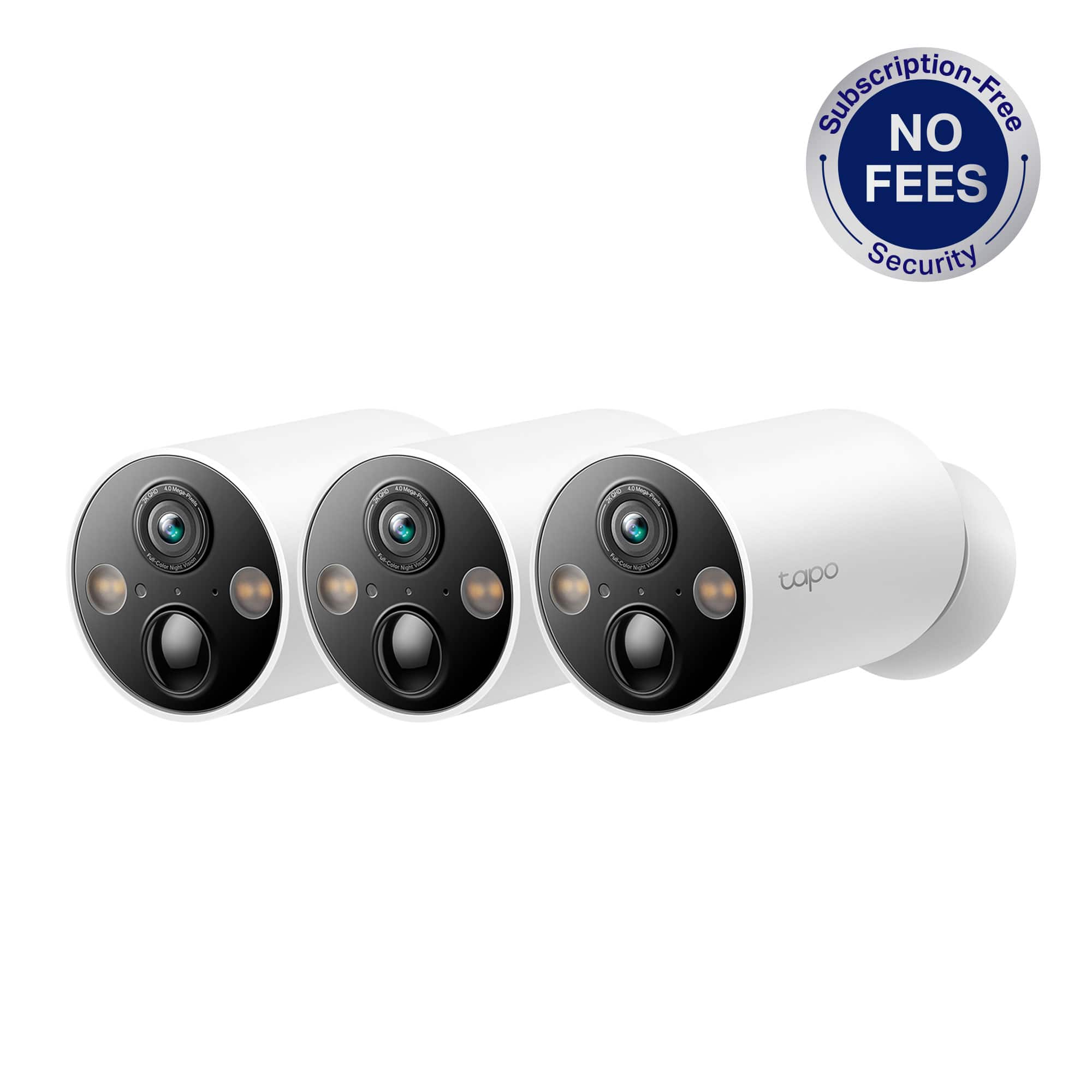
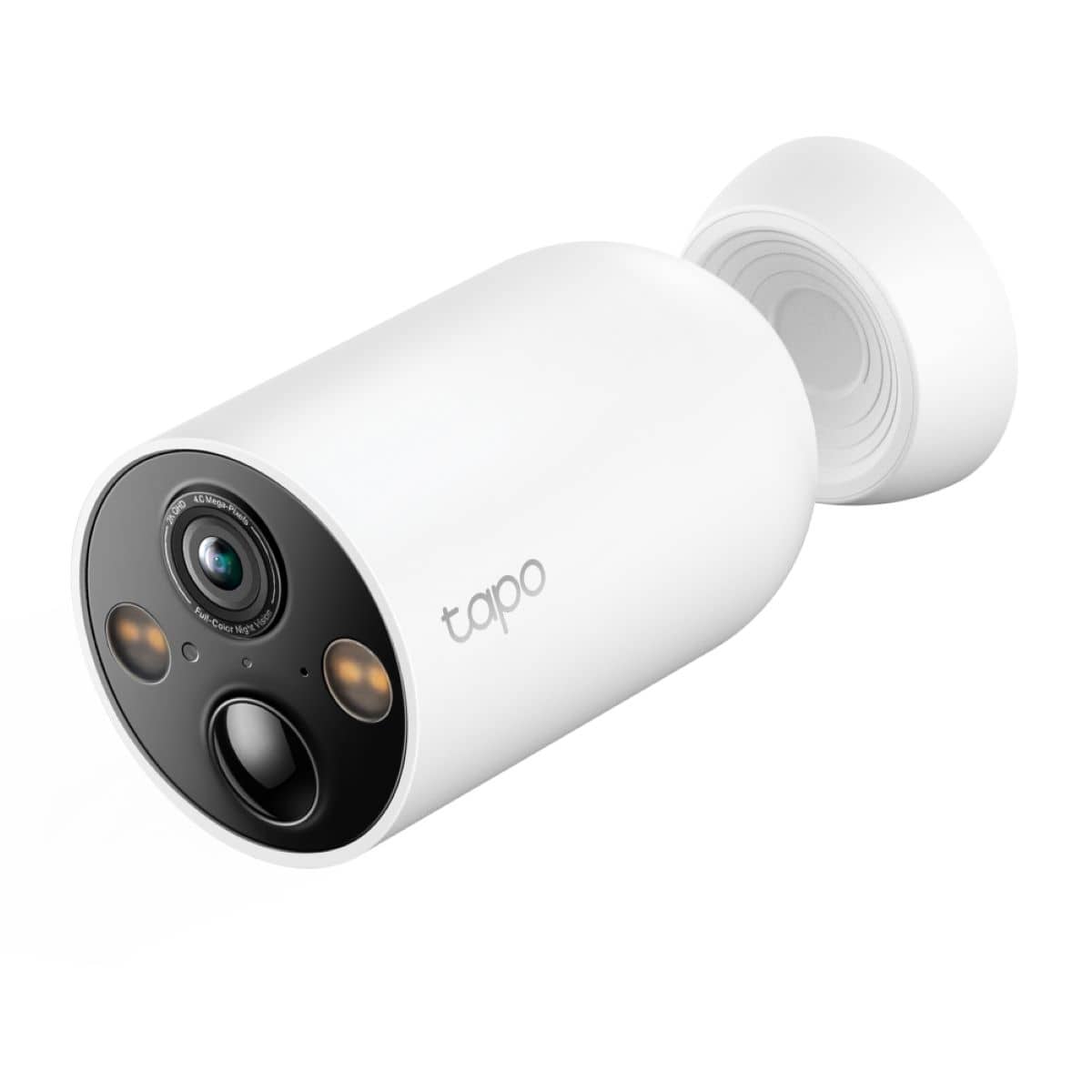
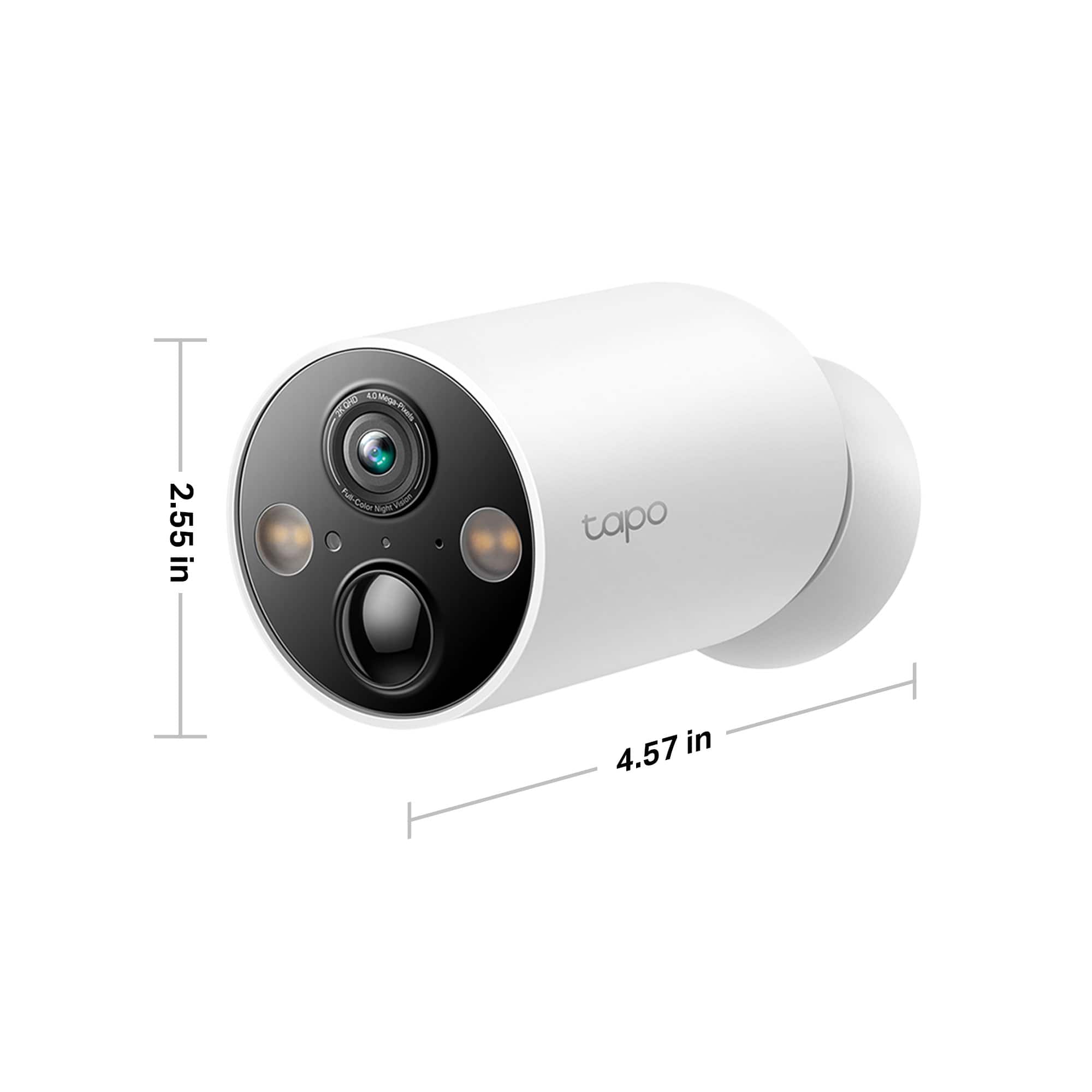
- TC85(3-Pack)
- SKU:
- 6547532
Rating by feature
- Value
Rating 4.4 out of 5 stars
- Quality
Rating 4.4 out of 5 stars
- Ease of Use
Rating 4.5 out of 5 stars
Customers are saying
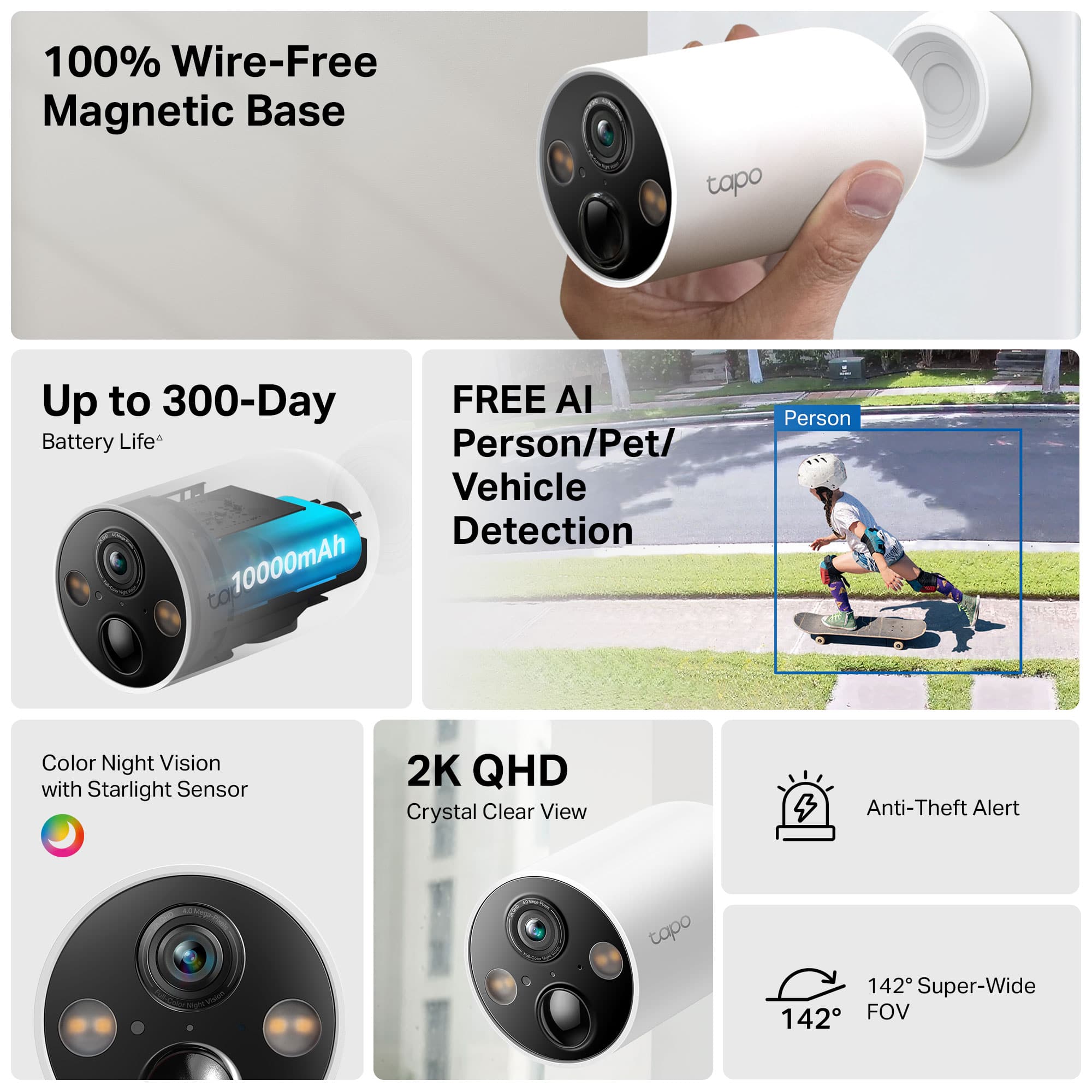
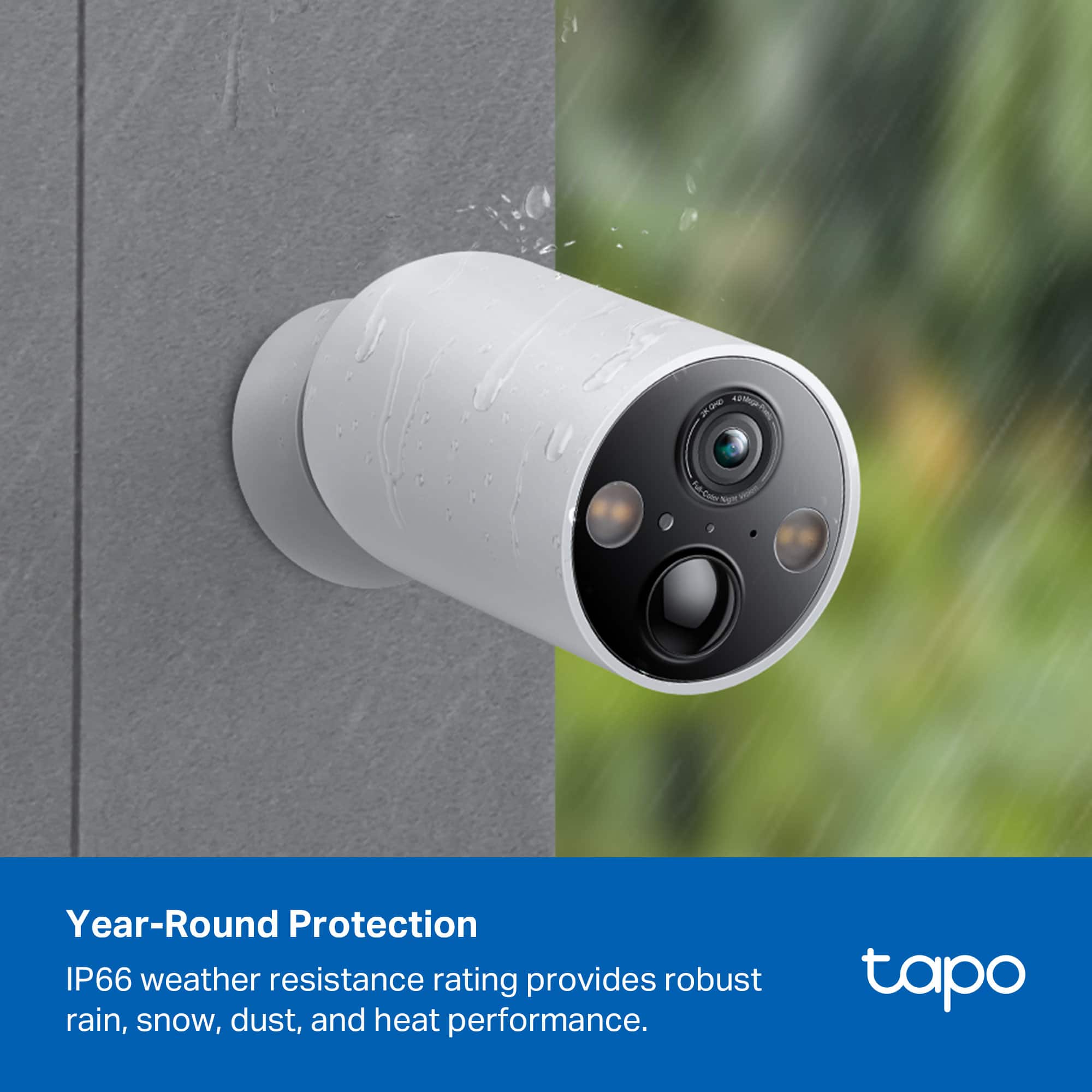
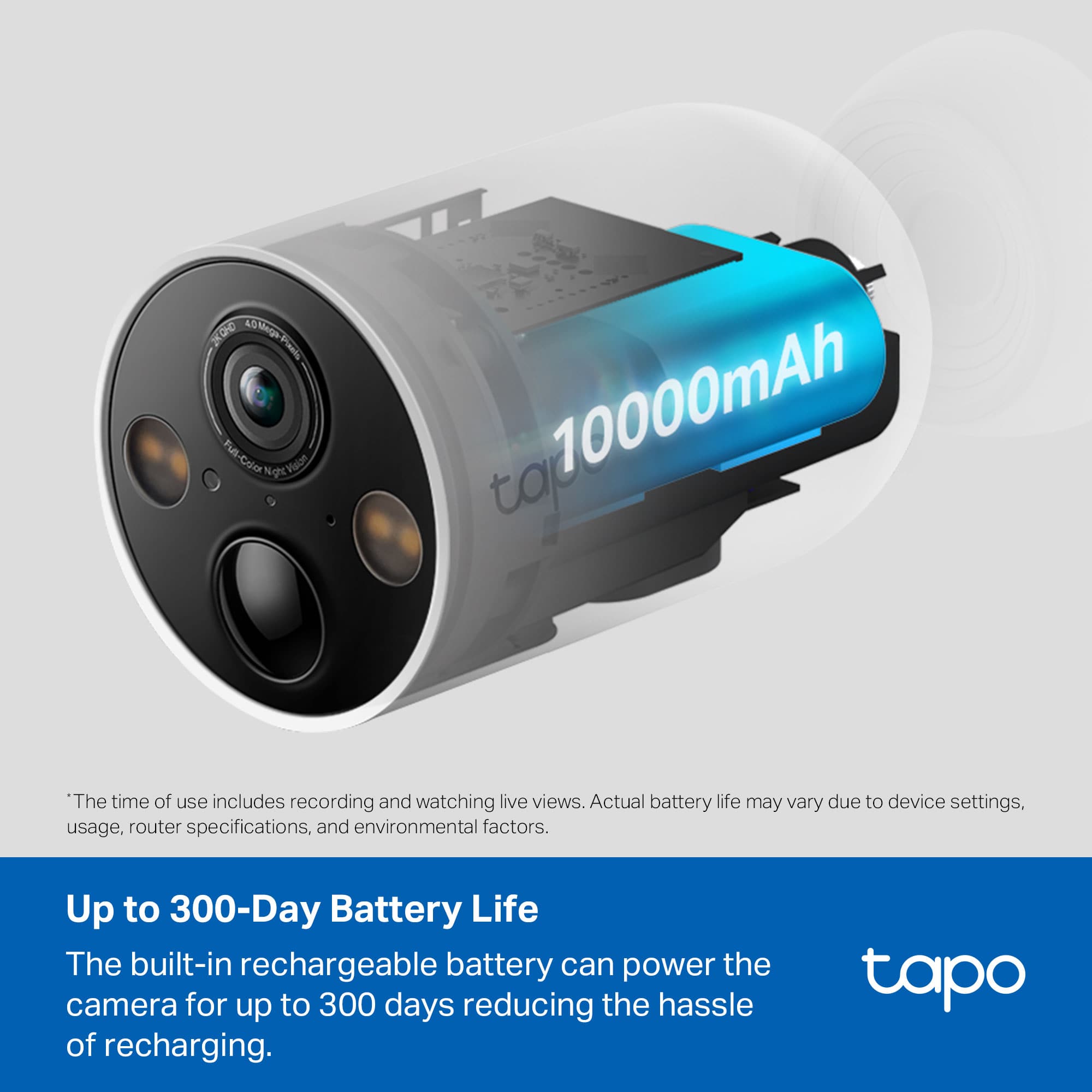
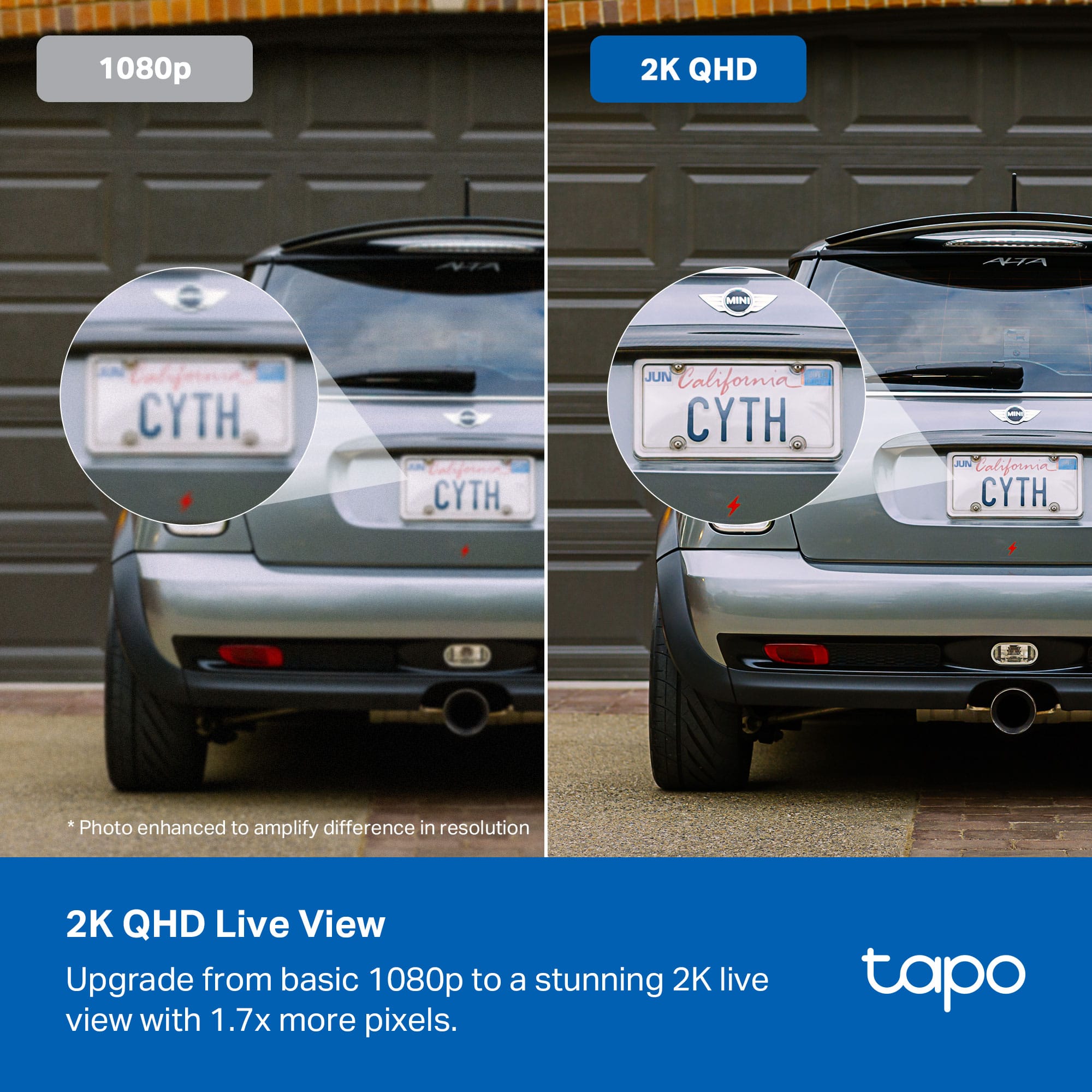
Customers are positive about the Tapo Wire-Free Indoor/Outdoor Cameras, highlighting the good video quality, amazing battery life, and ease of use. The magnetic base and versatile mounting options are also well-received. However, some customers have reported issues with connectivity and app performance.
This summary was generated by AI based on customer reviews.
- Pros mentioned:Video quality
Great potential. Less than par execution.
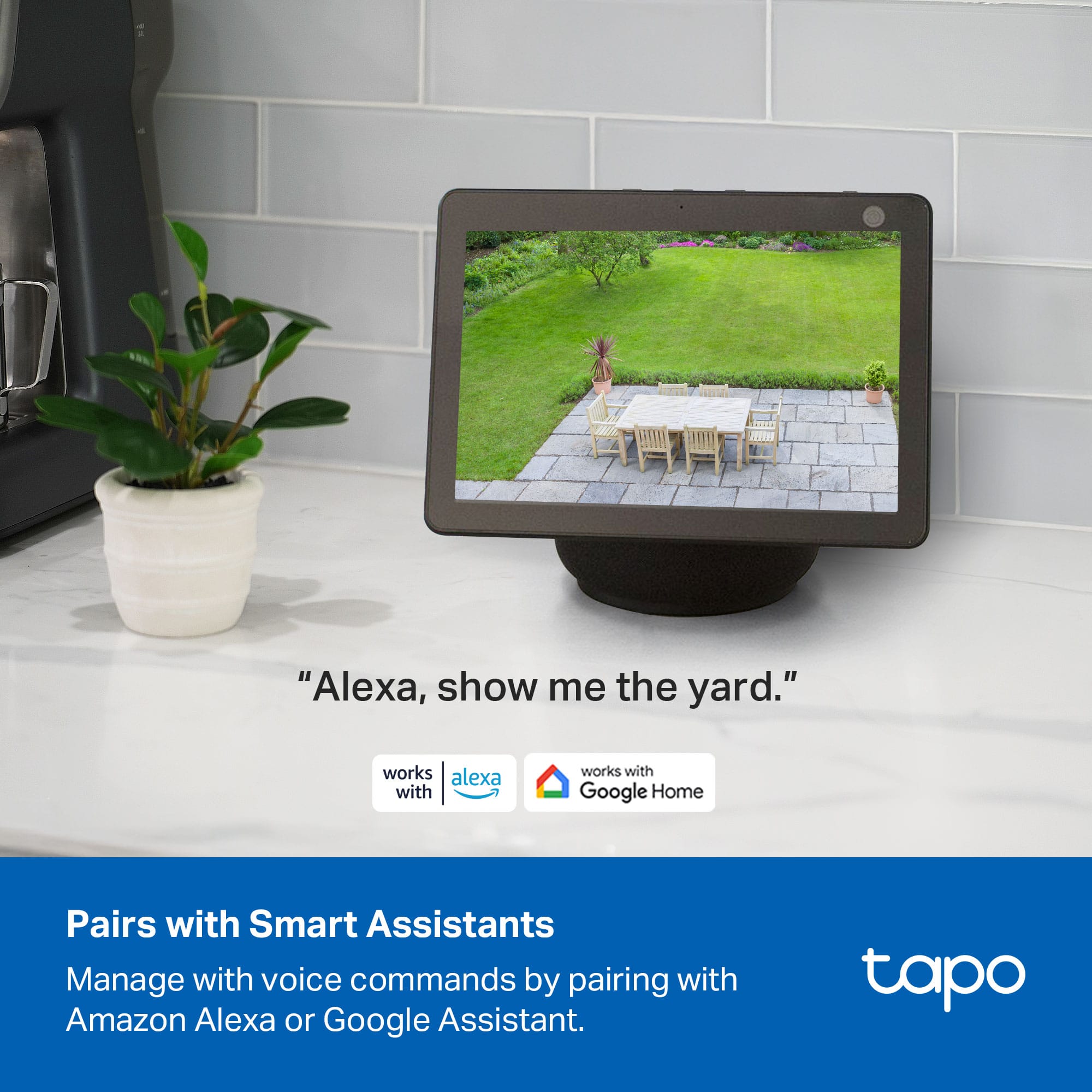
||Posted . Owned for 2 months when reviewed.This reviewer received promo considerations or sweepstakes entry for writing a review.Luv the picture quality. Battery life lasts about 2 weeks tops. I have 1 dog that seems to trigger the sensor alot. Casting to Chromecast enabled tv never worked. Finally gave up trying. Wish i could return these. Really isnt ready for real life scenarios.
No, I would not recommend this to a friendBrand response from TPLinkSupport
Posted .Hi,
We appreciate your feedback and understand that activity and detections can impact battery life, especially in busy areas. To optimize your Tapo cam's performance, we recommend adjusting the detection sensitivity and activity zones. For more detailed instructions, please refer to our FAQ on how to stream your Tapo cam to Chromecast: https://www.tp-link.com/us/support/faq/2739/
Our support team is always happy to help answer any questions you may have about our products. Please feel free to reach out using any of the resources included with the product, or from our official website, and we'll gladly have a Support Agent follow up with you directly.
Thank you,
TP-Link Support
Great security camera set-up!
||Posted . Owned for 1 month when reviewed.This reviewer received promo considerations or sweepstakes entry for writing a review.Easy to install, cloud access trial is great. Great resolution, and got it in a BB drops special, so even better. A few things, the stick-up installation is not good. The camera fell after a week, and it was the only one that was on metallic surface, so i drilled it and now it’s fix. I recommend it 100%!
I would recommend this to a friend- Pros mentioned:Ease of use
Tapo camera
||Posted . Owned for 1 month when reviewed.This reviewer received promo considerations or sweepstakes entry for writing a review.They are Great cameras and great value Easy to setup .
I would recommend this to a friend Easy to set up
||Posted .This reviewer received promo considerations or sweepstakes entry for writing a review.Easy to set up and use. App could be easier to use but overall a good buy.
I would recommend this to a friend- Cons mentioned:Connectivity
Do not buy
||Posted . Owned for 5 months when reviewed.This reviewer received promo considerations or sweepstakes entry for writing a review.These things are terrible. They constantly, consistently disconnect and need to be turned off and turned on again. There’s no other solution. Sometimes they’ll disconnect and reconnect before you can restart them, but nonetheless, daily, they will disconnect. Then even if they do reconnect without you restarting them, they don’t record any clips until you restart them. The AI detection is terrible. A plant blowing in the wind is considered a person; it doesn’t detect any animals, and the zones you set don’t do anything. These are worse than I could have imagined. I bought them because we have some wired cameras that work fine. These wireless ones need to be avoided at all costs.
No, I would not recommend this to a friendBrand response from TPLinkSupport
Posted .Hi DWDW,
Thank you for your review. If you find that your Tapo Wire-Free Cameras are not reliably remaining connected to your network, please first ensure they are receiving adequate signal from your router. If your router is not providing stable signals to the cameras, as with other Wi-Fi devices, they may encounter connection interruptions.
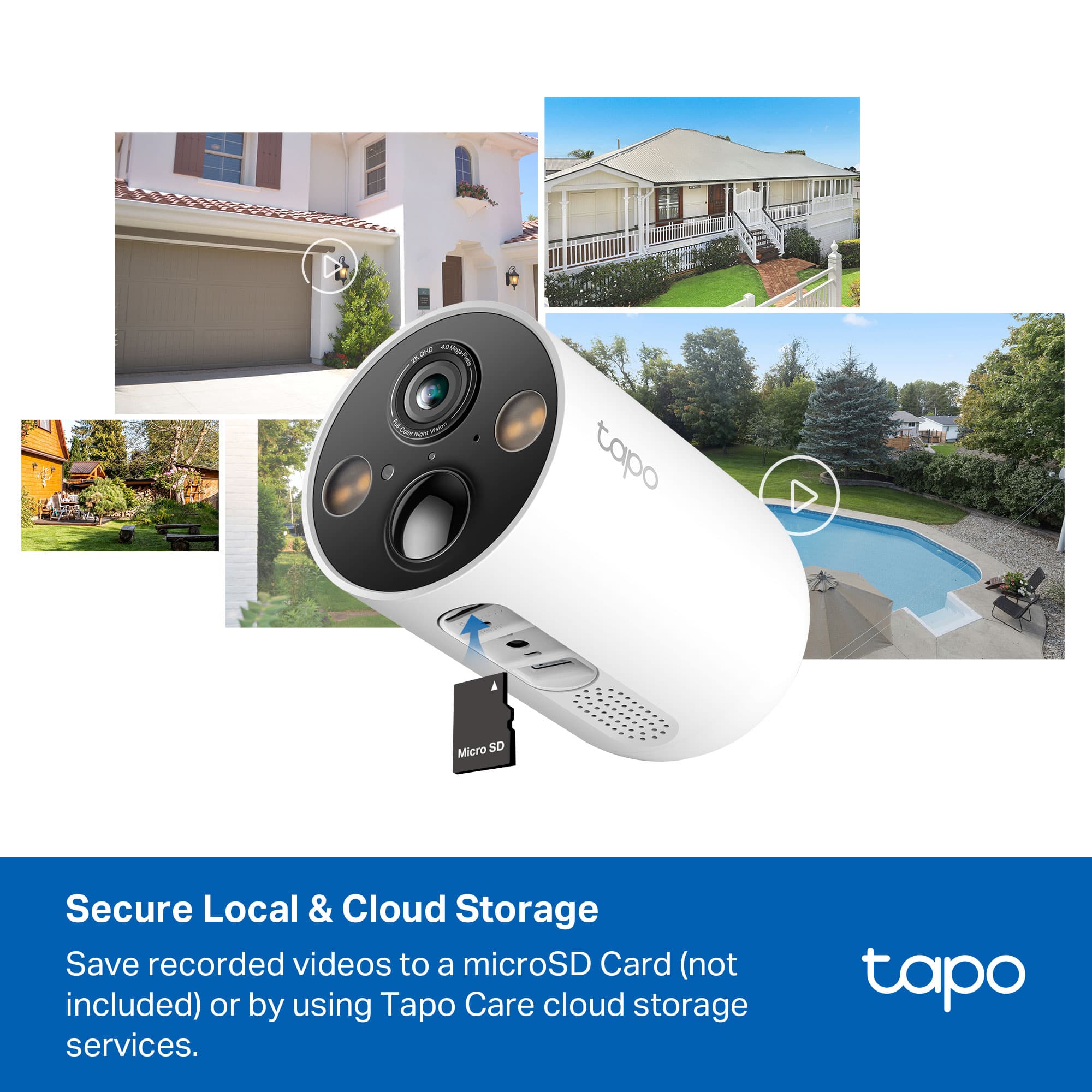
If you are using Tapo Care cloud storage, the cameras going offline can impact recording. However, if you are using micro SD cards for local storage, the cameras should still record to the card(s) based on the activity and detection settings you have configured in the Tapo app.
If you find that AI detections are not as reliable as you would like, please use the Tapo app to customize detection zones, sensitivity settings, and other parameters for each Detection Type, and make sure your camera firmware is fully up to date.
Our support team is always happy to help answer any questions you may have about our products. Please feel free to reach out using any of the resources included with the product, or from our official website, and we'll gladly have a Support Agent follow up with you directly.
Thank you,
TP-Link Systems Support
Best Buy steals your money, won't deliver products
||Posted .This reviewer received promo considerations or sweepstakes entry for writing a review.They Never delivered the package, I contacted them 4 times to get the item delivered and although they promised they would deliver, they never did. Their website even shows it was never delivered but since they delayed it for so long, they then came back and send "it's out of policy, we can't issue a refund, please accept our apologies". They literally stole $300 from me.
No, I would not recommend this to a friendGood purchase!
||Posted . Owned for 1 month when reviewed.This reviewer received promo considerations or sweepstakes entry for writing a review.The cameras and the Tapo monitoring application on my iPhone and iPad work very well. Note: The more activity detected by a camera will make the battery drain faster.
I would recommend this to a friendGood overall system
||Posted . Owned for 3 weeks when reviewed.This reviewer received promo considerations or sweepstakes entry for writing a review.Easy to set up on both my phone and my girlfriends. They have been up for over a month and they are only down 8 to 12% battery depending on how much they activate.
I would recommend this to a friendTapo Wireless cameras
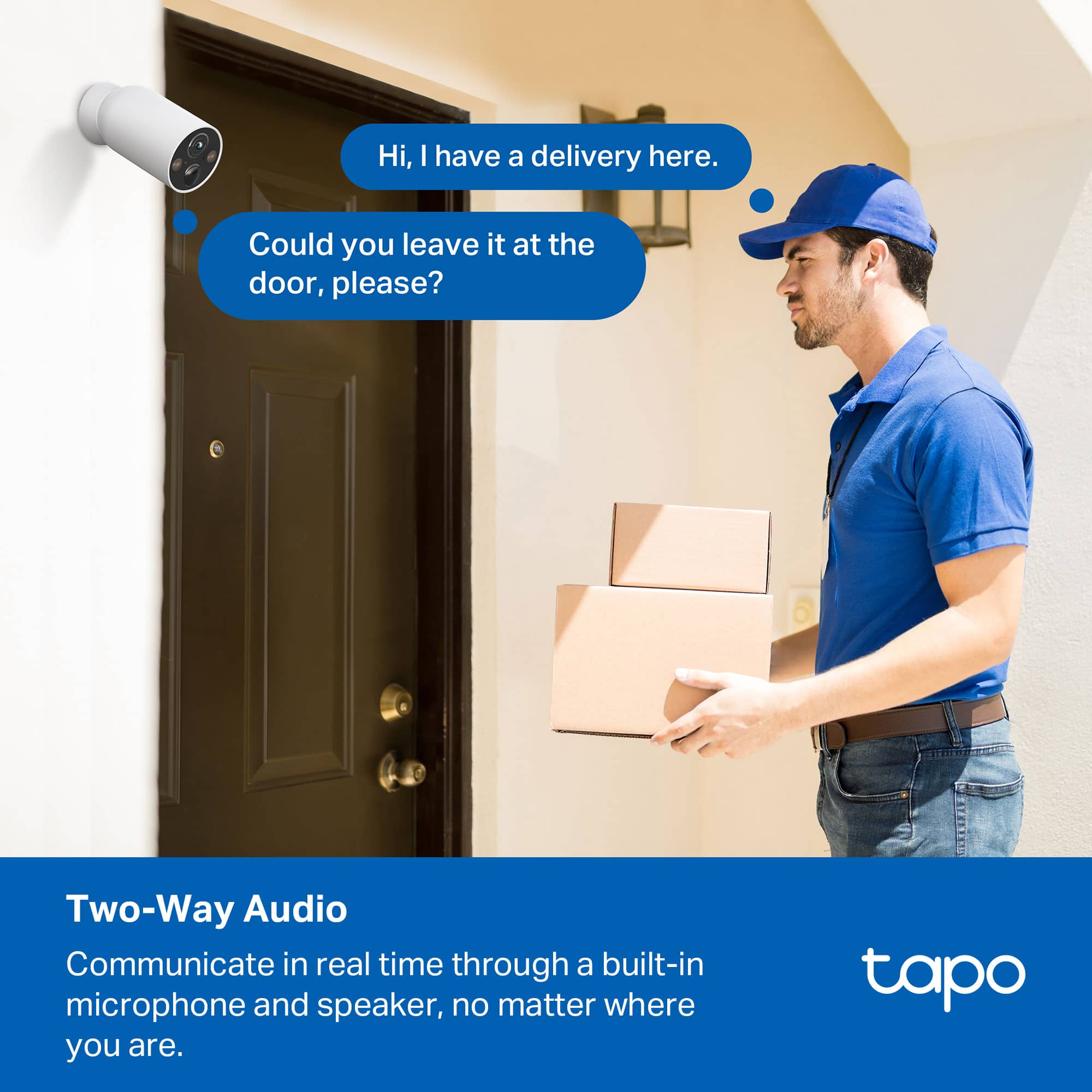
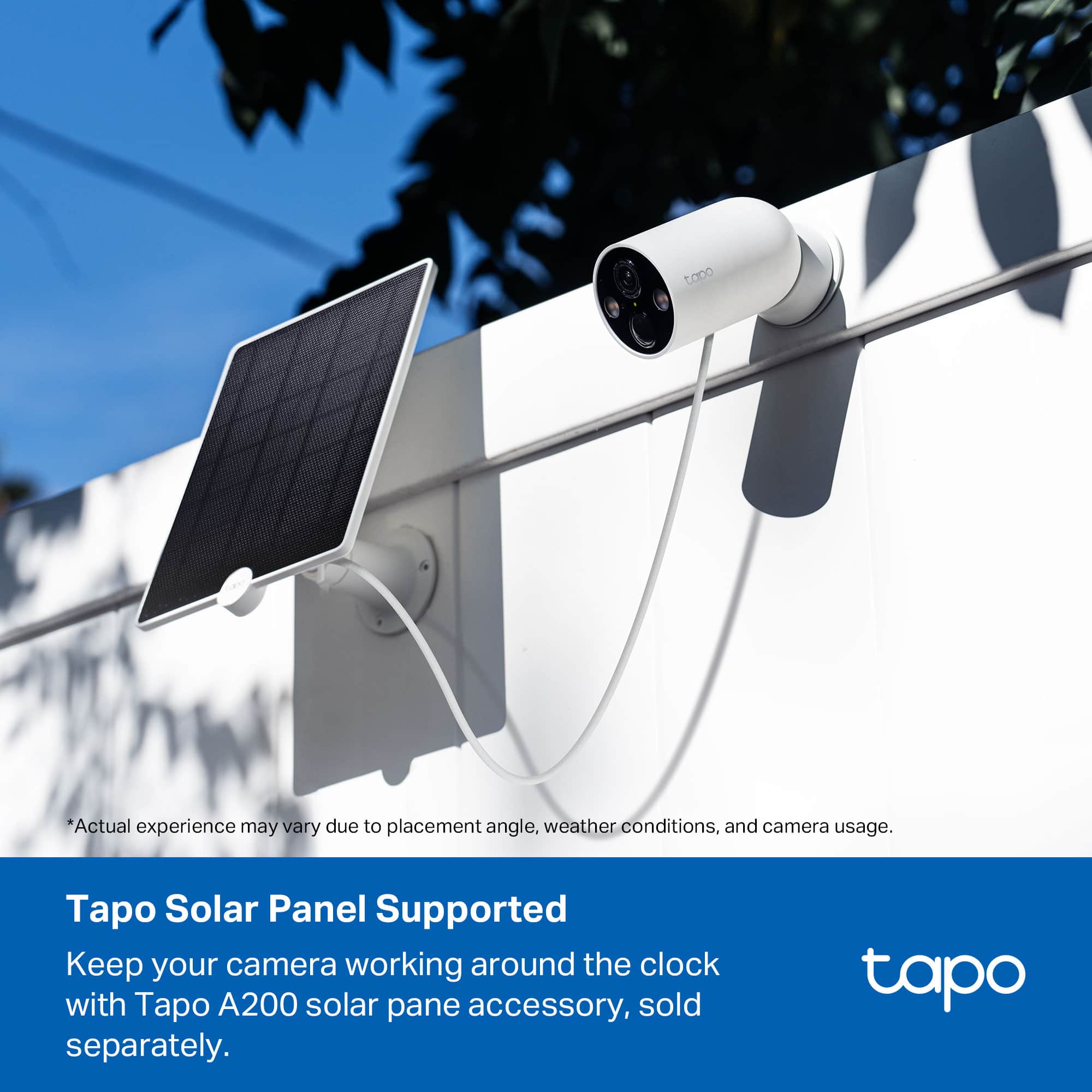
||Posted . Owned for 2 months when reviewed.This reviewer received promo considerations or sweepstakes entry for writing a review.I love them, the only thing I wasn’t told the cameras rans on batteries. So I still need to invest on solar panels to put beside the cameras. Other that you see everything it has a talking speaker etc
I would recommend this to a friendDo not buy Tapo-Link security cameras.
||Posted . Owned for 1 month when reviewed.This reviewer received promo considerations or sweepstakes entry for writing a review.I purchased set of four Tapo-Link TC85 cameras. All cameras are defective. Two cameras are not playing back recorded events and all of them are not charging or performing very poorly from Tapo A200 solar panel in Florida’s sunshine! Two weeks is not enough to check everything with security cameras. After 16 days from purchase I have to dispute payment. It is junk. Do not buy.
No, I would not recommend this to a friendBrand response from TPLinkSupport
Posted .Hi,
Thank you for your review. We appreciate your feedback regarding your experience with our Tapo TC85 Cameras, as well as the Tapo A200 Solar Panel. It is unusual for one camera and solar panel to encounter difficulty charging, let alone multiple cameras and solar panels - especially in a sunny climate. We would appreciate the opportunity to have our support team assist you with your Tapo products so you can fully enjoy their features.
At your earliest convenience, please contact our official TP-Link support team using any of the options in our support portal (https://www.tp-link.com/us/support/contact-technical-support/#LiveChat-Support) and a support agent will gladly help.
Thank you,
TP-Link Support
Amazing
||Posted . Owned for 2 months when reviewed.This reviewer received promo considerations or sweepstakes entry for writing a review.I love everything about these cameras. They are incredible.
I would recommend this to a friend- Pros mentioned:Battery life, Ease of use, Night vision

Great security cameras, but be careful mounting
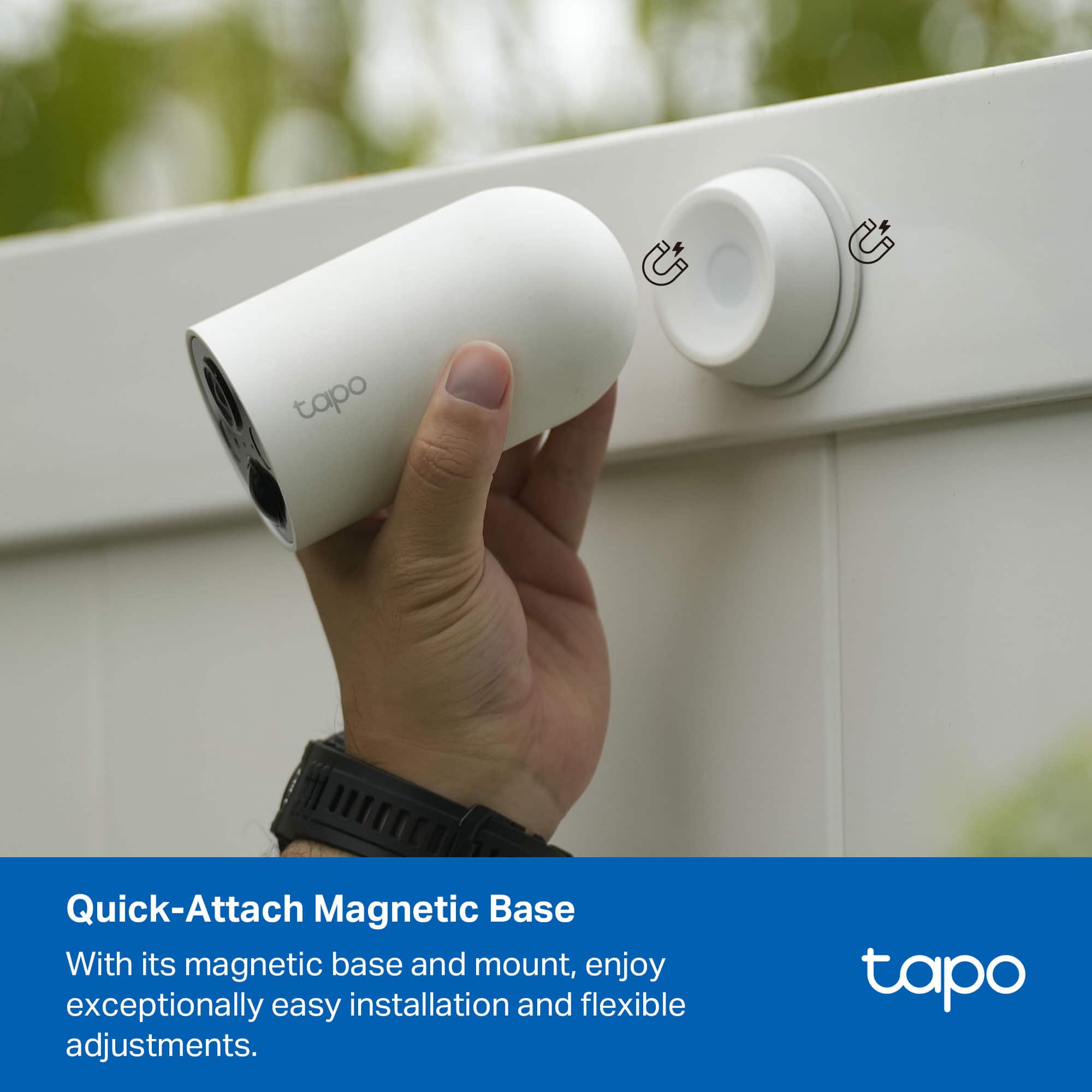
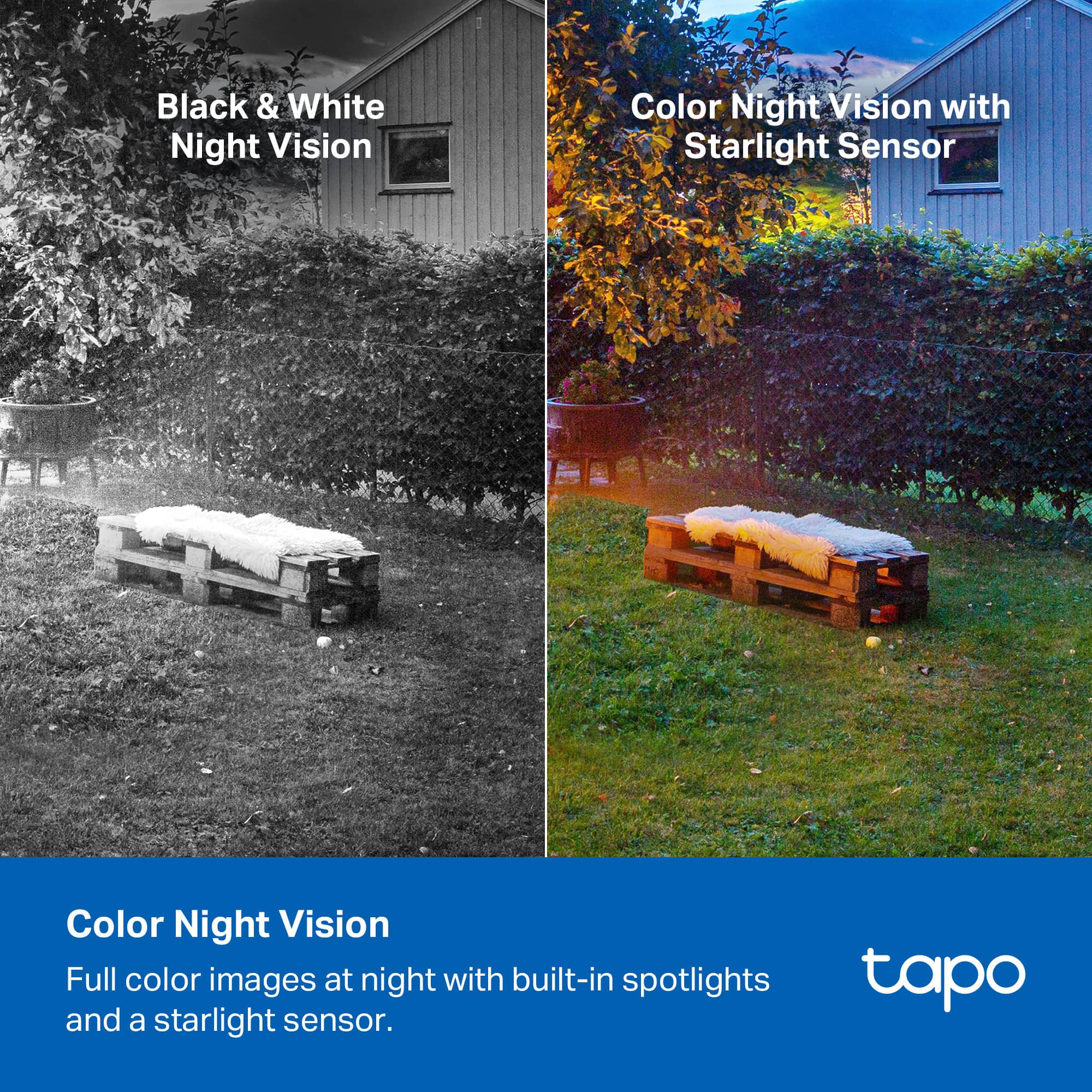
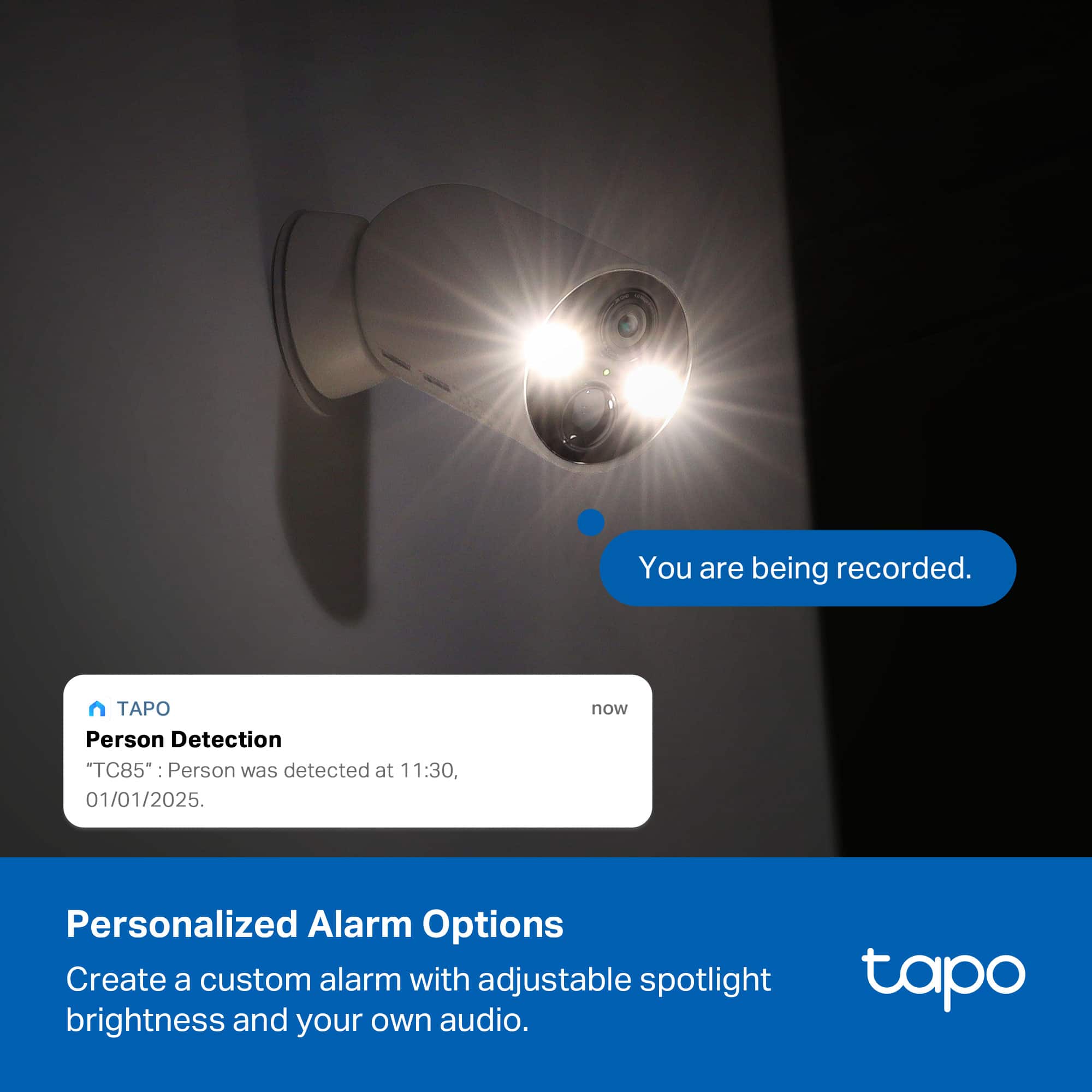
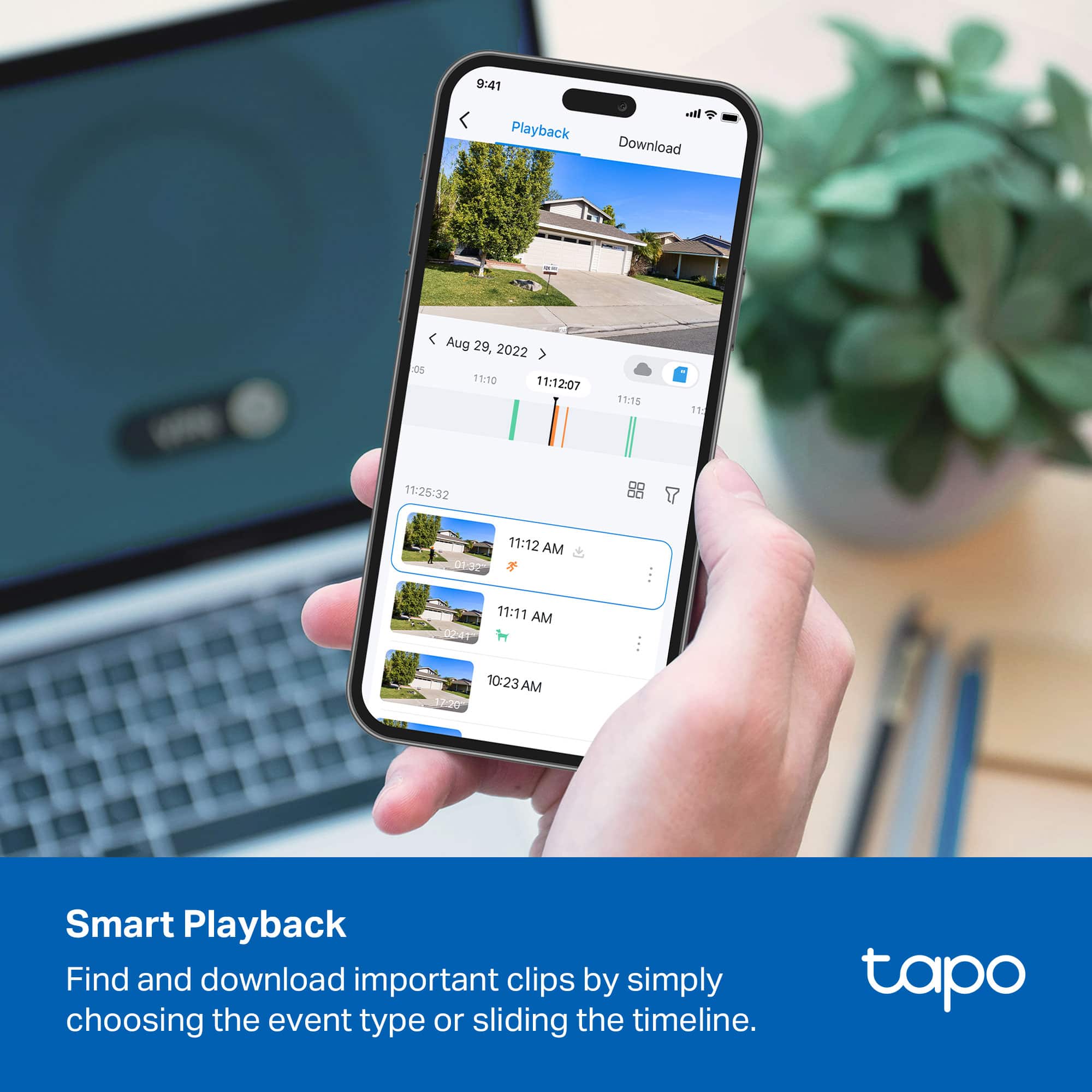
|Posted .This reviewer received promo considerations or sweepstakes entry for writing a review.The TP-Link Tapo cameras are a great and easy to use camera solution for indoor or outdoor security. Their design allows them to avoid a lot of tricky pitfalls with wiring and mounting that other solutions require, using very powerful magnets and long battery life. And while there is a subscription option, you can easily run these out of the box. My only problem after mounting my camera over my front door, I got an alert for motion. Checking it on my phone, the video very clearly, and unfortunately, showed that the camera had fallen to the ground. Thankfully, these are very sturdily built and it hit soft ground, so it still works and can be remounted. On the topic of mounting, you have 3 options. You can directly attach the base to a metal surface—the warnings about the magnet's power is no joke—, you can attach a plate to a smooth surface with a 3M adhesive, which the magnetic base in turn attaches to, or you can use the metal plate and directly mount into the walls. In turn, once you mount the base, the camera's base attaches magnetically to the base. This makes the cameras incredibly easy to adjust and also to take down and recharge, which based upon my time (and it'll vary depending on how often they're activated) using them seems like they should last for months at minimum. I used the 3M method and thought I had a very secure hold. What I suspect happened, as the adhesive disc let go of the metal mounting plate, is that we've recently experienced very hot days and very cool nights and either the adhesive, or the underlying material of the house, was undergoing a fair amount of thermal expansion and contraction. I don't know that for sure that's what loosed the grip, but I will be looking for any metal I can use for remounting. Other than the physical mounting, set up with the app is really easy. Once you've made an account, you can have one of these cameras up and running in mere minutes. The only thing I wish they'd change is that during initial setup they'd allow the microSD card to be initialized, because otherwise the camera keeps warning you it's not formatted, but you can't format it until setup is complete. Once you've set up the app, in my experience the time between motion detection and the app notification appearing cannot be much more than a few seconds, tops. Almost instantaneous. Camera quality can vary depending on the connected wifi speed, but it appeared razor sharp to me with a very wide viewing angle. Motion detection is very good and adjustable within the app to prevent too many notifications, which can also be silenced for particular times. There's also AI-powered detection settings for people, pets, and vehicles. The app also allows you to turn on the spotlight, engage the speaker, or set off a pretty loud and shrill alarm (the alarm can also be set to go off automatically). Night vision was also really good and remained very clear. Overall, I really love these cameras. They're exactly the product I've always wanted in a security camera, and my only glitch is that one of them fell and could've been broken. I will be remounting that one in a different manner--I hate to drill holes but I may have to. Otherwise, the adhesive approach is brilliant and having 3 choices gives a range of flexibility. While I'm tech-savvy and know my way around electronics, I am definitely not a handyman, and the rechargeable battery, and clever mounting system make this really accessible for anyone to attach cameras. Highly recommended.
I would recommend this to a friend great
||Posted .This reviewer received promo considerations or sweepstakes entry for writing a review.great choice for us. it is very helpful and really good safety product
I would recommend this to a friend- Pros mentioned:Video quality
Tapo 1
||Posted .This reviewer received promo considerations or sweepstakes entry for writing a review.Directions are terrible. Camera has a good picture
I would recommend this to a friendBrand response from TPLinkSupport
Posted .Hi User846880,
Thank you for your review. We're happy to hear you're enjoying the picture quality of our Tapo camera. The Tapo app is designed to provide intuitive and easy setup for our Tapo products.
Our support team is always happy to help answer any questions you may have about our products. Please feel free to reach out using any of the resources included with the product, or from our official website, and we'll gladly have a Support Agent follow up with you directly.
Thank you,
TP-Link Support
Camera
||Posted . Owned for 1 month when reviewed.This reviewer received promo considerations or sweepstakes entry for writing a review.Great cameras worth the investment Only think is you have to create another account to share videos to allow access for multiple users!
I would recommend this to a friendGreat product
||Posted . Owned for 1 month when reviewed.This reviewer received promo considerations or sweepstakes entry for writing a review.Very useful and helpful for people who are always on the go. Video quality could be better but functionality is great.
I would recommend this to a friendGood value
||Posted . Owned for 1 month when reviewed.This reviewer received promo considerations or sweepstakes entry for writing a review.Cameras give a wide angle and have very good clarity for a battery driven camera. Software has very nice features but common ones are hard to find in the tree structure.
I would recommend this to a friendTC85/425 Camera
||Posted . Owned for 3 weeks when reviewed.This reviewer received promo considerations or sweepstakes entry for writing a review.It took a while to understand how to set the camera properly, but once it was set it worked as advertised. I am happy with the tapo c85/425 cameras I have 5 around my house.
I would recommend this to a friendTP link product
||Posted . Owned for 2 weeks when reviewed.This reviewer received promo considerations or sweepstakes entry for writing a review.Satiesfied as expected!would recomend to buy the TP CAMERA.
I would recommend this to a friendGotcha
||Posted . Owned for 3 weeks when reviewed.This reviewer received promo considerations or sweepstakes entry for writing a review.A lot of great features, love the storage capacity feature with no need for subscriptions!
I would recommend this to a friend