Customer Ratings & Reviews











- Model:
- TC85(3-Pack)
- SKU:
- 6547532
Rating by feature
- Value
Rating 4.4 out of 5 stars
- Quality
Rating 4.4 out of 5 stars
- Ease of Use
Rating 4.5 out of 5 stars
Customers are saying
Customers are positive about the Tapo Wire-Free Indoor/Outdoor Cameras, highlighting the good video quality, amazing battery life, and ease of use. The magnetic base and versatile mounting options are also well-received. However, some customers have reported issues with connectivity and app performance.
This summary was generated by AI based on customer reviews.
Camera
||Posted . Owned for 3 months when reviewed.This reviewer received promo considerations or sweepstakes entry for writing a review.Great cameras they can withhold a lot during different types of weathers
I would recommend this to a friendBest Cameras on Batteries
||Posted . Owned for 3 weeks when reviewed.This reviewer received promo considerations or sweepstakes entry for writing a review.Those are pretty good cameras but u need to set uo settings so that battery doesnt go out too fast
I would recommend this to a friendSuper product
||Posted . Owned for 2 weeks when reviewed.This reviewer received promo considerations or sweepstakes entry for writing a review.I liked the product has good battery backup with all in built Ai features.
I would recommend this to a friendGreat camera, value for money.
||Posted . Owned for 4 months when reviewed.This reviewer received promo considerations or sweepstakes entry for writing a review.Great camera's, easy stepup from app and install. Very advanced security features.
I would recommend this to a friend- Pros mentioned:Battery life, Night vision, Video quality

High-End Wireless Security at an Affordable Price
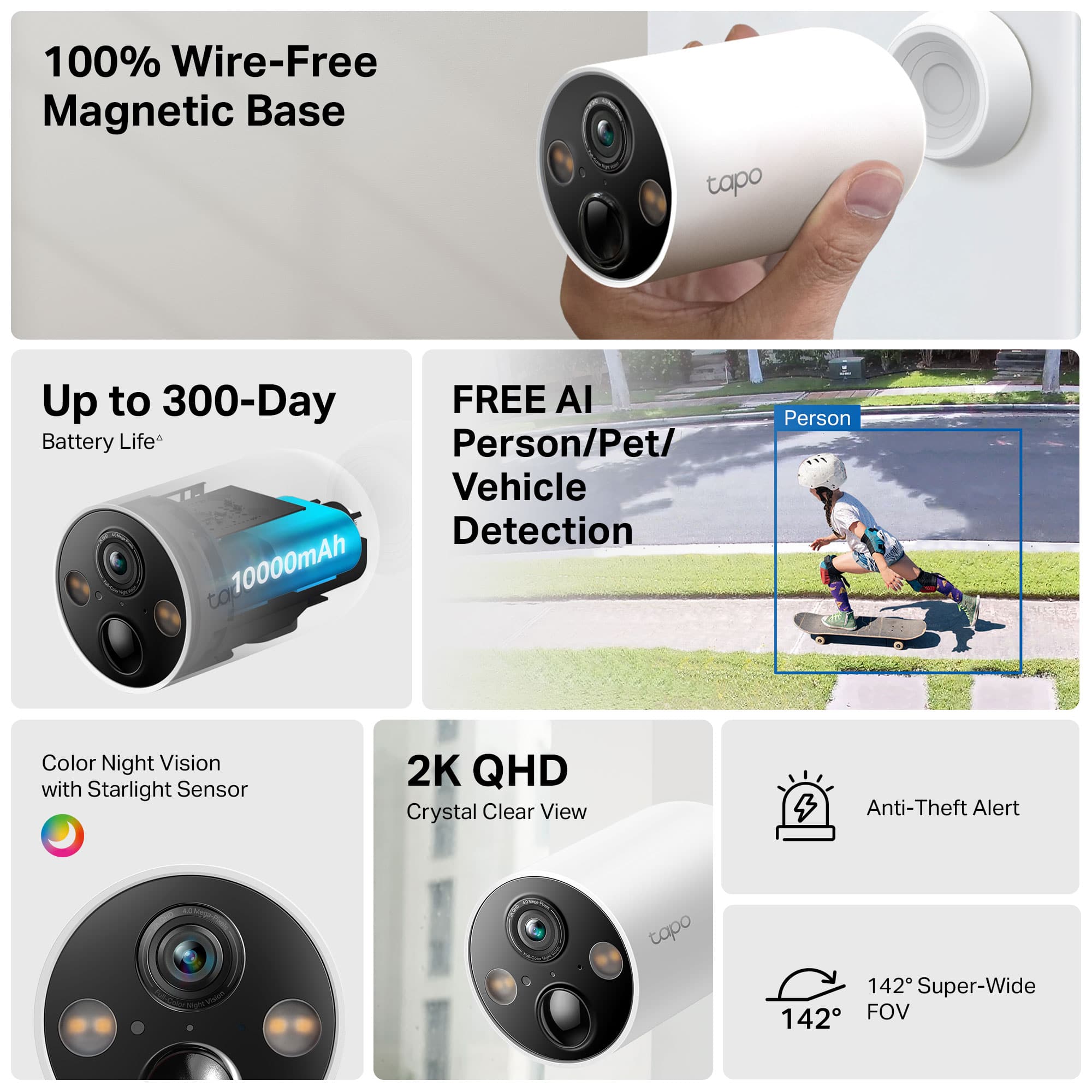
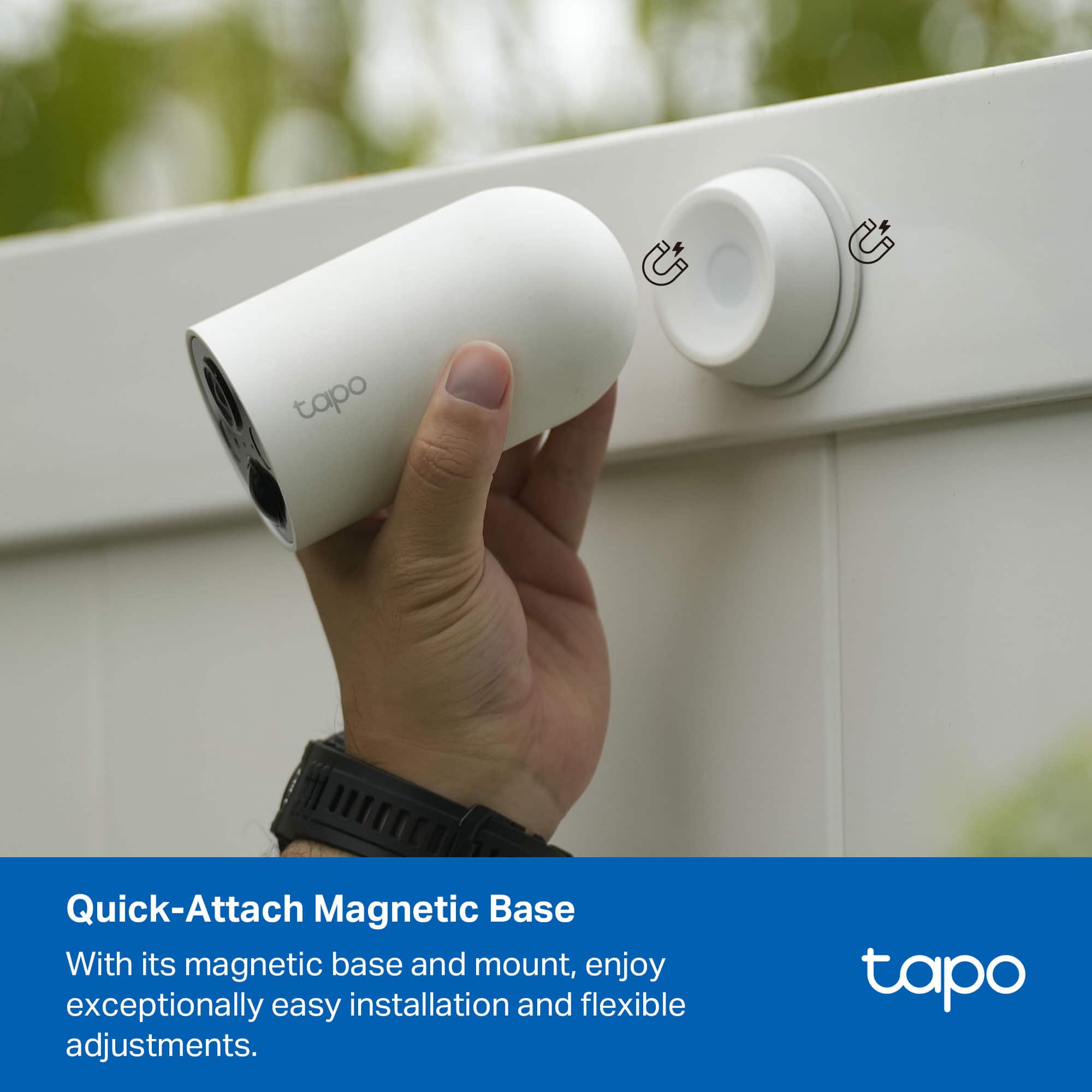
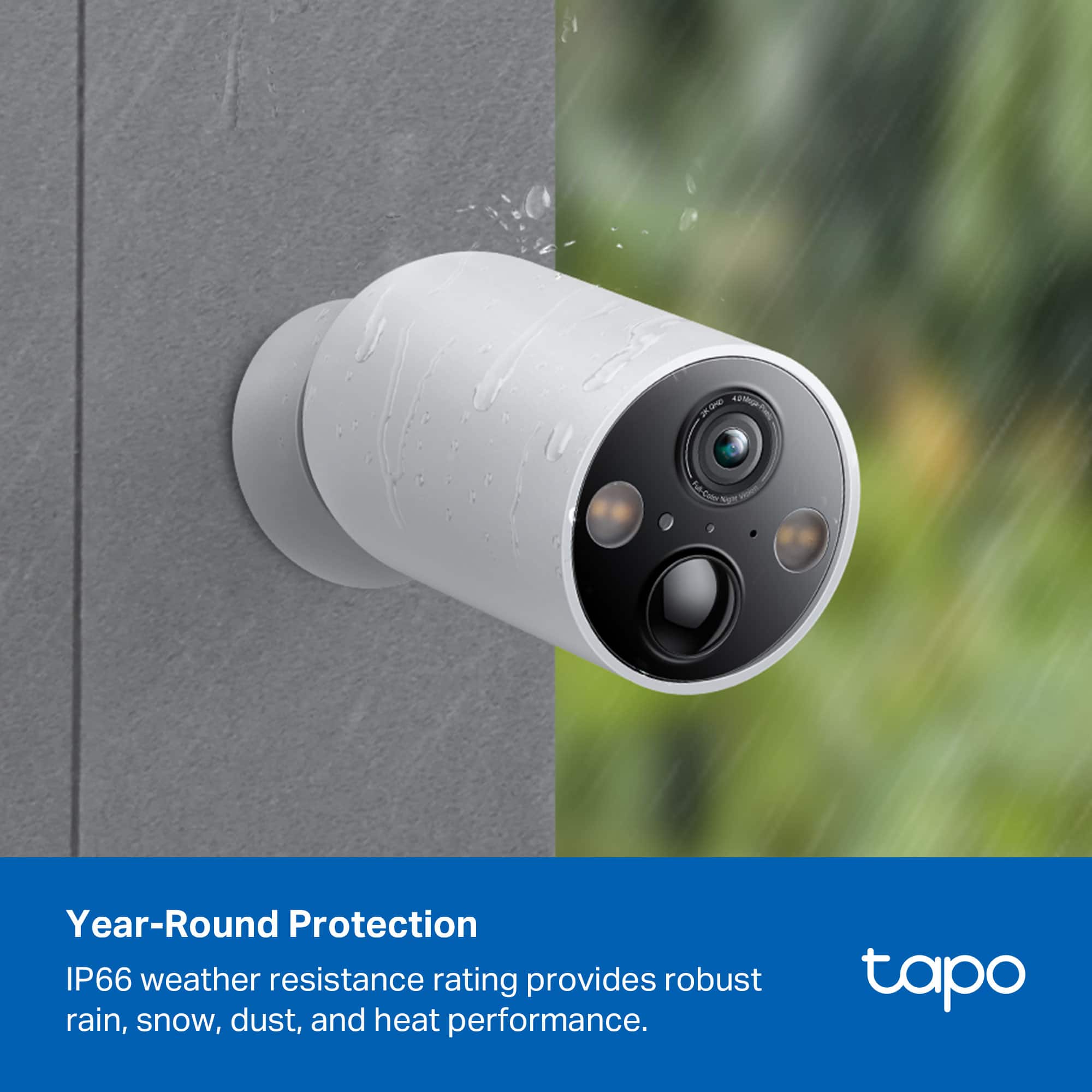
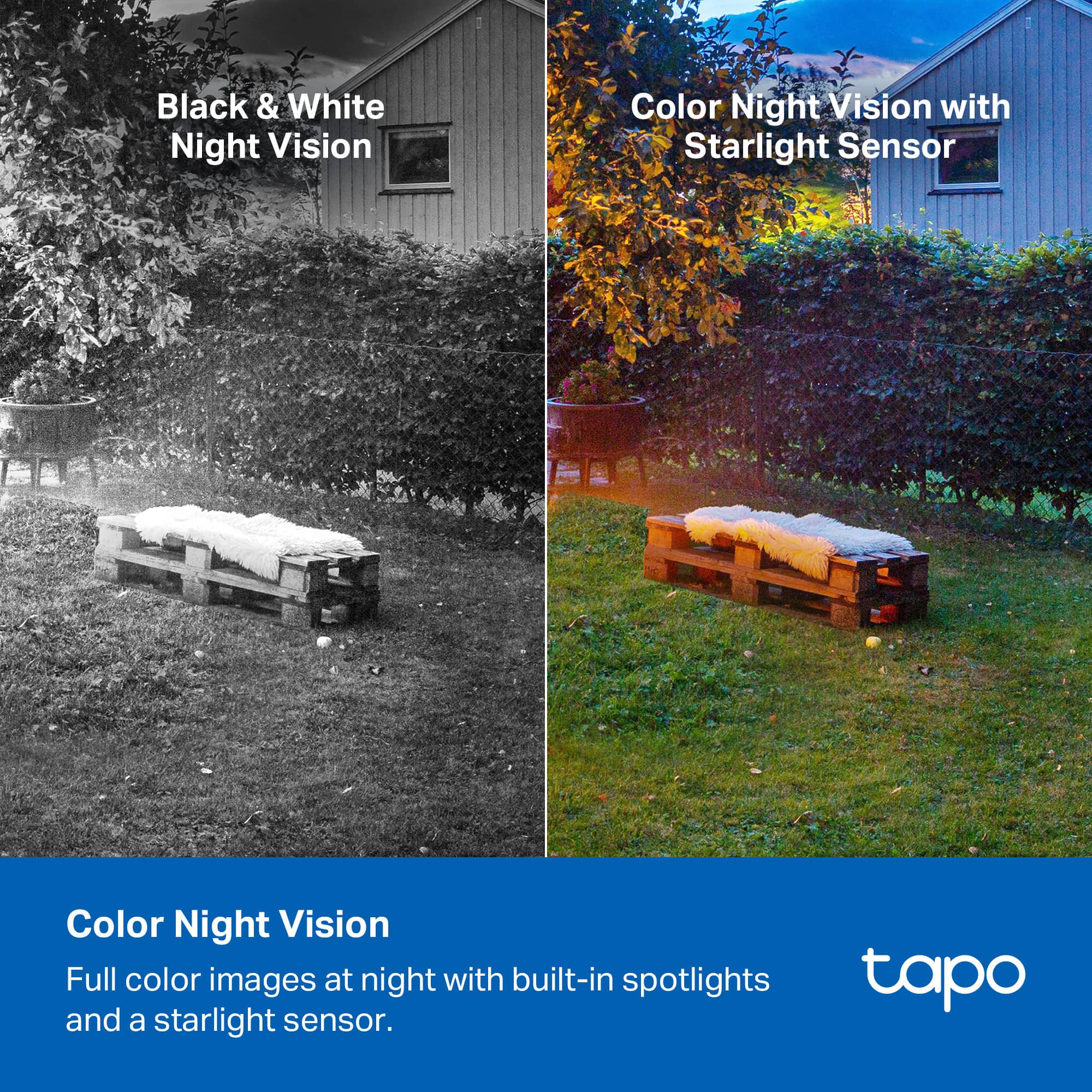
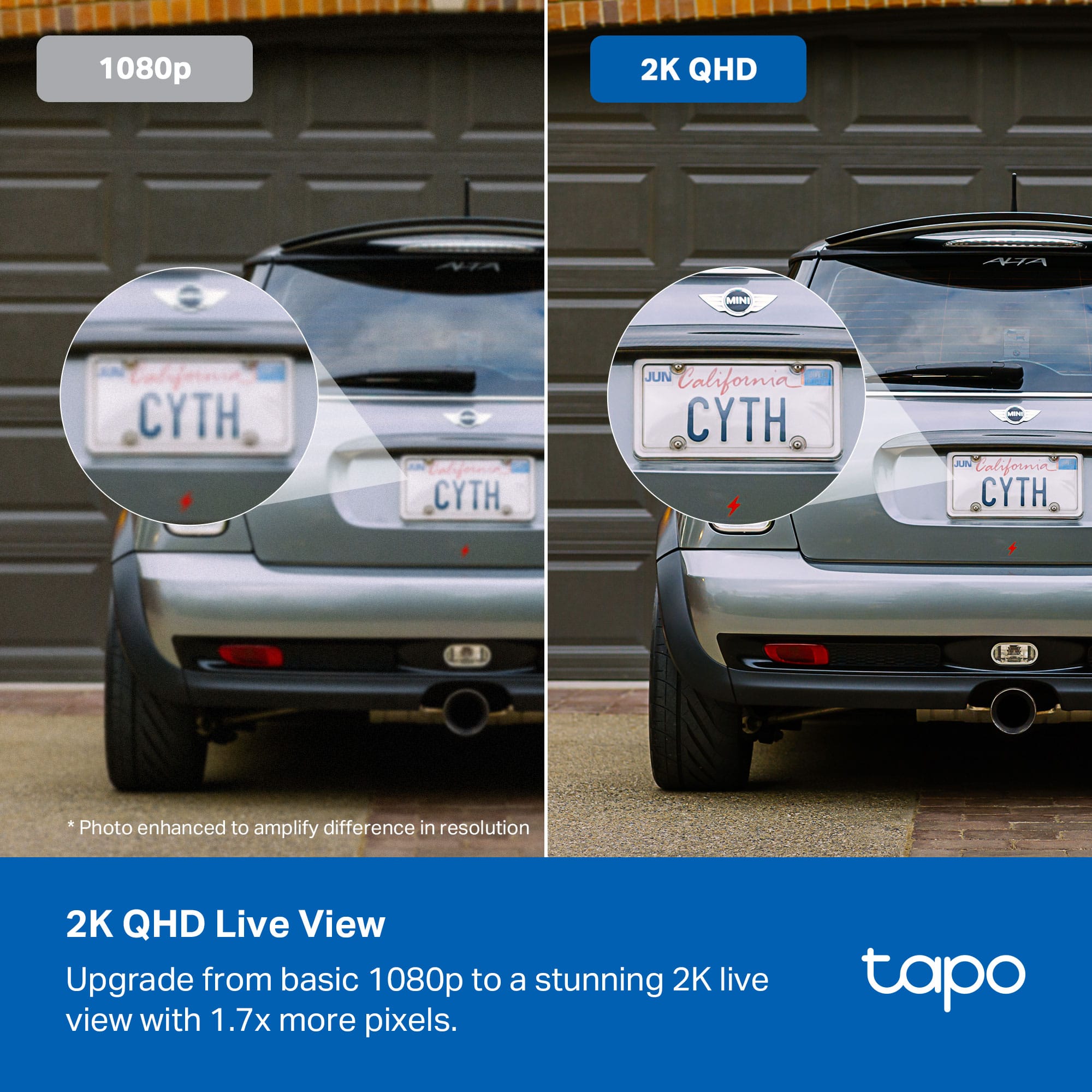
|Posted .This reviewer received promo considerations or sweepstakes entry for writing a review.With security cameras becoming more widely used today there are few that really set themselves apart, but after using a few different brands TP-Link has definitely set their eyes on the top with these cameras as they include all the bells and whistles without a subscription and are affordable at that. Right out of the box you can tell these are a quality product as they have some heft to them and are not just made of entirely plastic pieces. Mounting security cameras is always the first hurdle where I am a huge proponent of the magnetic mounting that TP-Link has chosen to use here. For that reason the mounting process was quick and easy as you simply attach the metal plate to your surface and then the cameras attach magnetically, wire-free of course. Once the cameras were mounted I was curious how the setup process would go as it is usually hit or miss with security cameras, but I came away thoroughly impressed as the app interface TP-Link uses is amazing. It walks you through everything and even assists with the angle of the camera placement. Moving on to the actual performance of the cameras I had my hesitations with the extreme number of features it stated they entailed, but my goodness did these cameras pass every test with flying colors. I`ll start with the clarity of these cameras as it is tremendous and it does not lie about the 2k quality as the cameras are extremely crisp and there was never any hesitation when distinguishing between people or facial features. This was even applicable at night where it has a black and white mode and also a full color night vision as there are two lights on each camera that are extremely wide that light up the entire field of view. While discussing the lights I do have to mention the sound and light alarm capability as this is a nice feature to have even if I do not know how often I hopefully will have to use it. The use of activity zones and detection also worked without any hiccups as it worked exactly as I had instructed it when setting everything up in the app. The smart features definitely worked without issue and the ability to work with either Alexa or Google is so nice as it does not restrict any users. The features with these cameras just seem to go on and on, but the last thing I do need to mention is battery life as the battery on these is supposedly massive with an estimated life of 300 days to which I can`t comment to the truth on that yet, but again this is something I have not had any issues with on any of the cameras dying prematurely. Overall, these cameras tick every box you could imagine from the ease of install and setup to the rich number of features included that actually work as advertised. After using a variety of security cameras from numerous brands these cameras truly leave nothing left to be desired. For that reason I definitely would recommend these to anyone looking for high quality security cameras.
I would recommend this to a friend Cameras
||Posted . Owned for 1 week when reviewed.This reviewer received promo considerations or sweepstakes entry for writing a review.Great cameras to have around the house for........
I would recommend this to a friend- Pros mentioned:Battery life, Magnetic base, Video quality
Nice Home Security System
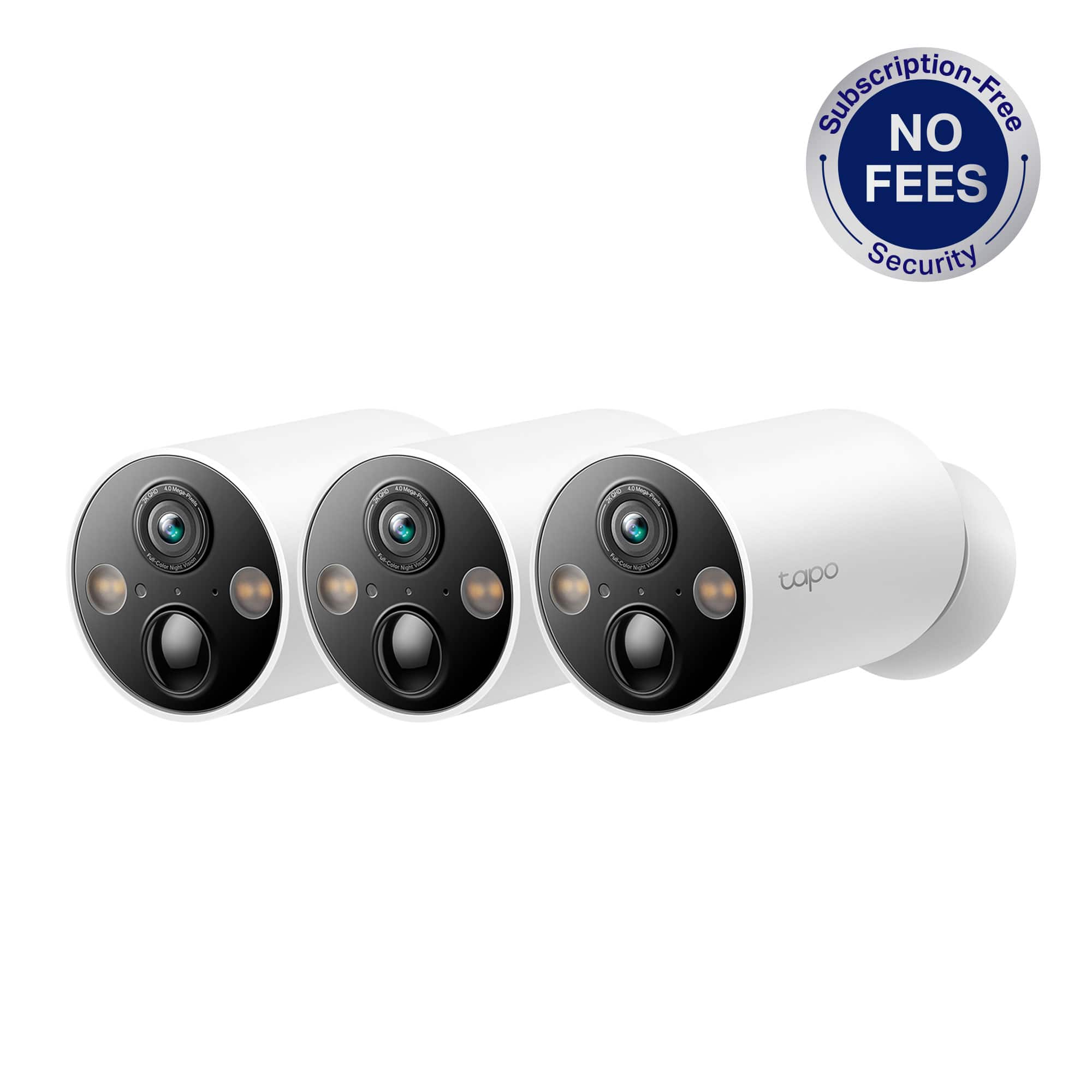
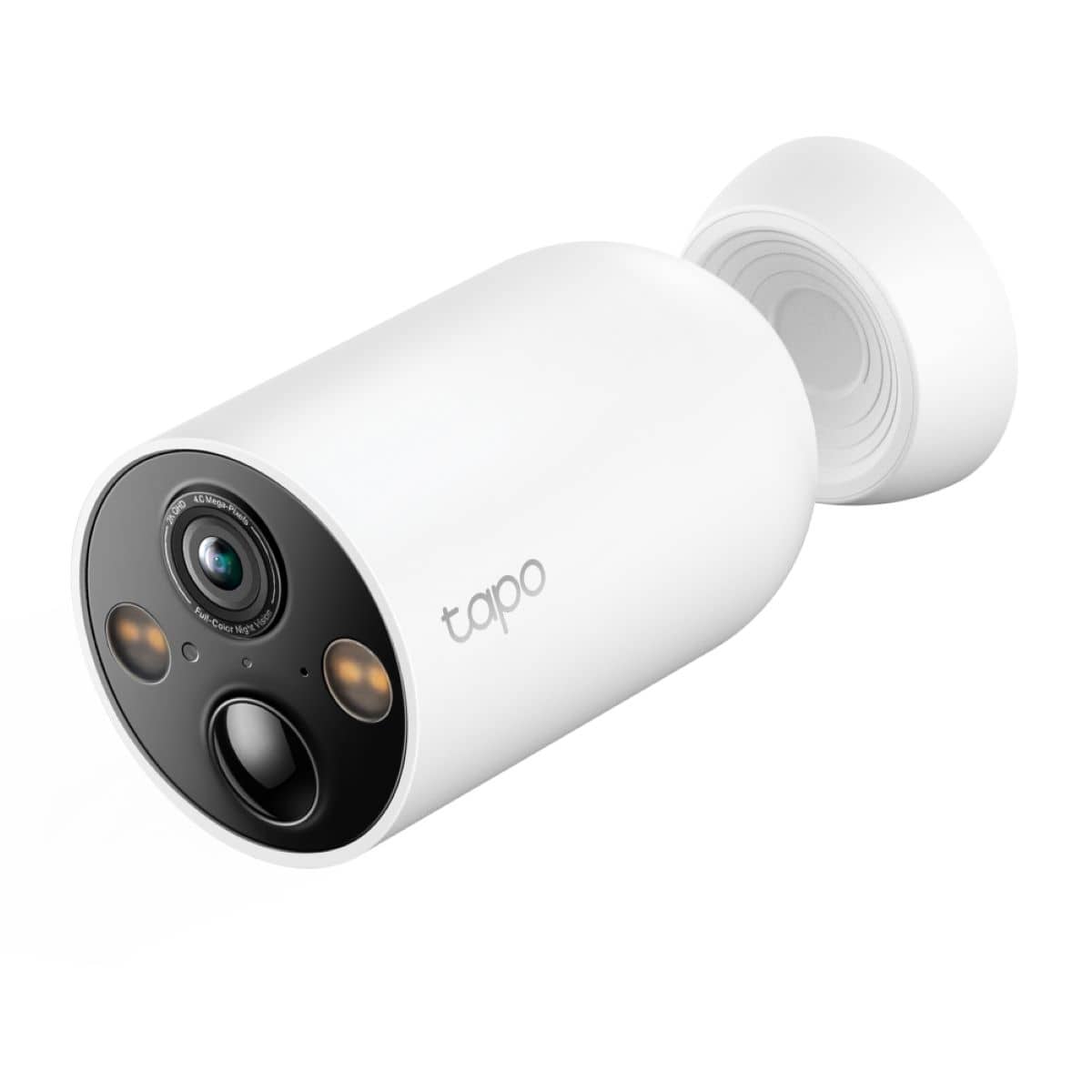
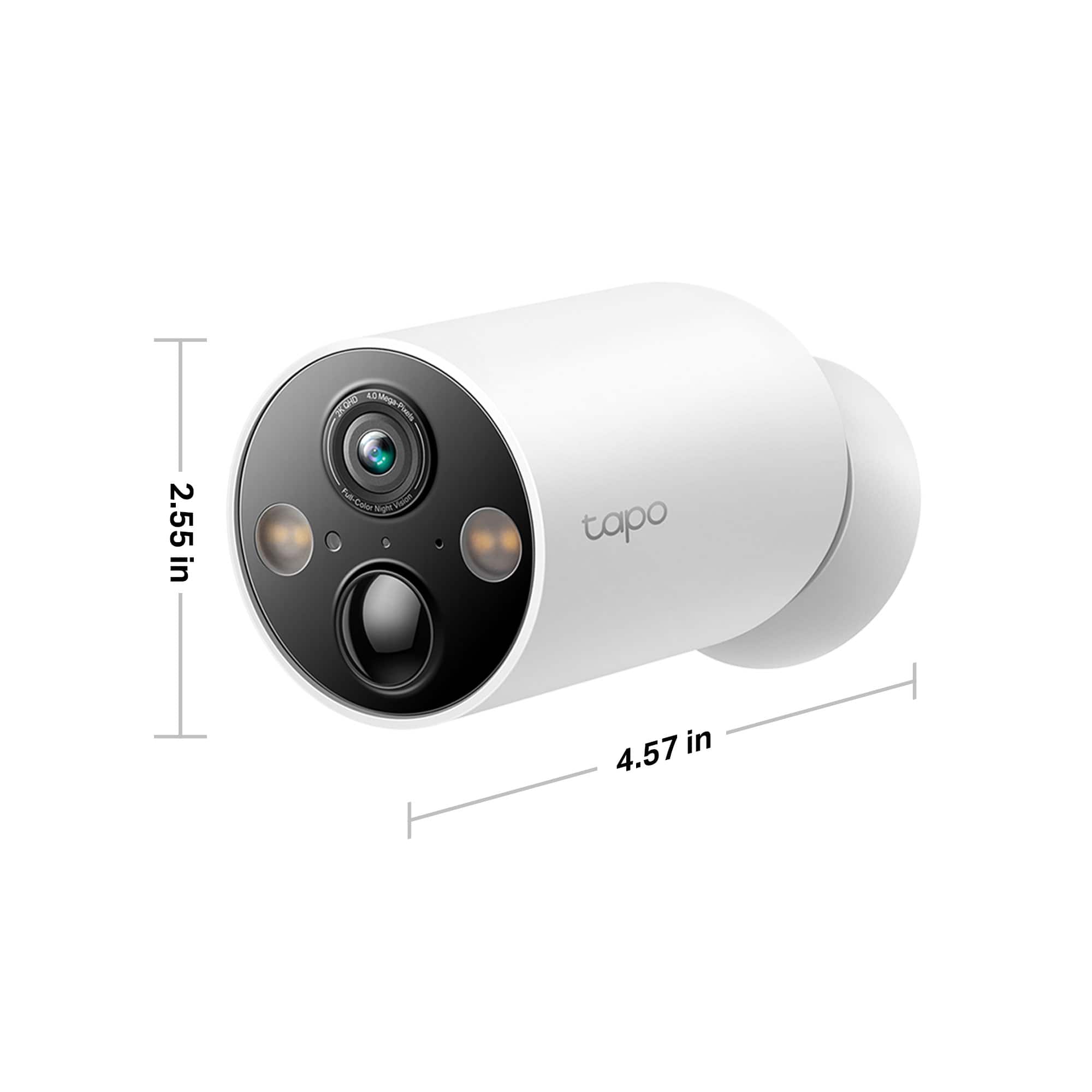
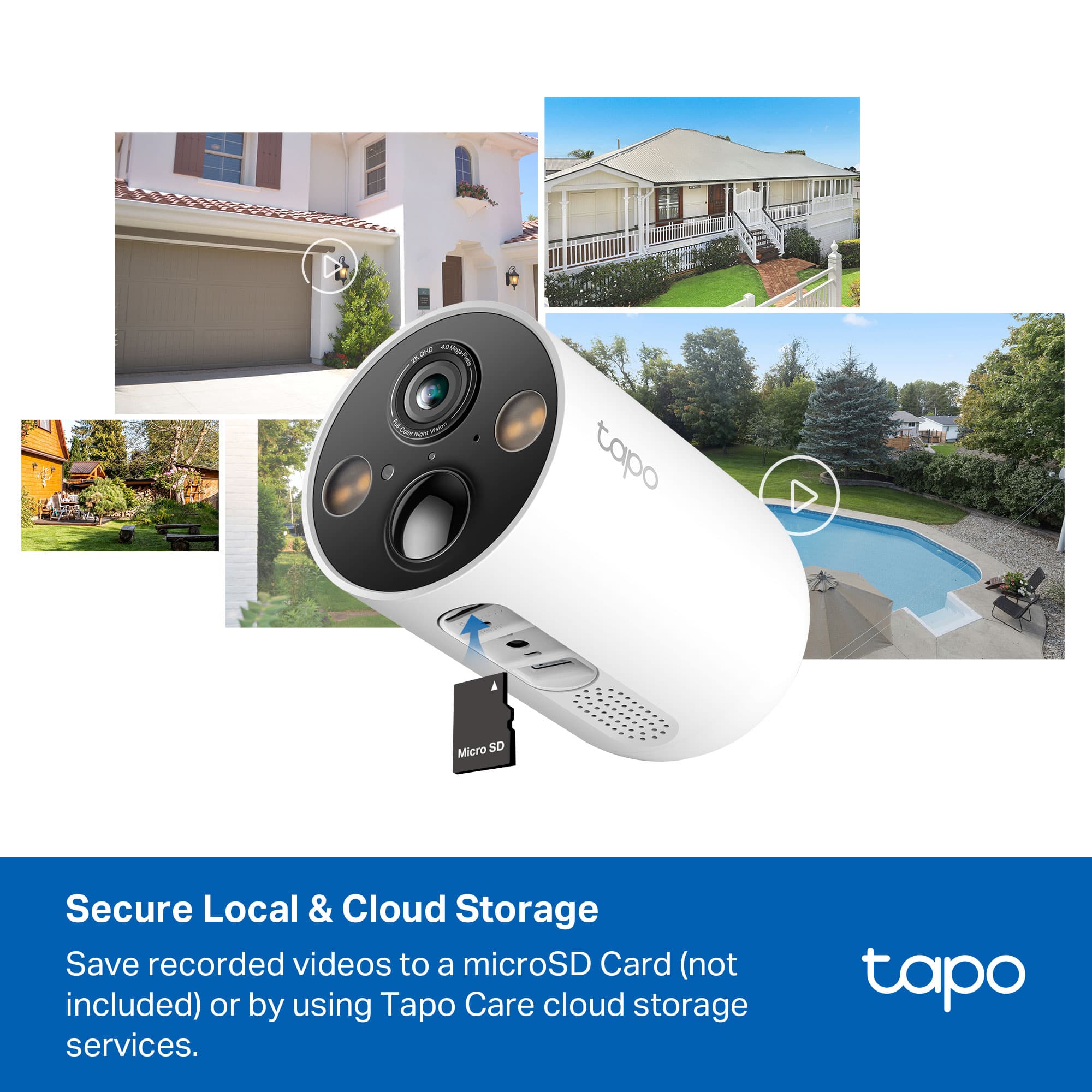
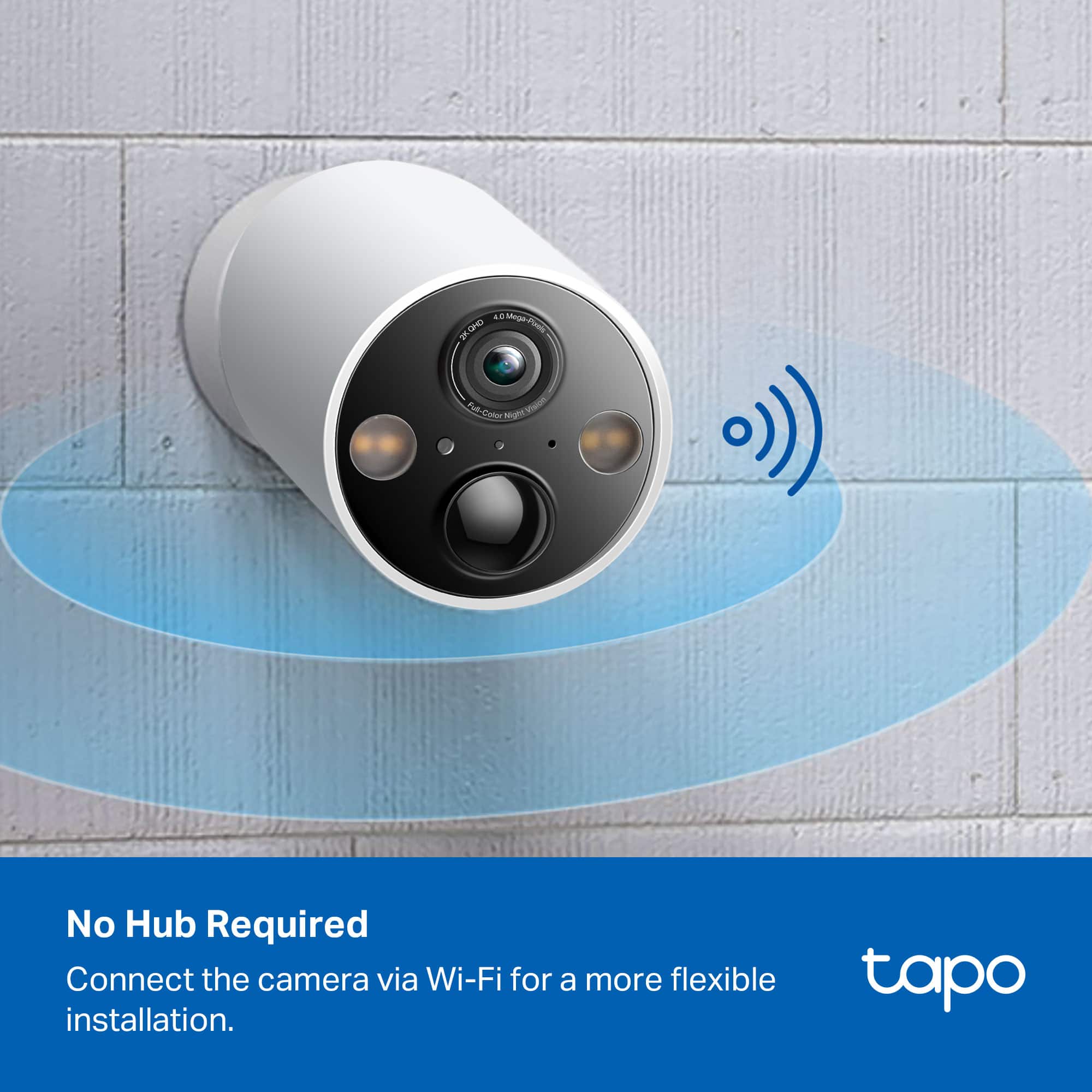
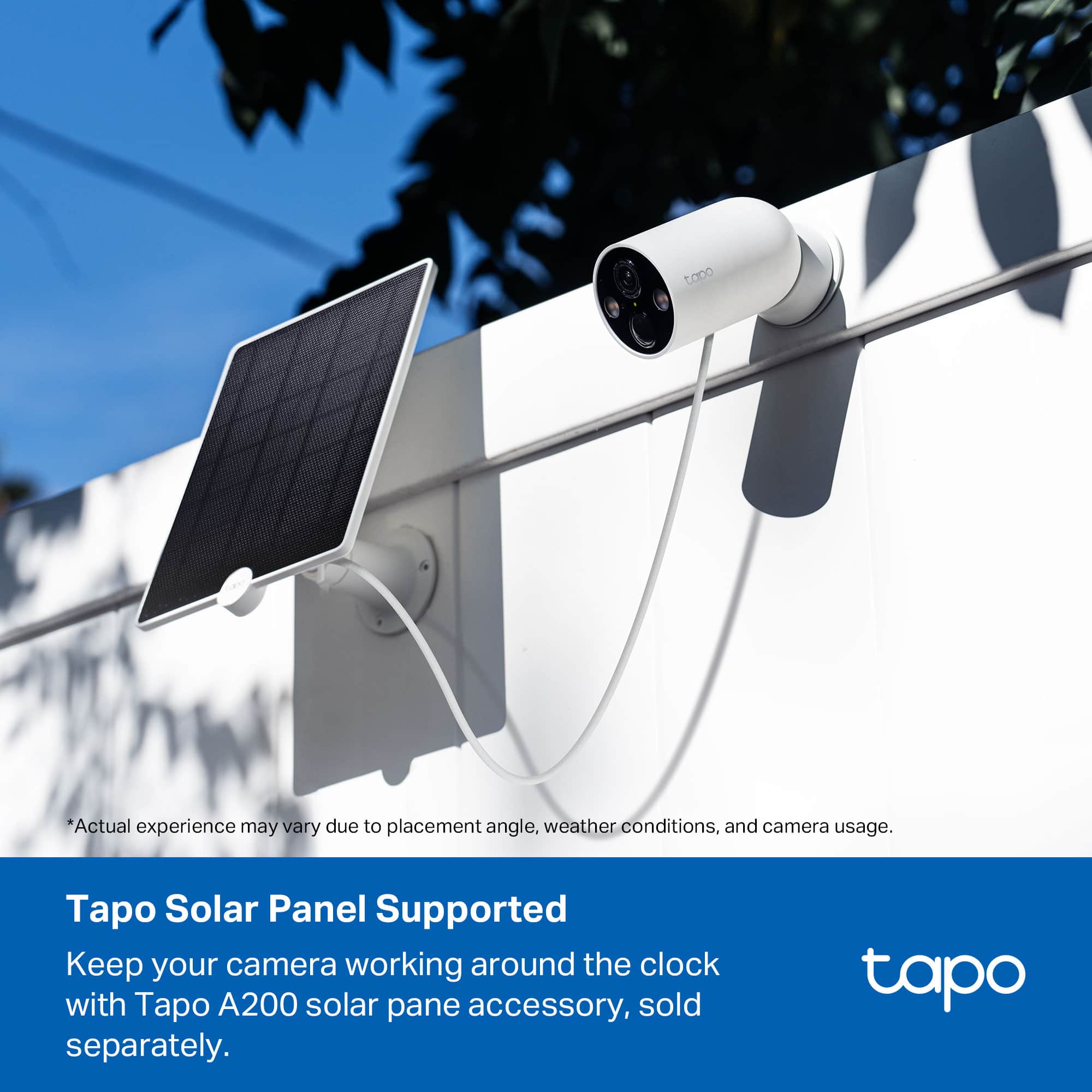
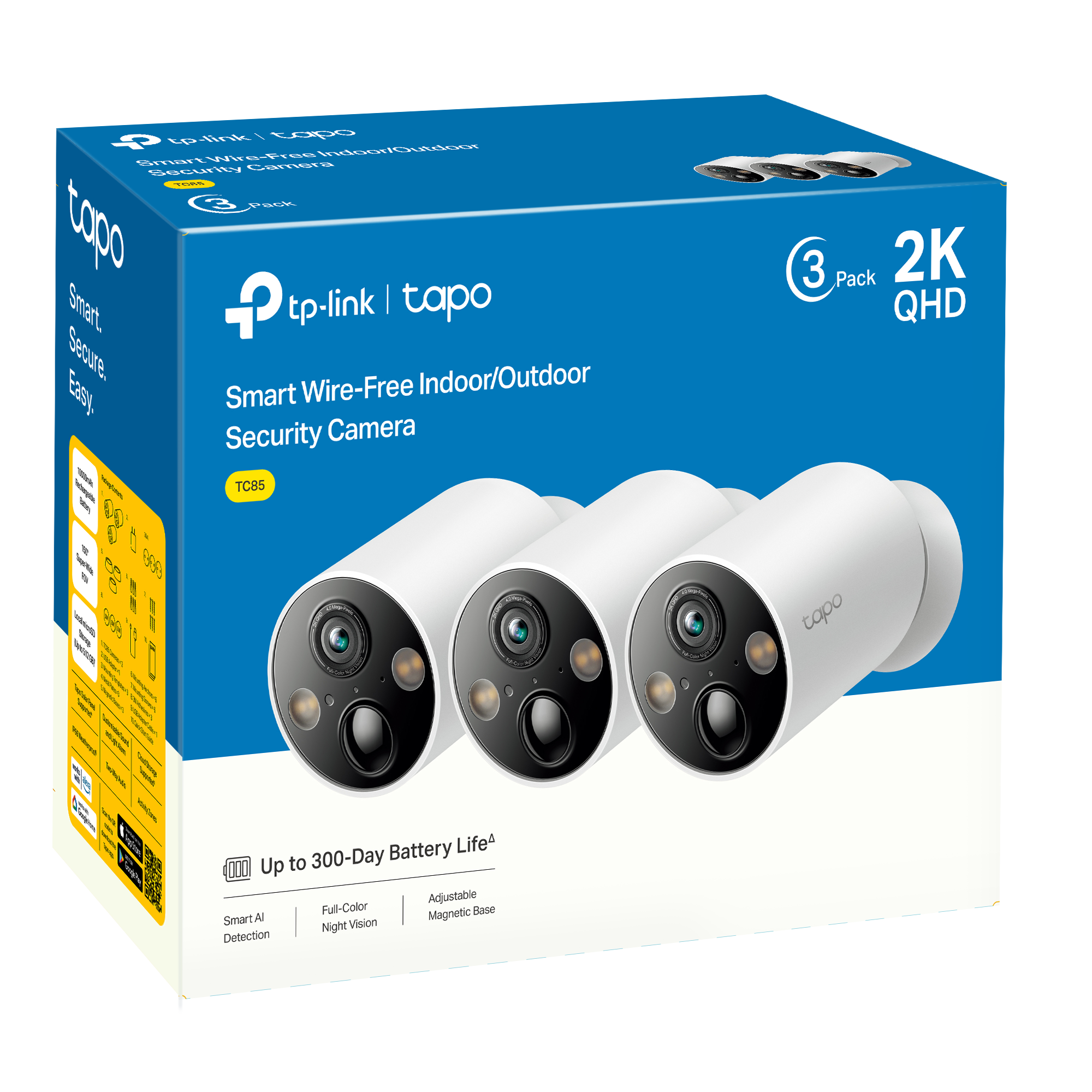
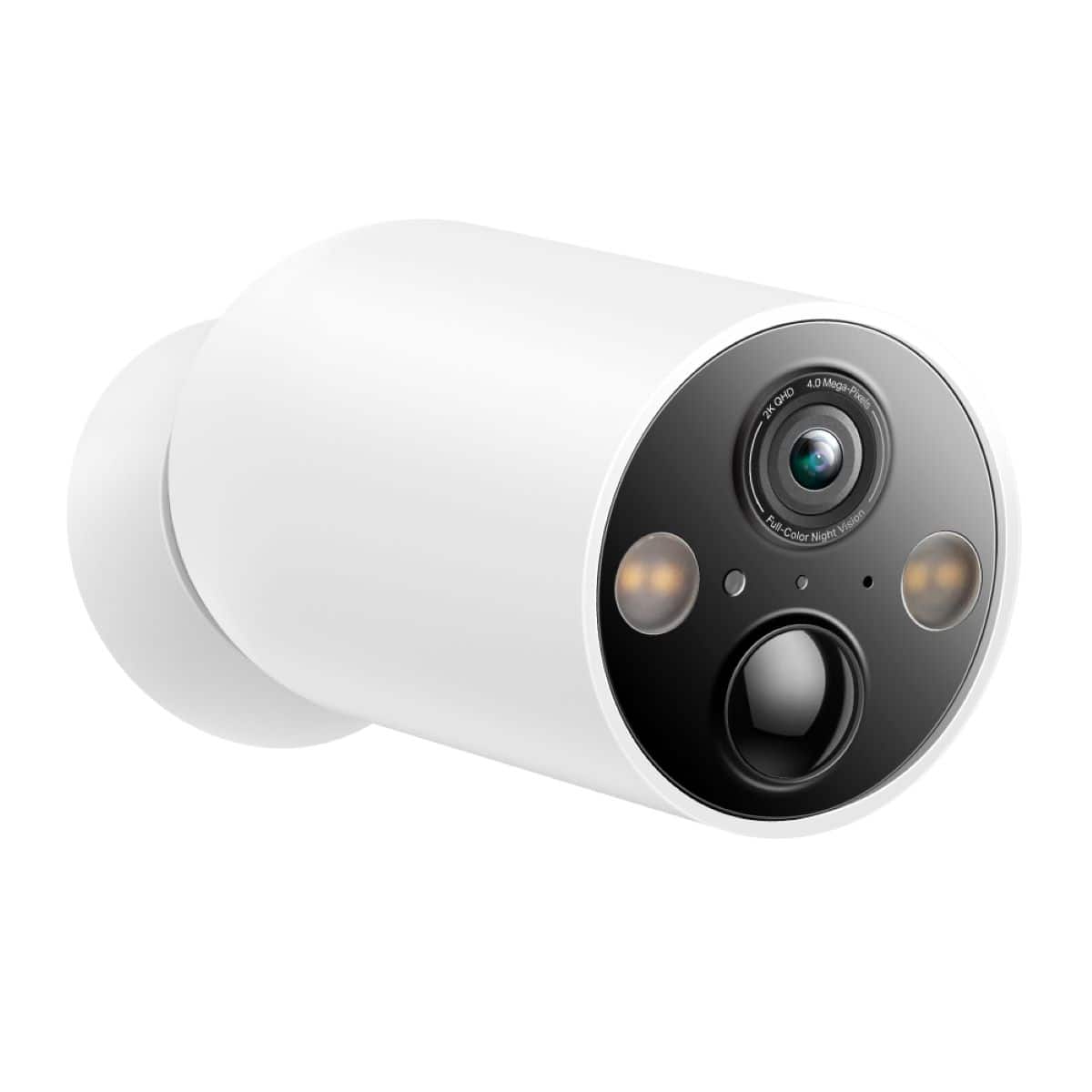
|Posted .This reviewer received promo considerations or sweepstakes entry for writing a review.I recently received a package with 3 TP-Link TC85 Tapo Smart Wire-Free Indoor/Outdoor Security Cameras. These cameras are Wi-Fi cameras with no cables at all. They utilize 10,000mAh batteries to provide power for up to 300 days based on 230 seconds of daily use Increased usage of 360 seconds per day reduces battery life to 180 days. Actual battery life may vary due to device settings, router specifications, usage, and environmental factors. A solar charging panel is available for the cameras if you want them to be constantly on, and not have to recharge them manually. The cameras mount magnetically to the base. The base will magnetically attach to anything metallic. The package also includes 3 metal plates with mounting screws and wall anchors, drill hole templates, as well as adhesive disks to mount the plate to surfaces you don’t want to drill into. Also included is a USB-A to Micro USB charging cable and a power supply to charge the cameras. The back of the camera is rounded and fits into the rounded opening in the base. You can rotate the camera in the base to most angles and the magnet is strong enough that it will stay in whatever position you put it in. The magnet on the base is very strong and won’t budge when you stick it to a metal surface. The camera also has a tripod mount on the back so you can use any number of available threaded mounting systems, if you don’t like the magnetic base. Each camera with its base measures 5 inches long, has a 2.5 inch diameter and weight 14.6 ounces. It has a 2K QHD 4.0 Mega-Pixel camera with a 150 degree field of view, infrared capabilities, and 2 bright LED spotlights. The picture quality is great and with the 150 degree field of view, covers a large area. I can easily cover the entire front of my house plus 30 - 40 feet on each side of it with just 2 cameras. In the right location, I can cover my entire backyard with the 3rd camera. Each camera has a Micro-SD card slot for storing all of your video. (SD Card sold separately.) The cameras default to “Auto’ mode which is 720p by 15fps. That’s fine if you are trying to conserve bandwidth, but if you aren't using their cloud service, you will probably want to change it to 2K and 25fps for much better videos. You have options at night to use infared or full color. In full color mode, you will utilize the 2 built in spotlights. You control how bright you want them to be. Both are high quality. While there is limited support for Google Home, it is very limited. You will only be able to view the TP-Link camera on a Google Home Hub, or on a Chromecast attached device. It’s a shame that they couldn’t provide more functionality as I am heavily invested in Google Home products. It would have been nice to be able to view the cameras in the Google Home app on my Smartphone, but that isn’t possible. You have to view the cameras in the Tapo app, which can only be done from your home network, unless you are adept at building your own media server Tand having it open on the web. (It’s complicated, and you won’t likely want to do that.) The other option is to subscribe to TapoCare. This will allow you to access the cameras from the Tapo app, regardless of where you are. You can also view and download the alerts for the past 7 or 30 days, depending on your subscription. Despite the fact that they won’t work the way I want them to with Google Home, I like the cameras and I’m going to keep them setup. They still have a lot of positives that will keep me using them. I will probably setup a server so I can stream the video from the Internet. If you want to pay for the TapoCare subscription you will really like these cameras. If you don’t want the subscription, and don’t mind not being able to remotely view them, these are still nice cameras. If you are looking for tight integration with Google Home, keep looking.
I would recommend this to a friend Please reconsider
||Posted . Owned for 5 months when reviewed.This reviewer received promo considerations or sweepstakes entry for writing a review.While I like the idea of not having a monthly subscription, the cameras battery life is awful and most times I am unable to view events in a timely fashion. When the cameras motion sensor is triggered I try to load up the video and it doesn’t load! I’m on a Gig speed with clear connection. Not too happy with the purchase because the box advertises such great battery life, but I’m pulling the camera down every 2 months and they take forever to charge. Why would the charging port not be type C yet?
No, I would not recommend this to a friendBrand response from TPLinkSupport
Posted .Hi,
Thank you for your review. In your case, we recommend ensuring both your Tapo app and camera firmware are fully up to date. Then, using the Tapo app, you can adjust the detection zones and detection sensitivity to mitigate false-positive detections, which can help improve battery life. For helpful information on how to use the feature, and how to mitigate false-positive detections, please refer to our FAQs on How to use the Detection Features (https://www.tp-link.com/us/support/faq/2622/), and How to Reduce False-Positive Motion Detection Events (https://www.tp-link.com/us/support/faq/3267/).
If you would like assistance with any of these steps, please reach out to our support team using any of the resources included with the product, or from our official website, and we'll gladly have a Support Agent follow up with you directly.
Thank you,
TP-Link Support
Thank you,
TP-Link Support
Really good cameras, really good prices
||Posted . Owned for 3 weeks when reviewed.This reviewer received promo considerations or sweepstakes entry for writing a review.I love the cameras, they are really good so far!!!
I would recommend this to a friend- Cons mentioned:Connectivity
No Good App
||Posted . Owned for 1 month when reviewed.This reviewer received promo considerations or sweepstakes entry for writing a review.Could not get them to connect to my WIFI. Spent about an hour with support and they couldn't get them to connect. They were going to pass me on to a second level support which would be a day or so before they would contact me. I figured if their app can't get pass the simplest step, connecting to my wifi, I didn't want them. What if a real problem occurred, Yicks!
No, I would not recommend this to a friendBrand response from TPLinkSupport
Posted .Hi,
Thank you for your review. Our Tapo Cameras are designed for quick and easy setup using the Tapo app. If you're having difficulty connecting them to your network during setup, please ensure your router's 2.4GHz Wi-Fi signal is sufficiently strong at the camera's location.
Please also ensure your smartphone is not connected to a VPN during setup, as this may interfere with the installation process.
If you would like assistance with any of these steps, please contact our free support team using any of the resources included with the product or from our official website, and we'll gladly have a Support Agent follow up with you directly.
Thank you,
TP-Link Support
- Cons mentioned:Connectivity
It was great…until they stopped working.
||Posted . Owned for 4 months when reviewed.This reviewer received promo considerations or sweepstakes entry for writing a review.The cameras initially performed excellently; however, there came a point when they began to intermittently go offline. It's important for a security camera system to maintain consistent functionality to ensure effective monitoring.
No, I would not recommend this to a friendBrand response from TPLinkSupport
Posted .Hello Jav, There are several reasons why a camera could stop working or begin to have connection concerns. We would love the opportunity to work with you on addressing your concern. Please reach out to support.usa@tp-link.com we you are able to and our team will assist in this concern.
Not good enough
||Posted . Owned for 2 months when reviewed.This reviewer received promo considerations or sweepstakes entry for writing a review.Doesnt pick up motion even at highest setting. Misses 1/2 of the people walking to my door
No, I would not recommend this to a friendBrand response from TPLinkSupport
Posted .Hi,
Thank you for your review. If you feel that your Tapo Cameras are not detecting motion events the way that you need them to, we recommend visiting our FAQ on optimizing Motion Detection for your TP-Link Camera: https://www.tp-link.com/us/support/faq/3418/
Our support team is always happy to help answer any questions you may have about our products. Please feel free to reach out using any of the resources included with the product, or from our official website, and we'll gladly have a Support Agent follow up with you directly.
Thank you,
TP-Link Support
- Pros mentioned:Battery life
A Limitation For My Use
Posted .This reviewer received promo considerations or sweepstakes entry for writing a review.The TC85 is an amazing camera with clear line-of-sight and a myriad of features. It does however, have one major design issue that will prevent me from using it in the way I wish. Even though the TC85 has a tremendous field of view, and IS CAPABLE of detecting motion, people, and vehicles ANYWHERE within its field of view, it will not and can not do this without being awake. In order to wake up the camera, motion does not only have to be within its field of view, it needs to be detected within 8 meters (26 ft for us in the US). Almost nowhere will you find this information forthcoming, this is a design in the detection system that is not clear when the feature suite is listed out, but becomes apparent when placing the camera into use. I've tested and retested using various settings and sensitivities and have not been able to get a satisfactory result for my purposes. I can drive my car past this camera 10 times a day, but even though I can be clearly seen in the camera's field of view during live feed, because my mounting distance is beyond 26 ft, the camera will not detect my vehicle with its PIR motion sensor and wake up. Because it is a battery operated camera, it will go to sleep during periods of inactivity. There are a few ways to awaken the camera, one being motion that is detected within the 26 ft area in front of the camera, another by viewing the live feed on the app. Once the camera is awakened by motion within 26 ft, or viewing the live feed, it can and will detect motion throughout its entire field of view, even way out into the street, which is nearly 100 ft away from its mounting point on my home. I've tested this with the camera awake and motion tagging on, and it will repeatedly notify me of motion and people anywhere in its field of view, far beyond the 26 ft, both by tagging the motion and sending me the notification. I inquired of tech support that if I would provide a full-time power source using the solar panel if it would change this sleep/awake behavior and it will not. This is not just my judgement of the camera, it was confirmed to me by TP Link support: "Thank you for contacting TP-Link support." "I appreciate your in-depth understanding of the product details. You're absolutely right in terms of the working principles and limitations you’ve described. Regarding your concern, I regret to inform you that the solar panel is designed solely to supplement battery power and does not alter the camera's operating mode. The camera will still rely on the PIR sensor for activation, and as you mentioned, the optimal range for this sensor is indeed 26 feet." I am not a total newbie to security cameras as I own 2 Wyze OG wired cameras installed at a vacation home and they alert me to any movement within the camera's field of view, unless I restrict the detection area. If you have a mounting point close to where you wish to detect motion, the Tapo camera may be great for you, but do not count on it to awaken to motion at distances greater than 26 ft. I do not know if all battery cameras have this limitation, I just wish the manufacturer would clearly state this in the feature suite.
No, I would not recommend this to a friend Magnets will fail. TP-Link cust serv is horrible.
||Posted . Owned for 1 month when reviewed.This reviewer received promo considerations or sweepstakes entry for writing a review.Stay as far away from this product as possible. I had two cameras fall from their magnetic base. Luckily I bought the bestbuy geek squad warranty and they allowed me to exchange for a different brand. I had just started a year subscription to the tapocare plan. I reached out to their customer service to see about a prorated refund and they denied any amount to credit me back for.
No, I would not recommend this to a friendBrand response from TPLinkSupport
Posted .Hi,
Thank you for your review. The Tapo TC85 Indoor/Outdoor Wire-Free Cameras are designed for quick and convenient mounting using a powerful magnet. The magnetism should not fail over time, and should continuously hold the camera firmly to the base. Please first ensure the base is securely installed, and the camera is mounted at an angle where the magnetism is optimal.
Our support team is always happy to help answer any questions you may have about our products. Please feel free to reach out using any of the resources included with the product, or from our official website, and we'll gladly have a Support Agent follow up with you directly.
Thank you,
TP-Link Support
Better options on the market
||Posted .This reviewer received promo considerations or sweepstakes entry for writing a review.Battery life isnt anywhere close to 300 days, takes forever for the camera to load. Clips are always cut short and very choppy.
No, I would not recommend this to a friendBrand response from TPLinkSupport
Posted .Hello Bryan,
Battery Life is dependent on activity. The more active an area is the quicker the battery will drain. Clip size can be adjusted in the app. If you would like assistance please reach out to support at support.usa@tp-link.com.
Best Regards
TP-Link Systems Support
Don't fall for it!
||Posted . Owned for 3 months when reviewed.This reviewer received promo considerations or sweepstakes entry for writing a review.Don't Buy! First of all, the 300 days of battery life is a joke. I'm lucky to get 30 days! The worst part is that they take hours to charge! These cameras are the worst I've ever owned. Never capturing what I want and constantly switching themself to "Private Mode" I.E. not recording. When the do record anything the resolution is horrible. I would have sent these back if Best Buy didn't have such a crummy return policy.
No, I would not recommend this to a friendBrand response from TPLinkSupport
Posted .Hi GaryM,
Thank you for your review. Battery life will vary depending on how often the camera "wakes up" and records footage. If it is in a highly trafficked area, or the camera's detection and sensitivity settings are not optimized for its location, this may impact battery life.
Please refer to our helpful FAQs:
Wake Up Sensitivity: https://www.tp-link.com/us/support/faq/3599/
Detection Features: https://www.tp-link.com/us/support/faq/2622/
Reducing False-Positive Detections: https://www.tp-link.com/us/support/faq/3267/
If a satisfactory level of detection optimization is not achievable at the location, we would suggest considering one of our Tapo Solar Panels to maintain the battery life of your camera(s).
Our support team is always happy to answer any questions about our products. Please feel free to reach out using any of the resources included with the product, or from our official website, and we'll gladly have a Support Agent follow up with you directly.
Thank you,
TP-Link Support
- Pros mentioned:Battery life, Ease of use, Video quality
Very Easy To Install And Use
|Posted .This reviewer received promo considerations or sweepstakes entry for writing a review.I was pleasantly surprised when I received these Tapo indoor/outdoor wireless cameras. I thought it only contained one. These cameras are some of the best that I have ever used in our home security system. I only wish I had found them sooner as I would have used Tapo exclusively. I was in Law Enforcement for 26 years and I have tried to have a system that when I travel I now know that our home is protected w/ video and other devices. I had a “soft spot” in the perimeter of our home and was in the process of searching for the best wireless camera that it out there, and these are it! I downloaded the Tapo App which I already had since they also make bulbs, sockets, etc that are wireless and the process of pairing the camera to our smart phones and tablets was easy, the App even formats the micro storage cards that I purchased separately, I highly recommend that you use the App and not your computer to format the card. Mounting these was easy, they include three small stickers that I placed on the wood that I was going to mount them to and pre-drilled the holes, and I mounted them w/ the supplied screws (be careful here, the screws are the only complaint I have, they are not well made and I stripped two of them and decided to use my own to finish the job) Once you mount the provided magnetic mounting plate you simply pair the camera and place it where you want it and its easily directional, you can literally put the camera in places you wouldn’t think possible w/ this system that Tapo has. As far as the video, it is very, very clear and the App is very easy to find what you need, the alerts the first couple of days were picking up vehicle movement that passed our home and a quick adjustment of the camera cleared that up. These are EXCEPTIONAL wireless cameras and they are very simple to install and use. If you are in the market to purchase security camera’s I HIGHLY recommend these.
I would recommend this to a friend Be Cautious....
||Posted . Owned for 3 weeks when reviewed.This reviewer received promo considerations or sweepstakes entry for writing a review.2 of the 3 camera keeps going offline. You can turn them off and on and they work fine for a couple of days. Contacted BB and tp link...both keep saying it is probably the wifi signal. Definitely not the issue..all cameras when they work, show full signal strength and none are more than 15 ft from a mesh wifi satellite. Hopefully I got a defective set...gonna exchange them and get an identical set. Strongly suggest getting the extended warranty.
No, I would not recommend this to a friendBrand response from TPLinkSupport
Posted .Hello Edward
When looking at the Wi-Fi Signal tap the icon to see what the numerical strength is. You want it to be -70 or better but -50 or better is best. If you need assistance please contact support.usa@tp-link.com for more assistance.
Best Regards
TP-Link Systems Support
Junk- don’t buy.
||Posted . Owned for 3 months when reviewed.This reviewer received promo considerations or sweepstakes entry for writing a review.Garbage. Stay clear of these cameras. Never keeps WiFi connection (and yes I have WiFi extender) and cannot access live view unless your phone is on the same WiFi - so I ask, how is this a good system. Seems like Tapo paid for positive reviews everywhere to push sales. Poor customer service and juts disappointing. If I could rate 0 stars I would. For your own benefit, save time and money and look elsewhere.
No, I would not recommend this to a friendBrand response from TPLinkSupport
Posted .Hello Gavin,
I would like you to reach out to support at support.usa@tp-link.com so we can collect some more information. All Tapo Cameras and their live views are accessible via the Tapo app from anywhere you are, as long as the cameras are connected to a wireless network and have access to the internet. If your camera has lost access to the internet then you may get an error, but this isn't common and we haven't removed any access or feature related to viewing the live view remotely.
Best Regards
TP-Link Systems Technical Support
I don't like the magnetic part of it
||Posted . Owned for 2 months when reviewed.This reviewer received promo considerations or sweepstakes entry for writing a review.The magnetic party was what i didn't like. I live in the second floor and if someone the something at one of the cameras it would have fell off. Or if it was very windy and something was flying around and hit it they would fall off
No, I would not recommend this to a friendBrand response from TPLinkSupport
Posted .Hi,
Thank you for your review. The Tapo TC85 Indoor/Outdoor Wire-Free Cameras are designed for quick, convenient, and easy mounting using its powerful magnetic mounting base. The magnetism should hold strong as long as the camera is properly installed, and should continuously hold the camera firmly to throughout its use. Please ensure the base is securely installed, and the camera is mounted at an angle where the magnetism is optimal.
Our support team is always happy to help answer any questions you may have about our products. Please feel free to reach out using any of the resources included with the product, or from our official website, and we'll gladly have a Support Agent follow up with you directly.
Thank you,
TP-Link Support