Customer Ratings & Reviews

- Model:
- RE505X
- SKU:
- 10757592
Rating by feature
- Value
Rating 4.5 out of 5 stars
- Quality
Rating 4.5 out of 5 stars
- Ease of Use
Rating 4.5 out of 5 stars
Customers are saying
Customers recognize the TP-Link RE505X AX1500 Wi-Fi 6 Range Extender for its ease of use, range, and overall performance, with many highlighting the simple setup process and improved signal strength. Several customers also appreciate the connectivity and speed enhancements it provides. A few customers mention experiencing lag issues, but overall, the device is well-received.
This summary was generated by AI based on customer reviews.
Great item
||Posted . Owned for 3 weeks when reviewed.This reviewer received promo considerations or sweepstakes entry for writing a review.Great item it works great we had zero internet in the cabin we are renting and now we have great connection
I would recommend this to a friendWiFi extender
||Posted . Owned for 1 week when reviewed.This reviewer received promo considerations or sweepstakes entry for writing a review.Works great and extends my WiFi for my grandsons gaming system
I would recommend this to a friendBest Wi-Fi extender
||Posted . Owned for 3 weeks when reviewed.This reviewer received promo considerations or sweepstakes entry for writing a review.This was the first Wi-Fi extender I could get to work. I’ve tried other ones that would not connect. If you need one I would suggest this one and the price is right.
I would recommend this to a friendGg
||Posted . Owned for 1.5 years when reviewed.This reviewer received promo considerations or sweepstakes entry for writing a review.Good one .............. ....................
I would recommend this to a friendVery Disappointed
||Posted . Owned for 3 weeks when reviewed.This reviewer received promo considerations or sweepstakes entry for writing a review.I have this device setup in a 3 bedroom, 2400 square foot house. I have an Eero Wifi 6 device through Dobson Fiber that it is connected to. The extender is less than 30 feet from the modem with only two walls seperating the devices. The app for the extender says the signal it receives is strong and the extender is in a perfect location. I say all this because the device is in an optimum situation to perform yet the two devices I have connected to it (my Ring doorbell and a PlayStation Portal) can never stay connected for more than a few minutes at a time. I have been using this extender for 2-3 weeks and I have tried numerous troubleshooting tips on both the extender and my other devices to no avail. Everything else about this device, like the initial setup, is very good and user friendly. Unfortunately the consistent lack of functionality makes this device literally useless.
No, I would not recommend this to a friendBrand response from TPLinkSupport
Posted .Hi,
Thank you for your review. If you haven't noticed a significant improvement in Wi-Fi coverage after installing the extender, we recommend relocating the unit to a position within your home where the router's Wi-Fi signal is sufficiently strong; yet far enough from the router to effectively extend its range.
We also recommend ensuring the extender's firmware is fully up to date using the steps outlined in FAQ 1406 on our official website: https://www.tp-link.com/us/support/faq/1406/
If you would like assistance with any of these steps, please reach out to our support team using any of the resources included with the product, or from our official website, and we'll gladly have a Support Agent follow up with you directly.
Thank you,
TP-Link Support
Not compatible with older tech
||Posted . Owned for less than 1 week when reviewed.This reviewer received promo considerations or sweepstakes entry for writing a review.Cannot say anything about this particular item. I guess it is good (I have a few TP-Link products). Had to return it, because it was incompatible to my Uverse Pace router, and I did not want to buy another router. My mistake to buy it at the first place; however, I believe product description should be very transparent about this. Returning was easy though, thanks to Best Buy policies.
I would recommend this to a friendBrand response from TPLinkSupport
Posted .Hi,
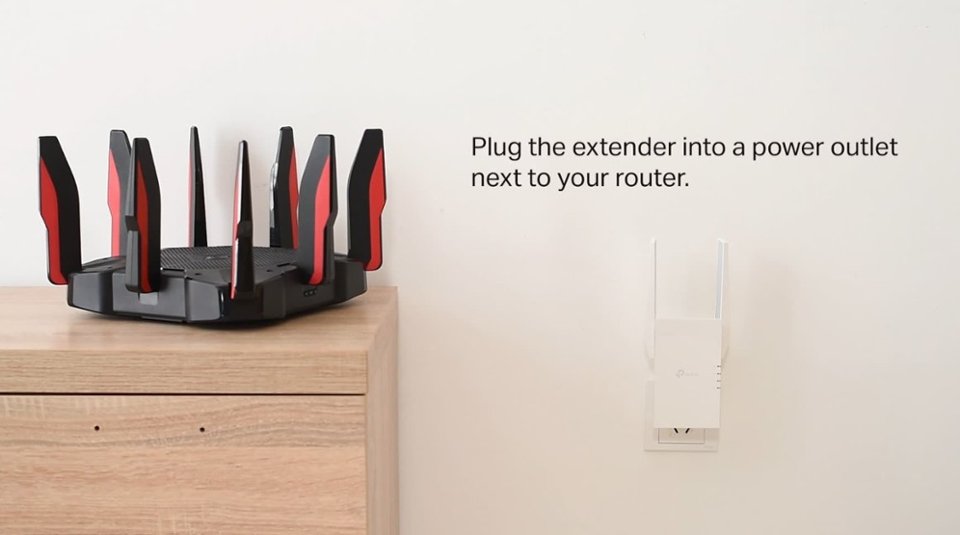
Thank you for your review. TP-Link Wi-Fi extenders are universally compatible with Wi-Fi routers. If you are experiencing difficulty connecting the extender to your router, we recommend setting up the device in the same room as your router, then relocating it after setup is complete. We also suggest re-verifying your router's Wi-Fi password during setup, or if using the WPS setup method, ensuring the WPS process is performed in the correct order. The extender's indicator LEDs will help you determine which position in your home is ideal.
We also highly recommend ensuring the extender's firmware is fully up to date using the steps outlined in FAQ 1406 on our official website. To locate this FAQ, visit our website and enter 1406 in the top-right search field, then click the corresponding FAQ in the search results.
If you would like assistance with any of these steps, please reach out to our free support team using any of the resources included with the product, or from our official website, and we'll gladly have a Support Agent follow up with you directly.
Thank you,
TP-Link Support
Highly recommended
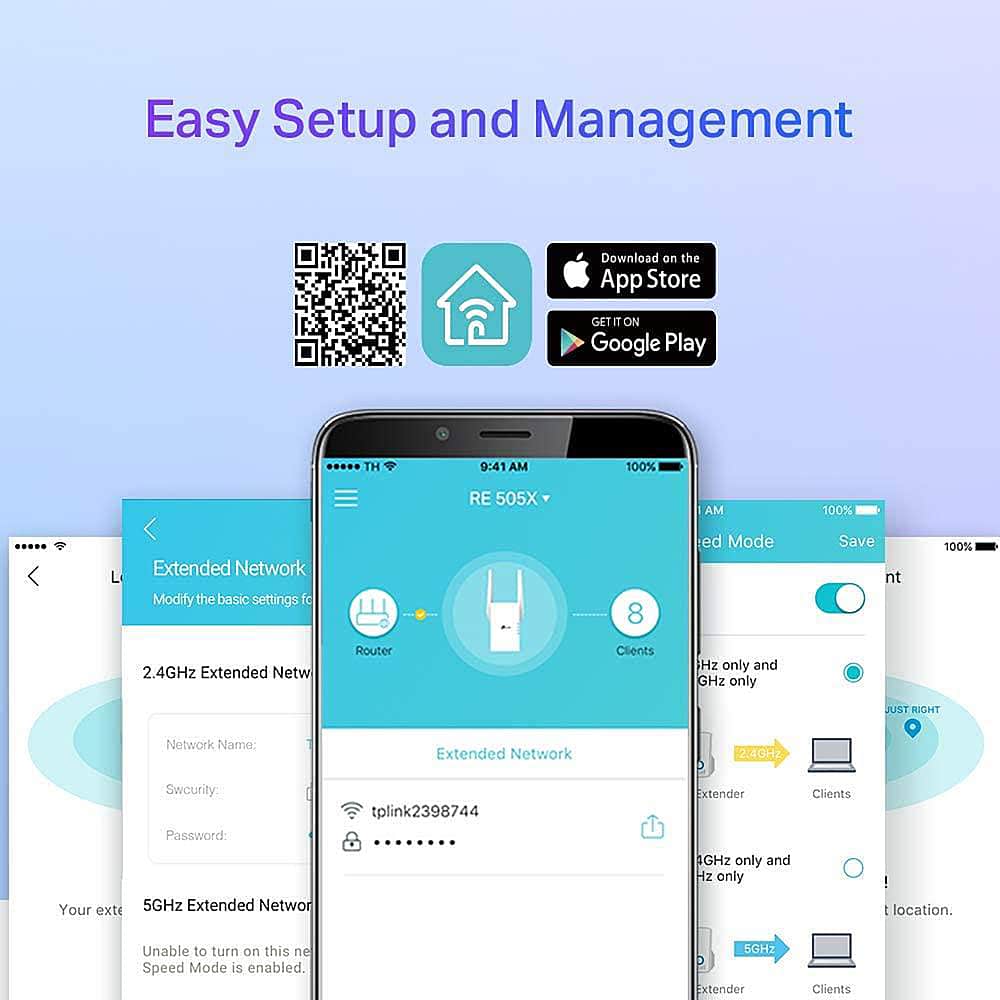
||Posted . Owned for 2 months when reviewed.This reviewer received promo considerations or sweepstakes entry for writing a review.Excellent wifi extender. Very easy to connect, just downloads the app and have the extender does it itself. Stable wifi!!! Worth the price!!!
I would recommend this to a friendGame changer
||Posted . Owned for 3 weeks when reviewed.This reviewer received promo considerations or sweepstakes entry for writing a review.Bought for outside video surveillance cameras. Works flawlessly. Bought two and may but one more. Highly recommend.
I would recommend this to a friendGreat Wifi Extender
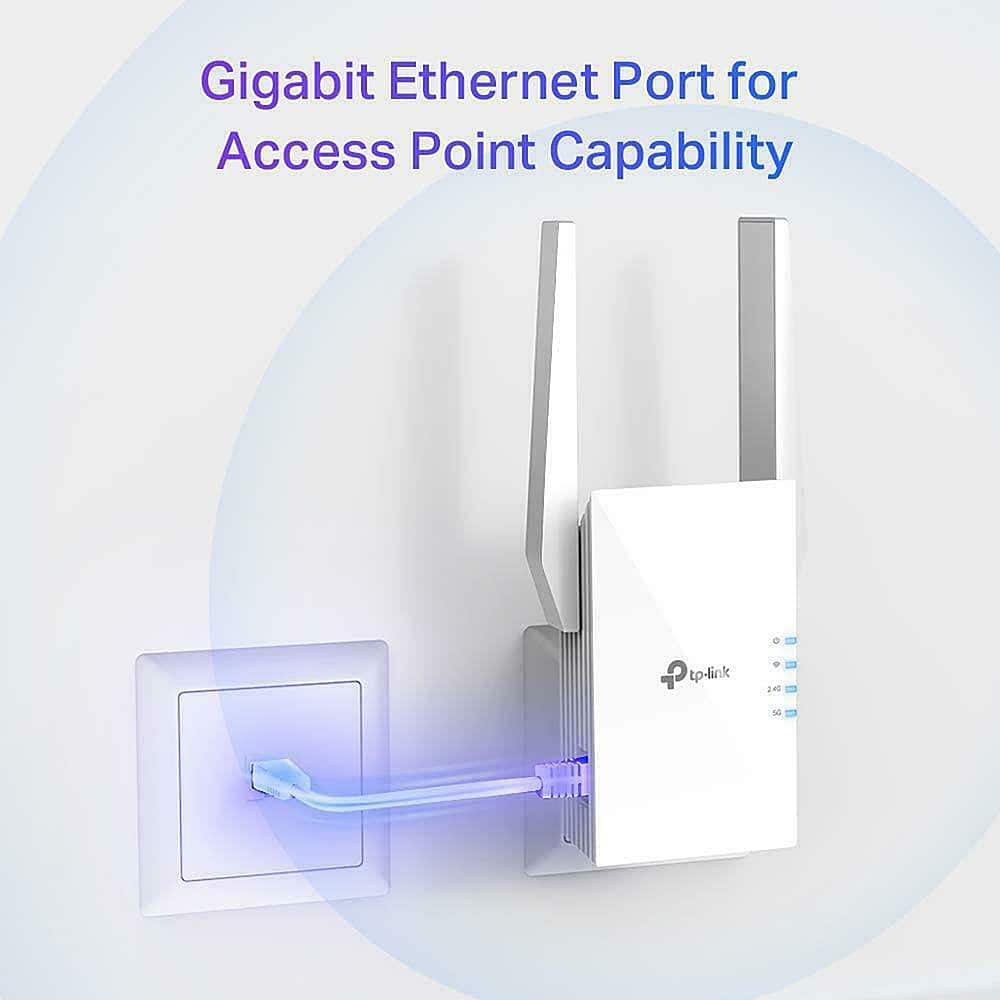
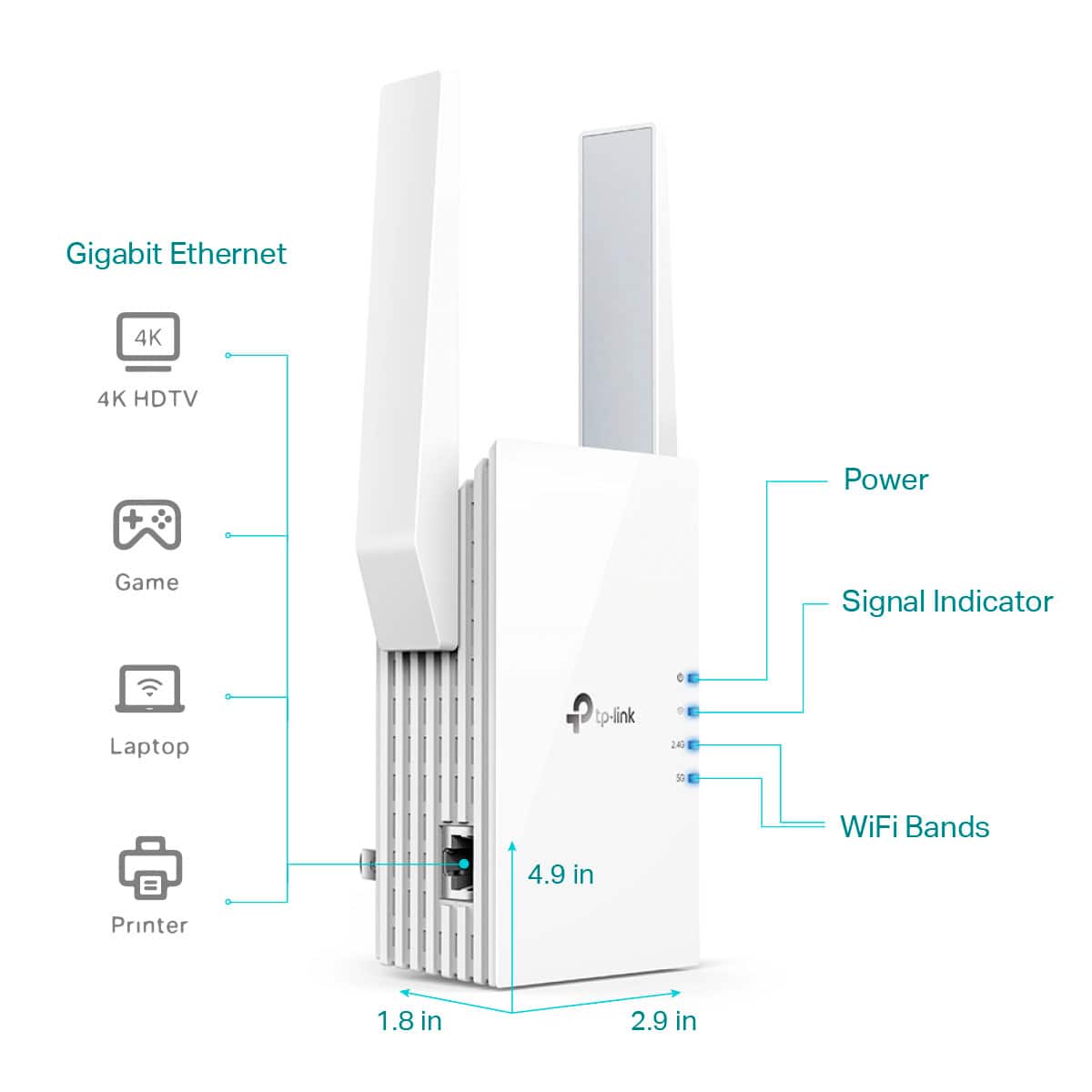
||Posted . Owned for 1 month when reviewed.This reviewer received promo considerations or sweepstakes entry for writing a review.Great wifi extender - the ethernet connection is the main reason I went with this choice.
I would recommend this to a friendWifi extender
||Posted . Owned for 3 weeks when reviewed.This reviewer received promo considerations or sweepstakes entry for writing a review.Great WiFi extender and I love it and I get the WiFi good
I would recommend this to a friendsmooth
||Posted . Owned for less than 1 week when reviewed.This reviewer received promo considerations or sweepstakes entry for writing a review.i use to lose connection to wifi every hour or so on my pc before this, now that i’ve got it my pc works so smooth and i never lose connection
I would recommend this to a friendSmart buy
||Posted . Owned for 2 weeks when reviewed.This reviewer received promo considerations or sweepstakes entry for writing a review.Overall good product in a pinch, doesn’t drop connection!
I would recommend this to a friendGood extender
||Posted . Owned for 1 month when reviewed.This reviewer received promo considerations or sweepstakes entry for writing a review.This extender works very well. Setup was a little confusing, but it worked out.
I would recommend this to a friendDecent repeater
||Posted . Owned for 2 weeks when reviewed.This reviewer received promo considerations or sweepstakes entry for writing a review.Seems to work well but location within house makes a big difference
I would recommend this to a friendExcellent product
||Posted . Owned for 3 weeks when reviewed.This reviewer received promo considerations or sweepstakes entry for writing a review.Was having problems getting wifi access on my outdoor TV and glad I purchased this item. Very happy with my selection
I would recommend this to a friendWorks well moderately
||Posted . Owned for 1 month when reviewed.This reviewer received promo considerations or sweepstakes entry for writing a review.Works well, but any extended use over 3hrs the service becomes a little choppy.
I would recommend this to a friendSomewhat ok (verizon 5G)
||Posted . Owned for 1 month when reviewed.This reviewer received promo considerations or sweepstakes entry for writing a review. I had use it on Verizon home 5G modem, so my results are different from others. when I first connected, it has strong signal after days, go by it started to lose signal. it depends on where you plug it in at.
No, I would not recommend this to a friendBrand response from TPLinkSupport
Posted .Hi,
Thank you for your review. If you haven't noticed a significant improvement in Wi-Fi coverage after installing the extender, we recommend relocating the unit to a position within your home where the router's Wi-Fi signal is sufficiently strong; yet far enough from the router to effectively extend its range. Please verify the RE status LED is indicating a solid connection.
We also recommend ensuring the extender's firmware is fully up to date using the steps outlined in FAQ 1406 on our official website: https://www.tp-link.com/us/support/faq/1406/
If you would like assistance with any of these steps, please reach out to our support team using any of the resources included with the product, or from our official website, and we'll gladly have a Support Agent follow up with you directly.
Thank you,
TP-Link Support
Terrible experience with Best Buy. Done.
||Posted . Owned for 3 weeks when reviewed.This reviewer received promo considerations or sweepstakes entry for writing a review.This item is worthless. It doesn't extend the same network, it creates a new network that you have to connect to. So all your devices in the extended area aren't connected to the same network, making your systems unconnected to each other. Not as advertised. In addition, when I went to return it, Best Buy refused to refund me the money because I was past their ridiculous 2 week return window. So I am stuck with a piece of worthless tech and I'm out $65. Not only will I never buy anything made by TP Link again, I am done with Best Buy. I will take the thousands of dollars I spend most years on tech to some other retailer. I would give it zero stars if I could, and zero stars to Best Buy.
No, I would not recommend this to a friendBrand response from TPLinkSupport
Posted .Hi Mike,
Thank you for your review. TP-Link Wi-Fi Range Extenders offer the ability to copy the Wi-Fi name and password of your original network, so your wireless devices can automatically connect between it and your router. The extended network operates within the same LAN as your router, so devices on the extender can conveniently communicate with devices connected to the router.
Our support team is always happy to help answer any questions you may have about our products. Please feel free to reach out using any of the resources included with the product, or from our official website, and we'll gladly have a Support Agent follow up with you directly.
Thank you,
TP-Link Systems Support
Great product.
||Posted . Owned for 3 weeks when reviewed.This reviewer received promo considerations or sweepstakes entry for writing a review.We could not get internet coverage 30ft. From house. With this extender our outside cameras now work. Thanks
I would recommend this to a friendEffective WiFi booster
||Posted . Owned for 3 weeks when reviewed.This reviewer received promo considerations or sweepstakes entry for writing a review.It actually worked well to reduce/eliminate buffering on a TV streaming NFL games.
I would recommend this to a friend