Customer Ratings & Reviews
- Model:
- TBS-0722-05
- SKU:
- 10763503
Rating by feature
- Value
Rating 4.5 out of 5 stars
- Quality
Rating 4.5 out of 5 stars
- Ease of Use
Rating 4.4 out of 5 stars
to a friend

Flying high
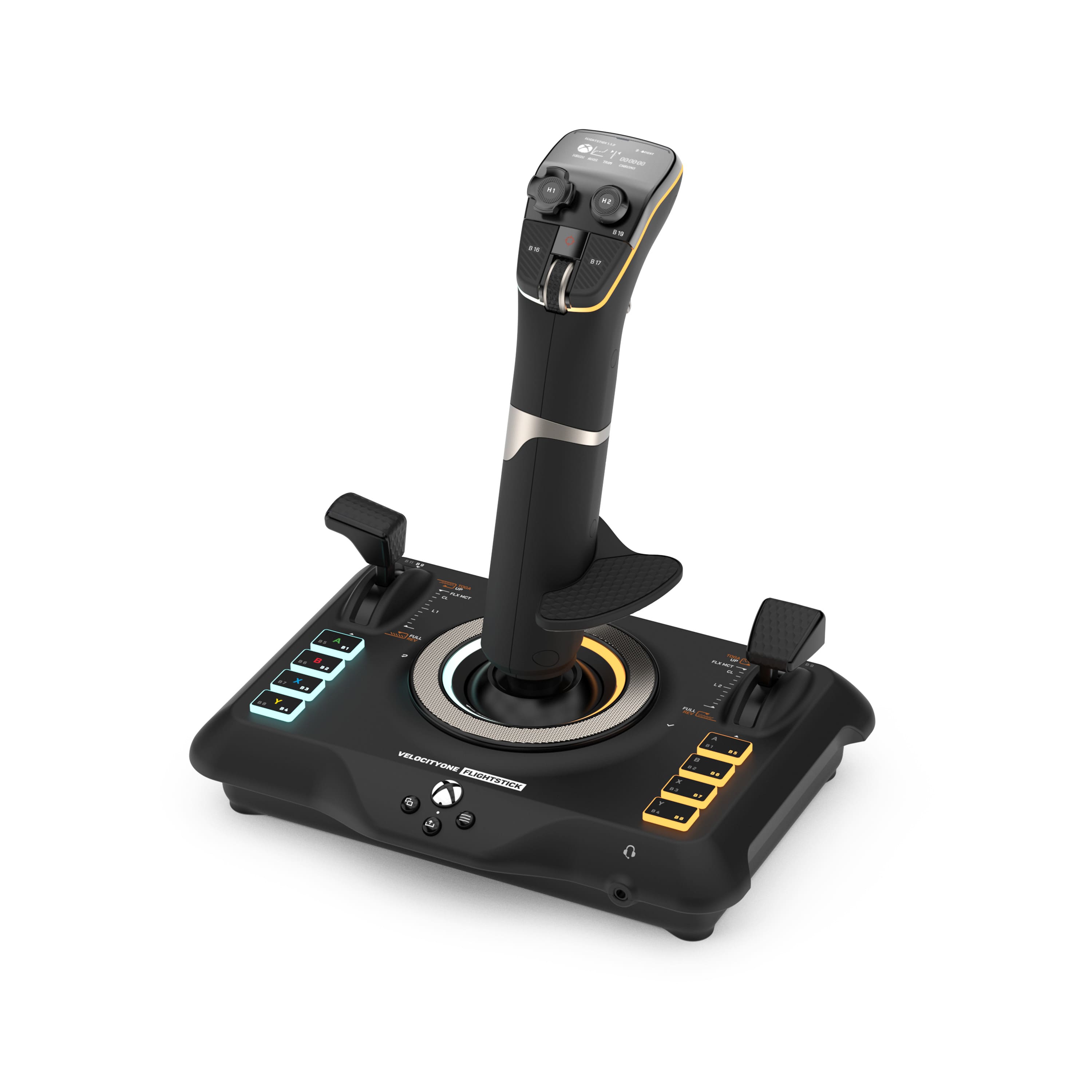
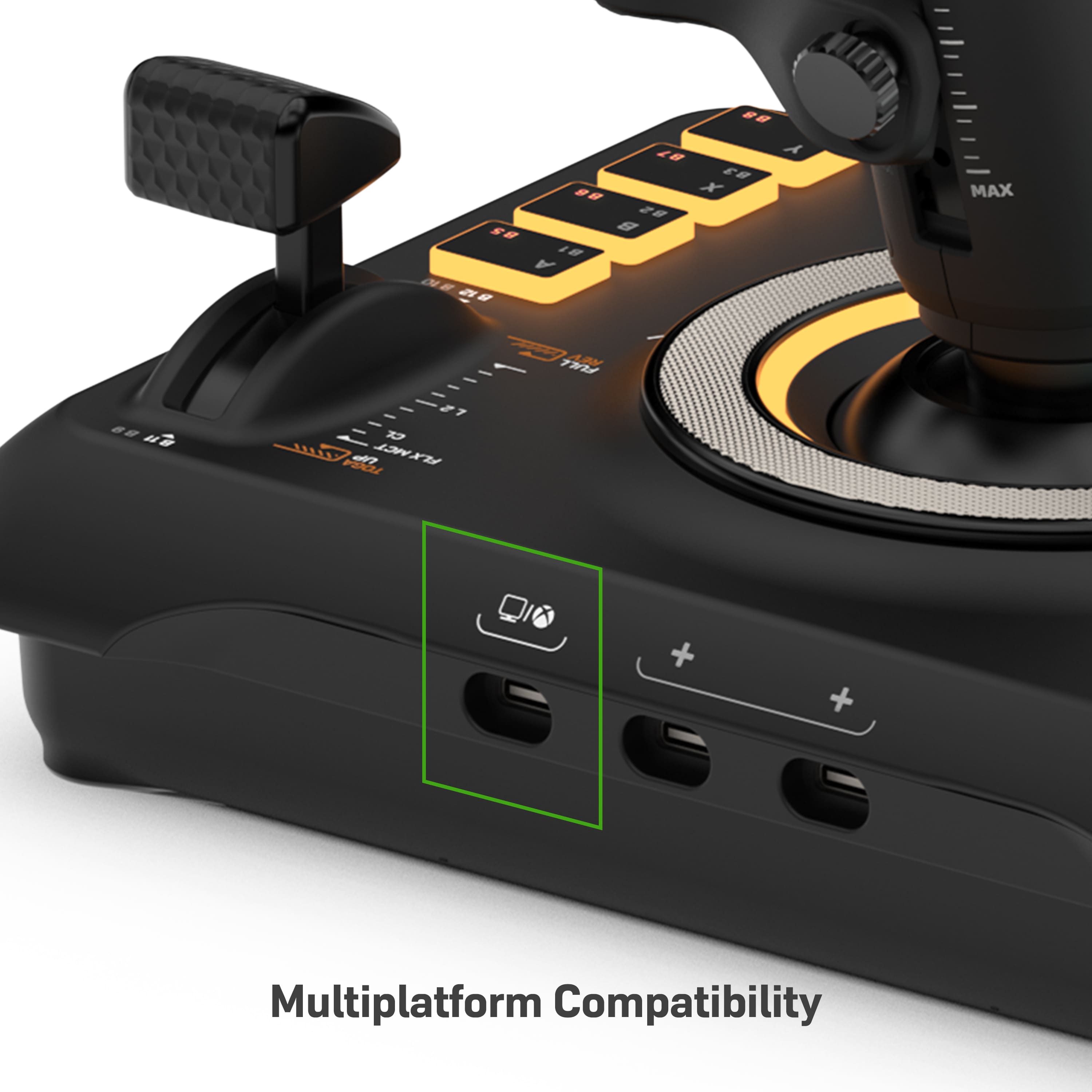
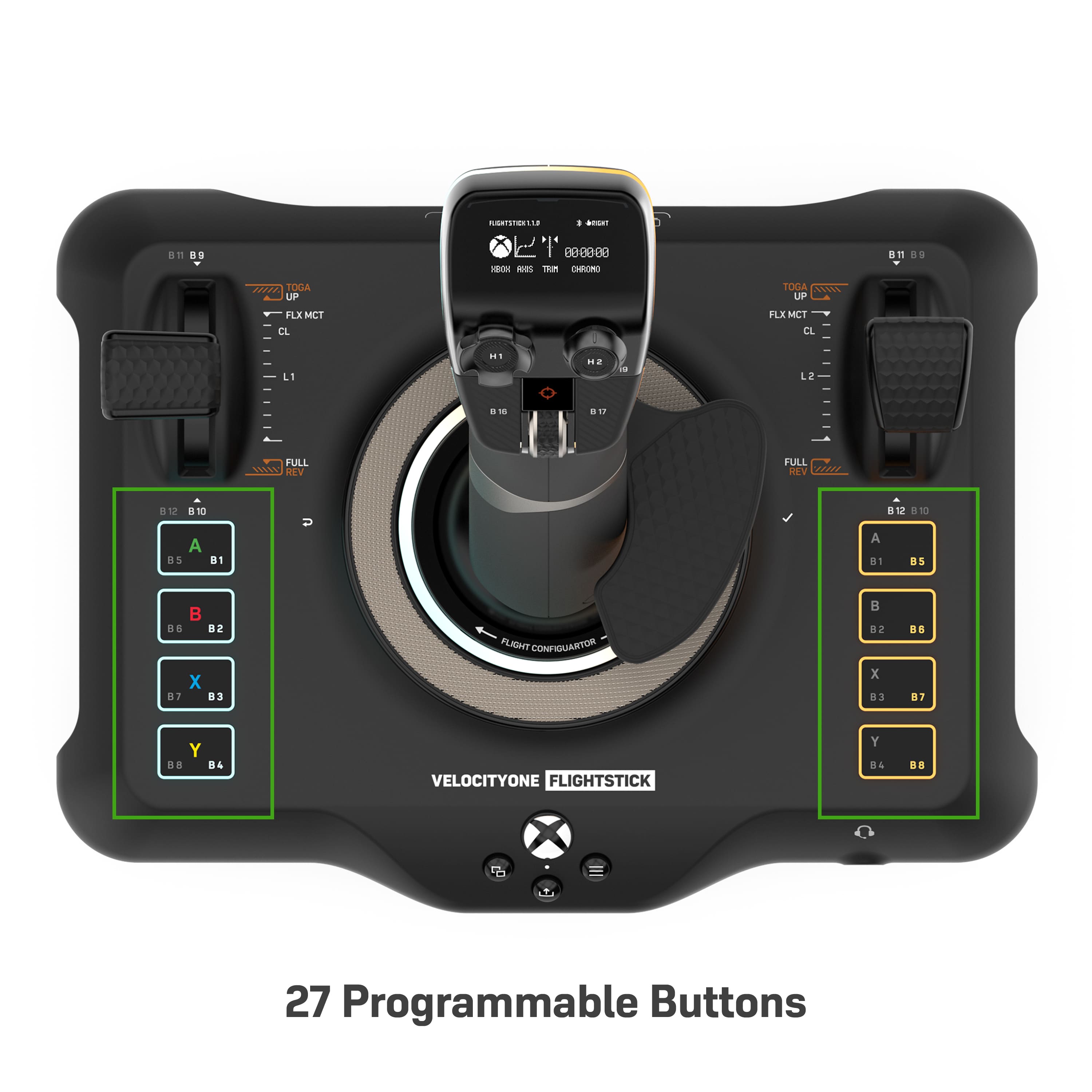
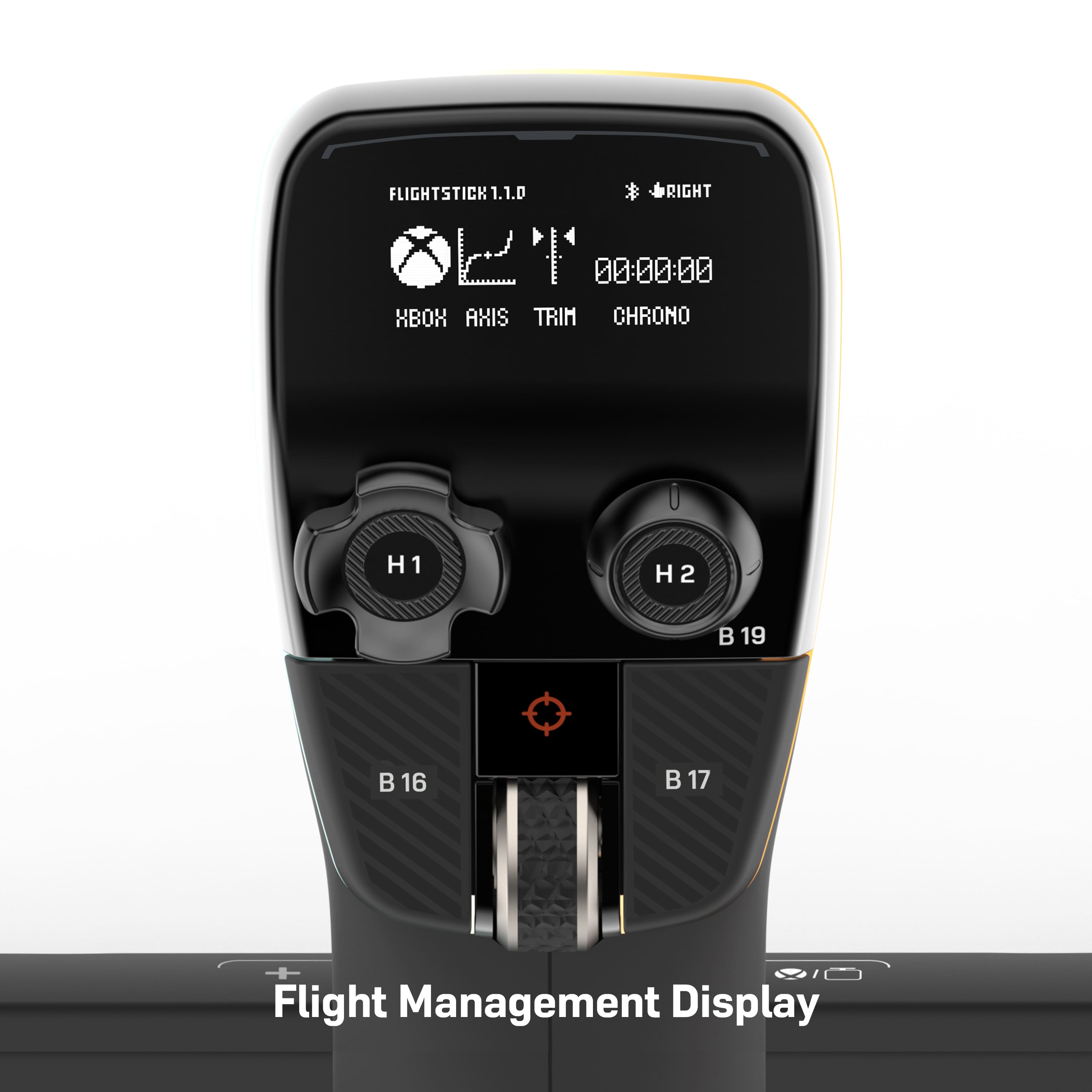
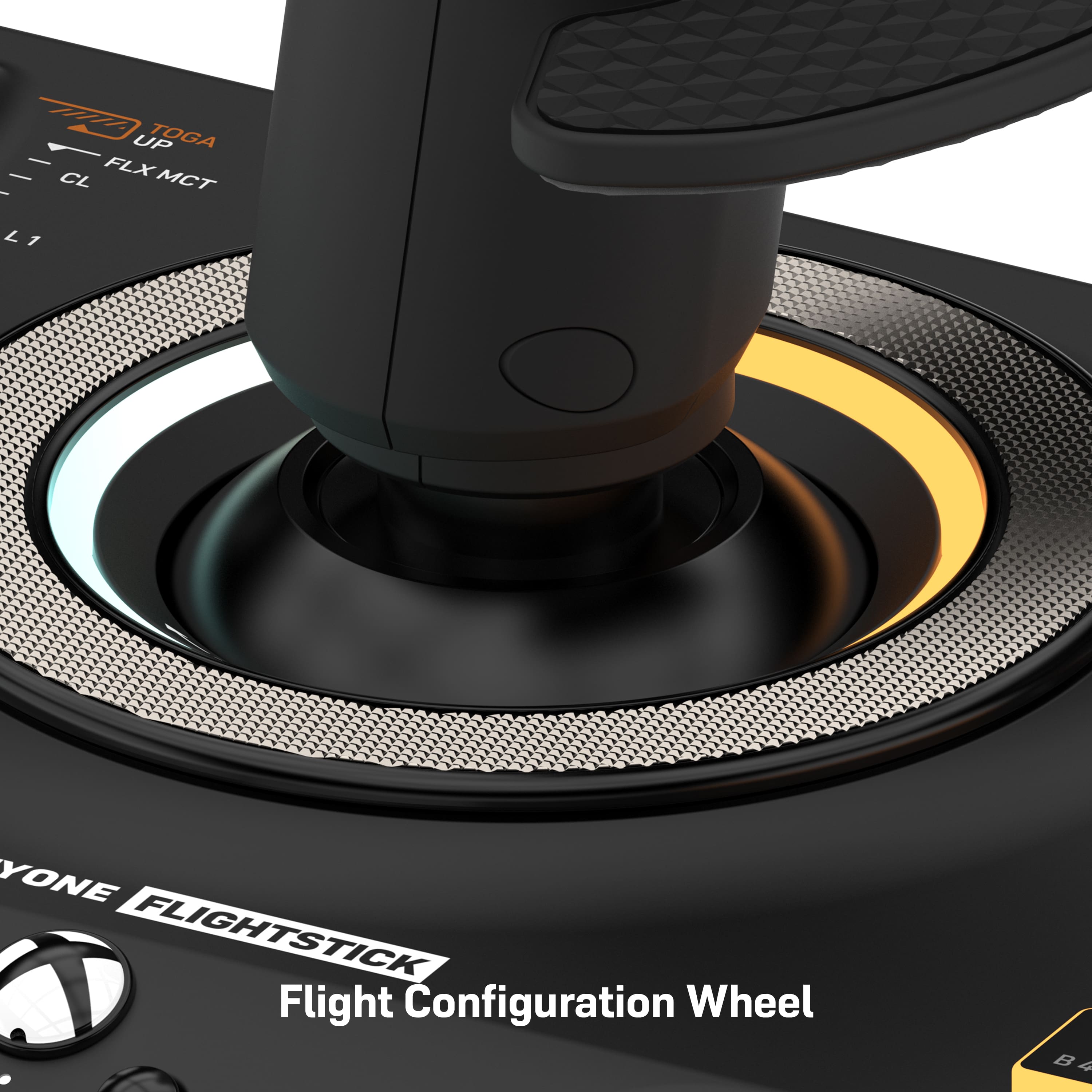
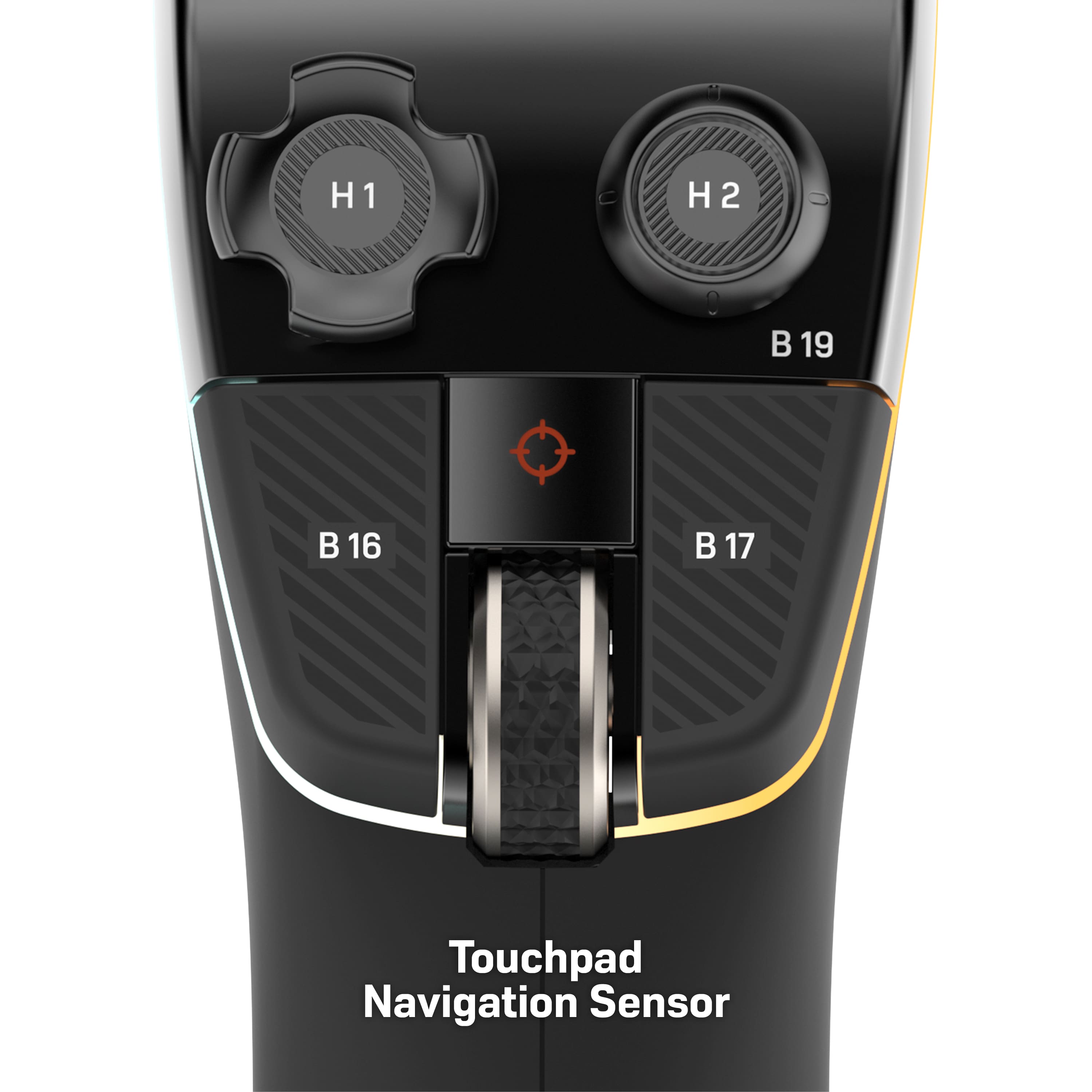
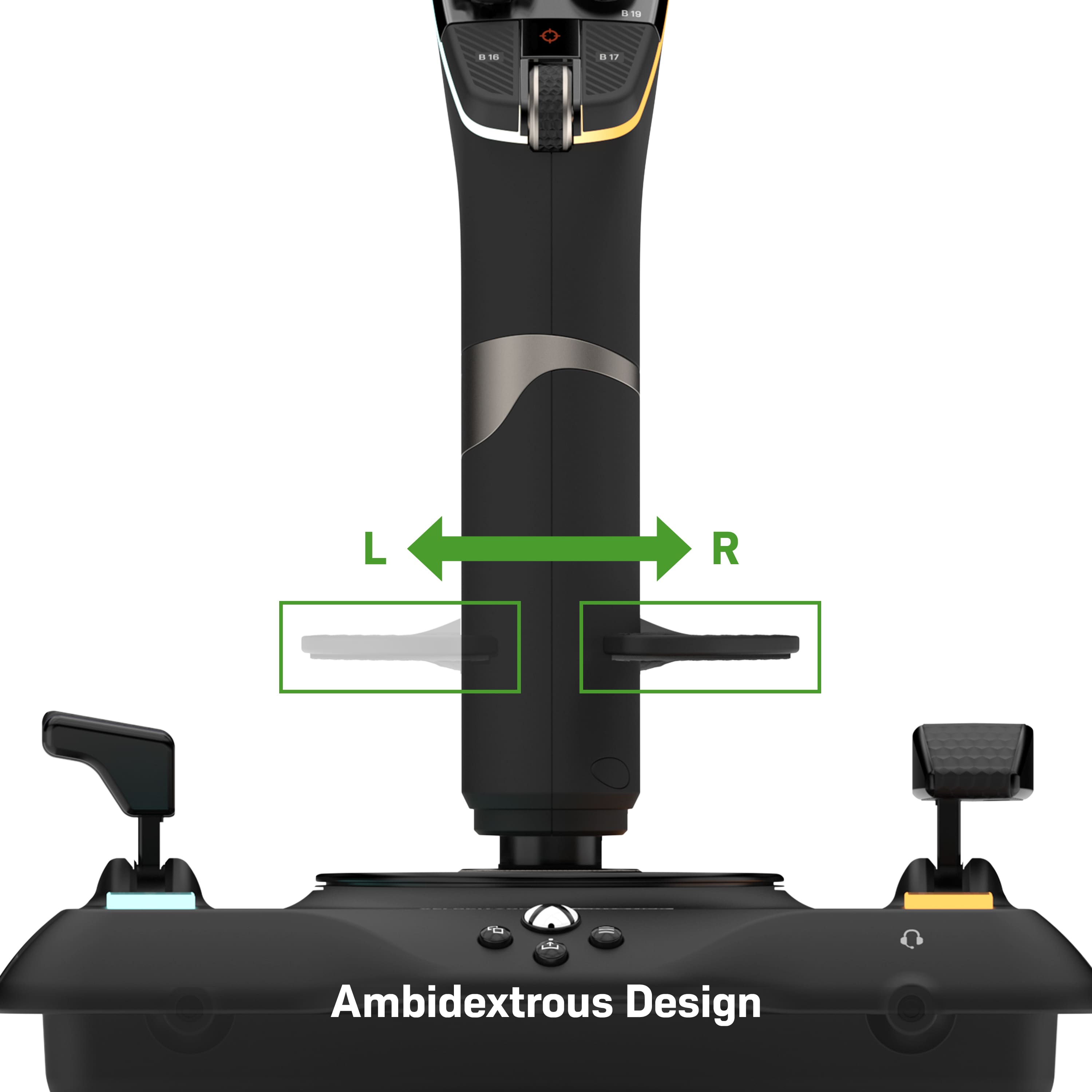
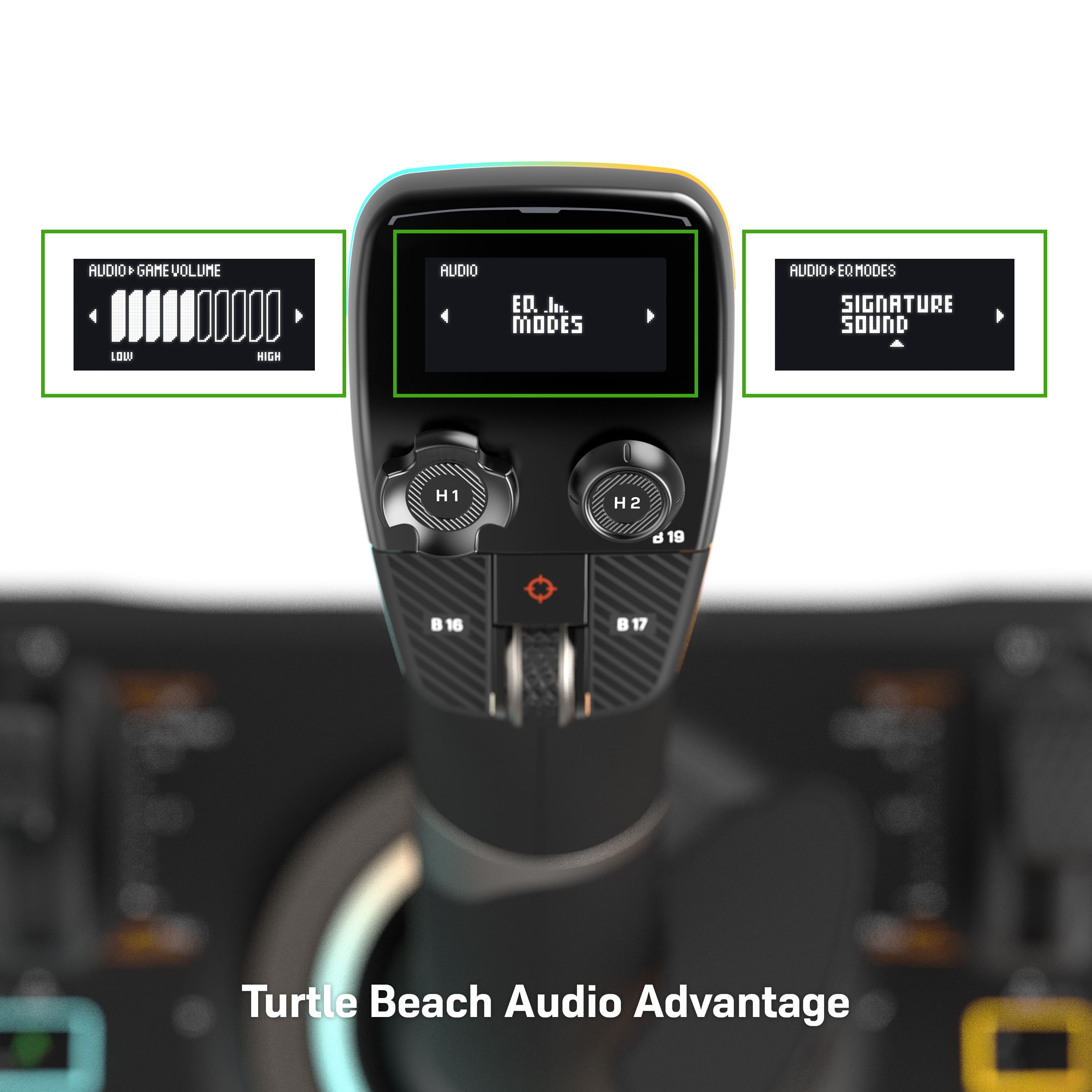
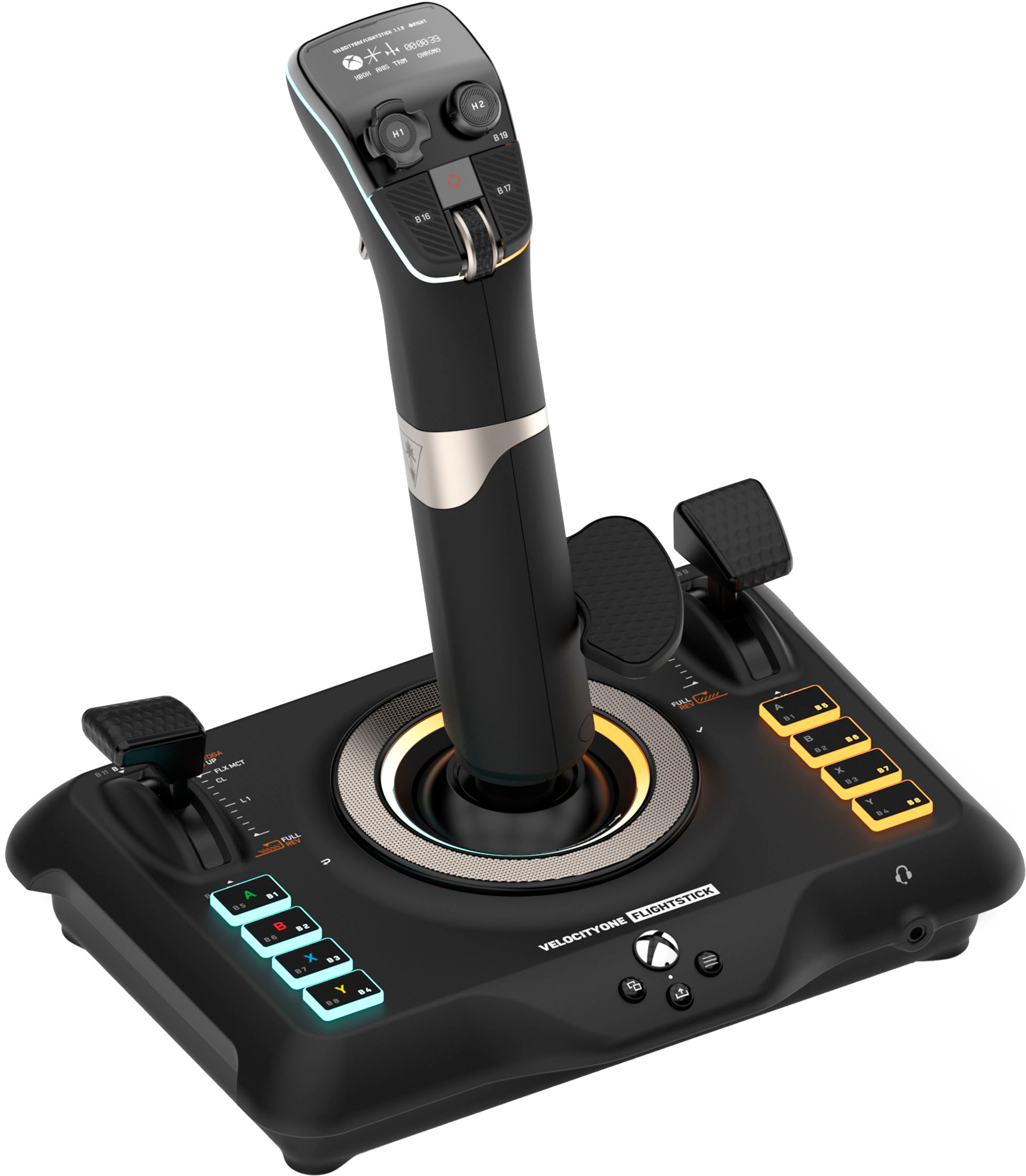
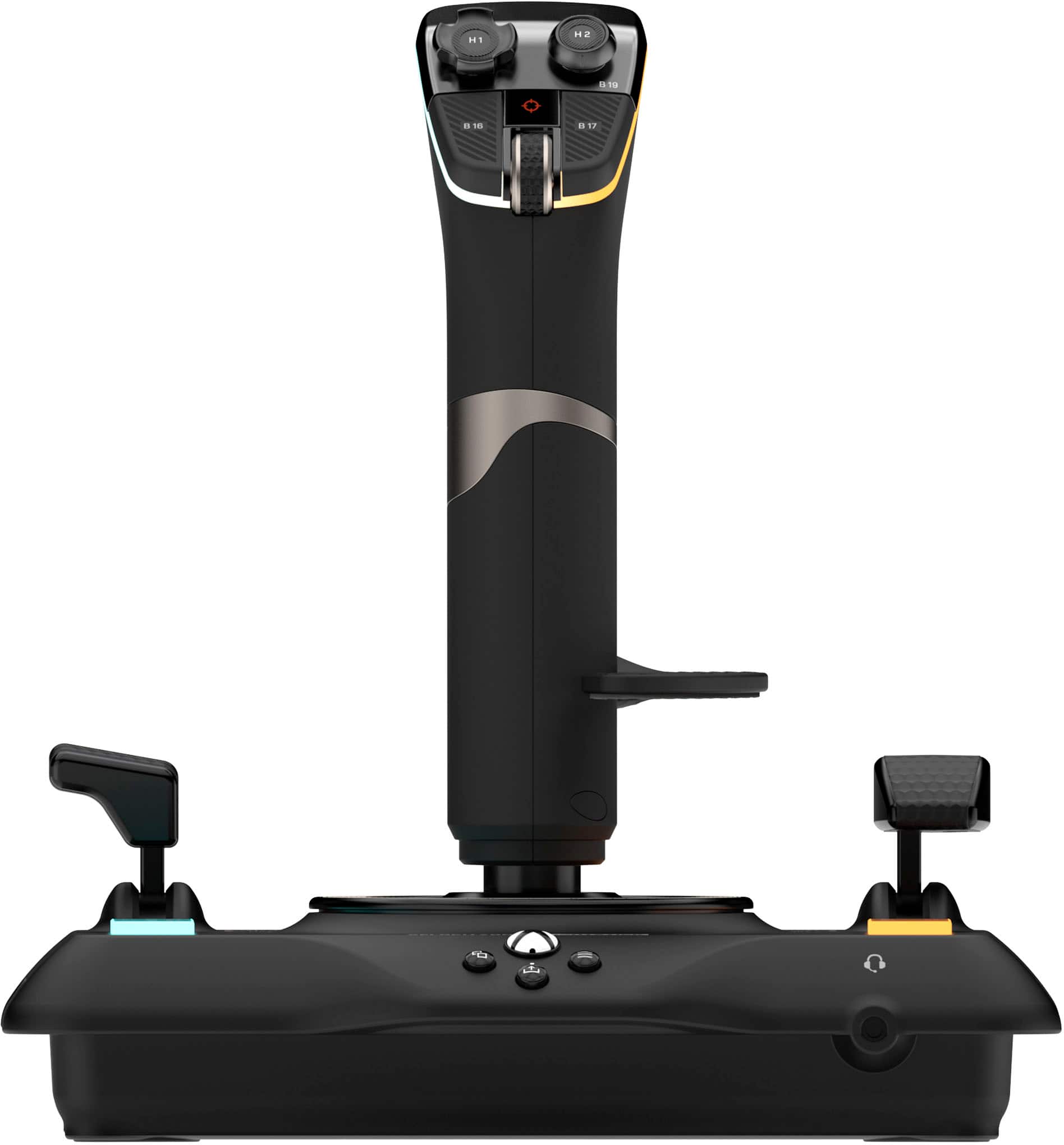
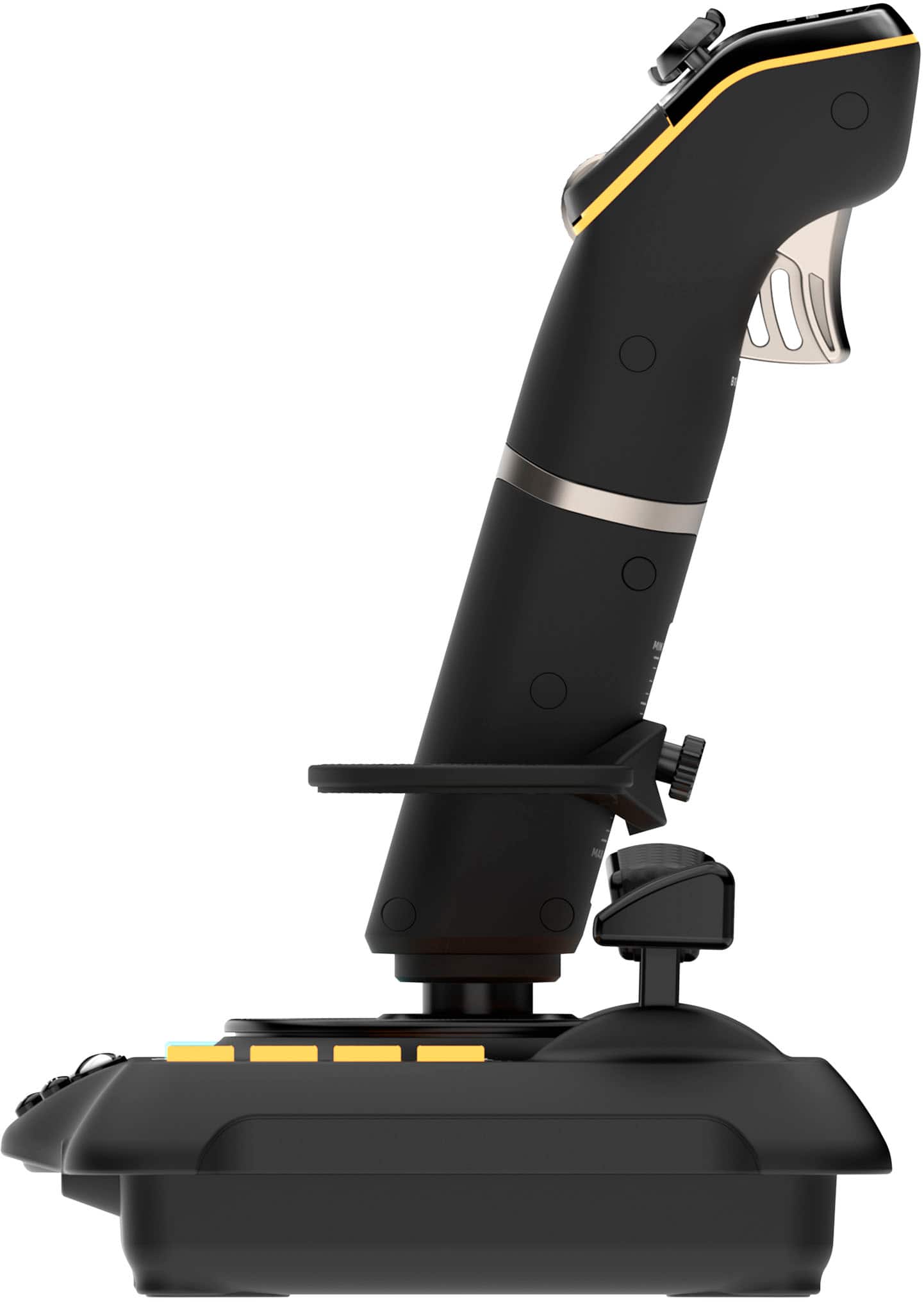
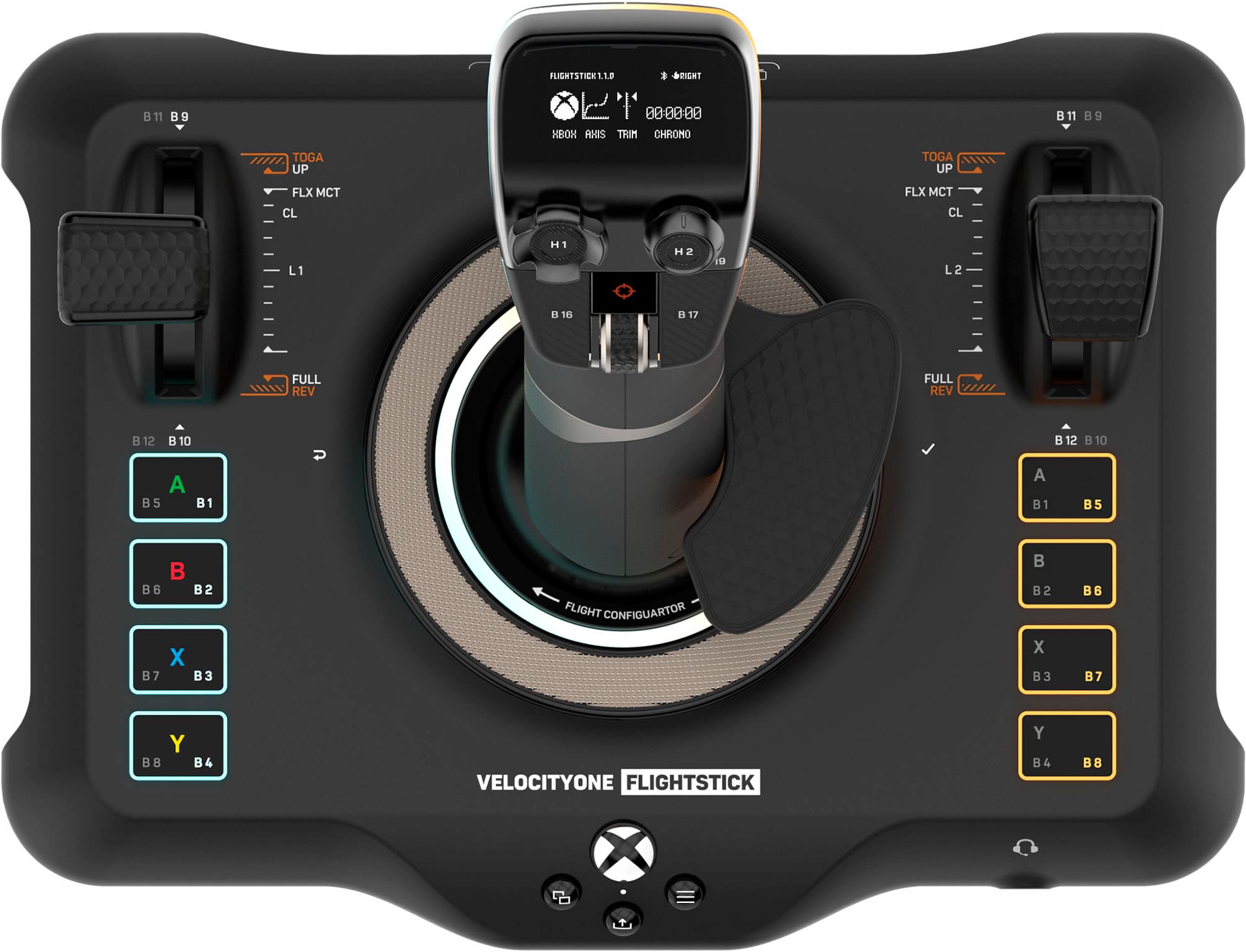
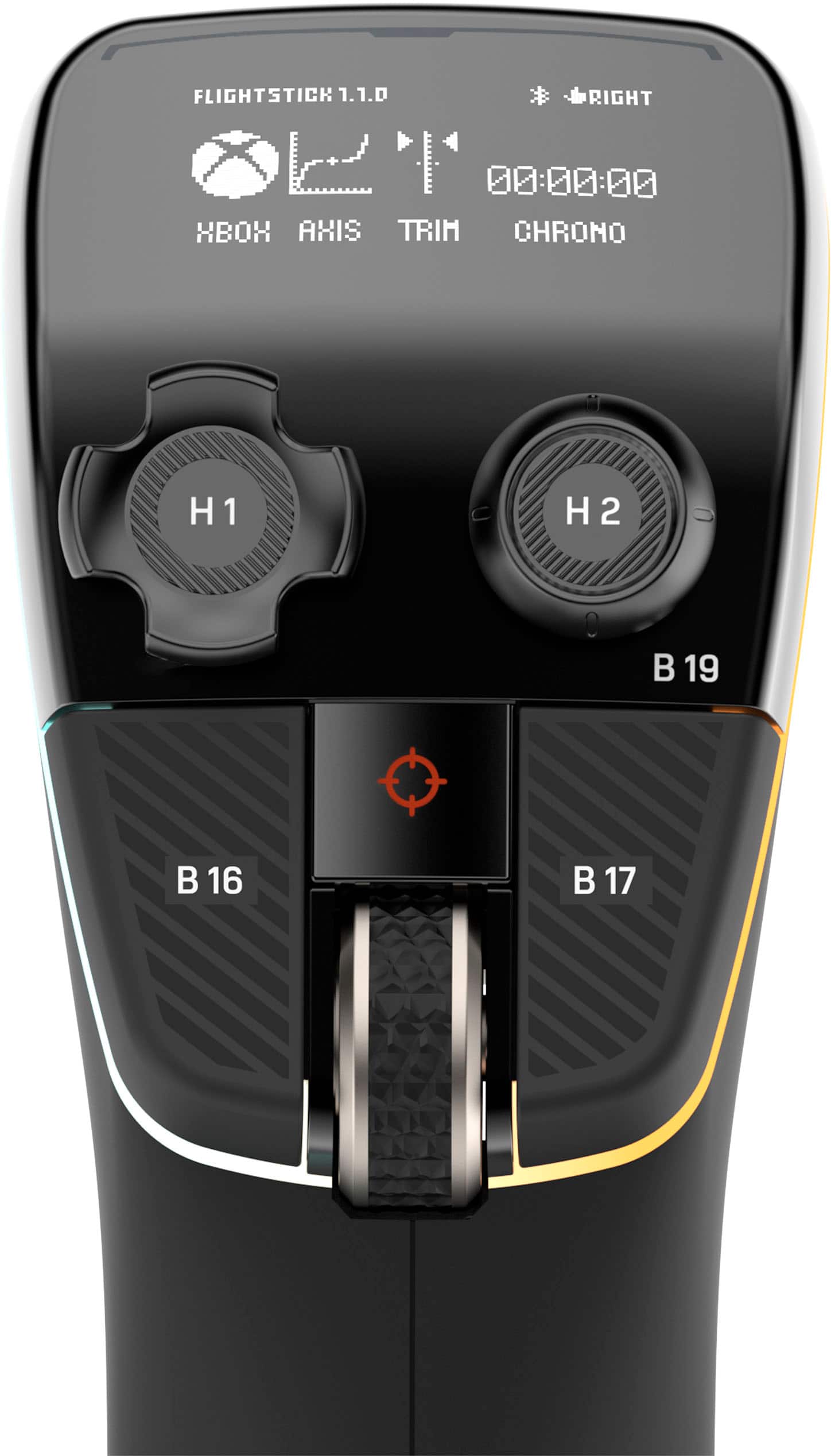
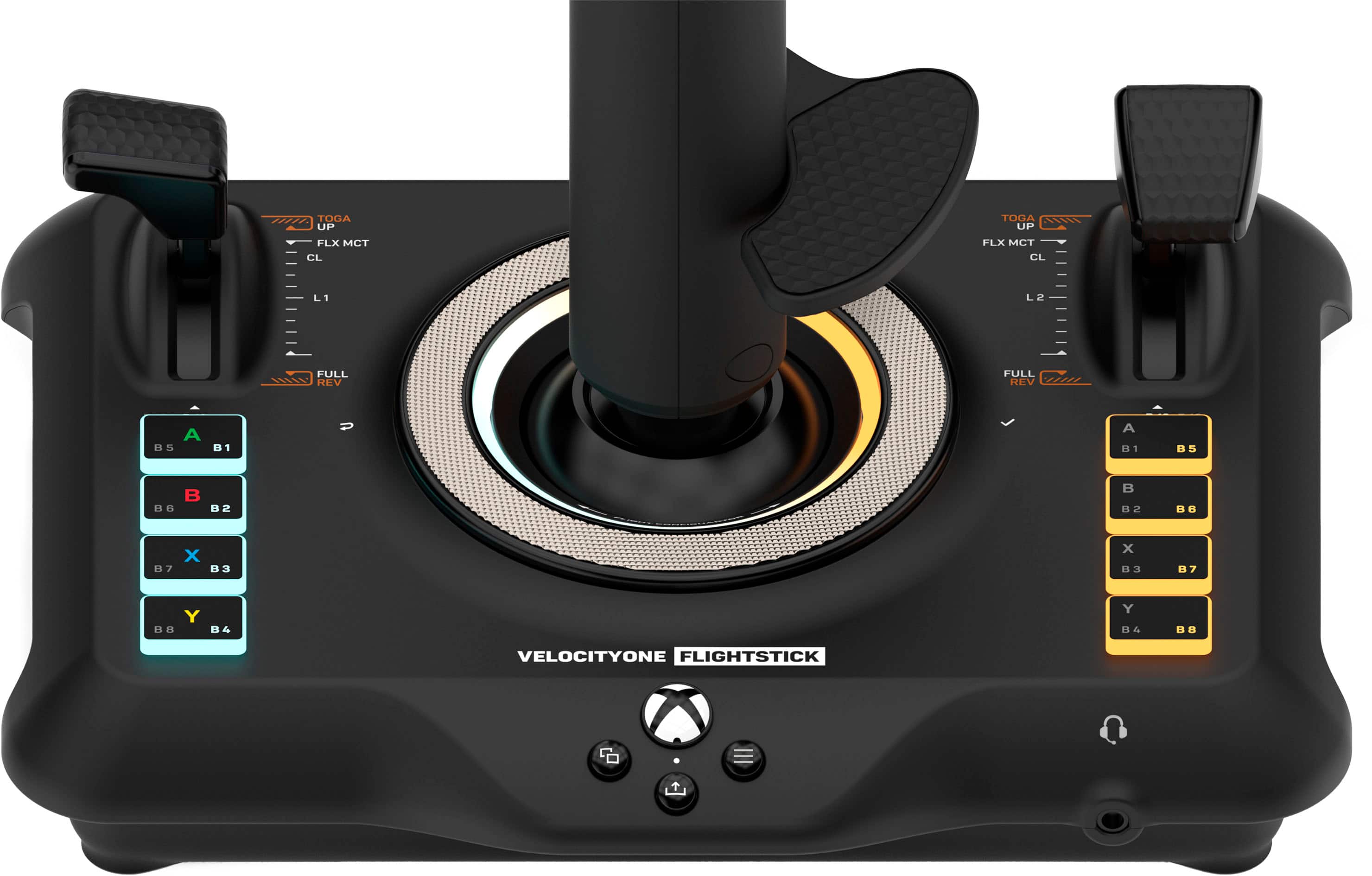
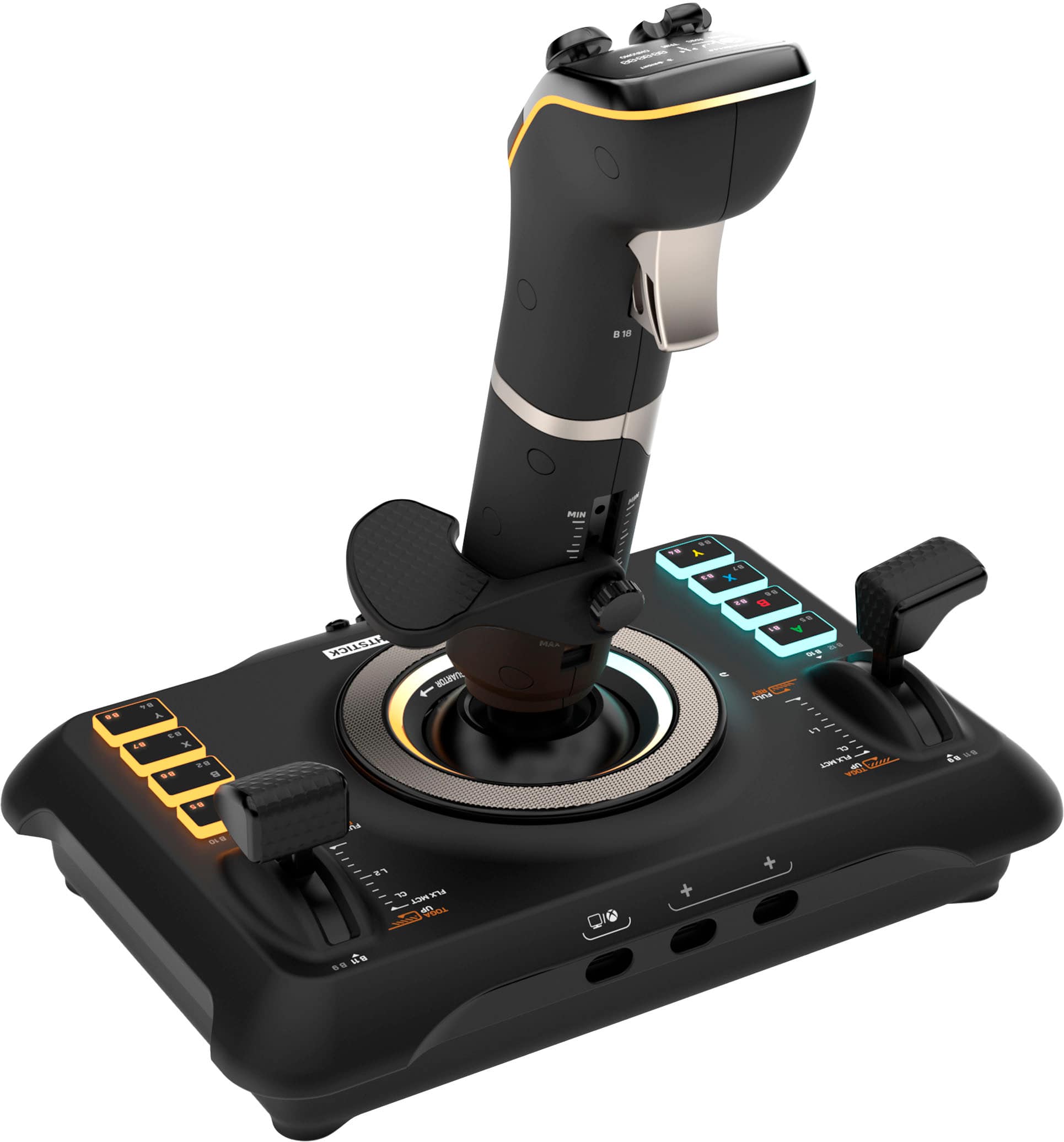
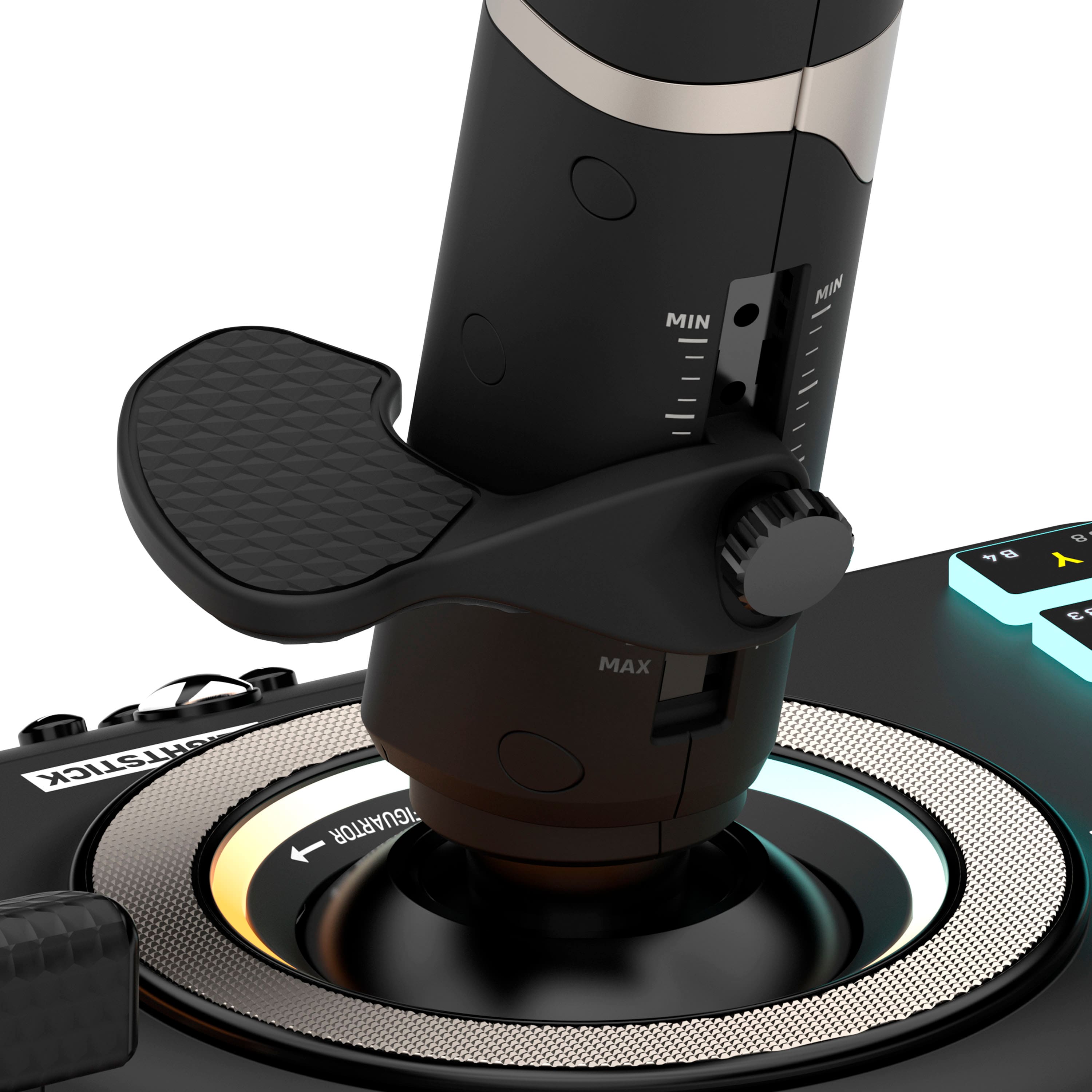
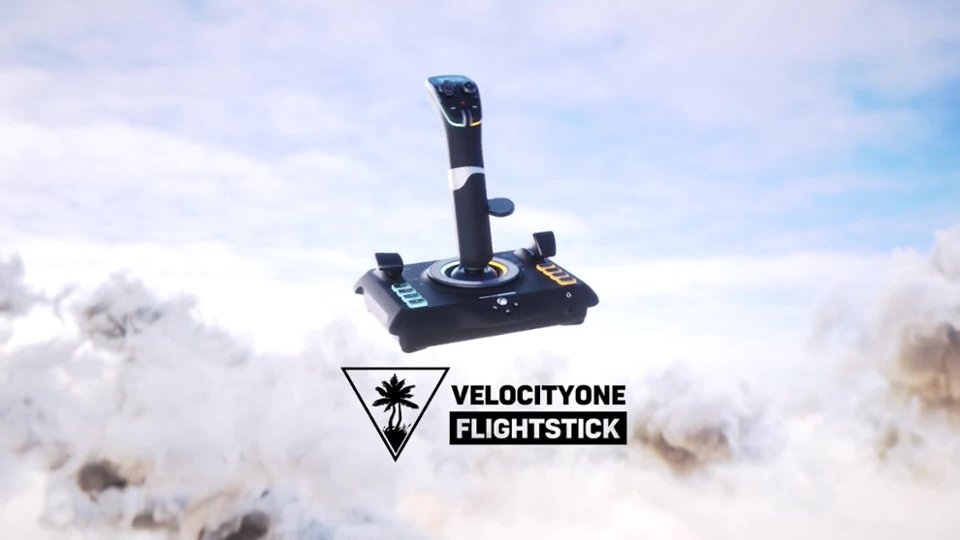
|Posted .This reviewer received promo considerations or sweepstakes entry for writing a review.First impression of the Turtle Beach VelocityOne Flightstick is this is one cool looking flightstick that feels great! Whether you're gaming on an Xbox or PC it runs off a usb-c connection and the response is good. The stick features a soft rubberized grip and an adjustable wrist support that you can swap between five different heights as well as converting it to left handed. It has two throttles with swappable texturized rubber handles. I appreciate all of the buttons on this flightstick, as it makes playing Microsoft Flight Simulator that much easier. On the stick itself there's a handy little oled screen, a couple buttons, scroll wheel, a d-pad like stick, analog stick and a small trackpad for doing mouse movements. I find the pad to be to small to be really of any use and just use my regular mouse instead. There's a few settings that you can change onboard of the stick and the UI is operated using the disc at the base of the stick. You rotate it to scroll through the options and press it on the right side to make a selection, and the left side goes back. You can change the rgb colors, stick sensitivities among other things. While it does seem a bit odd to me the wheel isn't hard to get used to. Overall I'm quite impressed and pleased with this VelocityOne Flightstick, and would definitely recommend it to anyone that is looking for something better than an entry-level flightstick or someone that doesn't want a larger hotas flight setup.
I would recommend this to a friendThe Single Device that helps Immerse you in Flight
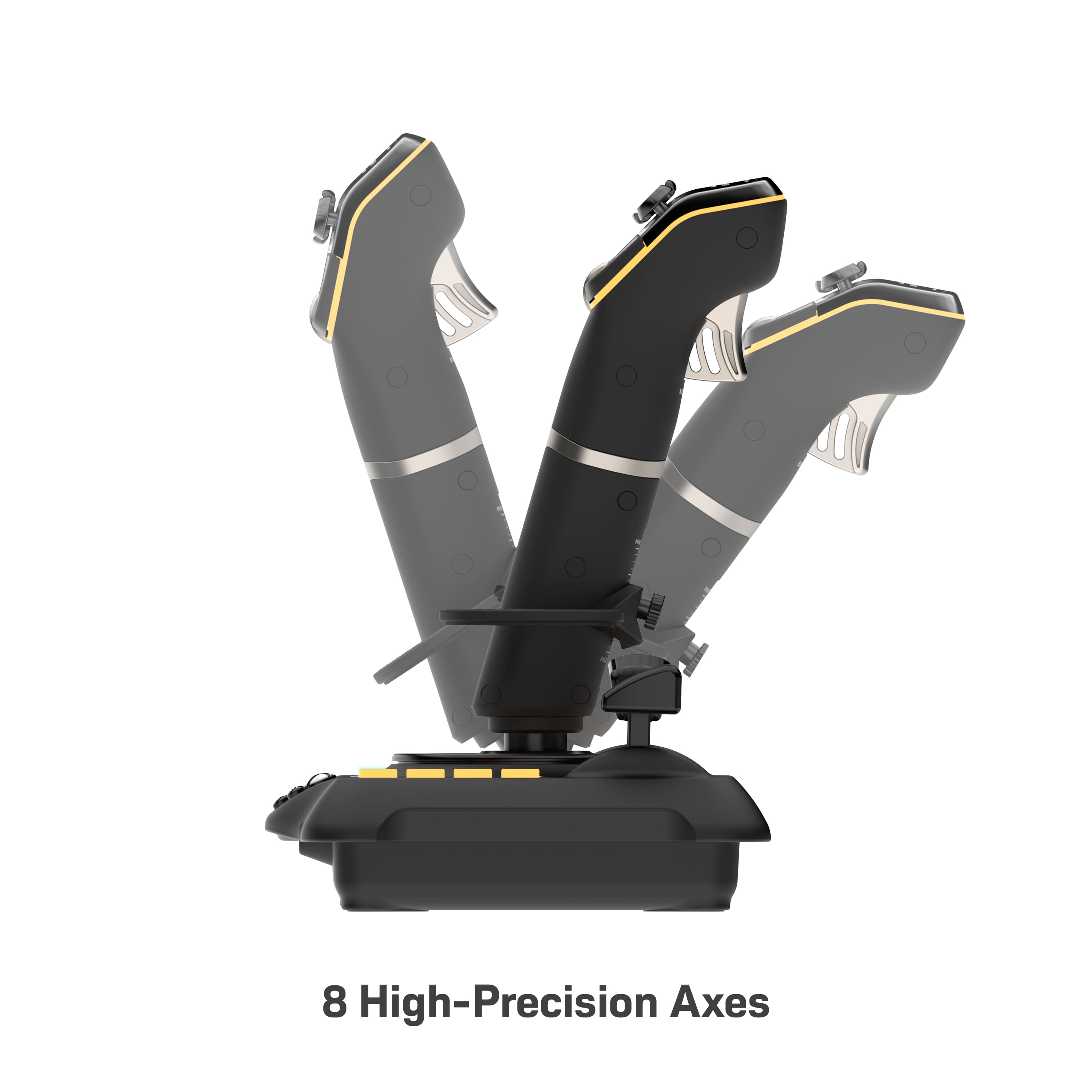
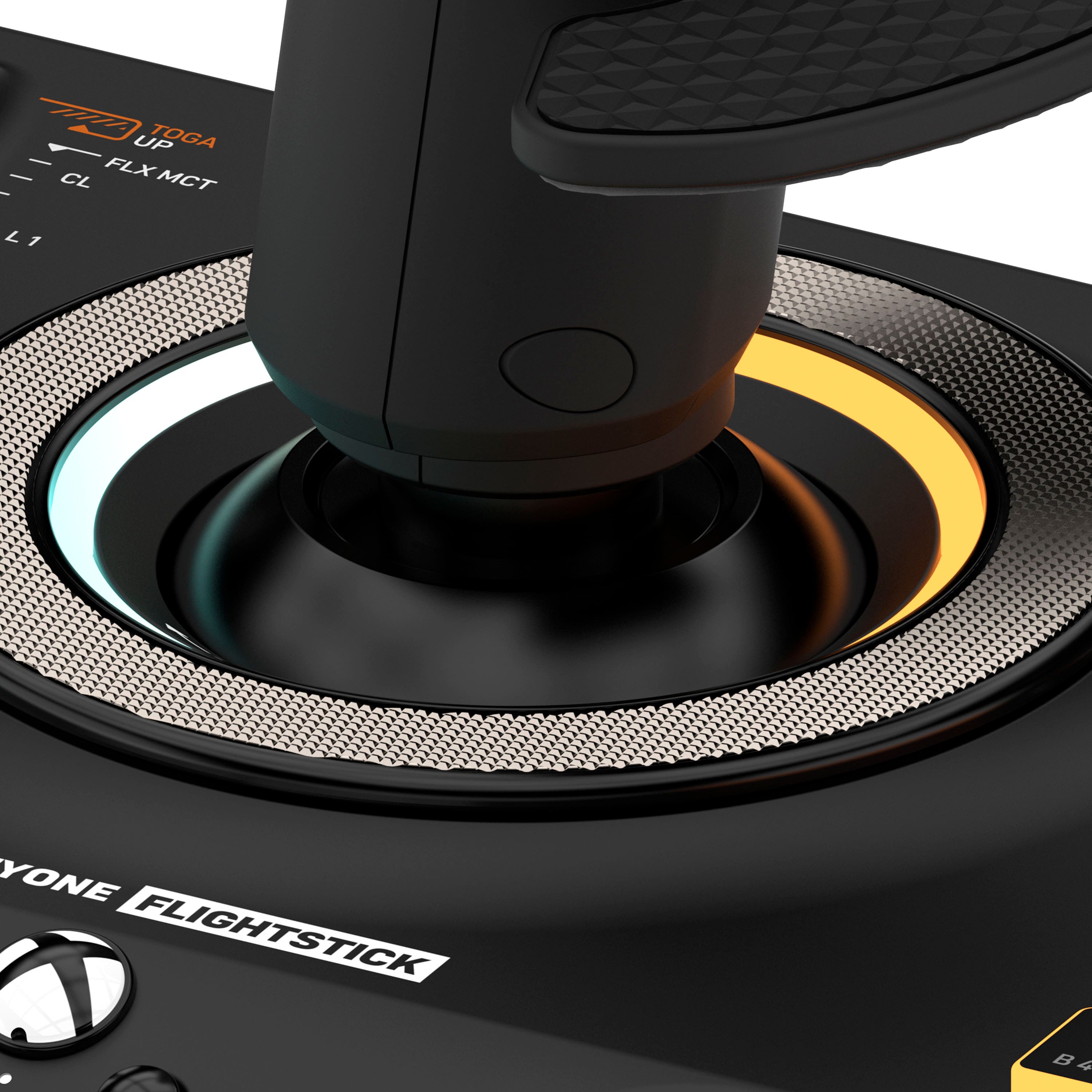
|Posted .This reviewer received promo considerations or sweepstakes entry for writing a review.Firstly, I have been an avid flight simmer for a very long time. I have flown X-Plane, P3D, MSFS, Flight Sim X, DCS, You name it. Now with the huge advent of Microsoft Flight Simulator 2020 the gaming genre of flight simulation was turned on its head. Everyone wanted to jump in head first but didn't have the hardware to truly immerse themselves in the experience. The Turtle Beach VelocityOne Flight Stick bridges that gap. Granted you aren't getting a throttle quadrant and yoke and rudder pedals but that isn't the purpose of this. It is to give you something better than a controller or a keyboard and mouse to fly with. The build quality on this is outstanding. It feels really well built and firm and the tension on the pitch, roll, and yaw axis is spot on where it should be. The one thing that threw me way off was the control wheel around the stick. That silver ring. Yeah it isn't for show. It has control on it for settings on the stick. The manual does not make that well understood. It took a YouTube video for me to realize it. The stick comes with so many buttons and axis choices to map to that it allows you to fly an airliner or a helicopter. Perhaps you want to fly a glider, it can do that too. Just open your favorite flight sim software and it will recognize the stick immediately and you can get to work customizing your mappings. Overall this stick is worth every penny and I can see myself using this for the very foreseeable future.
I would recommend this to a friendGreat build quality, but not ideal for Xbox MFS
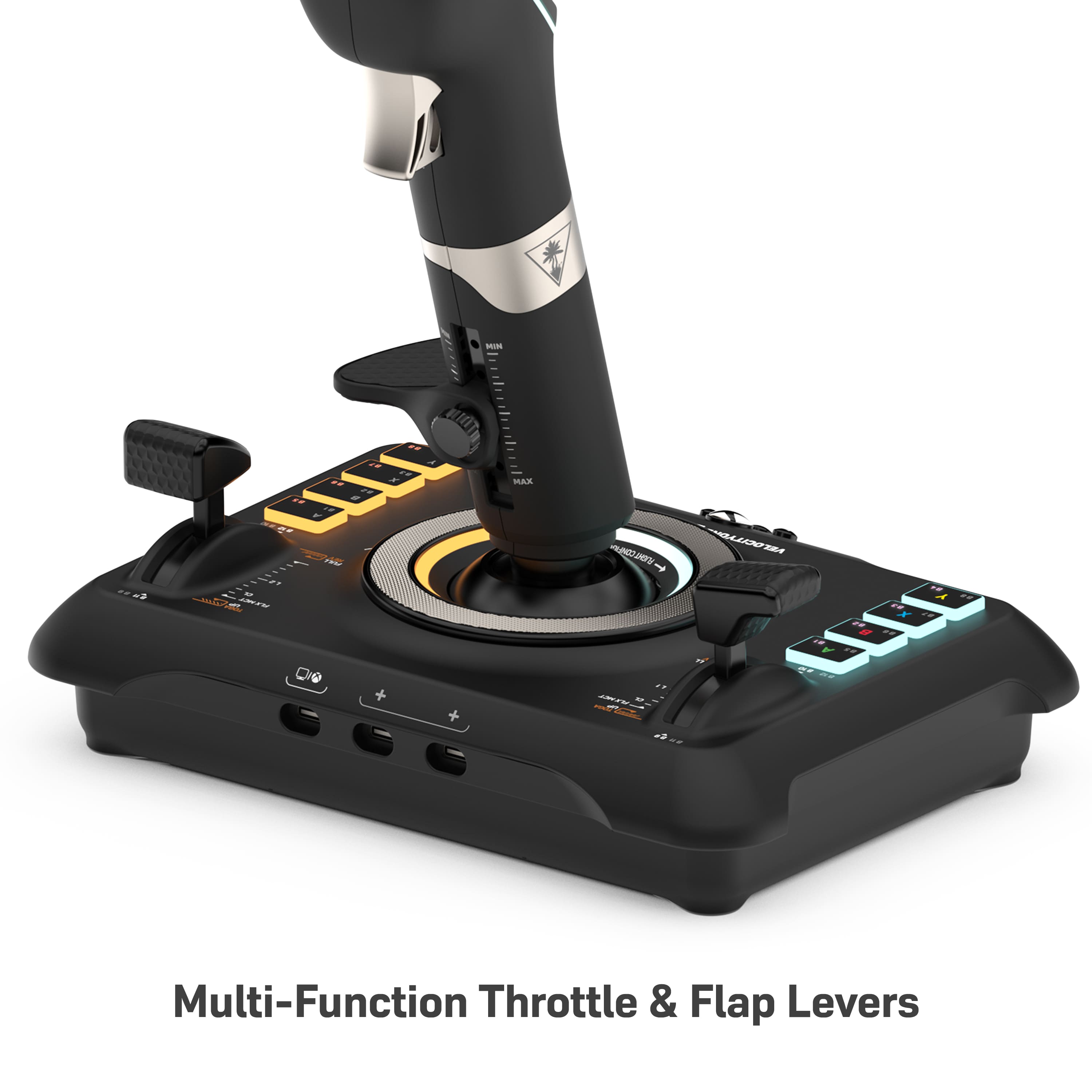
|Posted .This reviewer received promo considerations or sweepstakes entry for writing a review.When this product was announced, I was very excited for the opportunity to finally be able to have a compact option for using Microsoft Flight Simulator on the Xbox. Full disclosure, I am a private pilot and used to own a Cessna 182, which I sold a couple of years ago. At that time, I had a full PC-based flight sim set up in my basement that I used for "dress rehearsals" of upcoming flights, as well as to keep my instrument skills sharp. I have since moved into a much smaller home and did not have room for this setup and haven't used MFS much at all, for this reason. Now that it is usable on xbox, I thought that might be a nice way to scratch the itch I've been missing since pre-pandemic times (and potentially motivate this rusty pilot to start working on my currency in the real world and get in the air again). The problem with trying to use a game console to experience flight simulation no longer is rooted in performance; now the real challenge is implementing a system where the myriad of flight systems can be accessed and manipulated in real time. A game controller just won't get the job done. TB makes a full flight system (at twice the price of the flightstick) which is intriguing, but would really require a stand to use and space is a concern. Also, joysticks are almost always superior in use to a yoke (even if the plane you fly is yoke-based), simply due to the limitations of creating a self-centering and tracking system for a yoke that can feel in any way natural (at least, that is how things were a few years back). So, again, I was very excited when this was announced. Unfortunately, my excitement quickly turned to frustration and disappointment. I literally spent 3 hours just getting this set up with basic functionality. The limited documentation included with the unit is hardly improved when heading to the website. The large buttons on the right side of the joystick are difficult to bind; while numbered 5 through 8 on the joystick itself, this doesn't equate to how they are perceived by the MFS software on the Xbox. Why in the world that is the case is beyond me. No answers seem to be found on the internet, and especially no guidance is to be had on the TB website. The touchpad, which is touted as replacing the mouse that would be needed to guide the cursor (which is 100% necessary to manipulate any flight systems on your panels), is completely unusable. I might be able to wrangle the cursor down to click the "ready to fly" button, as needed to launch a session- but trying to use this system to adjust heading bugs, flick switches, or (God forbid) enter a flight plan into your G1000 is simply impossible. This unit ended up back in its box where it will wait for a major firmware update in the future, which hopefully address the latter issue. Now, to be fair, this unit has tremendous build quality. The lights are quite cool, and the unit itself is very sleek. It uses Hall sensors, which should provide excellent resolution of movement. The springs are, unfortunately, very stiff which is not particularly life-like, but may loosen up over time. I found bringing the sensitivity of both X and Y axes down 30% in each direction made things much easier to control. The two throttle controls (or throttle/flap, if you prefer) seem solid, if awkward to access on your dominant side (that is, using the right side lever is very difficult if needing to apply any pressure to the stick itself at the same time, which is a very common need). The hats on the stick have great feel and control, and the hand height adjustment is very welcome. I do wish the trigger switch was a variable/pot sensor, rather than an on/off switch, especially as the default mapping is for brakes. This unit might become very usable in the future if some firmware updates address the shortcomings. I have heard that the touchpad works swimmingly on the PC, but as a mouse would be readily available there, I don't think it is as critical a piece as it is when using the console. It would be helpful to have a modifer button that could allow multiple functionalities for each button, as well. Overall, this things is gorgeous and appears to be built like a tank. It could function very well as part of a PC setup, or perhaps even with an arcade-type flight sim on Xbox. But if looking to use this for Microsoft Flight Sim on the Xbox... it just isn't ready for prime time at this point, in my humble opinion.
No, I would not recommend this to a friendBrand response from Turtle Beach Support
Posted .Good morning,
Thank you for leaving your feedback! Please take the time to reach out to our dedicated Support Team so they can lend a helping hand with your Flightstick. Our Support Team is always happy to help as needed, and they can be reached right from the support section of the Turtle Beach website.
Best regards!
Awesome immersion tool!
|Posted .This reviewer received promo considerations or sweepstakes entry for writing a review.This flight controller is Bar none the best way to play games I have flight in them. I have use this on the Xbox series X and series S for Microsoft flight simulator. works incredibly well of the accuracy of the controls is unparalleled when compared to a normal controller. The extra buttons allow you to program them for awesome macro and micro controls. I’ve tried this on the Windows computers as well. It seems to work just as well with these scenarios. I have used it for Microsoft flight simulator, as well as star citizen star Citizen required some key bindings to be configured for it to work optimally, whereas Microsoft flight simulator was almost plug and play. from what I can tell the largest downside to this is it doesn’t support cloud gaming over windows, PC or Xbox. I was not able to get it to work with Nvidia GeForce now or the Xbox streaming service. if you were looking for a controller to make flight simulators and other flight games, more immersive look no further this is an excellent starting point. I would highly recommend this for anyone looking for this.
I would recommend this to a friendExcellent desktop joystick controller
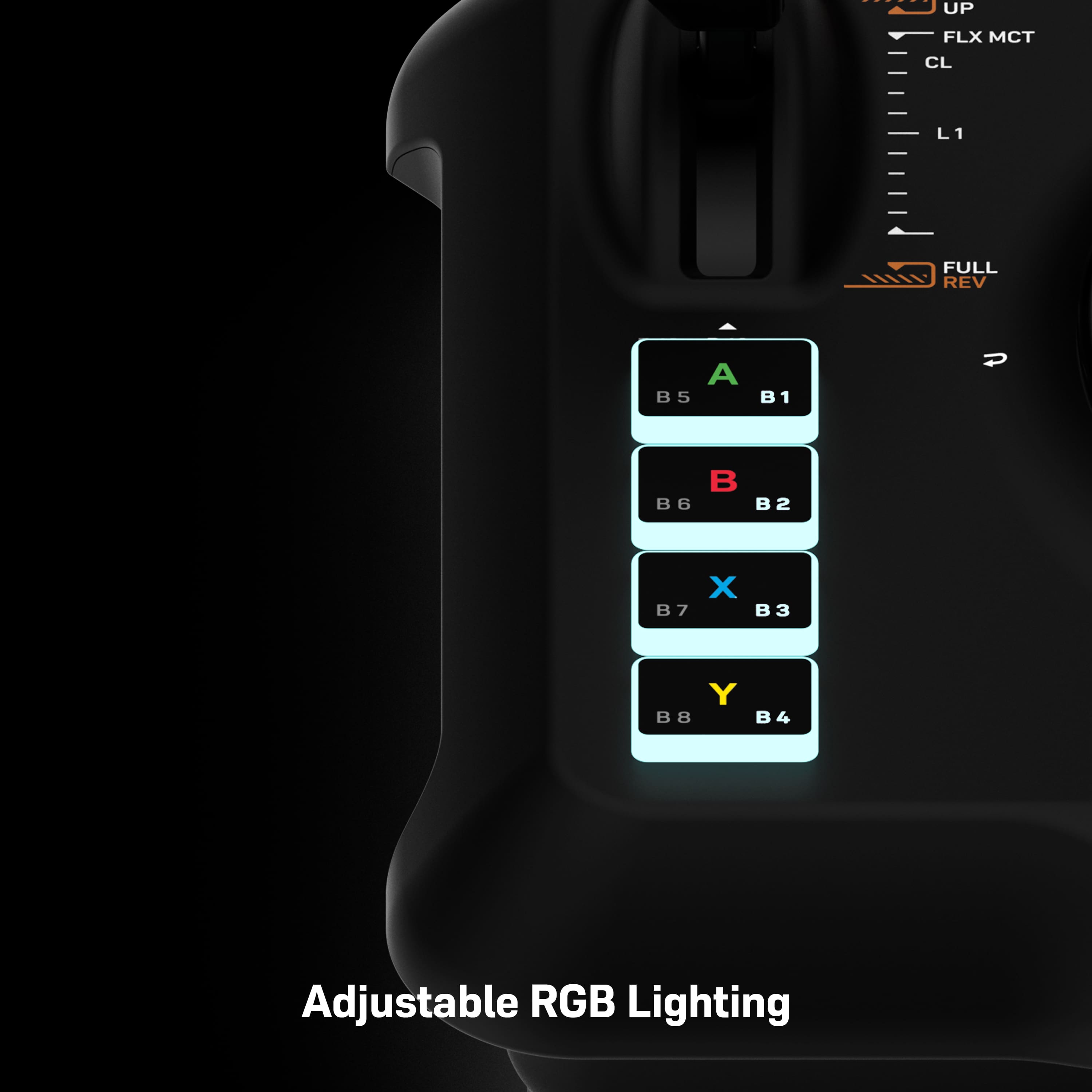
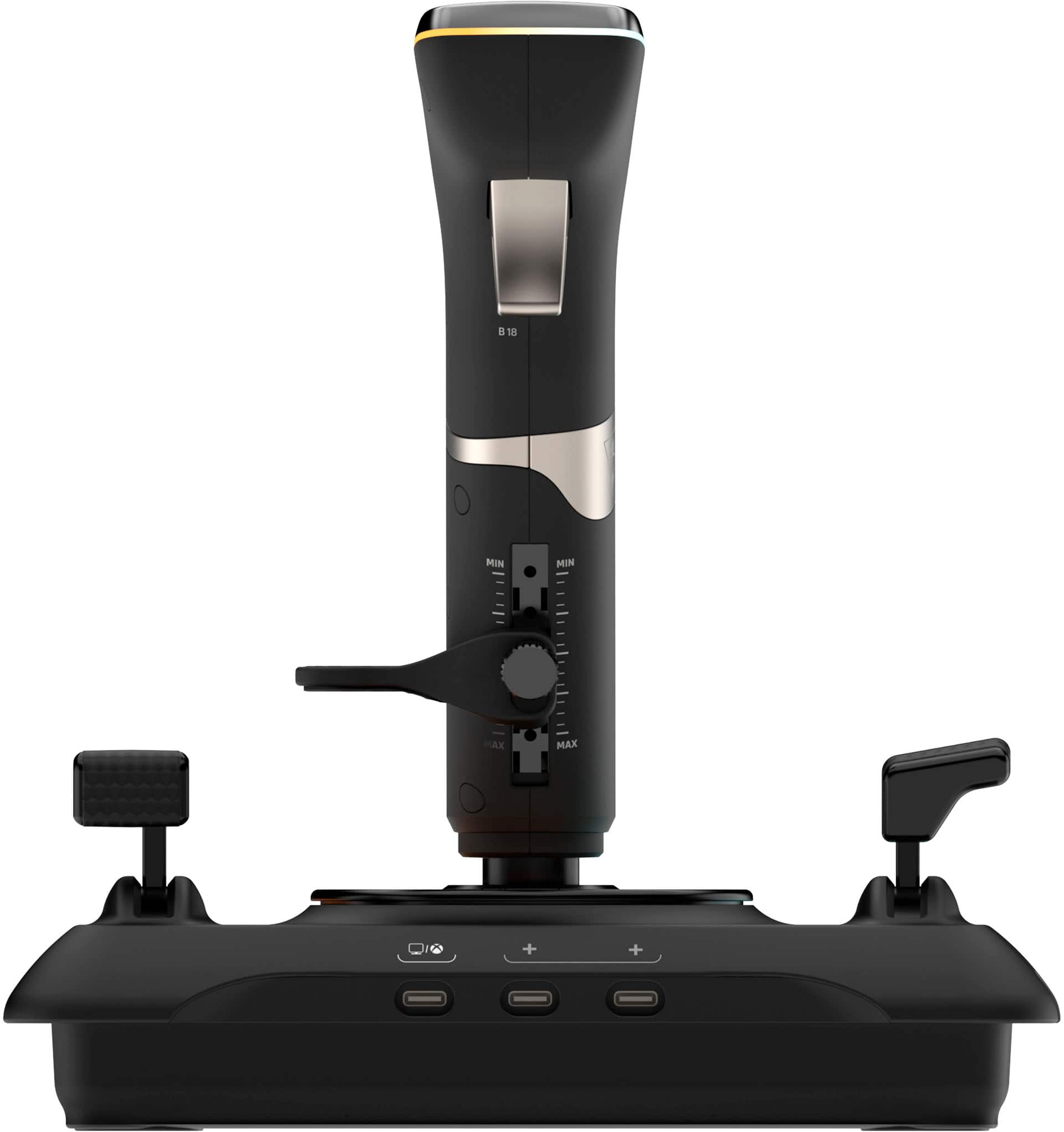
|Posted .This reviewer received promo considerations or sweepstakes entry for writing a review.I use this flight stick with Microsoft Flight Simulator and a personal computer. The stick feels good in my hand with no sharp edges, a good shape, and a nice adjustable hand rest. The base has enough weight so that the entire unit doesn't move around while you are using the controls. The base also has 2 additional USB ports and a microphone/headphone jack for easily connecting additional accessories. The included detachable USB cable is nice and flexible with a fabric jacket. The control buttons are illuminated and labeled and I like that they are laid out in nice rows which makes sense to me versus the haphazard layout of most other sticks I've tried. The two control quadrants are also something I really like. Setting up the controller had me scratching my head for a minute. The instructions are only pictures and it was not clear to me that the silver ring around the bottom of the stick physically rotates. The instructions made it seem like it might be a touch wheel like on an old iPod, but nothing happened when just touching it. A little more pressure revealed that the ring itself rotates, and you press the left or right half to select or navigate through the settings. The settings are displayed on a little screen on top of the control stick, which I found to be a super cool and easy way to control the adjustable functions. Overall, the feel of the controller and the way it works seems really good to me. Also, Microsoft Flight Simulator detected the controller and assigned the buttons without having to change anything. I just plugged it in and flew.
I would recommend this to a friendTurtle Beach Flight Stick
Posted .This reviewer received promo considerations or sweepstakes entry for writing a review.Fantastic stick makes flying the game very fun …. Totally worth the money !
I would recommend this to a friendVelocity one Flightstick
Posted .This reviewer received promo considerations or sweepstakes entry for writing a review.Great flight stick but alittle stiff not bad after using it for awhile.
I would recommend this to a friend