Turtle Beach - VelocityOne Flightstick Universal Simulation Controller for XBOX Series X and Windows PCs - Black
Customers are saying
Customers regard this product as a high-performing and user-friendly device that offers a premium feel and an intuitive button layout. Users particularly appreciate the vivid OLED display, the versatile dual throttles, and the ease of the initial setup process. While the overall performance is highly praised, some users have noted that the base feels a bit too light, which can impact stability during use. Additionally, potential buyers should be aware that the device currently lacks compatibility with Xbox systems.
Features
8 High-Precision Axes
High resolution contactless sensors provide precise response and extended longevity to the main stick controls. A nano trim wheel allows for fine tuning of attitude, and an analog hat delivers finite adjustment to cockpit views or strafe thrusters in space sims.
Multifunction Throttle & Flap Levers
Throttle levers control main engine power and flap levers let you quickly adjust secondary control surfaces. Plus, swappable throttle tops let you customize your controls for fighter jet, or airliners.
Multiplatform
Connect via the supplied 10 ft/3m USB-C to USB-A cable and play your favorite titles on XBOX, or PC with an integrated input mode switch.
27 Programmable Buttons
Equipped with an 8-way digital hat, rapid fire trigger, stick mounted buttons, dual throttle lever detents, and 8 programmable base buttons, you’re well-armed with controls for your most critical flight functions.
Flight Management Display
An integrated OLED flight management display enables you to tune its performance to suit the game you’re playing. Plus, you can adjust control profiles, trim wheel input mode, rudder lock and more.
Flight Configuration Wheel
Navigate the flight management display and configure the flightstick using the intuitive rotary dial with click at base of the stick. Browse through the configuration options and update the product performance in real-time with all information stored in on-board memory.
Touchpad Navigation Sensor
The touch sensor with button press gives full control of mouse cursor functionality, ideal for navigating simulation systems and can also be used for weapon control in popular air & space combat sim titles.
Ambidextrous Design
Designed to control fighter jets, or airliners the main stick has an ergonomic, ambidextrous shape with reversible wrist rest. Plus, with eight programmable base buttons, you can set up the controls to your exact preference regardless of which hand is on the controls.
Pro-Aim Focus Mode
Adjust main stick sensitivity for accurate enemy targeting and precise control of landings.
Turtle Beach Audio Advantage
Connect any 3.5mm headset and take advantage of proven Turtle Beach audio functions like Superhuman Hearing, EQ modes, mic monitoring and game and chat balance.
XBOX Navigation Controls
Effortlessly control your console with licensed XBOX buttons. An additional white LED indicates successful connection and operation.
Bluetooth Companion App
Connect to your tablet or smartphone to adjust product performance and access additional buttons using the flightstick app available for iOS & Android devices. Additional buttons only available when playing on Windows 10/11 PCs
Adjustable RGB Lighting
Set the color, brightness, and response of multiple RGB LED zones.
Specifications
- Compatible Platform(s)XBOX Series X, XBOX Series S, XBOX One, Windows
Reviews
Rating 4.5 out of 5 stars with 172 reviews
- Overall Performance (34)
- Ease of use (24)
- Button Layout (13)
- Control (6)
- Feel (5)
- Weight (10)
- Base Stability (7)
- Compatibility (5)
Customer Images
The vast majority of our reviews come from verified purchases. Reviews from customers may include My Best Buy members, employees, and Tech Insider Network members (as tagged). Select reviewers may receive discounted products, promotional considerations or entries into drawings for honest, helpful reviews.

- SteelSeries - Rival 3 Gen 2 Wireless Optical Gaming Mouse with Ultra-fast clicks - Wireless - Black$44.99The price was $59.99




Compare similar products
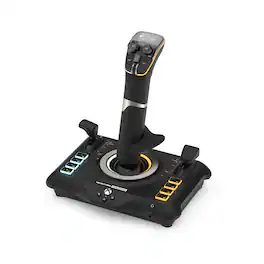
Take Flight with Turtle Beach. The Turtle Beach VelocityOne Flightstick for XBOX Series X|S, XBOX One & Windows PCs equips you with immersive, accurate controls for air and space flight simulation & combat games on XBOX and PC. Ultra-smooth main stick provides precise control, and two multi-function levers control main engine power and adjustment of control surfaces. A precise nano trim wheel allows for fine tuning of attitude and the OLED Flight Management Display makes for easy adjustments to control profiles. With 27 programmable buttons, a rapid-fire trigger and more, you’re well-armed with a multitude of controls.

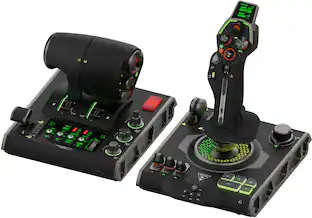
The Turtle Beach VelocityOne Flightdeck is a premium simulation HOTAS system for Windows 10 & 11 PCs, designed for enthusiasts who demand the best. Inspired by advanced spacecraft and state of the art jet fighters to provide the ultimate HOTAS experience for all major combat simulation titles with the future in mind. Comprehensive controls including 15 axes and 139 programmable functions keep you immersed in the action, with your hands on the controls. World’s first Flight Touch Display, and an OLED Head Up Display deliver unprecedented levels of performance optimization, and product customization. Plus, the Flight Hangar app for desktop provides even more product customization and RGB lighting adjustment.

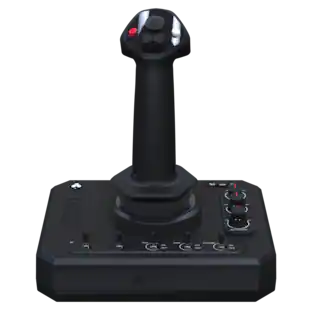
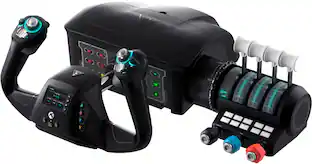
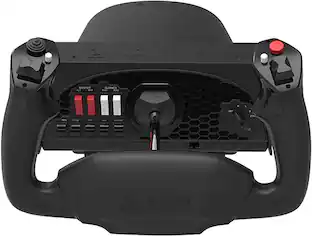
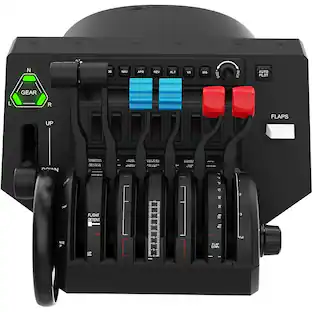
Developed by world-class aeronautical engineers and pilots, the Turtle Beach VelocityOne Flight Universal Control System offers the most immersive, authentic flying experience on the market. A true-to-life 180 yoke handle with built-in rudder controls provide precise, long-lasting control of any aircraft. The modular throttle quadrant with integrated trim wheel and included custom lever handles offers at-home aviators enhanced customization for both light and heavy aircrafts. The Flight Management Display and an authentic status indicator panel offers real-time alerts and critical flight details. Setup is easy with a simple USB connection for XBOX Series X|S & XBOX One or Windows 10 PCs.

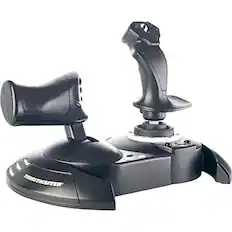
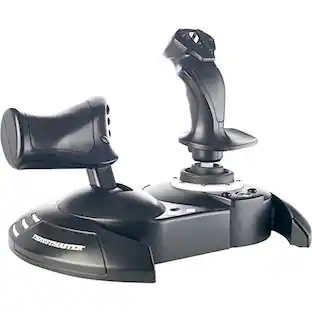
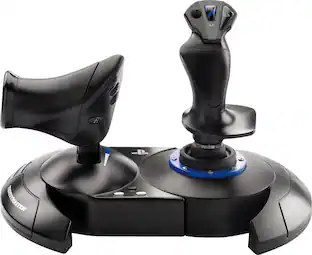
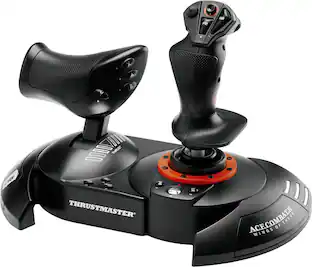
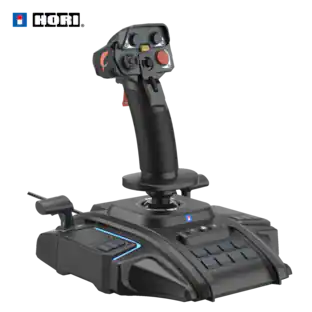
T.Flight Hotas One, a joystick for Xbox Series X|S, Xbox One, and PC, provides a high level of realism: the stick includes five axes, fourteen action buttons, a rapid-fire trigger and a multidirectional hat switch (navigation/panoramic view), all of which are easily accessible. The throttle - detachable and full-size for easy maneuverability, even in virtual reality - provides super-responsive power. The dual rudder system can be engaged by rotating the handle (with an integrated locking system) or via the progressive tilting lever. The T.Flight Hotas One includes official buttons for the Xbox One console (Guide/View/Menu): access social features, switch between the game and the console, navigate through the console's menus, etc.
| Pros for Turtle Beach - VelocityOne Flightstick Universal Simulation Controller for XBOX Series X and Windows PCs - Black | |||
|---|---|---|---|
| Overall Performance, Ease of use, Control, Button Layout, Feel | Build Quality, Customization, OLED Display, Performance, Setup | Ease of use, Quality, Throttle | Overall Performance, Ease of use, Control, Price, Compatibility |
| Cons for Turtle Beach - VelocityOne Flightstick Universal Simulation Controller for XBOX Series X and Windows PCs - Black | |||
| Compatibility, Weight, Base Stability | Compatibility | Yoke, Setup | Throttle, Cord Length, Connectivity |
Specs
Questions & Answers
This will work with Star Citizen on PC ?
Answered by Turtle Beach SupportHello Oscar! The VelocityOne Flightstick is compatible with the following on PC: Microsoft Flight Simulator 2024 & 2020, Elite Dangerous, Star Citizen, Ace Combat, DCS World, X-Plane 11 & 12, War Thunder, Everspace 2, Star Wars: Squadrons, Rise of Flight and Prepar3d. Best Regards.
Does the stick "twist" for an alternative use of rudder sans peddles ?
Answered by Turtle Beach SupportYes!
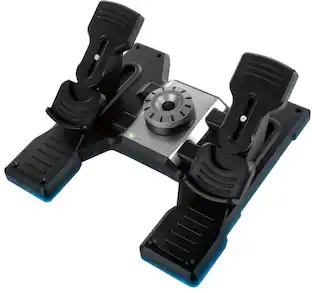
Can you add rudder pedals
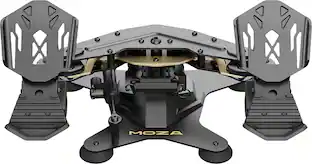
Answered by Turtle Beach SupportHello Tyler! The VelocityOne Flightstick is also compatible with the VelocityOne Rudder on both Xbox and Windows PC. Best Regards.
Can I customize the lighting on this flightstick?
Yes, the flightstick has adjustable RGB lighting. You can set the color, brightness, and response of multiple RGB LED zones.
This question and answer was generated by AI based on customer and product data.What is the purpose of the Pro-Aim Focus Mode on this flightstick?
The Pro-Aim Focus Mode allows you to adjust the main stick sensitivity, which is helpful for precise targeting of enemies and accurate landings in games.
This question and answer was generated by AI based on customer and product data.

Customers often buy these together
Gaming Controllers

Gaming Headsets
More recommended items
 Power Adapters and Chargers
 PC Gaming Headsets
Customers ultimately bought
 $249.00The price was $275.00
Explore tech essentials Sponsored
Discover related products
 Techtober Deal$10.99The price was $13.99









Keep exploring
 $43.49The price was $44.69
- $249.00The price was $275.00
 $219.99The price was $269.99