Customer Ratings & Reviews
- Model:
- TBS-0722-05
- SKU:
- 6524106
Rating by feature
- Value
Rating 4.4 out of 5 stars
- Quality
Rating 4.5 out of 5 stars
- Ease of Use
Rating 4.3 out of 5 stars
Customers are saying
Customers are delighted by the overall performance and user-friendly setup of this flight stick, which integrates seamlessly with flight simulation software. Users frequently praise the premium feel of the hardware, the intuitive button layout, and the vivid clarity of the OLED display. While the device offers excellent control and customization options, some users have noted that the base feels a bit too light, which can impact stability during intense use. Additionally, potential buyers should be aware that the product currently lacks compatibility with Xbox consoles.
This summary was generated by AI based on customer reviews.
- Cons mentioned:Base stability

Great hardware, with a few game ready issues
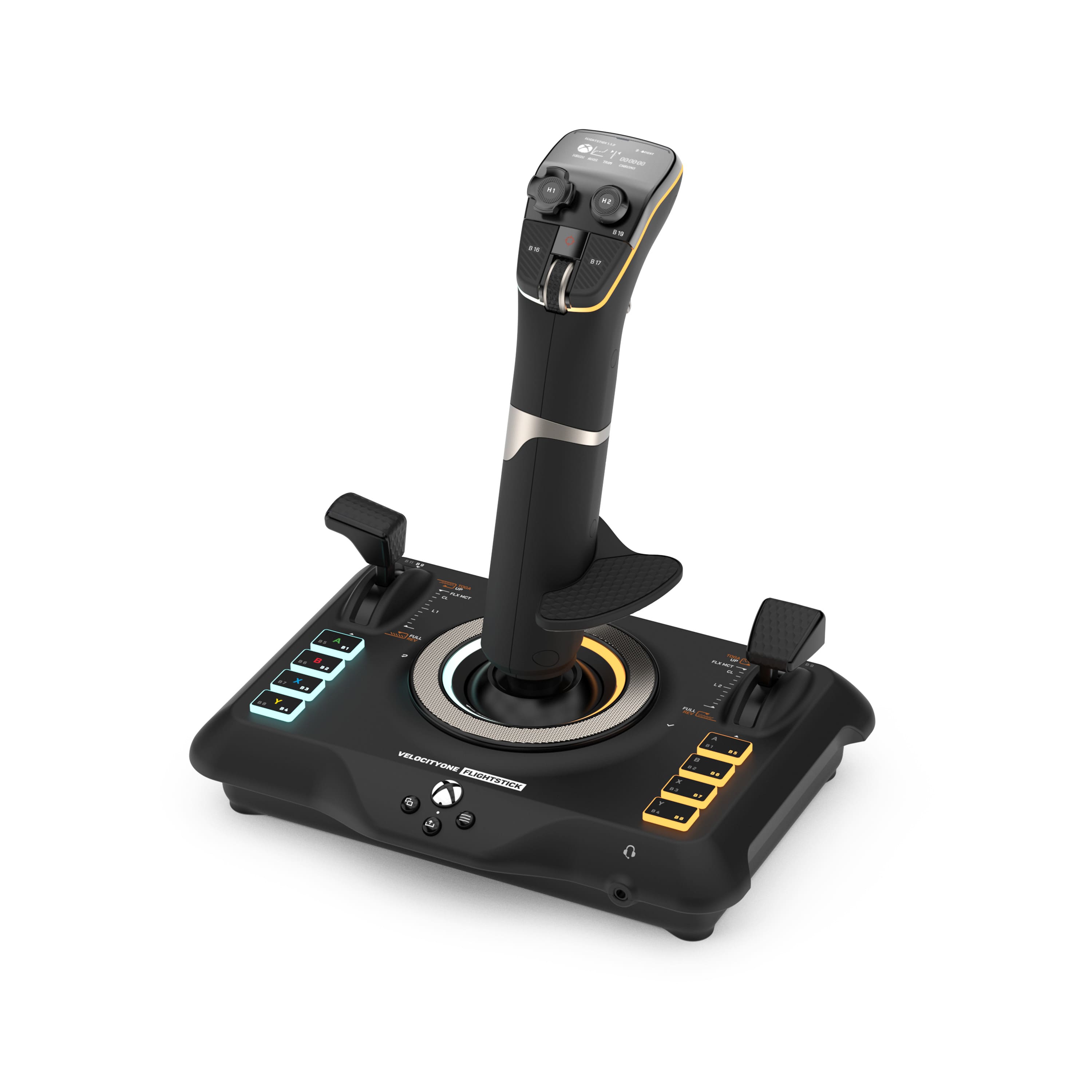
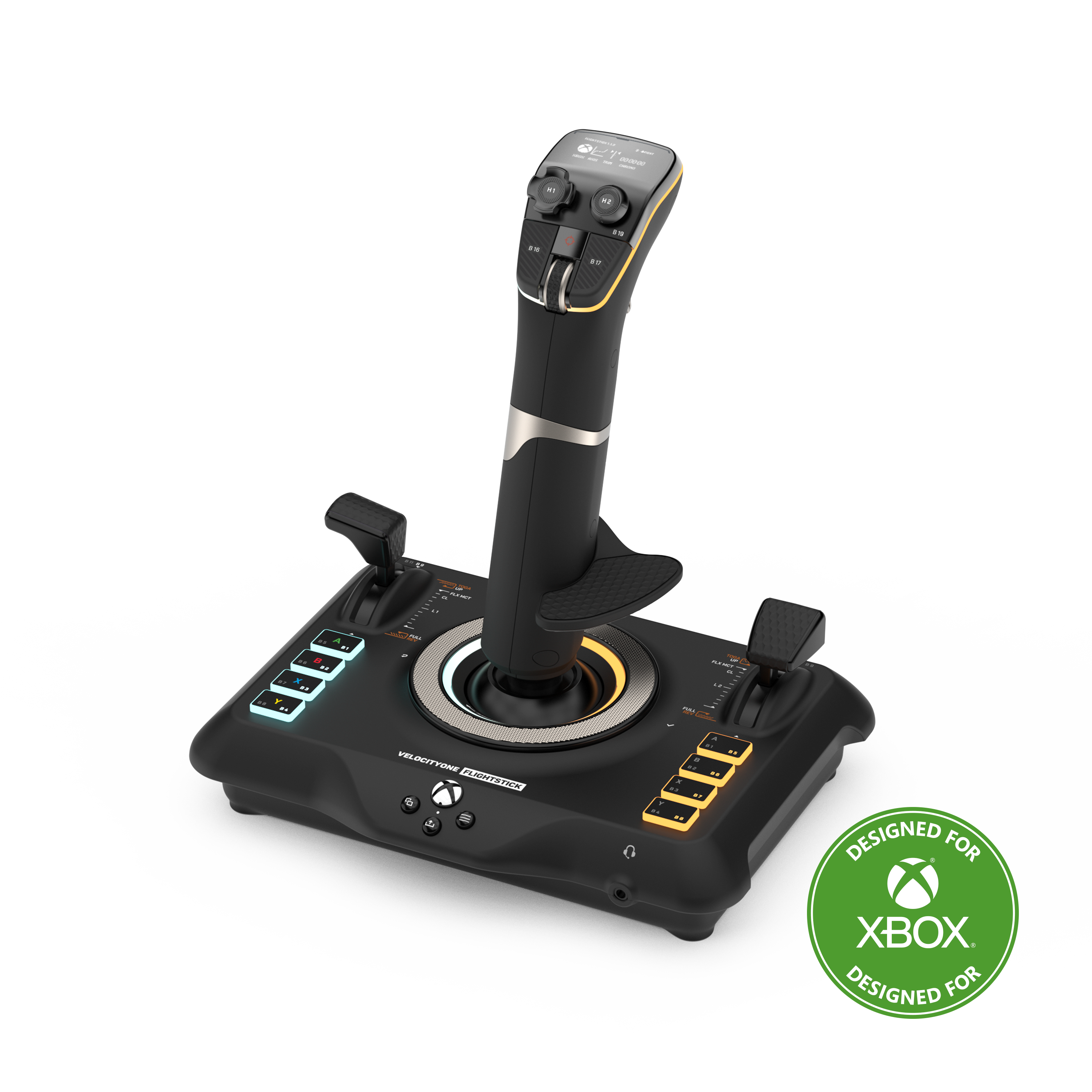
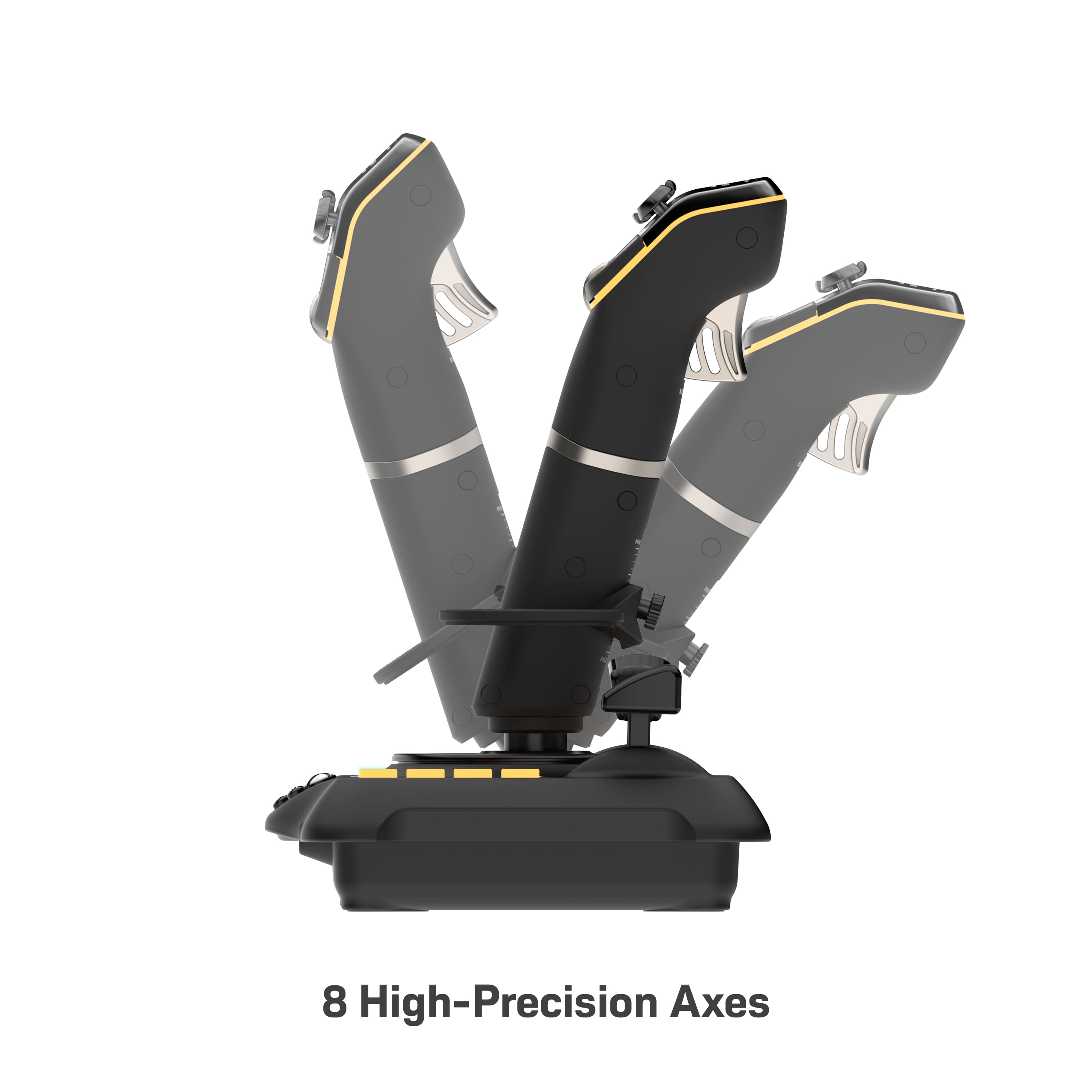
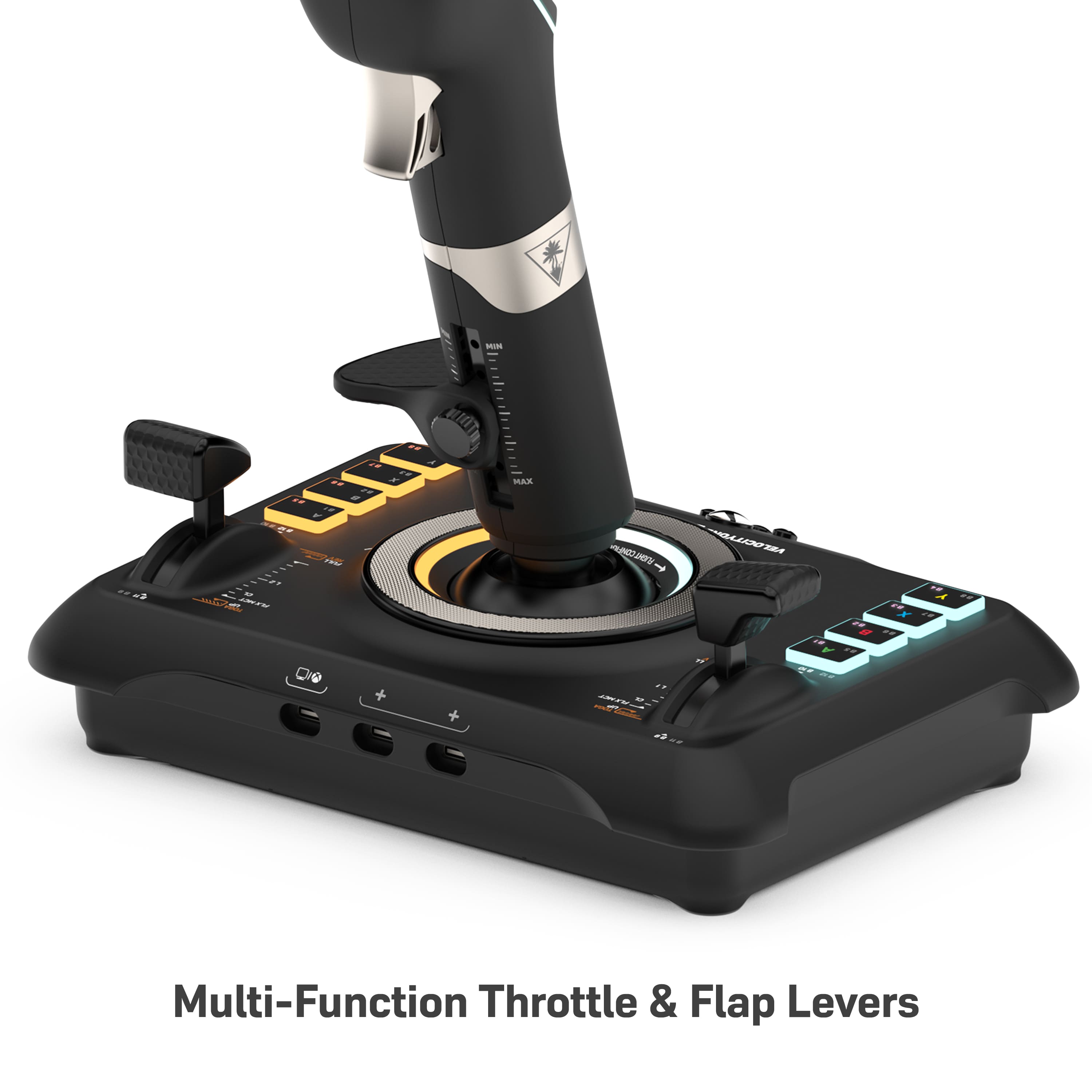
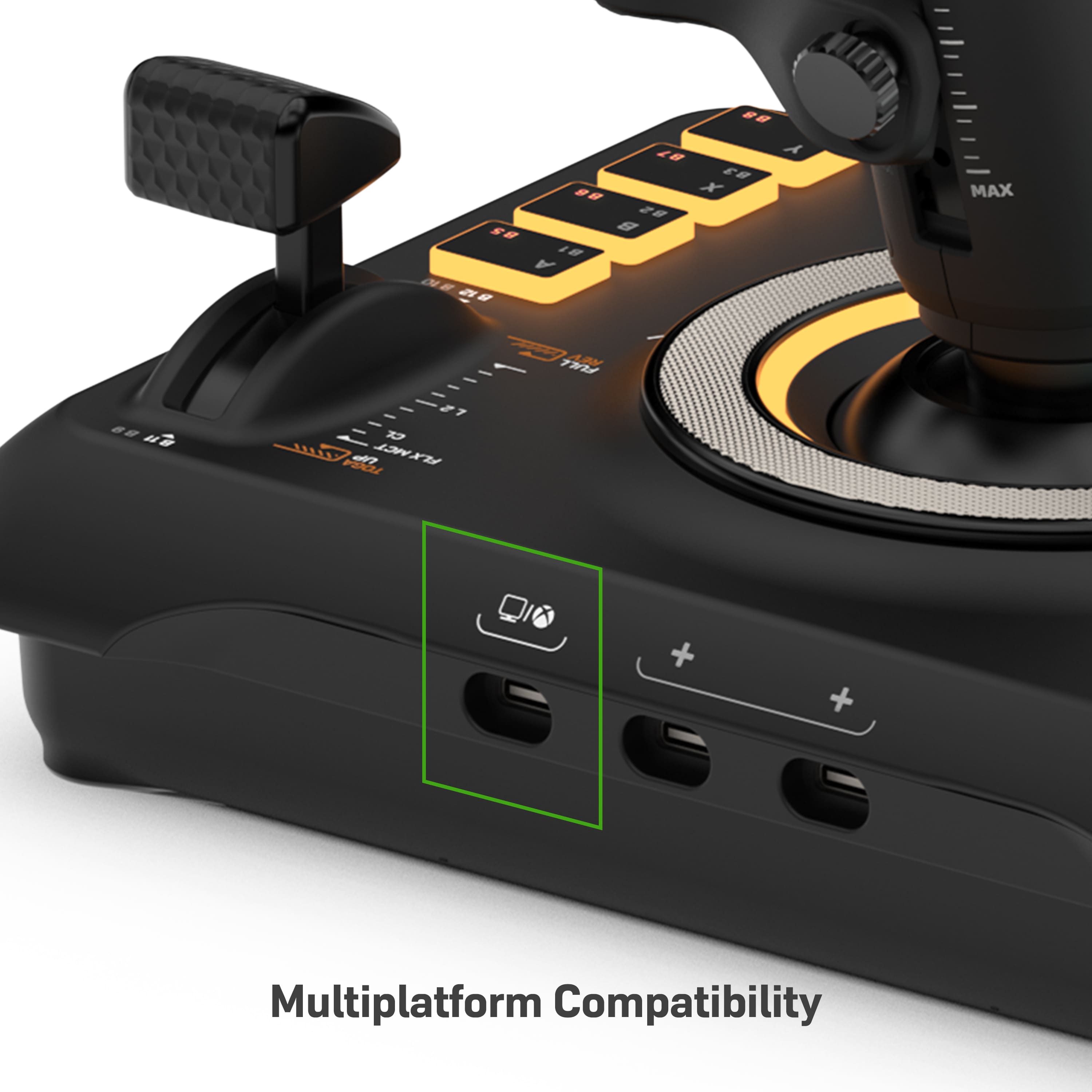
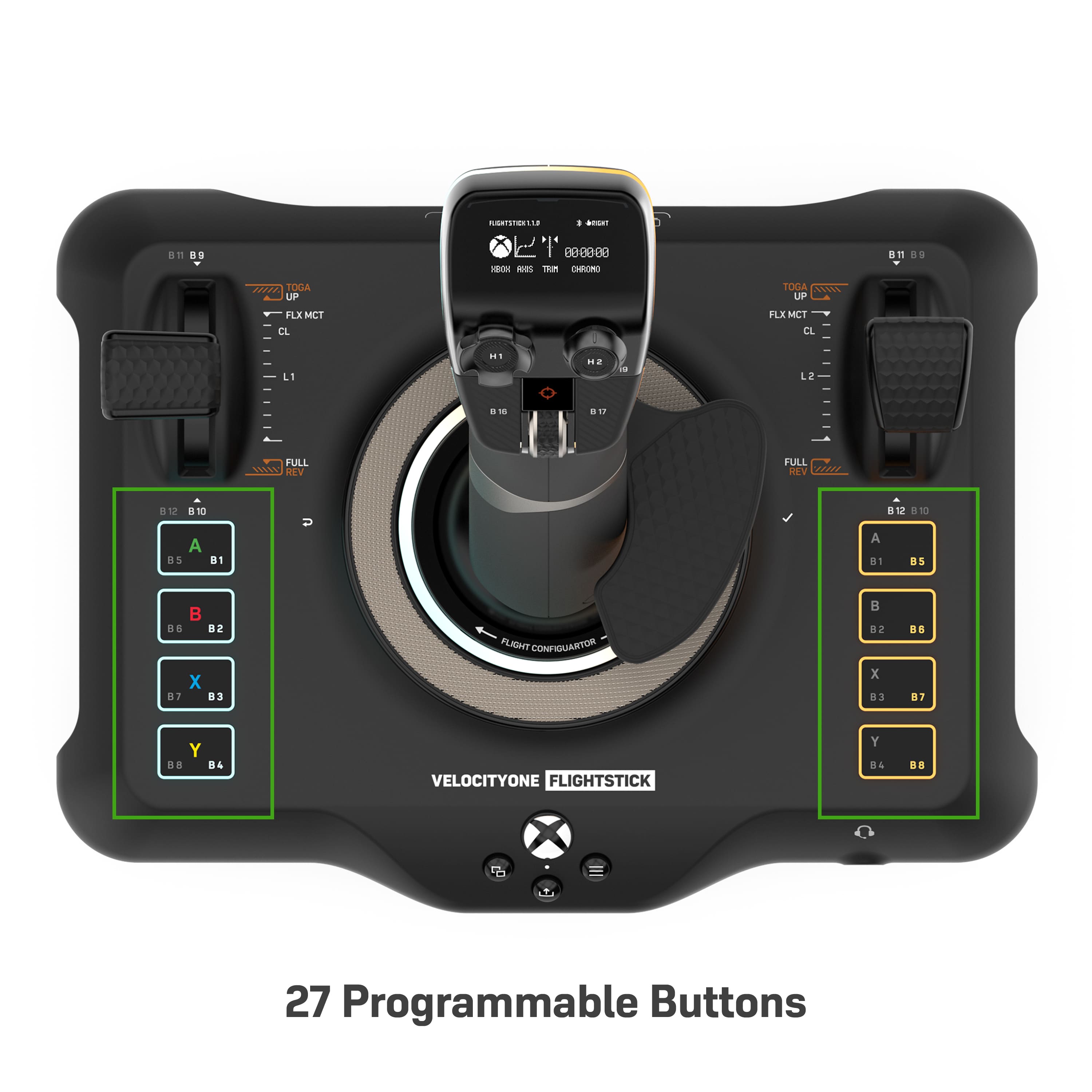
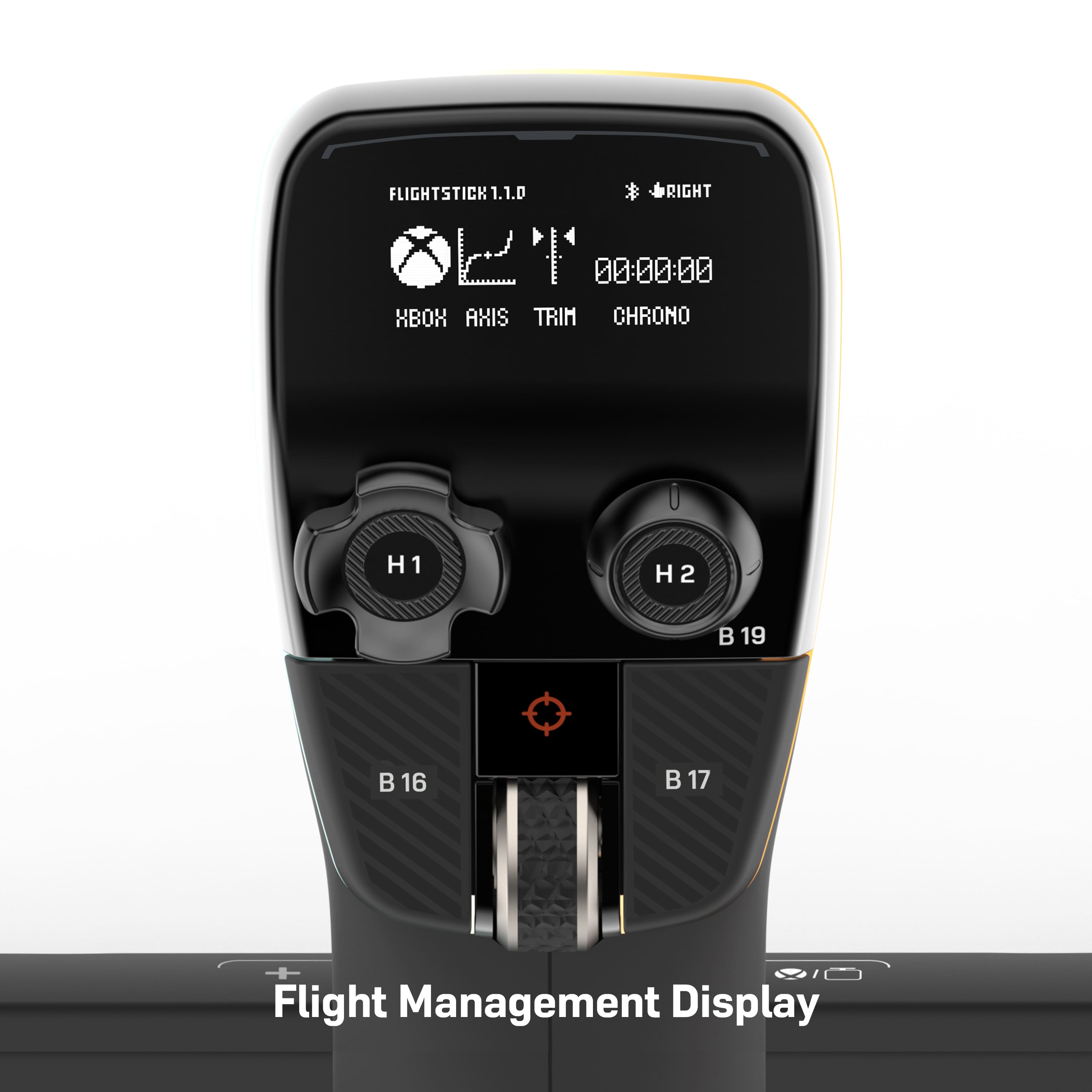
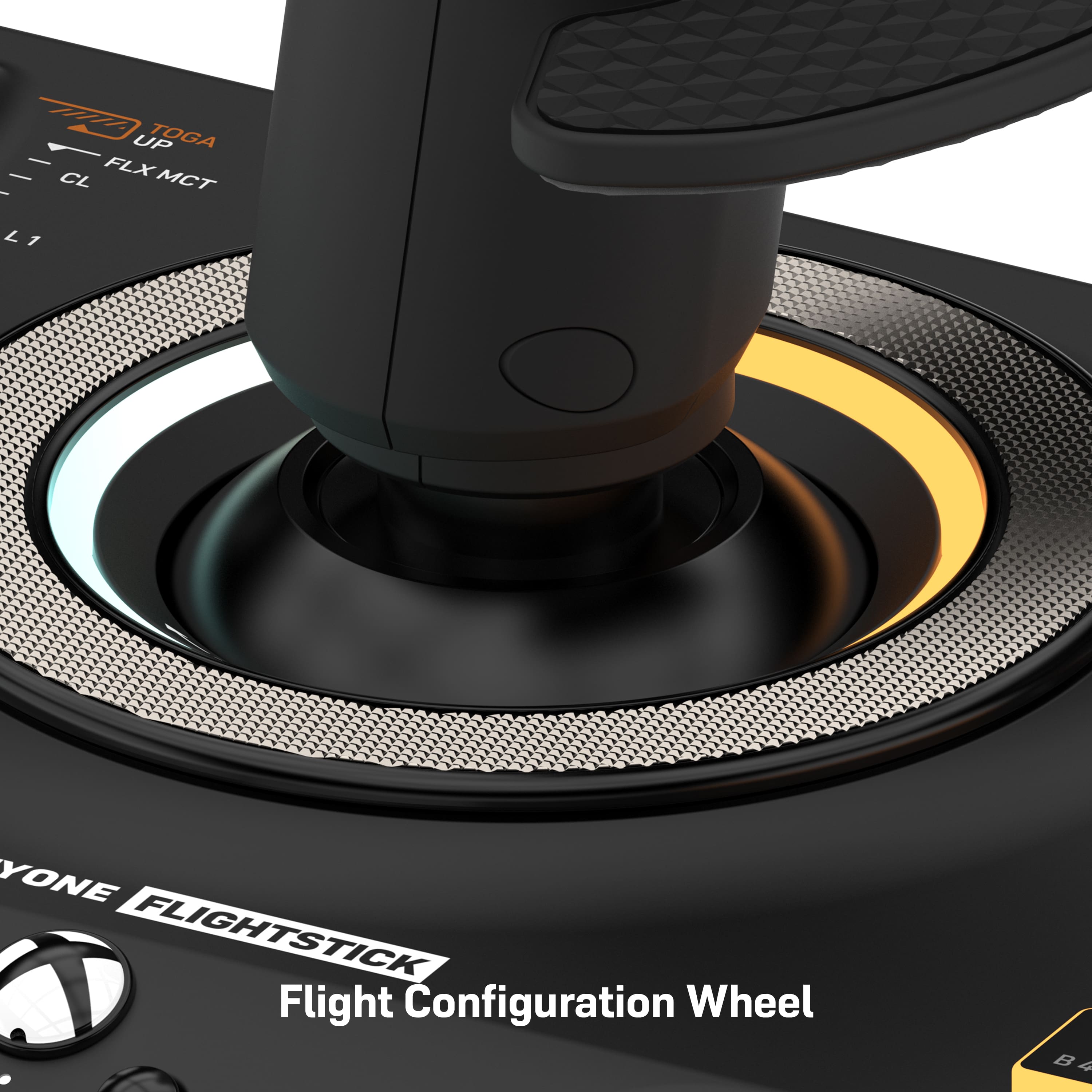
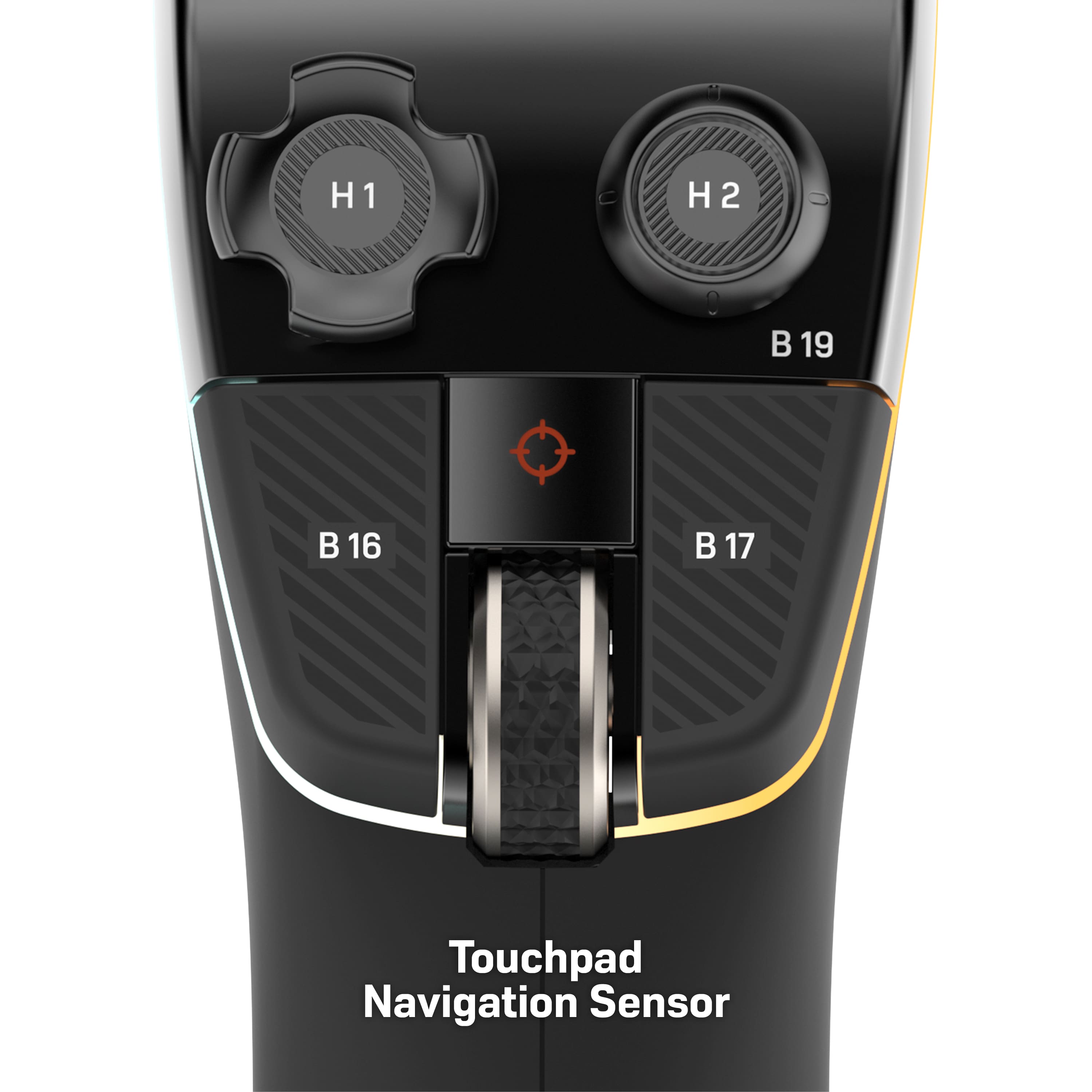
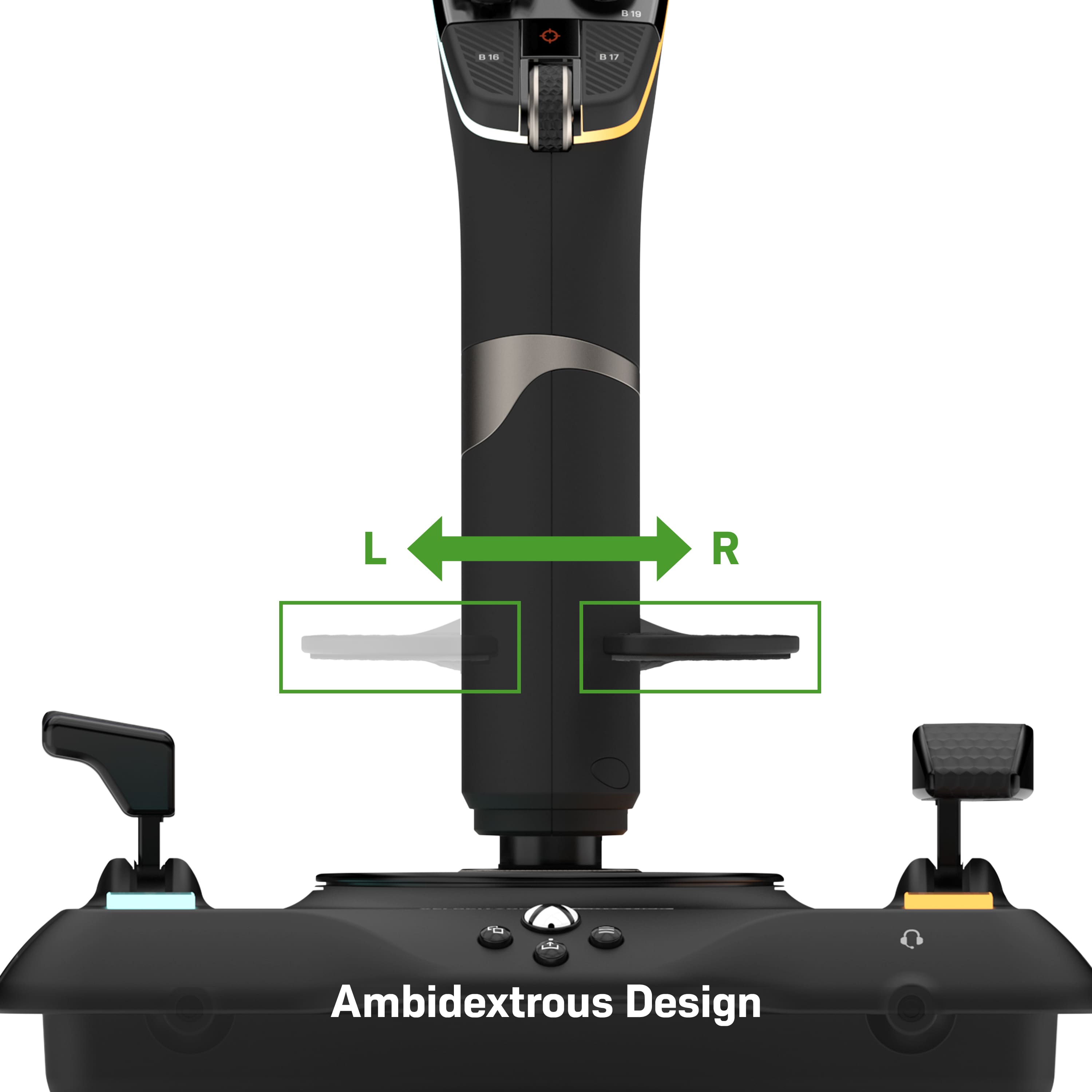
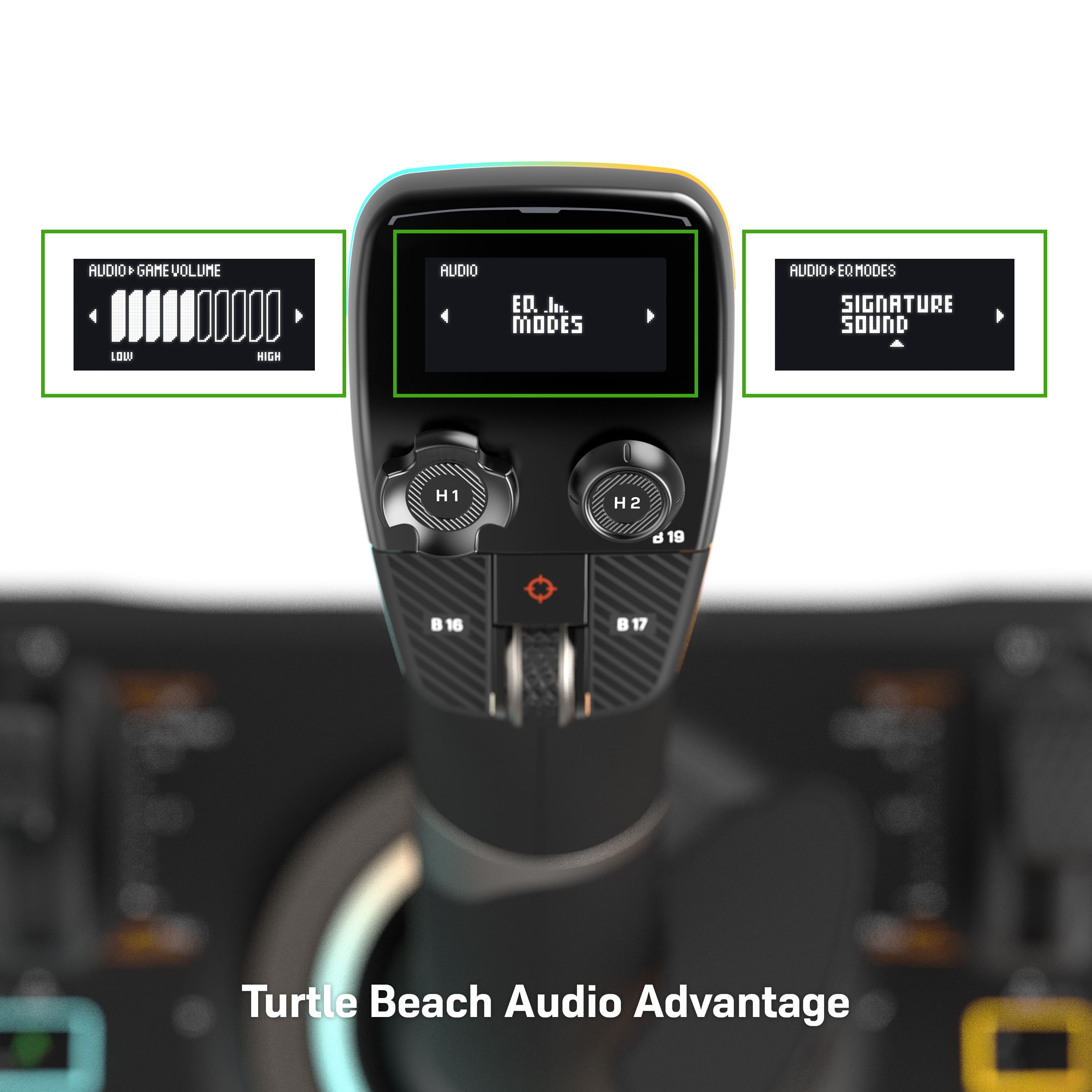
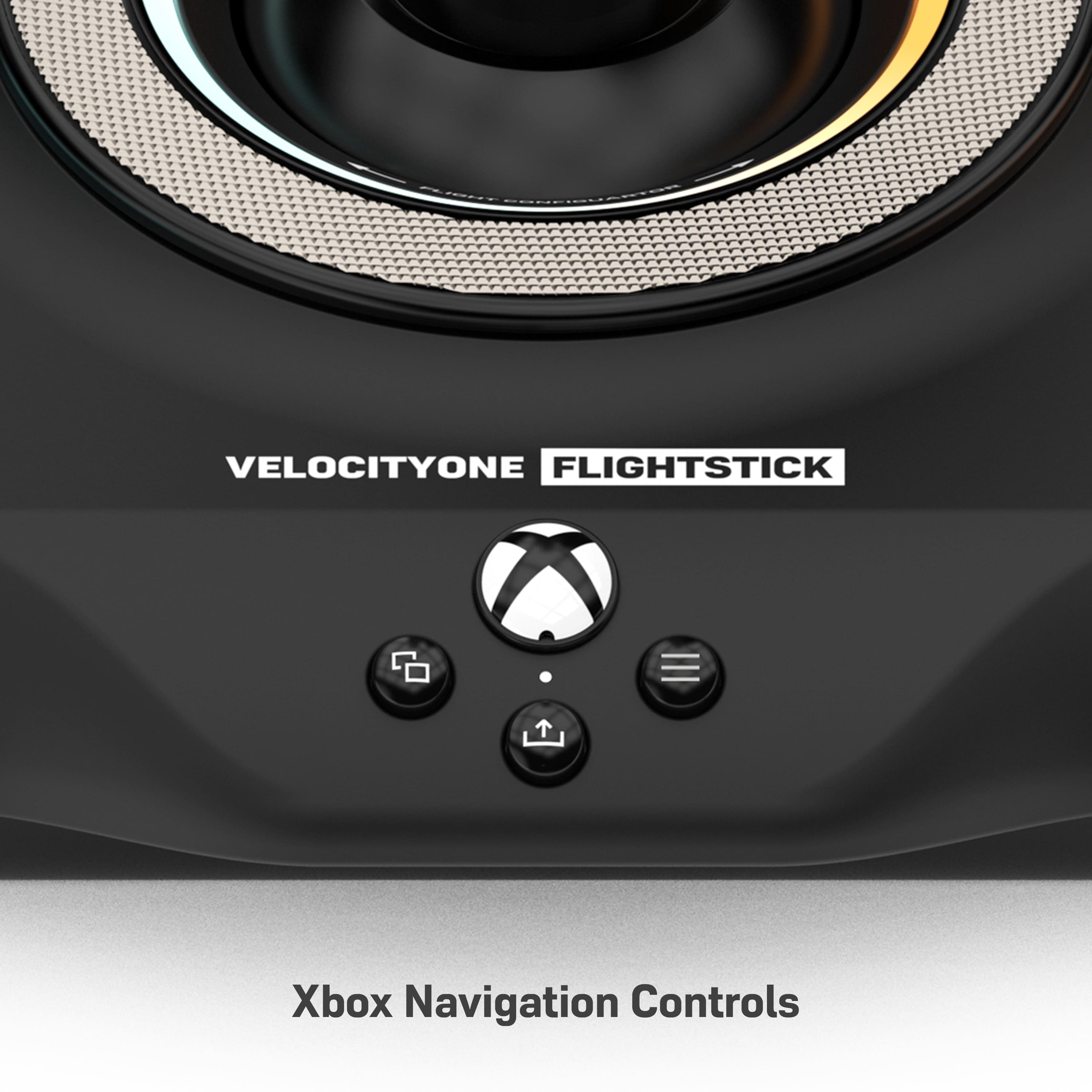
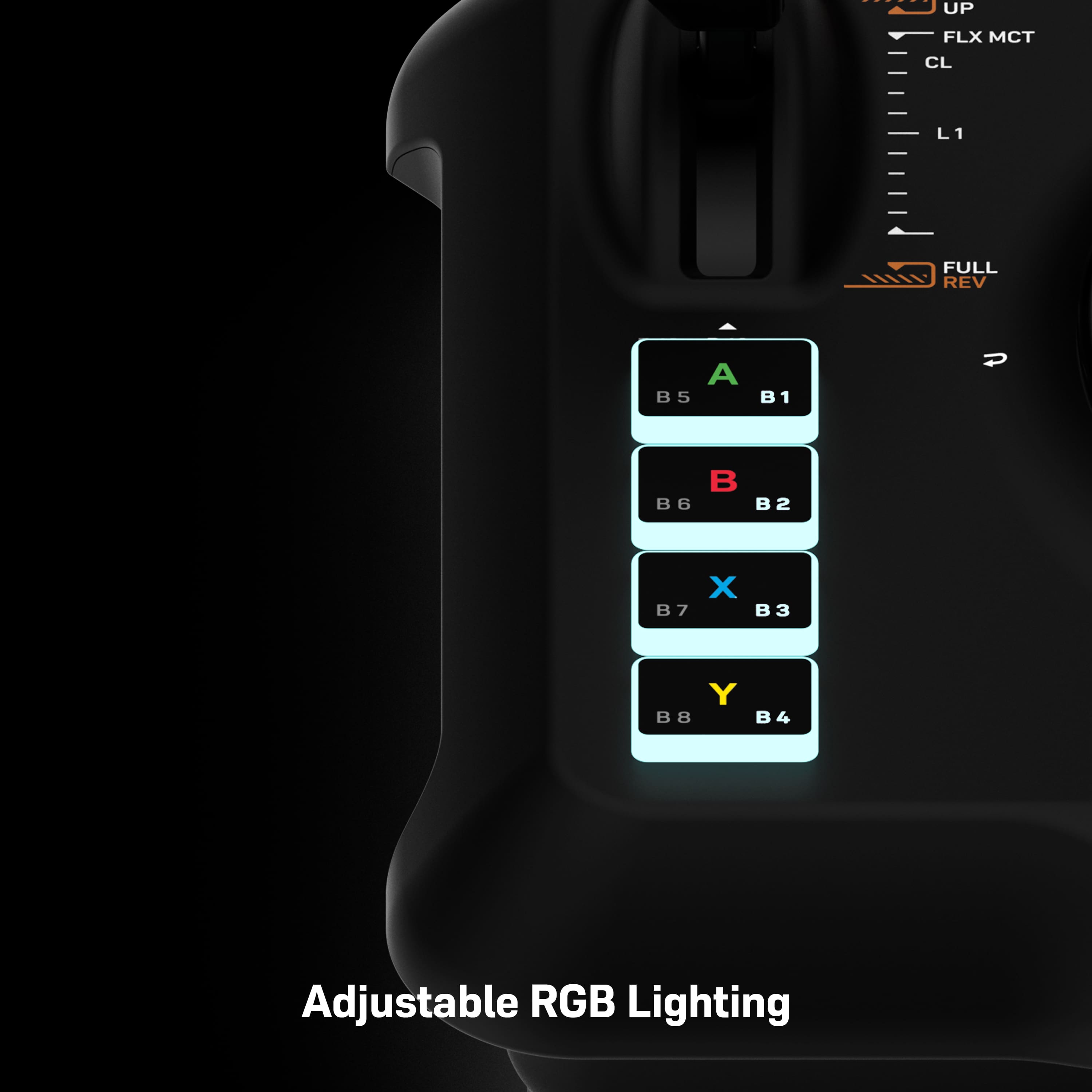
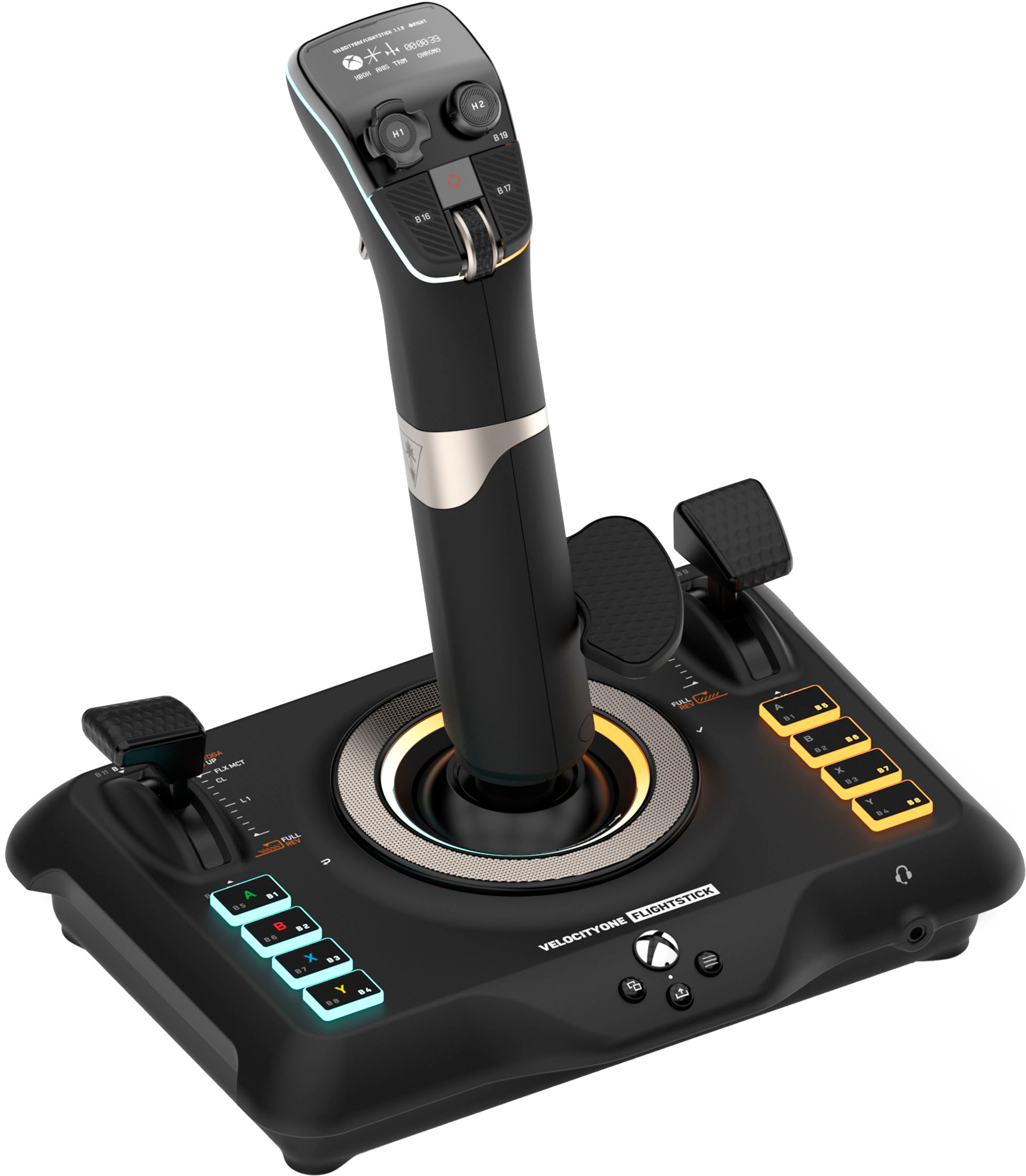
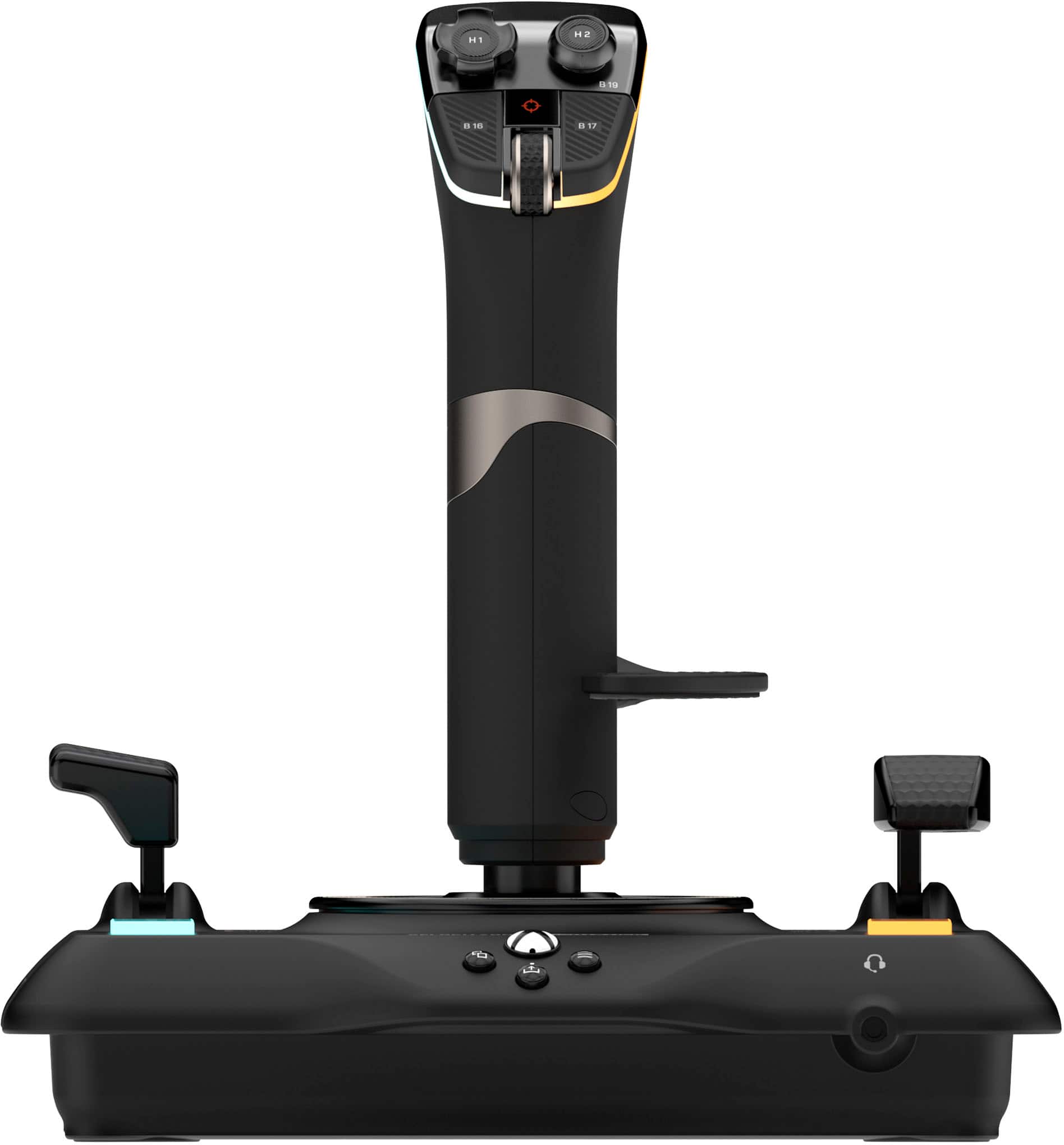
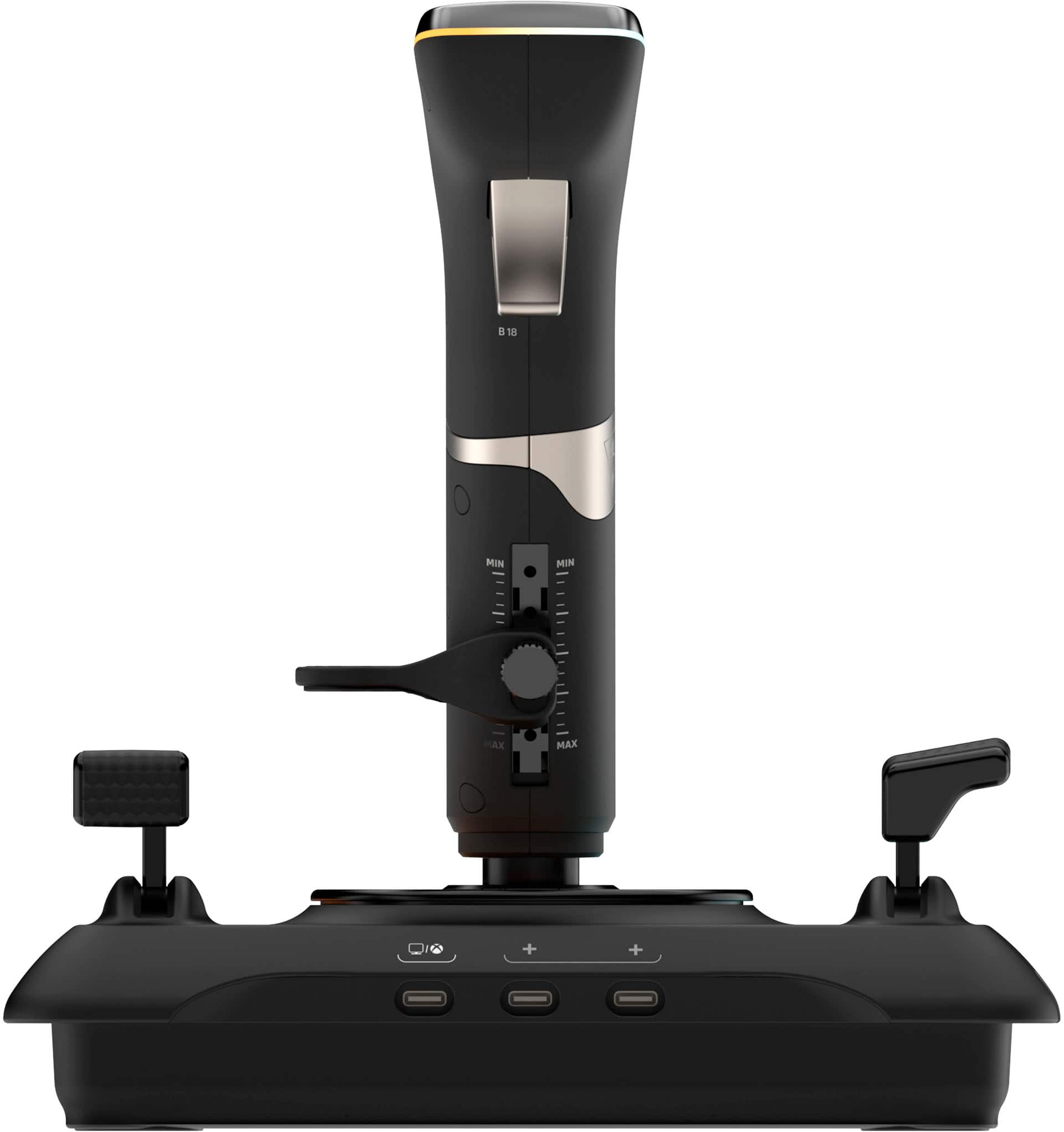
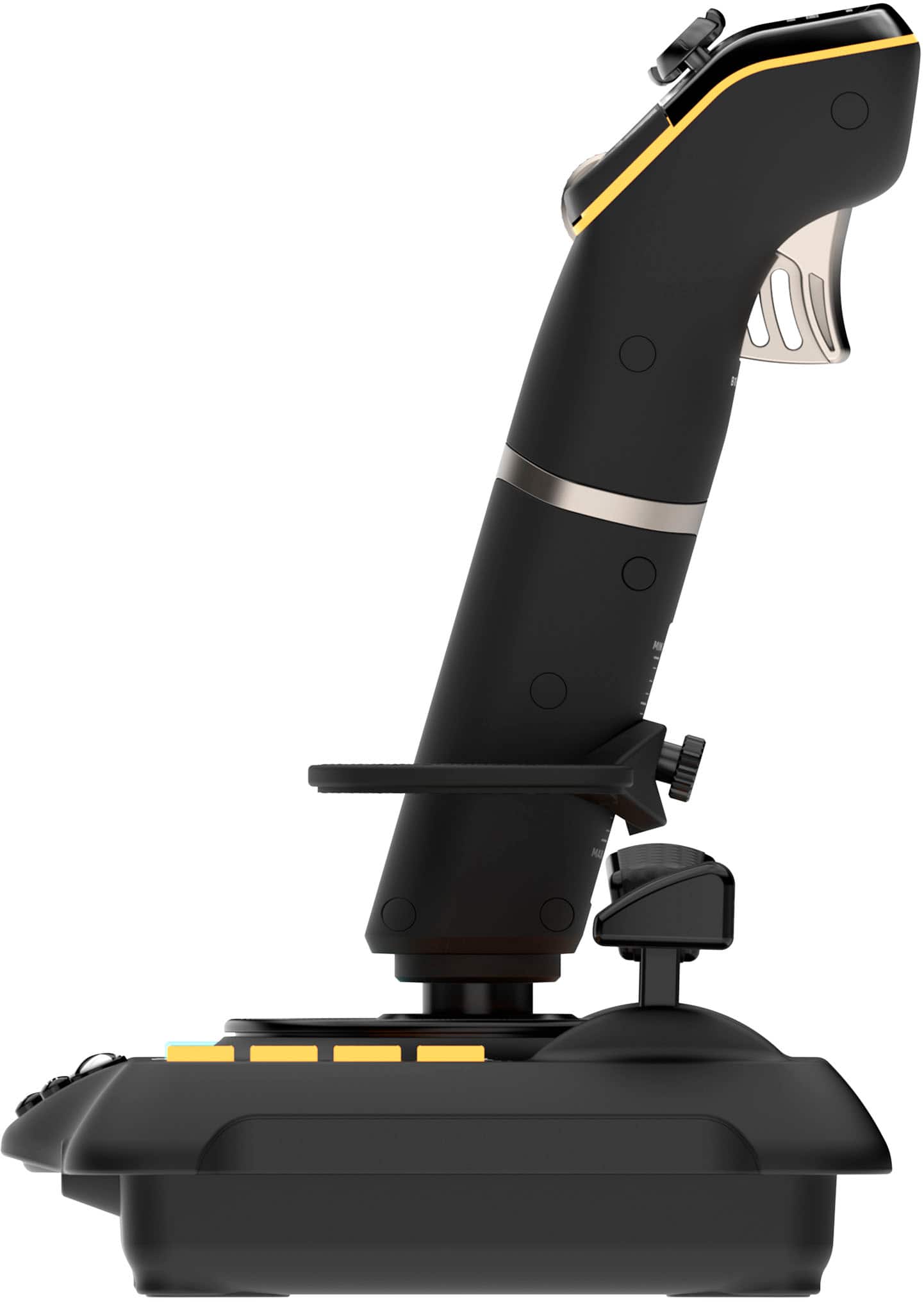
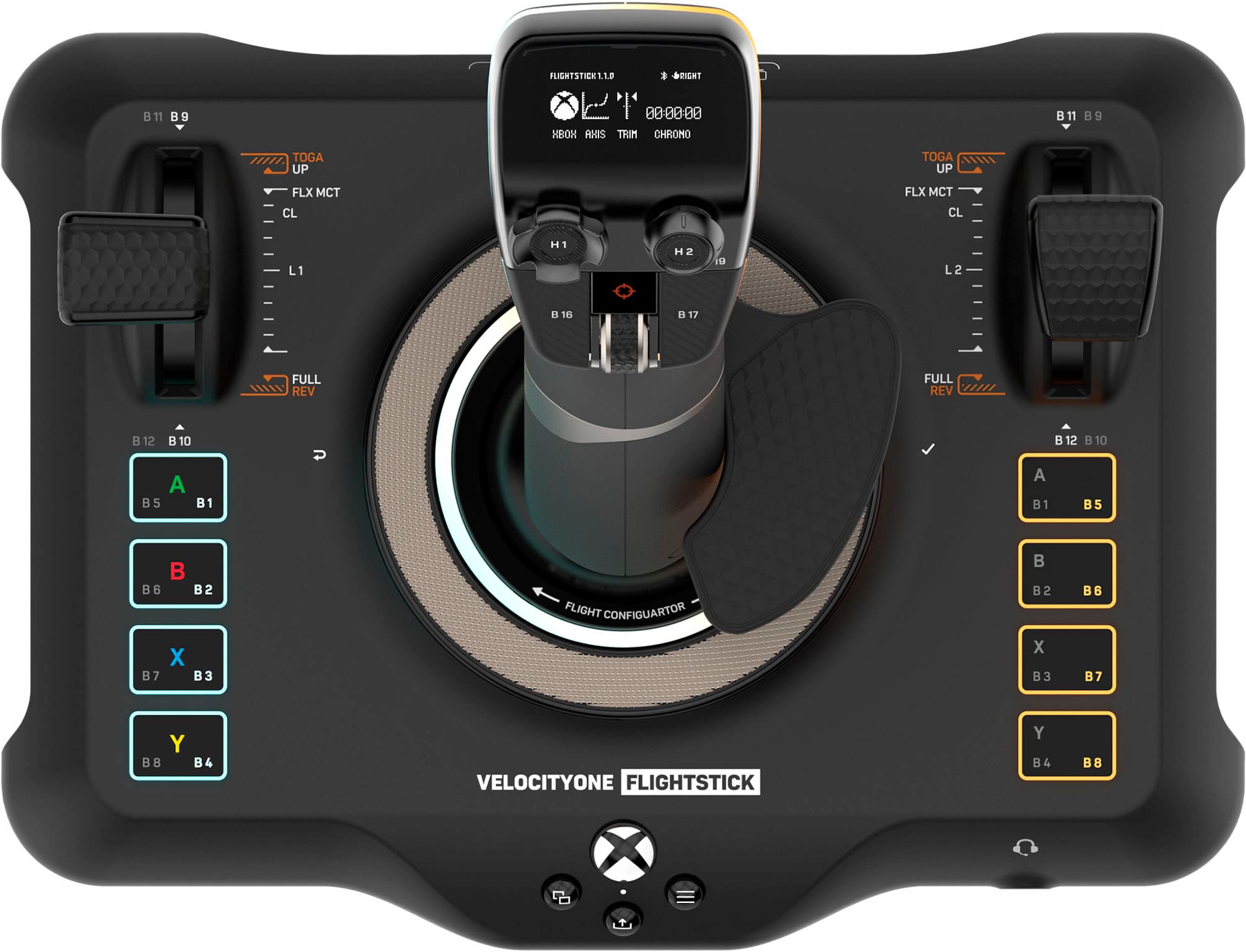
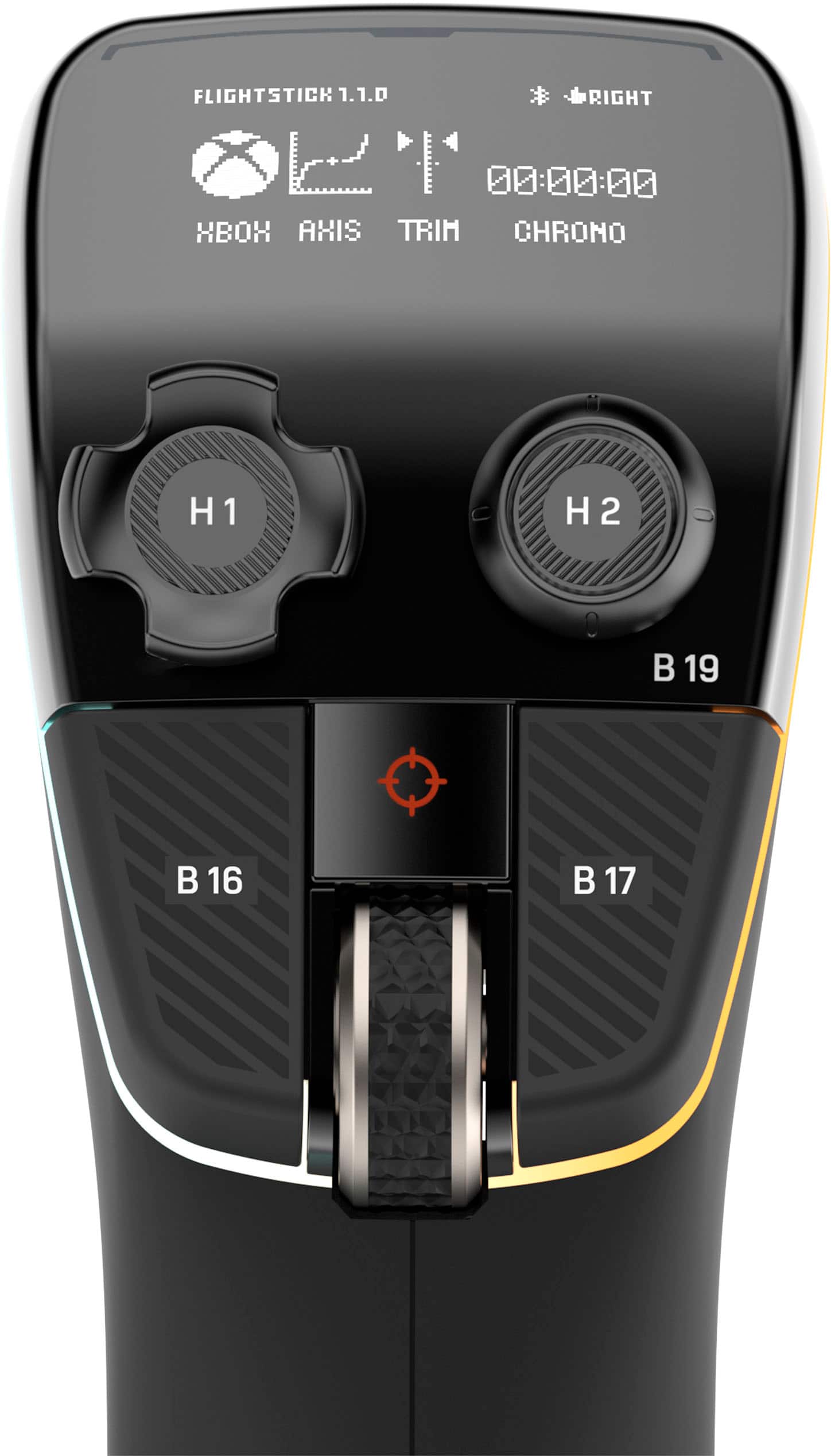
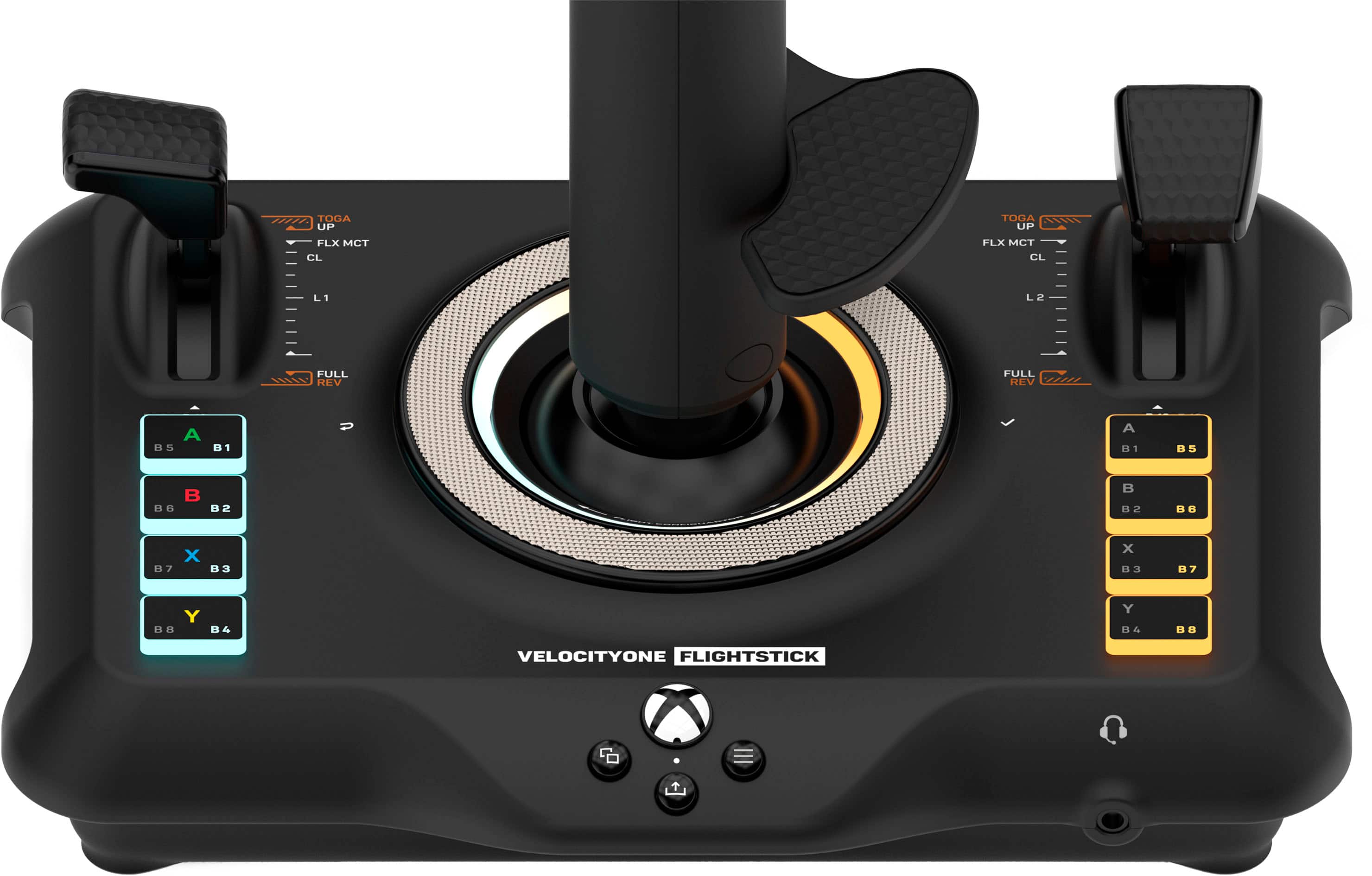
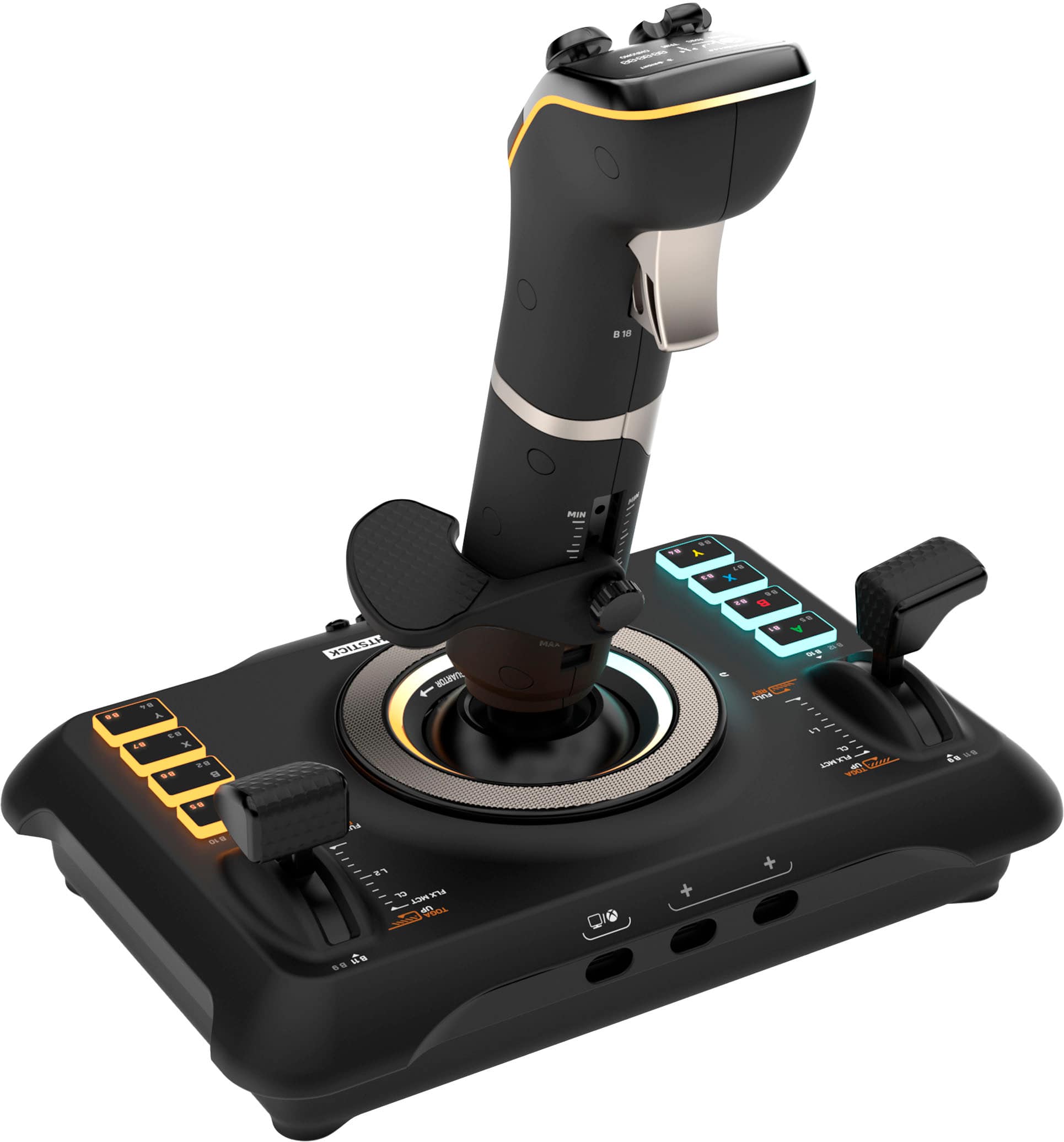
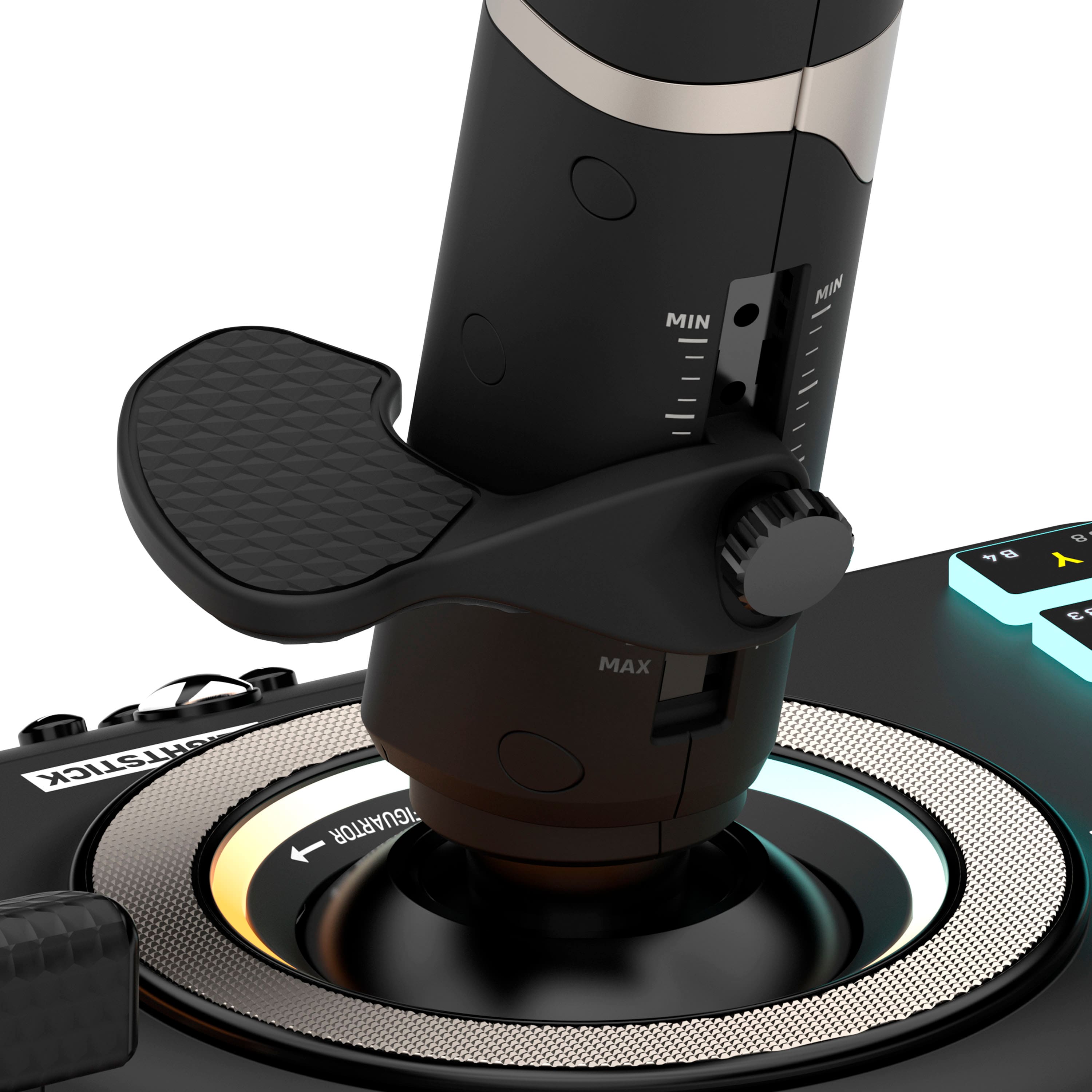
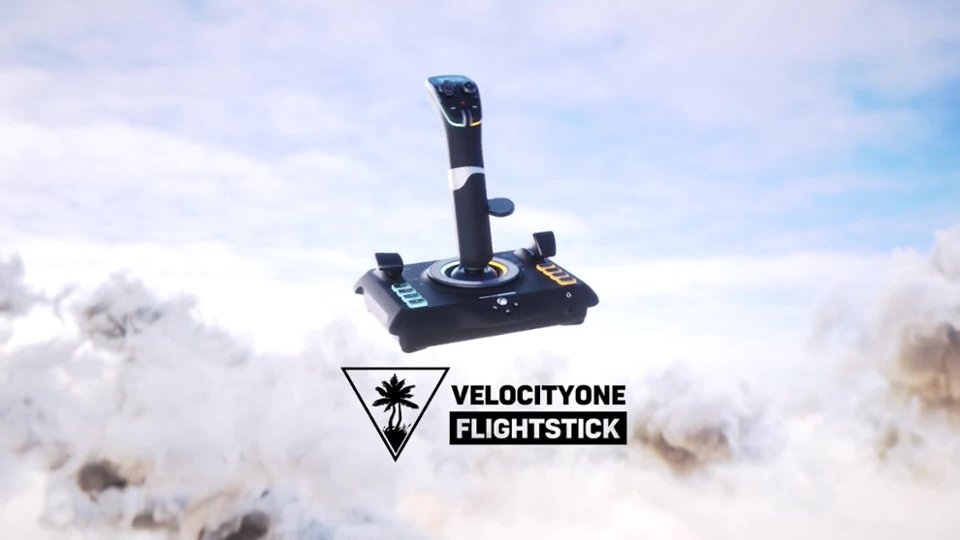
|Posted .This reviewer received promo considerations or sweepstakes entry for writing a review.So let me preface my review, I am a past user of Microsoft Flight Simulator and have not used it recently until the last few weeks. My main interest is the PC version of ACE Combat 7, this was the reason I looked into finally getting a joystick. The Turtle Beach - VelocityOne Flightstick Universal Simulation Controller for Xbox Series X and Windows PCs is really targeted to Xbox users and I did not test this functionality as I am a little behind on my Console gaming hardware (PS4) collects dust. But I have been using ACE Combat 7 on my PC with a hybrid Xbox/PC controller which works pretty well, I have been envious of joystick users. Now to the VelocityOne Flightstick, it is a beautiful piece of hardware, substantial in size and ergonomically designed with an adjustable hand rest on the yoke, which can be re-positioned in height and to accommodate our left handed friends. There is a controller ring which can be used to set different options for the hardware (as displayed on the small, but concise panel on the top of the stick). There is also a plethora of buttons which map to different functions in Flight Simulator, the stick also twists for rudder control and there is also a fire trigger in the front of the stick. In addition, there are separate levers associated with engine speed/thrust and flag position. On the joystick there are also two mini joysticks to control the camera view in Microsoft Flight Simulator. Supplied is a braided USB-A to USB-C cable to connect to your console or computer. Also there is a 3.5mm headphone jack on the front of the base of the joystick if you need it. On a Windows PC you can download the Turtle Beach VelocityOne Flightstick app from the Microsoft Store. I had high hopes for this app, thinking it might give me a hint on how to configure the joystick for other apps, or supply mapping templates. But the only function of the app at this time appears to be to update the firmware on the joystick, a bit of a disappointment. Wanting to use the joystick with ACE Combat I looked for an easy way to use the joystick. No native support for this joystick is available in ACE Combat 7, as a matter of fact our friends BANDAI NAMCO Entertainment really only natively support certain hardware. After doing some research I downloaded an Xbox emulation program for Windows PCs, something I felt a little wary doing. Regardless I started down the road of configuring the joystick for the game, but I really did not have the patience. Maybe down the road I will, but as a light gamer, I really don’t have the cycles to accomplish this. I decided to reinstall Microsoft Flight Simulator on my gaming laptop and reacquaint myself. After a lengthy install process, I was able to use the joystick. If you are an experienced Microsoft Flight Simulator user, this joystick provides all the controls needed, but as a novice user, this is not the plug and play experience I had wished for. After figuring out the basics and using some of the tutorials/flight school included in Microsoft Flight Simulator I was up in the air and exercising control of my aircraft. I ran a test flight down the East River near NYC and flew along the south shore of Long Island, flying over areas that I grew up near. The controls were crisp and responsive however I did need to constantly keep my hand on the yoke making fine adjustments as input via the controller is very sensitive. Overall, there is not much to not like about this joystick and most of less than positive points in this review are not directed at Turtle Beach, just the frustration of not being able to plug this in and go with some of the games (ACE Combat on the PC). Pros: - Nice hardware, well built and has every control you need for Microsoft Flight Simulator, including rudder controls (by twisting the joystick) - Rotation wheel - Lighting effects and configurable options - Display panel on the top of the unit. - Adjustable for right or left hands Cons: - energetic gameplay will lift the base off the surface (mounting screws and threads on the base are provided). - compatible games out of the box limited, I have to spend time figuring out how to remap the controls (or do I just use my standard Xbox controller?).
I would recommend this to a friend - Cons mentioned:Weight
Feature Rich, but Poor Instructions and Weight
|Posted .This reviewer received promo considerations or sweepstakes entry for writing a review.So, to start, my experience was subpar. As with most companies today, you're unlikely to get any directions in your purchases. Turtle Beach is no exception to this, though they do include a "quick start guide", if we can even call it that. It essentially gives you a quick overview of the buttons, and then says to connect and choose the input. This is where it took a turn for the worse for me.... I, as I'm sure others, don't read the leaflets they put in the box, unless of course I have an issue with plug and play, and boy did I have an issue. I was excited to play, plugged it into my Xbox, launched Flight Simulator, and from there, couldn't move out navigate the menus. I spent 30min trying to map the buttons, correct the input, unplug and plug, looked at the leaflet, nothing. I thought for sure I received a faulty product. I then googled and found out that this flight stick isn't able to navigate the menus, and you need a standard controller connected as well to do that. So after much frustration, I finally got it to work, and once I launched a flight, it did work. The overall mechanics of the stick are nice, I like the range of options and thrust built in as well as the rotating of the stick for rudder. The main problem is how light it is. Any quick reactionary moves cause the base to flip up. Also, it's of course wired only, which is understandable at this price range, but still annoying and unsightly. Overall, the quality seems pretty good with good features, there's just the lightness of the stick, along with the terrible instruction and intial frustration I encountered as my main negatives.
I would recommend this to a friend A Great Flightstick
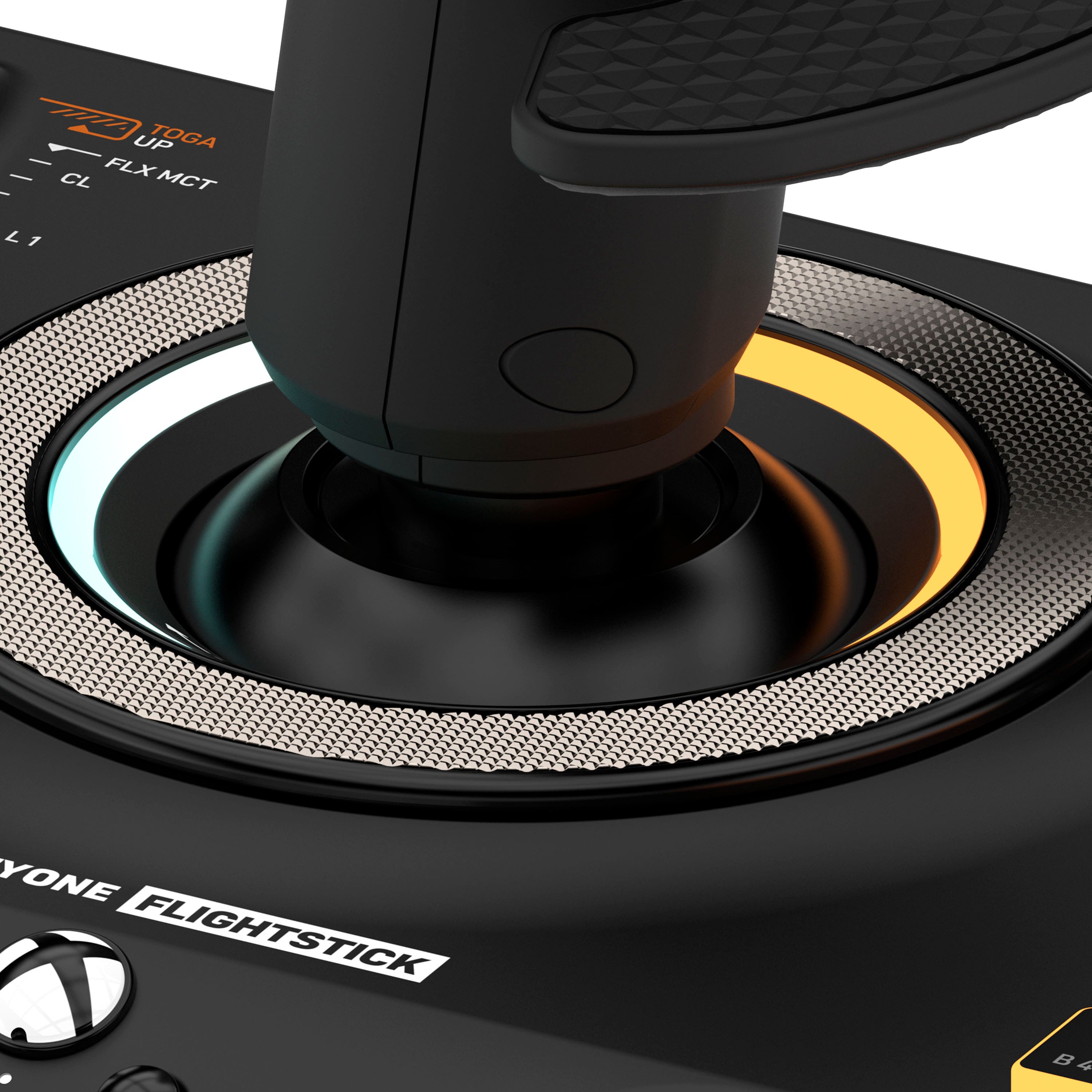
|Posted .This reviewer received promo considerations or sweepstakes entry for writing a review.I remember flaying the original Microsoft Flight Simulator when I was a kid. When I got my first joystick to play the game it was a memorable moment. That joystick was a basic thing with just two buttons. The VelocityOne from Turtle Beach cranks everything up to 11. Honestly, the only thing that would make my setup better would either be to add a bunch of monitors, and/or some pedals. As far as a flight stick goes this is amazing. So much control and customization. Setup was a little tricky, it too me a second to realize that the silver ring that goes around the base of the flight stick was the actual control for the menu that is on the top LCD. Once I figured that out the rest was easy. You can download an app companion to make some minor adjustments to the Flightstick. Once you fire up the new and improved Microsoft Flight Simulator and delve into controller settings, you are greeted with pages of control/button customizations. I took some time and ran thought the setup to make sure I knew what everything would do. I even did some of the basic flight classes again to just get acclimated to the new controls. After that initial refamiliarization man is the VelocityOne a great addition to the entire experience. You have controls for just about all the settings you would need to successfully fly. I loved how it increased the level of immersion, and just made playing so much more fun. If you, or you have someone in your life that loves to play Microsoft Flight Simulator, and you want to take that experience to the next level then this is the route to go. It’s such a great addition to any virtual cockpit.
I would recommend this to a friend- Pros mentioned:Ease of use, Overall performance
Great Joystick great value
||Posted . Owned for 2 weeks when reviewed.This reviewer received promo considerations or sweepstakes entry for writing a review.Great joystick! Easy to set up and works seamlessly with Microsoft flight sim. A ton of features and customizable to your preferences.
I would recommend this to a friend - Pros mentioned:Oled display
V1 Flightstick, Great for beginners!
Posted .This reviewer received promo considerations or sweepstakes entry for writing a review.The VelocityOne Flightstick is great! You pick what LED colours you want for your flightstick using the OLED screen, or you can use the app! The throttle levers have a detent on the end of both sides, but its understandable for this inexpensive masterpiece! But, I must point out, that every time I moved the joystick quickly, the base lifted up. For me, the trim wheel did not work. One of the most interesting facts though is that it had a built in mouse for PC users! Yes, the red target button acted as a mouse. You can use any headset that has a 3mm cord, and you could control the volume from the OLED screen. As my first VelocityOne controller, this is amazing.
I would recommend this to a friend Decent starting point, high price.
|Posted .This reviewer received promo considerations or sweepstakes entry for writing a review.***TLDR:*** This is a quality item. Materials feel and look durable, are grippy and seem to stand up to being dropped just fine (tested by my two year old). Spring tension may be a bit much for some. Firmware update may be risky. ***BUILD QUALITY:*** Made of black, matte plastic, this fight stick is also adorned with touches of silver and rubber finishes. It feels good in hand. ***FEATURES:*** The OLED screen is a nice touch, and decently bright. It sits above two joysticks (one which clicks), two function buttons, a thumbpad and a scroll wheel. The lighting is adjustable in color, though only through 6 presets. The right and left side of the base feature 4-button rows and a paddle each. The palm rest is two way (height and angle) adjustable. There is an option selection wheel wrapped around the stick which is knurled and has "select" and "back" buttons under it - both hard to click. ***PERFORMANCE:*** The stick comes unfortunately preset in a way that has to be drastically changed in order to function with the games I like. This may be more of a Windows problem than an issue with this specific flight stick, but it was frustrating. As for spring force, as another reviewer mentioned, you may find it too strong. It comes with screw mounts and screws for the bottom of the base plate, though, so I bet the intent was to latch it down. ***SOFTWARE:*** It would be great to have the software able to re-map buttons and change RGB, but it doesn't. It only updates firmware, and I actually had a scary issue with that. When upgrading from the stock firmware, the unit went dark and the software simply said "firmware update failed". Nothing worked even upon re-plugging the stick in. FORTUNATELY I was able to get it to recognize again by killing the software and restarting it. ***CONCLUSION:*** If they update the software and firmware to customize buttons/colors, this will be much more worth the purchase price. Until then, the issues make it less than ideal, at least for PC use. XBOX use cases are also limited at this time.
No, I would not recommend this to a friendWorks perfect out of the box for MS Flight Sim
|Posted .This reviewer received promo considerations or sweepstakes entry for writing a review.I've used a few different flight sticks over the years, nothing fancy and typically on the lower spectrum of pricing, usually below $60. Then I saw this one and thought, this would be a major upgrade over what I've been using. I don't mess around with a lot flight based games, but when one does come along that interests me or if a mode is added to a game and I can make use of a Flight Stick, I prefer it over using a controller or Mouse and Key. I've only so far used it with Microsoft Flight Sim. I hadn't played the new one yet and since I had Game Pass I opted to try it out since it had been years since I last gave it a whirl. Setting up the VelocityOne for MSF was a breeze. I went in to the settings and it chose the VelocityOne and Flight Sim already had button layouts for everything. I didn't have to change any buttons or do any programming of the Flight Stick. I did install the Turtle Beach software on my computer as well as my mobile phone. I changed the colors of the LED's and that was about it. I did adjust hand rest and that was a breeze and easy to do. I did test the FlightStick out on a couple other games. The main one I'll mention was No Man's Sky. Sadly the way the game is designed, it's meant for controller. Primarily cause it's not something like Elite Dangerous or Star Citizen where it's more Sim oriented. The unfortunate aspect of this is that certain button configurations just won't work due to way the controls are set. If you're looking to use this or any other flight stick with No Man's Sky, just stick with a controller or Keyboard and Mouse on PC. It's possible it may work on Xbox though given that it can be setup as an Xbox or PC Input, which is a really nice feature. Overall, for the price and the features and configurability, it's really hard to beat. If you need an even more accurate Sim setup, you can always go with the VelocityOne Fligh which is a full on Yoke, Throttle and Rudder Pedal Setup and it too is even well priced. This has effectively made my other Joystick obsolete as it has half the buttons configurability.
I would recommend this to a friend- Pros mentioned:Button layout
Great entry level joystick
||Posted . Owned for 1 month when reviewed.This reviewer received promo considerations or sweepstakes entry for writing a review.For an entry level joystick this is great. I recommend finding a mounting platform, though- the stick is too stiff for the inherent stability of the base. If you leave it plugged into a windows machine be aware it will grab the audio channel since it has a headphone output. Lots of buttons for configuration, easy set up, and good compatibility across platforms. I don’t see a lot of utility for the built in screen, but this is overall a good flightstick.
I would recommend this to a friend Niche Product
|Posted .This reviewer received promo considerations or sweepstakes entry for writing a review.The Turtle Beach - VelocityOne Flightstick Universal may have "Universal" in the product label but it is far from being universally applicable. I was excited to test this product out as it had been a while since I've seen a flightstick that commanded any attention. What I hoped to be a good all-in product turned out to be a bit of a disappointment. PC Buyers beware that unless you use a third party 'mapper' driver, you will encounter a good deal of frustration getting the Turtle Beach - VelocityOne Flightstick Universal to universally "play nice" with a good cross section of games. I set out to try this joystick on three PC based games; 'War Thunder', 'Ace Combat 7' and the final & obvious choice of Microsoft's "Flight Simulator". Of the three titles, I was confronted with a range of results. With 'War Thunder' I was able to finally get the Turtle Beach - VelocityOne Flightstick Universal to work with a good deal of time spent training/programming the multitude of settings. With this flightstick having been out for fair amount of time I expected at the very least to find some form of generic configuration matrix to set up this stick. That was not the case. I was however able to get it to work and with the full-array of buttons and controls offered on this bit of kit, I managed to get a little more than the basic "set" of paramters to head into Battle. My system is Windows 11 based and the windows control panel confirmed all the basic input telemetry of the Turtle Beach - VelocityOne Flightstick. Game play was satisfying and I didn't encounter any pitch misalignment issues or input lag. Thumbs up! Moving on to 'Ace Combat 7', I was unable to get the Turtle Beach - VelocityOne Flightstick to be recognized by the software and therefore was left perplexed. Lastly, I moved into Microsoft's 'Flight Simulator' and here I was most pleased with the results. From what I can gather, MFS is probably the most 'game ready' experience with this Turtle Beach stick. The software recognized the unit straight away and I didn't need to calibrate anything. It just worked and worked beautifully. So now lets talk about the overall design and the ergonomics of the Turtle Beach - VelocityOne Flightstick from a purely hardware point of view. Being that this unit is Xbox ready, it makes sense regarding the layout and labeling of all the controls. I would go so far as to say that even though this product is PC compatible, for all intents & purposes - it really is primarily a Xbox product designate. And here's the dead give away... You need to set the input control to Xbox if you wish to use the Windows based app to check for any available firmware update. The info screen is logically laid out and easy to read & navigated through. All the buttons feel solid and built to withstand long-term use. The overall weight & balance of the Turtle Beach - VelocityOne Flightstick is solid in my opinion and ticks all the boxes in my mind. During gameplay, I found the input sensitivity to be precise & well balanced. Serious gamers & sim players are certainly going to want to add an additional set of foot pedals and/or throttle controller because as a stand alone unit... this thing simply leaves you wanting for more control. Pros: Well constructed with good ergonomics & positive feeling precision Vertical adjustable hand wrest is very cool. It is designed to be ambidextrous... so kudos to the Turtle Beach design team on that. The lighting is subtle and dare I say, soft to the eyes... which I prefer. Nothing over-the-top flashy here. The flush scroll dial is nice feature. Generally speaking, the entire design looks good and not goofy or outrageous. Cons: Not widely compatible with PC games. The Windows app available thru the Microsoft does one thing and one thing only; firmware updater. It would nice if there was a way through software (Turtle Beach software...) to put this thing in some form of basic 'emulator' mode to make it broadly compatible in the PC realm. I am only giving the Turtle Beach - VelocityOne Flightstick three stars because contrary to the naming convention, it is not "universal" in the PC environment. I would recommend that you study reviews by those primarily focusing on Xbox performance to help you make a more informed decision in that regard. And if you ARE a PC gamer looking for an affordable flightstick controller, it's best to do your homework first to see if your specific game titles are going to work with this thing. I can only recommend the Turtle Beach - VelocityOne Flightstick for a very niche segment of the market. Beginner and intermediate 'Flight Simulator' players should be very satisfied with this stick!
I would recommend this to a friend- Pros mentioned:Button layout
Great entry level flight and operating equipment.
||Posted . Owned for 1 year when reviewed.This reviewer received promo considerations or sweepstakes entry for writing a review.This is a good flight controller. The throttle and what they call a flap lever are lacking but the buttons work well. It's nice to have for games like beamng as well where you can use it to operate equipment and have all of the programmable buttons. Worked for msfs just fine until I upgraded, but for entry level and the price it's great.
I would recommend this to a friend - Pros mentioned:Overall performance
War Thunder Ace Man
||Posted . Owned for 6 months when reviewed.This reviewer received promo considerations or sweepstakes entry for writing a review.I have been using this flight stick for a while now and have had no real problems with it. I wish it was "compatible" with War Thunder as that is what I play but after a lot of tedious settings, I did get it to work.
I would recommend this to a friend stick action is stiff; base is too small
||Posted . Owned for 8 months when reviewed.This reviewer received promo considerations or sweepstakes entry for writing a review.Don't get me wrong; this stick is a good value for money and it has served me well as an entry level all-in-one controller for X-Plane 12 / MSFS. It's just that the joystick spring action is too stiff and too linear, so sudden moves are likely to lift the entire unit, base and all, unless you have it locked in with a desk clamp or bracket. Others have pointed this out, I bought it anyway, and I have put up with it. Still, if you're space constrained and want something with twist action so you can control all 3 axes of air/space travel in a sim or game, this is a tough package to beat. On-device config options for left/right handedness and sensitivity are useful, and for flight sims, the throttle detents are super useful for TO/GA and thrust reversing modes on airliners.
I would recommend this to a friend- Pros mentioned:Overall performance
Awesome highly recommend.
||Posted . Owned for 4 months when reviewed.This reviewer received promo considerations or sweepstakes entry for writing a review.Awesome highly recommend..works flawlessly no bugs or issues yet.
I would recommend this to a friend Good Value for a Universal Stick
||Posted .This reviewer received promo considerations or sweepstakes entry for writing a review.Overall, this controller hits a majority of the boxes for an affordable, feature rich package. The compromise is that the stick is "universal" for either left or right hand. Ideally, the stick should conform to the shape of your hand much like a Logitech extreme 3D pro. At a minimum, the top of the stick could be angled at least 20 degrees further forward to allow your thumb to rest on the top buttons easier without strain. For helicopter simulations in particular, the stick can lead to fatigue because the spring tension on all three axis is too strong. The quality of the build is excellent. I do like the added feature of the detent on each end of travel of the levers. The button placement is somewhat less than optimal if one hand is on the stick and flying the plane and you have to cross over with your other hand to use the buttons on the opposite side. An autopilot in the sim helps, if available. Uses digital technology. A good step up from lower priced analog sticks and quite a bit less than premium Thrustmaster sticks.
I would recommend this to a friendGreat feature and the feedback is awsome
||Posted . Owned for 6 months when reviewed.This reviewer received promo considerations or sweepstakes entry for writing a review.Simple plug and play. I’ve used the flight stick countless times in MSFS 2024 so many times and I love it. So easy to use and fully customizable. The most helpful feature is the flight timer so you can easily track how long you have been flying right on the mini screen. I highly recommend this for any users getting into flight sims and want a budget friendly option but with great features.
I would recommend this to a friendWorks for Star Citizen!
||Posted . Owned for 3 weeks when reviewed.This reviewer received promo considerations or sweepstakes entry for writing a review.I bought this thing for Star Citizen and it helped me fall in love with that game again. I’ve been a Star Citizen backer since 2013 and I’ve been playing the game off and on ever since. When things were simpler back in the day, I had a basic Logitech joystick that was good enough. When I recently started playing the game again, I realized the Logitech wasn’t good enough anymore; I had to get something better. I stumbled upon this beauty by Turtle Beach and did some research. I found a configuration file for it on the official website, along with instructions. I bought it, tried it and it’s working great! Needless to say I’m very happy with it.
I would recommend this to a friendGood price for a pretty good item
||Posted . Owned for 3 weeks when reviewed.This reviewer received promo considerations or sweepstakes entry for writing a review.Base is very light and the spring that centers the stick is very tight. I have mine strapped down to a table rather than using screws. I use mine on the computer which creates some issues. The program to install the software is not very good so I cannot do anything with the settings. Also, since it has a headphone jack, my computer thinks its a headset instead of a joystick, which means i have to change my input and output when I restart the computer. Despite these annoying issues, it works very well for me for the price I paid. Now that I am used to it, I don't regret the purchase.
I would recommend this to a friend- Pros mentioned:Overall performance

Opinion about the stick
|Posted . Owned for 2 weeks when reviewed.This reviewer received promo considerations or sweepstakes entry for writing a review.[Employee of bestbuy] This is my first flight stick, I just got into war thunder and Microsoft flight sim. Works really well with the reprogram-able buttons and is fun to use. The only downside is if you don’t mount the base it can move when you move it but still deserves a 5 star rating.
I would recommend this to a friend - Pros mentioned:Overall performance
Nice stick.
||Posted .This reviewer received promo considerations or sweepstakes entry for writing a review.Works great with X-Plane. Feels very accurate and detailed. Nice to have the trim wheel and so many programmable buttons. Resistance was too stiff for me. Followed some YouTube instructions and put in a lighter spring. For me it was a big improvement.
I would recommend this to a friend - Pros mentioned:Button layoutCons mentioned:Weight
Good Flight Stick
||Posted . Owned for 3 weeks when reviewed.This reviewer received promo considerations or sweepstakes entry for writing a review.Buttons are quality but the stick could use more weight it’s a little light.
I would recommend this to a friend