Customer Ratings & Reviews
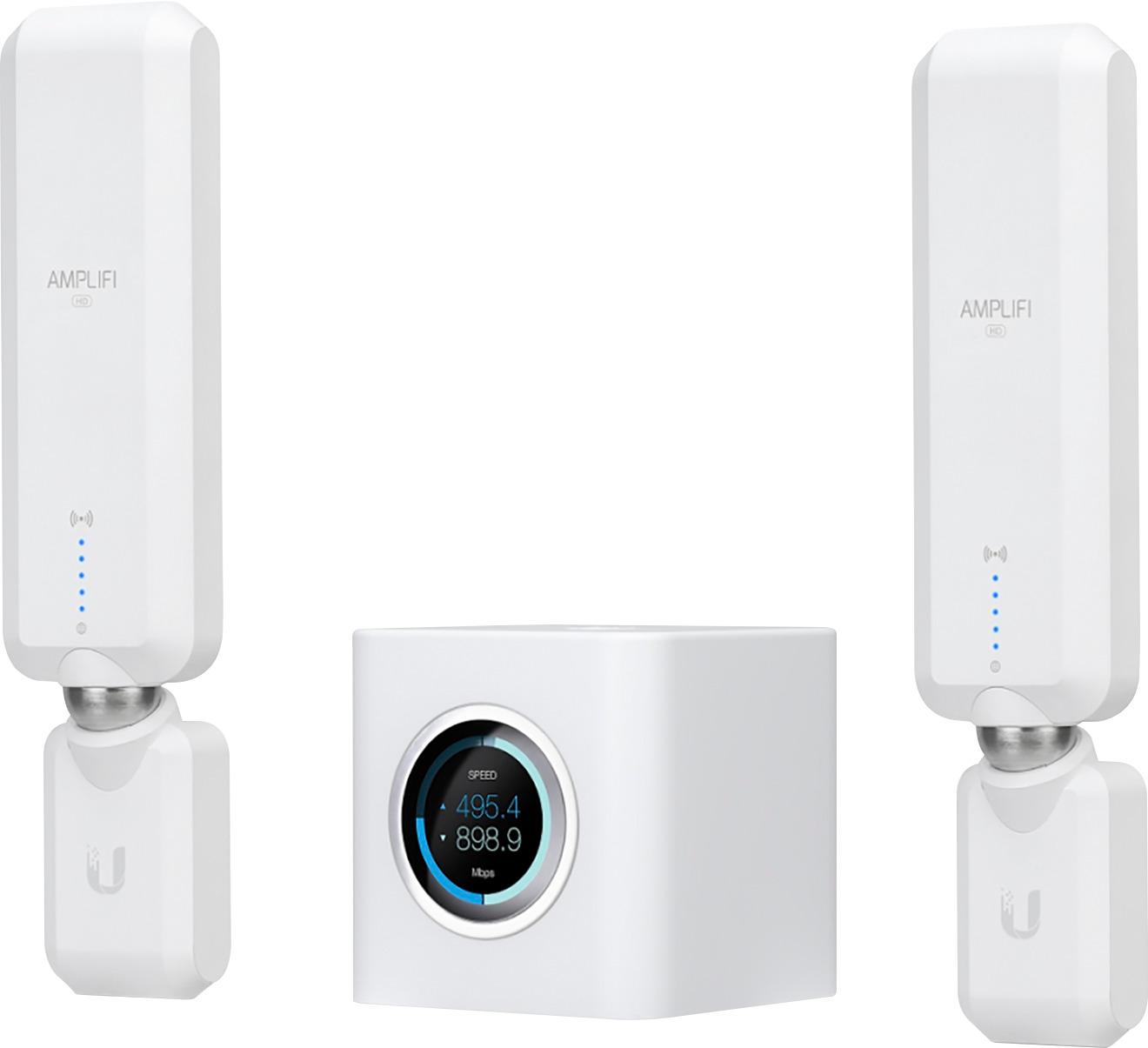
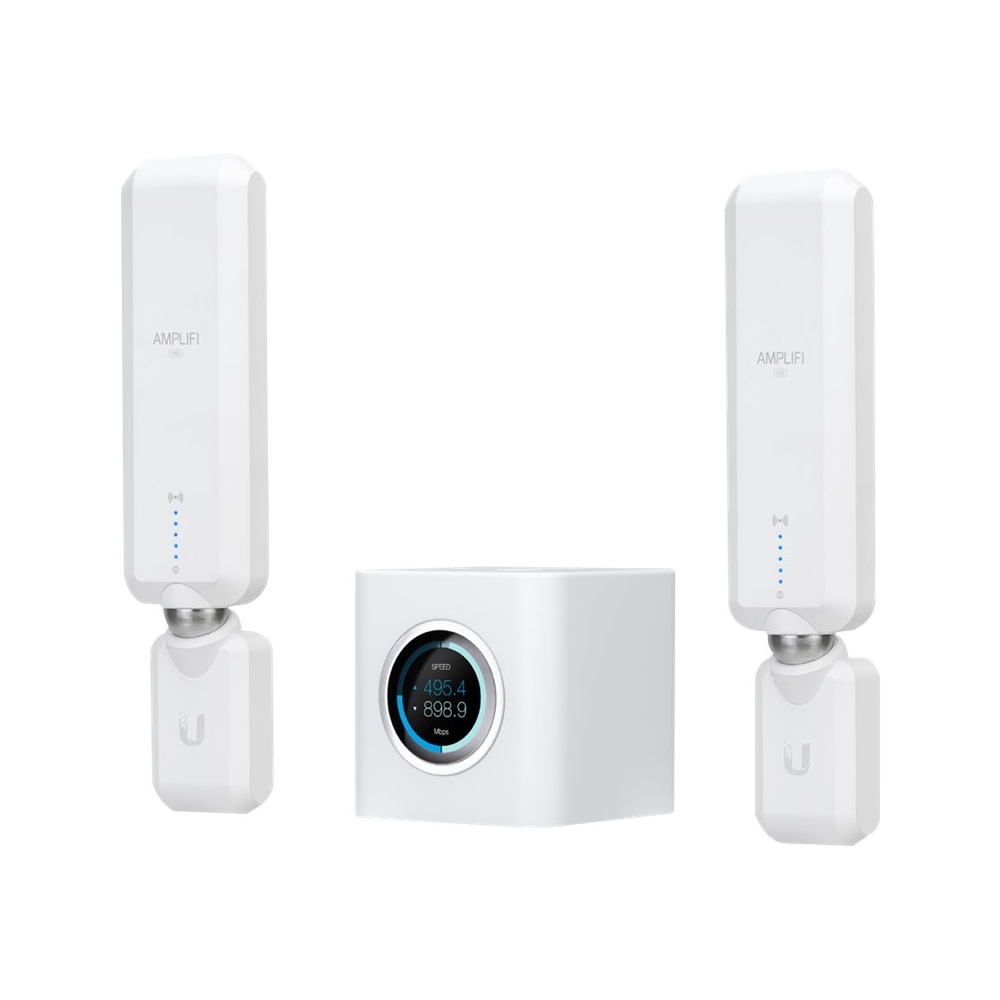
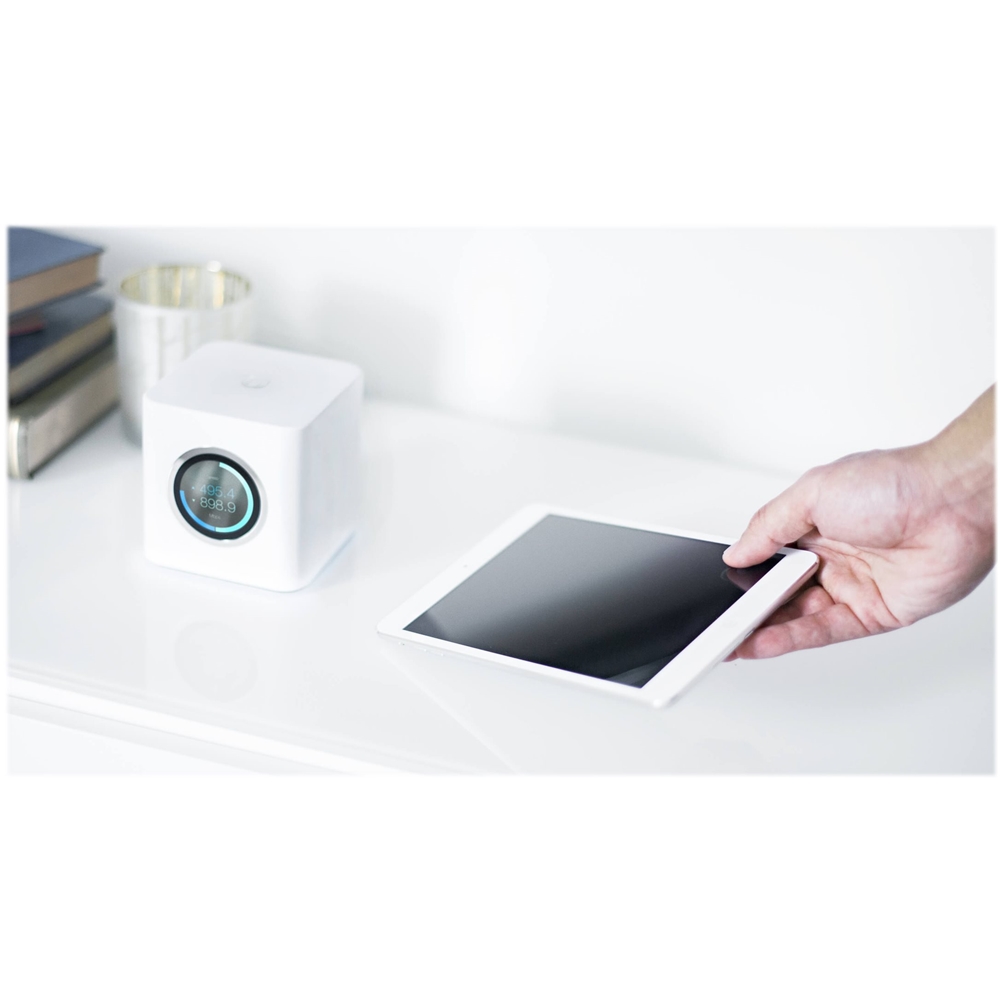
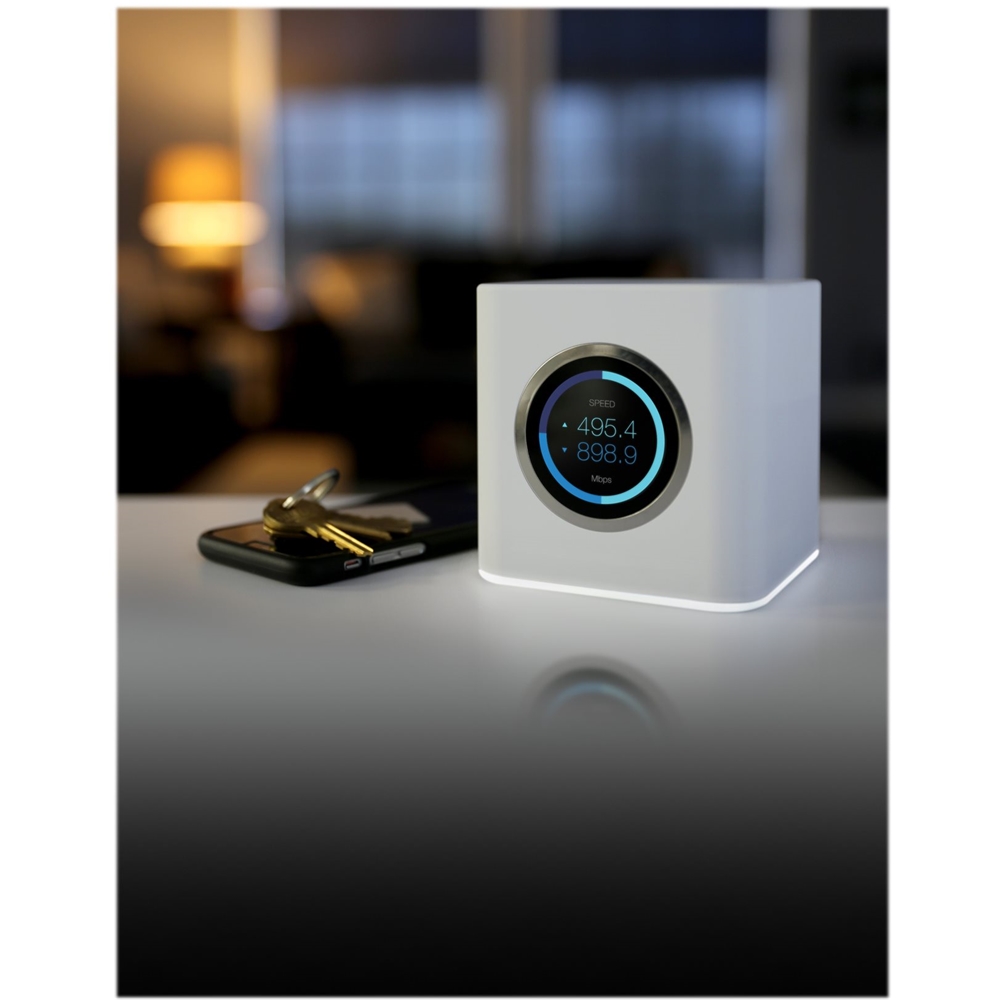





- Model:
- AFIHD
- |
- SKU:
- 5736902
Customer reviews
Rating 4.6 out of 5 stars with 834 reviews
(834 customer reviews)Rating by feature
- Value4.3
Rating 4.3 out of 5 stars
- Quality4.6
Rating 4.6 out of 5 stars
- Ease of Use4.7
Rating 4.7 out of 5 stars
Customers are saying
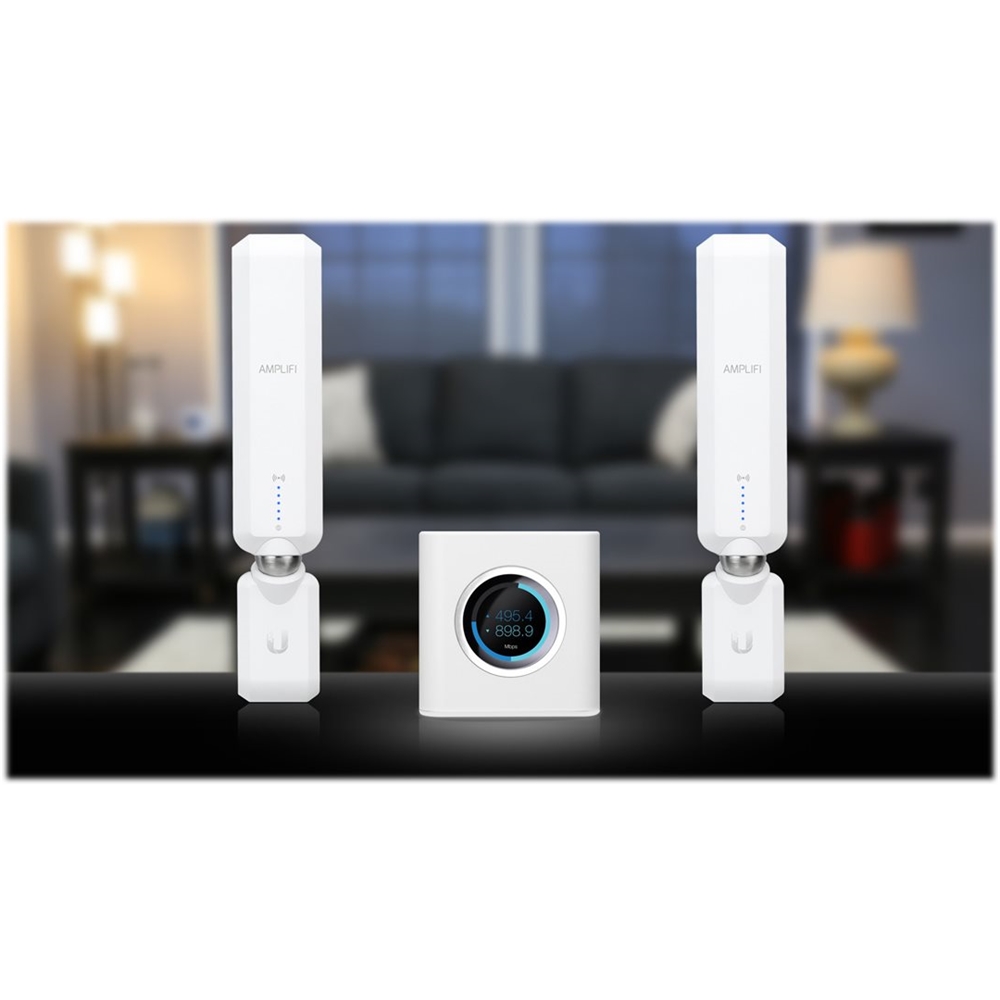
Customers express satisfaction with the AmpliFi HD AC1750 Dual-Band Mesh Wi-Fi System's ease of use, extensive coverage and range, and strong signal strength, frequently praising its simple setup and excellent performance. While some users found the price to be high and reported issues with the USB port and occasional connectivity problems, the positive feedback on performance and ease of use outweighs these concerns for many.
This summary was generated by AI based on customer reviews.
Rated 1 out of 5 stars
Not worth the effort
||Posted . Owned for more than 2 years when reviewed.This reviewer received promo considerations or sweepstakes entry for writing a review.Did not do anything the product claims complete waste of money.
No, I would not recommend this to a friendRated 5 out of 5 stars
Best in the game
Posted .This reviewer received promo considerations or sweepstakes entry for writing a review.Ok, to start with I am good with tech but not a "wifi" guy. I have consistently purchased top of the line routers over the years looking for a "great" one. I have a two story house and about a acre yard with a pool in the back. My router needs to be in a upstairs office in the corner of the house. I have tried many many routers trying to get rid of dead areas. I have a bonus room over the garage on the other side of the house from the router and no system I have used could get me a decent divinely over there, I did not want to mess with repeaters or have to configure a lot of stuff. If I wanted wifi out by the pool in the back yard......we'll just to bad haha, was not going to happen so I I heard about these mesh systems and here's how it went: My first one which I purchased about two months ago was the Google wifi. I went with it just because it's google and I had never heard of AmpliFi (as I have said I'm not a wifi guy) I took the google system home and started to set it up. The setup process was super easy and I was excited to be rid of all my dead spots!.....but wait.....not that easy haha. I found the goo ugly routers to be underpowered, if you were not in the danger room as they were your siginal would drop 50% easy, if you were two rooms away when you mise well be on Mars. I still had my close to dead area in my bonus room, kitchen was still weak, and pool was still a no go. I had three of the google routers and sure I could have purchased more and had one in every room but who wants to spend $1000 on wifi? I finally gave up on the google, it was no better then my Linksys Wrt1900Acs that it replaced I started watching YouTube videos and after a long debate decided to try the Amplifi HD, to tell you the truth the 20,000 sq ft coverage scared me off a little a first. I thought it was just marketing and I would rather be told the truth. I get the AmplifiHD home and open the box, when I pull out the router my first thought was: "WTF, look how little this thing is, it's going to suck!" Haha. I thought maybe it would work better then one of the google wifi pods but now way would it work half as good as my old Linksys WRT1900ACS. It was not even a quarter of the size and had no external antennas. So I proceed to follow the directions to hook it up ( I was really not expecting much at this point ) the directions and pictures were some of the best I've ever seen and anyone could hook this thing up. After I hooked it up I wanted to run some test around the house to see how well it worked ( or didn't ) before I connected the two mesh points. It was a real shocker! The base unit by itself had more range and better siginal then any wifi router I had ever owned! I even had a decent siginal in the dreaded bonus room over the garage. So I hooked up one mesh point in the bonus room to get close to perfect speeds and I put one downstairs in my kitchen. I started walking around doing speed test and was amazed at the results. I had my stated speed are faster than what I was paying for (300mbps) just about everywhere in the house. I think the worst area was a small hall downstairs and it averaged 250ish! And here is the best news.......WIFI BY THE POOL!!! Not only do I have wifi out by the pool but I have super fast wifi. It averages about 200 around the pool, and not only do I have Wi-Fi by the pool, I have Wi-Fi everywhere in my acre yard and at the farthest point the slowest the speed gets is around 90mbps which is still fast enough to do just about anything. Needless to say I'm super happy with this purchase and I highly recommend this unit. If it holds up then this will be one of the best purchases I've ever made
I would recommend this to a friendRated 4 out of 5 stars
Good package, Improved my internet speed
Posted .This reviewer received promo considerations or sweepstakes entry for writing a review.I would have easily given 5 star, but reducing 1 start just to showcase some points which I would consider as rooms for improvement. 1) Setup - I had some hiccups, surprisingly. First, the USB-C power connection was not perfect when I plugged in first time although the device powered on. For a long time, I could not figure out the issue due to an ambiguous error being shown in the device display. I am still confused as to how the device can be powered on through USB-C and still not have a good connection. But once I unplugged and reconnected, the issue went away. 2) The mesh points switched between offline and online a couple of times in the beginning. This could be part of the firmware update, but the app did not indicate anything but that the mesh points were offline. After about 15 minutes, the 2 mesh points both became online and everything was good. But it was confusing during that process as to what was going on. 3) The USB-C power wire is only about 2 ft long. I would have very much benefitted if it was at least 1 more ft long. 4) LCD lighting at the bottom of the main device does not dim to my liking. I wanted a very feeble light which I could not achieve. Since it was too bright for me even at the lowest setting, I chose to set it off. 5) Styling is very nice, but I would have preferred a black one if it was available since all my other electronic devices in the living room are black. But it is what it is. None of these issues affect the core functionality of the device though. I have a small house (1800 sqft, split entry) and my 7 year old Verizon router still works fine. But behind every closed door, network connectivity used to drop by 25-75% and now with Amplifi, it looks to be around 10-25% max. That is way better. I don't have too many devices and I would prefer to keep it that way since wifi and radiation is never good for health. So I don't anticipate the device overload issue that many people complain about Amplifi. Also, the App is simple and very easy to understand and configure.
I would recommend this to a friendRated 5 out of 5 stars
Excellent WiFi Home Mesh System
Posted .This reviewer received promo considerations or sweepstakes entry for writing a review.My home is a single story Ranch Style that is approximately 4000 square feet. The lot size is approximately 3/4 acre. The land is pretty flat. I have a pool in the backyard that at best was receiving a WiFi signal of poor and sometimes not receiving a signal at all. Just like everyone else I tried several different routers without any successful connection. I purchased this WiFi Mesh System based upon the Best Buy's representative's suggestion. This has been absolutely the Best WiFi system that I have owned. I get WiFi signal down the street from my home. The signal is strong everywhere in my home. The signal now says Excellent at the panel of my swimming pool. I can't begin to recommend this system enough. There are multiple devices on this system in my home and no one is complaining of dropped signals. In fact I do speed tests all over the property inside and out and I now have consistent speeds everywhere in excess of 110. Do yourself a favor and purchase this system. It is worth every penny. I am not one of those tech guys. I'm just a home owner who needed a good WiFi signal to my pool. I now have what I would describe as the Best Signal that I could ask for all over my property and down the street. Just a note, I live in a very windy area and no problems so far.
I would recommend this to a friend- Pros mentioned:Coverage, Ease of use, Speed
Rated 5 out of 5 stars
Easy Install
Posted .This reviewer received promo considerations or sweepstakes entry for writing a review.Easy Install. Awesome coverage. Smaller then i thought. Fast. On-line speed test os wrong, I have a 170 meg dl speed but this shows only 80 meg down. Went to speedtest site and it shows my 169-175 down speed.
I would recommend this to a friend - Pros mentioned:Setup
Rated 5 out of 5 stars
Unbelievable
Posted .This reviewer received promo considerations or sweepstakes entry for writing a review.This Wi-Fi system just plain works. I would put this right up there with Apple in design, packaging, functionality and user friendly. Unboxing reminded me of the way Apple packages their products. If I didn’t know better I would think Apple designed this Wi-Fi system. Setup was flawless, instructions were spot on. Signal strength throughout the house is excellent. I live in a ranch style house and used to have problems even with a Netgear Nighthawk, but not anymore. The app is awesome and just plain simple to use. I would rate it a 10 if I could, so let’s see how this system holds up and then I will update my review and hopefully my review won’t change.
I would recommend this to a friend - Pros mentioned:Range
Rated 5 out of 5 stars
Awesome- Problem Solved
Posted .This reviewer received promo considerations or sweepstakes entry for writing a review.Finally! I always had dead spots all over the place. I bought the AmpliFi Mesh Wi-Fi network and it has completely gotten rid of them. I can now Skype from anywhere in my house. -> Even in the basement!
I would recommend this to a friend - Pros mentioned:Ease of use
Rated 5 out of 5 stars
Awesome Router
Posted .This reviewer received promo considerations or sweepstakes entry for writing a review.Bought this because I was having range issues with my old router, this mesh router works perfect and was easy to setup!
I would recommend this to a friend Rated 5 out of 5 stars
Fantastic
Posted .This reviewer received promo considerations or sweepstakes entry for writing a review.Bought this to replace a vintage ~2012 AirPort Extreme base station. I have a ~2500 sqft house, wood frame, 2 stories plus a finished basement. Coverage was fine with the airport but it was old and slow. Also family controls were limited/flaky. To get started I placed the router in the centrally located upstairs closet where the airport had lived, 1 mesh point on the main floor, and 1 mesh point in the basement. Setup was a breeze and took about 5 min for each, most of which was spent waiting for the devices to boot. Simply entered my existing SSID and pass during config of the base station and all clients were up and running as if nothing had changed. I have about 25-30 wireless clients plus 10 wired devices. Wireless clients are a mix of laptops/phones and smart home devices. Most clients are connecting to the base station which implies the mesh points are probably unnecessary for my size/style house. Regardless, the number of devices I have will only grow, so the mesh config gives me peace of mind and future proofing. Regarding the mesh point design, I found the ball magnet to be strong and have no worries about it being knocked off/disconnected. App is clean, well laid out and very easy to use. Speed and coverage are fantastic. Testing with the built in "performance" tab of the iOS app on an iPhone SE I'm getting 160-170 Mbps down and 40 up (I have cable modem service 400/40). On a late 2015 MBP using DSL reports speed test I'm getting ~275 Mbps down. Speed is consistent throughout the house. Family controls and intuitive and easy to use. I set up profiles for each kid, added their devices, and added time restrictions. I can easily pause access for each kid right from the main screen of the "family" tab. In summary, this is an amazing system, beautifully designed in all respects, easy to use and with fantastic performance. Highly recommend.
I would recommend this to a friend- Pros mentioned:Ease of use
Rated 2 out of 5 stars
Good WiFi but not for Gigabit Internet
Posted .This reviewer received promo considerations or sweepstakes entry for writing a review.The setup process was simple, the app interface is good. The real issue I have here is that if you have gigabit internet service, I have AT&T Gigapower, this system will cut your bandwidth by 50%. Yes! 50%! That is WiFi and Ethernet connections. I currently have an open case with Amplifi support on this. It is a known issue to them and they still do not have a fix for it. I initially opened my case 2 months ago and the only way I get updates is if I contact them. I would give this system 4 - 5 stars if this was not the case, however, they advertise gigabit support and it is NOT! If you are thinking of buying this product check to make sure that this issue has been fixed, if not, look for another product.It would not make sense to get this if you have gigabit internet service.
No, I would not recommend this to a friend Rated 5 out of 5 stars
Boom!
Posted .This reviewer received promo considerations or sweepstakes entry for writing a review.I have always had difficulty with WiFi dead spots at my apartment. This product has provided me with the reliability I need. It looks great in the apartment and has made a huge difference in my productivity!
I would recommend this to a friendRated 5 out of 5 stars
Style Trendsetter
Posted .This reviewer received promo considerations or sweepstakes entry for writing a review.I’m tired of routers that are an eye sore to look at. I just moved into a new house and my Wi-Fi router has to be in the kitchen. We have lots of guests, so we like to keep our style consistent. I chose the AmpliFi because it matches the décor – it is pretty minimalist. The touch screen is pretty cute and easy to use too.
I would recommend this to a friend- Pros mentioned:Coverage
Rated 3 out of 5 stars
Great coverage, poor speeds with Fiber Service
Posted .This reviewer received promo considerations or sweepstakes entry for writing a review.I purchased these and used them for 35 days. Great coverage through out my home, with consistent speeds. The down side is the speeds were 30-50% less than I am paying my Fiber based ISP for, on Ethernet, not just wifi. I tried enabling and disabling some of the advanced features, rebooting, etc... I did some research and found forums stating the same with other Fiber connections. I checked Ubiquiti, and one of the main FAQS is in regard to Fiber use. The Router has to be set in bridge mode, utilizing a 3rd party router. So a $300+ mesh system, on Fiber, will only provide full speeds by the ISP, if another Router is performing the routing capabilities. I switched to Netgear Orbi, and now have proper speeds, with similar coverage. Link to FAQ: (https://help.amplifi.com/hc/en-us/articles/220771768-Does-AmpliFi-support-fiber-services-such-as-Google-Fiber-or-Fios-)
No, I would not recommend this to a friend - Pros mentioned:Ease of use
Rated 5 out of 5 stars
WiFi Everywhere!
Posted .This reviewer received promo considerations or sweepstakes entry for writing a review.I was having issues getting wifi at the back of my house with the router from my ISP. Luckily this was really easy to setup and now I am no longer having issues getting a connection.
I would recommend this to a friend Rated 5 out of 5 stars
Exceeded expectations
Posted .This reviewer received promo considerations or sweepstakes entry for writing a review.I have tried several different WiFi routers and none of them were able to provide reliable high speed connectivity throughout our 2 story 3700 sq.ft. home. After reading the positive reviews I tried the AmpliFi HD. Very simple to setup. I placed the base unit and one mesh point on the first floor, one mesh point on the second floor. Connectivity and upload/download speed significantly better than any of the other systems I tried. The AmpliFi iPhone App allows me to monitor status and change settings even if I am not at home. The only issue I ran into is with my Phillips Hue bridge. I had to place it ~4 ft. away from the base unit before it could establish internet connectivity (local network connectivity worked fine).
I would recommend this to a friendRated 5 out of 5 stars
Great system - Easy setup
Posted .This reviewer received promo considerations or sweepstakes entry for writing a review.The AmpliFi HD mesh routing system is one that I believe is often overlooked. Prior to the instillation of this system I had been using the Linksys Velop system. In comparision, both systems provide EXCELLENT Wi-Fi coverage. What I like most about Ubiquiti's system is the ease of setup. I was able to set the AmpliFi router up in bridge mode with two additional mesh points in under 10 minutes. The same task takes almost an hour or more with the Linksys product as additional "nodes" often fail to establish a connection correctly. Furthermore, moving Ubiquiti's mesh points or adding more is as simple as plugging it in to an outlet. For this, the product receives 5 stars.
I would recommend this to a friend- Pros mentioned:Ease of use
Rated 5 out of 5 stars
I use this for my building
Posted .This reviewer received promo considerations or sweepstakes entry for writing a review.I use this product for my building, 4 different apartments and it works amazingly. No issues, easy to use. I loved it so much I purchased a second one for my own house
I would recommend this to a friend Rated 4 out of 5 stars
Good Mesh System
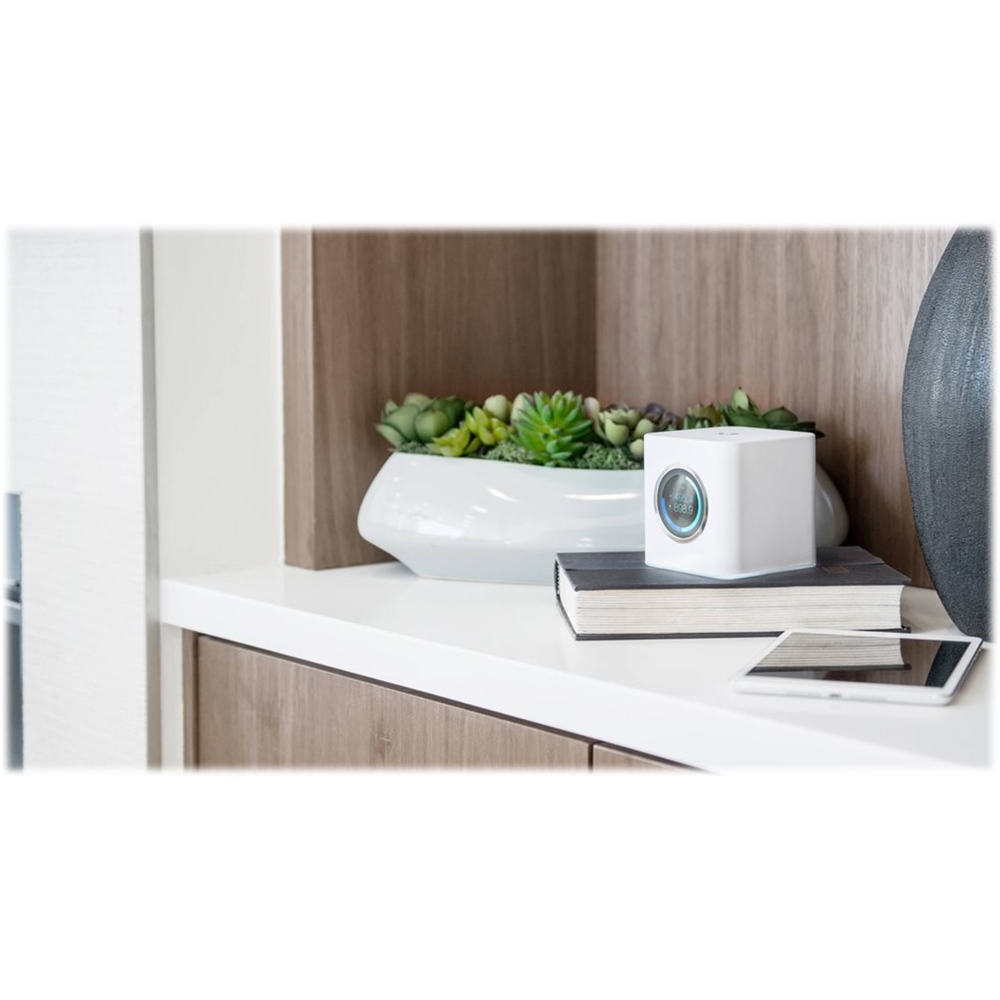
Posted .This reviewer received promo considerations or sweepstakes entry for writing a review.Performance is good. The LCD display on the front of the router showing throughput and other information is extremely helpful. Good product for a reasonable price.
I would recommend this to a friend- Pros mentioned:Speed
Rated 3 out of 5 stars
Nice until it breaks
Posted .This reviewer received promo considerations or sweepstakes entry for writing a review.I haven't had this for 6 months and one mesh point has completely quit working. I had to go through a month back and forth technical support trying all kinds of stuff before trying to get it replaced. Its a nice unit, internet was good - but I'd like to think a replacement for someone so expensive would have been try A and then B if that doesn't work then replace at C. Instead me having to try all this technical support stuff on the app that I didn't totally understand. Frustrating - we'll see how smooth the process is to get it replaced. I'll update if its bad.
No, I would not recommend this to a friend Rated 5 out of 5 stars
Excellent Router!
Posted .This reviewer received promo considerations or sweepstakes entry for writing a review.Bought this about 6 weeks ago and have been very happy with it. Easy setup wth no hassles. The App gives a decent amount of control without being difficult to use. Very good speeds and absolutely no problems. Would buy it again in a heartbeat. Pros: - Easy Setup - Basic QOS (allows 3 levels of priority) - Shows individual device activity - Allows grouping of devices for access control - Easy to pause individual devices, device groups, or all wifi devices - Easy to set up guest networks Cons - None that I can think of off hand
I would recommend this to a friend