Customer Ratings & Reviews


- Model:
- M65-E0
- SKU:
- 5762815
Rating by feature
- Value
Rating 4.4 out of 5 stars
- Quality
Rating 4.3 out of 5 stars
- Ease of Use
Rating 4.5 out of 5 stars
Customers are saying
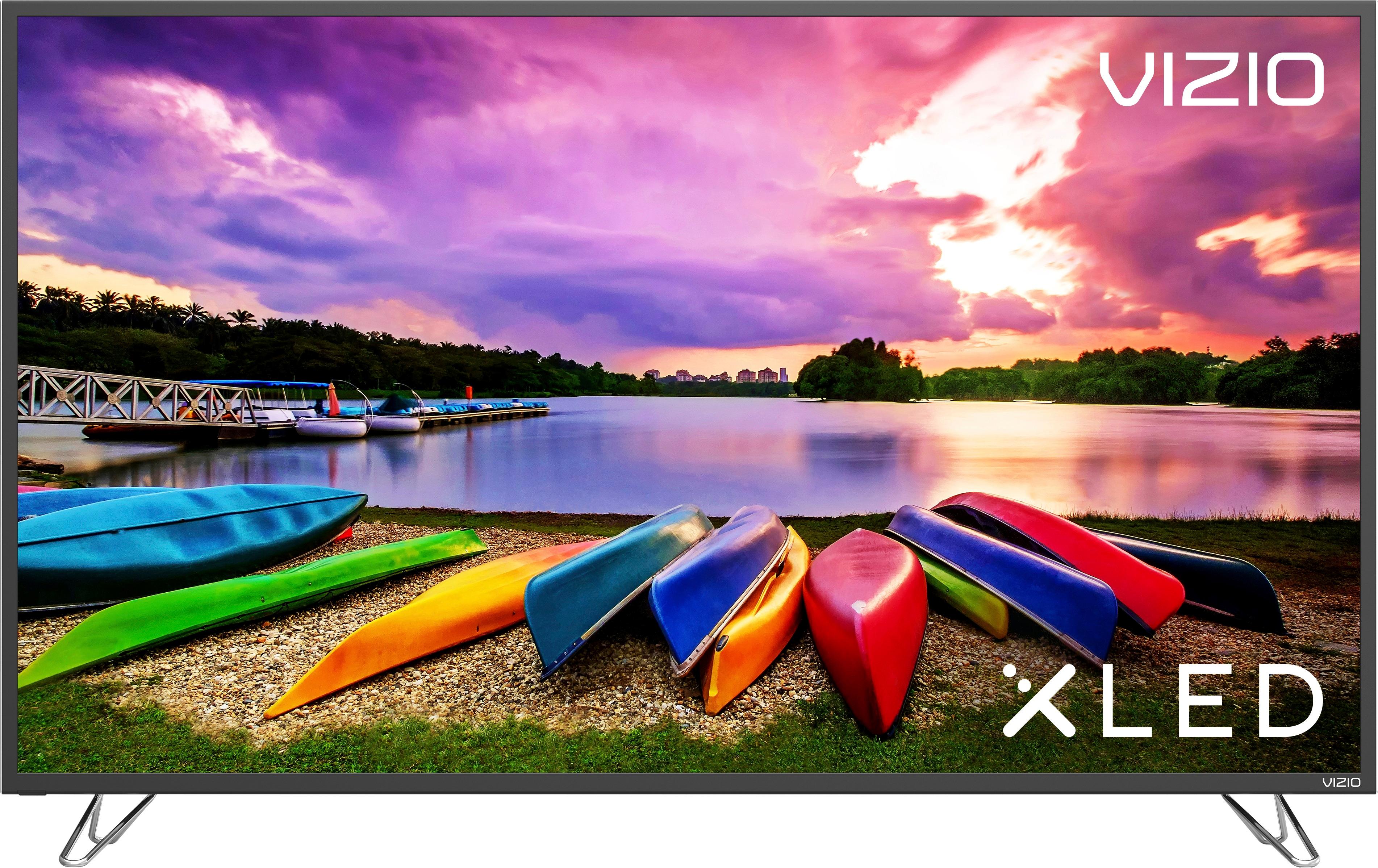
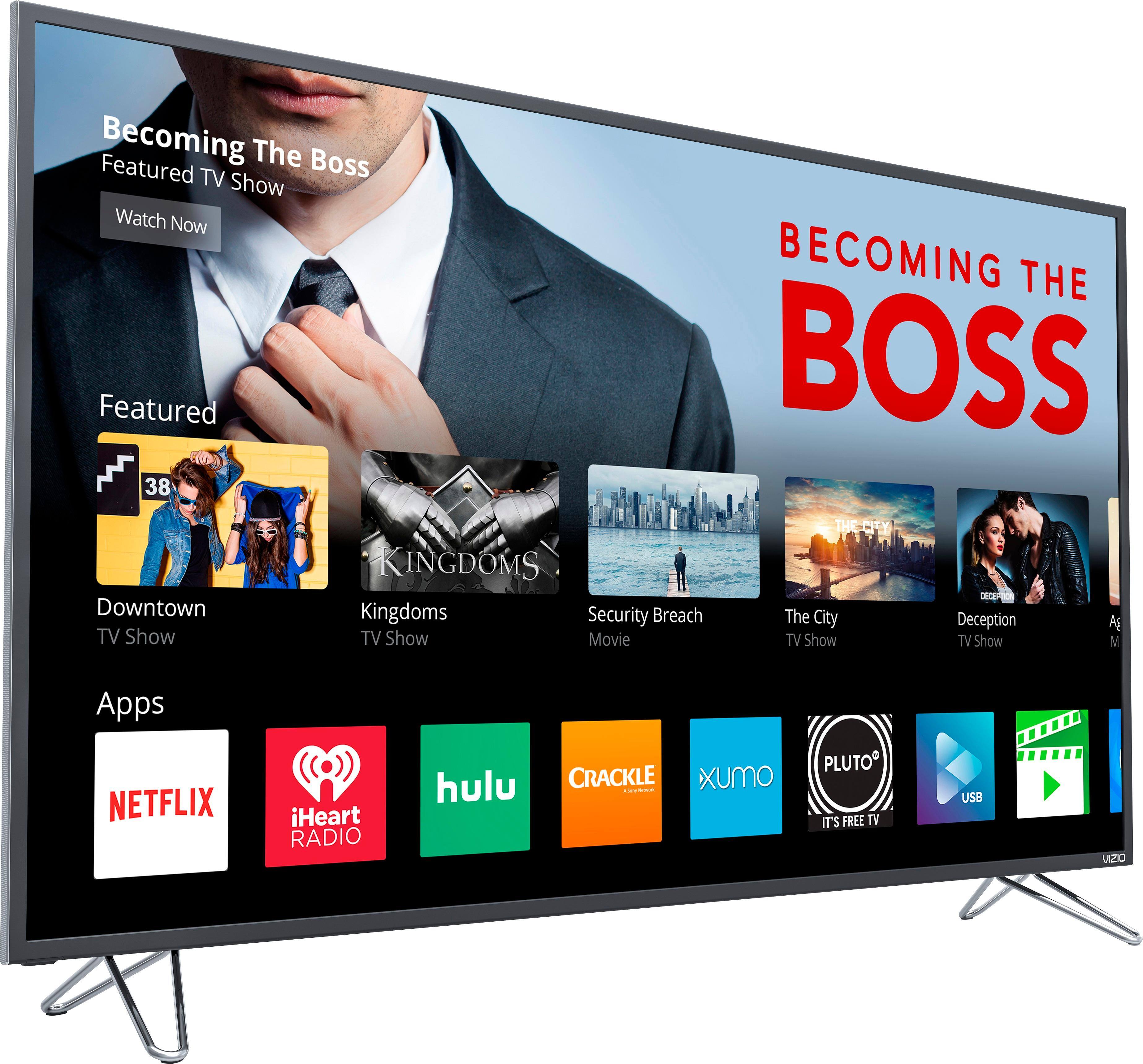
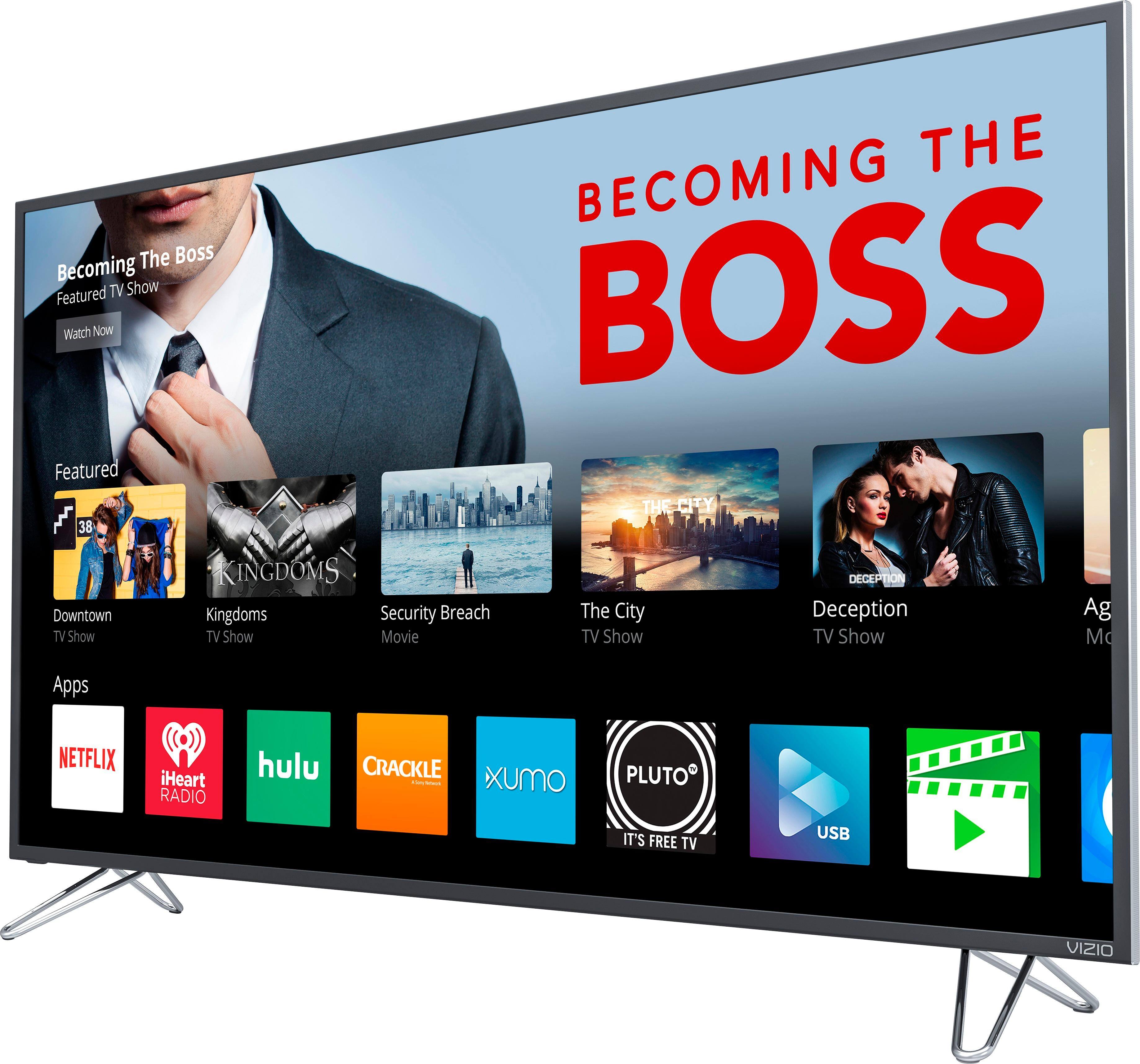
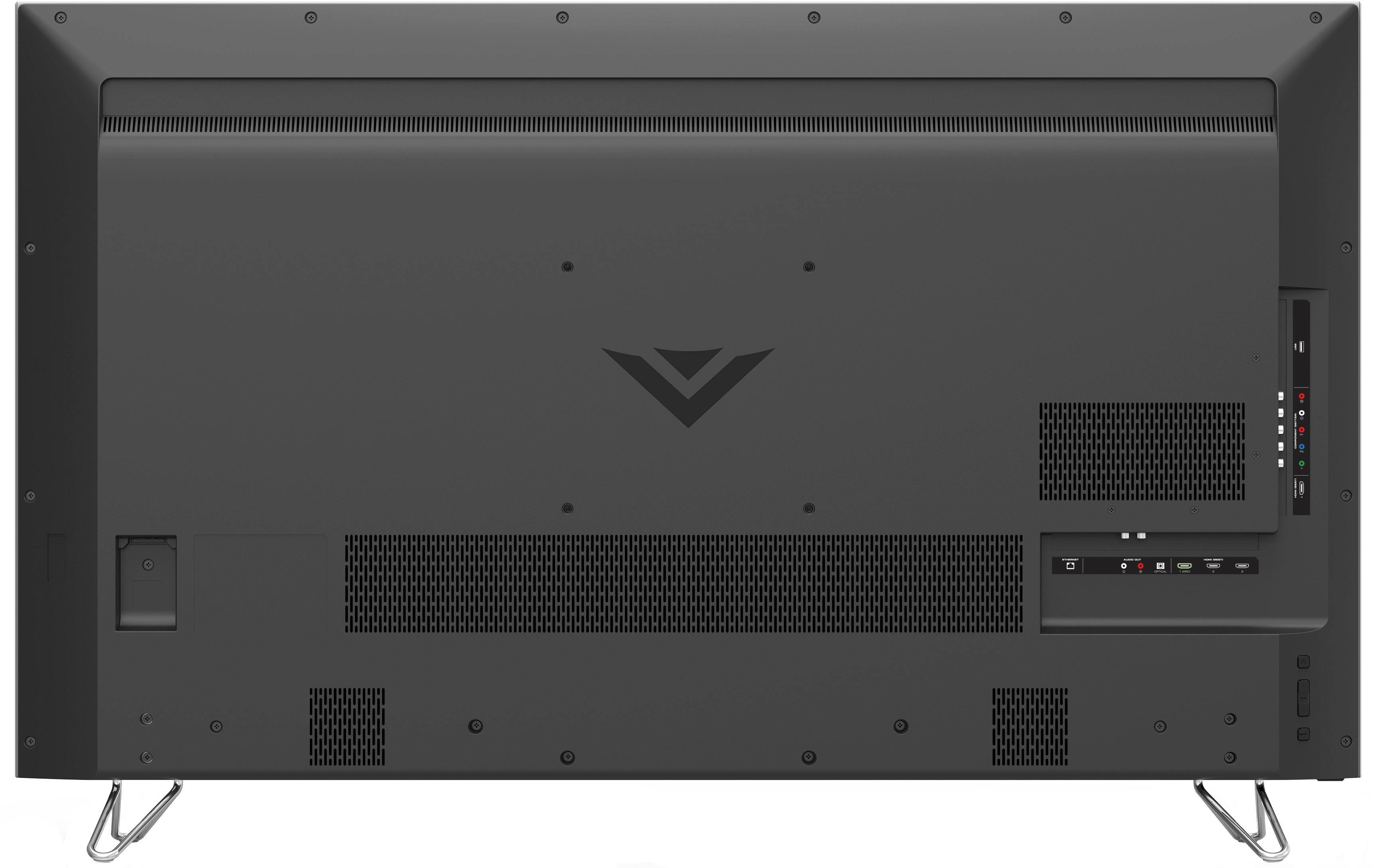
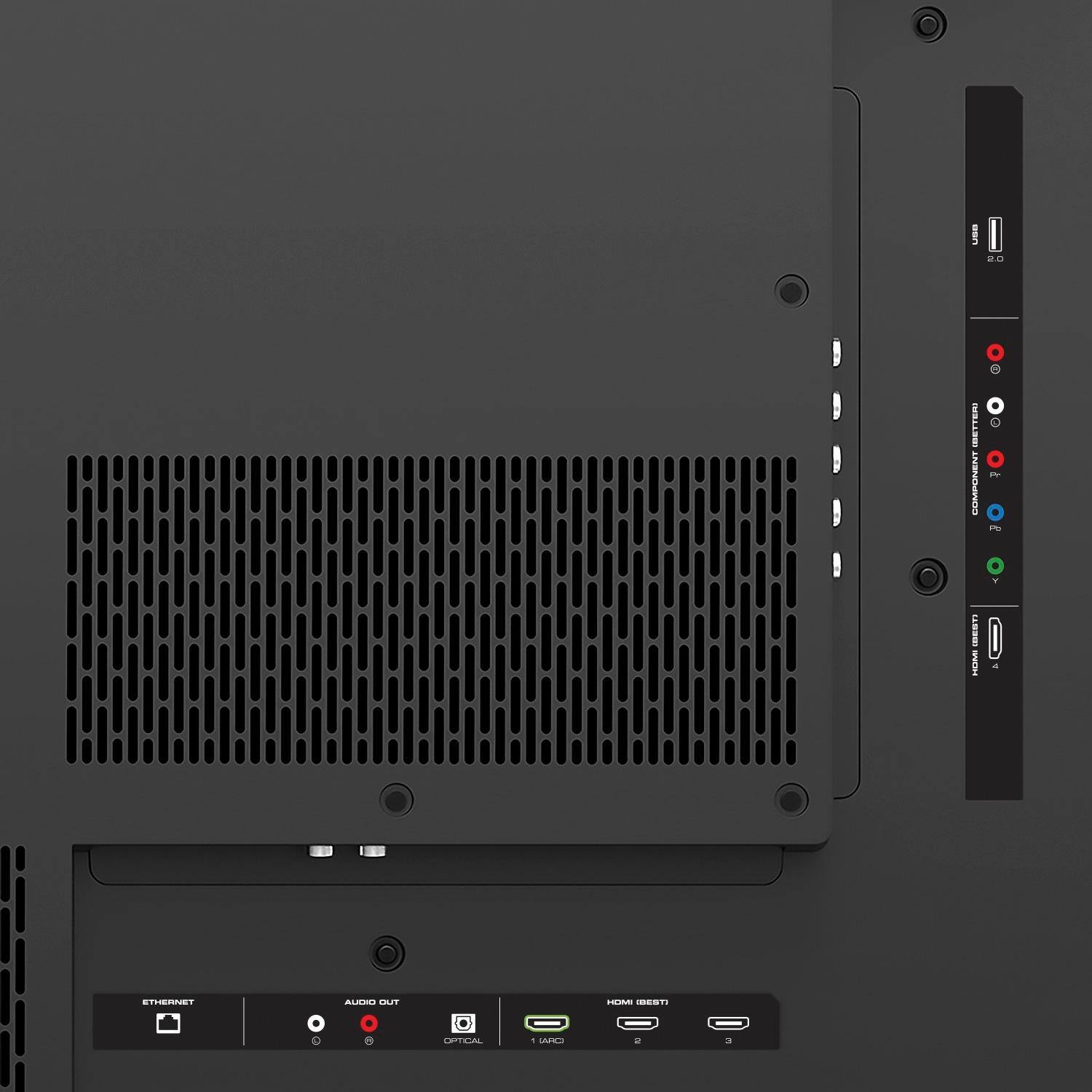
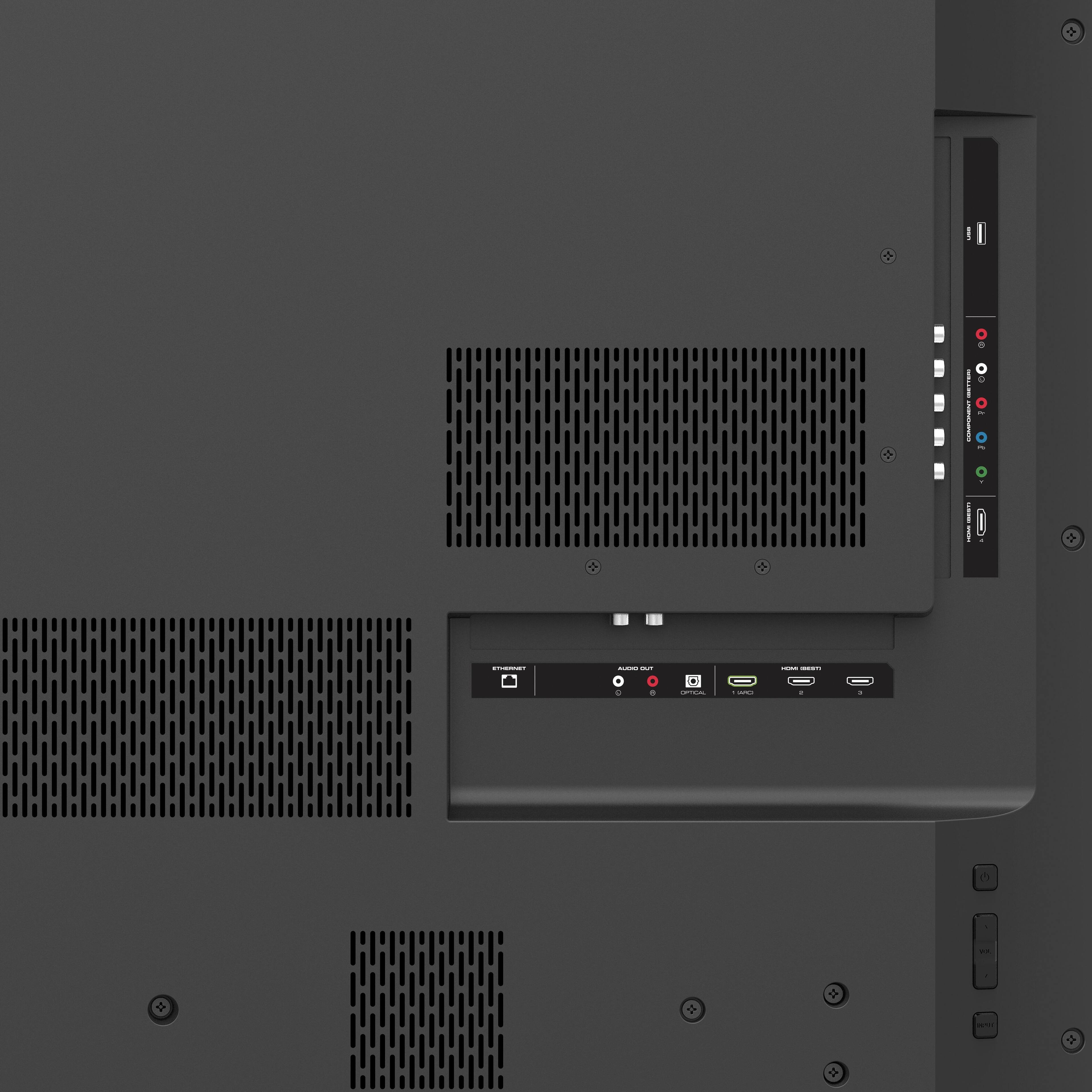
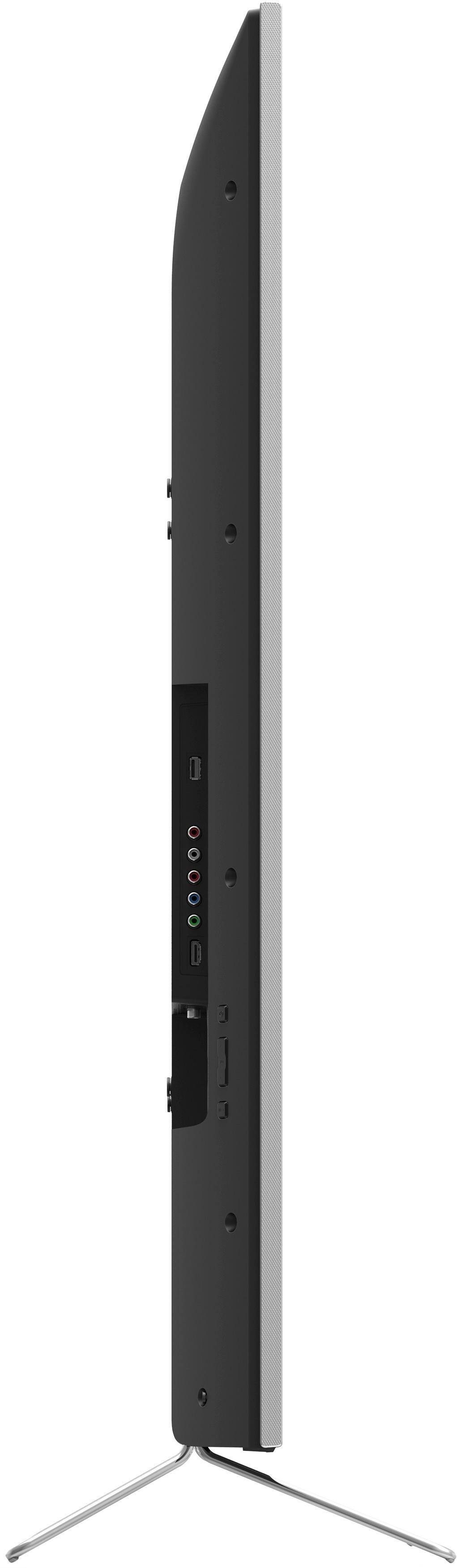
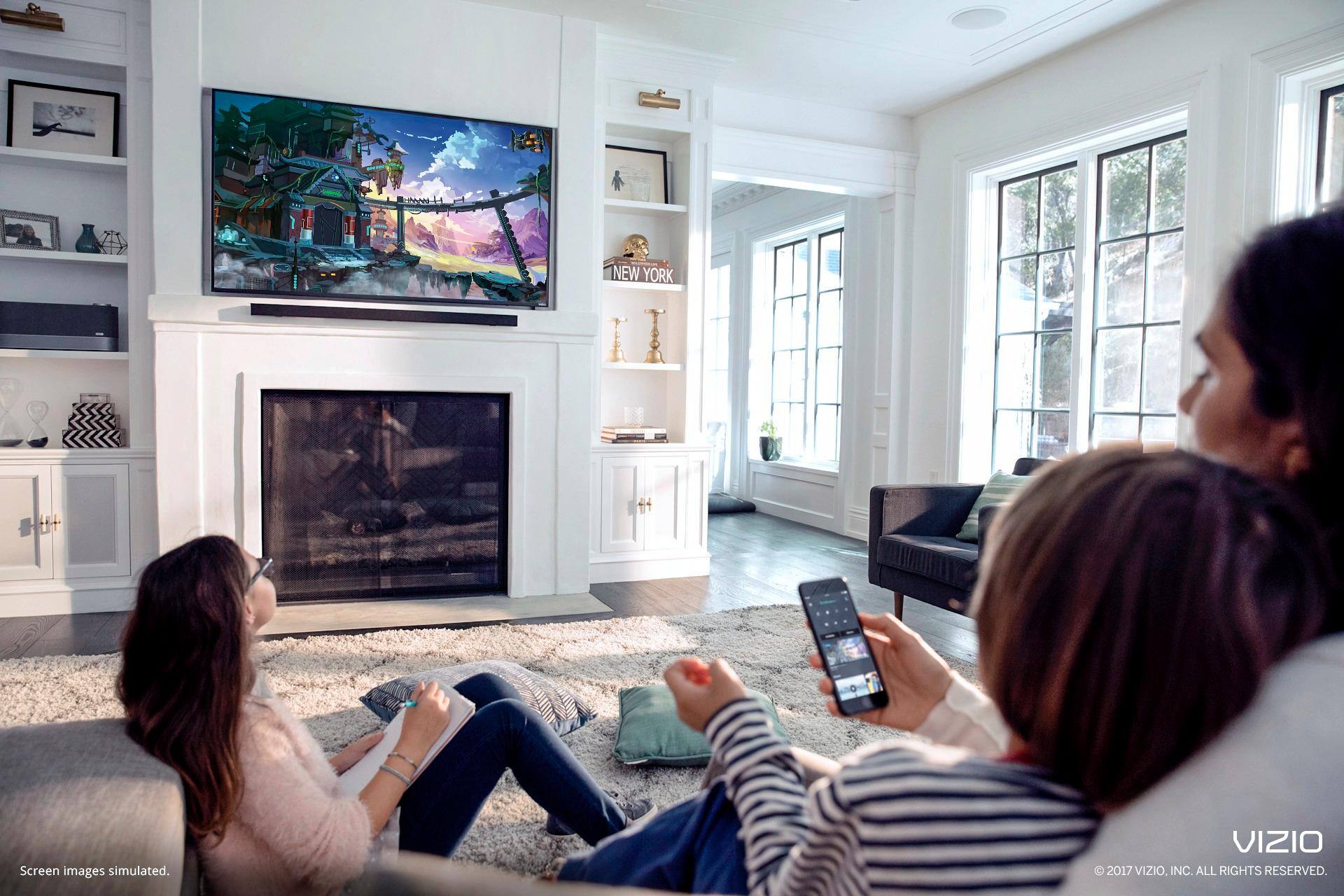
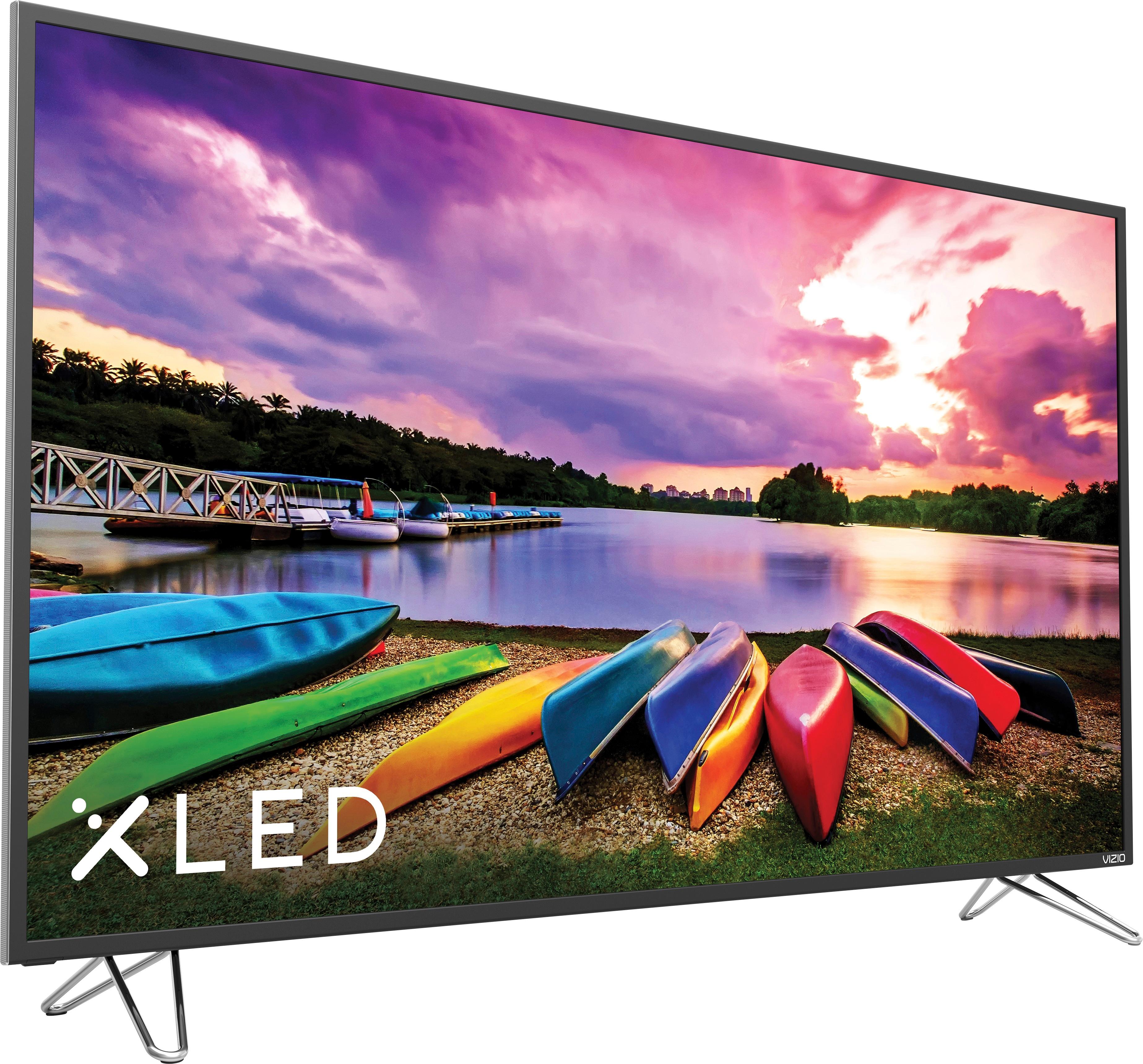
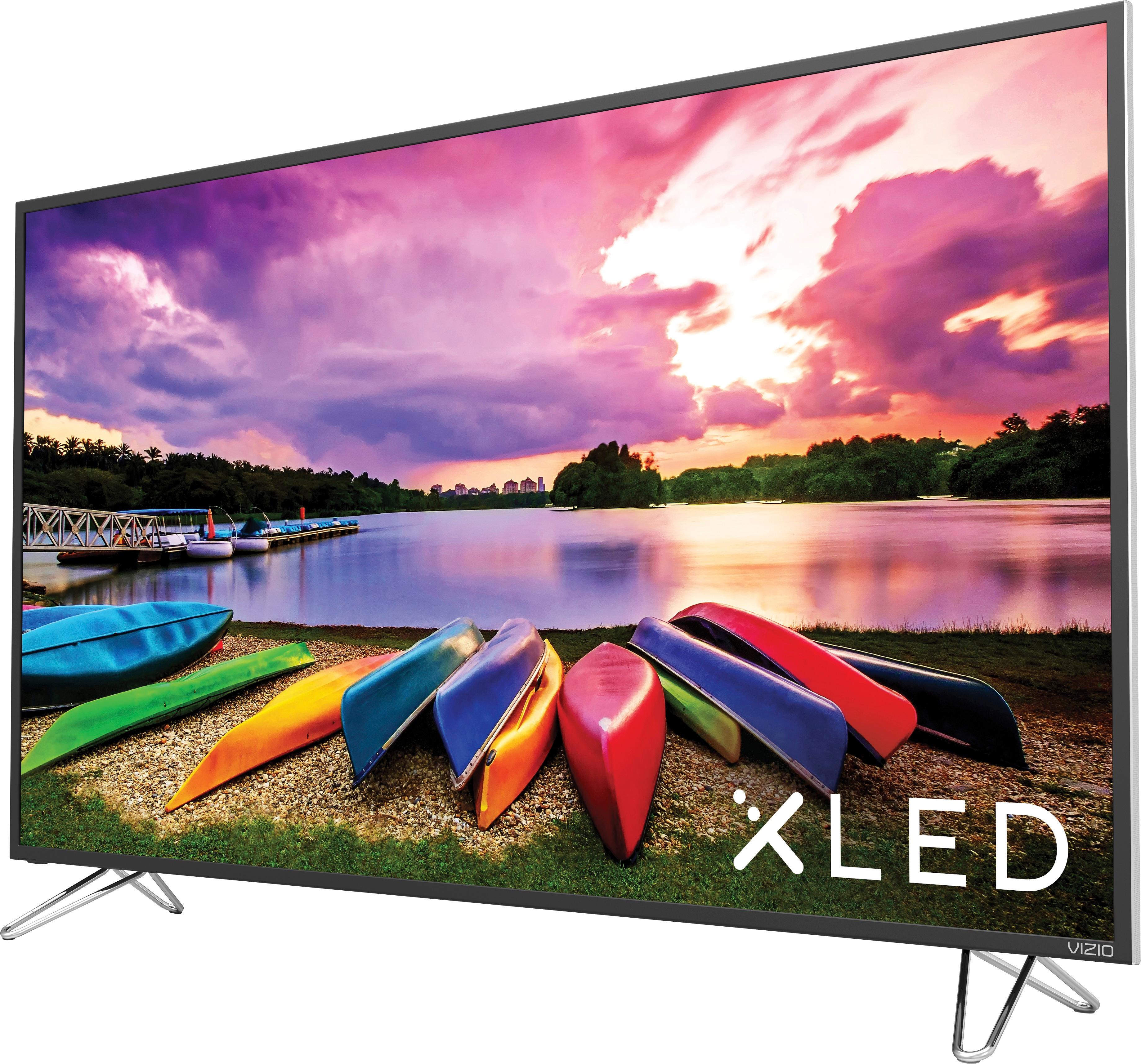
Customers regard the 65" Class LED M-Series 4K Smart Home Theater Display with HDR as a great purchase for its picture quality, price, and large screen. They appreciate the clear and rich colors, making it suitable for gaming as well. However, some customers have concerns about the limited number of HDMI ports and the subpar local dimming feature.
This summary was generated by AI based on customer reviews.
- Pros mentioned:Color, Picture quality
Bad HDMI
Posted .This reviewer received promo considerations or sweepstakes entry for writing a review.I set up the TV, connected all devices, and everything worked well on day 1. Day 2, I played my Xbox successfully; no issues. Day 3, I tried to watch a movie, put the movie in, and then the all of a sudden the TV just went blank and I get a message saying no signal to the Blu-Ray player. I checked the connections, no issues. I unplug the HDMI cable, plug it back in, and the Blu-Ray main screen comes back on. I tried to play the movie again and again, it went blank and said "no signal." I checked online forums and they gave some suggestions to reset, unplug stuff, etc. When I did that, ALL 3 devices started connecting/disconnecting at each attempt. The last time I did it (unplugged all devices, unplugged TV, plugged devices back in, plugged TV back in), it didn't recognize any of them. I just returned the TV. I shouldn't be having this issue 3 days into using a brand new TV. For what it's worth, the picture quality and color was nice.
No, I would not recommend this to a friend - Cons mentioned:Smartcast
Good picture but key features don't work
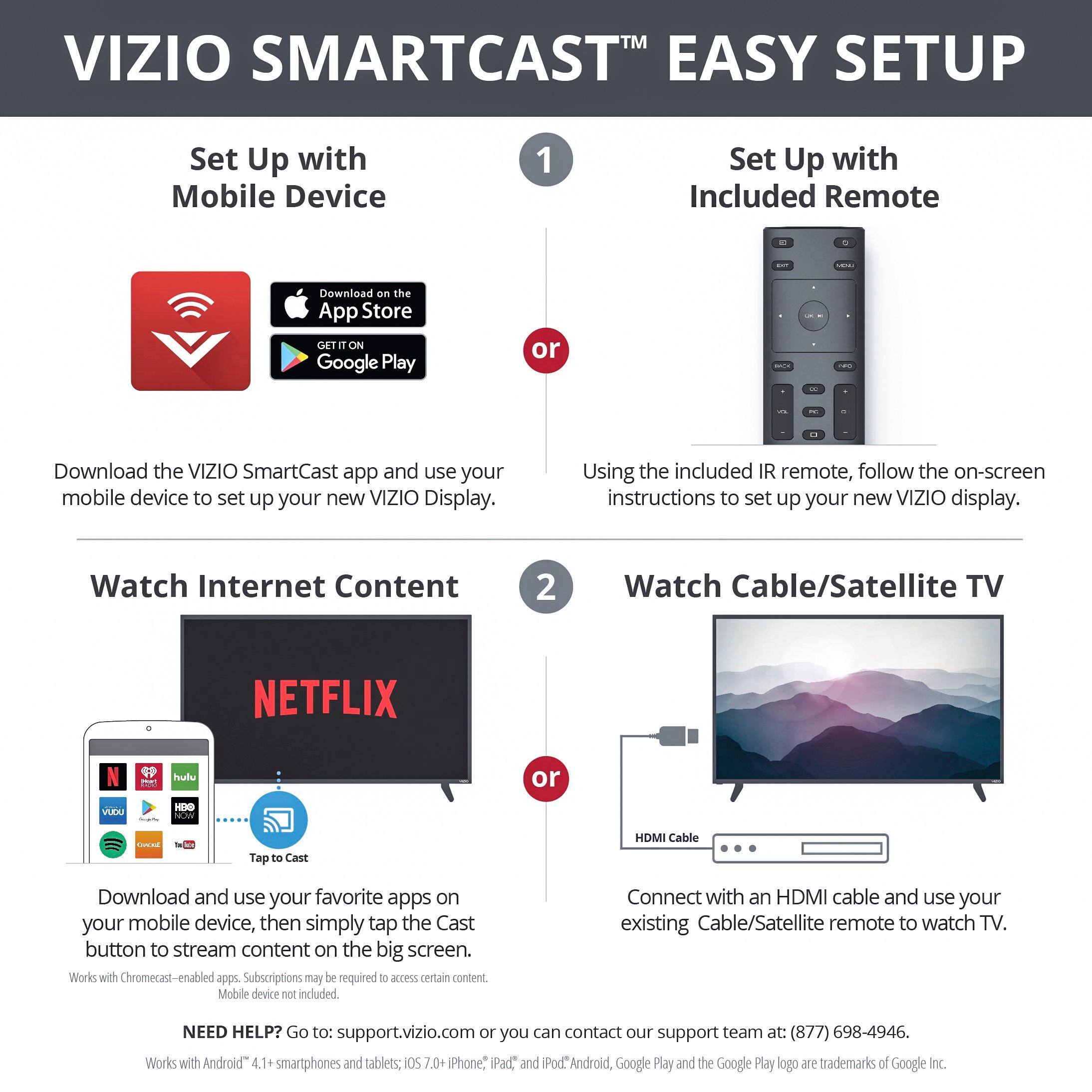
Posted .This reviewer received promo considerations or sweepstakes entry for writing a review.I purchased the M-Series to replace my E-Series with Smartcast. I was a big fan of the integrated Chromecast. Unfortunately after using the new M-Series for the past couple of weeks I have been very disappointed. The primary reason is that I have been unable to cast anything to the TV. For example, within the Netflix app a cast icon would appear on my old E-Series tv. Even though all of my devices are connected to the same wireless network, the cast icon does not appear when trying to use this new M-Series tv. This has left me with no choice but to either connect a laptop via HDMI to watch Netflix or go out and purchase a separate Chromecast (which defeats the purpose of having one built in). To make matters worse, I tried working with Vizio tech support but could never get them past the continual questions of whether my devices were connected to the same wireless network. I was a strong Vizio supporter but, after this purchase, I am losing faith. If the Smartcast feature is of importance to you, I would recommend purchasing a TV and Chromecast dongle separately. The built-in feature is not worth the hassle at this point.
No, I would not recommend this to a friend - Pros mentioned:Picture quality
Great tv
Posted .This reviewer received promo considerations or sweepstakes entry for writing a review.I have this paired with a Sonos sound bar and I am blown away. This is definitely the best tv I have purchased to date.
I would recommend this to a friend Chromecast Built In is misleading
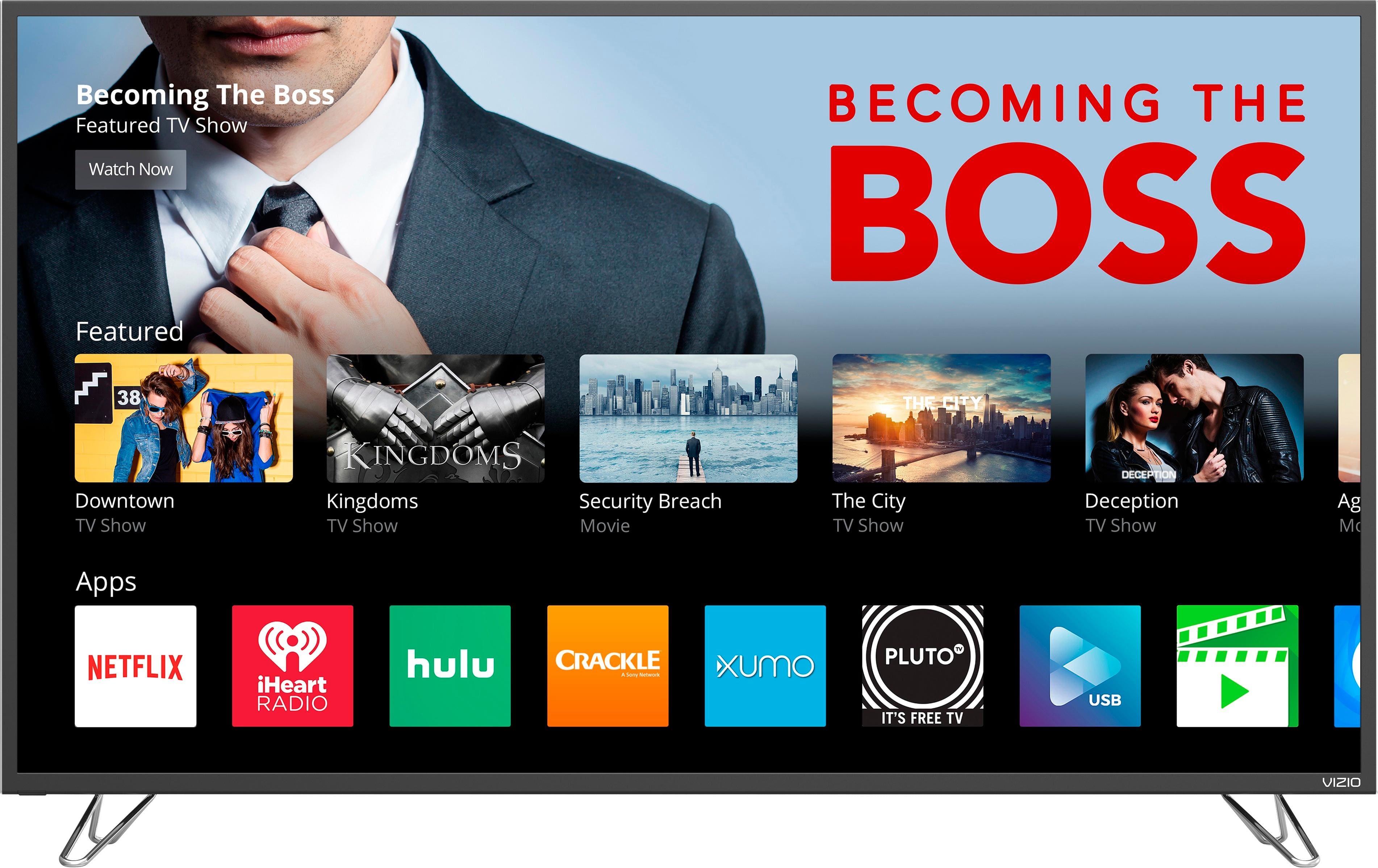
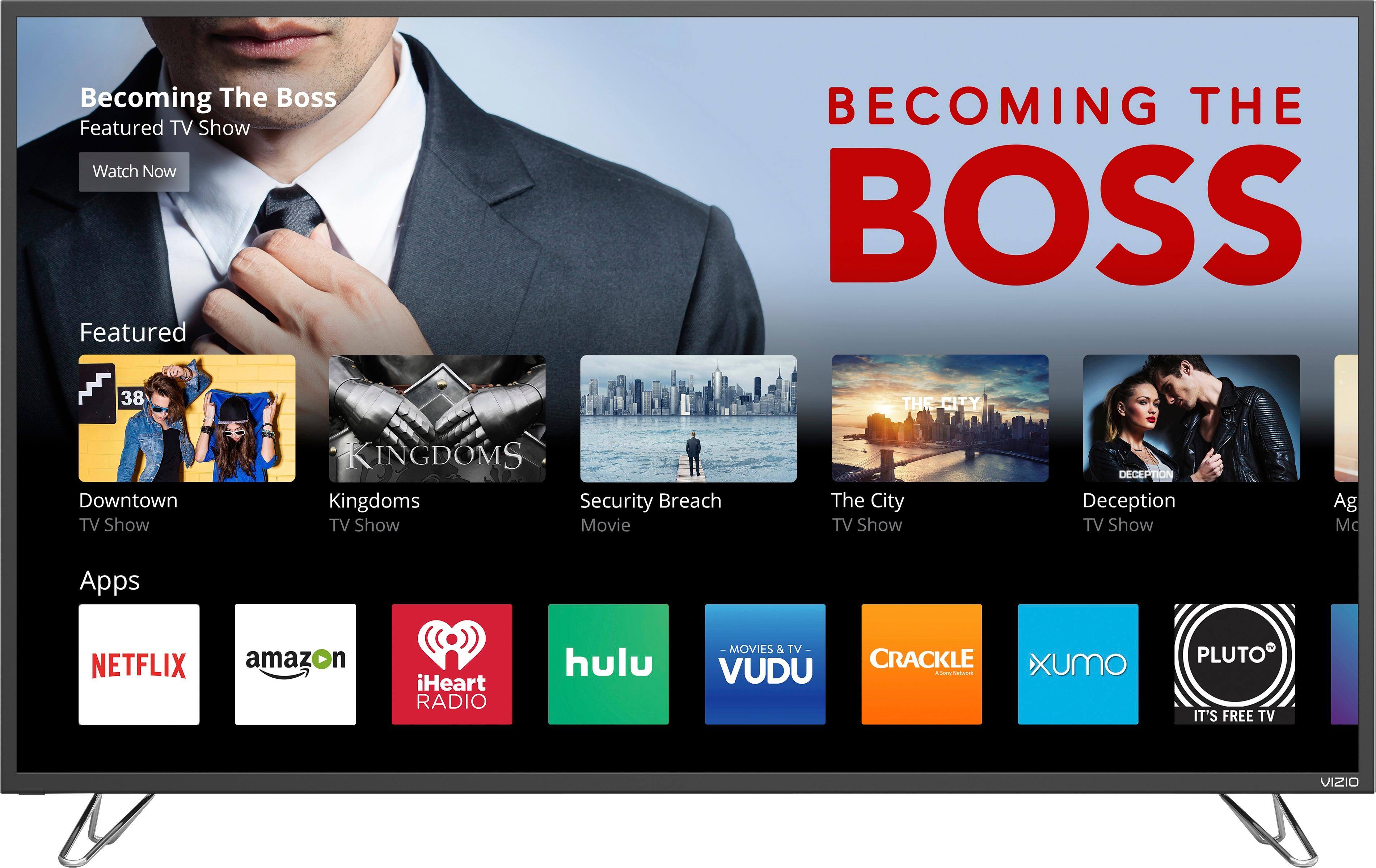
Posted .This reviewer received promo considerations or sweepstakes entry for writing a review.I was super excited with my purchase, but now that I am home I am disappointed that the apps are not built into the tv. The SmartCast App is good, but it doesn't not allow me to download additional apps, at the store it stated Chromecast had thousands of apps, but I can't view no more than 30 on my phone. Also, my tv screen goes black after watching a movie for more than 50 minutes and I have to keep restarting the movie. I am currently debating returning my tv. I dont think it is very convenient to have to use my phone just for the apps to play.
No, I would not recommend this to a friendBrand response from VIZIOEntertainmentExpert
Posted .We truly appreciate your review and would love to speak with you directly about your experience to see if we can help in any way. Please contact our customer support team at 877-878-4946 – we’re here Monday thru Friday from 7am to 11pm and Saturday and Sunday from 8am to 6pm CST.

- Pros mentioned:Picture quality
Not a Smart TV, App does not work
Posted .This reviewer received promo considerations or sweepstakes entry for writing a review.Smart cast app does not work with my samsung galaxy 7. Cannot stream anything as it has no pre-loaded apps like Netflix without the app. Does not pair with my direct tv remote so you have to use two remotes. The remote that comes with it is pretty cheap. It does have good picture and sound quality. Thinking of returning and getting a samsung.
No, I would not recommend this to a friendBrand response from VIZIOEntertainmentExpert
Posted .Thank you for your feedback. To let you know we have tested the Galaxy 7 here and can confirm that it does work with the SmartCast Mobile App. In addition to that our SmartCast platform allows you to use thousands of chromecast enabled applications that you can cast to your display by opening the app on a smart phone or tablet and tapping on the casting icon. This turns your phone into the remote for that content without having to use the SmartCast Mobile App. In addition to this we are working on an update that adds select applications to our SmartCast Home Theater Display's through the use of the remote that came with your display. If you would like any assistance please contact our customer support team at 877-878-4946 – we’re here Monday thru Friday from 7am to 11pm and Saturday and Sunday from 8am to 6pm CST.
$1000 Down The Drain
Posted .This reviewer received promo considerations or sweepstakes entry for writing a review.I bought this TV and within weeks it broke. I came home from work, turned it on and I see internal damage to the pixel board. Best Buy Geek Squad says they won’t cover it, they say take it up with Vizio. I call Vizio, and they wont cover it because they said the TV was damaged, therefore it was my fault not theirs. It is faulty from the inside! There was no impact to the TV screen, no damage at all to the outermost screen. I looked this up online and a lot of others who have Vizio TVs have had the same issue. It can be called a thermal interior crack caused by temperature changes within the TV. I spent $1000 on this TV, and it sits worthless on the floor of my spare bedroom, reminding me everyday how I wasted an incredible amount of money. I am as dissatisfied as it gets.
No, I would not recommend this to a friendDissatisfied customer
Posted .This reviewer received promo considerations or sweepstakes entry for writing a review.I purchased M65-E0 based on my positive history with Vizio, the specifications and the reviews of the M65-D0. Unfortunately the M65-E0 has been a huge disappointment. On the Vizio website, they advertise this TV as the most colorful M series ever. However my 5 year old Vizio tv provides way more color. On the Vizio website, they have several before and after M series XDR pictures. Unfortunately my TV looks like all the before pictures.
No, I would not recommend this to a friendBrand response from VIZIOEntertainmentExpert
Posted .Thank you for your feedback. A few things that might help you get the kind of picture quality you are looking for. First, make sure the Display is getting a hi-definition signal. This means making sure that you're source device (like a cable/satellite box) is capable of HD, and that it's connected to your Display with an HDMI cable that can deliver the HD picture. You can also change between pre-set picture modes on the display by pressing the PIC button on your remote. This will toggle between a few picture setting that look good in different situations. If your display is in a bright room try Vivid or Calibrated. If it’s in a dimmer room try Calibrated Dark.
"TV doesn't come with the screws for the stand"...
Posted .This reviewer received promo considerations or sweepstakes entry for writing a review.Literally just bought this, get home to set up to and there aren't any screws for the TV stand install nor any manual in the box... Call the store and I'm told that the TV doesn't come with the screws for the stand... How is that even a thing? Unbelievably ridiculous. Not happy and I wasn't given any options except that I could purchase screws separately...
No, I would not recommend this to a friendDO NOT BUY
Posted .This reviewer received promo considerations or sweepstakes entry for writing a review.TV has constant issues. needs to be rebooted every time you turn it on. also had black lines across screen. motherboard replaced twice and still happened.
No, I would not recommend this to a friendDIED
Posted .This reviewer received promo considerations or sweepstakes entry for writing a review.Died after five years. A Sony I bought in 2008 is going strong after 14 years
No, I would not recommend this to a friend