Customer Ratings & Reviews




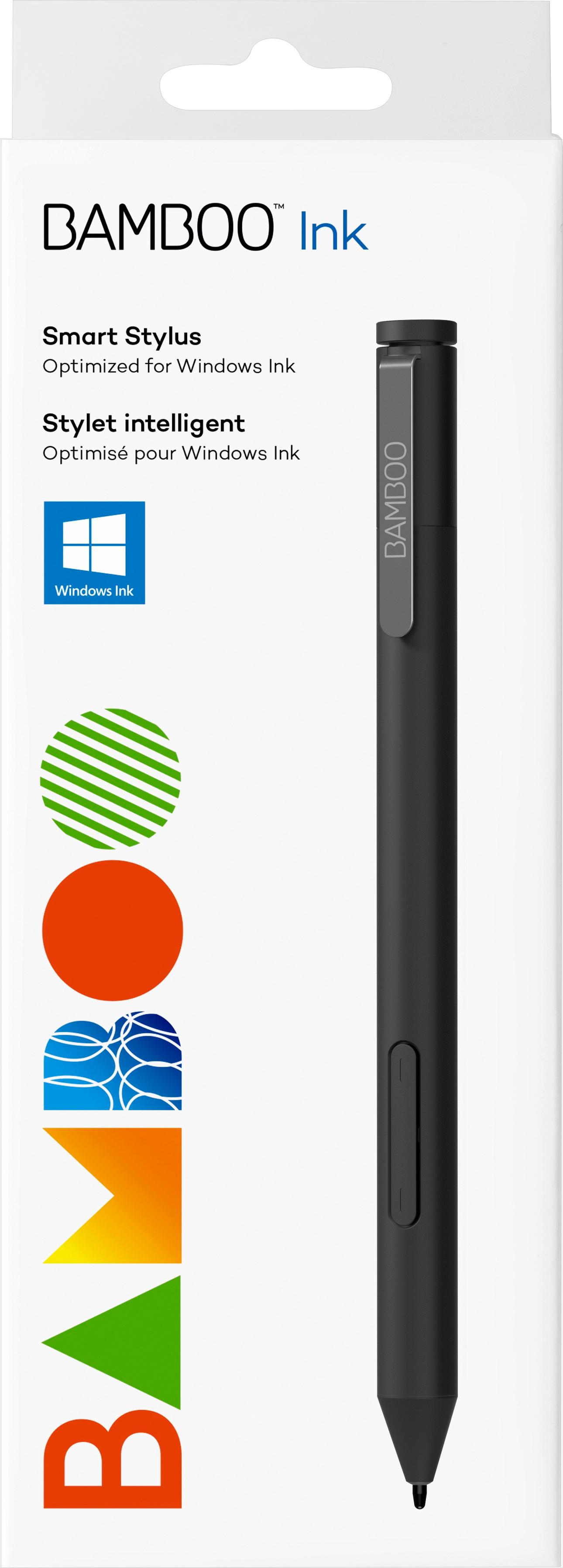


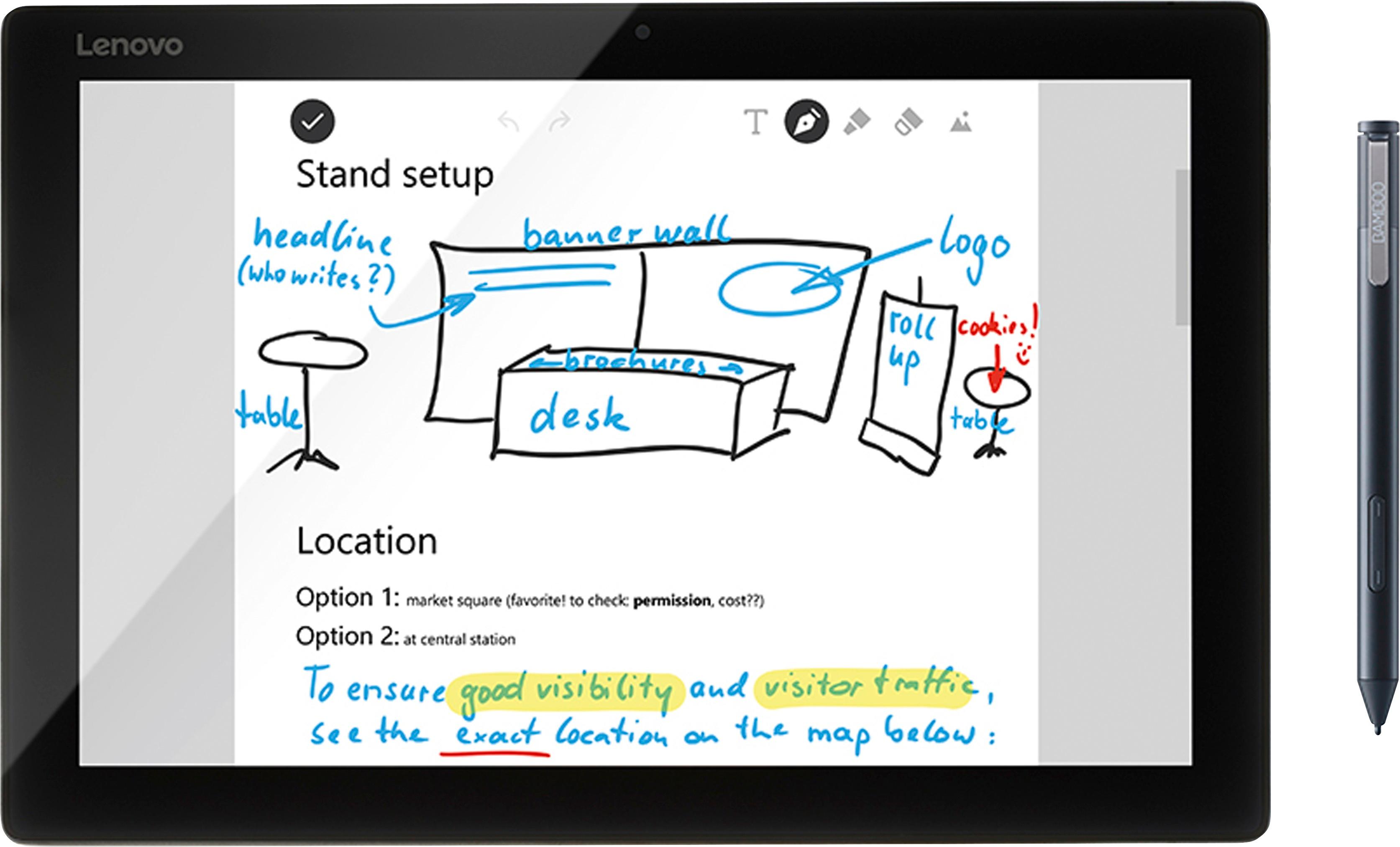
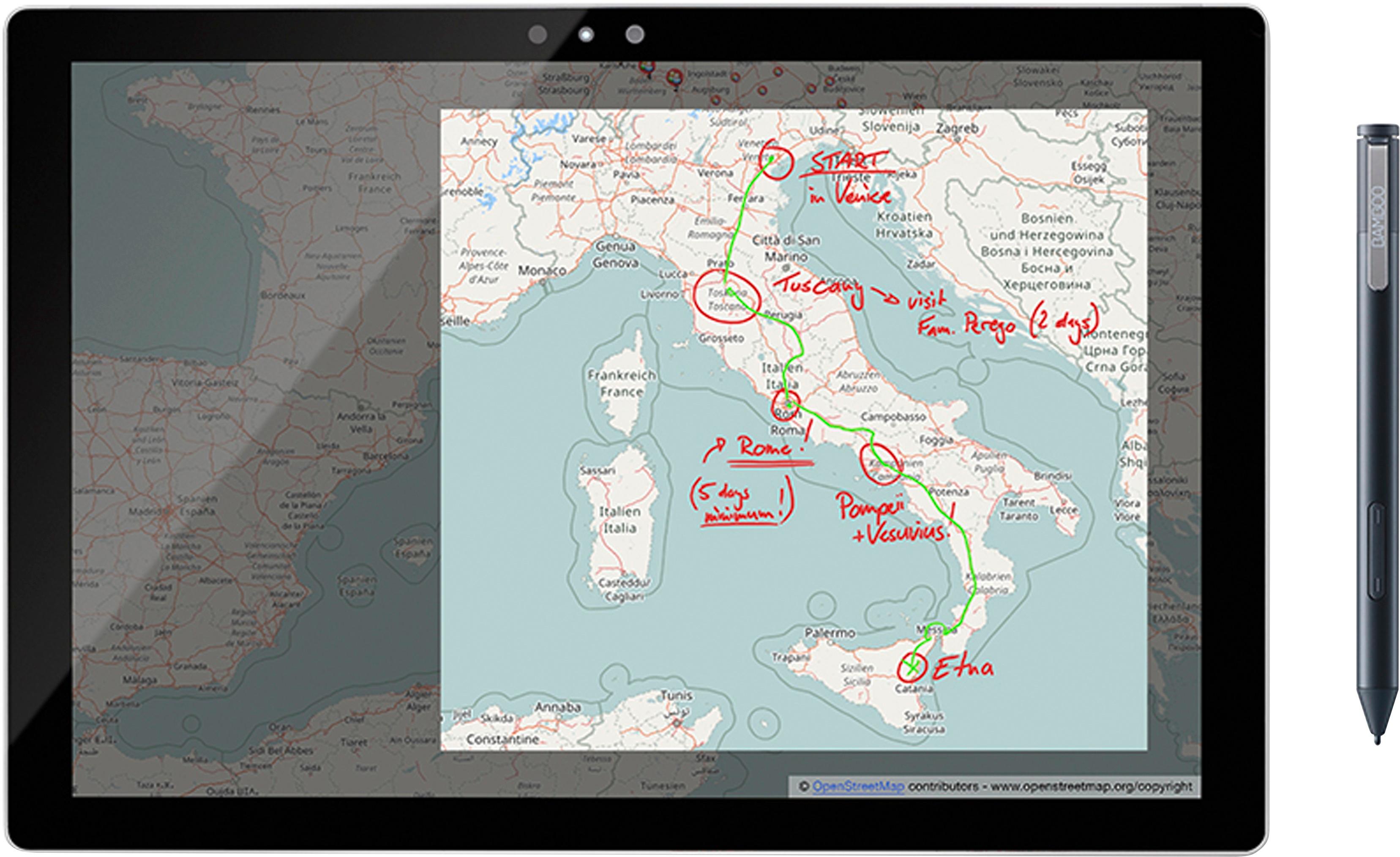
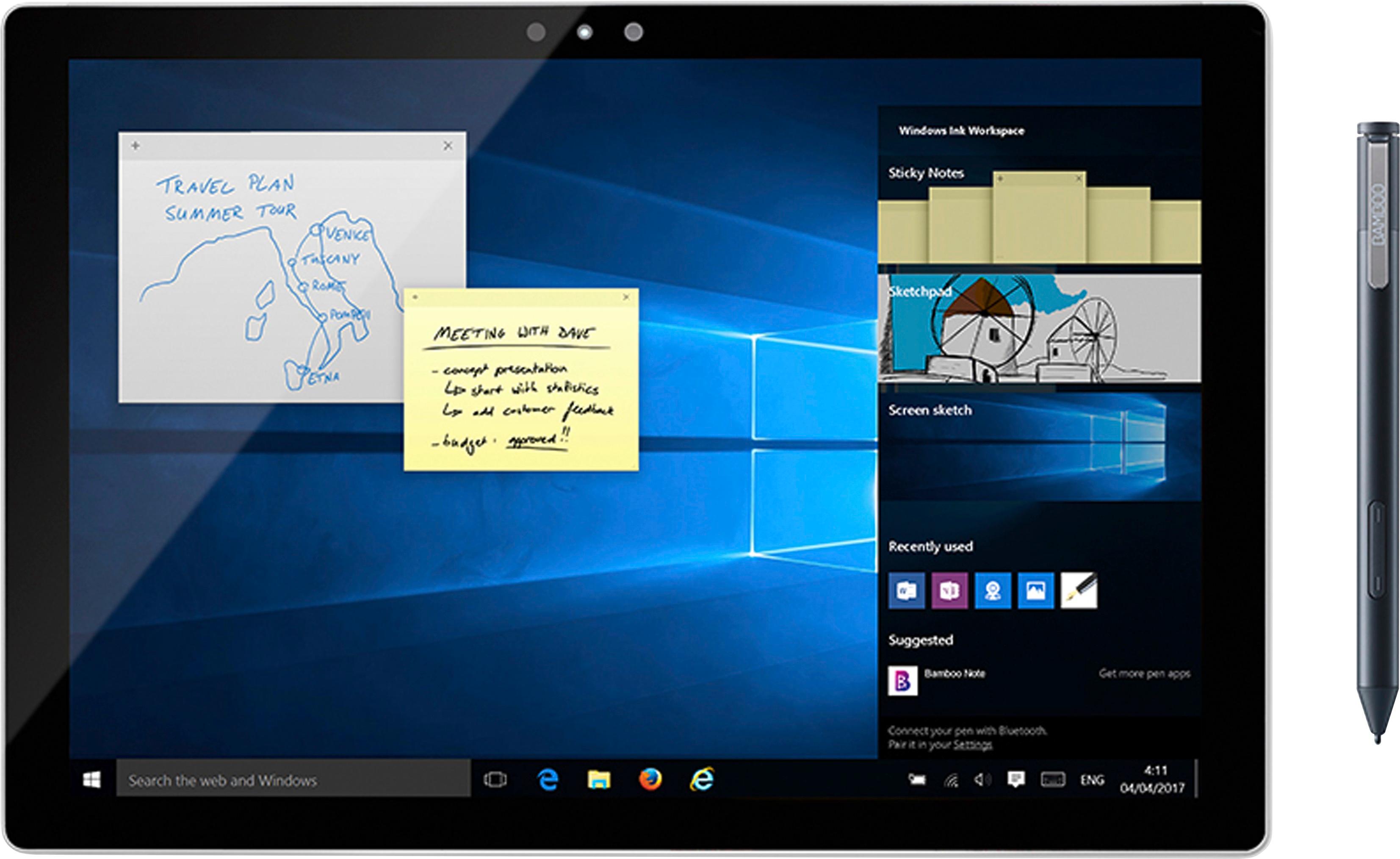



- Model:
- CS321AK
- |
- SKU:
- 5731102
Customer reviews
Rating 4.3 out of 5 stars with 4938 reviews
(4,938 customer reviews)Rating by feature
- Value4.2
Rating 4.2 out of 5 stars
- Quality4.4
Rating 4.4 out of 5 stars
- Ease of Use4.3
Rating 4.3 out of 5 stars
Customers are saying
Customers often highlight the ease of use, compatibility with multiple devices, and the quality of the Bamboo Ink Smart Stylus. Many appreciate its comfortable weight and the precision it offers for drawing. However, some users mention concerns about battery life and occasional connectivity issues. A few also reported challenges with the initial pairing process and the stylus button.
This summary was generated by AI based on customer reviews.
Rated 4 out of 5 stars
Great pen for Windows ink
||Posted .This reviewer received promo considerations or sweepstakes entry for writing a review.We love this pen on our new laptop. It is great for the Windows ink or if you just want to us it to navigate the touchscreen without putting smiles on the screen.
I would recommend this to a friendRated 5 out of 5 stars
Works as advertised.
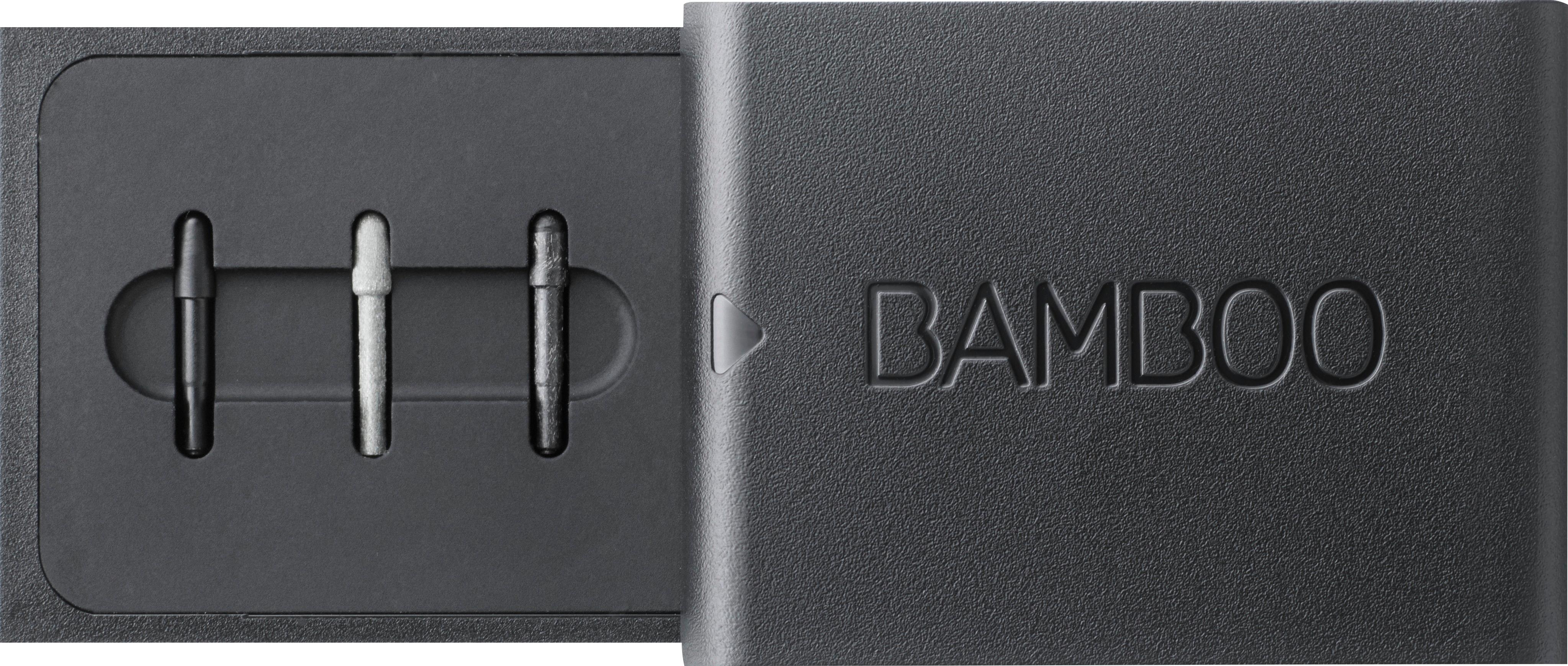
||Posted .This reviewer received promo considerations or sweepstakes entry for writing a review.This pen works great on my Windows 10 platform. Specifically, the ASUS Zenbook I bought from Best Buy. This pen has three different pen tips in order to provide you with the touch feel you desire. This pen also uses a regular AAAA battery. Can't go wrong in choosing this pen.
I would recommend this to a friendRated 5 out of 5 stars
Great pen
||Posted .This reviewer received promo considerations or sweepstakes entry for writing a review.I have use that apple pen and the bamboo. And I have to say that the bamboo pain is much better. It flows nicer you can press for thickness and all around it works a lot better. The only problem that I have is that it’s not compatible with our devices and not compatible with Apple devices at all.
I would recommend this to a friendRated 5 out of 5 stars
more features than Windows Pen for less
||Posted .This reviewer received promo considerations or sweepstakes entry for writing a review.Once I was able to pair it, it was very responsive. As stated in the summary, this cost about $70 and you have the right click and erase buttons (* erase for apps like photoshop and sketchbook), as well as the top button, which has the same functionality as a $99 Windows Pen.
I would recommend this to a friendRated 3 out of 5 stars
It doesn't suck but I wouldn't buy it again
||Posted .This reviewer received promo considerations or sweepstakes entry for writing a review.No magnet. I ended up getting a stick on band that holds any pen and mounted it along the top edge of my screen on the right (opposite of the power and volume buttons). I like this placement and I won't lose this like I lost the 2 Microsoft ones. But now that I have the band I'd rather have a Microsoft pen. This one works ok but not as good as the real deal. It also doesn't erase when you turn it around and use the "eraser" end of the pen. They don't claim to do this and I had just assumed it would work.
No, I would not recommend this to a friendRated 4 out of 5 stars
Expsensive but nice
||Posted .This reviewer received promo considerations or sweepstakes entry for writing a review.Definitely more on the expensive side but it has multiple tip options and works well with my laptop. The shortcut button doesn't work well from a distance but it's still good.
No, I would not recommend this to a friendRated 4 out of 5 stars
I’m not sure how it is
||Posted .This reviewer received promo considerations or sweepstakes entry for writing a review.bought it to use for a touch screen laptop that it ended up being incompatible with so I really cant say much about it. Beware its nkt compatible with everything.
No, I would not recommend this to a friendRated 4 out of 5 stars
Great pen
||Posted .This reviewer received promo considerations or sweepstakes entry for writing a review.I use this with my HP Envy for writing in word documents when creating lecture videos. Works great and long battery life but it takes AAAA which are tricky to find
I would recommend this to a friendRated 4 out of 5 stars
Only works on specific laptops
||Posted .This reviewer received promo considerations or sweepstakes entry for writing a review.I bought this to use on my new touch screen HP laptop but nothing I did would make it work. I could get it to sync, but nothing else. Verify before buying.
No, I would not recommend this to a friendRated 4 out of 5 stars
Good, but no eraser top
||Posted .This reviewer received promo considerations or sweepstakes entry for writing a review.It does all it needs to do and can even switch from being used on wacom tech to ntrig tech. There's no eraser like on surface pens. Side buttons feel mediocre.
I would recommend this to a friendRated 5 out of 5 stars
Great stylus
||Posted .This reviewer received promo considerations or sweepstakes entry for writing a review.The stylus is very nice and cool to use especially during class. It makes up for not needing to have a wireless mouse. I do wish it came in other colors than just black, this way it would stand out more. I also wish there was a place in the laptop to put the stylus, like a holder.
I would recommend this to a friendRated 4 out of 5 stars
Works well
||Posted .This reviewer received promo considerations or sweepstakes entry for writing a review.Works just like a pencil but if you drag your hand on the screen a little large circle comes up and you have to close it to be able to use it. A little annoying but I'll live.
I would recommend this to a friendRated 4 out of 5 stars
Nice stylus
||Posted .This reviewer received promo considerations or sweepstakes entry for writing a review.This stylus works great! Being made of bamboo, it won't break very easily. It's tough, classy and stylish! It's exactly what I was needed for my college classes.
I would recommend this to a friendRated 4 out of 5 stars
Pen for my Surface Pro
||Posted .This reviewer received promo considerations or sweepstakes entry for writing a review.I am a photographer and use this pen on my surface pro and love it. Im not sure how it compares to the surface pen but I got an amazing deal when purchased.
I would recommend this to a friendRated 4 out of 5 stars
Bamboo
||Posted .This reviewer received promo considerations or sweepstakes entry for writing a review.The pen worked great, I will be getting a new one soon. My friend and family kept on asking for one too. Try not to press to hard on your surface laptop/iPad.
I would recommend this to a friendRated 4 out of 5 stars
Bamboo Pen
||Posted .This reviewer received promo considerations or sweepstakes entry for writing a review.Wacom's Bamboo pen is fantastic! I am still learning some of its tricks, but love the ability to "write" on the screen, and use the pen as a pinpoint stylus.
I would recommend this to a friendRated 4 out of 5 stars
Temperamental
||Posted .This reviewer received promo considerations or sweepstakes entry for writing a review.Great product. I use it all the time with my math homework. Cons, my first pen broke so be very careful how you handle them. Thank goodness it was under warranty.
I would recommend this to a friendRated 4 out of 5 stars
great value for a stylus
||Posted .This reviewer received promo considerations or sweepstakes entry for writing a review.There are a number of stylus pens on the market. This one is well made, priced fairly, and performs well. Works with all tablets that will work with a stylus.
I would recommend this to a friendRated 4 out of 5 stars
Good Replacement
||Posted .This reviewer received promo considerations or sweepstakes entry for writing a review.Needed one for the HP laptop. Associate recommended this one on a Black Friday special. Works well with my HP 2-n-1 laptop. Very responsive and easy to pair.
I would recommend this to a friendRated 4 out of 5 stars
Nice stylus
||Posted .This reviewer received promo considerations or sweepstakes entry for writing a review.This is a nice stylus and I like the fact that one can change the tips. It would be great if it was not quite as chunky and a little less expensive. Still like it though.
I would recommend this to a friend