Customer Ratings & Reviews








- Model:
- CS321AK
- |
- SKU:
- 5731102
Customer reviews
Rating 4.3 out of 5 stars with 4938 reviews
(4,938 customer reviews)Rating by feature
- Value4.2
Rating 4.2 out of 5 stars
- Quality4.4
Rating 4.4 out of 5 stars
- Ease of Use4.3
Rating 4.3 out of 5 stars
Customers are saying
Customers often highlight the ease of use, compatibility with multiple devices, and the quality of the Bamboo Ink Smart Stylus. Many appreciate its comfortable weight and the precision it offers for drawing. However, some users mention concerns about battery life and occasional connectivity issues. A few also reported challenges with the initial pairing process and the stylus button.
This summary was generated by AI based on customer reviews.
Rated 4 out of 5 stars
A decent alternative for Google's Pixelbook Pen
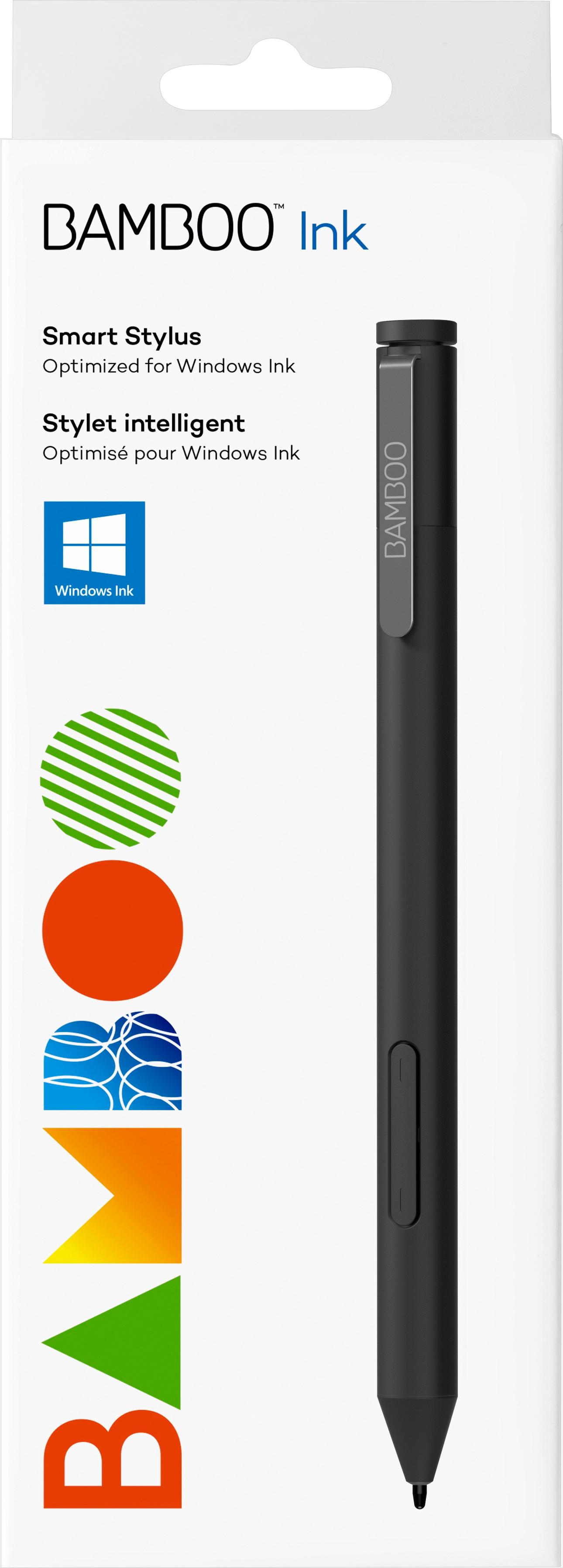
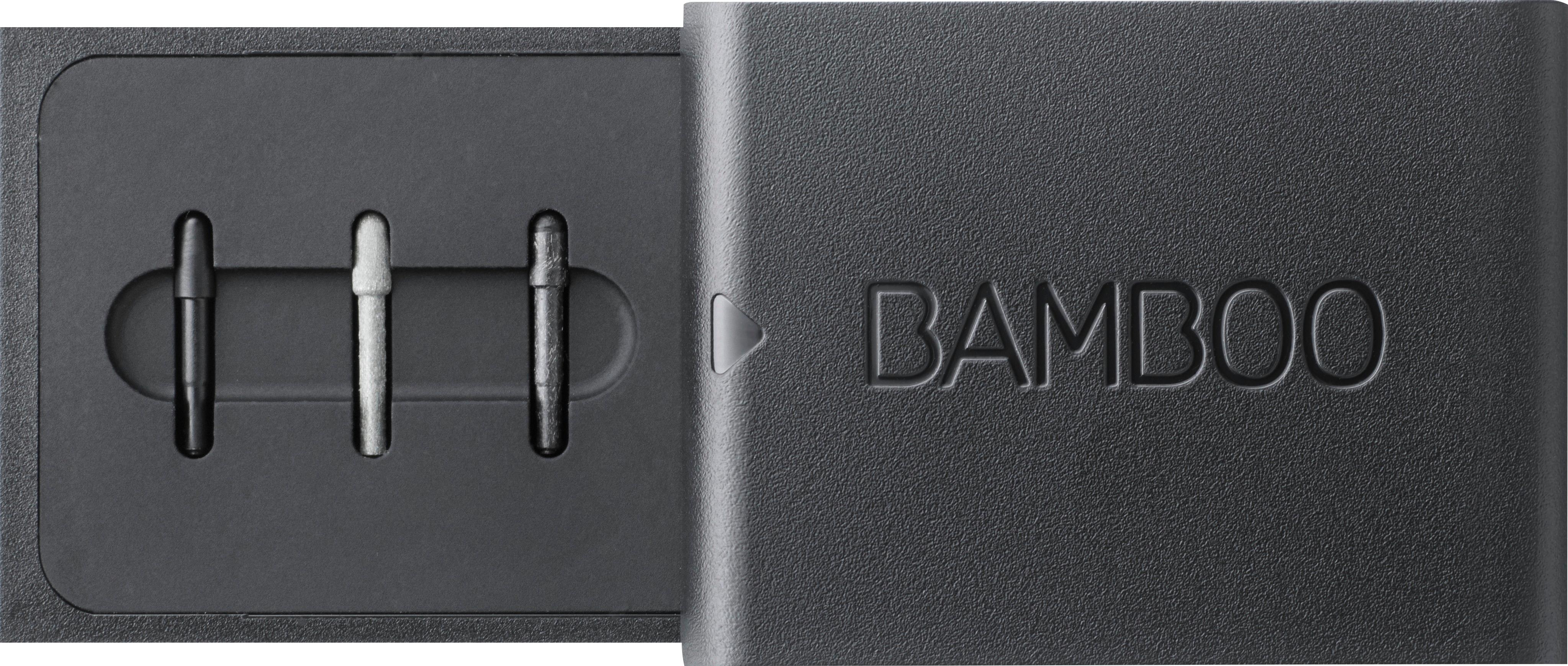
Posted .This reviewer received promo considerations or sweepstakes entry for writing a review.If you haven't priced an active stylus lately, you might be in for some sticker shock. Some are more than $100, which is a lot of money since you already paid for the device. In my case, I am using a Google Pixelbook. It is a fantastic device. It has the option of the Pixelbook Pen, now in two colors. The original looks sleek next to the matching silver and white Pixelbook. The newest color is the blue color that matches the new Pixel Slate, but it works on the Pixelbook just the same. At an MSRP of $100, you get a pen that needs no complicated pairing. It has tilt-recognition for the artists who need precision acting more like a real pen. It is using Wacom's AES technology. It works great but is a bit chunky. I wanted to find a less expensive pen offering similar capabilities. Enter the Wacom Bamboo Ink stylus pen. While you don't get as many features, it is still a worthy alternative to the Pixelbook Pen. It is often on sale. I just got for $40. It doesn't recognize tilting of the pen but still recognizes pressure, so unless you need the tilt, it is still nice and mostly accurate. I have found the latency (delay) to be comparable to the PB Pen, with some apps extremely tight, and some others with a fairly lengthy lag. I am not an artist but I do a lot with notes, some doodling, and I like to use the pen/ stylus to actually navigate the device. I find it a lot easier than using my fingers. Sometimes, depending on the program, I use a combination of the stylus and my fingers to navigate around. This stylus includes extra nibs in a little case. That's nice because some require an additional purchase to replace the nibs. You have three extra for a total of four. I like the softest nib which gives just a slight resistance on the screen. Be careful not to pull the top of the pen. It is actually a button. There are also two more buttons on the soft-grip side. You can still push the upper side button and circle items for Google Assistant help, just like the PB Pen. The other buttons don't offer anything that I have found unless you have Windows machine. Give this a try,especially on sale. It may work for most people who want the stylus pen functionality but don't want to spend that much to get the Google version.
I would recommend this to a friend- Pros mentioned:Quality
Rated 5 out of 5 stars
Great pen
Posted .This reviewer received promo considerations or sweepstakes entry for writing a review.I am so pleasantly surprised how much I dig this pen. I purchased an HP Spectre x360 for taking proctored tests online and perhaps I'm overly cautious, but I wanted a second pen just in case I had trouble with one during a test. First I picked up the MS Surface pen, because I liked the erase feature on the back side of the pen. However I did not like the performance of that pen with my new HP Spectre- it wasn't very consistent and would "cut out" every once in a while. So I returned it and bought this Bamboo Ink pen. I much prefer this pen over the surface pen, and even over the HP pen that came with my laptop! The HP pen is fine, but it doesn't have a customizable Bluetooth button on it like this Bamboo pen does. It writes nearly perfect, it has replaceable tips (3 come with the pen), has a customizable Bluetooth button, and it was the cheapest of all the pens I tried. 5 stars for sure.
I would recommend this to a friend - Pros mentioned:Ease of use
Rated 5 out of 5 stars
Works Great
Posted .This reviewer received promo considerations or sweepstakes entry for writing a review.Got this to go with my new Dell 15" Inspiron 2-in-1, and it works great. I personally find touch screens to be a silly gimmick. I grew out of finger painting many years ago, and I have no use for a five pound tablet with a keyboard on the bottom. But if your screen is compatible with a stylus like this, the gimmick turns into a very useful tool. Writing is almost as natural as paper. And even with just the built-in Paint program in Windows, the art possibilities are amazing. The full digitizer screen plus a precise and easy-to-use stylus is the first truly new functionality I've seen in a PC in 20 years.
I would recommend this to a friend - Cons mentioned:Lag
Rated 5 out of 5 stars
Great for digital art!
Posted .This reviewer received promo considerations or sweepstakes entry for writing a review.I was looking for an alternative to my laptop/graphics tablet combo for college, so I bought a 2 in 1 lenovo and this pen. My graphics tablet is also a wacom which has lasted many many years, so I trusted the brand and boy did it deliver. Pressure sensitivity is great, no lag at all, synced up with bluetooth with no trouble. Sometimes the button on the end doesn't work to bring up windows ink, but that's not really an issue. Though, as the pen is kind of pricey for an active stylus, unless you're using it for digital art/animation/3d modeling/etc, I would look into cheaper pens if you're just looking for a note taker or navigator.
I would recommend this to a friend Rated 4 out of 5 stars
Great stylus - questionable battery life
Posted .This reviewer received promo considerations or sweepstakes entry for writing a review.I use this for note taking on an HP Envy X360 in MPP mode. Sometimes there's a little lag in input initialization every time you lift the pen, but I usually write in cursive, so it's not too much of a problem. When writing in print, the lag is just slight enough that letters end up looking a little disjointed. Lines are clean, no random jagged points or false input. I wouldn't recommend it for artists, the slight lag would probably be quite infuriating, and the lack of Tilt would probably make a higher end pen worth the extra cost. Using the side button for erase was a little odd at first, my last device had a Wacom Feel pen with an eraser top; I got used to the side button pretty quick, but sometimes finding it isn't as seamless as flipping the pen over. I've had mine for 19 days now, and the battery is dead. Maybe it was an issue with the battery that came with it, but at this rate I'll be spending almost as much in a year on batteries as I bought the stylus for in the first place. I did find, after replacing the battery, that if you twist the cap most of the way it will disconnect the battery but still retain the cap. Hoping this will make the this battery last much longer. If not I guess I'll look into purchasing AAAA in bulk online.
I would recommend this to a friendRated 5 out of 5 stars
Love it!
Posted .This reviewer received promo considerations or sweepstakes entry for writing a review.Been using this thing for years, love it!! would absolutely recommend it
I would recommend this to a friend- Pros mentioned:Weight
Rated 3 out of 5 stars
Good tool, but relatively poor build quality
Posted .This reviewer received promo considerations or sweepstakes entry for writing a review.The pen works very well with regards to it's function. You set the pen to the protocol your device uses, and have the option of pairing via bluetooth to enable the top button which has customizable options. The issue is the build quality of the pen. It has a good weight and appeared sturdy at first, but through a few months of usage, the top of the pen, the button responsible for varying functions, just popped right off and was lost. Underneath the button, were foam pieces that provided the method for the button to return to the normal position after being depressed, and those fell off following the button's disappearance as well. This was not the result of abuse or accidental damage, and if you don't register the device for the warranty within a certain time frame of purchase, Wacom doesn't honor it.
I would recommend this to a friend - Pros mentioned:Ease of useCons mentioned:Battery life
Rated 2 out of 5 stars
Great, If you never use it
Posted .This reviewer received promo considerations or sweepstakes entry for writing a review.This pen works great, if you can get it to work. I have had many many issues getting it to work or connect or not break. Pros: writes pretty smoothly and generally connects pretty easily Cons: Top button becomes damaged very easily Battery life is abysmal especially for a battery like an AAAA which is not the easiest to find. There are next to no instructions on how to use/ pair/ connect the thing, everything i've found is through extensive googling After about a year my pen just wont connect anymore and is unusable, meaning I will have to buy a new one. A one year lifetime seems a bit short for a $70 pen to me.
No, I would not recommend this to a friend - Pros mentioned:Ease of use
Rated 3 out of 5 stars
Great Pen, Low Quality
Posted .This reviewer received promo considerations or sweepstakes entry for writing a review.I recently purchased a new Bamboo Ink Pen from my local Best Buy. I got it home to realize the top had broken off in the box already. The store said the box had never been opened so I was saddened to see I spent 60 dollars on broken merchandise. I still continued to use it by holding the broken piece down, and I am very happy with everything it allows me to do. I love this product and have even told my friends how great it is in combination with my new laptop. Just disheartened by the fact it was broken.
I would recommend this to a friend Rated 5 out of 5 stars
Bamboo Ink Smart Stylus
Posted .This reviewer received promo considerations or sweepstakes entry for writing a review.So my experience so far 9 months after making this purchase has been great, the reason I am finally getting around to commenting on this product is I recently broke my pen top button off "don't know how". I contacted Wacom and within 7 days of chatting live online to having a replacement pen in my hand. yes, I had to give information and proof of purchase also, send in the old pen. but I looked up my tracking number and they still haven't received the pen I sent in, Thursday is estimated arrival. I am very pleased with the manner of chatting with someone online to receiving my replacement.
I would recommend this to a friend- Cons mentioned:Lag
Rated 5 out of 5 stars
Works well with HP Spectre x360
Posted .This reviewer received promo considerations or sweepstakes entry for writing a review.Got this for my HP Spectre 360. Works perfect. I use it to take notes with MS OneNote and there is no lag. Satisfied with the purchase
I would recommend this to a friend - Pros mentioned:Ease of use
Rated 5 out of 5 stars
very good
Posted .This reviewer received promo considerations or sweepstakes entry for writing a review.Stylus is very easy to install, easy to use, very easy to adjust settings and actually very responsive.
I would recommend this to a friend Rated 3 out of 5 stars
Check Compatibility!
Posted .This reviewer received promo considerations or sweepstakes entry for writing a review.Check - and double check - compatibility before purchasing. My HP Envy x360 2 in 1 Convertible is listed in the compatible devices so I purchased with high hopes of actually using it for it's intended purpose of artwork. After 3 days of trying to troubleshoot I have found that only a handful of HP computers support Bamboo stylus despite the claim. Giving a fair rating of 3 simply because the only feature I could get to work is the clicks. The pen itself is completely ignored by my screen no matter the drivers or settings. So don't go by what the salesperson or even the Bamboo site tell you, dig really deep before investing in this pen & find out if your manufacturer supports it first.
No, I would not recommend this to a friend- Pros mentioned:Ease of use
Rated 5 out of 5 stars
Great Pen!
Posted .This reviewer received promo considerations or sweepstakes entry for writing a review.I got this pen with my touchscreen laptop and I LOVE it. Works amazingly.
I would recommend this to a friend - Pros mentioned:Quality
Rated 5 out of 5 stars
A lot better than the one from Dell
Posted .This reviewer received promo considerations or sweepstakes entry for writing a review.Got a Dell, it came with a pencil but this is far better
I would recommend this to a friend Rated 4 out of 5 stars
good but not the best
Posted .This reviewer received promo considerations or sweepstakes entry for writing a review.good for the money if you're on a budget but could be better
I would recommend this to a friendRated 2 out of 5 stars
Buyer Beware - Limited Compatibility
Posted .This reviewer received promo considerations or sweepstakes entry for writing a review.Do not buy this product unless it is set up in store to work with the device you are buying. The Bamboo Ink product is being promoted as ready to use on compatible devices but the reality is if your device is not specifically listed as supported it likely will not work and there is virtually no support by Wacom. A common experience is the pen device being able to access the Ink application but not being able to draw. The instructions that come with the device are simple quick start pictoral instructions, nothing with detail for troubleshooting. The Wacom website Bamboo Ink section looks slick but has no manual and the link for "Instructions" returns none. The FAQs section provides no help. The driver update would not install because a supported tablet was not found - even though the laptop is a Windows Ink device. Wacom Product Support told me to contact the laptop manufacturer regarding the compatibility. The laptop manufacturer was unable to help regarding a problem clearly with a third-party accessory. This product has frustrated me unlike any other. Because I received a package discount on my purchase I only get back half of what I paid in returning it. :(
No, I would not recommend this to a friendRated 5 out of 5 stars
Amazing!
Posted .This reviewer received promo considerations or sweepstakes entry for writing a review.Works great on my HP ENVY x360 (new version with ryzen). I've been trying to find something to draw with since I got it. It draws nicely and has great pressure sensitivity. I love it.
I would recommend this to a friendRated 1 out of 5 stars
Garbage
Posted .This reviewer received promo considerations or sweepstakes entry for writing a review.I purchased this item after reading all of these rave reviews online. I went into the store and purchased the item after seeing it on the displays. I was so excited. I tried to install it and after failing multiple times, and being perplexed because it was supposed to be so easy to do, I finally got on the phone with Wacom Tech Support (the mfgr). I was on hold for an hour before someone finally got on the phone, only to go through a ton of steps that failed and then tell me "Well, Mrs. Lee, this pen isn't really compatible with Windows Ink. We are having a lot of issues with the pens not linking to computers that have other smart pen technologies." Ummmm WHAT? It has the words "optimized for Windows Ink" written right on the package! Needless to say, this is going right back into the hands of Best Buy. Too bad I can't back charge them for the 3 hours of my life that was wasted on this piece of garbage.
No, I would not recommend this to a friendRated 1 out of 5 stars
Extremly Disapointed
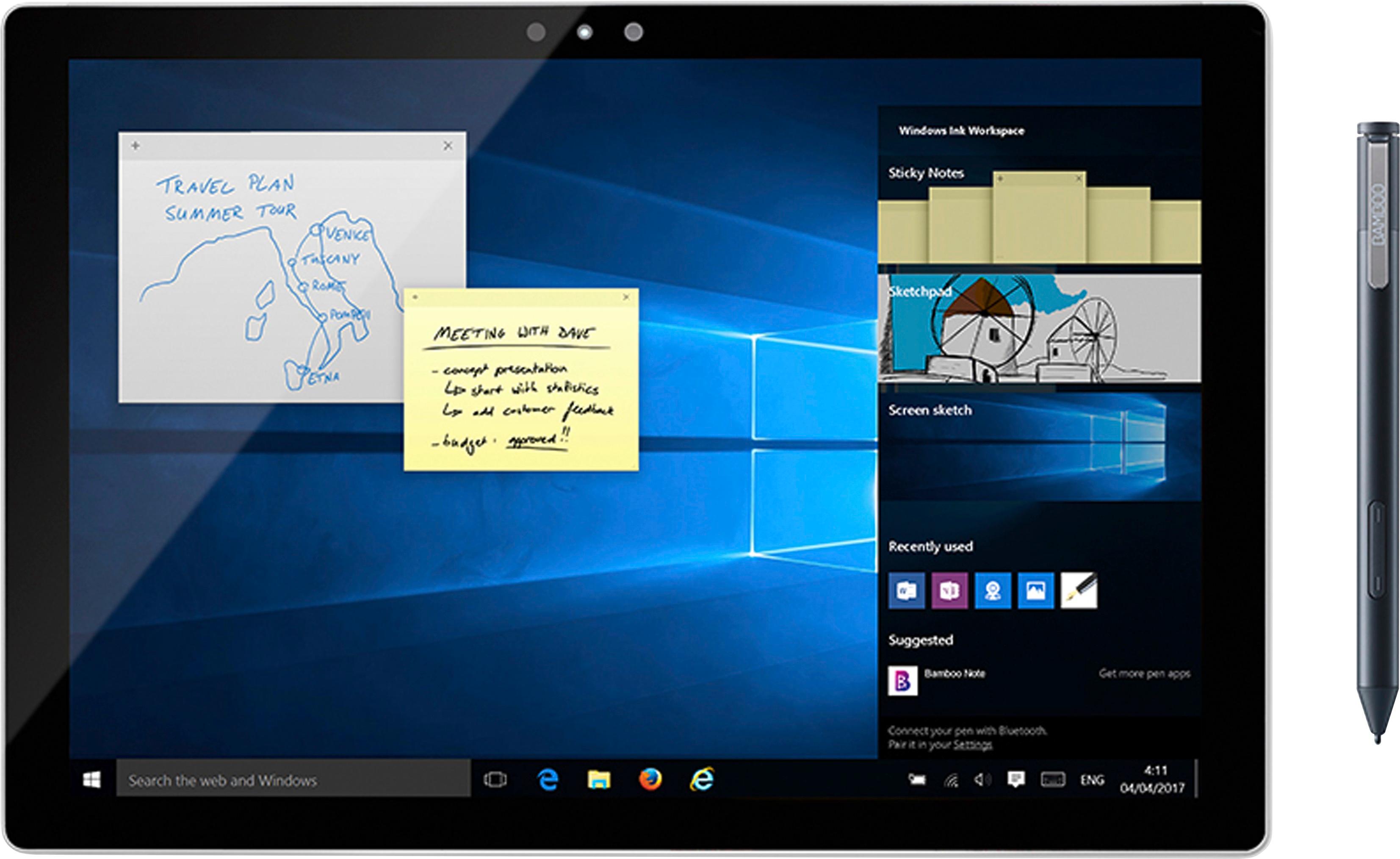
Posted .This reviewer received promo considerations or sweepstakes entry for writing a review.Bamboo Ink pen was told to me by the sales person at Best Buy that it would be compatible with My Dell Inspiron 13. The computer says that it supports Active Pen. Unfortunately, it is not compatible with the Bamboo Ink pen. The computer accepted the pen but would not use the function of opening sticky note, windows ink workspace, nor screen sketch. I thought the pen may be a defect. I took the pen back, and got a replacement. The same thing happened. It worked, and then suddenly stopped. I tried resetting the program and resetting my computer. But the pen would not functionally open the apps. Don't use this product for windows. I was super excited to use this pen to super disappointed.
No, I would not recommend this to a friend