Customer Ratings & Reviews




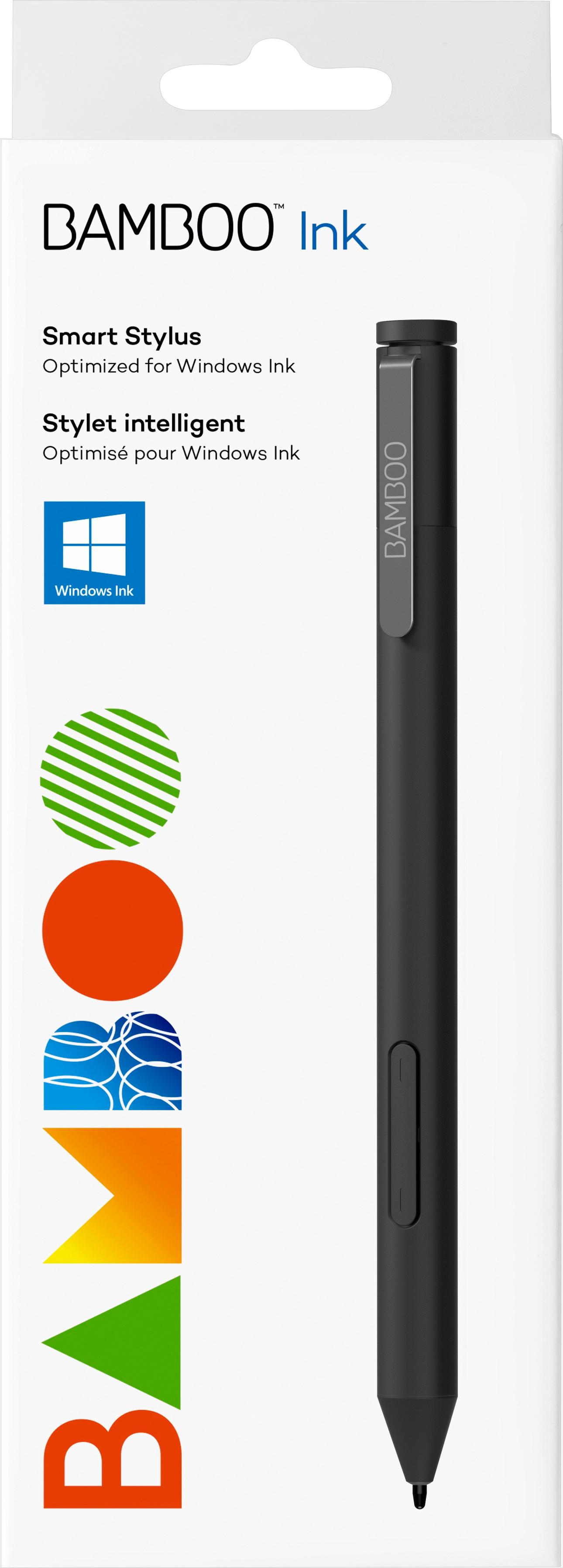


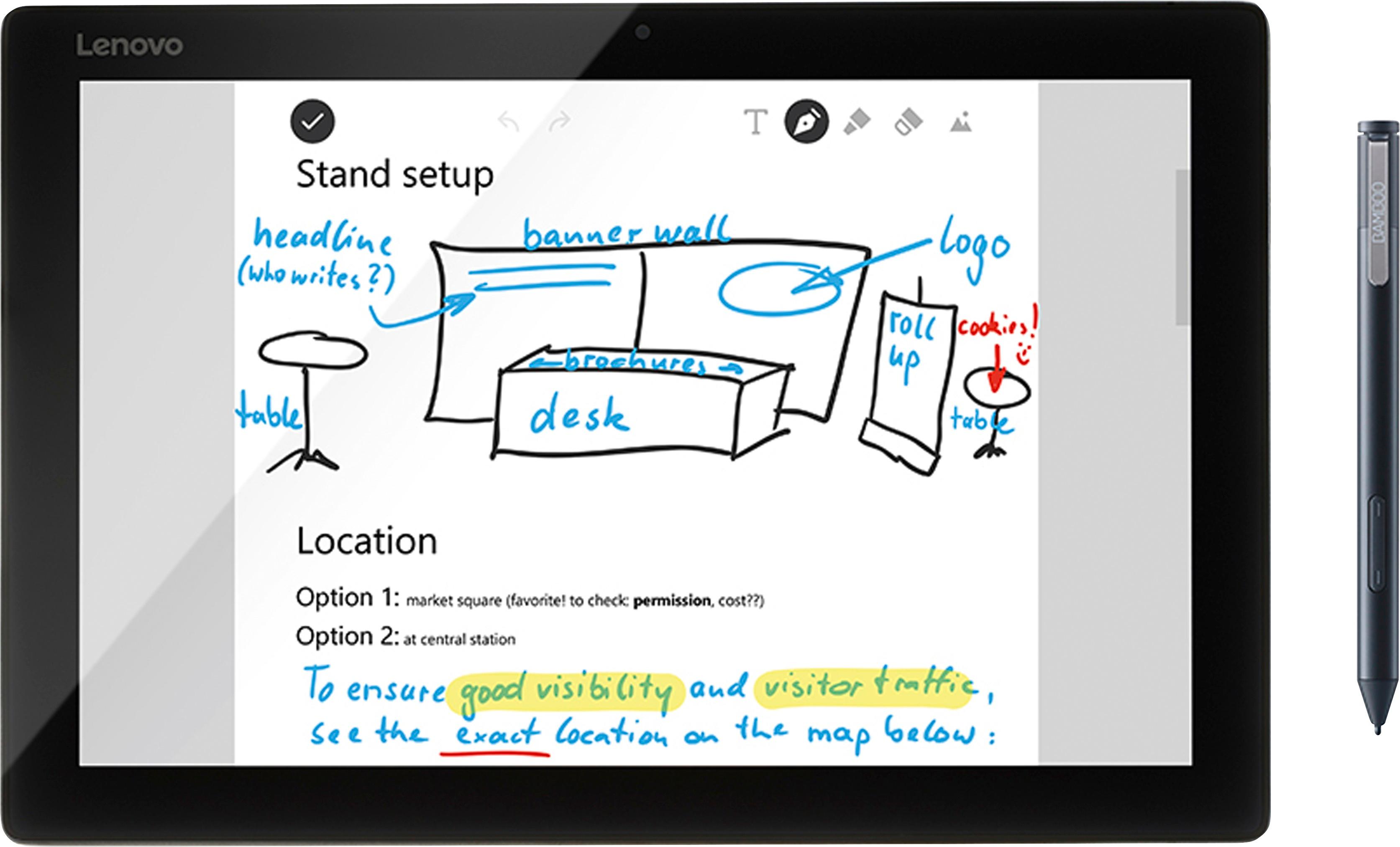
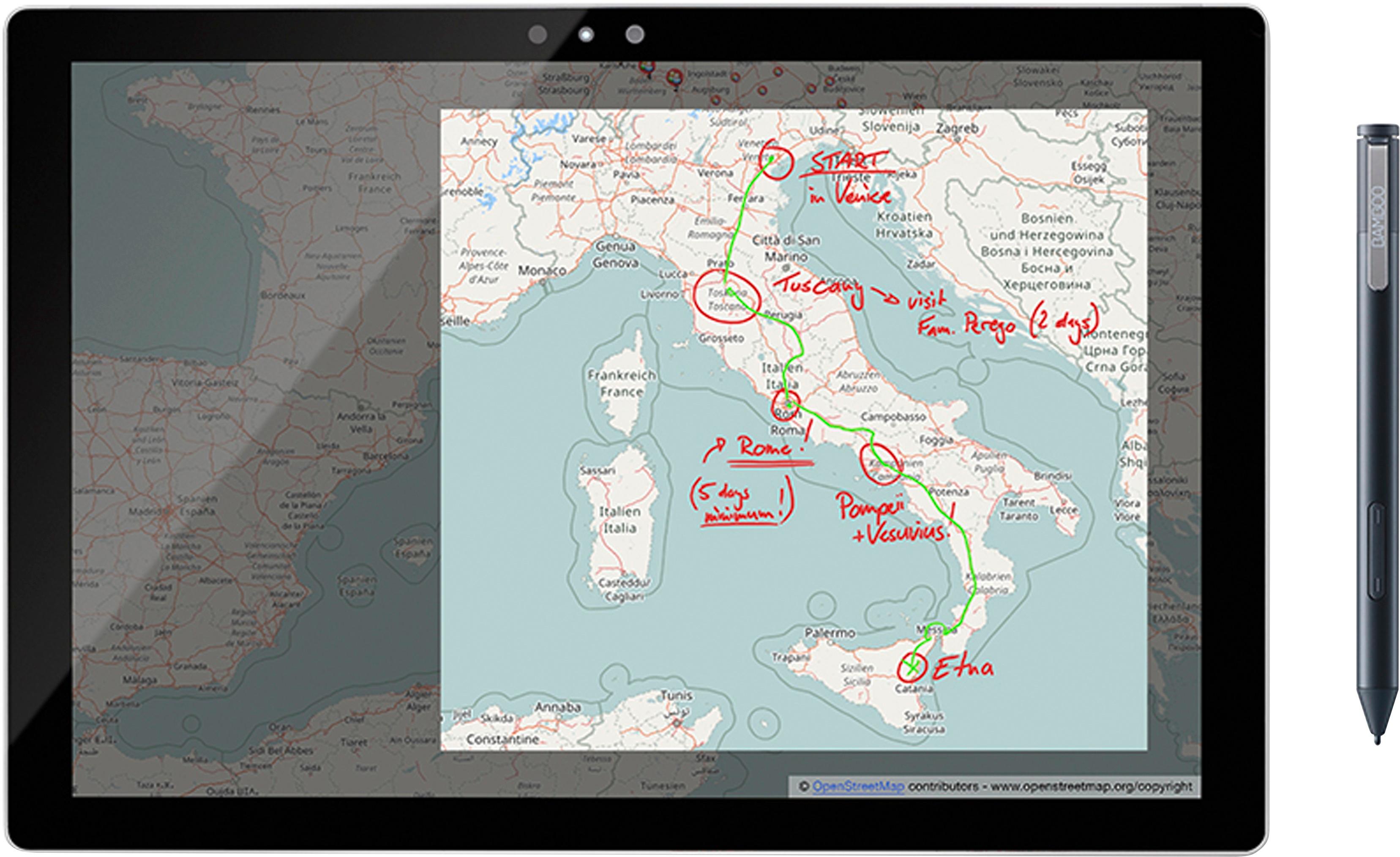
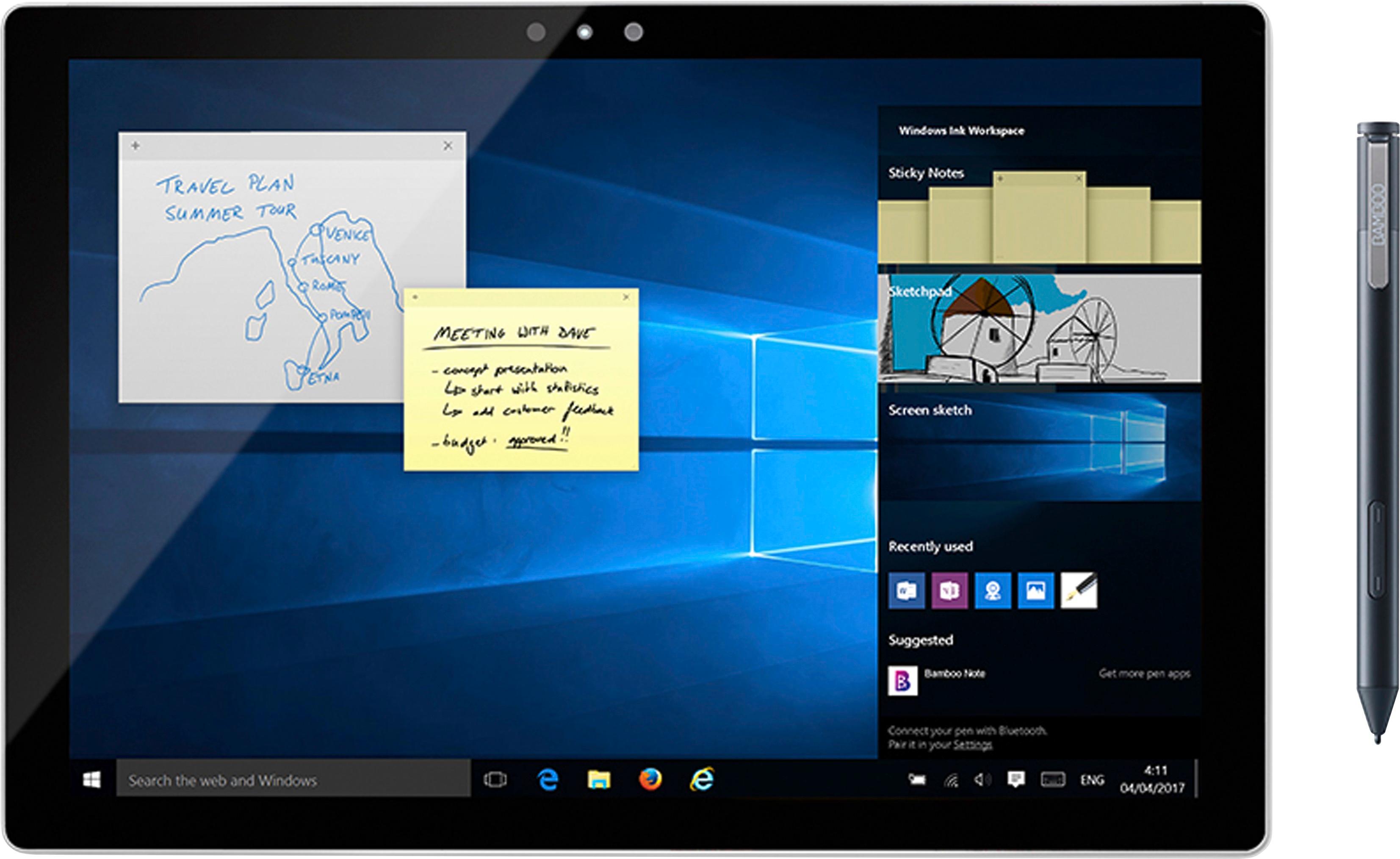



- Model:
- CS321AK
- |
- SKU:
- 5731102
Customer reviews
Rating 4.3 out of 5 stars with 4938 reviews
(4,938 customer reviews)Rating by feature
- Value4.2
Rating 4.2 out of 5 stars
- Quality4.4
Rating 4.4 out of 5 stars
- Ease of Use4.3
Rating 4.3 out of 5 stars
Customers are saying
Customers often highlight the ease of use, compatibility with multiple devices, and the quality of the Bamboo Ink Smart Stylus. Many appreciate its comfortable weight and the precision it offers for drawing. However, some users mention concerns about battery life and occasional connectivity issues. A few also reported challenges with the initial pairing process and the stylus button.
This summary was generated by AI based on customer reviews.
Rated 5 out of 5 stars
Masterpiece
Posted .This reviewer received promo considerations or sweepstakes entry for writing a review.This was the perfect addition to the purchase of my new laptop
I would recommend this to a friend- Cons mentioned:Pairing
Rated 1 out of 5 stars
Garbage
Posted .This reviewer received promo considerations or sweepstakes entry for writing a review.BB suggested to purchase this with my Lenovo Yoga 720 15.6" 4K. I follow the instructions to put the battery in and hold the top click button for six seconds, but the LED never flashes to indicate it is in pairing mode. The stylus works just fine but never goes into pairing mode so I cannot pair with the laptop to make the buttons work. I thought being a pricey stylus, it would work just fine. Turned out to be pure garbage.
No, I would not recommend this to a friend Rated 5 out of 5 stars
Very good pen
Posted .This reviewer received promo considerations or sweepstakes entry for writing a review.Very good pen to to use on a windows ink enabled device.
I would recommend this to a friendRated 2 out of 5 stars
Good demo, fails to work at home
Posted .This reviewer received promo considerations or sweepstakes entry for writing a review.I bought this pen thinking it would be a good addition to my new HP Pavilion x360. I had no problem connecting to the laptop and the button brings up the shortcuts available, but when I try to write with it, it doesn't work. I've uninstalled and installed the drivers, updated the laptop, and tried the different nubs available, and the pen doesn't react to the screen at all.
No, I would not recommend this to a friend- Cons mentioned:Battery life
Rated 1 out of 5 stars
Dead Battery
Posted .This reviewer received promo considerations or sweepstakes entry for writing a review.Just bought the stylus today was very excited to use it, but when I went to go set it up it wouldn't work. Pretty sure the battery is dead so I will be taking it back and exchanging it for another one. Kind of annoyed that this happened but I guess things happen. I will be pairing it to my laptop though at Best Buy just in case this happens again.
No, I would not recommend this to a friend Rated 1 out of 5 stars
Minimum Durability
Posted .This reviewer received promo considerations or sweepstakes entry for writing a review.I, like most users of this stylus, enjoyed it at first. It was nice to be able to take notes with a stylus instead of trying to with a mouse. I could mark up web pages, do practice exams, and create sketches all from my laptop. After about a year though, the stylus quit working. The flashing light for pairing indication no longer turned on. I didn't expect this to happen with a $80 stylus! So I figured maybe it was the battery. I popped a new one in and still had the same problem. Funny thing is I also had another one of these styluses before my current one that I had to exchange because the button on the top of it snapped off. No excessive force or anything applied to it, the button just snapped off when I pressed it once. To this day the problem isn't fixed because I'm over the 1 year warranty period. Too bad I didn't spend the $20 extra (making the stylus cost nearly $100!) to get an extra year of warranty on this stupid stylus. I'd figure an $80 stylus would last longer than one year but I guess not.
No, I would not recommend this to a friendRated 2 out of 5 stars
Why Not a Rechargeable Battery
Posted .This reviewer received promo considerations or sweepstakes entry for writing a review.AAAA batteries are rare in my area!!! Making this rechargeable would make this a better product. I mean, who makes devices that uses AAAA batteries anymore?
No, I would not recommend this to a friendRated 1 out of 5 stars
Garbage straight out of the box
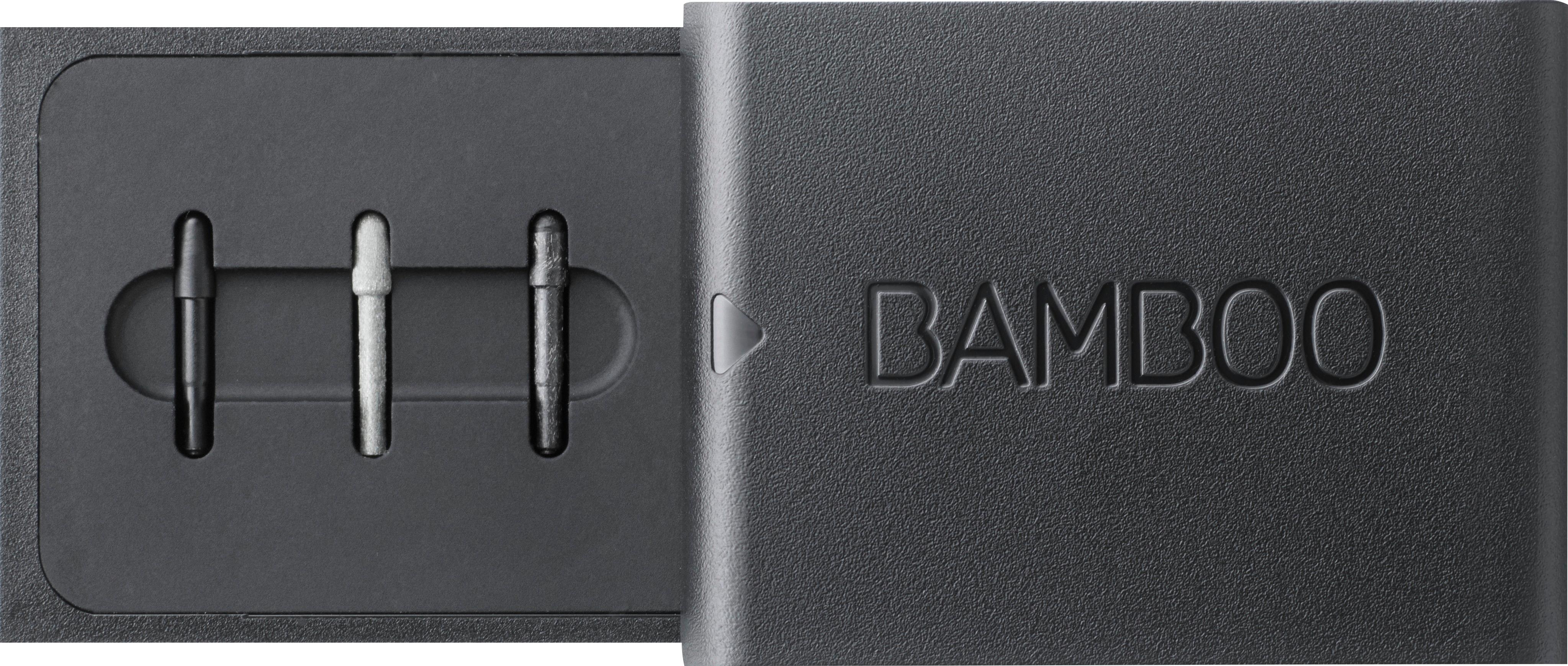
Posted .This reviewer received promo considerations or sweepstakes entry for writing a review.We bought a Dell computer at Best Buy a few weeks ago. I finally had time to sit down and open the Bamboo Ink box so I could try it out. So I open the box and a tiny black disc fall into my lap. Turns out that it's the end tip from the pen that you click to work the device. Garbage. It's broken straight out of the box. Now I have to make a special trip to return it.
No, I would not recommend this to a friendRated 2 out of 5 stars
worked till it didn't
Posted .This reviewer received promo considerations or sweepstakes entry for writing a review.IT works great when it does work, but it sometimes stops writing, and then you are stuck looking for a new ink pen that doesn't die randomly.
No, I would not recommend this to a friendRated 1 out of 5 stars
Great for the first few uses.
Posted .This reviewer received promo considerations or sweepstakes entry for writing a review.I would like to say the price on this pen is less than the other major brand. I enjoyed using the pen for the first month however I just had a problem with the tip breaking off into the pen. I contacted support and was told that it is not covered under a warranty. I was informed I would have to pay for another pen. I wish I would have seen that this a common issue and spend the extra money to buy a pen that doesn’t have this issue.
No, I would not recommend this to a friendRated 1 out of 5 stars
Does not work and can't get tech help from Wacom
Posted .This reviewer received promo considerations or sweepstakes entry for writing a review.Wacom's website shows this as being compatible with the HP Pavillion x360 laptop. However, after pairing and following the very limited support available online, all the stylus will do is open OneNote, but, screen drawing is not working. Support from Wacom is worthless - no phone number, no email or messaging communication available either. Save yourself the money and aggravation and skip this product.
No, I would not recommend this to a friendRated 1 out of 5 stars
I broke the stylus within 1 minute of ....
Posted .This reviewer received promo considerations or sweepstakes entry for writing a review.I wish they had put a piece of tape or a sticker over the end of the stylus...the end was "wobbly" and I thought it was where the battery went into the pen ( as I couldn't see any other possible place to put it) and low and behold...it was a "contact" for the "smart" part of the pen and I immediately broke the stylus!!!! Now into the garbage and lots of $$$$ down the drain...
No, I would not recommend this to a friendRated 1 out of 5 stars
2nd try and done
Posted .This reviewer received promo considerations or sweepstakes entry for writing a review.This is the second pen I have gotten, and it broke on the first day that I tried to use it. Both pens I used broke the bottom button within the first 7 days of me beginning to use this product. When it worked, it was great, but I am returning for a refund. Not worth my time to troubleshoot.
No, I would not recommend this to a friendRated 1 out of 5 stars
Good pen terrible knowledge of product
Posted .This reviewer received promo considerations or sweepstakes entry for writing a review.We bought this pen after explaining what I wanted to the sales rep... he says this pen is compatible with all devices... I was also there to buy a Samsung galaxy Tab A.... disappointed with the sales reps knowledge of the product. Will return it and go somewhere else from now on. Unable to use with device.
No, I would not recommend this to a friendRated 1 out of 5 stars
Great for two days
Posted .This reviewer received promo considerations or sweepstakes entry for writing a review.I just purchased this stylus pen for the new college semester and when i was changing the tip on the box of nibs AS ONE IS SUPPOSED TO the tip broke in half and i could not get it out anymore If the warranty covered for this issue then the pen would be worth its price.
No, I would not recommend this to a friendRated 1 out of 5 stars
Waste of Money
Posted .This reviewer received promo considerations or sweepstakes entry for writing a review.Worked well for a few months, now it is worthless. Buttons work, but constantly stops moving the cursor. Wacom's website is just as useless. Their support links wont load, even after trying on separate days. A $19 mouse is a much better value.
No, I would not recommend this to a friendRated 1 out of 5 stars
Not compadable
Posted .This reviewer received promo considerations or sweepstakes entry for writing a review.I was in best buy for a new computer for school, the staff were vary helpful, but the bamboo ink was not compatible with my hp envy 17m. I think from what I read your better off buying a hp brand stylus for hp computers.
No, I would not recommend this to a friendRated 1 out of 5 stars
This pen is really bad!
Posted .This reviewer received promo considerations or sweepstakes entry for writing a review.This Pen has broken 2 times on me in the past 2 months! I am going to get a full refund from the best buy that I bought it from.
No, I would not recommend this to a friend