Customer Ratings & Reviews






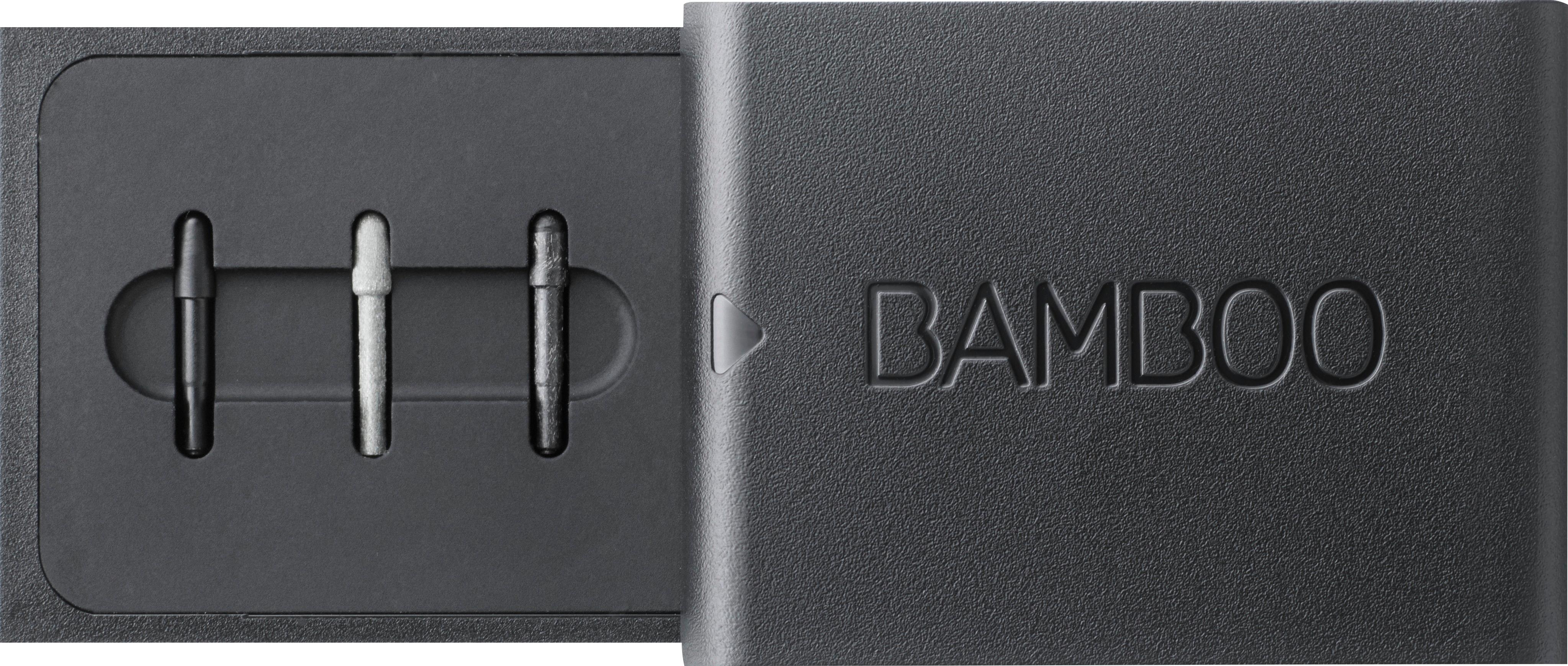



- Model:
- CS321AK
- |
- SKU:
- 5731102
Customer reviews
Rating 4.3 out of 5 stars with 4938 reviews
(4,938 customer reviews)Rating by feature
- Value4.2
Rating 4.2 out of 5 stars
- Quality4.4
Rating 4.4 out of 5 stars
- Ease of Use4.3
Rating 4.3 out of 5 stars
Customers are saying
Customers often highlight the ease of use, compatibility with multiple devices, and the quality of the Bamboo Ink Smart Stylus. Many appreciate its comfortable weight and the precision it offers for drawing. However, some users mention concerns about battery life and occasional connectivity issues. A few also reported challenges with the initial pairing process and the stylus button.
This summary was generated by AI based on customer reviews.
- Cons mentioned:Button
Rated 4 out of 5 stars
Works as expected
||Posted .This reviewer received promo considerations or sweepstakes entry for writing a review.Works as expected. The only problem is my 7 year old keeps pushing the button the end accidentally, opening up the menu. Other than that it works well. I have an older laptop with windows 10 and windows ink, but it doesn't work on that one because the pen function has to be installed at the factory, like bluetooth.
I would recommend this to a friend Rated 5 out of 5 stars
Great for Laptop supporting Active Pen
||Posted .This reviewer received promo considerations or sweepstakes entry for writing a review.The Bamboo Ink Active Pen is great and fun to use. And it being sensitive, it feels like using a pen on a laptop. If you can spare extra few bucks and know that you will use frequently, I would recommend that you buy it.
I would recommend this to a friendRated 4 out of 5 stars
Don’t expect it to work as the leading brand pen
||Posted .This reviewer received promo considerations or sweepstakes entry for writing a review.Don’t expect it to work as the leading brand pen: you have to work harder to take the value: you get what you pay for
I would recommend this to a friend- Pros mentioned:Ease of use, Quality
Rated 5 out of 5 stars
Good stylus and better priced
||Posted . Owned for 1 month when reviewed.This reviewer received promo considerations or sweepstakes entry for writing a review.I bought this over a month ago. It still works great and is better than the original one for my Surface Pro 3.
I would recommend this to a friend - Pros mentioned:Drawing, Ease of use
Rated 5 out of 5 stars
Like writing on paper.
||Posted .This reviewer received promo considerations or sweepstakes entry for writing a review.Works great very easy to handle and great for drawing or writing. Recognizes motions just as if your writing on paper. Love it!
I would recommend this to a friend Rated 4 out of 5 stars
Great Pen
||Posted .This reviewer received promo considerations or sweepstakes entry for writing a review.The pen is very responsive and extremely compatible with Windows Ink. All the work out into the OS is very apparent.
I would recommend this to a friend- Pros mentioned:Ease of use
Rated 4 out of 5 stars
Really Useful
||Posted .This reviewer received promo considerations or sweepstakes entry for writing a review.This pen is really useful to write notes with on my 2-1 laptop. Only issue is, the bluetooth/shortcut button might not be very durable. The first one I got stopped functioning after 2 weeks, although I could still write with the pen. So I exchanged itand have been extra careful. No issues still.
I would recommend this to a friend - Pros mentioned:Ease of use, Quality
Rated 5 out of 5 stars
Easy to use pen
||Posted .This reviewer received promo considerations or sweepstakes entry for writing a review.The bamboo ink writing stylus is easy to use, writes clearly and an excellent accessory to use with new tablet features!
I would recommend this to a friend Rated 5 out of 5 stars
Very Good!
||Posted .This reviewer received promo considerations or sweepstakes entry for writing a review.Last time I used a stylus was back in 2013, and the experience was not very pleasant. This stylus however is extremely good! - I use the almost everyday to take class notes. I would highly recommend this for students.
I would recommend this to a friend- Pros mentioned:Drawing
Rated 4 out of 5 stars
It works well
||Posted .This reviewer received promo considerations or sweepstakes entry for writing a review.It is a neat you but really not that useful for most people. If you are an artist that draws on computer it is very nice, also it is nice for businesses to enter handwriting directly into computer (it also can convert it to type which works really well). If you fit I. These categories I would definitely recommend it.
I would recommend this to a friend Rated 1 out of 5 stars
Not compatible with some touchscreens
||Posted .This reviewer received promo considerations or sweepstakes entry for writing a review.I originally bought this after seeing some of the demos in store. My brother had requested this as a gift for his birthday last month and seems to be pleased with what he can do with it. I should have borrowed his and tried it with my touchscreen before making a purchase for myself. Both my brother and I have Dell Inspiron 2-in-1 touchscreens, both about the same size, however his is about a year newer than mine. Apparently that year makes a huge difference. While it seems to work with no issue on his computer (that I am aware of), I can only get it to pair with my computer, and nothing else. I cannot change any settings. I cannot get it to control anything on the touchscreen. Whereas the instructions and support page online say pushing the top button once will open the Microsoft Ink Workspace, it would open up One Note instead, and would not allow me to change that either. I tried to change the protocol settings on the pen itself by holding the two side buttons, but had no luck. I have searched for multiple ways to try and get it to work, but have not been successful. When I started looking at this for myself, I did inquire of one of the reps in the computer department about compatibility, and he only insisted that I needed Microsoft Ink to be installed/enabled on my computer and it would work fine. It is clear now that I received errant information from the rep, and the lack of information about products seems to be a growing issue lately, regardless of specific product. It may be possible that my computer is not equipped with Microsoft pen protocol, but that is a possible conclusion I have come to after failing to get this product to work. It is quite misleading with the packaging (and some of the in-store advice) to suggest that it will work, no matter what, as long as you have Windows Ink enabled. But only after the fact did I notice that the packaging (in fairly small lettering) refers you to Wacom's website to determine compatibility.
No, I would not recommend this to a friendRated 4 out of 5 stars
Good I guess?
||Posted .This reviewer received promo considerations or sweepstakes entry for writing a review.Had to return this item when I found it it wasn’t compatible with my laptop. I’d imagine it’s pretty useful though.
I would recommend this to a friendRated 4 out of 5 stars
Great price
||Posted .This reviewer received promo considerations or sweepstakes entry for writing a review.Great price as purchased on Black Friday. Have not connected to the PC yet, but when i do will update the review.
I would recommend this to a friend- Pros mentioned:Ease of use
Rated 3 out of 5 stars
Ok, but doesn't work at an angle
||Posted . Owned for 1 month when reviewed.This reviewer received promo considerations or sweepstakes entry for writing a review.I did not do really any research before buying this stylus because it only occurred to me that I needed one when I was purchasing my new laptop (it has a tablet mode). With that being said, I am reviewing this item without comparing it to any other stylus out there (because I've never used another one). Overall, it does its job. It was easy to set up with my laptop and it usually works. I do have a tendency to write with the side part of pens/pencils (so the pen is usually at a 45-degree angle from writing surface). This stylus pretty much requires it to be held upright at a 90-degree angle from the screen. So it sometimes does not register what I write. Not a big deal, but also not ideal. Got it on sale for like $40 and would not pay any more than that if I had it to do over
I would recommend this to a friend - Cons mentioned:Battery life
Rated 4 out of 5 stars
triangular tube
||Posted . Owned for 1 month when reviewed.This reviewer received promo considerations or sweepstakes entry for writing a review.The grip was good. Slightly triangular for easier gripping. Pressure for writing on the 2 in 1 is accurate, allows for varying thicknesses with drawing tools. Ease of flow. I am not sure about battery life and replacement battery. It comes with a AAAA (that is a 4A) battery.
I would recommend this to a friend - Pros mentioned:Drawing, Ease of use
Rated 5 out of 5 stars
Bamboo Ink Stylus
||Posted .This reviewer received promo considerations or sweepstakes entry for writing a review.Works great. I use it to draw and make on photos. I would recommend you make sure it will work on your computer first.
I would recommend this to a friend - Pros mentioned:Drawing
Rated 4 out of 5 stars
Great sensitivity and reaction
||Posted .This reviewer received promo considerations or sweepstakes entry for writing a review.I got this as type of a bundle with a discount when i purchased it with a laptop, i am intending it to use on PS and other editing software which i have honestly gotten into yet, hence the 4 stars instead of 5. But from playing around with it on notes and sketching i would think it would be a great addition
I would recommend this to a friend - Pros mentioned:Ease of use
Rated 4 out of 5 stars
overall, pretty good pen
||Posted .This reviewer received promo considerations or sweepstakes entry for writing a review.The only issues I have had with the pen is that the back button opens new tabs on the screen. It is easy to accidentally bump and open new tabs in the middle of something. Other than that, the pen works great. I use it for my Dell 2 in 1 laptop and I enjoy being able to write notes or draw with it.
I would recommend this to a friend - Pros mentioned:Ease of use, Quality
Rated 5 out of 5 stars
great bamboo ink smart stylus in black
||Posted . Owned for 3 weeks when reviewed.This reviewer received promo considerations or sweepstakes entry for writing a review.this pen works with all ink programs and is really simple to set up and use. It writes like a dream.
I would recommend this to a friend - Pros mentioned:Ease of use
Rated 4 out of 5 stars
Great tool!
||Posted .This reviewer received promo considerations or sweepstakes entry for writing a review.This Bamboo Ink Smart Stylus pen is a fantastic tool for writing, drawing, or selecting other options on my laptop. It actually does more than a mouse, so I use it everytime I'm on my laptop. And because it's designed for use with touch screens, it doesn't leave marks or blemishes, like my finger does.
I would recommend this to a friend