Customer Ratings & Reviews

- Model:
- DTK1660K0A
- |
- SKU:
- 6330449
Customer reviews
Rating 4.7 out of 5 stars with 352 reviews
(352 customer reviews)Rating by feature
- Value4.4
Rating 4.4 out of 5 stars
- Quality4.7
Rating 4.7 out of 5 stars
- Ease of Use4.5
Rating 4.5 out of 5 stars
Customers are saying
Customers enjoy the Cintiq 16 Creative Pen Display Drawing Tablet for its ease of use as a drawing tablet, its screen size, and its quality. However, some customers have experienced issues with the connection, setup, and compatibility. Some customers have also mentioned lag and parallax, but this seems to be less of a concern overall.
This summary was generated by AI based on customer reviews.
- Pros mentioned:Ease of use
Rated 5 out of 5 stars
Great tablet.
||Posted . Owned for 1.5 years when reviewed.This reviewer received promo considerations or sweepstakes entry for writing a review.Great tablet, great deal, fairly portable as well with easy diconnect cable.
I would recommend this to a friend - Pros mentioned:Ease of use
Rated 5 out of 5 stars
Wacom does it all and for a fantastic price!
||Posted . Owned for 1.5 years when reviewed.This reviewer received promo considerations or sweepstakes entry for writing a review.My Wacom-Cintiq 16 Creative Pen Display Drawing Tablet has met my every expectation. It's truly a great drawing tablet and the price point makes sense. It's a sturdy highly functional drawing tablet that's easy to transport; and that's a plus. I use it for personal and professional use. I'm very satisfied with my purchase. I highly recommend this product.
I would recommend this to a friend - Pros mentioned:Screen size
Rated 5 out of 5 stars
It's Worth It
||Posted . Owned for 3 weeks when reviewed.This reviewer received promo considerations or sweepstakes entry for writing a review.This is my second drawing tablet and it is absolutely amazing. Its surface is super smooth and it doesn't glare at any light allowing me to fully see and focus on my drawing and I also really like the large screen which gives me more space to draw. It's definitely one of my favorites
I would recommend this to a friend - Cons mentioned:Parallax
Rated 5 out of 5 stars
Great if you are upgrading from a regular tablet.
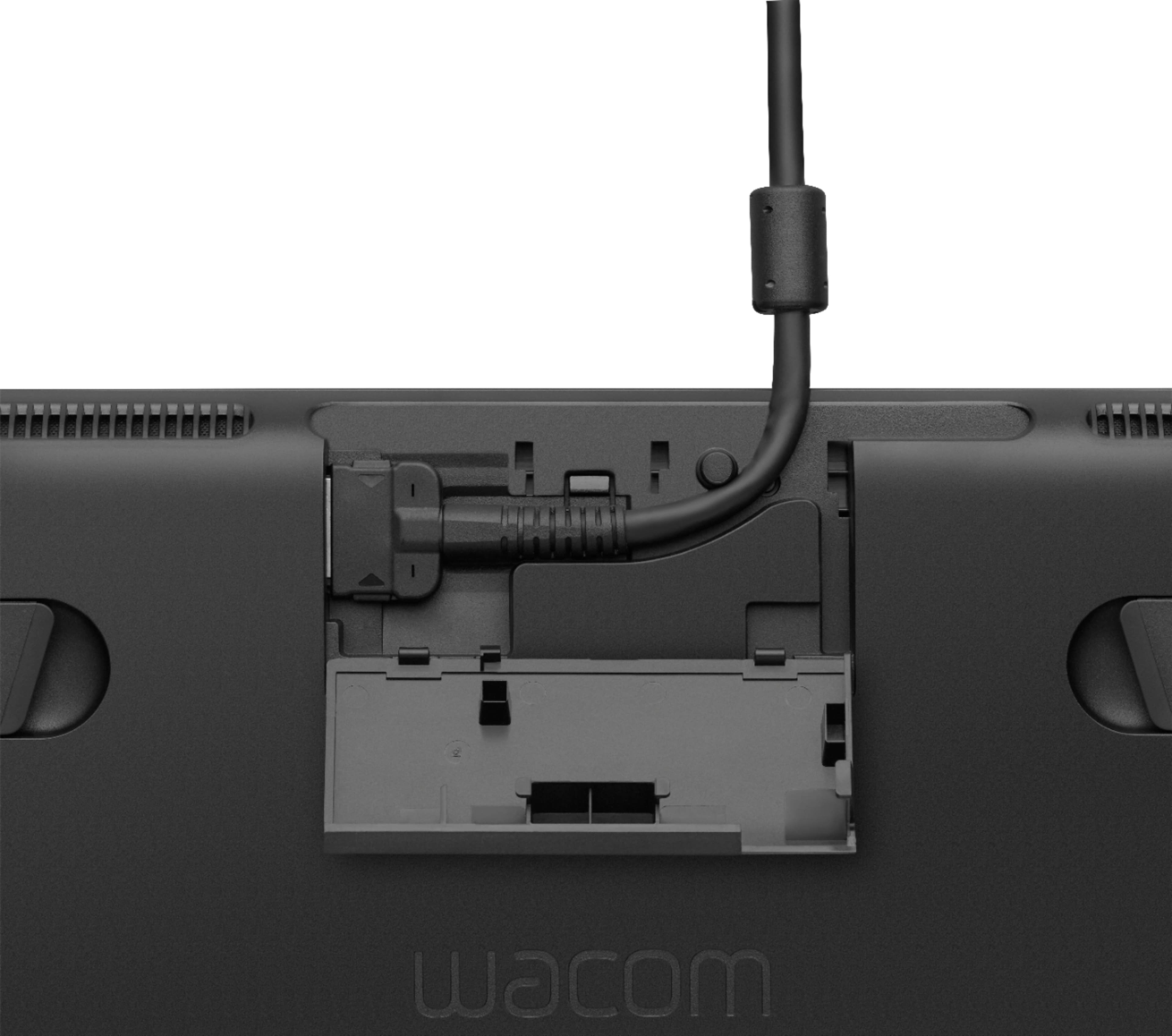
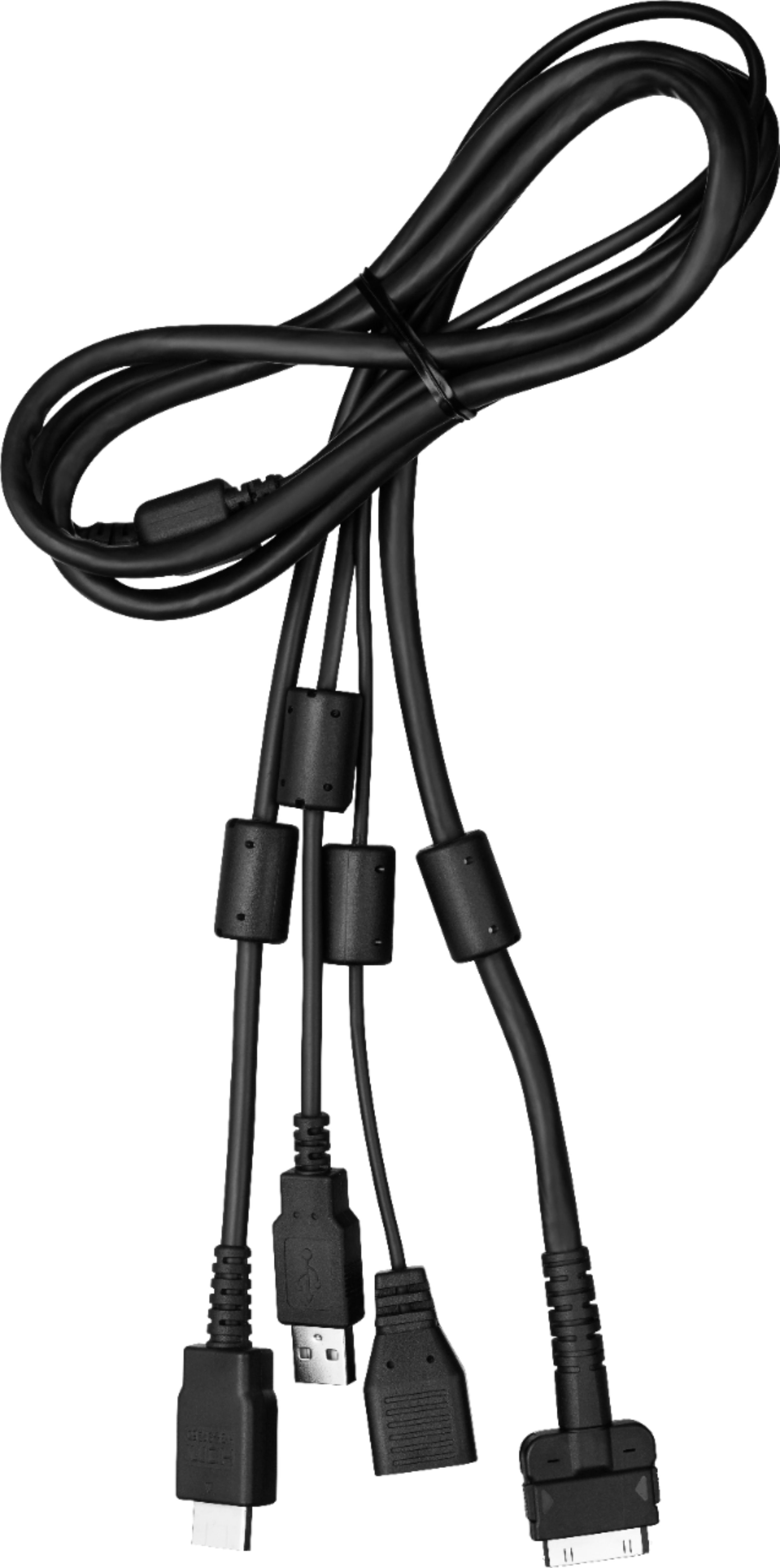
||Posted . Owned for 4 months when reviewed.This reviewer received promo considerations or sweepstakes entry for writing a review.This is my first pen display and I am really enjoying it. Being that this is not the pro model you can tell there is some parallax, albeit a very small one. If this tends to bother you I would probably save a little more for the Pro model. Also, not a fan of the way they decided to go with the USB, HDMI + Power connection. It is not a big deal on my PC where all the connections are on the back, on my laptop that is a different story.
I would recommend this to a friend - Pros mentioned:Drawing tablet, Ease of use
Rated 5 out of 5 stars
Great for beginners and professionals
||Posted . Owned for 1 month when reviewed.This reviewer received promo considerations or sweepstakes entry for writing a review.I bought this tablet for my 12 year old daughter and she loves it. It's easy to use and the pen is amazing
I would recommend this to a friend Rated 5 out of 5 stars
Highly Recommend
Posted .This reviewer received promo considerations or sweepstakes entry for writing a review.3 years later I couldn't have ask for a better table for me., Beyond what I needed. Day One Patch Kids Wouldn't have been here without it
I would recommend this to a friend- Pros mentioned:Screen size
Rated 5 out of 5 stars
AMAZING!!!
||Posted . Owned for 1 month when reviewed.This reviewer received promo considerations or sweepstakes entry for writing a review.I received the 13" one as a gift and the cord system was horrible and didn't last long. This 16' screen is a great size and it comes with free programs. I can not get enough of it :>
I would recommend this to a friend - Pros mentioned:Drawing tabletCons mentioned:Setup
Rated 5 out of 5 stars
great device
||Posted . Owned for 1 month when reviewed.This reviewer received promo considerations or sweepstakes entry for writing a review.if you are an artist or designer and are considering this, get it. its well worth it
I would recommend this to a friend - Pros mentioned:Ease of use, Quality
Rated 5 out of 5 stars
nice Cintiq for digital painting and related
||Posted . Owned for 3 weeks when reviewed.This reviewer received promo considerations or sweepstakes entry for writing a review.This is my first Cintiq, its much better than I expected so Im really glad I purchased this one.
I would recommend this to a friend - Pros mentioned:Ease of use, Screen size
Rated 5 out of 5 stars
Perfect
||Posted .This reviewer received promo considerations or sweepstakes entry for writing a review.just what I was looking for. Large enough to work on projects but still portable.
I would recommend this to a friend - Pros mentioned:Ease of use, Screen size
Rated 5 out of 5 stars
Great beginner drawing pad
||Posted . Owned for 1 month when reviewed.This reviewer received promo considerations or sweepstakes entry for writing a review.Super easy to set up, great size. We use it to design different t-shirt art to sell online.
I would recommend this to a friend - Pros mentioned:Ease of use
Rated 5 out of 5 stars
Good tablet
||Posted .This reviewer received promo considerations or sweepstakes entry for writing a review.Great product and easy to use! Took some practice but a lot of fun.
I would recommend this to a friend - Pros mentioned:Drawing tablet
Rated 5 out of 5 stars
Awesome Product!
||Posted . Owned for 1 month when reviewed.This reviewer received promo considerations or sweepstakes entry for writing a review.It's a great purchase because the drawing feels is good. The only thing I can tell you is that there are too many cables for the connection.
I would recommend this to a friend - Pros mentioned:Drawing tablet, Ease of use
Rated 5 out of 5 stars
Great intermediate choice
||Posted . Owned for 1 month when reviewed.This reviewer received promo considerations or sweepstakes entry for writing a review.This is very adorable and worth it! Easy to use. The pen is sensitive and very accurate.
I would recommend this to a friend - Pros mentioned:Drawing tablet, Quality
Rated 5 out of 5 stars
Awesome product
||Posted .This reviewer received promo considerations or sweepstakes entry for writing a review.Really good for drawing. This tablet is pretty decent.
I would recommend this to a friend Rated 4 out of 5 stars
For Asparing artists in the digital frontier
||Posted .This reviewer received promo considerations or sweepstakes entry for writing a review.Pretty nice tablet bought for my 14 year old aspiring artist and she absolutely loves it! Only downside atm is getting it set up was a slight learning curve for me and her but other than that works well cant wait to see what she creats with this!
I would recommend this to a friend- Pros mentioned:Ease of use
Rated 5 out of 5 stars
Excellent digital drawing pad
||Posted . Owned for 1 month when reviewed.This reviewer received promo considerations or sweepstakes entry for writing a review.Purchased for my daughter who just graduated college and is getting into the digital media/graphic design field. She is very pleased with this digital drawing pad. She is currently using it for her online teaching job instructing kids on how to use Adobe Photoshop and also has plans to create her own artwork with it. She and I are very happy with this purchase.
I would recommend this to a friend - Pros mentioned:Screen size
Rated 5 out of 5 stars
Love it, works very well
||Posted . Owned for 3 weeks when reviewed.This reviewer received promo considerations or sweepstakes entry for writing a review.Exactly what I needed, coming from a smaller less advanced tablet this was the perfect next step up.
I would recommend this to a friend - Pros mentioned:Ease of use, Screen size
Rated 5 out of 5 stars
Great tablet
||Posted . Owned for 1 month when reviewed.This reviewer received promo considerations or sweepstakes entry for writing a review.Comfortable large screen and easy to use and draw on.
I would recommend this to a friend Rated 4 out of 5 stars
Great product, hard to set up if you have a Mac.
||Posted . Owned for 1 month when reviewed.This reviewer received promo considerations or sweepstakes entry for writing a review.Once I got this to work I really loved it, but if you are setting it up with a new Mac (my case MacBook Pro) Is google some advice on how to get it set up. There were a bunch of different permissions I had to connect and disconnect then reboot and connect again. Wacom’s customer service was helpful, but it took a day or so to get a response. It does get a little buggy. Usually after 30-60 minutes of use, it will freeze and The pen will stop working. It’s an easy fix of unplugging and plugging back in again, bu can get annoying if it starts happening repeatedly and more frequently, which happens at times. So a little fussy, but totally worth the drama!
I would recommend this to a friend