Customer Ratings & Reviews

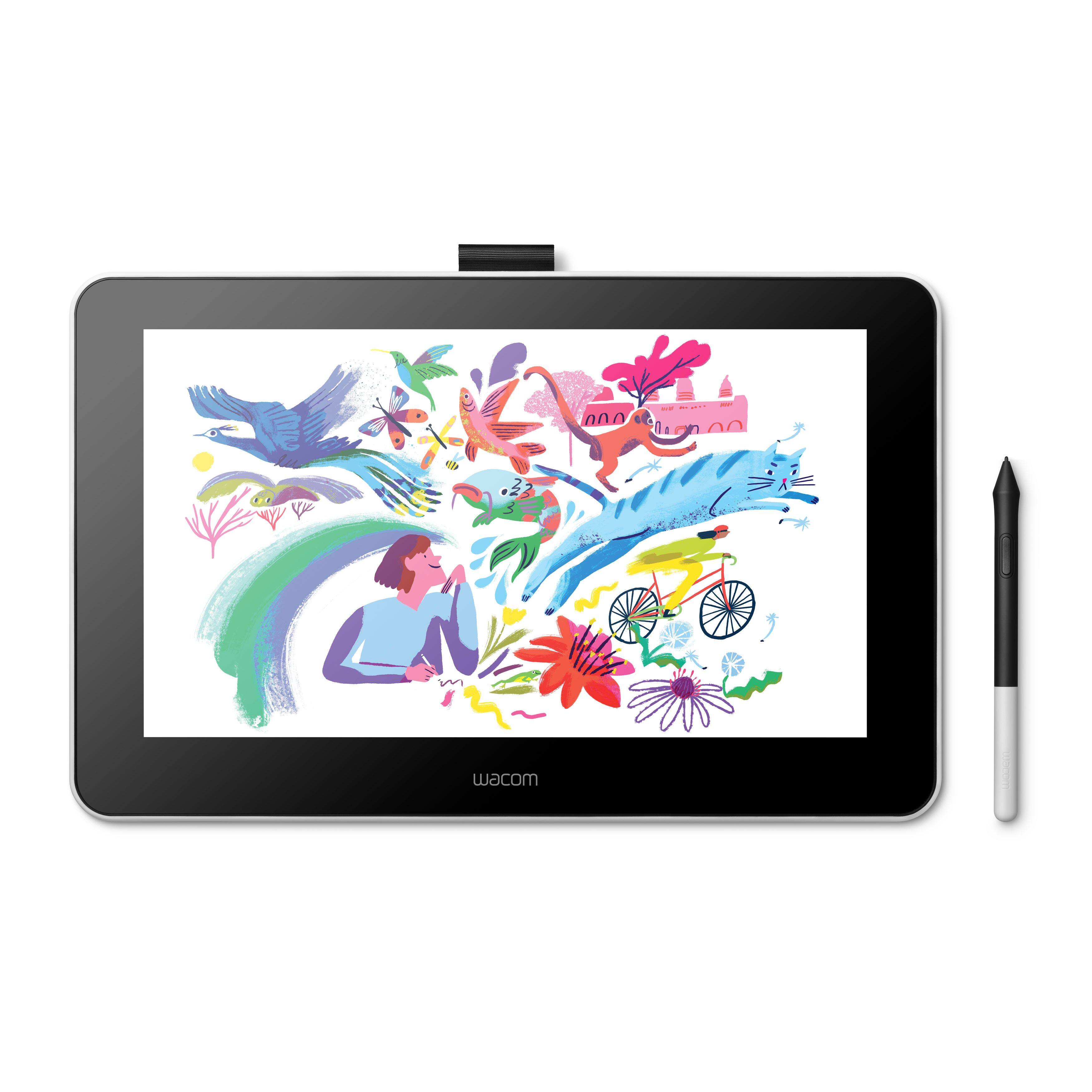
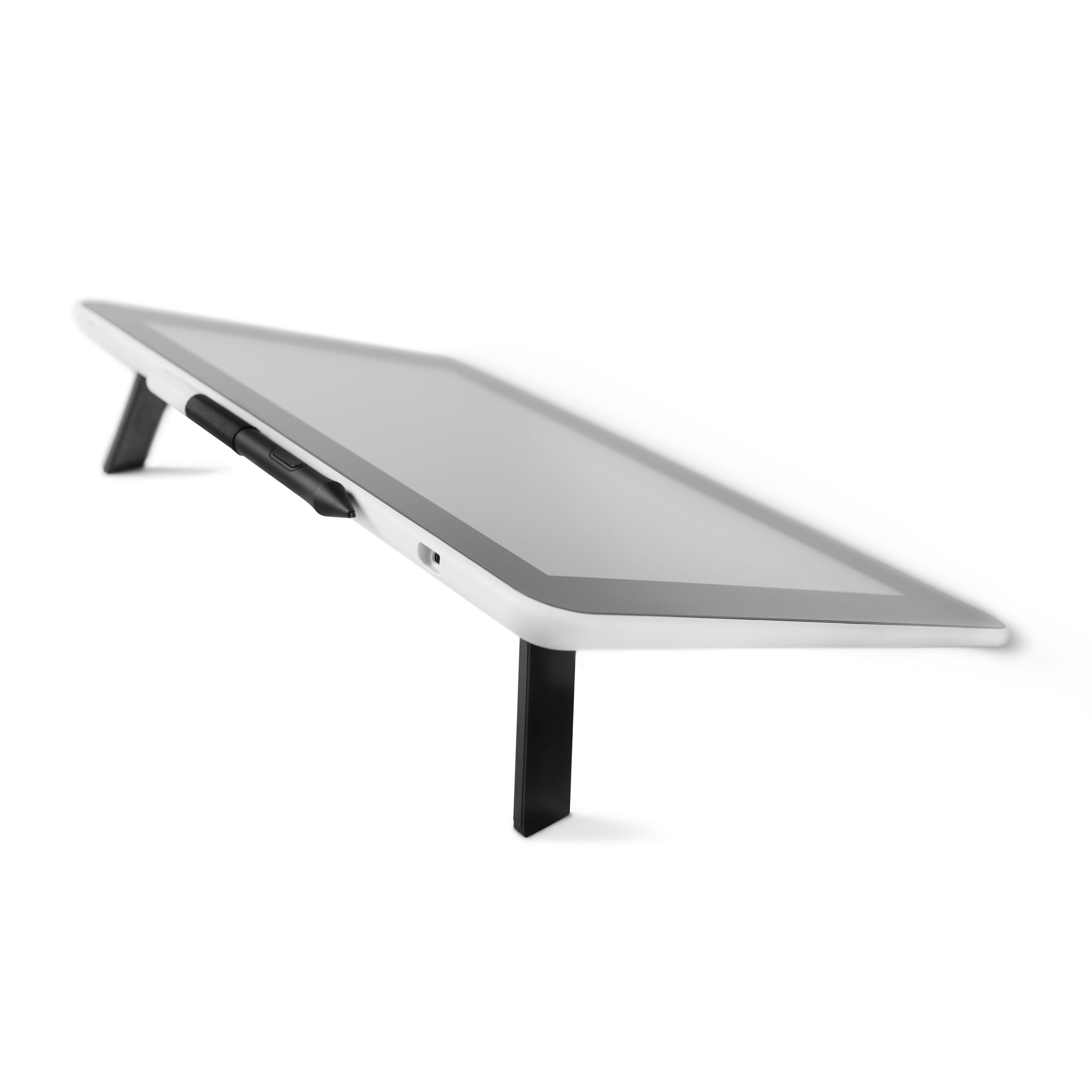
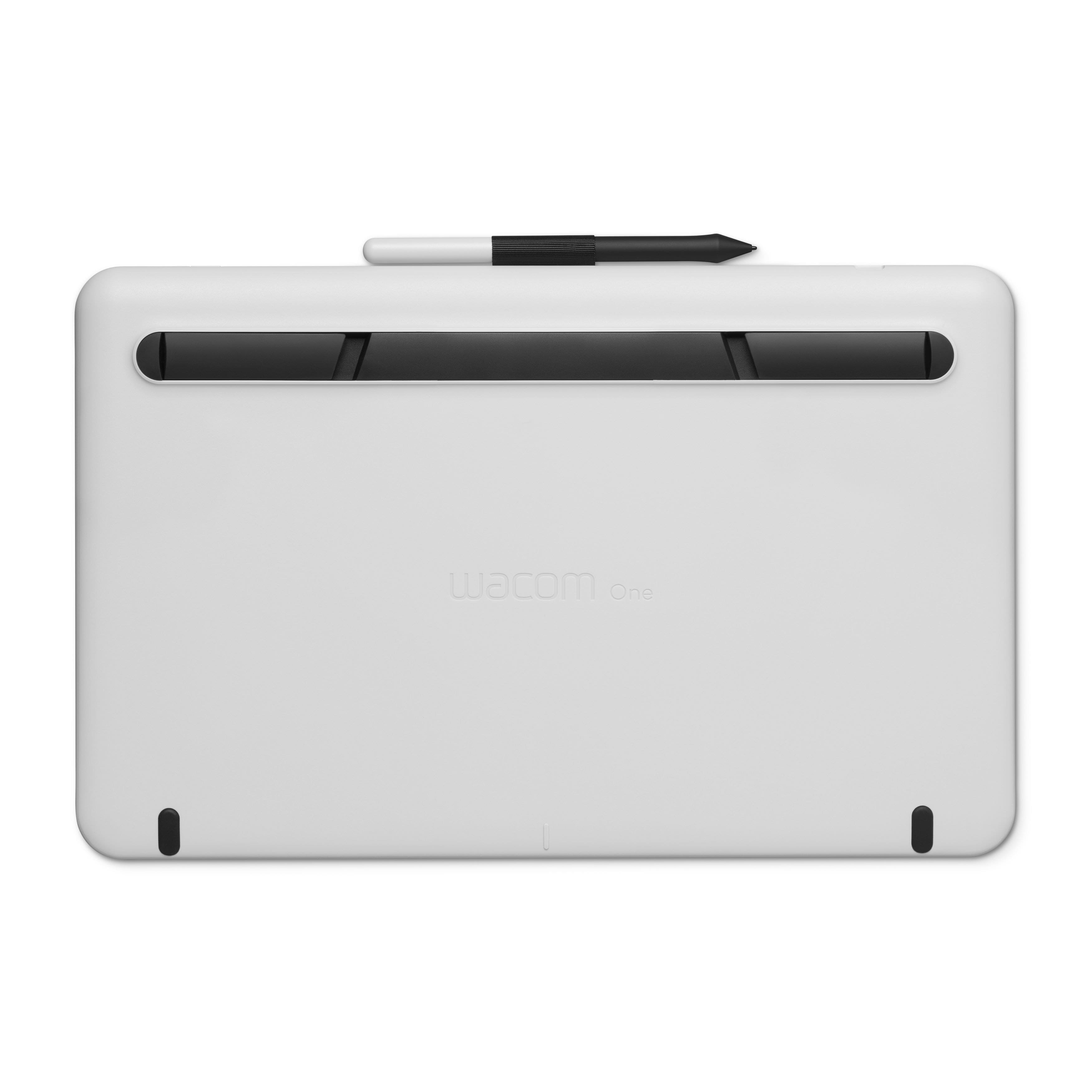
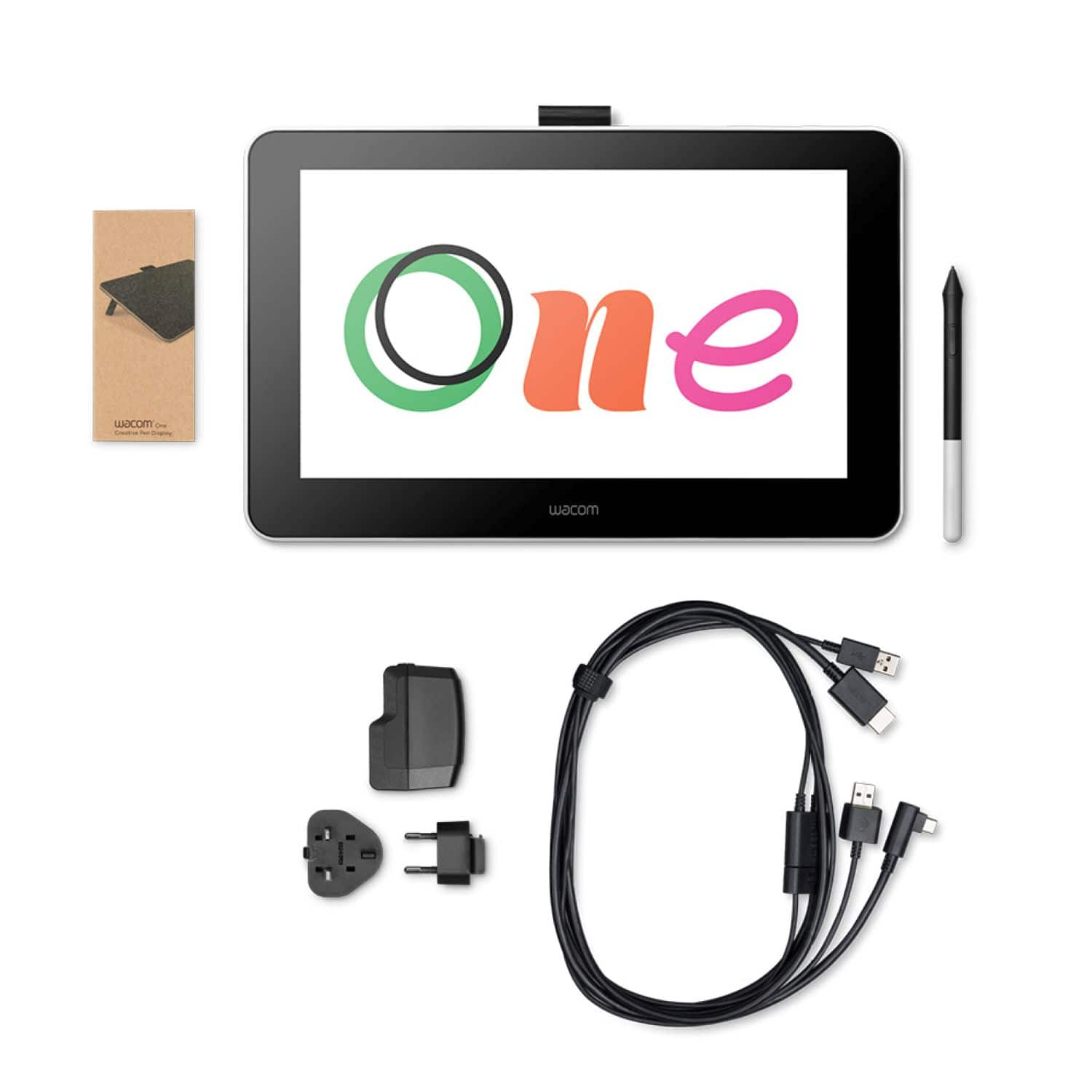



- Model:
- DTC133W0A
- |
- SKU:
- 6393542
Customer reviews
Rating 4.4 out of 5 stars with 853 reviews
(853 customer reviews)Rating by feature
- Value4.3
Rating 4.3 out of 5 stars
- Quality4.5
Rating 4.5 out of 5 stars
- Ease of Use4.2
Rating 4.2 out of 5 stars
Customers are saying
Customers recognize the One drawing tablet's ease of use and convenient screen size as significant advantages. Many appreciate its responsiveness and the included pen, while some find the setup process challenging and the cable management cumbersome. The compatibility with various operating systems is also a point of discussion, with some users experiencing difficulties. Overall, the price-to-performance ratio receives positive feedback.
This summary was generated by AI based on customer reviews.
Rated 4 out of 5 stars
Wacom - One
||Posted . Owned for 9 months when reviewed.This reviewer received promo considerations or sweepstakes entry for writing a review.This has been a decent tablet. However its not touch screen and we are having some trouble with the screen as it does not want to register the pen. It seems it may be getting some deadzones.
No, I would not recommend this to a friendRated 5 out of 5 stars
Wacom ONE drawing tablet
||Posted . Owned for 3 weeks when reviewed.This reviewer received promo considerations or sweepstakes entry for writing a review.This drawing tablet is great for drawing designs and working with design programs. I like that I can use a pen to draw instead of trying to draw with the computer mouse. My designs are much better. The display is large and mimics the computer screen,
I would recommend this to a friendRated 5 out of 5 stars
Great for artists and photo/document editing!
||Posted . Owned for 1 month when reviewed.This reviewer received promo considerations or sweepstakes entry for writing a review.Had a Wacom drawing pad before but this is light years greater! Able to draw, write notes, make edits for figures for work. Since it is a display it needs to plug into an HDMI port and a usb port for the pen input into the back of your computer.
I would recommend this to a friendRated 4 out of 5 stars
So fun! Could be a bit tricky though
||Posted . Owned for 4 months when reviewed.This reviewer received promo considerations or sweepstakes entry for writing a review.It's very nice to use and it's fun when you get the hang of it, I just wish there was a cloth glove I could wear so I wouldn't dirty the screen. Sometimes it messes up but it's still good!
I would recommend this to a friendRated 5 out of 5 stars
Open creativity and convenience in one tablet.
||Posted . Owned for 3 weeks when reviewed.This reviewer received promo considerations or sweepstakes entry for writing a review.This is great. It not only allows me the flexability of using it as a tablet, it also allows me to have an extra monitor for those remote locations where having a second monitor is impractical.
I would recommend this to a friendRated 5 out of 5 stars
Don't Settle for Less
||Posted . Owned for 5 months when reviewed.This reviewer received promo considerations or sweepstakes entry for writing a review.WACOM pronounced (walk 'em or wok 'em) is always the BEST!!! I've used their products for several years and never once had any failed! I purchased this one to gift to my son. Don't settle for less.
I would recommend this to a friend- Pros mentioned:Responsiveness
Rated 5 out of 5 stars
Great at it's price point
||Posted . Owned for 1 week when reviewed.This reviewer received promo considerations or sweepstakes entry for writing a review.This was purchased as a goft for a relative. We tested it out before giving ut to them to make sire it would work with their setup, and to give recommendationa on software (they were going to ise if for their Chromebook until the got a new laptop). It was plug and play for the Chromebook as advertised. If the computer doesn't have both an HDMI port AND a USB Type-A port, you will need an adapter for it to work. The pen was responsive, and it nad the feel of writing on paper when using it. We had to return it due to miscommunication in who was getting what gift for the holiday, but I have no doubt they would have loved it.
I would recommend this to a friend Rated 4 out of 5 stars
Functional but not amazing
||Posted . Owned for 1 month when reviewed.This reviewer received promo considerations or sweepstakes entry for writing a review.Overall, it works though functionality is not seamless with my Mac. Many of the preferences can’t be modified or changed.
I would recommend this to a friendRated 5 out of 5 stars
Best tablet on the market!
||Posted . Owned for 1 year when reviewed.This reviewer received promo considerations or sweepstakes entry for writing a review.If you can find this on sale, buy it! No questions asked. Its basically the staple tablet for digital artists. Super easy to set up, and it can also act as an additionally monitor if needed.
I would recommend this to a friendRated 4 out of 5 stars
Much better than standalone graphics tablets
||Posted . Owned for 3 weeks when reviewed.This reviewer received promo considerations or sweepstakes entry for writing a review.I recently found out that Wacom had a pen display at this price point, and immediately got excited. Previously, Cintiq displays were in the thousands, so I never ended up buying one, but always wanted one. This is a fantastic secondary display that also allows you to draw or edit on it. I have used this display with the Affinity products (Designer, Photo, Publisher) as well as just an external display for regular use. As a display for regular use, the glare can be a bit bad (but it's not terrible). The drawing functionality is fantastic though. If you do digital art in applications like Affinity or Adobe, I'd definitely recommend this, especially for the price point. It's much more natural to be able to draw/edit photos on the screen instead of a regular graphics tablet where the pen maps to your screen, but you do not edit on your photo directly. I wish that the stand would allow you to adjust it to more than just two angles (totally flat or like 13 degrees or so). It'd be able to stand it up at like a 75-80 degree angle so that you could use it easily as just an external monitor. But I am using an iPad stand purchased from IKEA for this purpose. I'm sure others would work as well. I use this product with a 15" 2014 MacBook Pro running Catalina. Of course like a ton of software with Catalina, you have to grant Wacom permission to Accessibility in System Preferences > Security and Privacy > Privacy. This is fairly common for software in Catalina. I've had to do it with software like Webex, GoToMeeting, and others, so I won't hold it against it. I think it's more of a macOS Catalina issue anyway. But wanted to mention it in case anyone has any issues with the pen display and Catalina.
I would recommend this to a friendRated 4 out of 5 stars
A solid graphics tablet
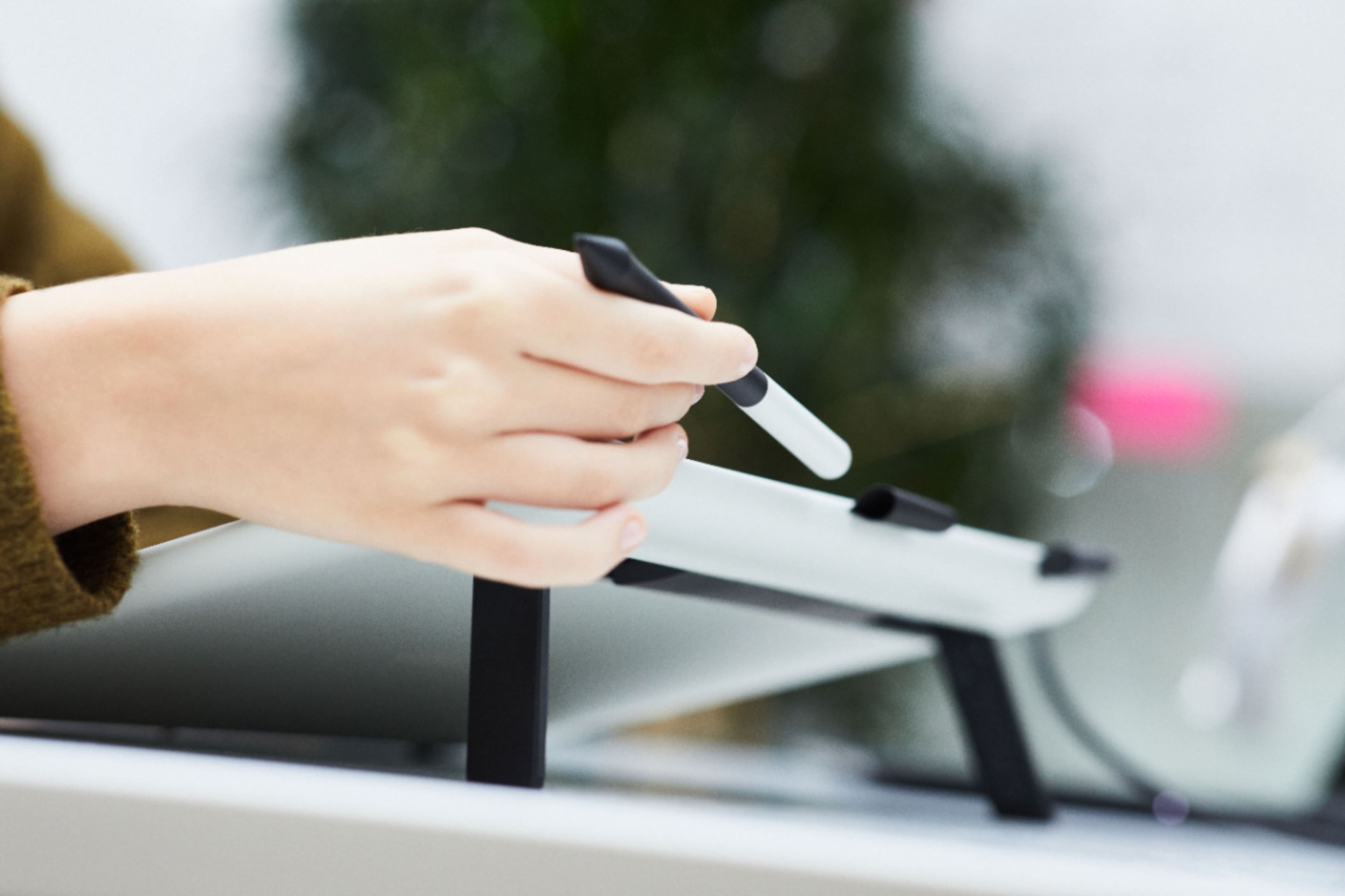
||Posted . Owned for 1 month when reviewed.This reviewer received promo considerations or sweepstakes entry for writing a review.I own a 12.9" iPad Pro but I bought this because my 2010 Mac Pro is too old to support macOS Catalina's Sidecar feature that allows the iPad to be used as a graphics tablet. Although I have used Sidecar so I will compare the experience… Let's state the obvious first. The Cintiq screen itself is not even in the same league as the iPad Pro. Not even the same sport. There's just no comparison. From resolution to contrast to color reproduction, the iPad Pro *destroys* the Cintiq. But that's not to say that the Cintiq screen is bad. Yes, the display is only HD, but due to the 13" size it's not actually that bad in terms of pixels per inch. A 16" HD screen would look a lot worse. It also have a nice, smooth matte finish, which is somewhat paper like and nice to draw on. In comparison, the iPad screen is glass and definitely a different drawing experience. Some don't like it, some don't care, but I doubt anyone *prefers* drawing on glass. Another nice thing about the Cintiq is that it's always on and available vs Sidecar where you have to invoke it from your Mac and wait a few seconds for it to connect. Another big difference with the Cintiq is that you hover the pen about half an inch above the screen to move the cursor around, and then press down to draw or click. It's nice when drawing to see your cursor position before you commit to a line. On the iPad there is no way of doing this, the cursor only moves when it's touching the screen. Also, neither the Cintiq or the Cintiq pen require charging, unlike the iPad Pro and Pencil. The iPad can also get pretty hot after only a few hours of it being in Sidecar mode. In comparison, I don't notice any such heat from having the Cintiq on for like 12 hours or more. And in terms of connectivity, I should add that while there is a single USB C connection on the tablet, the other end of the cable splits off into HDMI, USB A Data, and USB A Power (a wall adapter is included). No idea why they couldn't just have a single USB C cable at both ends for modern computers, and then a breakout box/cable to change it to HDMI, USB A, etc for older computers, but whatever – my Mac doesn't have USB C so I don't care right now. Would I have bought this if my Mac was compatible with iPad Pro Sidecar? Yes, but it may have been a harder sell for me. I guess I could have made do with Sidecar and the Cintiq would have been more a luxury that a necessity. In my view, Sidecar is only truly useable in a pinch or in short bursts. Using it for hours at a time not only makes the iPad run hot, but it also taxes your CPU because it's essentially encoding a screen as h264/h265 and sending it to your iPad in real time – modern CPUs can handle this, but it's still a consideration when maybe 20% of your processor is dedicated to this. In comparison, the Cintiq is just a 'dumb' monitor, and requires no significant commitment from your computer in terms of CPU or GPU. The price was ok considering this is Wacom's cheapest ever Cintiq. Sure, you there are now cheaper alternatives, but you get what you pay for and Wacom is the industry standard for a reason. In terms of design, the Cintiq is very nice. It's thin, light, and has a very clean design. There's no way of attaching it to a mount, but it does have 2 legs built in that flip out to give you a better angle for drawing. For times when I simply use it as a 2nd display, I prop it up at a steeper angle, ironically using an iPad stand!
I would recommend this to a friendRated 5 out of 5 stars
Love this thing
||Posted . Owned for 1 month when reviewed.This reviewer received promo considerations or sweepstakes entry for writing a review.Very good for using with Photoshop, I love the fact that it almost feels like youre drawing on paper and how smooth it is. It makes it much easier with the display as well. Makes drawing Michael Myers fanart 10 times eeasier.
I would recommend this to a friendRated 5 out of 5 stars
Drawing Tablet
||Posted . Owned for 3 weeks when reviewed.This reviewer received promo considerations or sweepstakes entry for writing a review.Grandson loves it. He is a drawer and it is something different than paper and pencil. He can make prints on the computer and sell his art work which is great.
I would recommend this to a friend- Pros mentioned:Drawing, Ease of use
Rated 5 out of 5 stars
Awesome Wacom One Drawing Tablet
||Posted . Owned for 1 month when reviewed.This reviewer received promo considerations or sweepstakes entry for writing a review.This drawing tablet works really well and it looks very easy to use! And it definitely feels like I’m using pen and paper. I’m looking forward to continue practice drawing with this tablet.
I would recommend this to a friend Rated 5 out of 5 stars
Drawing tablet
||Posted . Owned for 2 weeks when reviewed.This reviewer received promo considerations or sweepstakes entry for writing a review.We love this product we could have used one that is like an App that does the same thing for free but we chose this one because it was posted the best one tablet for drawing
I would recommend this to a friend- Pros mentioned:Screen size
Rated 4 out of 5 stars
The One for a pen and paper guy
||Posted . Owned for 1 week when reviewed.This reviewer received promo considerations or sweepstakes entry for writing a review.I have a pile of Wacom tablets. Up until now they all have me the same problem... to see what I'm drawing, I needed to look away from where my hand was to a monitor. The Wacom - One solves that problem for me. This Wacom tablet is WYSIWYG (What You See Is What You Get) like most of the artwork I've done most of my life. It takes a little work to get it hooked up, but it is worth the effort to see what I'm doing underneath my pen stroke! The only disappointment for me was that it still had the flimsy cloth cover (no padding) that my cheaper Wacoms all came with. So, I had to buy an iPad sleeve to keep it safe from damage.
I would recommend this to a friend Rated 4 out of 5 stars
Unfortunately
||Posted . Owned for 1 year when reviewed.This reviewer received promo considerations or sweepstakes entry for writing a review.Got it for my grandson for Christmas. Thinking about using it for myself. It’s nice just wished it had wireless Wi-Fi.
No, I would not recommend this to a friendRated 5 out of 5 stars
Very Good Product!
||Posted . Owned for 1.5 years when reviewed.This reviewer received promo considerations or sweepstakes entry for writing a review.Love it....Does all we wanted ... And more!!! Would definitely recommend
I would recommend this to a friend- Pros mentioned:Screen size
Rated 4 out of 5 stars
First Drawing Tablet
||Posted . Owned for 3 weeks when reviewed.This reviewer received promo considerations or sweepstakes entry for writing a review.Very straightforward and quick to get up and running. The viewable screen area is a good size and the overall look and feel is good, even if it doesn't appear as crisp as an LCD monitor. Probably my biggest complaint is the cord clutter that it creates, but that seems to be the case with most drawing tablets. Another potential downside is the lack of buttons/function keys, but I've seen plenty of arguments for and against those, so I don't personally see that as a dealbreaker.
I would recommend this to a friend Rated 5 out of 5 stars
Amazingly portable
||Posted . Owned for 7 months when reviewed.This reviewer received promo considerations or sweepstakes entry for writing a review.This is great for pairing with a travel setup. I hook this up to my laptop, and the minimal wire management necessity is great also. Get a mini dock instead of a dongle to help with the HDMI out requirement.
I would recommend this to a friend