Customer Ratings & Reviews
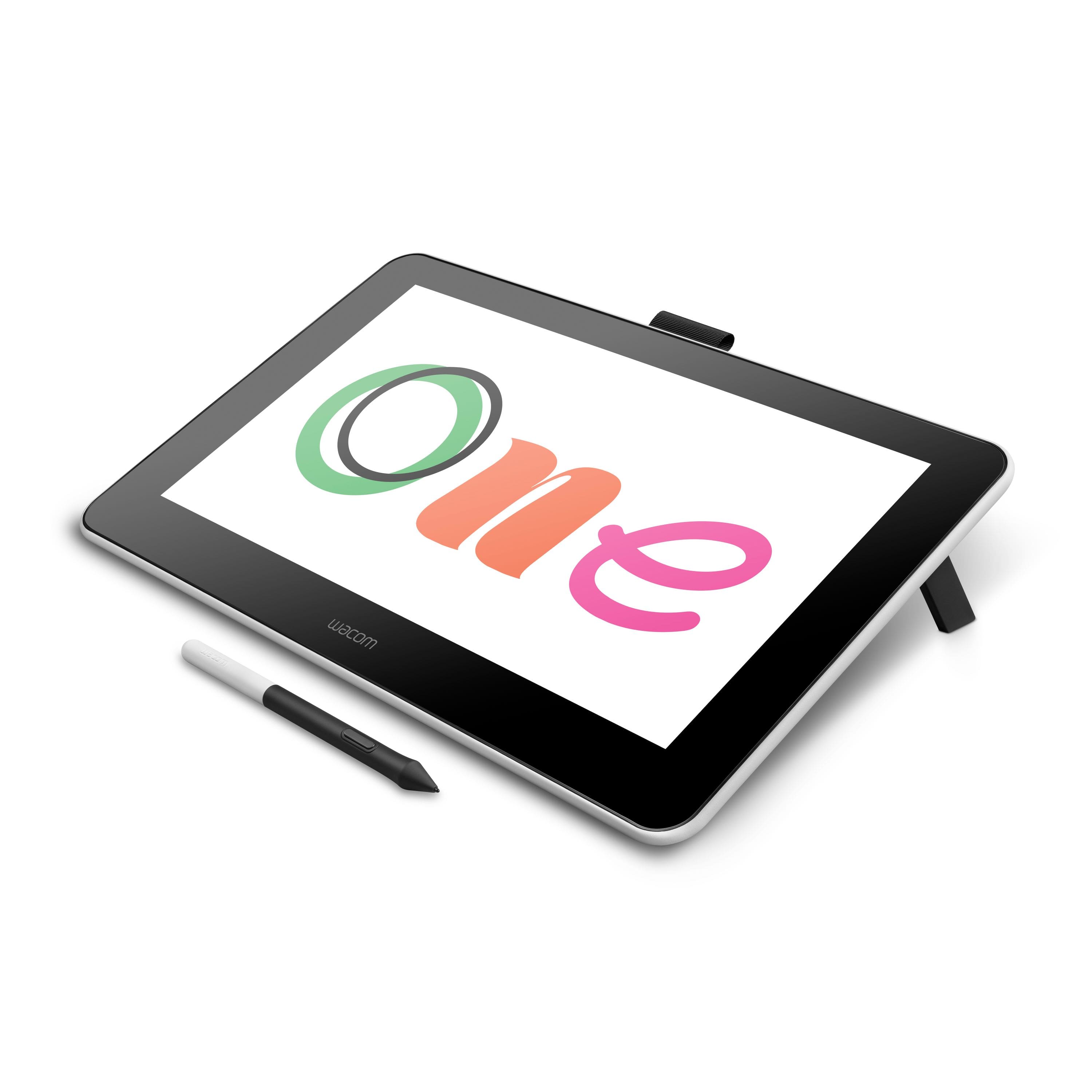
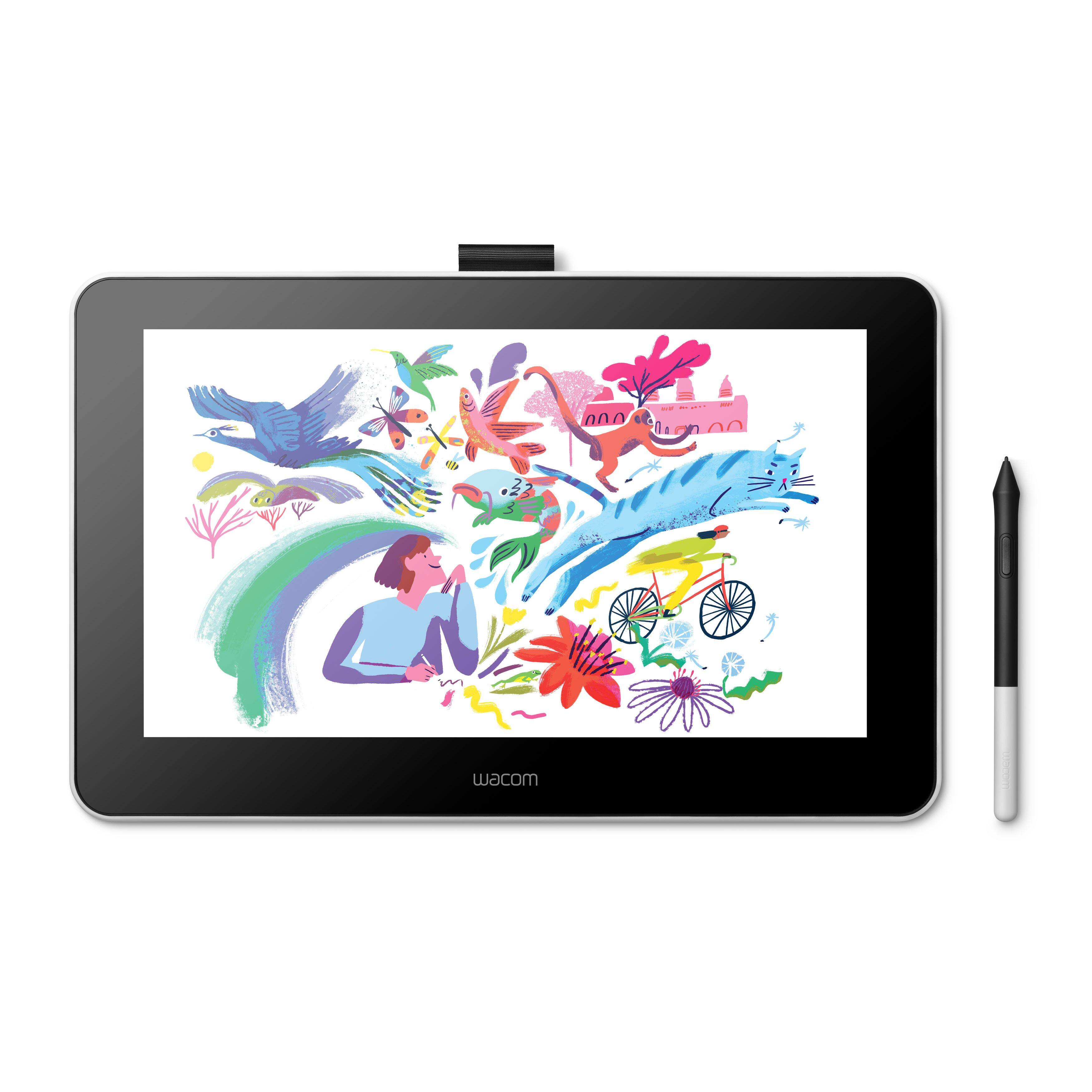
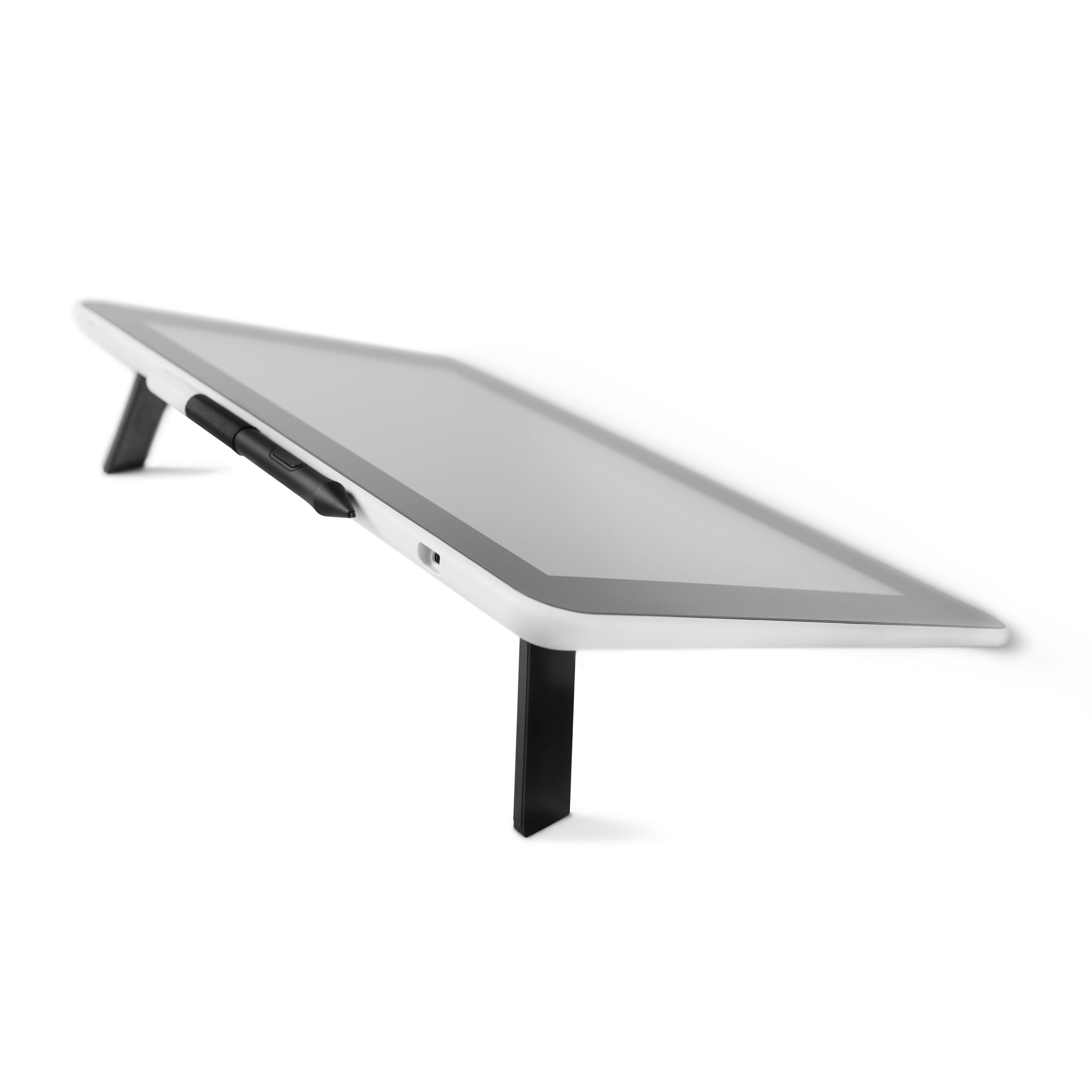
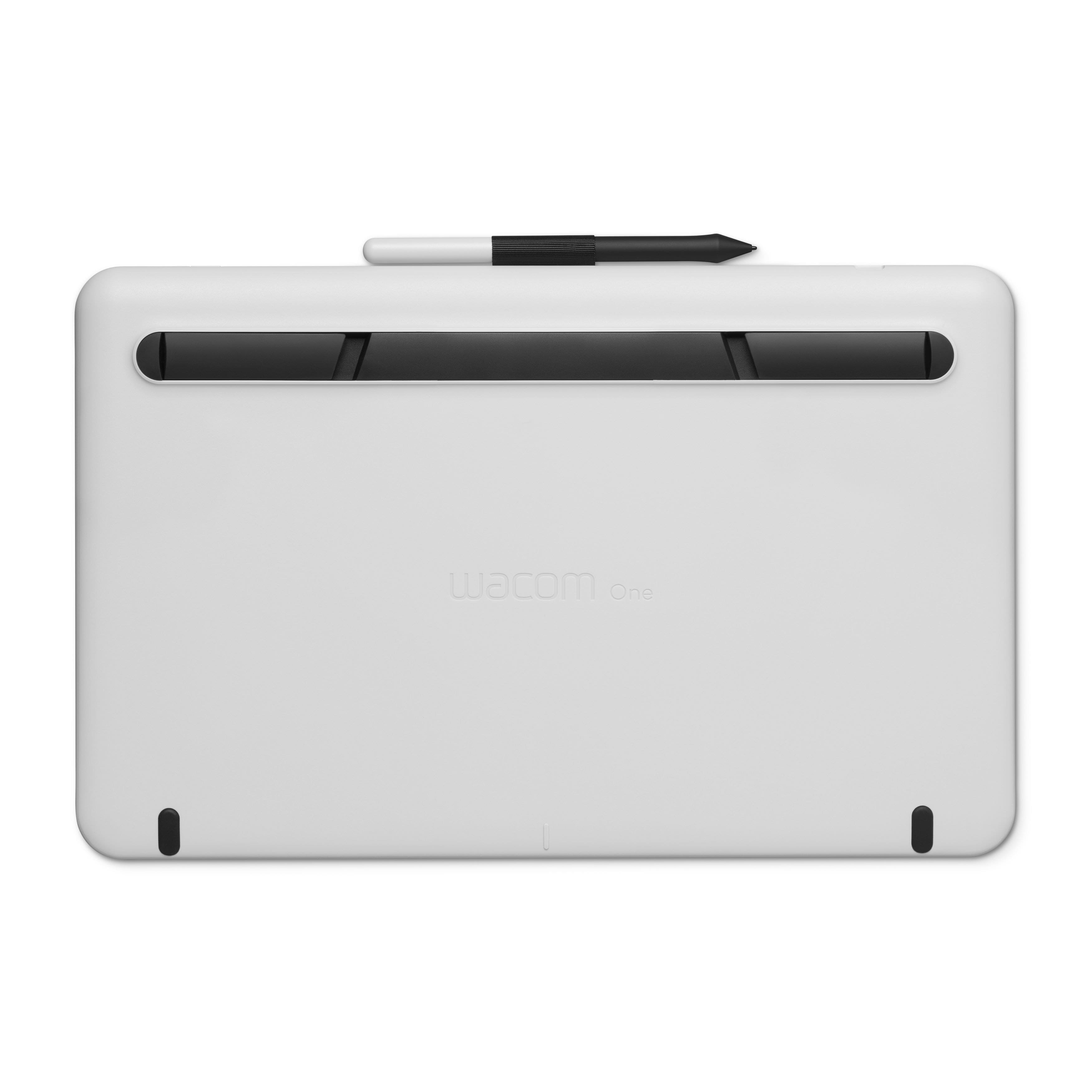
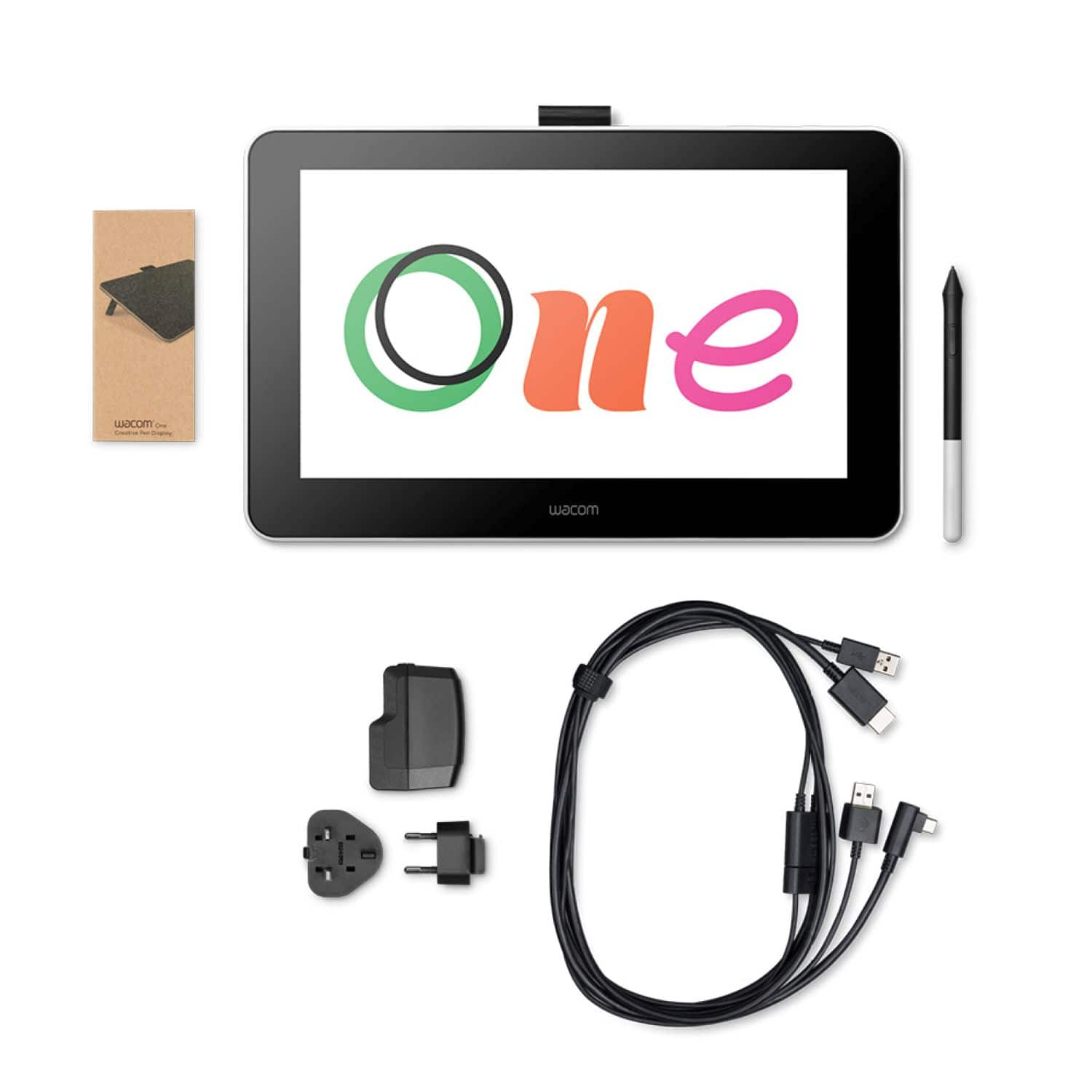
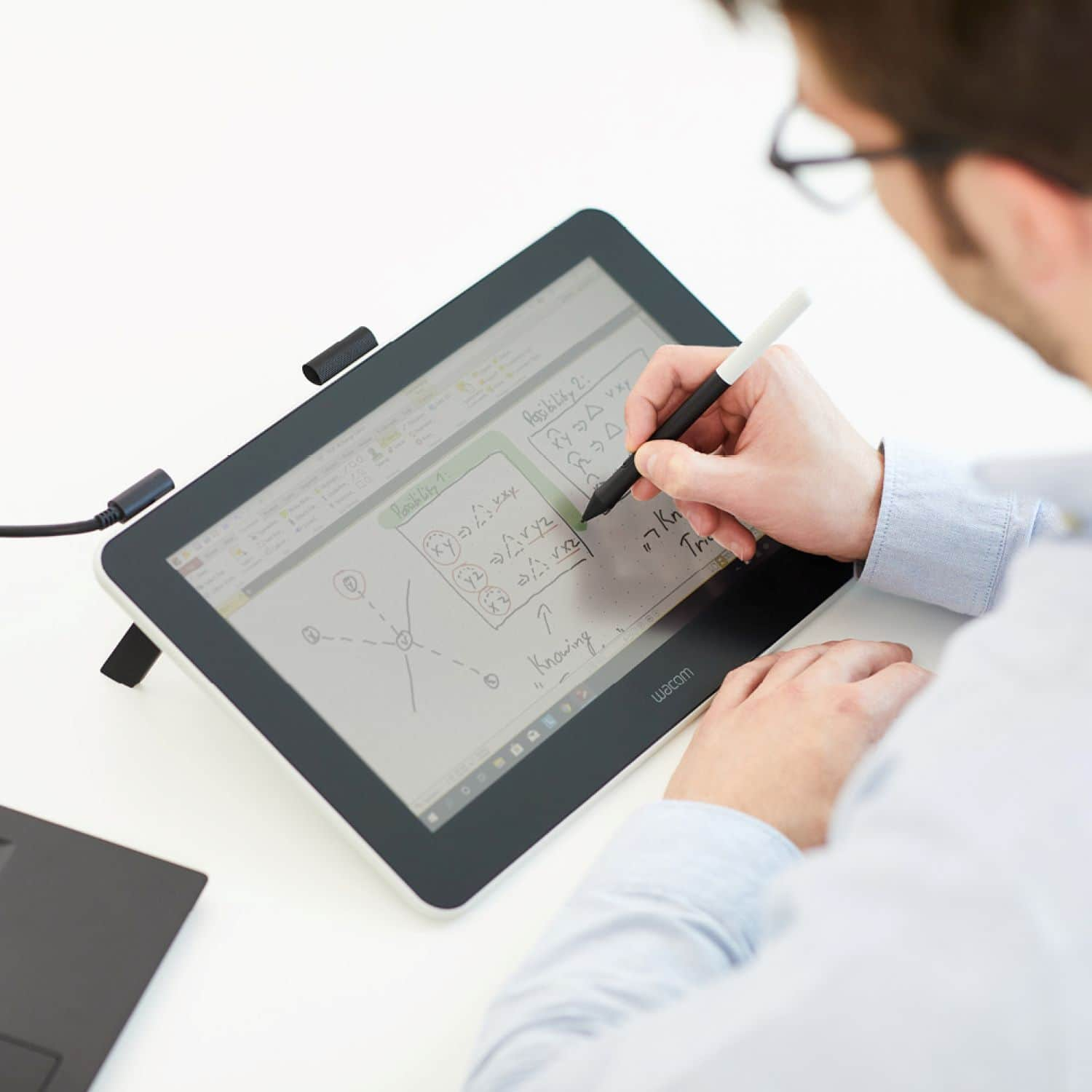
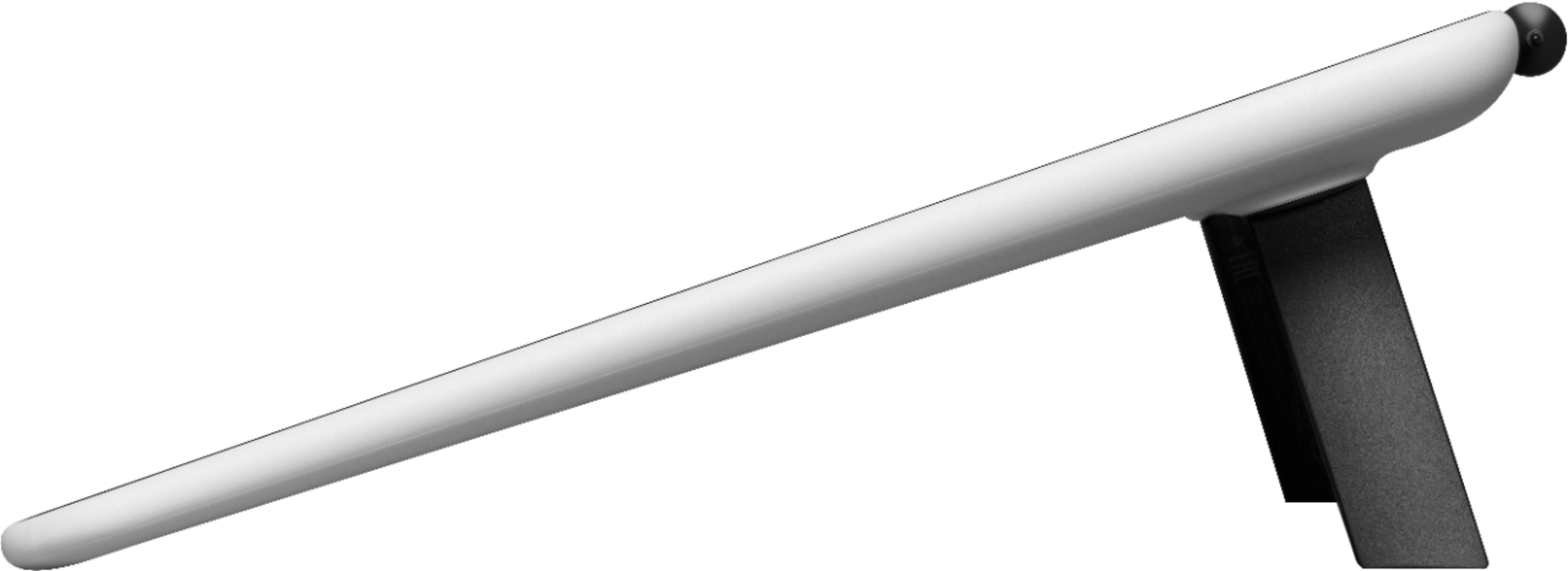
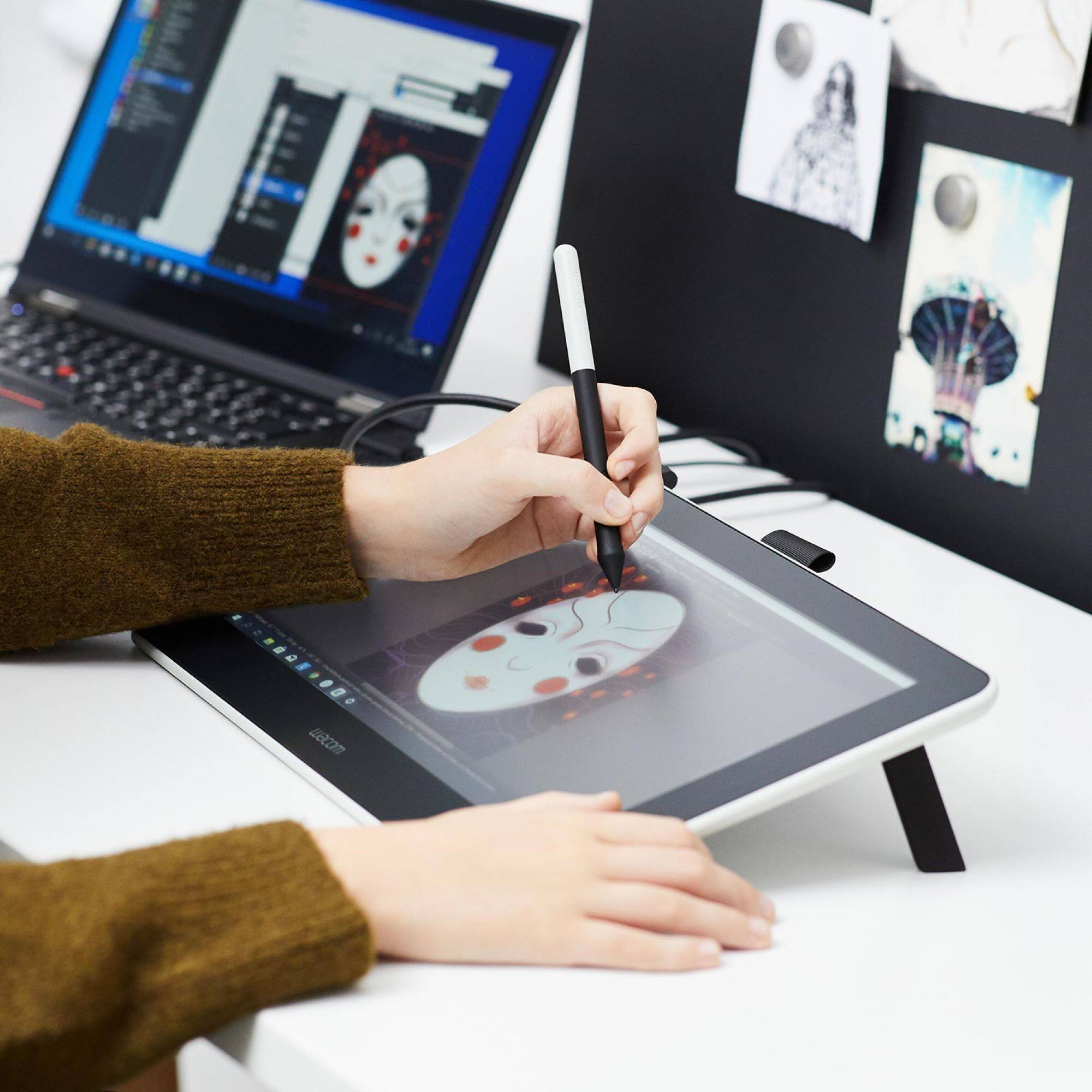
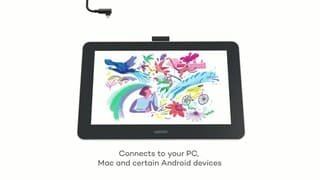


- Model:
- DTC133W0A
- |
- SKU:
- 6393542
Customer reviews
Rating 4.4 out of 5 stars with 853 reviews
(853 customer reviews)Rating by feature
- Value4.3
Rating 4.3 out of 5 stars
- Quality4.5
Rating 4.5 out of 5 stars
- Ease of Use4.2
Rating 4.2 out of 5 stars
Customers are saying
Customers recognize the One drawing tablet's ease of use and convenient screen size as significant advantages. Many appreciate its responsiveness and the included pen, while some find the setup process challenging and the cable management cumbersome. The compatibility with various operating systems is also a point of discussion, with some users experiencing difficulties. Overall, the price-to-performance ratio receives positive feedback.
This summary was generated by AI based on customer reviews.
Rated 5 out of 5 stars
Drawing tablet
||Posted . Owned for 1 month when reviewed.This reviewer received promo considerations or sweepstakes entry for writing a review.It’s good, I like to use it to draw, thank you for making it
I would recommend this to a friendRated 5 out of 5 stars
None
||Posted . Owned for 1 month when reviewed.This reviewer received promo considerations or sweepstakes entry for writing a review.Good real good. No other comments. Great product to use
I would recommend this to a friendRated 5 out of 5 stars
Good Drawing
||Posted . Owned for 2 months when reviewed.This reviewer received promo considerations or sweepstakes entry for writing a review.Great pad for my niece to doodle on and xfer to the laptop
I would recommend this to a friend- Pros mentioned:Ease of use
Rated 5 out of 5 stars
Wacom Whiteboard
||Posted . Owned for 3 months when reviewed.This reviewer received promo considerations or sweepstakes entry for writing a review.Easy to setup and use. It isn’t wireless. Many compatible stylus options besides a Wacom stylus. It does have a large footprint so that’s good if you need the surface area but bad if you have a small workspace. Using it as a whiteboard during Zoom and for taking notes using the Microsoft Whiteboard app.
I would recommend this to a friend Rated 5 out of 5 stars
Dtr loves it
||Posted . Owned for 1 month when reviewed.This reviewer received promo considerations or sweepstakes entry for writing a review.great Item my dtr loves it!!!!!!!!!!!!!!!!!!!!!!!!!!!
I would recommend this to a friendRated 5 out of 5 stars
Ease for graphics
||Posted . Owned for 3 weeks when reviewed.This reviewer received promo considerations or sweepstakes entry for writing a review.Great product, I’ve enjoyed the functionality so far.
I would recommend this to a friend- Pros mentioned:Screen size
Rated 5 out of 5 stars
Graphic Design and Photo Editing
||Posted . Owned for 1 month when reviewed.This reviewer received promo considerations or sweepstakes entry for writing a review.I did a lot of research on which tablet to get with my budget. This tablet is excellent, I wish it had touch abilities similar to an apple, but it does everything it needs to do. I like how the screen does not create a glair, the pen is accurate, and the surface size is perfect.
I would recommend this to a friend Rated 5 out of 5 stars
Love
||Posted . Owned for 3 weeks when reviewed.This reviewer received promo considerations or sweepstakes entry for writing a review.She loved it uses it ever day $$&&&&&&&&&&&&&@@“”””@
I would recommend this to a friendRated 5 out of 5 stars
An Absolute Must-Have if You Take Lots of Notes!
||Posted . Owned for 1 month when reviewed.This reviewer received promo considerations or sweepstakes entry for writing a review.This graphics tablet works great with my Windows 10 desktop computer. I've been searching for a long time for a graphics tablet like this one. I really enjoy taking notes with it. Also, it can fully replace a regular computer monitor. If you frequently take notes, and having a portable writing surface is not a high priority, this device is an absolute must. I must note that it is still possible to carry around but, it is not as portable as a Microsoft Surface tablet or a similar type of tablet. I enjoy using the battery-free stylus and the tablet also has included spare stylus tips. The monitor does not get hot while you are writing or drawing on it like some of the other tablets. This tablet is compatible with several different types of operating systems. So if you have more than one device, and they have different operating systems, there is a possibility that this graphics tablet could be compatible with them. The screen resolution is great and it is also a high definition monitor.
I would recommend this to a friend- Pros mentioned:Screen size
Rated 5 out of 5 stars
My son loves it.
||Posted . Owned for less than 1 week when reviewed.This reviewer received promo considerations or sweepstakes entry for writing a review.I did some research and discovered this is one of the best on the market. I bought it for my teenage son since he is into art/drawing; and he loves it. You will need to purchase an USB-C to USB-A/HDMI adapter in order to use it with your Android phone.
I would recommend this to a friend - Pros mentioned:Price
Rated 5 out of 5 stars
Easy to install, easier to use.
||Posted . Owned for 3 weeks when reviewed.This reviewer received promo considerations or sweepstakes entry for writing a review.I have had three tablet monitors in the past, and they have all been sub par. I am so thankful that Wacom has come out with a lower priced model with this Wacom One. I was worried it wouldn't work, but I have had absolutely no issues with it. For ANYONE wanting a tablet, this would now be my #1 reccomendation.
I would recommend this to a friend - Pros mentioned:Ease of use
Rated 4 out of 5 stars
Great Starting Display Tablet
||Posted . Owned for 2 weeks when reviewed.This reviewer received promo considerations or sweepstakes entry for writing a review.One is a good intro into a display drawing and good value for the money. The screen could be a bit brighter but it is not a dealbreaker. I love the pencil drawing feel on it.
I would recommend this to a friend Rated 4 out of 5 stars
Quality product for beginners
||Posted . Owned for 3 weeks when reviewed.This reviewer received promo considerations or sweepstakes entry for writing a review.This is my first drawing tablet and I plan to have it for a while. It’s literally everything I needed and compatibly with my laptop. Set up is easy, a monkey could do it. The pen is great. Comes with extra nibs for your pen as well!
I would recommend this to a friendRated 4 out of 5 stars
Great for Beginners
||Posted . Owned for 7 months when reviewed.This reviewer received promo considerations or sweepstakes entry for writing a review.A solid starting tablet for ddawing and scketching. You can use it with modeling programs as well but you may find that you want a few more optioms and a bit more screen space if you really want to be closer to a professional level tablet for 3d modeling, sculpting and other types of work. This has been great for drawing, scketching, concept art and the like, while working on a new Video Game project. If you dont need a huge tablet to work on or dknt need built in hotkeys, (this can be paired with the Wacom Hot Button Key accessory) or are just starting out lesrning about how to use this type of graphics tablet or if you are more into drawing/sketching, this is a great starting point!
I would recommend this to a friend- Pros mentioned:Price
Rated 5 out of 5 stars
Excellent graphics tablet
||Posted . Owned for 1 month when reviewed.This reviewer received promo considerations or sweepstakes entry for writing a review.This is an excellent product by Wacom. So easy to hookup. Just plug everything in and download the drivers. There's no lag in drawing lines. You need to use the keyboard for any commands whereas other Wacom models have it on the tablet itself. For the price, it is outstanding in every way!
I would recommend this to a friend - Pros mentioned:Screen size
Rated 5 out of 5 stars
Love it!
||Posted . Owned for 1 month when reviewed.This reviewer received promo considerations or sweepstakes entry for writing a review.Super simple to set up! The price for this brand is amazing & it’s the perfect size! Not too big or too small! I love the texture of the screen, it’s not to glossy & feels amazing! I literally use this everyday & it has greatly helped me improve my art! Definitely worth the purchase!
I would recommend this to a friend Rated 2 out of 5 stars
Wacom should learn from the little guys.
||Posted . Owned for 6 months when reviewed.This reviewer received promo considerations or sweepstakes entry for writing a review.I ended up returning the display. Most items when using a Mac are plug and play. This was not. Then after fighting with drivers and the over complicated cable for an hour I decided it wasn’t for me. The fact that it can’t connect through a thunderbolt/usb C cable is baffling. There are cheaper options that offer that ability. All and all I was disappointed in the king of drawing screen’s and tablet’s product.
No, I would not recommend this to a friendRated 3 out of 5 stars
Next time
||Posted . Owned for 3 weeks when reviewed.This reviewer received promo considerations or sweepstakes entry for writing a review.After great hope from my (12) Son that this was a must buy item It Failed Us with a very highly disappointing purchase.
No, I would not recommend this to a friend- Pros mentioned:Ease of use
Rated 4 out of 5 stars
Works as expected
||Posted . Owned for 3 weeks when reviewed.This reviewer received promo considerations or sweepstakes entry for writing a review.Purchased as a Christmas gift for my budding artist son. Easy to set up and use. No problems so far. Only issue is that it requires purchase of software subscriptions to use with the device.
I would recommend this to a friend Rated 4 out of 5 stars
Effective, basic video tablet
||Posted . Owned for 1 month when reviewed.This reviewer received promo considerations or sweepstakes entry for writing a review.I am happy with this purchase. I primarily use it with Photoshop and Microsoft Whiteboard. No noticeable parallax, no lag, good sensitivity. I like that it is not a touch tablet so there is no issue with accidental touches. There are zero buttons on the tablet, and only one on the stylus, so you will frequently be reaching for the mouse and keyboard. That's ok by me, except for zoom and pan functions. So, a 5 star tablet except: * No shortcut buttons that can be assigned to zoom and pan * Wiring is a nuisance. It seems that this could all run on one USB-C cable.
I would recommend this to a friend