Customer Ratings & Reviews




- Model:
- DTC133W0A
- SKU:
- 6393542
Rating by feature
- Value
Rating 4.3 out of 5 stars
- Quality
Rating 4.5 out of 5 stars
- Ease of Use
Rating 4.2 out of 5 stars
Customers are saying
Customers recognize the One drawing tablet's ease of use and convenient screen size as significant advantages. Many appreciate its responsiveness and the included pen, while some find the setup process challenging and the cable management cumbersome. The compatibility with various operating systems is also a point of discussion, with some users experiencing difficulties. Overall, the price-to-performance ratio receives positive feedback.
This summary was generated by AI based on customer reviews.
- Pros mentioned:Screen size
More accessible when she start usingitnwithout
||Posted . Owned for 1 week when reviewed.This reviewer received promo considerations or sweepstakes entry for writing a review.Perfect choice for my granddaughter for Christmas.
I would recommend this to a friend - Pros mentioned:Screen size

Great Starter Wacom Screen Tablet
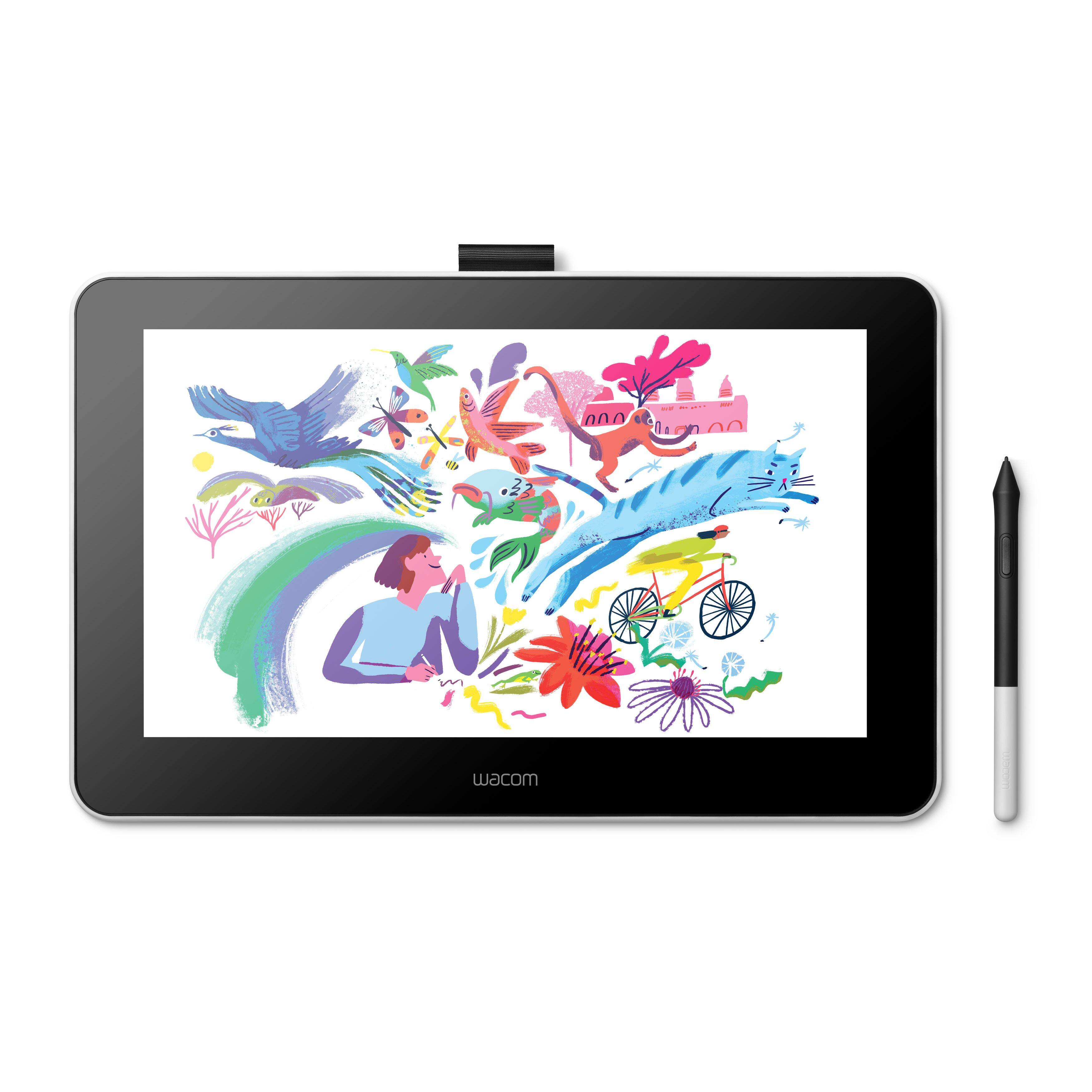
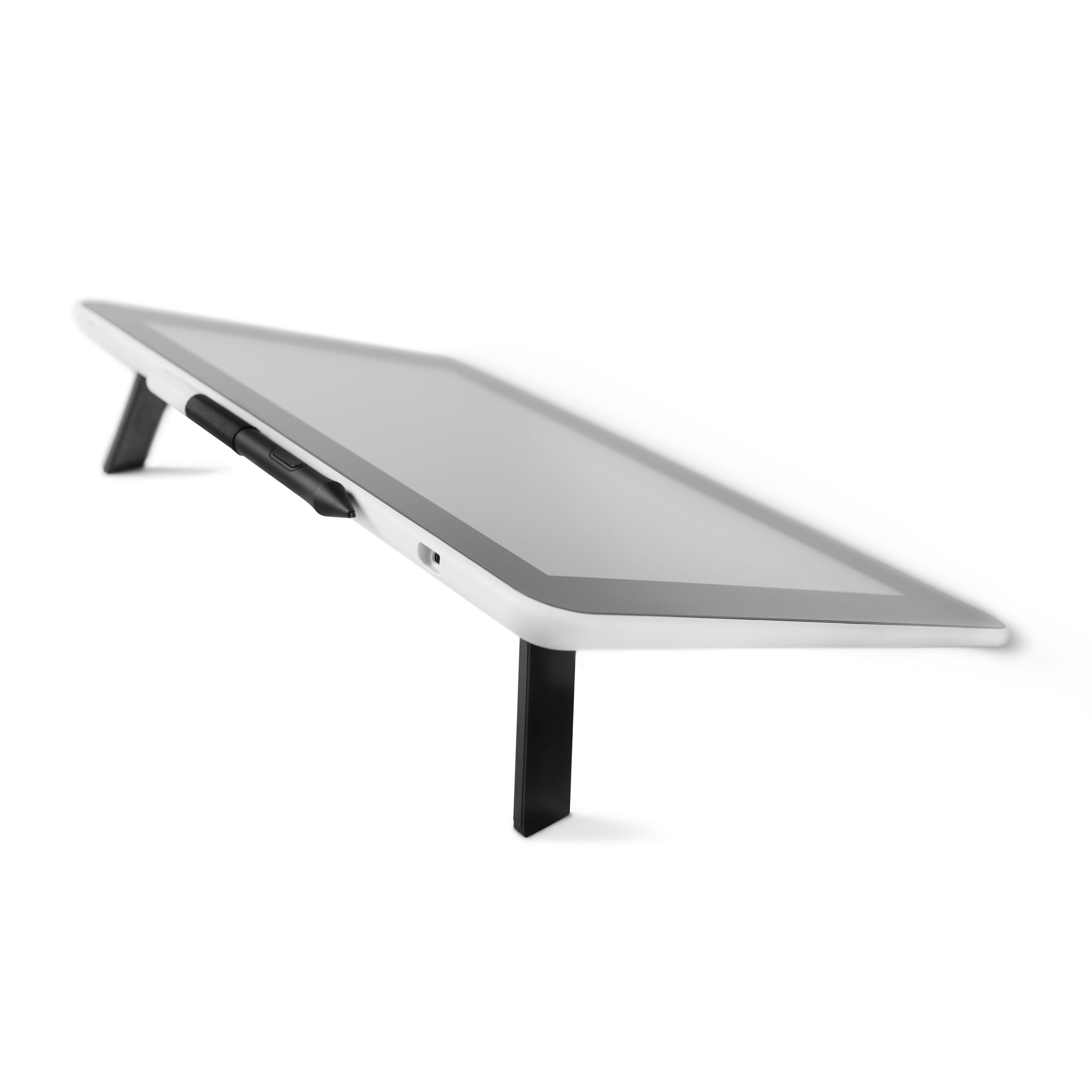
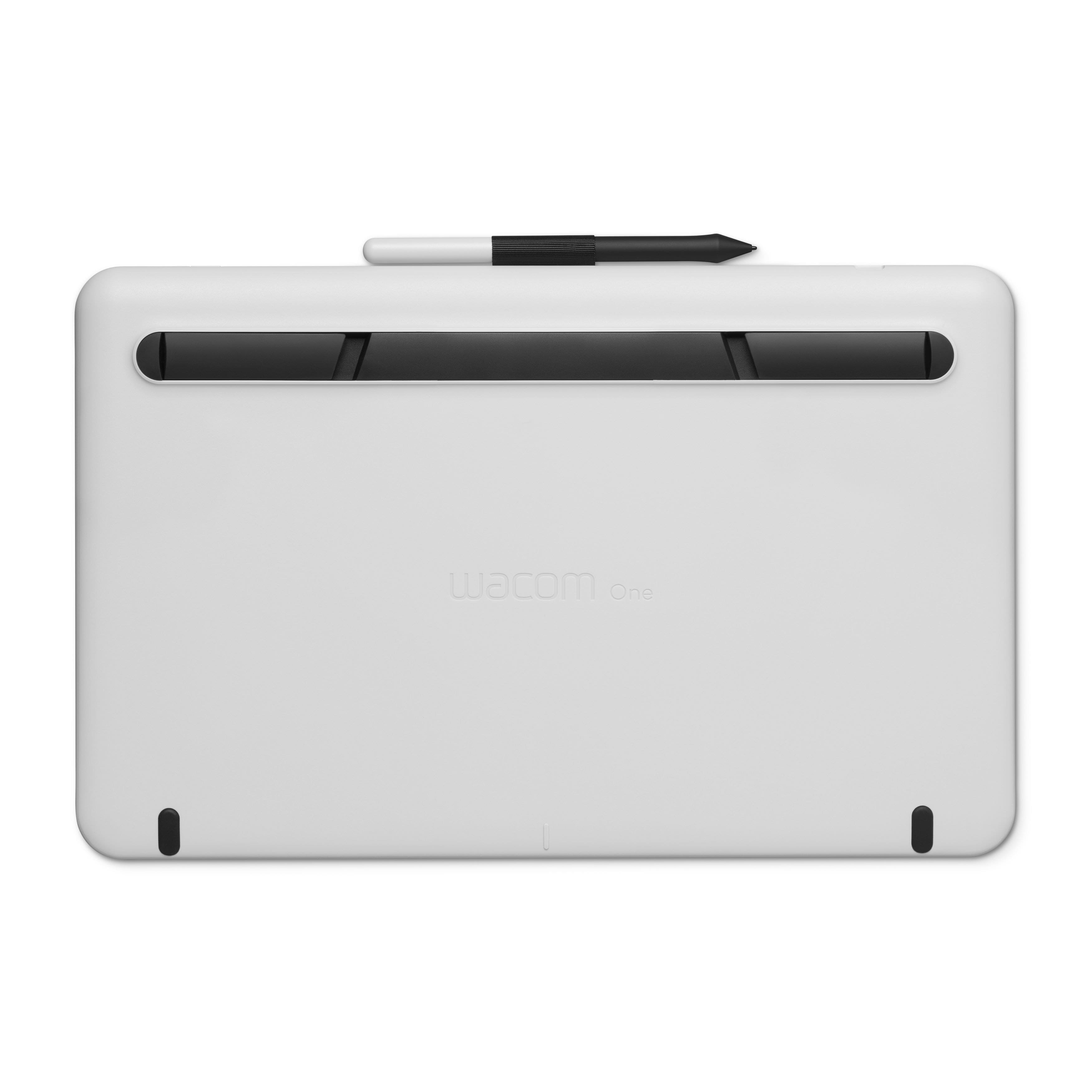
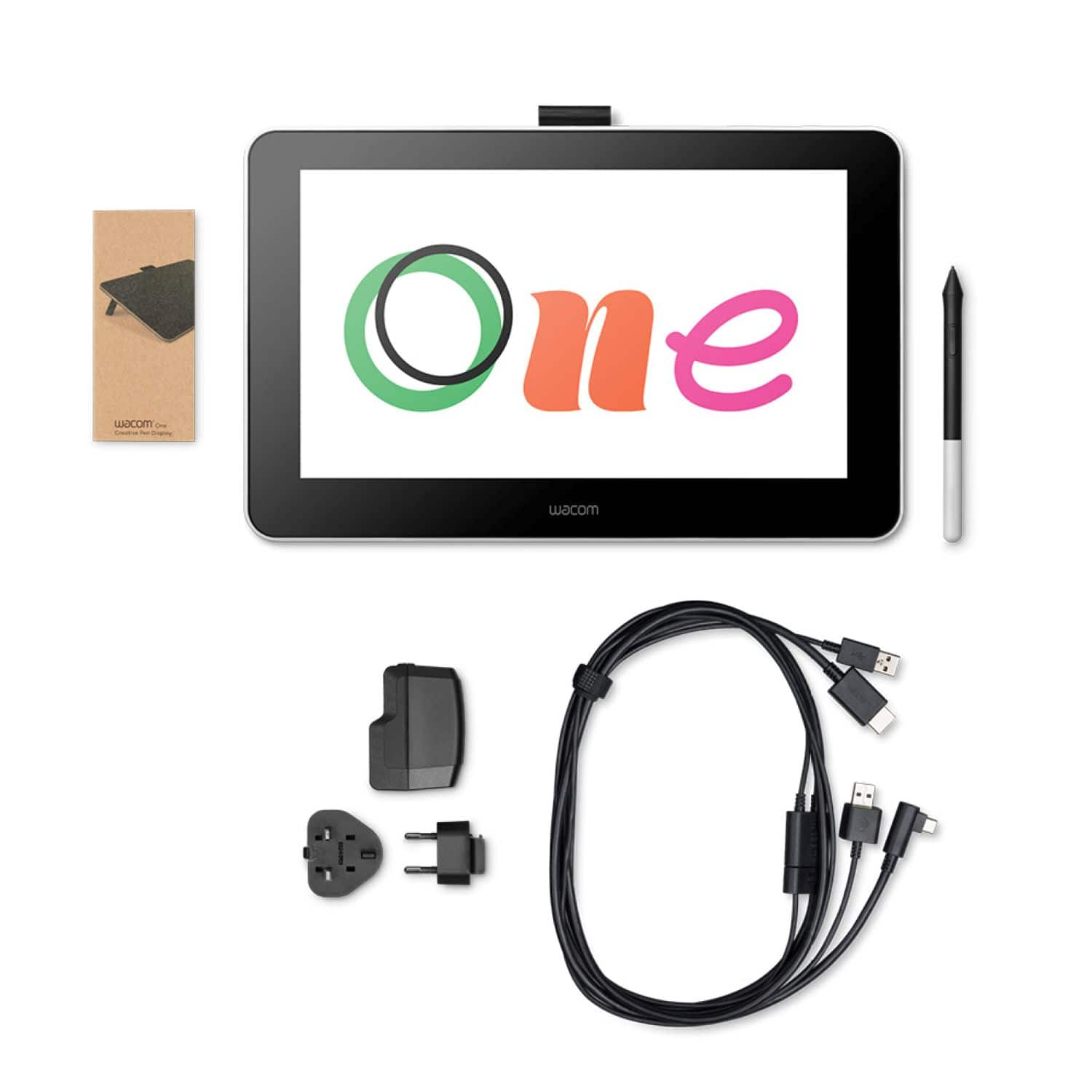
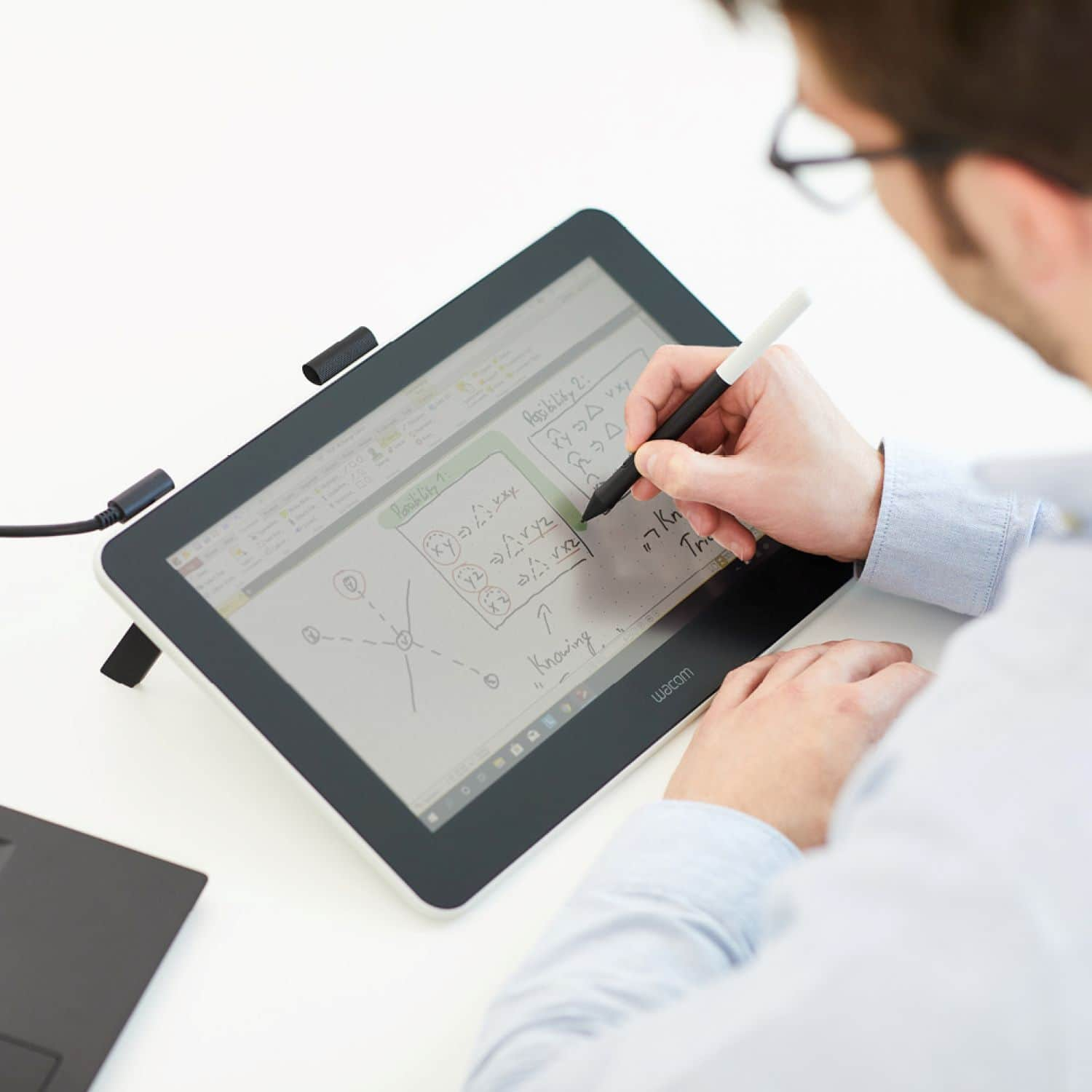
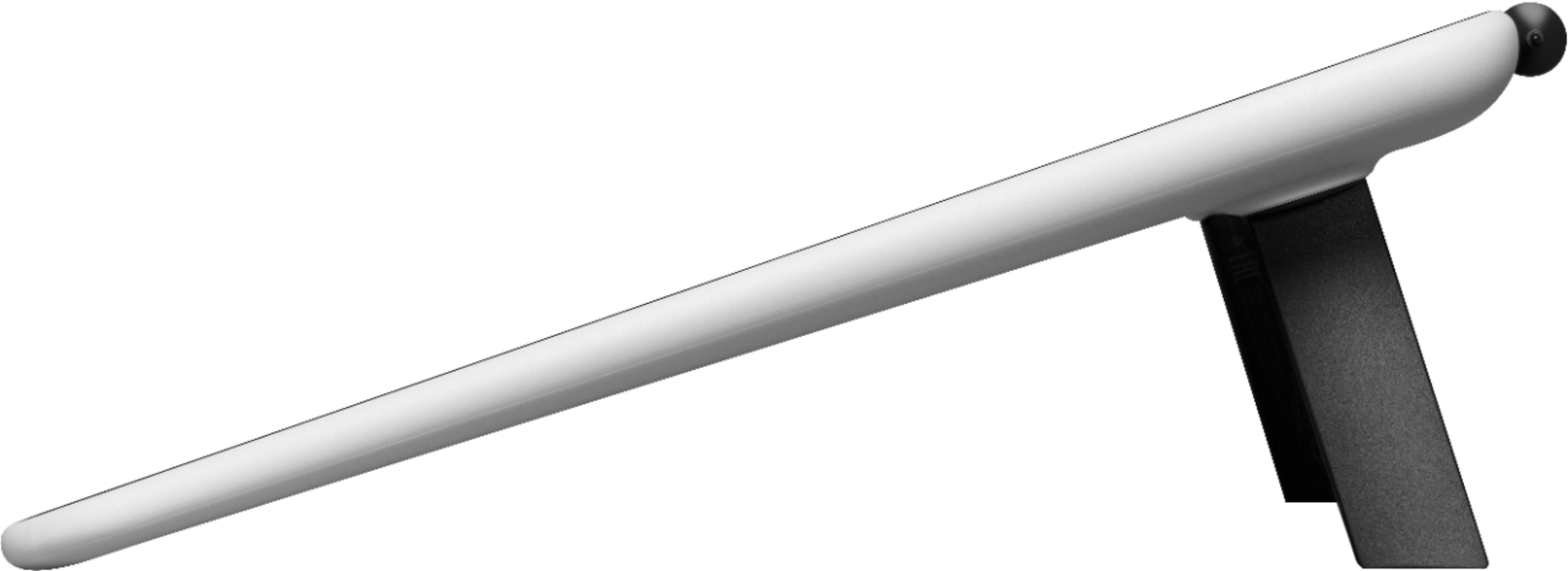
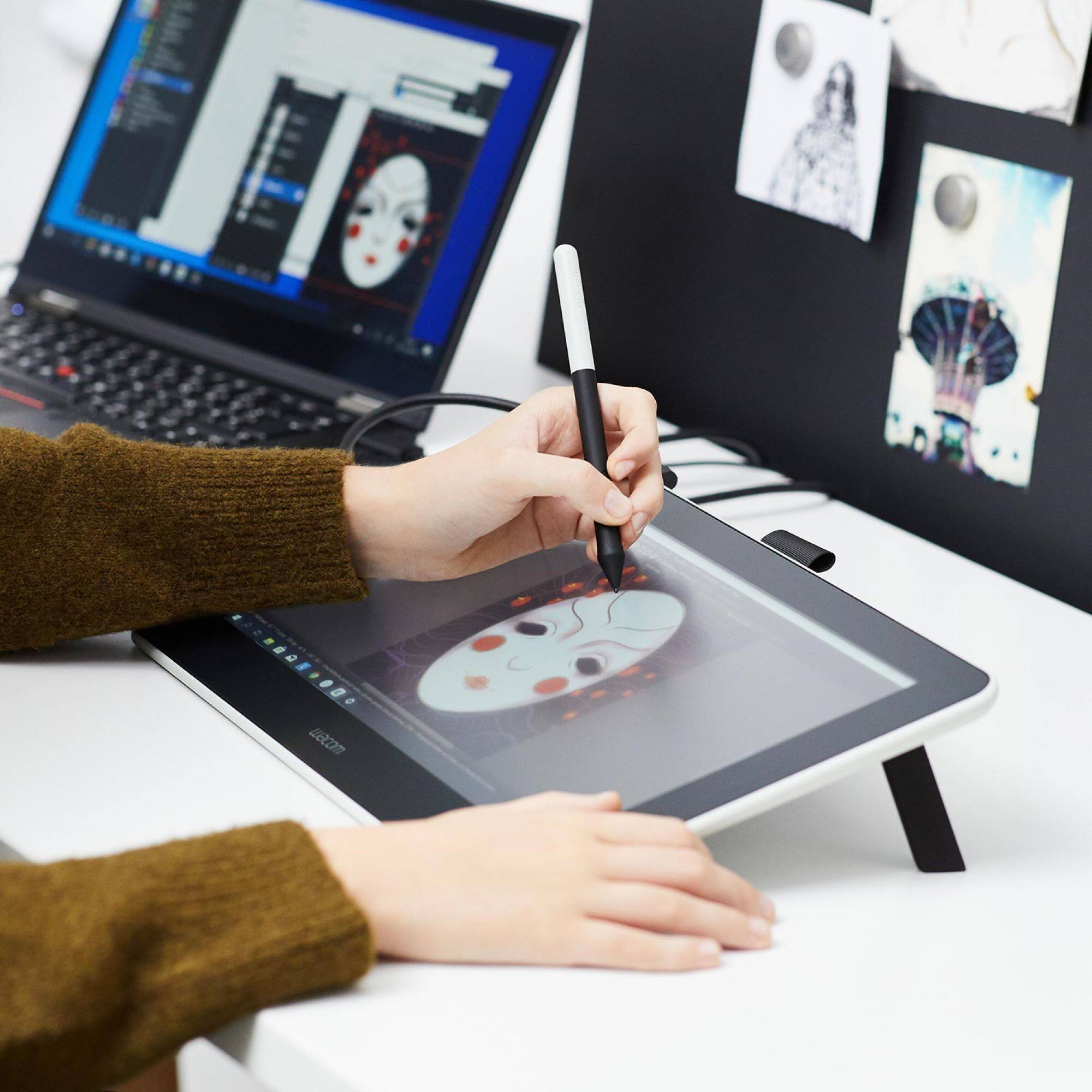
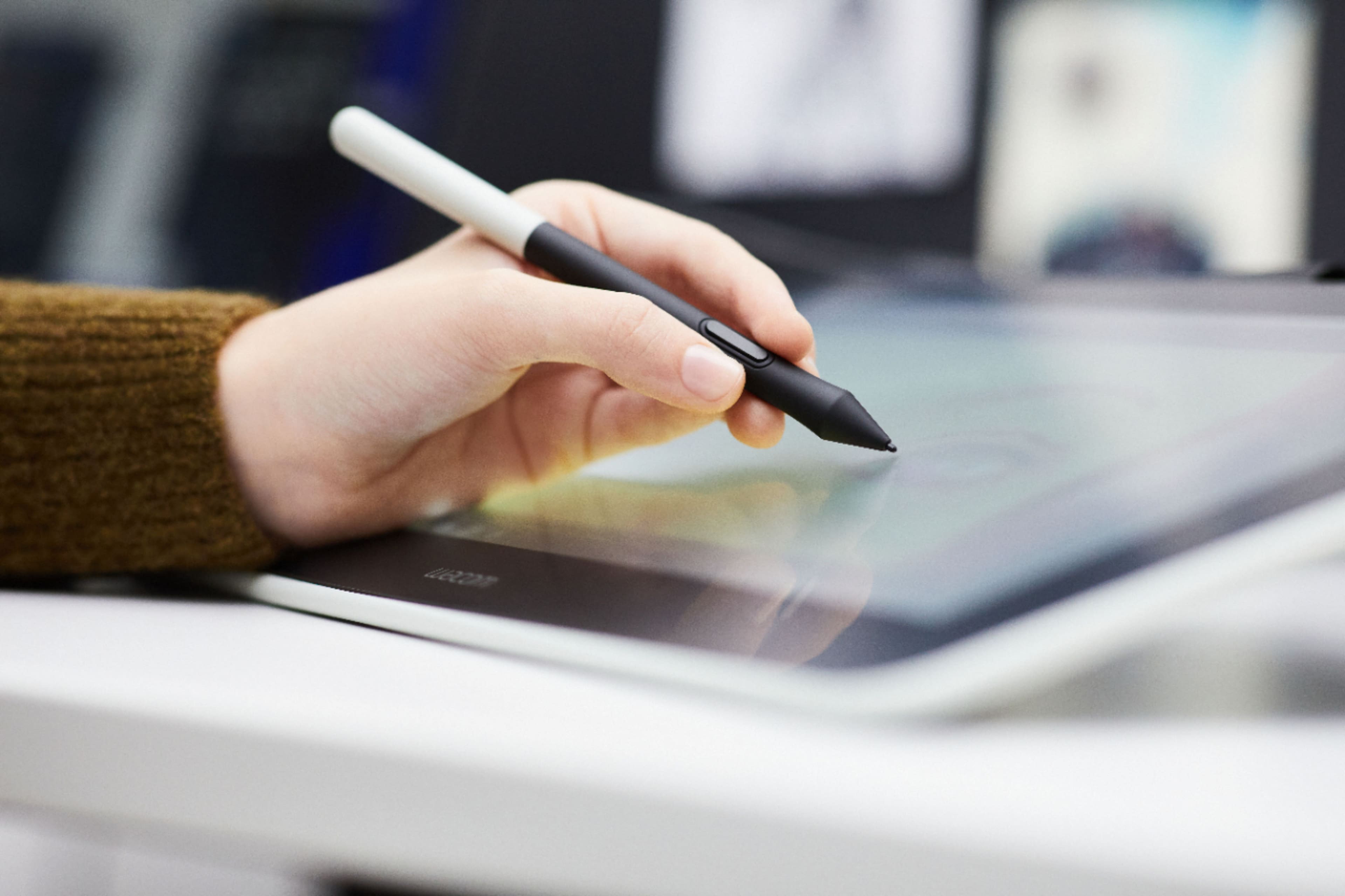
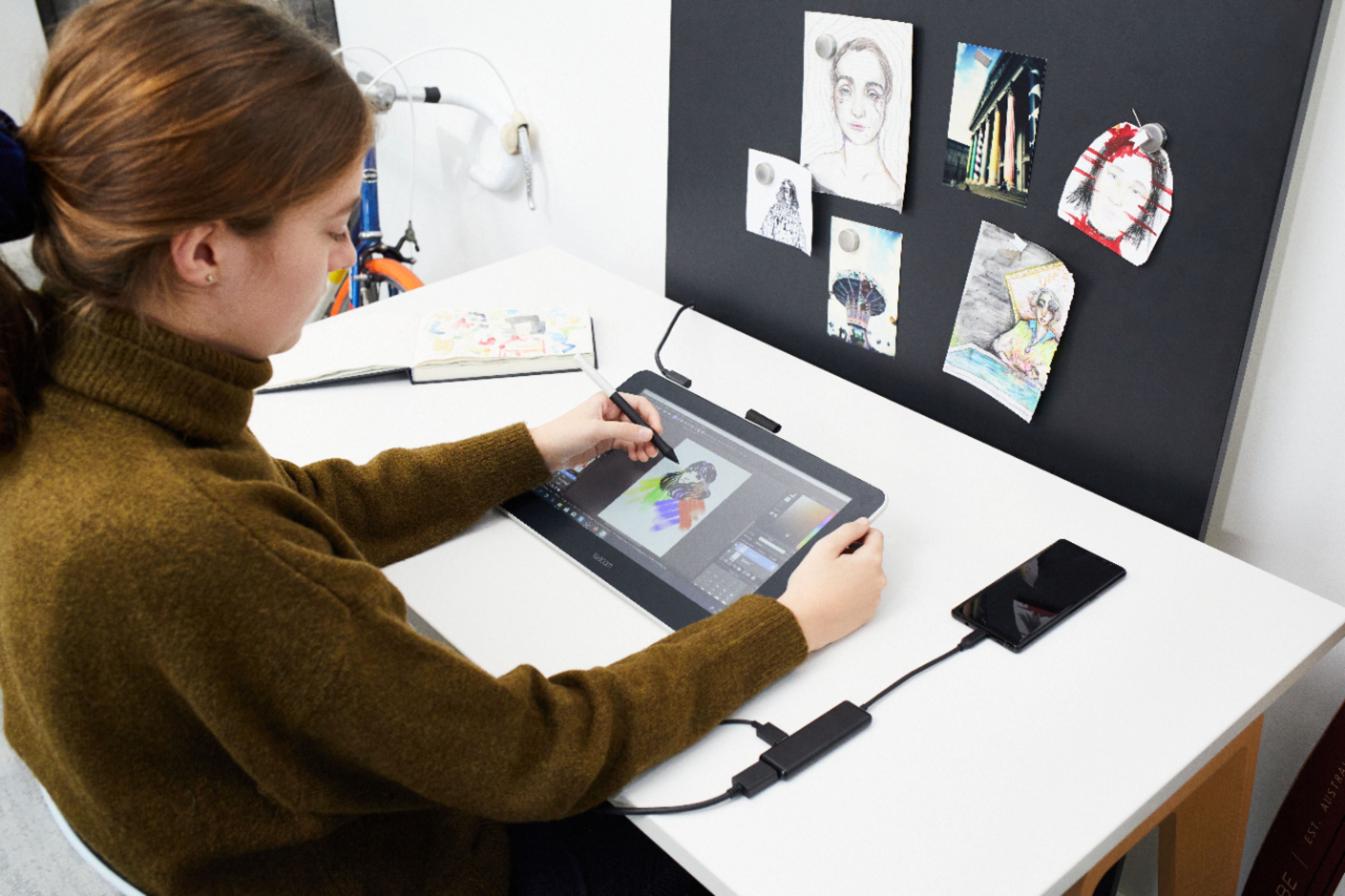
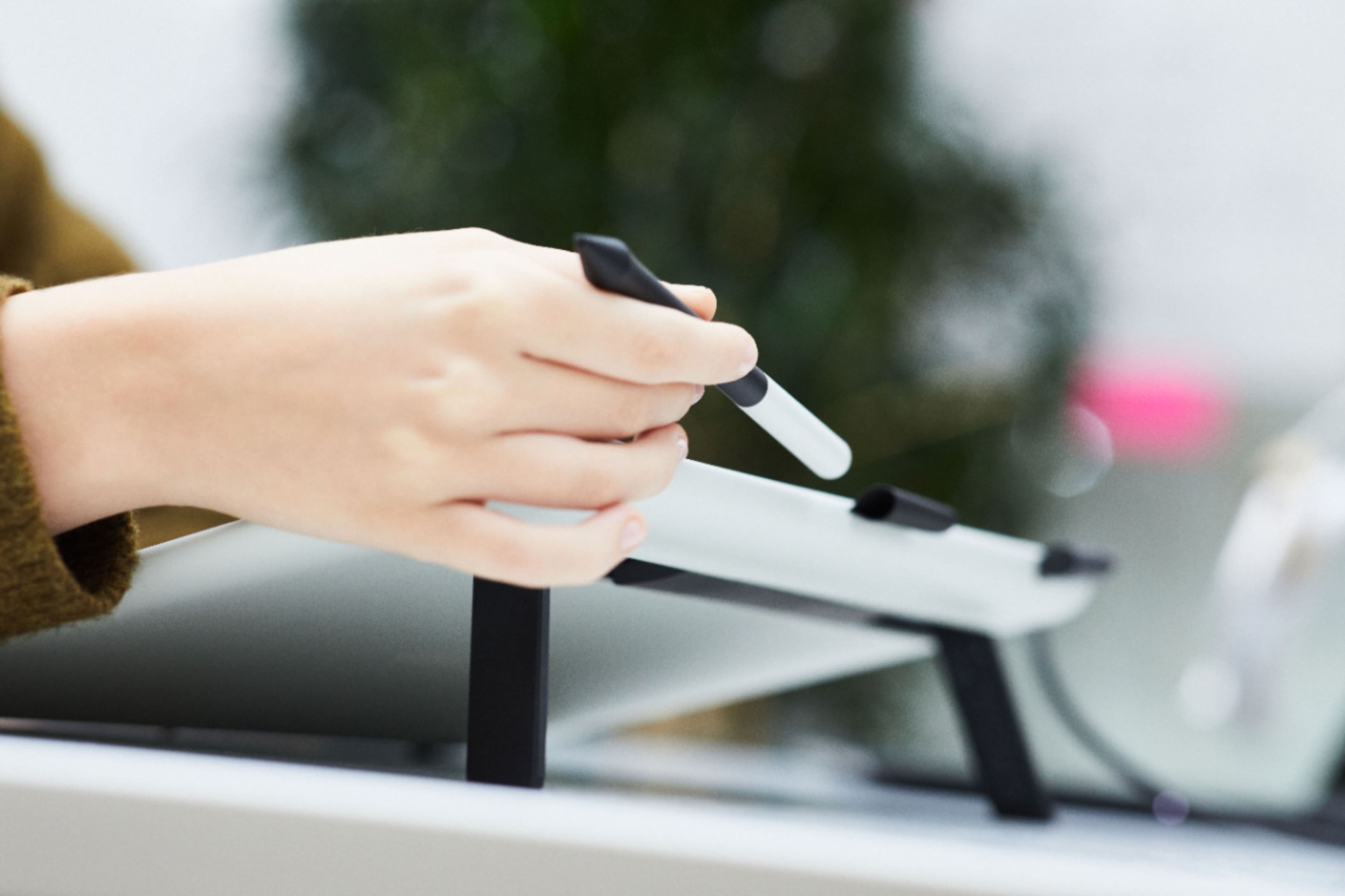
|Posted .This reviewer received promo considerations or sweepstakes entry for writing a review.Overall, The Wacom One seems like a great choice for anyone looking to get into digital artwork, and it has a lot of added versatility thanks to it's display screen versus a screenless style tablet. The Wacom One is effectively a monitor that responds to touch by way of the Wacom pen. It also is compatible with some Android devices as well, which can make this more easily double as a way to take handwritten notes for some students, particularly for classes where you need to copy down diagrams or formulas or anything not easily typed into a computer. I setup this tablet on both a Windows and Mac computer for testing and ran into a bit of trouble each time. There's a similarly named product Wacom previously released called "One by Wacom" which is different than the "Wacom One", and I inadvertently downloaded the wrong device's drivers the first time. The second time around, everything installed without issue, but it was a bit ambiguous how to actually launch the Wacom application and get started. Once I got past the setup, everything was fairly straightforward. The tablet itself feels light, so it would be easy to move from one location to another. It has a stand that inclines if desired, but only at a fixed angle which is not adjustable. It's also possible to use it with the tablet flat as well. The size of the tablet felt more than adequate for drawing. I never felt like I ran out of space for my projects. The pen feels natural to use and has a single button that allows a right click if needed. One drawback of the pen is that it doesn't have an eraser, so you have to manually change to an eraser via whatever software you are using which felt like it interrupted my workflow a bit. The screen itself responds only to the pen and ignores hand inputs, which is nice because you can't accidentally "draw" with your hand. You'll want to check with Wacom on other pen compatibility as currently there aren't many additional pens compatible with the Wacom One, though I've read more are expected to be added in the future. The pen itself is responsive and articulates based on the pressure used as well as the orientation of the pen. Another relatively minor con is the cabling it comes with. I got really excited when I pulled the cable out of the box and saw USB-C as the connector, but then I quickly realized the USB-C is only to connect to the device itself. From that stems a separate HDMI and USB-A cable, so it requires multiple cables connected to a computer and/or power in order to function. I'm curious if a USB-C to USB-C cable from the Wacom tablet into a MacBook would work. If so, a single cable would make me even happier with this product. Another nicety is that it comes with additional pen nibs hidden behind one of the stand flaps, so you always have a replacement handy if needed. I've read the display has a coating to prevent glare, which seems to serve that purpose, but I don't feel like the colors pop like they do when viewing the same image directly on my computer or from a phone or computer tablet. The tablet also comes with some free bonus software to help get you started if you don't already own any drawing apps which is nice. Overall though, I'm very happy with the Wacom One as someone just getting interested in learning digital artwork. I could see myself purchasing a more expensive model at some point in the future if I ever started doing "professional" level work, but this is a great start. I would definitely recommend this product to anyone looking for their first screen based drawing tablet.
I would recommend this to a friend Nice tablet but I need cordless
||Posted . Owned for 1 month when reviewed.This reviewer received promo considerations or sweepstakes entry for writing a review.Good product and did everything it was supposed to. However, because I could not try one at the store and had to bring it home to test it, I realized it was not for me. I didn’t like the fact it was tied to the computer and I was looking for something I didn’t have to sit at the computer to do. Note: I could not get it to work properly with Gimp
No, I would not recommend this to a friendExcellent Art Aide
||Posted . Owned for 1 week when reviewed.This reviewer received promo considerations or sweepstakes entry for writing a review.Bought this for my daughter's art class. She loves it! The only problem she had was she needed an HDMI adaptor for her computer. A friendly note - once it is connected to your computer, make sure that you have the correct number of screens you will be using.
I would recommend this to a friend- Pros mentioned:Ease of use
Wacom-One 13.3"
||Posted . Owned for 3 weeks when reviewed.This reviewer received promo considerations or sweepstakes entry for writing a review.Excellent! good product and easy for use, my Daughter it Happy.
I would recommend this to a friend Drivers are meh...
||Posted . Owned for 1 month when reviewed.This reviewer received promo considerations or sweepstakes entry for writing a review.The tablet is great and works fine, but the drivers kept crashing my PC and I kept having to restart my PC.
No, I would not recommend this to a friend- Pros mentioned:Ease of use
Wacom One
||Posted . Owned for 1 month when reviewed.This reviewer received promo considerations or sweepstakes entry for writing a review.Easy setup and easy to use. Bright colors are true to printout.
I would recommend this to a friend - Pros mentioned:Drawing
Great graphics table
||Posted . Owned for 3 weeks when reviewed.This reviewer received promo considerations or sweepstakes entry for writing a review.It’s a very good way to draw, if you like drawing you will love this table
I would recommend this to a friend - Pros mentioned:Ease of use
Tablet
||Posted . Owned for 3 weeks when reviewed.This reviewer received promo considerations or sweepstakes entry for writing a review.Wonderful tablet. Easy to use and performs above expectations.
I would recommend this to a friend Alright but missing a feature
||Posted . Owned for 2 weeks when reviewed.This reviewer received promo considerations or sweepstakes entry for writing a review.Well my daughter was super excited about getting this. Unfortunately it does not have the feature to pinch to zoom in and out, very disappointed.
No, I would not recommend this to a friend- Pros mentioned:Screen size
Wacom
||Posted . Owned for 3 weeks when reviewed.This reviewer received promo considerations or sweepstakes entry for writing a review.Good product,my son is in a visual arts class and he loves it.
I would recommend this to a friend - Pros mentioned:Ease of use
Great tablet for drawing
||Posted . Owned for 3 weeks when reviewed.This reviewer received promo considerations or sweepstakes entry for writing a review.Works well for me. I’m enjoying this products features and ease of use.
I would recommend this to a friend - Pros mentioned:Ease of use
Great product
||Posted . Owned for 2 weeks when reviewed.This reviewer received promo considerations or sweepstakes entry for writing a review.Easy to install and use. Great for my class and fun to work on.
I would recommend this to a friend - Pros mentioned:Ease of use
Great quality
||Posted . Owned for 1 week when reviewed.This reviewer received promo considerations or sweepstakes entry for writing a review.Amazing quality! Easy to set up! Great purchase highly recommended.
I would recommend this to a friend - Pros mentioned:Ease of use
Great buy
||Posted . Owned for 1 month when reviewed.This reviewer received promo considerations or sweepstakes entry for writing a review.Love it! I use it for photo editing and digital art.
I would recommend this to a friend Sin loves it
||Posted . Owned for 3 weeks when reviewed.This reviewer received promo considerations or sweepstakes entry for writing a review.So far my 16 year old son likes it, I had to set it up for him because it was a little bit difficult for him to do it since he has adhd. Good for his drawing school stuff and art classes.
I would recommend this to a friendTop quality for my porjects
||Posted .This reviewer received promo considerations or sweepstakes entry for writing a review.Easy set up. Great software. Making my drawing skillz better.
I would recommend this to a friend- Pros mentioned:Ease of use
wonderful fast action with drawing pen
||Posted .This reviewer received promo considerations or sweepstakes entry for writing a review.great Graphic tablet easy to set up and use works really good
I would recommend this to a friend Great tablet!
||Posted . Owned for 2 weeks when reviewed.This reviewer received promo considerations or sweepstakes entry for writing a review.I had an older Wacom Bamboo tablet from 10 years ago and upgraded to the Wacom One. I love the screen display and it works great. I have a laptop and second monitor set up to work with it. My power source is a MacBook Air and I had to get an additional adapter to connect it to my screen but that was an easy $10 fix.
I would recommend this to a friendGreat substitute for cintiq
||Posted . Owned for 1 week when reviewed.This reviewer received promo considerations or sweepstakes entry for writing a review.I really like how it’s a nice substitute for cintiq. The only 2 cons is that I use a macbook and therefore needly to buy an additional hdmi thunderbolt port for it and it needs to be plugged in an outlet to use for not having its own battery, but otherwise it’s great.
I would recommend this to a friend